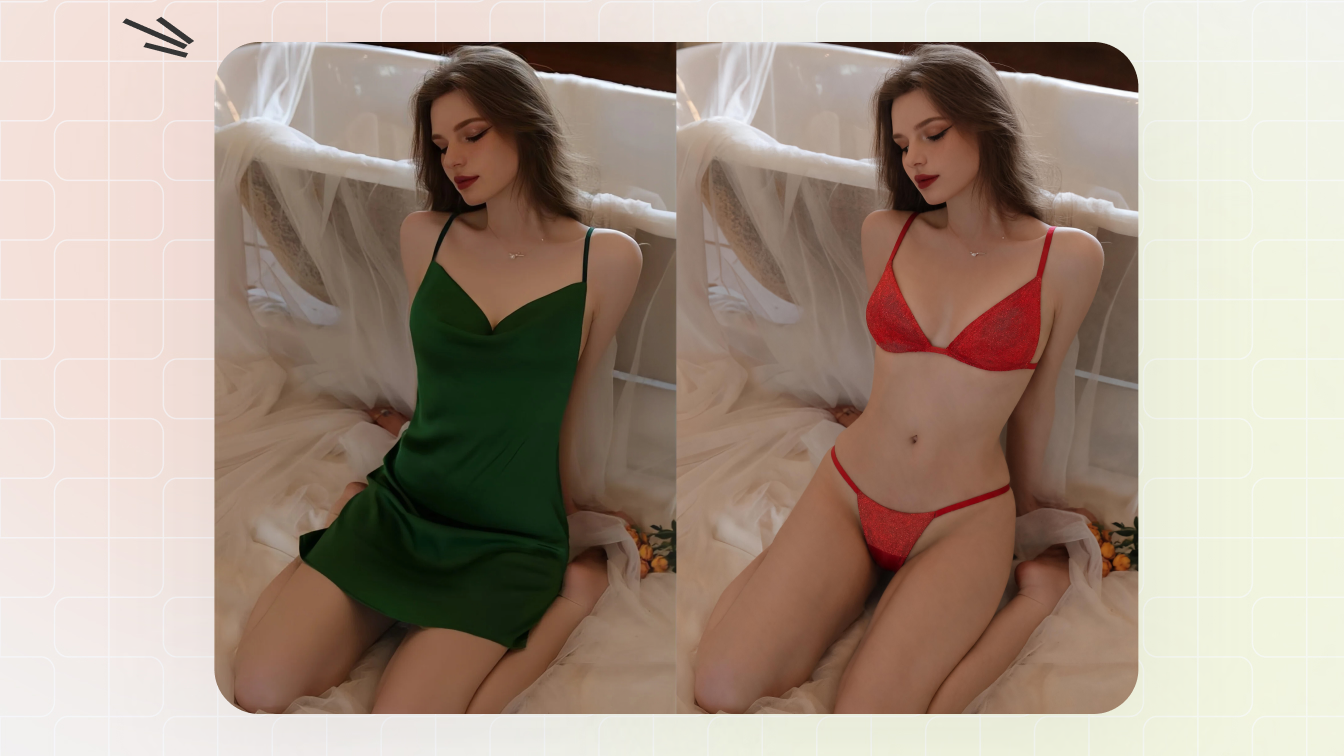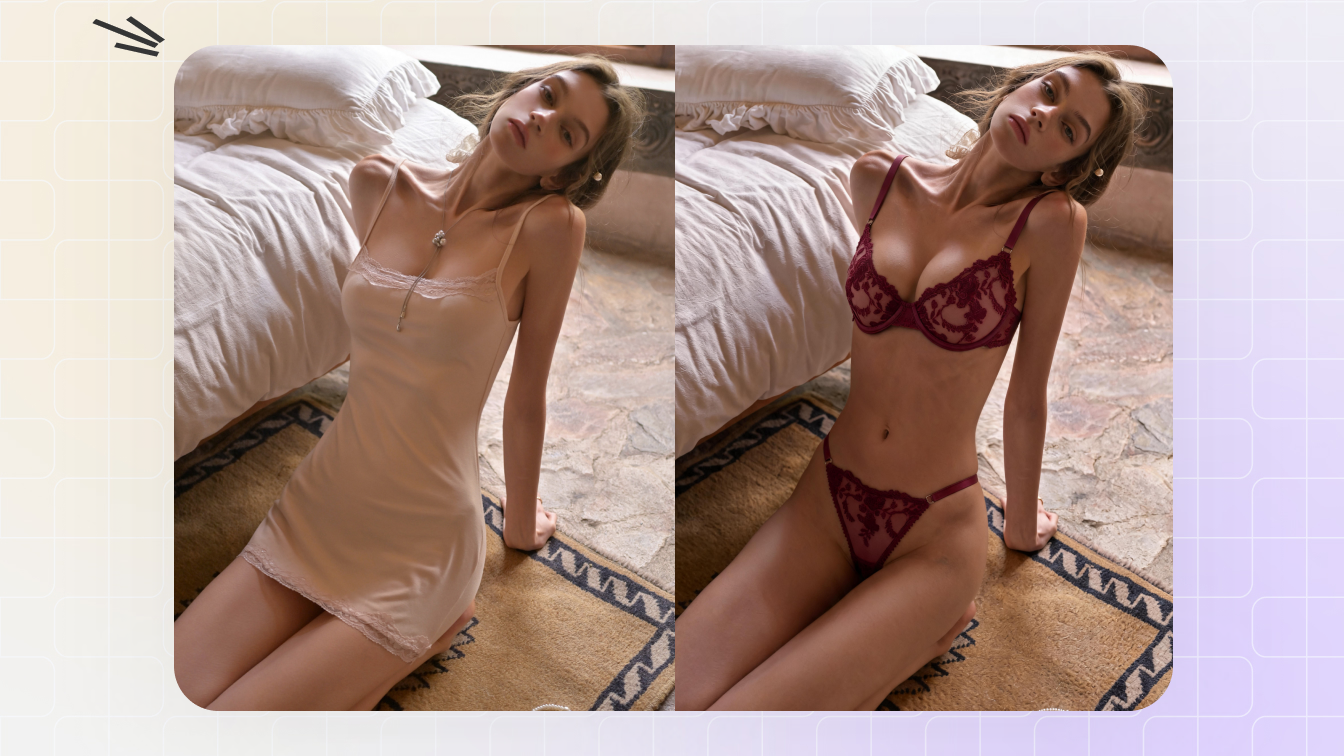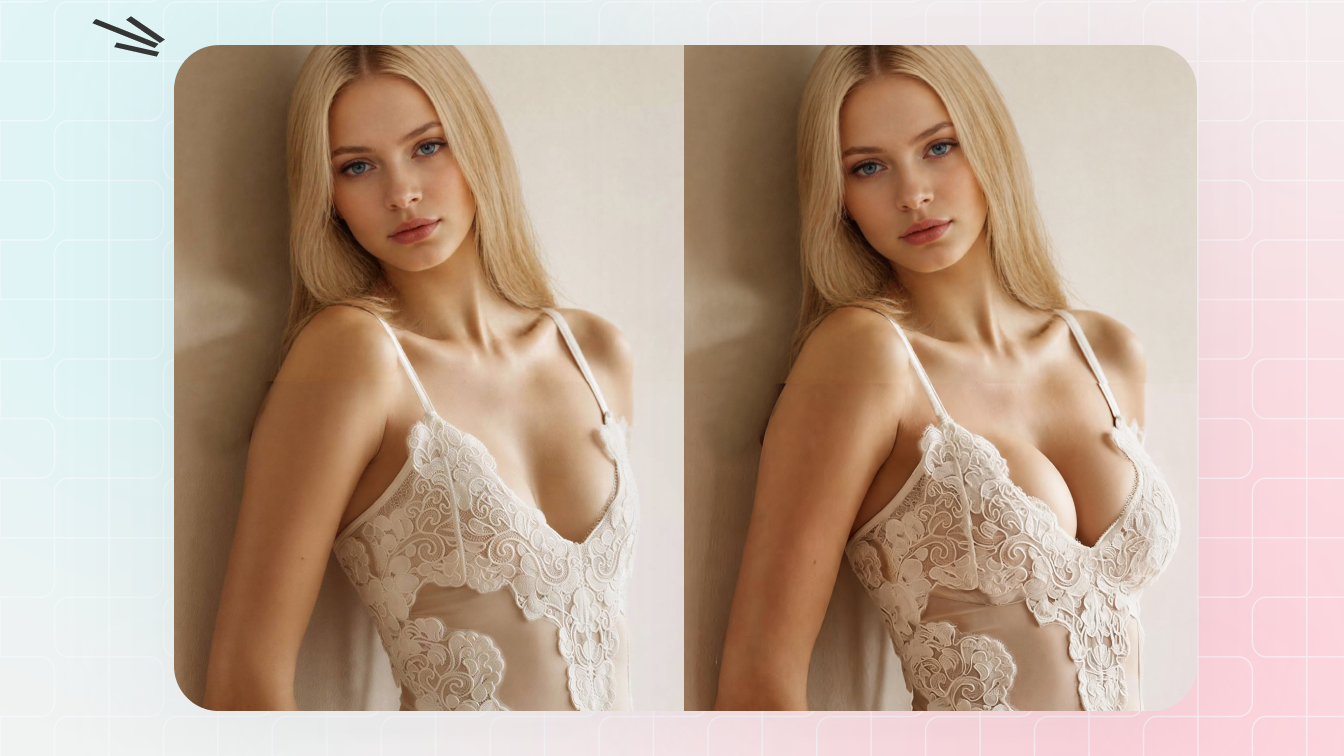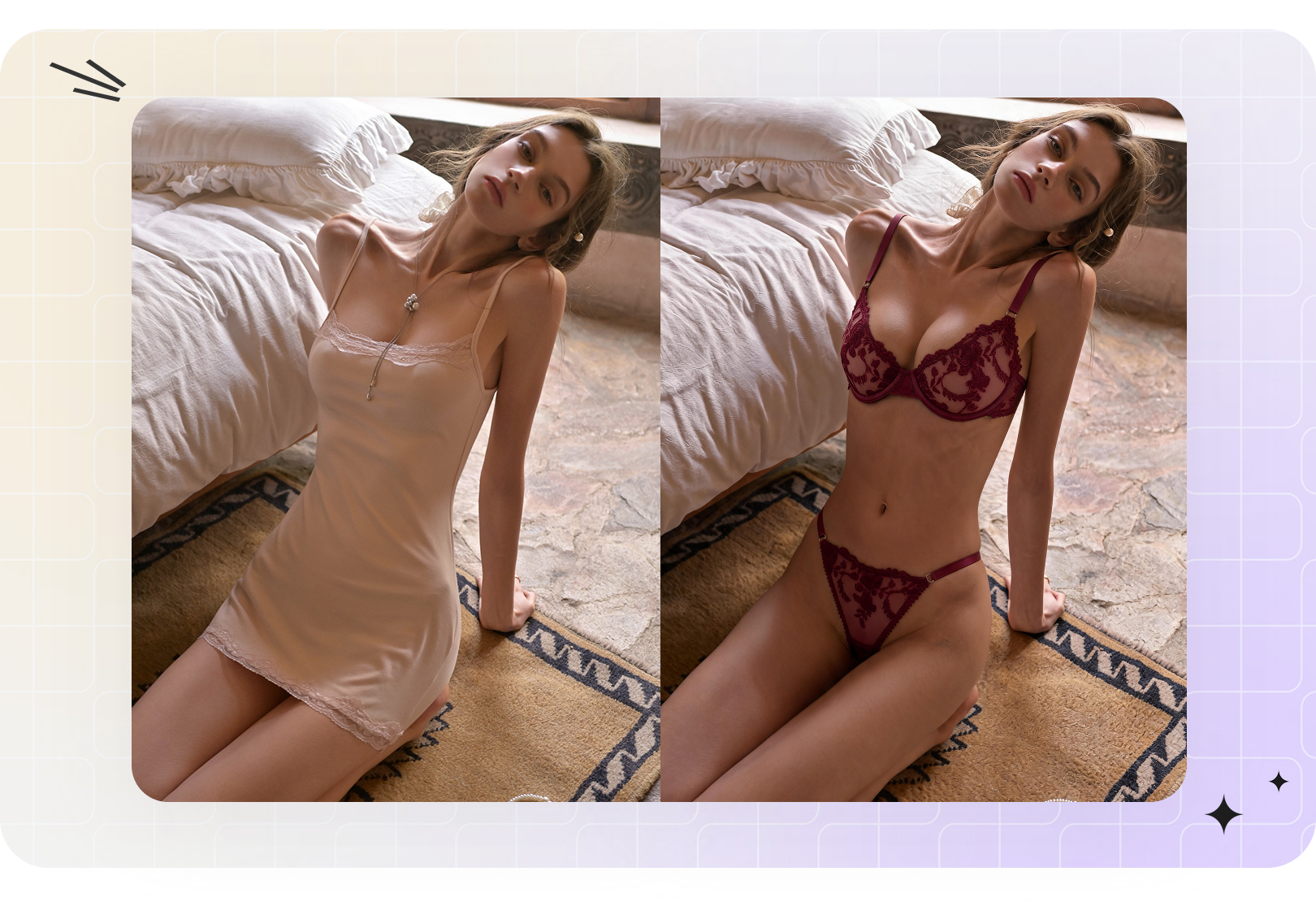
Before you upload: use only yourself, a synthetic model, or an adult model image you have permission to edit and use commercially. Do not upload minors, private photos, screenshots from social media, or anyone who has not consented to outfit editing.
Pricing note: this list includes free object erasers, consumer clothes changers and paid fashion-photo workflows. Snappyit is one lower-entry-price option in the set, with free credits for new users and paid plans from $5.90/month.
Quick comparison: validated AI clothes remover tools
The phrase "AI clothes remover" is messy. Some tools auto-clean clothing areas after upload. Some use masks or prompts. Some are object erasers that clean clothing distractions. Some are virtual try-on tools that put a bikini, bra, underwear set, dress or jacket on a model image. The best choice depends on the job.
For pricing, this table uses only concrete public information captured during the review. Tools whose public pages did not expose a specific plan price were not used as price benchmarks.
| Tool | Best for | Pricing snapshot | Core strength | Watch out |
|---|---|---|---|---|
| Snappyit | Authorized model-photo cleanup, bikini/lingerie outfit editing and B-F cup-size previews | Free credits; plans from $5.90/mo | Clothes remover is upload-and-generate; bikini editor supports clothing type or reference garment; breast expansion uses B-F cup-size choices | Use model photos with consent; product-only flat-lays need other product-photo workflows |
| WeShop AI Dress Remover | Dedicated dress-remover searches | $0 free preview/generation; high-resolution output requires points | Specific landing page for removing dresses or selected dress areas | Riskier positioning; use only authorized adult images |
| OpenArt AI Clothes Remover | Prompt-based outfit replacement | Free trial with limited credits; FAQ says typically 40 credits | Region selection, outfit swap prompts, style and texture matching | Current pricing URL redirects to OpenArt Suite, so no paid plan price is used here |
| Cleanup.pictures | Fast inpainting for objects, text and defects | Free at 720p; Pro $5/mo or $36/yr | Drag-and-drop cleanup with ecommerce and API use cases | No dedicated outfit changer logic |
| Photoroom AI Retouch | Ecommerce object cleanup plus virtual-model ecosystem | Free plan; Pro $12.99/mo or $89.99/yr; Max $34.99/mo; Ultra $99/mo | AI Retouch, background tools, virtual models and batch product workflows | Retouch is not a dedicated AI clothes remover |
How we evaluated these AI clothes remover tools
We treated "best" as workflow fit, not novelty. A tool can rank well for a creator selfie but fail for a brand campaign. It can remove an object cleanly but fail when asked to put a bikini on a model. It can generate a good outfit once but fail to preserve garment texture across a collection.
- Input fit: Does it work on model photos, ecommerce images, creator photos, or only generic objects?
- Mask control: Can you select only the clothing area, strap, dress section, bra band, sleeve or overlay you want changed?
- Outfit change depth: Can it replace clothing with a bikini, lingerie set, underwear, resort look, formal suit, casual outfit or custom style prompt?
- Commercial realism: Does it preserve body pose, shadows, fabric texture, lighting and background continuity?
- Workflow breadth: Can it connect to product-photo editing, background cleanup, virtual model work, ecommerce exports or creator campaign assets?
- Risk controls: Does the intended use stay within authorized adult images and visible fashion edits?
1. Snappyit AI Clothes Remover
Snappyit AI Clothes Remover is one of the more fashion-specific options in this list, but it is not the default answer for every clothes-remover search. It fits authorized adult model photos where the goal is quick upload-and-generate clothing-area cleanup, plus adjacent fashion workflows for bikini try-on, lingerie styling, bra or underwear look tests and campaign assets.
Workflow matters here. Snappyit's clothes remover page does not ask users to choose a clothing type, draw a manual mask or write a prompt: after upload, the next step is Generate. Its related AI bikini photo editor is different: users choose Bikini, Lingerie or Underwear, or upload a reference garment image. Its AI breast expansion tool uses B-F cup-size choices.
Pricing
Snappyit offers free credits for new users, and paid plans start at $5.90/month. That makes it one of the lower entry prices in this comparison, although teams should still test their own model images before using any tool for campaign or ecommerce production.
Best for
- Fashion sellers testing upload-and-generate model-photo cleanup before outfit edits, bikini-on-model previews, lingerie styling and resort-look variations.
- Fashion designers exploring Bikini, Lingerie or Underwear outfit choices, uploaded reference garments and B-F cup-size directions from authorized model images.
- Creators and personal users previewing how a beach look, travel outfit, bikini, bra top, bodysuit or lingerie-inspired outfit might look on themselves.
Not ideal for
- Generic object erasing, background cleanup or text removal where a lightweight retouch tool is enough.
- Flat-lay, mannequin or product-only photos that need a different product-photography workflow.
- Any image where the person is under 18, private, non-consenting or not cleared for commercial editing.
2. WeShop AI Dress Remover
WeShop AI Dress Remover is one of the most direct matches for the "AI clothes remover" and "AI dress remover" keyword set. Its page describes removing dresses or specific dress areas from photos and highlights AI detection for clothing structure, fabric texture, lighting and body contours.
The upside is clarity: if someone searches "remove dress from photo online" or "AI dress remover," WeShop speaks directly to that intent. It also talks about selective editing control, high-resolution output, and using the workflow for creative photo concepts, styling variations and complex edit cleanup.
The downside is risk. Any dress-removal tool can drift into non-consensual use if the product and user intent are not tightly bounded. For commercial fashion work, treat WeShop as a concept-testing tool only when the image is yours to edit, the model is an adult, and the final output is appropriate for brand use.
Pricing
WeShop's AI Dress Remover structured offer lists $0 USD for free generation and says points are required for high-resolution output. It is useful as a free-preview benchmark, not as a transparent monthly-price benchmark.
Best for
- Teams explicitly researching AI dress remover competitors
- Creative editors testing targeted dress-area cleanup
- Fashion concept work where consent and rights are already documented
Not ideal for
- Brands that want a more conservative fashion-photo workflow
- Flat-lay product photos that need ghost mannequin or on-model generation instead
3. OpenArt AI Clothes Remover
OpenArt AI Clothes Remover positions the workflow as removing, replacing or swapping clothes in photos for ecommerce, fashion design, marketing and creative projects. Its strongest feature is prompt-based outfit generation: select a clothing region and describe the new style you want.
That makes OpenArt useful for fashion designers and creators who want variations fast. You can test a black tailored suit, summer linen outfit, streetwear layer, high-fashion dress, bikini, underwear look, bra top or other styled outfit without rebuilding the whole image from scratch.
The tradeoff is that OpenArt is a broad creative suite, not a narrow ecommerce production editor. It may produce interesting concepts, but a product page still needs review for fit, fabric accuracy, texture continuity, logo fidelity and commercial rights.
Pricing
OpenArt's AI Clothes Remover FAQ says it offers a free trial with limited credits, typically 40 credits. Its current pricing URL redirects to the newer OpenArt Suite experience in this crawl, so this review does not cite a paid monthly price for OpenArt.
Best for
- Prompt-heavy outfit changer and clothes changer workflows
- Fashion designers testing silhouettes, styling directions and visual concepts
- Creators who want multiple outfit ideas from one model image
Not ideal for
- Strict SKU-level garment preservation without manual QA
- Teams that need a dedicated fashion product-photo pipeline
4. Cleanup.pictures
Cleanup.pictures is a lightweight inpainting tool for removing objects, people, text and defects. It is useful when the "clothes remover" job is really "remove a wrinkle, tag, prop, logo, overlap, date stamp, background object or distraction from this fashion image."
Cleanup.pictures is strong because it is fast and low-friction: drag in an image, mask the unwanted area, and let the tool fill in what is behind it. It also calls out ecommerce and API use cases, which makes it a practical option for teams that need simple cleanup at scale.
It is not an outfit changer. If you want to put a bikini on a model, turn a casual outfit into lingerie styling, or generate a new resort look, you need a tool built for clothing replacement rather than object cleanup.
Pricing
Cleanup.pictures offers a free tier with unlimited images and exports limited to 720p. Its public page lists Pro at $5/month or $36/year, and ClipDrop Pro starting from $11/month for a larger tool bundle.
Best for
- Fast object, logo, text or defect removal
- Simple ecommerce cleanup and API-based inpainting
- Photo editors who want fewer manual clone-stamp steps
Not ideal for
- Outfit replacement or virtual try-on
- Detailed fashion model styling changes
5. Photoroom AI Retouch and Virtual Model
Photoroom AI Retouch removes unwanted objects from product photos with a brush-based AI photo eraser. Photoroom also connects that retouching workflow to AI backgrounds, batch editing, product staging and AI-generated fashion models.
That makes Photoroom a strong adjacent competitor for fashion sellers. It may not be a pure AI clothes remover, but it handles many neighboring jobs: erase background clutter, prepare ecommerce visuals, visualize products on AI models, and scale images across marketplace channels.
The gap is specificity. If your task is "change this model's outfit into a bikini" or "edit lingerie styling on an authorized adult model photo," Photoroom's general retouching and virtual model tools may require more work than a focused outfit editor.
Pricing
Photoroom offers a free plan. Its pricing schema lists Pro at $12.99/month or $89.99/year, Max at $34.99/month or $249.99/year, and Ultra at $99/month or $990/year.
Best for
- Ecommerce teams that need object removal plus product-photo tools
- Marketplace sellers editing on web or mobile
- Brands that want retouch, background and virtual model workflows together
Not ideal for
- Direct clothes remover or dress remover intent
- Prompt-based outfit replacement from an existing model photo
Which option fits which AI clothes remover workflow?
Start with the actual job, not the broad keyword.
- Consider Snappyit if you need a lower-cost model-photo workflow for authorized adult images: upload-and-generate clothes remover, AI bikini editor with Bikini/Lingerie/Underwear or reference-garment input, B-F cup-size preview and campaign-ready fashion visuals. It includes free credits for new users and starts at $5.90/month.
- Consider OpenArt if you want creative prompt control and many outfit variations from one image, and you are comfortable testing with a credit-based free trial before checking account-level paid pricing.
- Consider Cleanup.pictures or Photoroom if your real task is object removal, distraction cleanup, background cleanup, text removal or general photo retouching.
- Consider WeShop if you are specifically benchmarking AI dress remover pages, but keep strict consent, age and commercial-rights checks in place.
Permission and 18+ rules before using any clothes remover
Clothing-editing tools need stricter boundaries than normal object removers. A background eraser can remove a chair or sign. A clothes remover can affect a person's body image, identity and consent. That is why the responsible workflow starts with permission, not prompts.
- Use only your own image, a synthetic model, or an adult model image you have permission to edit.
- Do not upload minors, private photos, screenshots from social media, paparazzi images, dating-profile photos, leaked images or anyone who has not consented.
- Do not use these tools for non-consensual undress, nudify, deepfake nude, harassment, blackmail, impersonation or sexualized edits of a real person without consent.
- For commercial work, confirm model releases, platform rules, output usage rights and brand standards before publishing.
FAQ
What is the best AI clothes remover tool for fashion photos?
There is no single best tool for every clothes-remover workflow. Snappyit is a good fit for authorized model-photo workflows where its clothes remover is upload-and-generate, its bikini editor uses clothing type or reference-garment input, and its breast expansion tool uses B-F cup-size choices. OpenArt works well for prompt-based outfit changes, while Cleanup.pictures and Photoroom are stronger for general object erasing.
Is an AI clothes remover the same as an undress AI tool?
Searchers often use the words together, but this guide does not recommend non-consensual undress, nudify, deepfake nude or private-photo use. Here, AI clothes remover means permission-first clothing-area cleanup or visible outfit editing on images you have the right to edit.
Can fashion sellers use these tools for ecommerce product photos?
Yes, if the seller owns the image rights and the model has consented. For ecommerce, prioritize tools that preserve pose, garment texture, lighting and background consistency, then review every output before publishing it on Shopify, Amazon, Etsy, TikTok Shop or ads.
Which AI clothes remover is best for creators and personal styling?
Creators and lifestyle users usually care about speed, mobile-friendly editing and style variety. OpenArt is useful for prompt-based styling, Cleanup.pictures and Photoroom are better for quick retouching, and Snappyit is more relevant when the same image also needs to support fashion planning, bikini or resort-look previews, creator campaigns or product-style assets.
What is the difference between an AI clothes remover and an AI clothes changer?
A clothes remover cleans clothing areas or clothing-related distractions in a model photo, while a clothes changer or outfit changer replaces the visible outfit with a new style. Some tools use masks or prompts, while Snappyit's AI clothes remover is an upload-and-generate workflow. The best workflow is still based on authorized adult images and visible fashion edits.
Can I use AI clothes remover tools on flat-lay or mannequin photos?
General eraser tools can work on flat-lays, mannequins and product backgrounds, but a model-photo clothes remover should start from a real or synthetic adult model image. For product-only flat-lays, use ghost mannequin, background remover, flat-lay or fashion-model workflows instead.
Are free AI clothes remover tools good enough?
Free tools are useful for testing masks, prompts and basic cleanup, but commercial images usually need better control, higher resolution, consistent output and clear usage rights. Snappyit is one lower-cost paid option with free credits for new users and plans from $5.90/month; Cleanup.pictures and Photoroom also provide free entry points for object-removal workflows.
Sources checked
- Snappyit AI Clothes Remover
- WeShop AI Dress Remover page and SoftwareApplication offer data
- OpenArt AI Clothes Remover page and FAQ data
- Cleanup.pictures homepage and pricing FAQ
- Photoroom pricing OfferCatalog and AI Retouch page