Why bra product photography is hard
Bras are small garments with high information density. A shopper wants to understand cup shape, band height, strap width, lace detail, padding, underwire, closure, support, coverage and how the item may look under clothing. A single flat product photo rarely answers all of that.
Bra product photography AI can help fill the gallery: clean product images, ghost mannequin shape, on-model visuals, detail crops, colorway variants and campaign concepts. But the review standard must be higher than for a simple T-shirt. If the AI changes the cup, band or support story, the image becomes misleading.
Use AI to accelerate visual production, not to invent a better product than the one you ship.
The guide covers bra product photography, AI bra model generator, bra photo editor, bra fit preview, cup size preview, bralette product photos, lingerie ecommerce photography and ghost mannequin bra images.
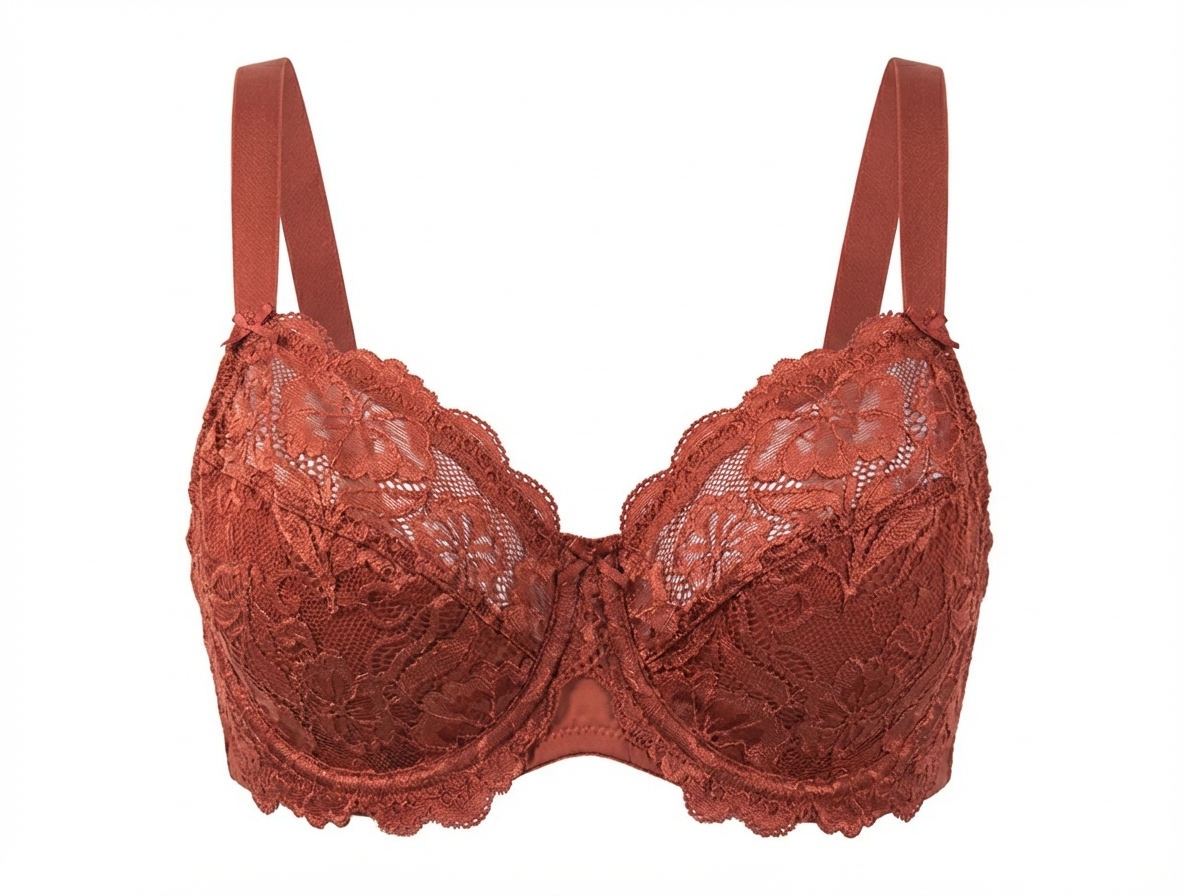
A strong bra product image set
| Image | Purpose | AI role |
|---|---|---|
| Front product photo | Shows color, cup shape, center gore and strap placement. | Clean background, color consistency and retouching. |
| Ghost mannequin | Shows cup volume and band structure without a model. | Turns flat or hanger photos into structured catalog images. |
| On-model photo | Communicates styling, proportion and wearing context. | Creates authorized adult model visuals for PDP or campaign review. |
| Detail crop | Shows lace, mesh, hooks, elastic, seams and hardware. | Can enhance clarity but should not alter material truth. |
Where AI bra fit and cup-size preview fits
Some teams also need AI bra fit preview, cup size photo editor or clothed bust-proportion visualization. This is a separate workflow from product photography. It can help compare how a bra top, bikini top, lingerie set or dress neckline reads on an authorized adult image, but it is not a measuring tool.
Use it for visual direction: B-F cup styling concepts, neckline balance, campaign silhouette, product mood and creator planning. Do not use it to promise size accuracy, support level, breast shape outcomes or medical/body claims.
For this workflow, use approved adult images only and keep the result clothed and non-explicit.
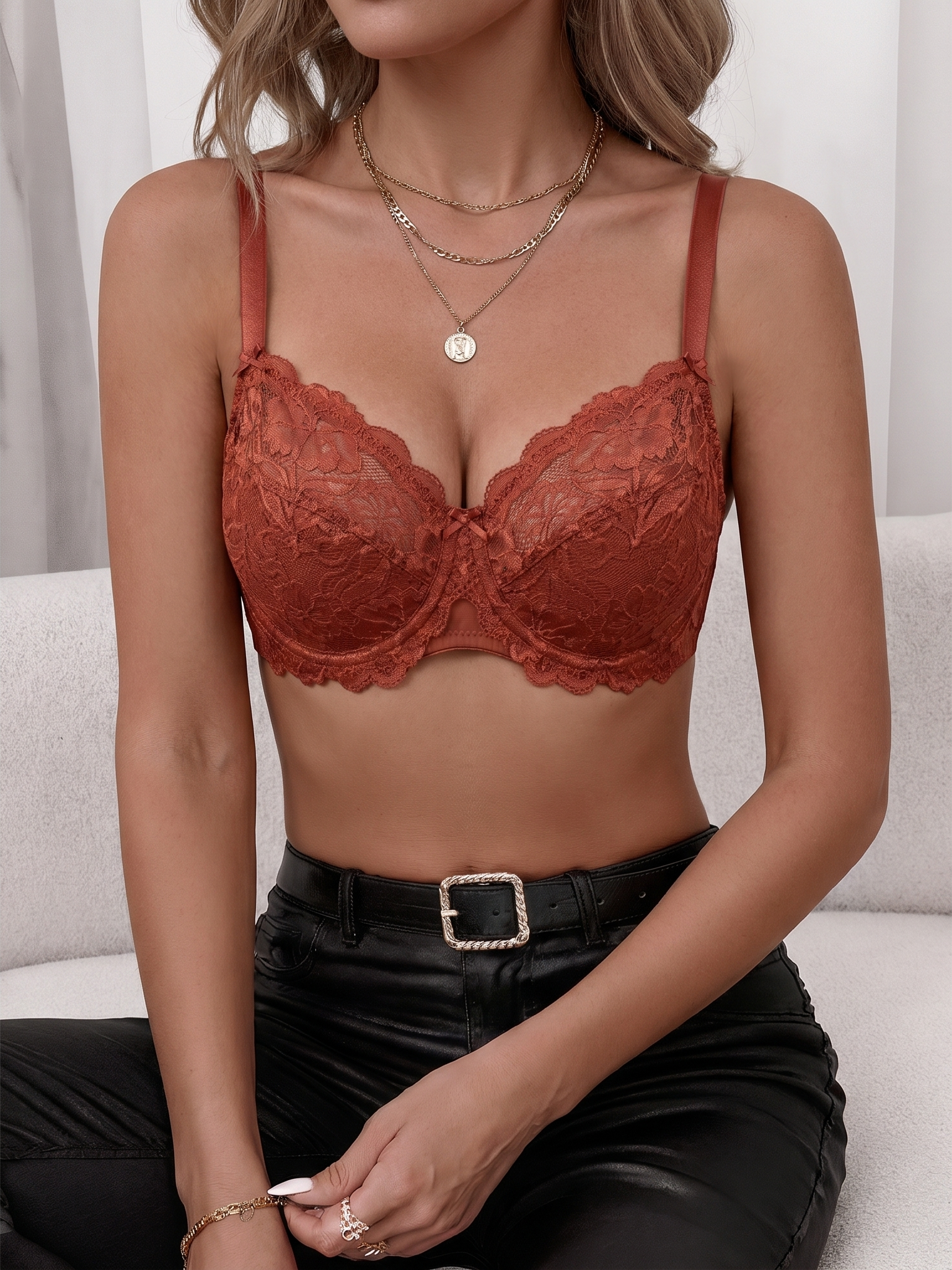
Bra image quality control checklist
- Cups are symmetrical unless the actual garment is designed otherwise.
- Straps attach to the correct points and do not cut through hair, skin or hands.
- Band and underwire follow the body angle or ghost mannequin shape logically.
- Lace, mesh and trim continue across seams without smearing.
- Color matches the product line and does not drift between image types.
- On-model images use adult, rights-cleared, policy-conscious presentation.
Review every AI bra model photo beside the original product image. If the product is a push-up bra, minimizer, wireless bralette, sports bra, balconette or plunge bra, the generated image should preserve that category.
Use cases for sellers, designers and creators
Lingerie sellers
Create PDP images, ghost mannequin views, colorways and on-model campaign drafts without reshooting every SKU.
Fashion designers
Preview cup shape, lace placement, neckline balance and collection mood before sampling or shooting.
Creators
Plan authorized adult bra, lingerie or swimwear looks before content production.
Personal users may also want a clothed bra or bikini top preview on their own adult image before buying. That use case belongs in a private outfit-try-on workflow, not a product-page workflow.
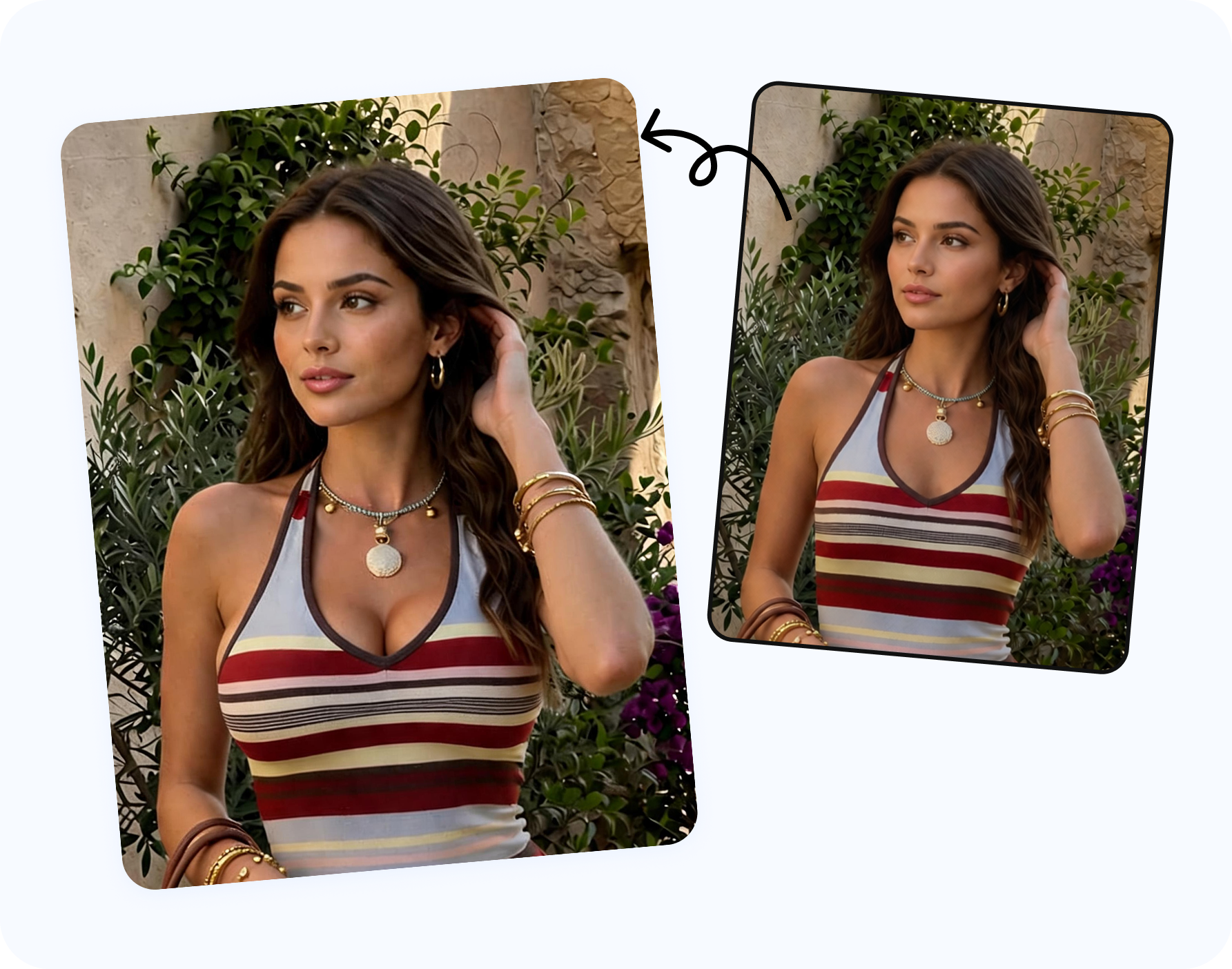
Snappyit tools for bra photography
Use Snappyit AI Breast Expansion for approved clothed cup-size and bust-proportion preview. Use AI Bikini Photo Editor for bra, bikini, lingerie and underwear outfit changes on authorized adult photos. Use AI Lingerie for broader lingerie model and product imagery.
Preview clothed bra proportions
A practical AI-assisted bra shot list
A complete bra shot list usually includes front product, back product, side angle, ghost mannequin, on-model front, on-model three-quarter, detail crop, strap adjustment crop, closure crop and packaging or set styling. AI does not need to generate all of them, but it can help fill gaps when the original shoot is limited.
For a simple ecommerce launch, start with four essentials: clean product image, ghost mannequin shape, on-model adult catalog image and lace or fabric detail. For premium lingerie, add lifestyle mood, set pairing, colorway comparison and a close-up of hooks, rings or embroidery. For sports bras, add motion or posture context and avoid exaggerated support claims.
Write the shot list before generation so every image has a role. That keeps the gallery informative instead of repetitive.
Retouching boundaries for bras and lingerie
Bra retouching should clarify the product, not change it. Dust, wrinkles, background issues and minor lighting problems can be cleaned. Cup structure, strap width, lace pattern, hardware, band height and fabric opacity should not be altered unless the product itself has changed. If AI creates a more supportive, smoother or more revealing version than the real bra, reject it.
For on-model images, maintain adult, non-explicit presentation and avoid body edits that turn a fit preview into a body transformation claim. For commercial lingerie, customer trust depends on the small details being honest.
Cup styles and bra terms that need visual accuracy
AI bra imagery should respect product category language. A balconette bra, plunge bra, push-up bra, wireless bralette, minimizer bra, sports bra, nursing bra, strapless bra and bikini top all imply different construction. If the AI output changes a balconette into a plunge, or a wireless bralette into an underwire bra, the image no longer represents the SKU.
For ecommerce, write the product term into the generation brief and keep it in the review checklist. Push-up bras need cup and lift language handled carefully. Sports bras need support and compression claims supported by real product data. Nursing bras need closure and function details. Strapless bras need band and cup structure. Bralettes need softness, fabric and strap placement. Bikini tops need swim context and coverage review.
This is where AI breast expansion or cup-size preview can support design direction, but it should not become a claim about real sizing. Use it to compare clothed visual balance, not to replace a bra fitting.
Background, crop and channel choices for bra images
A white or neutral background is best for marketplace clarity. A soft studio background can make a lingerie brand feel more premium. A cropped on-model image may work for product pages when policy allows it, while a full lifestyle scene may work better on landing pages and ads. The crop should match the channel and the product promise.
For bras, avoid crops that hide the band, cut off straps, obscure the cup shape or make support impossible to judge. If a model image is too cropped to explain the product, pair it with ghost mannequin and detail shots. If a lifestyle image is too editorial for a marketplace, keep it for campaign use and generate a cleaner PDP version.
Pre-launch review for AI bra photography
Before launch, review AI bra images with the same discipline as a real retouching proof. Put the generated image next to the physical product photo, the size chart and the product description. Check whether the cup category, closure, strap width, underwire, padding and lace all match the page copy. If the description says wireless but the image looks structured like underwire, fix the image or the copy before publication.
It also helps to involve more than one reviewer. A merchandiser can check product truth, a designer can check construction, a marketer can check campaign fit and a compliance reviewer can check adult presentation and channel policy. This turns AI bra product photography into a controlled workflow rather than a one-person export.
Frequently asked questions
What is bra product photography AI?
It is the use of AI tools to create or improve bra product images, including clean product shots, ghost mannequin views, on-model images, colorways and campaign drafts.
Can AI create bra model photos?
Yes, when the model image is adult and authorized and the output is reviewed for cup, band, strap and lace accuracy.
Can AI replace bra fit testing?
No. AI can preview visual direction, but real measurements, fit models and product testing remain necessary.
What is the best image set for a bra product page?
Use a front product image, ghost mannequin image, on-model image, back view, fabric detail and size/fit information.
Can AI show different cup sizes?
A clothed cup-size preview can compare visual direction on authorized adult images, but it should not claim exact sizing or support.
Can lingerie designers use it?
Yes. Designers can review silhouette, lace placement, neckline and campaign mood before sampling or shooting.
Can personal users preview bra styles?
Yes, on their own adult photos for private styling or shopping, with the result kept clothed.
What should I inspect in AI bra images?
Check cups, bands, underwire, straps, hooks, lace, symmetry, color and whether the garment still matches the SKU.
Which Snappyit tool should I use for bras?
Use AI Breast Expansion for clothed proportion previews, AI Bikini Photo Editor for bra outfit changes and AI Lingerie for product photography.
Can I use AI bra images commercially?
Only if the source image, model approval, product rights and output license allow commercial publishing.
