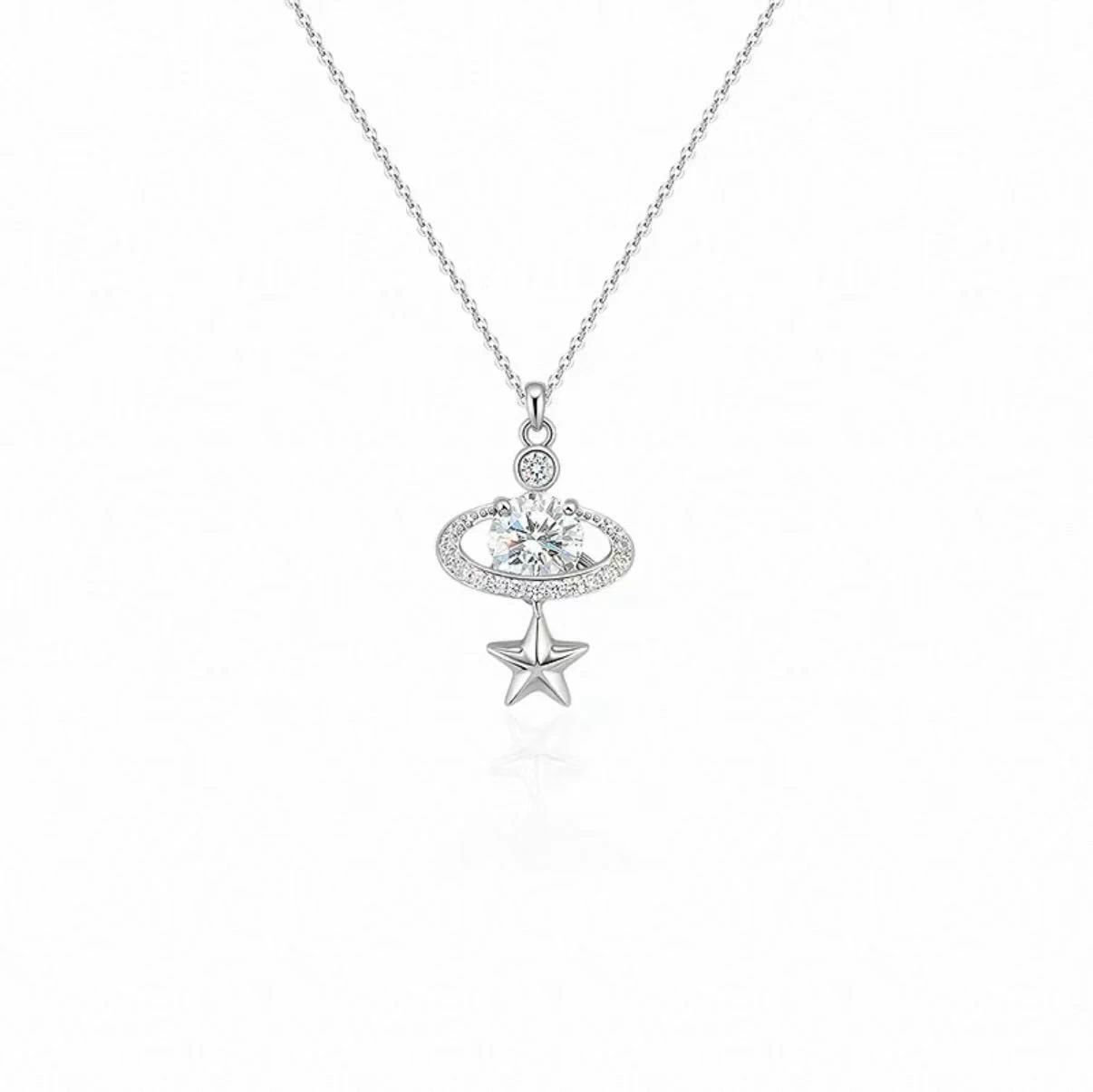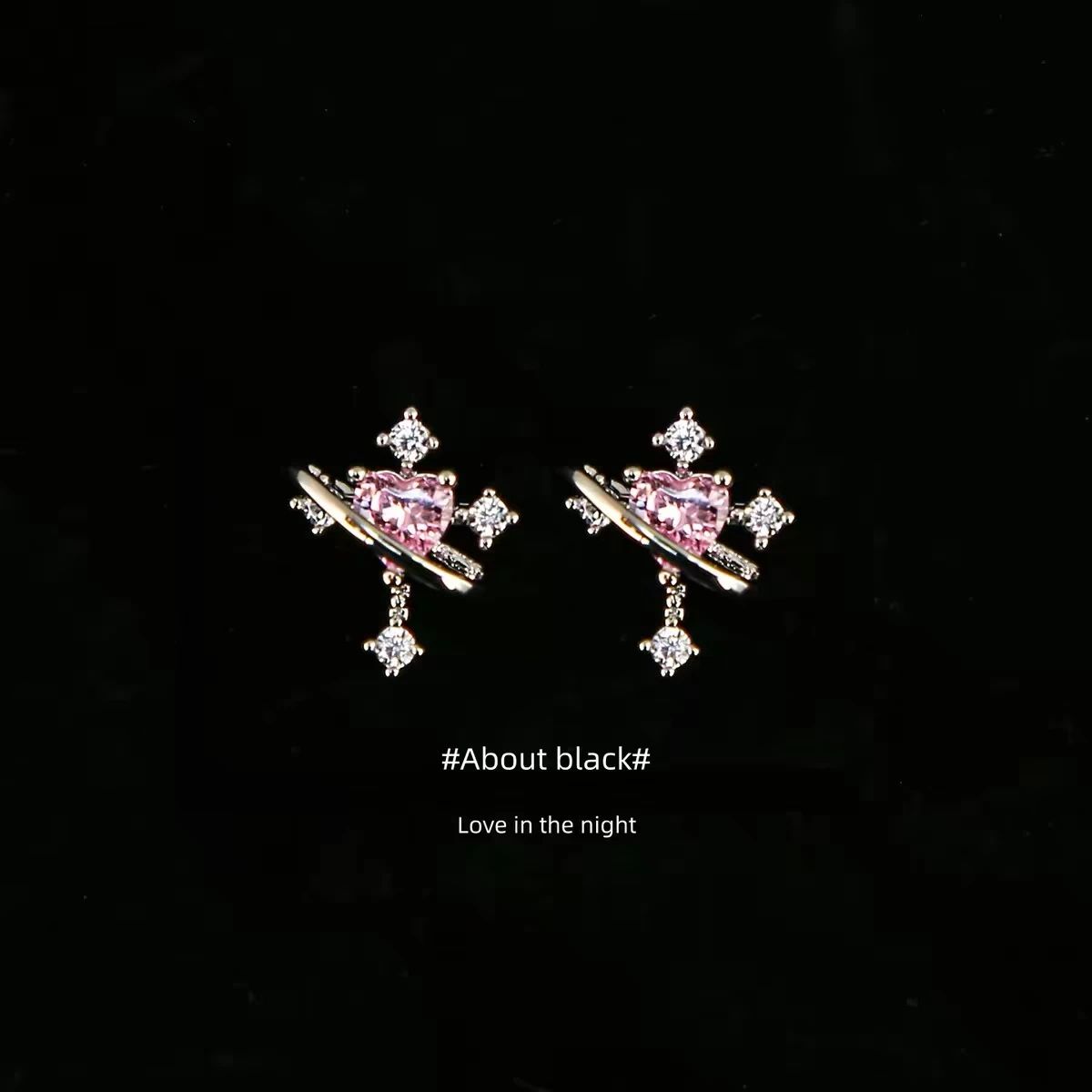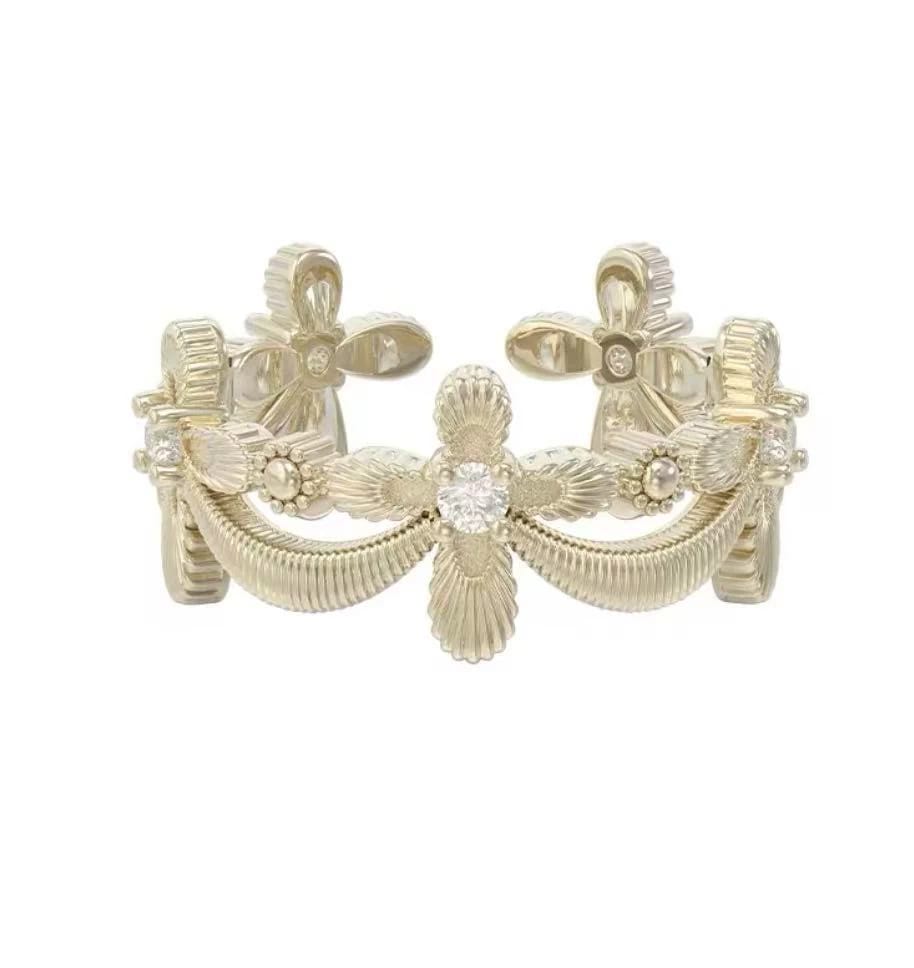

What AI Jewelry Model Generators Actually Do
An AI jewelry model generator is a software tool that uses artificial intelligence to produce visual outputs related to jewelry, whether that means creating original jewelry designs from text prompts, generating realistic human models wearing jewelry for product photography, or building digital 3D representations of jewelry pieces. The specific output depends entirely on which type of tool you're using, and that distinction matters more than most guides acknowledge.
Defining AI Jewelry Model Generators
Here's where things get confusing. Search for "ai jewelry model generator" and you'll find results pointing in three completely different directions. One page shows AI-designed rings that never existed before. Another demonstrates virtual humans wearing necklaces for catalog shots. A third walks through 3D modeling workflows for manufacturing. They all use the same terminology, but they solve fundamentally different problems for different people.
The word "model" carries the ambiguity. In fashion and e-commerce, a model is a person who wears products for photography. In design and engineering, a model is a digital representation of a physical object. And in the context of ai jewelry design tools, the AI model itself is the neural network generating the output. Three meanings, one search term, and a lot of wasted time if you land on the wrong resource.
Why the Term Means Three Different Things
When someone searches for a jewelry model generator powered by artificial intelligence jewelry technology, they typically fall into one of three categories. Each has distinct inputs, outputs, and end goals:
- Design generators for concept creation — These tools produce novel ai jewelry concepts from text descriptions or rough sketches. A designer types "vintage emerald ring with cathedral shank in platinum" and receives photorealistic renders of original pieces that never existed. The primary users are jewelers, product designers, and brands exploring new collections.
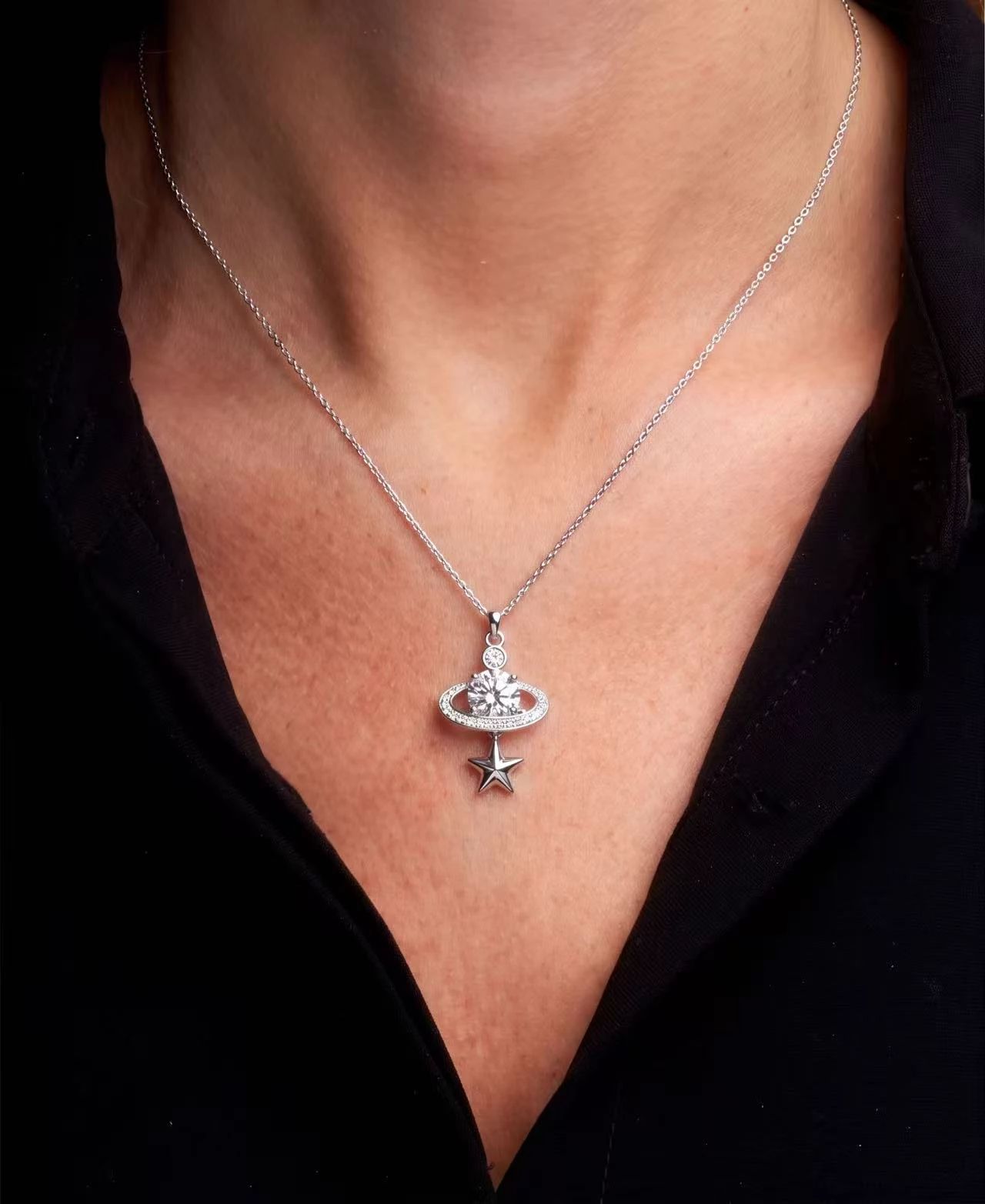
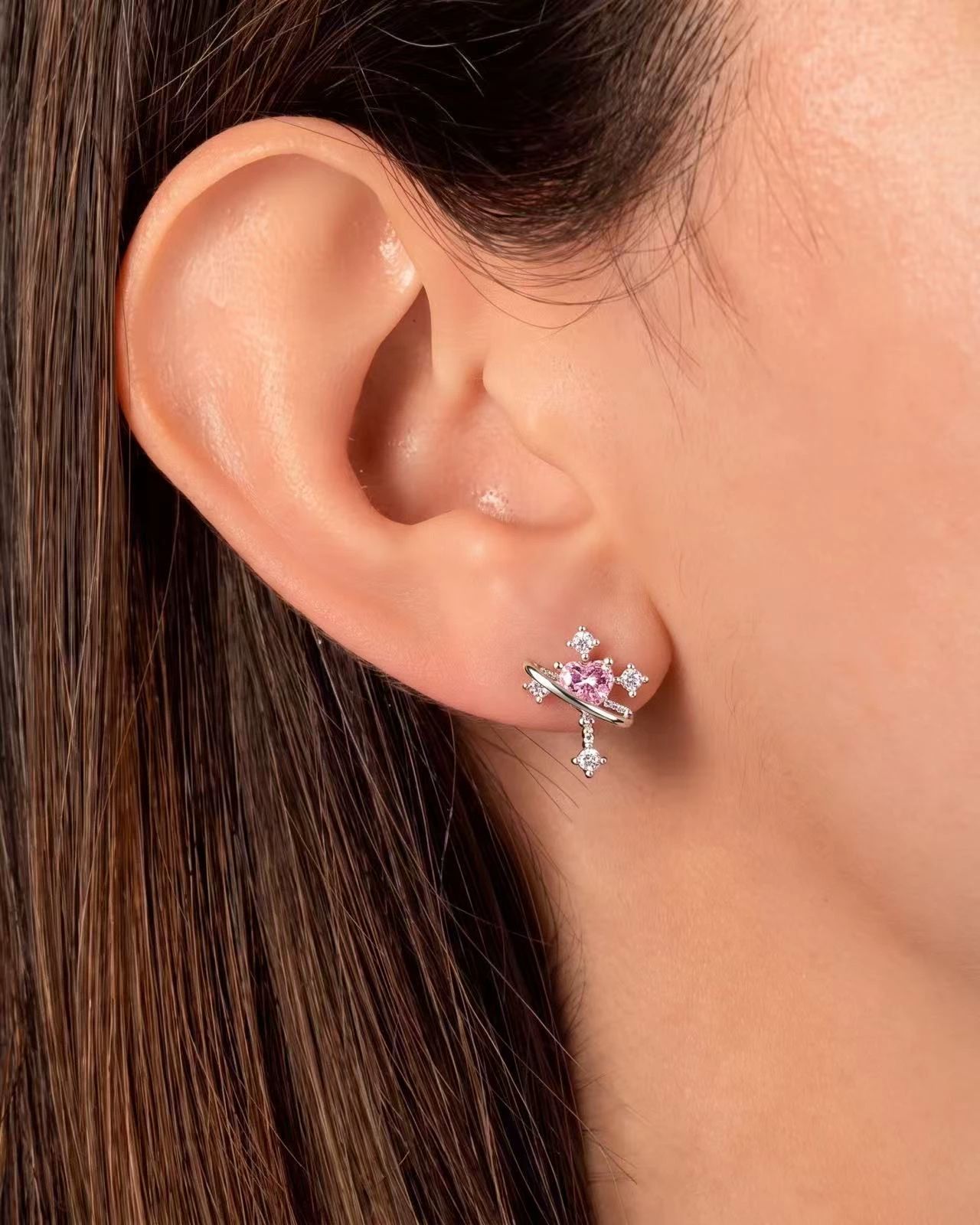
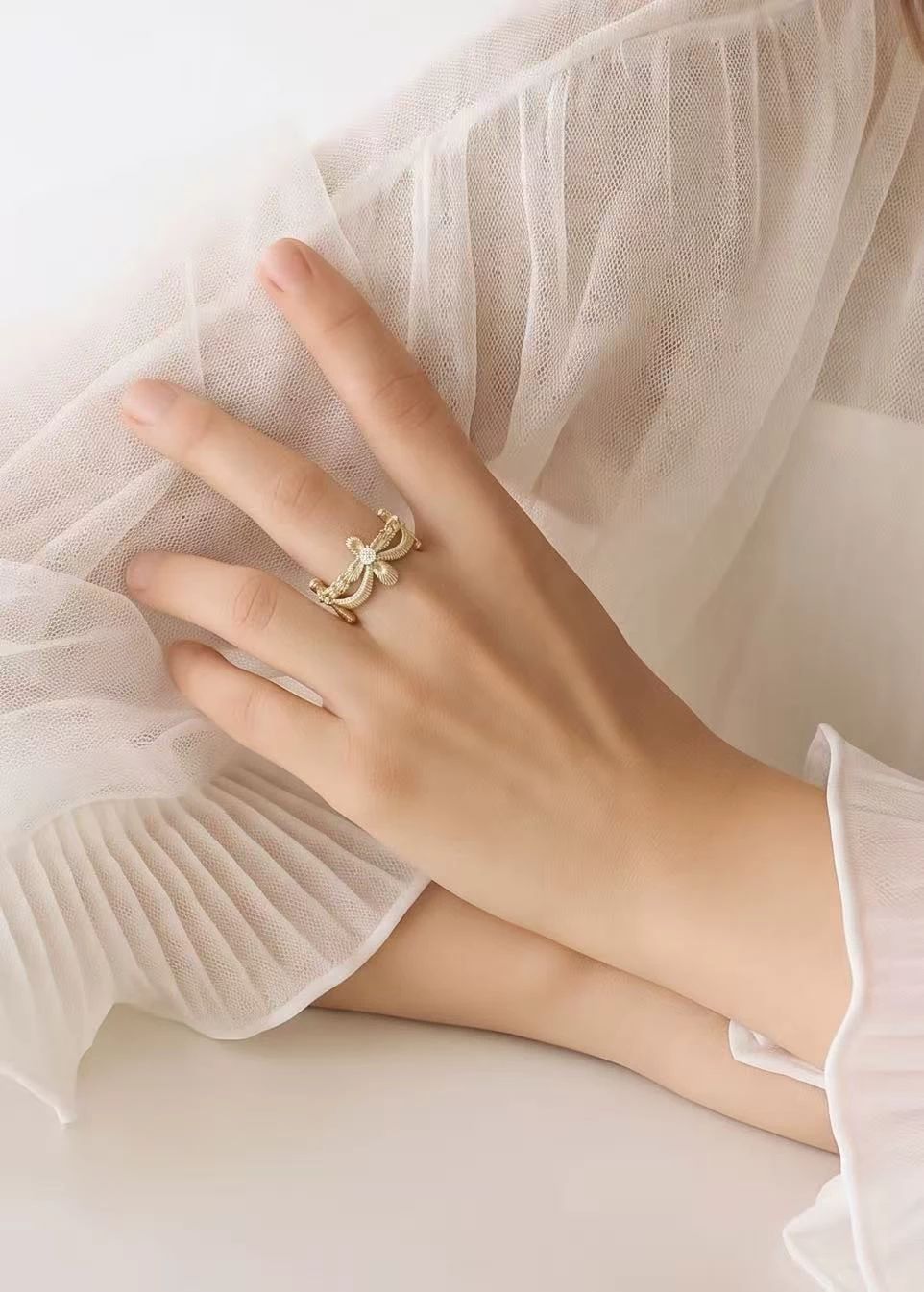
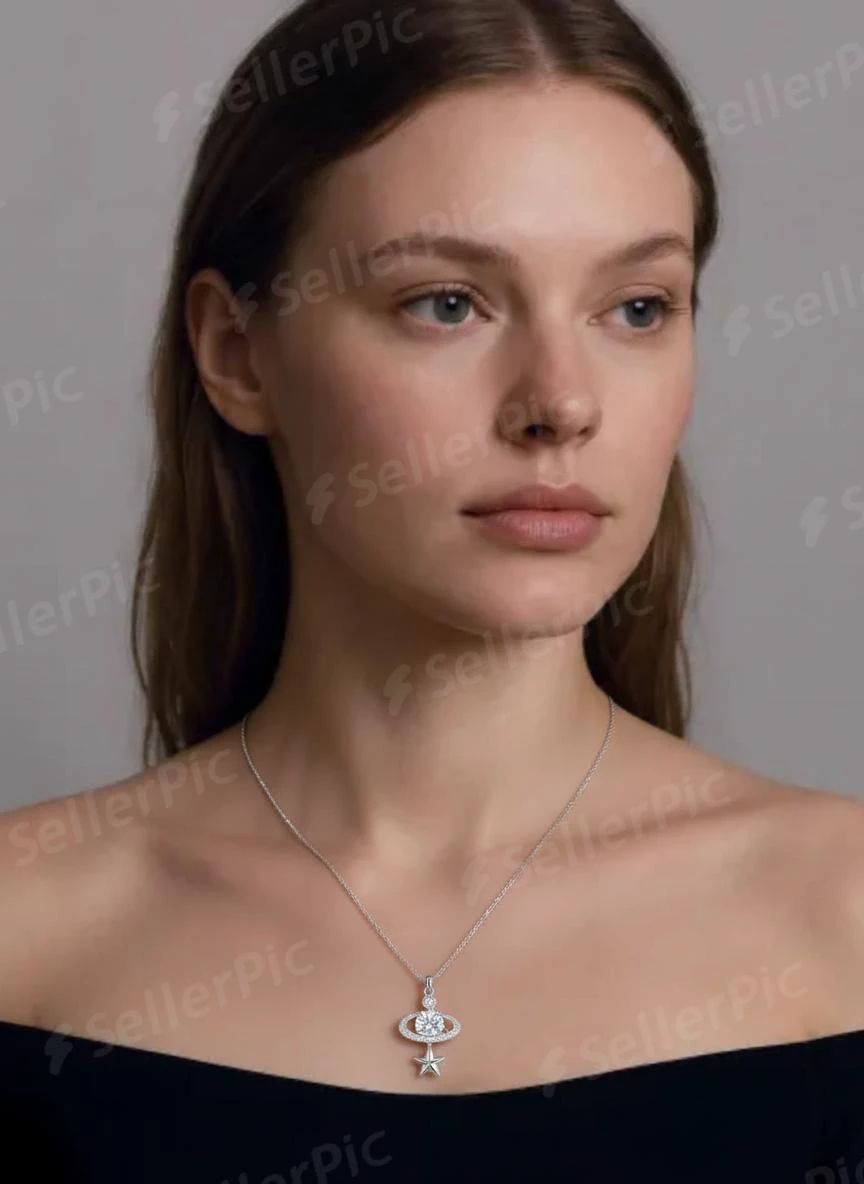
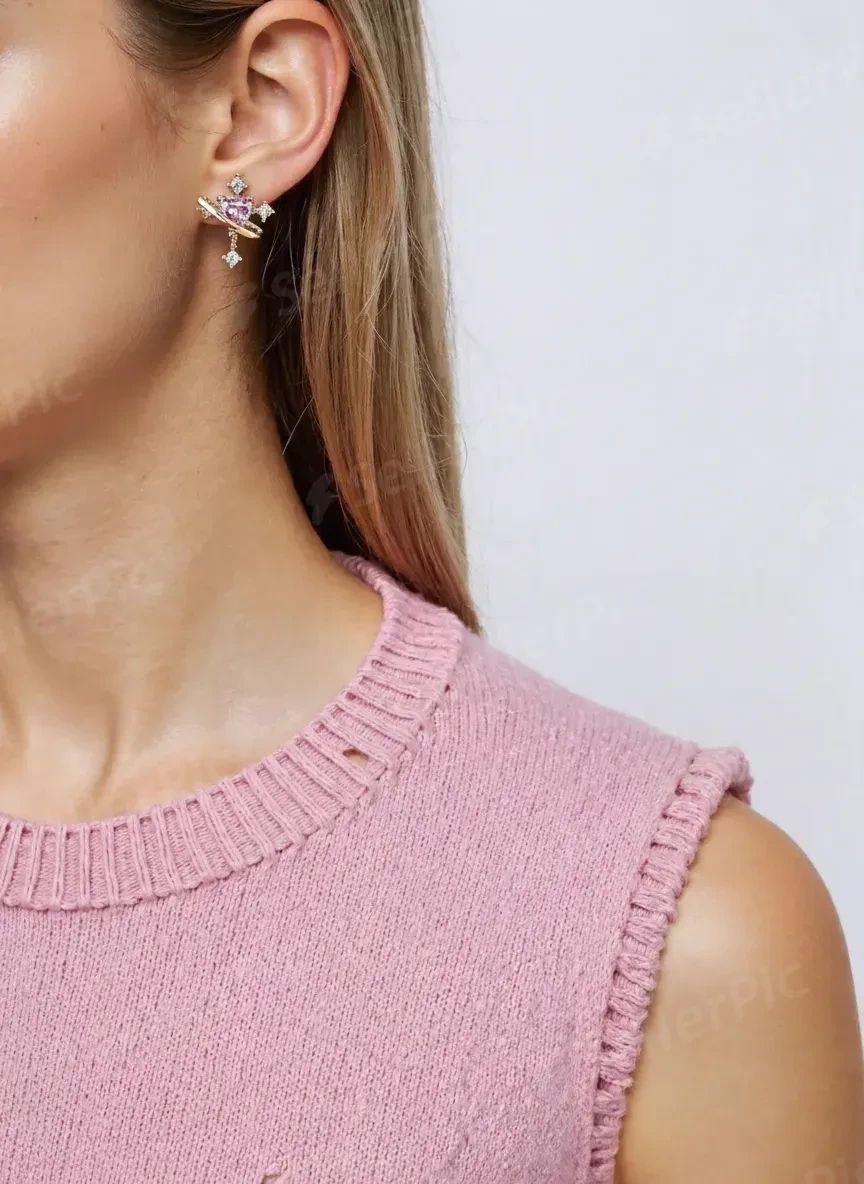
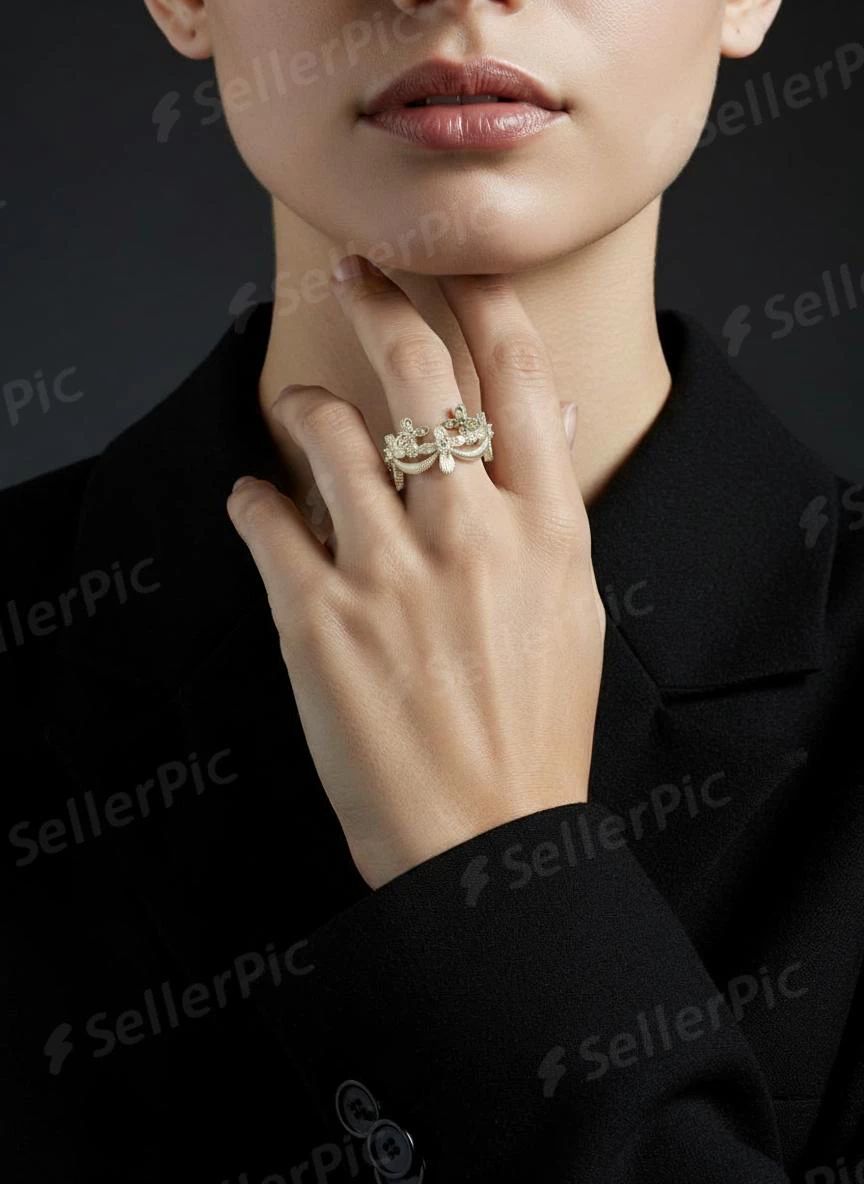
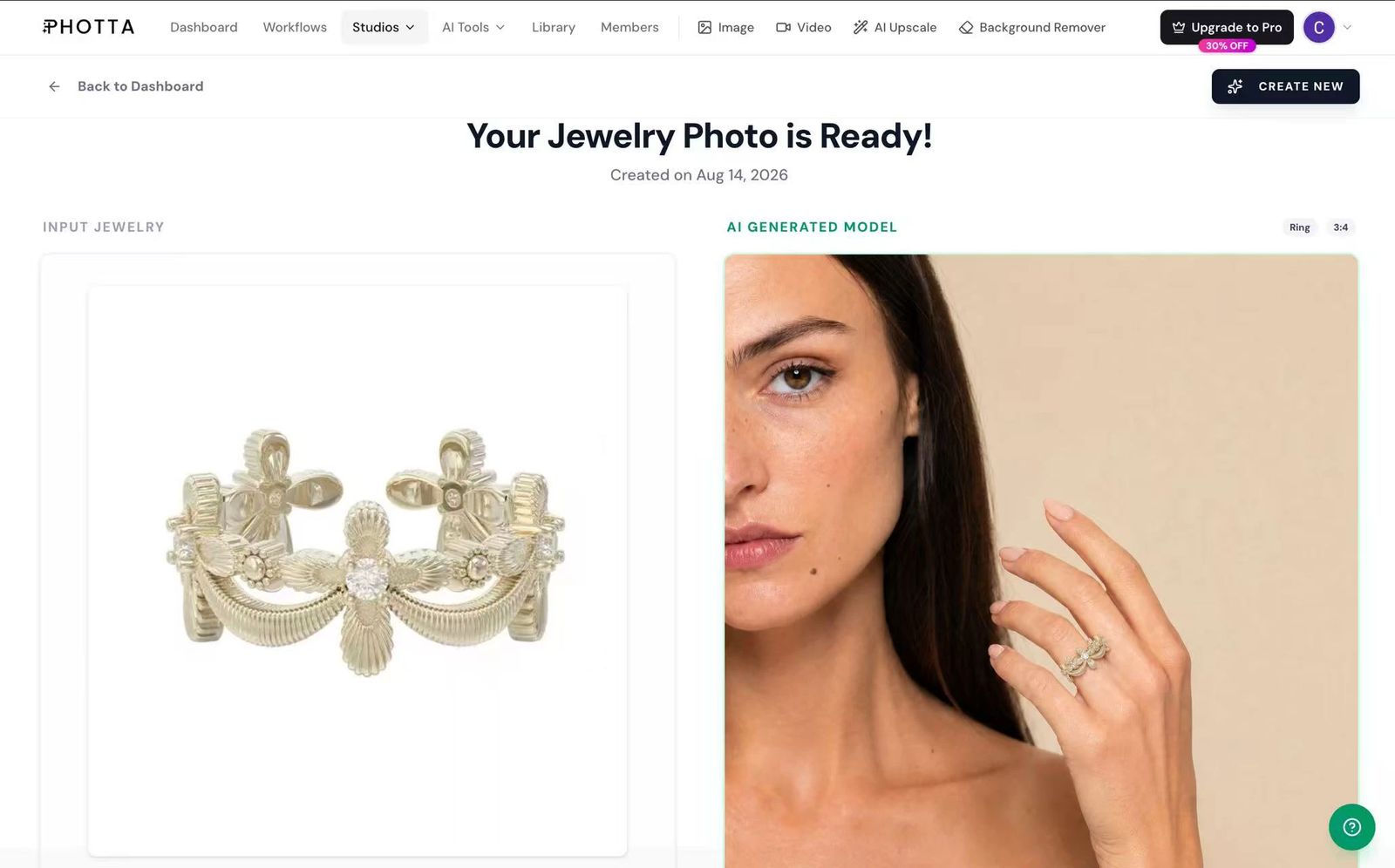
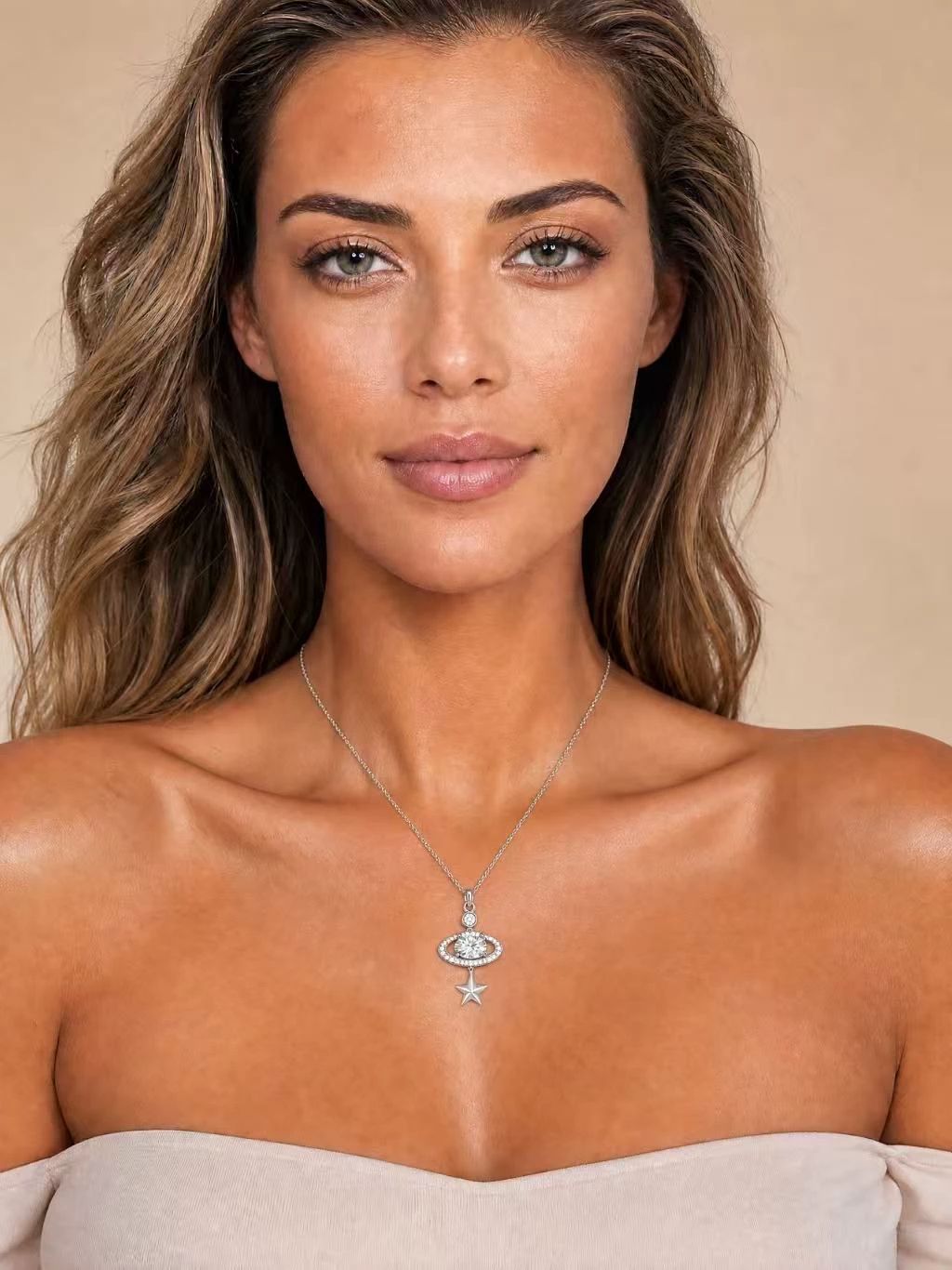
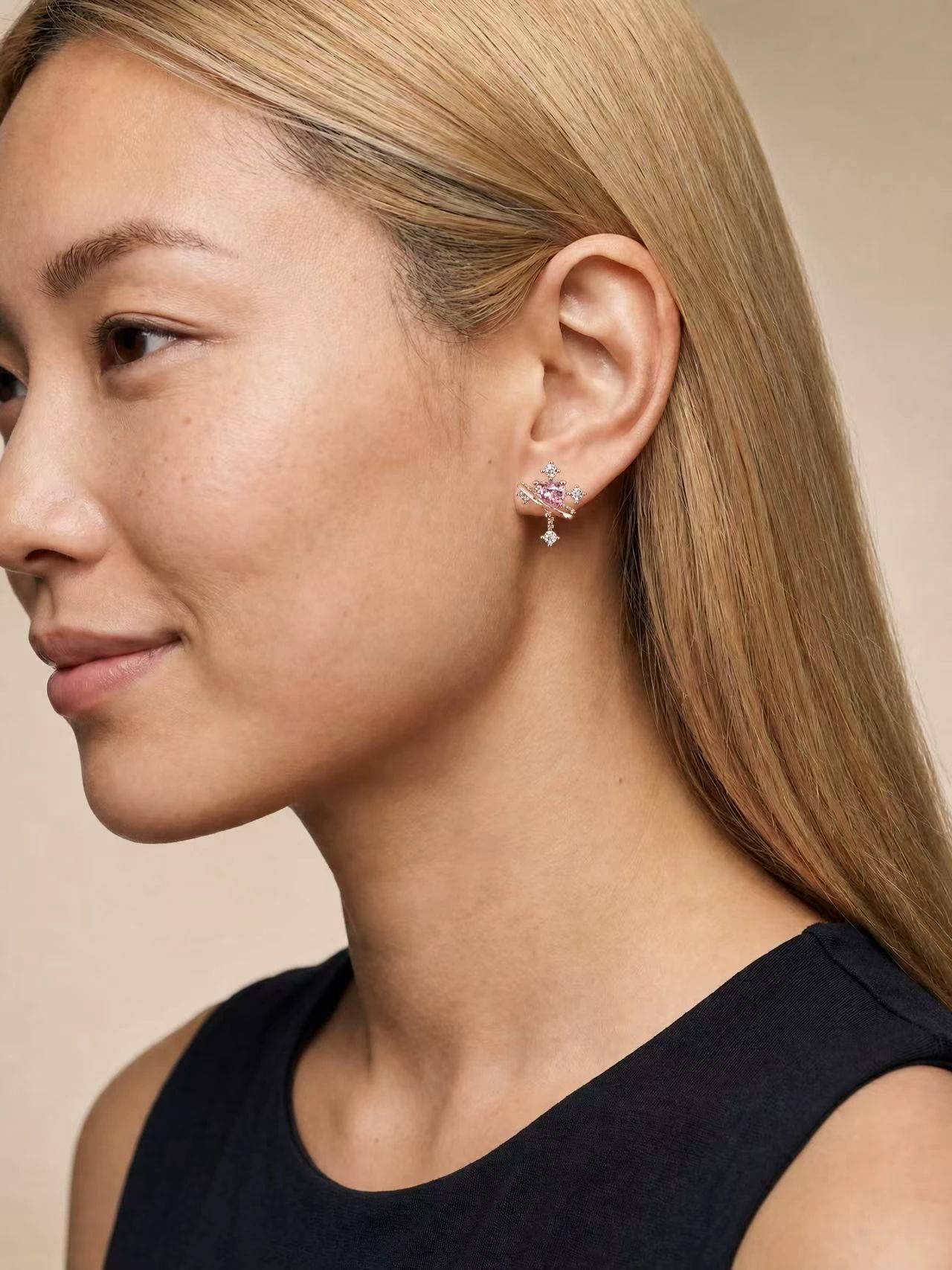
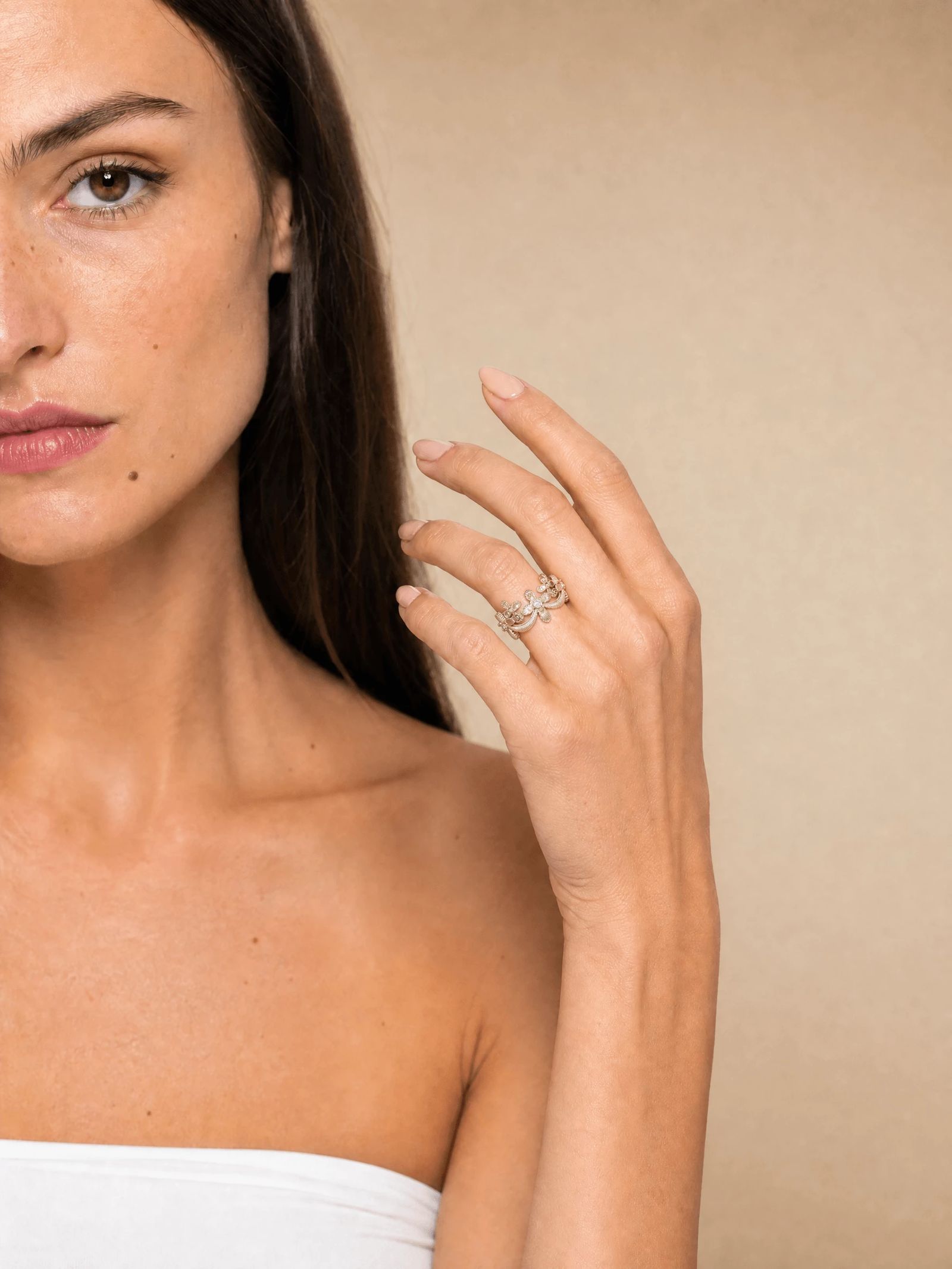
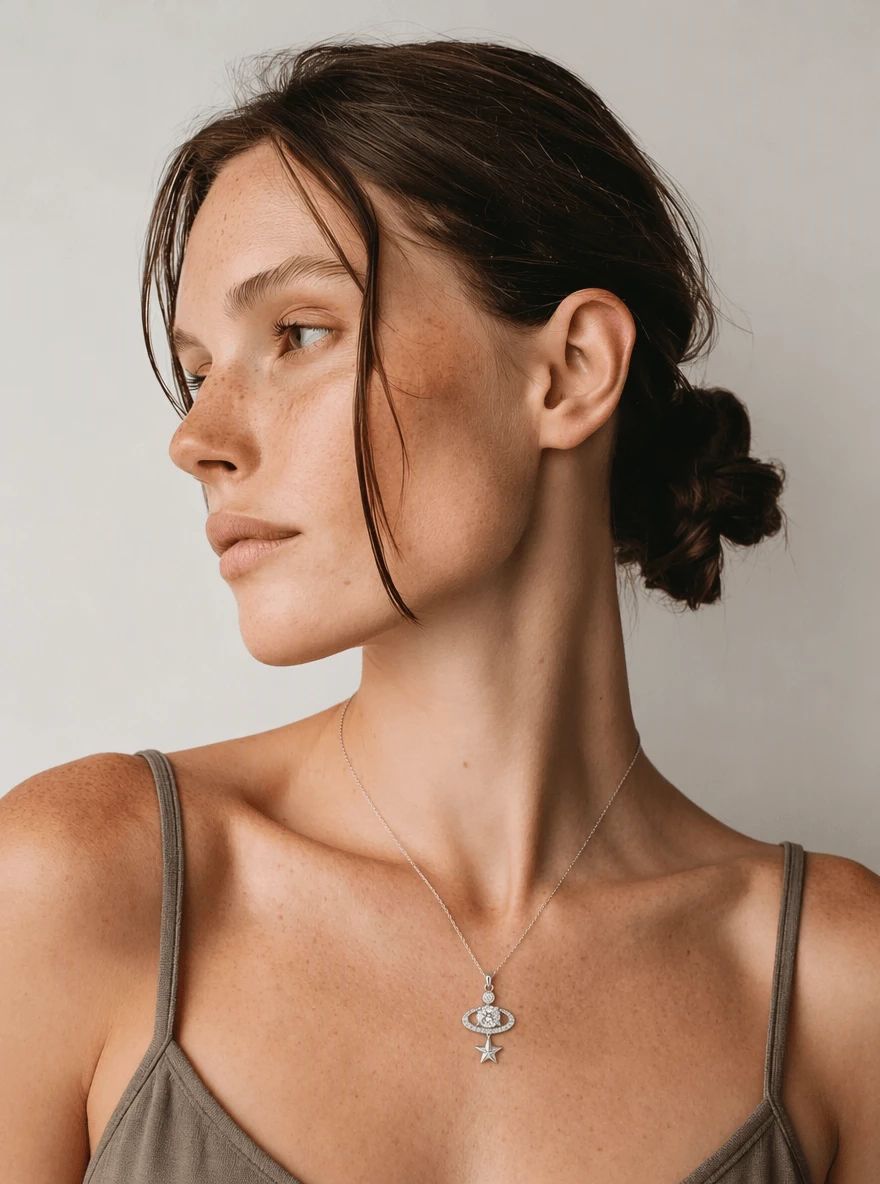
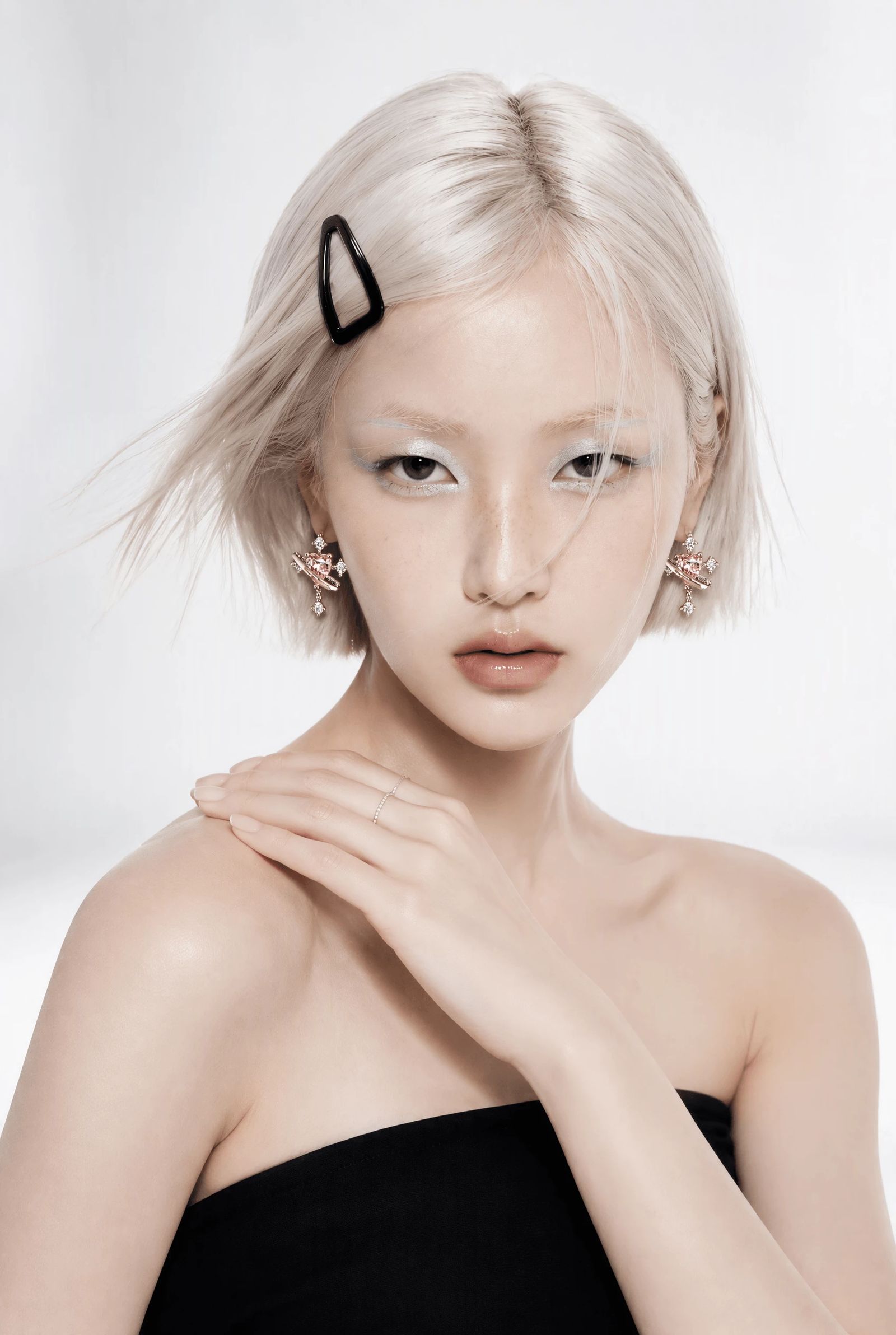
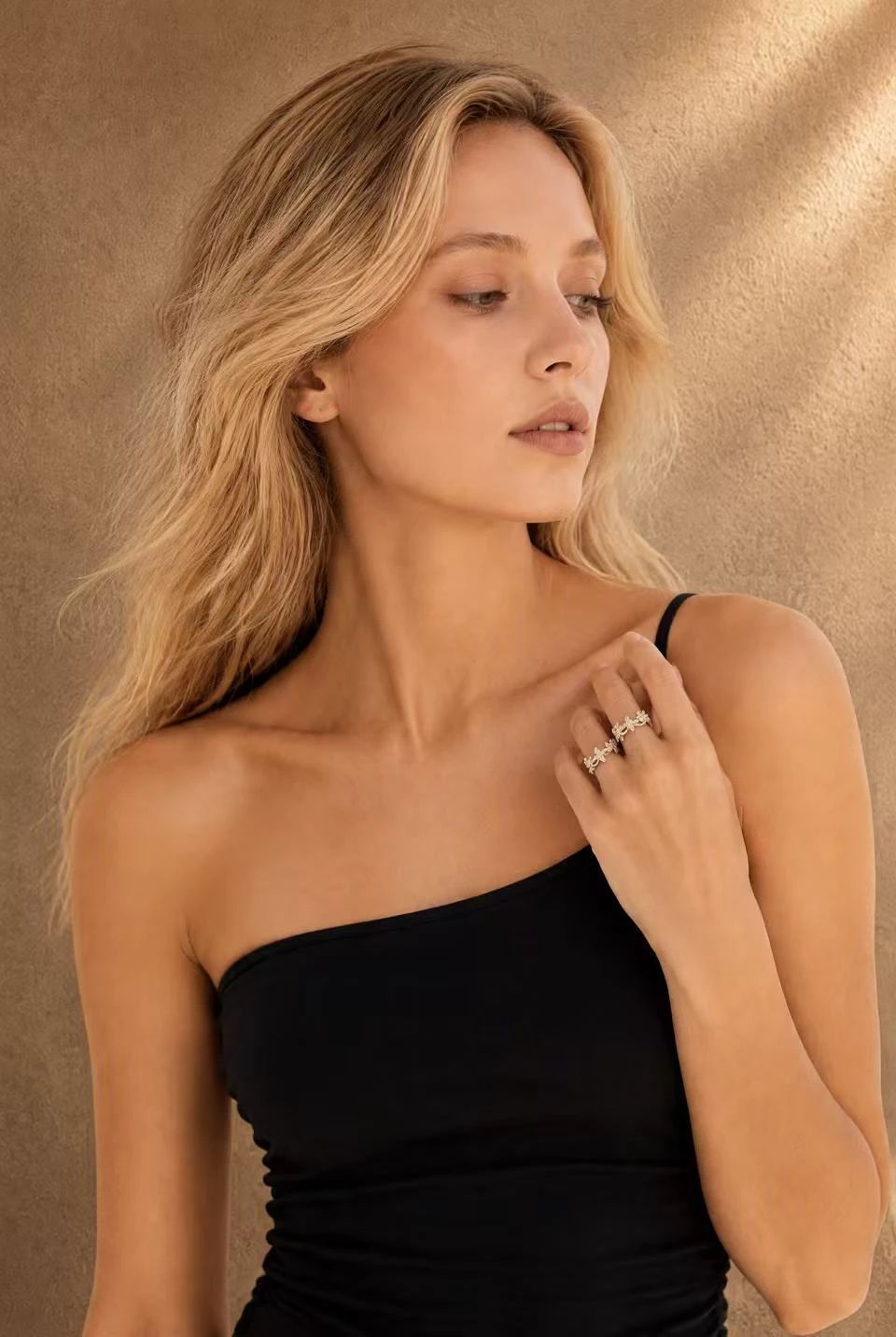
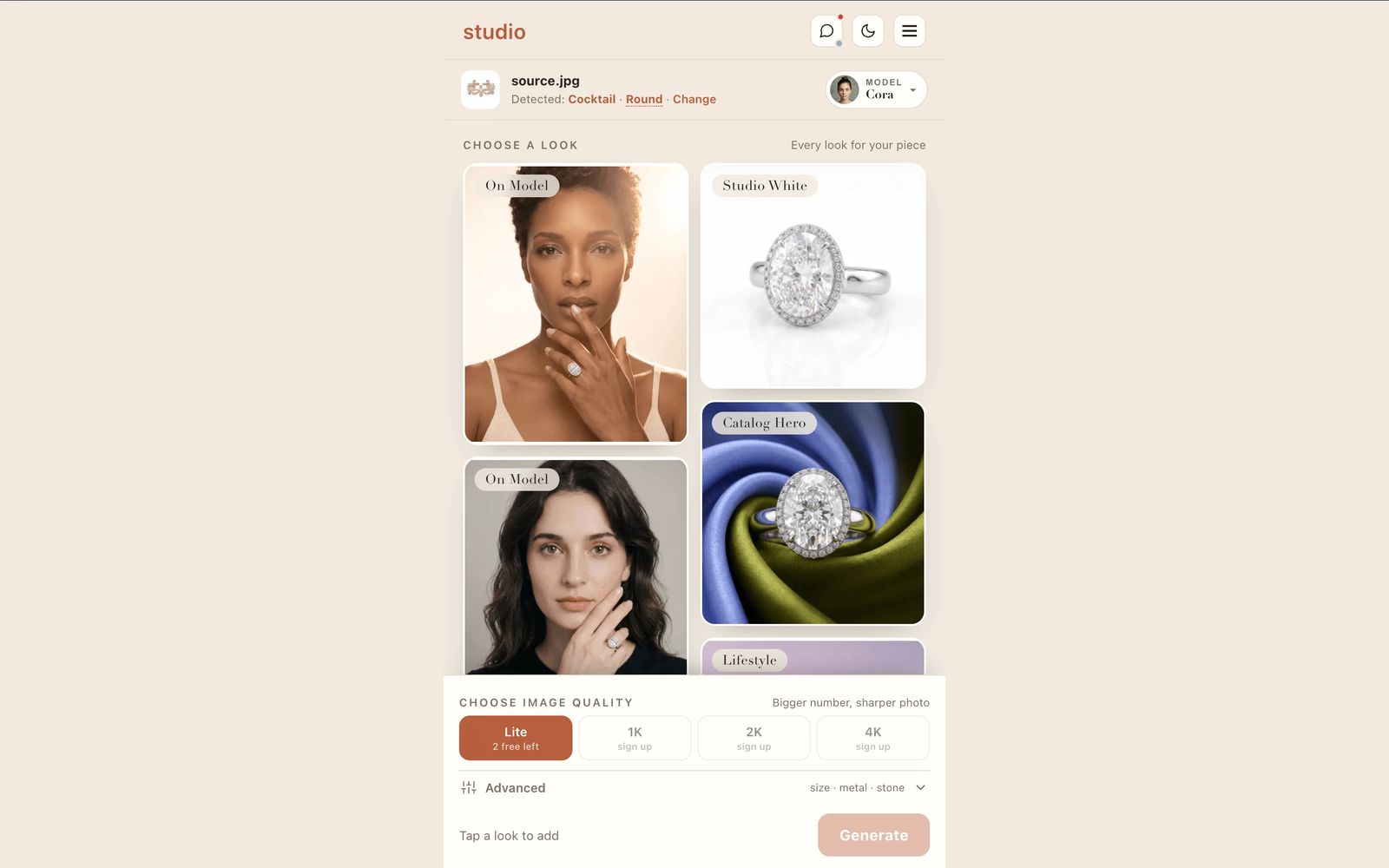
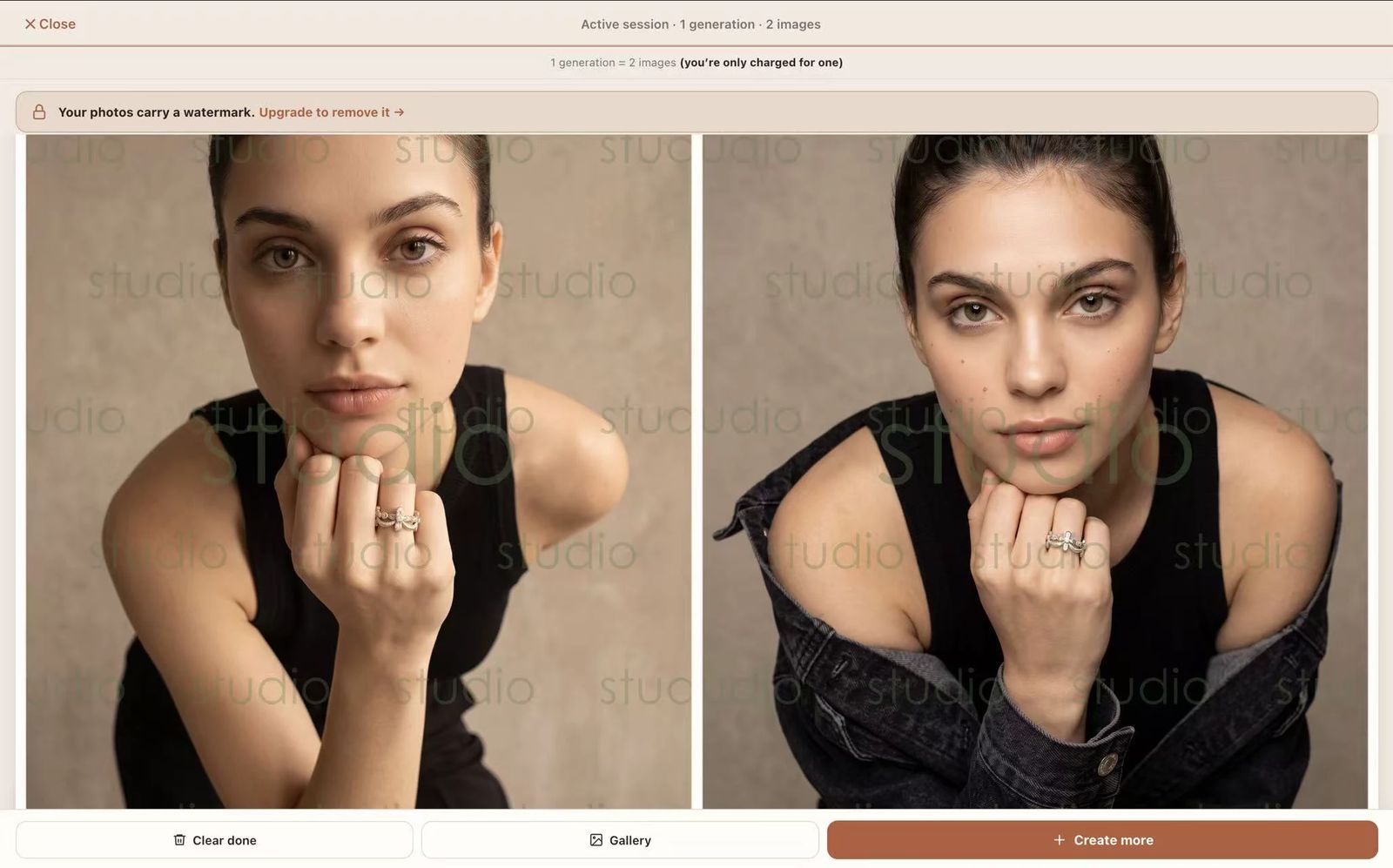
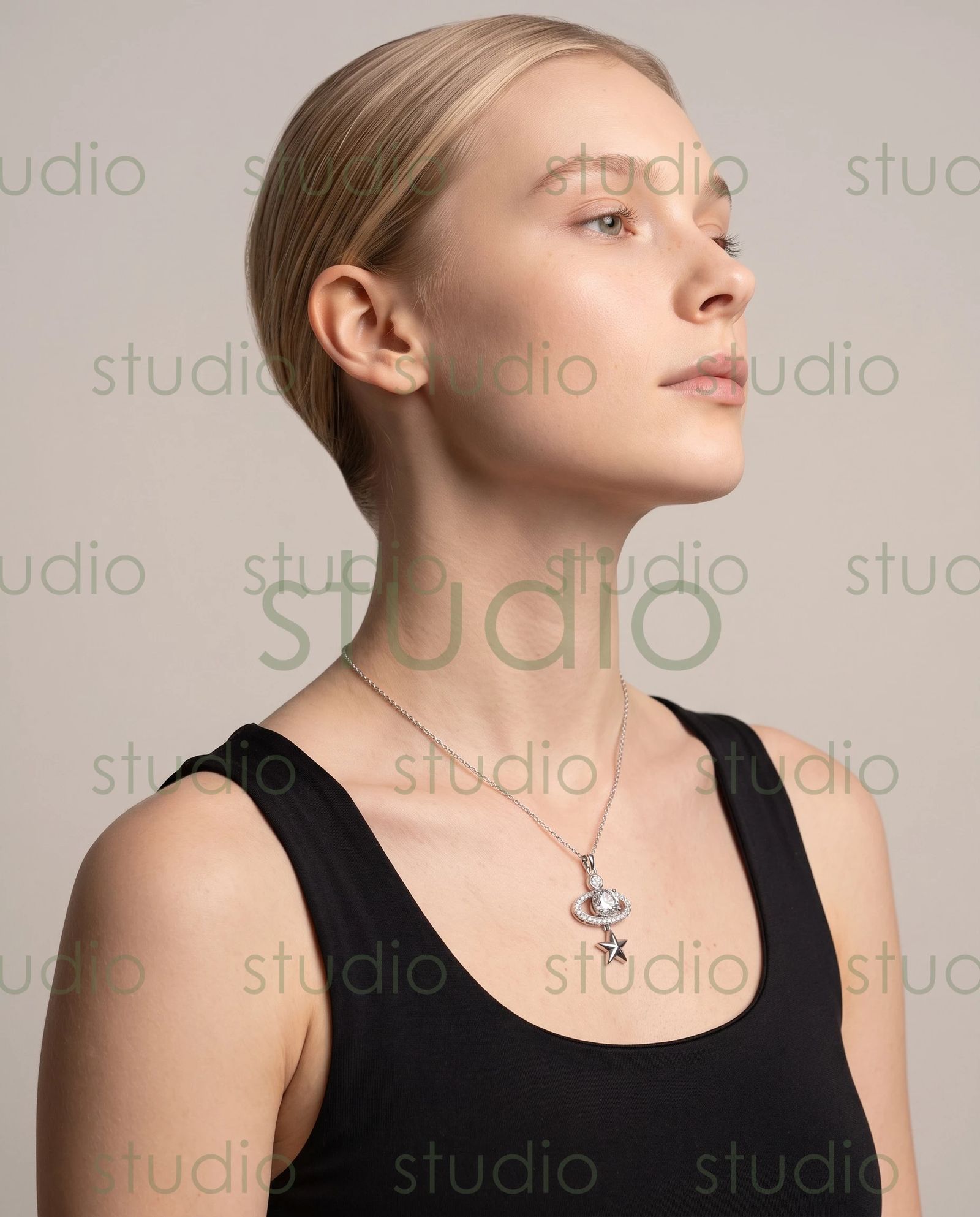
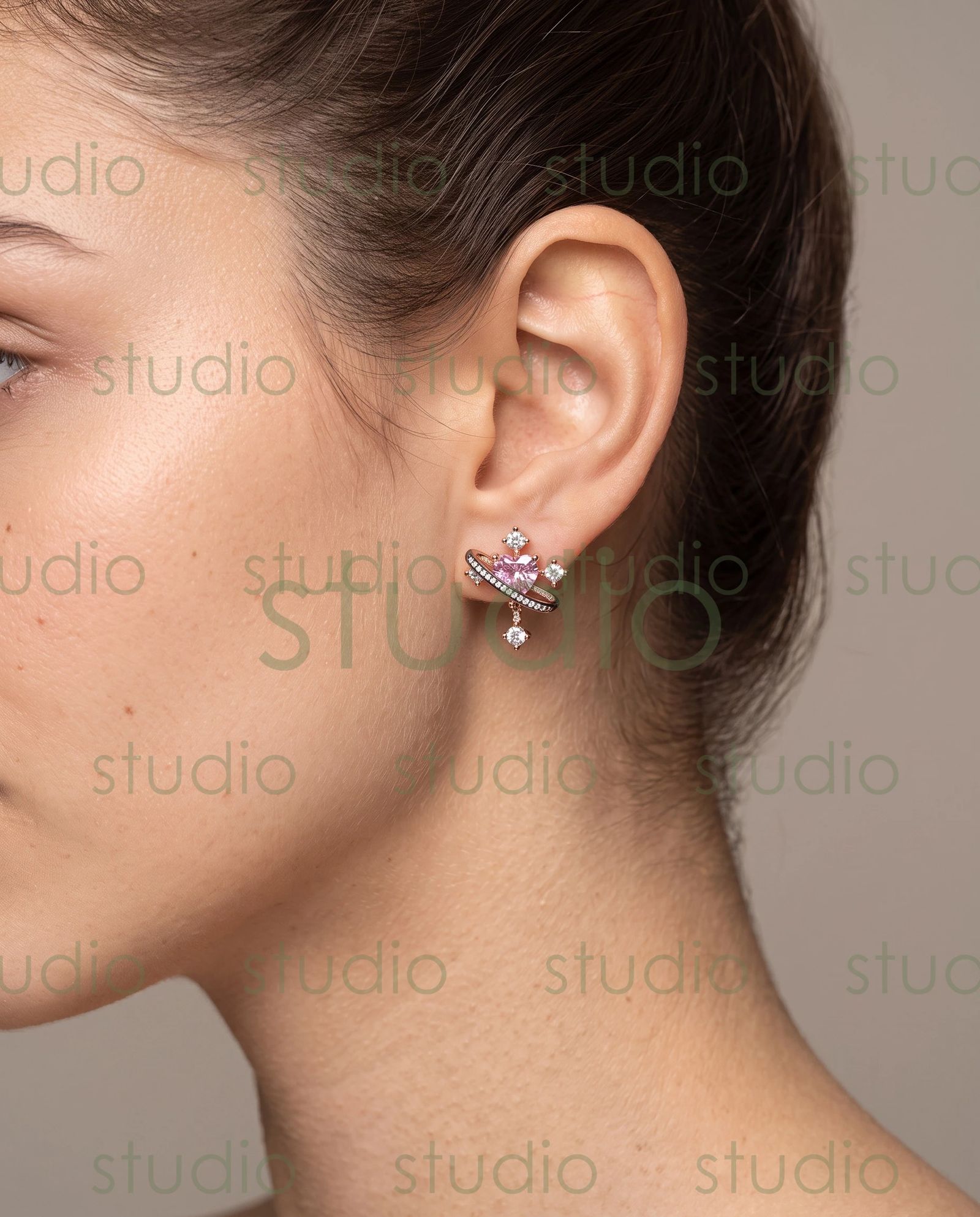
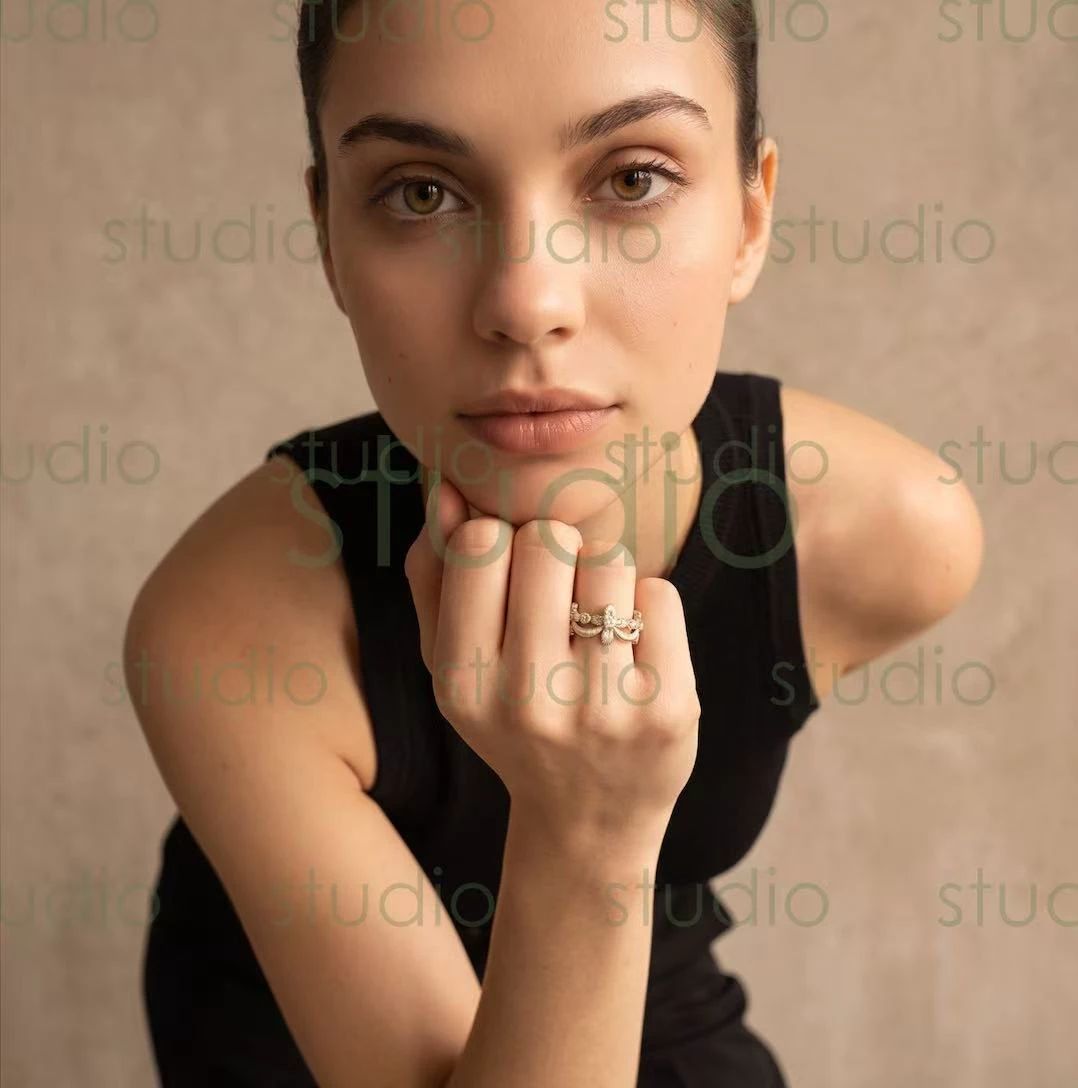
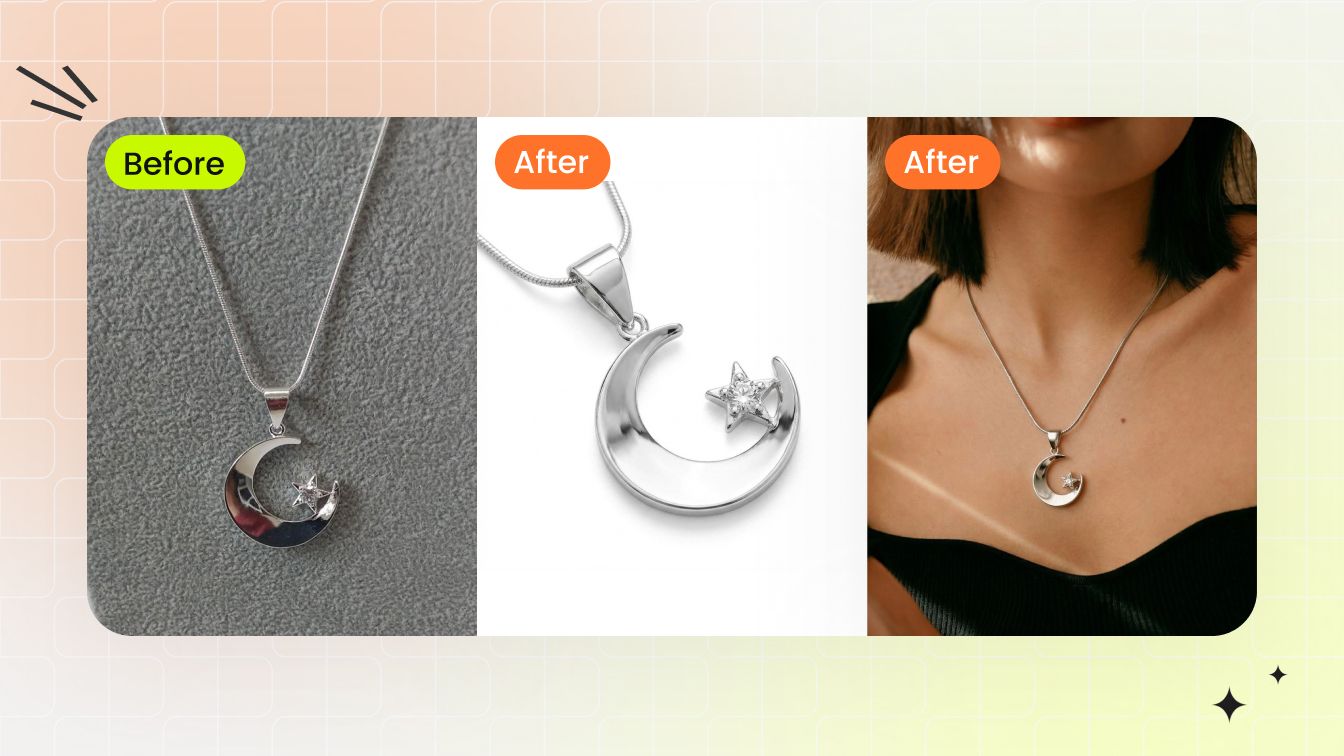
- On-model photography generators for e-commerce — These place existing jewelry products onto realistic human jewelry models for catalog imagery. You upload a product photo, and the tool generates professional shots of a person wearing your piece. E-commerce sellers and DTC brands use these to scale their product photography without booking studios or hiring talent.
- 3D model generators for manufacturing — These create three-dimensional digital representations of jewelry pieces, bridging the gap between concept and production. They serve manufacturers and CAD professionals who need geometry they can refine in tools like Rhino or MatrixGold.
Most online resources treat these categories as interchangeable, which creates real problems for buyers evaluating tools. A jewellery model photography solution won't help someone who needs design ideation, and a concept generator won't produce the on-model catalog shots an e-commerce team needs for their Shopify store. Recognizing which category matches your workflow is the first step toward choosing a tool that actually delivers value.
The technology powering each category shares common roots in diffusion-based AI, but the pipelines, training data, and user interfaces diverge significantly once you look beneath the surface.

How the Technology Works Under the Hood
The shared roots mentioned above all trace back to one family of AI architectures: diffusion models. Whether you're looking at an ai jewelry image generator that creates novel ring concepts or a jewelry photography ai tool that places a necklace onto a virtual model, the underlying engine follows a surprisingly similar logic. Understanding that logic, even at a high level, helps you evaluate which tools are genuinely capable and which are just wrapping basic filters in marketing language.
From Image Upload to Final Output
Imagine you upload a product photo of a gold pendant and want a realistic shot of someone wearing it. Here's what happens inside the pipeline, step by step:
- Input processing — The system encodes your jewelry image into a compressed mathematical representation called a latent space. Think of it as translating a photograph into a language the AI can manipulate.
- Segmentation and context mapping — The tool identifies what the object is, where it should sit on a human body, and how it interacts with surrounding elements like skin, hair, and clothing. Research frameworks like OmniTry demonstrate how modern systems handle this localization without requiring users to manually draw masks or bounding boxes.
- Generation or inpainting — The AI either generates an entirely new scene around the jewelry or composites the piece into an existing model photo. Inpainting pipelines fill in the area around the jewelry with realistic skin, shadows, and reflections, while pure generation builds the full image from scratch.
- Post-processing refinement — Final passes sharpen details, correct color temperature, and ensure the output meets resolution requirements for e-commerce platforms.
This pipeline runs in seconds, which is why tools that add jewelry to photo with ai can process hundreds of product images in the time a traditional shoot handles a dozen.
Diffusion Models and Why They Matter for Jewelry
Diffusion models work by learning to reverse a noise-adding process. During training, the AI sees millions of images progressively corrupted with random noise, then learns to reconstruct the original. At generation time, it starts from pure noise and iteratively refines it into a coherent image. The Diffusion Transformer (DiT) architecture, which powers many current tools, processes image patches as tokens through transformer attention layers, enabling high-resolution outputs with fine detail preservation.
Sounds straightforward, but jewelry pushes these systems to their limits. Artificial intelligence jewelry design faces challenges that clothing or furniture generation simply doesn't encounter. A diamond ring involves specular highlights bouncing off polished metal, light refracting through transparent faceted stones, and caustic patterns cast onto surrounding skin. Pavé settings require the AI to render dozens of tiny stones with individual reflections. Filigree demands sub-millimeter detail consistency.
Jewelry's optical properties, including refraction through gemstones, mirror-like reflection off polished metals, and caustic light patterns, make it one of the hardest product categories for AI image generation because the model must simultaneously handle transparency, specularity, and micro-detail at scales where even small errors are immediately visible to buyers.
This is why gemstone ai rendering remains an active research challenge. A tool that produces convincing t-shirts may completely fail at rendering a channel-set sapphire bracelet, because the physics of light interaction are orders of magnitude more complex.
Virtual Try-On vs Pure Generation Pipelines
Two distinct architectural approaches power the tools you'll encounter in practice, and they serve different purposes:
Virtual try-on pipelines take an existing model photo and an existing product image, then composite them together. The AI must figure out where the jewelry belongs on the body, how it drapes or sits, and what shadows and reflections it would cast in that specific lighting environment. OmniTry's two-stage approach illustrates this well: the first stage trains the model to localize where an object should appear on a person without manual masks, while the second stage preserves the exact visual identity of the specific product being placed.
Pure generation pipelines create everything from scratch, including the model, the scene, and the jewelry interaction. These are more flexible but harder to control when you need the output to match a specific real product exactly. They're better suited for concept exploration in artificial intelligence jewelry design than for catalog photography where product accuracy is non-negotiable.
For e-commerce teams evaluating an ai jewelry photo editor, this distinction matters practically. If you need your actual SKU rendered on a model with pixel-accurate product representation, you want a try-on architecture. If you're exploring what a new collection might look like before manufacturing, pure generation gives you more creative latitude. Many sellers end up needing both at different stages of their workflow, which is exactly why the taxonomy from the previous section exists.
Three Types of AI Jewelry Model Generators Explained
The architectural differences between try-on and pure generation pipelines translate directly into three distinct product categories, each built for a specific user with a specific problem. If you've been searching for an ai jewelry models tool and feeling overwhelmed by options that seem to do completely different things, this breakdown will help you zero in on what actually matches your workflow.
Design Generators for Concept Creation
Imagine typing "art deco emerald cocktail ring with milgrain detailing in white gold" and receiving four photorealistic renders of original pieces within seconds. That's what design generators do. They produce novel jewelry concepts from text prompts, rough sketches, or reference images, giving designers a rapid ideation tool that replaces hours of manual rendering.
The primary audience here is jewelry designers, creative directors, and brands exploring new collections before committing to manufacturing. A designer can test dozens of variations on a theme, present options to clients, or explore how a gemstone generator might interpret unusual material combinations. Some tools even accept hand-drawn sketches as input, translating loose linework into polished concept renders.
For someone looking to design your own ring online free or experiment with 3d ring design online free, these generators offer a low-barrier entry point. You don't need CAD skills or rendering software. You describe what you want, and the AI handles the visualization. The tradeoff is that outputs are conceptual, not manufacturing-ready. You'll still need a CAD professional to translate a generated concept into geometry suitable for casting or 3D printing.
An engagement ring generator, for example, might produce stunning visual concepts of halo settings or three-stone arrangements, but the proportions and structural integrity still require human validation before production.
Virtual Try-On Tools for Customer Experience
Virtual try-on tools solve a different problem entirely: helping customers visualize how existing jewelry looks on their own body. Using augmented reality and AI-powered imaging, these tools superimpose rings onto a user's hand, earrings onto their ears, or necklaces onto their neckline in real time through a smartphone camera or webcam.
The audience is primarily retail and DTC e-commerce brands looking to bridge the gap between online browsing and the tactile in-store experience. Jewelers Mutual notes that virtual jewelry try on features can directly impact sales by reducing uncertainty, encouraging cross-selling, and increasing average order value. When customers see how a piece actually looks on them, hesitation drops and conversion rates climb.
These tools also generate valuable behavioral data. AI can track which styles customers favor, how they layer pieces, and which combinations they explore most frequently. That intelligence feeds back into inventory planning and marketing strategy. Platforms like Perfect Corp offer real-time tracking where earrings swing when you move your head, while others like Mirrar provide iPad-based in-store kiosks alongside web plugins for omnichannel coverage.
The limitation? Virtual try-on outputs typically look like AR overlays rather than editorial photography. They're excellent for engagement and reducing returns, but they won't replace the high-resolution product images you need for your category pages or ad campaigns.
Catalog Photography Replacements for E-Commerce
This third category is where the most dramatic cost savings happen. Catalog photography replacement tools take your existing product images, whether flat lays, ghost mannequin shots, or simple white-background photos, and generate professional on-model imagery at scale. No studio booking, no model casting, no retouching queue.
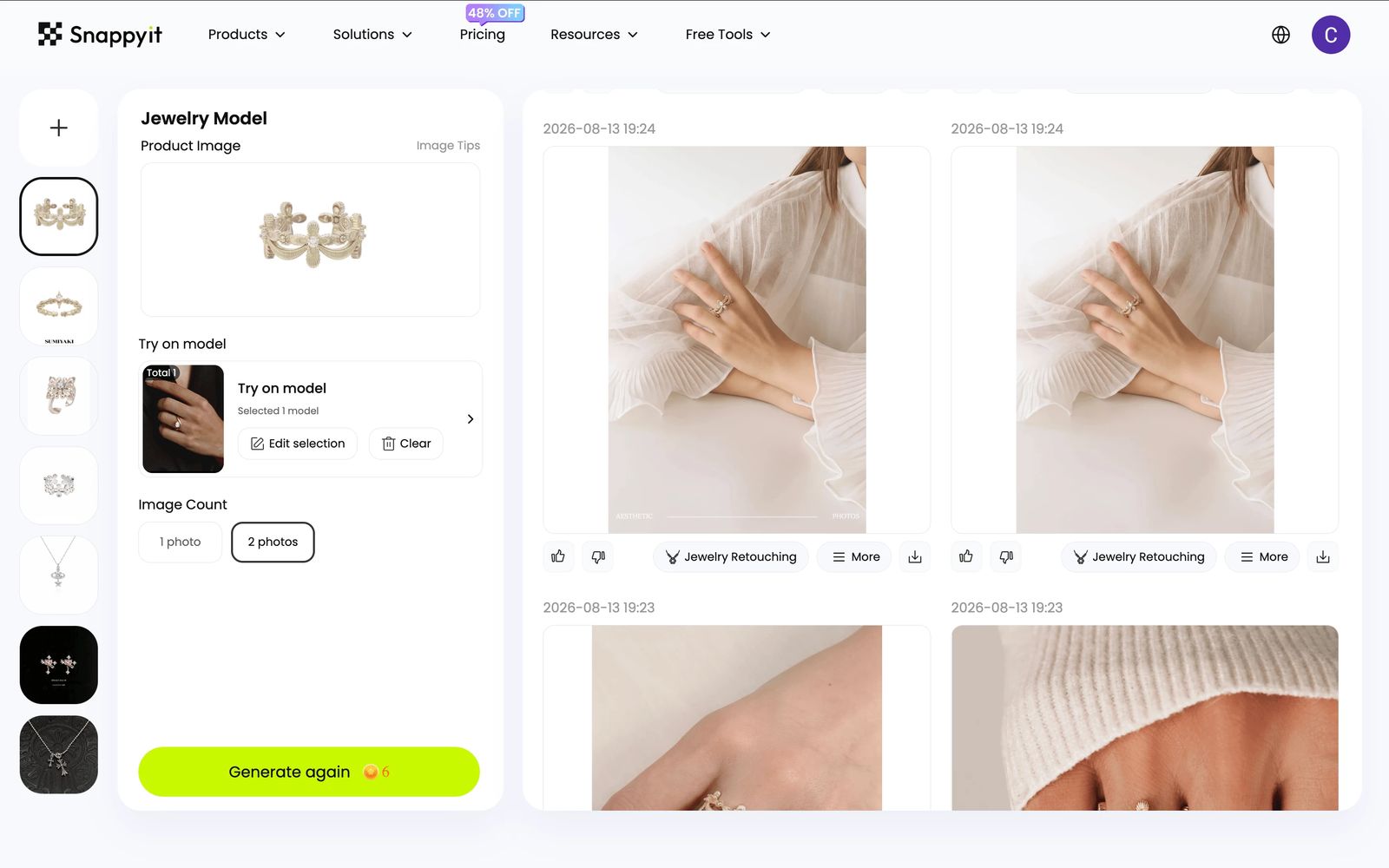
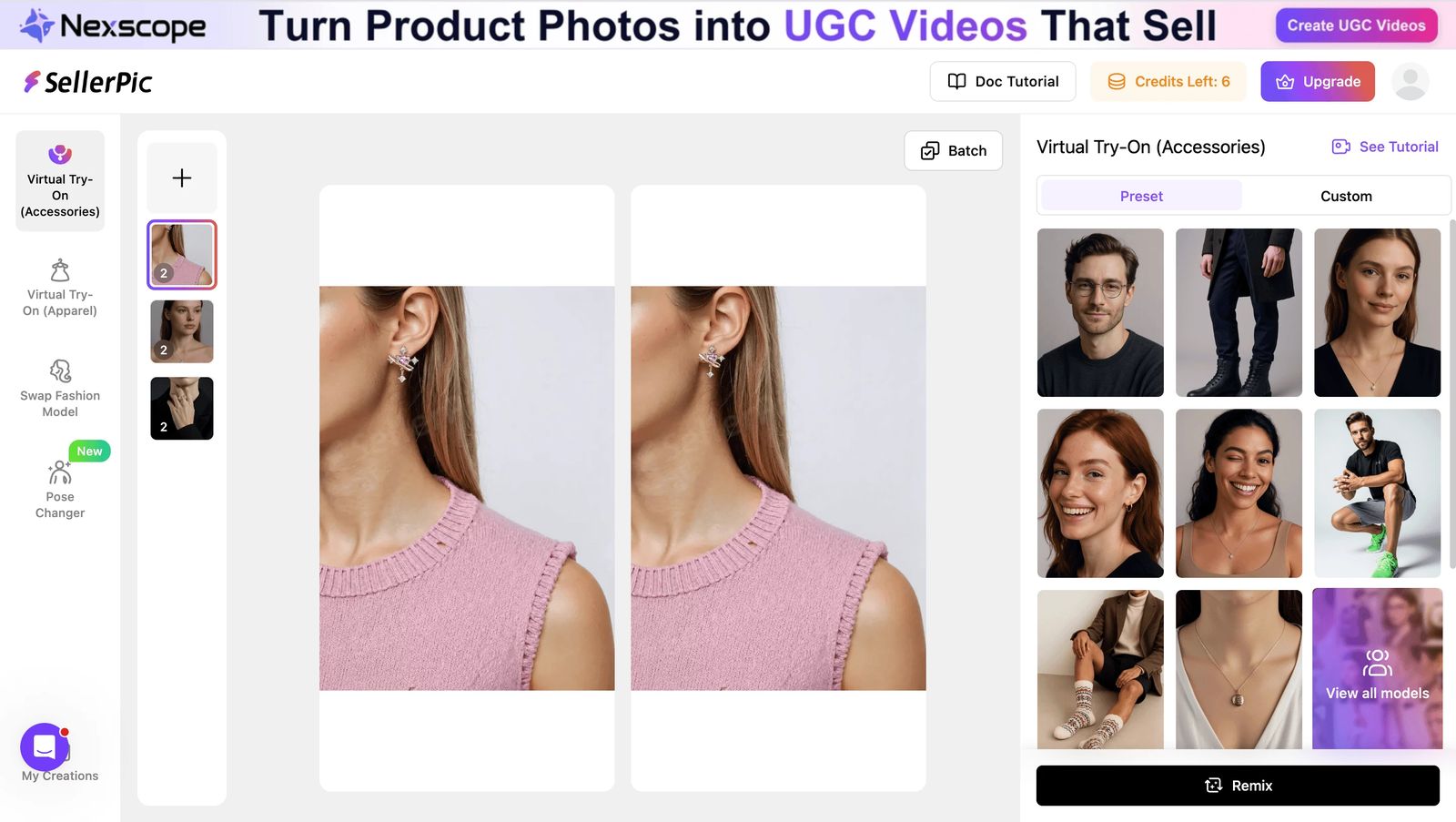
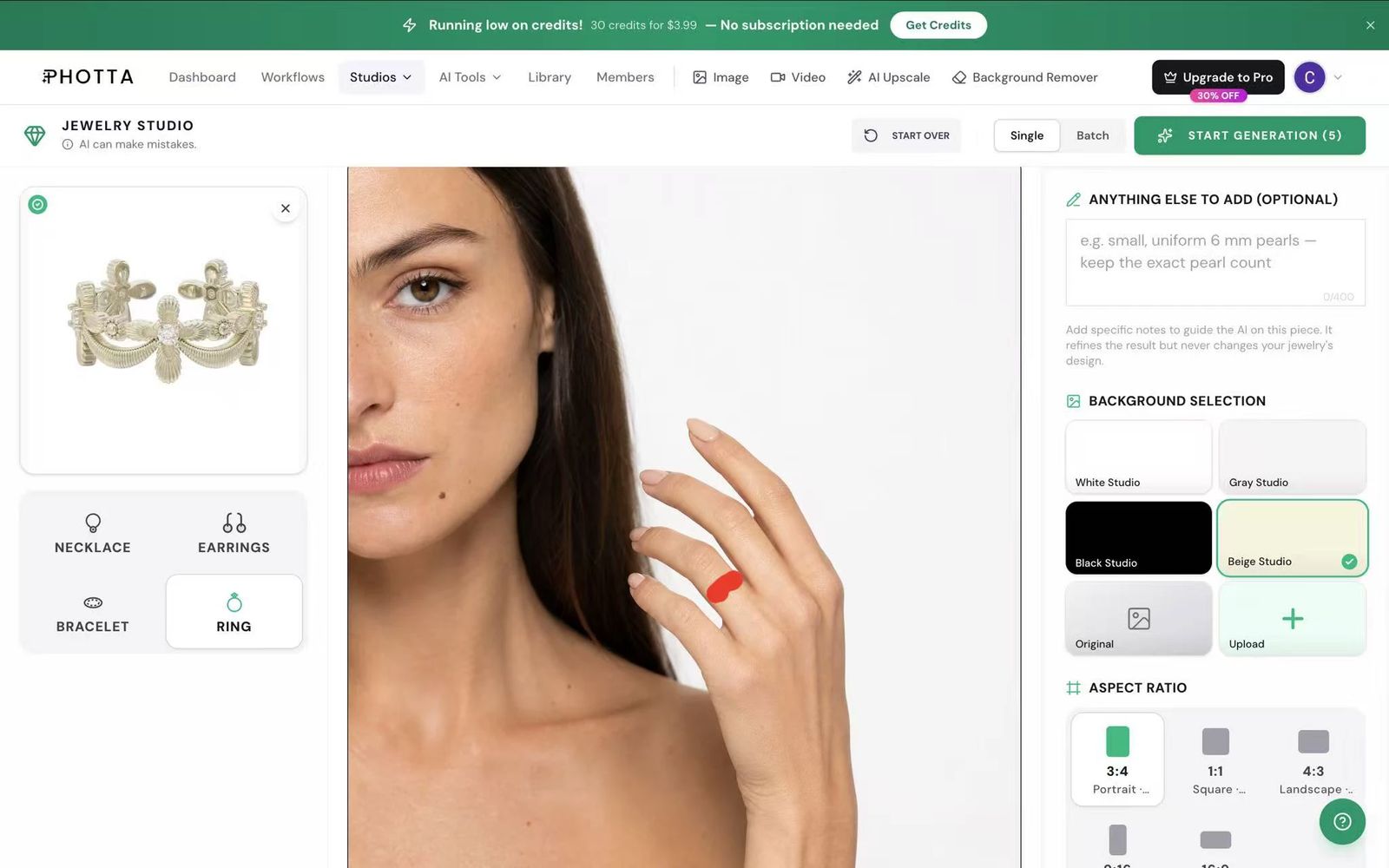
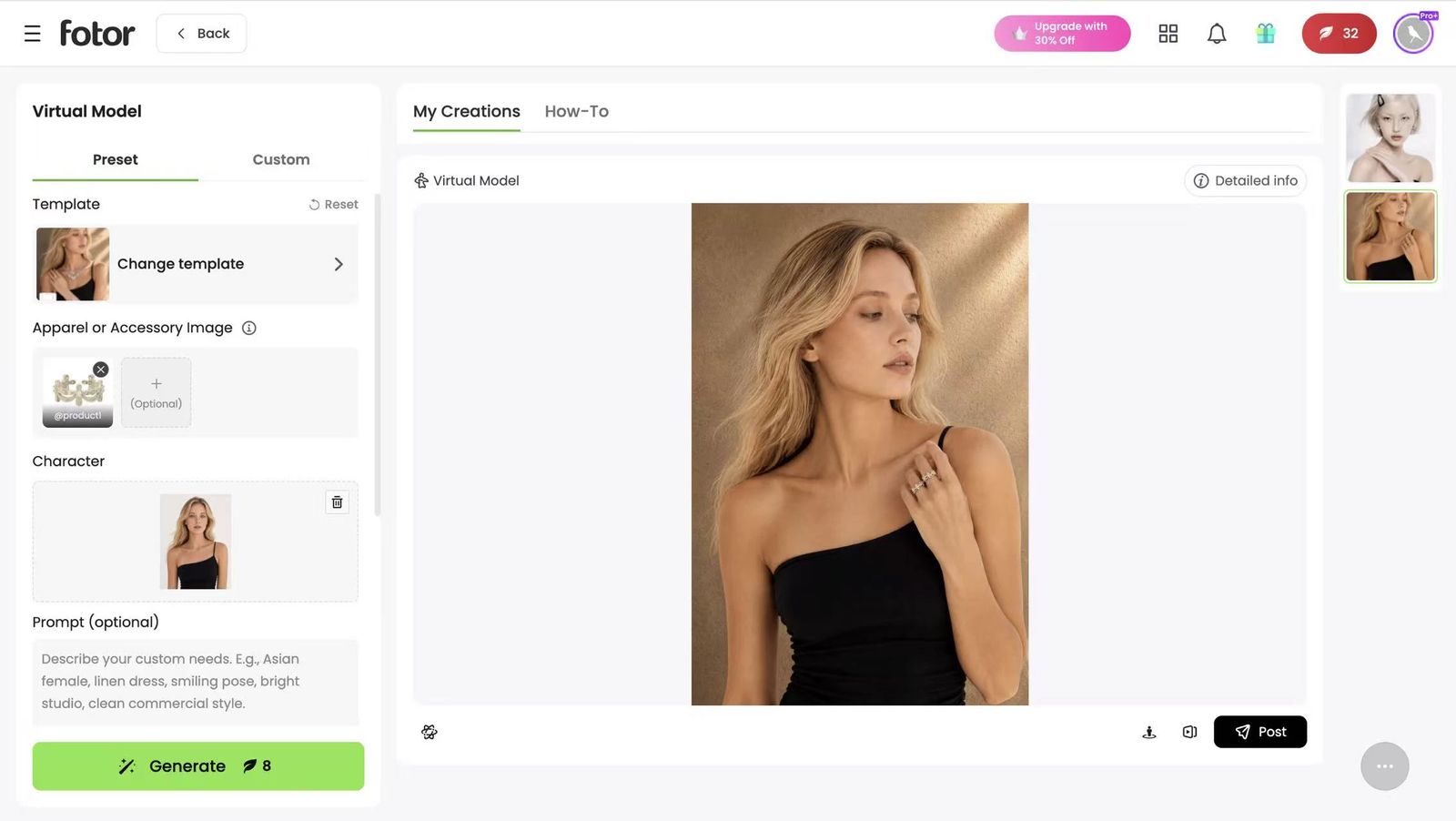
The workflow is straightforward: upload a product photo, select a model type and body part (hand, neck, ear, wrist), choose skin tone and styling preferences, and receive a realistic shot of a human wearing your piece. Specialized tools in this space use AI engines trained specifically on hand anatomy, ear structure, and neck proportions to avoid the "hallucination" problems that plague general-purpose generators, like extra fingers or unnatural joints.
The primary users are e-commerce teams, marketplace sellers, and DTC brands managing large catalogs that need frequent visual refreshes. Instead of scheduling a photoshoot every time you add new SKUs or want seasonal imagery updates, you generate variations on demand. A brand with 500 products can produce diverse on-model shots for every piece in days rather than months.
For jewelry sellers specifically, these tools address the reflection and lighting challenges covered in the previous section. The best platforms adjust shadows and contrast so the jewelry appears to genuinely interact with skin rather than looking pasted on top.
| Dimension | Design Generators | Virtual Try-On Tools | Catalog Photography Replacements |
|---|---|---|---|
| Primary User | Jewelry designers, creative directors | Retail brands, DTC e-commerce | E-commerce teams, marketplace sellers |
| Input Required | Text prompts, sketches, or reference images | Existing product photos + customer's live camera feed | Product photos (flat lay, ghost mannequin, white background) |
| Output Format | Novel concept renders of original designs | Real-time AR overlay on user's body | High-resolution on-model product photography |
| Typical Use Case | Ideation, client presentations, collection exploration | Customer engagement, reducing returns, virtual fitting | Catalog imagery, marketplace listings, ad creatives |
| Key Strength | Speed of creative exploration | Personalized customer experience | Scalable production at reduced cost |
Each category serves a legitimate need, and many jewelry businesses eventually use tools from more than one. A brand might use a design generator during collection development, catalog photography AI for product launches, and virtual jewelry try on for their customer-facing storefront. The key is matching the right tool type to the right stage of your workflow rather than expecting a single platform to handle all three.
Knowing which category you need is half the battle. The other half is understanding how different tools within each category present their interfaces, because the gap between a click-driven UI and a prompt-based workflow changes who can actually use the tool effectively.

Click-Driven UI vs Prompt-Based Generation
The interface sitting between you and the AI output shapes everything: how fast you get results, how much creative control you retain, and whether your team can actually adopt the tool without a training week. Two dominant approaches have emerged across jewelry design tools and catalog photography platforms, and they serve fundamentally different users.
Click-Driven Interfaces and No-Prompt Workflows
Some platforms eliminate text prompts entirely. Instead of typing a description, you make selections through guided menus: pick a model type, choose a pose, select a background, adjust lighting direction. Each decision narrows the output space until the AI generates exactly what you configured, no writing required.
This approach works well for teams that need consistency without creative ambiguity. An e-commerce coordinator uploading 50 ring photos doesn't want to craft unique prompts for each one. They want to select "female hand, medium skin tone, neutral background, soft lighting" and batch the entire set. Tools like Rawshot.ai have built their entire workflow around this no-prompt philosophy, treating the generation process more like a jewelry configurator than a creative writing exercise.
The tradeoff is ceiling. Click-driven interfaces give you what's on the menu. If you need a specific pose that isn't offered, a background that doesn't exist in the presets, or a lighting setup outside the available options, you're stuck. For standardized catalog work, that constraint is actually a feature because it prevents inconsistency. For creative campaigns, it becomes a limitation fast.
Prompt-Based Generation and Creative Control
Prompt-driven tools hand you the steering wheel. You describe what you want in natural language, and the AI interprets your instructions. The flexibility is enormous, but so is the skill requirement.
Effective prompting for jewelry demands two vocabularies simultaneously. You need jewelry terminology: prong settings, cathedral shanks, halo settings, channel settings, bezel mounts, pavé arrangements. And you need photography language: Rembrandt lighting, shallow depth of field, 45-degree key light, diffused fill, specular highlights. Someone who knows both can produce remarkably specific outputs. Someone who doesn't will spend hours iterating toward mediocre results.
This is where ai jewelry design software aimed at professionals diverges from consumer-facing tools. Platforms like Tashvi AI offer guided prompt modes that suggest jewelry-specific terminology, bridging the gap between freeform creativity and structured generation. You get the flexibility of prompts with guardrails that prevent common mistakes like requesting physically impossible designs or contradictory lighting setups.
For designers already fluent in both vocabularies, prompt-based tools feel like an online jewellery design tool with unlimited creative range. For everyone else, the learning curve is real.
Batch Processing and API Access for Scale
Here's where the conversation shifts from creative preference to operational necessity. Processing 10 images manually through a web interface is fine. Processing 10,000 is not. At catalog scale, the interface question becomes an infrastructure question.
API access lets development teams integrate generation directly into their product information management systems. A new SKU enters the database, triggers an API call, and receives on-model imagery without anyone opening a browser. Platforms like Claid.ai have built their value proposition around this programmatic approach, serving enterprise operations managing thousands of SKUs where manual uploads would require dedicated headcount.
The right approach depends on where you sit:
- Independent jewelers (under 100 SKUs) — Click-driven interfaces offer the fastest path to results. No technical skills needed, consistent output, minimal learning curve. The constraint on creative options rarely matters when the goal is clean catalog shots. Software jewelry design free tiers from several platforms cover this volume comfortably.
- E-commerce teams (100-1,000 SKUs) — A hybrid works best. Use click-driven tools for standardized product shots, switch to prompt-based generation for hero images and campaign creatives. Batch upload features become essential at this scale, even without full API integration.
- Enterprise brands (1,000+ SKUs) — API access is non-negotiable. The cost of manual processing at this volume exceeds the engineering investment to automate. Look for tools offering webhook callbacks, bulk job queuing, and integration with existing DAM and PIM systems.
The interface choice isn't permanent. Many teams start with click-driven tools to validate that AI-generated imagery meets their quality bar, then graduate to API-driven workflows once they've proven the concept and need to scale. What matters is matching the tool's interaction model to your current operational reality rather than over-investing in infrastructure you don't need yet, or under-investing in automation that would pay for itself in weeks.
Of course, choosing between interfaces is only one dimension of the decision. Evaluating output quality, catalog consistency, and whether a tool actually handles jewelry's unique optical challenges requires a more structured framework.
How to Evaluate and Choose the Right Tool
A structured framework saves you from the trial-and-error loop that burns through free credits and weeks of testing. Whether you're evaluating an ai ring designer for concept work or a catalog photography tool for your Shopify store, the criteria below separate tools that handle jewelry well from those that merely claim to.
Quality Factors That Matter for Jewelry
Resolution is the first gate. Jewelry demands macro-level detail because buyers zoom in to inspect prong counts, stone clarity, and metal texture. Most e-commerce platforms set minimum thresholds: Etsy recommends 3,000+ pixels for jewelry listings, Amazon requires at least 1,600 pixels on the longest side, and Shopify suggests 2,048 pixels for optimal zoom behavior. If a tool outputs at 1024x1024, you're already below the bar for serious catalog use.
Color accuracy is the second factor, and it's where jewelry-specific tools earn their keep. Gold needs to read as gold, not brass. Rose gold shifts from pink to copper depending on lighting temperature. Platinum must look distinct from silver, a difference that's subtle but meaningful to anyone shopping for an ai engagement ring generator concept or browsing real product listings. Tools that lock color temperature across every generation eliminate the drift that makes identical 14k pieces look like different alloys across your catalog.
Then there's the reflection and refraction challenge. Polished metals mirror their environment. Gemstones bend light internally. A tool that simply pastes a ring onto a hand without adjusting shadows, highlights, and caustic patterns produces output that looks fake at a glance. The best platforms offer relighting capabilities that make jewelry appear to genuinely interact with skin, casting natural shadows and picking up subtle ambient color from the surrounding scene.
Operational Criteria for Business Use
Quality per image matters, but so does quality at scale. Can the tool maintain visual consistency across 200 product shots? If each generation introduces slight variations in lighting angle, skin tone rendering, or jewelry positioning, your catalog looks disjointed rather than professionally curated.
Model diversity is another operational requirement. Your customer base isn't monolithic, and your imagery shouldn't be either. Look for platforms offering a range of ethnicities, skin tones, and age groups. Color theory plays a role here too: yellow gold often pops on warmer skin tones, while silver and white gold look striking against cooler or darker complexions. The ability to match model characteristics to metal types lets you present every piece in its most flattering context.
For teams managing large inventories, whether you're a custom pendant creator selling on multiple marketplaces or a DTC brand refreshing seasonal imagery, batch processing and throughput become decisive. A tool that handles one image at a time won't serve a 500-SKU catalog needing quarterly updates. Similarly, if you're building a 3d pendant creator workflow or integrating with a 3d jewelry configurator pipeline, check whether the platform offers API access or bulk upload features that connect to your existing systems.
| Criterion | Why It Matters | What to Look For |
|---|---|---|
| Output Resolution | Jewelry buyers zoom to inspect fine details like prong settings and stone facets | Minimum 2048x2048; 4K option for hero shots and print |
| Metal Color Accuracy | Gold, silver, platinum, and rose gold must read correctly across lighting conditions | Locked color temperature; no drift between generations |
| Reflection Handling | Polished metals and gemstones interact with light in complex ways | Relighting, shadow adjustment, and specular highlight control |
| Model Diversity | Catalog imagery should represent your actual customer base | Range of ethnicities, skin tones, ages; ability to match skin to metal type |
| Catalog Consistency | Inconsistent lighting or framing across SKUs cheapens brand perception | Style-locking, composition templates, or batch settings that persist |
| Jewelry Category Support | Rings, necklaces, earrings, and bracelets each require different body parts and angles | Dedicated modes for hand, neck, ear, and wrist; not just full-body fashion |
| Batch Processing | Manual one-off generation doesn't scale beyond small catalogs | Bulk upload, queue management, or API access for programmatic workflows |
| Product Preservation | AI must not hallucinate extra prongs, alter stone shapes, or modify your actual product | Compositor-style architecture that keeps original product pixels intact |
For jewelry sellers, DTC brands, and content teams focused specifically on the catalog photography replacement category, Snappyit's Jewelry Model tool checks several of these boxes in a single platform. It's built for scalable on-model imagery with reduced production overhead, letting you generate diverse model shots, test creative variations quickly, and maintain consistency across your product catalog without coordinating photoshoots. If your primary bottleneck is producing enough high-quality on-model content to keep listings fresh and ads performing, it's a strong starting point, particularly for teams that want results without the complexity of prompt engineering or custom pendant maker app development.
No evaluation framework is complete without understanding what you're comparing against. The real question for most jewelry businesses isn't whether AI tools produce good images in isolation. It's whether the output quality and cost structure justify replacing or supplementing the traditional photography workflow you're already running.

AI Generation vs Traditional Jewelry Photography
The evaluation criteria above tell you what to look for in a tool. But the bigger strategic question is whether AI-generated imagery makes financial sense compared to the jewelry photography service workflow you may already have in place. The answer depends on your catalog size, update frequency, and where each image lives in your marketing funnel.
Traditional Jewelry Photography Costs and Bottlenecks
A traditional on-model jewelry shoot involves more moving parts than most sellers anticipate. You're coordinating studio rental, a photographer experienced with reflective surfaces, a hand or body model, a stylist, and a retoucher who handles the jewelry photo editing after the shoot wraps. Each component carries its own cost:
- Studio rental — Industry rates range from $300 to $1,500 per day depending on city and equipment included.
- Photographer — Expect $500 to $2,500 per day for someone skilled with jewelry's reflective and refractive challenges.
- Model — Hand models for ring and bracelet shots run $300 to $1,500+ per day, plus agency fees.
- Styling and props — $100 to $500 for backgrounds, surfaces, and complementary elements.
- Post-production — Retouching runs $10 to $50 per image, covering scratch removal, color correction, and background cleanup.
For a brand shooting 50 products at three angles each, a single session can land between $4,000 and $10,000. That's roughly $26 to $66 per final image. And here's the bottleneck: these costs scale linearly. Double your catalog, double your spend. Need seasonal refreshes or new marketplace-specific formats? That's another shoot, another invoice, another three-to-six-week turnaround from booking to delivery.
Even small efficiencies like batching pieces in a single session or reusing lighting setups only compress costs so far. Consolidating shoots reduces per-image overhead, but the fundamental economics remain: every new product requires physical time in front of a camera.
AI Generation Economics and Tradeoffs
AI tools restructure the cost model entirely. Instead of paying per shoot, you pay per image or per subscription tier. Reported per-image costs for AI generation range from $0.02 to $0.50, a reduction that looks dramatic on paper and holds up in practice for catalog-scale work. A 500-SKU refresh that would cost tens of thousands traditionally might run under $250 with AI generation.
The speed difference compounds the savings. Traditional workflows take weeks from brief to final delivery. AI generation takes minutes. That speed advantage means you can test multiple model types, skin tones, and backgrounds for the same product without incremental cost, then let conversion data tell you which performs best. You're no longer guessing which creative direction to commit your photography budget to.
But AI doesn't win everywhere. Traditional photography still delivers superior results for:
- Hero campaign imagery — Flagship pieces that anchor your brand story benefit from the intentionality and emotional nuance a skilled photographer brings.
- Editorial content — Magazine features, lookbooks, and brand films require human creative direction that AI can't replicate.
- Exact stone color matching — When a customer is choosing between two sapphire shades, AI-generated lighting may introduce subtle color shifts that a controlled studio environment avoids.
The jewellery photo edit workflow also differs. Traditional retouching gives a skilled editor pixel-level control over every highlight and shadow. AI outputs arrive "finished" but offer less granular post-processing flexibility. For most catalog use cases, that's fine. For a $50,000 one-of-a-kind piece, you probably want a human jewellery photo editing specialist making those final calls.
So when does each approach make sense? Here's a practical decision framework:
- Use AI generation when you need volume, speed, and variation. Large catalogs, marketplace listings, seasonal refreshes, A/B testing ad creatives, and any scenario where you're producing more than a handful of on-model shots per month. The ROI case is strongest for brands managing 100+ SKUs that need frequent visual updates.
- Use traditional photography when the image carries outsized brand weight. Annual campaign shoots, editorial placements, pieces where exact color fidelity is contractually required, and content that tells a story beyond the product itself.
- Combine both when you want premium anchor imagery supported by scalable catalog content. Invest in one or two professional shoots per year for hero assets, then use AI to generate the hundreds of supporting product shots, social media variations, and marketplace-specific formats your channels demand daily.
The hybrid approach is where most growing jewelry brands land. You're not choosing between quality and efficiency. You're allocating each to the context where it delivers the highest return. A free jewelry editing photo service or basic jewelry photo editor might handle simple background swaps, but for on-model generation at scale, dedicated AI tools occupy a cost tier that traditional photography simply cannot match.
The economics make a compelling case, but cost savings mean nothing if the output doesn't meet your quality bar. And jewelry, with its reflective metals and transparent stones, still presents specific failure modes that every buyer should understand before committing to an AI-first workflow.
Limitations and Realistic Expectations for Jewellery AI Tools
Cost savings and speed are real, but so are the failure modes. Every practitioner working with these tools encounters outputs that look wrong in ways that are immediately obvious to anyone who knows jewelry. Understanding where AI breaks down helps you set realistic expectations, build quality control checkpoints into your workflow, and avoid publishing images that damage buyer trust.
Where AI Jewelry Generation Still Struggles
Jewelry's physical complexity creates specific, repeatable failure patterns. These aren't random glitches. They're systematic weaknesses tied to how diffusion models interpret fine detail and optical behavior. The Gemological Institute of America documented these failures across major AI tools in their Fall 2024 Gems & Gemology study, finding that every general-purpose generator struggles with structural accuracy.
Here's what you'll encounter in practice:
- Intricate filigree losing detail — Fine metalwork with open patterns and scrollwork tends to collapse into solid blobs or merge into adjacent elements. The AI treats these delicate structures as noise rather than intentional gem design, smoothing away the very craftsmanship that makes the piece valuable.
- Pavé settings appearing as texture — Instead of rendering individual micro-set stones with distinct prongs and facets, AI often reduces pavé to a sparkly surface pattern. Buyers who zoom in see a glittery smear rather than the dozens of individually set diamonds they're paying for.
- Transparent gemstones rendering incorrectly — A gemstone creator working with physical stones understands that light passes through, refracts, and exits at different angles. AI frequently treats transparent stones as opaque colored objects, killing the brilliance and fire that make them desirable. Emeralds lose their jardins, diamonds lose their scintillation, and aquamarines look like painted glass.
- Chain links merging — Delicate chains, especially cable, figaro, and rope styles, often fuse into solid ribbons. Individual links lose their separation, and the characteristic drape of a real chain disappears into something that looks more like a flat metal strip.
- Body chains and unconventional pieces producing artifacts — Anything that drapes across unusual body areas (harnesses, anklets, hand chains) confuses the AI's understanding of where jewelry ends and body begins. You'll see chains passing through skin, clasps floating in mid-air, and connections that defy physics.
- Prong count inaccuracies — A 4-prong solitaire might arrive with 5 or 6 prongs. A 6-prong setting might show 4. As GIA concluded, "AI has no concept of what can actually be manufactured," and these structural hallucinations constitute product misrepresentation if published.
Modelling earrings presents its own challenges. Drop earrings need natural hang influenced by gravity, and AI frequently renders them at angles that would be physically impossible given the attachment point. Photo earrings with post backs sometimes show the post passing through the earlobe at wrong angles or disappearing entirely.
Brand Consistency and Quality Control Challenges
Even when individual outputs look good, maintaining visual coherence across an entire catalog introduces a second layer of difficulty. Generate 200 on-model ring shots and you'll notice subtle drift: lighting temperature shifts between generations, skin tones vary slightly from image to image, and jewelry positioning on the hand isn't perfectly consistent.
Why does this matter? A survey of over 1,000 jewelry brands found that 28% name consistency as a top struggle, and 82% already use 3-5 photography styles per listing, compounding the problem with every SKU added. When AI introduces its own variation on top of existing inconsistency, the catalog starts looking like it was assembled from stock photos rather than produced by a cohesive brand.
The practical impact is real. Identical 14k yellow gold pieces rendered across separate generation sessions can end up looking like different alloys because the AI made slightly different lighting decisions each time. One ring reads warm gold, the next reads almost brass, and a third leans toward rose. Customers browsing your collection notice this, consciously or not, and it signals a lack of attention to detail.
This is why style-locking and composition template features matter for production use. Tools that let you define a lighting setup, color temperature, and framing once, then apply it consistently across every generation, solve the drift problem at its source. Without these features, you're left manually reviewing and rejecting outputs that don't match your established visual language, which erodes the speed advantage that justified using AI in the first place.
When AI-Generated Imagery Is Not Appropriate
Some contexts demand accuracy that current AI tools cannot reliably guarantee. Knowing when to step back to traditional photography protects your brand and keeps you compliant:
- High-end editorial and brand campaigns — Luxury positioning requires intentional creative direction, emotional storytelling, and a level of nuance that AI generation doesn't deliver. A $30,000 engagement ring deserves imagery crafted with the same care as the piece itself.
- Exact stone color matching — When customers are choosing between specific gemstone shades, like a Burmese ruby versus a Mozambique ruby, AI-introduced color shifts can lead to returns and eroded trust. Industry data shows 22% of e-commerce returns happen because items look different in person than in photos, and for jewelry this number runs higher.
- Regulatory and certification contexts — Pieces sold with gemological certificates or grading reports need imagery that accurately represents the specific stone. A hallucinated extra facet or altered color saturation could constitute misrepresentation.
- Custom and one-of-a-kind pieces — When a customer commissions a bespoke piece, the final product photo needs to match reality exactly. AI's tendency to "improve" or subtly alter details works against you here.
To set practical expectations, here's how different jewelry types rank by AI generation difficulty, from most reliable to most problematic:
- Easiest — Simple bands, solitaire rings with minimal settings, stud earrings, solid bangles
- Moderate — Halo settings, tennis bracelets, pendant necklaces, drop earrings
- Difficult — Pavé-set pieces, multi-stone arrangements, chains with visible individual links, pieces with mixed metals
- Very difficult — Intricate filigree, vintage pieces with milgrain detailing, body chains, pieces featuring transparent colored gemstones
- Hardest — Articulated pieces with moving parts, charm bracelets with many distinct elements, pieces combining multiple gemstone types with different optical properties
None of this means AI tools are unusable. It means you need a quality control step between generation and publication. Treat AI output as a first draft that requires human review, not a finished asset ready for your product page. The brands getting the best results pair AI generation with a brief manual review pass, catching the structural errors and consistency drift before customers ever see them.
These limitations shape how you integrate AI into your actual production workflow. The practical question isn't whether the technology is perfect. It's how you build a process around its strengths while compensating for its weaknesses at each stage of your content pipeline.

Getting Started with a Practical Workflow
Knowing the limitations is what separates a frustrating experience from a productive one. The brands seeing real results from AI jewelry model generation aren't the ones expecting perfection on every output. They're the ones who've built workflows that play to the technology's strengths, route around its weaknesses, and match the process to their operational scale.
Here's how that looks in practice for three distinct user profiles.
Workflow for Independent Jewelers and Small Sellers
If you're running a small operation, maybe selling on Etsy, your own Shopify store, or local marketplaces, your workflow should be lean and repeatable. You don't need complex pipelines. You need a process that turns finished pieces into listing-ready imagery without eating your entire afternoon.
- Photograph each piece on a plain background — Use your phone in natural daylight. A white surface or simple backdrop works best. Center the piece, avoid harsh shadows, and shoot from a straight-on or slightly elevated angle. One clean photo per product is enough to start.
- Upload to your AI generation tool — Select the body part that matches your piece: hand for rings and bracelets, neck for pendants and chains, ear for earrings. Choose a skin tone and model style that represents your target customer.
- Generate 3-5 on-model variations — Test different angles, backgrounds, or model diversity options. This takes minutes, not hours.
- Review and select the best outputs — Check for the failure modes covered in the previous section: merged chain links, incorrect prong counts, unnatural gemstone rendering. Reject anything that misrepresents your product.
- Publish to your marketplace listings — Pair AI-generated on-model shots with your original product photos. Buyers get both the clean product view and the lifestyle context that drives conversion.
For independent makers producing one-of-a-kind pieces, this workflow solves a specific pain point. Research shows 90% of Etsy shoppers rank photo quality as the most important purchase factor, yet solo sellers often can't justify the cost of professional on-model photography for items that may sell within days. AI generation lets you produce compelling imagery for pieces that might be gone before a traditional photoshoot could even be scheduled.
Many independent jewelers also use free ai ring design tools or platforms that let you design jewelry online free during their ideation phase. The workflow naturally extends: concept generation for exploration, then on-model photography generation once the physical piece exists. Both stages benefit from AI, but they use different tool categories.
Workflow for E-Commerce Teams and DTC Brands
Larger operations need more structure. When you're managing hundreds of SKUs across multiple channels, the workflow shifts from individual image creation to systematic content production.
Batch processing existing product photography: Rather than uploading one image at a time, e-commerce teams feed entire product catalogs through generation pipelines. The goal is producing consistent on-model imagery for every SKU in your inventory, not just new arrivals. This means establishing generation settings once, including model type, lighting style, background, and framing, then applying them uniformly across the batch.
A/B testing model diversity and styling: With AI, you can generate the same ring on five different hand models with varying skin tones and nail styles, then let performance data tell you which converts best for each audience segment. DTC brands competing on creative velocity use this capability to test imagery variations weekly rather than quarterly, something that would be economically impossible with traditional photography.
Integrating outputs into existing DAM systems: Generated images need to flow into your digital asset management platform with proper metadata: SKU association, channel designation, version tracking. Teams that skip this step end up with thousands of generated images scattered across local drives, losing the organizational advantage that makes AI generation scalable in the first place.
Maintaining brand guidelines across generated imagery: This is where style-locking features earn their value. Define your brand's visual language, including lighting temperature, background palette, model aesthetic, and framing conventions, then enforce it across every generation. Without this discipline, AI's inherent variation works against you, producing a catalog that looks assembled rather than curated.
For DTC brands looking to test this workflow without heavy infrastructure investment, Snappyit's Jewelry Model tool offers a practical starting point. It's built for scalable on-model imagery and creative variation testing, letting content teams generate diverse model shots and iterate quickly without coordinating photoshoots or managing complex prompt engineering. The focus on reducing production overhead makes it especially relevant for teams that need to move fast across seasonal refreshes and new product drops.
An ai engagement ring try on feature might serve your customer-facing storefront, but the catalog photography workflow described here serves your backend content operations. Both matter, but they solve different problems at different points in the funnel.
Integration with Professional Tools
AI-generated imagery doesn't exist in isolation. It fits into a broader ecosystem of professional tools that jewelry businesses already use, and understanding those connection points prevents workflow friction.
Design and CAD software: If you're using Rhino or MatrixGold for 3D jewelry modeling, AI-generated concept images can serve as visual briefs for your CAD team. A designer exploring ideas through a ring designer online free tool or online jewelry design software free platform can hand off AI-generated concepts as reference material, giving the CAD modeler a clear target without requiring detailed technical drawings upfront. The AI output isn't manufacturing-ready geometry, but it communicates design intent faster than verbal descriptions or mood boards.
Adobe Creative Suite: Most teams still run AI-generated outputs through a light Photoshop or Lightroom pass before publication. Color correction, minor cropping adjustments, and format conversion for specific platform requirements happen here. The key is keeping this touch-up minimal. If you're spending 20 minutes retouching every AI-generated image, the speed advantage evaporates. Treat it as a quality gate, not a redesign step.
E-commerce platforms: Shopify, WooCommerce, Amazon, and Etsy each have specific image requirements for dimensions, file size, and format. Build these specs into your generation settings from the start so outputs arrive platform-ready. Some AI tools offer direct export presets for major marketplaces, eliminating the manual resize step entirely.
Product Information Management (PIM) systems: For brands operating at scale, the connection between your PIM and your generation tool determines whether AI imagery stays organized or becomes chaotic. The ideal setup triggers generation automatically when new SKUs enter the system, associates outputs with the correct product record, and flags images for review before they go live.
Whether you're a solo maker using your phone and a single AI tool, or a 20-person e-commerce team with automated pipelines, the principle is the same: build a repeatable process that accounts for AI's strengths and limitations, then refine it as your volume grows. Start simple, validate quality, and scale deliberately. The tools that let you design engagement ring online free concepts or generate catalog photography at volume are only as effective as the workflow wrapping them.
Frequently Asked Questions About AI Jewelry Model Generators
1. What is an AI jewelry model generator?
An AI jewelry model generator is a software tool that uses diffusion-based artificial intelligence to produce visual outputs related to jewelry. Depending on the tool type, it can generate original jewelry designs from text prompts, create realistic human models wearing jewelry for e-commerce catalog photography, or build 3D digital representations of jewelry pieces for manufacturing. The term covers three distinct categories, so identifying which type matches your specific need, whether design ideation, scalable product imagery, or virtual try-on, is essential before choosing a platform.
2. Can AI generate realistic on-model jewelry photos for e-commerce?
Yes, catalog photography replacement tools can generate professional on-model jewelry imagery from simple product photos. You upload a flat lay or white-background shot, select a model type, skin tone, and body part (hand, neck, ear, or wrist), and receive realistic images of a person wearing your piece. Tools like Snappyit's Jewelry Model (snappyit.ai/jewelry-model) are built specifically for this use case, offering scalable on-model imagery with diverse model options and consistent lighting. However, a human review step is recommended before publishing, as AI can occasionally produce artifacts with intricate settings or transparent gemstones.
3. How much does AI jewelry photography cost compared to traditional photoshoots?
Traditional on-model jewelry photography typically costs $26 to $66 per final image when factoring in studio rental, photographer fees, model booking, styling, and retouching. AI generation tools restructure this to roughly $0.02 to $0.50 per image through subscription or per-image pricing. A 500-SKU catalog refresh that might cost tens of thousands with traditional methods can run under $250 with AI. The strongest ROI case applies to brands with large catalogs needing frequent updates, though traditional photography still wins for hero campaign shots and editorial content where emotional storytelling matters.
4. What are the limitations of AI-generated jewelry images?
AI jewelry generation struggles with specific failure modes: intricate filigree collapses into blobs, pave settings render as sparkly textures rather than individual stones, transparent gemstones appear opaque, chain links merge into solid ribbons, and prong counts are often inaccurate. Brand consistency across large catalogs is another challenge, as subtle lighting and color drift between generations can make identical gold pieces look like different alloys. These limitations mean AI output should be treated as a first draft requiring human quality review, not a finished asset ready for immediate publication.
5. Do I need prompt engineering skills to use an AI jewelry model generator?
Not necessarily. Two interface approaches exist: click-driven tools that use guided menus for model selection, pose, background, and lighting without any text input, and prompt-based tools that offer more creative flexibility but require knowledge of jewelry terminology (prong settings, halo settings, channel settings) and photography language (lighting direction, depth of field). Independent jewelers and small teams typically find click-driven interfaces faster and more consistent for catalog work, while designers and creative teams benefit from prompt-based control for campaign imagery and concept exploration.