Upgrade Your Visuals Now
 Click or drag image hereUpload Image
Free Try
No images?Try one of these
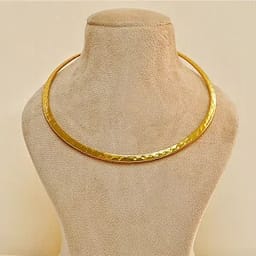
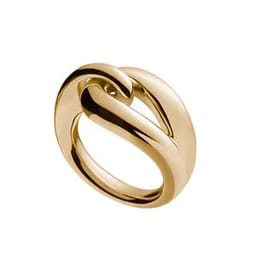
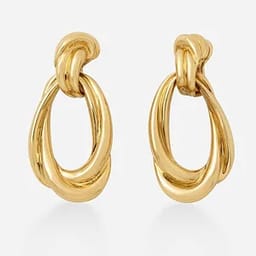
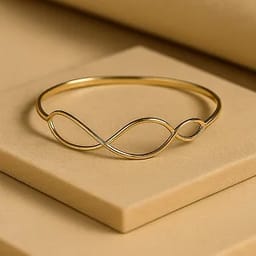
By uploading an image you agree to our Terms of Service and Privacy Policy.
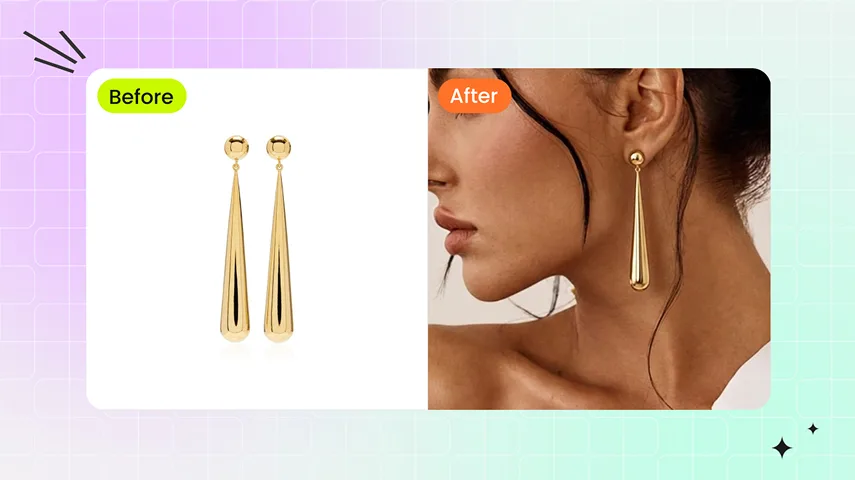
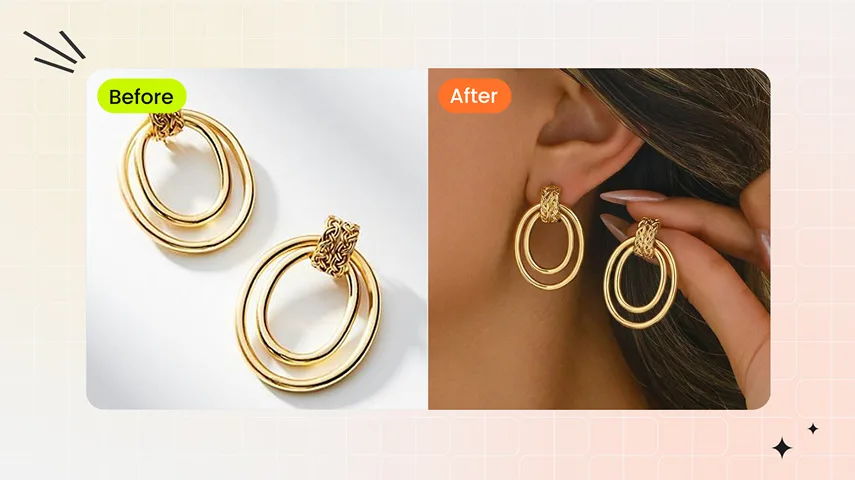
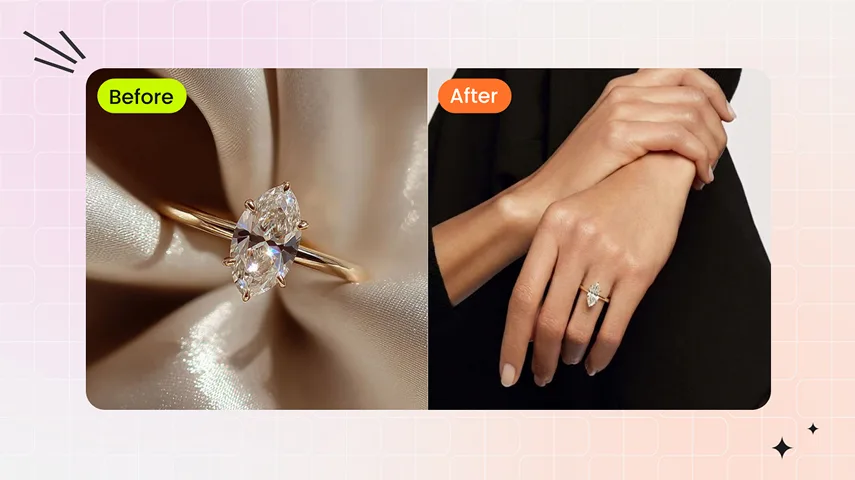
See Your Jewelry Transformed on Realistic AI Models
Apply your jewelry to top-performing try-on templates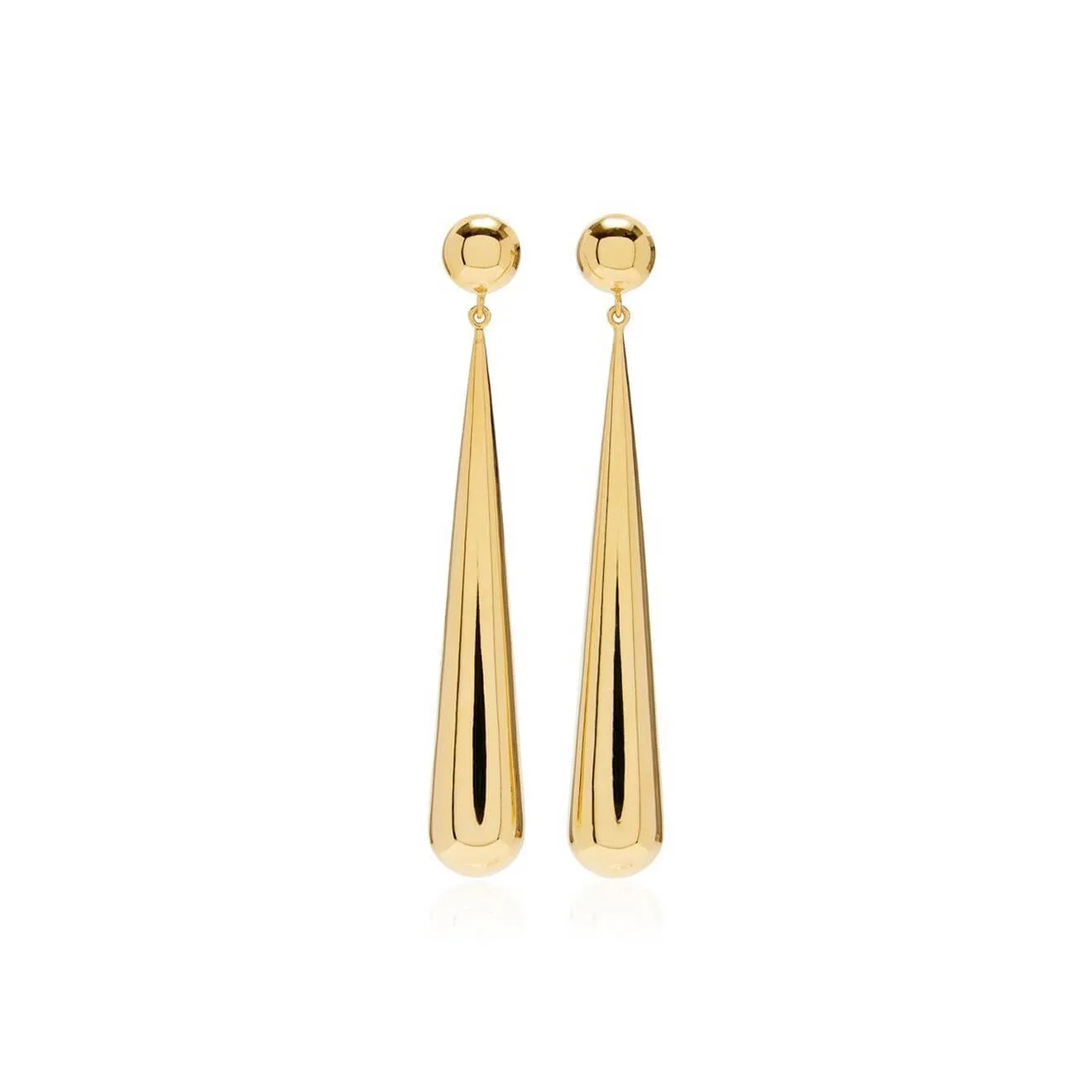
Before
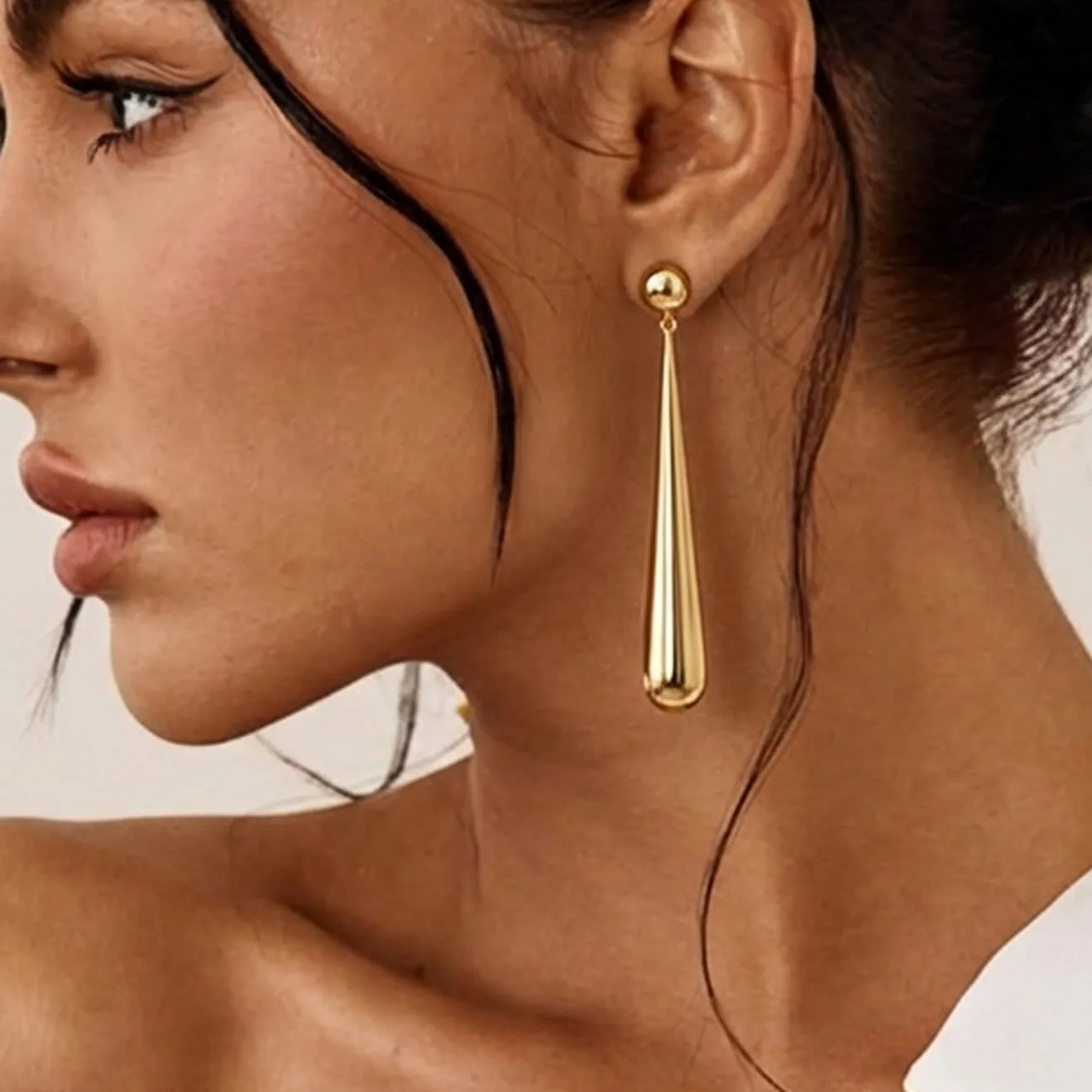
After
Before

Jewelry Marketing Visuals Made Smart, Efficient & Impactful
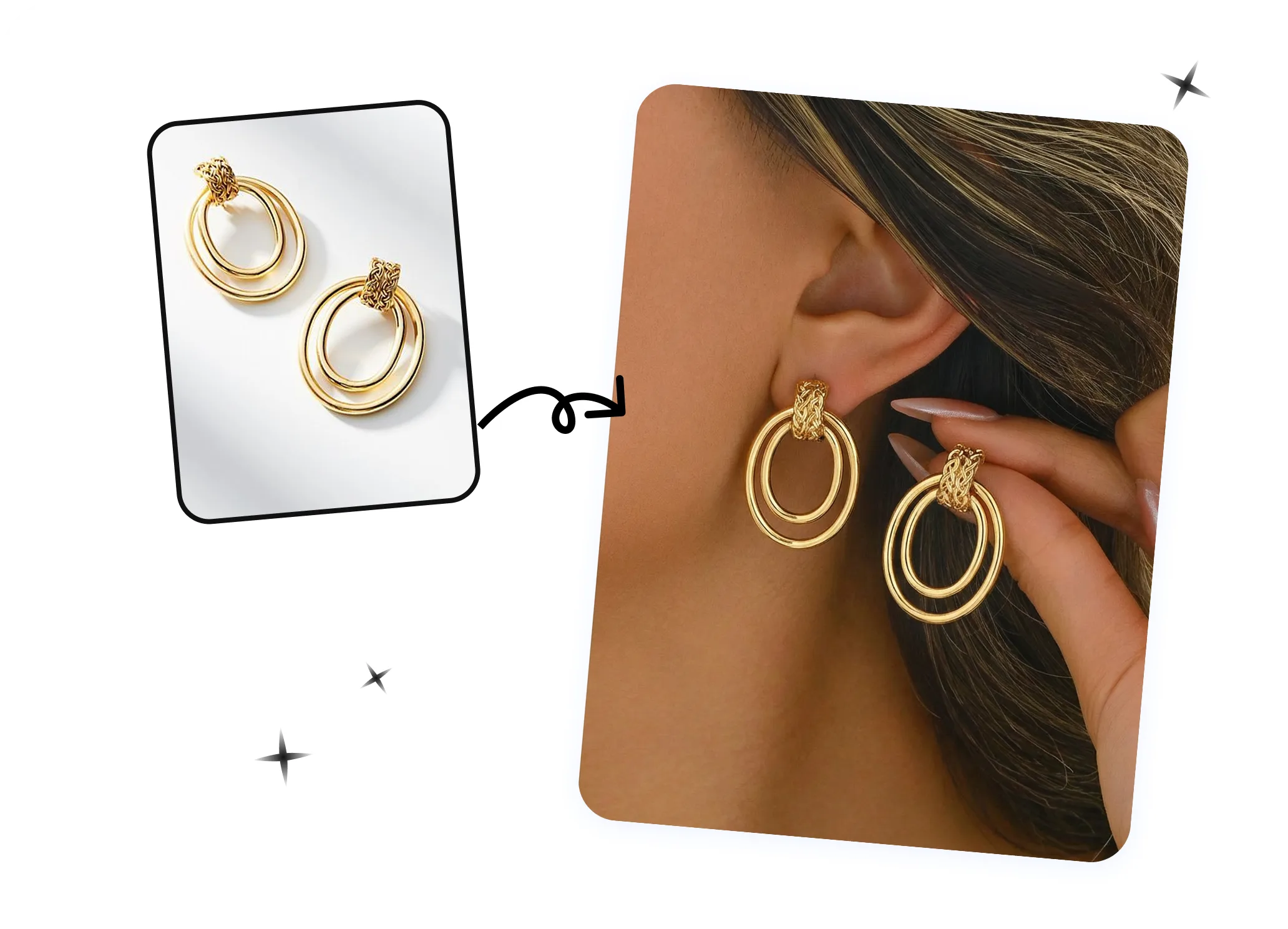
Smart — Automated & Scalable Visualization
Automatically generate professional on-model jewelry visuals with AI, allowing you to scale across your entire collection. Create multiple product images quickly without manual editing, ensuring consistent, high-quality presentation for all your jewelry pieces. Perfect for brands and e-commerce sellers who need speed and scalability.Create Jewelry Model Photos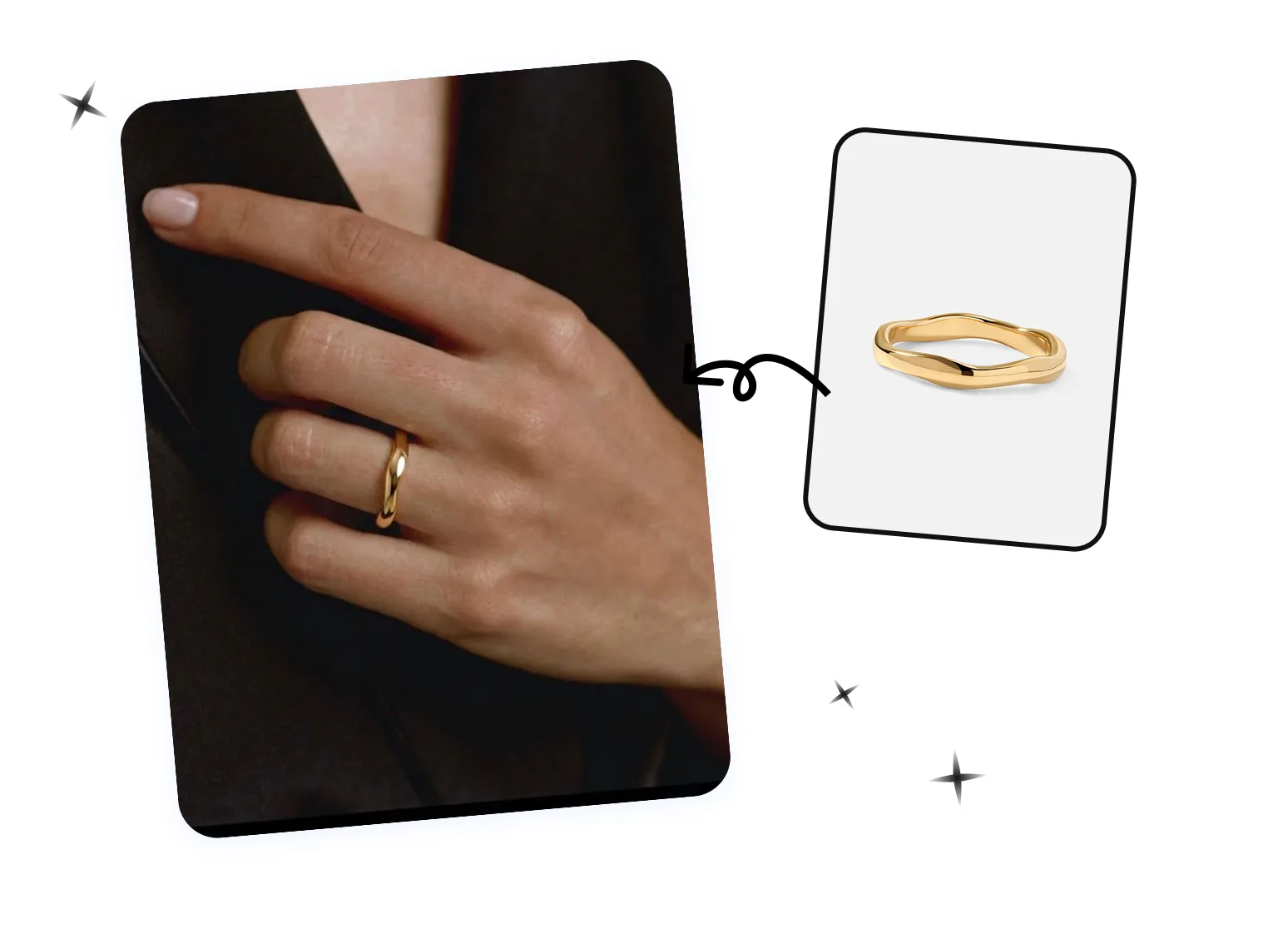
Efficient — Save Time & Cost
Produce high-quality jewelry model images instantly, eliminating the need for expensive photoshoots, studio setups, or professional photographers. Streamline your workflow while reducing production costs, enabling your team to focus on marketing, sales, and design instead of time-consuming image creation.Generate On-Model Images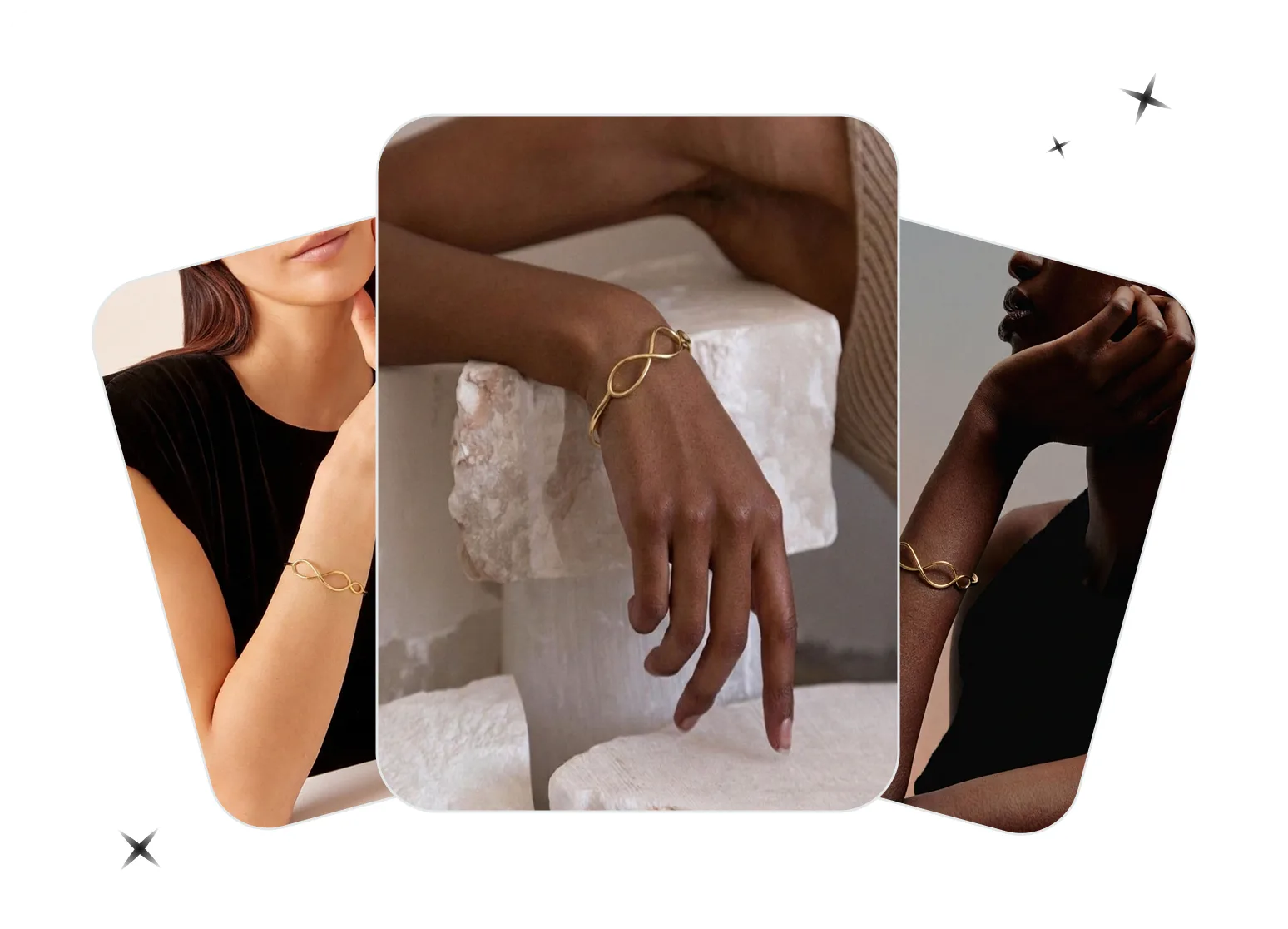
Impactful — Boost Product Appeal
Create visually striking jewelry visuals that captivate your audience and highlight every detail of your products. Enhance your listings, marketing campaigns, and social media with images designed to increase engagement, conversions, and overall brand presence, helping your jewelry stand out in a crowded marketplace.Showcase Jewelry on ModelsHow to Generate Stunning On-Model Jewelry Images in 3 Simple Steps
01
Upload Your Jewelry Product Image
- Desktop: Open the AI jewelry model generator and upload a clear, well-lit photo with the entire jewelry piece visible.
- Mobile: Download the Snappyit app for iOS or Android, select Jewelry Model, and create on-model images from your jewelry photos.
- Bulk: Generate on-model jewelry photos in bulk with the batch product photo editor; select Jewelry Model to create model-worn visuals for multiple jewelry pieces.
02
Select a Template or Upload Your Own
- Choose from our collection of ready-to-use templates designed for jewelry visuals, or upload a custom template to match your branding style.
- Templates ensure consistent, professional-looking results.
03
Generate & Download
- Click Generate to place your jewelry on the AI model within the selected template's scene.
- Once ready, download the high-resolution image for use in listings, ads, or marketing campaigns.
Take the Next Step to Smart AI Jewelry Retouching
Get jewelry images polished instantly with AI retouching.
Elevate your jewelry images instantly with AI retouching, refining every detail from shine to texture for professional-quality visuals. Combine with our on-model try-on feature to showcase your products in realistic settings, enhance listings, boost marketing campaigns, and create high-converting, visually stunning images effortlessly.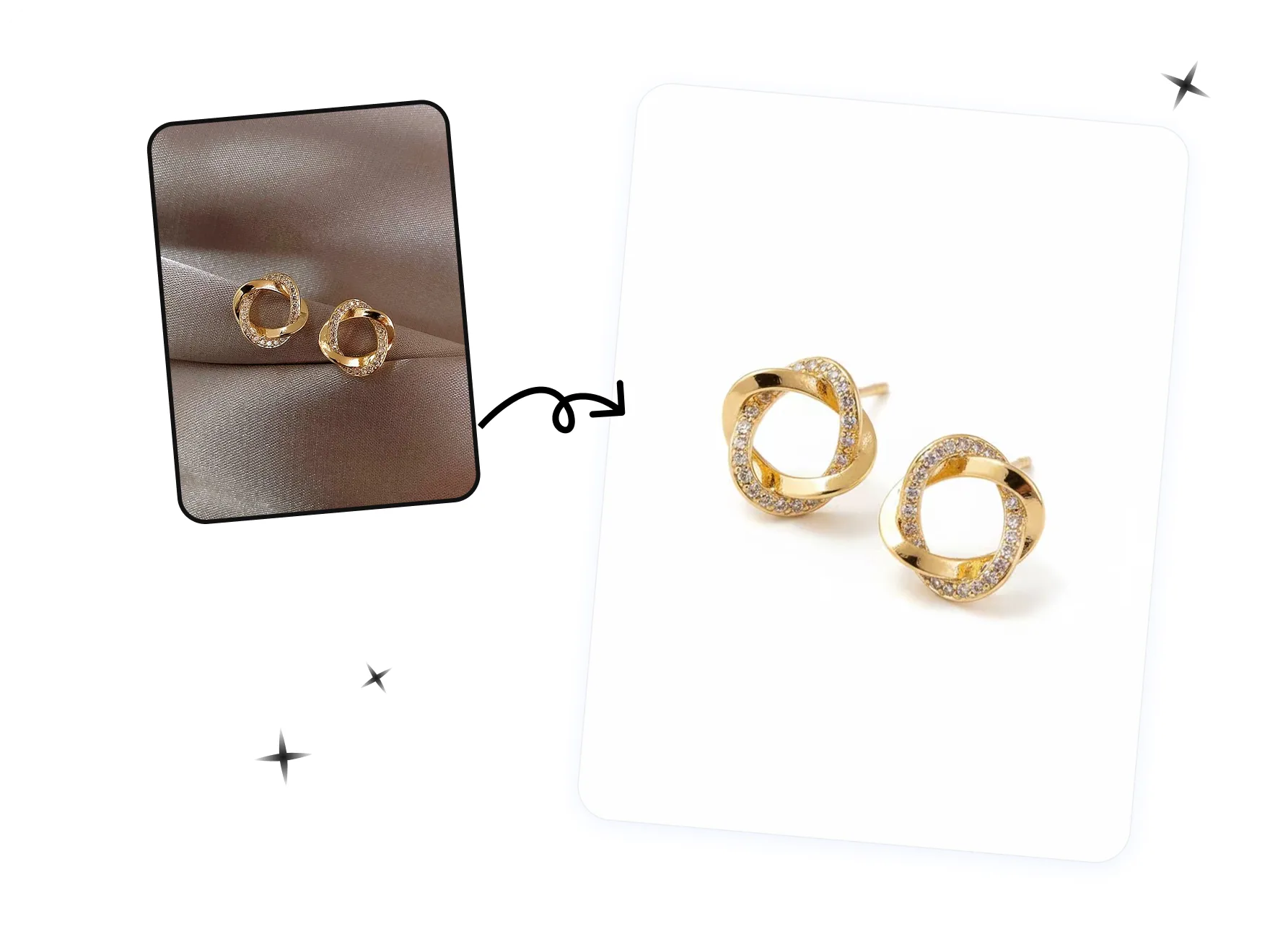
See How Brands Put Jewelry on AI Models
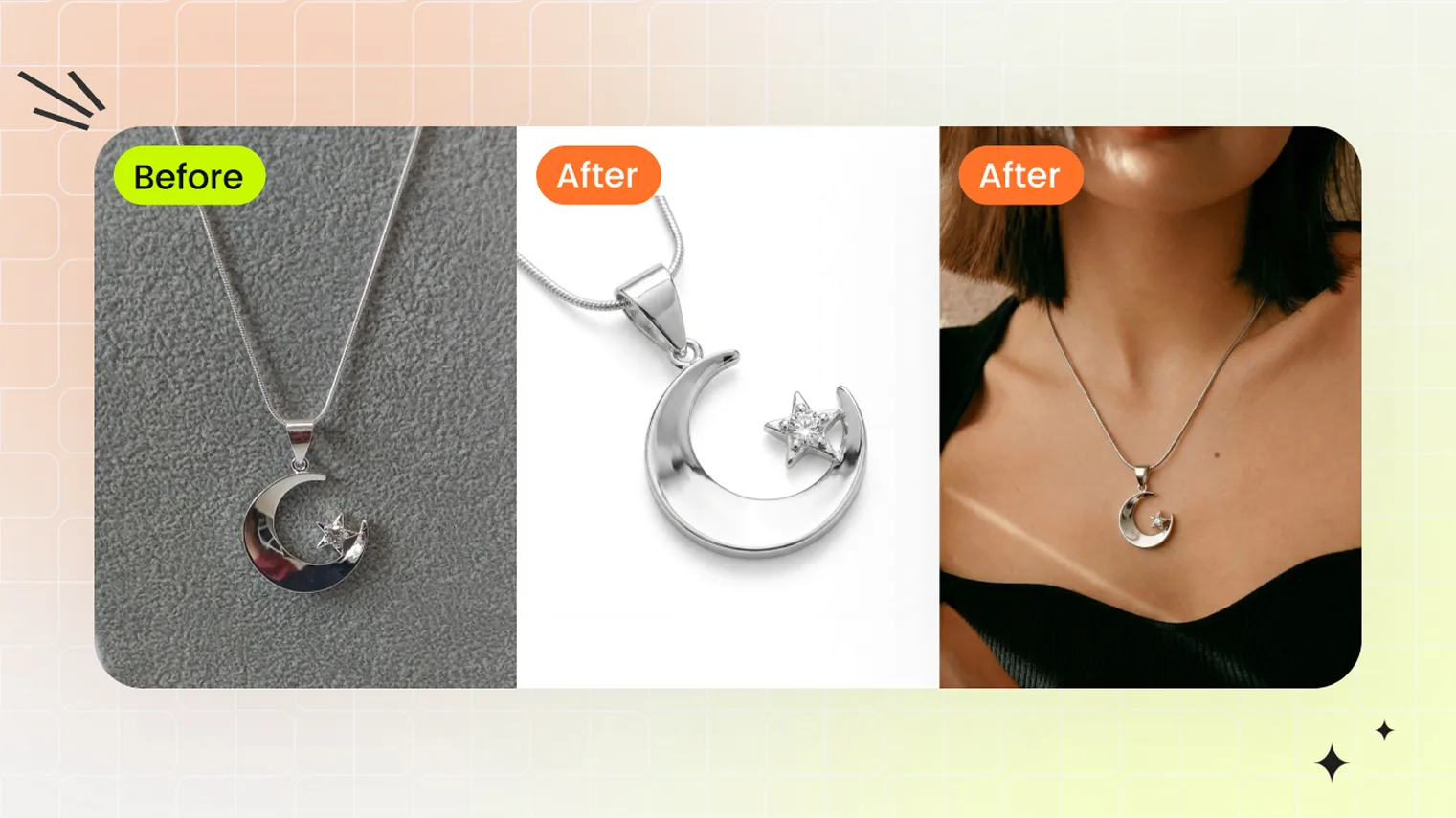 Jewelry SellersShip jewelry listings 10x faster — Snappyit Retouch cleans supplier photos to catalog white, Jewelry Model places pieces on model templates. Built for jewelry brands, dropshippers, and pre-launch sellers.
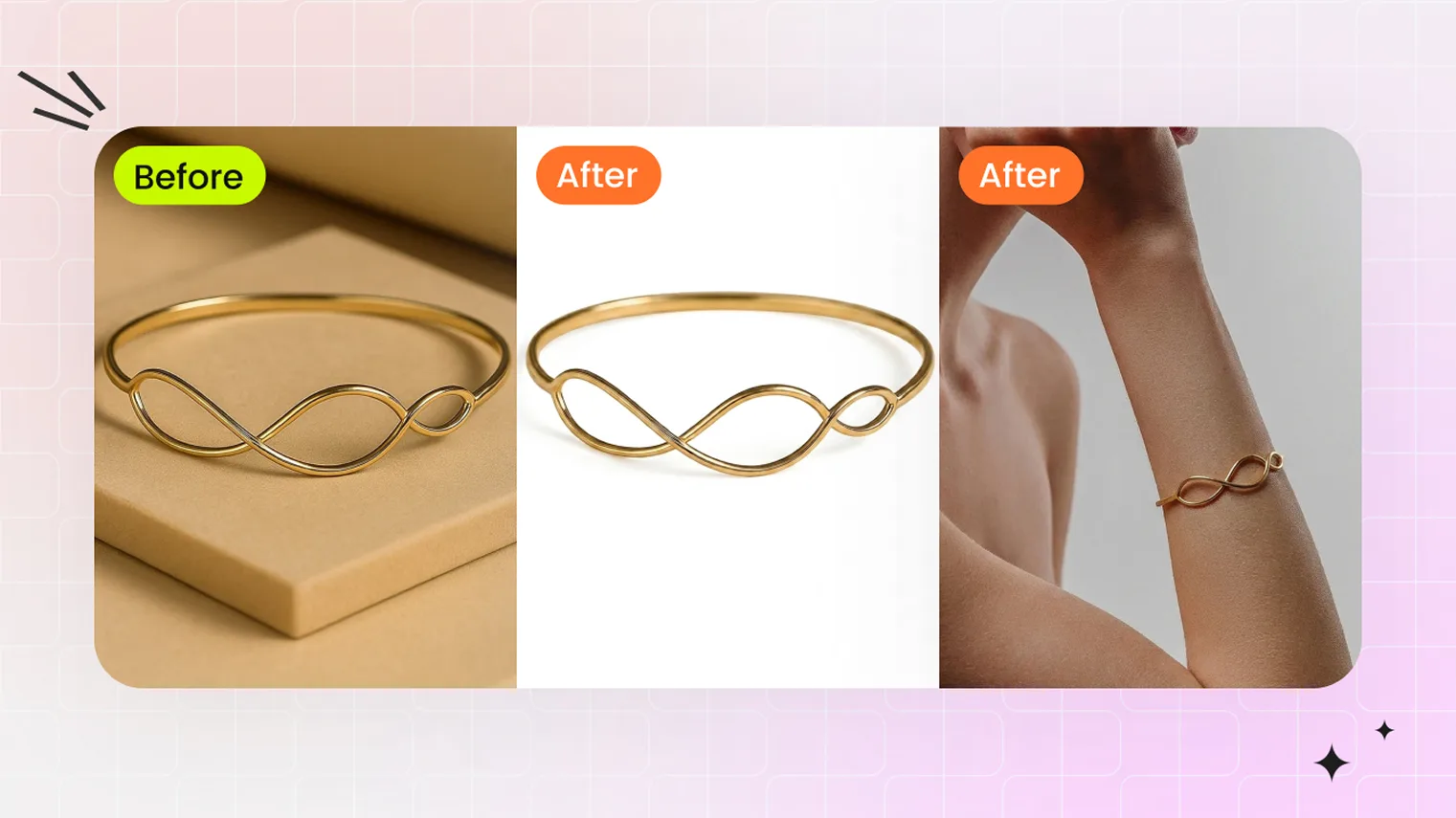 AI Jewelry PhotographyAI jewelry photography workflow — Snappyit Retouch cleans supplier photos to catalog white; Jewelry Model places the piece on a model template.
Continue Your Jewelry Product Photo Workflow
Jewelry Retouch
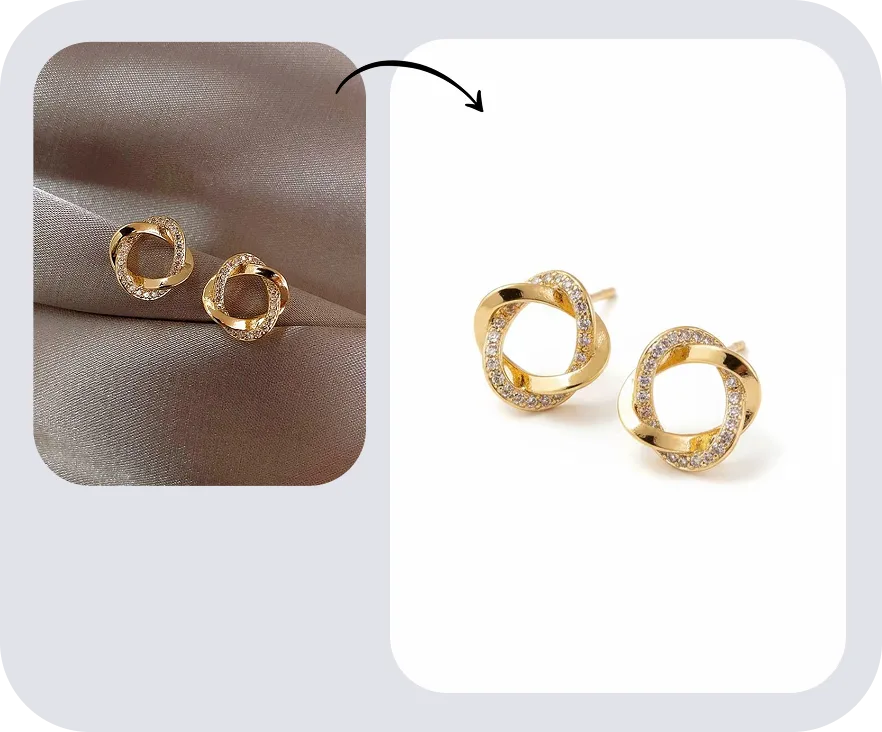
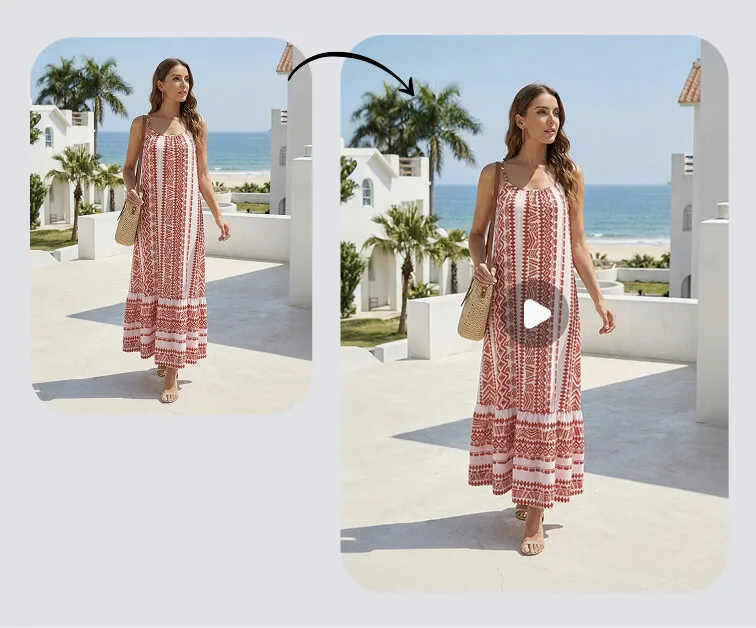
Image to Video

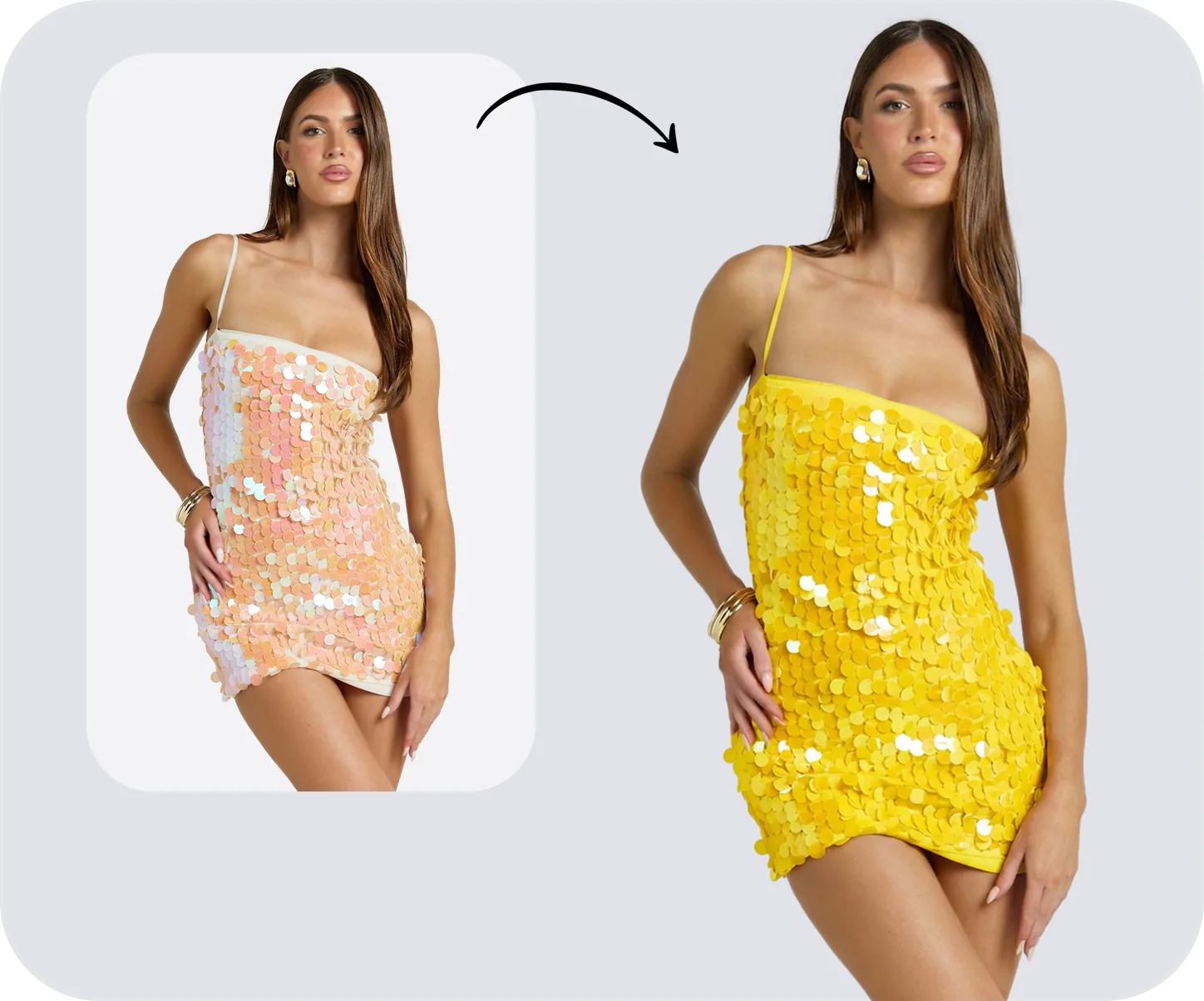
Color Change
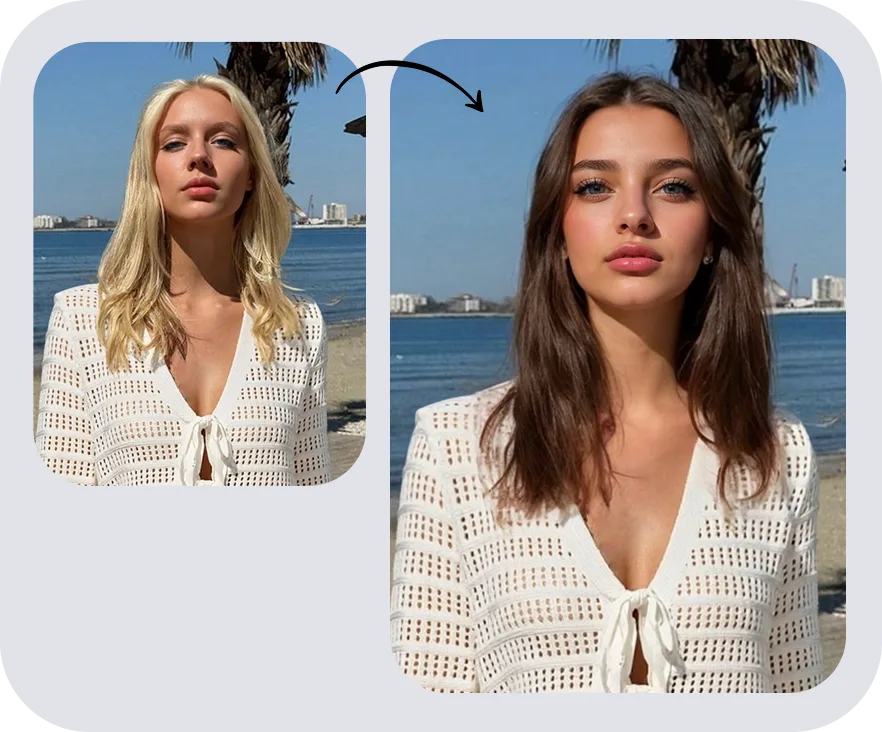
Face Swap
AI Jewelry Model Generator FAQs
More on AI Jewelry Photography & Models
 AI Jewelry Retouching & Photoshop GuideCompare AI jewelry retouching with a practical Photoshop workflow for metal, gemstones, cleanup, catalog QA, and ecommerce product image export.
 AI Jewelry Model Generator: Skip the Photoshoot, Keep the SalesAI jewelry model generators turn product shots into on-model imagery without a photoshoot. The three tool categories, evaluation criteria, and a practical workflow.
 Jewelry Photography in 2026: Studio vs AI for Ecommerce SellersCompare studio and AI jewelry photography costs, product accuracy, on-model results, and catalog workflows for Etsy, Amazon, and Shopify sellers.
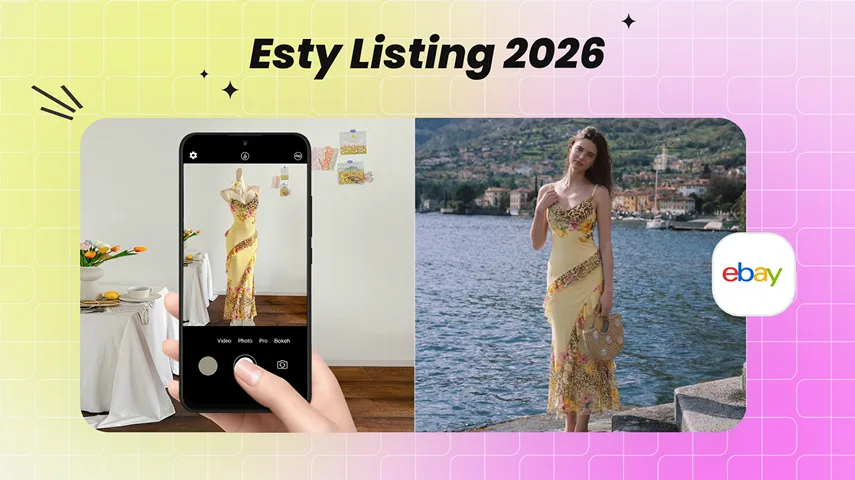 How to Create an Etsy Listing That Ranks and Sells (2026)The 2026 Etsy listing guide: titles, tags, hero photos, ghost mannequin and AI model shots that move a listing from indexed to selling.