Upgrade Your Visuals Now
 Click or drag image hereUpload Product Photo
Free Try
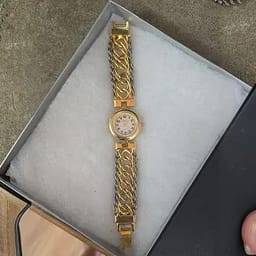
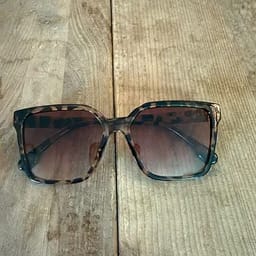
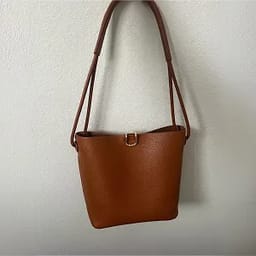
No images?Try one of these
By uploading an image you agree to our Terms of Service and Privacy Policy .
Studio-Quality Photos for Every Product Category
One AI product photography workflow, from everyday essentials to your next best seller.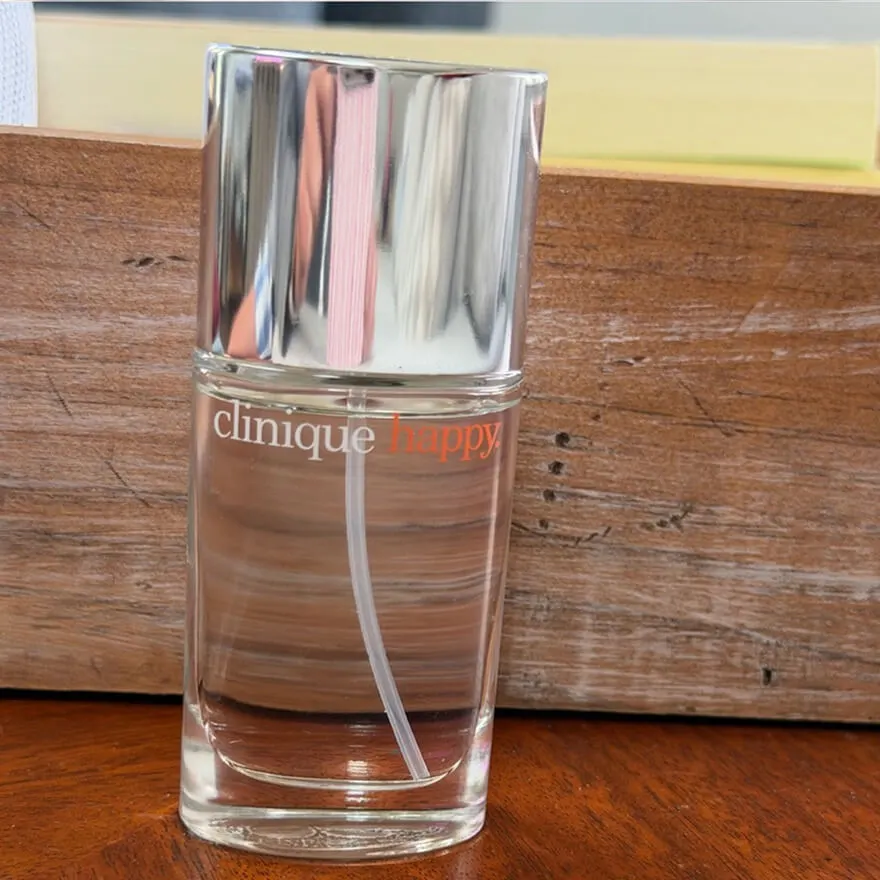
Before
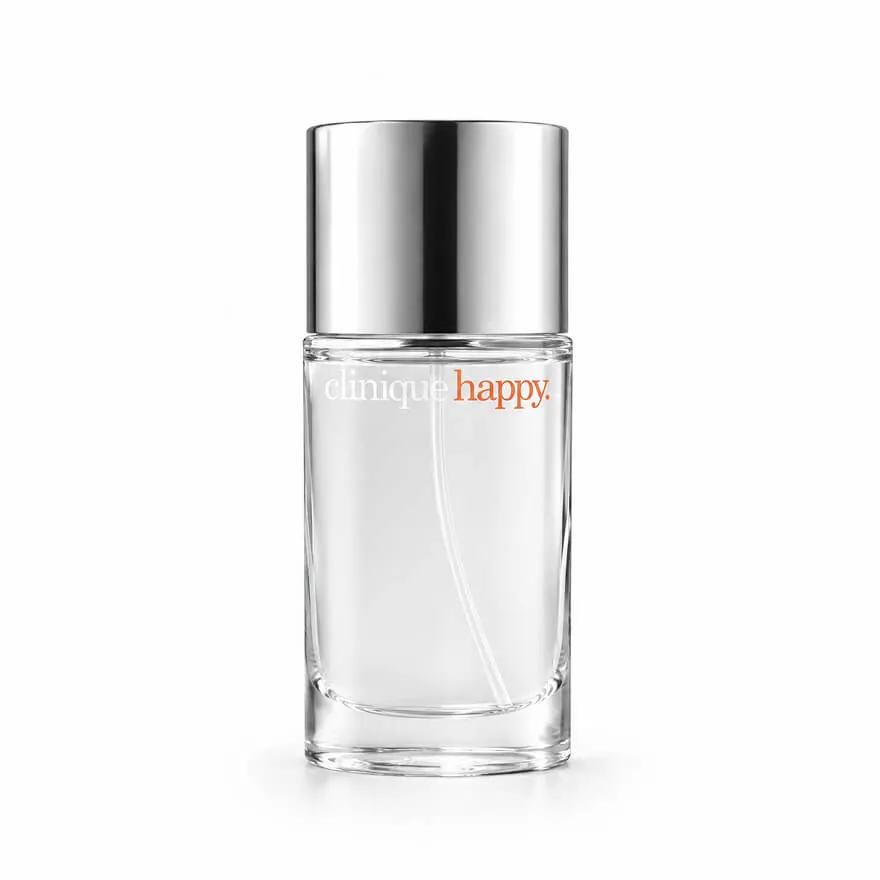
After
Before

AI Product Photography with a Professional Studio Finish
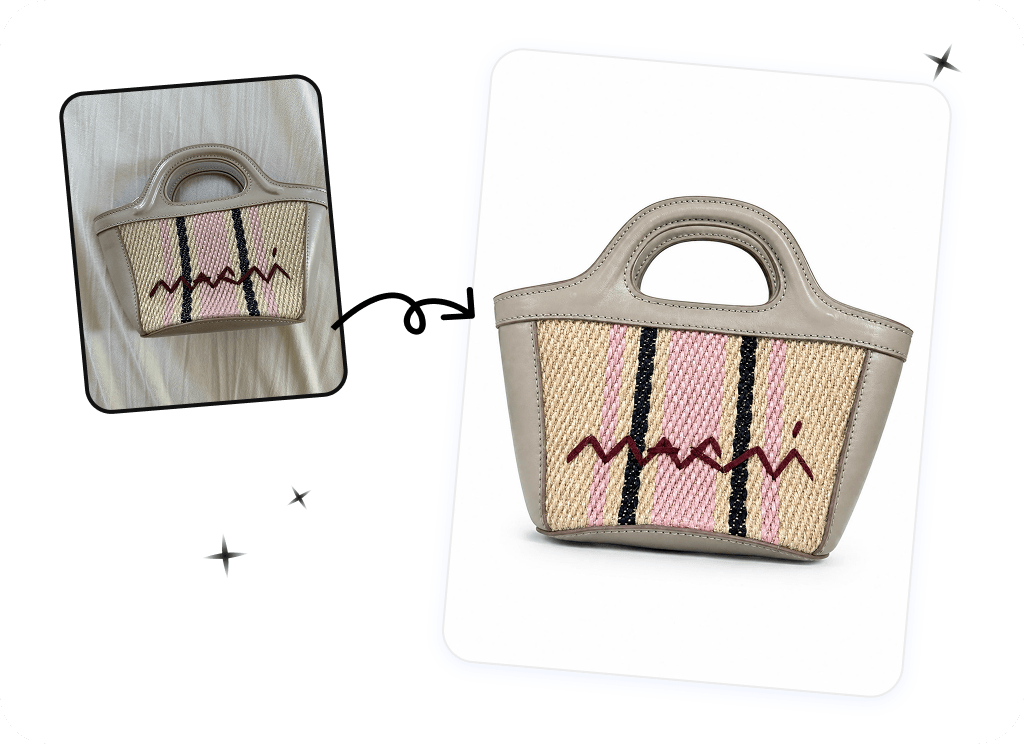
Better Lighting, Cleaner Backgrounds
Give ordinary product shots a polished studio look. Show the curves of a bottle, the grain of leather, and the texture of fabric with lighting that puts your product in focus.Try AI Product Studio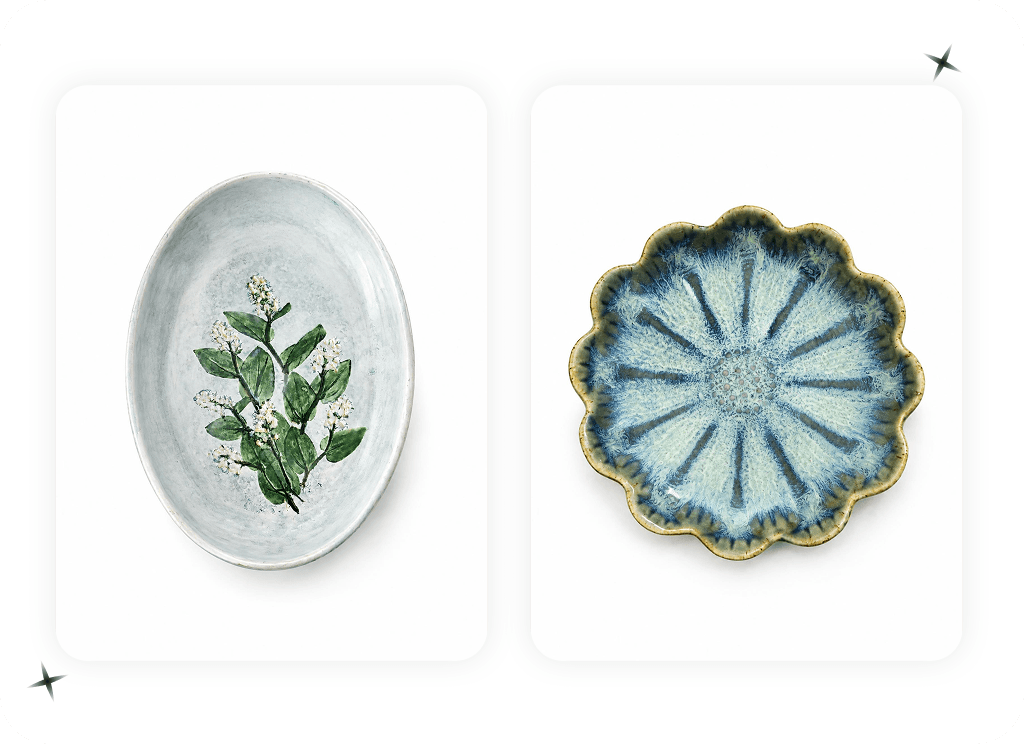
Sharper Details, Richer Texture
Create crisp product images that help shoppers inspect fabric weave, stitching, leather grain, and surface finishes. Present the small details clearly on product pages and marketplace listings, so customers can better understand what they are buying.Try AI Product Studio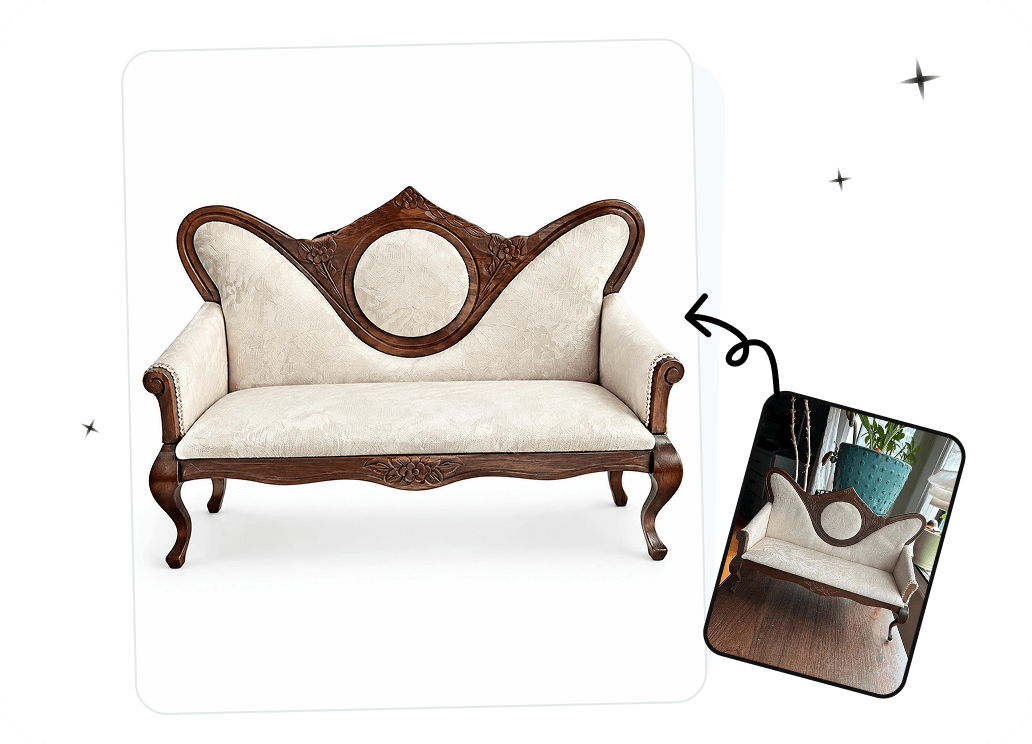
Natural Shadows for a More Realistic Look
Add the depth of studio product photography with soft contact shadows that ground your product naturally in the scene. Create a grounded studio composition that feels photographed, rather than pasted onto a backdrop.Try AI Product Studio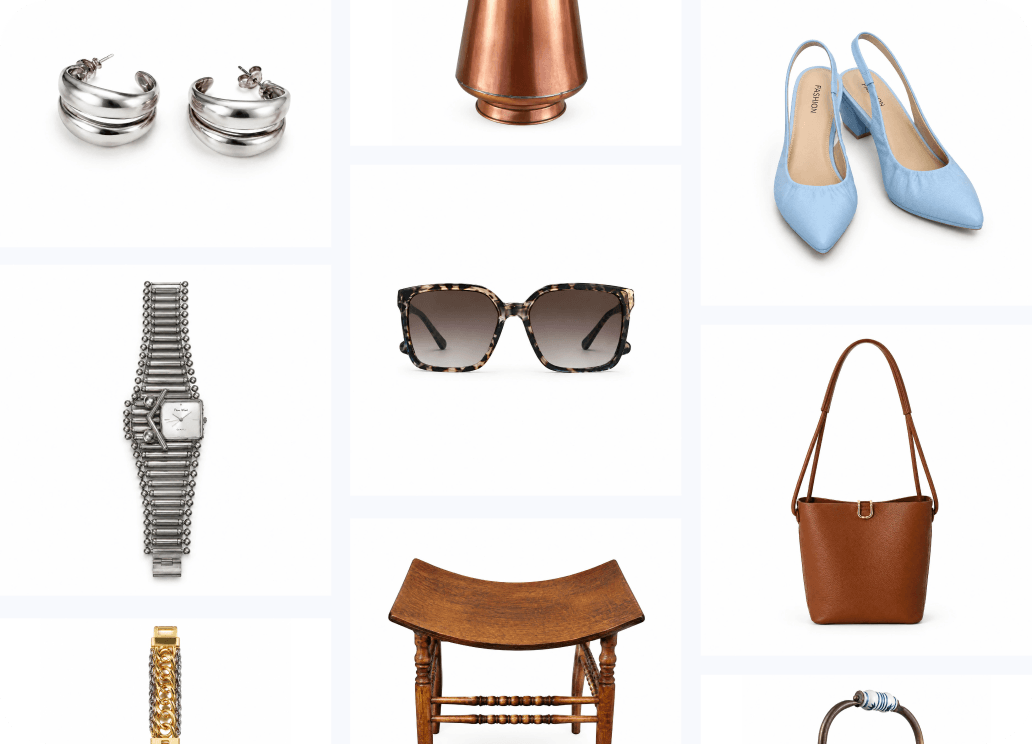
Scale Product Photography Across Your Catalog
Create product photos in bulk with Batch Mode, so you can prepare new arrivals and seasonal collections without editing each image individually. Keep a consistent studio look across your growing catalog.Try Batch ModeHow to Create Studio-Quality Product Photos
Start with the product photo you already have. Create a studio shot with AI, then review and download your image.01
Upload Your Product Photo
- Choose a clear image with the whole product visible.
- A phone photo or an existing product shot is a good starting point.
02
Generate a Studio-Style Image
- Choose your Output Size, then optionally add Additional Information to describe the look you want.
- Click Generate to create your studio-style product image.
03
Review and Download
- Compare the result with your original product.
- Check the details, then download the image you want to use.
Continue Your Product Photography Workflow
Fashion Model
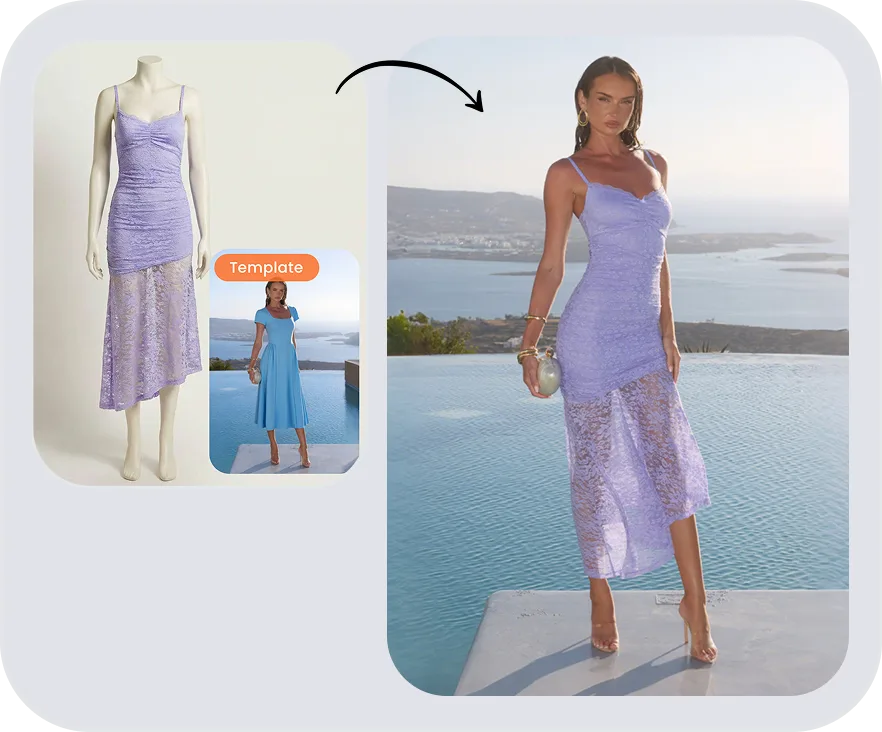
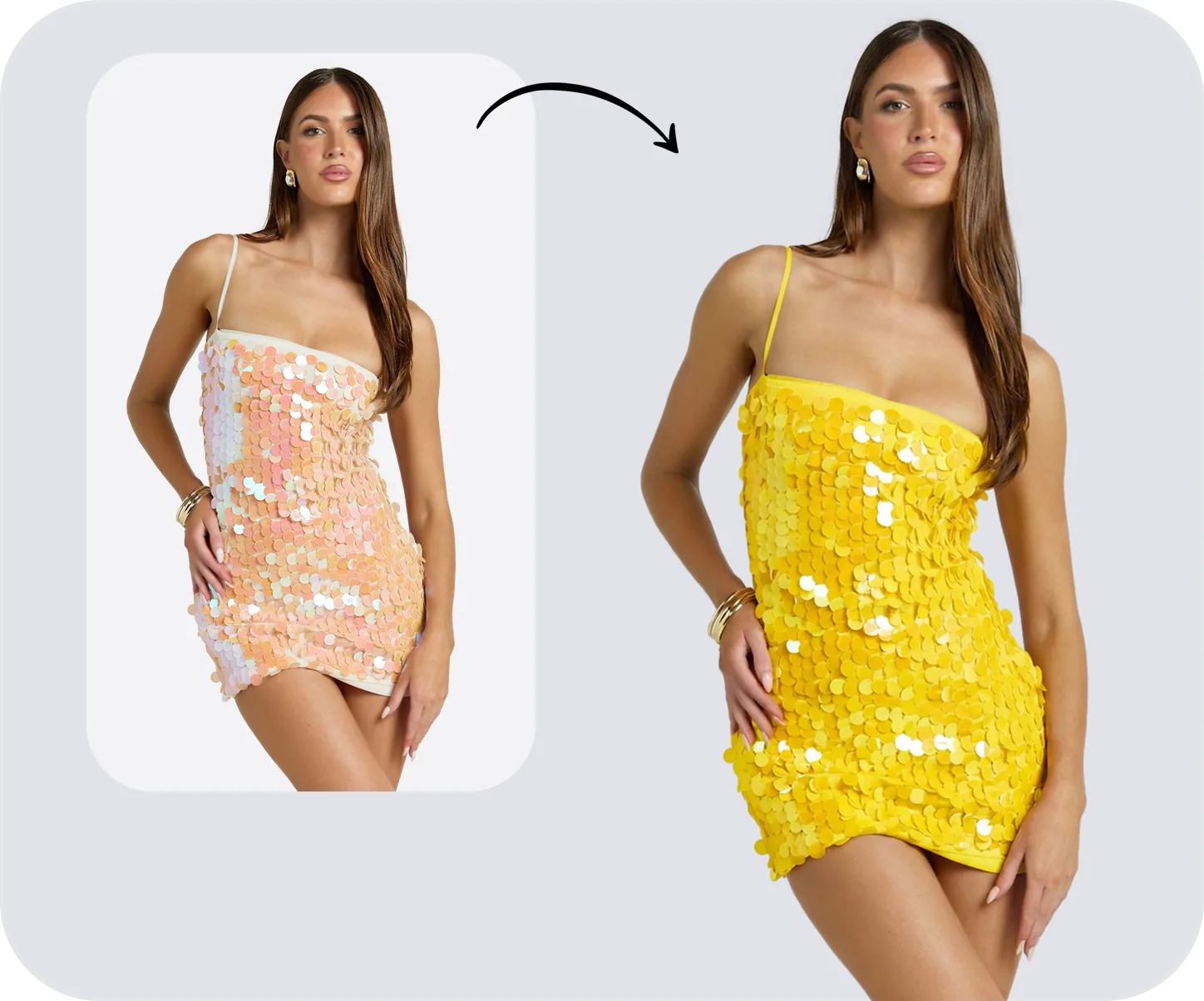
Color Change
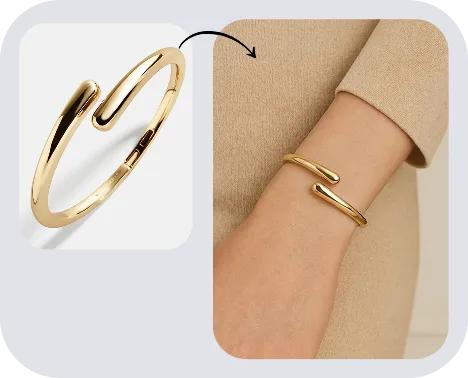
Jewelry Model
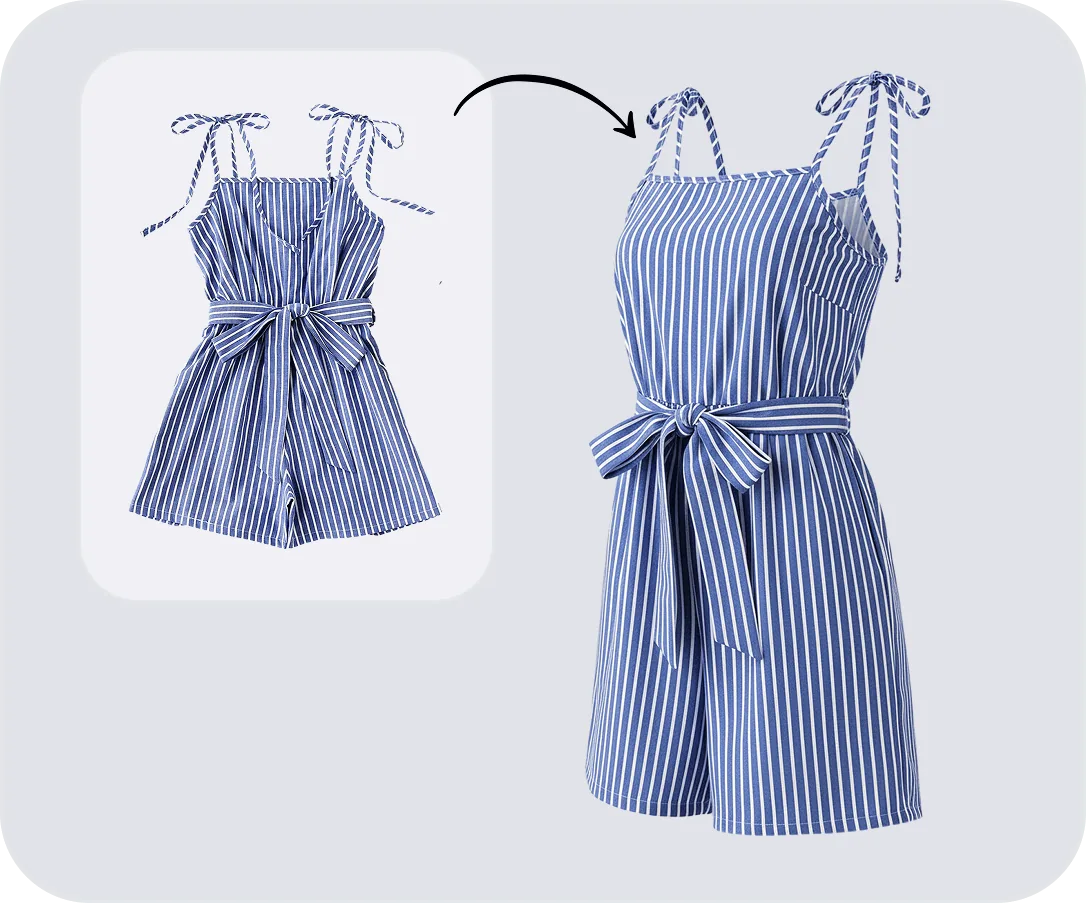
Ghost Mannequin
AI Product Studio FAQs
Product Photography Tips & Guides
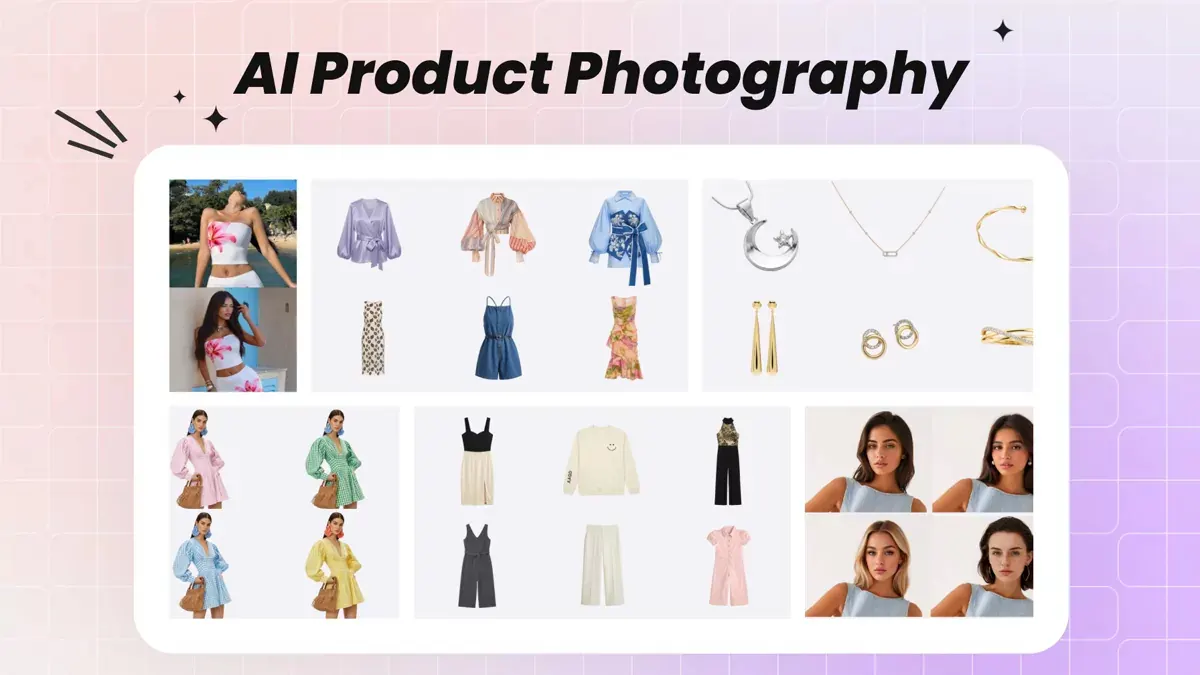 AI Product Photography for Fashion EcommerceBuild a practical workflow for product listings and on-brand marketing images.
 What Is an AI Product Studio?Explore product examples and learn how to turn your existing photos into studio-style images for your store.
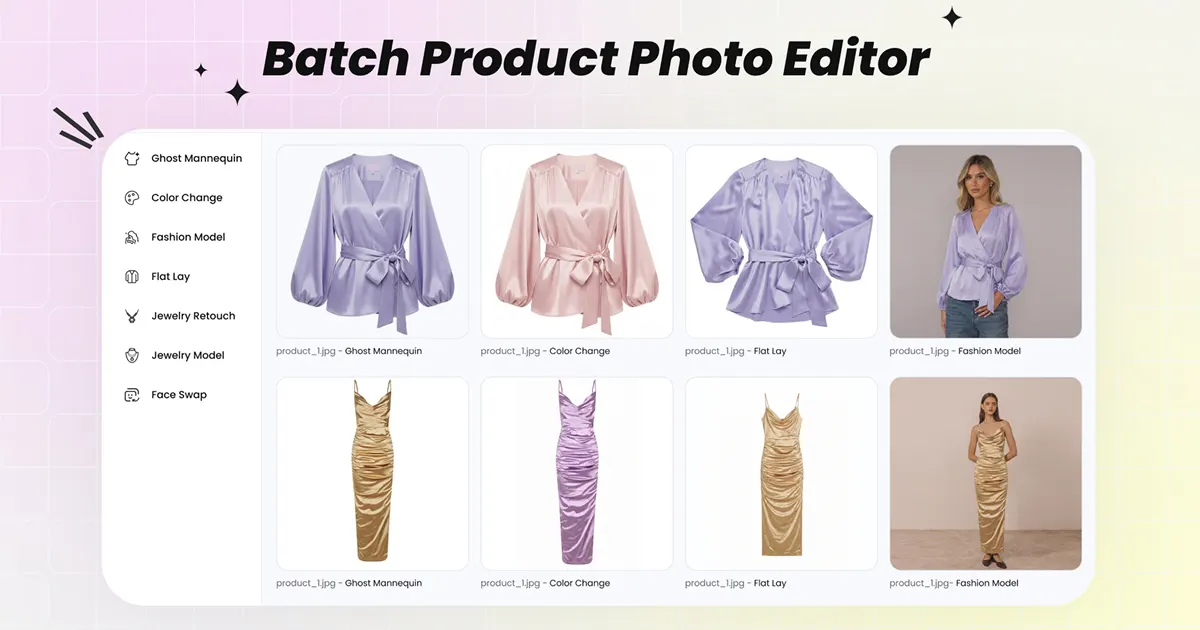 5 Best AI Batch Photo Editors for Product PhotosCompare bulk editing workflows and tools for growing ecommerce catalogs.
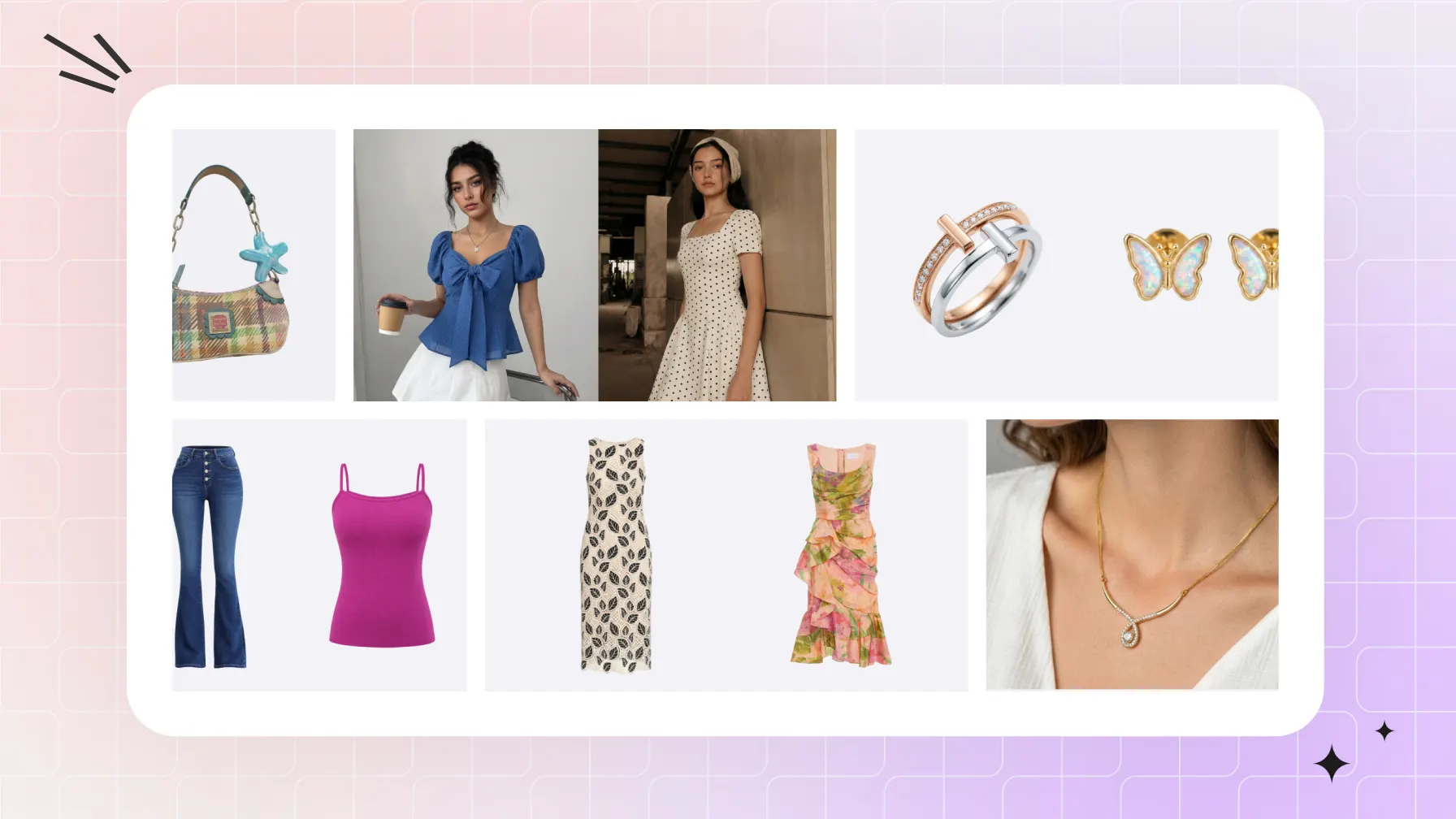 Product Photo Editing for EcommercePrepare your photos, create AI-assisted edits, and check product details before adding the results to your listings.