


 Upgrade Your Visuals Now
 Click or drag image hereUpload Apparel Image
Free Try
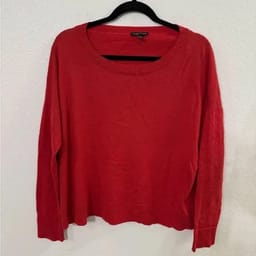
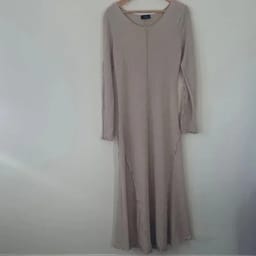
No images?Try one of these
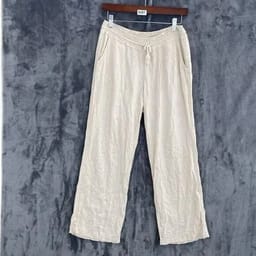
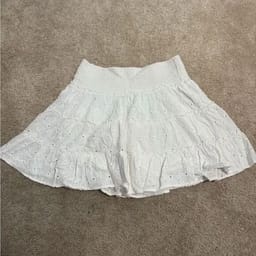
By uploading an image you agree to our Terms of Service and Privacy Policy.
Create Clean Flat Lays Across Every category
Neat, Consistent Tabletop Visuals - Organized For Every Collection.
Before

After
Before

Make Your Store Look Professional and Polished

Save on shooting and editing costs.
Skip expensive studio setups, professional photographers, and time-consuming Photoshop work. Our flat lay generator transforms your product photos into clean, professional flat lay images, helping e-commerce sellers create high-quality product photography while significantly reducing production and editing costs.Create Flat Lay Images


Launch products faster at scale.
Generate flat lay product photos and prepare your listings faster. Instead of arranging physical shoots for every item, you can quickly create multiple flat lay images from existing product photos—perfect for scaling catalogs on Shopify, Amazon, Etsy, and other e-commerce platforms.Generate Listing Photos


Keep visuals consistent and professional.
Maintain a consistent flat lay style across your entire product catalog. The generator applies the same layout and visual standards to every image, helping your store achieve a clean, professional look that strengthens brand identity and improves the overall shopping experience.Build a Consistent CatalogHow to Upgrade Raw Product Photos into Polished Flat Lays
Turn your clothing images into professional flat lay photography — no studio, styling, or editing required.01
Upload Your Product Photo
- Desktop: Open the flat lay generator and upload a clear garment photo with its shape and details fully visible.
- Mobile: Download the Snappyit app for iOS or Android, select Flat Lay, and turn hanger or clothing photos into clean flat lay images.
- Bulk: Generate flat lay photos in bulk with the batch product photo editor; select Flat Lay to turn multiple garment photos into consistent flat lay images.
02
Choose Category & Add Details
- Select the product category.
- You can also add additional details, such as the preferred garment shape or styling, to guide the final flat lay result.
03
Click Generate
- Hit Generate and your flat lay product photo will be ready—perfect for product listings, marketing, and social media.
Take Your Flat Lay Further — Ghost Mannequin & On-Model
Turn a Flat Lay Into a Ghost Mannequin
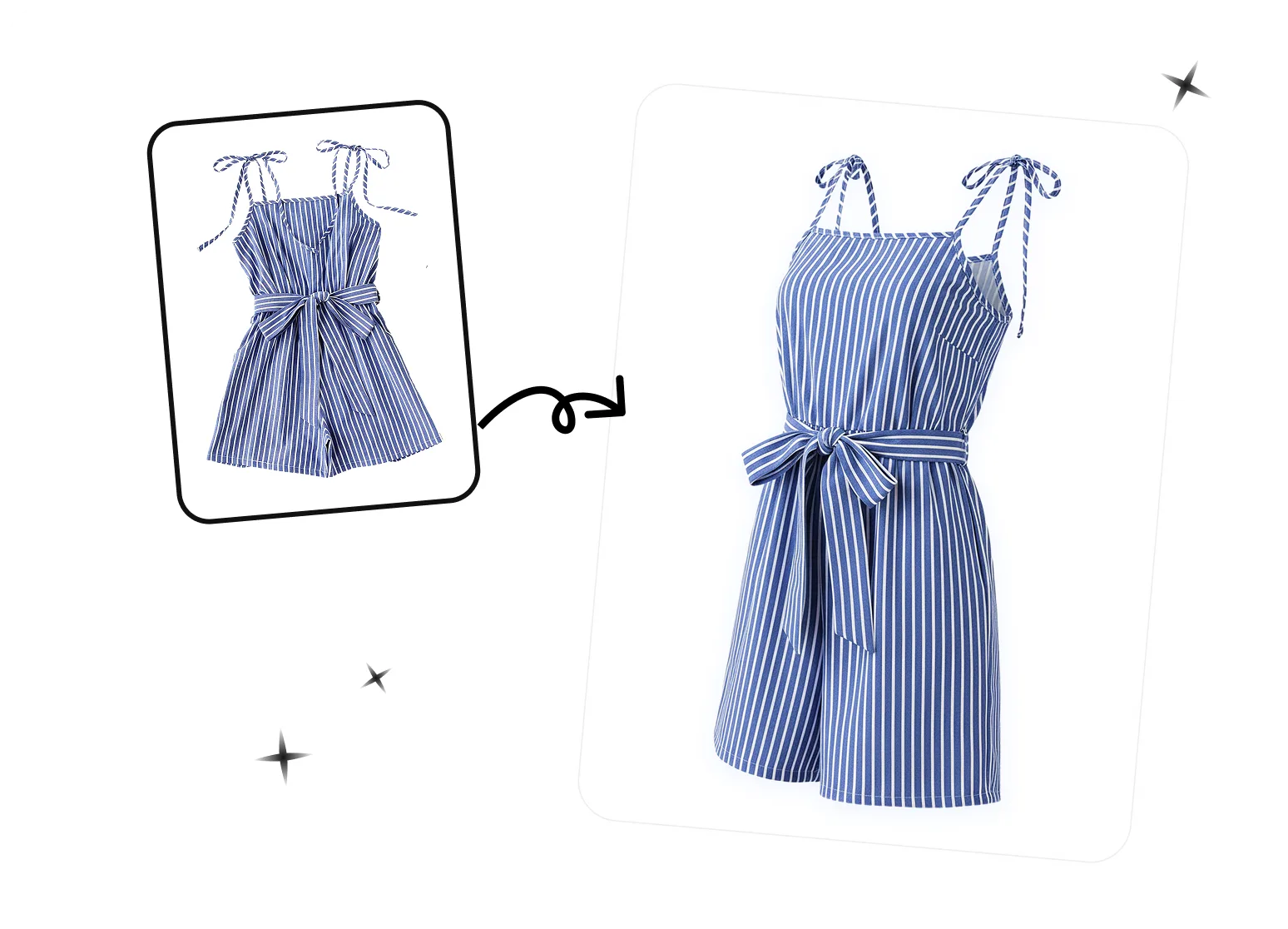
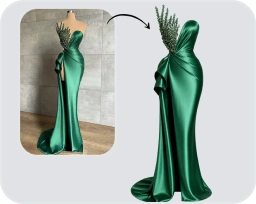
Already shot a clean flat lay? Turn that flat lay into a ghost mannequin image. Snappyit fills out the collar, cuffs, and natural drape so flat apparel takes on that hollow, 3D invisible-mannequin look — the listing standard on Amazon and Shopify — with no mannequin, reshoot, or manual editing.
Flat Lay to On-Model in One Click
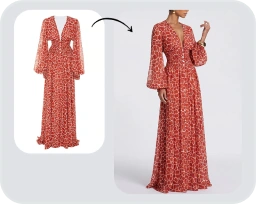
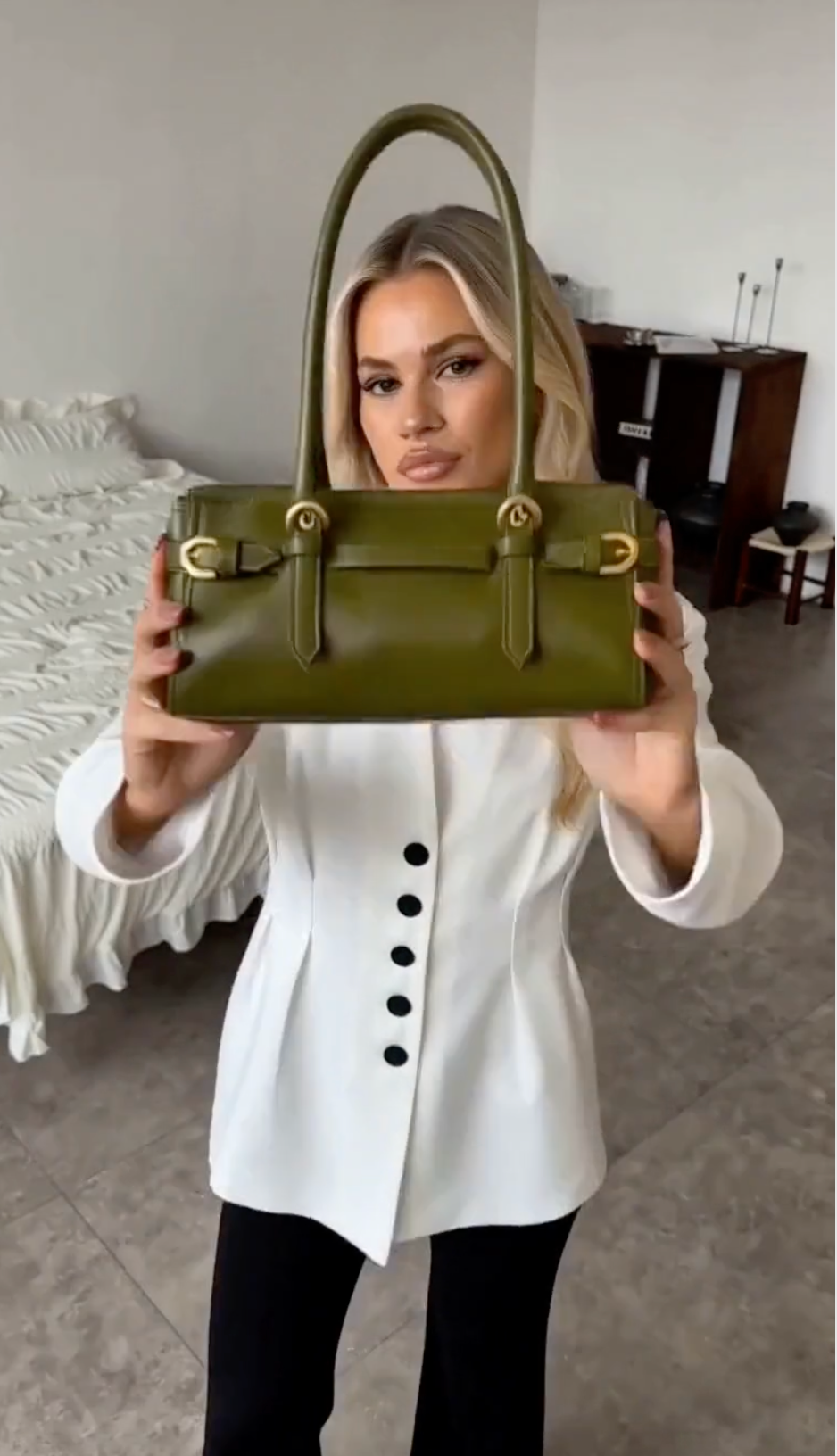
Don't stop at the flat lay. Take that same flat lay to on-model and Snappyit places the garment on a lifelike AI fashion model — full size run, diverse looks, one consistent face. Shoppers see how it actually wears, with no model booking, studio, or second photoshoot.
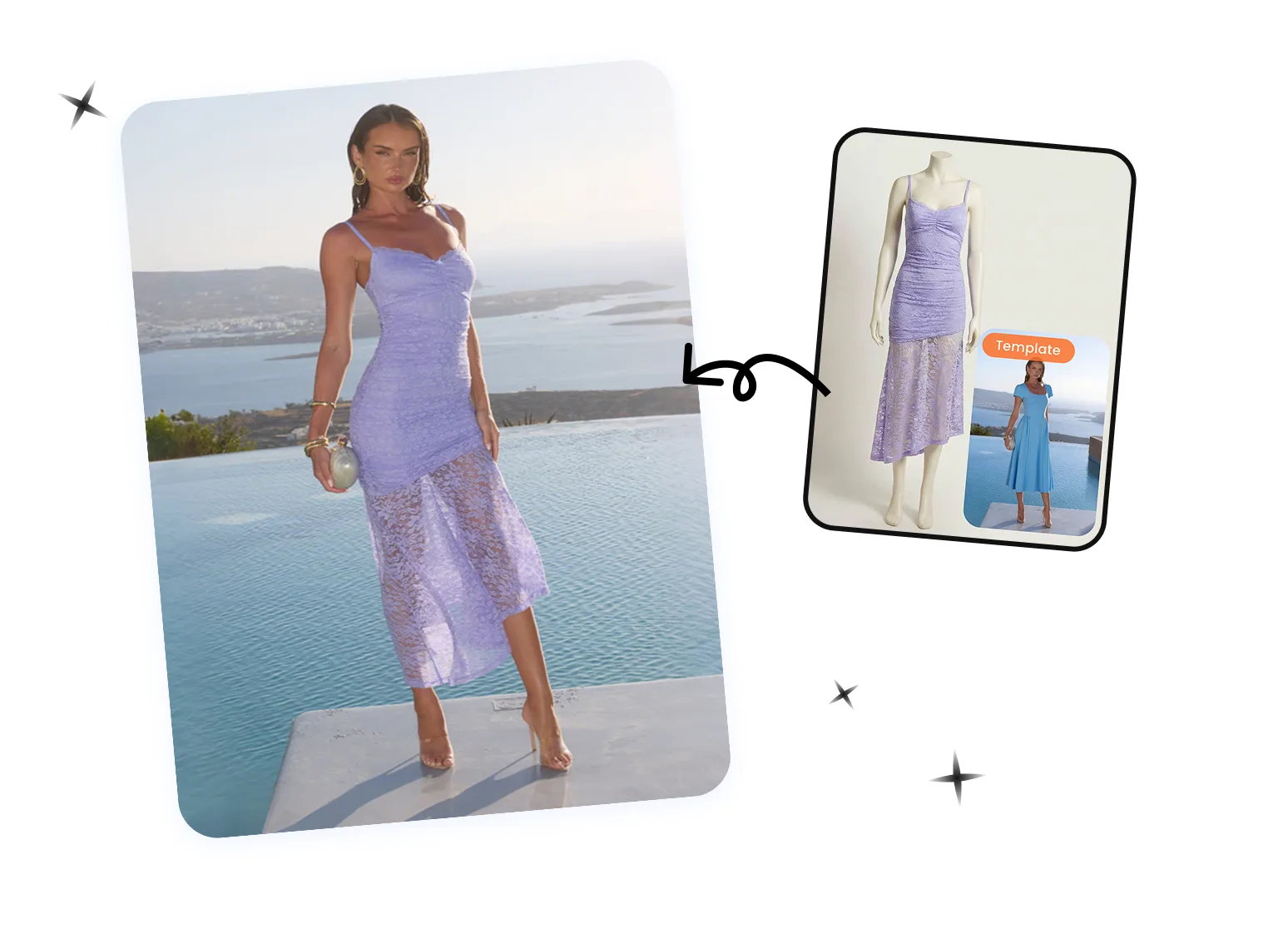
Continue Your Flat Lay Product Photography Workflow
Ghost Mannequin
Fashion Model
Fashion Video
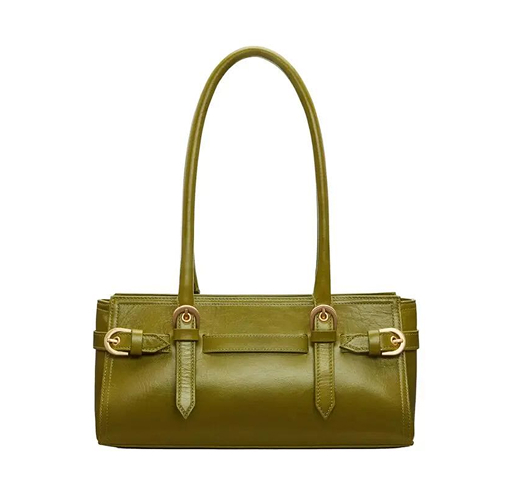


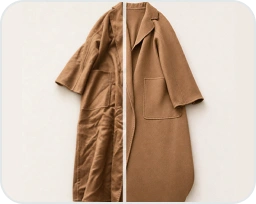
Remove Wrinkles
AI Flat Lay Generator FAQs
More Flat Lay Photography Guides
 How to Photograph Clothing Laying Flat: A Garment-by-Garment GuideHow to photograph clothing laying flat — a garment-by-garment playbook for tops, shirts, dresses, knitwear, pants, and outerwear, plus the flat-to-AI workflow.
 5 Photoroom Alternatives for AI Product Photography (2026)A hands-on comparison of five tools for catalog flat lays and on-model apparel images, including pricing, model control, and production tradeoffs.
 Turn Flat Lay Clothing Photos into AI Fashion Model ImagesTurn a flat lay clothing photo into an on-model product image for Shopify, Amazon, Etsy or your fashion store. Use the AI fashion model generator to place apparel and accessories on a virtual model—without coordinating a traditional studio shoot.
 Turn Flat Lay Photos into Ghost Mannequin ImagesTurn a flat lay or hanger shot into a clean invisible mannequin product image that helps shoppers see shape, drape and construction across PDPs, catalogs and marketplace listings.