Upgrade Your Visuals Now
 Click or drag image hereUpload Image
Free Try
No images?Try one of these
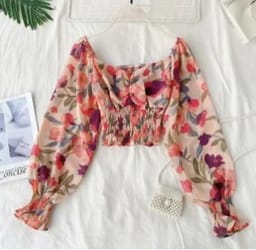
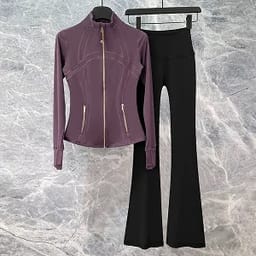
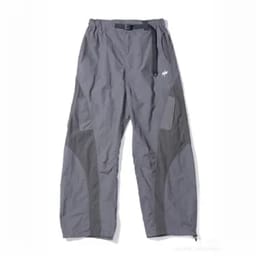
By uploading an image you agree to our Terms of Service and Privacy Policy.
Ghost Mannequin Images for Apparel Categories
Clean, Consistent 3D Visuals — Refined for Every Style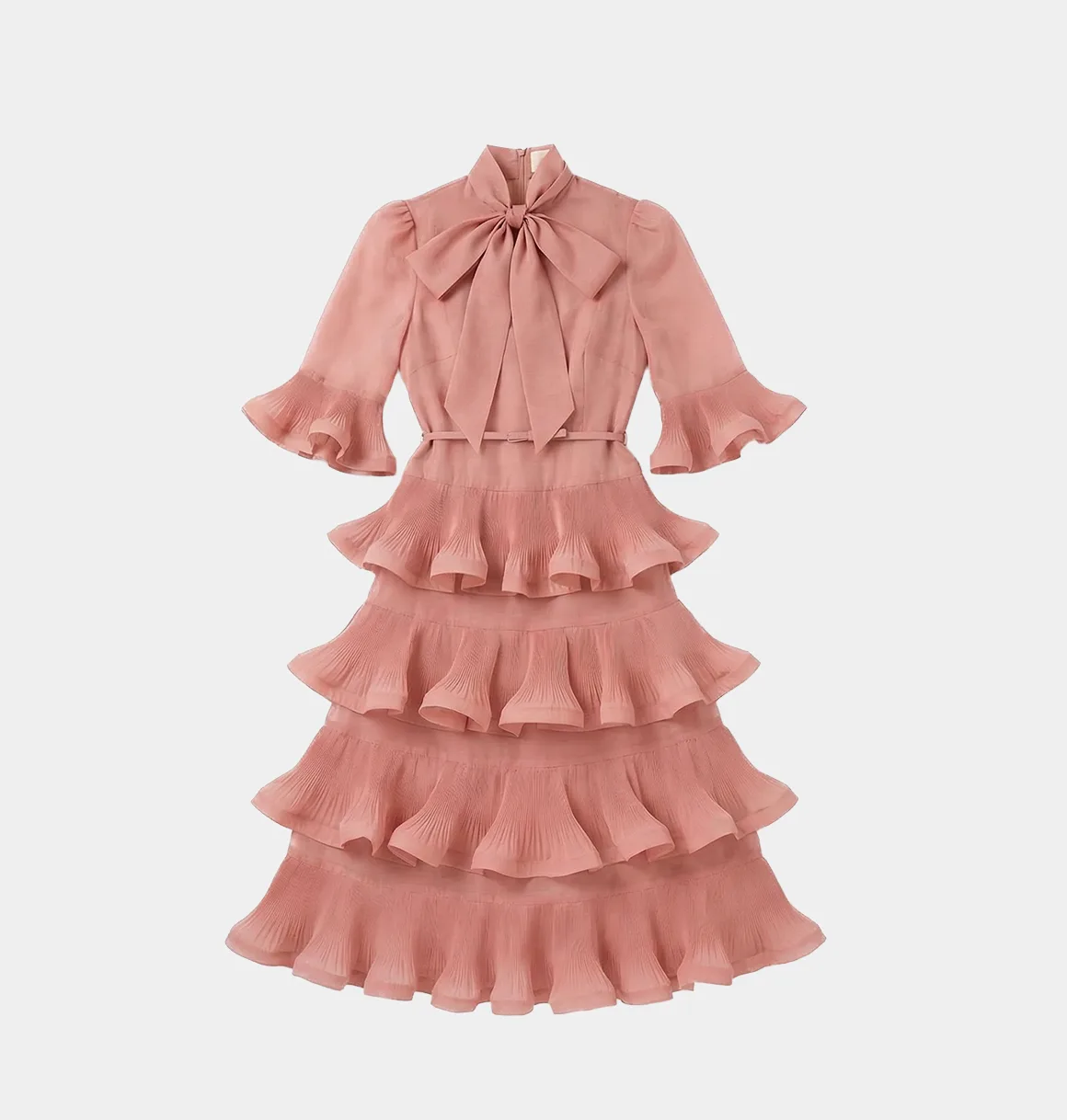
Before
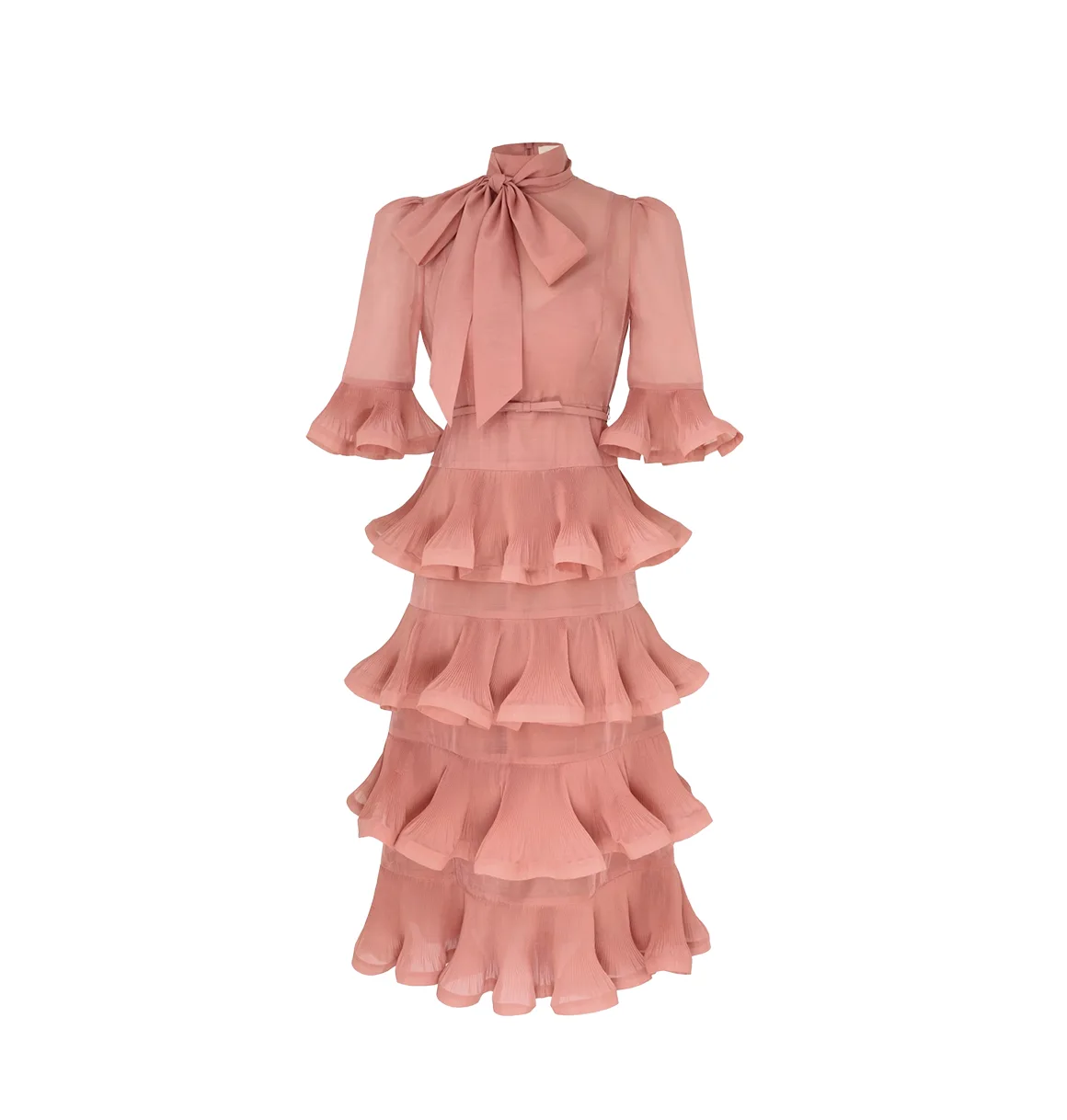
After
Before

Create Ghost Mannequin Images from Common Apparel Photos
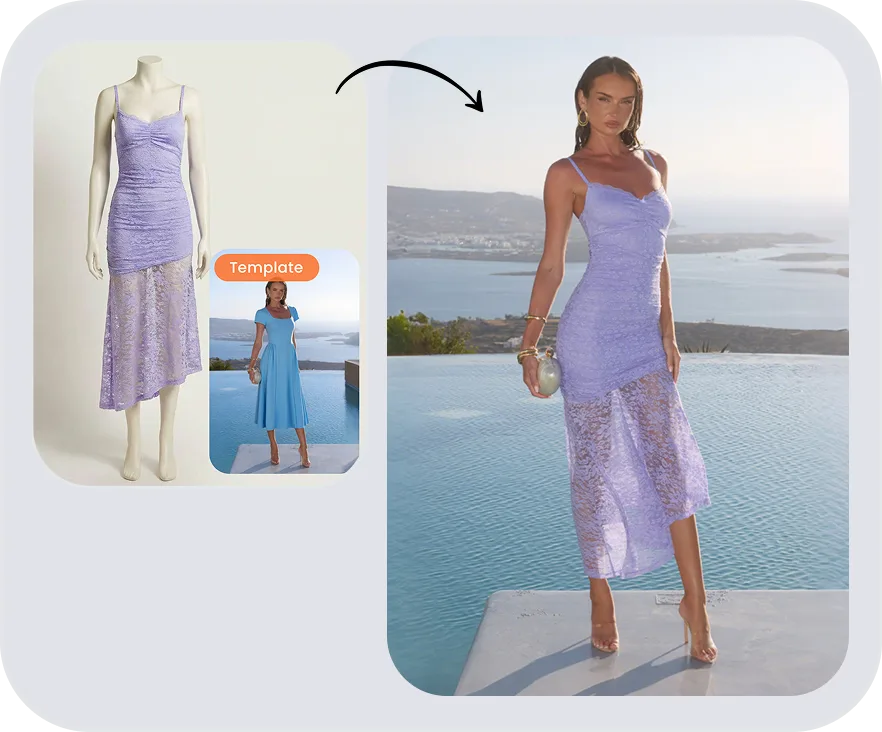
The ghost mannequin effect — also known as the invisible mannequin or hollow man effect — removes the mannequin or model so the apparel keeps its 3D shape.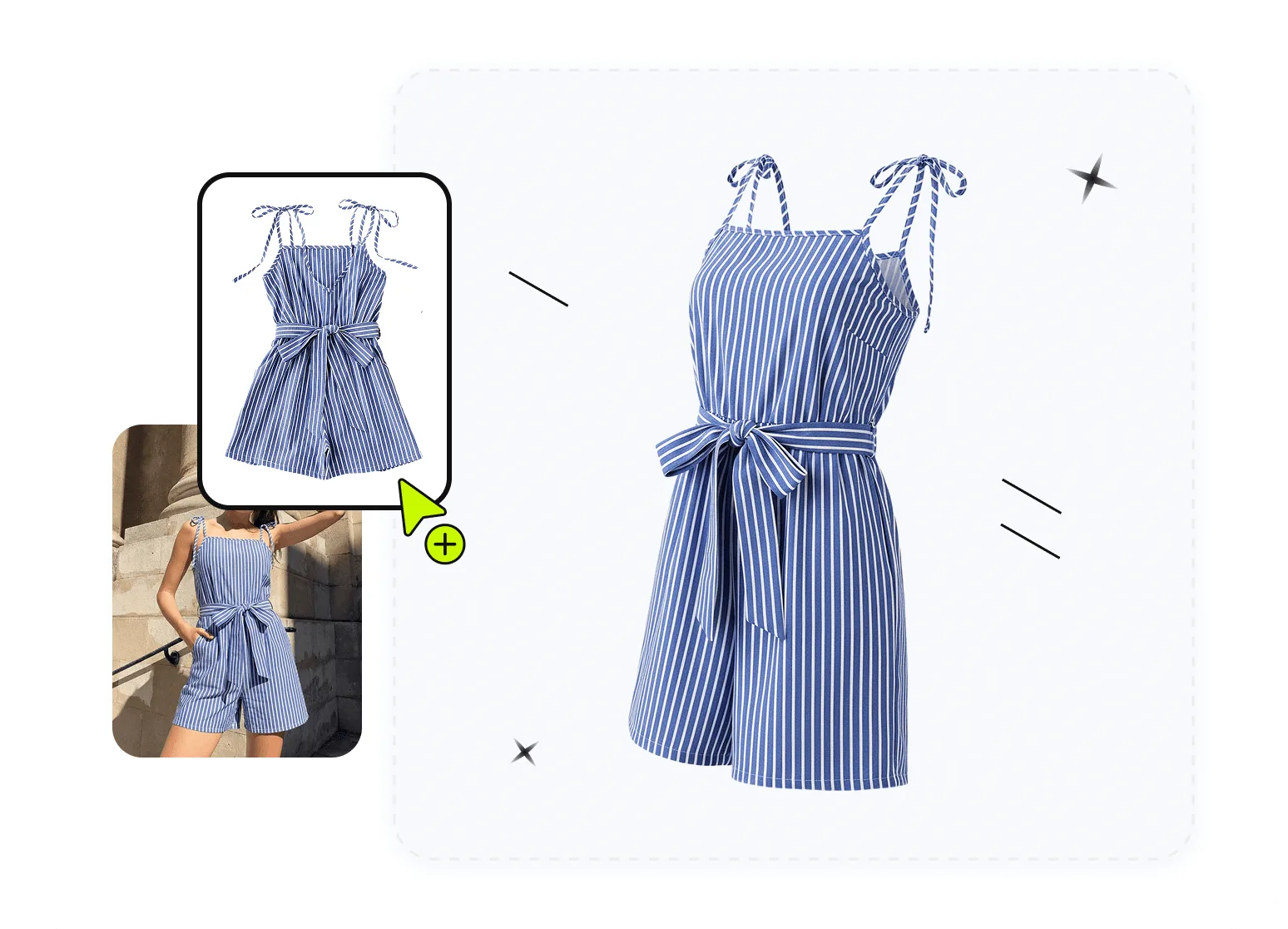
Flat Lay to Ghost Mannequin
Turn a clear flat lay garment photo into a mannequin-free product presentation with visible shape and structure.Create 3D Ghost Photos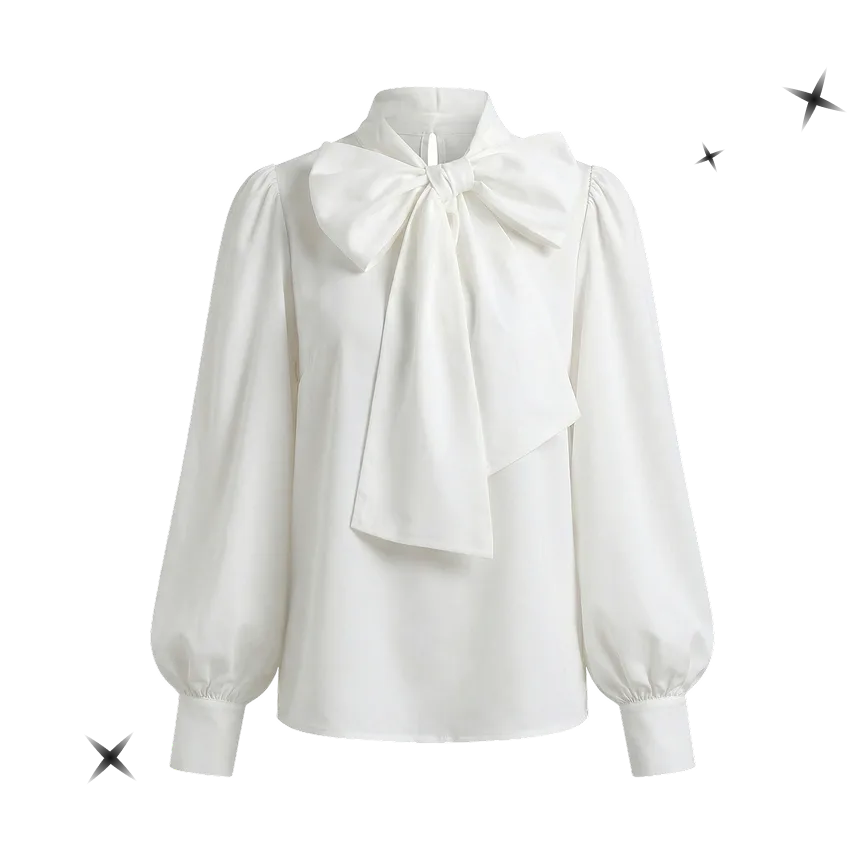
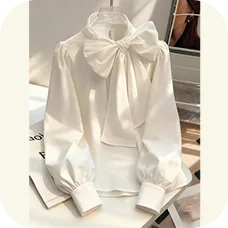
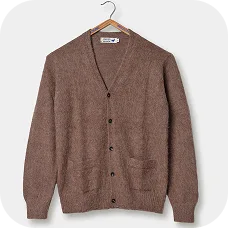

Hanger Photo to Ghost Mannequin
Start with a complete hanger photo and create a cleaner ecommerce image without manually clipping out the hanger.Try Invisible Mannequin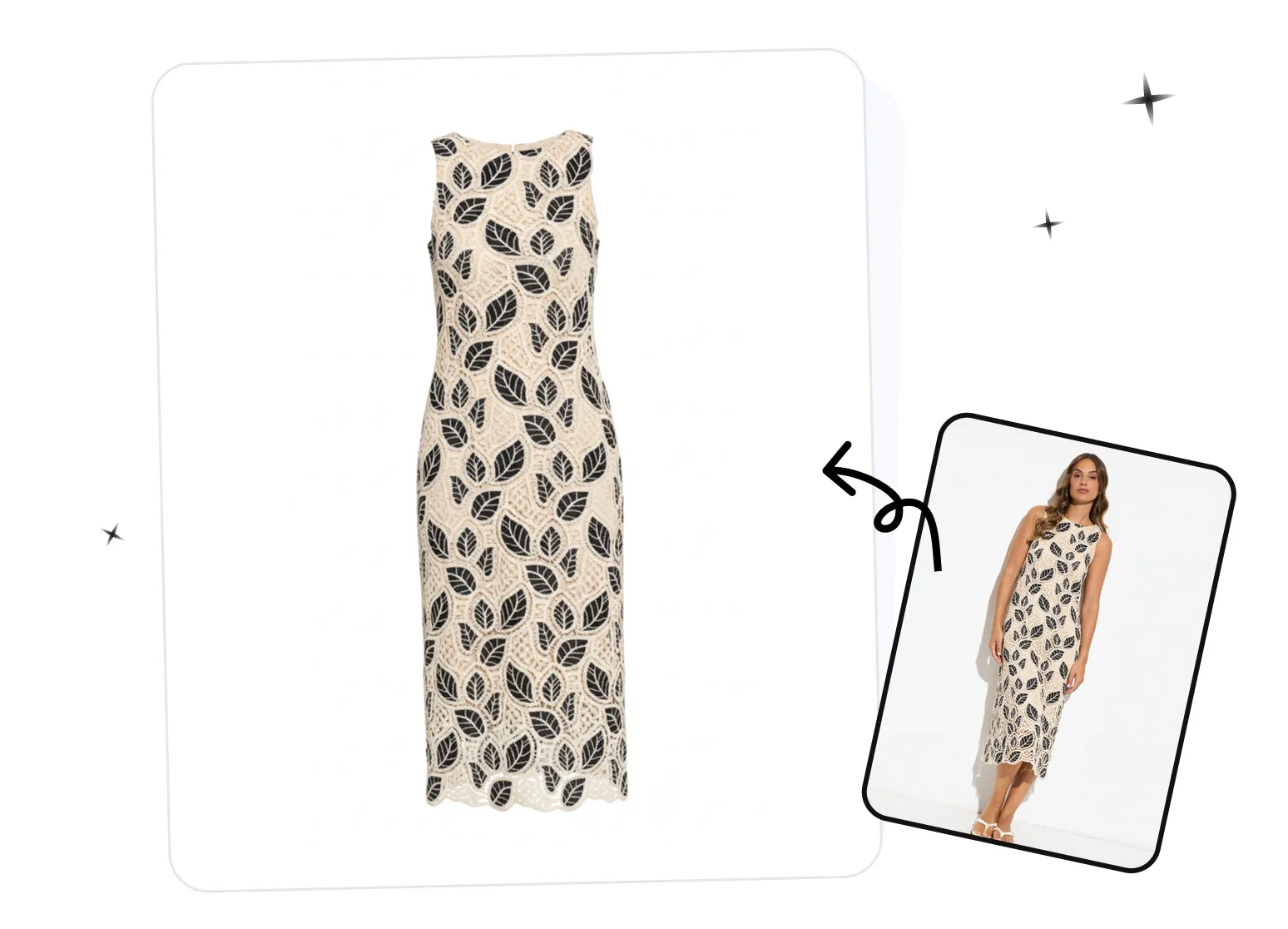
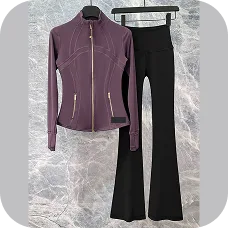
On-Model Photo to Mannequin-Free Presentation
Use a clear on-model apparel image as the source, then review the generated garment shape, neckline, seams, and proportions.Remove Models with AIHow to Create Ghost Mannequin Photos in 3 Steps
Create ghost mannequin product images in your desktop browser or with the Snappyit mobile app. Both workflows start with a clear garment photo and include a review step before download.01
Upload a Clear Garment Photo
- Use a flat lay, hanger, dress-form, or on-model image with the complete garment visible. Avoid cropped edges, heavy folds, blur, overlapping products, and objects covering important details.
- Desktop: Open the ghost mannequin generator and upload your image.
- Mobile: Download the Snappyit app for iOS or Android. Select Ghost Mannequin, and upload a photo from your device.
- Bulk: Generate ghost mannequin photos in bulk with the batch product photo editor. Upload up to 100 garment images in one batch and process your catalog together.
02
Set Up Your Ghost Mannequin Image
- Choose the garment category. Add any optional notes that may help guide the result, then select your preferred image quality and the number of variations. 4K output is available when you need a higher-resolution image.
- Once everything looks right, tap Generate.
03
Review and Download the Result
- Before publishing, compare the generated image with the real garment. Check the neckline, lining, sleeve openings, seams, pattern placement, color, shape, and proportions. Regenerate or use a clearer source image if important details do not match.
AI vs Ghost Mannequin Services and Photoshop
Compare the cost, delivery workflow and level of manual control before choosing how to create your apparel images.
| Method | Cost per image (USD) | Delivery time | Batch capability | Best for |
|---|---|---|---|---|
| Outsourced service (Path example) | $0.89 for simple edits $1.79 for complex edits | As little as 6 hours; timing depends on the order. | Bulk photo edits supported; confirm volume and turnaround with the provider. | Manual editing of existing mannequin photos, including neck joins and garment interiors. |
| Adobe Photoshop | Subscription plus editing labor; no fixed per-image rate. | Depends on editing complexity, operator skill and workload. | Actions and Batch automate repeatable steps; garment-specific masks and compositing still need manual work. | Detailed manual control over masks, edges, labels and multi-image compositing. |
| Snappyit AI | 1K: around $0.05 (1 credit) 4K: around $0.15 (3 credits) | On-demand AI generation; processing time varies. | Up to 100 product images per batch; each output uses credits. | Creating ghost mannequin-style catalog images from flat lay, hanger or mannequin photos. |
Snappyit estimates use around $0.05 per credit; the actual credit price depends on the plan. Additional generations use additional credits; 4K requires an eligible plan. Path prices cover editing only, not photography. See Snappyit pricing.
Sources: Path rates and turnaround; Adobe batch-processing documentation. Sources checked October 23, 2026.
Need Clean Flat Lay Photos Tool?
Upload any garment photo — on a hanger, on a bed, wrinkled on a table — and Snappyit generates a clean, wrinkle- free flat lay on a white background. No steaming, no styling setup.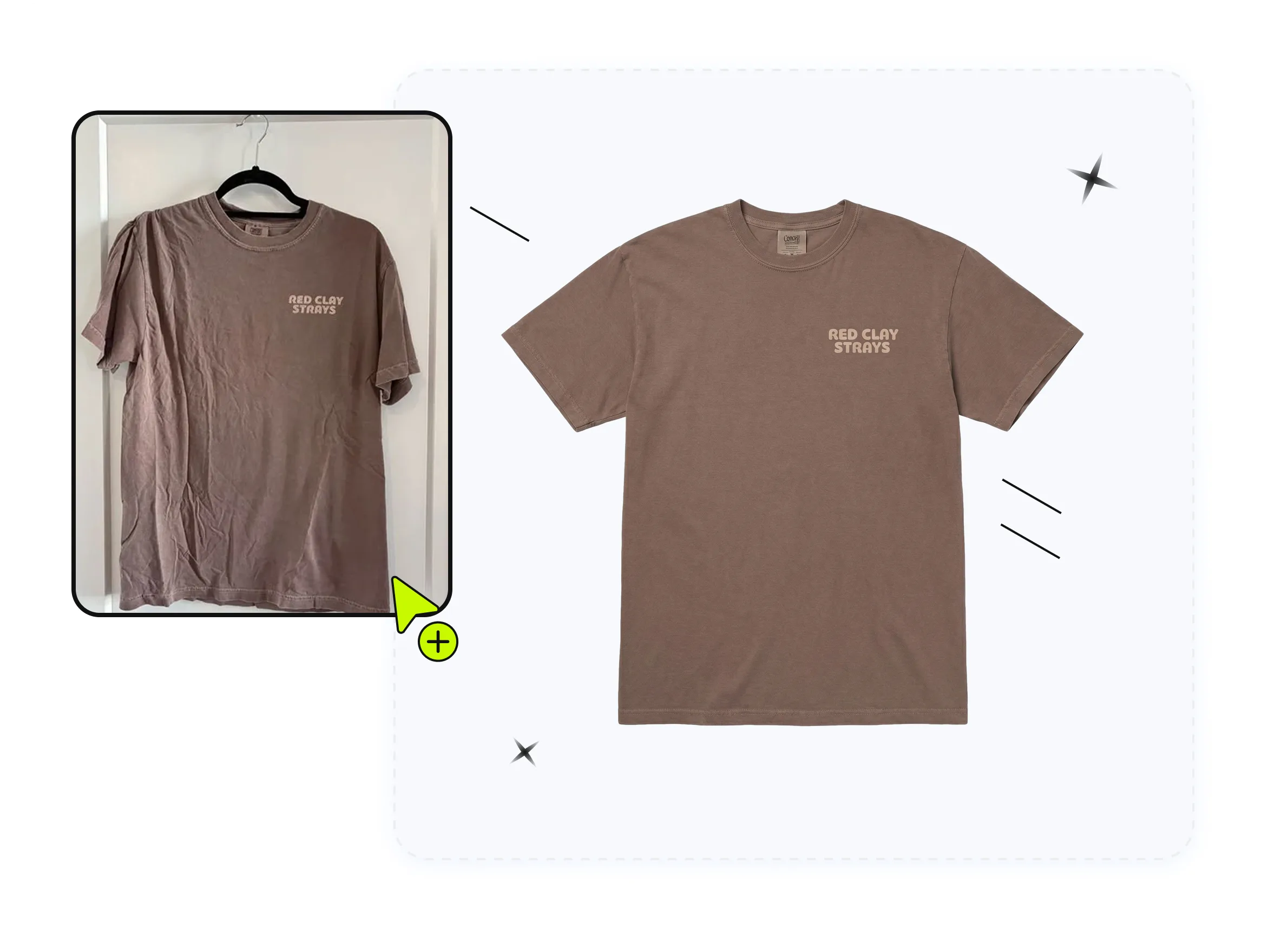
What Brands Say About Our Ghost Mannequin Generator
Trusted by 5,000+ apparel stores worldwide for AI ghost mannequin photography.

Rasheed El-MoslimanyUnited States
Amazing Product for eBay sellers This is such an amazing product that has transformed my eBay business. Being able to put my product on ghost mannequins, models, and even videos. It has dramatically increased my sales. They are continuing to develop new and innovative products.

Brittany E.United States
Thanks to the Snappyit team for creating something that actually saves time and takes a big load off my workflow. Using Snappyit.ai has been a huge upgrade for my store. Their team built an amazing tool that instantly turns my product photos into clean 3D-style ghost mannequin images. It's fast, accurate, and has made my product launches so much smoother.

Lisa AustinAustralia
I am loving this app. I use it to generate ghost mannequin images for my fashion online store and it just amazes me. The quality is fantastic and it is so, so fast. My products look so much more professional now. I have used it on my own flat lay images, on mannequin images and even model images and the result is great each time. Do yourself a favour and give it a try!

AshleyqueenieAustralia
The ghost mannequin and fashion model features produce high quality product images. The generated images are sharp, natural and ready for listing with minimal editing.
Linssan IncUnited States
We've been using Snappyit for our apparel store and it's saved us a huge amount of time on product photography. The Ghost Mannequin feature is surprisingly good. We can turn flat lay clothing photos into clean, professional ghost mannequin images without arranging expensive photo shoots. This has helped us keep our product pages consistent and launch new items much faster.
THE ELITE COLLECTIVEAustralia
As a small women’s apparel brand on Shopify, product photography used to slow us down. Since using Snappyit, we’ve streamlined the process and saved a lot of time and cost. The ghost mannequin feature is a standout, we can quickly turn mannequin or flat-lay shots into clean, consistent images without manual editing.
Trusted by brands selling on


Practical Ghost Mannequin Use Cases for Ecommerce Businesses
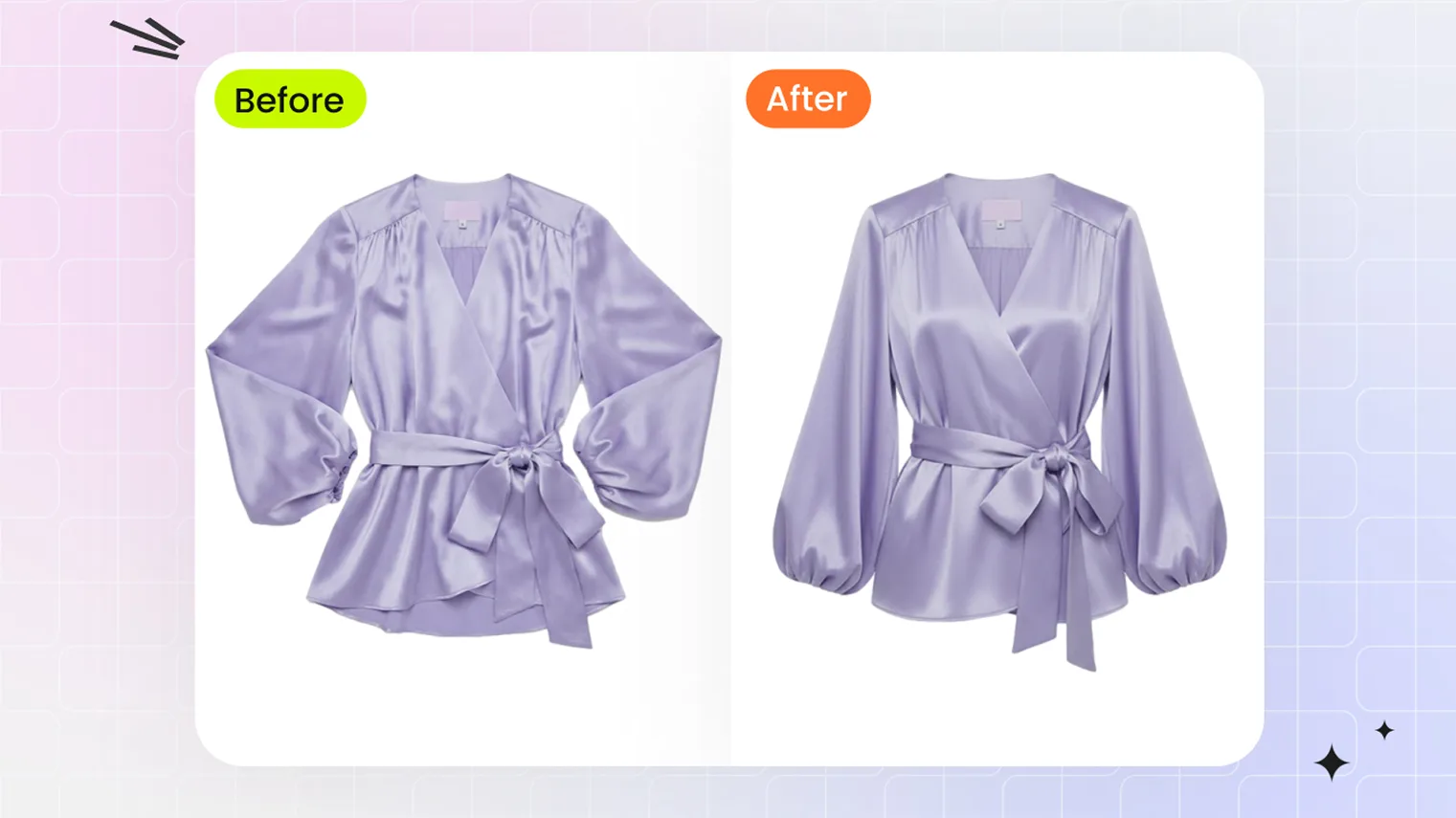 Flat Lay to Ghost MannequinConvert flat lay clothing photos into 3D ghost mannequin images with AI — no mannequin, no studio, no Photoshop. Upload and download in 30 seconds.
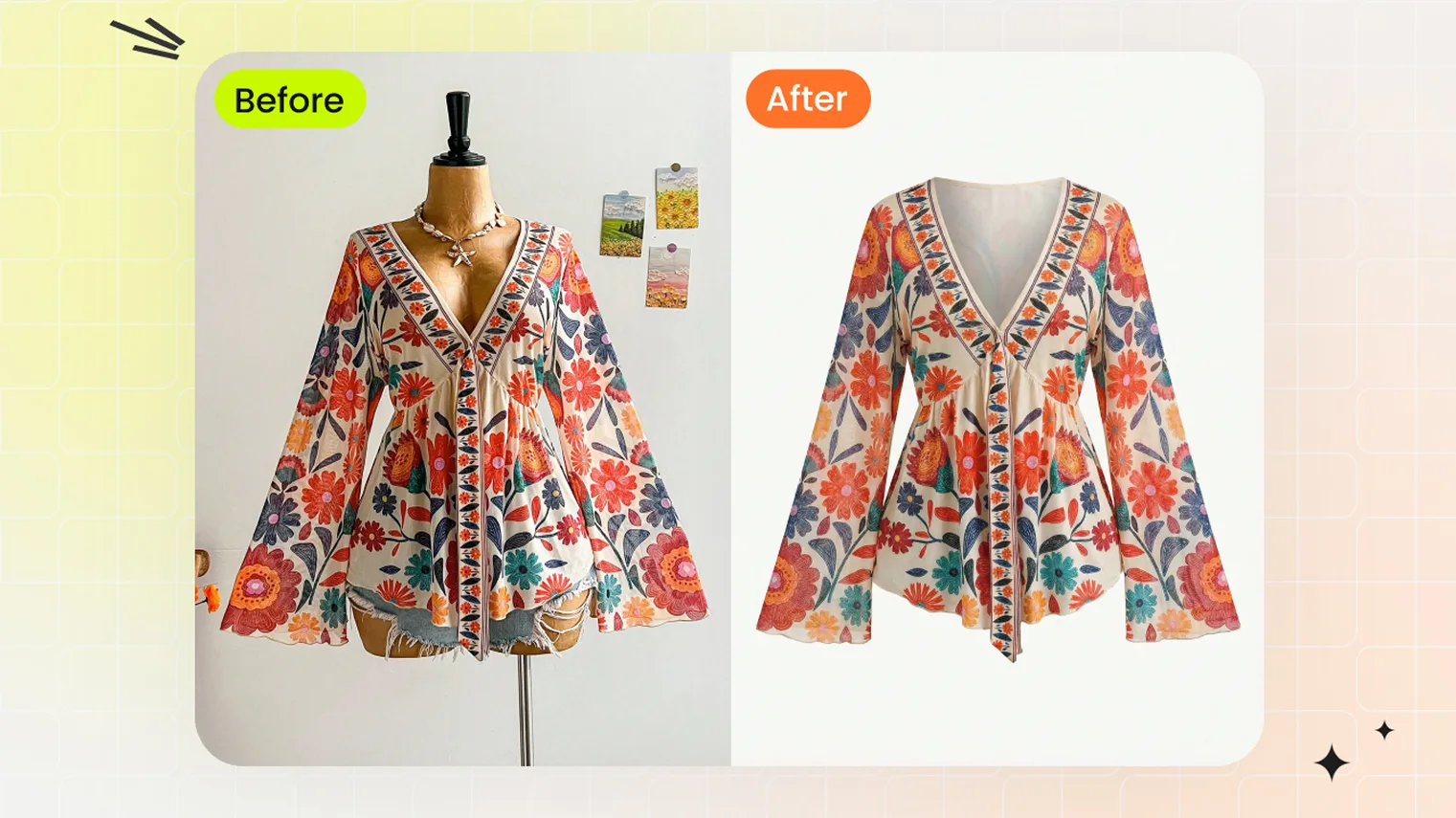 Ghost Mannequin for Amazon SellersMeet Amazon's pure-white, no-visible-mannequin apparel image rules with the AI ghost mannequin effect — 3D fit on white from one flat-lay, hanger, or dress-form photo.
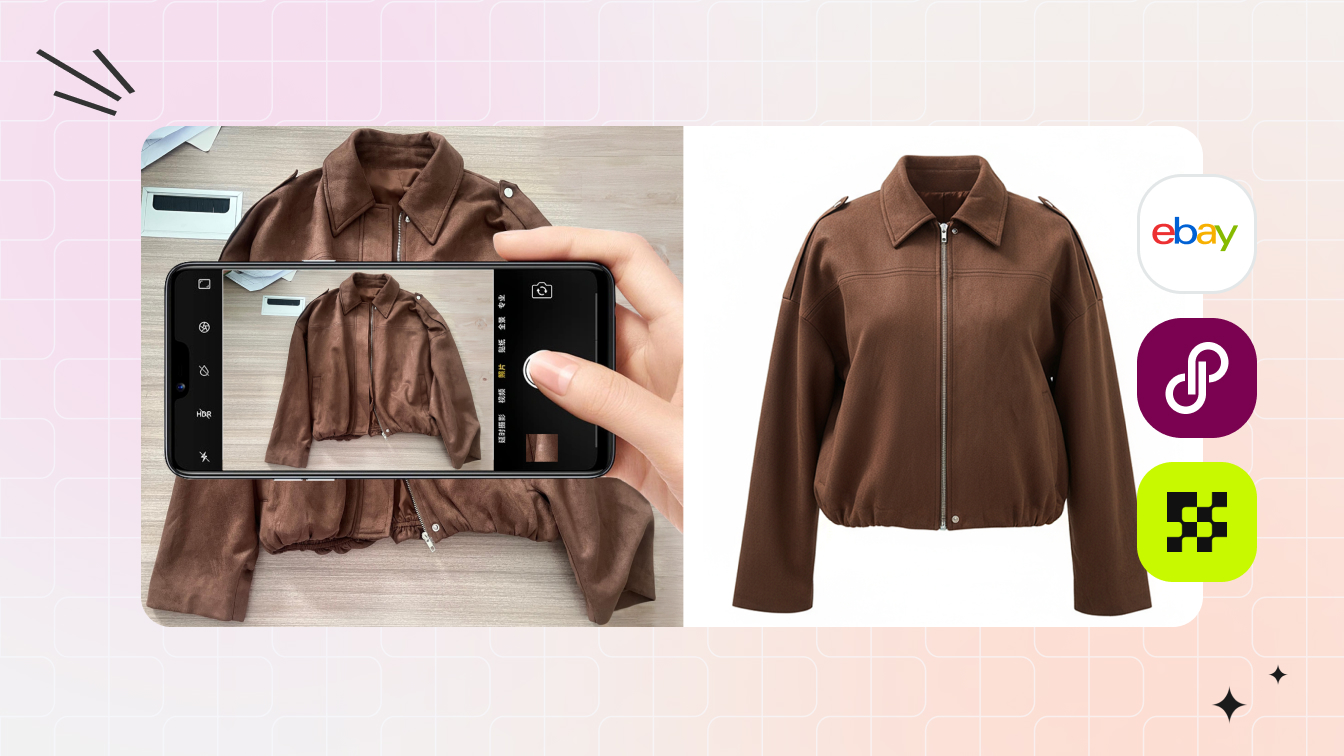 Resellers & MarketplacesCreate clean ghost mannequin images from secondhand clothing photos for resale listings. Show garment shape clearly and review condition, wear and original details before publishing.
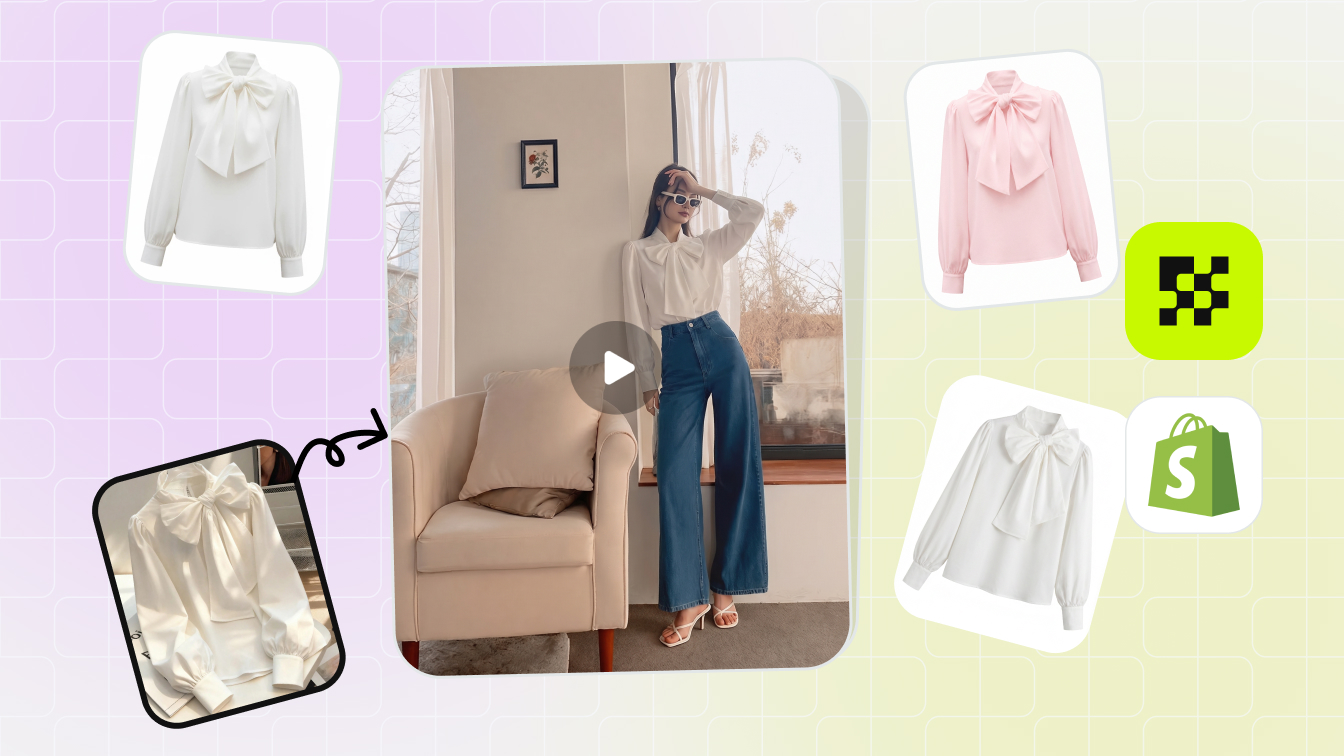 Shopify SellersBuild a consistent apparel catalog for your Shopify store with ghost mannequin images. Use clean backgrounds and similar framing to keep clothing details in focus across collections.
Continue Your Apparel Product Photo Workflow
Flat Lay
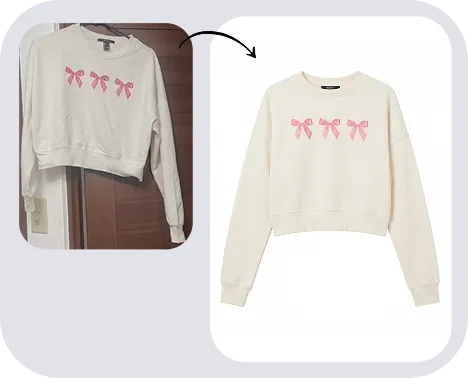
Color Change
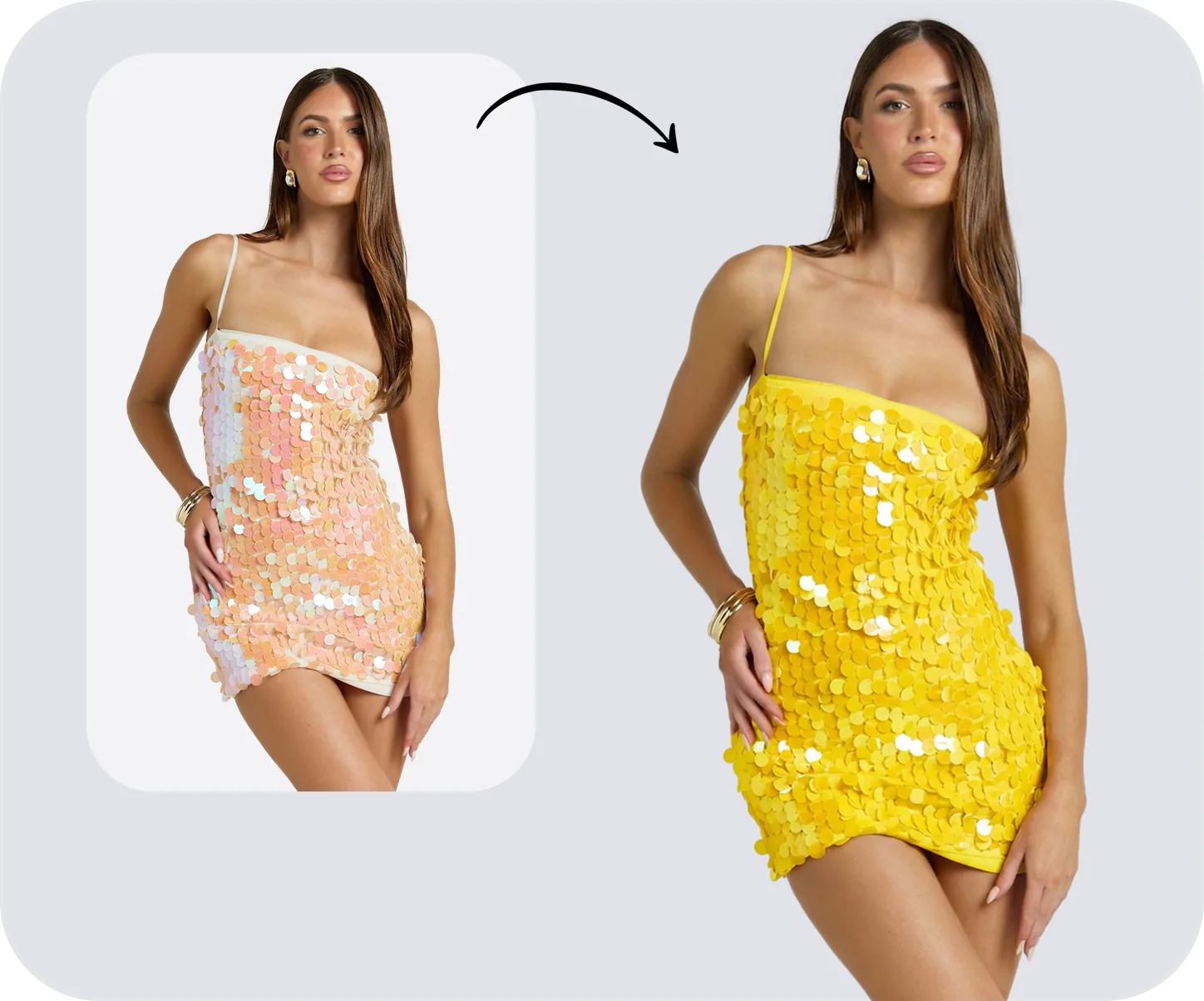
Fashion Model
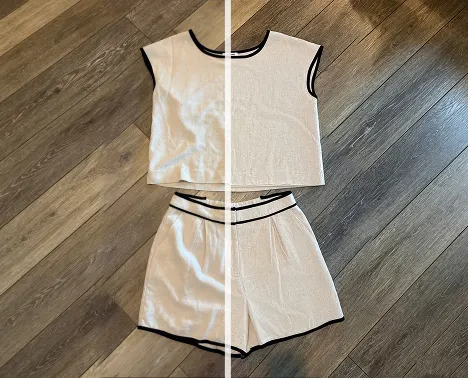
Remove Wrinkles
AI Ghost Mannequin FAQs
Ghost Mannequin Photography Guides & Insights
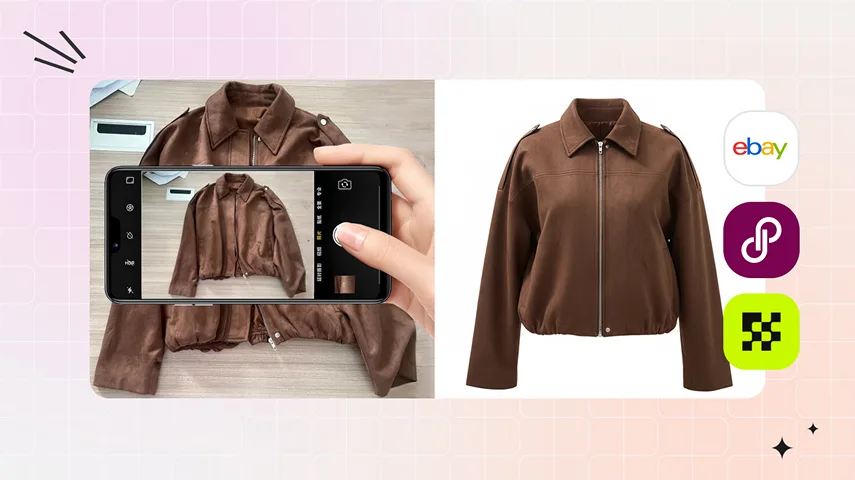 How to Take Pictures of Clothes Without a Mannequin: 7 Methods Compared7 ways to take pictures of clothes without a mannequin in 2026 — flat lay, hanger, floor pin, DIY dress form, self-model, Photoshop, and AI ghost mannequin.
 9 Best Invisible Mannequin Tools Compared (2026): AI vs Photoshop vs Outsourced Services9 best invisible mannequin tools tested in 2026 — AI apps, Photoshop, outsourced services. Verified cost per photo, output time, best fit by seller type.
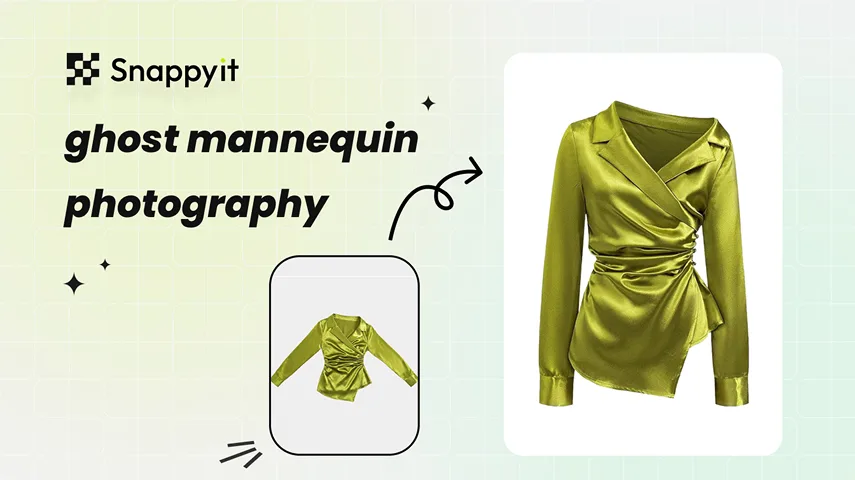 How to Use a Ghost Mannequin App for Product PhotosTurn one clear hanger or flat-lay shot into a clean ghost mannequin product image on iPhone or Android. You’ll learn how to shoot the source photo, generate the result, check it against the SKU, and export it for your store.
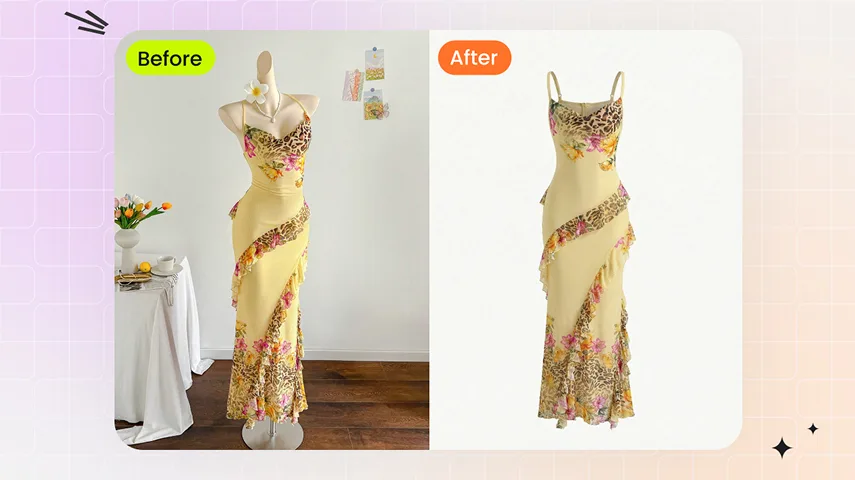 Ghost Mannequin Photo Editing: From Flat Shots to Sold-Out ListingsLearn ghost mannequin photo editing step by step: workflow, joint types, troubleshooting, automation, and export specs for ecommerce product images.