



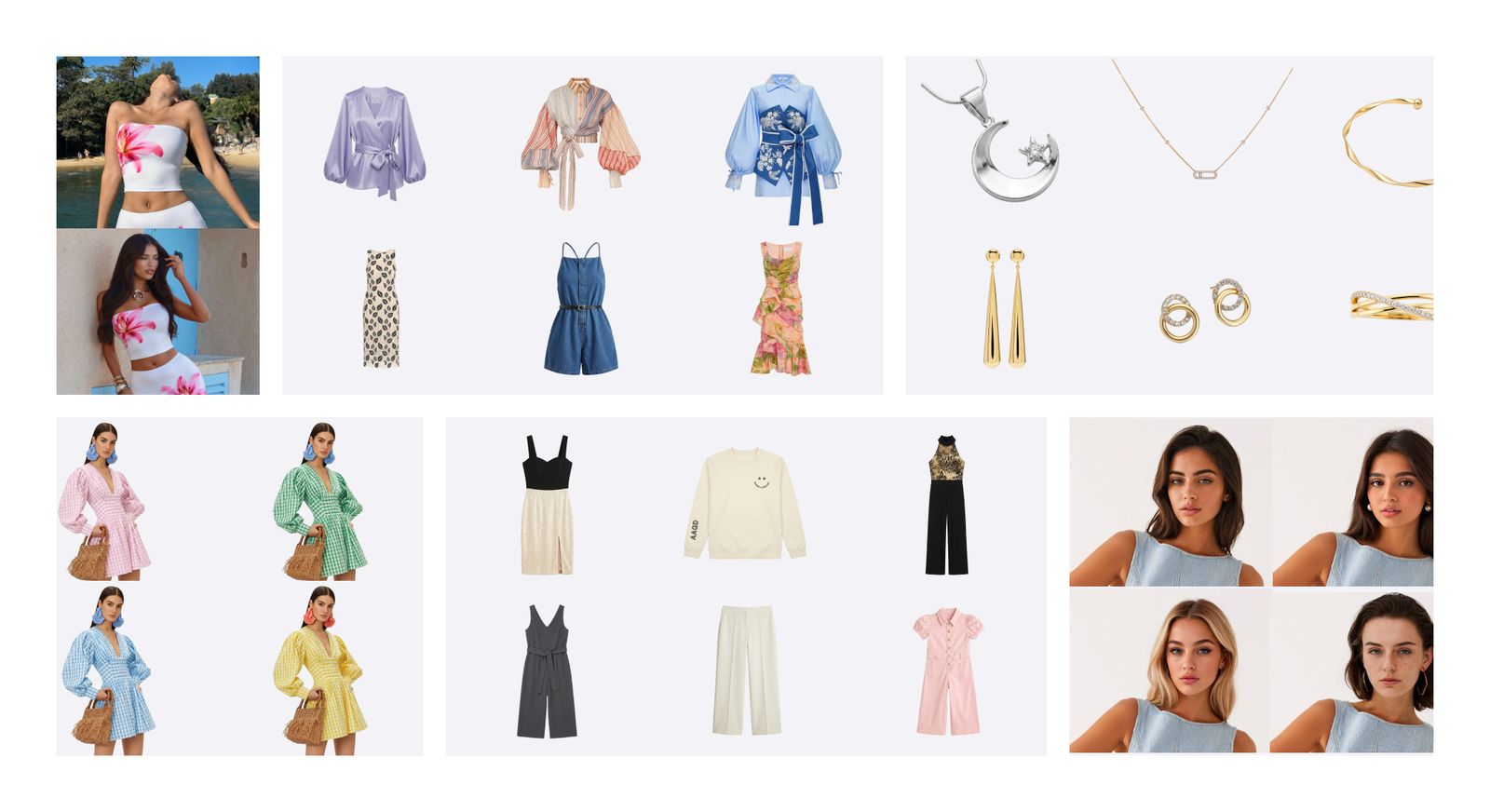
Build the Product Gallery Shopify Shoppers Need
A complete Shopify gallery does more than show one polished image. Combine clear product views, real details, wearing context and motion to answer different shopping questions.
White Background
Give shoppers an unobstructed product-first view for the featured image, collection grid and variant selection.
Lifestyle
Show how the item looks when worn or used so shoppers can understand styling, fit, scale and context.
Video
Add short motion content when movement, drape or a changing viewpoint helps explain the product.
Close-Up Detail
Photograph real fabric, texture, stitching, labels and construction that generated views should not invent.
From Shopify Product Image to Storefront Content
Once the source is clean and accurate, turn it into the product-first, silhouette, variant, wearing-context and motion assets your Shopify gallery needs.
Create a Clean Flat Lay
Turn a hanger or everyday apparel photo into a consistent overhead view for the featured image or product gallery.
Open AI Flat Lay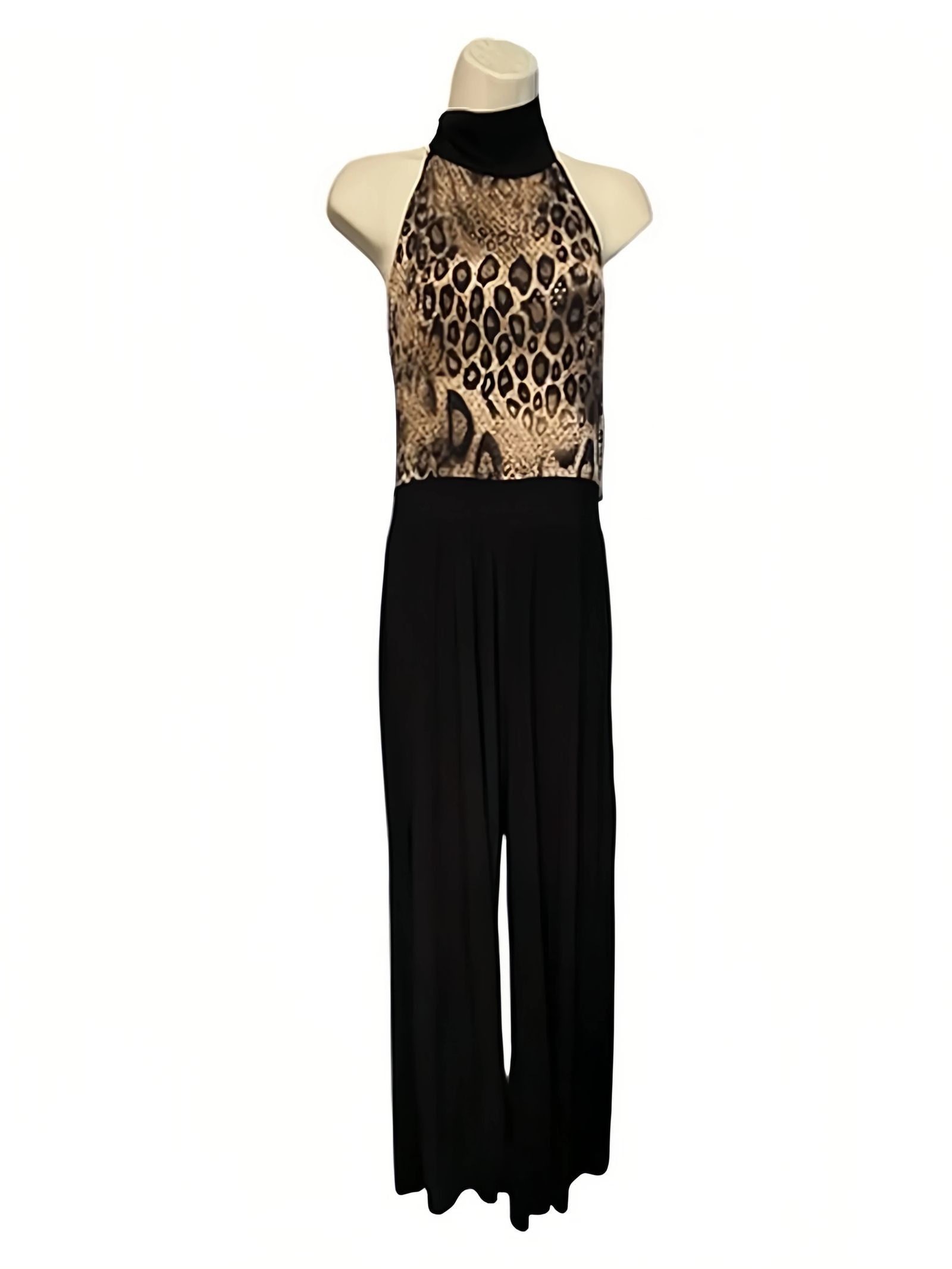
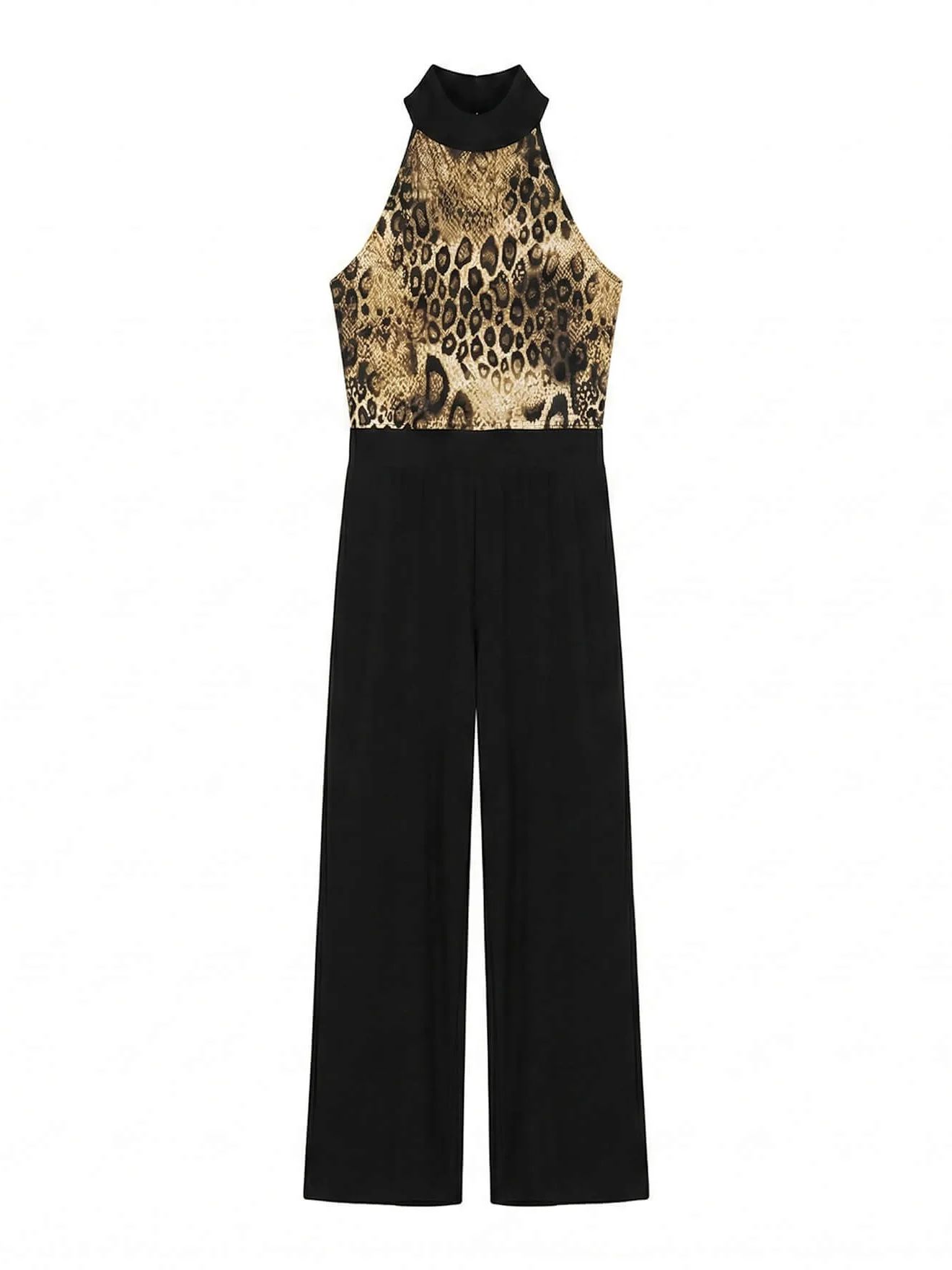
Show Shape with Ghost Mannequin
Create a hollow-body apparel view that helps shoppers read the neckline, sleeves, construction and silhouette without a visible model.
Open Ghost Mannequin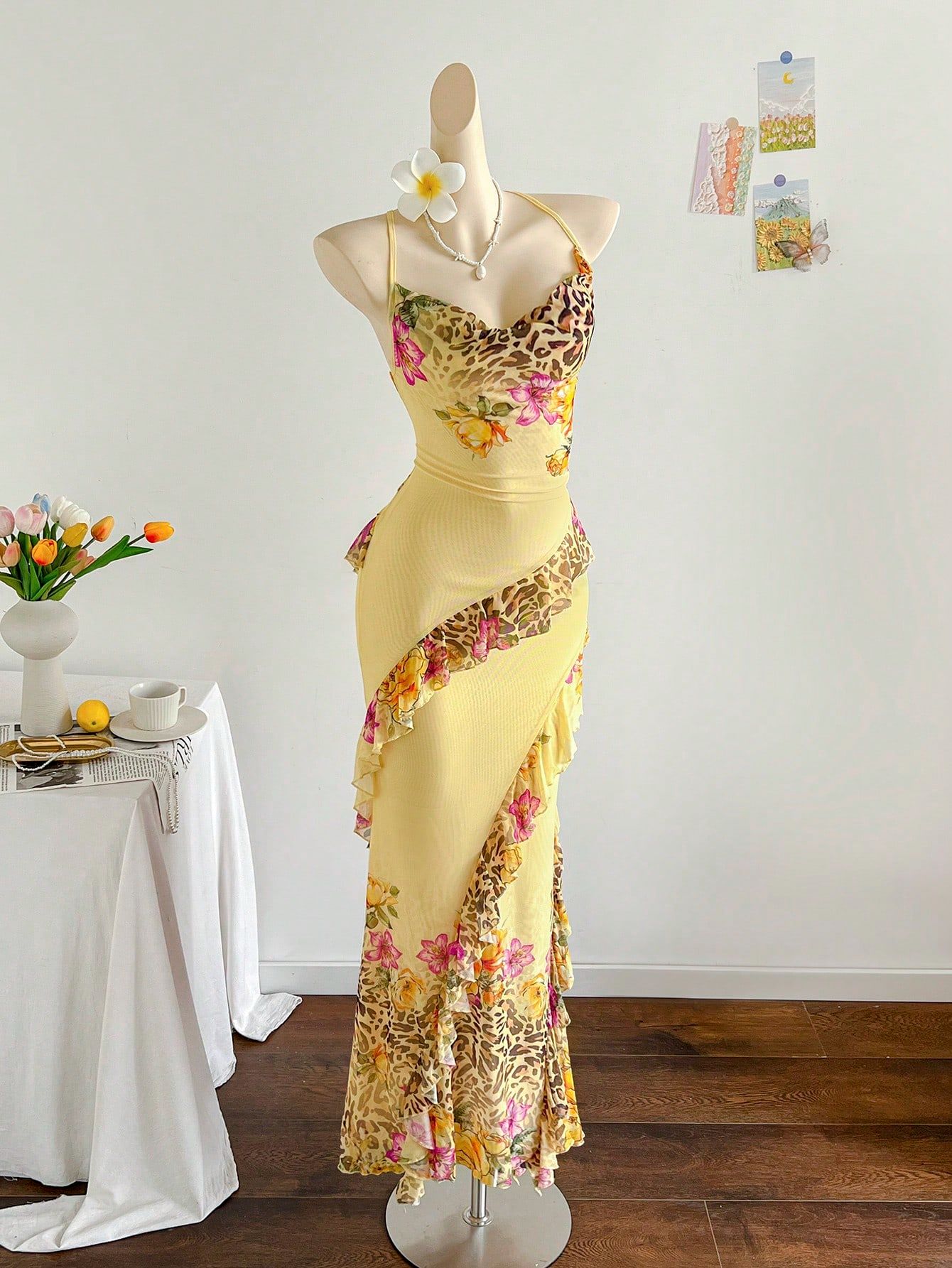
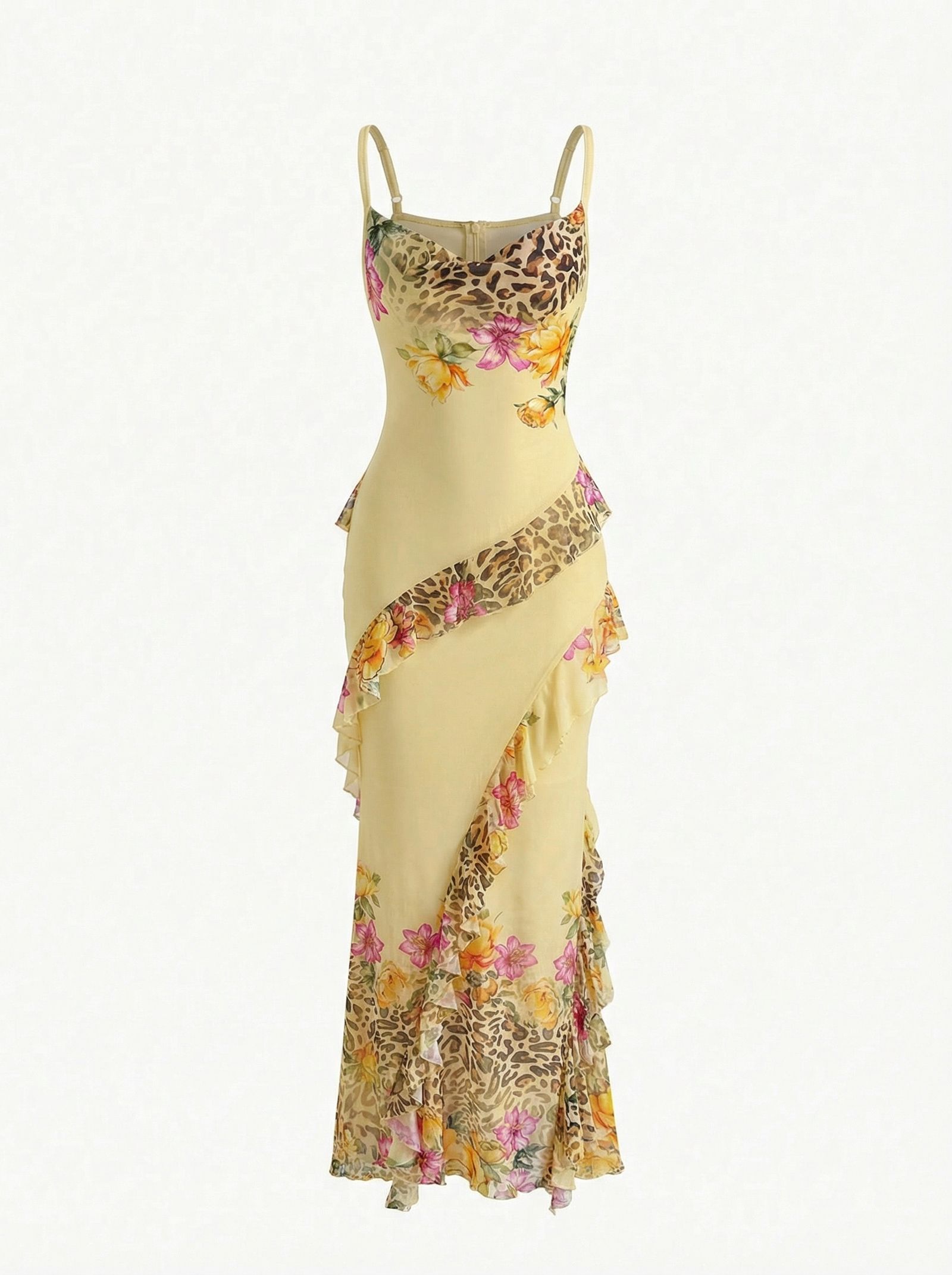
Create Images for Real Color Variants
Start from an approved product image and create candidates for colors you actually sell. Compare every result with the physical SKU before assigning it to a Shopify variant.
Open Color Change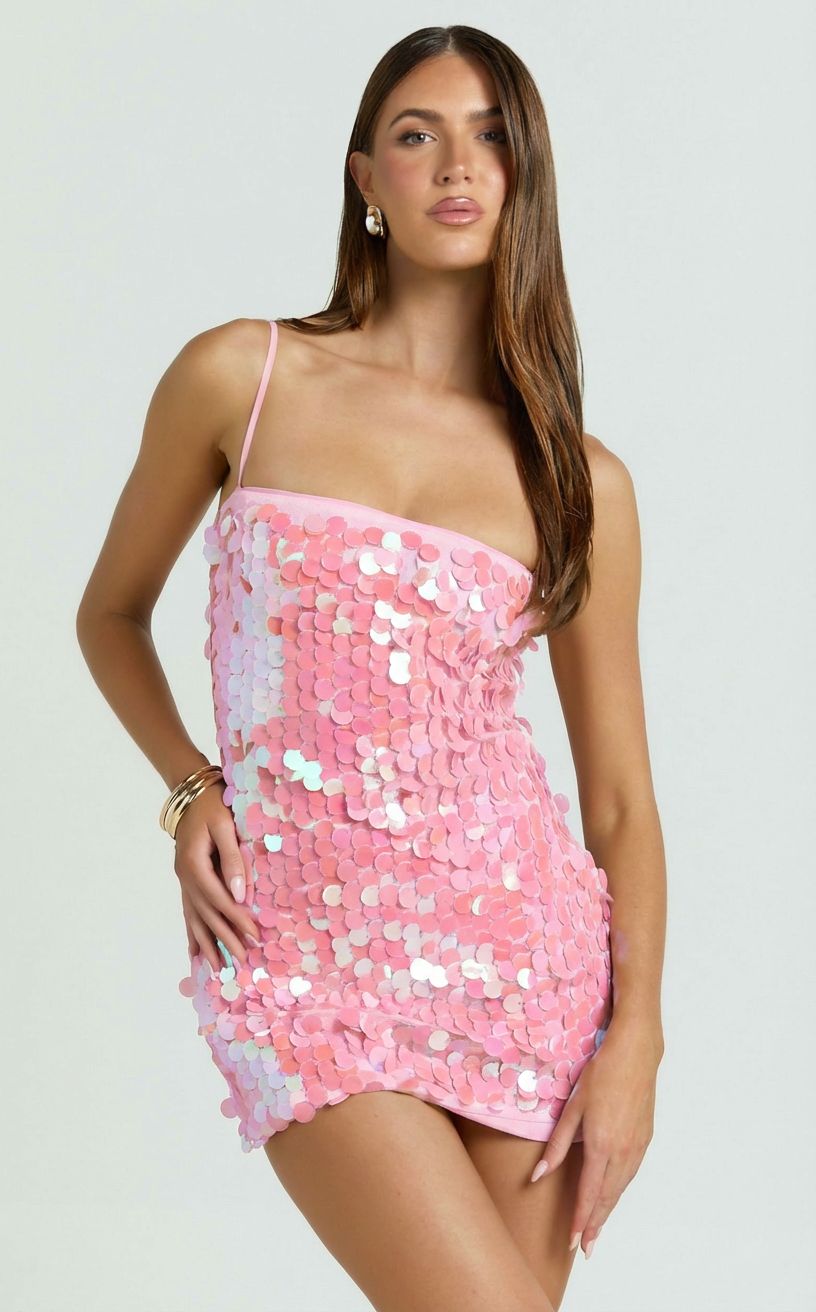
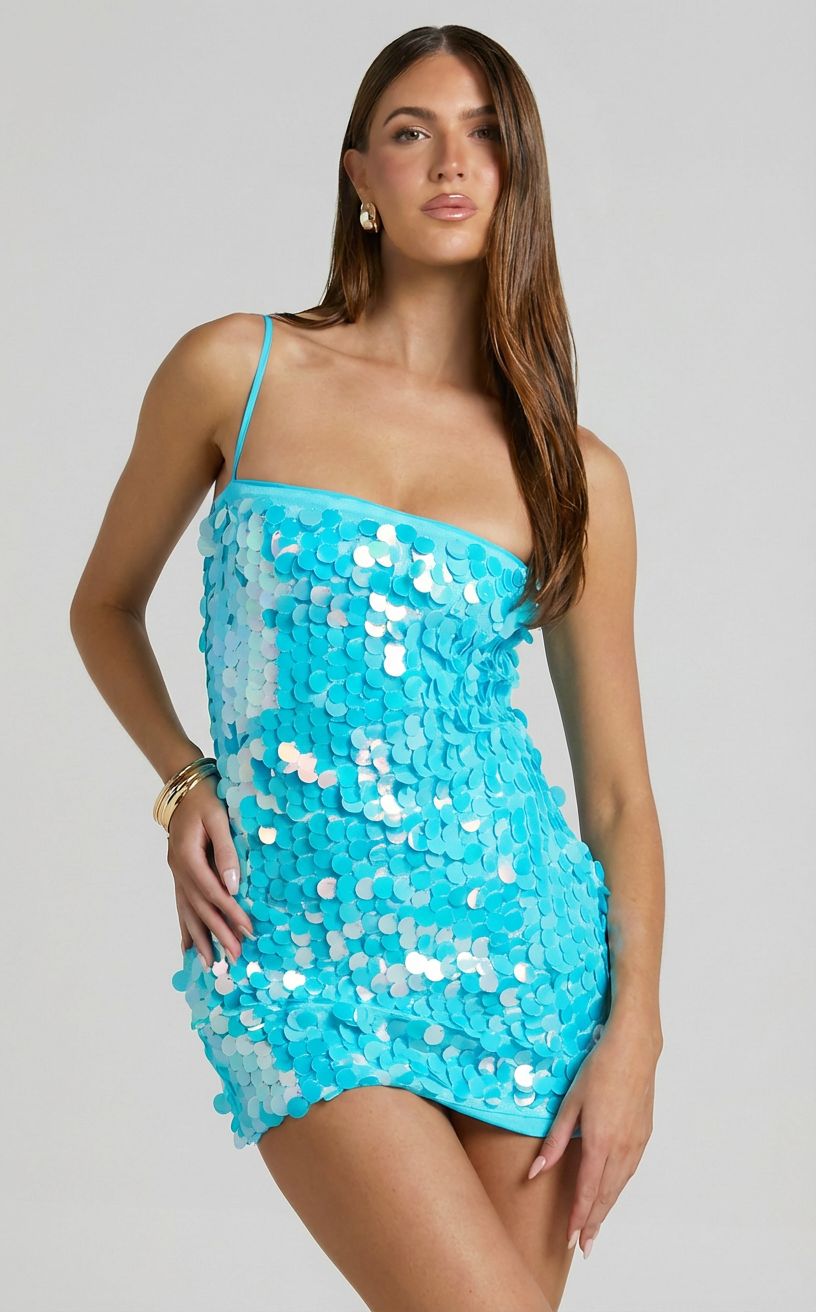
Add an AI Fashion Model Image
Create an on-model view for the Shopify product gallery, collection content or campaigns after product-first images establish the item clearly.
Open Fashion Model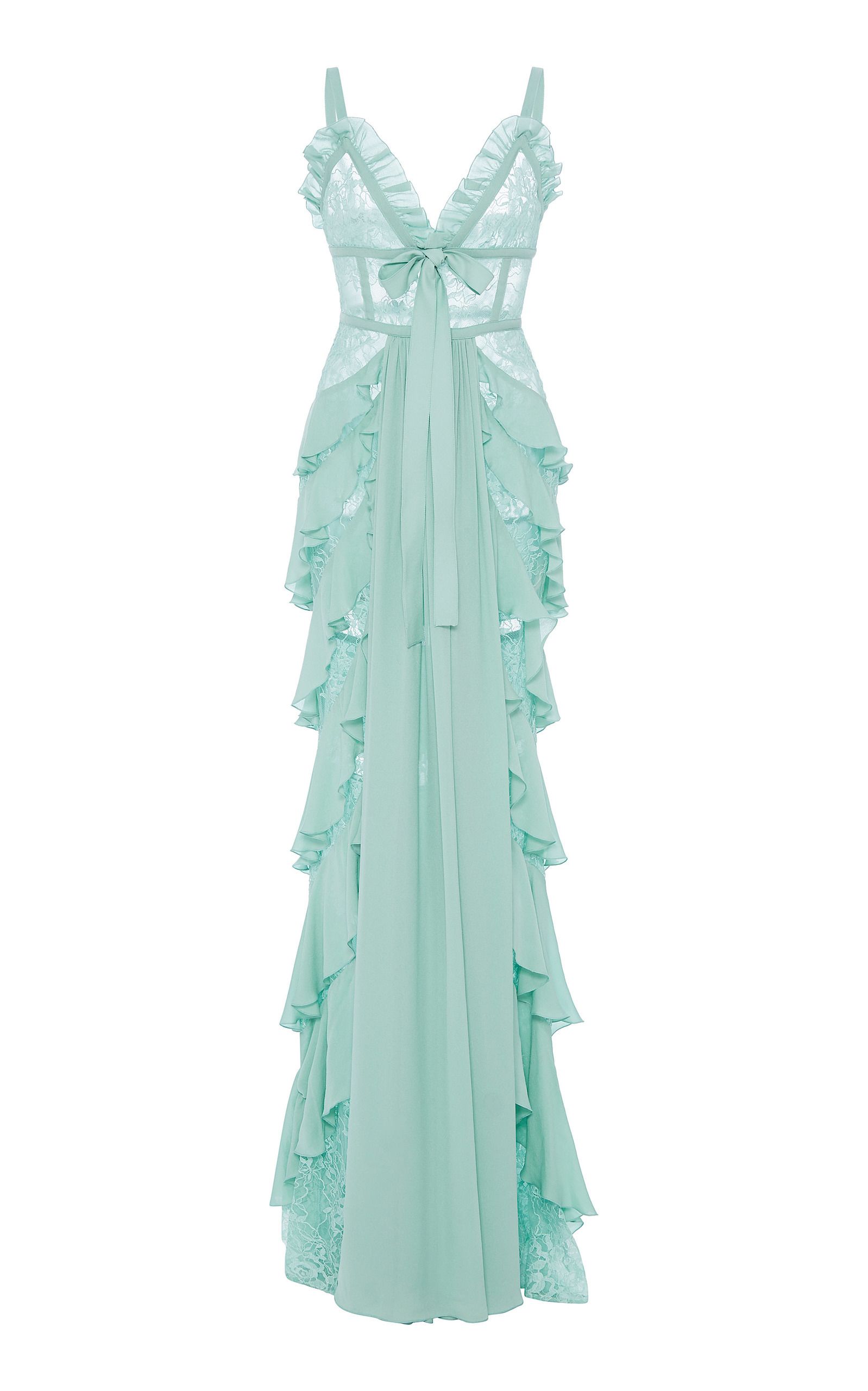
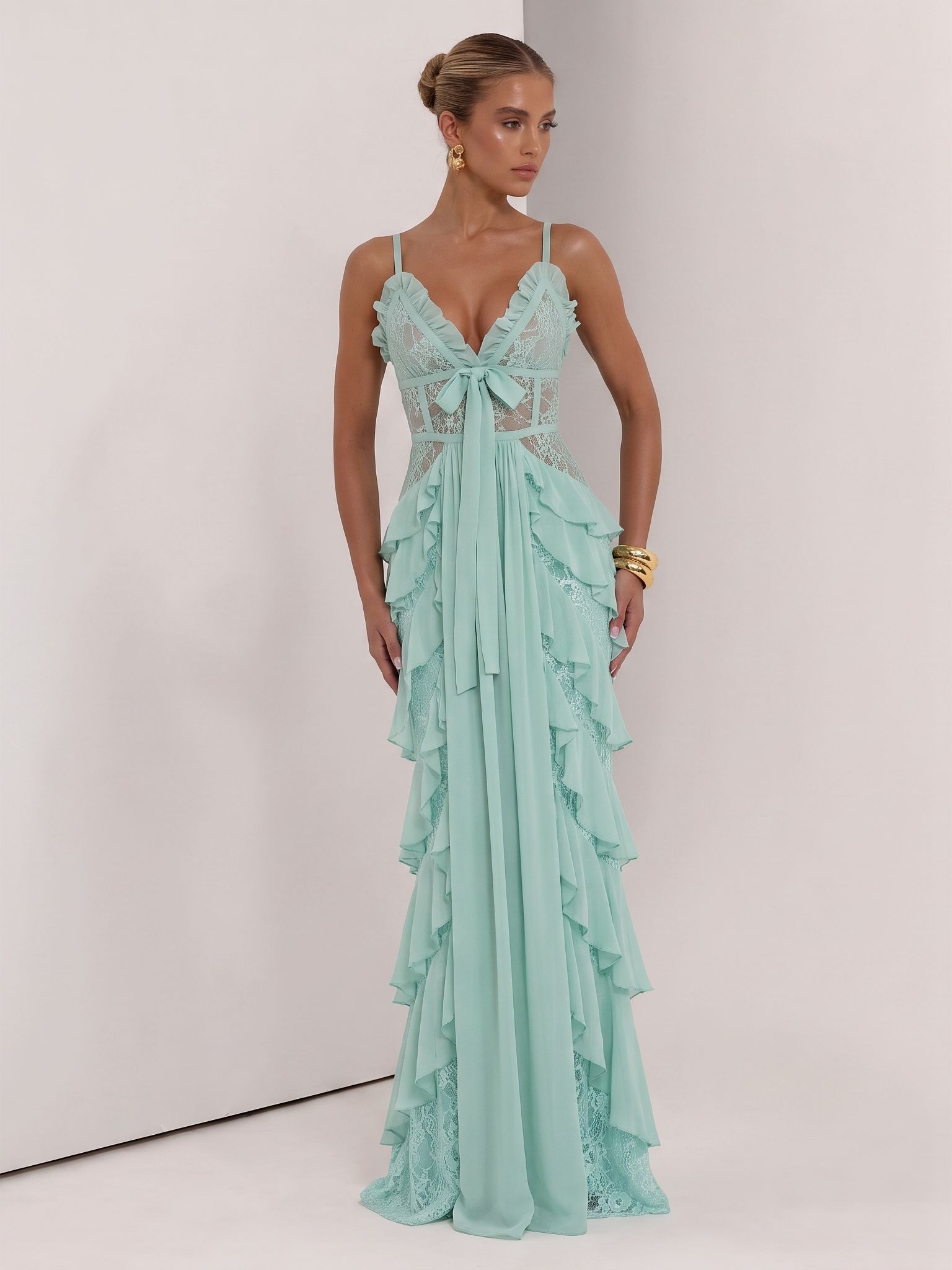
Turn a Finished Image into Video
Animate an approved product or on-model still into a short clip for a Shopify product page, campaign or social channel.
Open Image to Video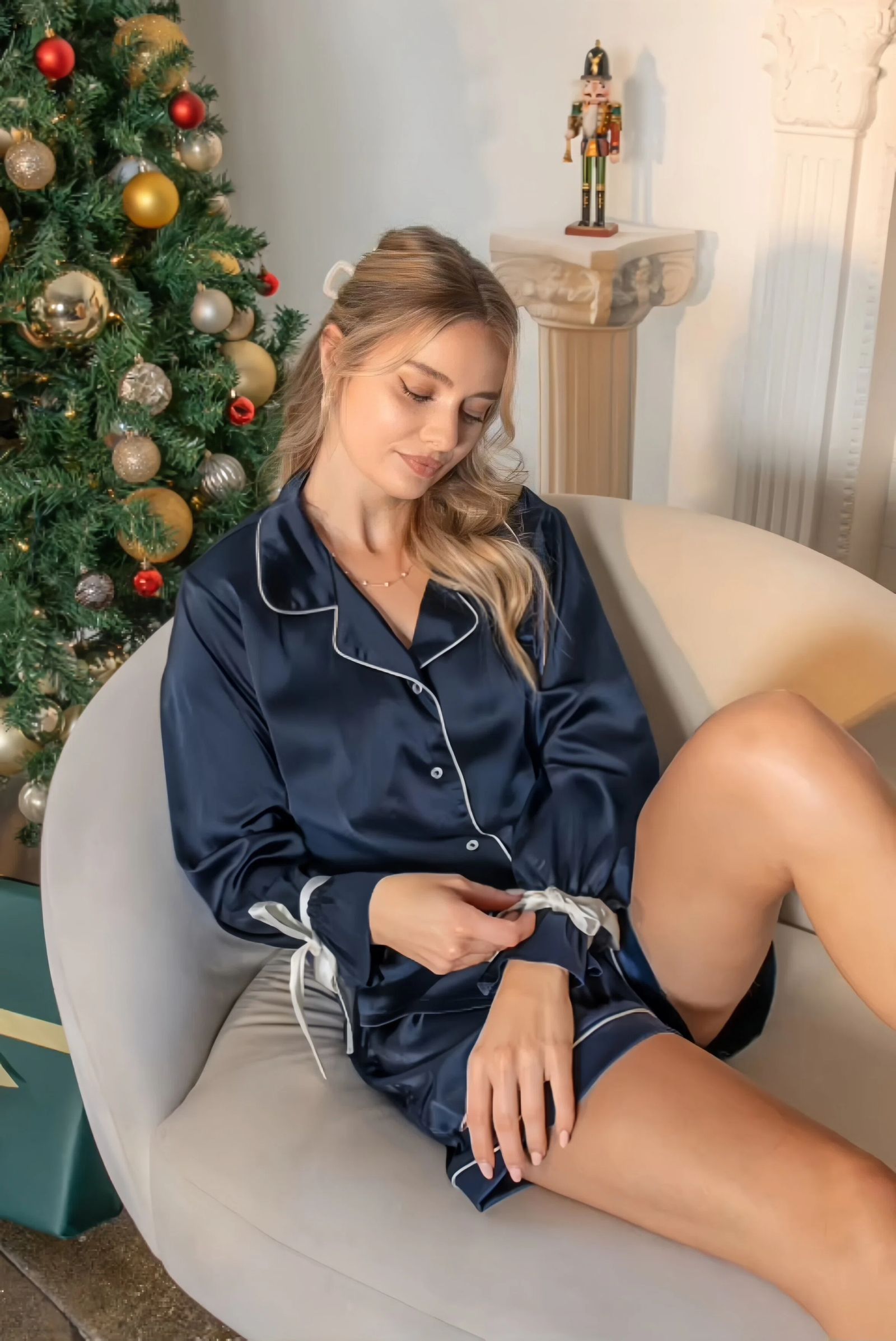
Work Directly from Your Shopify Catalog
Choose an existing Shopify product image, create the visual the product needs and return the approved result to the store without rebuilding the listing.
- 1Import an existing image from a product in your Shopify catalog.
- 2Choose Flat Lay, Ghost Mannequin, Color Change, Fashion Model or Image to Video.
- 3Review the output, then save an approved image or video back to Shopify.
 Try on Shopify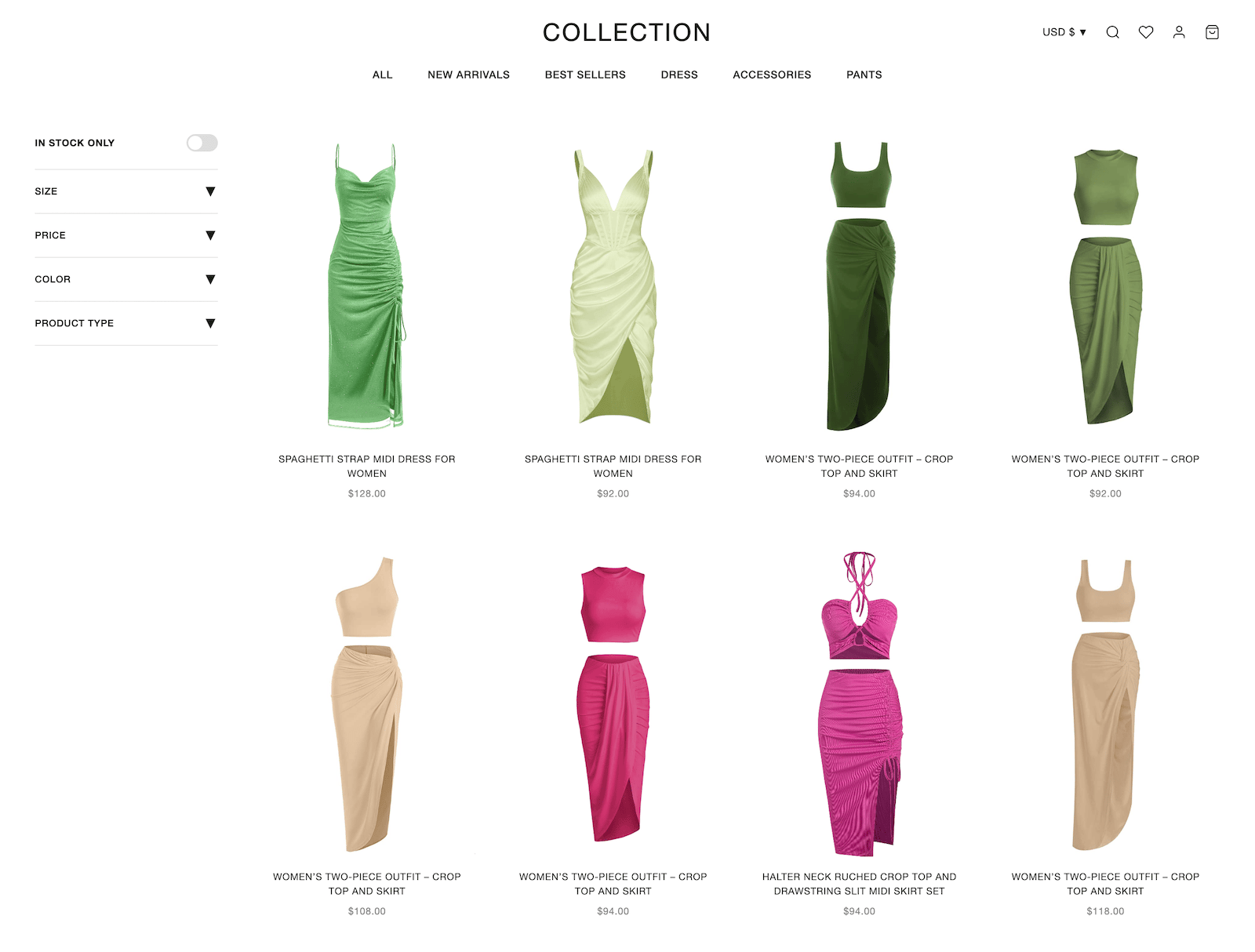
How to Build Shopify Product Photography with Snappyit
Choose the tool for the image you need, review every result against the real SKU and save approved assets back to Shopify.
Flat Lay
Create a clean product-first apparel view.
Ghost Mannequin
Show garment shape, silhouette and construction.
Color Change
Create candidate images for real color variants.
Fashion Model
Add wearing, styling and scale context.
Image to Video
Turn an approved still into a short motion asset.
Build a Complete Shopify Product Gallery
Strong product pages combine clear product views with detail and context. Give every visual a specific job, then review the complete gallery in your theme.
Product-First View
Lead with a clear, accurate image that works across product, collection, cart and checkout surfaces.
Detail and Context
Add close-ups of real construction and materials, then use ghost mannequin or on-model views to show shape, scale and wear.
Variant and Motion
Show only colors you actually sell, add motion where it helps, and check color, logos, texture and theme crops before publishing.
What Shopify Merchants Say About Snappyit
Public reviews from merchants who used the Snappyit Shopify app.
Chutzpah Store
Running my women’s apparel store for 2 years, photo costs were cutting into profits. I tried several AI tools, but most gave unrealistic results. Snappyit stood out the fit, drape, and fabric (especially knits) look much more natural. It’s also very easy to use.
MtJacksongifts and Memorabilia
We run 10+ colorways per style, and recoloring used to take days. This tool gets it right it keeps seams, shadows, and fabric texture realistic.
Flat lay is also solid. Details like stitching and labels come out accurate, not generic.
Linssan Inc
We've been using Snappyit for our apparel store and it's saved us a huge amount of time on product photography.
The Ghost Mannequin feature is surprisingly good. We can turn flat lay clothing photos into clean, professional ghost mannequin images without arranging expensive photo shoots. This has helped us keep our product pages consistent and launch new items much faster.
Shopify Product Photography FAQs
What is Shopify product photography?
Shopify product photography is the set of product-first, detail, variant, lifestyle and motion assets used across a Shopify storefront. The goal is to show the real product clearly while keeping the catalog presentation consistent.
How do I take better Shopify product photos with a phone?
Clean the lens and product, use soft consistent light, stabilize the phone and keep the complete item in frame. Capture front, back and real detail views, then inspect the images at full size for sharpness, accurate color, dust, lint and distracting reflections.
Can Snappyit import images directly from Shopify products?
Yes. The Snappyit Shopify app can import an existing product image from the connected catalog so you can use it as the source for Flat Lay, Ghost Mannequin, Color Change, Fashion Model or Image to Video.
Can I save generated images and videos back to Shopify?
Yes. When the source came from a Shopify product, an approved result can be saved back to that product. Other generated assets can be saved to Shopify Files for later placement.
What size should Shopify product images be?
Shopify accepts product and collection images up to 5000 by 5000 pixels or 25 megapixels, with a file size below 20 MB. The best aspect ratio depends on the store theme and placement, so preview product pages and collection cards before publishing.
How many images and videos can I add to a Shopify product?
Shopify currently allows up to 250 media items for a product, including images, videos and 3D models. A useful gallery should still be planned around the views shoppers need rather than filling every available slot.
Which product image appears on Shopify collection, cart and checkout pages?
The first media item is the product's featured or main media. Shopify uses it on collection pages, the cart, checkout and homepage placements, so review its clarity and crop carefully.
Can each Shopify variant have a different image?
Yes. A Shopify variant can use one associated image. Variants do not support video or 3D media, so verify that every variant image matches the actual color and product being sold.
Which Snappyit tools are useful for Shopify fashion stores?
Use Flat Lay for a product-first apparel view, Ghost Mannequin to show garment shape, Color Change for real color variants, Fashion Model for wearing context and Image to Video for motion content.
Can I use AI-generated product photos on Shopify?
Yes, but the image should accurately represent the product. Compare every result with the physical SKU and review color, text, logos, pattern, construction and included accessories before publishing.
Can Shopify product pages include videos created with Snappyit?
Yes. Image to Video can animate an approved still into a short product clip. Shopify product pages can display video when the active theme supports that product media type.
How should I prepare Shopify product images for mobile themes?
Preview the featured image, product gallery and collection card at mobile width. Keep the product clear, allow room for theme cropping, set a focal point where useful and add descriptive alt text.
Build Your Shopify Product Image Workflow
Import one product image, create the storefront assets the product needs and return approved visuals to Shopify.
Install the Shopify App






