Upgrade Your Visuals Now
 Click or drag image hereUpload Image
Free Try
No images?Try one of these
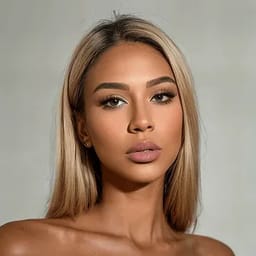
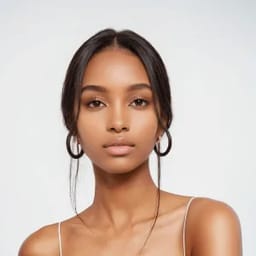

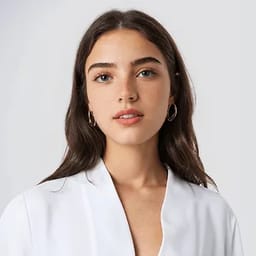
By uploading an image you agree to our Terms of Service and Privacy Policy.
More Models, Wider Reach, Greater Impact
Showcase Your Apparel Across Our AI Model Portfolio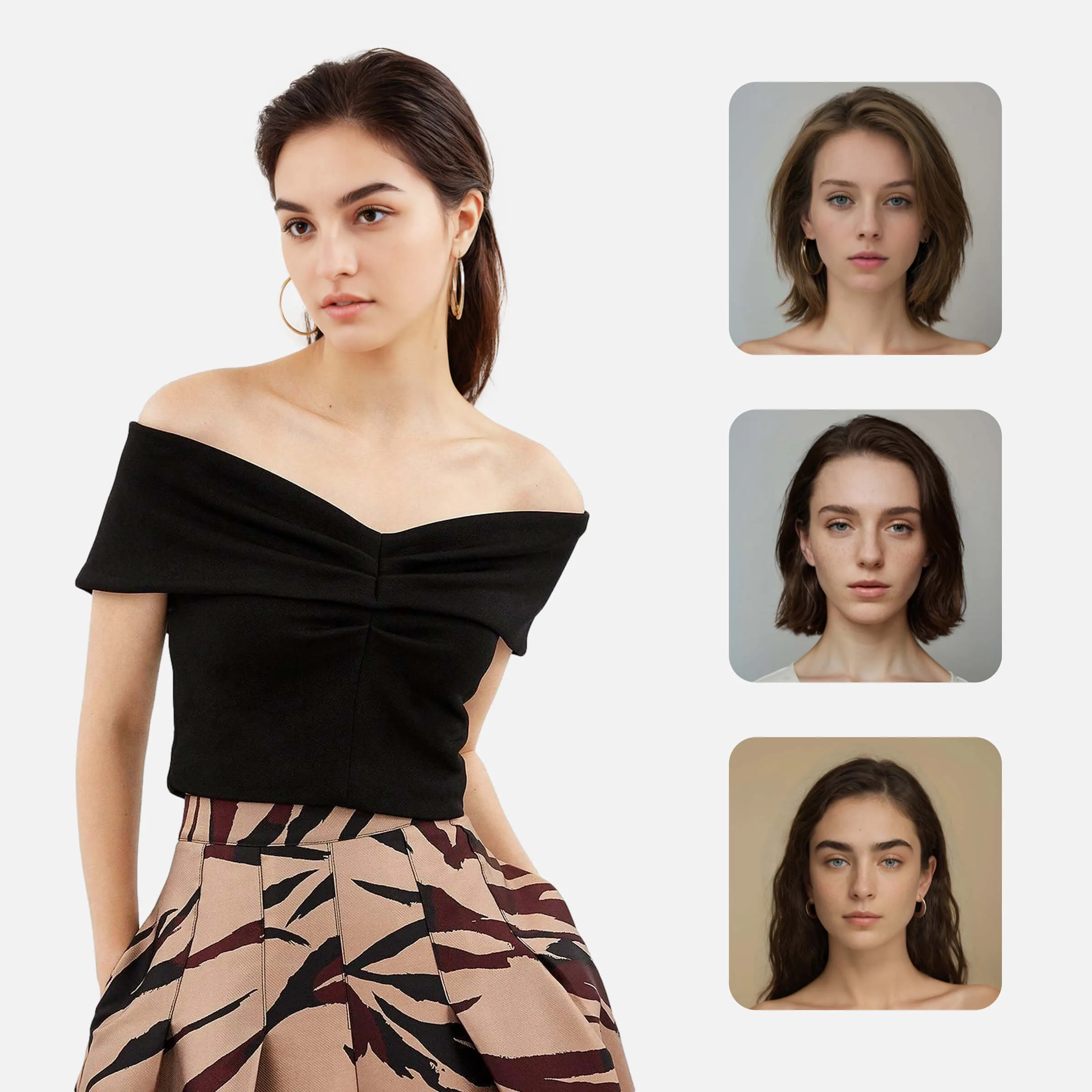
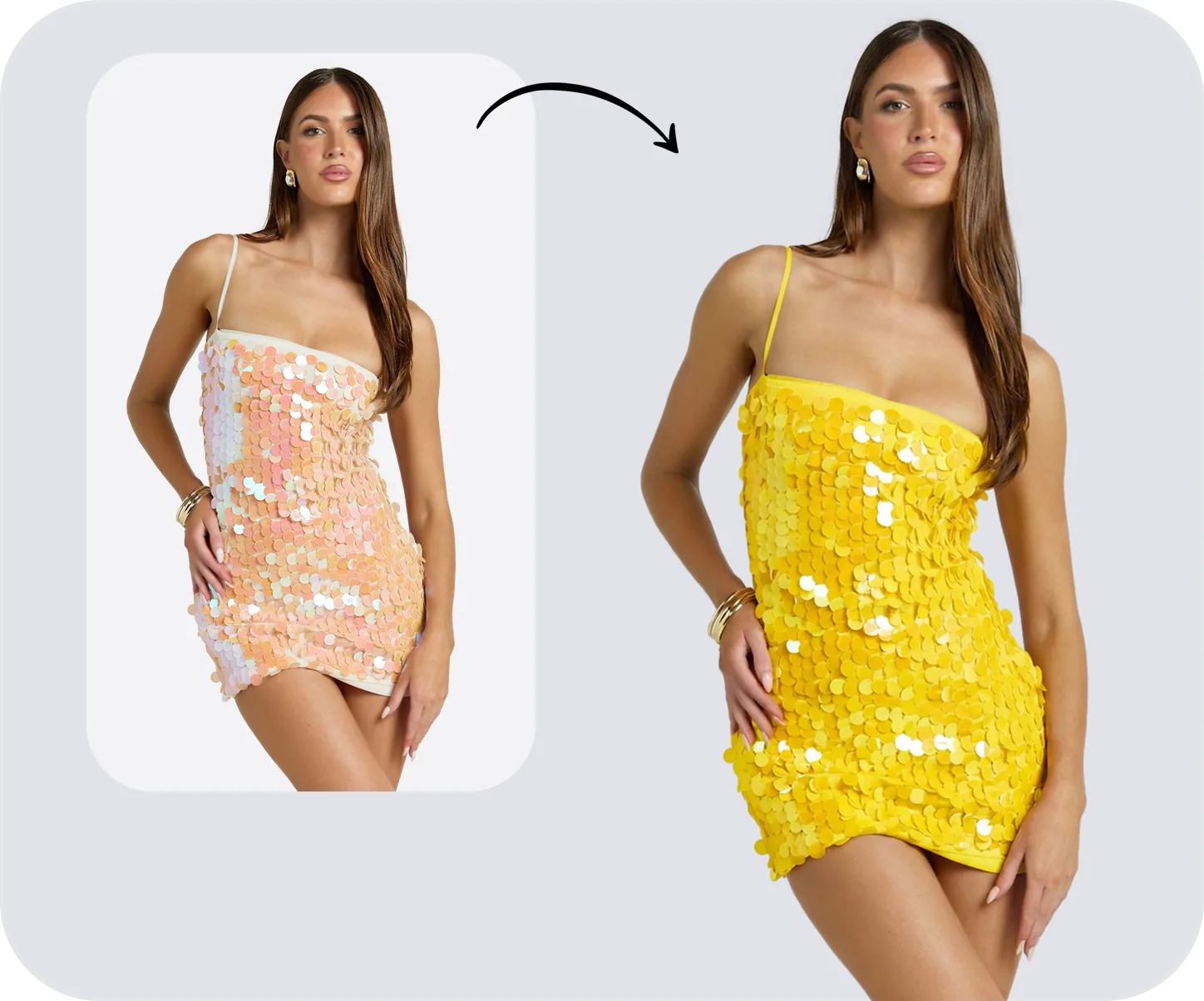
Before
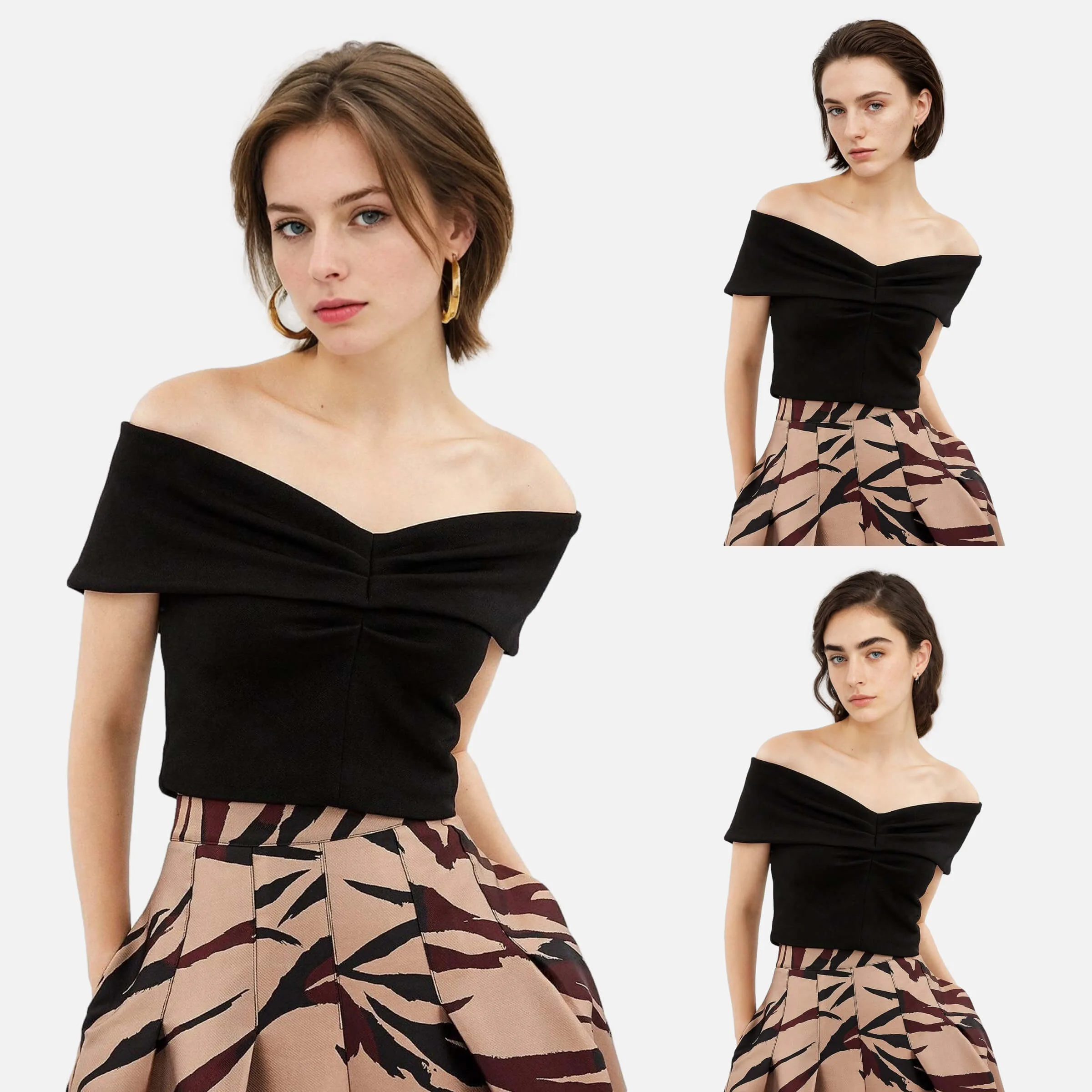
After
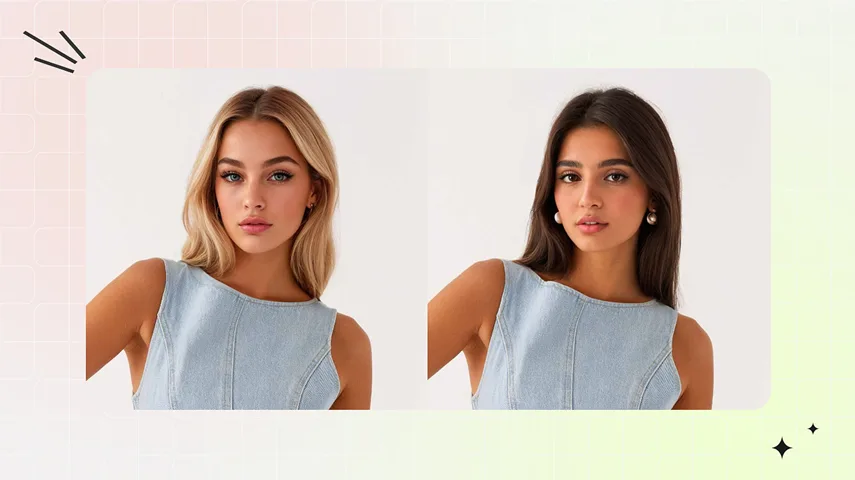
Before

Studio-Quality AI Fashion Models, Instantly Generated
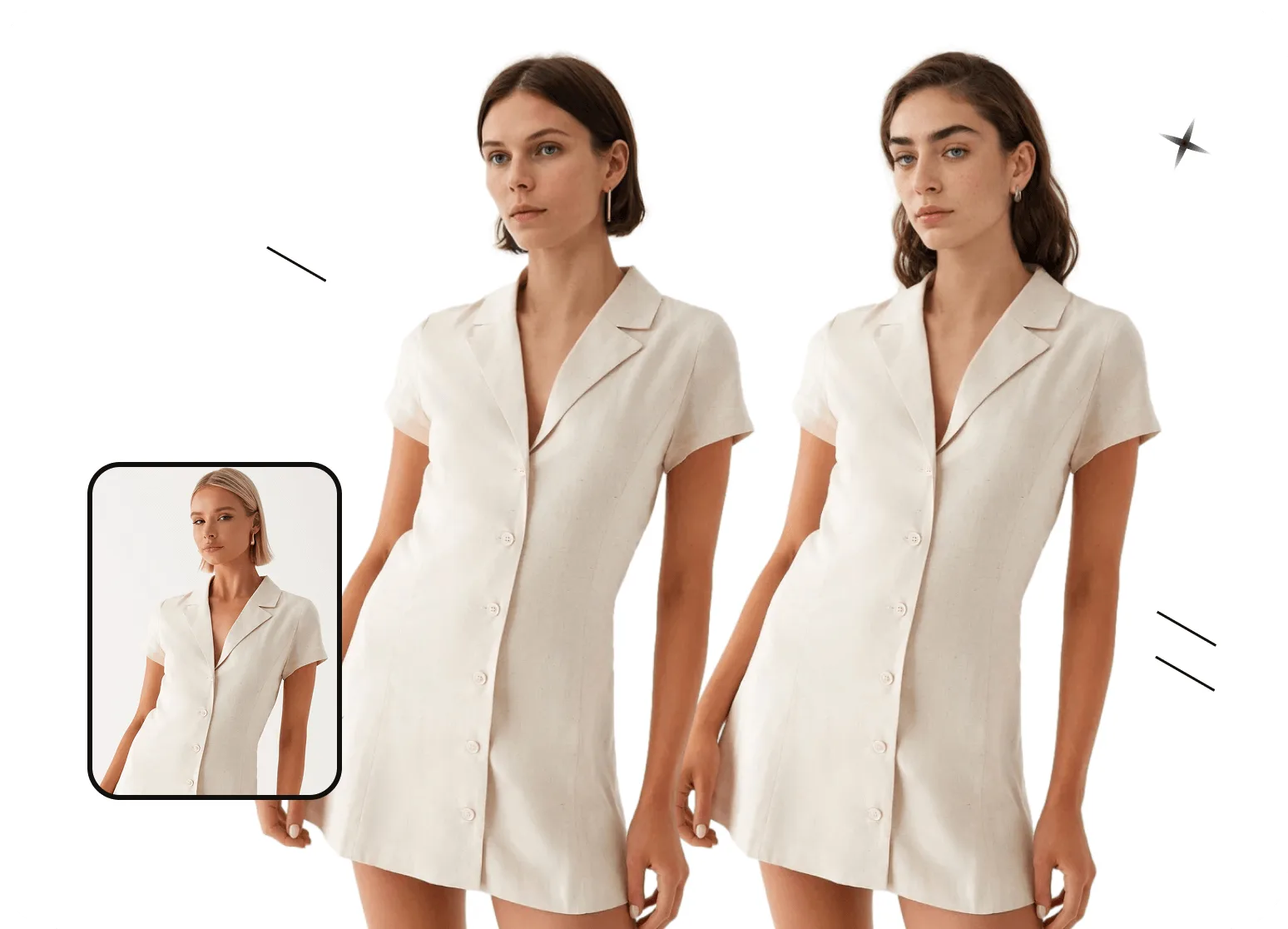
One Outfit. Limitless Model Looks.
Snappyit generates new fashion models while preserving original fabric drape, lighting, and camera angles for studio-quality results. No retouching. No setup. No production delays. Create consistent, on-brand visuals with our AI fashion model generator—designed for e-commerce teams who want faster launches and higher-converting product images.Swap Model Faces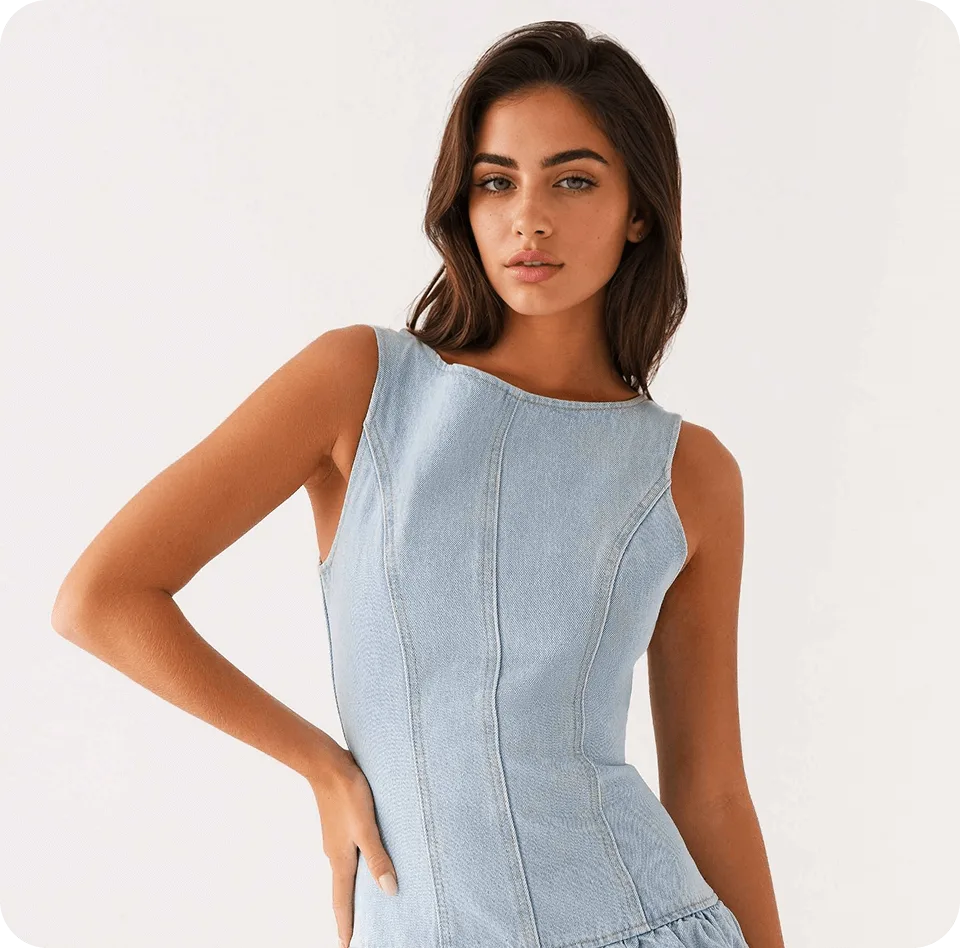
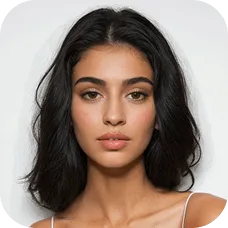
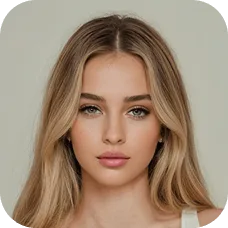
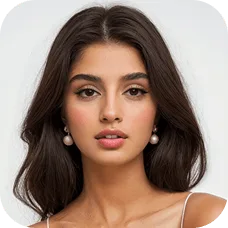

Hyper-Realistic AI Fashion Models—No “AI Look”
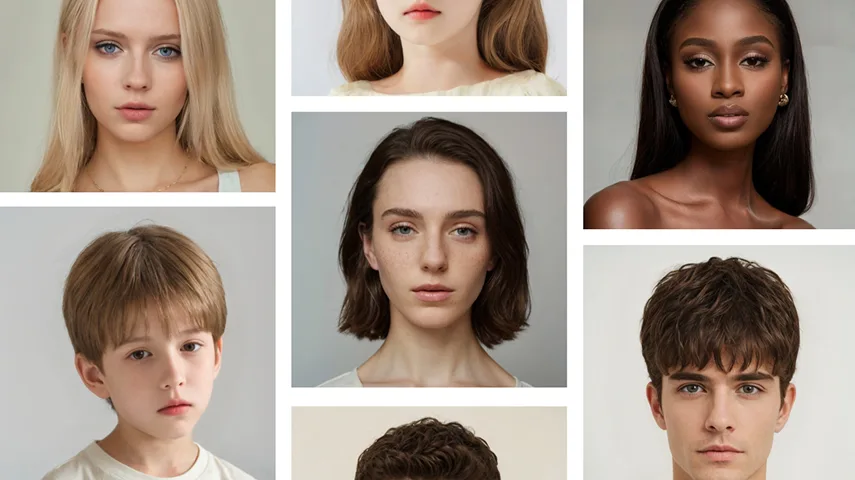
Every model generated by Snappyit looks natural, lifelike, and perfectly suited to your product. Our AI fashion model swap tool preserves realistic fabric drape, lighting, and camera angles, delivering fashion visuals that feel handcrafted—without any artificial or synthetic appearance. Whether it’s a close-up on textures or a full-body shot, every AI model swap produces authentic, studio-quality images that your customers can trust.Create New Model Looks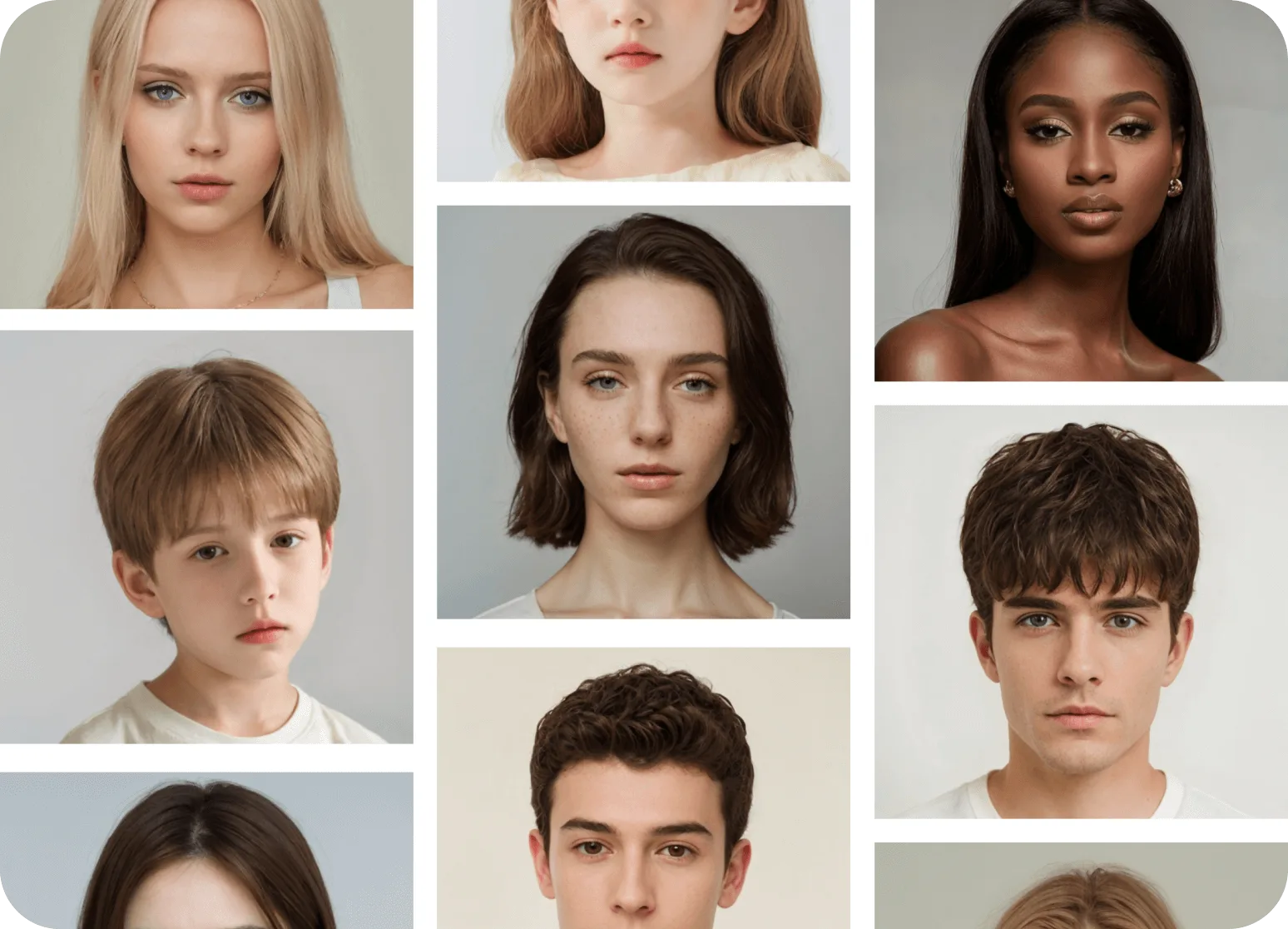
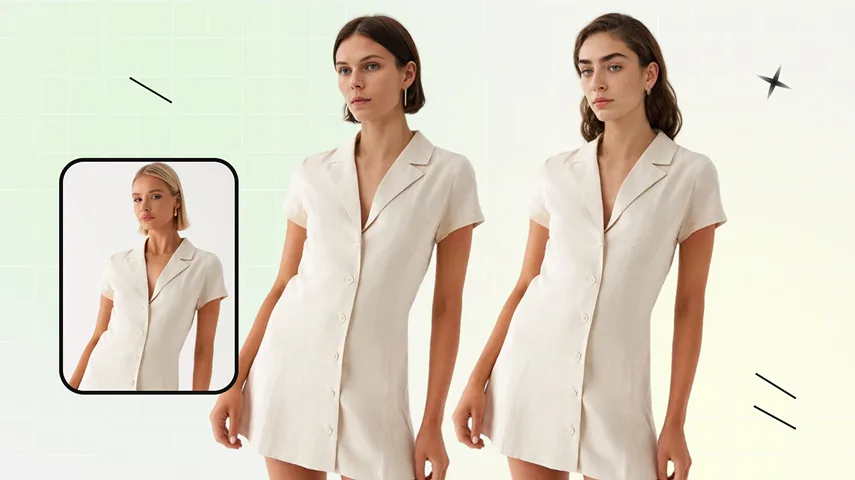
Virtual AI Fashion Model Swap for Global Markets
Show your products on AI fashion models designed for every region, age, style, and background. Snappyit's AI fashion model generator makes it effortless to swap models or create fully localized visuals, delivering fashion photos that resonate with each market’s unique culture. Perfect for multilingual campaigns, e-commerce stores, and virtual fashion showcases.Localize Fashion PhotosHow to Instantly Swap Models in Fashion Photos
01
Upload Your Photo
- Desktop: Open the AI face swap tool and upload a fashion photo with one clear, unobstructed face.
- Mobile: Download the Snappyit app for iOS or Android, select Face Swap, and refresh the model’s face in your fashion photo.
- Bulk: Swap model faces in bulk with the batch product photo editor; select Face Swap to update faces across selected fashion images.
02
Choose Your AI Fashion Model
- Select from our diverse library of AI fashion models.
- Showcase your product on models that perfectly match your target audience.
03
Generate & Download
- Our AI model swap instantly does the magic.
- Download the final image ready for your online store, marketing campaigns, or social media.
No Model Image Yet?
Create One With
Fashion Model First
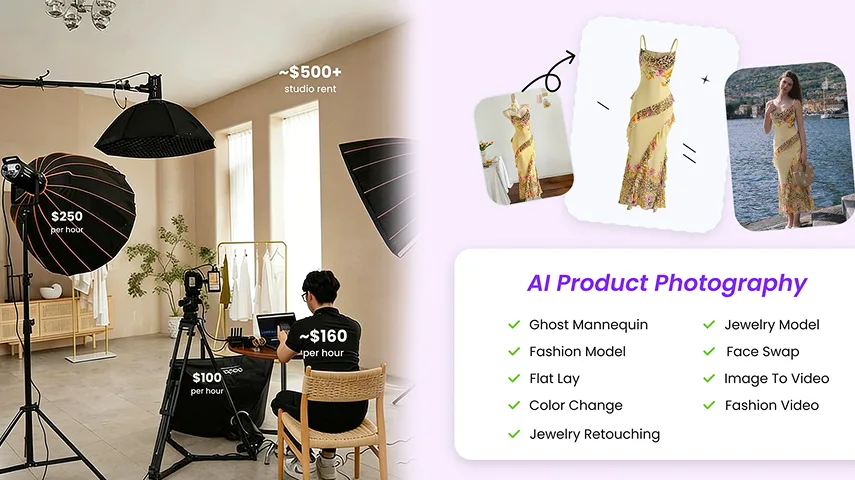
Face Swap works on photos that already have a model — it locks one consistent AI face across them so your shop grid reads as a single brand. No on-model shots yet? Generate them first with Fashion Model: upload a flat-lay or product photo and Snappyit places it on a model. Then come back to Face Swap to keep the same face across your whole catalog.
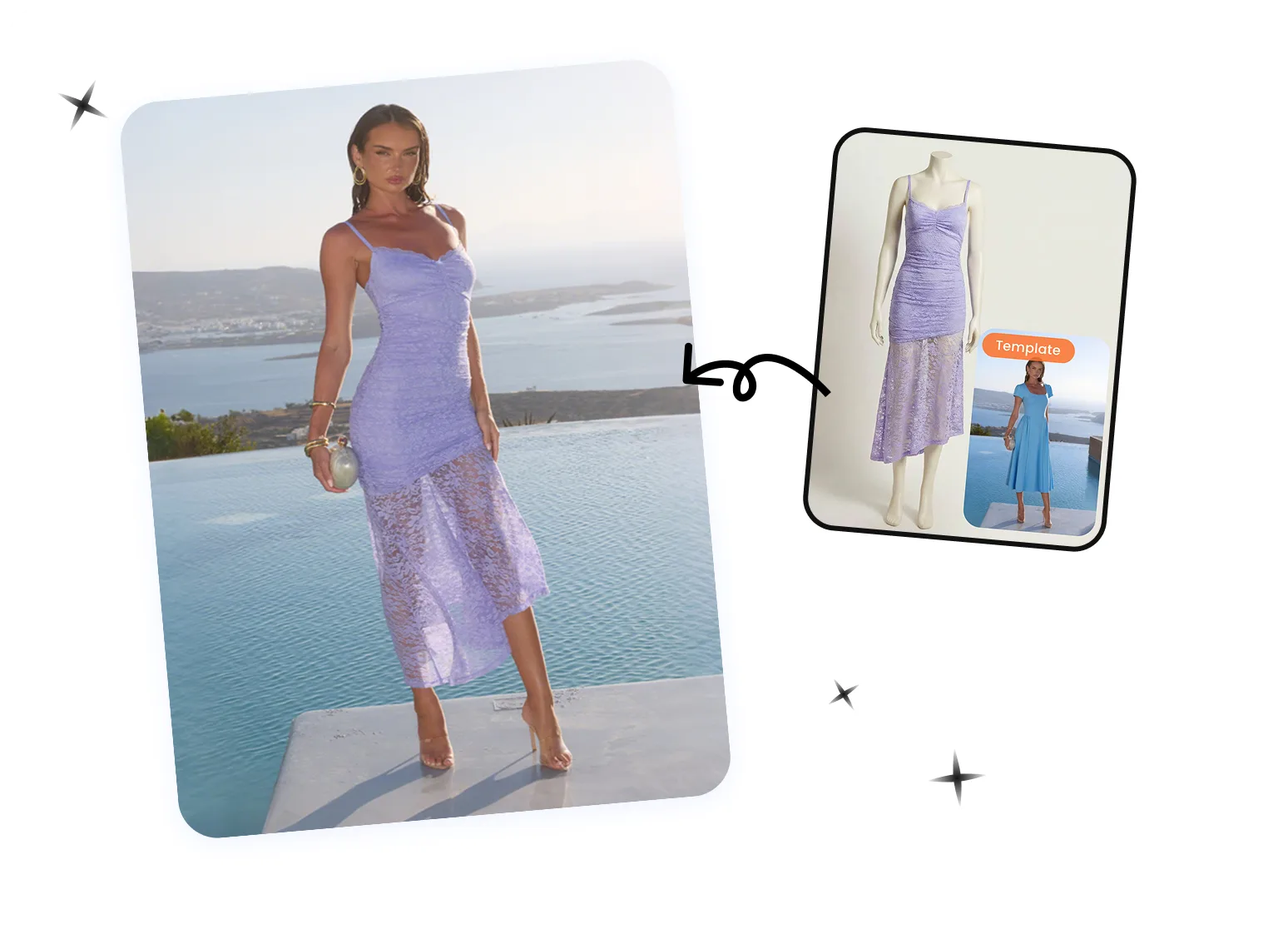
Continue Your AI Model Content Workflow
Fashion Model
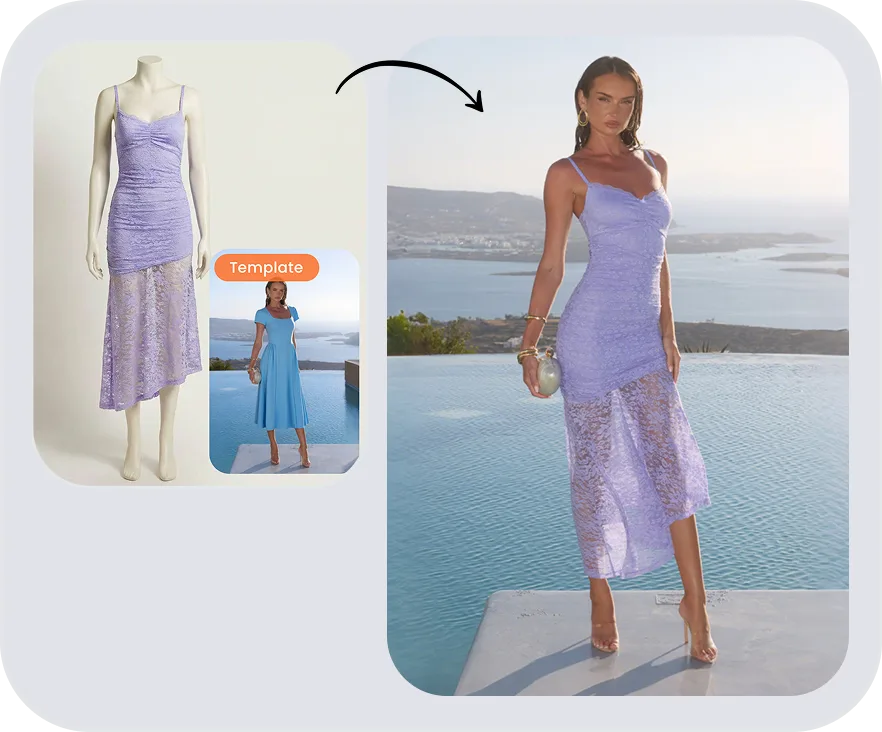
Jewelry Model
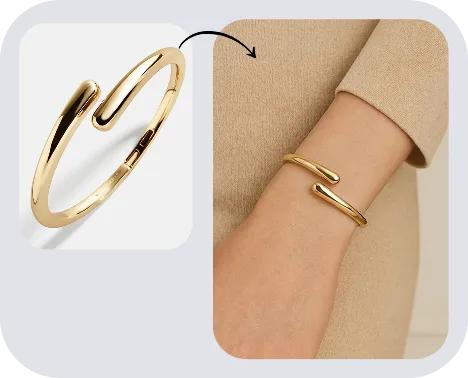
Image to Video
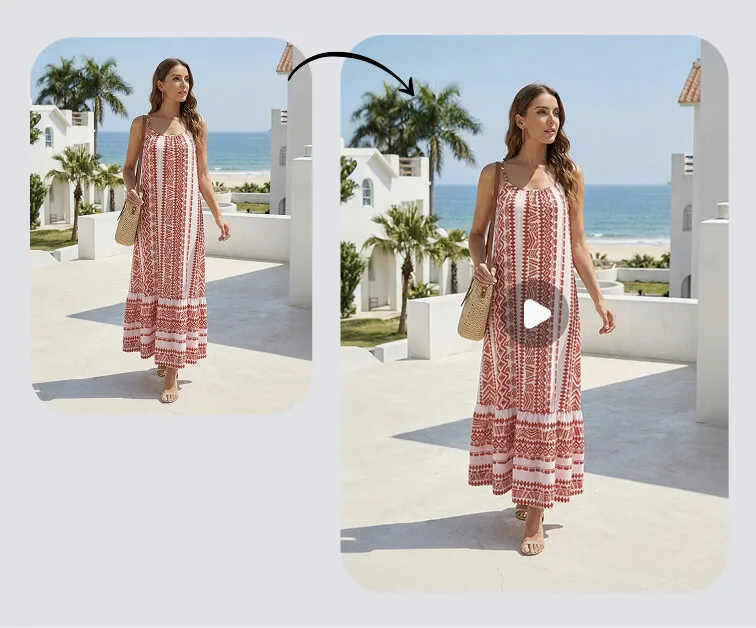

Color Change
AI Fashion Face Swap FAQs
More Guides on AI Face Swap
 Create AI Fashion Model Photos on Your PhoneCreate an on-model source image from a clothing photo, then review garment details before using it in your catalog or Face Swap workflow.
 How To Swap Faces In Pictures Without The Obvious Cut-And-Paste LookSwap faces in pictures without the cut-and-paste look — step-by-step methods with AI tools, Photoshop, and mobile apps.
 How to Create AI Fashion Model Photos on Your PhoneTurn a clothing photo from your camera roll into an on-model image for an ecommerce listing. This guide covers the mobile app workflow, source-photo requirements, and the garment checks to run before publishing.
 Best Free Face Swap App: Honest PicksThe best free face swap apps with no watermark are web tools like Snappyit and Remaker AI. Here's what each free tier actually gives you, and what to avoid.