Upgrade Your Visuals Now
 Click or drag image hereUpload Image
Free Try
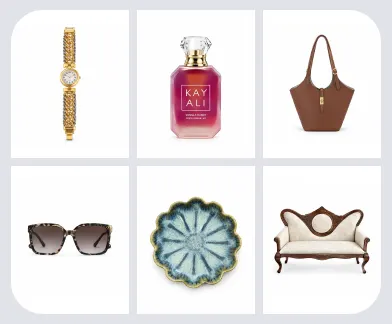
No images?Try one of these
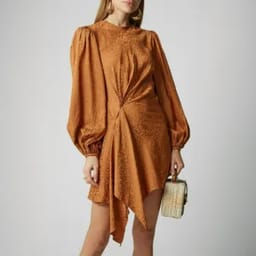
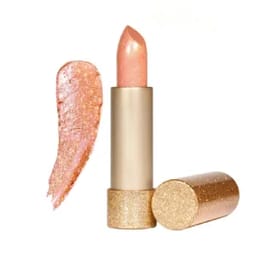

By uploading an image you agree to our Terms of Service and Privacy Policy.
Play With Color Across Every Category
Precise, Lifelike Color Shifts — Refined for Every Style and Product.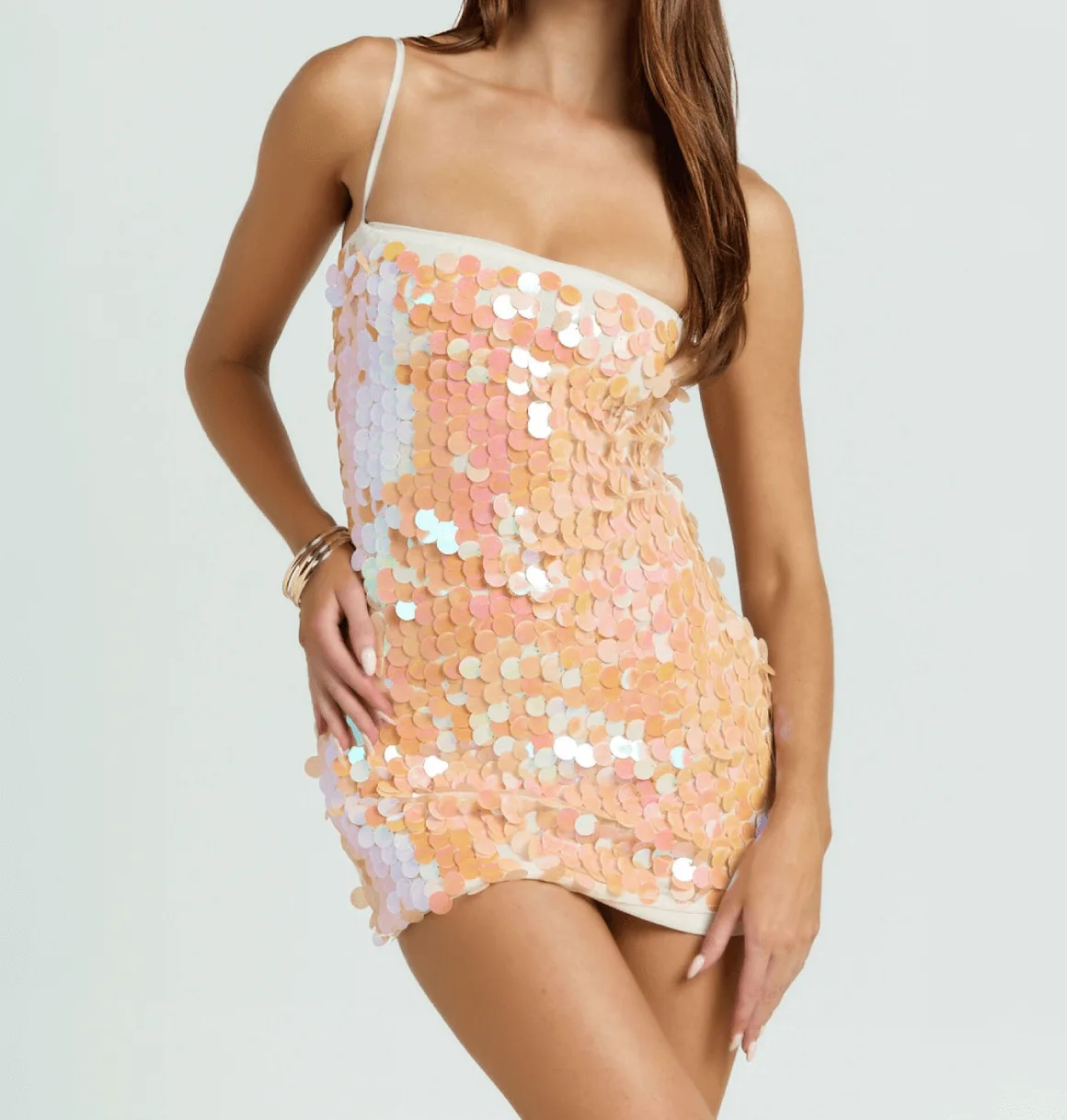
Before
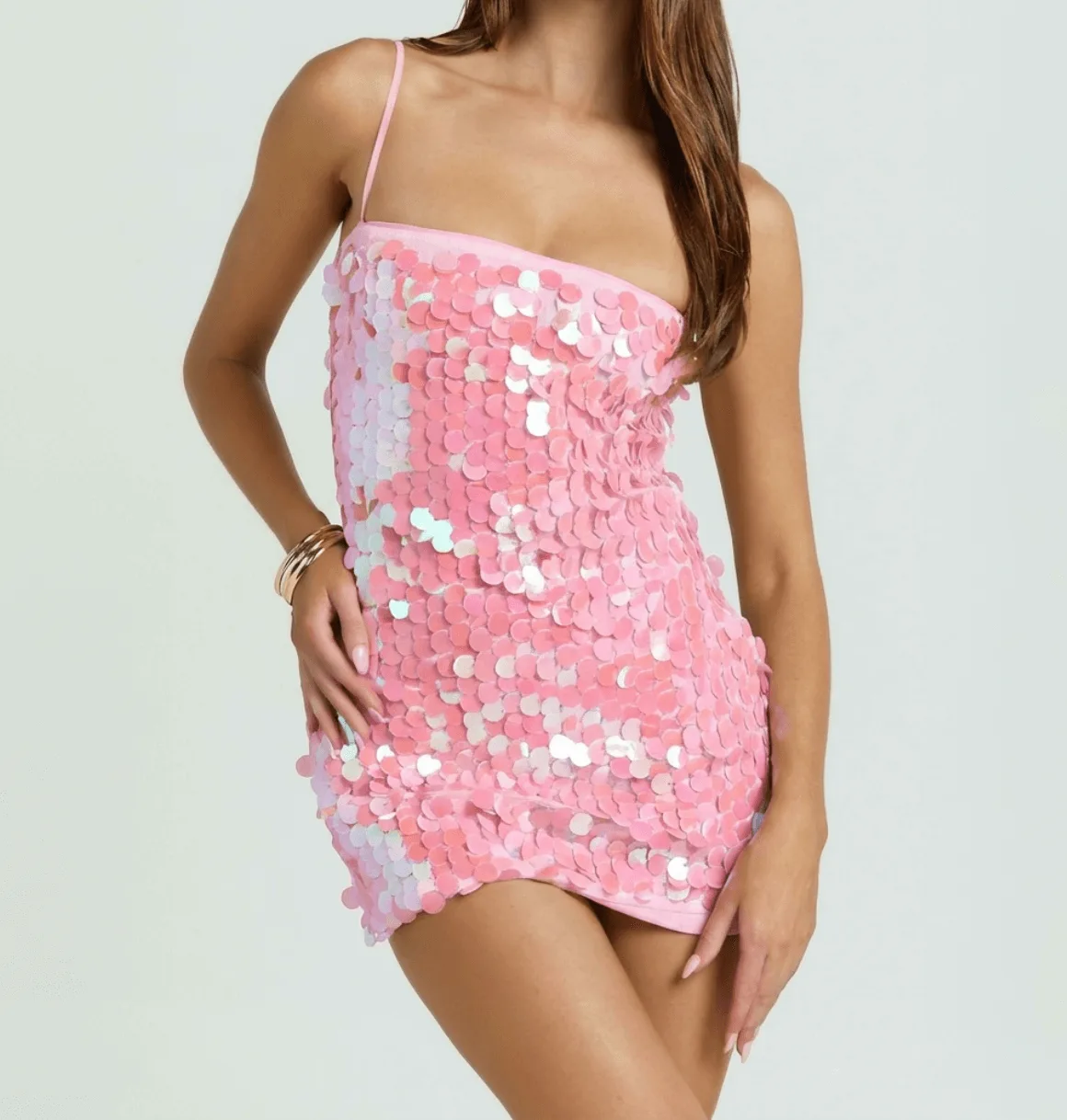
After
Before

Recolor Your Product Images – Fast, Precise, and Cost-Effective
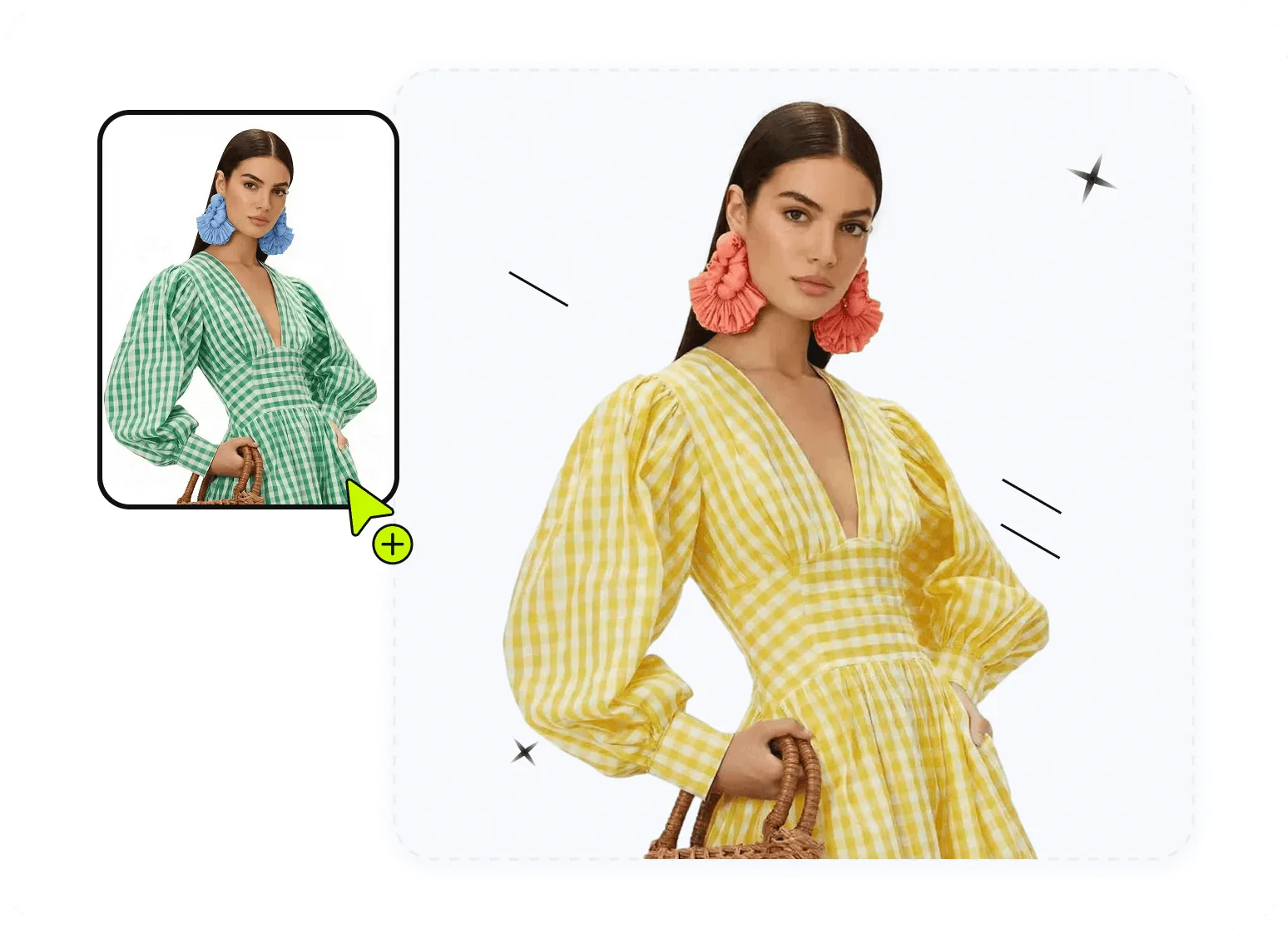
Easily recolor any part of your product, with full flexibility and precision.
Quickly and accurately change any color in your product image. Simply choose the color you want, describe the area to modify with a prompt, and let our tool generate the perfect result with just one click—no complex editing required.Recolor Product Details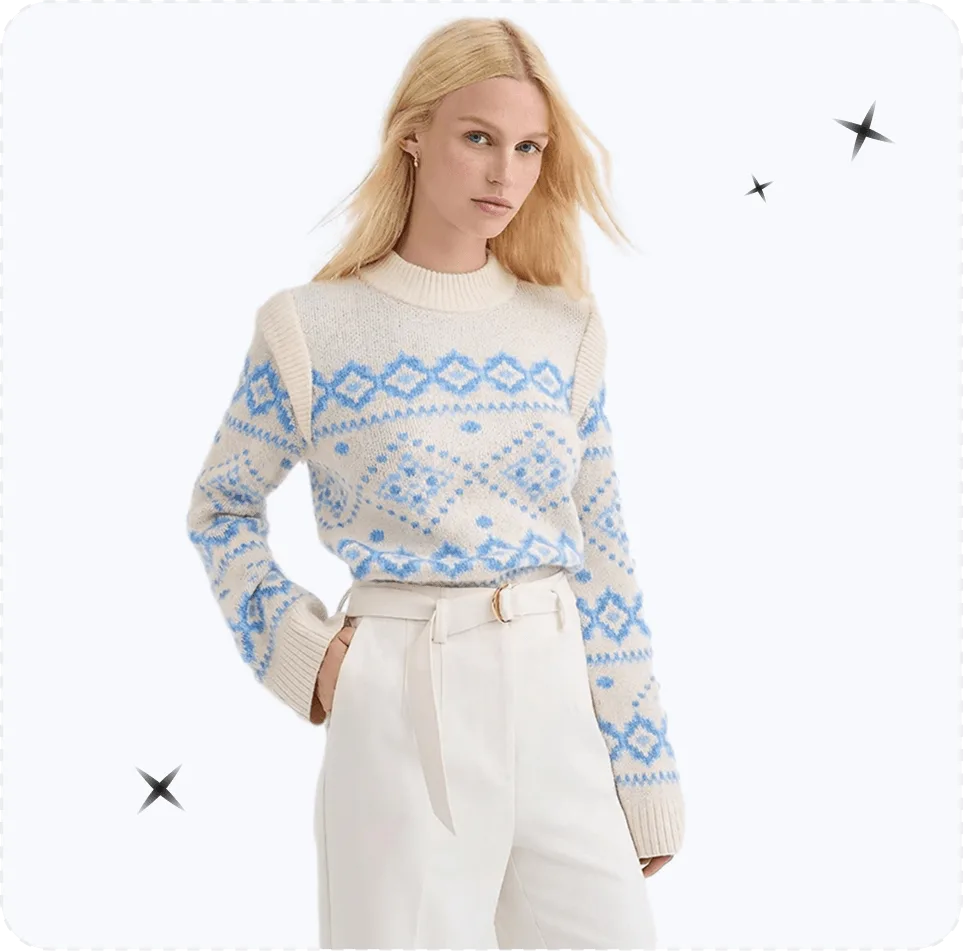
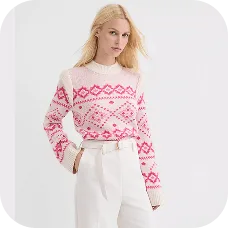
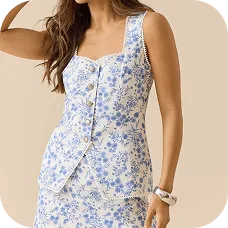
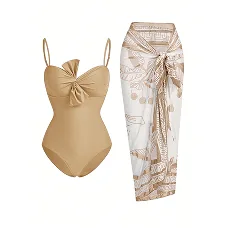

Perfect for changing fabric colors, designs, and more for your online store.
Ideal for effortlessly transforming fabric colors, refining designs, and enhancing product details. Whether it’s apparel, accessories, footwear, cosmetics, or electronics, Snappyit delivers precise, realistic results that elevate your brand's visuals and drive sales.Change Product Colors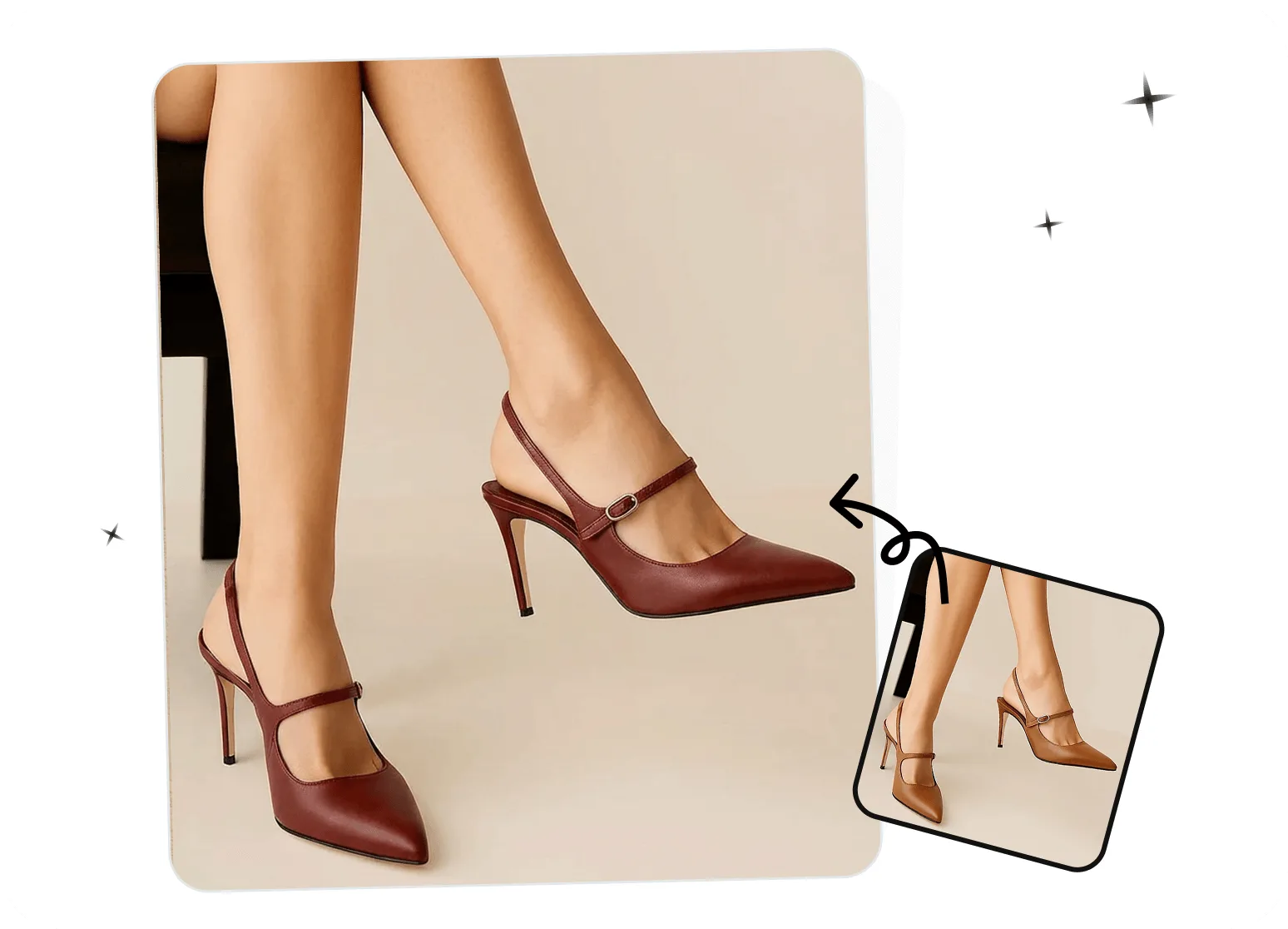
Accelerate product launches—no reshoots, no complex editing.
Perfect for e-commerce businesses with large SKU ranges and frequent product launches. Save on reshooting costs and speed up time-to-market by effortlessly updating colors, designs, and details with realistic, high-quality results—no complex editing required.Create Color VariationsHow to Recolor Your Product Images in Seconds
No manual masking or selection needed — the AI targets the garment automatically.01
Upload Your Product Image
- Desktop: Open the AI recolor tool and upload a clear photo with the product and the area to recolor fully visible.
- Mobile: Download the Snappyit app for iOS or Android, select Color Change, and recolor clothing, bags, shoes, and other products from your device.
- Bulk: Recolor product photos in bulk with the batch product photo editor; select Color Change to create color variations across selected product images.
02
Choose Your Target Color
- Select the color you want and describe the areas to modify.
- Pro tip: No need to mention areas you want to remain unchanged.
- You can apply the target color to multiple parts in a single generation.
03
AI Does the Magic
- Watch as Snappyit makes precise adjustments, preserving realistic lighting, texture, and detail, with high-definition results.
Continue Your AI Recolor Workflow
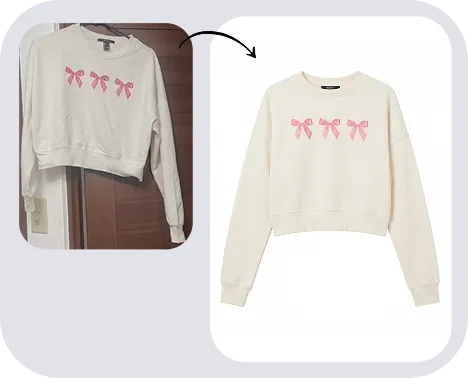
Flat Lay
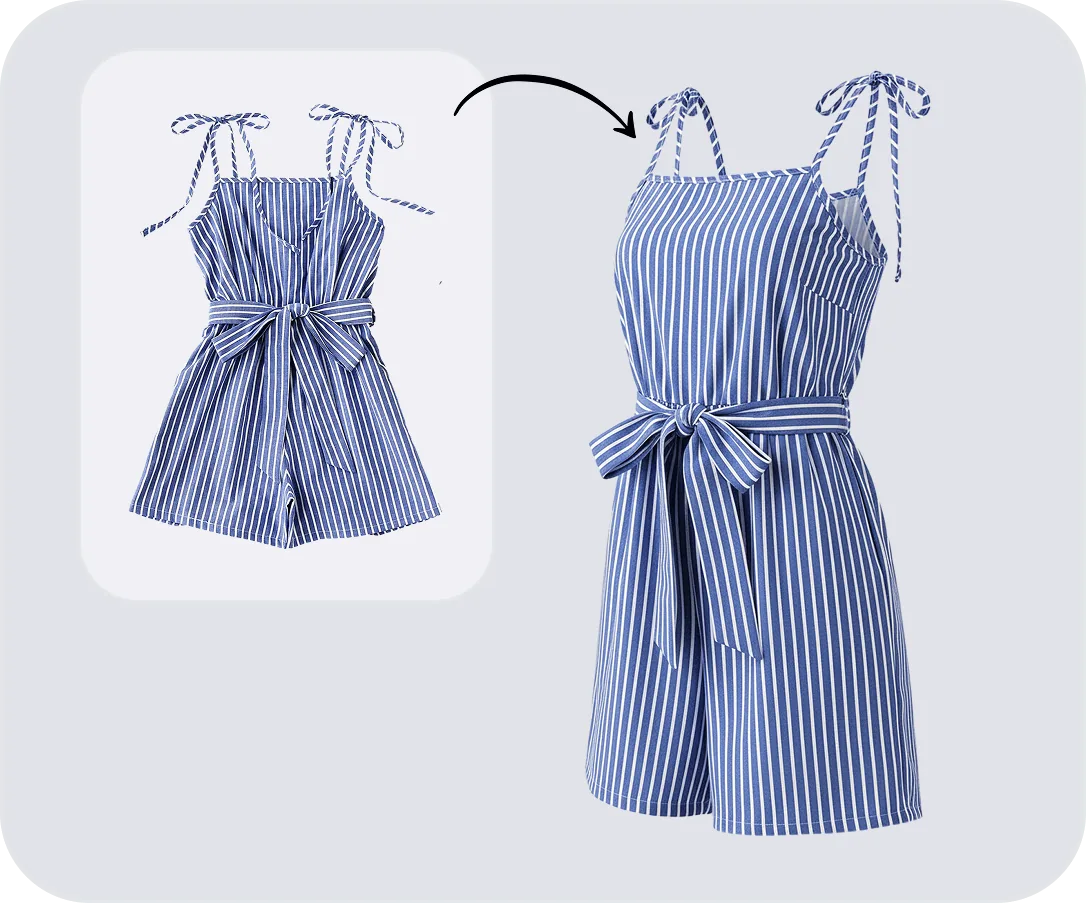
Ghost Mannequin
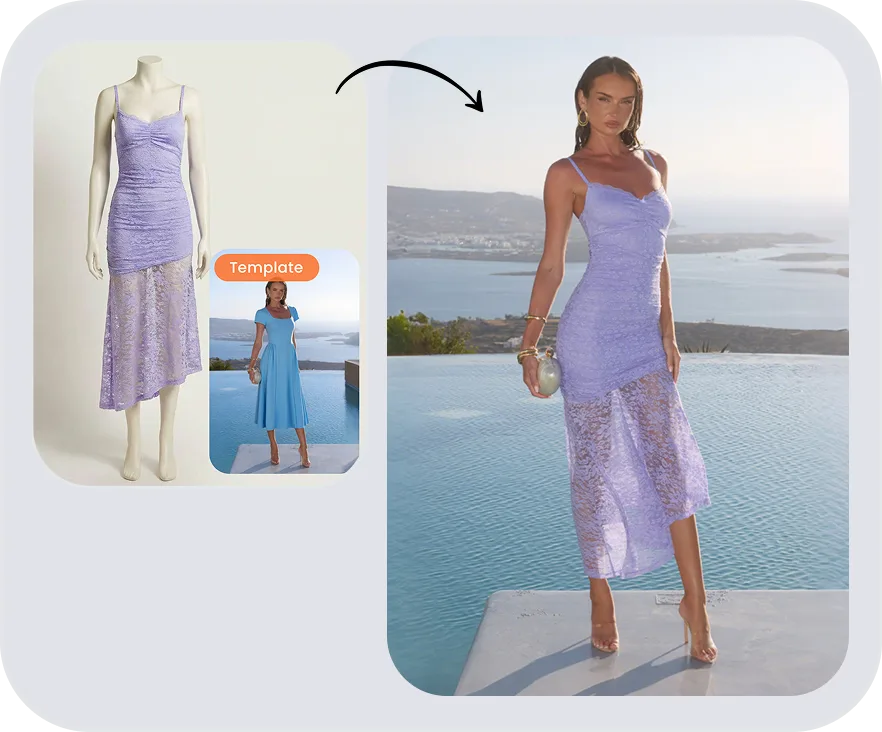
Fashion Model
Product Studio
AI Product Recolor FAQs
More Color Change & Recolor Guides
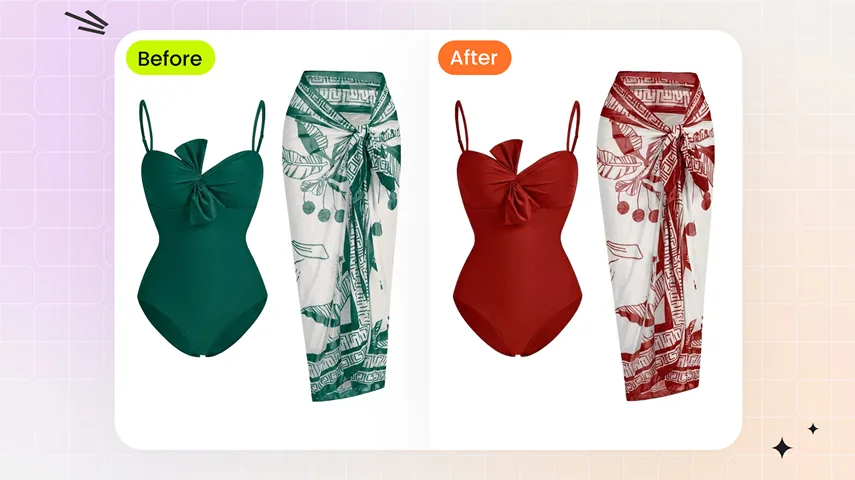 Recolor Product Photos: Every Colorway From One SourceAI recolor product photos — Snappyit Color Change generates every colorway from one photo in seconds. Texture, stitching, material grain preserved.
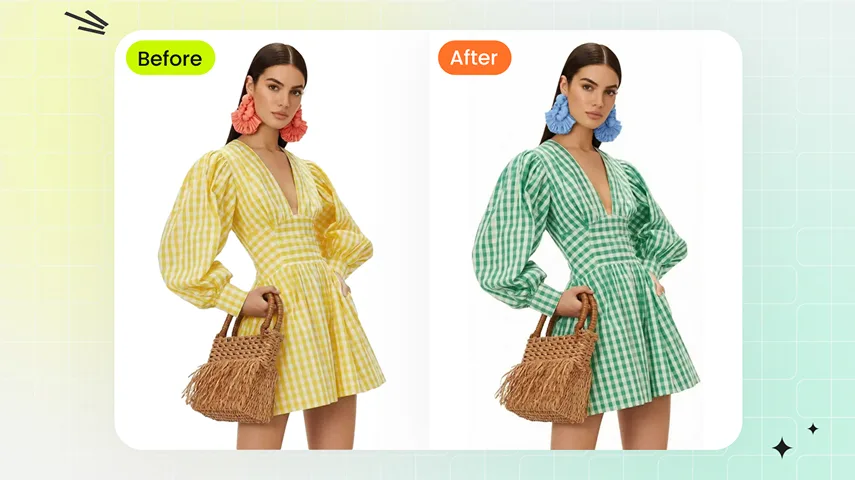 AI Product Photography for Fashion EcommerceSee how to move each SKU from raw product photos to approved listing images and social-ready content—with an AI stack your ecommerce team can actually run at scale.
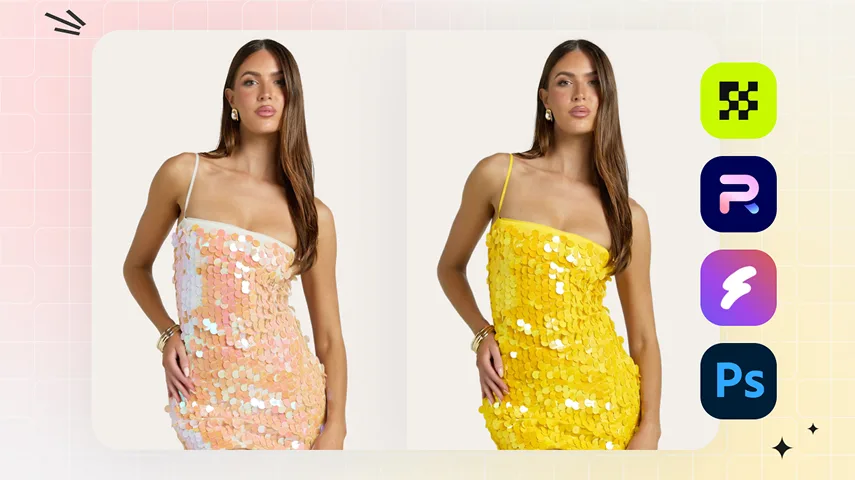 Best AI Recolor Tools for Product Photos (2026 Comparison)6 best AI recolor tools tested for product photos in 2026 — verified pricing, output quality, batch support. Find the right AI color change tool for your store.
 Best AI T-Shirt Mockup Generators Compared (2026)We tested six AI, template, and POD mockup workflows with the same print on August 5, 2026. See which options suit listing images, model photos, color variants, and fulfillment previews.