Snappyit
Free 6 Credits

AI Product Photography for Clothing & Ecommerce

AI product photography turns photos of your real product into listing-ready images: on-model shots, ghost mannequin and flat lay photos, white-background packshots, color variants and short videos, without booking a studio. Choose a tool by the shot you need, then compare the result with your real product before you publish.

AI product image & video generator NewEdit your photos or turn them into video — just describe what you want.
⚡ For high-volume sellersBatch Mode

Process hundreds of products at once. Apply ghost mannequin, fashion model, flat lay, recolor and other image tools to bulk uploads, with a consistent style across SKUs. Built for brand teams, agencies and reseller operations that move serious volume.

Try Batch Mode
Batch Mode
85%5-star reviewsRatings collected in Snappyit, Oct 2026
1M+Images & videos generatedby Oct 2026
$0.05Per standard imagevs $0.89+ for outsourced editing

Snappyit is an all-in-one AI product photography platform built for apparel sellers. Create ghost mannequin shots, on-model fashion images, jewelry retouching, color variants and product videos from the product photos you already have. Works with listings on Shopify, Amazon, Etsy, eBay, Poshmark, Mercari and TikTok Shop.

What Is AI Product Photography?

AI product photography uses AI to turn photos of your real product into new ecommerce images, without booking a studio, models or a photographer. For clothing and accessories, that means on-model shots, ghost mannequin and flat lay photos, white-background or lifestyle images, color variants and short videos, all built from product photos you already have.

How Does AI Product Photography Work?

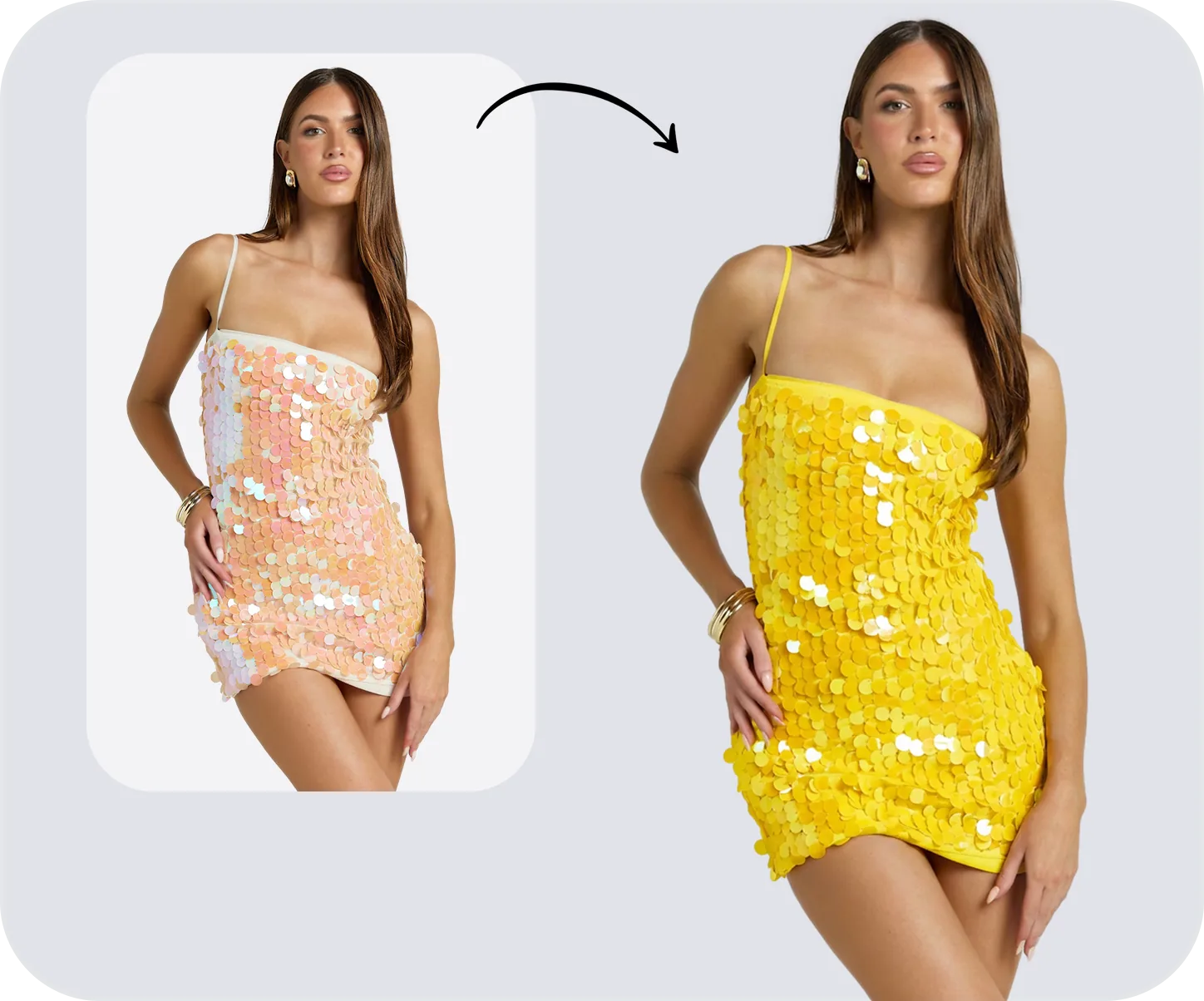
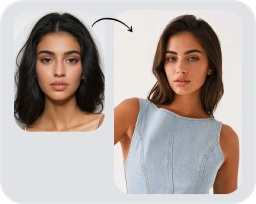
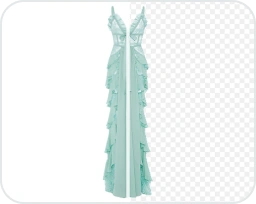
You upload a clear photo with the whole product in frame and pick the shot you need. Each tool does one job. Ghost mannequin removes the mannequin or hanger and keeps the garment’s 3D shape. On-model generation shows your garment on a realistic AI model, with a choice of model, pose and styling. Background generation places the product on white or in a scene you describe, and recoloring creates new colorways from one photo. You then compare the result with the real product and download it.

Who Uses AI Product Photography?

Apparel brands and DTC teams use it to get new collections online faster. Marketplace sellers on Amazon, Etsy, eBay, Poshmark and Depop use it to keep listings consistent, resellers use it to turn one-off finds into clean listing photos, and jewelry sellers use it for retouching and on-model shots. It suits any seller who needs many consistent images and can’t book a shoot for every product. Find your workflow in our ecommerce use cases.

What Should You Check Before Publishing AI Product Photos?

AI works from the pixels in your photo, so it can’t recover details it can’t see, and it can change small ones such as label text, logos, fine prints, stitching and stone settings. Fit on an AI model is a visual estimate, not a fitting. Compare every image with the real product, keep real photos for close-ups, condition and measurements, and check each marketplace’s image rules before uploading. For the full workflow, read our AI product photography guide.

Which AI Product Photo Do You Need?

Different listing slots need different shots. Use this table to pick a starting point for clothing, jewelry and accessories.

ShotBest forTool
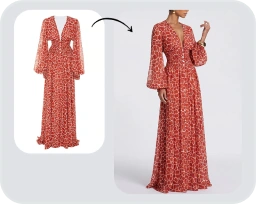
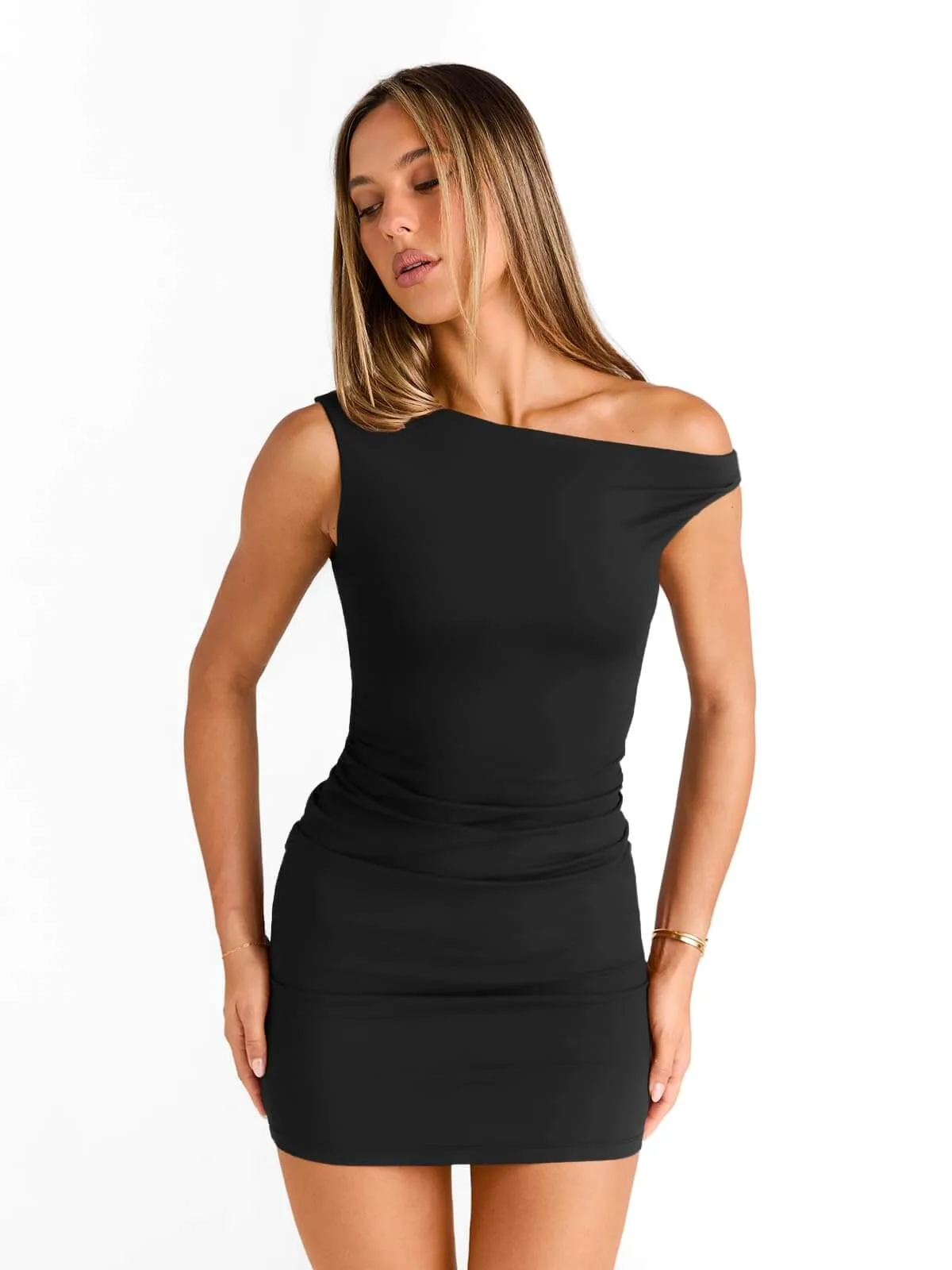
On-model photoMain fashion images, product pages and ads — shows fit and stylingAI Fashion Model Generator
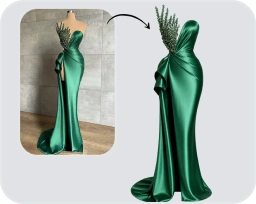
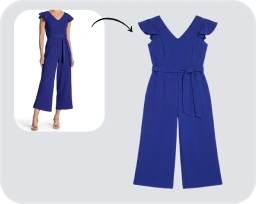
Ghost mannequinCatalog and marketplace images that show the garment’s shape without a modelAI Ghost Mannequin Generator
Flat laySocial posts, resale listings and outfit setsAI Flat Lay Generator
White background or lifestyle sceneMarketplace main images, secondary images and adsAI Product Photo Generator
Color variantsOne photo, every colorwayAI Recolor Tool
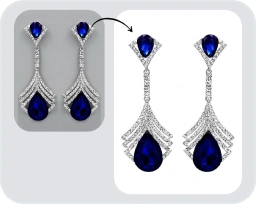
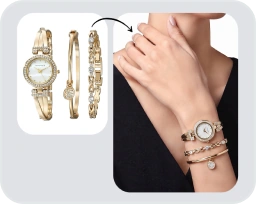
JewelryRings, necklaces and earrings — retouched or on a modelAI Jewelry Photo EditorAI Jewelry Model Generator
Short videoTikTok, Reels and product-page videoAI Fashion Video GeneratorAI Image to Video
Whole catalogNew arrivals and seasonal dropsBatch Mode

Solutions for Every Ecommerce Seller

Whether you run a fashion brand, sell on Shopify or Amazon, flip thrift finds or build a print-on-demand store — find the workflow built for you.

All Use Cases

How It Works in 3 Steps

From a phone snap to a listing-ready image — the full Snappyit workflow, built for solo sellers and brand teams alike.

01
Upload your product photoAny photo works — as long as the product is fully in frame.
  • Phone snap, hanger, flat lay or packshot — all welcome
  • Only rule: product must be complete, not cropped
  • JPG / PNG / WebP / GIF / HEIC / HEIF, 20 MB max · up to 100 per batch
02
Pick a template or write a promptStart from a built-in style — or describe what you want.
  • Built-in templates for a consistent brand style
  • Text prompts + reference image for fine control
  • Tweak settings as many times as you like before generating
03
Generate, review & downloadReview every result before you download it.
  • Generate one photo or a whole batch
  • High-resolution downloads, up to 4K on paid plans
  • Edit prompts or templates to refine any result
010203
Upload your product photoAny photo works — as long as the product is fully in frame.
  • Phone snap, hanger, flat lay or packshot — all welcome
  • Only rule: product must be complete, not cropped
  • JPG / PNG / WebP / GIF / HEIC / HEIF, 20 MB max · up to 100 per batch

AI vs Traditional Product Photography

How cost and workflow compare, using 2026 studio pricing data.

$50–$350Studio cost per imageShopify pricing guide, 2026*
From $8.2/moSnappyit planscredit-based, billed yearly
6Free creditsfor new accounts, no credit card
Traditional StudioSnappyit AI
Cost per image$50 – $350 per finished image*Credit-based, from $0.0426 per credit
BookingPhotographer, studio and modelsNone — start from your product photo
Equipment neededCamera, studio, lightingA clear product photo
Variations per productLimited to what was shotGenerate more with credits
Style consistencyRe-styled each shootSame template or settings across SKUs
Extra costsModels, styling, retouching, sample shippingIncluded in credits
Re-shoot / iterationBook another shootRegenerate with new settings

*Studio pricing: Razor Creative Labs, Nightjar, Shopify Blog (2026). Snappyit prices from our pricing page, October 2026.

How We Compare to Photoroom, Botika & Others

Honest side-by-side comparisons with the AI product photography platforms apparel and jewelry sellers actually shortlist.

Compare AI Product Photography Tools

Snappyit Reviews — What Brands Say About Our AI Product Photography

Verified reviews from Shopify App Store.

MtJacksongifts
MtJacksongiftsUnited States

We run 10+ colorways per style, and recoloring used to take days. This tool gets it right it keeps seams, shadows, and fabric texture realistic. Flat lay is also solid. Details like stitching and labels come out accurate, not generic. Only downside is no built-in crop tool yet still need another app for that. Once added, it’s a complete workflow.

AYFE
AYFECanada

Small jewelry brand here. The jewelry retouch keeps silver texture and gemstone details sharp while still looking natural. Jewelry model is also great. I’d just love to see more templates, especially hand poses and earring setups.

Linssan Inc
Linssan IncUnited States

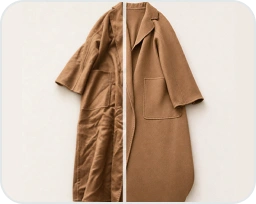
We've been using Snappyit for our apparel store and it's saved us a huge amount of time on product photography. The Ghost Mannequin feature is surprisingly good. We can turn flat lay clothing photos into clean, professional ghost mannequin images without arranging expensive photo shoots. This has helped us keep our product pages consistent and launch new items much faster.

AI Product Photography FAQs

More Guides & Resources

All Guides & Resources