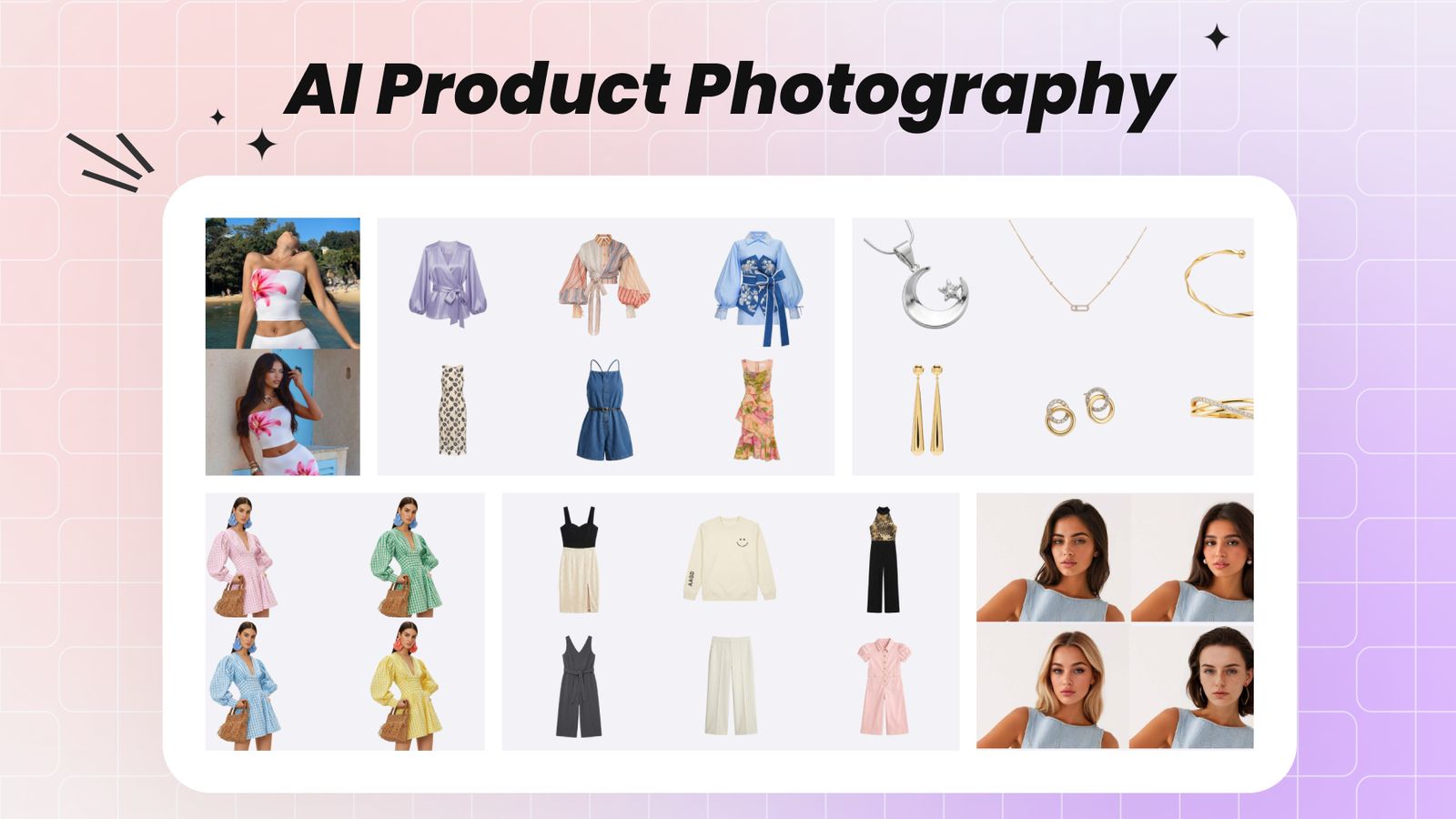
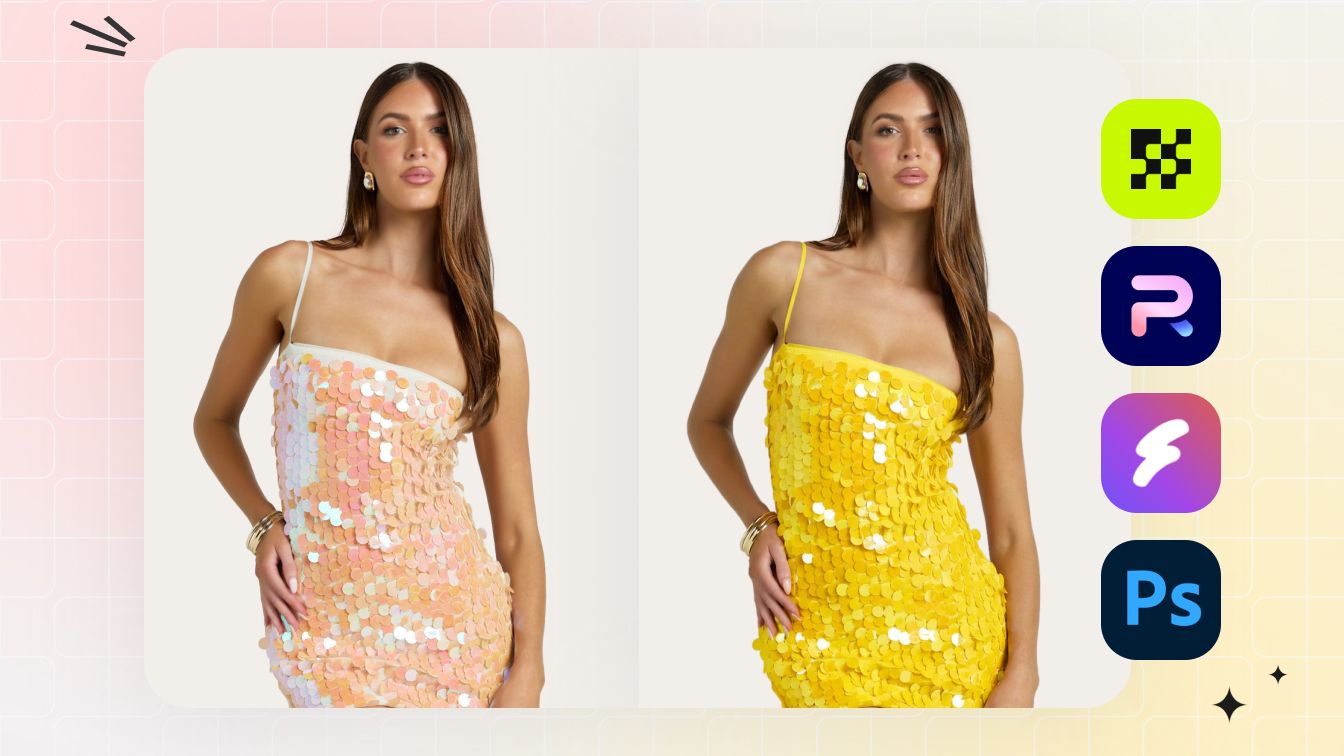
Batch product photography comparison
Photoroom vs Snappyit: Batch Product Photos
Compare batch editing, flat-lay accuracy, workflow, and pricing for ecommerce product photos.
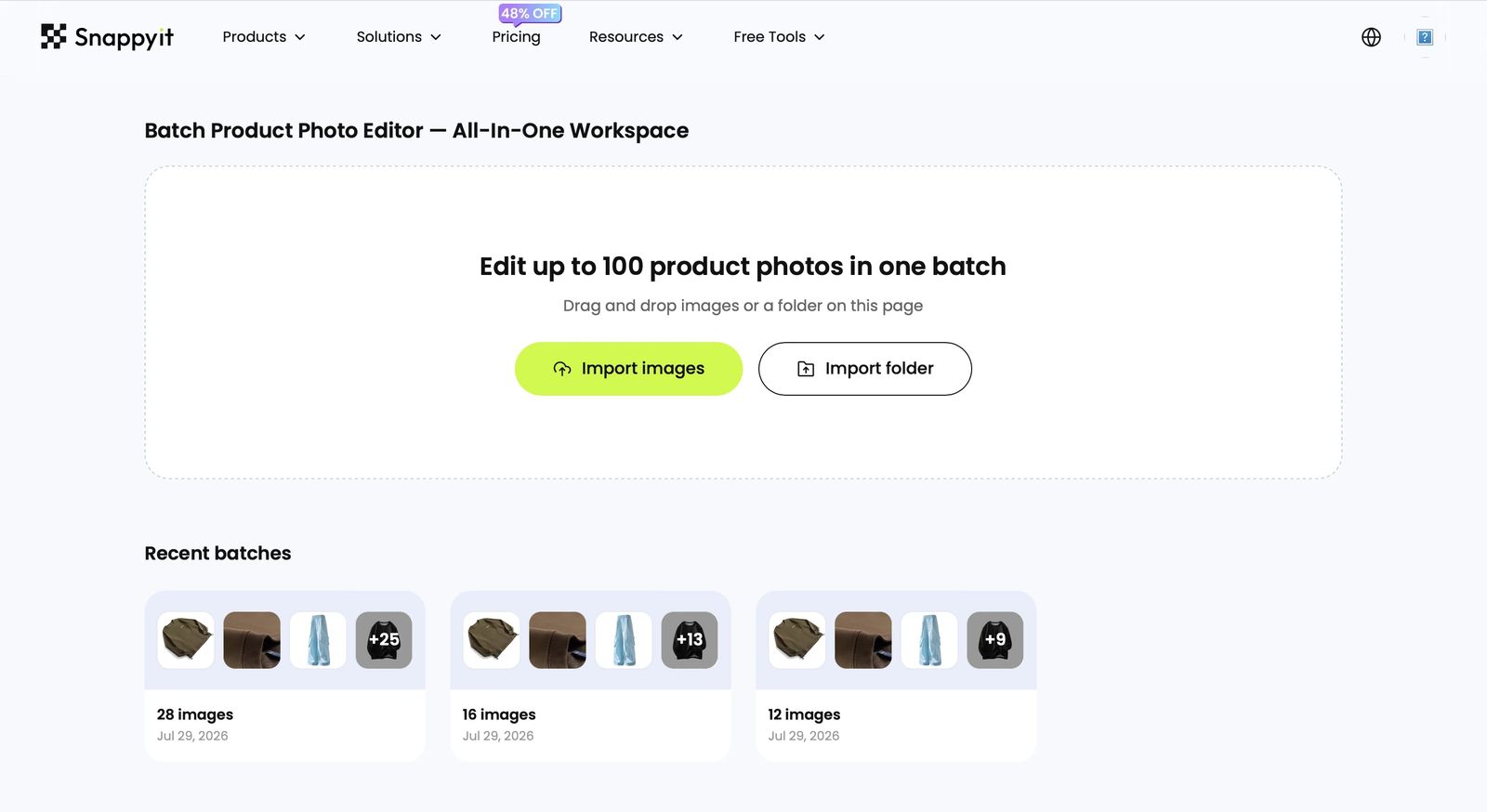
Open Batch Product Photo WorkspaceAdd multiple product photos after the workspace opens.

Which tool should you use to batch-generate flat lays?
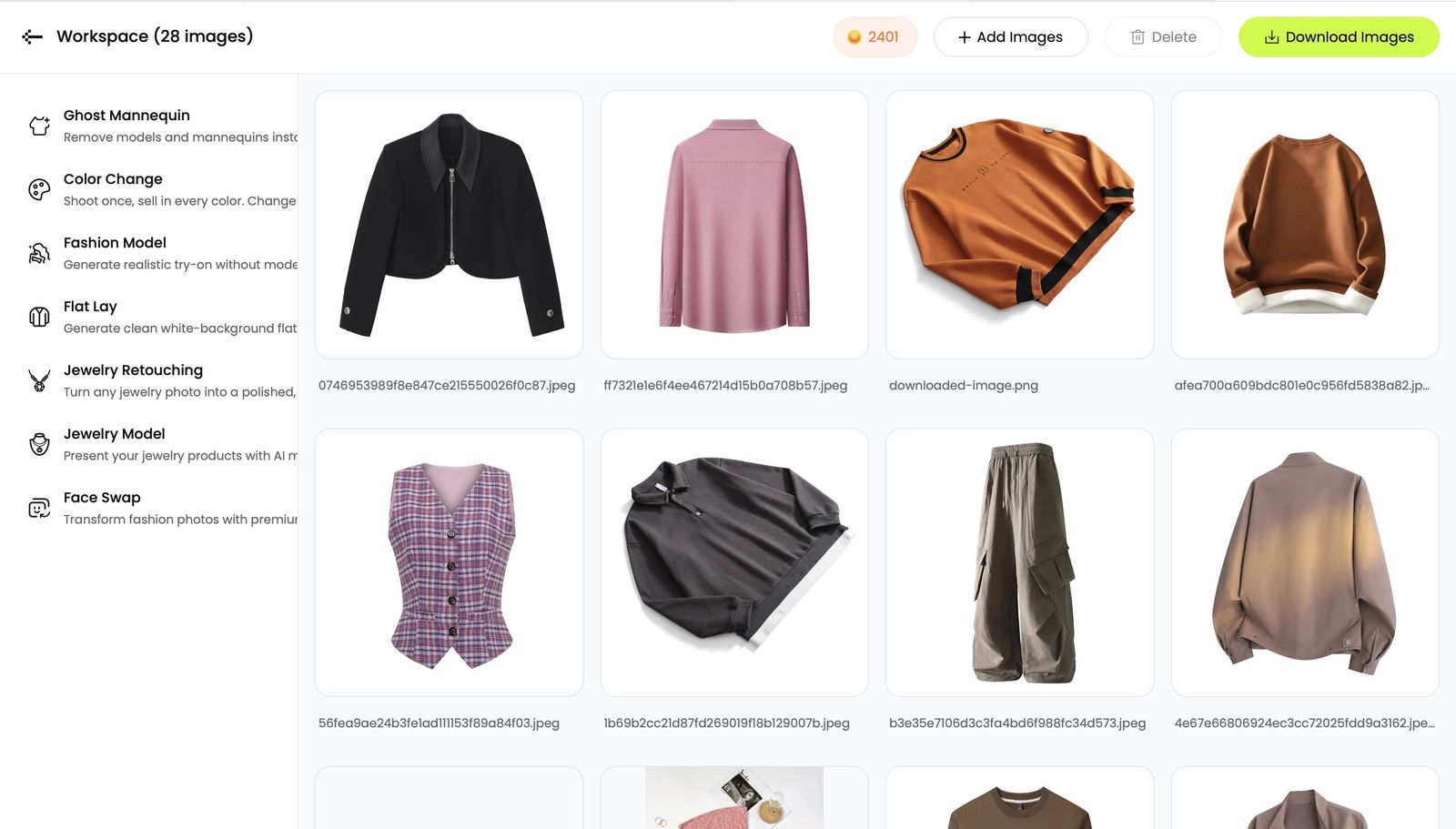
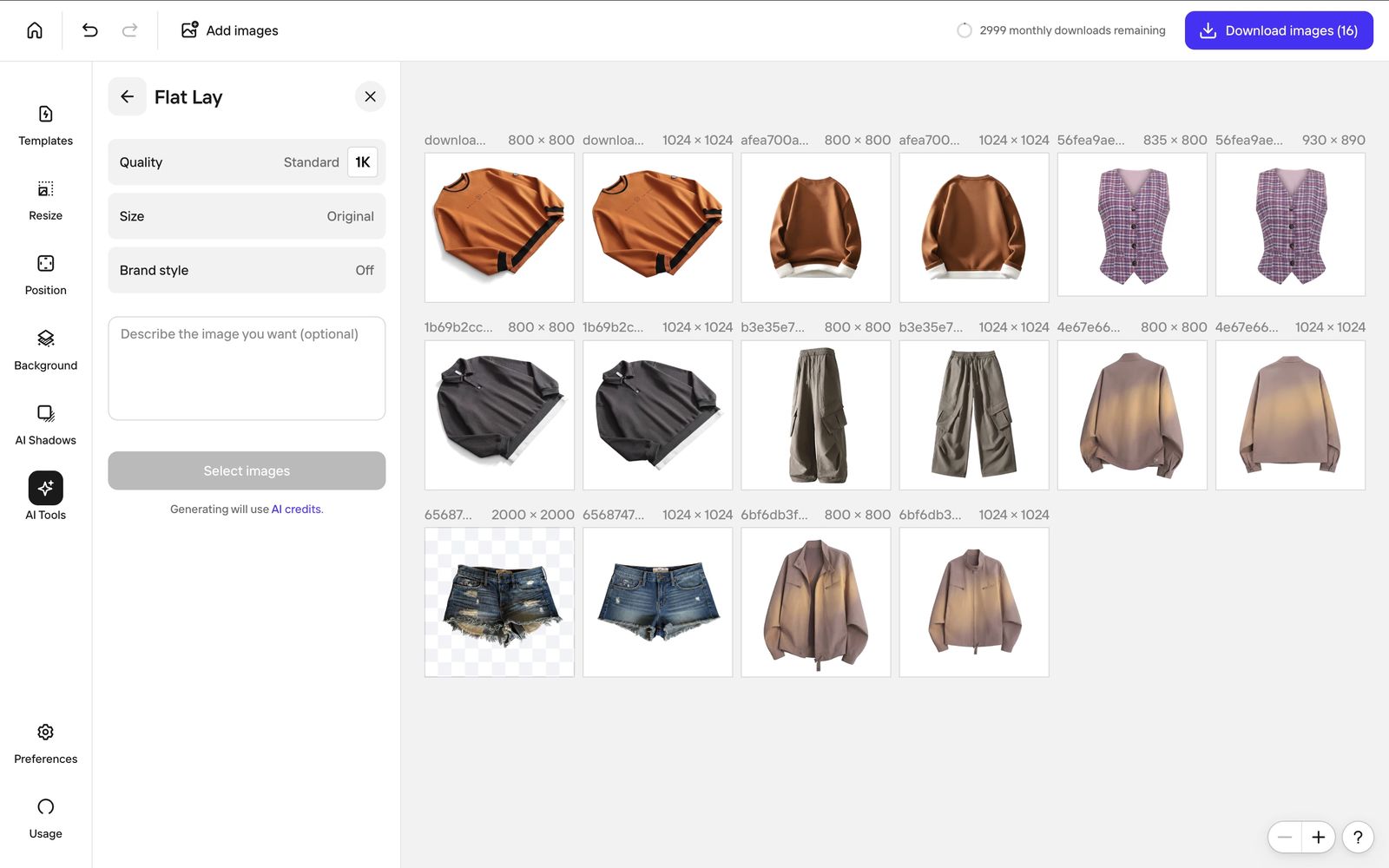
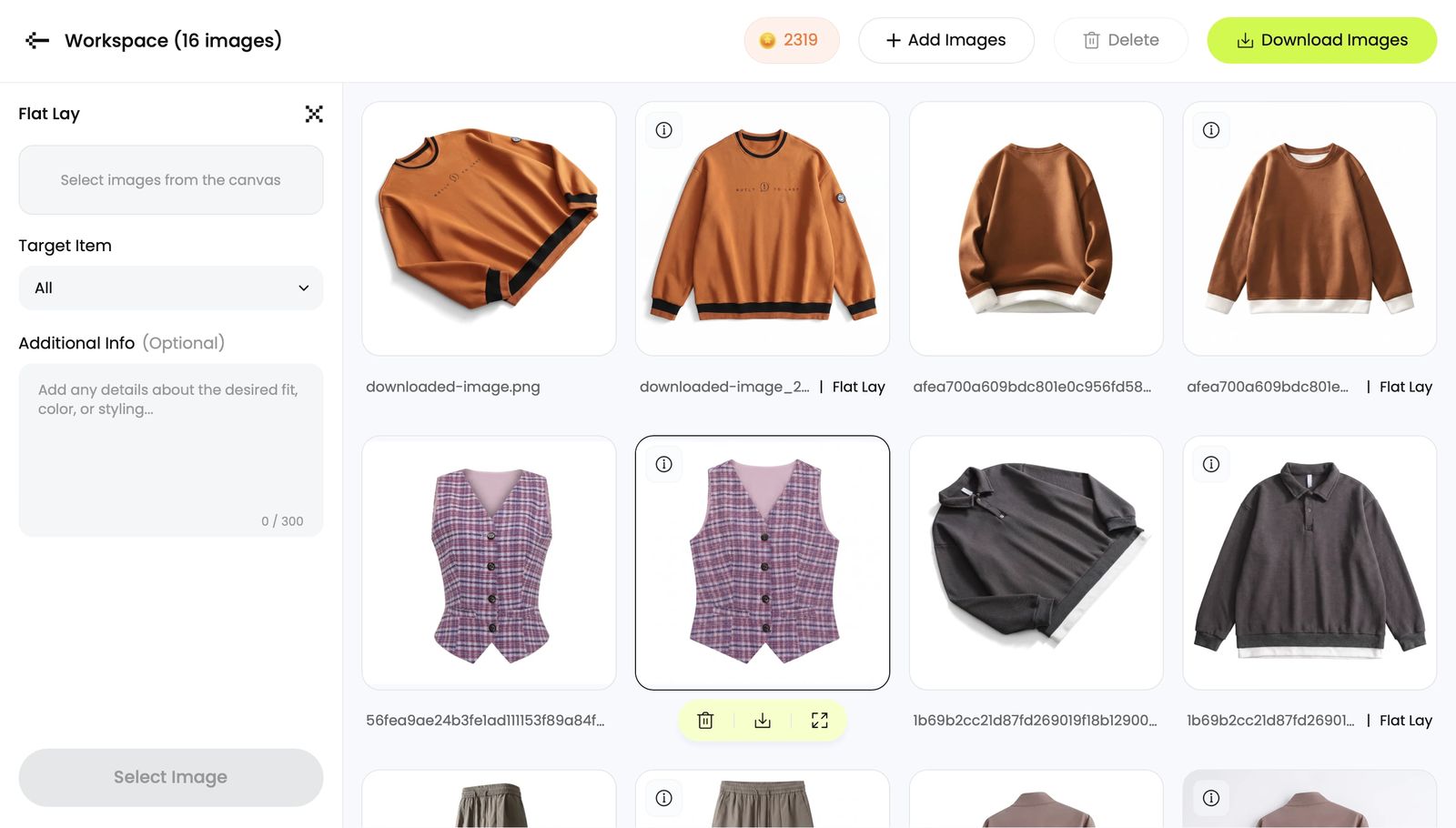
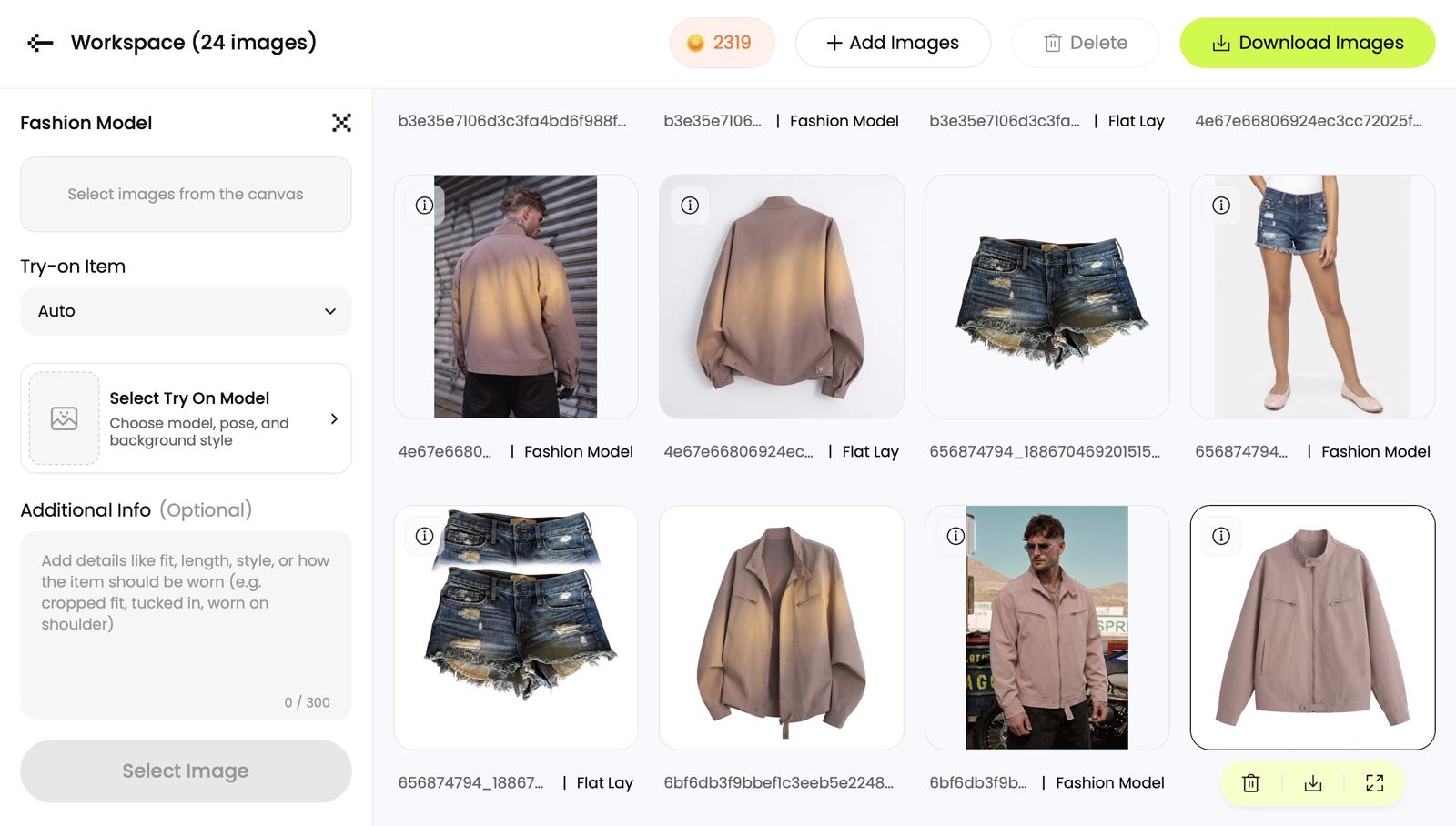
We ran the same eight product photos through both tools, on the same two jobs, and kept every result — good and bad.
One product set, two tools, two jobs: flat lay and fashion model
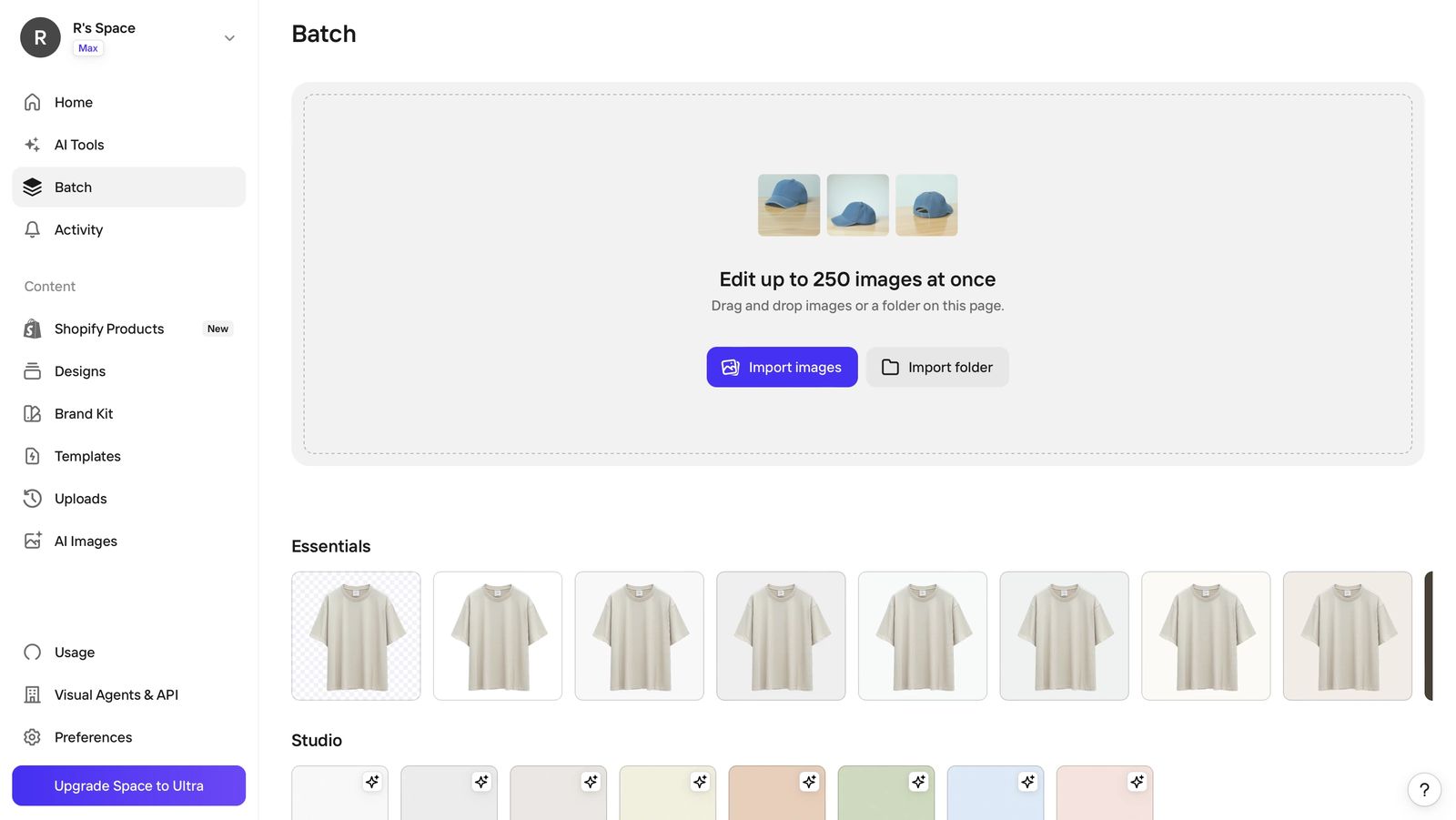
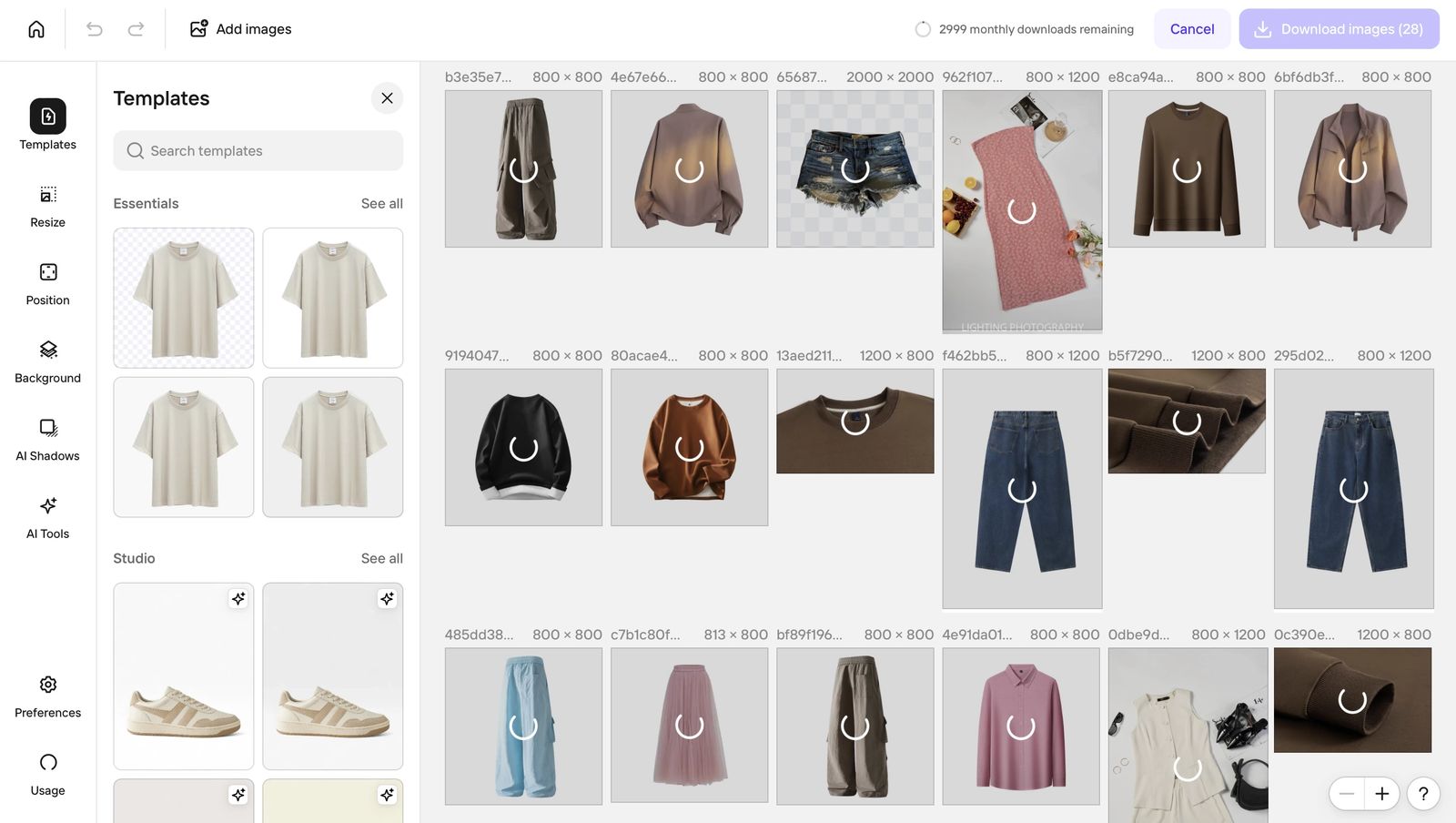
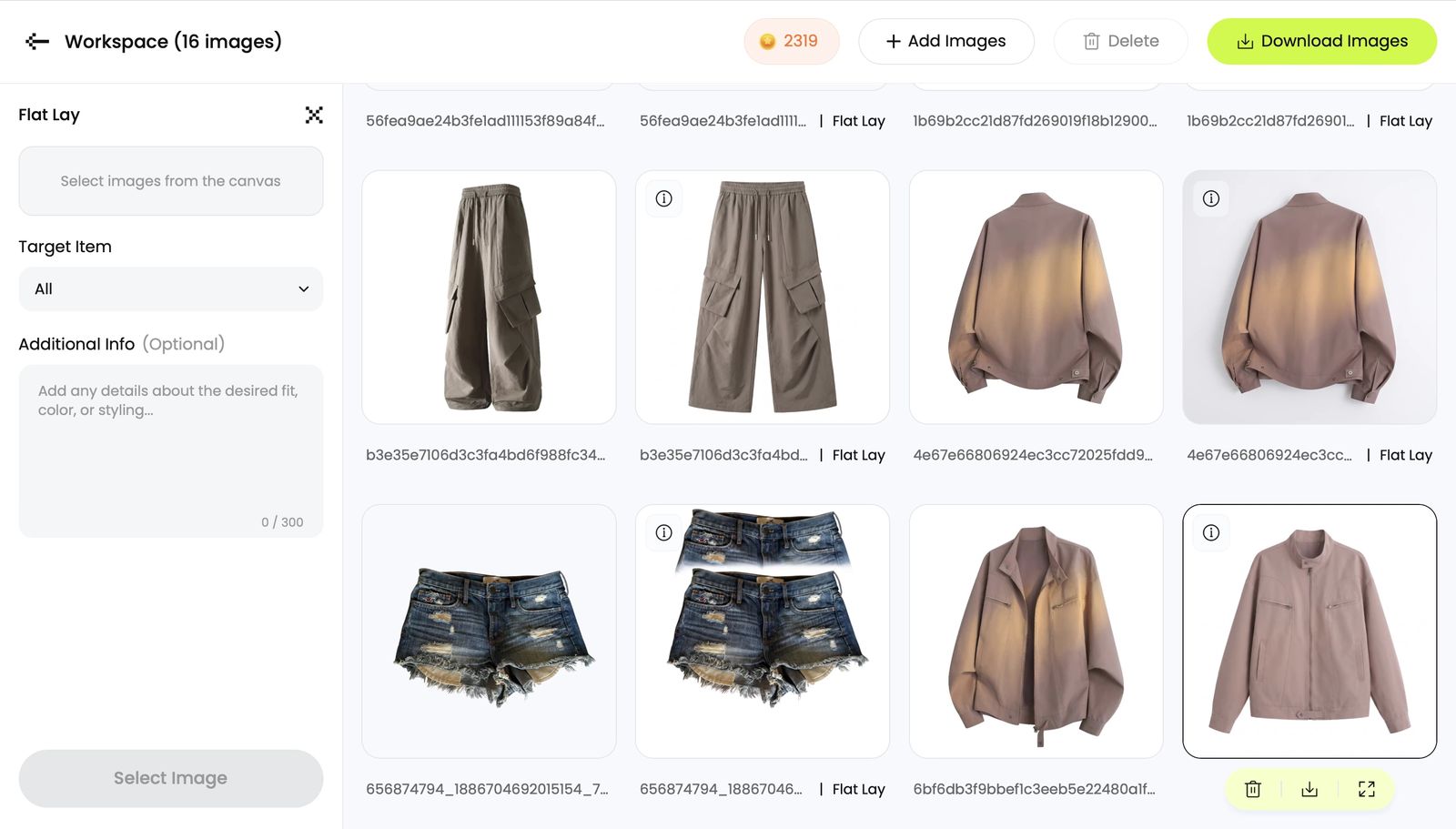
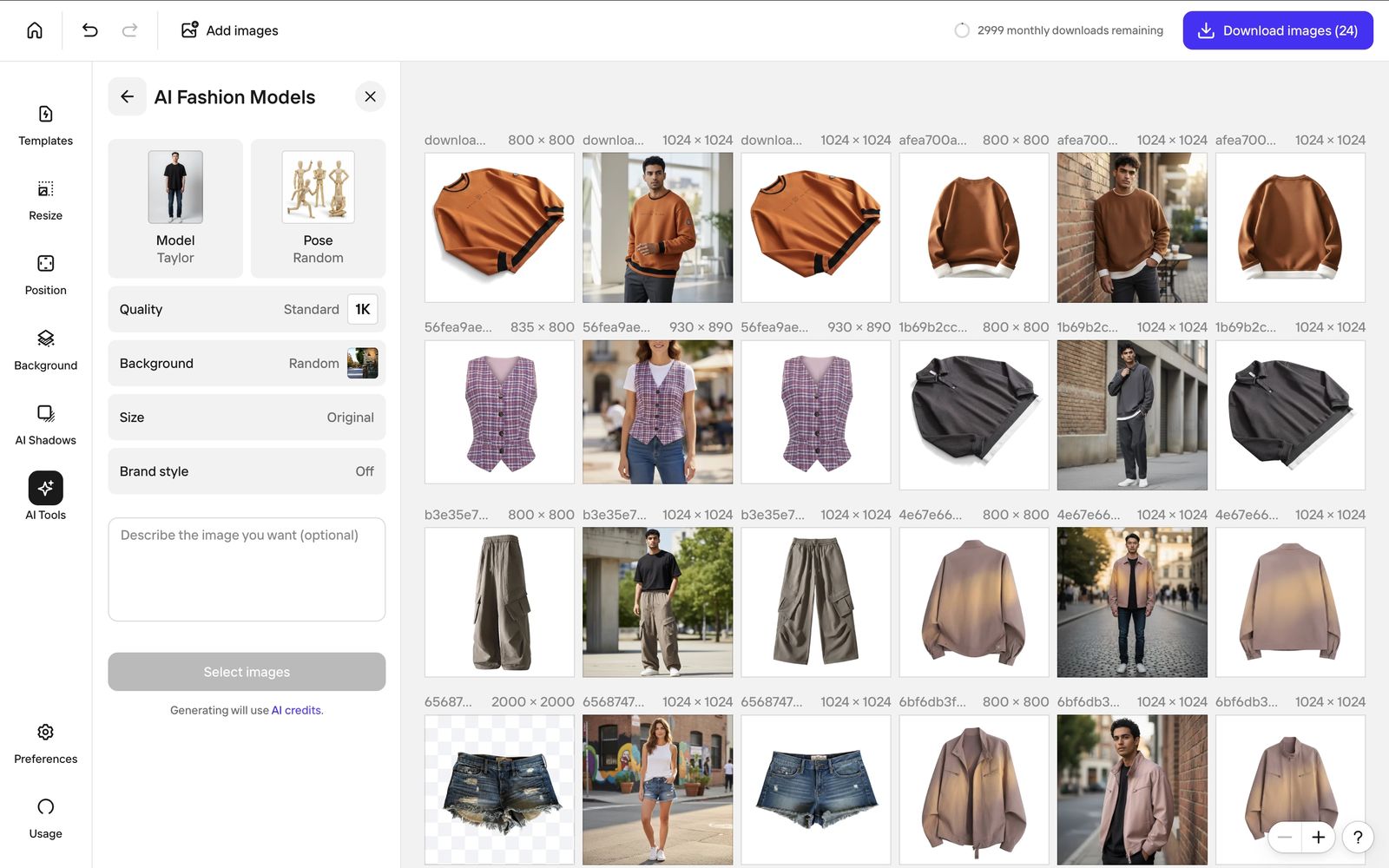
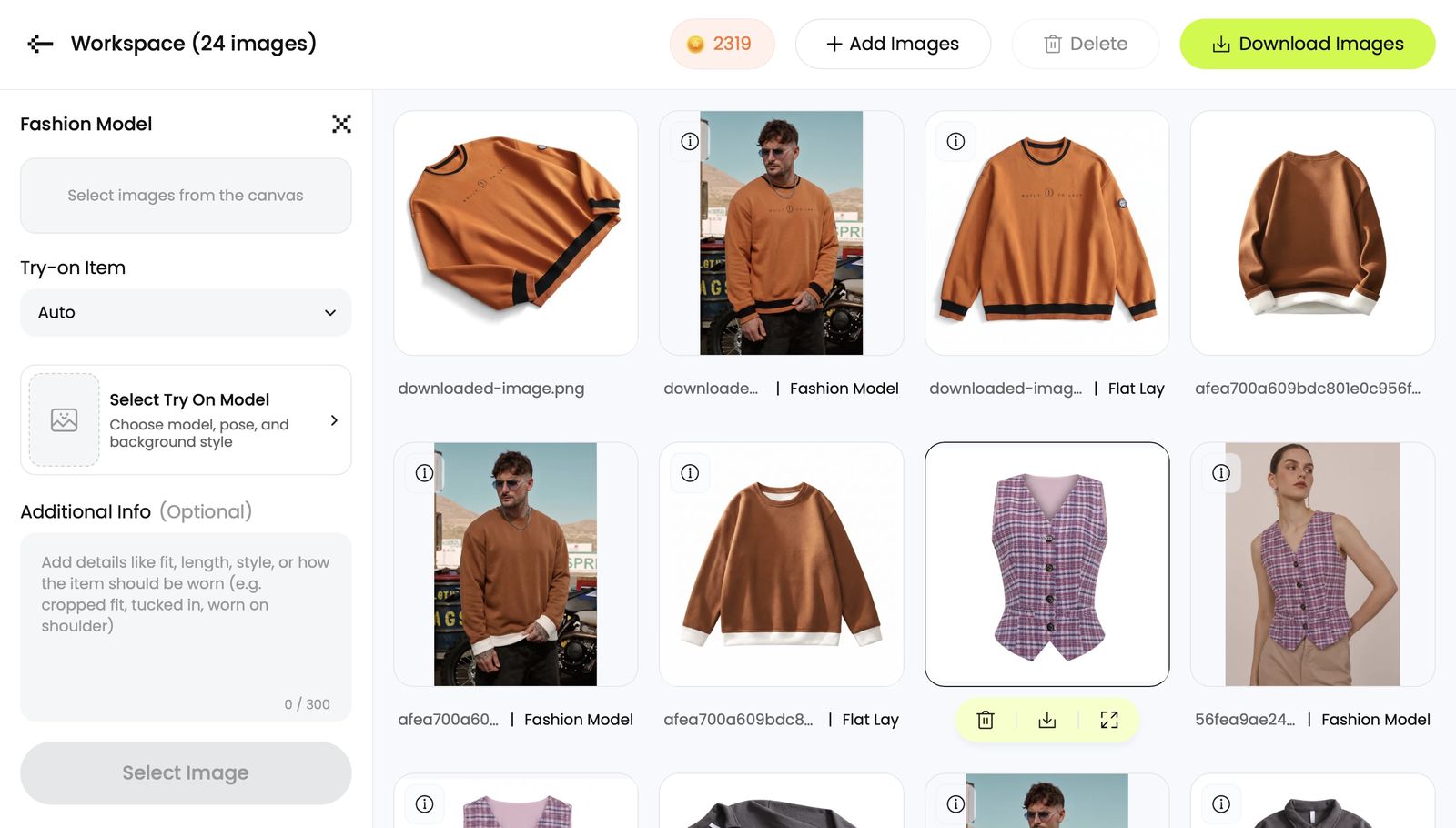
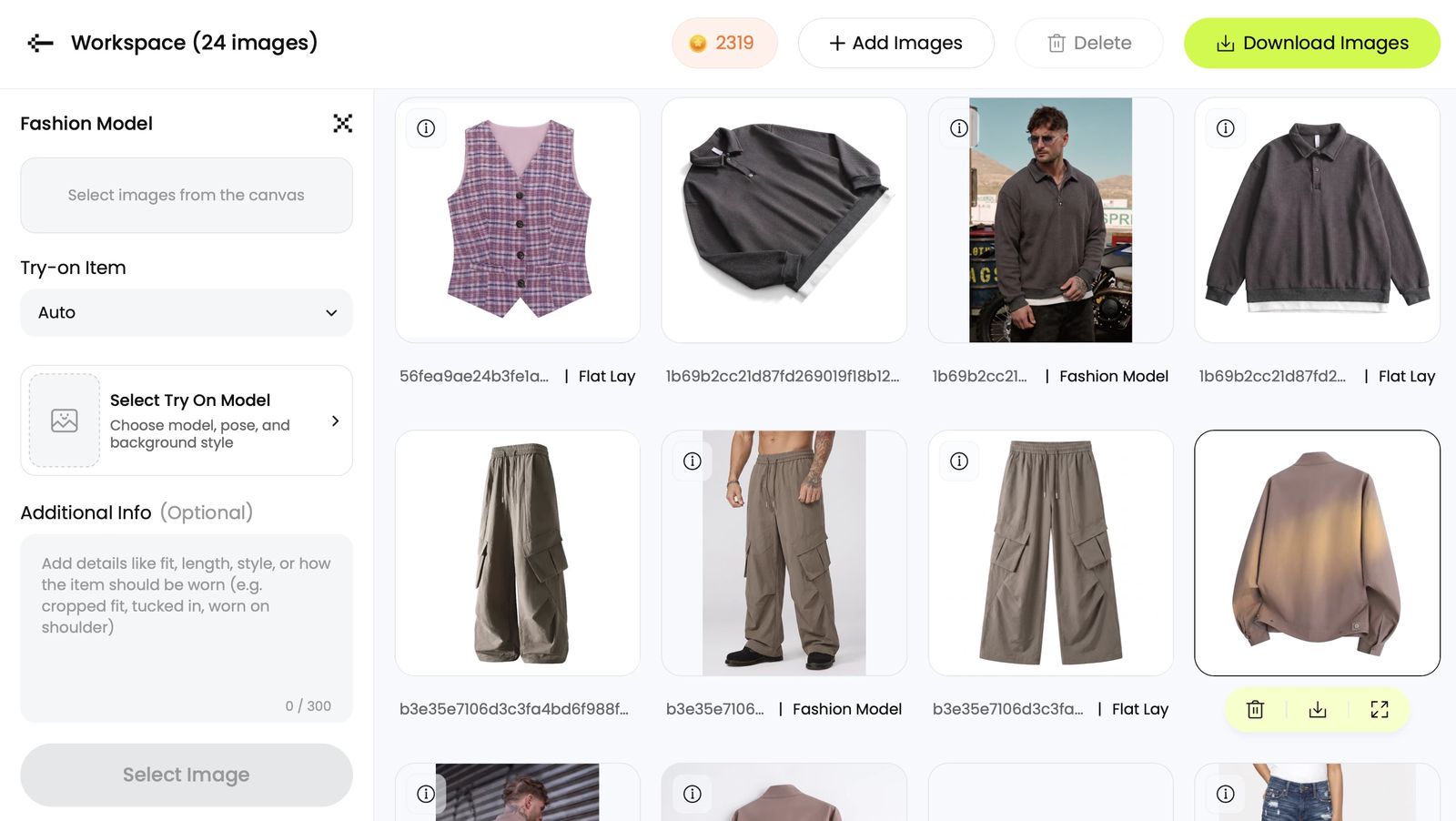
What users say about the workflow each product is built for
Both quotes below are about product-photo production rather than generic “great app” praise, and both link back to a public source.
“this app used to work alot smoother and easier..now when I use the batch edit..I can no longer just export one photo..it never saves to my galley in my phone. and I will be half way done almost editing 29 photos and it will just freeze and all of the work I had done is just gone. almost about to end my subscription and try a new app. and its not because it needs to be updated because I checked that. very disappointed in how poorly its been running”
“This Snappyit is such an amazing ai software! I have been using it for a few weeks now, and it's a total game-changer for my fashion business. The AI tools are intuitive, fast, and produce professional and high-quality visuals—from 3D mannequins to model videos— without needing expensive photoshoots. I especially love the Ghost Mannequin and Color Change features. They save me so much time! The credit system is straightforward and the results are consistently impressive. For anyone in fashion—brands, designers or sellers—this platform is worth every penny. Highly recommend!”
Each quote is reproduced exactly as the source published it, positive and critical context intact, with a link back to the platform it came from. A review records one seller's experience on one date — it is not evidence of a product's current feature availability, price or output quality.
What each product offers, and what each plan costs
What you can check without running a test — plans, prices, and the tools both products actually share.
| Decision area | Photoroom | Snappyit |
|---|---|---|
| Buying fit and access | ||
| Best-fit ecommerce categories | General ecommerce catalog, product-listing and marketplace sellers | Clothing, bags, jewelry and accessories sellers |
| Free trial / free evaluation | Free plan: 100 exports/month and a small AI-credit allowance for core AI tools; Batch Mode and many AI tools need a paid plan, and the free tier is not licensed for commercial use. Paid plans offer a free trial. | Free start: 6 credits for new accounts, enough to try any AI tool before subscribing; batch generation needs a paid plan. |
| Lowest price entry | From $7.50/month on annual billing (Pro) | From $8.20/month on annual billing (Basic) |
| App and API availability | Web and mobile apps; REST API and MCP access | Web, Shopify app and Google Play app; no public API listed |
| Integrations | 11 pre-configured integrations listed: Shopify, Figma, Google Drive, Zapier, Make, Airtable, WordPress, Capture One, Image Relay, Pixelz and Model Context Protocol (MCP), plus a documented REST API. Publishing to a Shopify store from inside Photoroom is a Max-plan feature. | Shopify app: import listing images and push finished assets back to the store. No other integrations listed. |
| Overlapping tools — the apparel and jewelry jobs both products do | ||
| Background removal and product cleanup | ✓ Background Remover and core editing tools | ✓ Product-photo editing tools |
| AI Fashion Model | ✓ AI Fashion Models | ✓ AI Fashion Model |
| Flat Lay product photography | ✓ Flat Lay tool | ✓ Flat Lay |
| Ghost Mannequin | ✓ Ghost Mannequin | ✓ Ghost Mannequin |
| AI Recolor | ✓ Recolor | ✓ AI Recolor |
| Jewelry image editing and virtual try-on | — | ✓ |
| Image to Video | ✓ Max and Ultra plans | ✓ available on any plan |
| Batch Mode | ✓ Paid plans only; ceiling by plan — 50 images on Pro, 250 on Max, 5,000 batch exports/month on Ultra | ✓ Batch upload on every paid plan; batch generation on Pro and Custom |
Photoroom price snapshot
Paid tiers with the export and batch limits that decide this job. Captured 29 Jul 2026 (US/USD).
($89.99/yr)$12.99/moBatch edit up to 50 images · High export limit for AI features · Optimize and resize for platforms
($249.99/yr)$34.99/moEverything in Pro · Batch edit up to 250 images · 3 times faster Batch processing · Publish product visuals to a Shopify store without leaving Photoroom · Highest export limit for AI features · Access to our best AI models · Priority customer support
($990/yr)$99.00/moEverything in Max · 5,000 Batch exports per month (volume options to Ultra 10×) · 1.7 times Max AI image/video credit allowance · Highest quality with 4K+ resolution · Fastest processing times · Advanced AI workflows
Snappyit price snapshot
Paid tiers with the credit and batch limits that decide this job. Credits are the same on annual and monthly billing — only the rate changes. Captured 29 Jul 2026 (US/USD).
($0.068/credit)$12.90/mo
($0.108/credit)120 Credits · Advanced Image AI Tools (Ghost Mannequin, Fashion Model…) · Advanced Video AI Tools (Image To Video, Video Try-On) · Upload In Batches
($0.053/credit)$29.90/mo
($0.083/credit)360 Credits · Advanced Image AI Tools · Advanced Video AI Tools · Upload In Batches
($0.044/credit)$49.90/mo
($0.062/credit)800 Credits · Advanced Image AI Tools · Advanced Video AI Tools · Upload And Generate In Batches · Priority Generation Speed
($0.0426/credit)$69.90/mo
($0.0608/credit)1,150 Credits and up (selectable) · Advanced Image AI Tools · Advanced Video AI Tools · Upload And Generate In Batches · Priority Generation Speed
The two credit systems are not the same unit, so read each ladder on its own. On Snappyit, moving up a tier buys a better rate. On Photoroom the rate improves up to Max, then gets worse at Ultra — the top tier buys batch ceiling, not cheaper output.
Pick Photoroom when the catalogue is broad
Photoroom covers every product category, not just clothing — furniture, cosmetics, electronics — and background removal is what most sellers actually run it for. A mixed catalogue gets one consistent pass. The limit is people: it generates the model and the clothing together, so garment detail drifts.
Pick Snappyit when the category is apparel or jewelry
Snappyit is narrow on purpose — clothing, bags and jewelry, with flat lay, ghost mannequin, jewelry retouching and fashion model. The narrow scope keeps output closer to the real product. Model shots work differently: it dresses a model you choose in your garment, so the fit and fabric belong to the item you are selling.
Snappyit vs Photoroom — Frequently Asked Questions
Common questions sellers ask before moving across.
Run a real batch through both, then decide
Take a set you actually have to list — the whole batch, not just the few photos you already know look good — and put it through both tools. Judge it on the batch: how consistent the outputs are across SKUs, and how many you would publish without touching again.