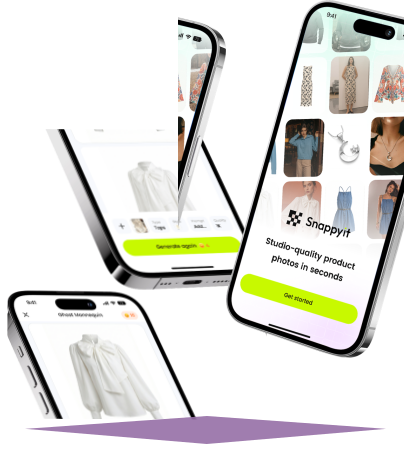
AI Product Photo Editing for Clothing Sellers
Create product photos wherever you work.
Start with Photos You Have
Use a phone photo, flat lay or hanger shot as your starting point.
Skip the Studio Setup
Create product and on-model images without arranging a photoshoot.
Made for Online Selling
Prepare visuals for product pages, catalog updates and social posts.
Ghost Mannequin App for Flat Lay and Hanger Photos
Turn a flat lay or hanger photo into a ghost mannequin image that shows your garment's shape without a visible model. Create clothing listing photos on your phone without photographing each item on a physical mannequin.
Try Ghost Mannequin Online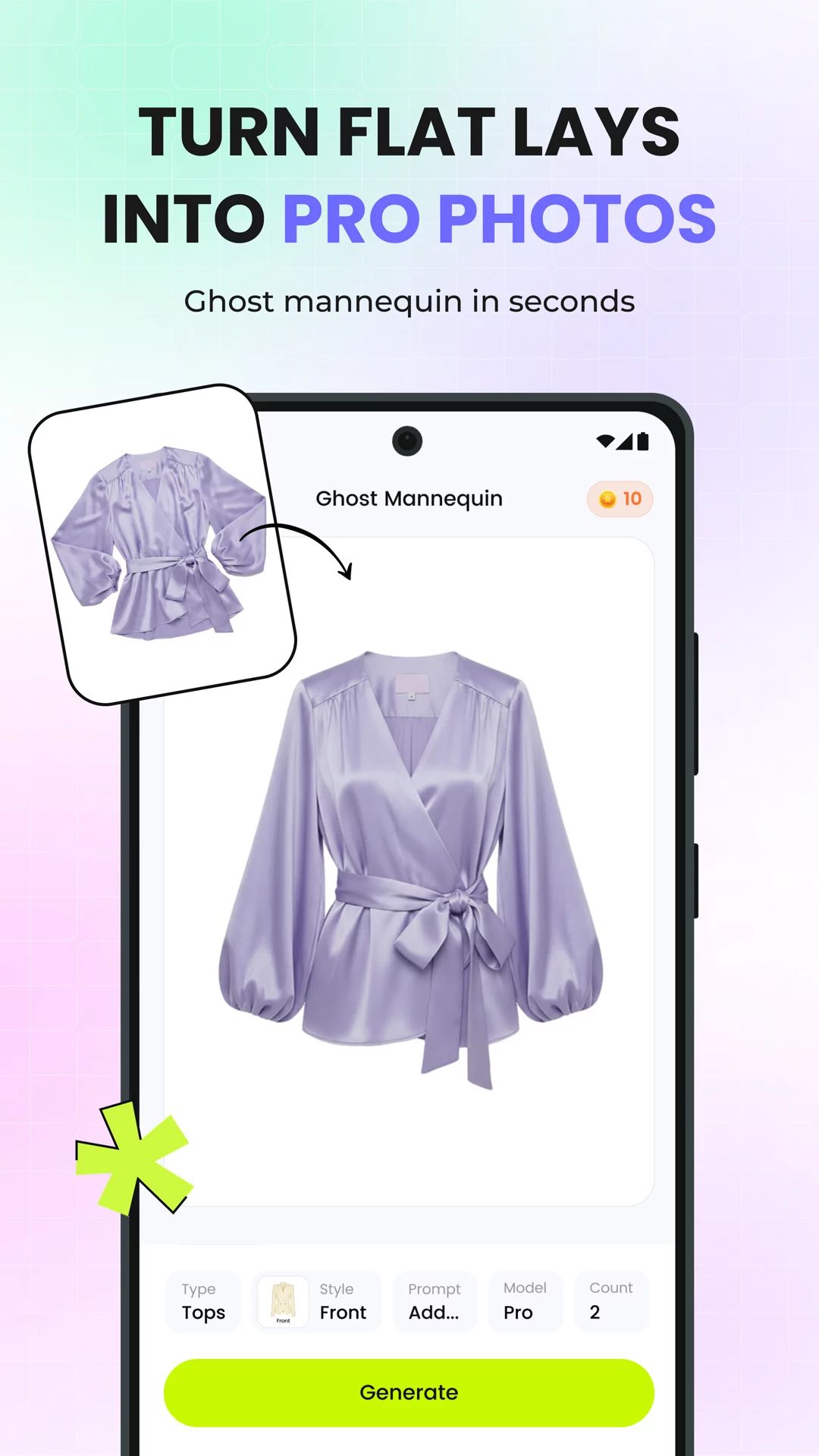
Edit Product Photos for Clothing, Jewelry, Bags and Shoes
Use AI product photography to turn everyday shots of clothing, jewelry, bags and shoes into images for your online store. Replace distracting backgrounds with a studio or lifestyle setting that suits the item and your brand.
Edit Product Photos Online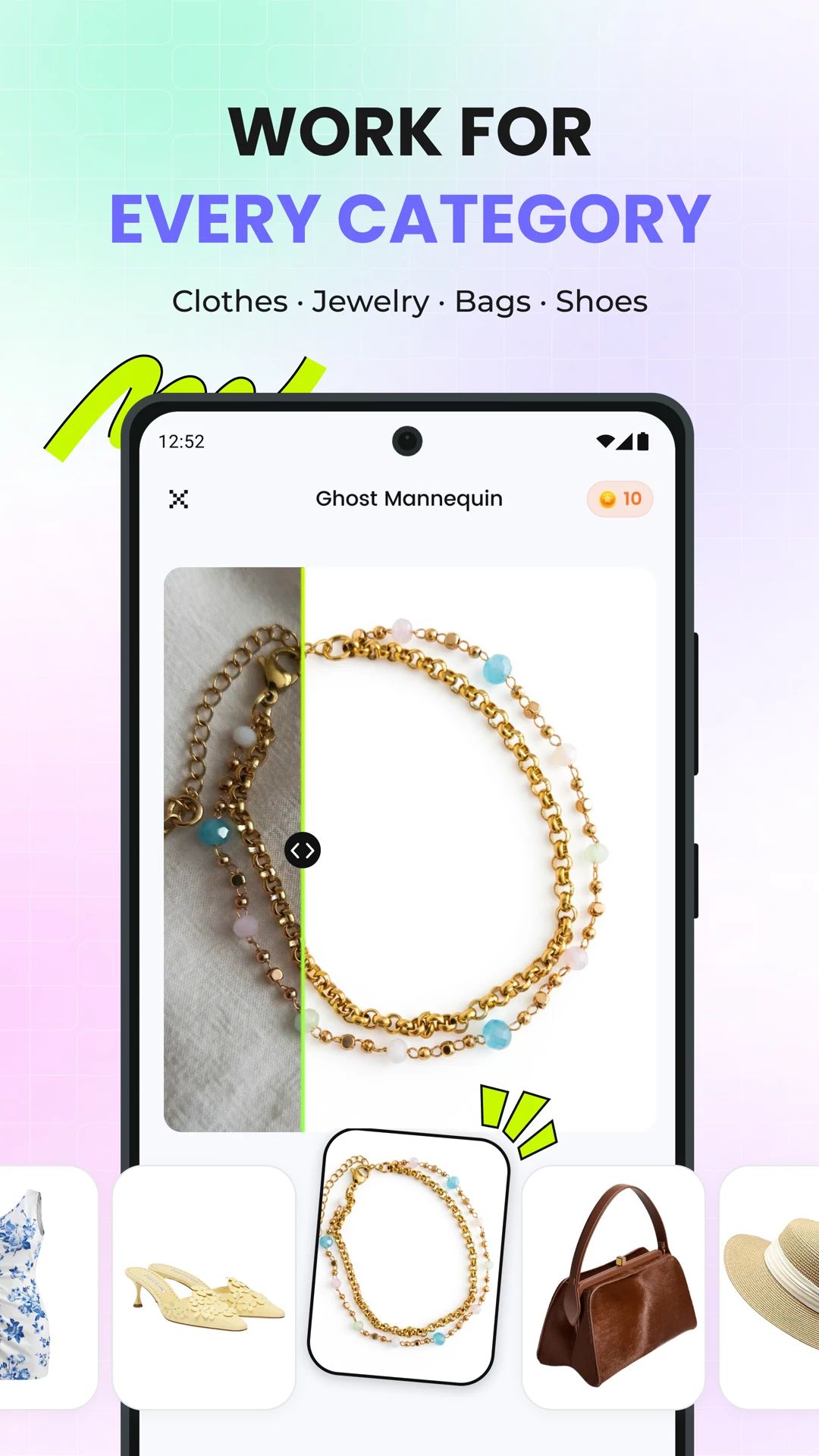
AI Fashion Model App for Clothing Product Photos
Create on-model clothing photos from an existing garment image, without booking a model or arranging a photoshoot. Show shoppers how pieces look when worn and build styled images for product pages, lookbooks or social posts.
Try AI Fashion Model Online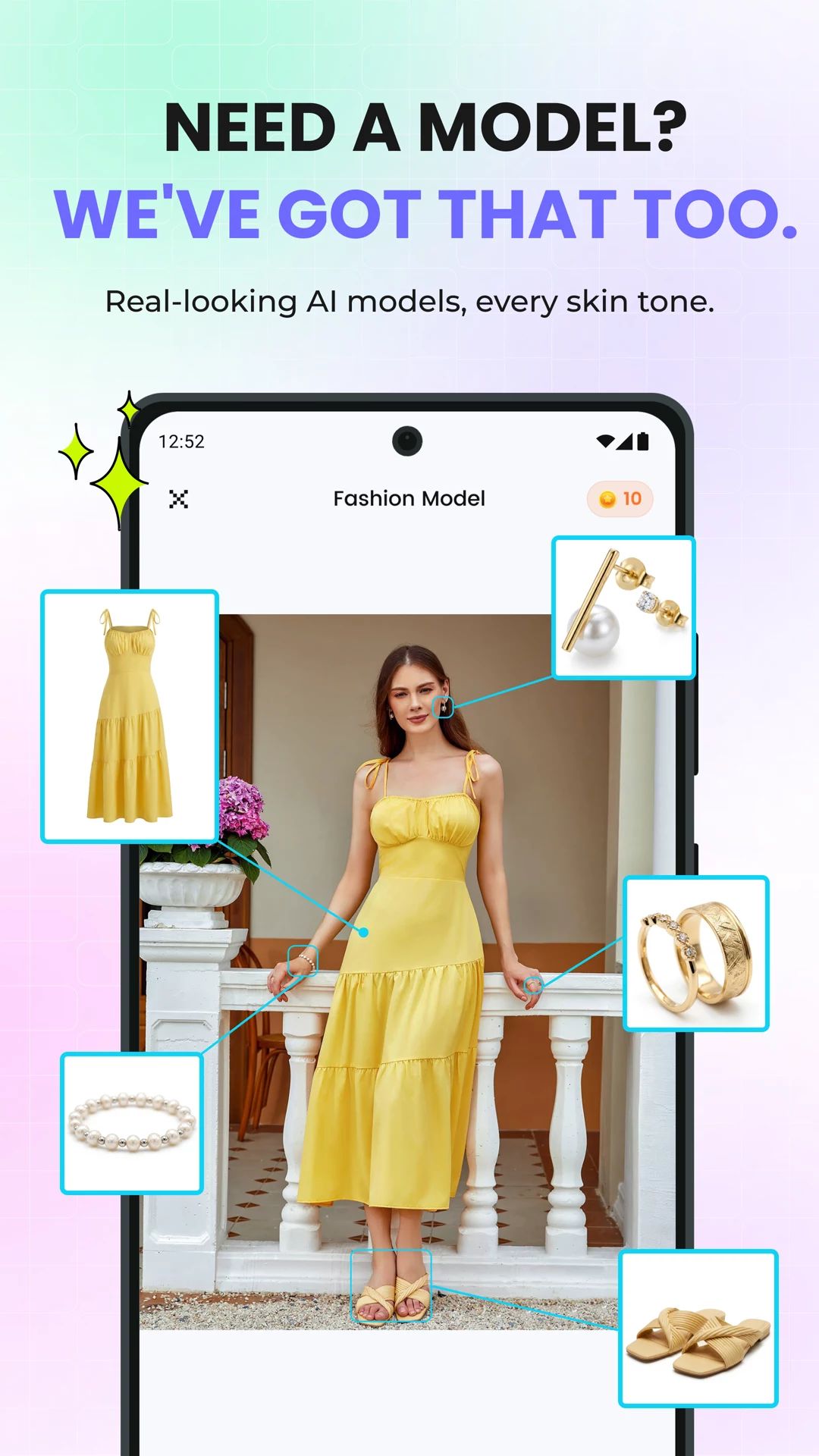
Create Flat Lay Product Photos on Your Phone
Convert hanger shots or on-model photos into flat lay clothing images with a clean white background. Give your catalog a consistent top-down view that lets shoppers focus on each garment's cut, color and pattern.
Try Flat Lay Online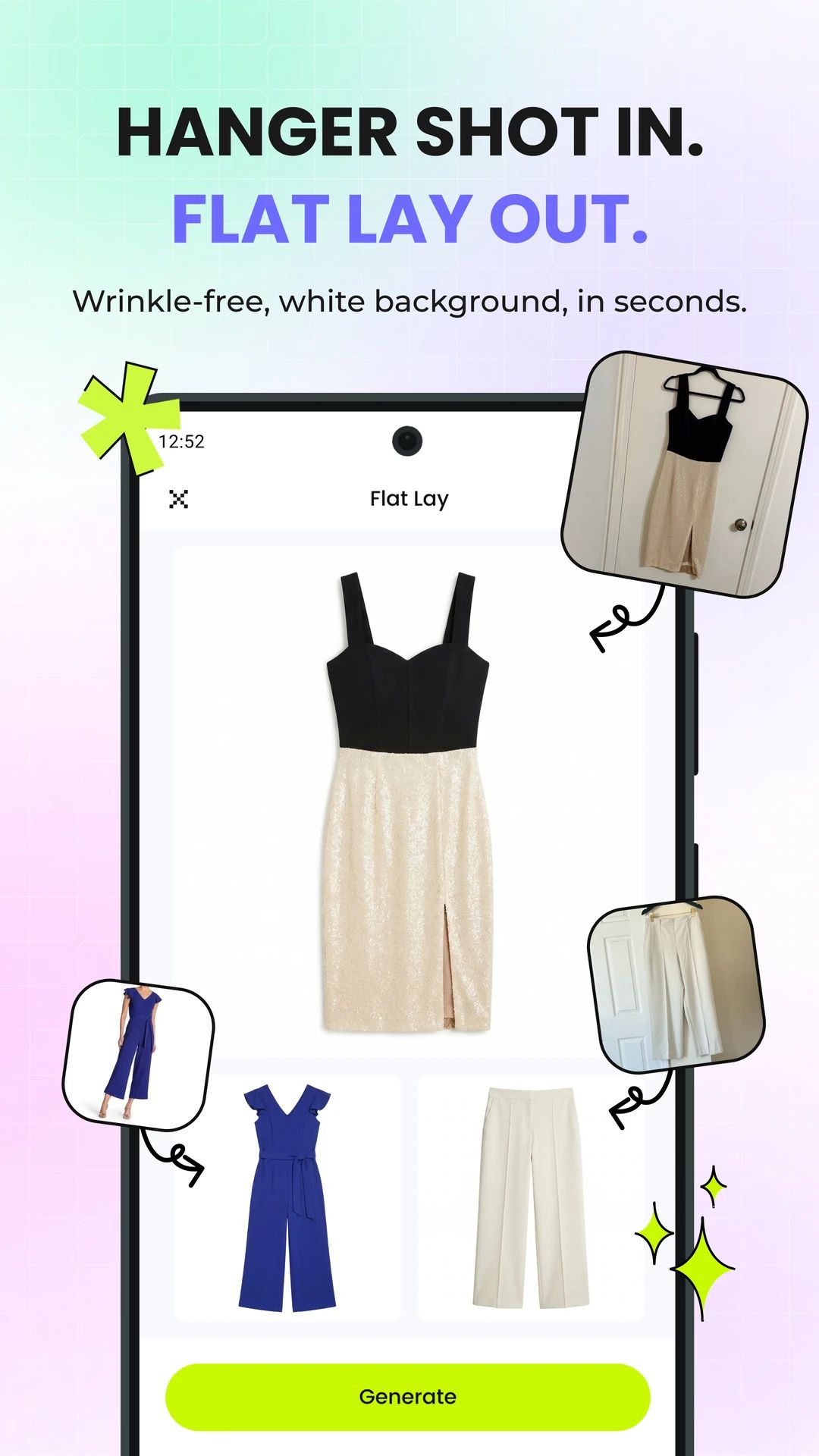
Image to Video for Product Photos
Turn a still product or fashion model photo into a short video on your phone. Add movement to existing images for product listings, social posts and ads without filming a new clip.
Try Image to Video Online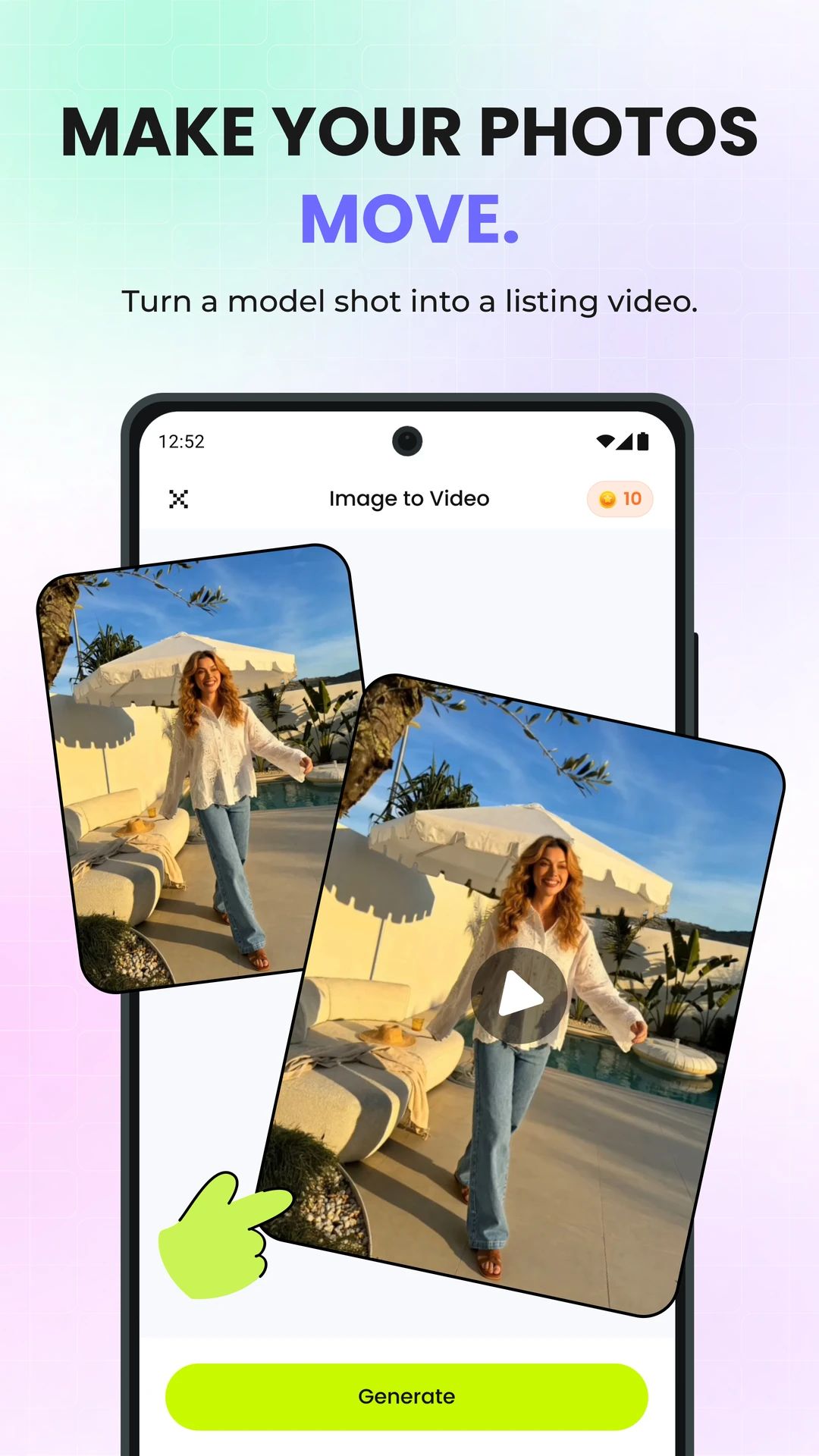
Recolor Clothing Photos in the Snappyit App
Change clothing colors in a photo to explore new colorways or plan a collection. Use the AI recolor tool to compare shades on the same item before choosing images for your catalog or next campaign.
Recolor Product Photos Online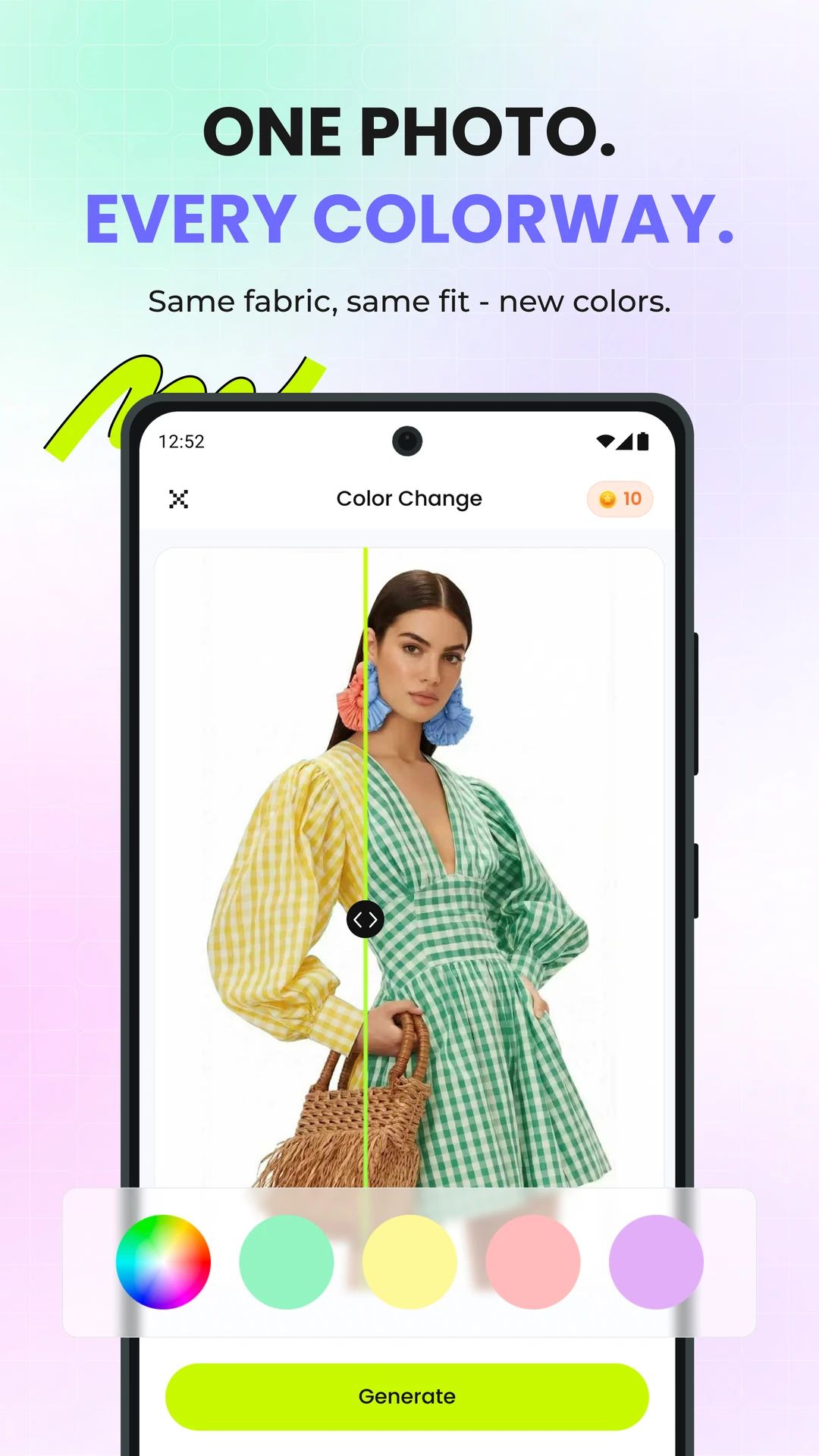
A Faster Workflow from Product Photo to Listing
Choose a style, generate product views and get your next listing ready.
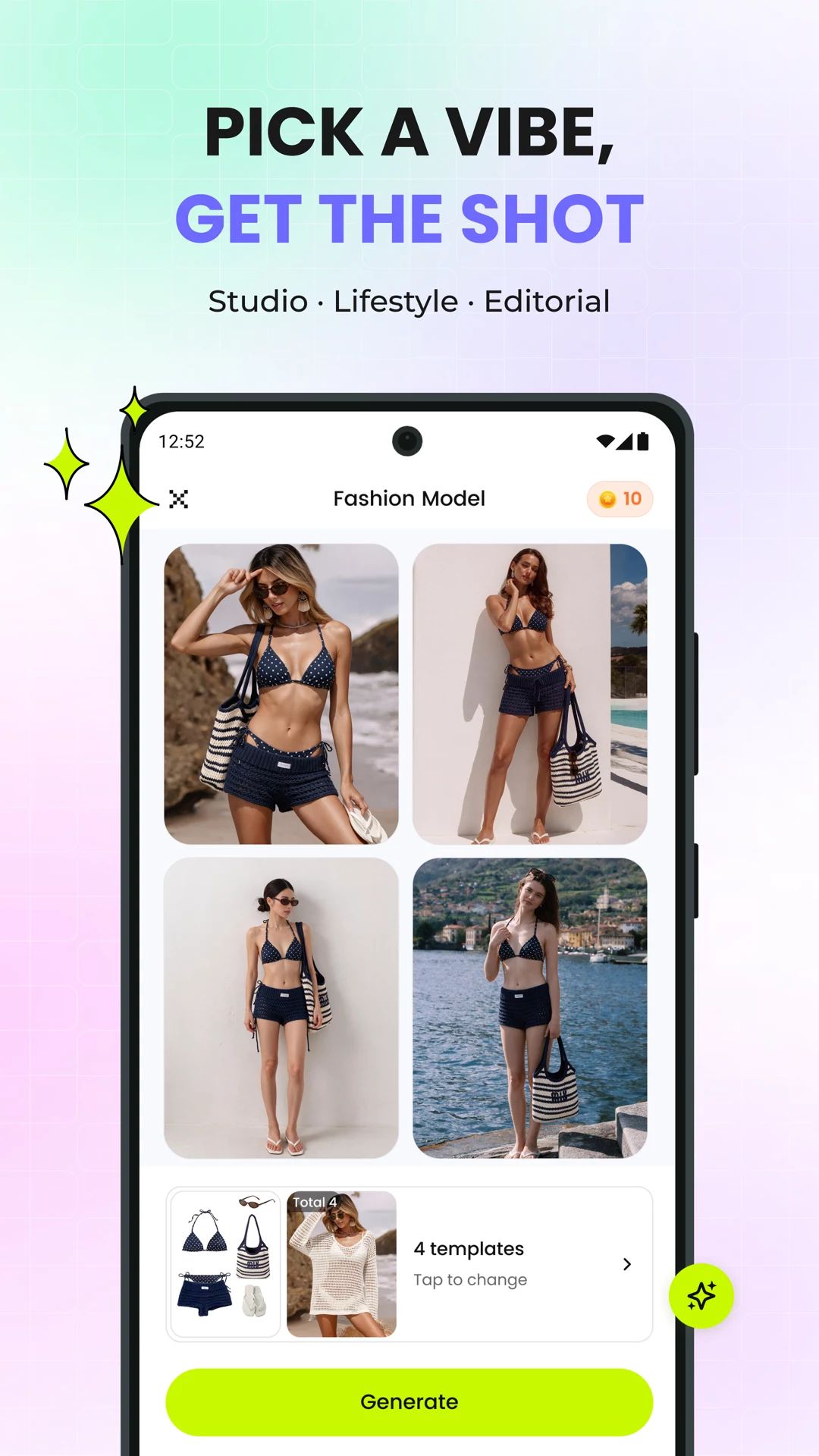
Choose Your Style
Create studio, lifestyle or editorial looks.
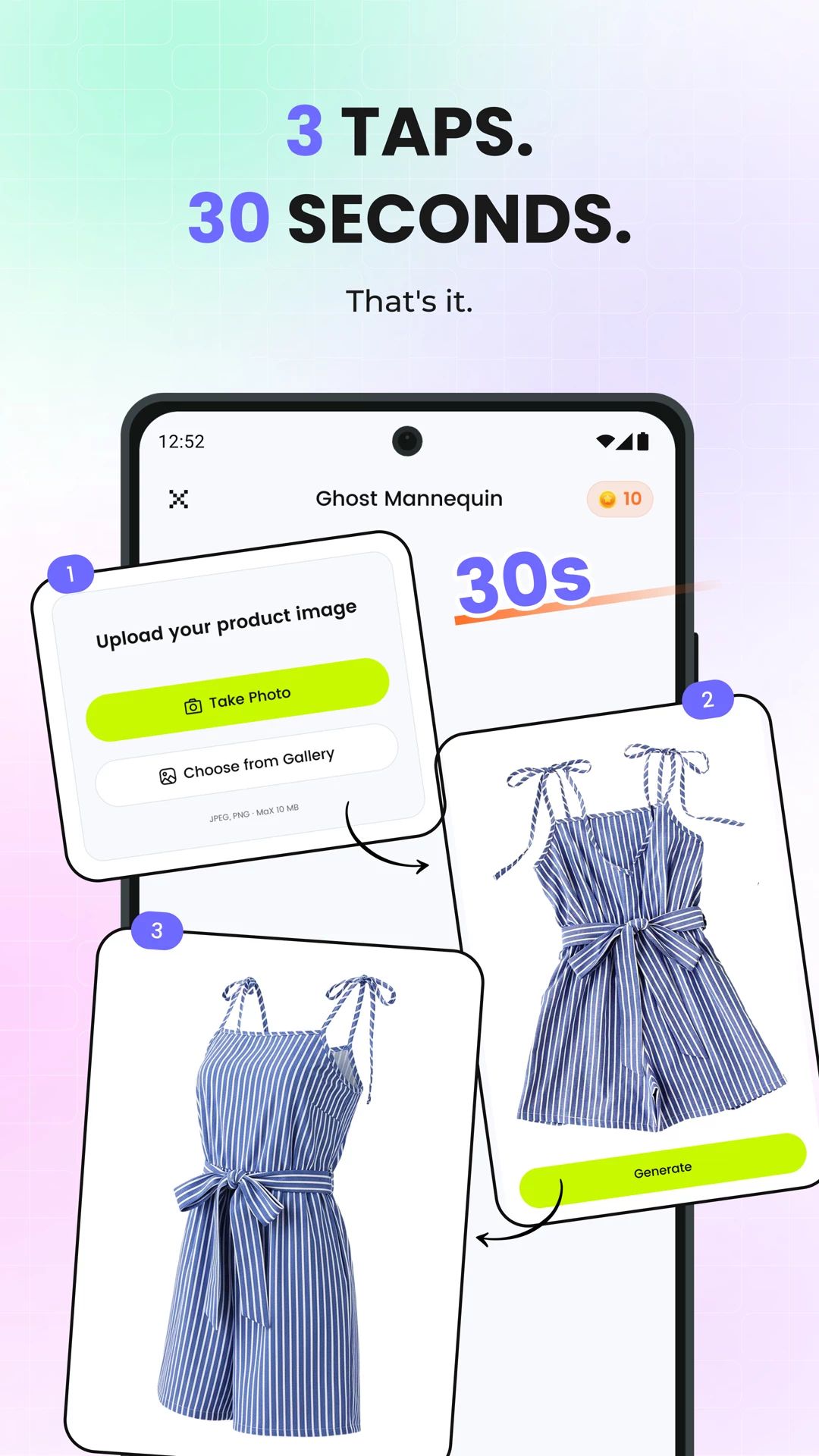
Upload, Generate, Download
Go from one product photo to a finished image.
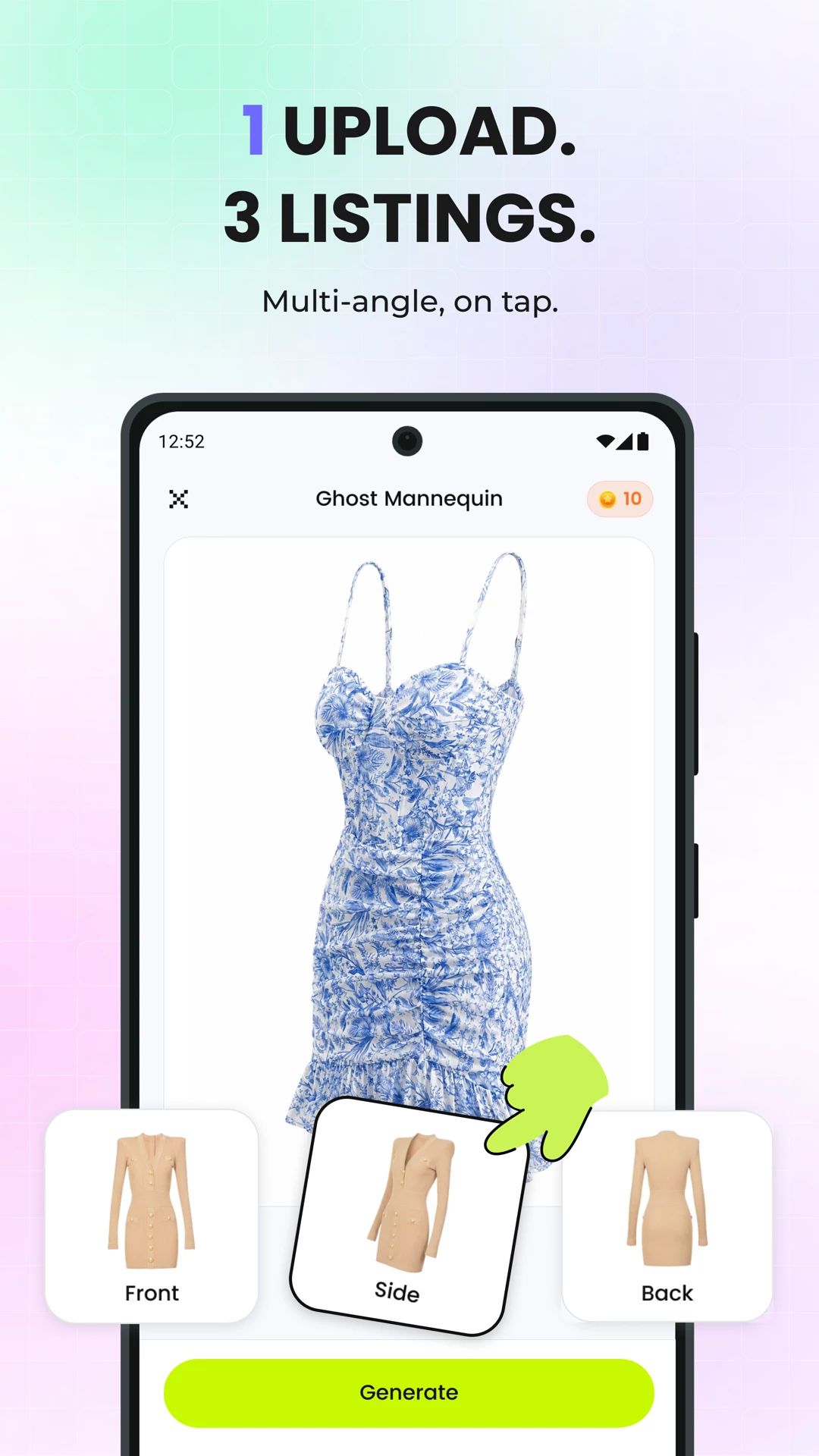
Multiple Views from One Photo
Generate front, side and back views.
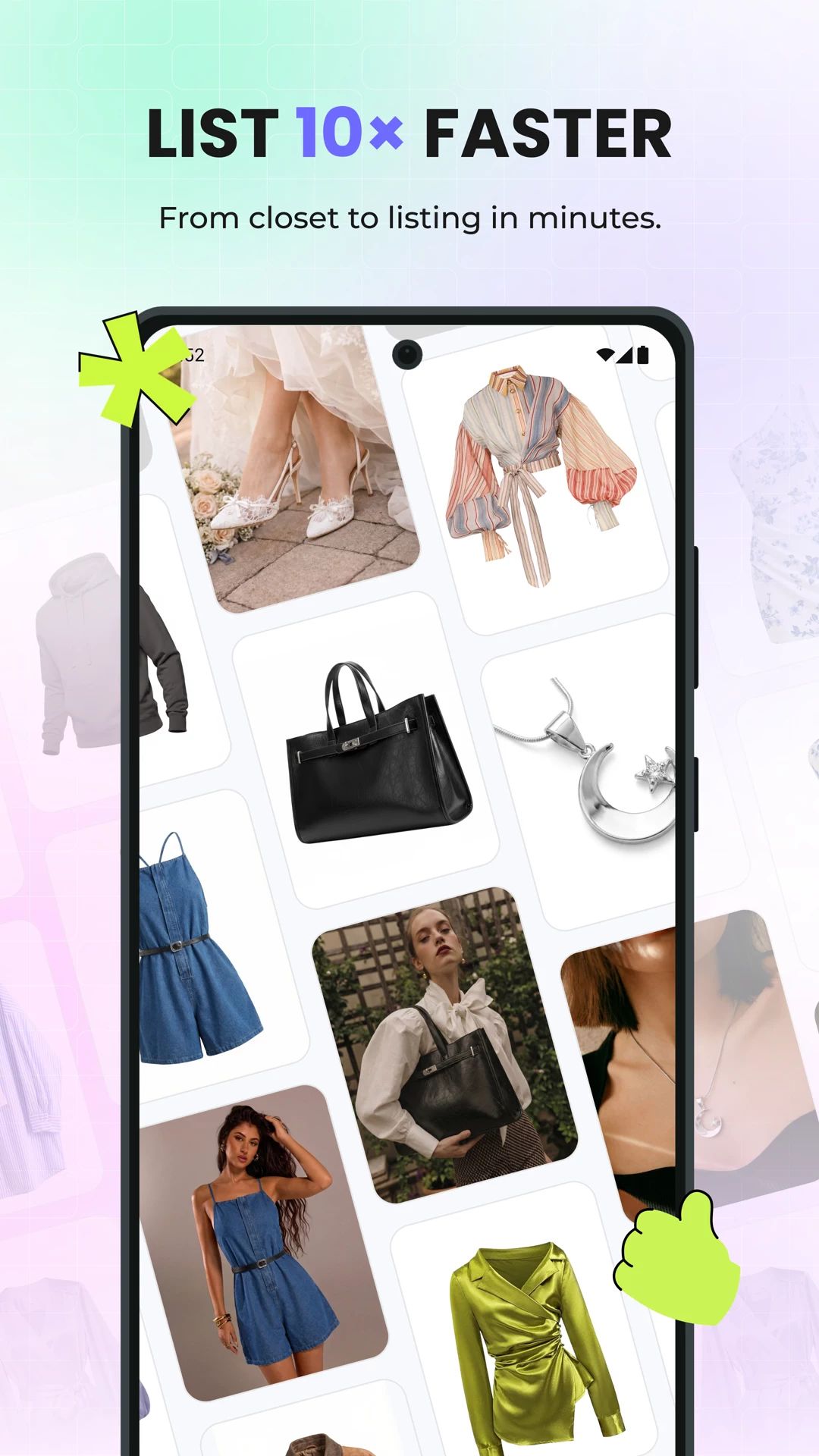
List Products Faster
Prepare listing photos with fewer file transfers.
How to Use the Snappyit App
Download and Sign In
Get Snappyit from the App Store or Google Play, then sign in or create an account.
Upload a Product Photo
Choose a clear photo of your item and select the tool you want to use.
Generate, Check and Download
Generate your photo or video, check the product details and download the result.
What Customers Say About Snappyit
Selected customer reviews from the App Store and Trustpilot.
“I’ve been using the software for a long time, and all the features have been incredibly helpful for me, especially ghost mannequin and fashion model. I’m so happy there’s finally an app for this- it’s been a really game-changer and a huge relief for me!”
Jeaa hh · App Store (US) · Sep 7, 2026 ↗“The ghost mannequin and fashion model features produce high quality product images. The generated images are sharp, natural and ready for listing with minimal editing.”
Ashleyqueenie · App Store (US) · Aug 18, 2026 ↗“As a Shopify apparel seller, Snappyit has completely changed our product photography workflow. We no longer need expensive studio shoots or professional retouchers.”
Zy · Public Trustpilot review · Jul 8, 2026 ↗“The AI tools are intuitive, fast, and produce professional and high-quality visuals—from 3D mannequins to model videos—without needing expensive photoshoots.”
Jessie · Public Trustpilot review · May 21, 2026 ↗“I run a small clothing company and couldn’t afford high shooting costs, so I only use flat lay images for online sales. Then I met Snappyit.”
Jayna · Public Trustpilot review · Dec 12, 2025 ↗“As a small clothing reseller, Snappyit is a game-changer. Professional product photos in seconds, no photoshoot needed—it saves me time and money on every single listing.”
Charlotte · Public Trustpilot review · May 27, 2026 ↗AI Product Photo Editing Guides
Tutorials, comparisons and tips for creating product photos and videos.
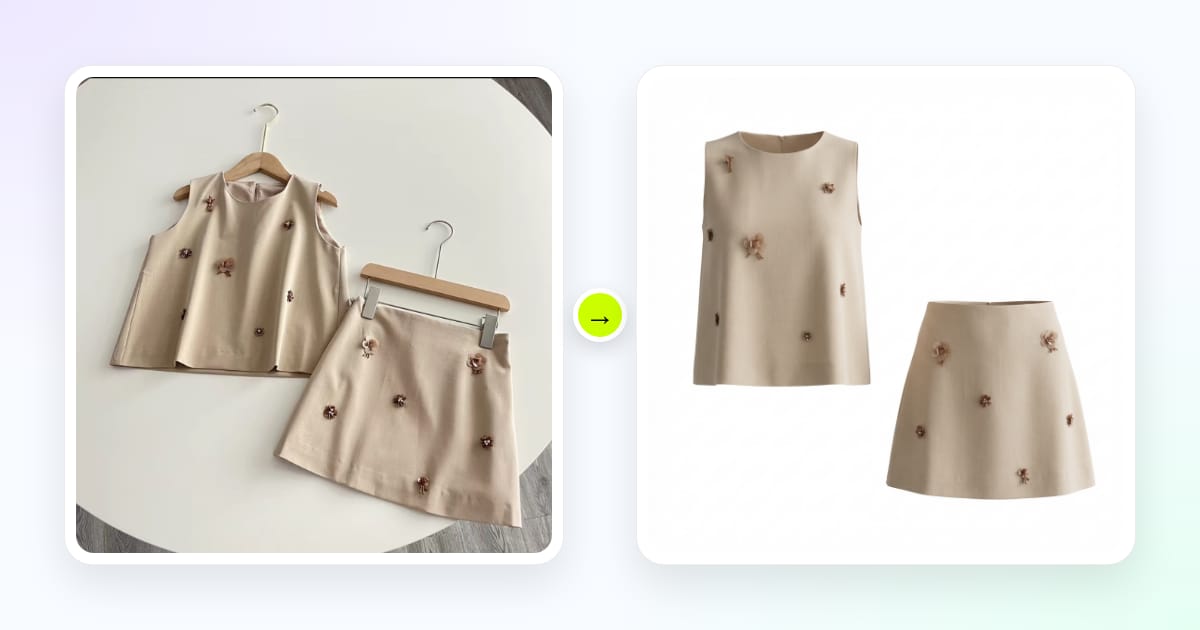
How to Use a Ghost Mannequin App for Product Photos
Learn how to shoot, generate and export ghost mannequin photos on your phone.
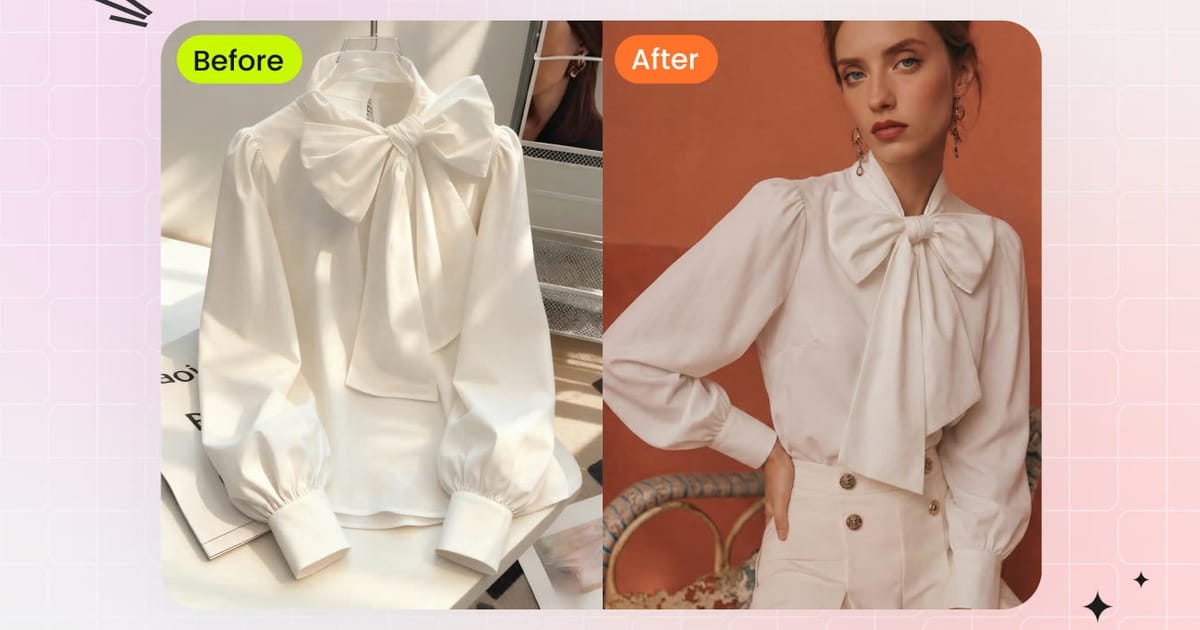
How to Create AI Fashion Model Photos on Your Phone
Learn how to choose a model and pose for clothing photos made on your phone.
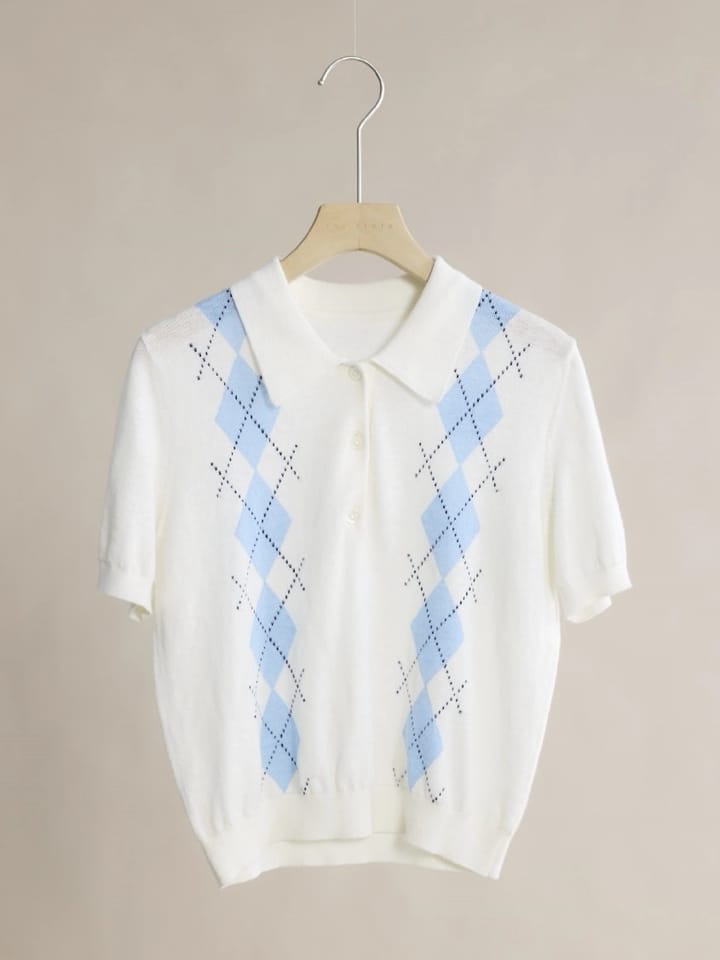
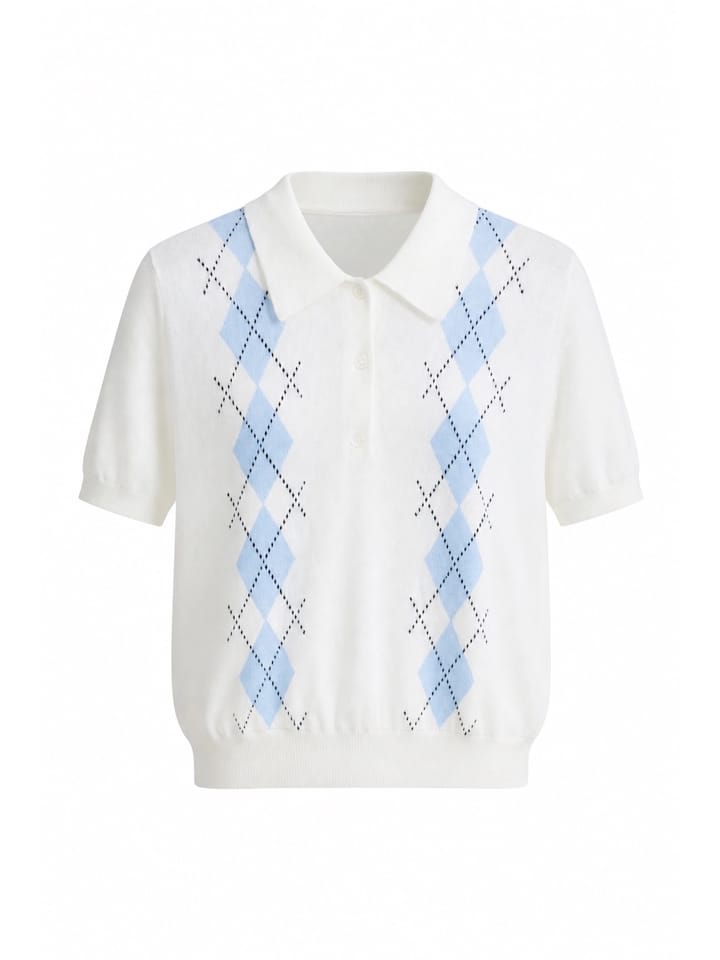
Best Ghost Mannequin Apps for Clothing Product Photos (iPhone & Android)
Compare five apps for garment accuracy, pricing and platform availability.
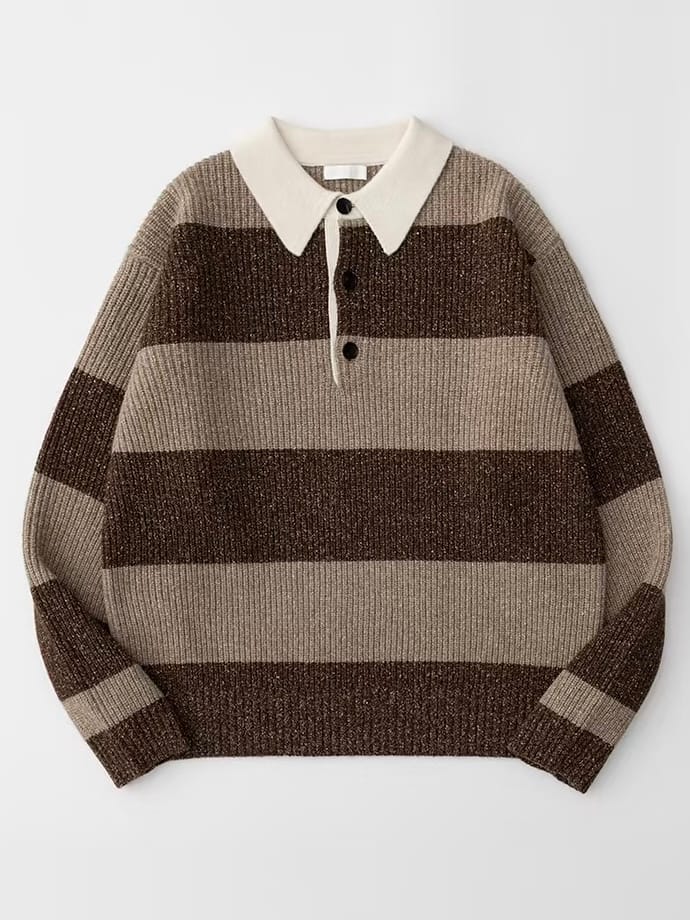
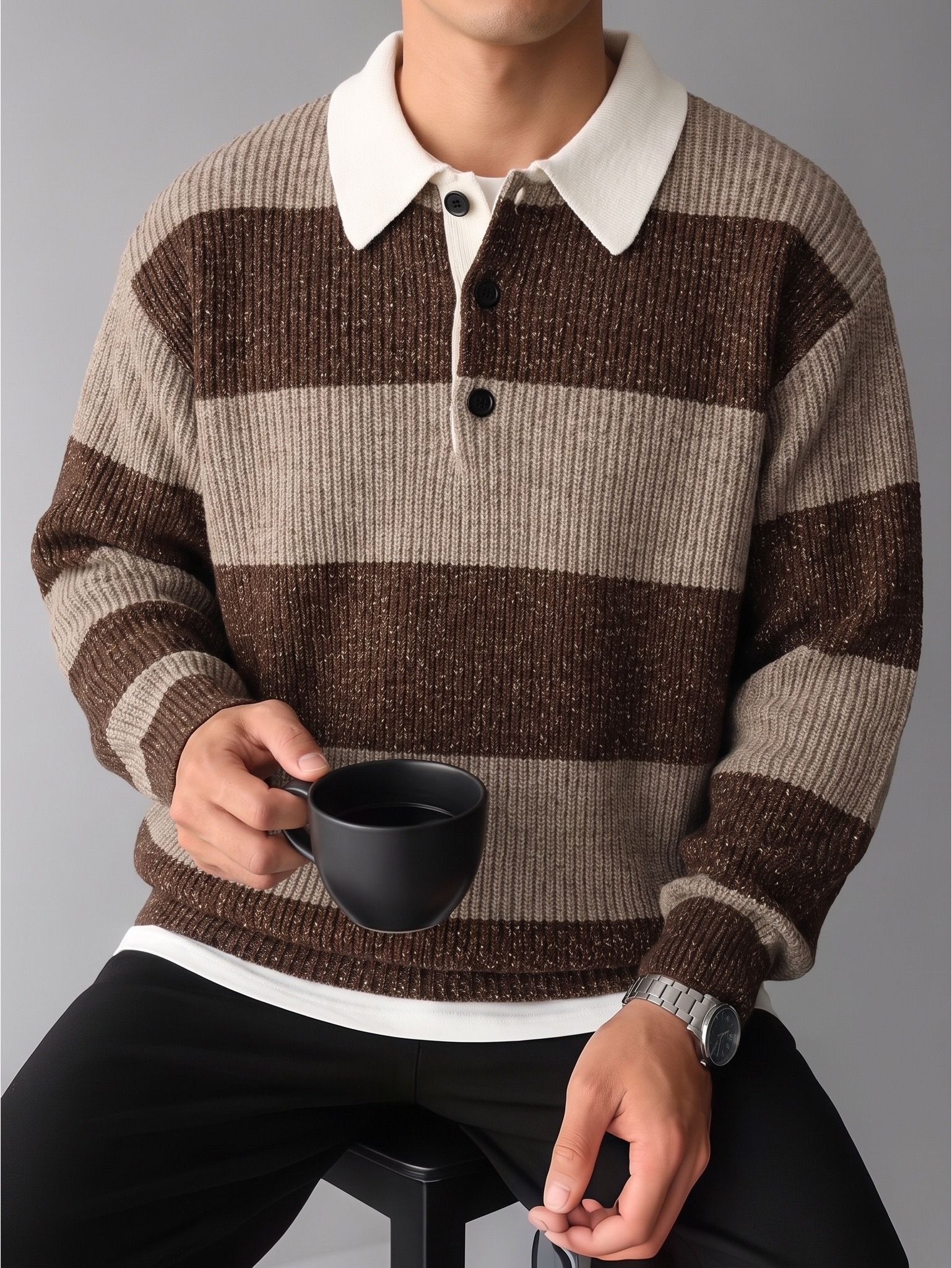
Best AI Fashion Model Apps for Clothing Product Photos (iPhone & Android)
Compare five AI fashion model apps for image quality, watermarks, pricing and ease of use.
AI Product Photo Editor App FAQs
What is an AI product photo editor?
An AI product photo editor uses artificial intelligence to edit and create product images for online stores. It can change backgrounds, adjust colors or generate new product views from an existing photo.
Is Snappyit available for iPhone and Android?
Yes. Download the iPhone app from the App Store or the Android app from Google Play.
What kind of product photo should I upload?
Use a clear, well-lit photo with the full item visible. A flat lay, hanger shot or existing product photo is a good starting point.
Do I need photography or editing experience?
No. Start with a product photo, choose a tool and let the app generate the image or video.
Are my subscription and credits shared across web and mobile?
Yes. Sign in with the same Snappyit account to use your subscription and available credits on both.
How do I download my photos and videos?
Use the download option on the result to save your photo or video to your phone.
Download Snappyit for iPhone or Android
Start with a product photo you already have.