




One Item, Multiple Listing-Ready Views
Build the workflow around the inventory already in front of you. Photograph the item once, clean up the source when needed and choose the views that help buyers evaluate it.
Photograph
Start with a clear phone photo, hanger shot, tabletop image or simple flat lay.
Clean Up
Reduce distracting wrinkles for a cleaner, more polished starting image.
Create Views
Generate a flat lay, ghost mannequin image or on-model presentation.
Save and List
Choose your preferred images and add them directly to the marketplace listing.
From Phone Photo to Marketplace Listing
Each tool solves a different job. Use only the stages your item needs, or combine them into a repeatable reseller workflow.
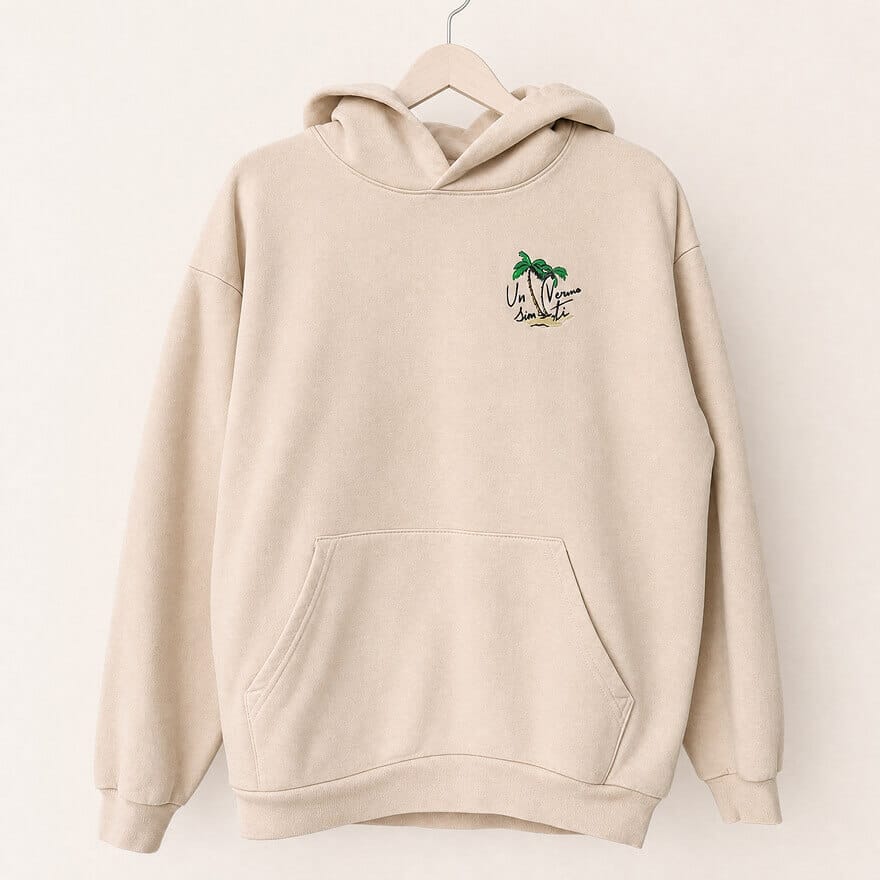
Reduce Distracting Clothing Wrinkles
Freshly thrifted, stored or shipped clothing may photograph with deep creases. Use AI Clothes Wrinkle Remover to create a smoother, more polished starting image in seconds.
Open Remove Wrinkles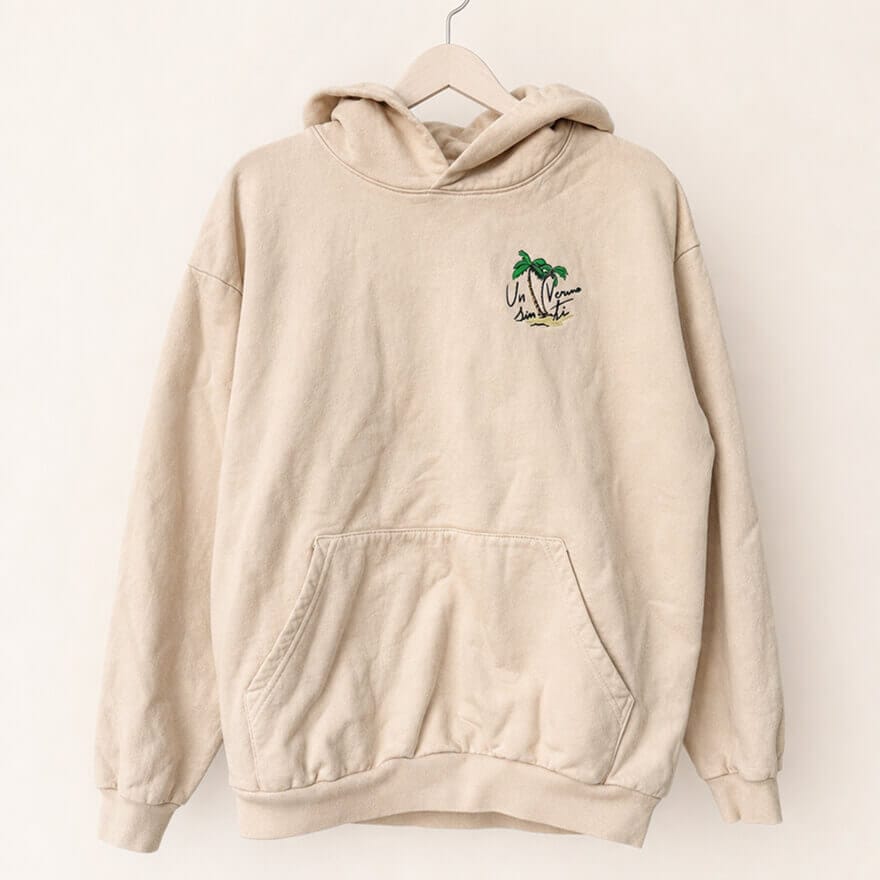
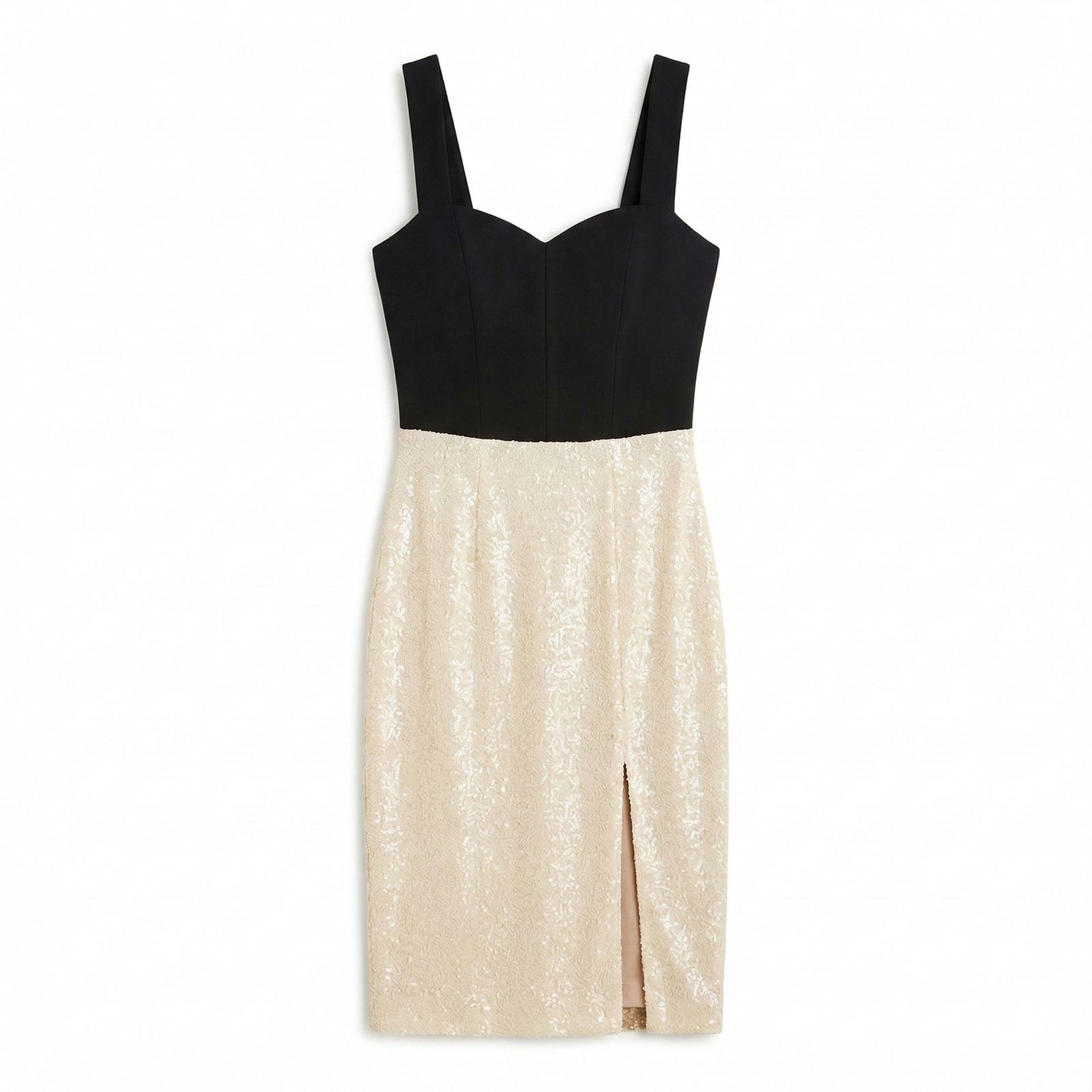
Create a Clean Flat Lay
Turn an everyday clothing photo into a more consistent product-first presentation. Flat lays work well when the shape, print and styling need to read quickly in a marketplace grid.
Open AI Flat Lay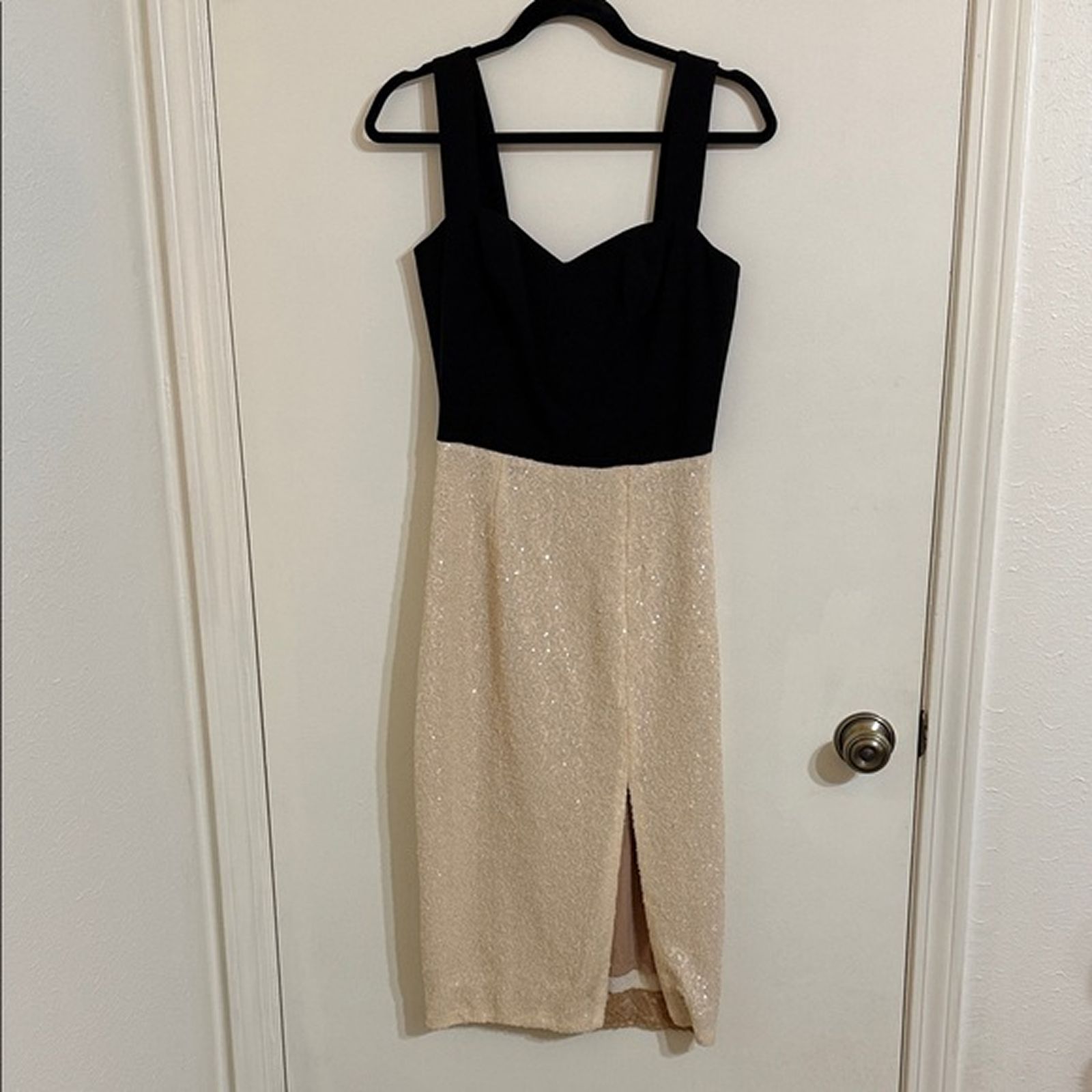
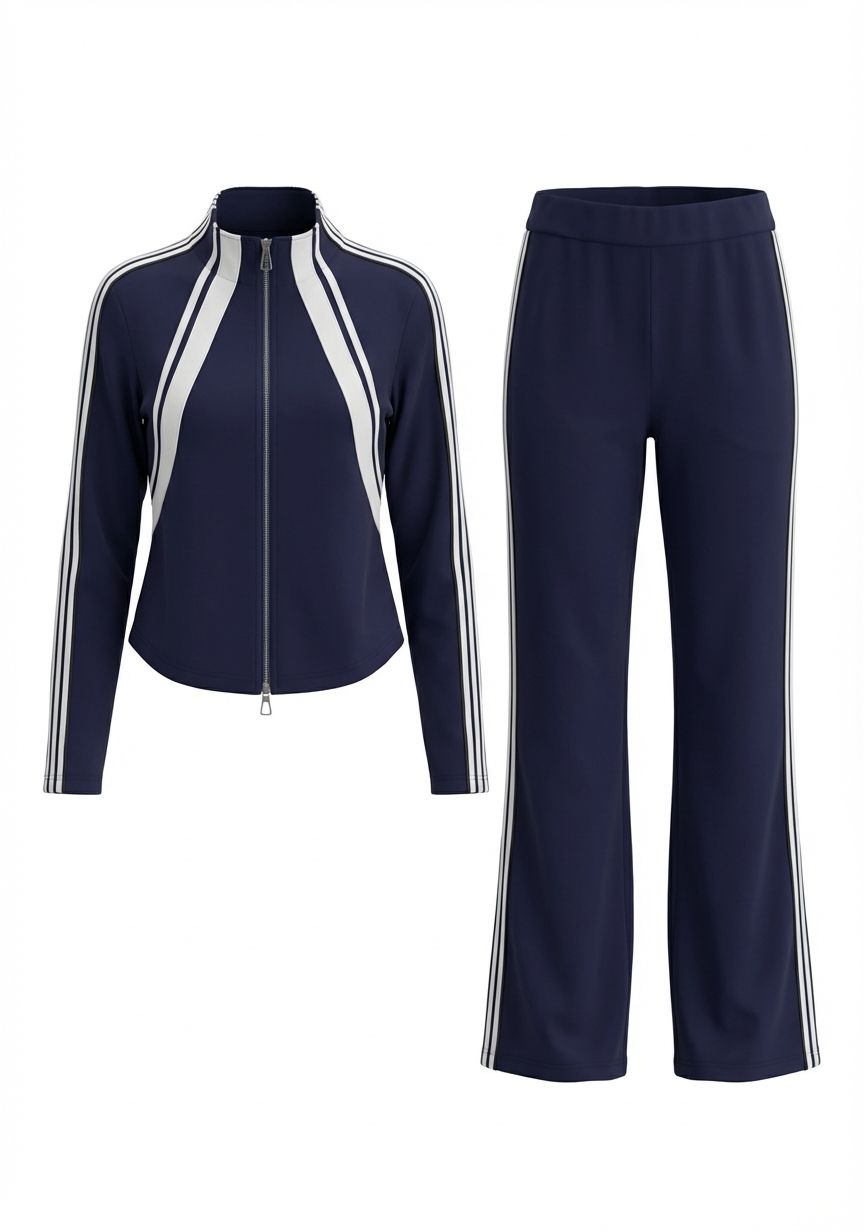
Show the Silhouette with Ghost Mannequin
Create a clean hollow-body garment view that highlights the neckline, sleeves, construction and silhouette without a visible mannequin.
Open Ghost Mannequin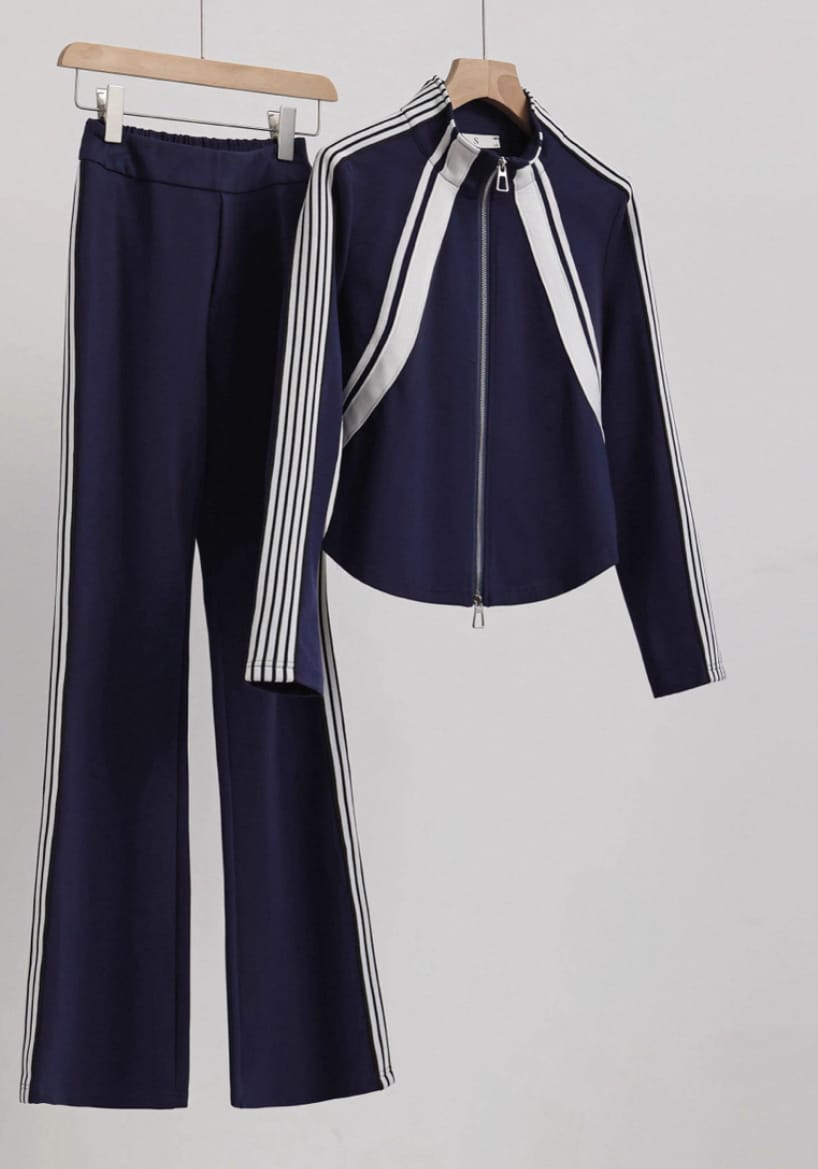
Add an AI Fashion Model Image
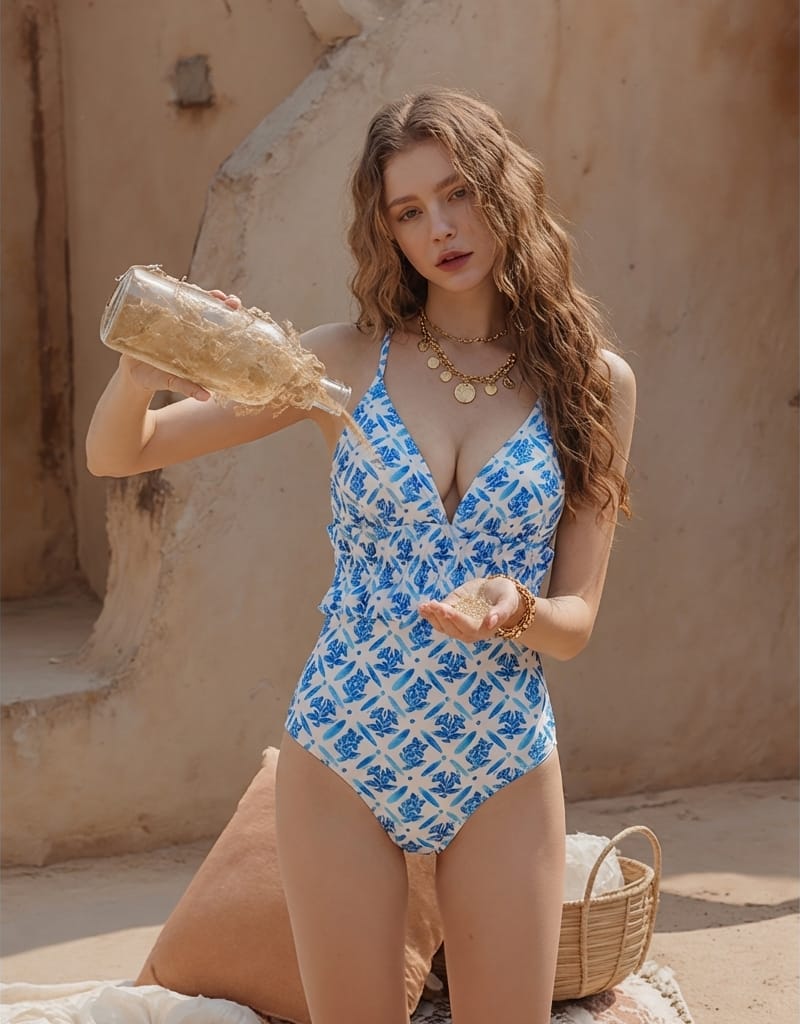
Place the item on an AI fashion model to add styling context and create a more aspirational marketplace gallery without arranging a photoshoot.
Open AI Fashion Model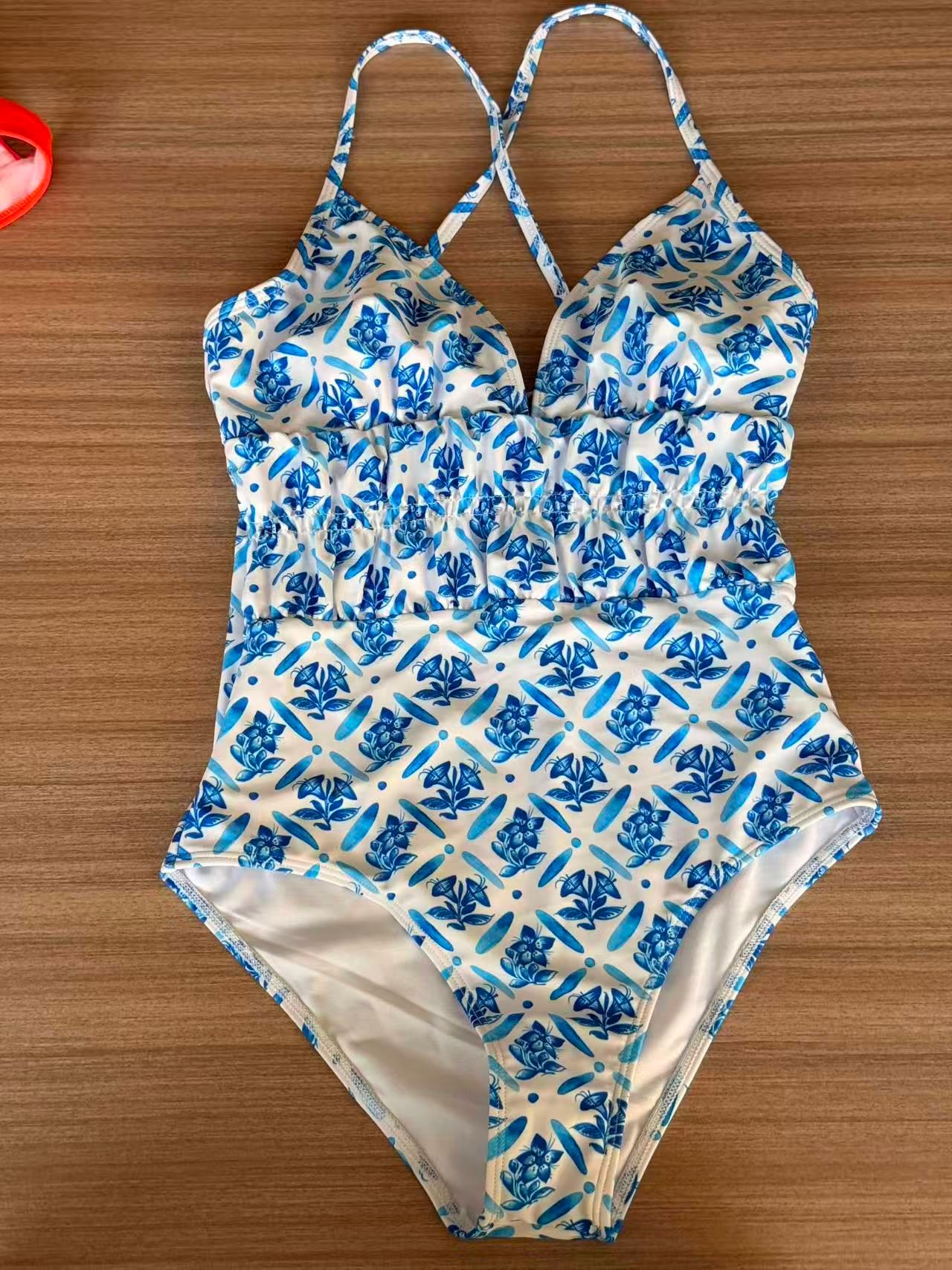
Create Where Your Inventory Already Is
Photograph a new find, open Snappyit on the same phone and move from source photo to listing-ready image without transferring files to a desktop first.
- 1Photograph or choose the product image on your phone.
- 2Select Remove Wrinkles, Flat Lay, Ghost Mannequin or Fashion Model.
- 3Generate, choose your preferred result and save it to your phone.


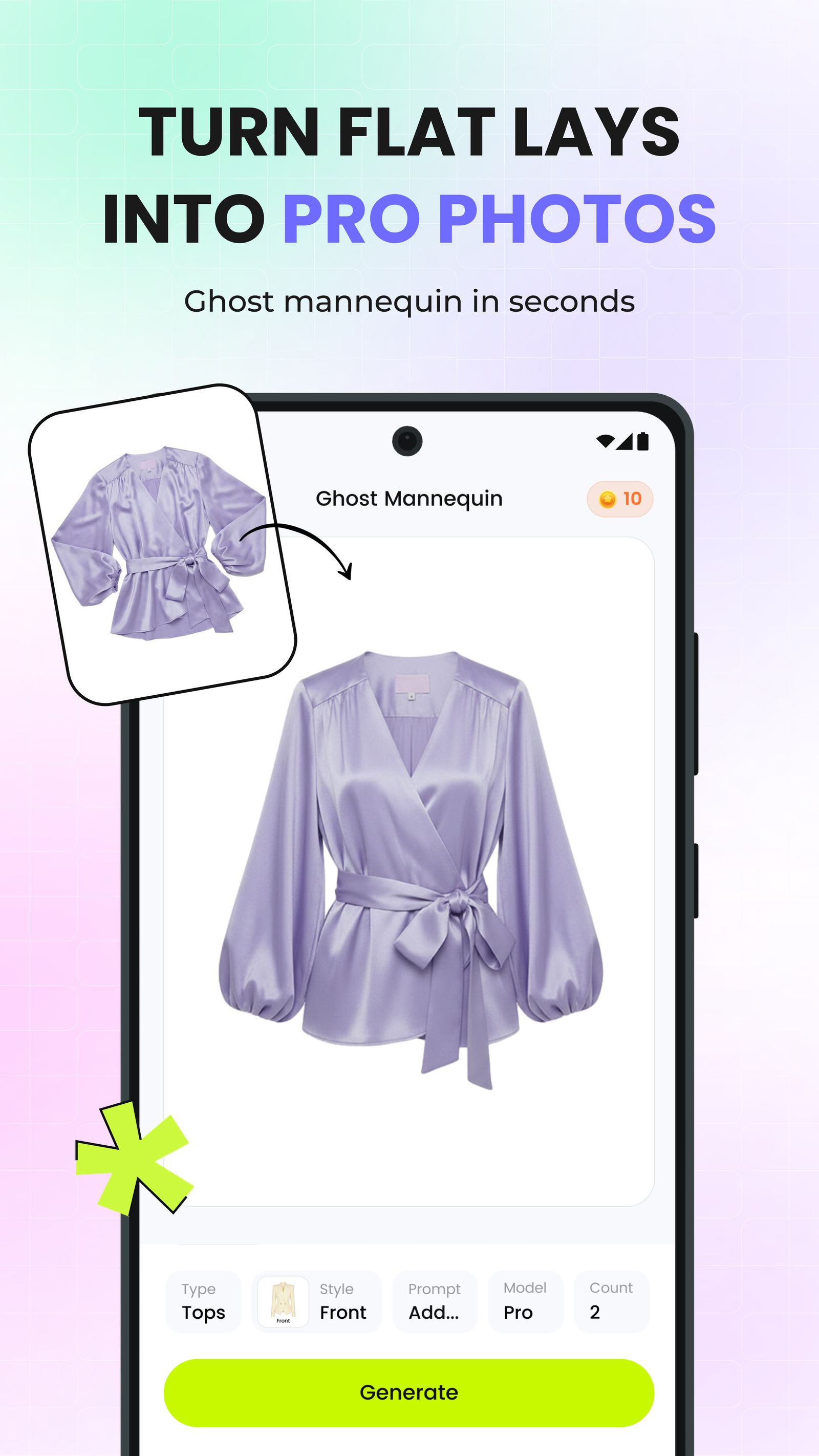 Turn a phone photo into a product view
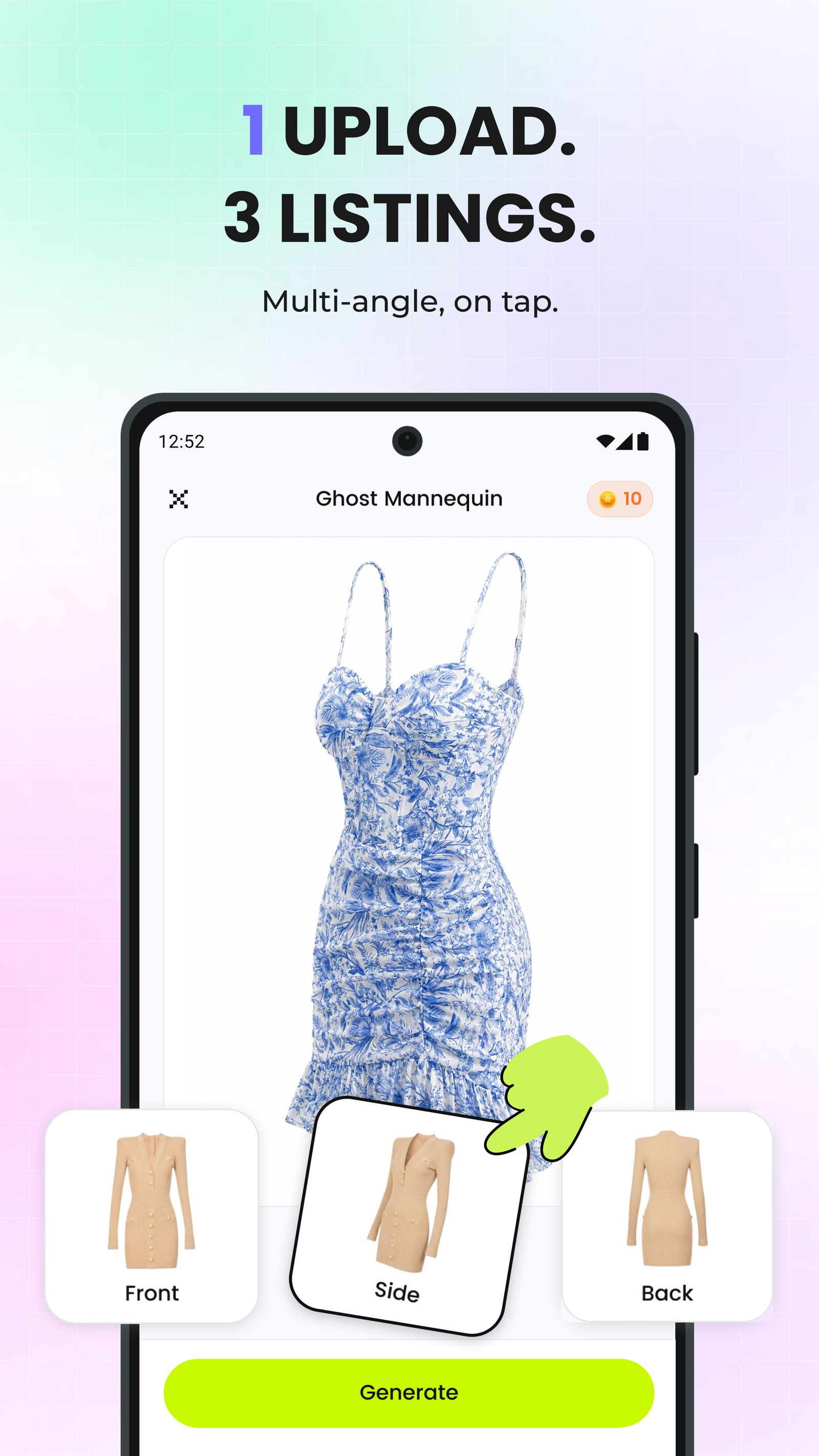 Upload, generate and save
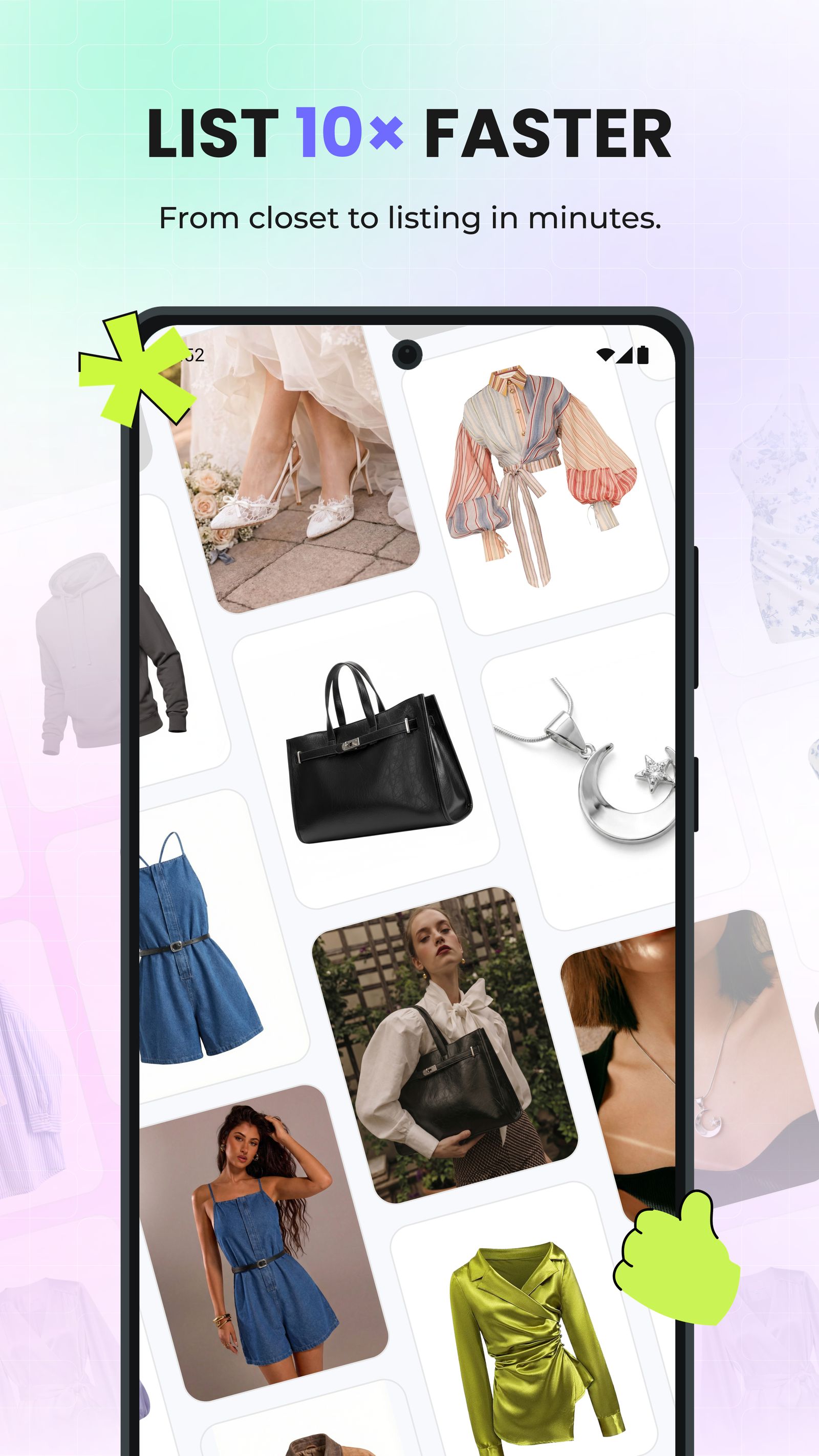 Build more listing images
How to Create Marketplace Listing Photos from a Phone Photo
Use this simple four-step process to turn new inventory into a consistent marketplace gallery.
Photograph the Item
Use even light and keep the complete garment clearly visible in the frame.
Clean Up the Source
Reduce distracting wrinkles when the source photo needs a more polished finish.
Choose a Listing View
Create a flat lay, ghost mannequin view or model image based on what the gallery needs to communicate.
Choose, Save and List
Select your strongest results, save them and add them to the product gallery.
Build a Complete Marketplace Gallery
Combine a polished lead image with supporting views that help shoppers understand the product at a glance.
Lead with a Polished View
Choose a flat lay, ghost mannequin or on-model image that reads clearly in search results and marketplace feeds.
Add Useful Close-Ups
Follow the lead image with detail shots of fabric, labels, construction and any condition notes buyers may need.
Reuse Across Channels
Create a consistent set of product visuals for marketplace listings, social posts and your own storefront.
What Resellers Say About Snappyit
Individual public experiences linked to their original Trustpilot reviews.
“Amazing Product for eBay sellers”
“Being able to put my product on ghost mannequins, models, and even videos. It has dramatically increased my sales.”
“A total game-changer for my fashion business”
“The AI tools are intuitive, fast, and produce professional and high-quality visuals—from 3D mannequins to model videos—without needing expensive photoshoots.”
“It has truly solved a major pain point for me”
“I run a small clothing company and couldn’t afford high shooting costs, so I only use flat lay images for online sales. Then I met Snappyit. It transforms my photos into 3D with just one click!”
AI Product Photography for Marketplace Sellers FAQs
Can I start with a phone photo of a secondhand item?
Yes. Start with a sharp, evenly lit phone photo that shows the complete item. Hanger photos, tabletop photos and simple flat lays can all work with Snappyit workflows.
Should marketplace sellers use a flat lay, ghost mannequin or model image?
Use a flat lay for a clean product-first presentation, a ghost mannequin view when silhouette and garment construction need more emphasis, and an AI fashion model image for styling context. A listing can use more than one view when the marketplace permits it.
Does AI wrinkle removal change the physical condition of the item?
No. It improves how wrinkles appear in the image while leaving the physical garment unchanged. Keep separate condition photos in the listing for any wear or damage a buyer needs to see.
Can I use this reseller workflow in the Snappyit app?
Yes. Snappyit is available for iPhone and Android, so sellers can photograph an item, choose a compatible product photography tool and save the finished images from a phone.
Can I try Snappyit in a browser instead?
Yes. Sellers who already have product photos on a computer can open Snappyit in a browser and choose tools such as AI Clothes Wrinkle Remover, Flat Lay, Ghost Mannequin or AI Fashion Model.
Can marketplace sellers create product videos with Snappyit?
Yes. Use Image to Video to animate a product or on-model image into a short clip, or use Fashion Video for a fashion-focused motion workflow.
Create Marketplace-Ready Product Images with Snappyit
Clean up phone photos and create flat lays, ghost mannequin views and on-model listing images in one workflow.
Explore AI Product Photography






