Upgrade Your Visuals Now
 Click or drag image hereUpload on-model image
Free Try
No images?Try one of these
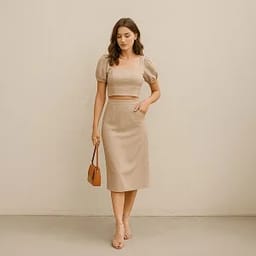
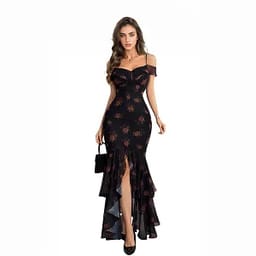
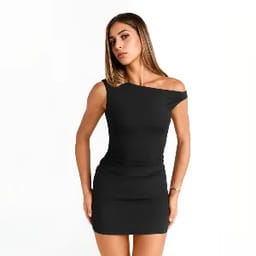
By uploading an image you agree to our Terms of Service and Privacy Policy.
From Static Model Photo to High-Performing Videos
Your photos, now in motion — impress, engage, sell.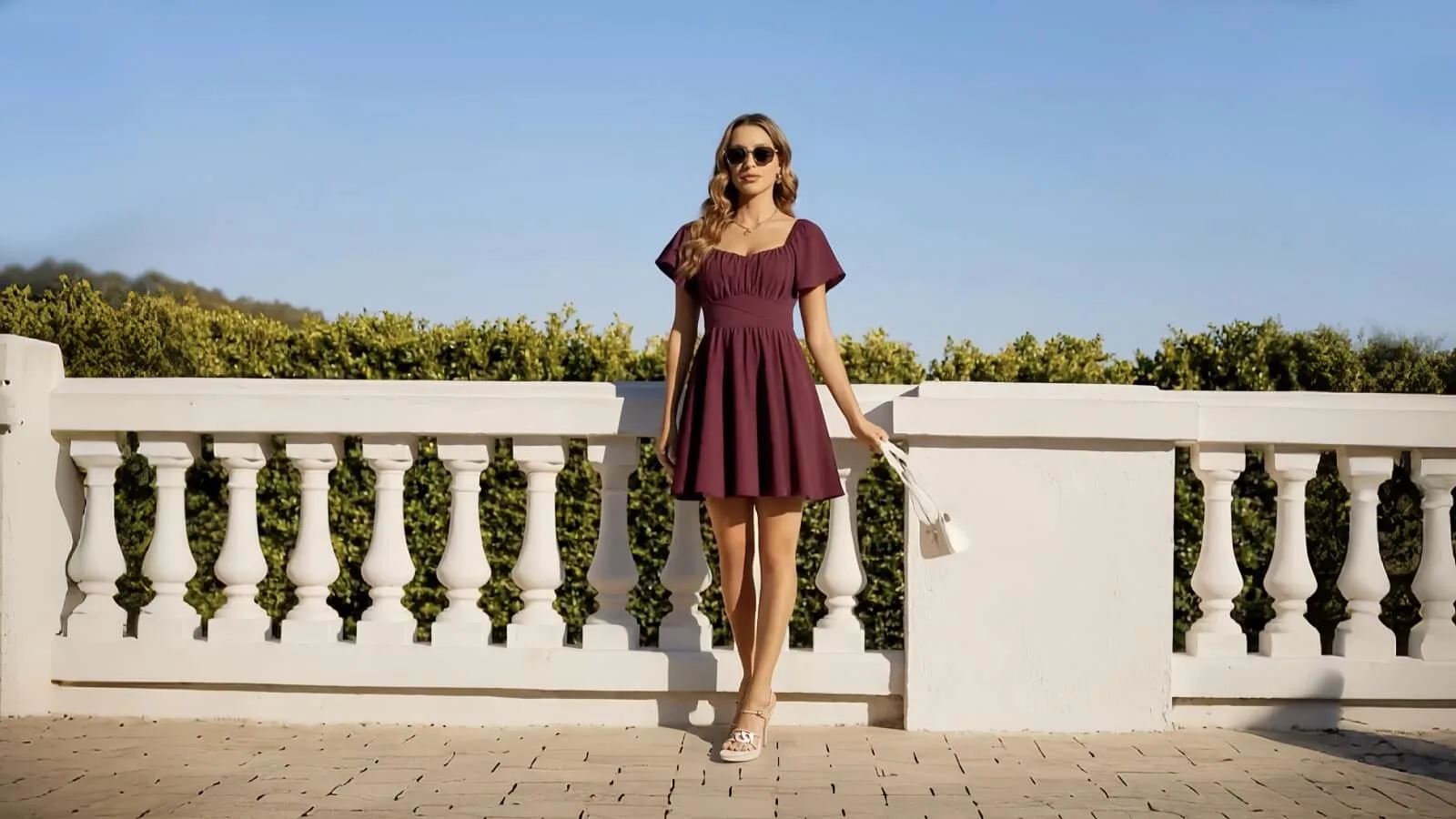

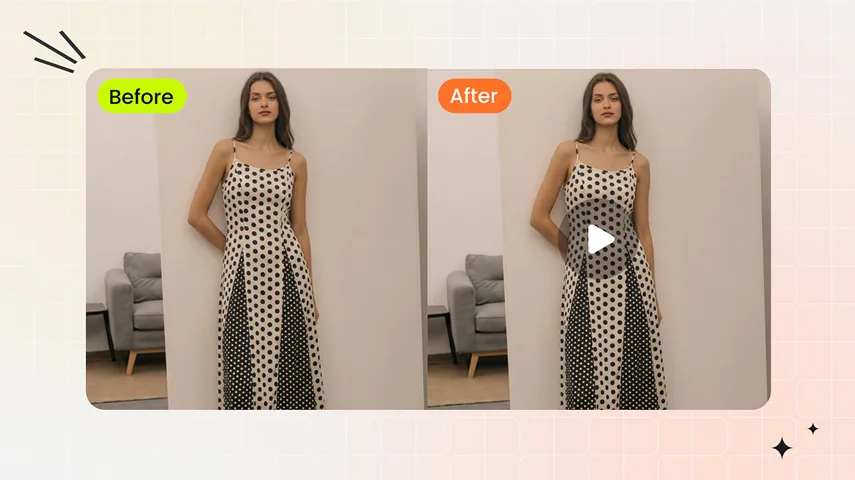
After
Original
After
Original
Fashion Image to Video Built for Attention, Speed, and Sales
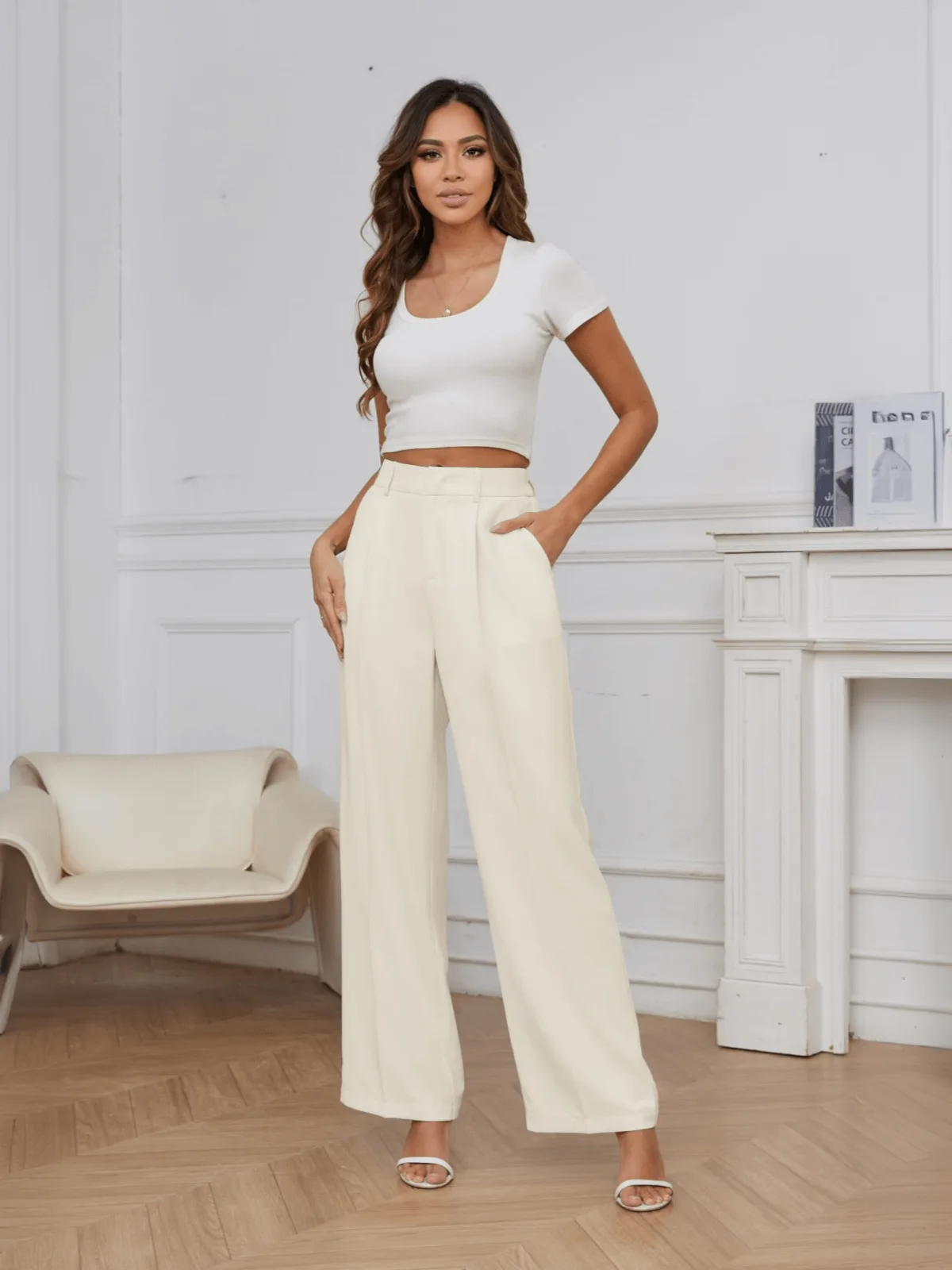


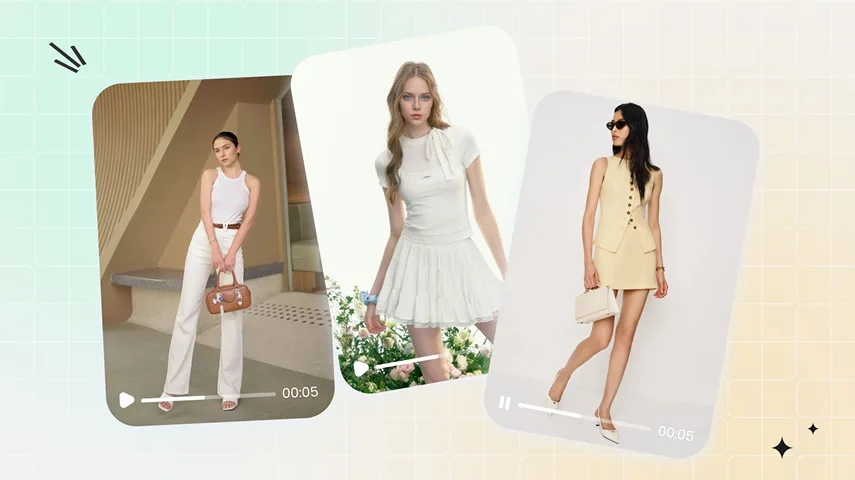
More Attention: Static photos → eye-catching fashion videos.
Turn a single model photo into high-impact short videos with Snappyit’s fashion image to video generator. Convert static images into motion-first content optimized for Reels, TikTok, and ads—driving higher engagement, longer watch time, and stronger visual impact across channels.Start Creating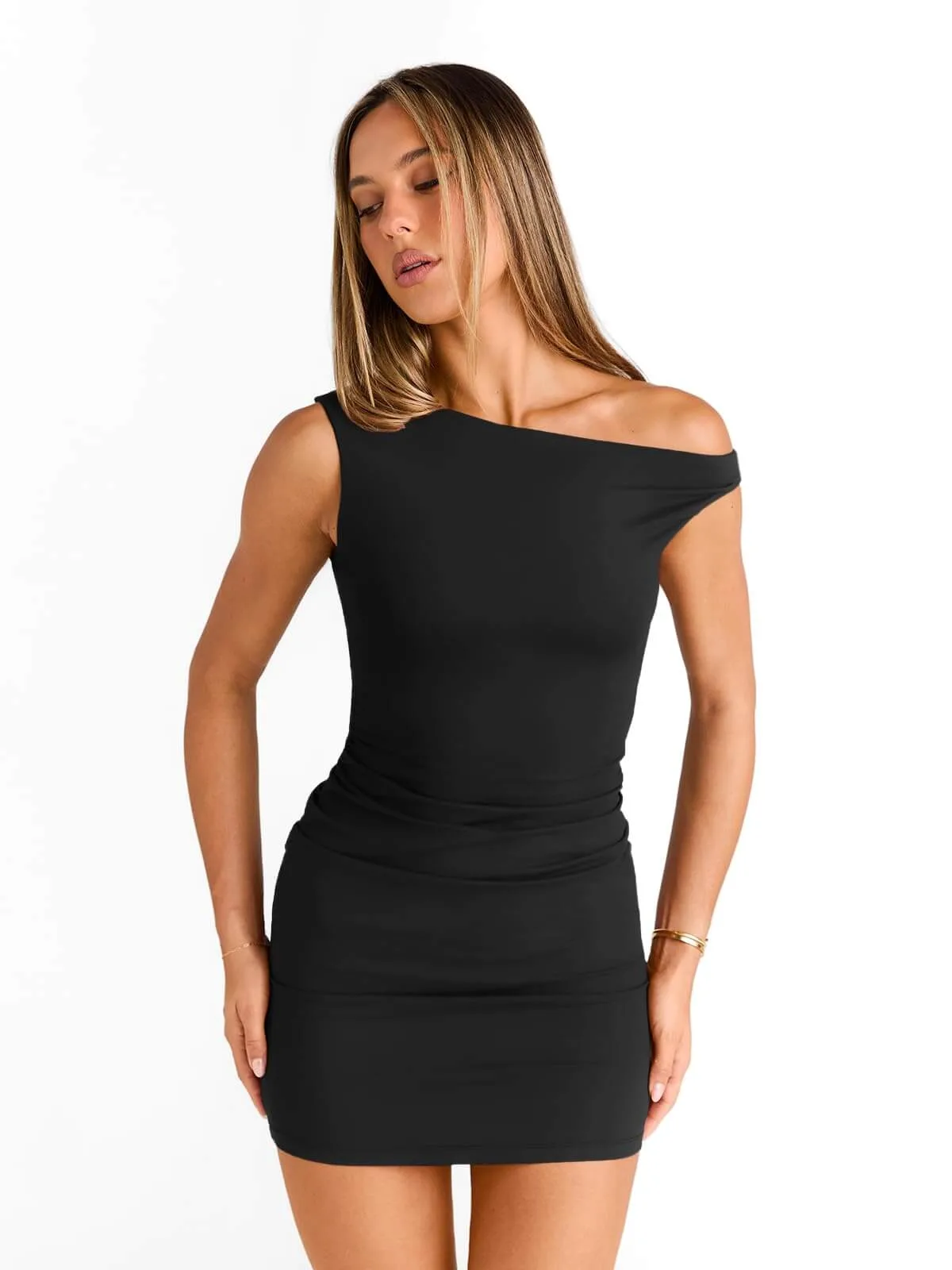
More Sales: Launch faster, stay ahead of trends
Go from model photo to publish-ready fashion video in minutes with Snappyit’s image to video fashion video generator. Launch trend-ready content the same day new styles arrive, react quickly to market shifts, and stay ahead of competitors relying on slow, traditional video production.Start Creating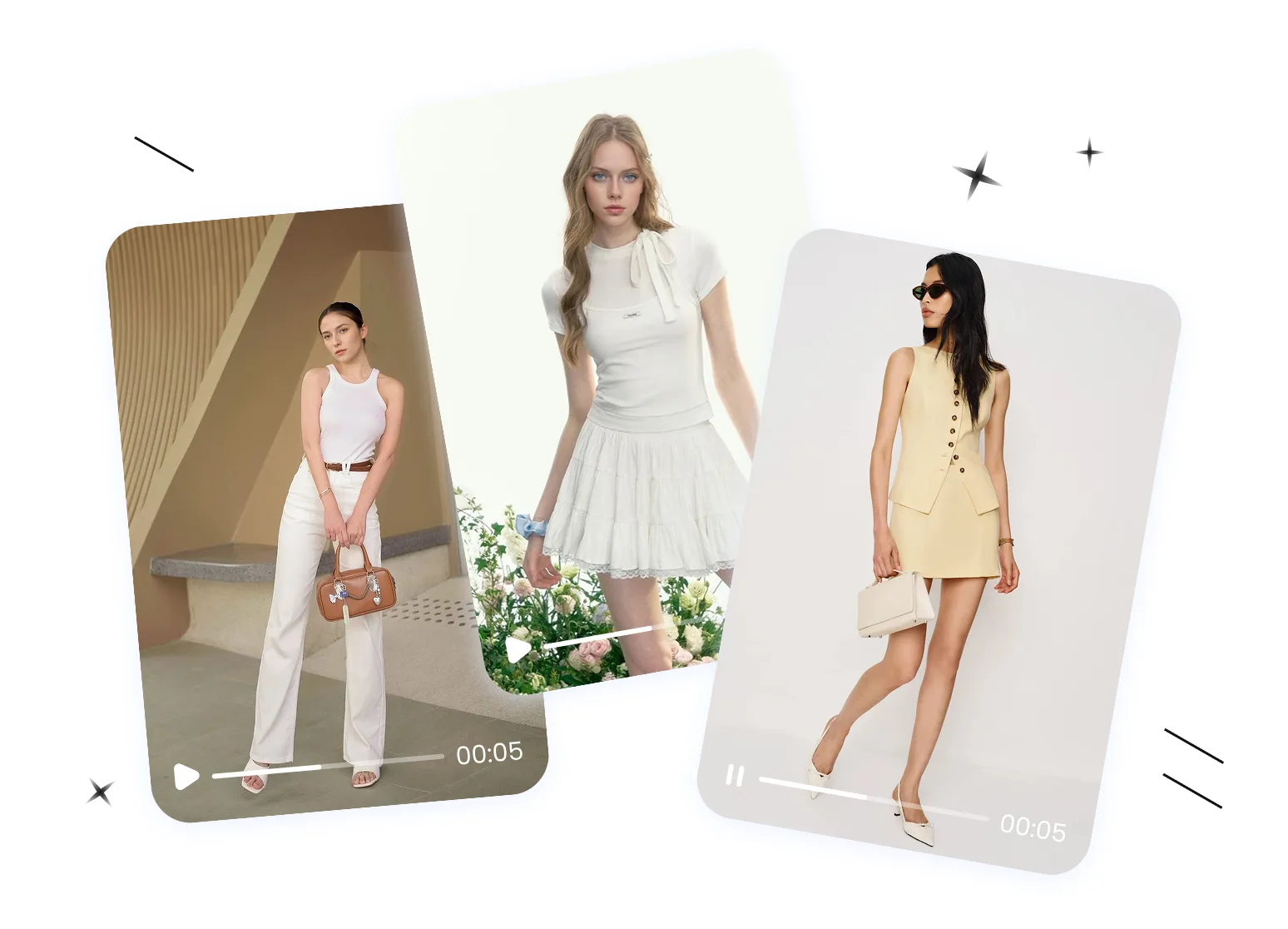
Less Cost: No shoots, no editing, no video team
Create professional fashion videos from existing images—no filming, no editing, no production crew. Snappyit’s image to video fashion video generator helps brands and sellers scale video content instantly, cutting production costs while keeping creative output fast, flexible, and consistent.Start CreatingHow It Works: Turn Your Model Photos into Stunning Fashion Videos
01
Upload a Model Photo
- Choose a clear photo of a model wearing the product, with the garment fully visible, and ensure the ratio meets requirements.
- Snappyit’s image to video generator preserves the aspect ratio, producing a video ready to publish on your store or share on social media.
02
Select a Video Template
- Pick a template that fits your product.
- Snappyit’s fashion video generator applies the template’s poses and transitions, animating the model so your video stays true to the original scene while bringing it to life.
03
Generate & Download
- Click “Generate” and let Snappyit create your video in minutes.
- Once completed, preview the final video and download it—ready to publish on Reels, TikTok, Shorts, or your online store.
No Model Photo Yet? Two Ways to Get an On-Model Video
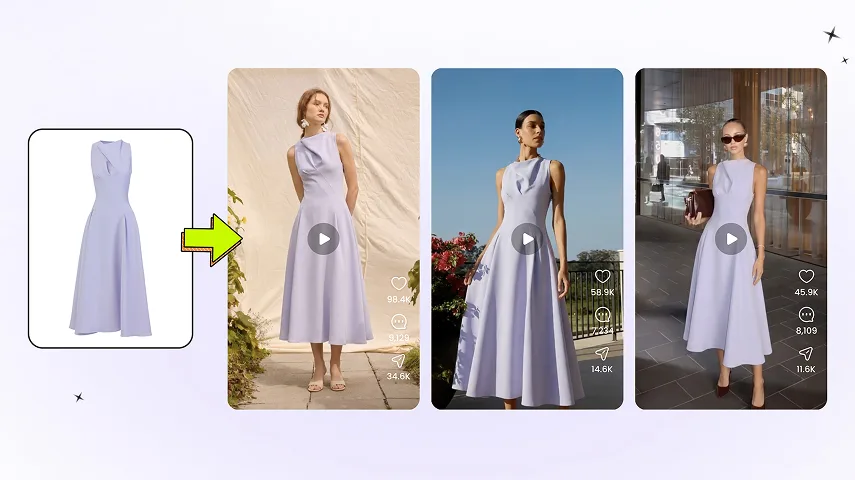
Turn a Product Photo Into a Model Shot First, Then Animate It
No on-model shot? Start with Fashion Model: upload a product photo and Snappyit generates a realistic on-model image — full size run, one consistent face. Then drop that model image into Image to Video to animate it into a smooth on-model clip. Two steps, you get total control over the model and setting.
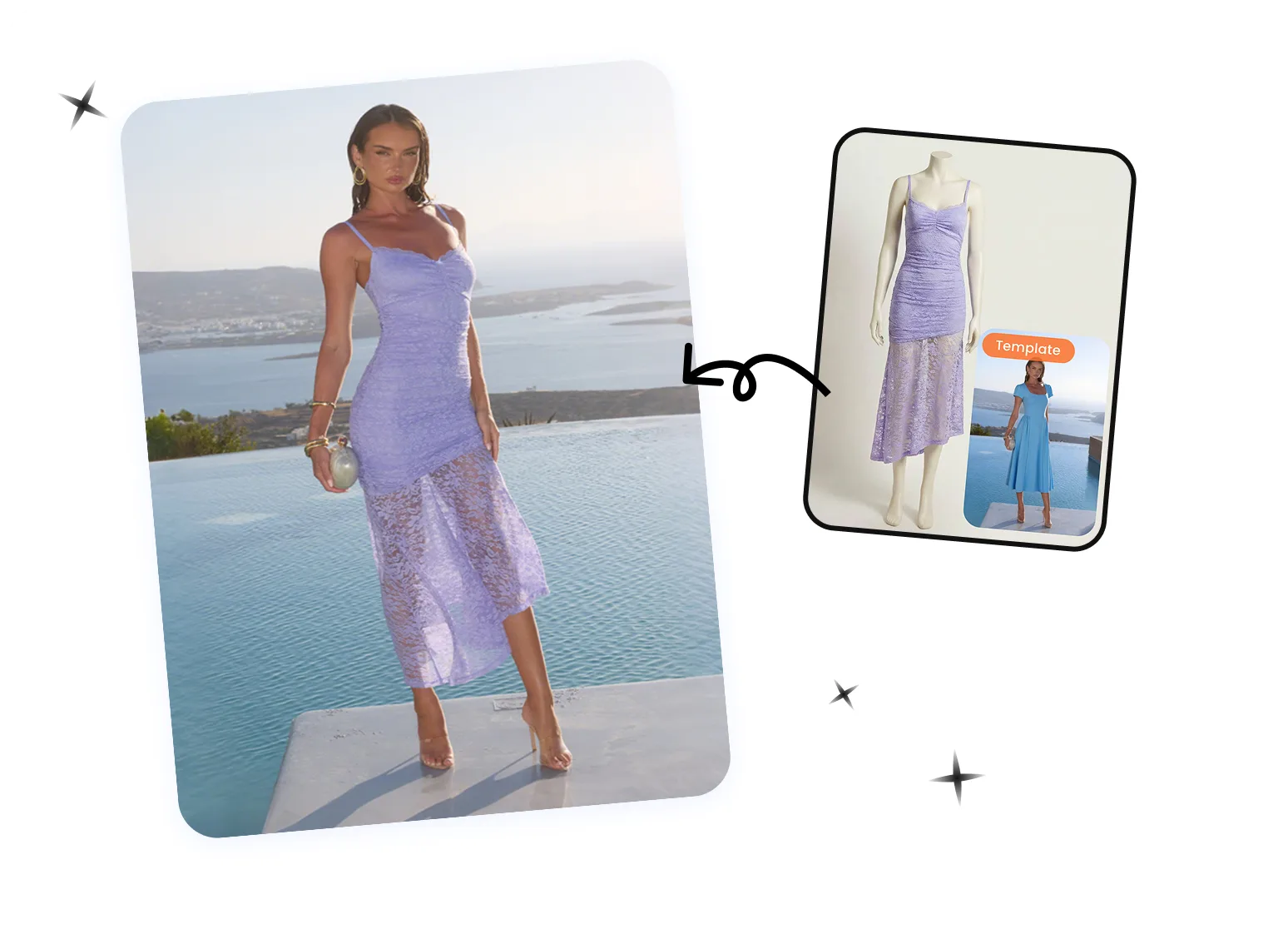
One Step · Fashion Video From a Flat-Lay
Fashion Video swaps your garment onto a model in a ready-made template video — just upload a product photo and choose a video template. With a fixed template library rather than a fully custom model or scene, you get an on-model try-on video in a single pass. The fastest path from product photo to video.
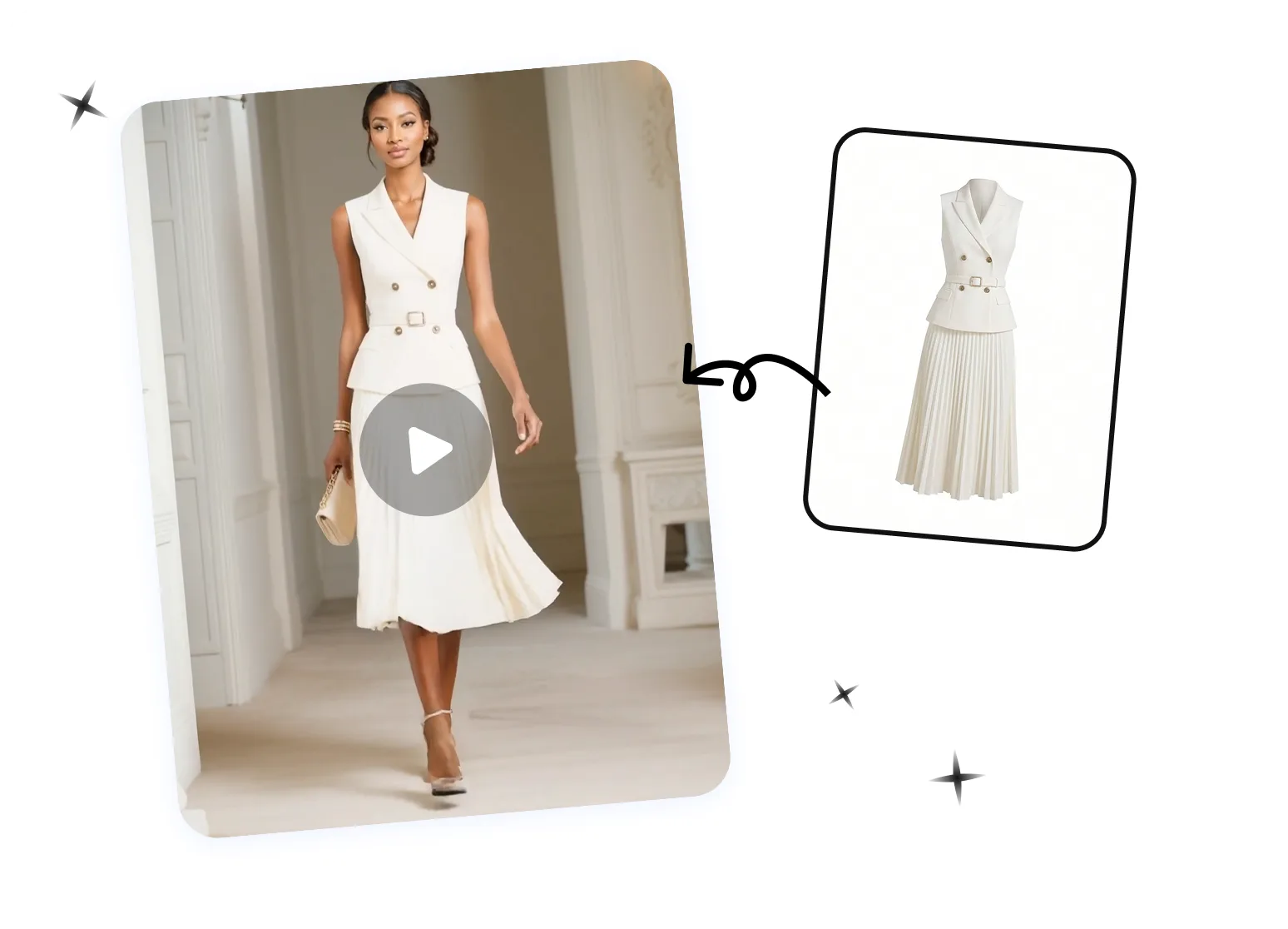
From Product Photo to On-Model Video
Fashion Model
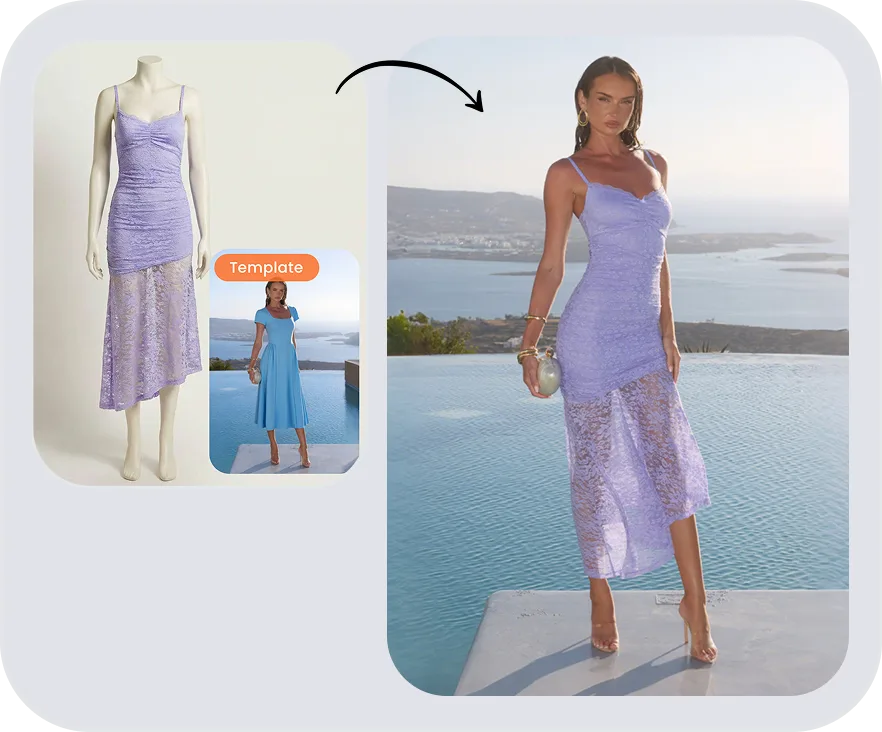
Fashion Video
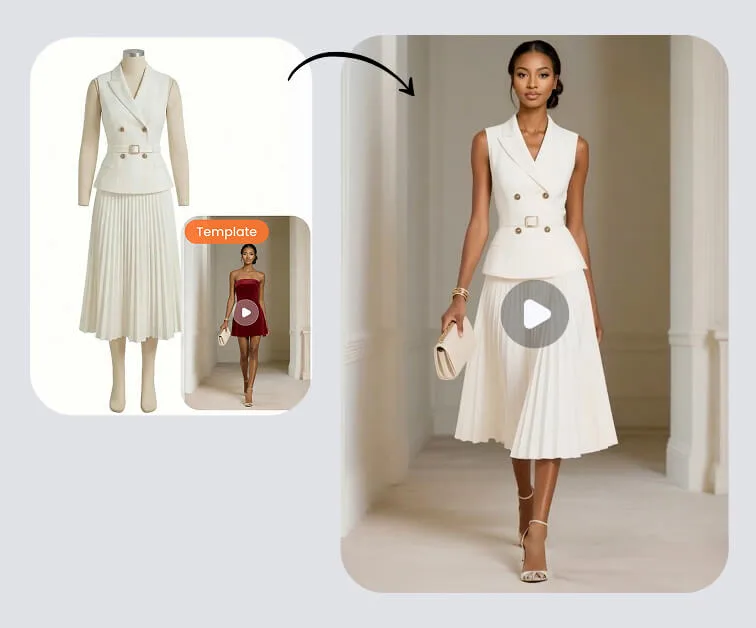
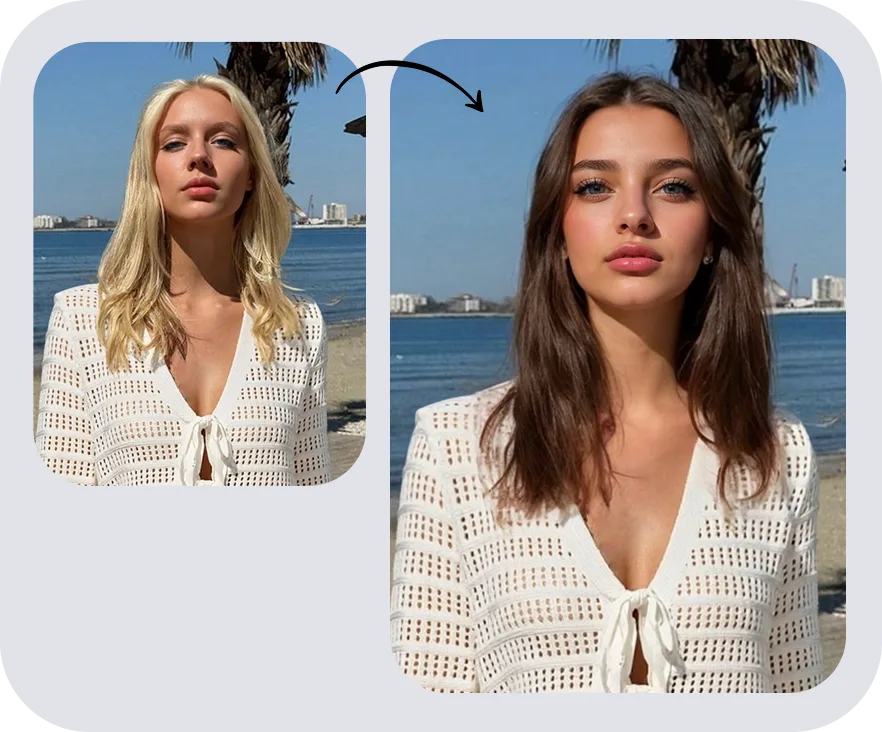
Face Swap
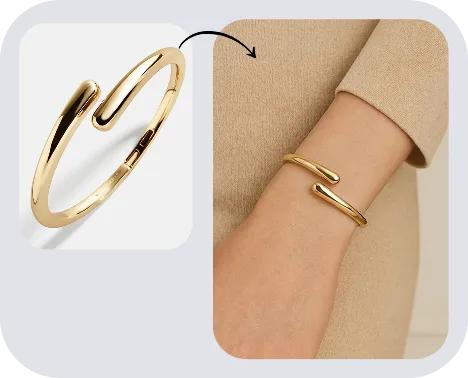
Jewelry Model
Fashion Image-to-Video FAQs
More Guides on AI Image-to-Video
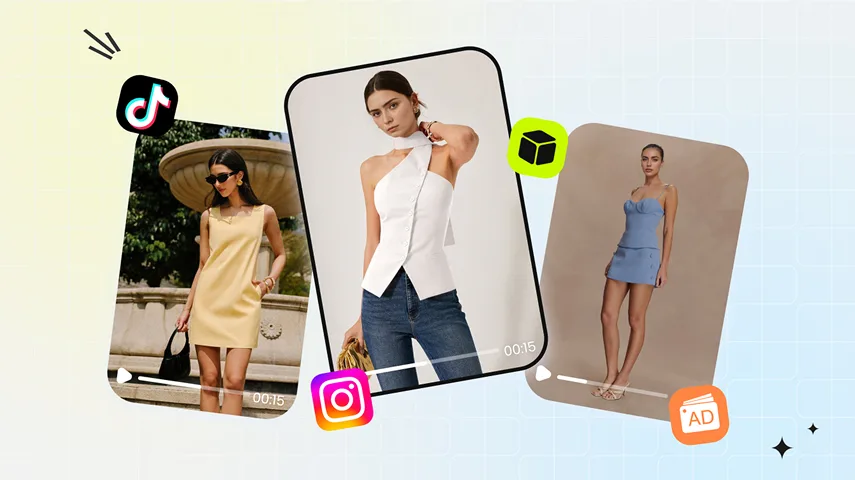 Create AI Fashion Product Videos From a Single ImageTurn clothing, jewelry, bags, shoes and other accessory photos into short AI product videos for ecommerce listings, product pages and social media ads.
 Best AI Clothing Video Generators in 2026We tested 8 AI clothing video generators on the same garment photos. See which deliver marketplace-ready videos for Amazon, Shopify, and TikTok Shop.
 How to Make a Video From a Single ImageTurn one on-model fashion photo into a short product video with AI-generated movement or a controlled pan and zoom.
 AI Product Photography for Fashion EcommerceSee how to move each SKU from raw product photos to approved listing images and social-ready content—with an AI stack your ecommerce team can actually run at scale.