Upgrade Your Visuals Now
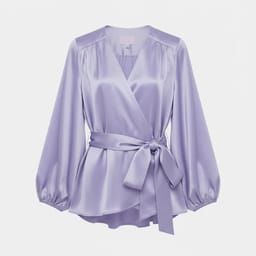
 Click or drag image hereUpload Apparel Image
Free Try
No images?Try one of these
By uploading an image you agree to our Terms of Service and Privacy Policy.
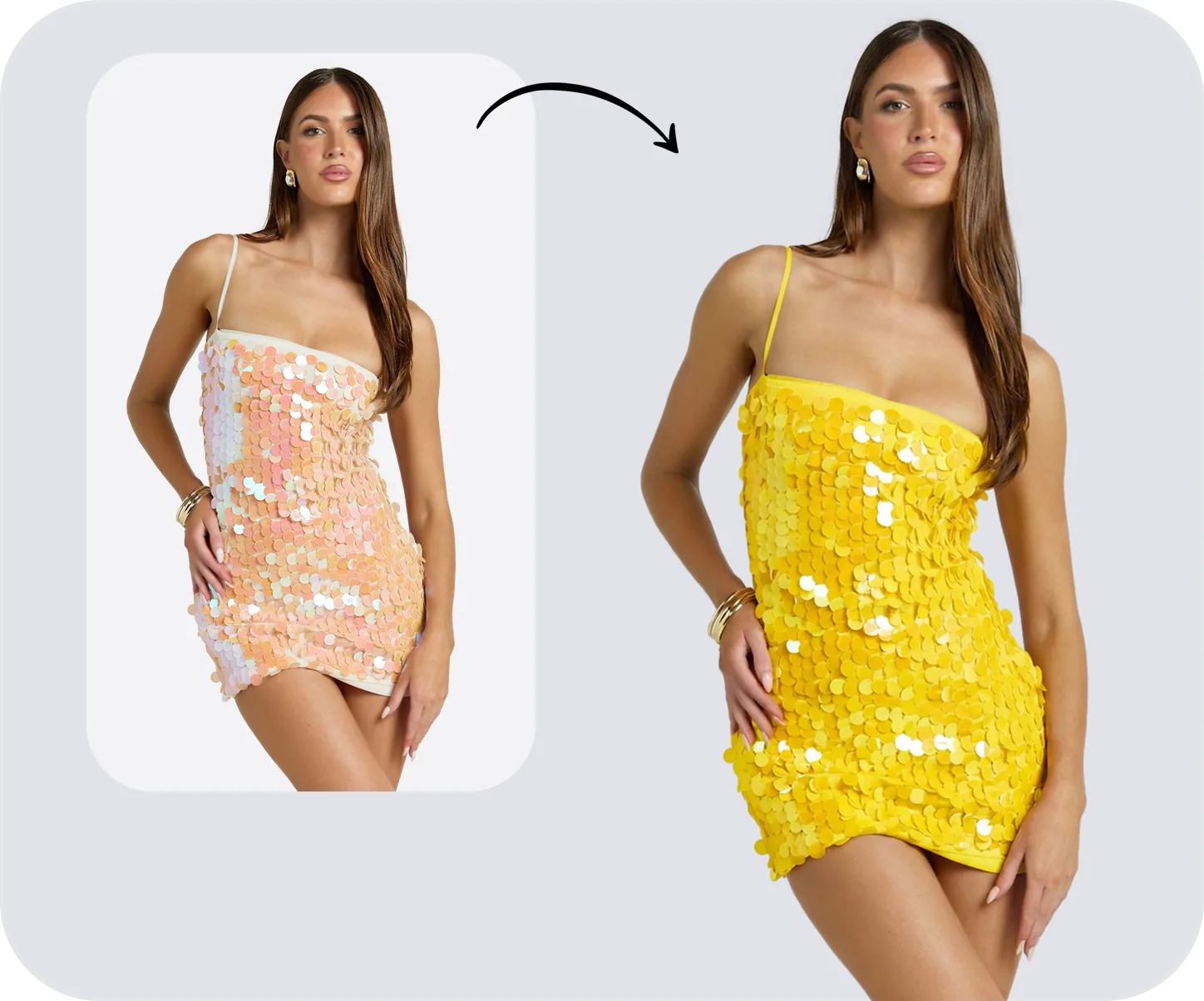
Bring Your Apparel to the Spotlight
Turn a single product photo into fashion visuals that go viral.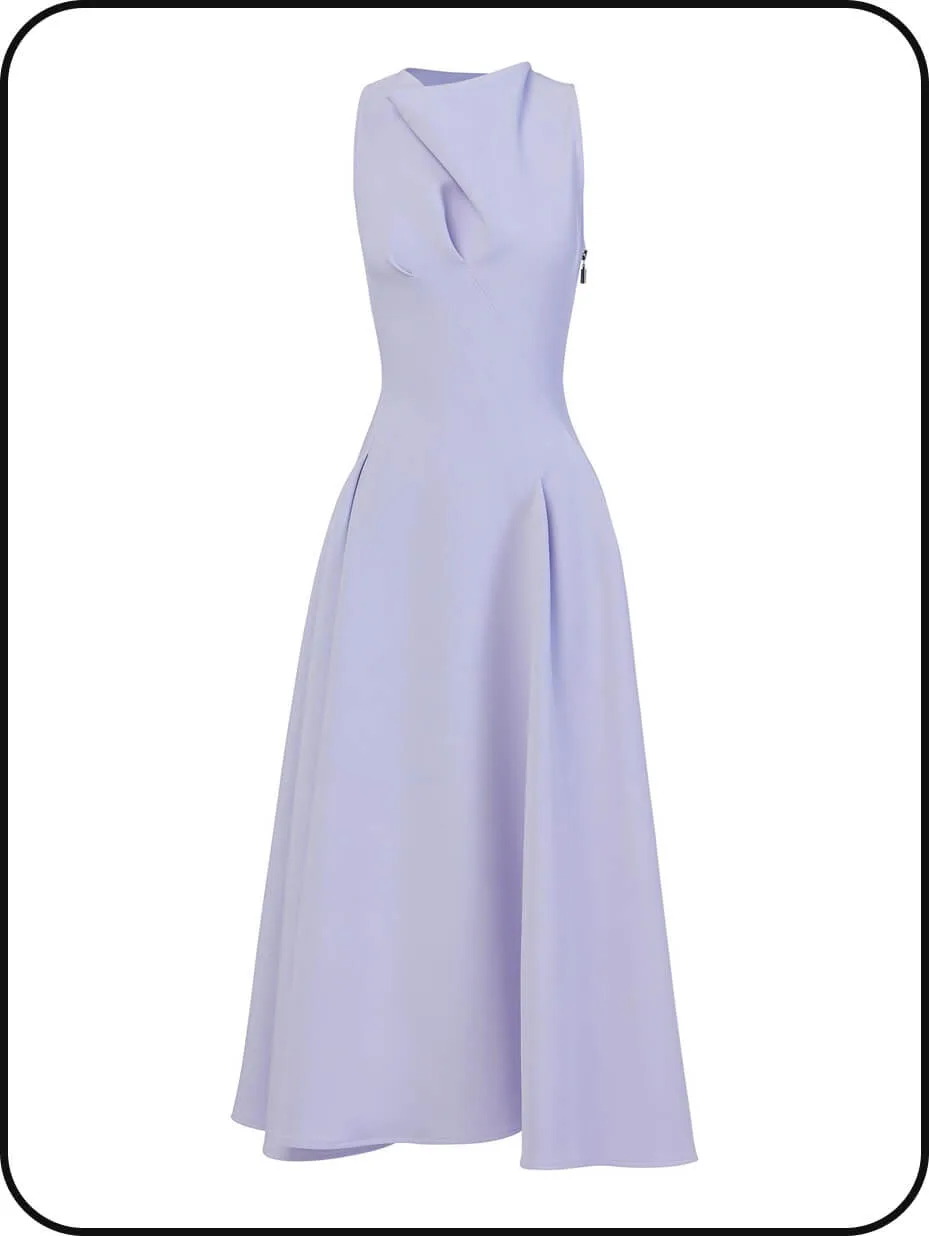


Why Brands Choose AI Fashion Try-On Videos
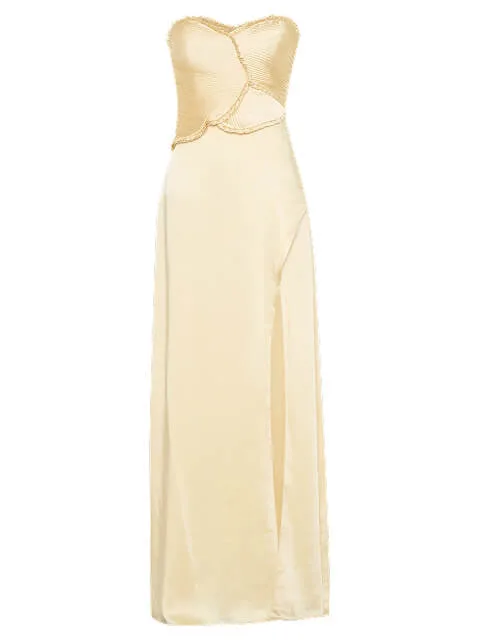


Create Fashion Try-On Videos in Minutes
Turn a single product photo into high-quality AI fashion videos in minutes. No filming, no editing, no production delays. Our fashion-trained AI helps apparel brands create product videos faster, launch campaigns sooner, and scale visual content effortlessly across e-commerce, ads, and social media.Start Creating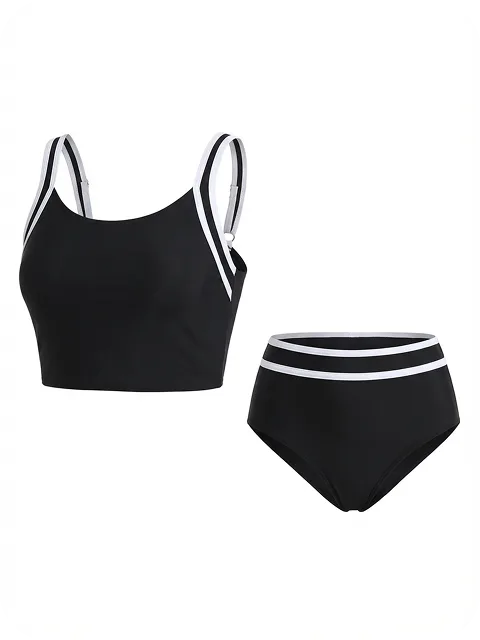
Show Real Fit, Movement, and Style
Bring apparel to life with realistic AI try-on videos that show true fit, fabric movement, and silhouette. Designed for fashion e-commerce, our virtual try-on technology helps shoppers visualize how garments look in motion—boosting confidence, engagement, and conversion rates.Start Creating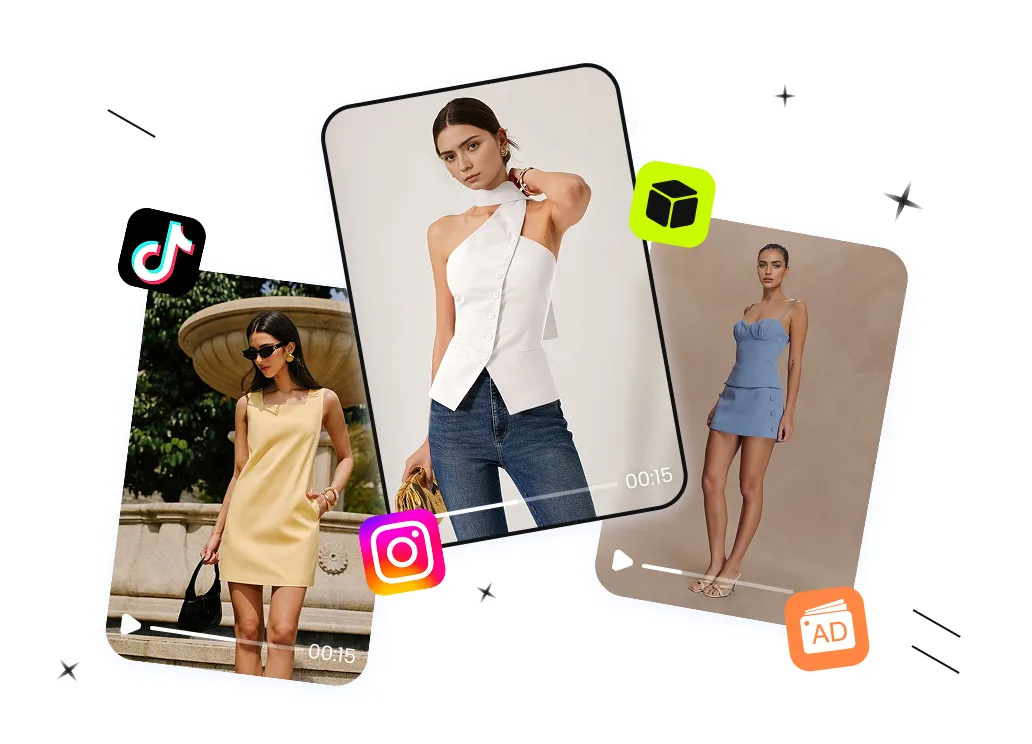
Create Fashion Content Built to Convert
Use viral-ready fashion video templates built for TikTok, Instagram Reels, ads, and product pages. Each template is optimized for fashion video marketing, helping brands create eye-catching content that captures attention, encourages sharing, and drives organic reach across every channel.Start CreatingHow to Create AI Fashion Videos from a Single Product Photo
01
Upload Your Apparel Product Photo
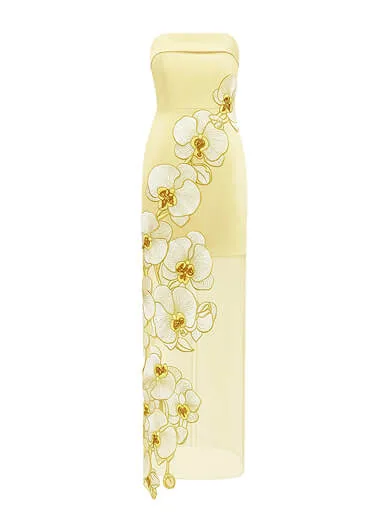
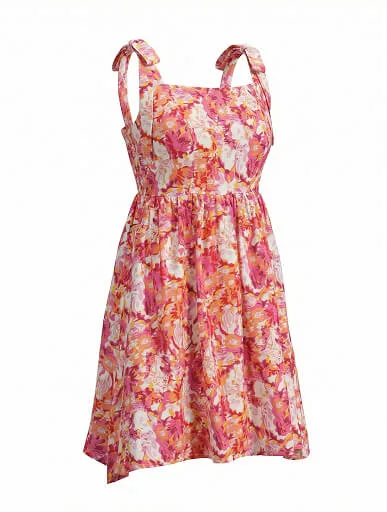
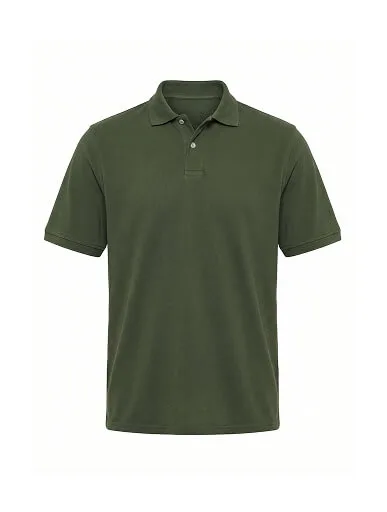
- Upload a clear garment image—flat lay or hanging shots work.
- No need for professional photoshoots or setup.
02
Choose a Video Template & Model
- Select a fashion video template and your preferred AI model face.
- You can also keep the original model from the template to match its style and pacing.
03
Generate, Review & Refine
- Click generate and let the AI do the work in minutes.
- Your final video is automatically split into clips, so you can refine the result by regenerating or removing individual parts.
Build Your Fashion Video Workflow
Flat Lay
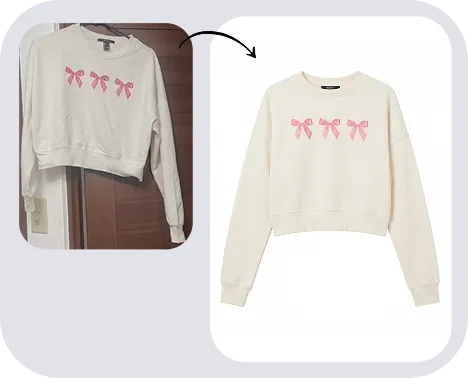
Ghost Mannequin
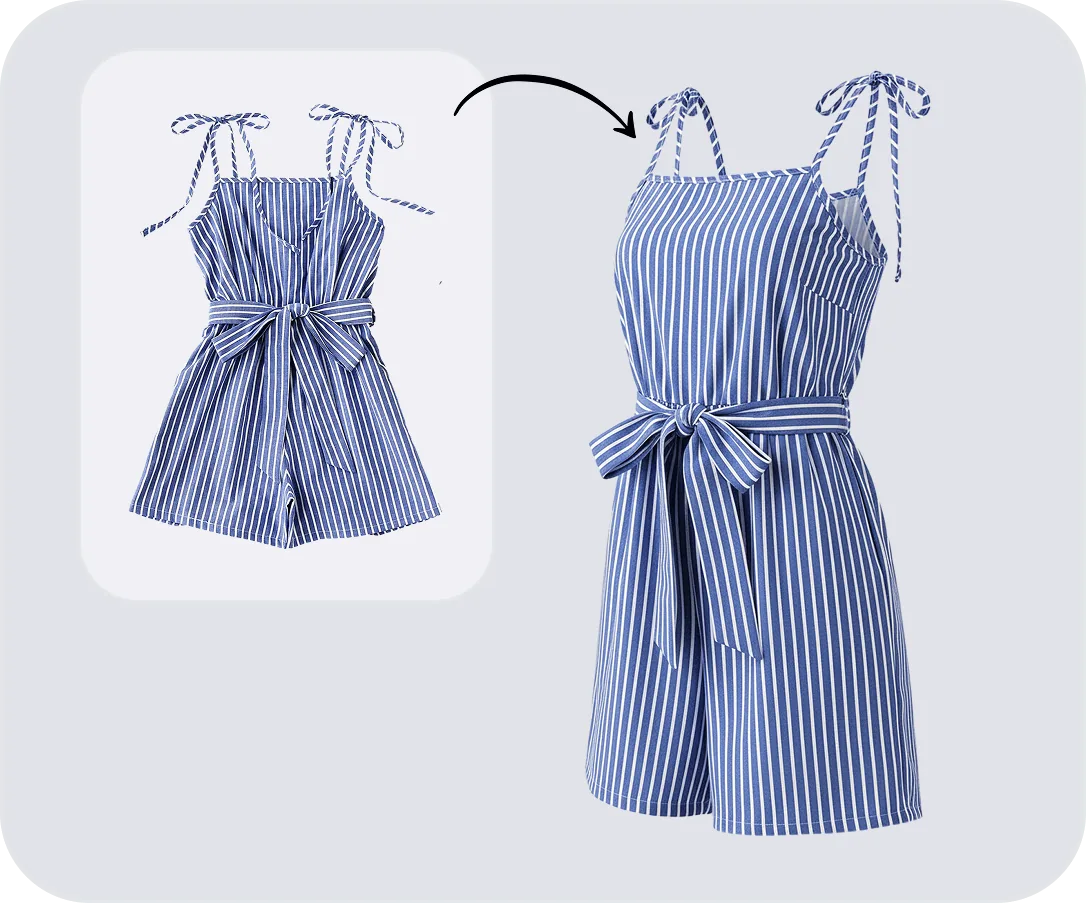
Fashion Model
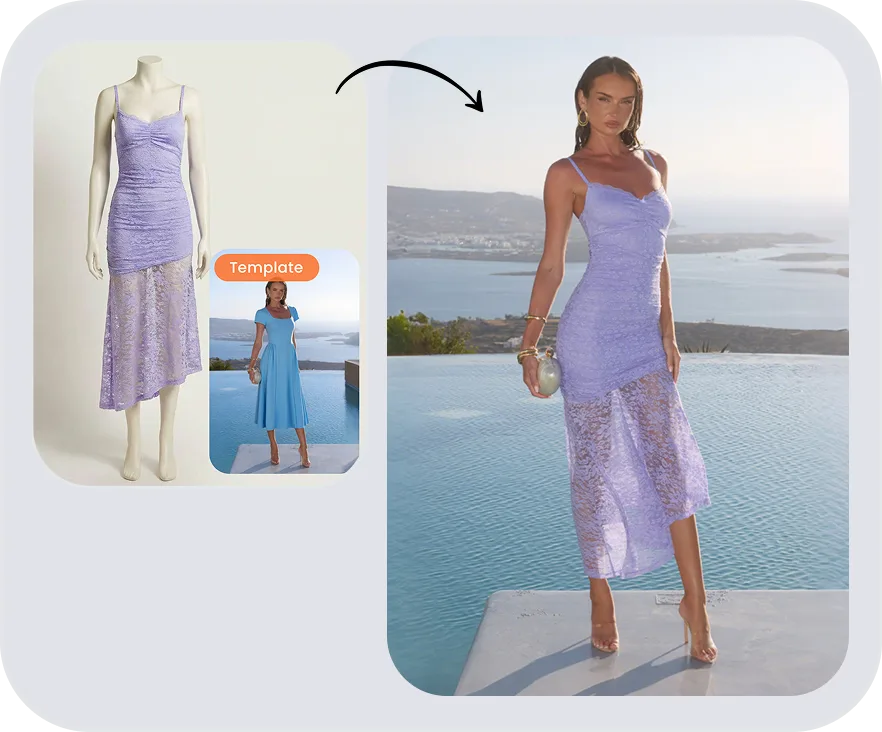
Color Change