



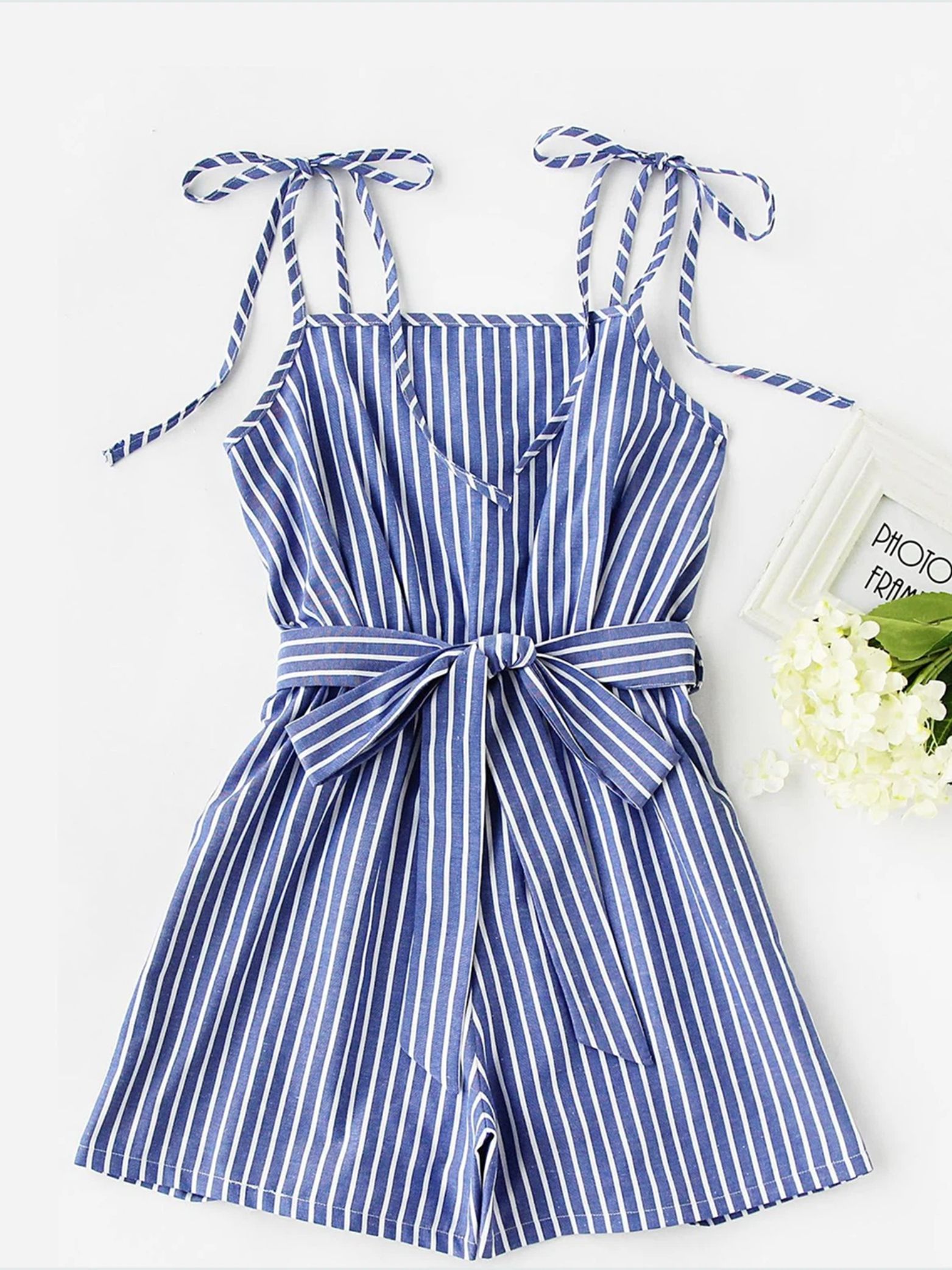
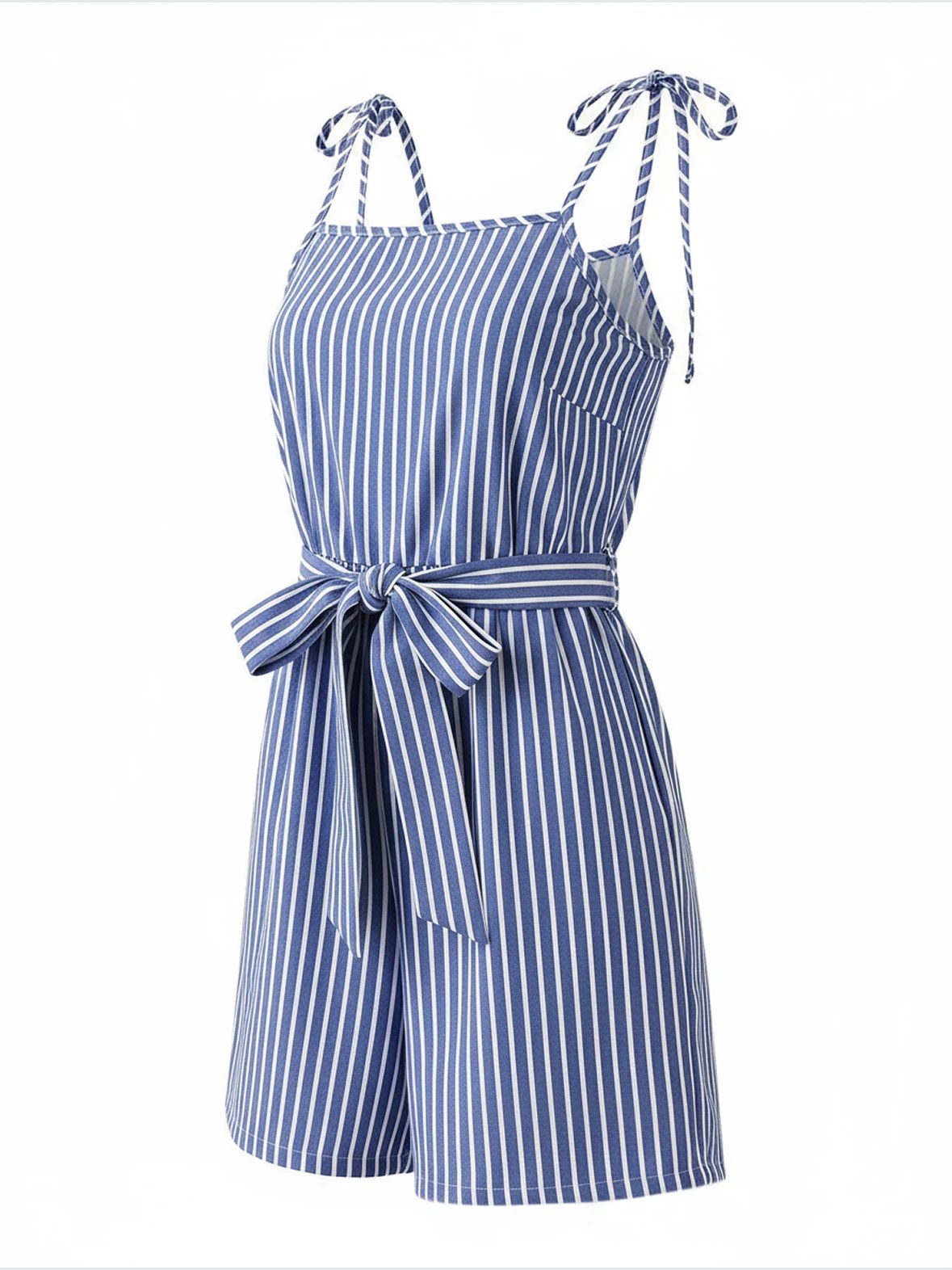
Create Ecommerce-Ready Ghost Mannequin Product Photos
Flat lays are quick to shoot, but folds can hide volume and construction. An invisible mannequin or hollow man image adds wearable shape while keeping shoppers focused on the garment.
Help Shoppers Read Garment Shape
Show the body, shoulder line and drape of tops, dresses and outerwear without introducing a visible model.
Make Product Details Easier to Compare
Give buyers a clearer look at necklines, sleeve length, hems and openings than a folded source image can provide.
Keep PDPs and Catalogs Consistent
Use a repeatable image style across SKUs, colorways and collections, then check every generated image against the real item.
Show Garment Shape with the Invisible Mannequin Effect
Give flat apparel a wearable body, shoulder line and drape without putting it on a model. The resulting hollow man image works well as a garment-first PDP visual when a flat lay feels too flat and an on-model shoot is not required.
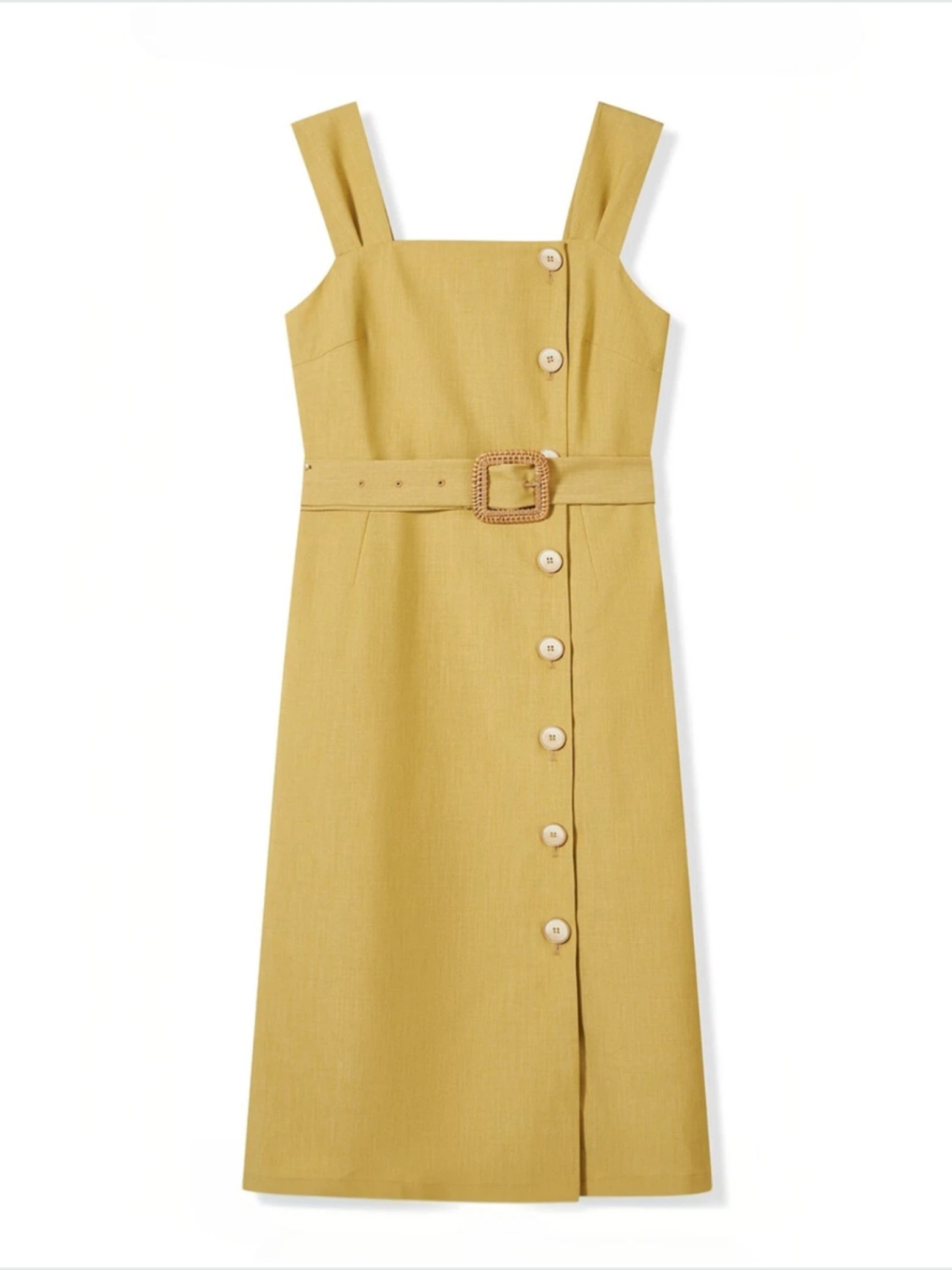
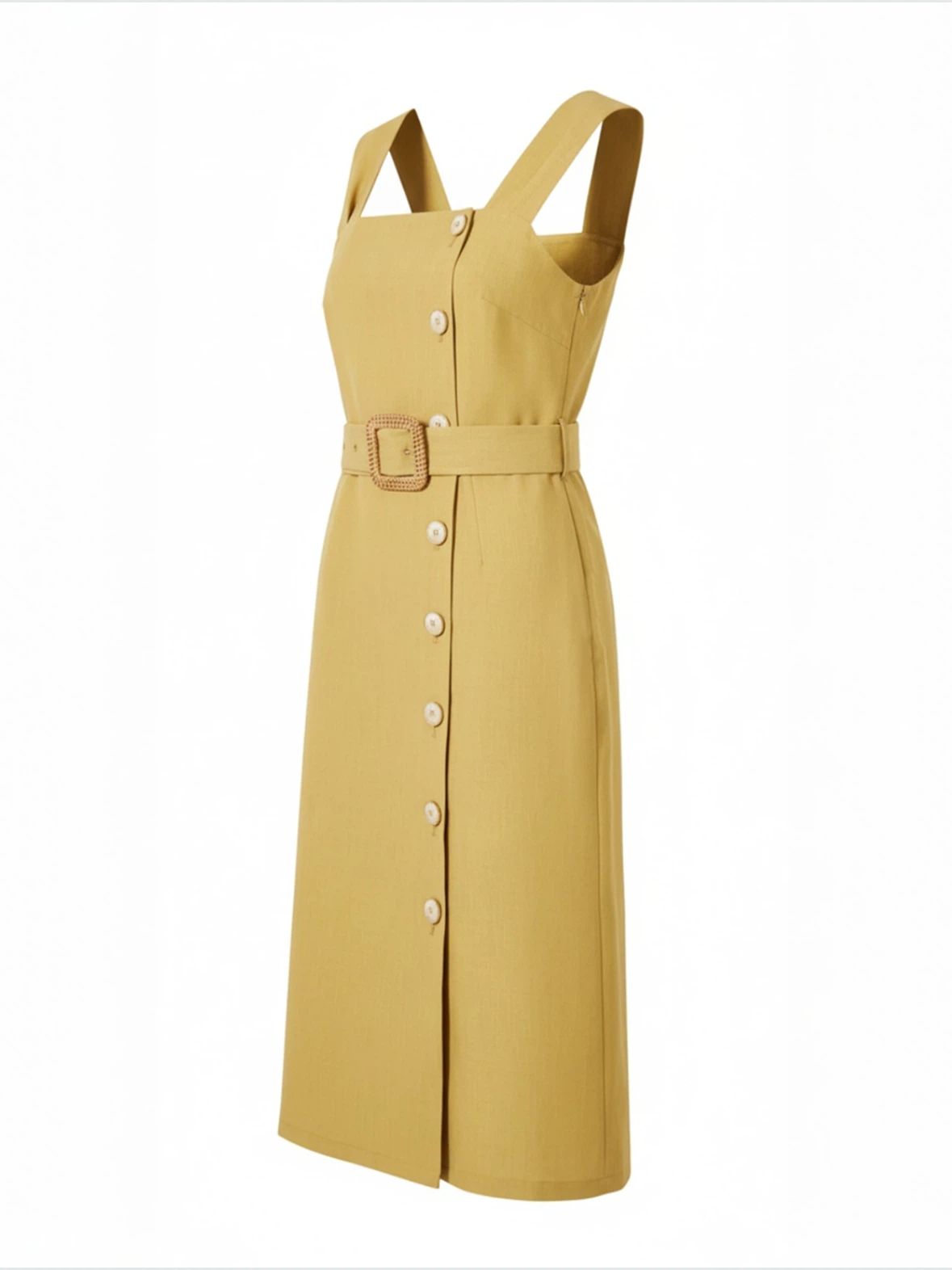
Help Shoppers Compare Silhouette and Construction
A structured product photo makes the neckline, sleeve length, openings and overall proportions easier to compare. Pair it with measurements, close-ups and on-model images so shoppers can assess the item without mistaking an AI-generated shape for an exact fit promise.
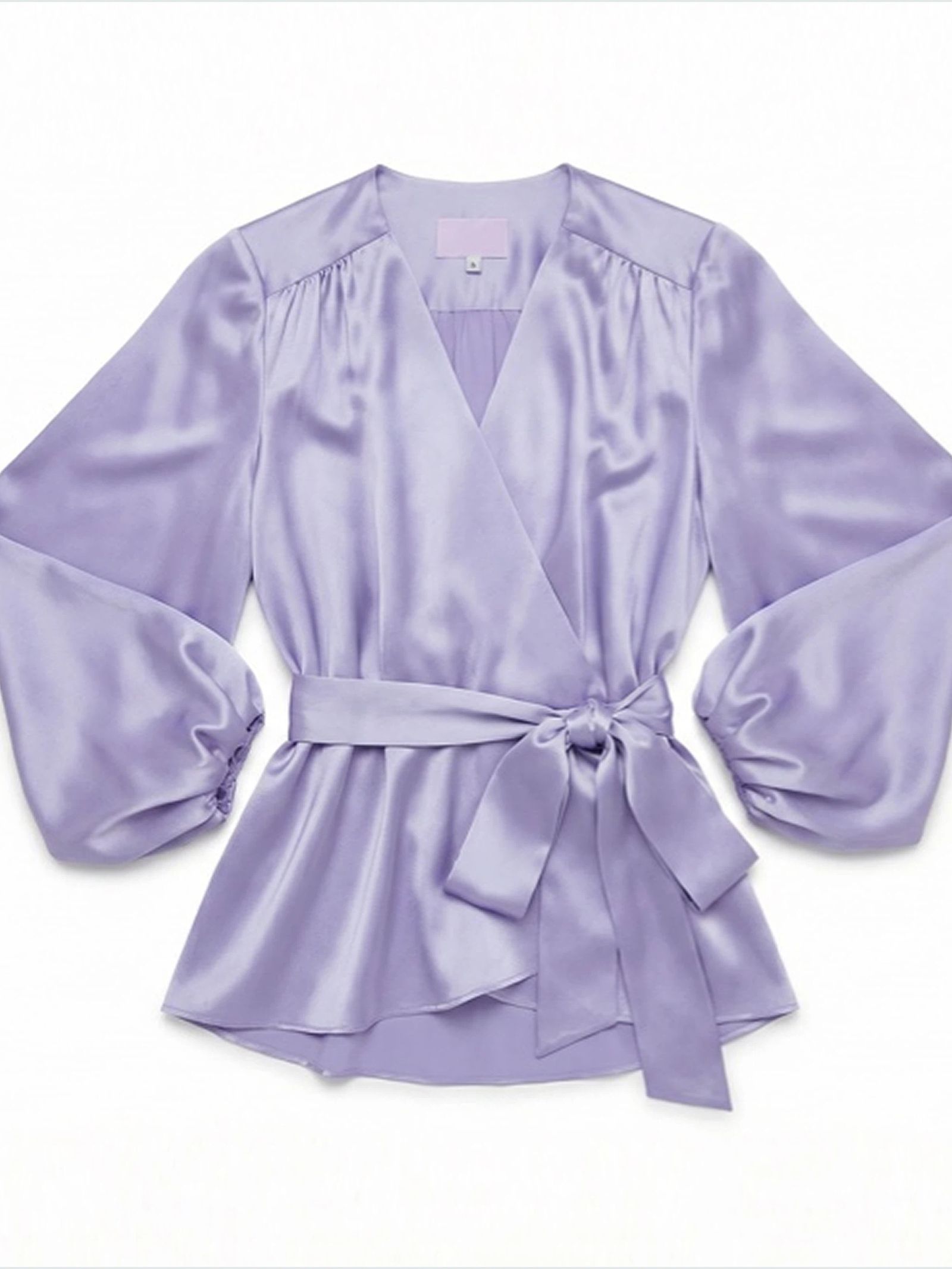
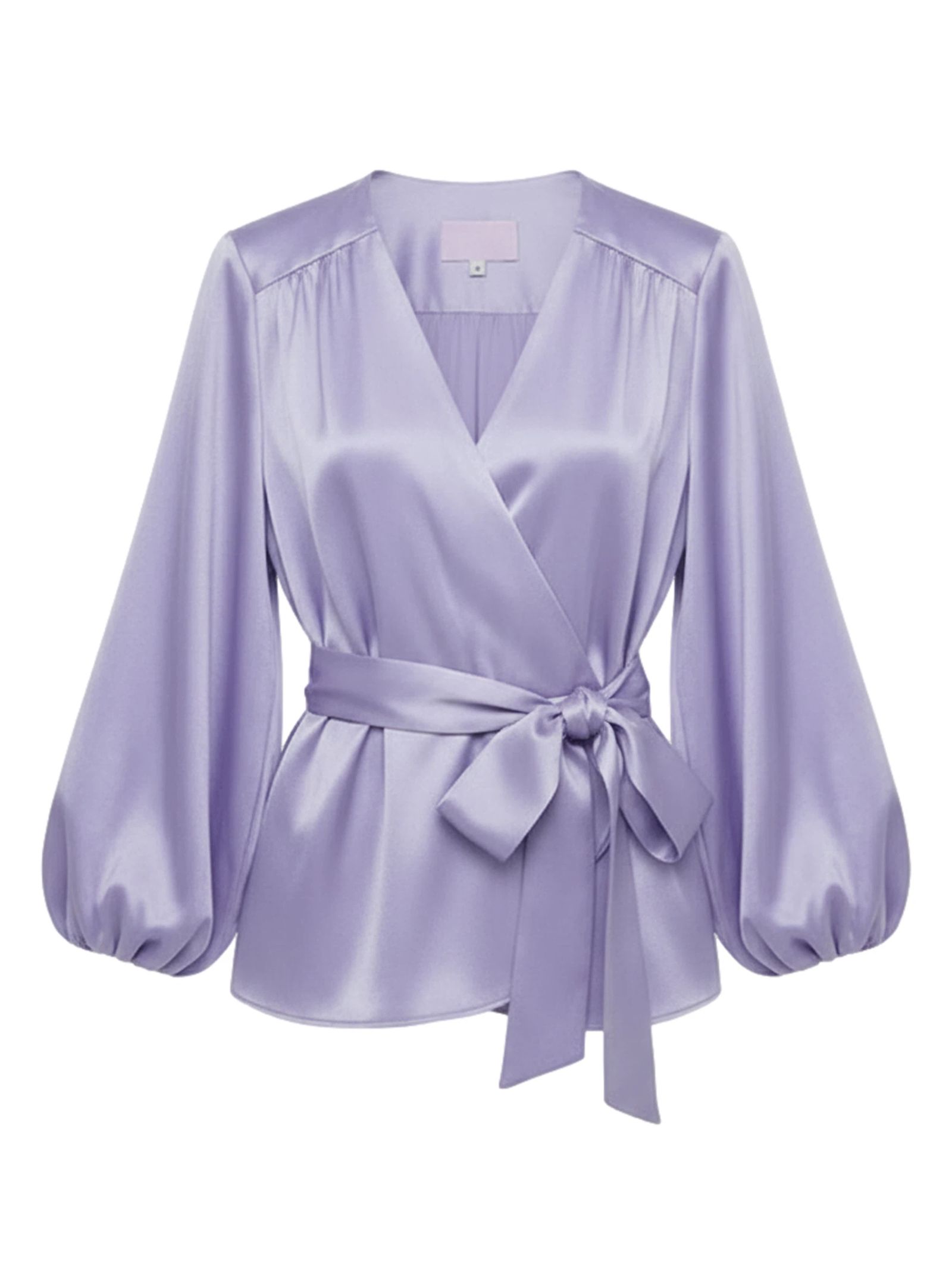
Keep Ecommerce Product Images Focused on the Garment
Use a mannequin-free view when the product—not the person—should lead the page. Invisible mannequin photography fits naturally beside fabric close-ups, size information, back views and on-model images in a complete ecommerce gallery.
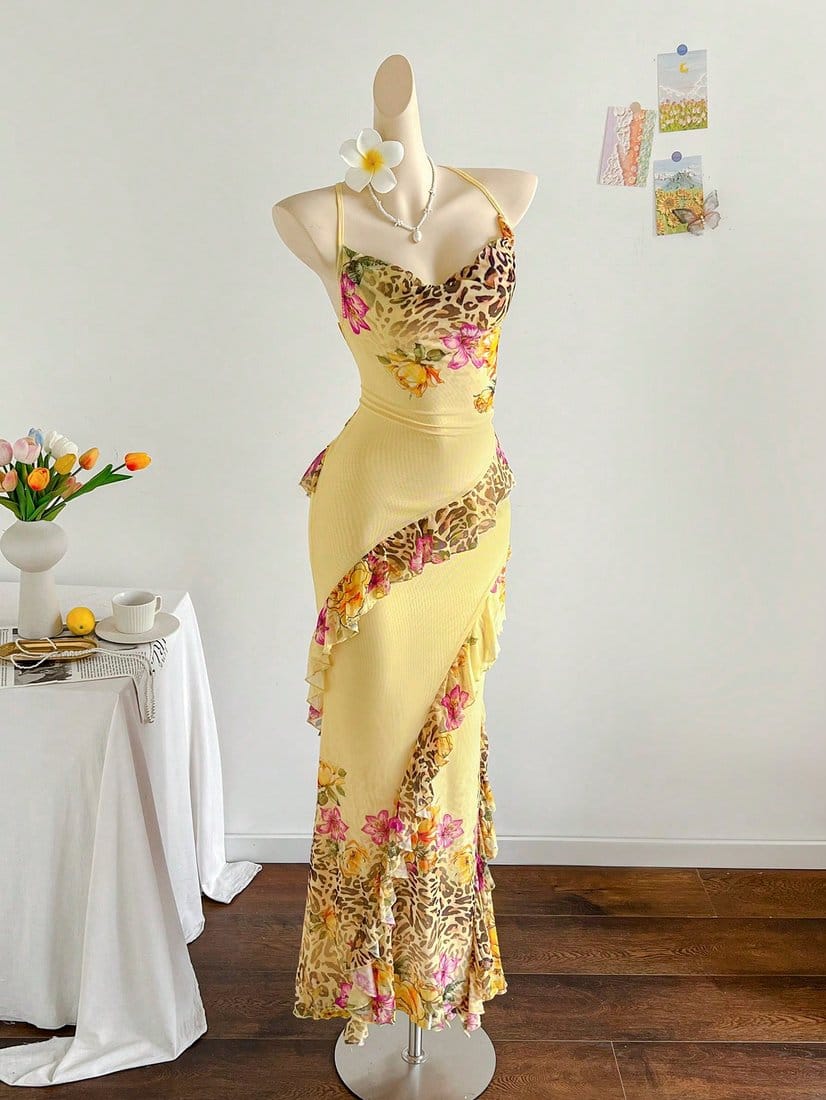
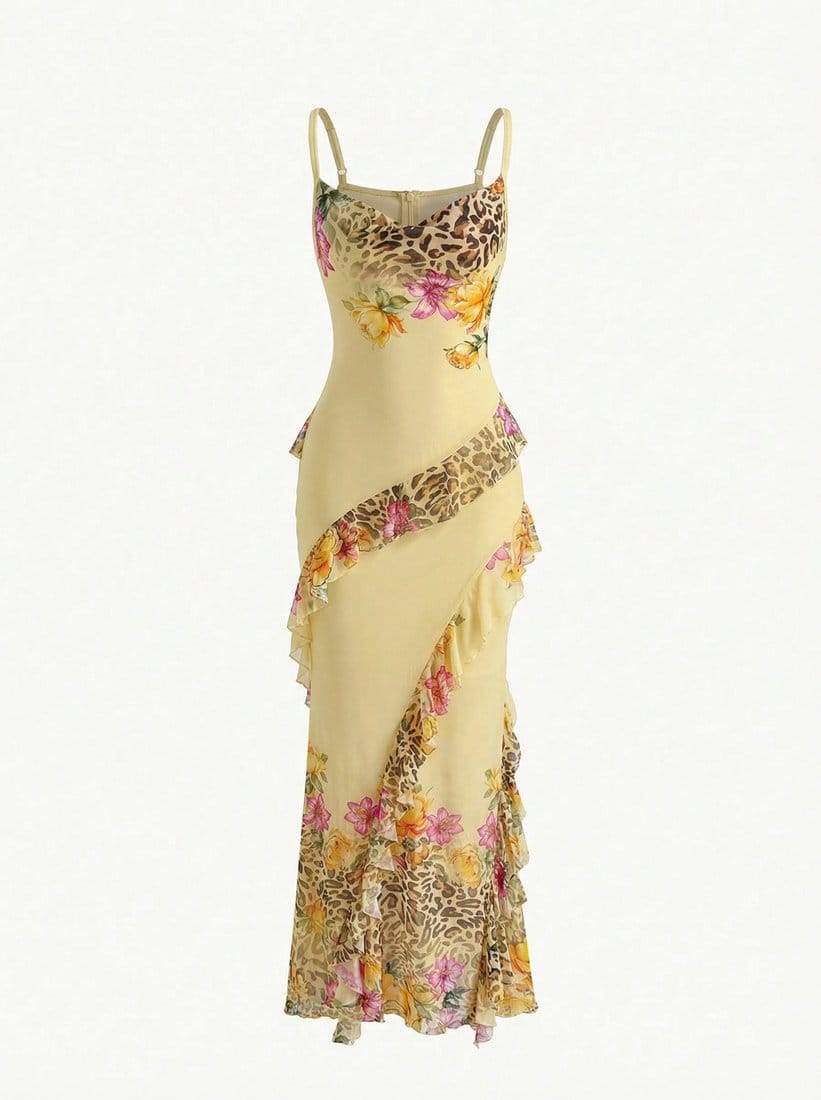
Create Ghost Mannequin Photos for Every Sales Channel
Prepare a clean product image for a Shopify PDP, Amazon listing, marketplace gallery, wholesale line sheet or social commerce post. Image rules differ by channel, so verify the output against the garment and check current marketplace requirements before publishing.
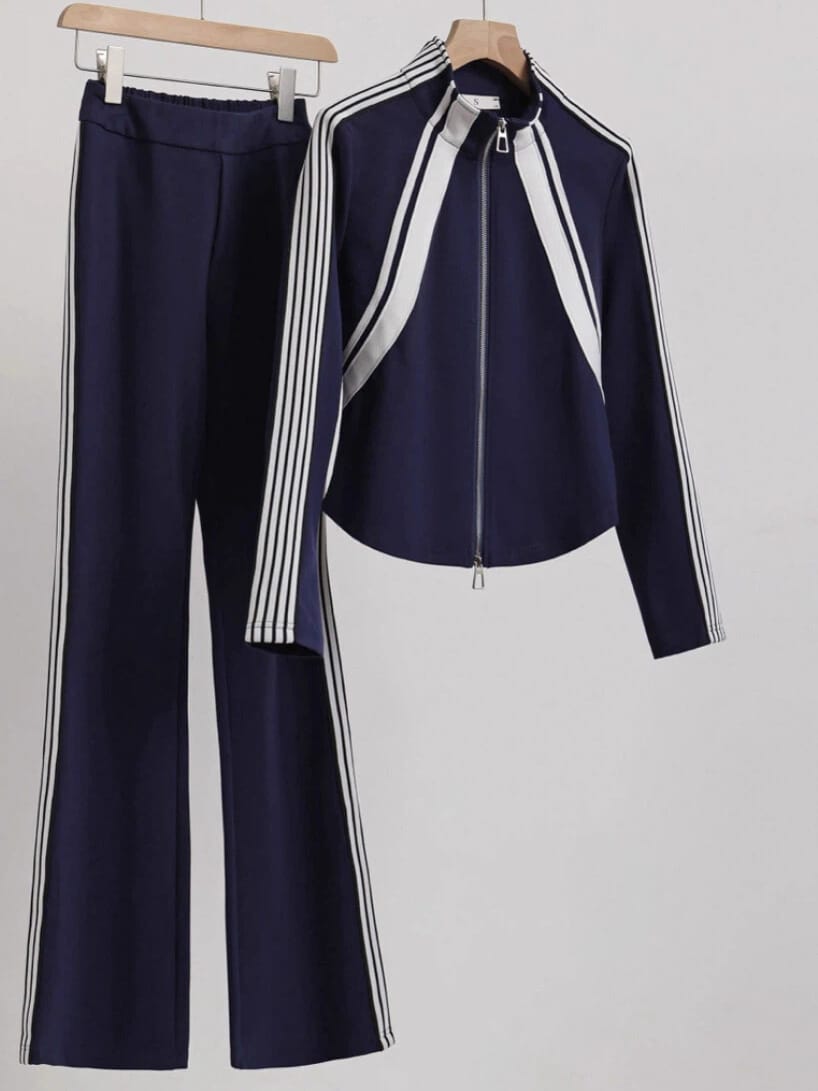
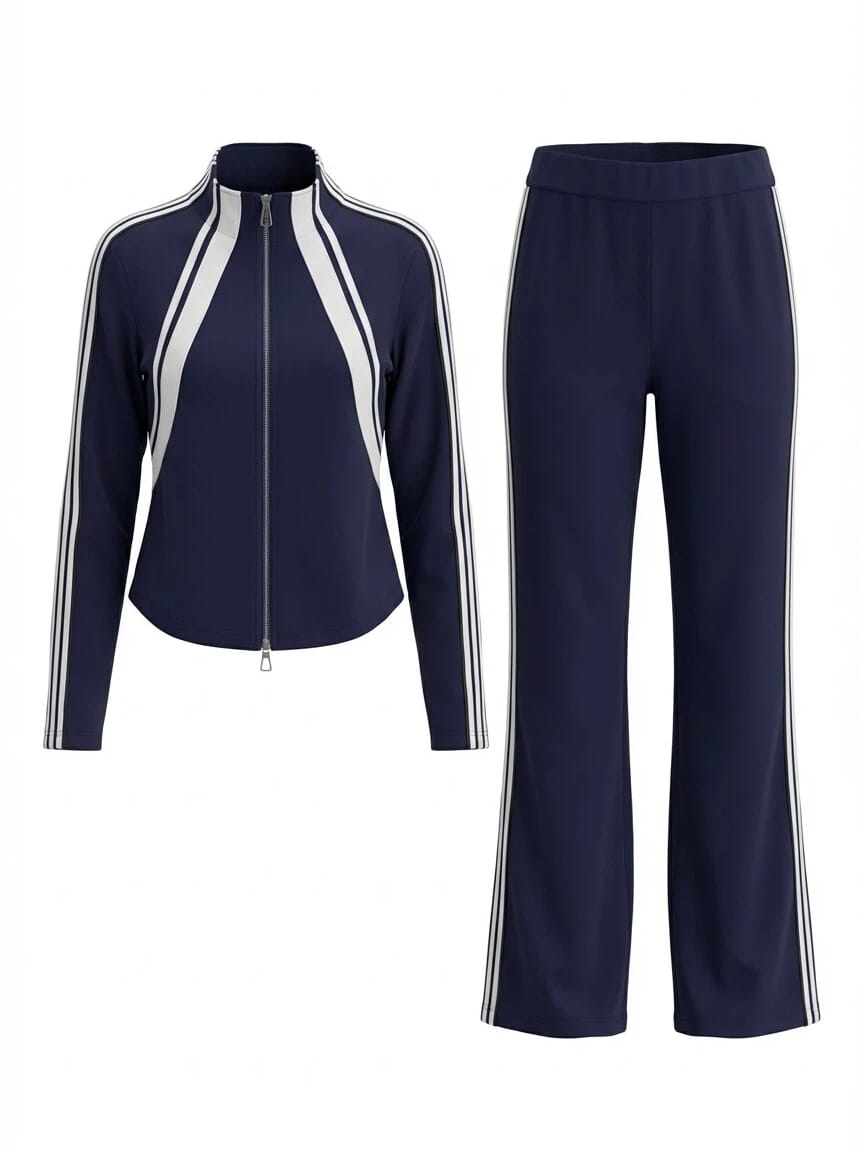
Ghost Mannequin Photography for Ecommerce Selling Workflows
Use invisible mannequin images alongside flat lays, detail shots, measurements and on-model photos to build a more useful product gallery.
Build Clearer Product Listings
Add a clean garment-first image beside measurements, back views and detail shots on Amazon, eBay, Etsy or resale marketplaces.
Keep Shopify Collections Cohesive
Apply a repeatable image style across new drops, colorways and seasonal catalog updates without reshooting every SKU on a mannequin.
Present Line Sheets with More Shape
Help buyers read garment construction in catalogs and sales decks when a simple flat lay does not show enough volume.
Improve Product Photos You Already Own
Start with your own flat lay or hanger images and create cleaner merchandising assets without arranging a mannequin shoot.
How to Turn a Flat Lay Photo into a Ghost Mannequin Image
Upload a clear garment photo, choose the view that fits your listing, and generate a polished invisible mannequin image for your ecommerce product gallery.
Upload a Clear Flat Lay Product Image
For a cleaner ecommerce result:
- Keep the full garment visible.
- Use one item per image.
- Add a separate back photo when you need a back-view listing image.
- A studio background is not required.
Choose a Ghost Mannequin View and Generate
Choose the view that fits your product category and ecommerce channel, then click Generate.
Review Your Invisible Mannequin Product Image
Before adding the image to a listing:
- Check the silhouette, neckline, sleeves and hem.
- Compare color, print, logos, buttons and trim with the source.
- Confirm front and back views match the selected reference.
- Regenerate any result that does not accurately represent the item.
Continue Building Your Ecommerce Apparel Product Gallery
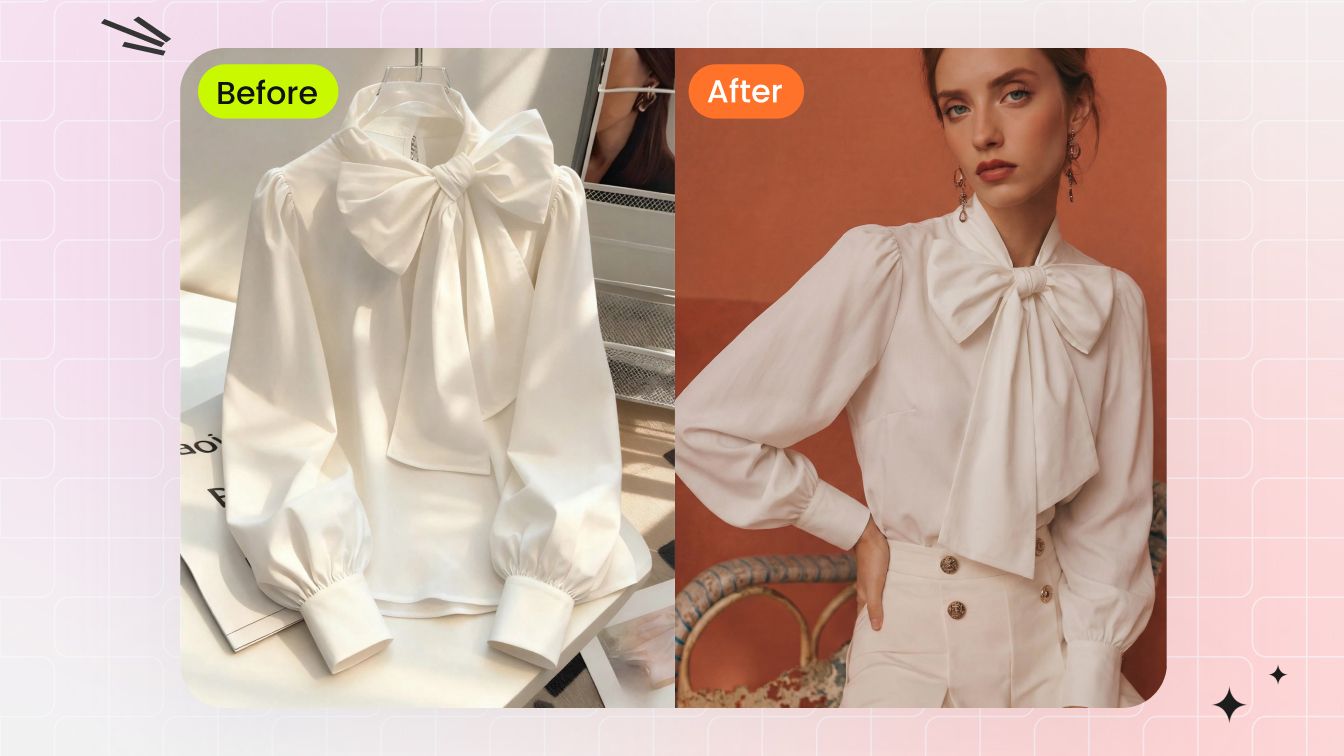 AI Fashion ModelCreate on-model apparel visuals from product references for catalogs, PDPs and campaigns.
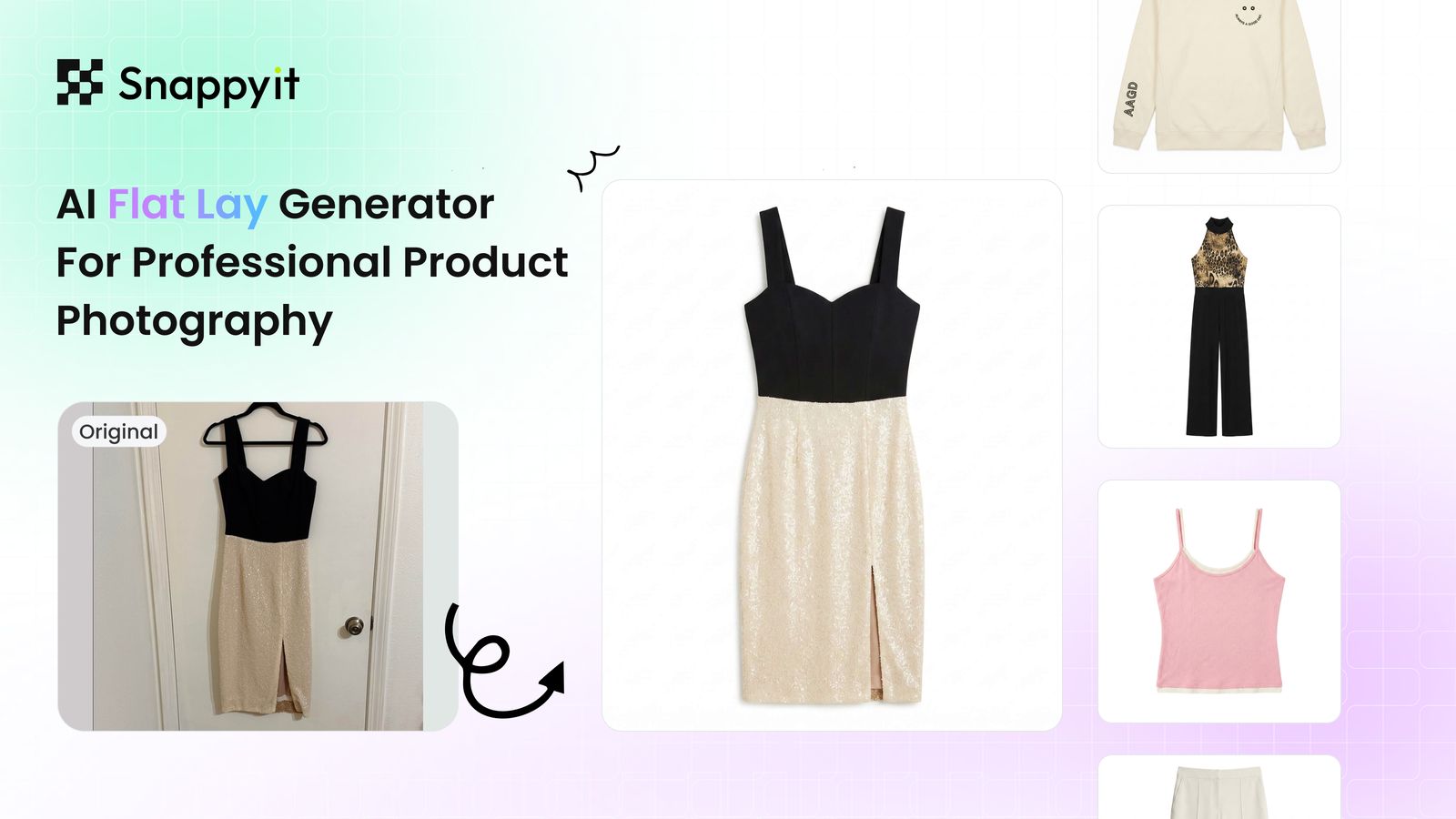 AI Flat LayCreate clean styled flat lay product images for listings and merchandising layouts.
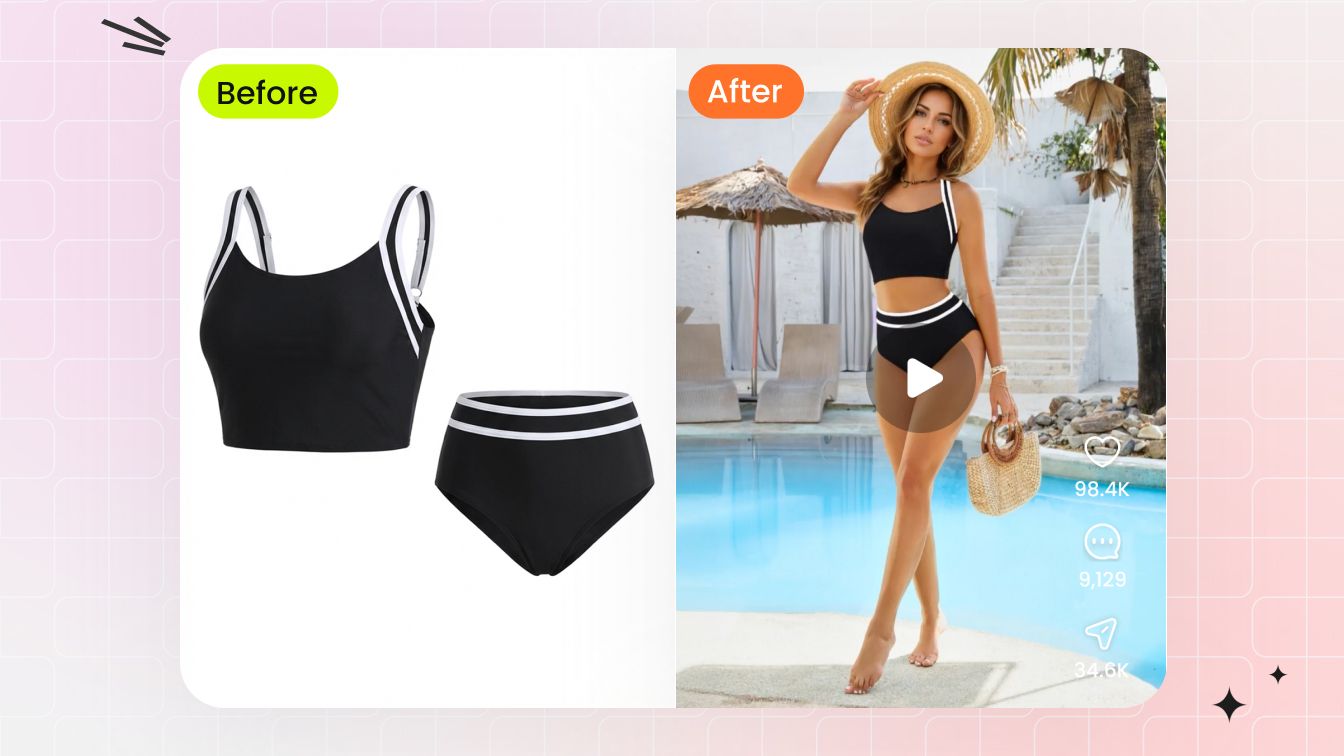 AI Image to VideoTurn finished apparel images into short motion assets for ads, product pages and social posts.
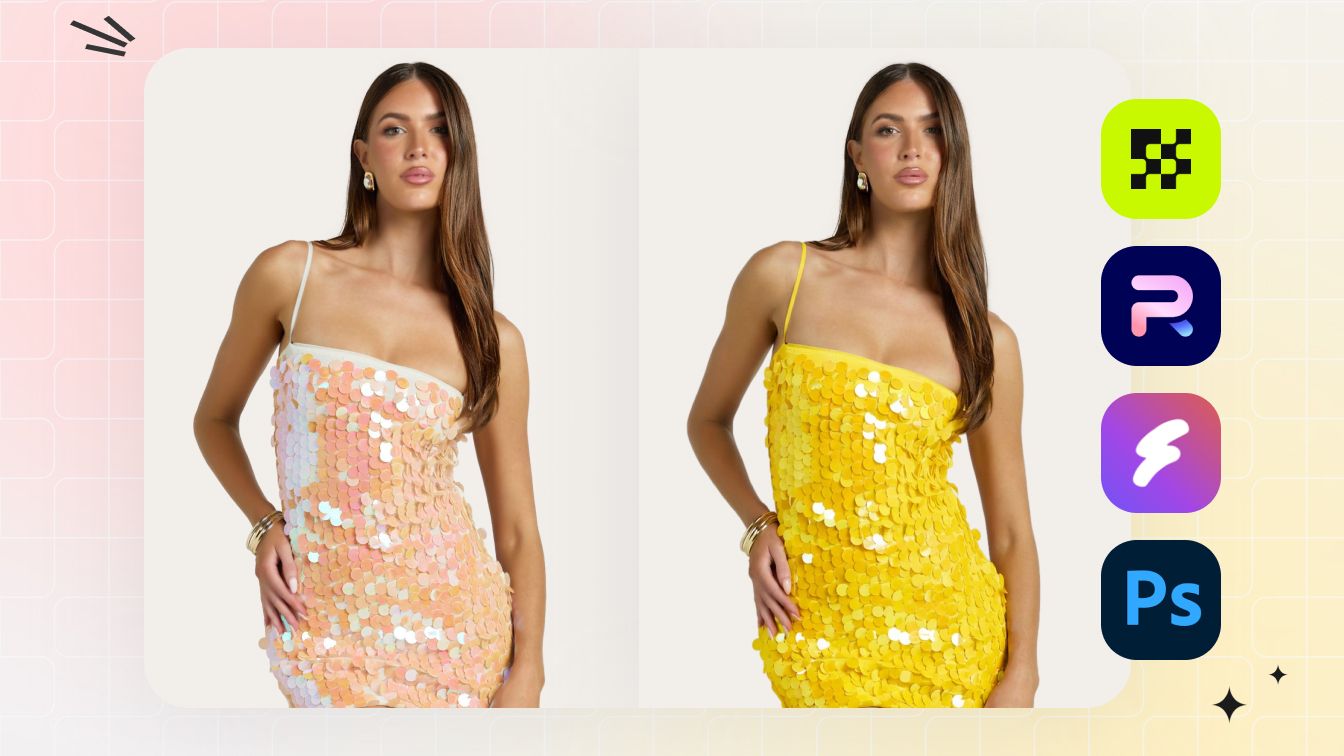 AI RecolorCreate new apparel colorways while keeping the product shape, texture and key details consistent.
Ghost Mannequin Photography Guides & Insights
Explore practical guides on invisible mannequin methods, AI tool testing, input preparation and catalog workflows for apparel sellers.
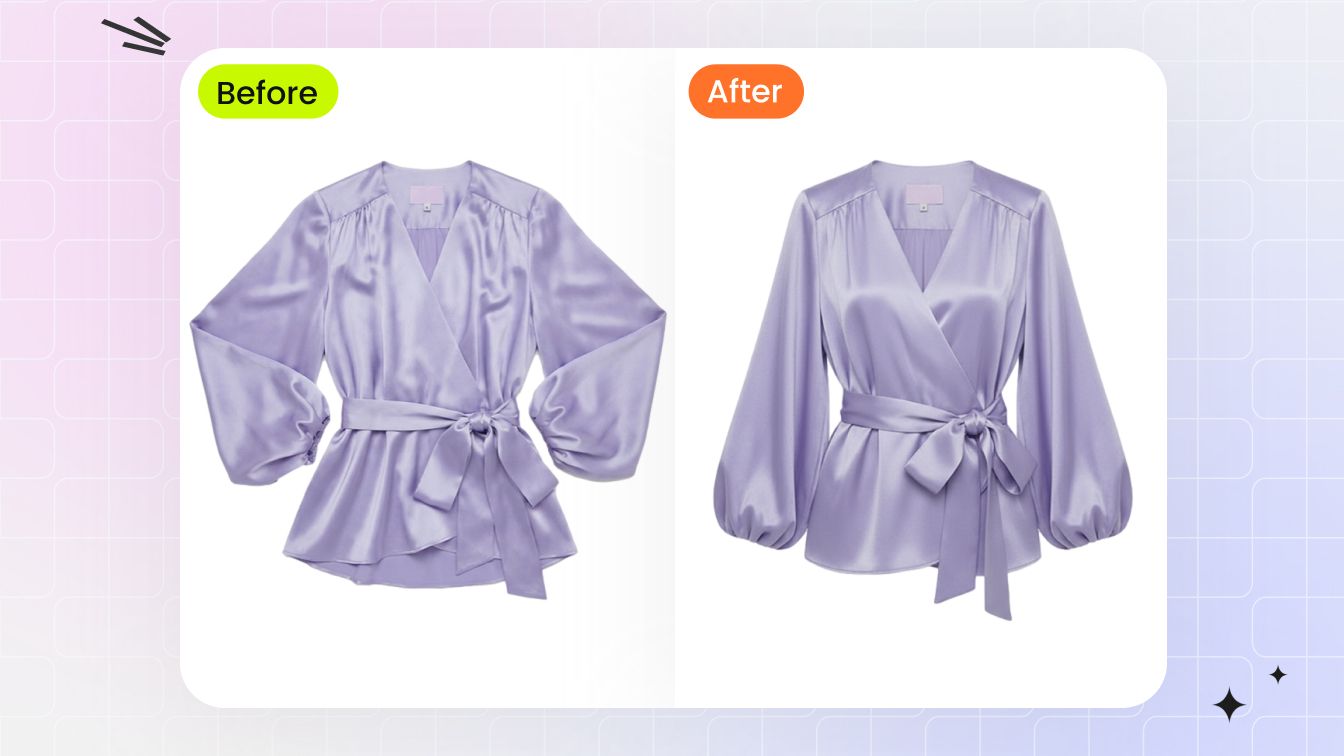
Invisible Mannequin Effect Explained for Ecommerce Sellers
See how manual and AI methods create the effect, where it helps clothing sellers and what to check before publishing.
Read guide →
6 Best AI Invisible Mannequin Tools Tested
Compare product fidelity, workflow, watermarks, subscription entry prices and the best fit for different sellers.
Read comparison →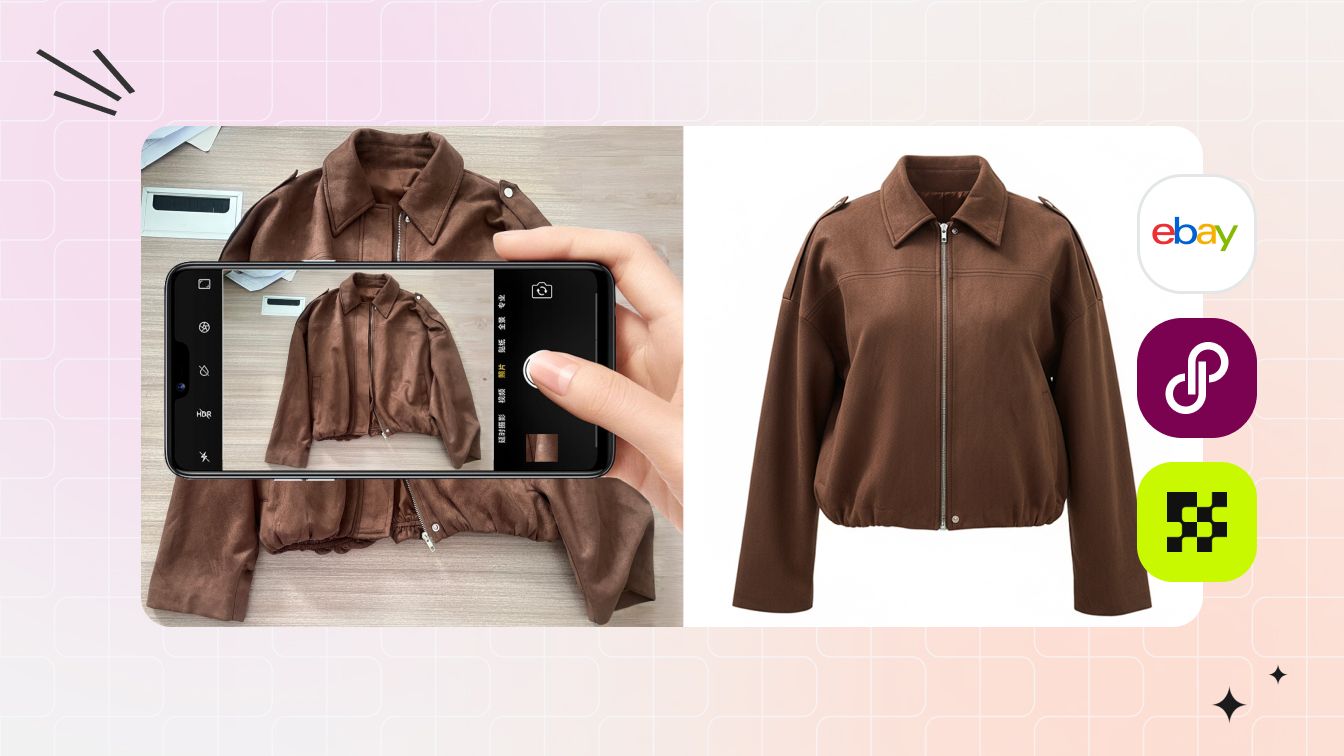
Ghost Mannequin AI Tested: Real Results & Best Practices
Review tests across stripes, irregular prints, fringe, formalwear and swimwear, including limitations and better inputs.
See the results →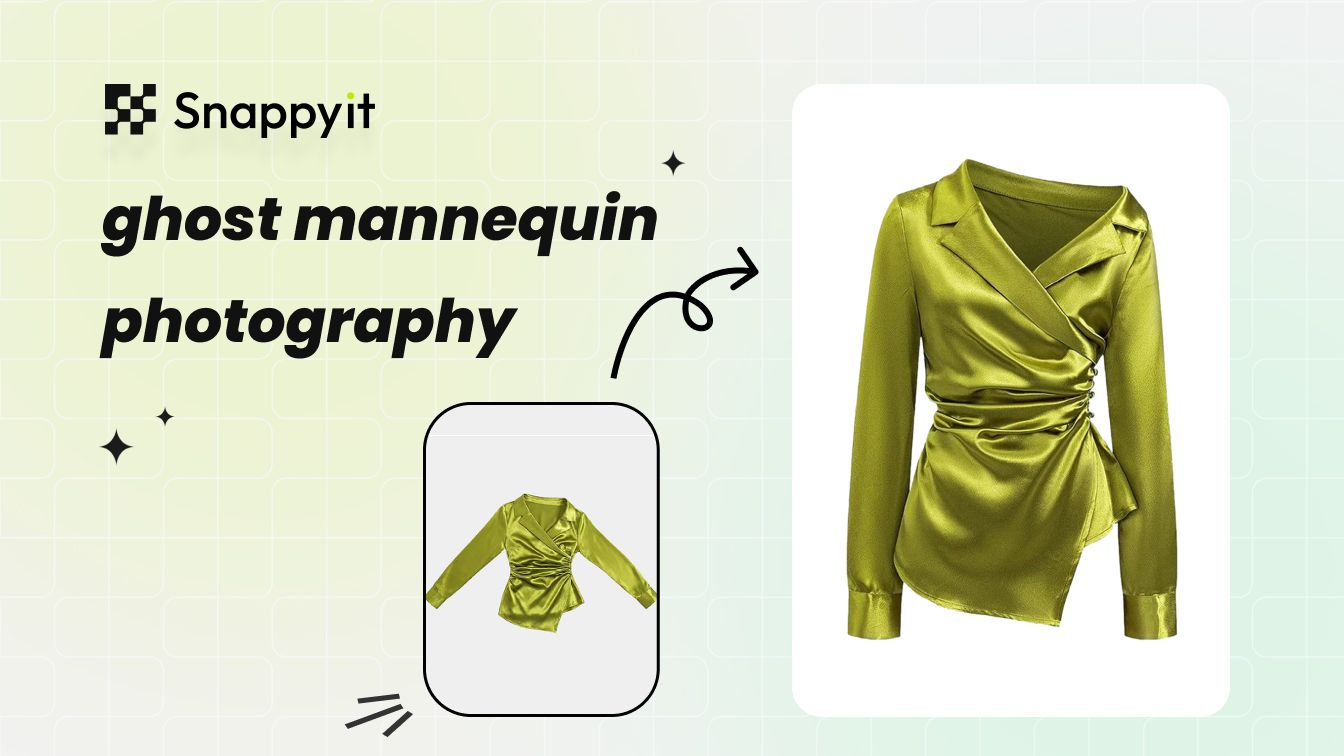
Ghost Mannequin Photography for Ecommerce Sellers
Learn the studio, editing and AI approaches, compare costs and build a practical workflow for a consistent catalog.
Read guide →What Fashion Sellers Say About Snappyit
Feedback from fashion sellers using Snappyit to turn flat lays into ghost mannequin product images for online stores.
“I run a small clothing company and couldn’t afford high shooting costs, so I only use flat lay images for online sales. Then I met Snappyit. It transforms my photos into 3D with just one click!”
“Their team built an amazing tool that instantly turns my product photos into clean 3D-style ghost mannequin images. It’s fast, accurate, and has made my product launches so much smoother.”
“I use it to generate ghost mannequin images for my fashion online store. I have used it on my own flat lay images, on mannequin images and even model images.”
Review excerpts are shortened for this page. Names, dates, ratings and wording were checked against the linked Trustpilot review pages.
Ghost Mannequin, Invisible Mannequin and Hollow Man FAQs
What is a ghost mannequin or invisible mannequin image?
A ghost mannequin image is an ecommerce product photo that shows the shape and volume of clothing without a visible model or mannequin. The same technique is also called invisible mannequin photography, the hollow man effect, or a neck-joint image.
What flat lay photos work best for an AI ghost mannequin generator?
Use a sharp, well-lit photo with the full garment visible, minimal folding and clear separation from the background. A straight front view helps the AI read the neckline, sleeves, hem and overall silhouette.
Which garments work well with the hollow man effect?
The hollow man effect can work for shirts, T-shirts, dresses, sweaters, hoodies, jackets, coats, pants, jumpsuits and matching sets. Results depend on garment structure and source-photo quality, so ecommerce sellers should review every image before publishing.
Does a ghost mannequin product photo need a white background?
No. A simple, contrasting background is usually enough because the background can be removed during generation. Avoid busy surfaces, strong color casts and objects that cover the garment edges.
Will AI ghost mannequin photography preserve every product detail?
AI-generated results can vary. Compare the output with the source photo and check color, prints, logos, buttons, stitching, neckline, sleeves and hem before adding it to a product listing.
Where can ecommerce sellers use invisible mannequin images?
Invisible mannequin images can support Shopify product pages, Amazon listings, marketplace galleries, wholesale line sheets, lookbooks and social commerce. Check each channel’s current image rules before publishing.
Create an Ecommerce-Ready Ghost Mannequin Product Image
Upload one garment photo to start. Your selected image carries into the Ghost Mannequin generator so you can create an invisible mannequin-style asset and review it before publishing.






