



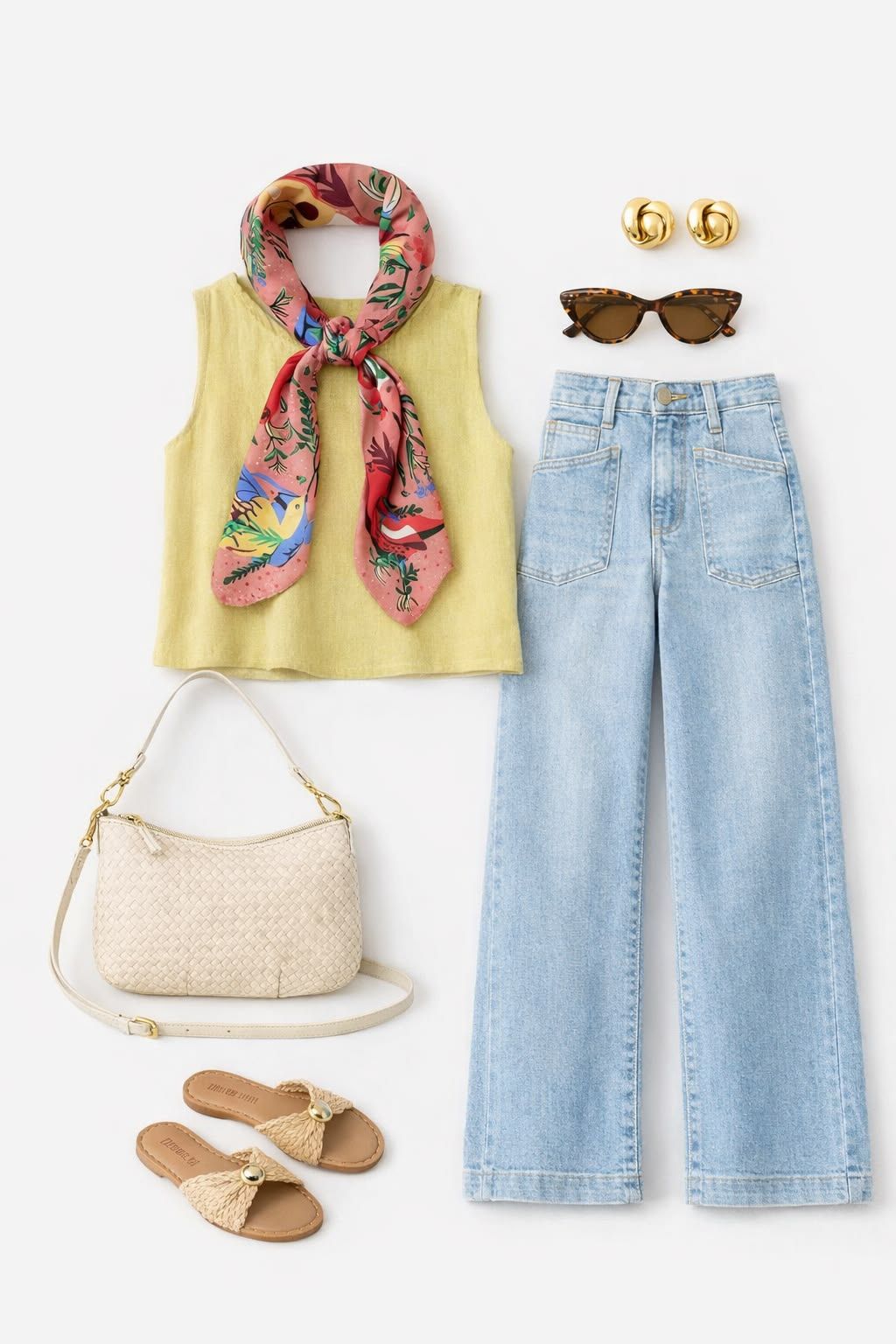
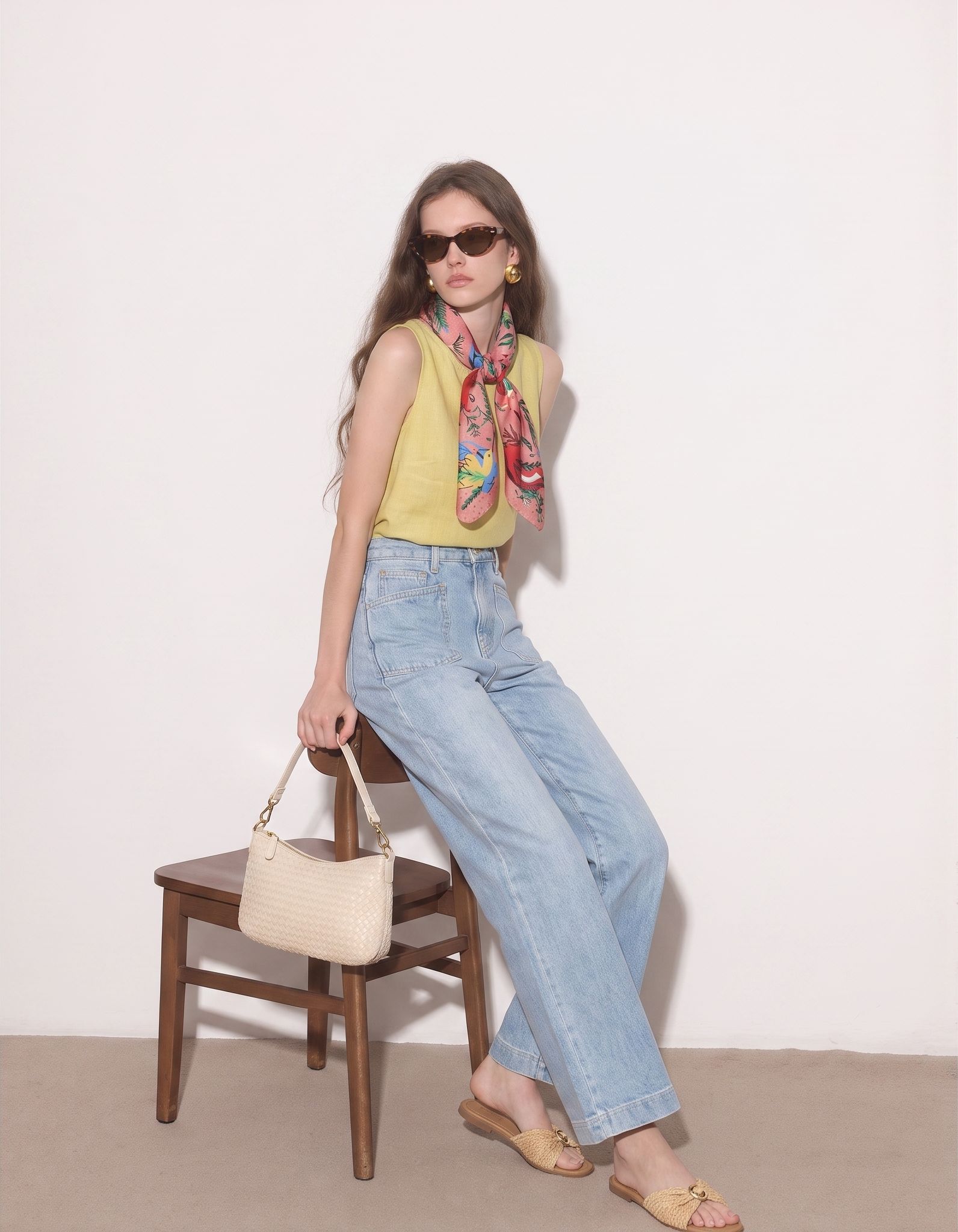
Create On-Model Product Images with an AI Clothing Model Generator
A flat lay documents the product clearly; an on-model image adds styling and human context. Use product-to-model AI to create both views from the same source asset, so Shopify, Amazon and Etsy galleries can answer more shopper questions.
Add Styling Context to Product Pages
Help shoppers picture how a dress, outfit or accessory can look when styled, while keeping the original flat lay in the gallery for reference.
Launch More Visuals Without More Shoot Days
Build AI model photography for new SKUs and seasonal drops from product images already supplied by your brand, vendor or in-house team.
Keep Ecommerce Catalogs Cohesive
Choose a consistent visual direction across collections and channels, then verify every generated image against the real product before publishing.
Put Clothing on an AI Fashion Model—Without a Studio Shoot
Use a flat lay clothing photo to create model imagery when your product is ready to list but a cast, photographer and studio are not. Upload a clear garment image, choose a model direction and generate a new merchandising visual for your PDP or campaign shortlist.
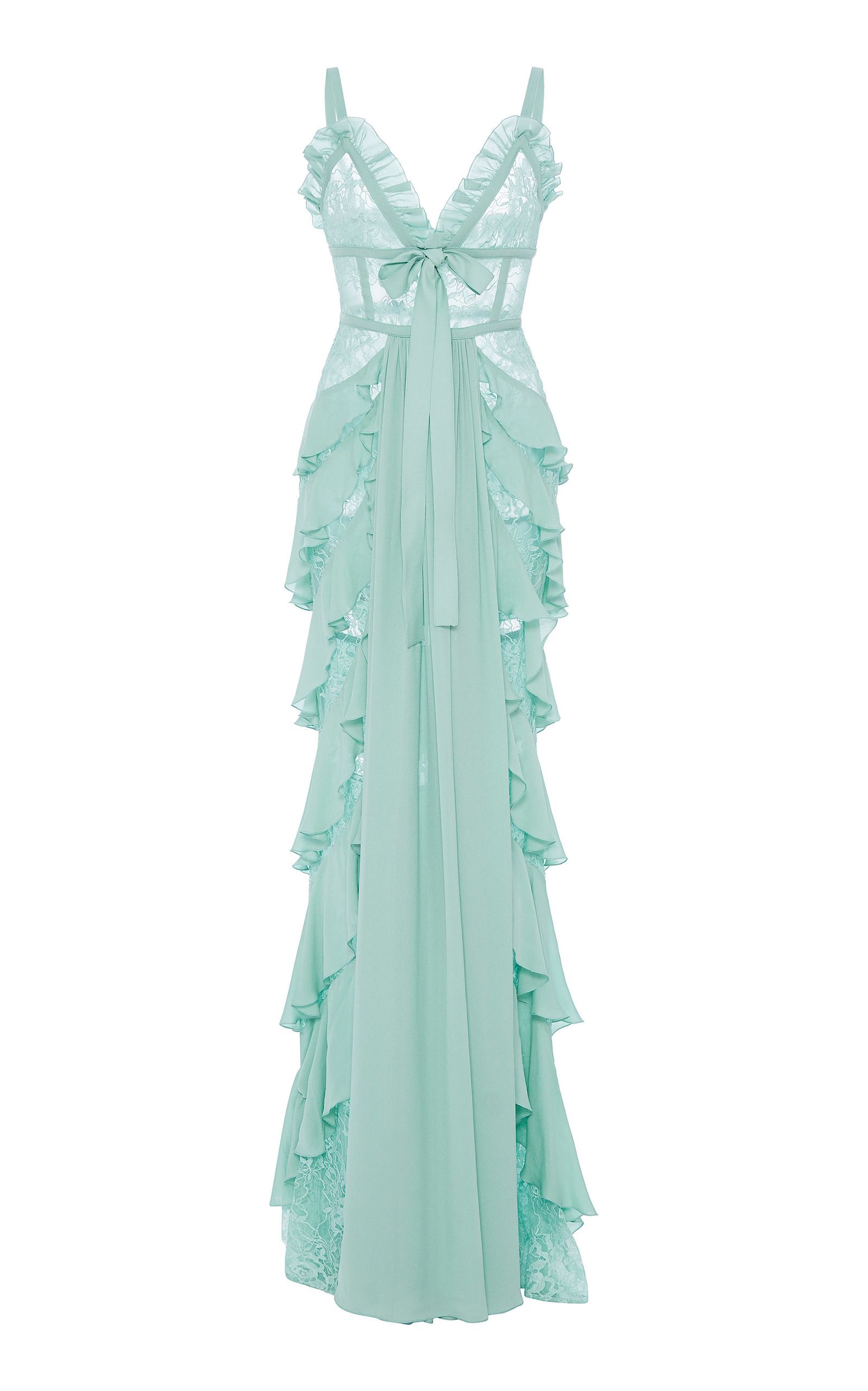
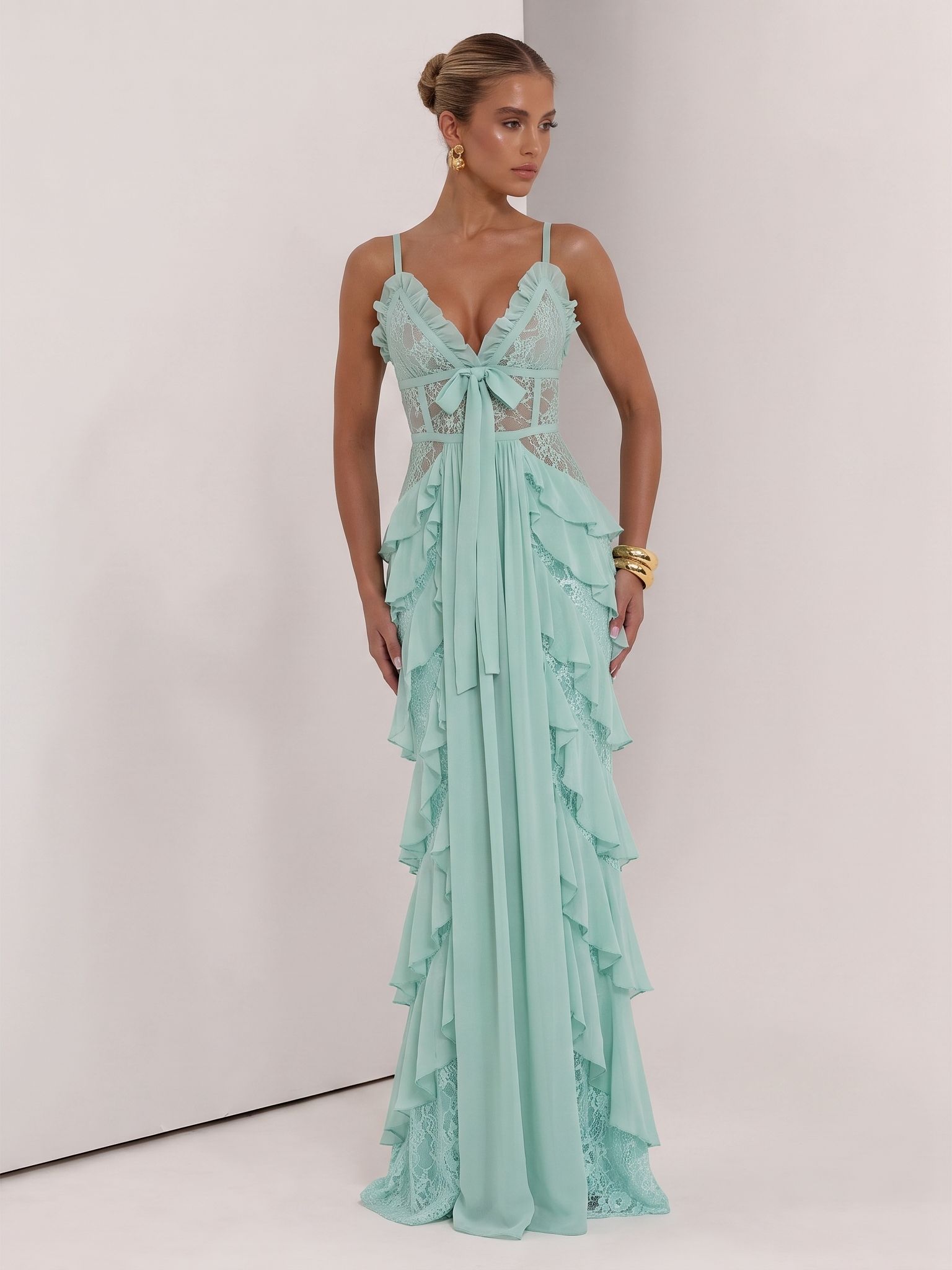
Give Sets and Collections a Clear Styling Direction
Product-to-model AI can show how coordinated pieces work together in one look. Use the generated scene to support resortwear, matching sets and capsule collections, while the original product images, close-ups and measurements provide the factual listing details.
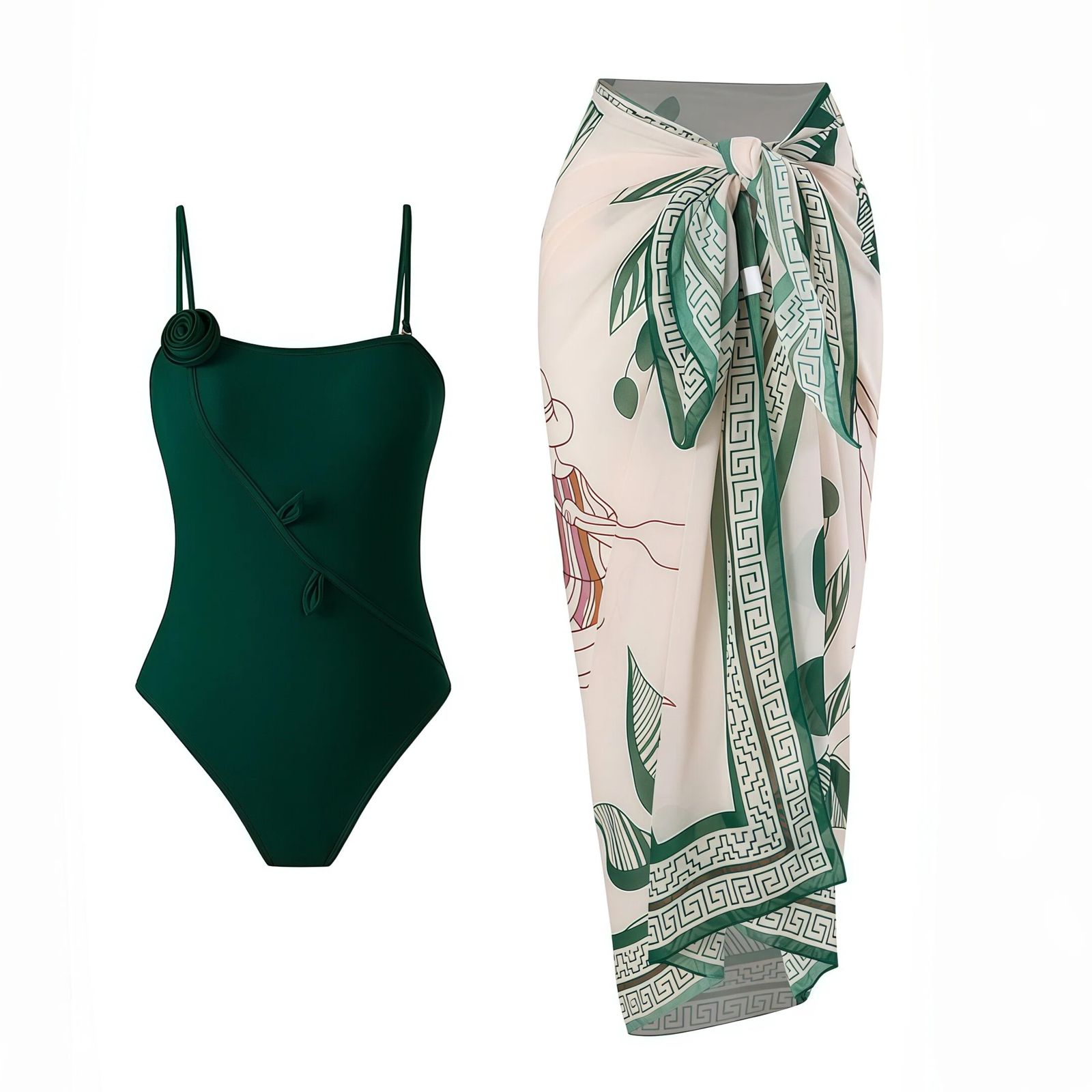
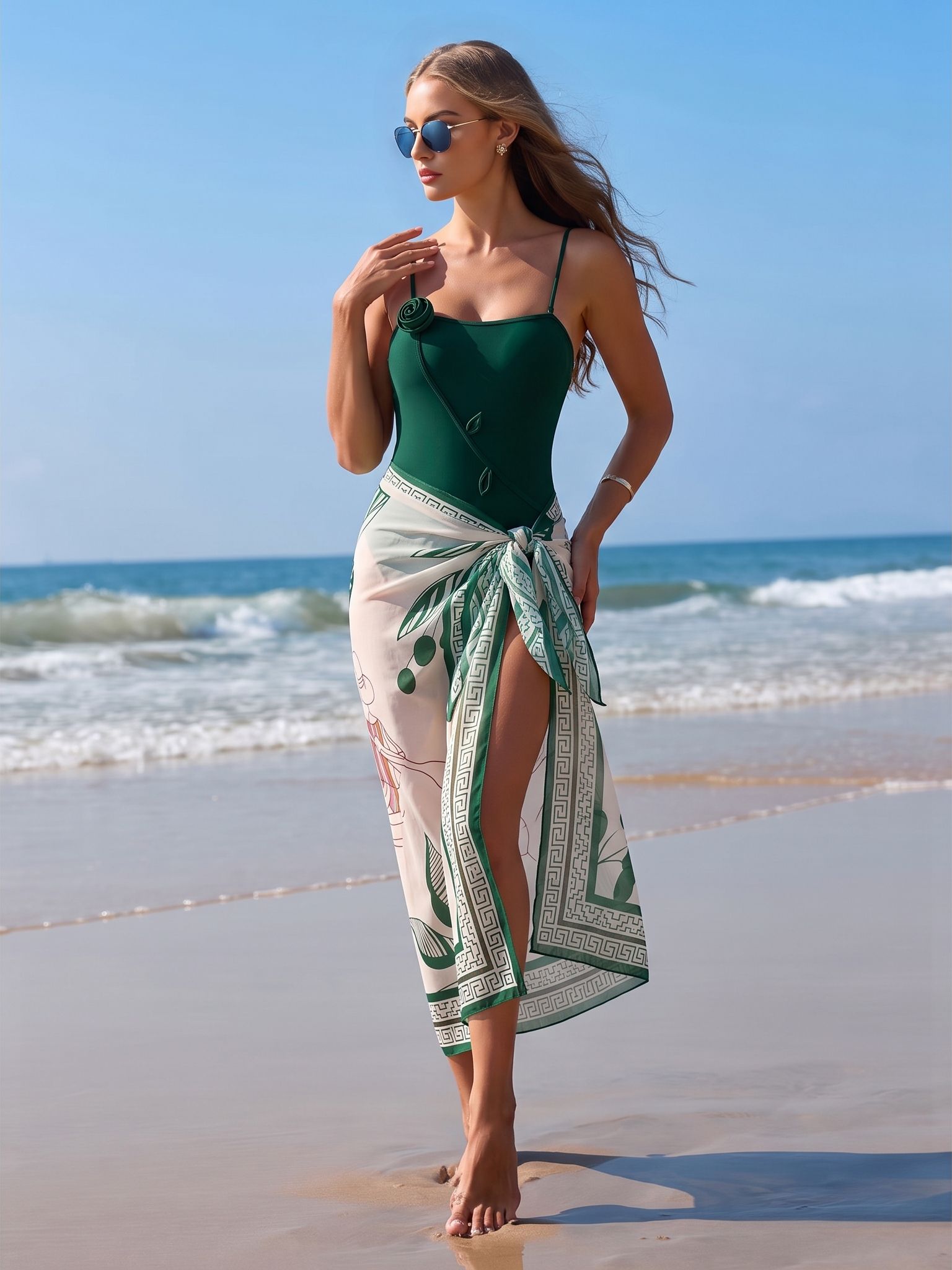
Create Model-Led Merchandising for Apparel and Accessories
Virtual model photography can extend beyond dresses and tops. Use a clear source image to explore on-model or lifestyle presentation for footwear and accessories, then confirm shape, materials, color and logos against the actual product.
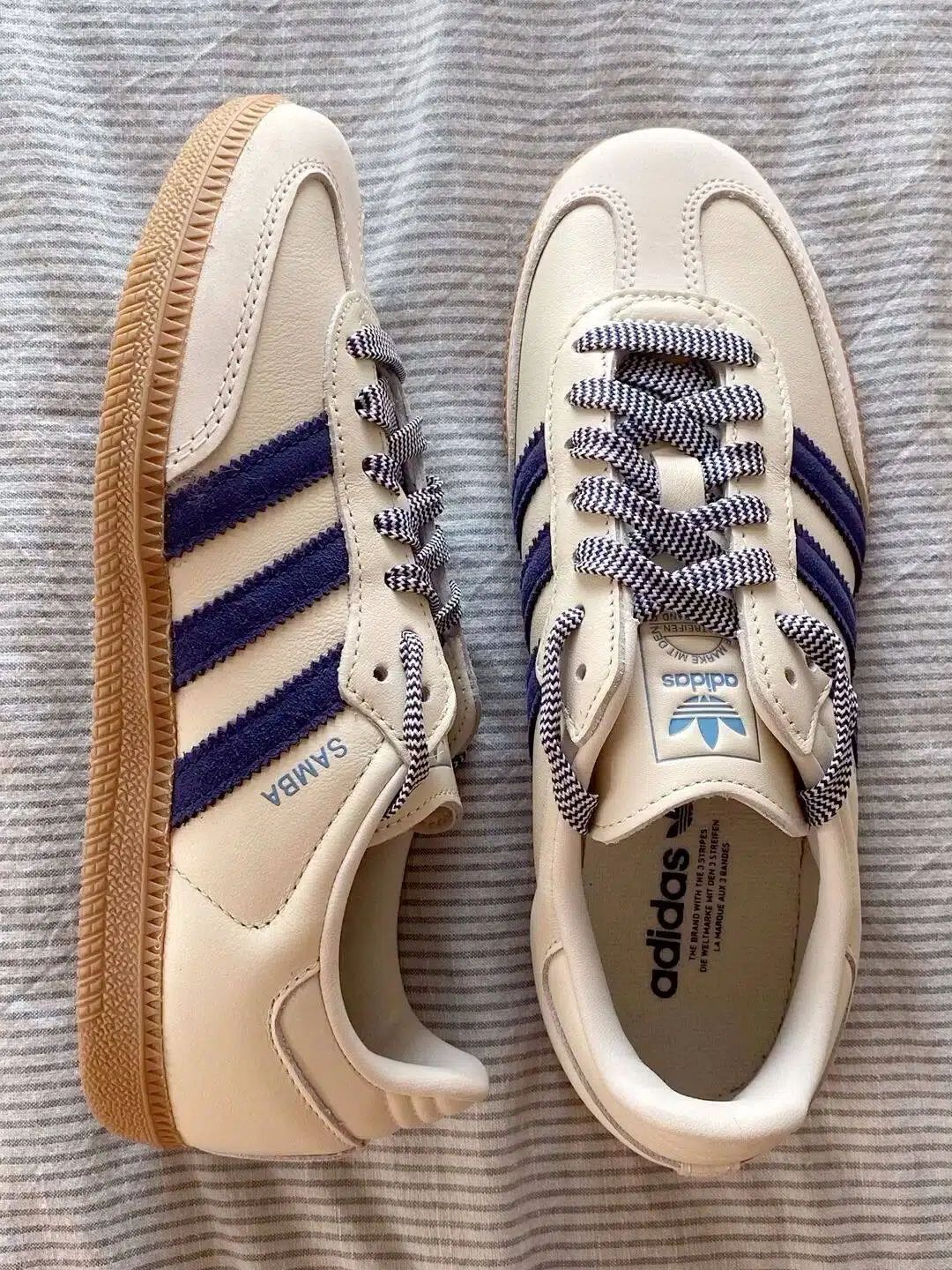
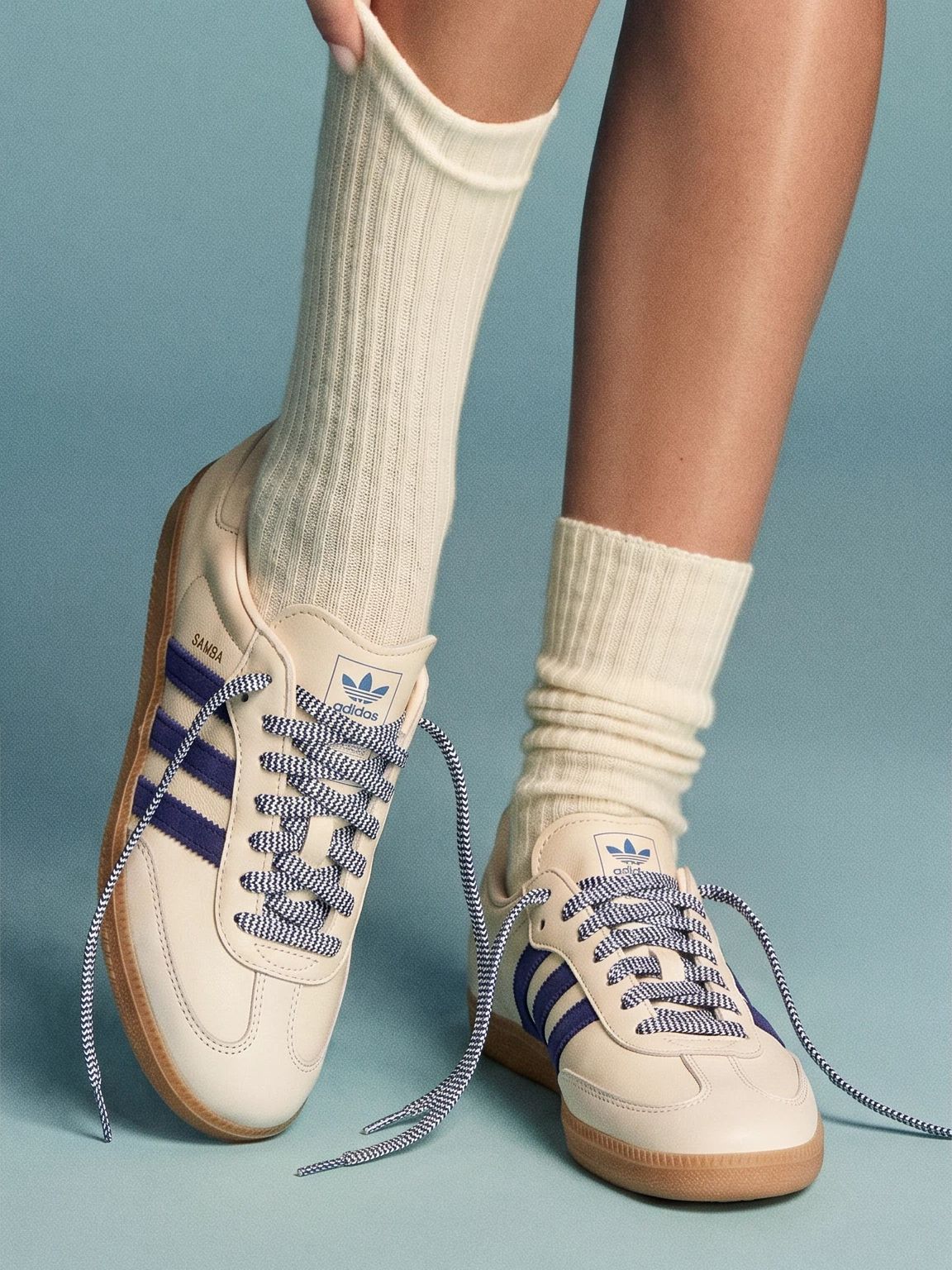
Flat Lay to Model Workflows for Fashion Ecommerce Sellers
Use AI fashion model images alongside product-only shots, detail photos, measurements and video to build a richer gallery for each sales channel.
Merchandise New Drops with a Consistent Cast
Build a recognizable visual direction across collection pages, PDP galleries and campaign landing pages without scheduling a shoot for every launch.
Add On-Model Context to Listing Galleries
Support product-only images with a model-led secondary image, then follow the marketplace’s current main-image and disclosure requirements.
Make Line Sheets Easier to Visualize
Show buyers a styling direction for apparel, sets and accessories while retaining product specifications and source images for review.
Upgrade Supplier or Phone-Captured Flat Lays
Create additional merchandising options from images you have rights to use, without waiting for a new season’s photography production.
How to Turn a Flat Lay Photo into an AI Model Image
Upload a clear product photo, choose a model direction that fits your audience, and generate an on-model image for review.
Upload Your Product Image
Upload a clear and complete flat lay or product image. Keep the item well lit and fully visible so the AI can read its shape and important details.
Choose or Upload a Template
Select a pre-designed template for your product category, or upload your own template to match your brand direction and keep catalog visuals consistent.
Generate and Review Your On-Model Image
Click Generate to place the product on the model in the selected template scene. Review color, print, logos, fastenings, trim, shape and proportions before publishing, and regenerate anything that does not represent the real product accurately.
Continue Building Your Ecommerce Apparel Product Gallery
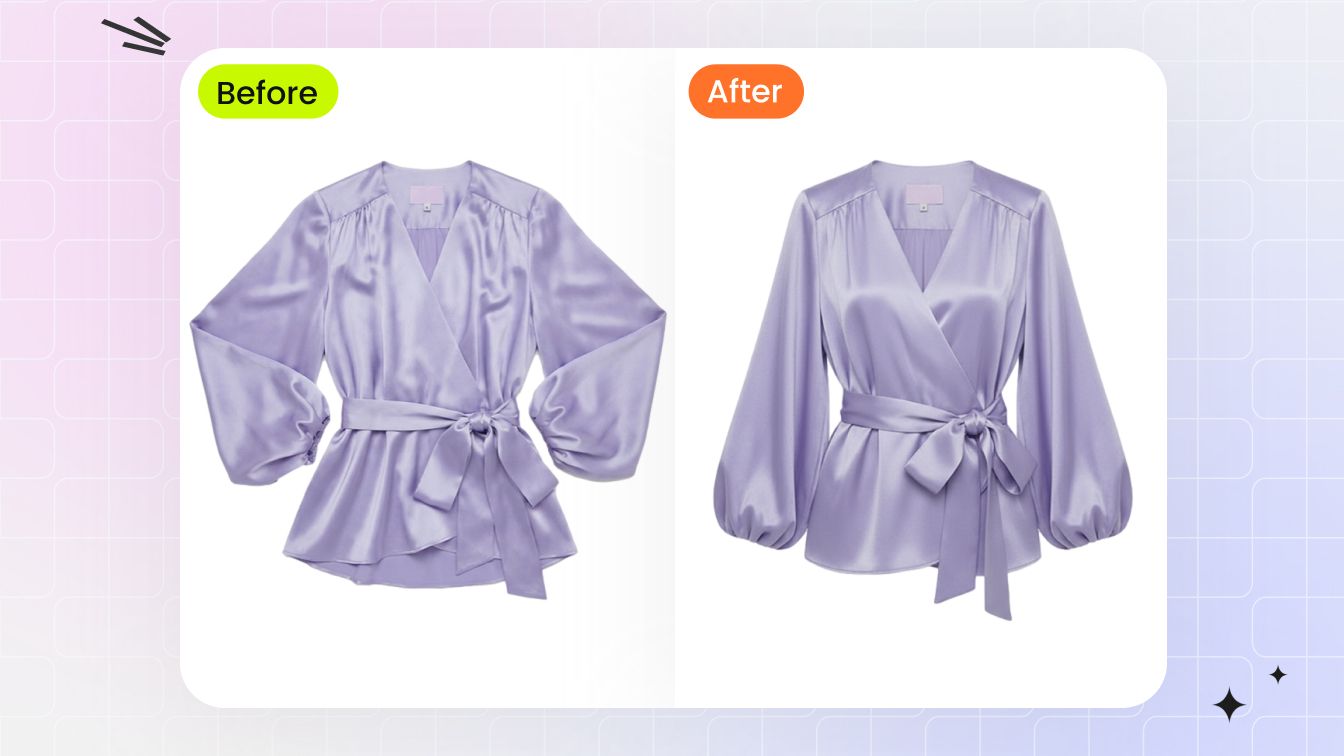 Ghost MannequinCreate clean garment-first images with a hollow-body effect for PDPs, marketplace galleries and catalogs.
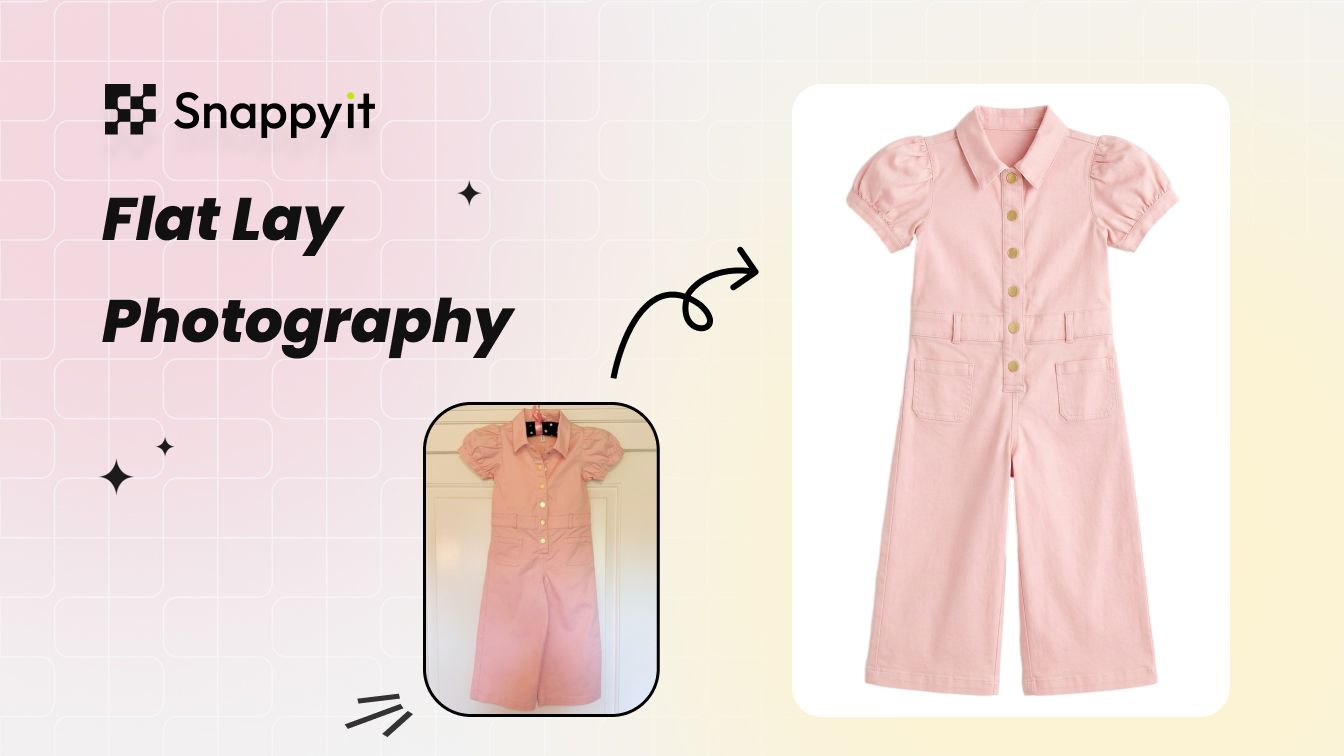 AI Flat LayCreate clean styled flat lay product images for listings and merchandising layouts.
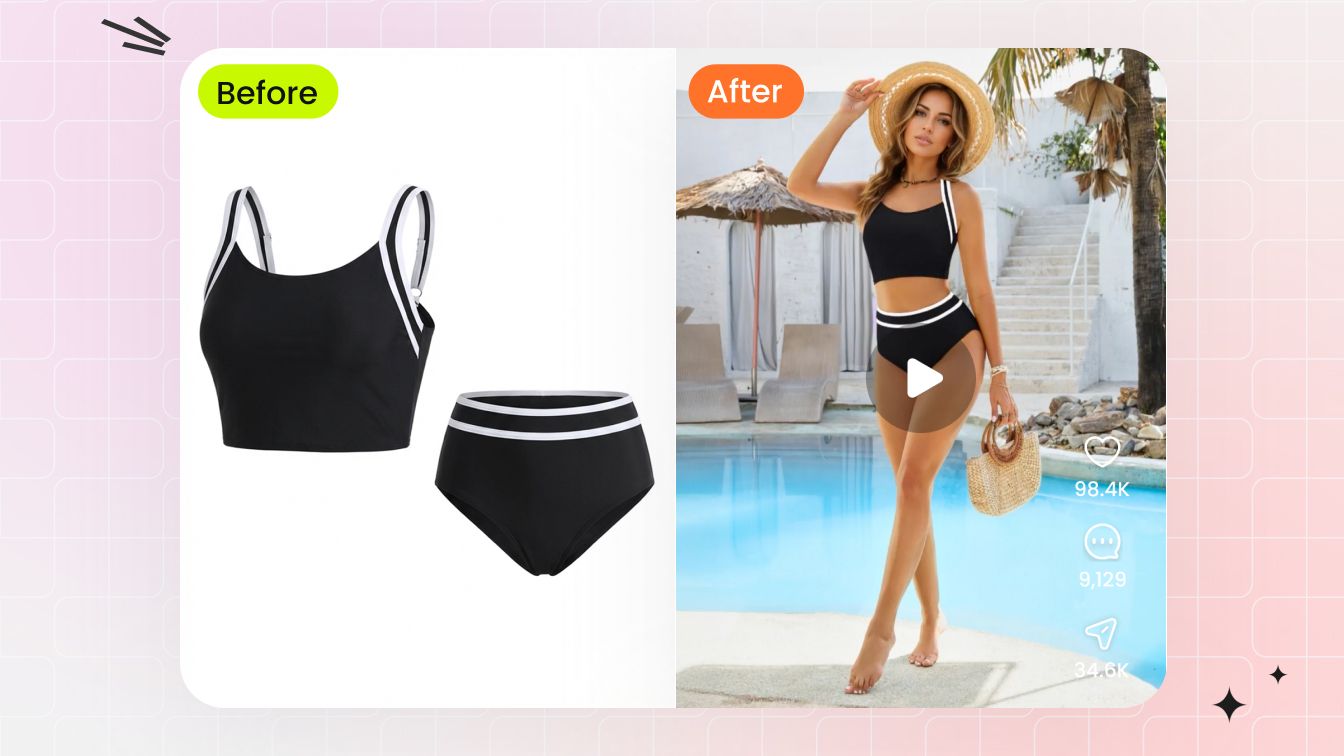 AI Image to VideoTurn finished apparel images into short motion assets for ads, product pages and social posts.
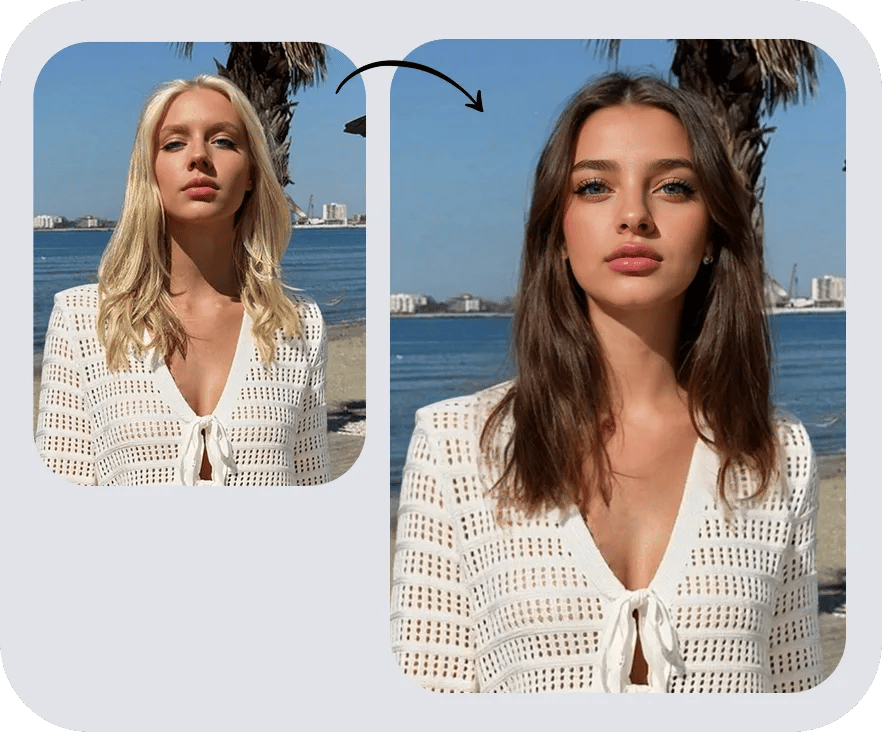 AI Face SwapRefresh a finished fashion-model image with an authorized reference face while keeping the apparel scene and product direction consistent.
Flat Lay to Model Photography Guides & Insights
Explore practical guides for preparing flat lays, creating AI fashion models and choosing a product photography workflow for your ecommerce catalog.
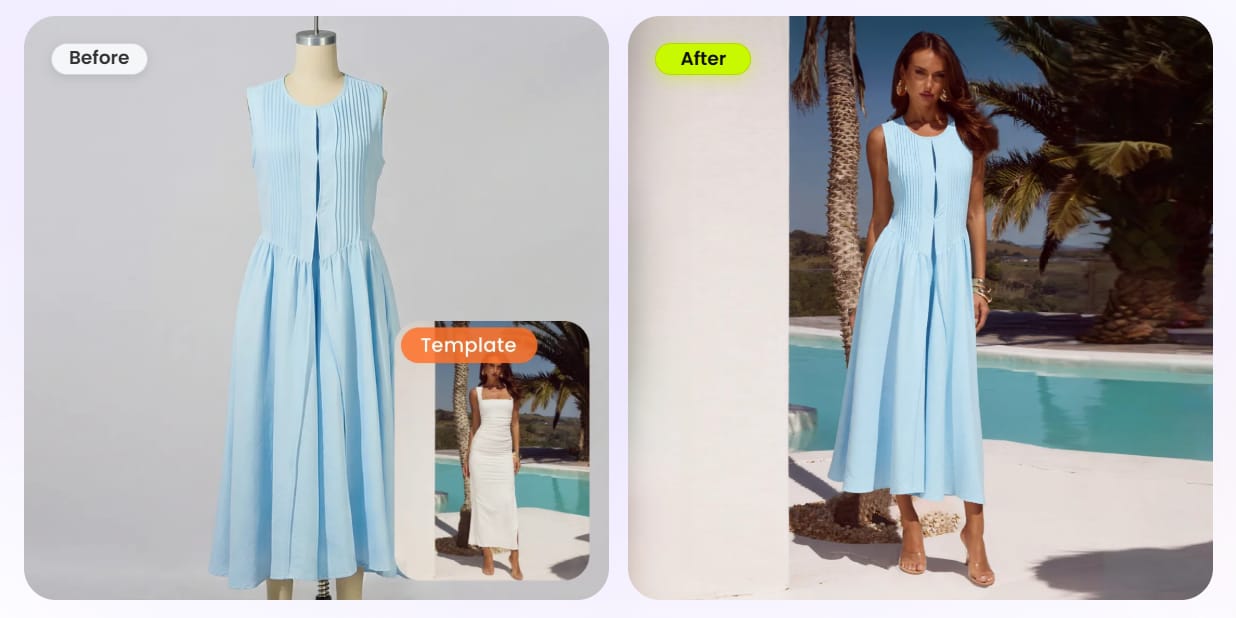
Best Virtual Try-On Tools: AI Model Image Generators Compared
Compare apparel-focused tools, model controls and review workflows before choosing a product-to-model platform for your catalog.
Read comparison →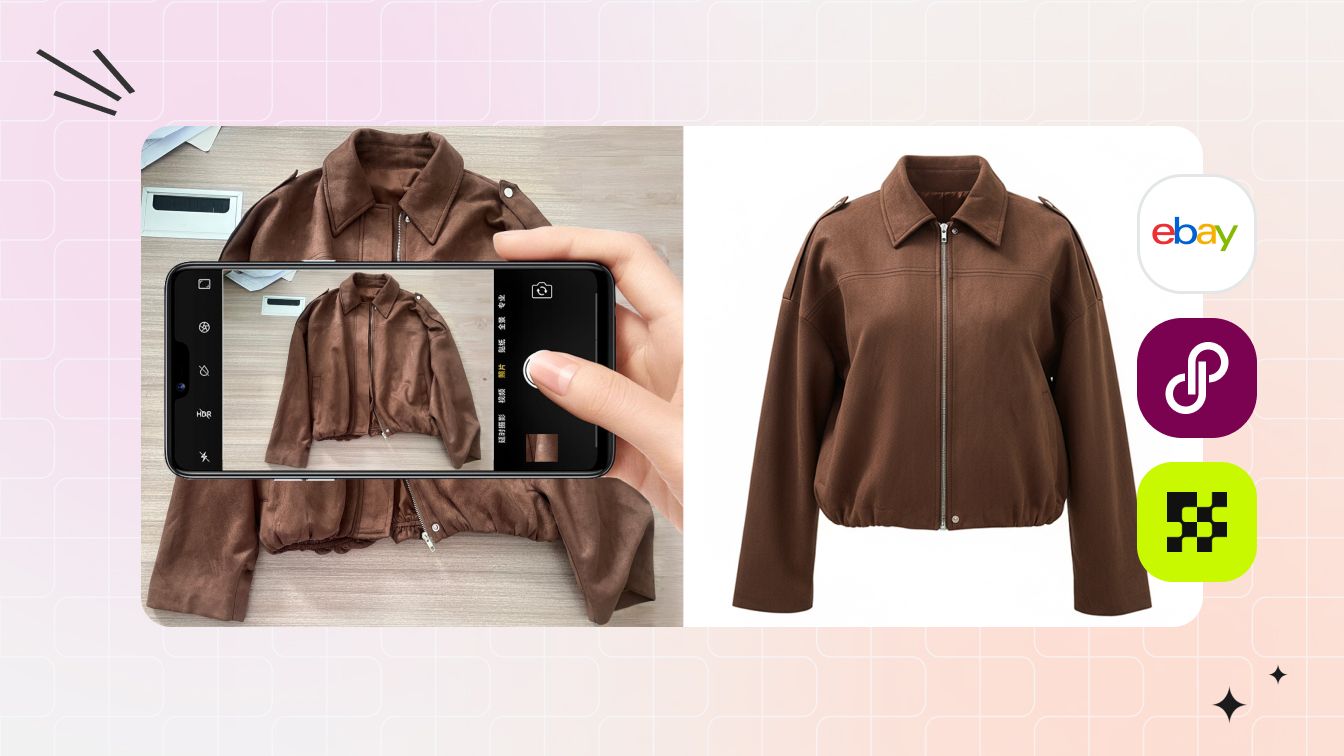
How to Take Pictures of Clothes Without a Mannequin
Compare flat lay, hanger, self-model and AI-assisted approaches for creating useful source and listing images without a studio mannequin.
Read guide →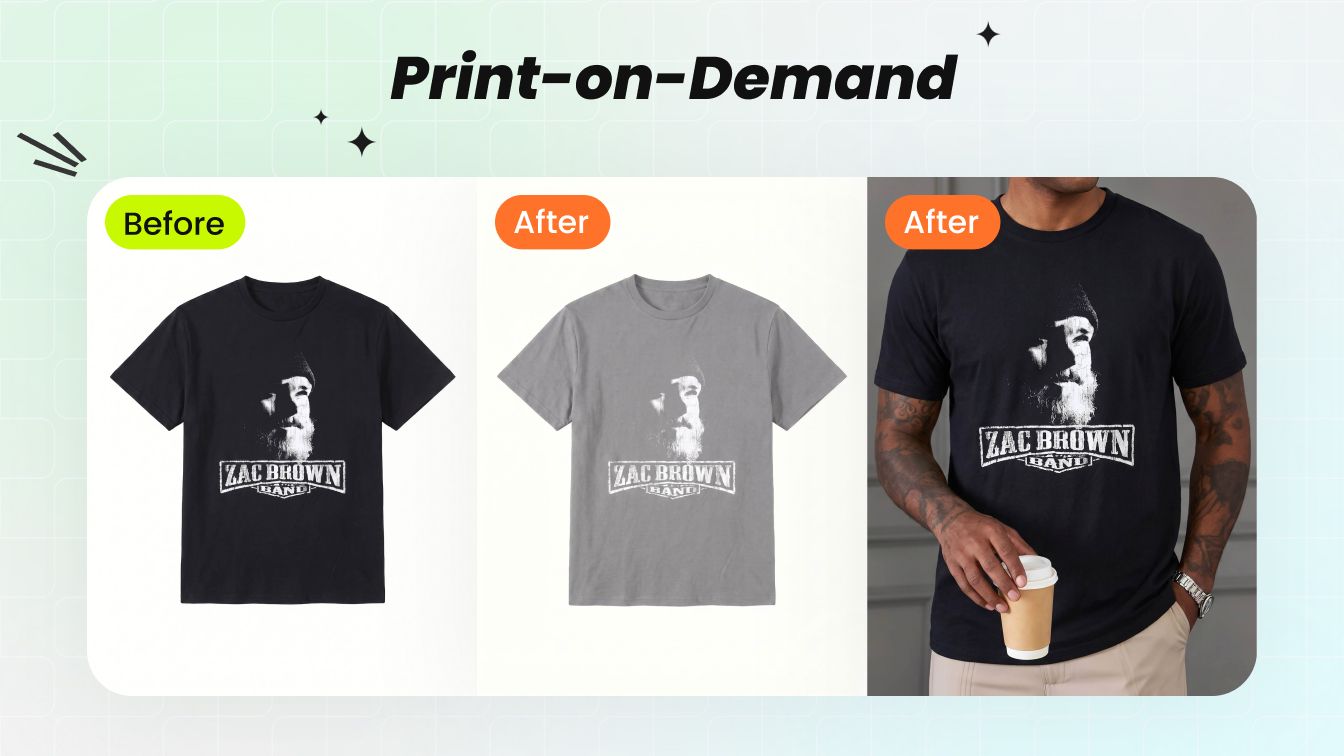
Best AI T-Shirt Mockup Generators for Ecommerce Sellers
Explore on-model, lifestyle and product-only mockup options for turning a T-shirt design or source image into a broader sales gallery.
Read comparison →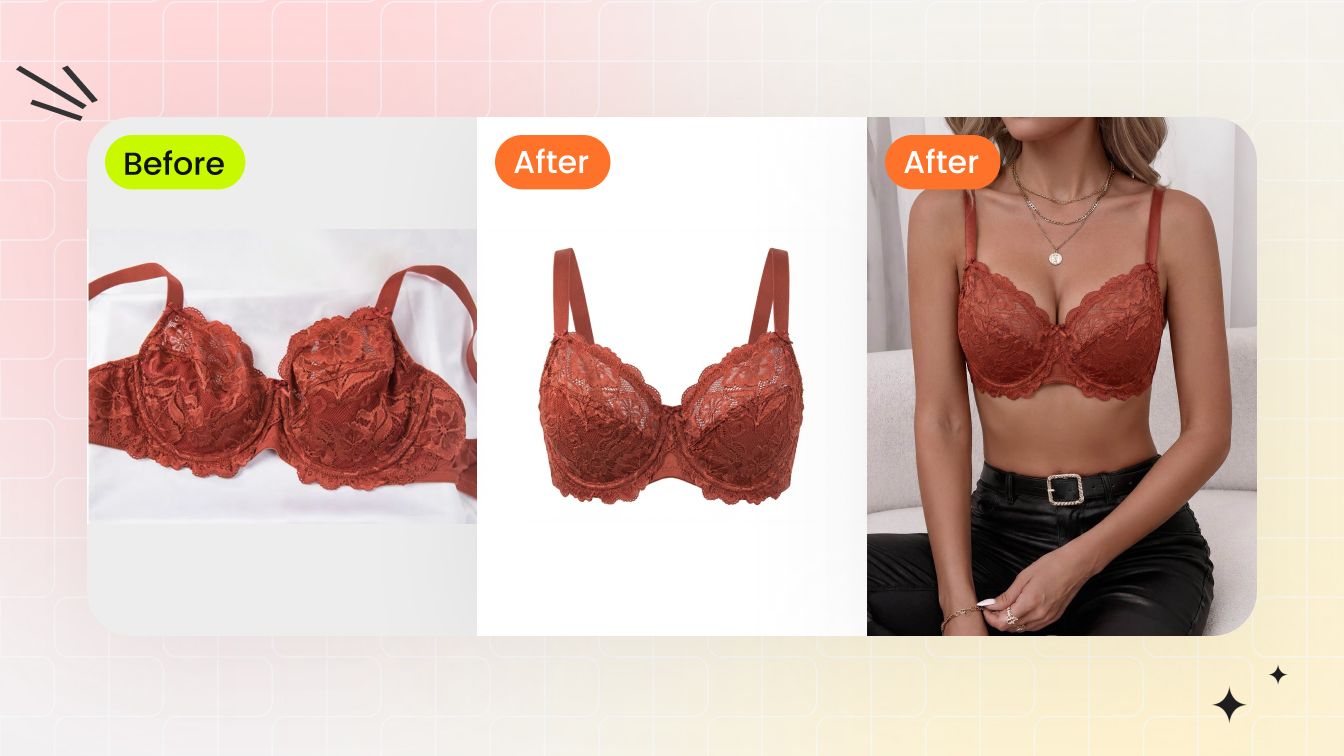
AI Lingerie Photography for Ecommerce Sellers
Plan flat lay, ghost mannequin and on-model assets for detail-sensitive products such as bras, lace and lingerie collections.
Read guide →What Fashion Sellers Say About Snappyit
Public feedback from fashion and apparel sellers using Snappyit in their ecommerce visual-production workflows.
“As a Shopify apparel seller, Snappyit has completely changed our product photography workflow. We no longer need expensive studio shoots or professional retouchers. It greatly cuts our visual production cost and speeds up our listing launch speed. Highly recommended for fashion brands and online clothing stores”
“This Snappyit is such an amazing ai software! I have been using it for a few weeks now, and it's a total game-changer for my fashion business. The AI tools are intuitive, fast, and produce professional and high-quality visuals—from 3D mannequins to model videos— without needing expensive photoshoots. I especially love the Ghost Mannequin and Color Change features. They save me so much time! The credit system is straightforward and the results are consistently impressive. For anyone in fashion—brands, designers or sellers—this platform is worth every penny. Highly recommend!”
“I run a small clothing company and couldn’t afford high shooting costs, so I only use flat lay images for online sales. Then I met Snappyit. It transforms my photos into 3D with just one click!”
These public reviews describe individual customer experiences and do not prove a particular feature’s current output. Read the linked Trustpilot pages for source context.
Flat Lay to AI Fashion Model Generator FAQs
What does flat lay to model mean?
Flat lay to model means turning a clothing or product photo taken from above into a new image that shows the item on an AI-generated fashion model. The workflow is also called product-to-model AI, garment-to-model generation, AI clothing model photography or virtual model photography.
Can I put my clothes on an AI model from a product photo?
Yes. Upload a flat lay or product-only photo that you own or have permission to use, then choose a model direction or template. The generator creates a new on-model merchandising image; review it against the source before using it in a listing.
How does AI turn a flat lay into a model photo?
The AI analyzes the garment’s visible shape, color and details, then generates a model and scene around the product. It is a generated ecommerce visual, not a photograph of a person actually wearing the item, so product checks remain necessary.
What clothing photos work best with an AI model generator?
Use a sharp, well-lit image with the full garment visible, important edges unobstructed and good contrast from the background. Flat lays, clean hanger shots and product-only photos can work; for sets, show every included piece clearly and remove unrelated objects.
What products can I place on an AI fashion model?
Clear source photos can support dresses, tops, T-shirts, shirts, sweaters, jackets, pants, coordinated sets, footwear and accessories. Results vary by structure, layering and source quality, so check that the generated model image represents every included item accurately.
Is an AI fashion model image the same as virtual try-on?
No. This page creates merchandising images that show a product on a generated model. Consumer virtual try-on usually previews an item on a specific shopper or uploaded person. Neither workflow should replace verified measurements, sizing guidance or fit information.
What is the difference between a flat lay, a ghost mannequin image and an on-model photo?
A flat lay shows the product arranged on a surface. A ghost mannequin image adds hollow-body shape without a visible person. An on-model image adds a visible model and styling context. Ecommerce galleries often use more than one view because each answers a different shopper question.
Can an AI model image prove exact garment fit or sizing?
No. An AI model image communicates styling and fit direction, but it is not an exact try-on, measurement or sizing promise. Pair it with a size chart, product measurements and verified garment details.
Will flat lay to model AI preserve every product detail?
AI-generated results can vary. Compare the output with the source and check color, print, logos, buttons, zippers, trim, texture, silhouette and proportions before adding it to a product listing.
Where can ecommerce sellers use on-model product images?
On-model product images can support Shopify product pages, Amazon and Etsy listings, marketplace galleries, wholesale catalogs, lookbooks, ads and social commerce. Check each channel’s current image rules before publishing.
Create an On-Model Product Image from Your Flat Lay
Upload one product photo to start. Your selected image carries into the AI Fashion Model generator, where you can choose a model direction, generate an ecommerce visual and review it before publishing.






