



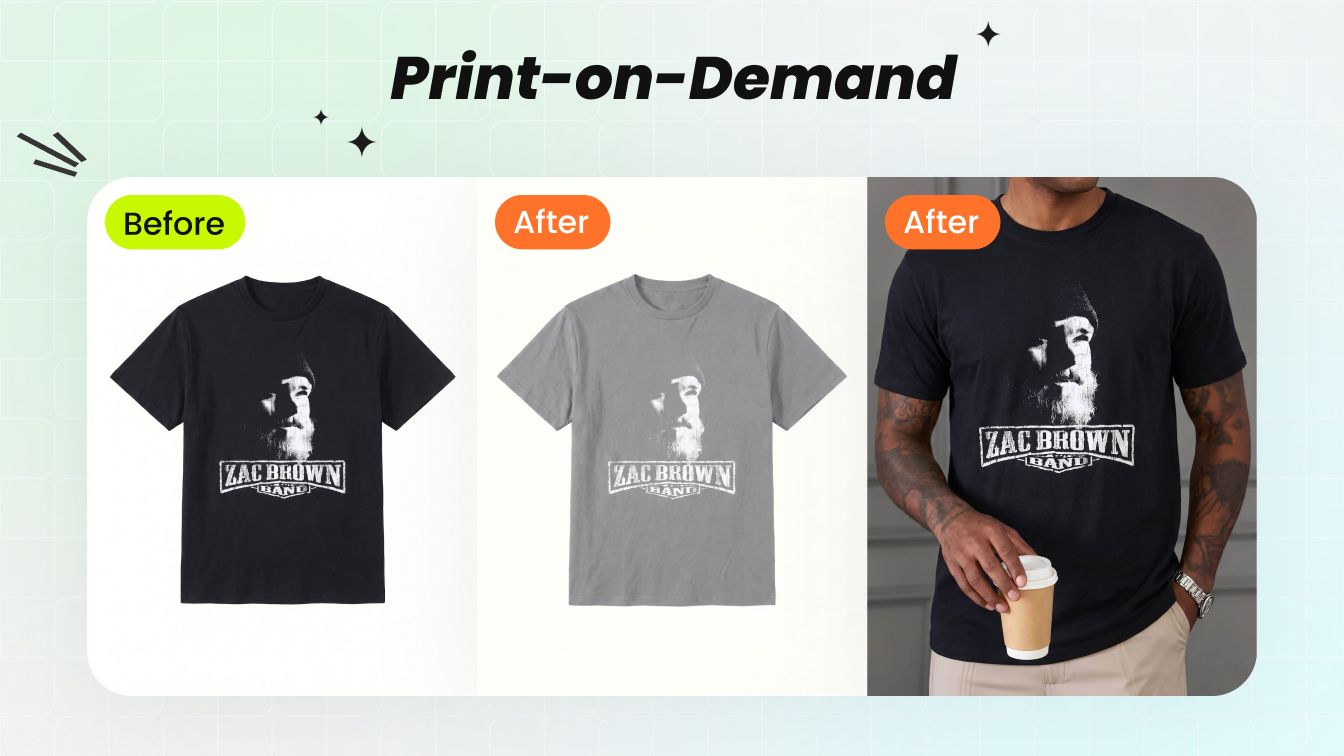
How we tested six T-shirt mockup generators
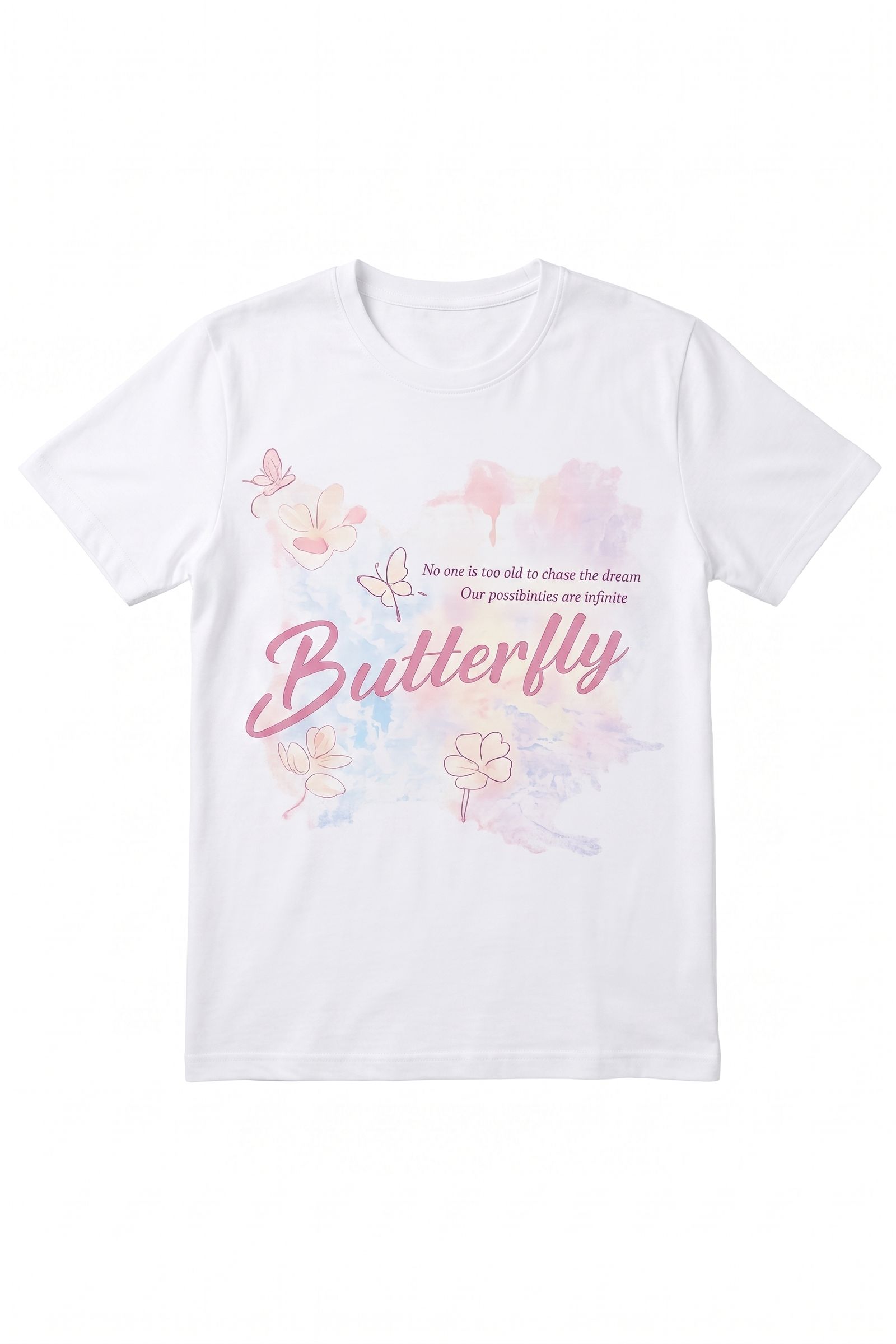
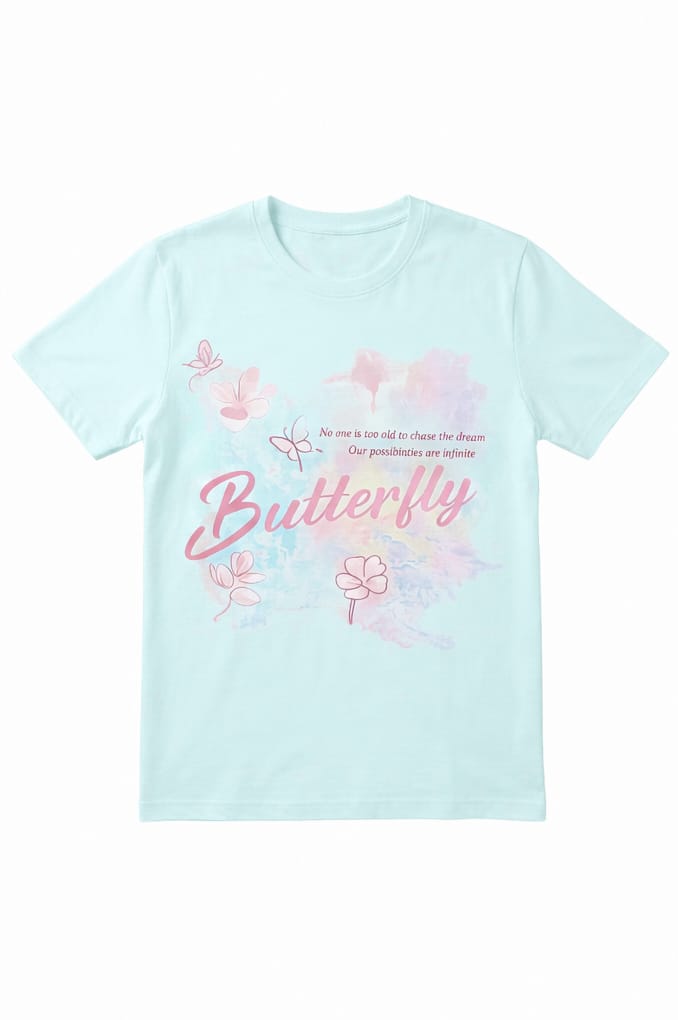
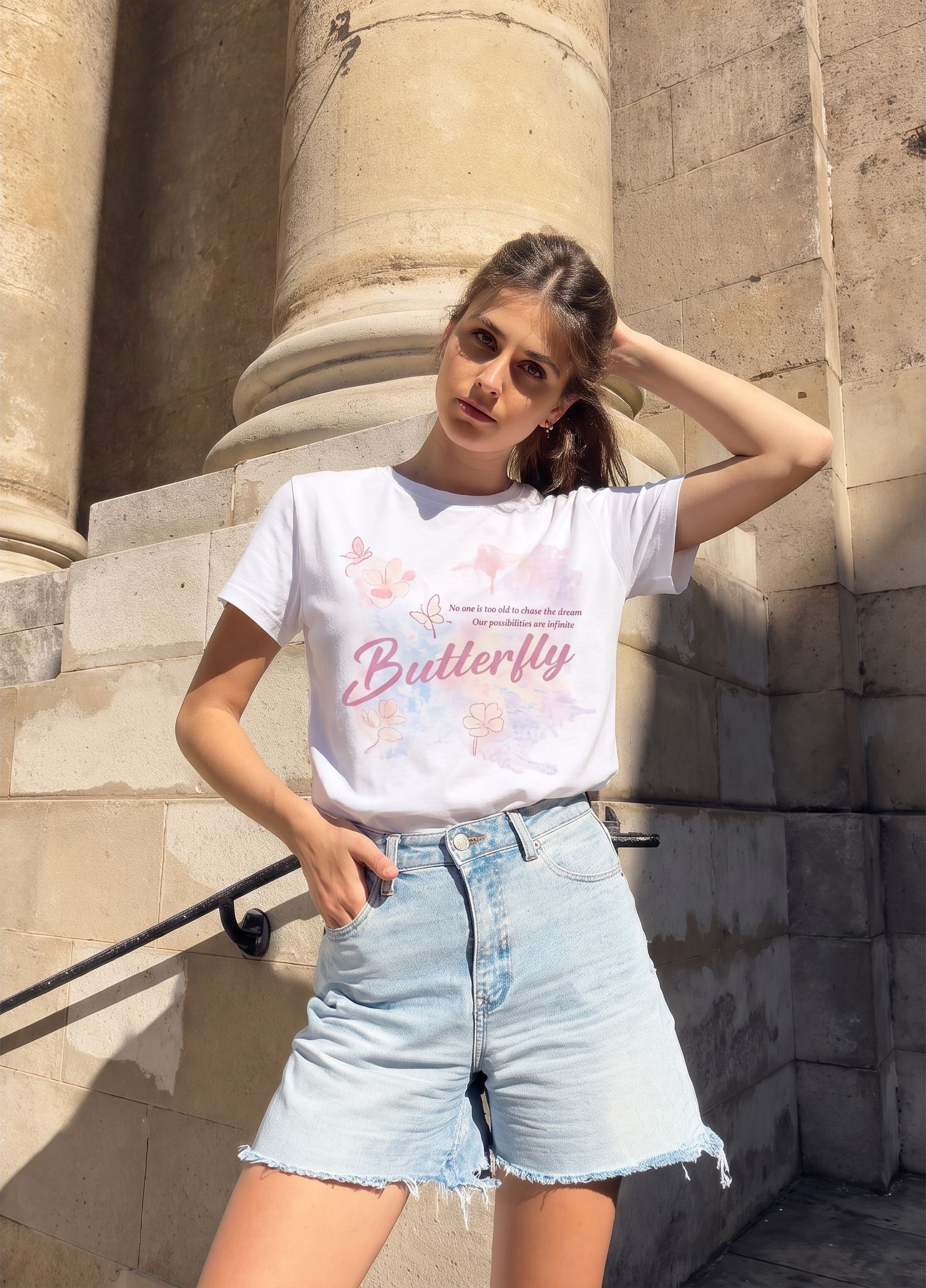
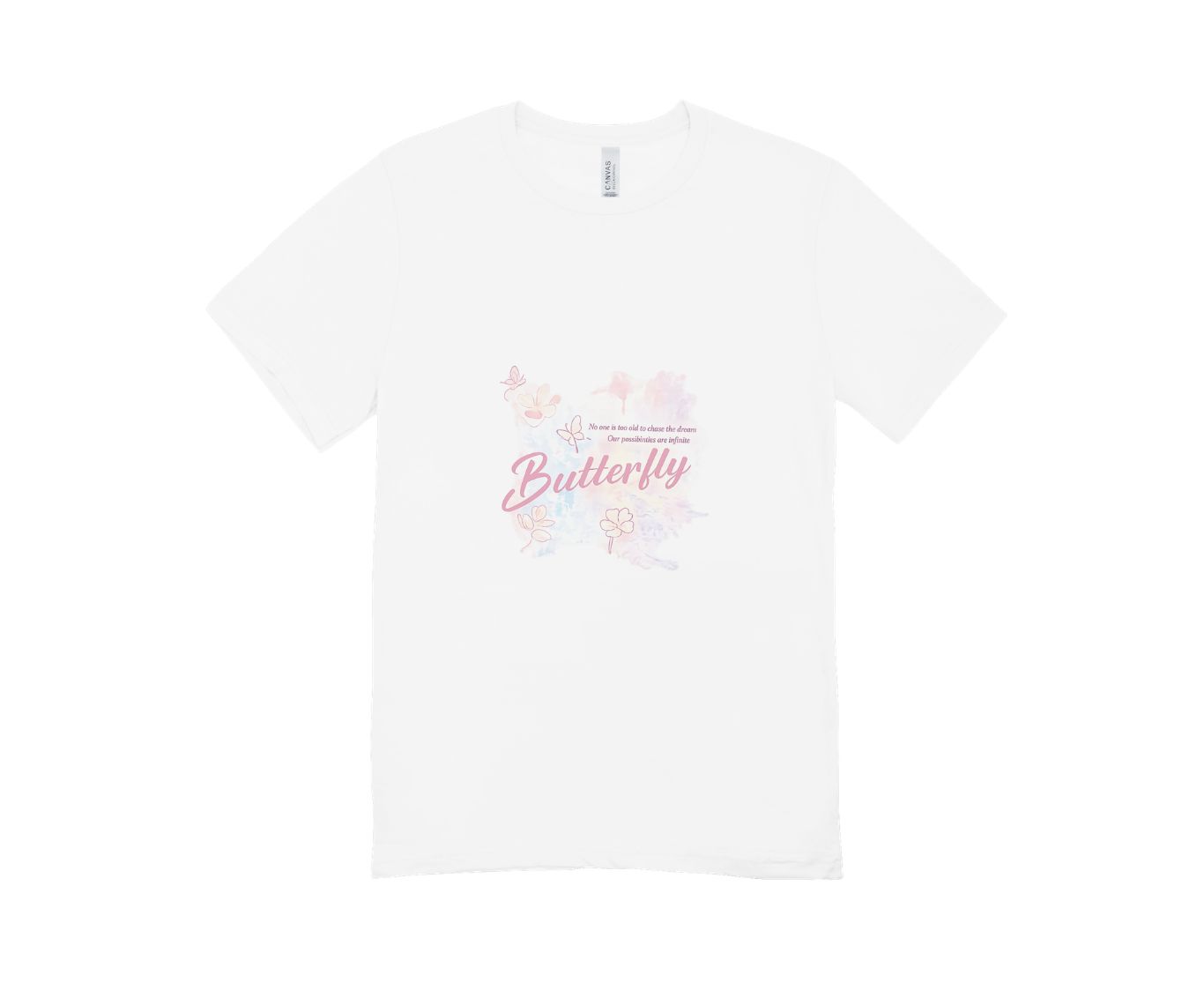
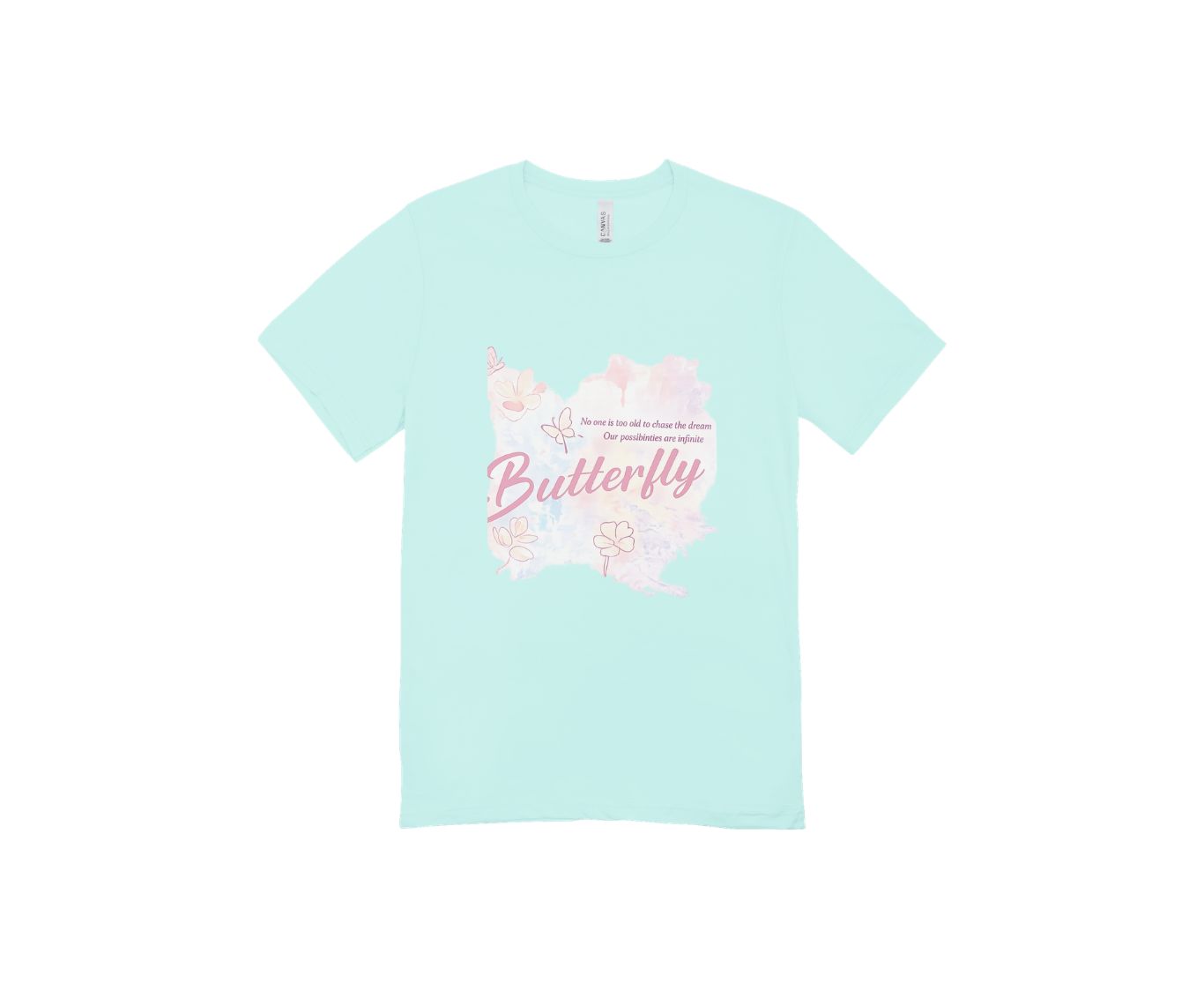
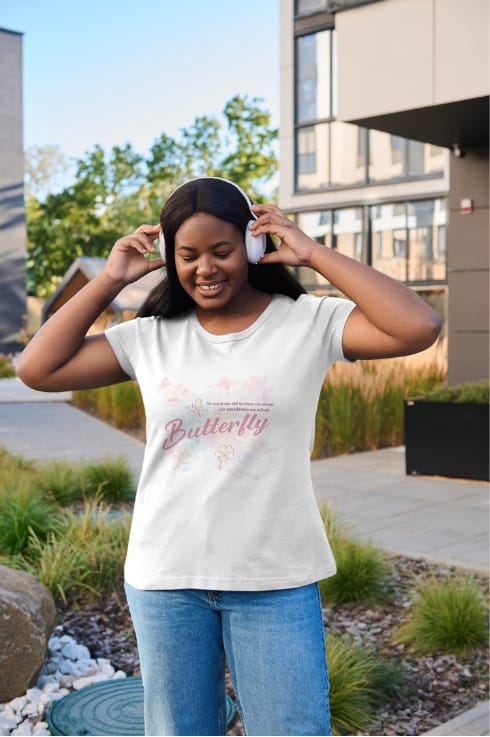
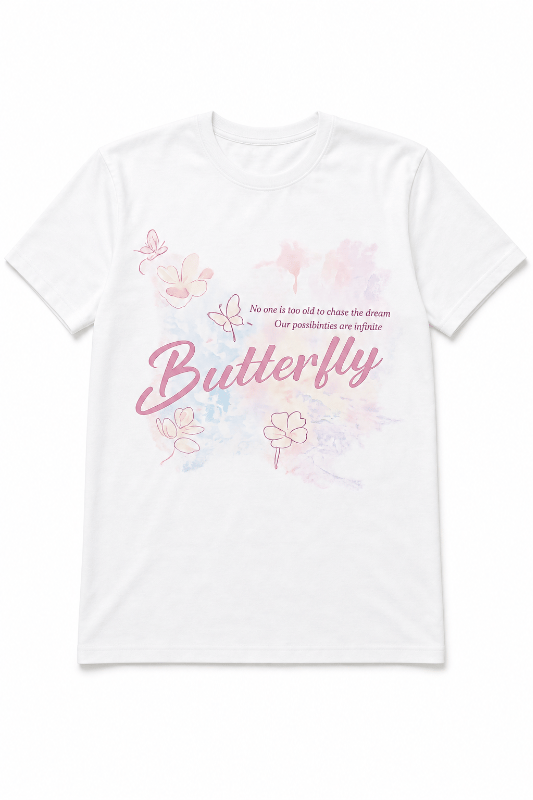
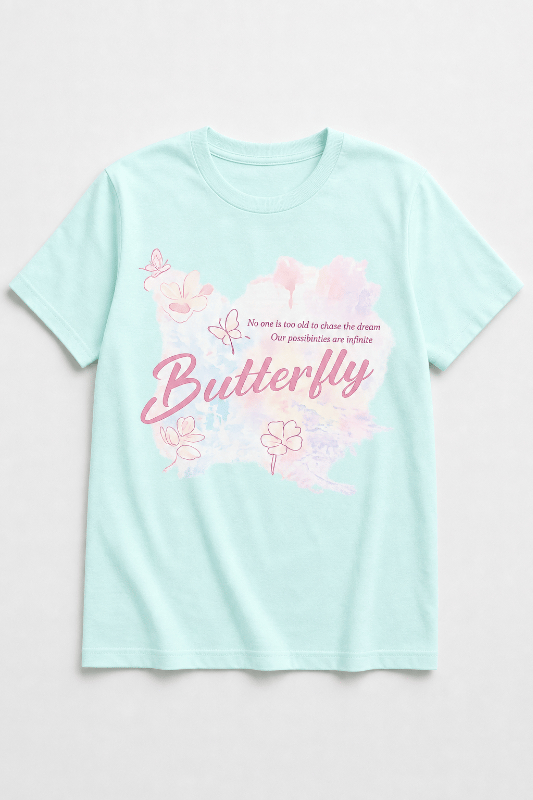
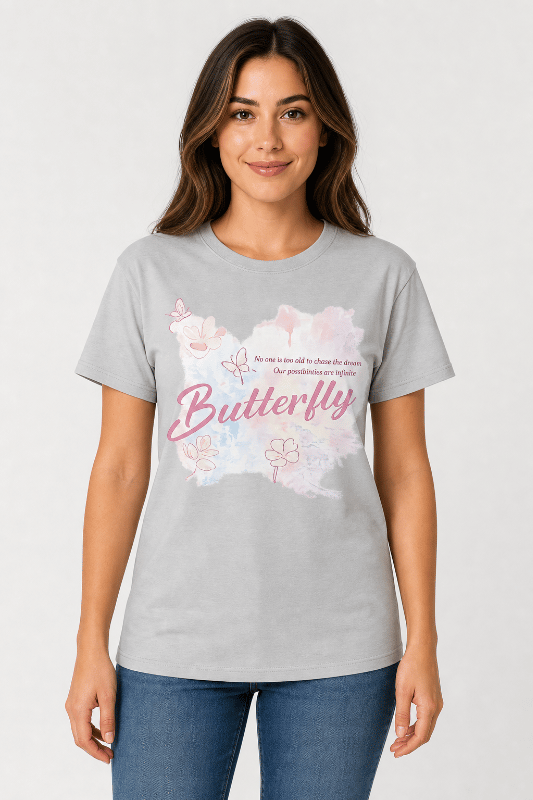
We gave every workflow the same butterfly artwork and asked for three assets a seller may need: a clean product view, a model image, and a pale-mint garment option.
This is a workflow comparison, not a laboratory image-quality ranking. AI tools generated or edited images, template tools used their own scenes, and Printify used a catalog blank, so the garments, poses, and backgrounds were not identical. Snappyit is our product; we report only what happened in this test and show the files behind each conclusion.
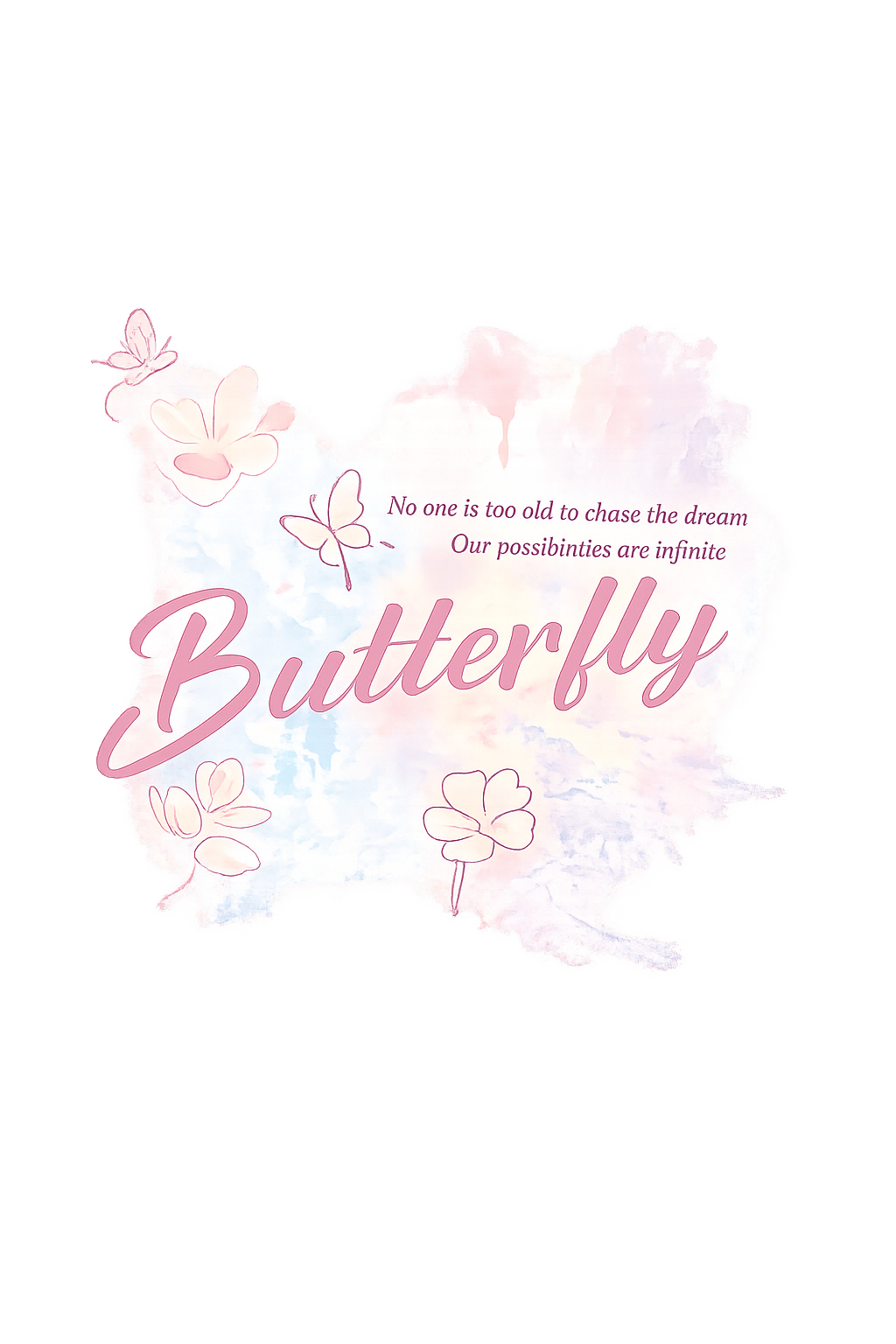
#CBFAF5 while preserving the print.Best T-shirt mockup generator by seller workflow
The tools fall into three practical groups: custom AI generation, fixed mockup templates, and catalog-linked print-on-demand (POD) previews. Use this table to narrow the field before reviewing the test files.
Swipe horizontally to compare the full table.
| Tool | Best for | How it works | Check before use |
|---|---|---|---|
| Snappyit | Custom product, model, and recolored images | Generates and edits new images beyond fixed scenes | Print scale, placement, garment color, and fine text |
| Canva | Stores already designing ads and listings in Canva | Places artwork into mockup templates inside the design workspace | Template boundaries, crop, and softness at export size |
| Kittl | Generated concepts plus editable design tools | Combines an AI agent with a design workspace | Color consistency between product and model generations |
| Mockey AI | Fast product and model mockups | Places artwork into prebuilt scenes | Fixed pose, scene choice, and current license restrictions |
| Placeit | A broad library of ready-made lifestyle scenes | Uses editable product and model templates | Watermarks on previews and clothing that may cover the print |
| Printify | Product setup for Printify fulfillment | Builds previews from a selected catalog blank | Available colors and models; confirm production with a sample |
T-shirt mockup generator pricing
These were the free-access terms and paid entry points shown during our August 5 check. For store use, confirm the commercial license and export terms before paying for a plan.
Swipe horizontally to compare pricing.
| Tool | Free offer | Paid plan |
|---|---|---|
| Snappyit | 6 signup credits | Basic: $12.90/month or $8.20/month billed annually; 120 credits [1] |
| Canva | Free plan | Pro pricing varies by region and billing cycle; check the current official page [2] |
| Kittl | Free plan; current pricing FAQ limits it to personal use | Paid plans add commercial licensing and more AI tokens; price varies by billing option [3] |
| Mockey AI | Free plan available | Paid plans start from $7/month on the current pricing page [4] |
| Placeit | Watermarked previews in our test | From $7.47/month was displayed on the official pricing page; offers and billing terms may vary [5] |
| Printify | Free plan | Premium: from $39/month or $24.99/month billed annually [6] |
US pricing checked August 5, 2026, before tax, using the official pages listed in References. Plans, regional prices, credits, and license terms can change. Kittl pricing depends on the billing option selected; Printify product and fulfillment costs are separate.
Snappyit for custom AI T-shirt mockups
Custom product, model, and recolored marketing images without being limited to a prebuilt scene.
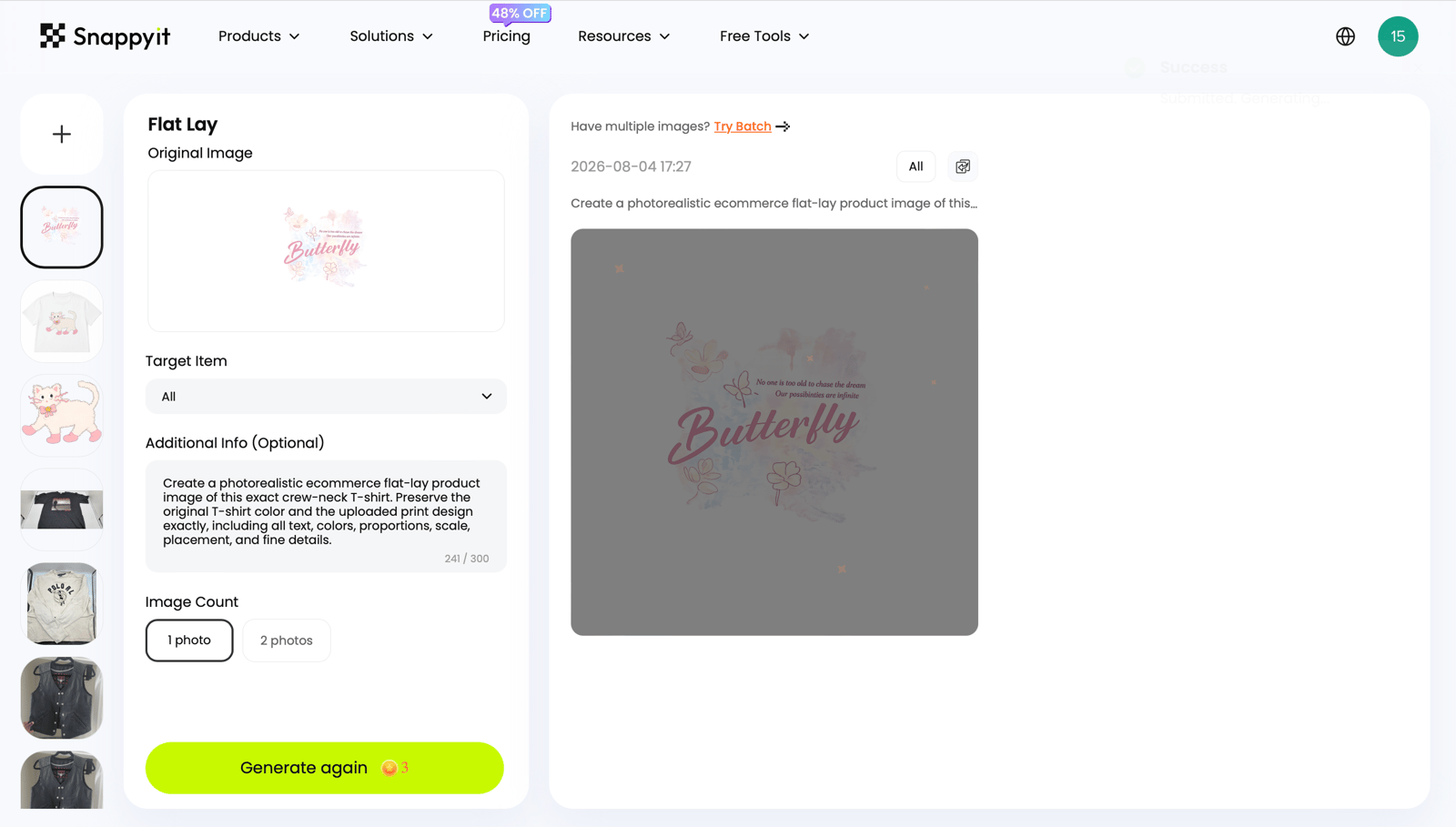
From the butterfly artwork, we made a white product view, an outdoor model image, and a pale-mint shirt version. The fine lettering and watercolor details remained readable in these files. Before publishing, compare the print scale, position, garment color, seams, and neckline with the source product.
Canva T-shirt mockups inside a design workflow
Mockups inside the same workspace they already use for listing graphics, ads, and social posts.
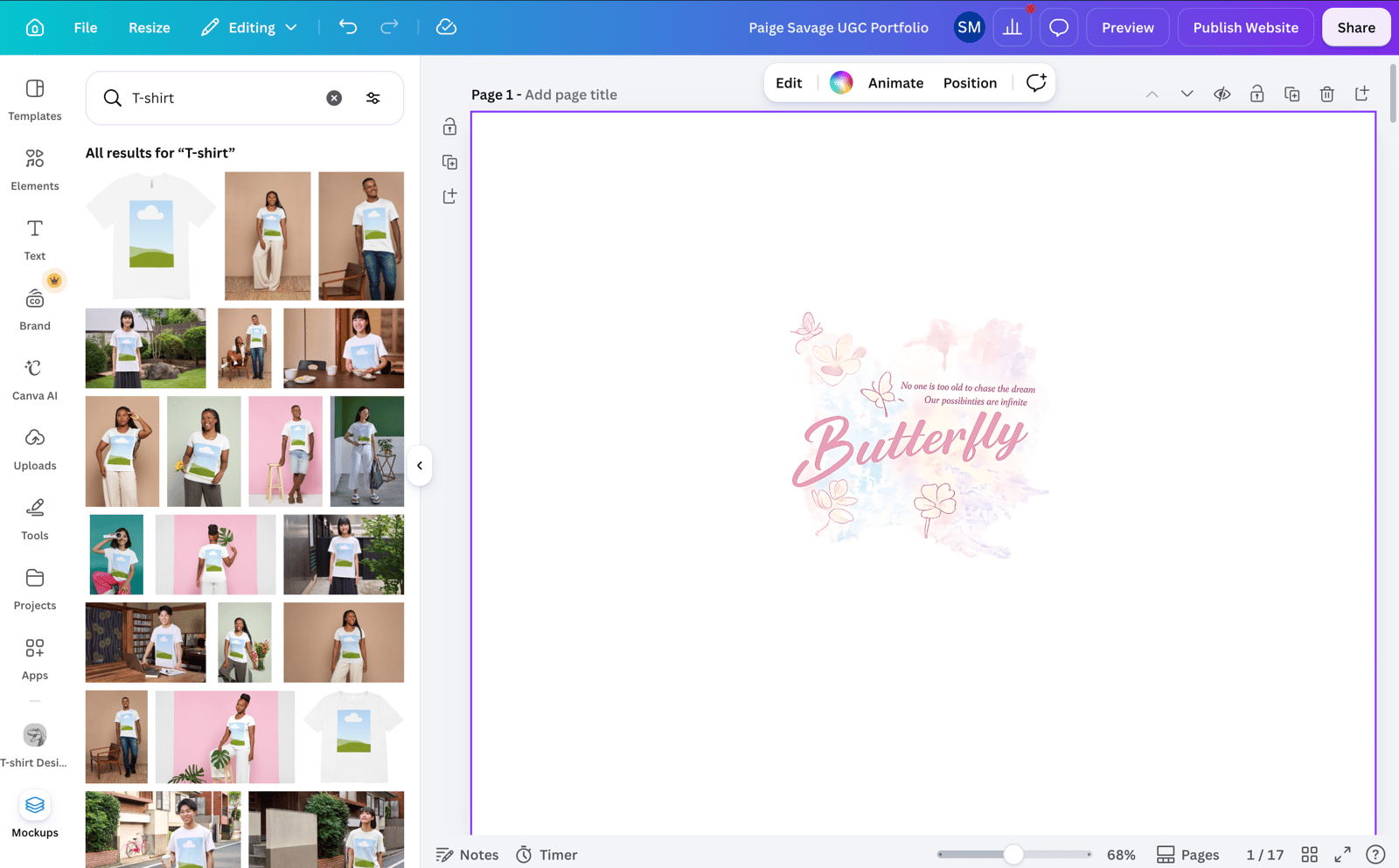
Canva makes sense when the rest of your campaign already lives there. We created white, pale-mint, and model mockups through Apps → Mockups. In the downloaded files, the print looked softer, and enlarging it pushed part of the artwork beyond the selected template area. Check small text and wide designs at the final export size.
Kittl for AI T-shirt mockup concepts
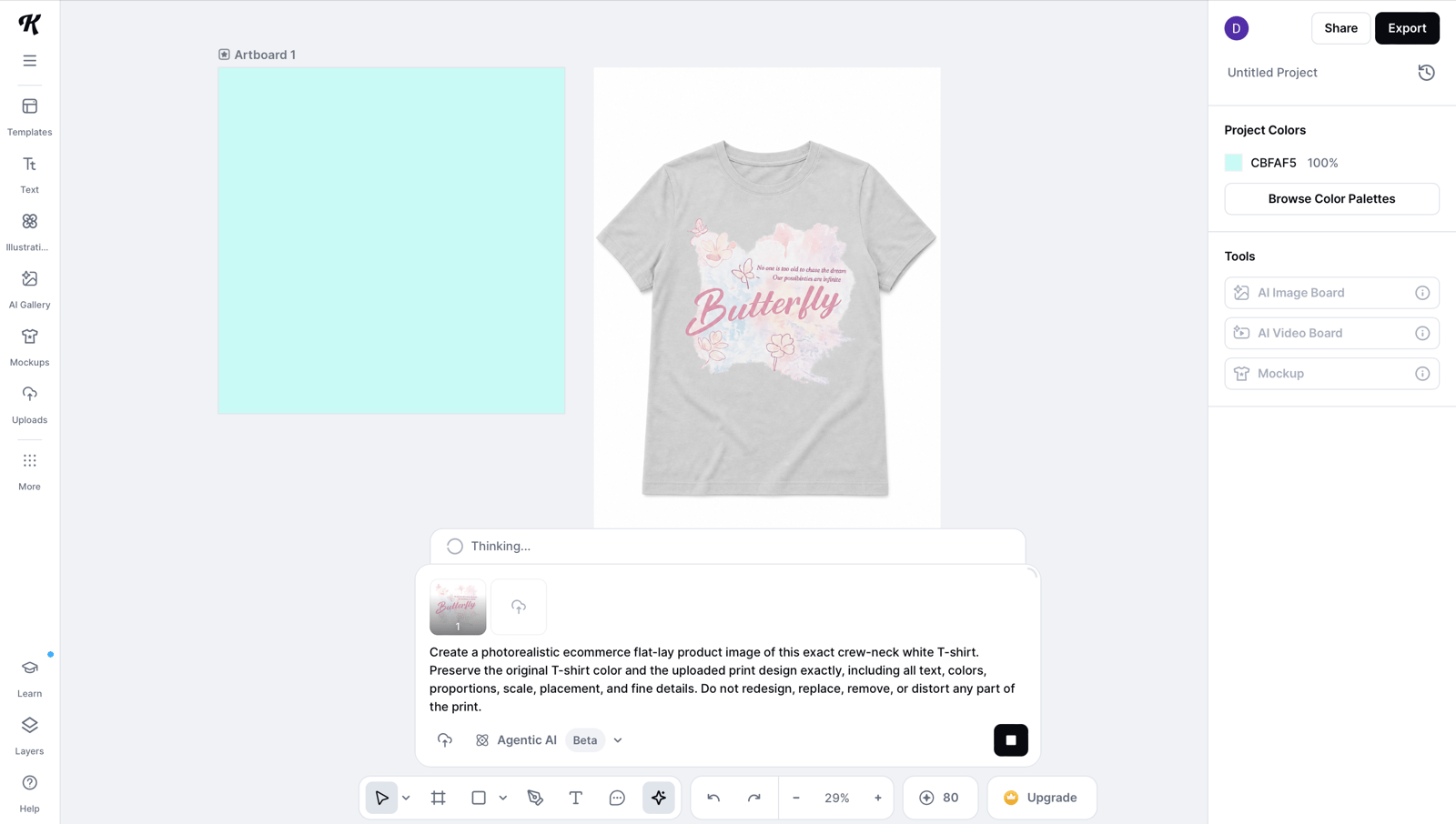
Generated mockup concepts alongside editable design tools.
Kittl produced the requested product and model views, and the print remained recognizable. The pale-mint instruction did not carry into the model generation—the shirt became gray—so the set was not ready to publish as a consistent color story. We downloaded the files shown here without reaching a limit; we did not test account-wide or monthly export caps.
Mockey AI for quick T-shirt mockup templates
Fast product and model mockups with straightforward color and placement controls.
Mockey exported three sharp images without a visible watermark in this test. The palest watercolor details lost contrast on the pale-mint shirt, while the model, pose, and environment remained fixed by the template. Mockey's current license permits commercial and personal use but prohibits resale or redistribution of the underlying assets; review the current agreement before publishing. [4]
Placeit T-shirt mockups for ready-made scenes
A broad choice of ready-made product and lifestyle scenes without generating a new setting.
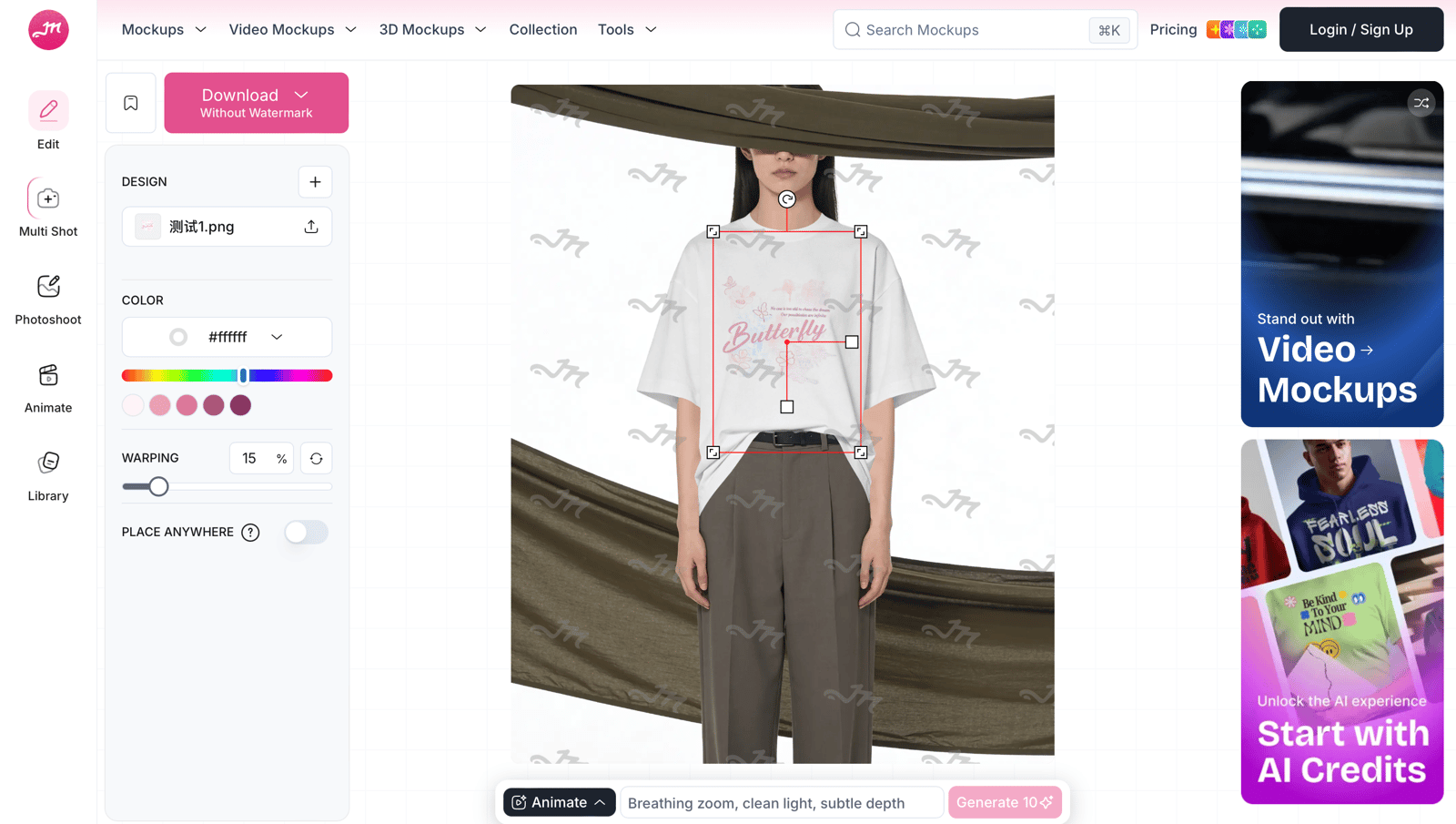
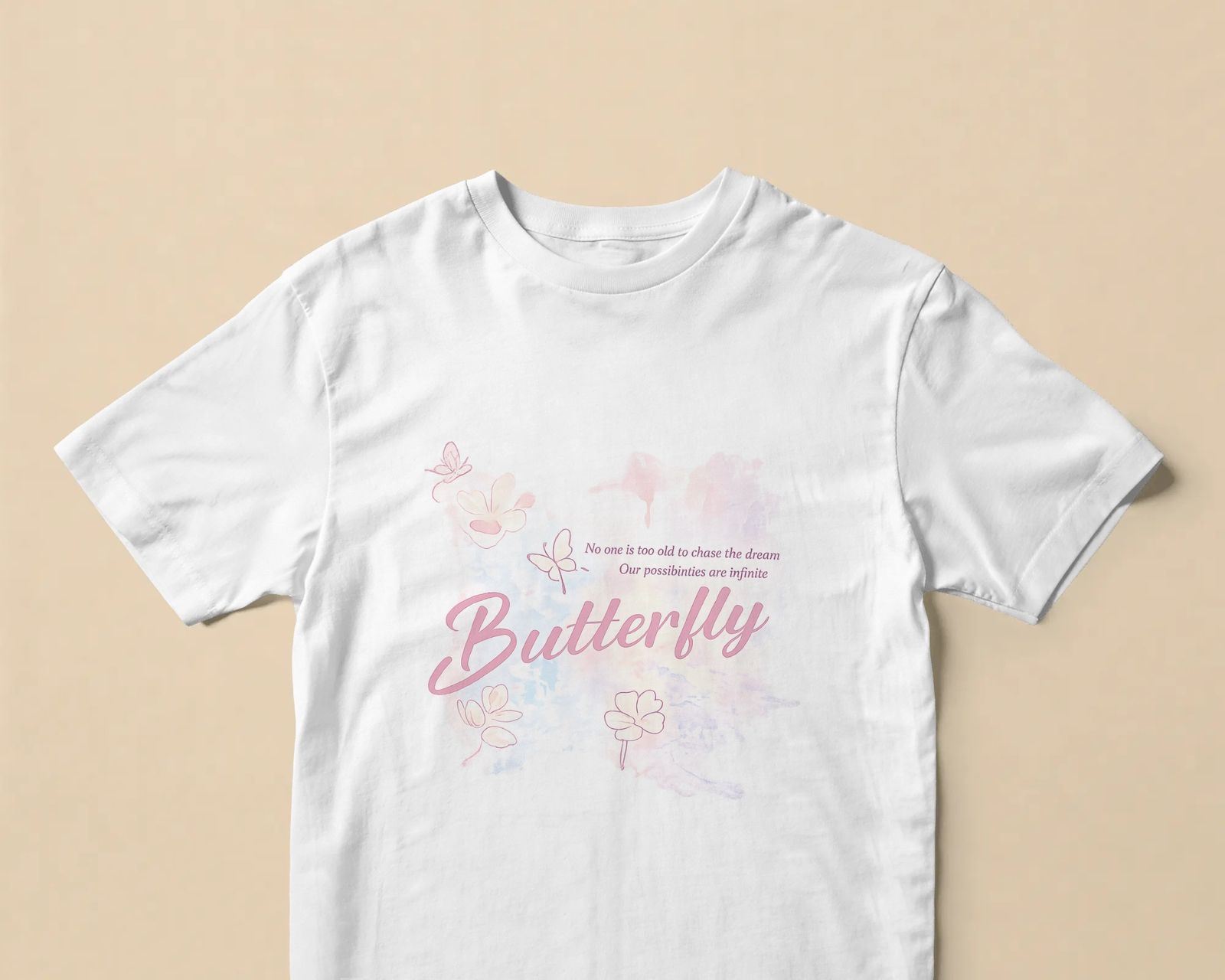
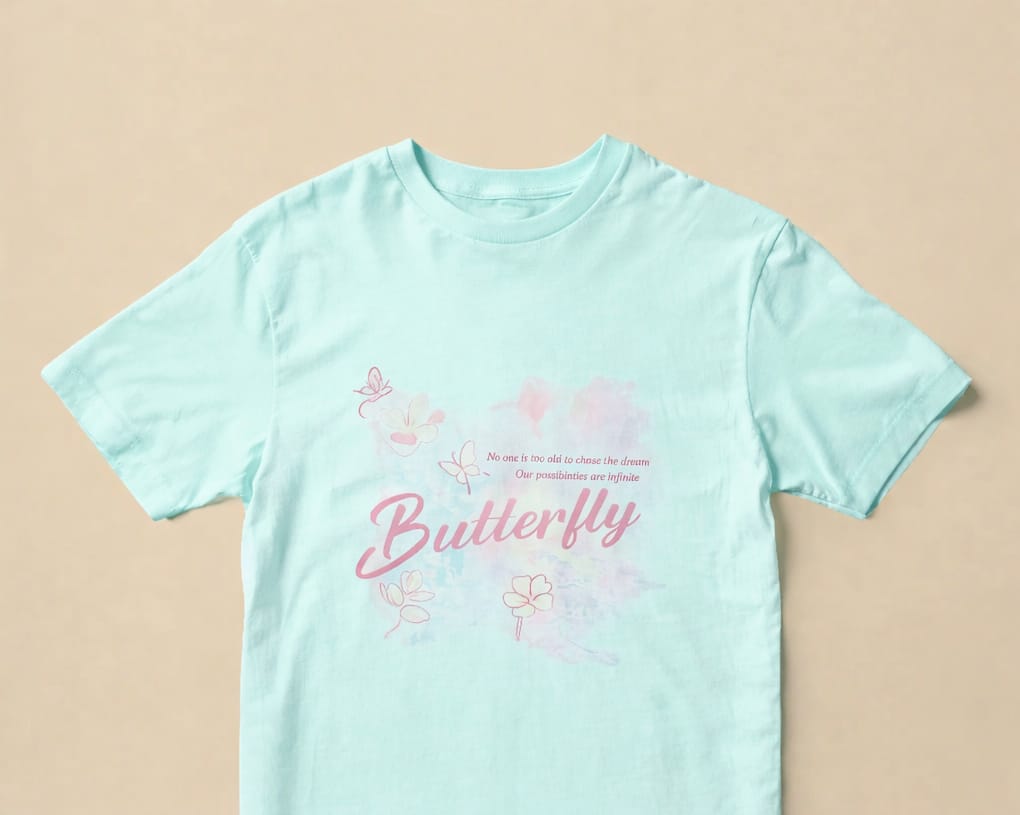
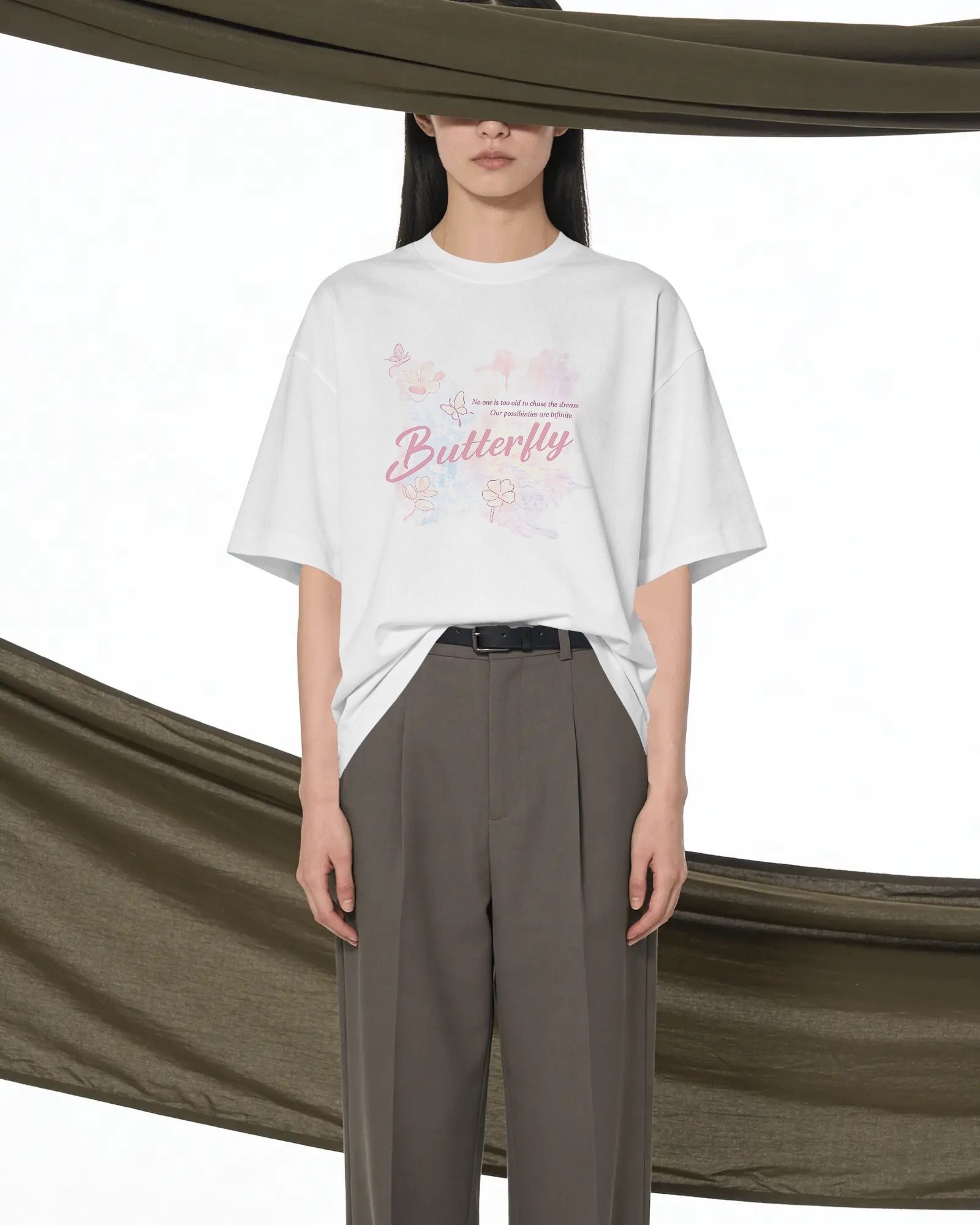
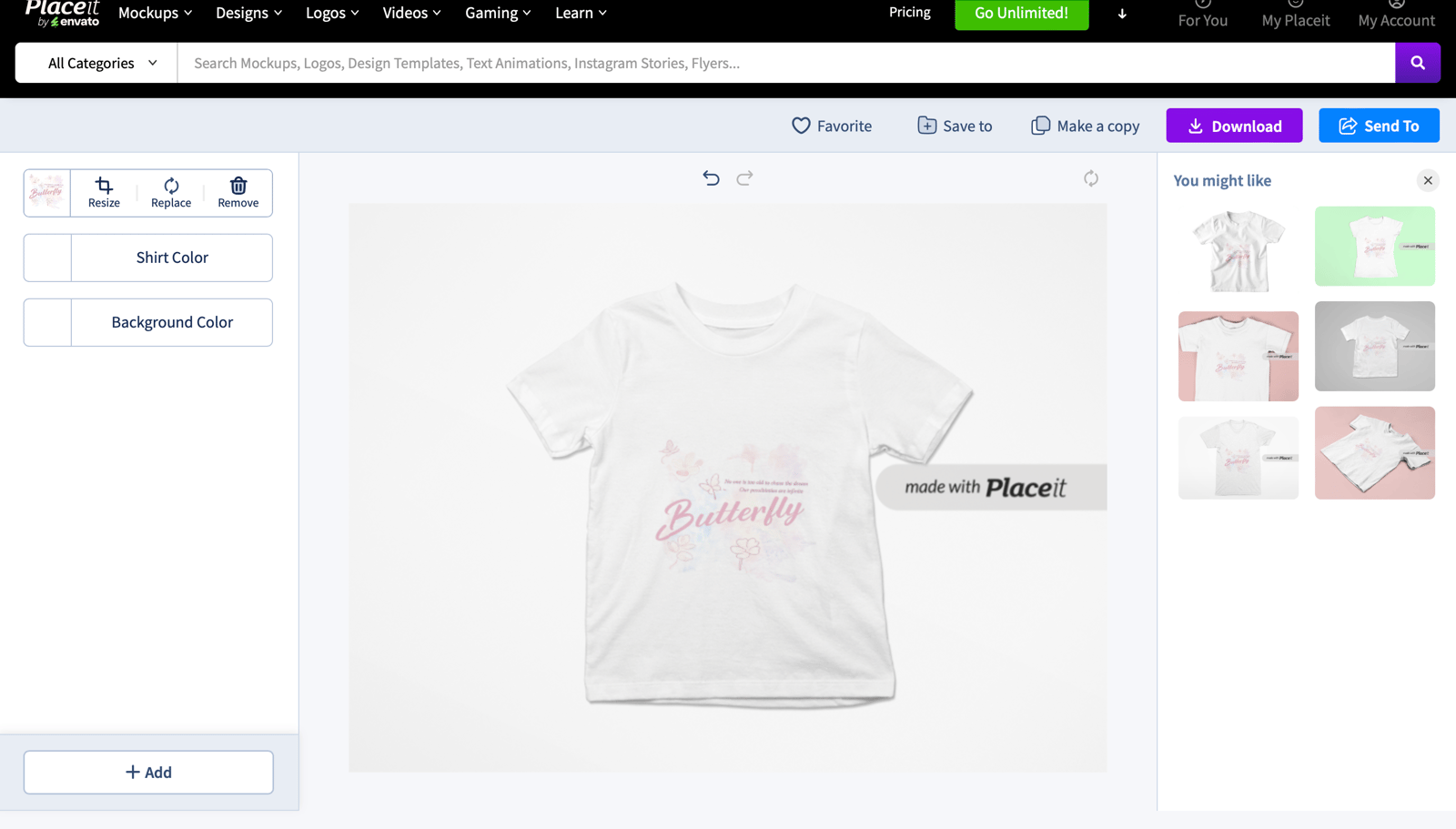
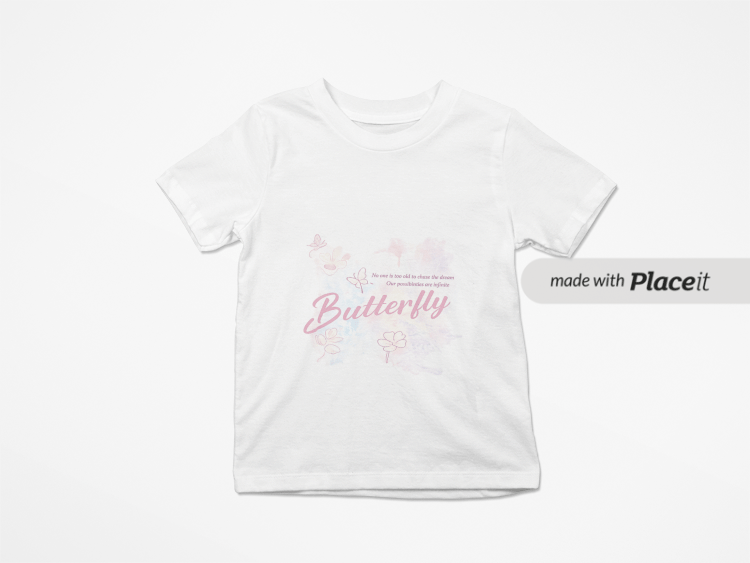
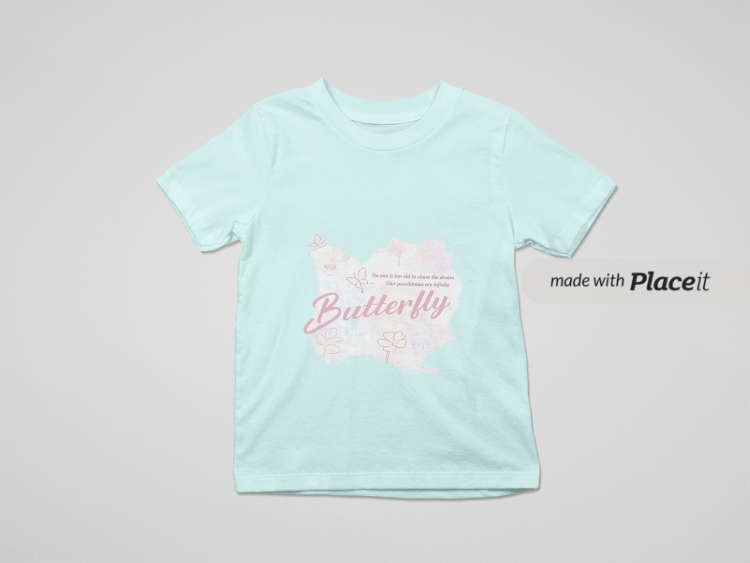
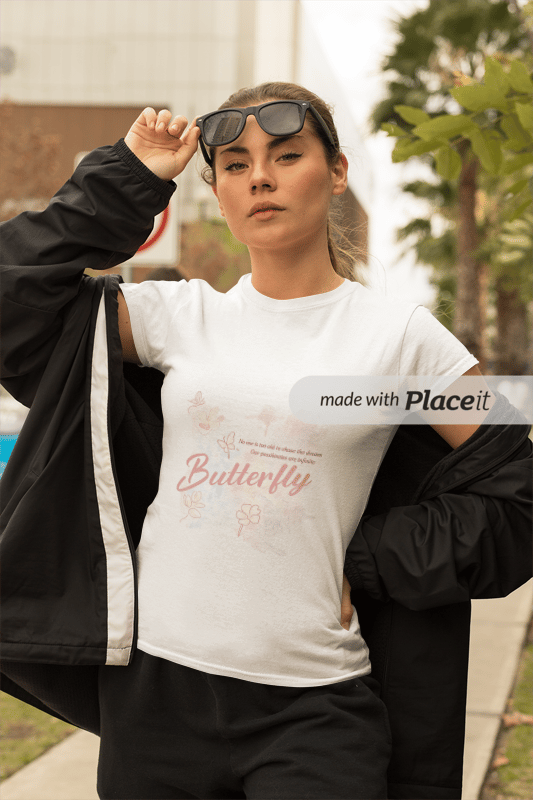
Placeit made the product, pale-mint, and model previews with direct artwork and shirt-color controls. Because the files we reviewed were watermarked previews, paid export quality remains untested. The selected model's jacket covered part of the design, so sellers with large front prints should choose scenes with an unobstructed chest area.
Printify Mockup Generator for POD previews
Listing previews tied to the exact Printify catalog product they plan to fulfill.
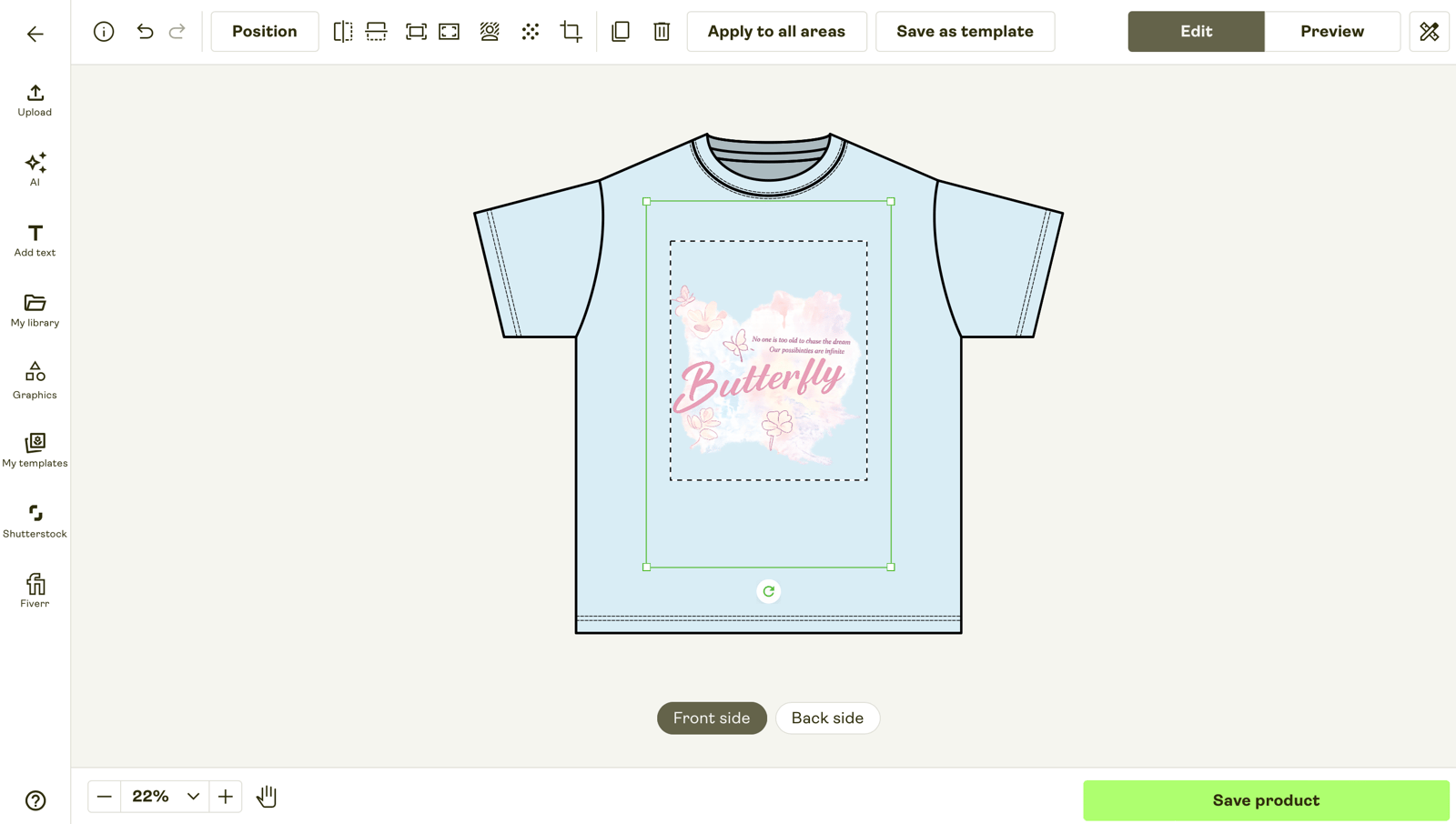
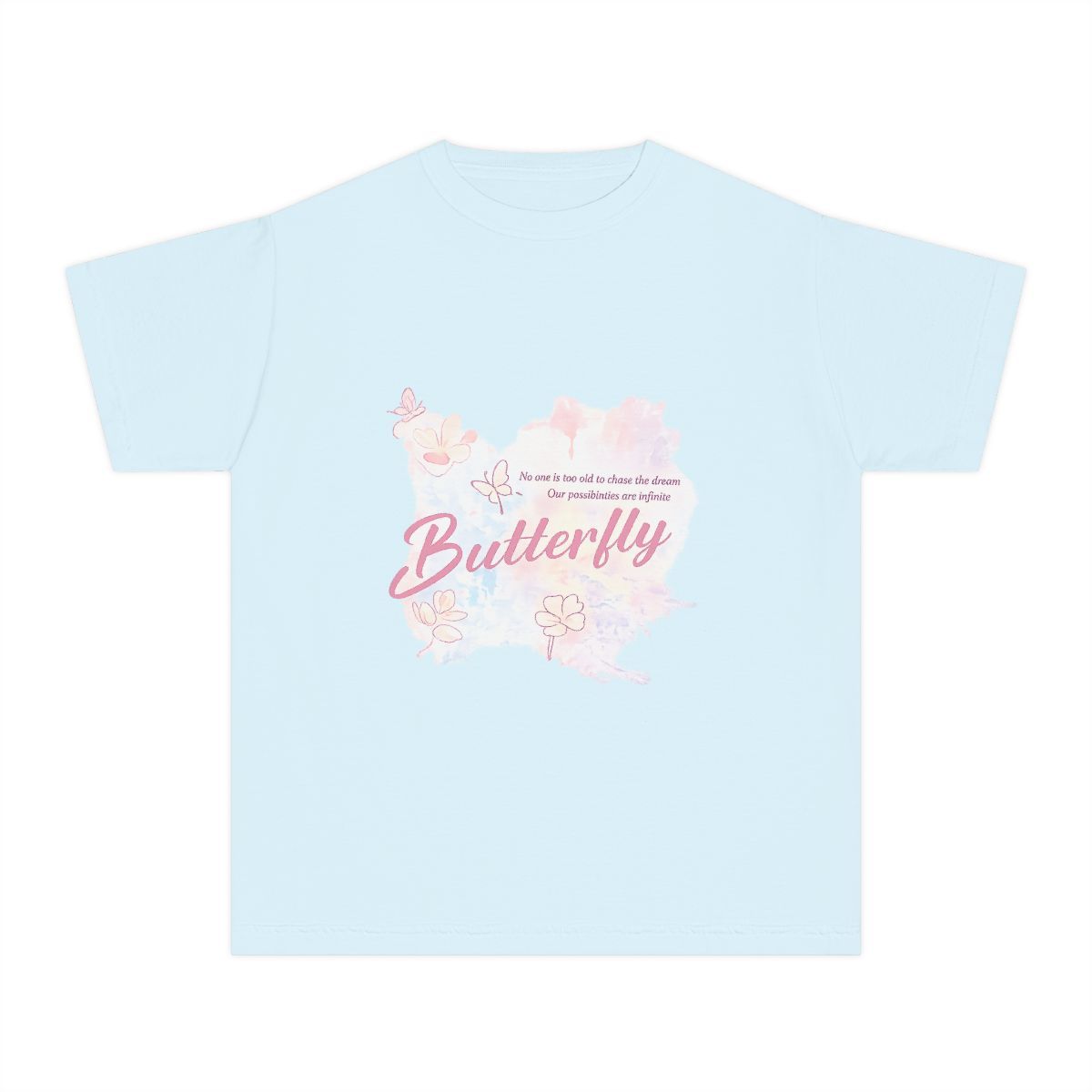
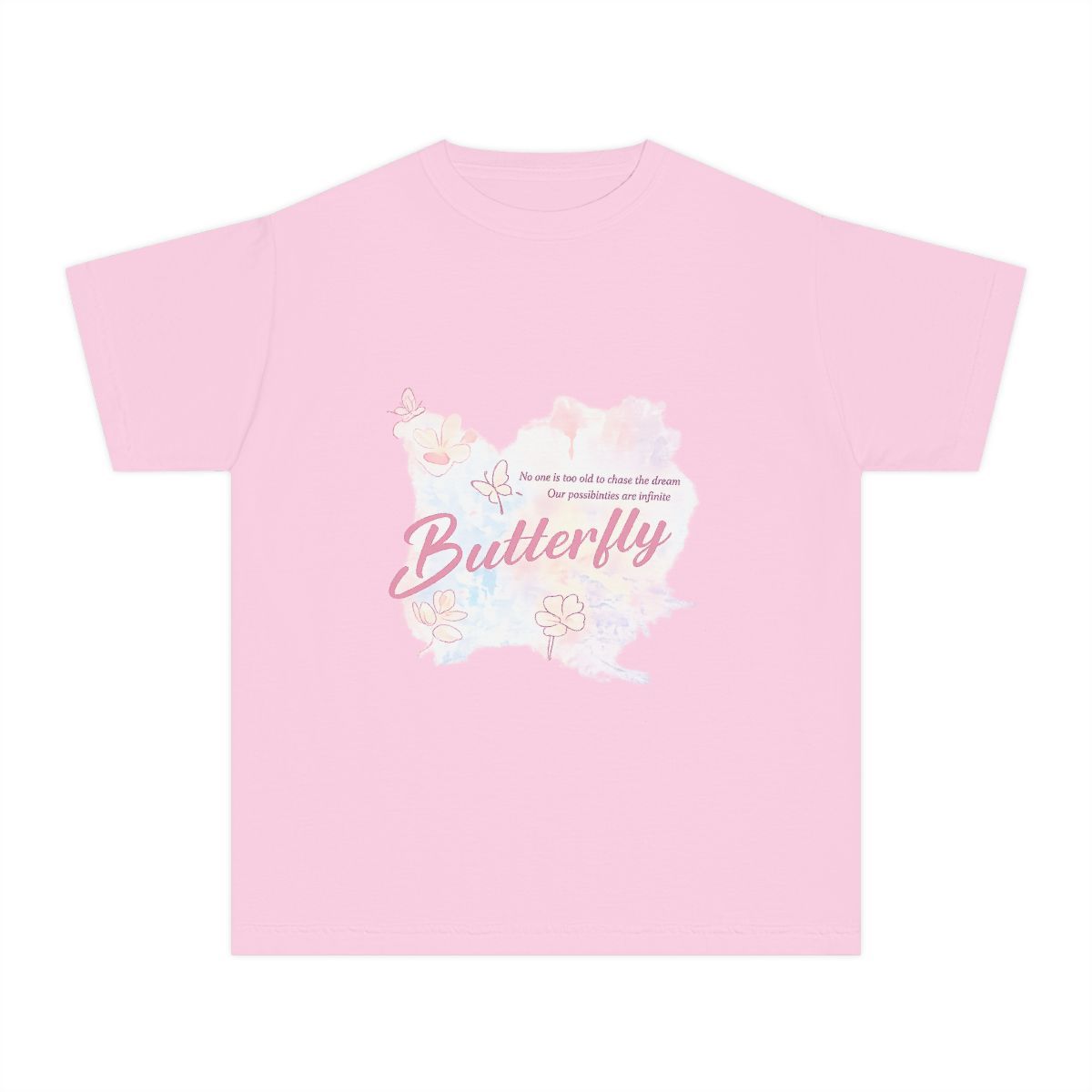
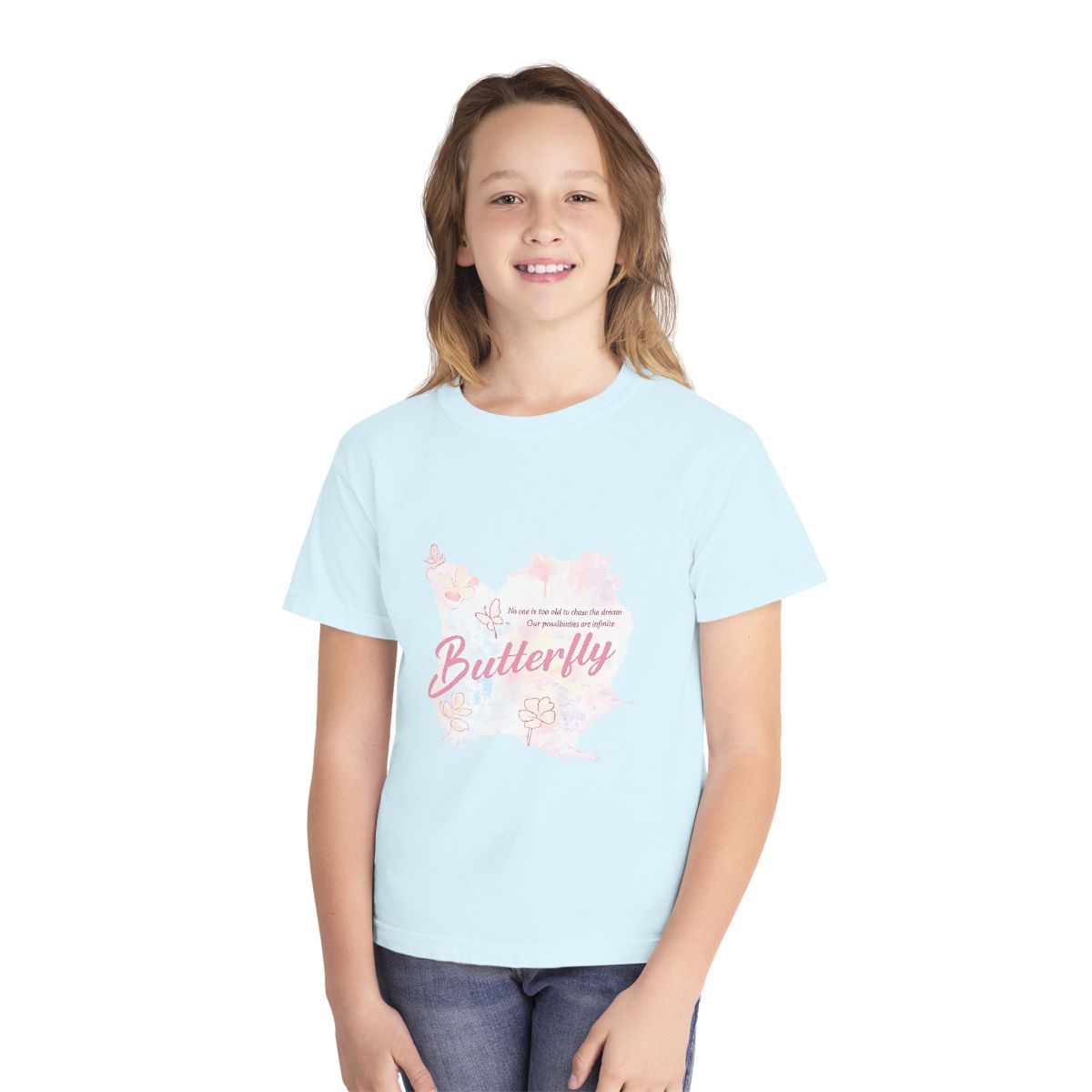
Printify produced product, color, and model previews from the selected catalog blank. This product's available set included a child model; other blanks may offer different colors and scenes. These files speed up product setup, but they do not verify the finished item. Order a printed sample when color, scale, placement, fabric response, or production quality matters.
How to choose a T-shirt mockup generator for your store
Match the tool to the next asset your listing actually needs. That usually makes the decision clearer than comparing feature counts.
For a broader listing-image plan, see our AI product photography guide. Sellers building garment color options can also use the POD color-variant mockup workflow.
T-shirt mockup generator FAQ
What is the best T-shirt mockup generator for Etsy, Shopify, or POD sellers?
Choose by workflow. Snappyit fits custom product, model, and recolored images; Mockey and Placeit fit fast template mockups; Canva and Kittl fit design-led workflows; and Printify fits catalog-linked previews for products fulfilled through Printify.
What is the difference between an AI T-shirt mockup generator and a template mockup generator?
AI generators can create new product and lifestyle scenes, but details may vary between generations. Template generators place artwork into a fixed scene, making the pose and background more predictable but less customizable.
Can I use a free T-shirt mockup generator without a watermark for commercial products?
Only when the tool's current license explicitly permits commercial use. A file without a visible watermark is not automatically licensed for an Etsy, Shopify, or POD listing. Mockey's current license page permits commercial and personal use subject to its restrictions; other tools and plans have different terms.
Can an AI T-shirt mockup generator put my print design on a T-shirt?
Yes. AI tools can generate a product image from standalone artwork, while template tools place the artwork into a defined print area. In either case, check print size, position, spelling, fine lines, and color at full resolution before publishing.
Can T-shirt mockup generators create product views, color variants, and model images?
The six tools produced some form of product view, garment-color option, and model presentation, but by different methods. AI tools generated or edited images, template tools changed a mockup setting, and Printify used the colors and scenes available for a selected catalog product.
Do T-shirt mockups replace ordering a printed sample?
No. Mockups help with product setup and marketing, but they do not prove the final print color, scale, placement, fabric response, or production quality. Order a sample before relying on a design for a major launch or paid campaign.
How do I keep a T-shirt print clear in AI mockups?
Start with a high-resolution transparent PNG, define the intended print size and position, and inspect small text and fine lines at full resolution. Test pale artwork on every garment color and compare AI-generated details with the source file.
Can I use AI T-shirt mockups on Etsy, Shopify, Printify, or Printful?
Yes, if the applicable plan permits commercial use. Use fulfillment-linked mockups or an approved product photo for the most product-specific listing views, and use AI or lifestyle mockups as additional marketing images after checking the artwork, garment details, and each marketplace's current image requirements.
References
Official product, pricing, and licensing pages used for workflow and plan information. Accessed August 6, 2026. Visual observations apply only to the files shown above; prices, free limits, and license terms can change.
- Snappyit, AI Product Photography and Pricing.
- Canva, T-Shirt Mockup Generator, Pricing, and Content licensing explained.
- Kittl, T-Shirt Mockups, Pricing, and Licensing.
- Mockey AI, T-Shirt Mockups, Pricing, and License.
- Placeit, Mockups, Pricing, and License.
- Printify, Mockup Generator, Pricing, and Ordering a product sample.
- Printful, Free Mockup Generator.






