Upgrade Your Visuals Now
 Click or drag image hereUpload Image
Free Try
No images?Try one of these
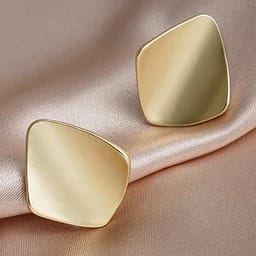
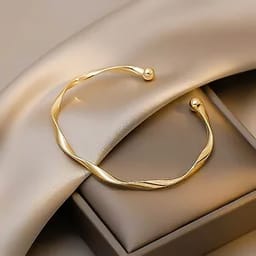
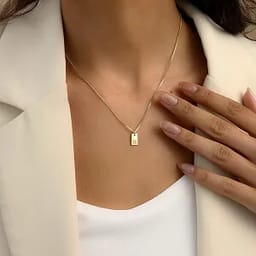
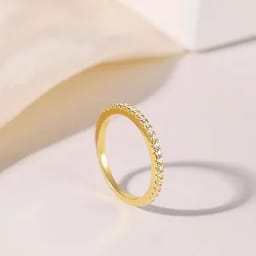
By uploading an image you agree to our Terms of Service and Privacy Policy.
Studio-Quality Jewelry Retouching, Powered by AI
From casual photos to professional product shots in seconds.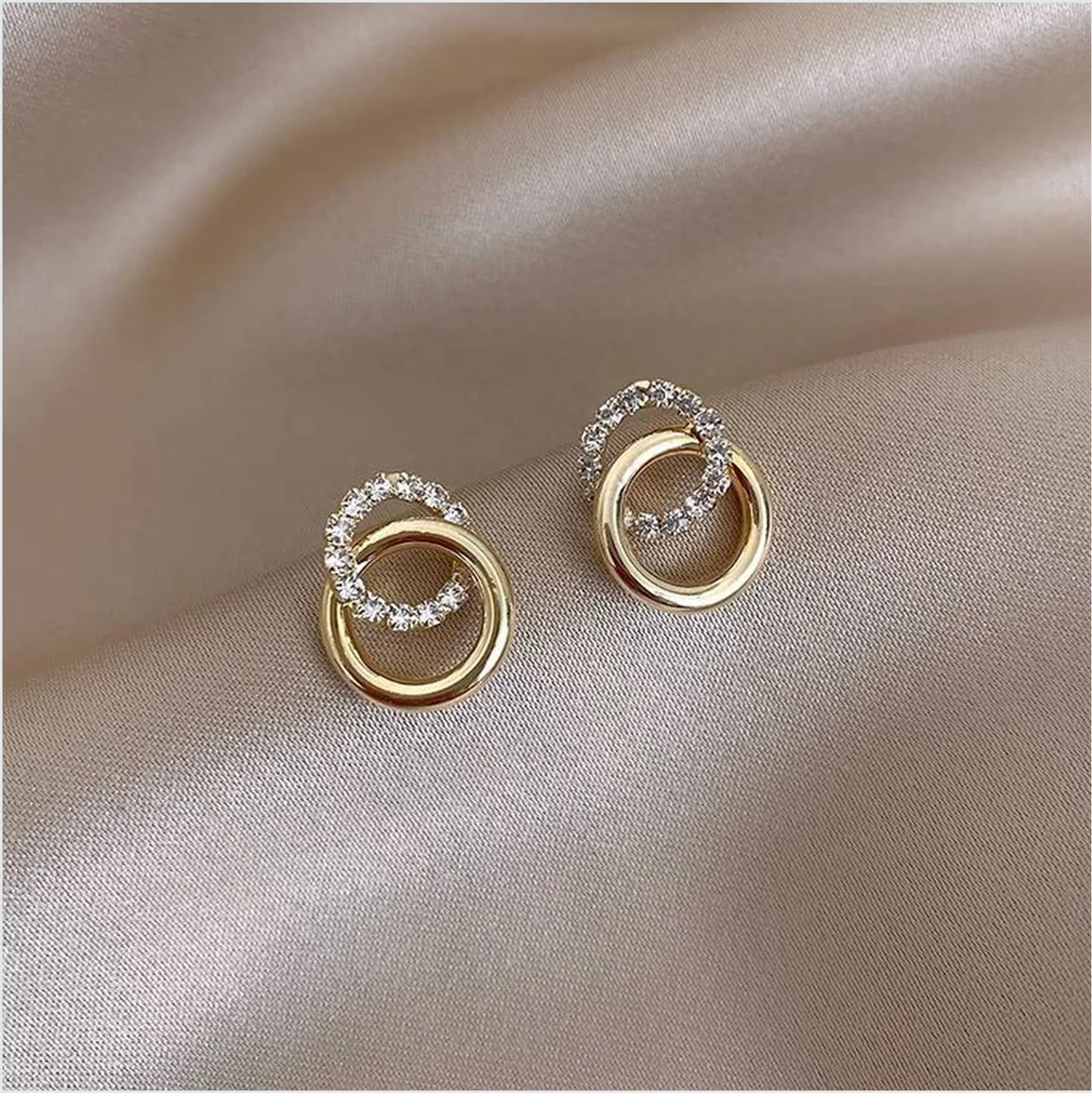
Before
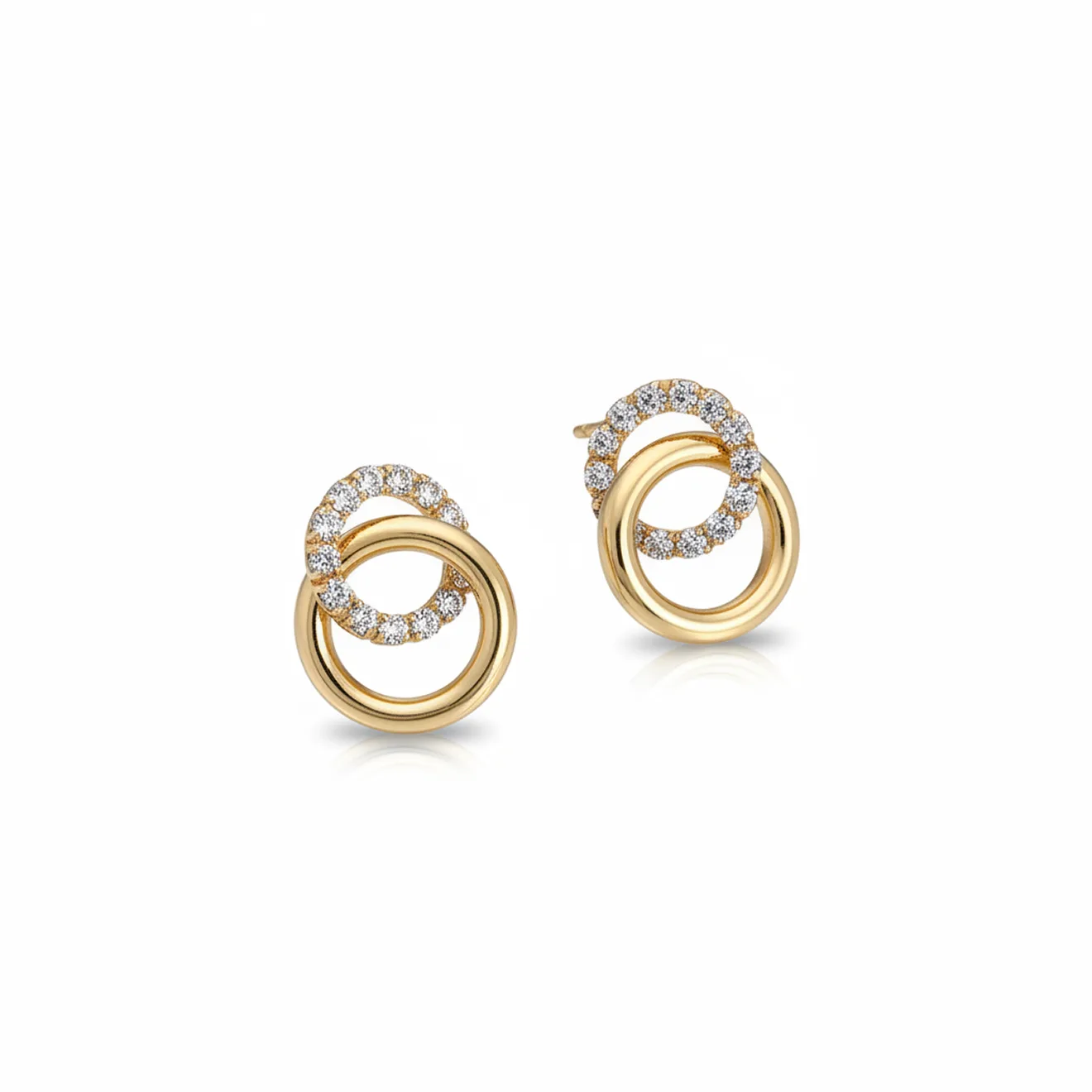
After
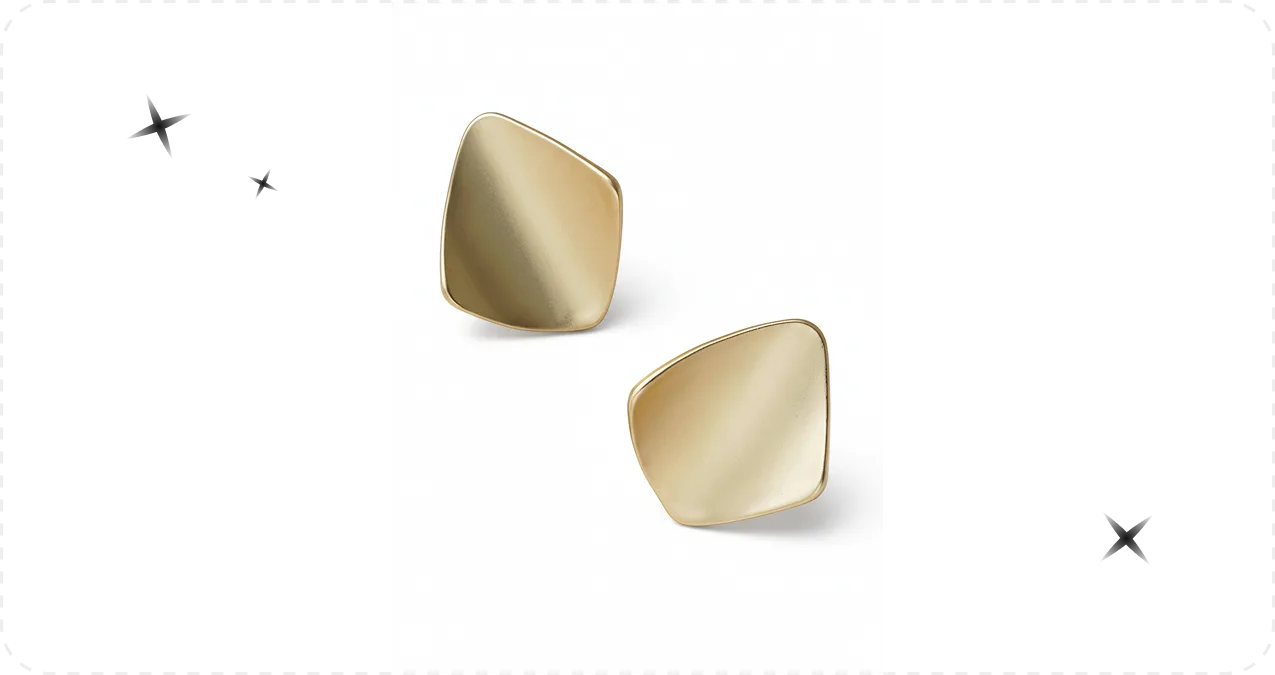
Before

Jewelry Retouching Made Fast, Affordable & Simple
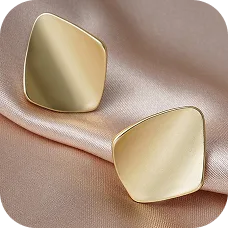
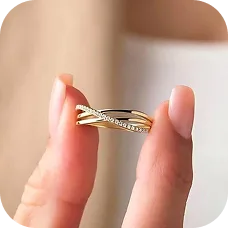
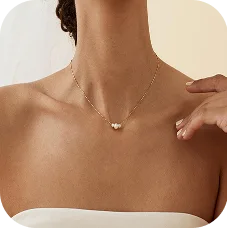

Pixel-Perfect Detail for Every Jewelry Piece
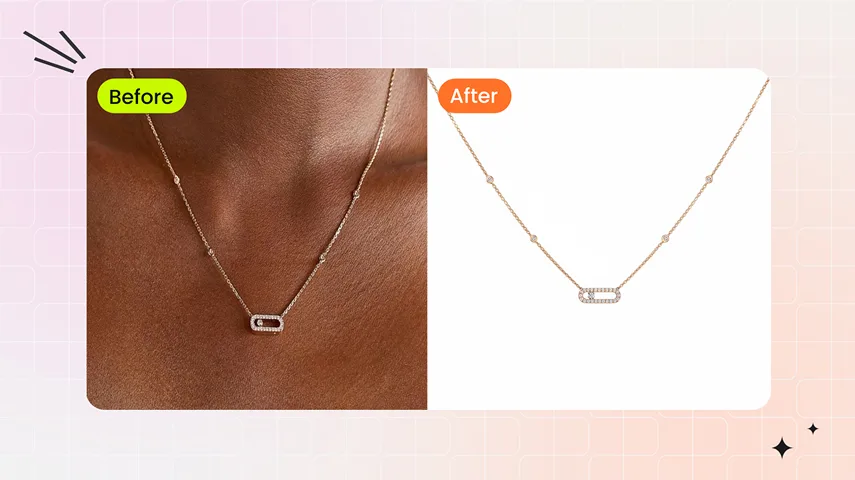
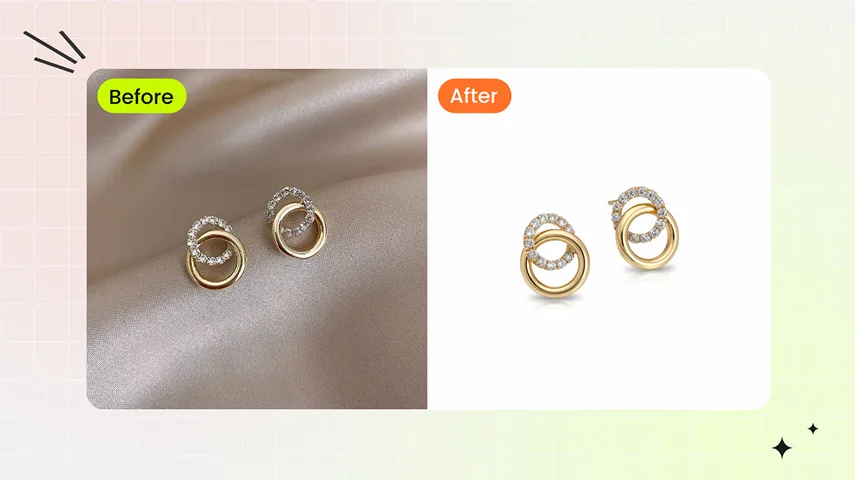
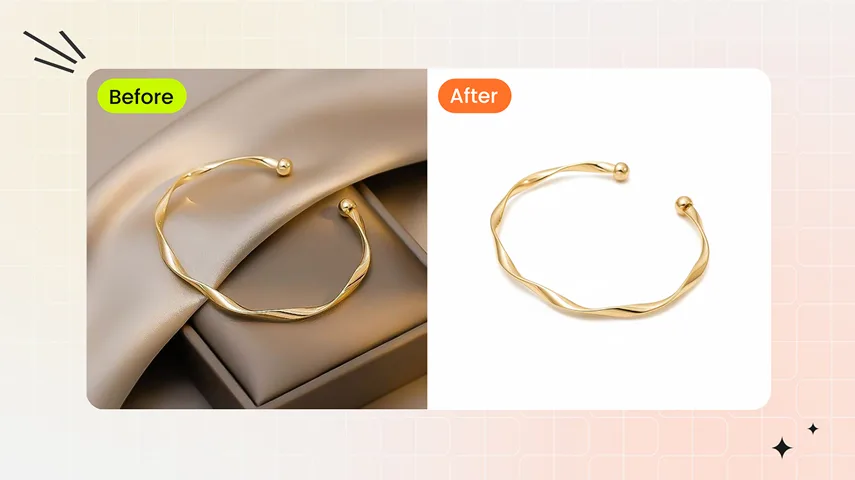
AI jewelry retouching preserves every intricate detail of rings, necklaces, earrings, bracelets, and other jewelry pieces. From gemstone facets to delicate metalwork, every image is photorealistic and flawless, delivering results that manual retouching often struggles to achieve, ensuring your products look their best online.Enhance Jewelry Details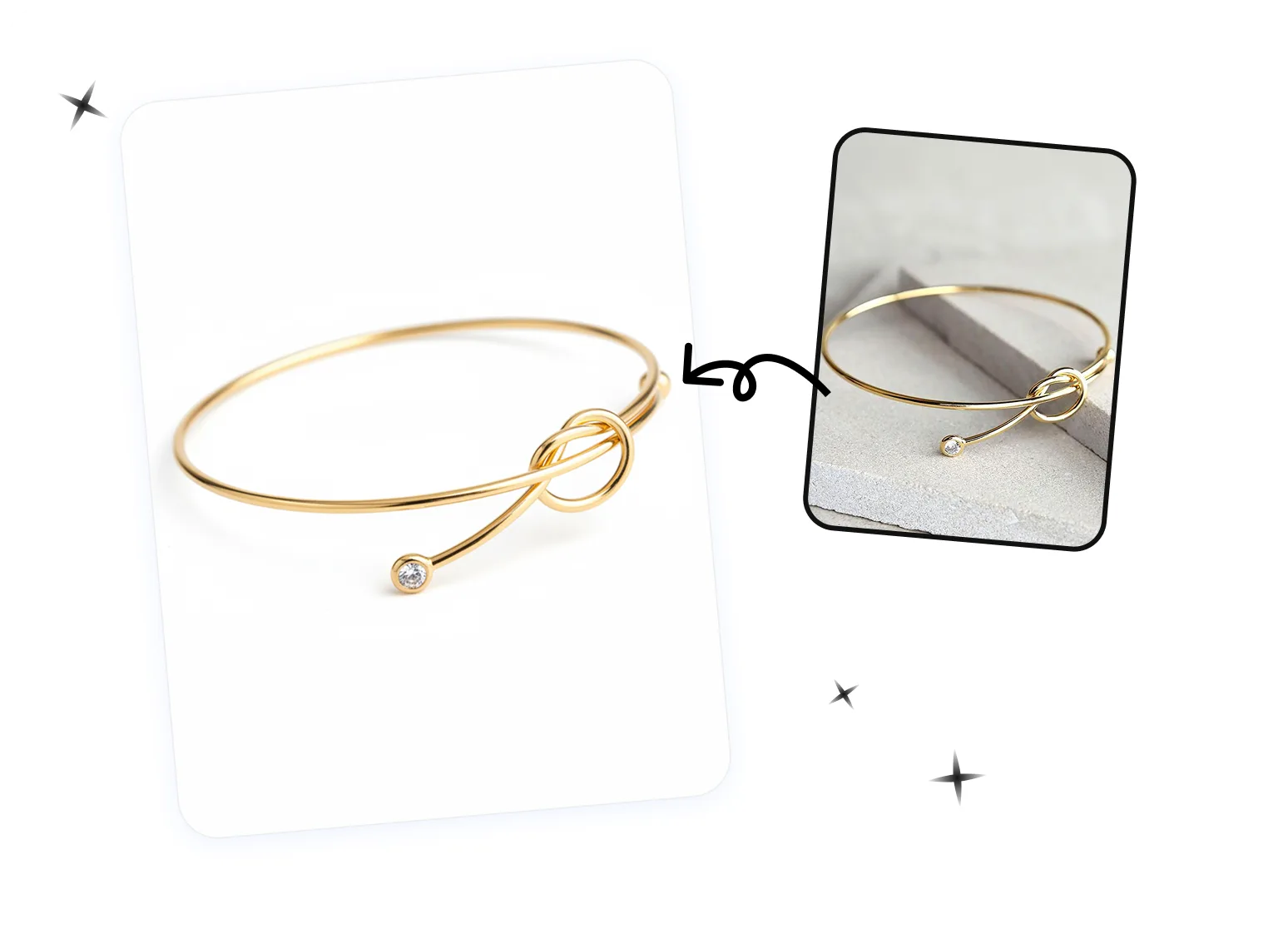
Transform Jewelry Photos in Seconds
Instantly turn casual jewelry shots into studio-quality images without waiting days for traditional retouching services. AI-powered automation accelerates every step, from cleaning backgrounds to enhancing textures, allowing your brand to maintain a fast content pipeline and launch marketing campaigns more efficiently.Polish Jewelry Photos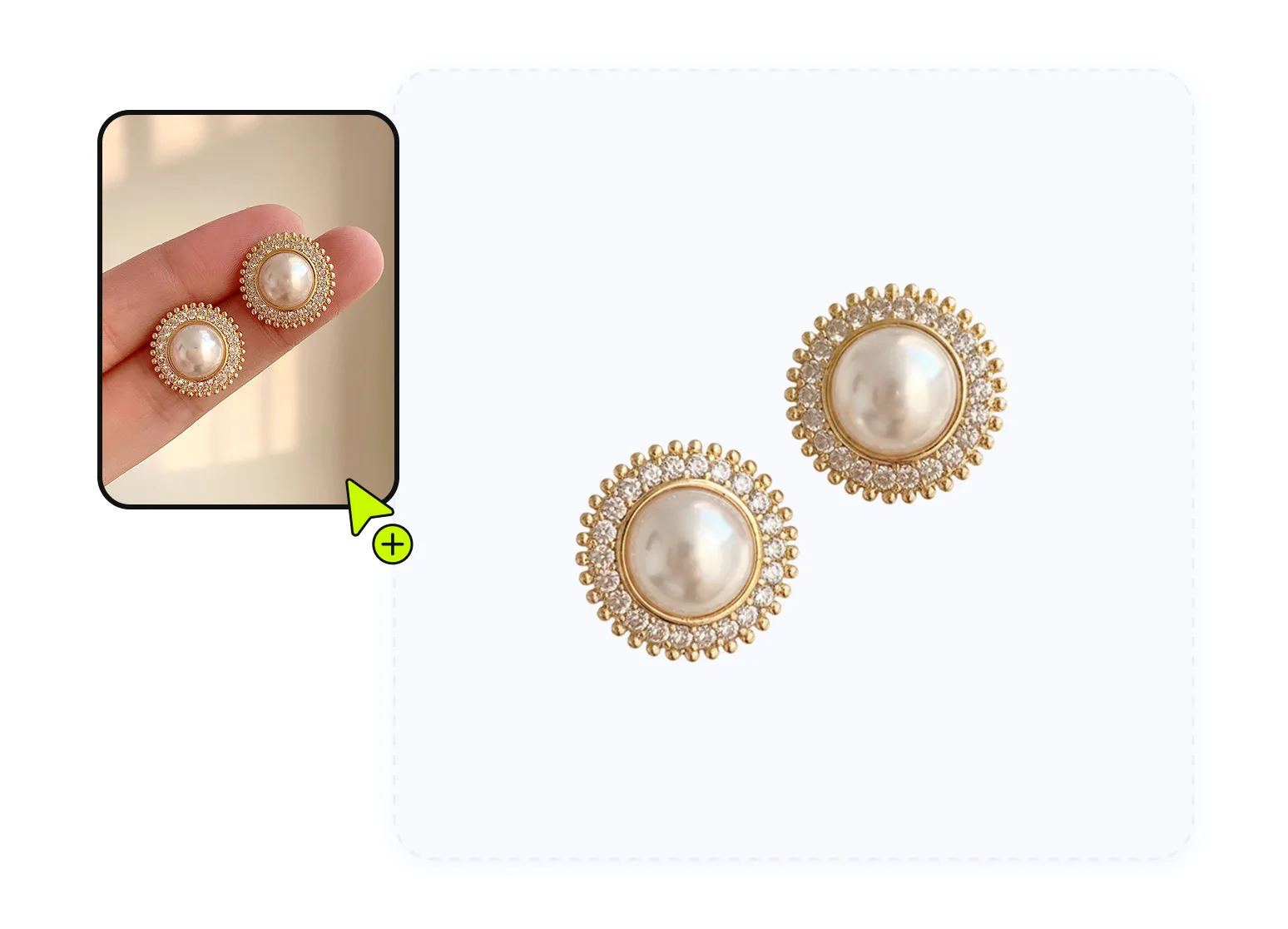
High-Quality Retouching Without the Expense
No studio, no costly manual editing — AI jewelry retouching reduces production costs while delivering professional-grade results. Perfect for jewelry brands of all sizes, it enables consistent, high-quality images at a fraction of the price of traditional services, maximizing ROI and visual impact.Retouch Jewelry ImagesHow to Create Professional Jewelry Images in 3 Easy Steps
01
Upload Jewelry Photo
- Desktop: Open the jewelry photo editor and upload a well-lit photo with the entire jewelry piece visible.
- Mobile: Download the Snappyit app for iOS or Android, select Jewelry Retouch, and retouch rings, necklaces, earrings, and other jewelry photos.
- Bulk: Retouch jewelry photos in bulk with the batch product photo editor; select Jewelry Retouch to prepare polished product images for your jewelry catalog.
02
Select a Template
- Choose templates that match the angles shown in your original photo.
- If any part of your jewelry isn’t visible, AI may miss details or generate inaccurate results.
03
Generate & Download
- Click “Generate” and watch your jewelry transform in seconds.
- The AI delivers polished, studio-ready images that you can download instantly — high-quality results, ready for your store or marketing.
Go Beyond Retouching with AI Jewelry Model Generator
See jewelry on any model instantly.
Instantly see how rings, necklaces, earrings, bracelets, and other jewelry pieces look on any model. Designed for jewelry brands, our AI jewelry try-on delivers crystal-clear images with precise details, providing photorealistic virtual results for all jewelry types — intuitive, easy to use, and helping your products shine online without a studio.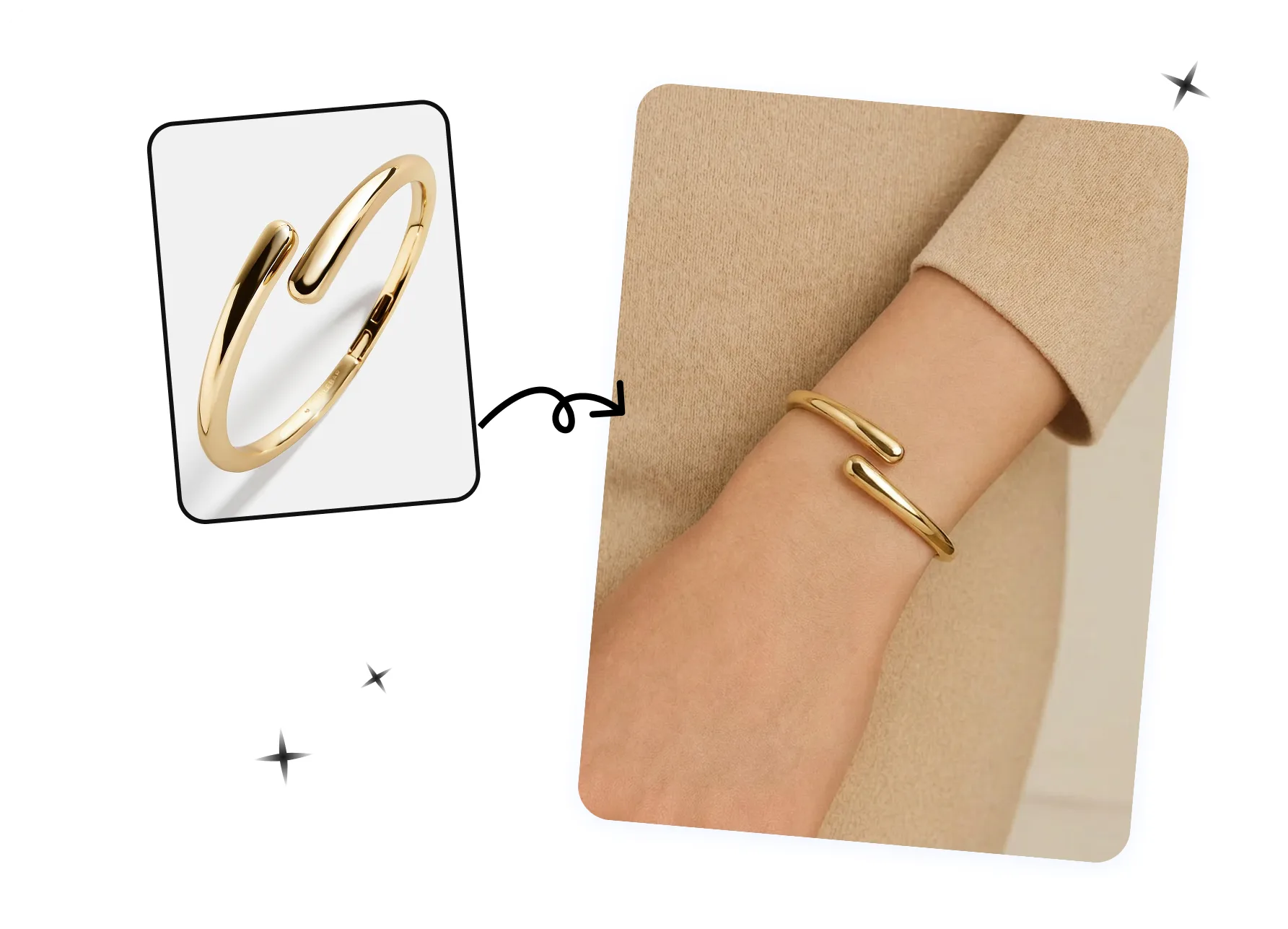
AI Jewelry Retouching in the Real Workflow
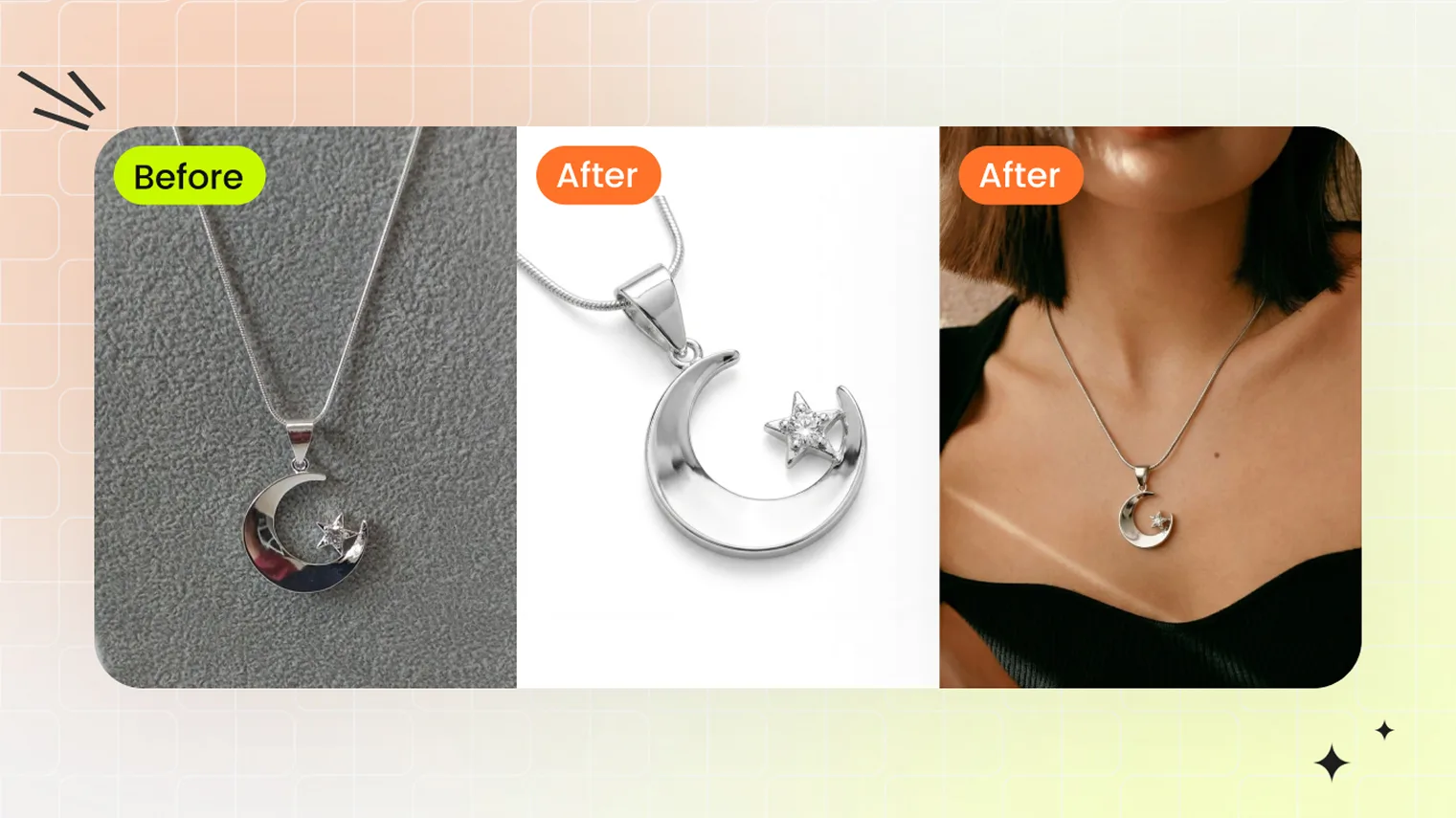 Jewelry SellersShip jewelry listings 10x faster — Snappyit Retouch cleans supplier photos to catalog white, Jewelry Model places pieces on model templates. Built for jewelry brands, dropshippers, and pre-launch sellers.
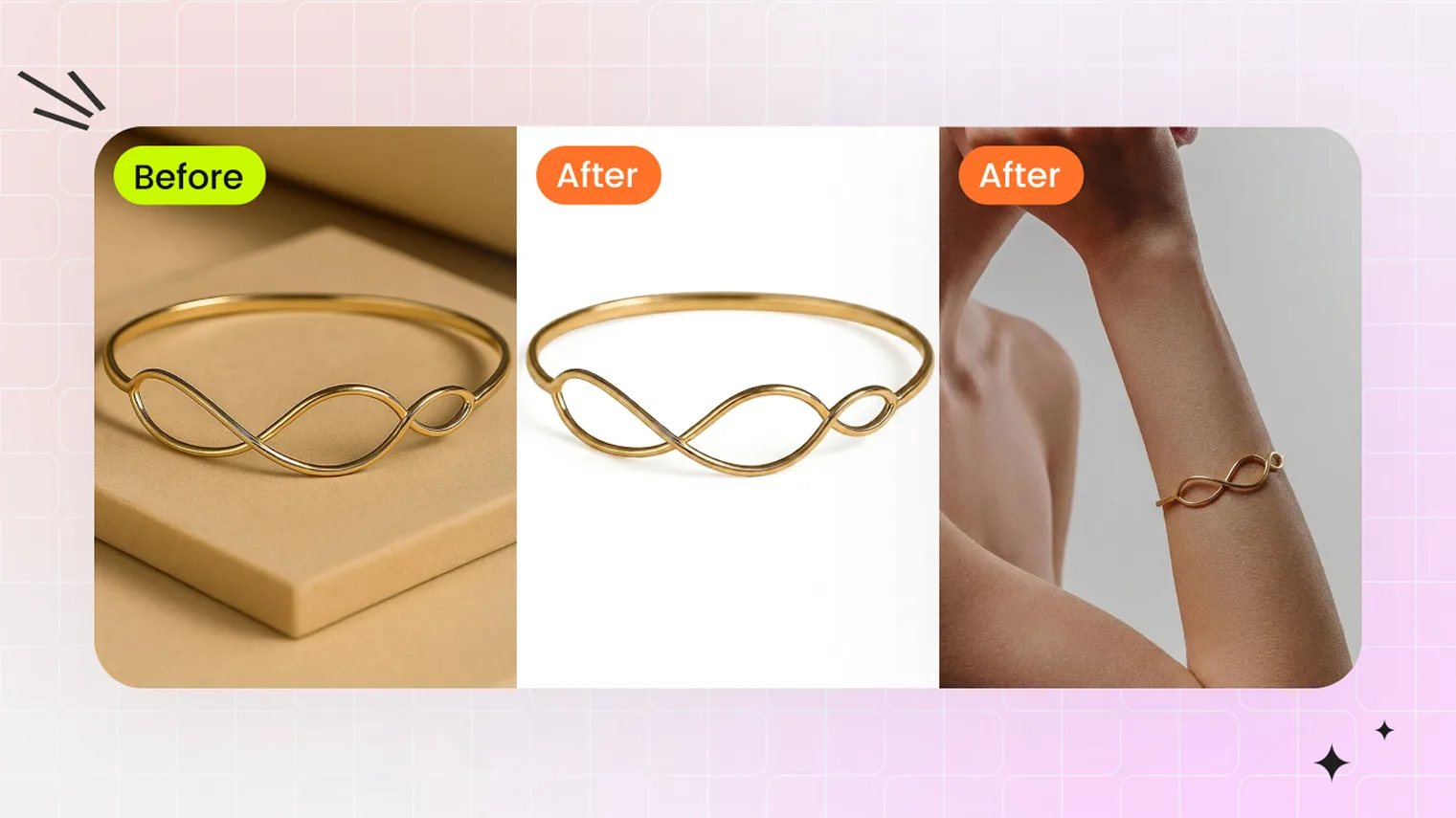 AI Jewelry PhotographyAI jewelry photography workflow — Snappyit Retouch cleans supplier photos to catalog white; Jewelry Model places the piece on a model template.
Continue Your Jewelry Photography Workflow
Jewelry Model
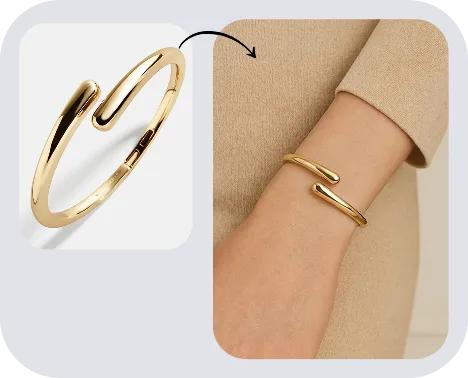
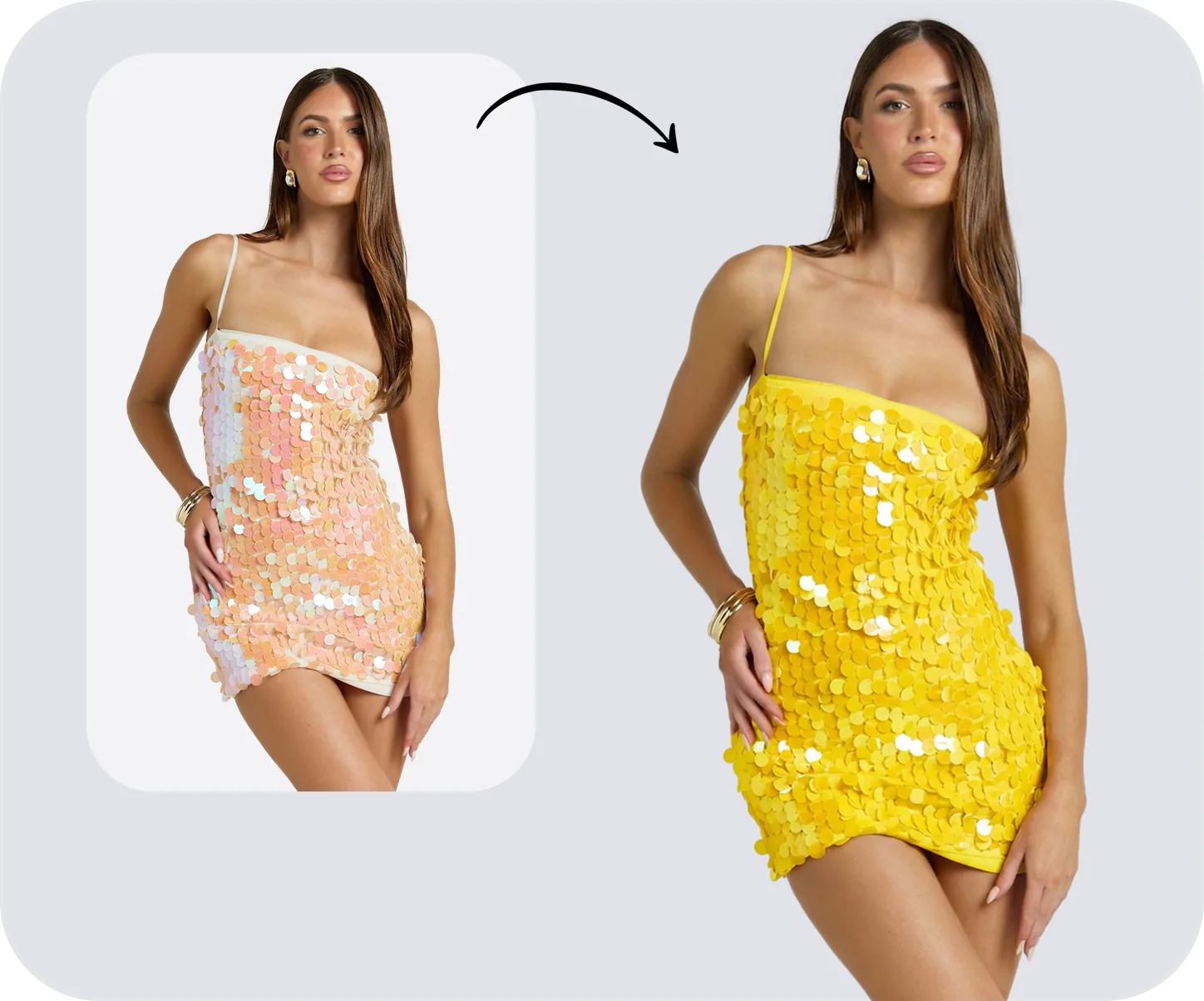
Color Change
Fashion Video
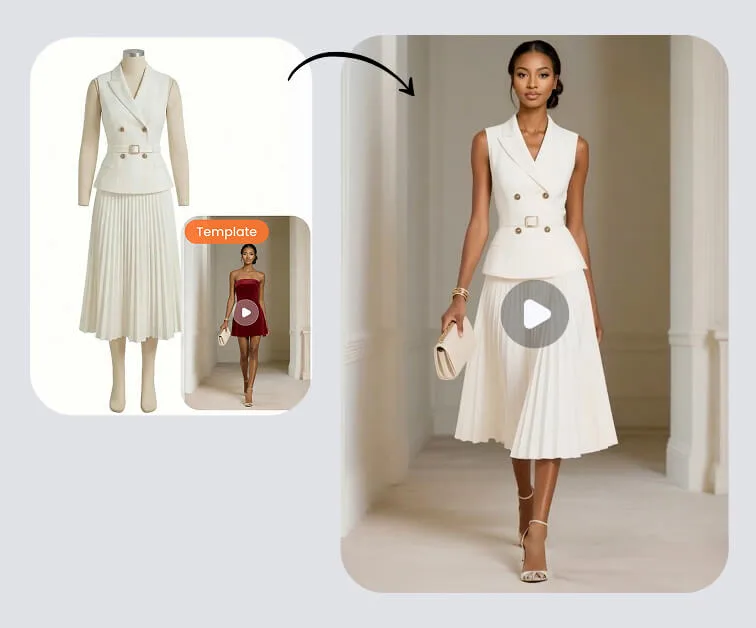

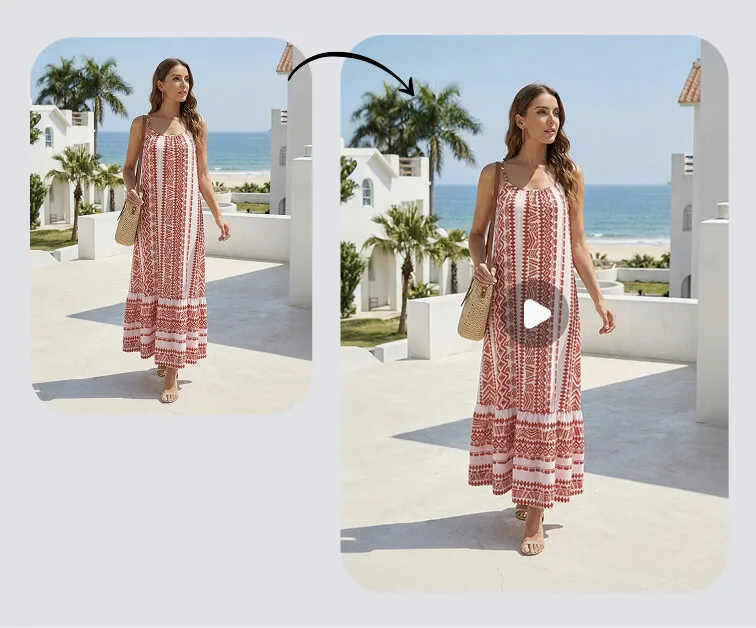
Image to Video
AI Jewelry Retouch FAQs
Guides for Growing Your Jewelry Shop
 How to Create an Etsy Listing That Ranks and Sells (2026)The 2026 Etsy listing guide: titles, tags, hero photos, ghost mannequin and AI model shots that move a listing from indexed to selling.
 Best AI Jewelry Photo Editor in 2026: Retouch + Model Tools ComparedSnappyit vs SellerPic, Photoroom, Claid.ai — AI jewelry retouch and AI jewelry model compared for Etsy and Shopify sellers.
 Jewelry Photography 2026: Traditional vs AI Workflow for Product and Model PhotosCompare traditional jewelry photography vs AI for product and on-model shots: 2026 cost, speed, quality breakdown for jewelry sellers.
 AI Jewelry Retouching: A Practical GuideAI jewelry retouching automates background removal, dust cleanup, and color correction on jewelry photos in seconds, cutting manual Photoshop work for sellers.