



Give Every Jewelry Image a Clear Job
A catalog image should document the piece; an on-model image can add styling and visual scale; a close-up can show construction and finish. Build the gallery from complementary views rather than asking one image to do everything.
Clean Catalog
Present the exact piece with a controlled background, balanced light and readable silhouette.
Scale and Context
Use an on-model image as visual context, then provide dimensions as the factual size reference.
Detail Preservation
Keep stone count, settings, chain construction, findings and surface finish consistent.
Listing Gallery
Pair the hero image with macro detail, alternate angle, dimensions and styled context.
Choose the Image Set by Jewelry Type
Each product needs a different combination of clean catalog views, close-ups, dimensions and wearing context.
| Jewelry type | Source views | Useful AI output | Product information to show |
|---|---|---|---|
| Earrings | Pair together, individual front, side and back | Catalog retouch plus on-ear context | Post, hook or clip construction and pair dimensions |
| Necklaces | Full chain, pendant front/back and clasp | Clean catalog plus neckline context | Chain length, pendant dimensions and extension range |
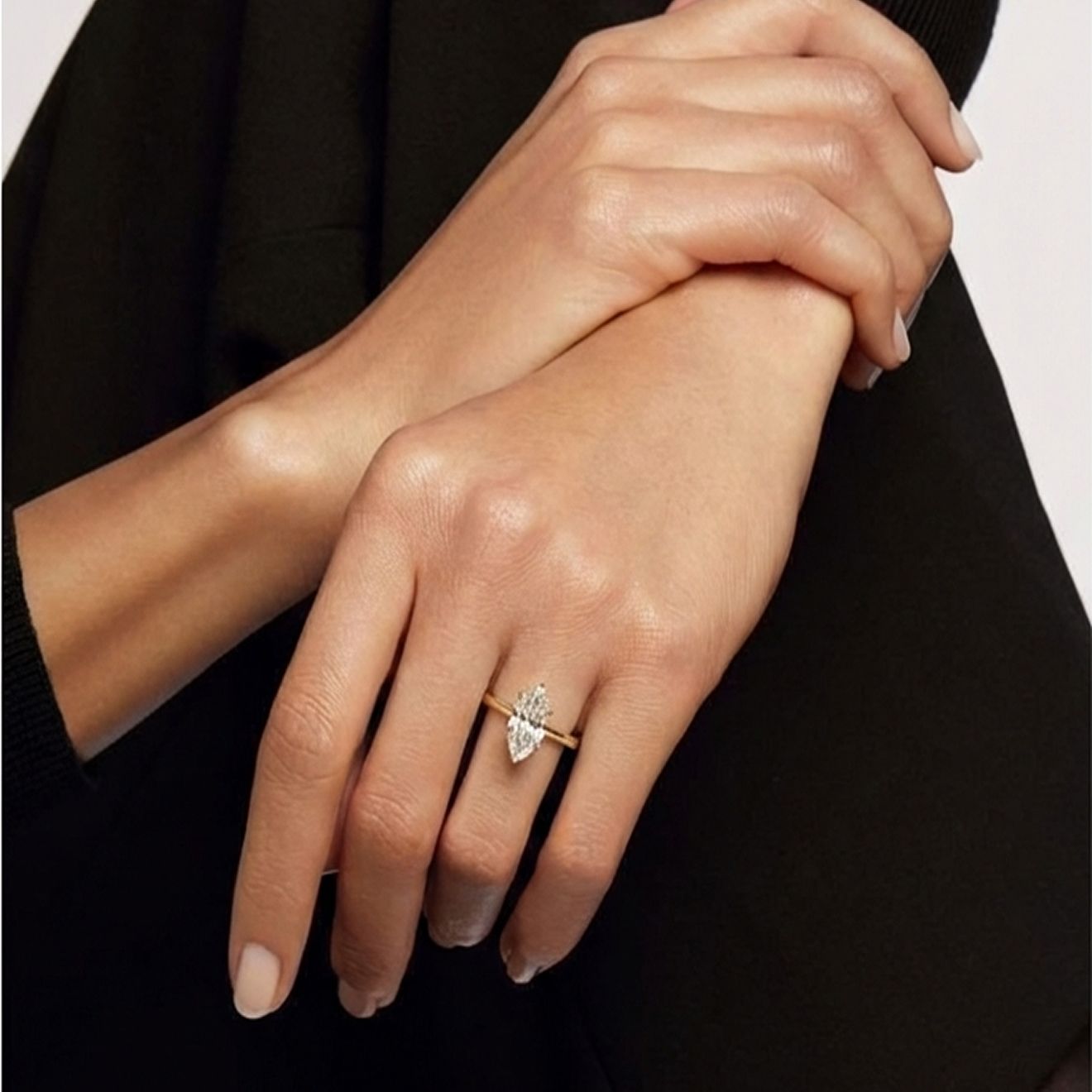
| Rings | Top, side, setting and inside band | Catalog retouch plus hand context | Ring size, band width, setting height and stone dimensions |
| Bracelets | Full shape, clasp, links and charm details | Catalog plus wrist context | Length, closure, link pattern and included charms |
| Watches | Dial, side profile, case back and strap | Catalog presentation and wrist context | Case dimensions, strap, dial and crown details |
From Product Reference to a Complete Jewelry Gallery
Use the original piece as the source of truth. Generated polish and context should support inspection, not replace product evidence.
Clean the Product Image Without Redesigning It
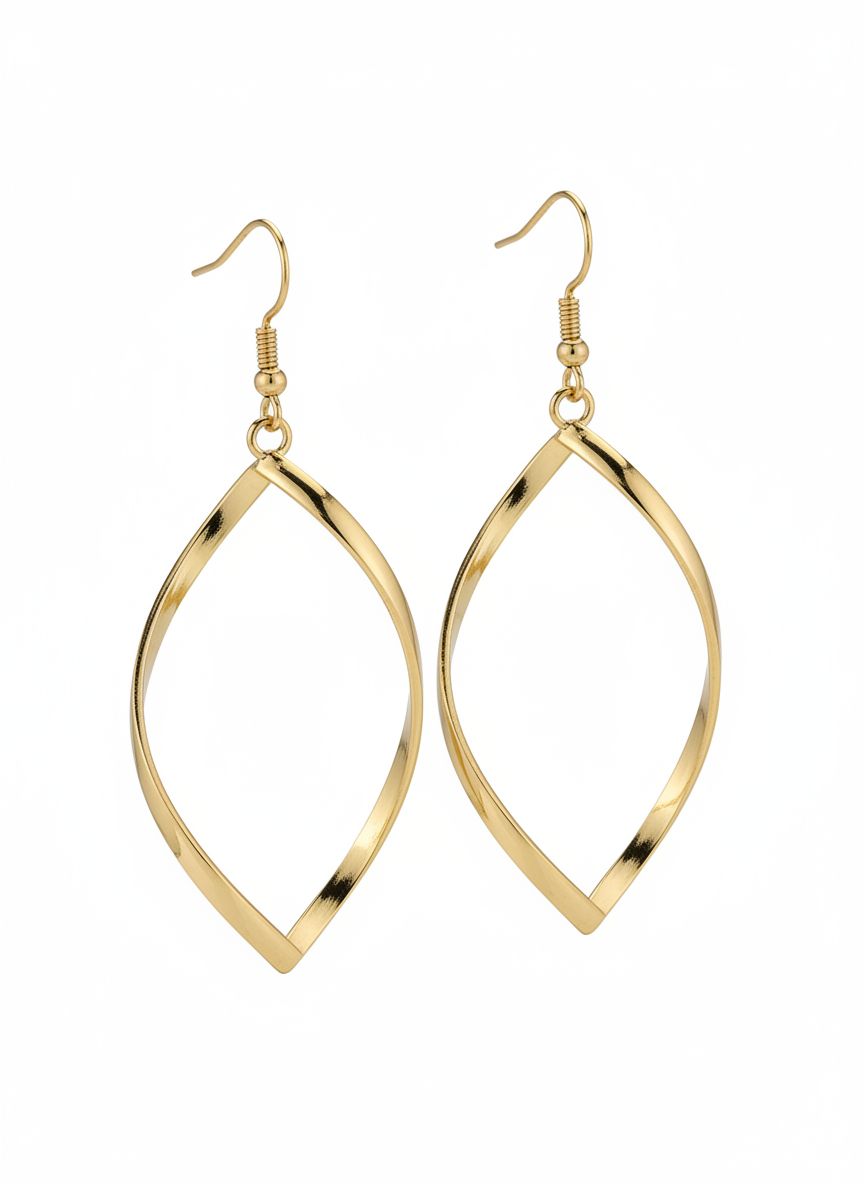
Refine the background and presentation while preserving the exact earring silhouette, stone arrangement, prongs, metal finish and pair relationship.
Try Jewelry Editor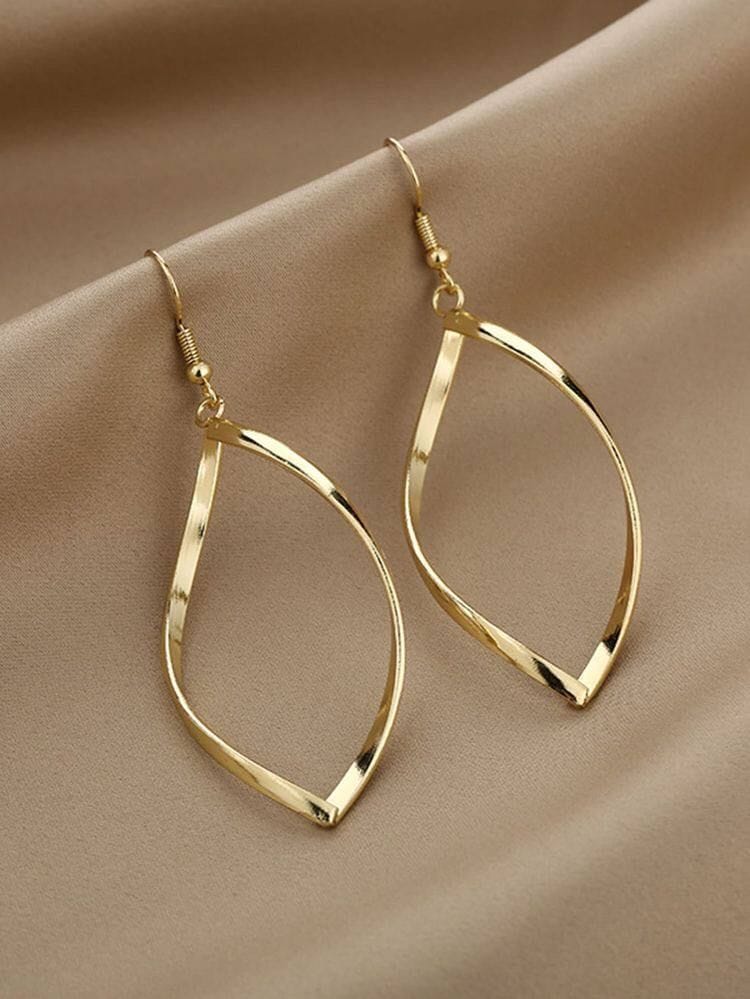
Add Wearing Context for a Necklace
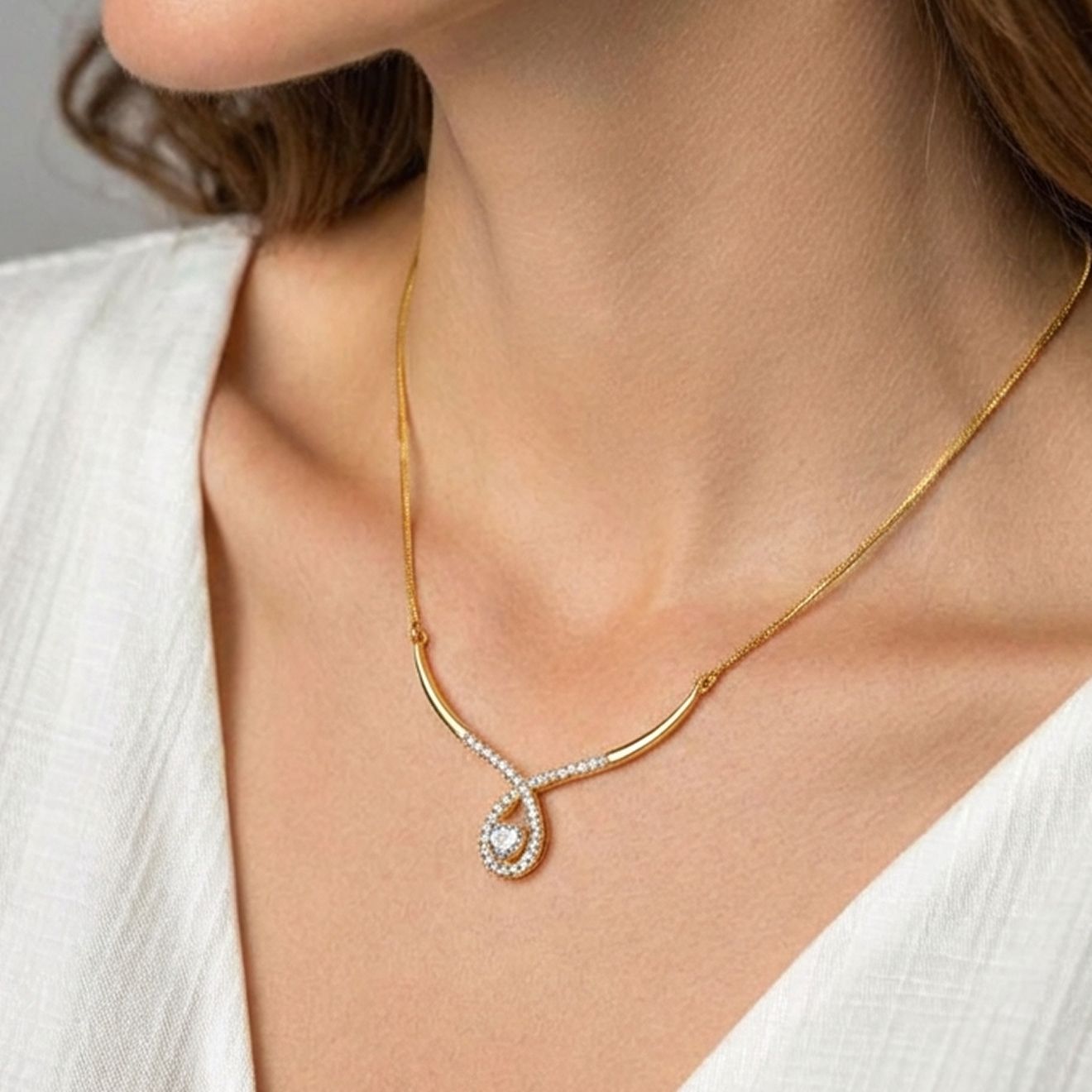
An on-model image can show styling and approximate visual scale. Use the specified chain length and pendant dimensions alongside it so shoppers have both context and measured information.
Try Jewelry Model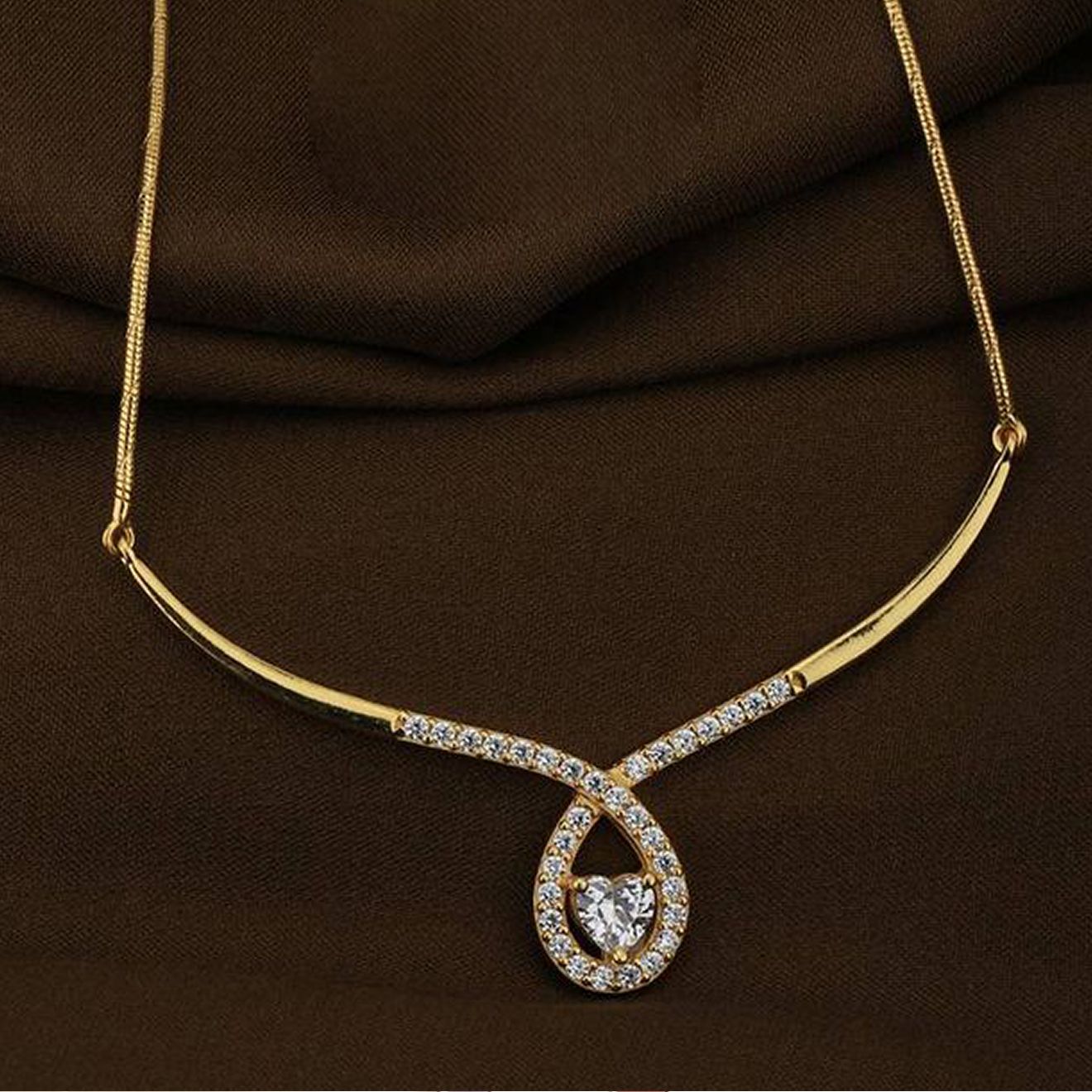
Show a Ring in Context, Keep Dimensions Factual
Use model context to communicate styling rather than exact fit. Add the ring size, band width, setting height and stone dimensions to complete the product information.
Create an On-Model Image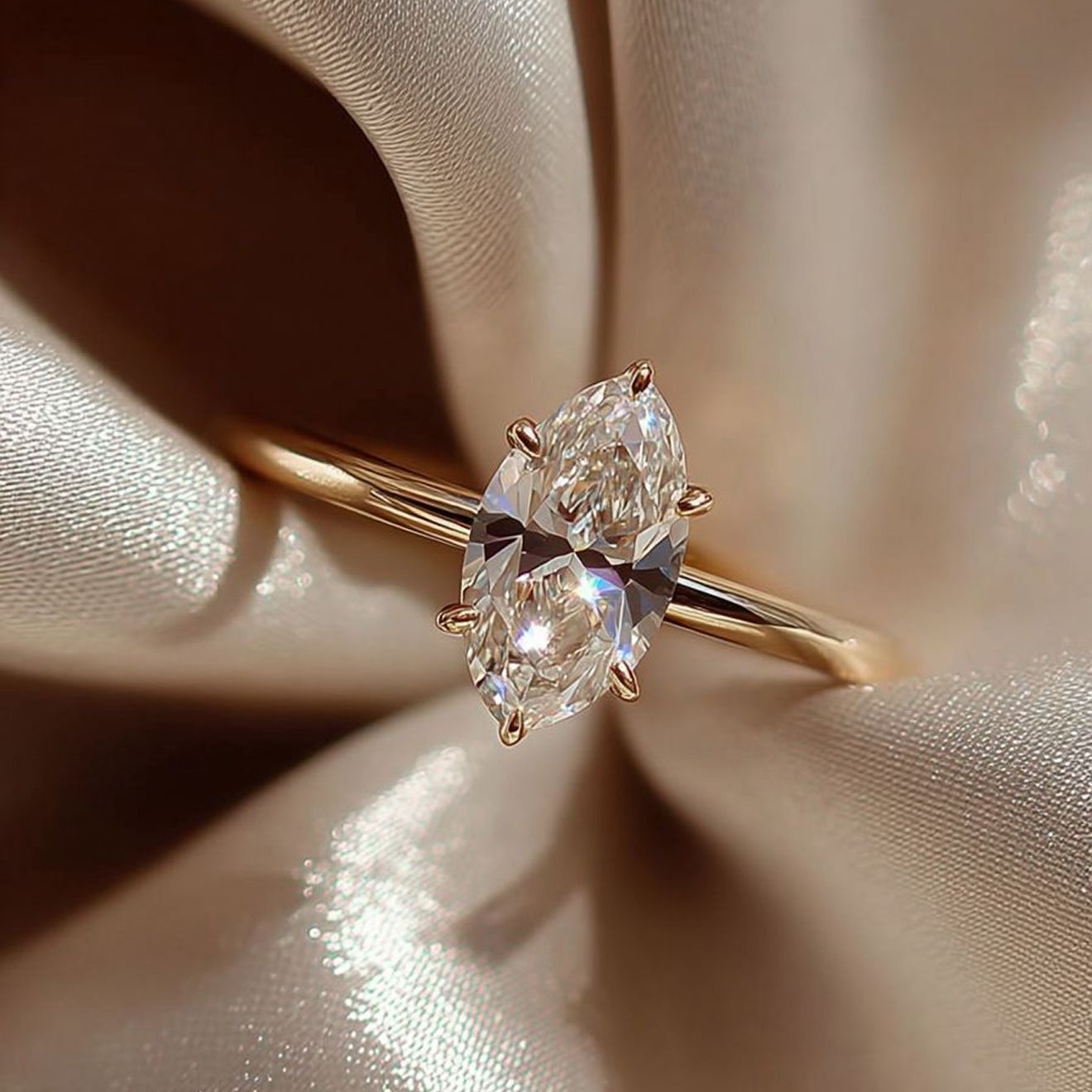
Start with a Jewelry Reference Set
Controlled light and multiple angles give catalog and on-model images a stronger visual reference for the piece.
Use Soft, Diffused Light
Control hard reflections while keeping polished metal, facets and surface texture visible.
Set Neutral White Balance
Use a neutral reference so gold, silver, gemstones and enamel retain their intended tone.
Capture Front, Side and Back
Show the setting, clasp, chain, post, engraving and other construction hidden from the hero view.
Add Measured Dimensions
Record length, width, diameter, band width or case size for the product page.
Show the Details That Establish Jewelry Accuracy
Give shoppers enough catalog, close-up and dimensional information to recognize the exact piece.
Stones and Settings
Show stone count, color, cut, arrangement, prongs, bezels, pavé and orientation.
Chains and Clasps
Show link pattern, chain thickness, jump rings, closures, extension chain and attachment points.
Metal and Finish
Keep metal tone, polish, texture, engraving, enamel and reflections recognizable under neutral light.
Scale and Dimensions
Use model context as an illustration; use measured dimensions and size guides as factual evidence.
Build a Jewelry Gallery by Image Role
Product-only images establish the piece; close-ups explain craftsmanship; measured graphics and on-model images add scale.
Clean Hero Image
Show the complete piece with a readable silhouette and controlled background.
Alternate and Back View
Show setting height, clasp, post, case back, engraving and other construction.
Macro and Dimensions
Pair craftsmanship details with measured length, width, diameter or band size.
On-Model Context
Show styling and approximate visual scale for the relevant body placement.
Product-description boundary: an image can show appearance, but it does not establish gemstone origin, metal purity, weight, grading or authenticity. Keep those claims tied to product records and applicable jewelry guidance. See the FTC Jewelry Guides ↗.
How to Build an AI Jewelry Photography Workflow
Start with an authorized reference set and finish with a gallery that shows the piece from product, detail, dimension and styling perspectives.
Capture the Piece
Photograph front, back, side, clasp or setting, hallmark and scale reference.
Create the Needed View
Retouch a catalog image or generate model context for the chosen placement.
Add Product Information
Connect the image with dimensions, materials, finish, set contents and SKU details.
Assemble the Gallery
Combine the hero, alternate angles, macro detail, measurements and context.
For tool comparisons and editing-method differences, read Best AI Jewelry Photo Editing Tools. This page focuses on the image workflow and gallery.
AI Jewelry Photography FAQs
What is AI jewelry photography?
It uses AI-assisted image tools to refine product presentation or create contextual images from an existing jewelry reference photo.
Can AI place my jewelry on a model?
Yes. It can create an on-model visualization for earrings, necklaces, rings and other wearable pieces while the catalog images provide the detailed product reference.
What source images work best?
Use sharp, high-resolution photos with controlled reflections, clear edges and multiple angles. Include close-ups of settings, clasps and fine construction.
Can an on-model image prove exact jewelry size?
No. It provides visual context. Publish measured length, width, diameter, chain length, ring size or a size diagram as the factual reference.
Which details belong in a jewelry gallery?
Show stone arrangement, settings, chain links, clasp type, metal finish, engraving, dimensions, included pieces and relevant hallmarks.
Can I use a supplier image as the source?
Only when you have permission to edit and publish it. Keep records of source ownership or licensing, especially for marketplace listings and advertising.
Does an image prove metal purity or gemstone origin?
No. Use accurate product records, certificates and legally appropriate descriptions for purity, origin, grading, weight and authenticity claims.
Should I use AI images as the only listing photos?
Combine them with accurate catalog photos and close-ups that document the actual piece, construction, finish and unique characteristics.
Create a Complete Jewelry Image Gallery
Build clean catalog, close-up, dimensional and on-model views from an authorized product reference.
Try AI Jewelry Photography Free






