



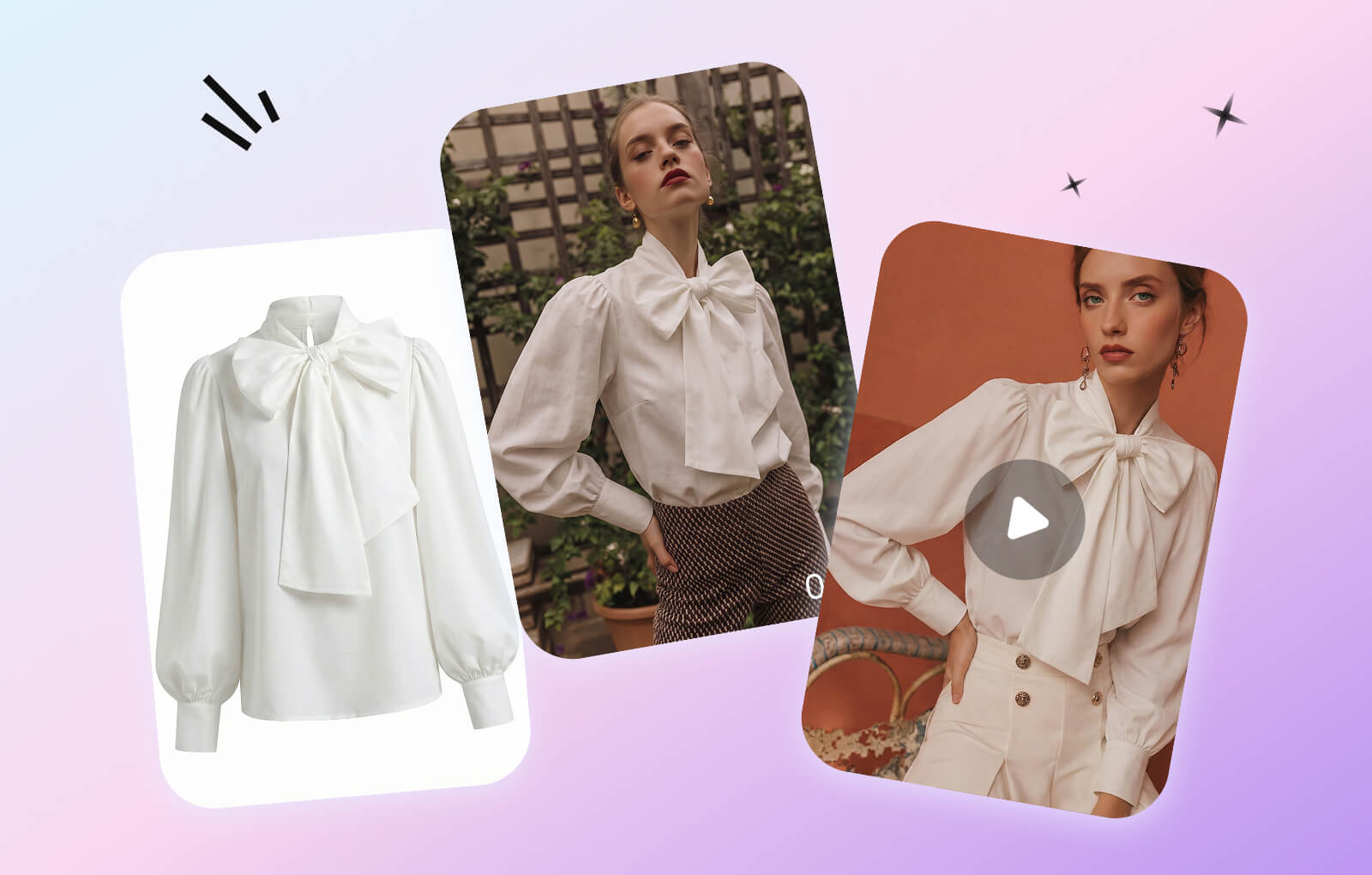
One Fashion Drop, Four Visual Jobs
Treat AI product photography as a connected production workflow. Each output answers a different merchandising need, while the real product photo, measurements and verified details remain the source of truth.
Show the Garment Clearly
Use a garment-first PDP view to communicate silhouette, construction and key product details.
Add On-Model Context
Use model-led imagery to communicate styling direction across product pages, collections and lookbooks.
Extend Approved Colorways
Create consistent visual options for colors that have been approved against the physical product and color reference.
Add Short Product Motion
Animate an approved still for product pages, ads and social testing without treating motion as proof of fit.
From Product Sample to a Multi-Asset Fashion Launch
Build the workflow in stages. Approve the product representation at each step before using that asset as the input or reference for the next channel.
Create a Garment-First PDP Image
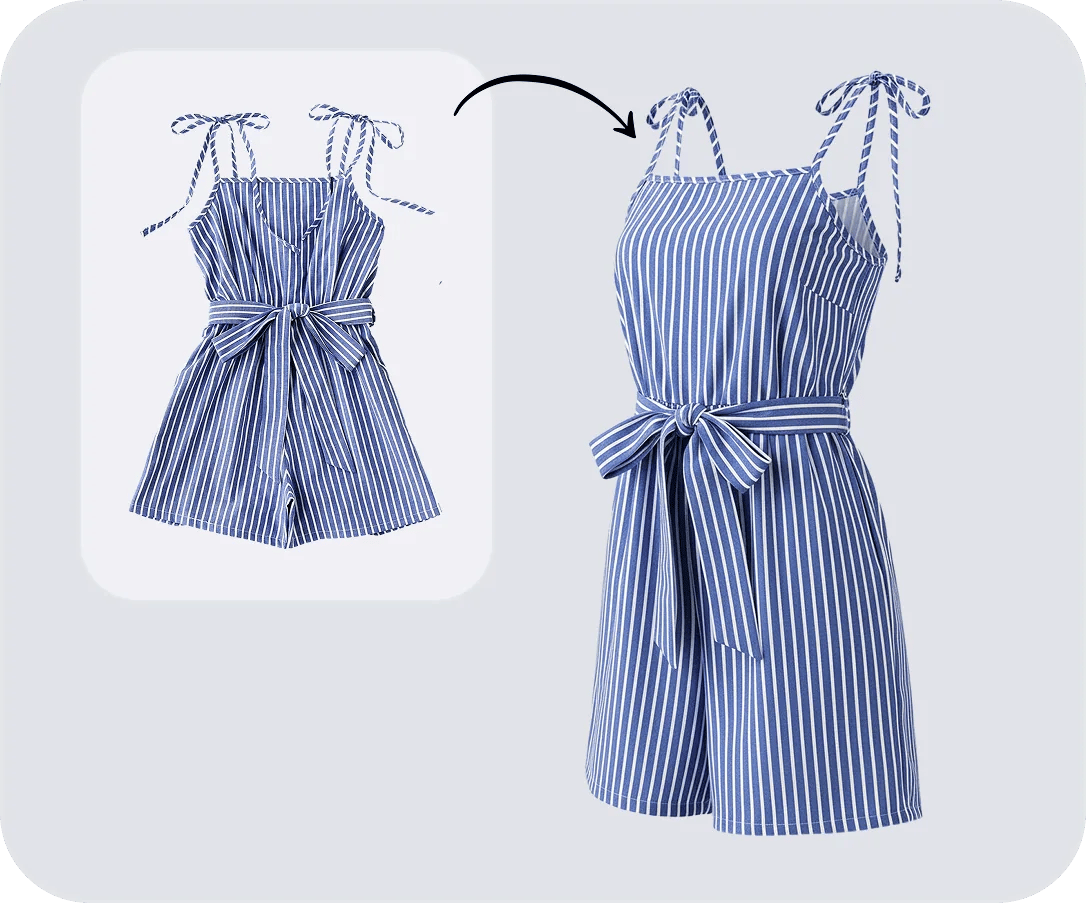
Begin with a clean product view that keeps attention on the garment. A ghost mannequin image can support the primary catalog story, while detail photos, measurements and material information provide the factual product record.
Open Ghost Mannequin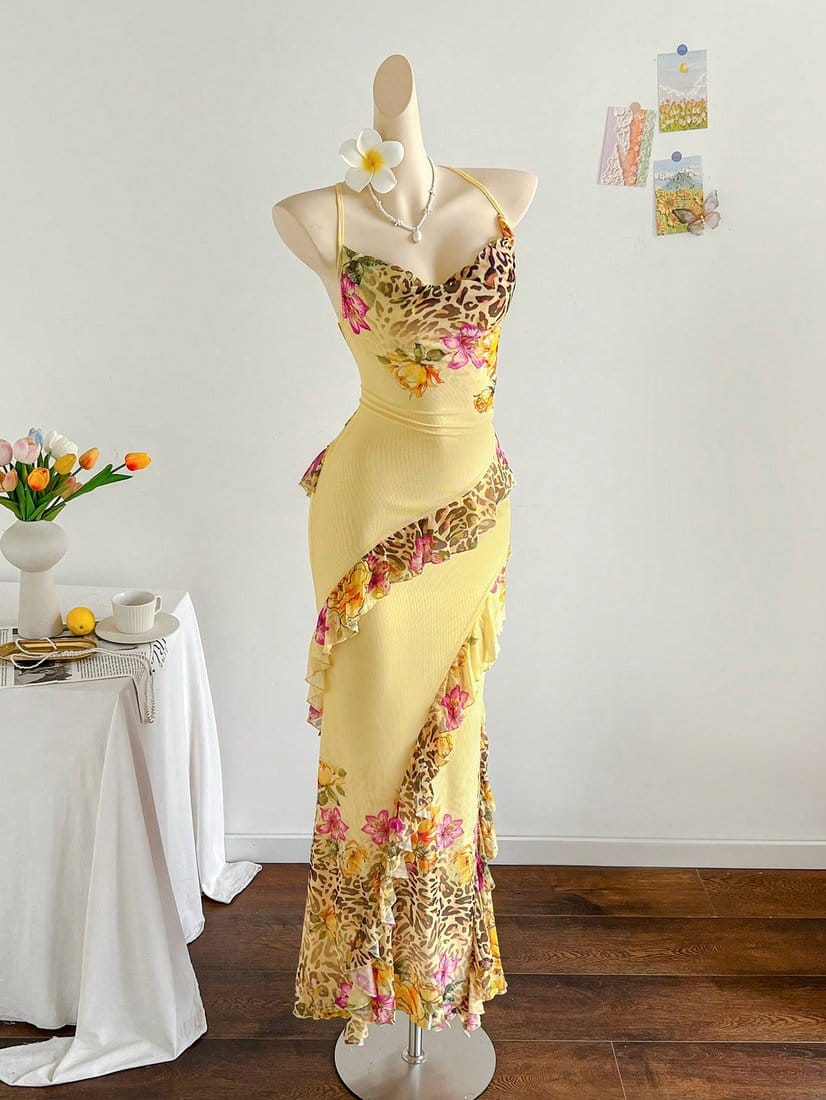
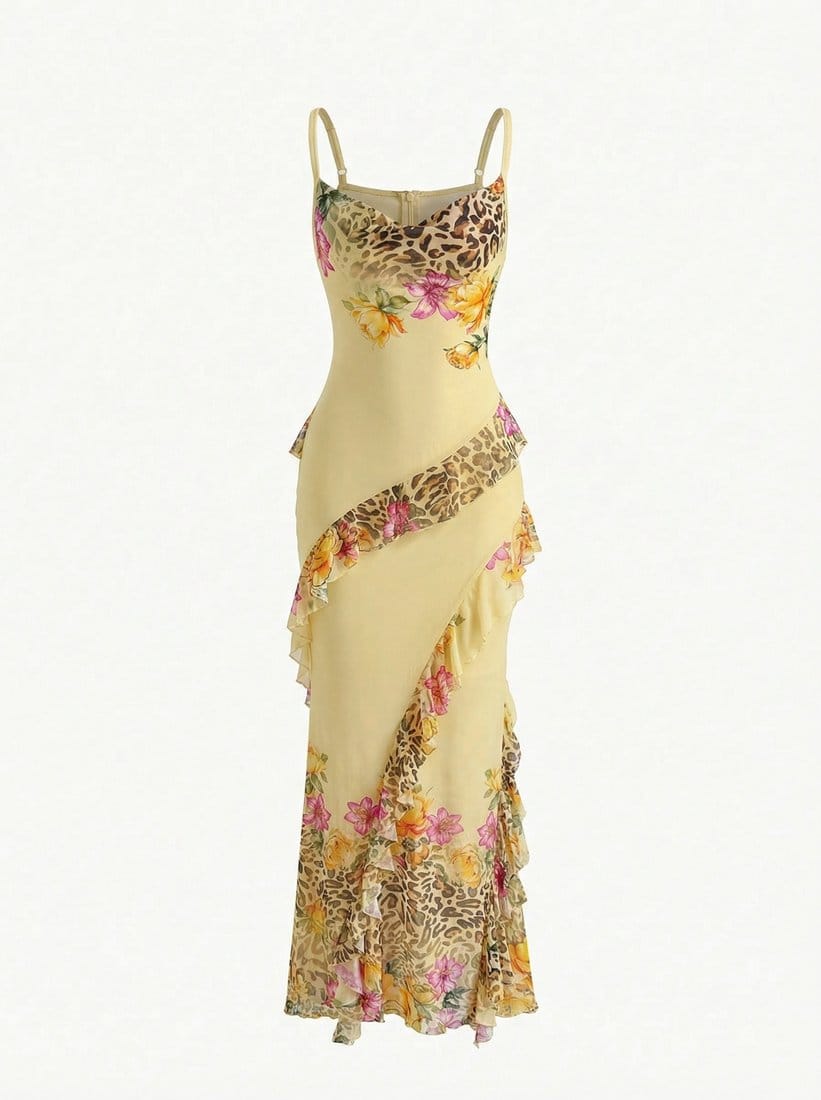
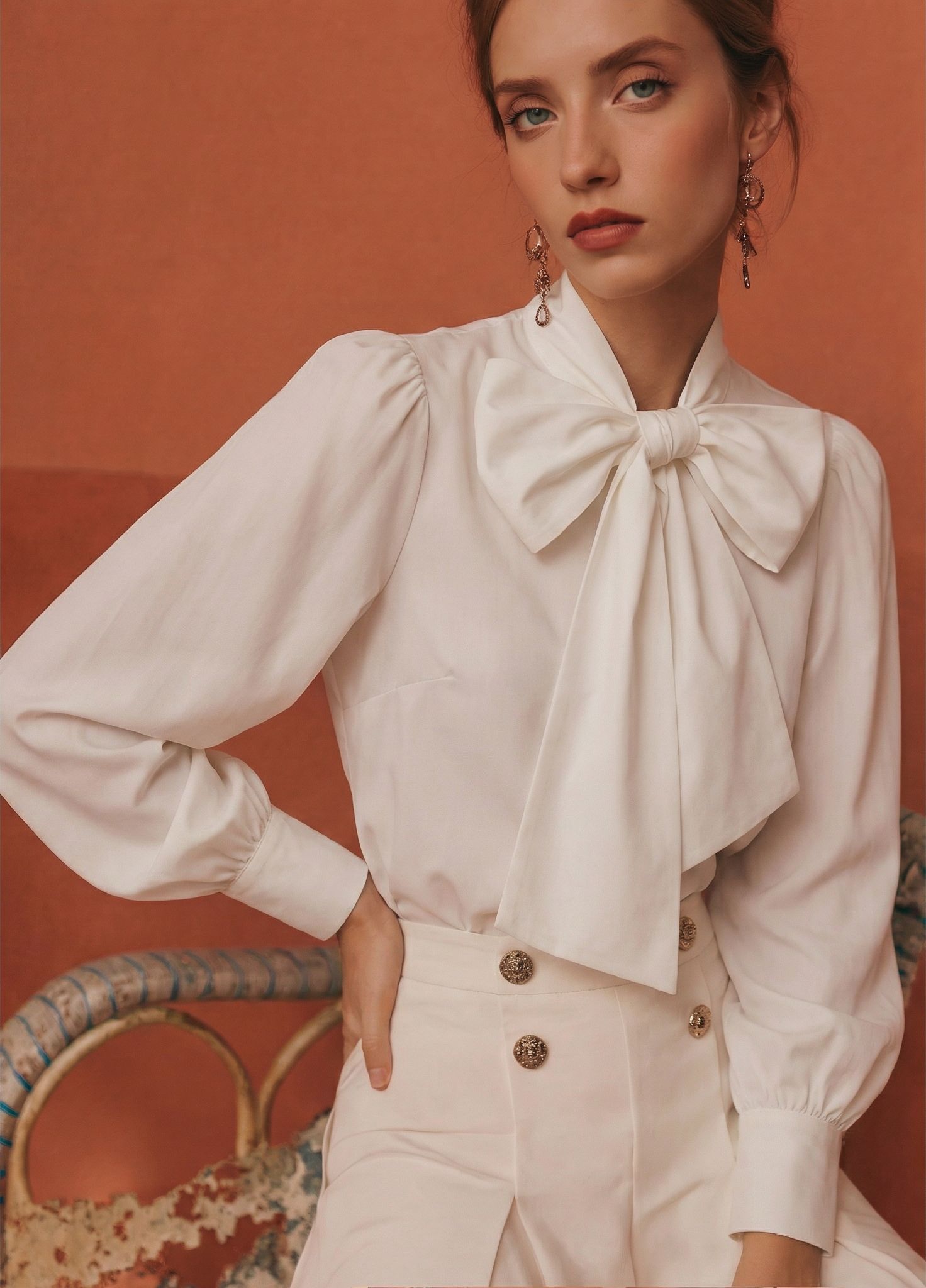
Add an On-Model Catalog or Lookbook View
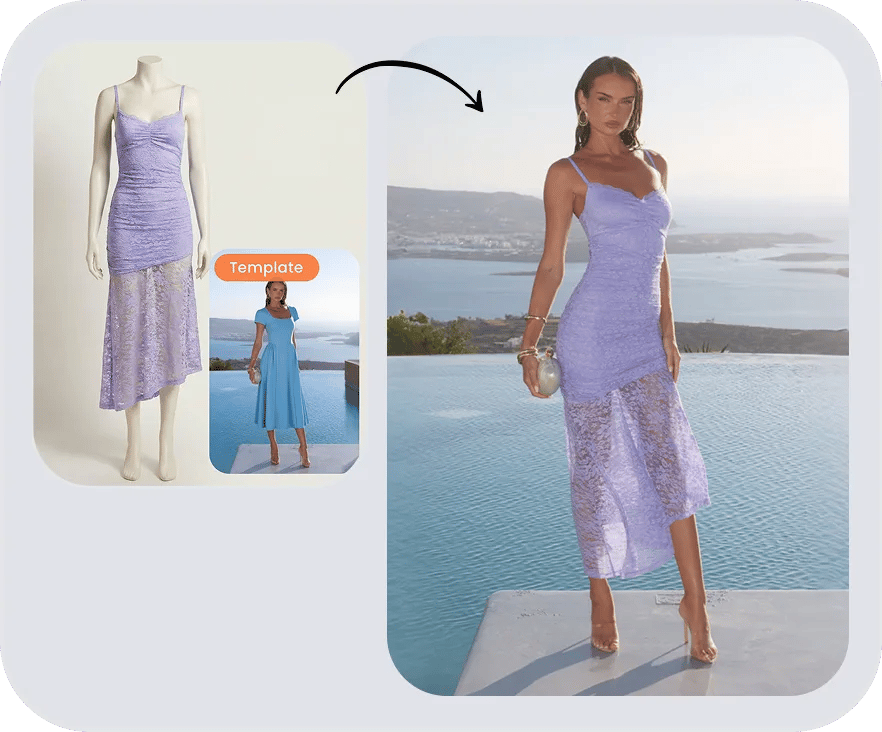
Use a garment photo to explore an on-model presentation for a PDP, collection page or lookbook. Keep the product-first image in the gallery and use the model-led result as styling context rather than verified fit evidence.
Open AI Fashion Model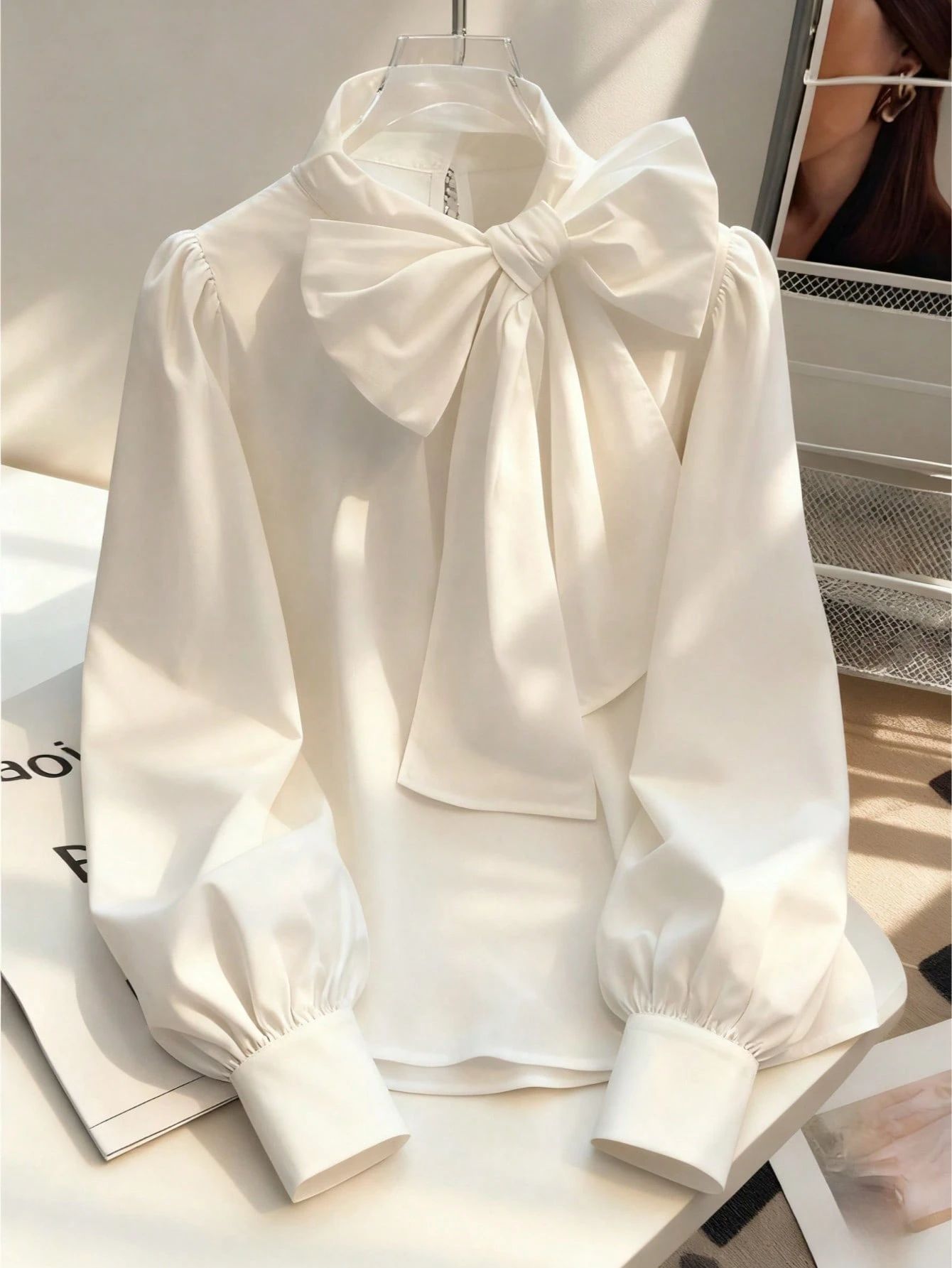
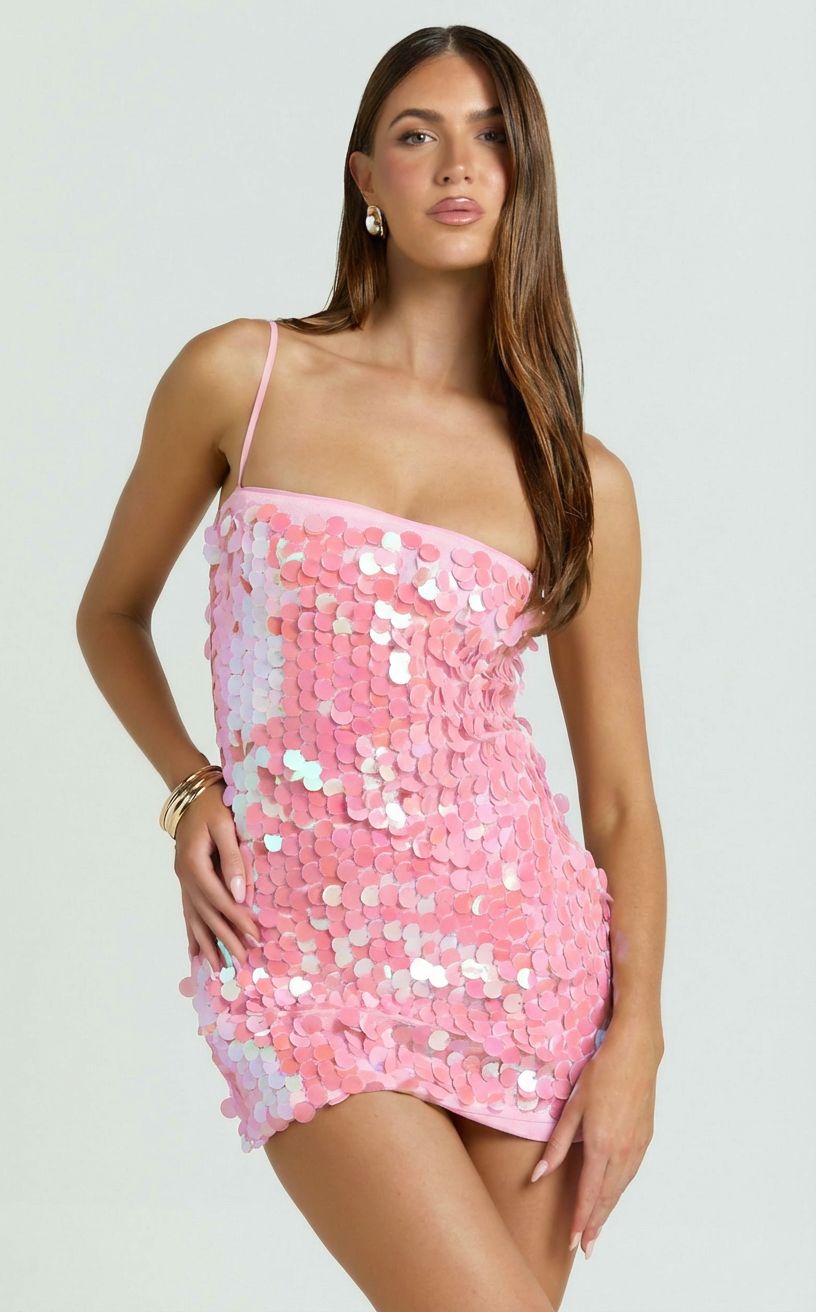
Create Visuals for Approved Colorways
Use AI recoloring to extend an approved product image into additional catalog colorways. Compare every output with the physical sample or authoritative color reference, especially across prints, mixed materials, stitching and trim.
Open AI Color Change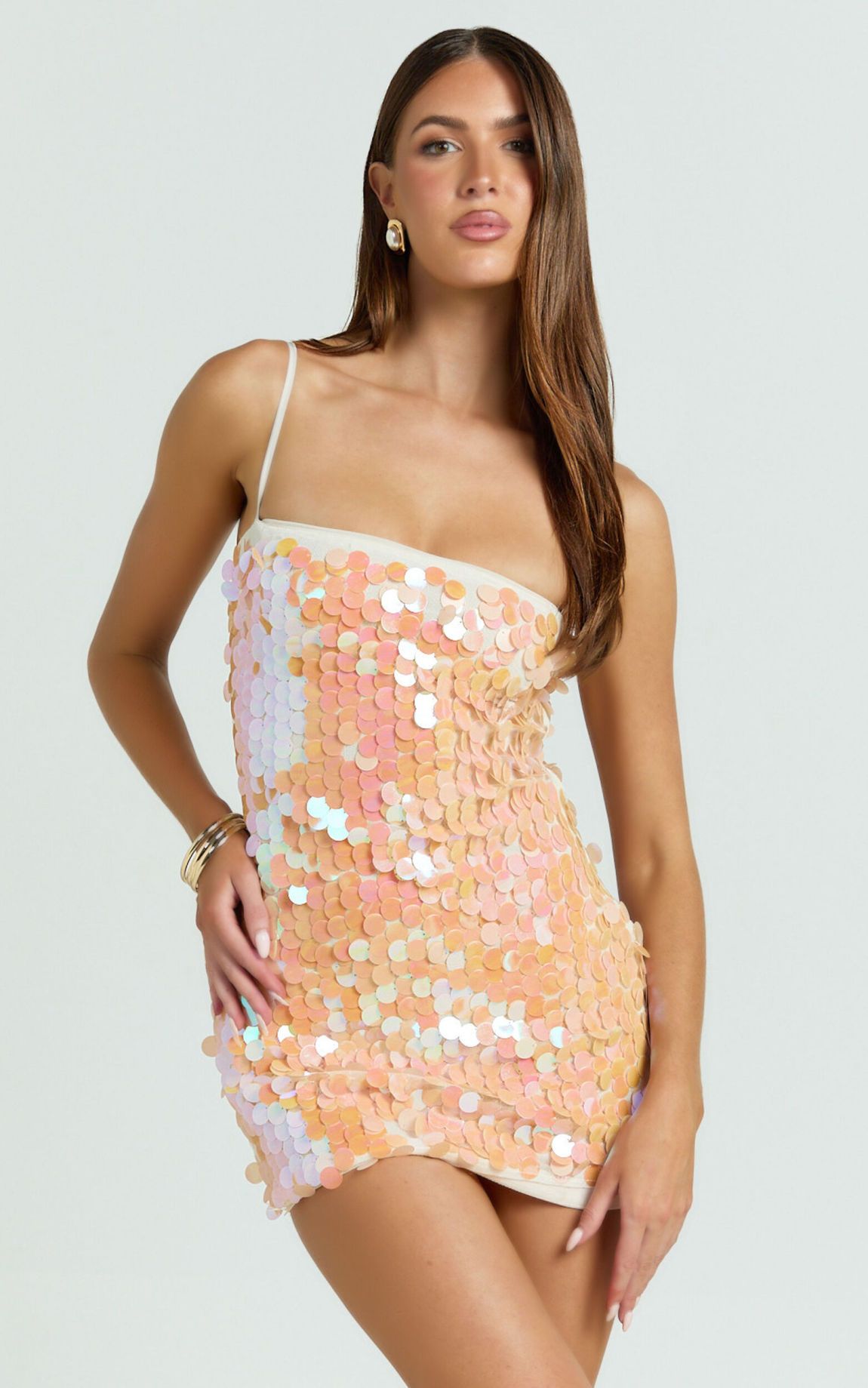
Turn an Approved Still into Short Product Motion
Animate a reviewed product or model image for product-page motion, ads and social testing. The video adds movement and attention; it should not be presented as verified proof of exact fit, drape, stretch or material performance.
Open Image to Video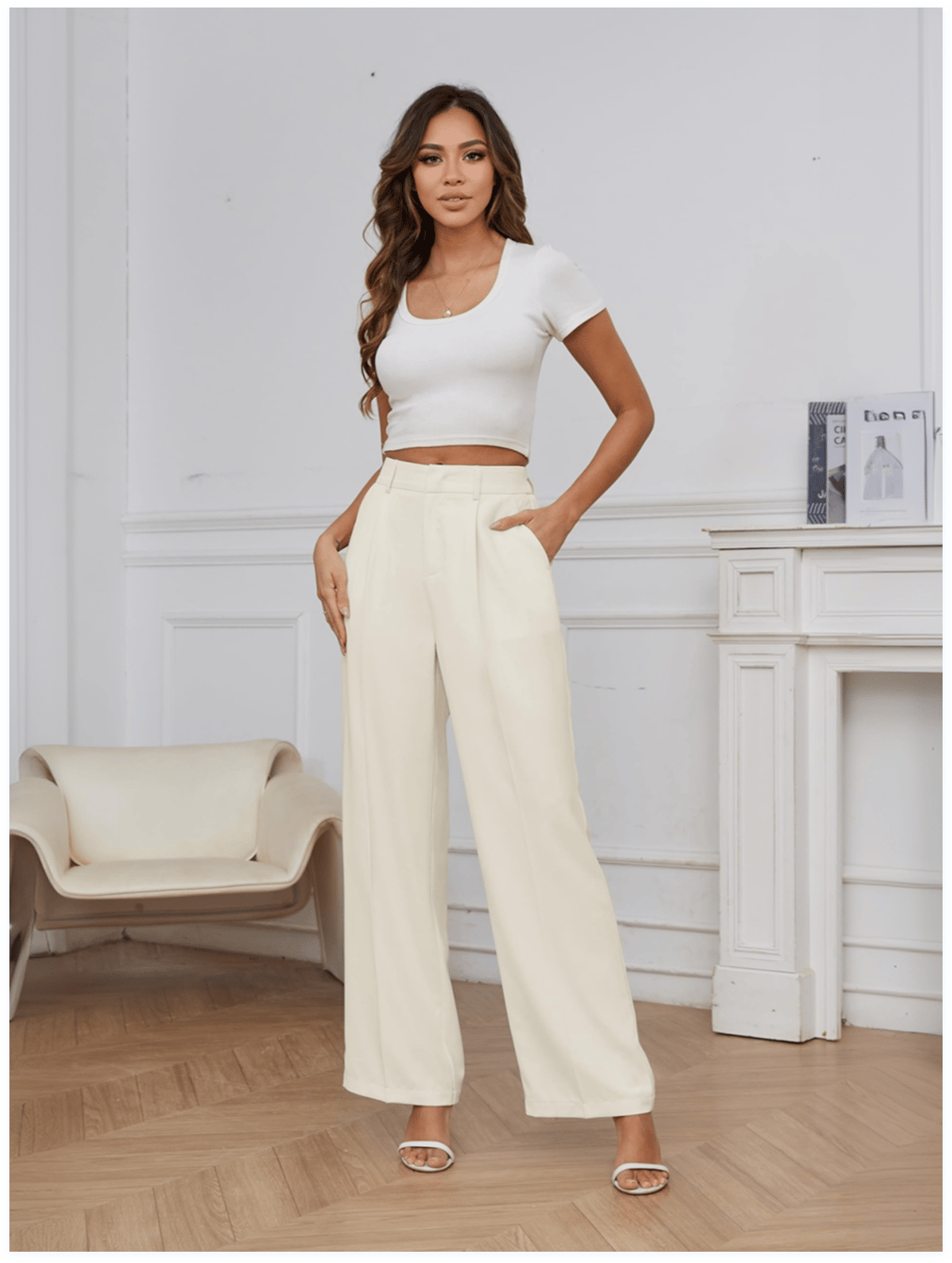
Scale Fashion Catalogs with Batch Photo Editor
- Process up to 100 photos per batchMove a complete product set through one batch instead of reopening every file.
- Upload once and switch between 7+ AI toolsThe batch stays loaded across workflows such as Ghost Mannequin, Fashion Model and Color Change.
- Download the finished batch togetherKeep handoff more organized when assets are ready for catalog review.
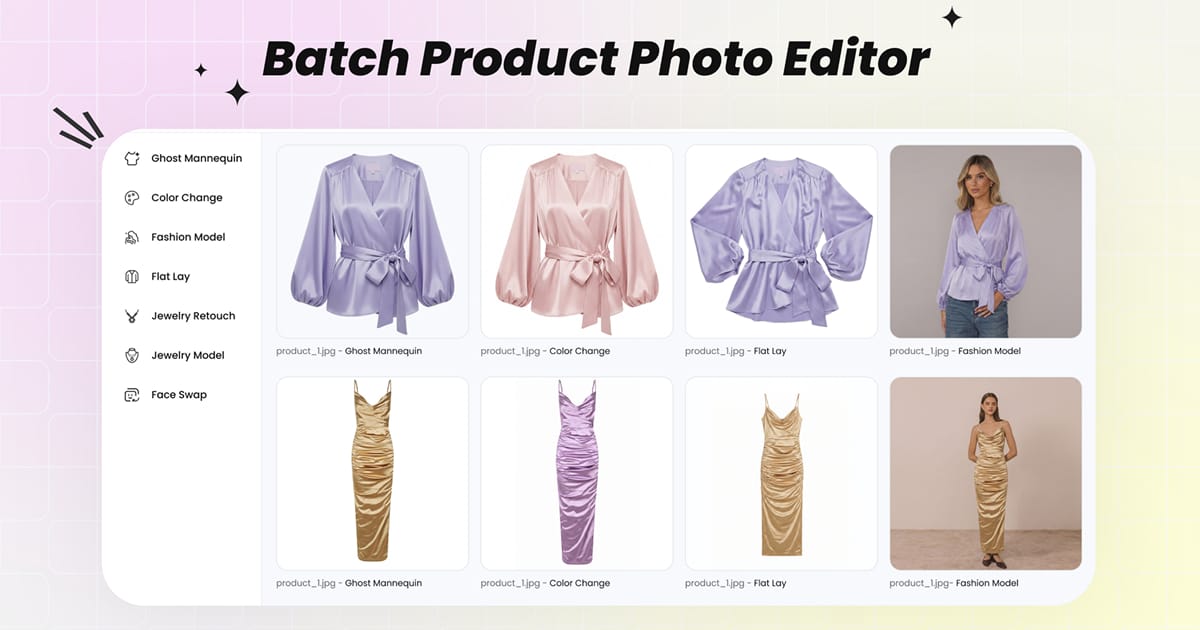
Apparel Product Photography Across the Fashion Content Cycle
Choose the workflow by the job the asset needs to do, rather than forcing one image style across every channel.
Garment-First Catalog Views
Create a clean ghost mannequin or product-led image, then retain close-ups, dimensions and material information for factual product detail.
On-Model Context
Add a model-led secondary view to help shoppers understand styling direction while avoiding unverified fit claims.
Visualize Variations
Explore approved color directions and campaign concepts before a reshoot, then confirm the final asset against the physical sample.
Short Product Motion
Turn an approved still into a short motion asset for testing on product pages, ads and social channels.
How to Create Apparel Product Photography for a Fashion Catalog
Start with a representative product image, choose the output your catalog needs and keep approval tied to product accuracy.
Prepare a Clear Product Image
Use a sharp, evenly lit garment photo with the full product visible. Remove unrelated objects and keep important edges, prints and fastenings unobstructed.
Choose the Output You Need
Select an on-model image, ghost mannequin view, color variation or short product video based on the job the asset must do.
Generate, Review and Publish
Check color, print, logos, buttons, zippers, trim, texture and proportions. Regenerate or use real photography when a result does not represent the item accurately.
What to Check Before an AI Fashion Image Goes Live
Generation is only part of the workflow. A reliable catalog process also defines what must be reviewed and when a human should reject an output.
Garment Fidelity
Compare color, print placement, logos, neckline, sleeves, hem, closures, trim and every item included in a coordinated set.
Catalog Consistency
Check framing, crop, camera height, background, lighting and model direction across the complete product set—not only the hero image.
Truthful Product Information
Do not use a generated visual as proof of exact fit, sizing, comfort, support, transparency or fabric performance. Keep verified product data alongside it.
Continue Your Fashion Product Photo Workflow
 AI Fashion ModelCreate model-led merchandising images from garment photos, then review the result against the real item.
 AI Color ChangeExplore product color variations while keeping the physical sample and approved color references as the source of truth.
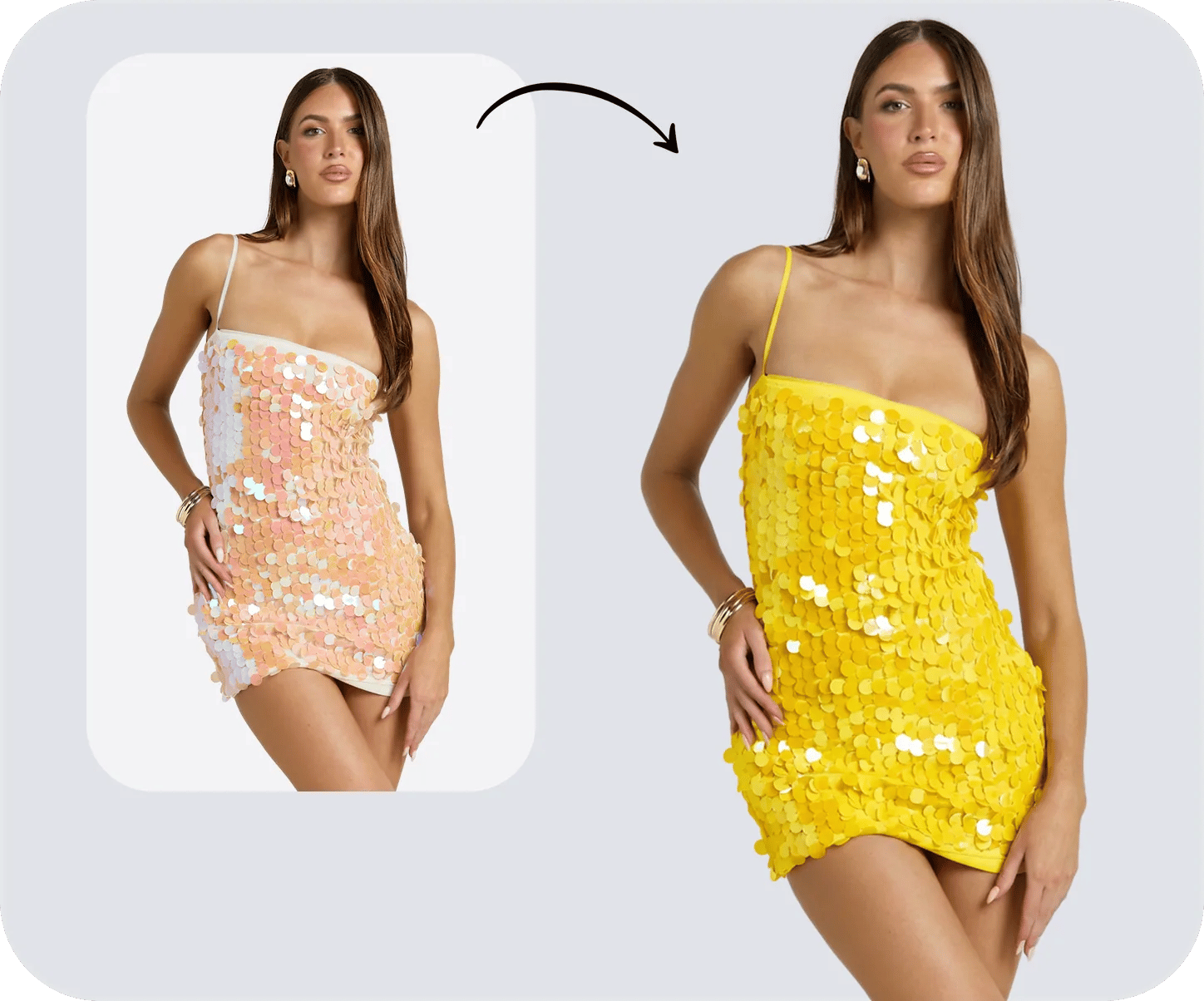 Image to VideoAnimate an approved still into a short motion asset for product pages, ads and social testing.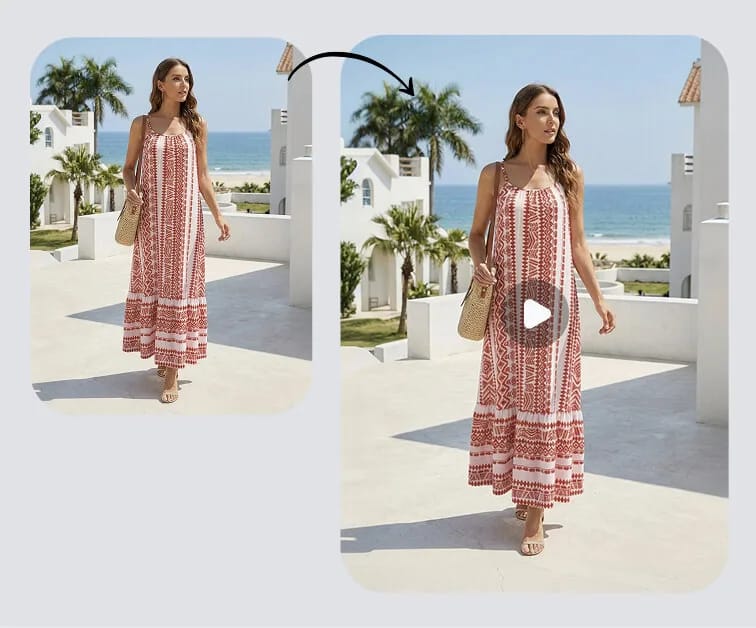
What Fashion Sellers Say About Snappyit
Public feedback from apparel sellers using Snappyit in their visual-production workflows.
“As a Shopify apparel seller, Snappyit has completely changed our product photography workflow. We no longer need expensive studio shoots or professional retouchers. It greatly cuts our visual production cost and speeds up our listing launch speed.”
“The AI tools are intuitive, fast, and produce professional and high-quality visuals—from 3D mannequins to model videos—without needing expensive photoshoots. I especially love the Ghost Mannequin and Color Change features.”
“I run a small clothing company and couldn’t afford high shooting costs, so I only use flat lay images for online sales. Then I met Snappyit. It transforms my photos into 3D with just one click!”
Apparel Product Photography for Fashion Brands FAQs
What is apparel product photography for fashion brands?
Apparel product photography presents clothing for ecommerce and marketing. An AI-assisted workflow can use a real garment image as the starting point for additional visuals, such as on-model images, ghost mannequin views, color variants and short product videos. Generated assets should be checked against the real item before publication.
What source photos can a fashion brand use?
The best source is sharp, evenly lit and shows the complete product with important edges and details unobstructed. Depending on the workflow, you can start with a flat lay, hanger shot, mannequin photo, product-only image or an existing on-model photo that you have permission to edit.
Can AI product photography replace every fashion photoshoot?
No. AI can support routine catalog production, visual testing and channel variations, while a real shoot can remain valuable for editorial storytelling, verified fit, complex materials and hero campaigns. Many brands can use both approaches for different jobs.
How should we review AI-generated fashion images?
Compare every generated image with the source product. Check color, print placement, logos, buttons, zippers, trim, texture, silhouette, proportions and all pieces in a set. Regenerate or use a real photograph when an output does not represent the item accurately.
Can AI model images prove garment fit or sizing?
No. An AI model image can communicate styling direction, but it is not a verified fit test, measurement or sizing promise. Product pages should still include accurate dimensions, size charts, material information and verified fit notes.
Where can fashion brands use the generated assets?
Generated assets can support product detail pages, collection pages, marketplace galleries, lookbooks, line sheets, ads, email and social content. Check each sales channel’s current image rules and your plan’s current commercial terms before publishing.
How can Shopify merchants use Snappyit for apparel product photography?
Shopify merchants can install the Snappyit Shopify app to bring product images into an apparel photography workflow, create assets such as ghost mannequin and on-model images, review them against the real product, and use the approved results in their store listings.
Can I use Snappyit for fashion product photography on my phone?
Yes. Snappyit is available as an iOS app and an Android app, so fashion sellers can work with product images from a compatible phone. Review every generated asset against the real garment before adding it to a listing or campaign.
Build Brand Visual Assets with Snappyit
Create PDP images, on-model visuals, colorways and product motion in one AI workflow.
Explore AI Product Photography






