



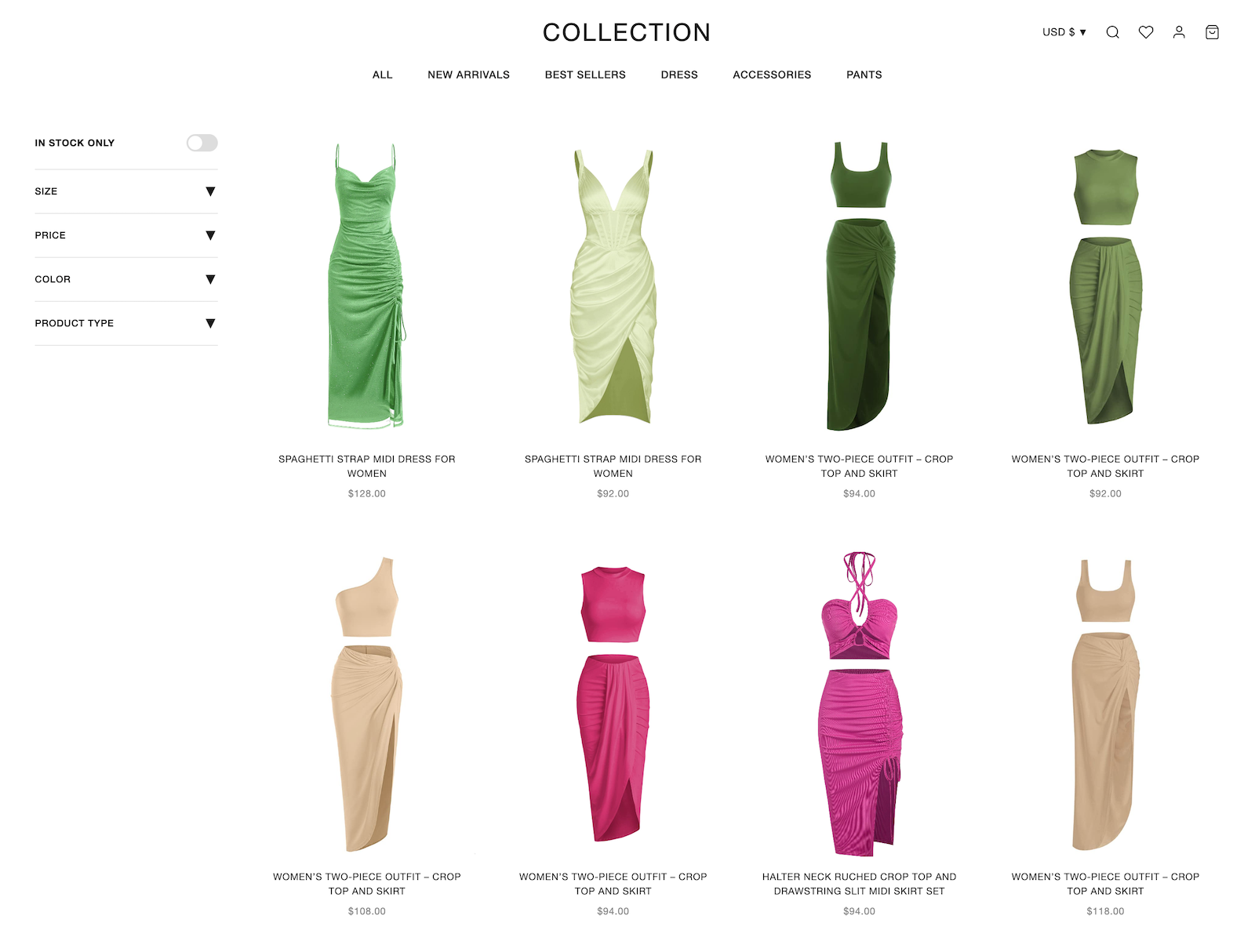
Shopify Product Photo Quality for PDPs and Collections
The main PDP image, variant images and collection thumbnails need consistent product detail across mobile and desktop storefronts.
Mobile storefronts make image clarity critical
On a narrow screen, the main product image occupies much of the first view. Check fabric texture, edge sharpness, color and crop at mobile size instead of approving images only on a desktop monitor.
Variant pickers multiply the number of required images
Each colorway needs an accurate swatch and product image, while sizes usually share approved imagery plus separate measurements and fit notes. Plan the catalog by style and color so the image count is based on the real merchandising requirement rather than every theoretical SKU combination.
Product images support evaluation before checkout
Shoppers still use price, reviews, product information, availability and delivery details alongside the images. Treat image quality as one measurable storefront input and avoid promising a fixed Shop Pay conversion lift.
Keep presentation consistent across drops and photographers
Use a documented crop, background, lighting and color-review standard across the catalog. AI templates can reduce visual drift, but every output still needs comparison with the source product.
AI Product Photography Workflow for Shopify Catalogs
One garment sample feeds all five tools. Run them solo for a single asset, or chain them to populate every section of a Shopify product page from a single upload.
Flat-lay or hanger sample → 2048×2048 PDP master
The catalog standard for Shopify Dawn, Refresh, and most custom themes. Reconstructs the floating, on-form catalog shot at the resolution Shopify recommends as the PDP master — clean enough to scale down to 1024² collection thumbnails and 480² cart previews without softness.
- Outputs at 2048×2048 (Shopify's recommended PDP master)
- Trained on apparel — preserves drape, weave, prints
- Reads cleanly at thumbnail size for mobile-first traffic
- Replaces studio + invisible-mannequin retouching round
Collection-page hero + homepage lifestyle banners
Generates on-model lifestyle imagery for collection-page heroes, homepage hero banners, and lookbook spreads — body type, pose, ethnicity, and background scene as explicit controls. The same source garment renders into multiple model variants for collection diversity without a casting day.
- Body type, pose, ethnicity, scene control
- One garment → 4–8 model variants per generation
- Fills collection-page hero, homepage banners, lookbook
- Brand-locked templates for catalog-wide visual consistency
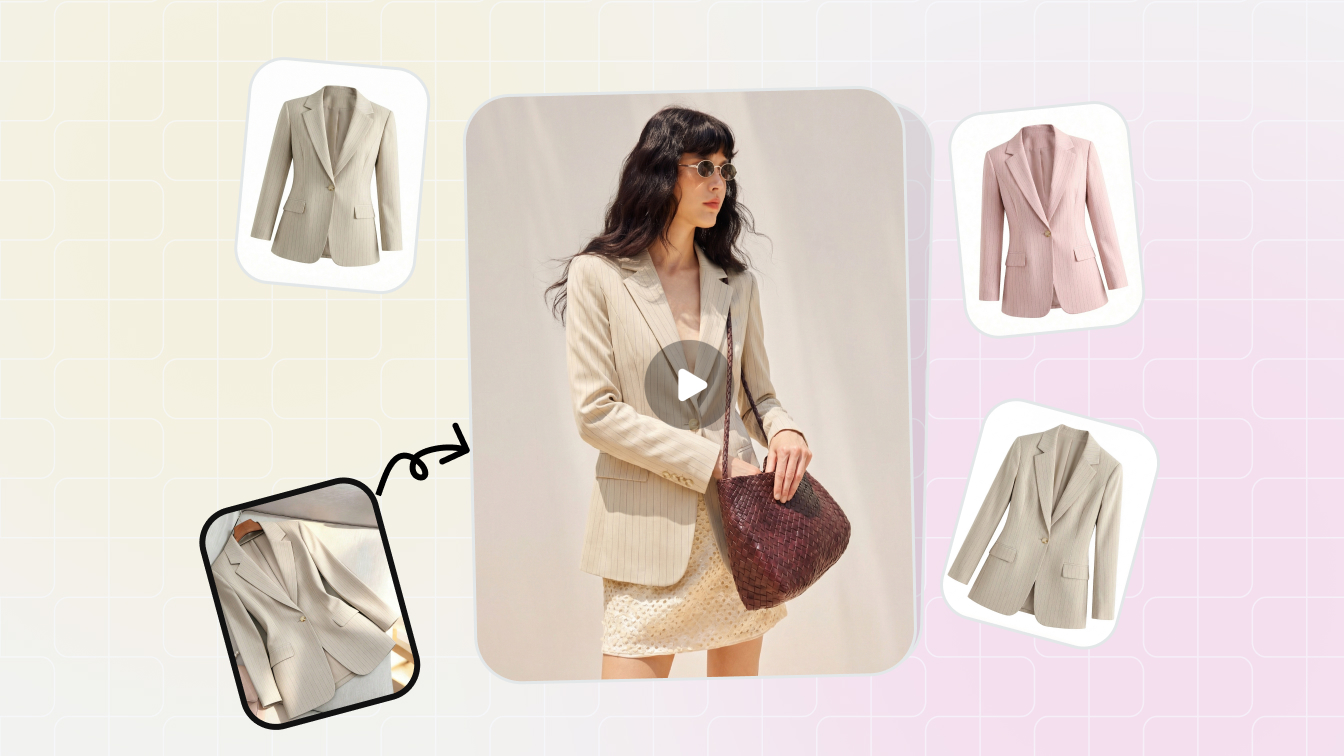
Master sample → one image per variant picker swatch
Every colorway gets its own variant cover, mapped to the matching Shopify variant SKU so the storefront variant picker shows the right visual per swatch. No reshoot per color, fabric texture preserved, weave and embellishment detail intact even on metallic and printed fabrics.
- One image per variant SKU, filename-tagged to color value
- 5–20 colorways generated in under a minute
- Preserves weave, sheen, prints, sequin detail
- Auto-matches Shopify variant picker color attribute
Static PDP → embedded product page video
Shopify supports product page video natively in Dawn and most themes. Animate any PDP still into a 5–15 second motion clip showing fit, drape, or pose change — embed in the product gallery as the third or fourth media slot, where mobile buyers see it on the first swipe.
- Output ratios: 9:16, 1:1, 4:5, 16:9 — every Shopify slot
- Embeds natively in Dawn / Refresh product gallery
- Lifts product-page conversion 60–95% on apparel
- Same workflow exports for TikTok Shop and Reels ads
All five tools share the same upload, and the included Image Resizer auto-exports for every Shopify theme section (PDP 2048², collection card 4:3, hero banner 16:9, cart 480², email 600×800). Snappyit's full AI product photography toolkit covers every tool at one subscription tier — see the pricing page for Basic / Standard / Pro details.
Shopify Product Image Sizes for PDPs, Collections and Banners
Shopify's Dawn and Refresh themes pull from the same source asset for every section but crop differently per slot. The image resizer outputs all six crops from one upload.
How to Bulk Upload and Replace Shopify Product Images
The Snappyit Shopify App pulls from your catalog, runs the workflow, and pushes assets back into the same product or variant in Shopify admin — no manual upload step. Stores that prefer an audit trail can route through CSV + Matrixify instead.
Direct Shopify App push
The Snappyit Shopify App pulls products from your store, you run AI generation per SKU, output assets push back to the same product as PDP master, variant covers, or product video. End-to-end inside one workspace — no Shopify admin tab-switching, no manual upload. Best for stores with under 1,000 SKUs and weekly drop cadence. Install from the Shopify App Store and the connection takes under a minute.
Bulk CSV + Matrixify pipeline
For Shopify Plus stores running scheduled imports through Matrixify or custom CSV automation, Snappyit exports generated image URLs ready to drop into your standard catalog CSV column. Your existing import-and-publish pipeline handles the rest — Snappyit slots in upstream as the visual production layer without touching the publish job.
Shopify Markets multi-store sync
One generation serves every regional Shopify Markets storefront — the asset uploads once to the Shopify CDN and renders across each regional URL automatically. For brands running localized lookbook imagery, AI Fashion Model produces region-specific model and background variants from the same source garment.
Reuse approved masters across Shopify surfaces
An approved PDP master can provide source material for collection cards, cart thumbnails, email and campaign assets. Export and preview each placement separately because themes and channels crop the same image differently.
Shopify Product Image Benchmarks and Export Specs
Industry-published benchmarks for Shopify storefront traffic and product imagery — plus the Snappyit output specs that map to them. No fabricated customer claims.
where thumbnail clarity decides the click
vs amateur / inconsistent visuals, industry-published range 22–30%
supports the Image-to-Video output ratio for product page video
PDP 2048² · variant 1024² · collection 4:3 · hero 16:9 · cart 480² · email
The two industry numbers above are general ecommerce benchmarks — not Snappyit-specific customer outcomes. Actual conversion impact depends on your starting baseline, traffic source, category, and pricing. The three Shopify App Store reviews below are the verified Snappyit customer testimonials currently published; we don't claim aggregate uplifts we haven't measured.
What Shopify Merchants Say — Verified Shopify App Store Reviews
Three verified 5-star reviews from apparel brands running Snappyit on Shopify, posted on the Snappyit Shopify App Store listing.
"As a small women's apparel brand on Shopify, product photography used to slow us down. Since using Snappyit, we've streamlined the process and saved a lot of time and cost. The ghost mannequin feature is a standout, we can quickly turn mannequin or flat-lay shots into clean, consistent images without manual editing. The AI model feature is also useful for creating lifestyle-style visuals without organizing full shoots. It's not always perfect on the first try, but the value for the price is excellent and it helps us launch products faster. A few improvements we'd love: better handling of complex fabrics and a bulk upload option."
Women's apparel brand · Australia · May 9, 2026
"Running my women's apparel store for 2 years, photo costs were cutting into profits. I tried several AI tools, but most gave unrealistic results. Snappyit stood out — the fit, drape, and fabric (especially knits) look much more natural. It's also very easy to use. Only downside: limited template variety. More models, poses, and scenes would make it perfect."
Women's apparel store · United States · May 17, 2026
"We run 10+ colorways per style, and recoloring used to take days. This tool gets it right — it keeps seams, shadows, and fabric texture realistic. Flat lay is also solid. Details like stitching and labels come out accurate, not generic. Only downside is no built-in crop tool yet — still need another app for that. Once added, it's a complete workflow."
Multi-colorway apparel · United States · May 16, 2026
Shopify Sellers — Frequently Asked Questions
Eight questions Shopify operators ask before connecting the Snappyit App to a live store.
Beyond the Shopify Storefront — Cross-Channel Workflows
Where the same AI imagery extends past your Shopify admin into other seller surfaces.
Further Reading for Shopify Sellers
Install the Shopify App. Refresh every PDP in days.
The complete AI product photography toolkit, plugged directly into your Shopify catalog — ghost mannequin master, lifestyle hero, variant covers, product video, and 6-section image resizer. 10 free credits to test on your real store, no credit card required.






