



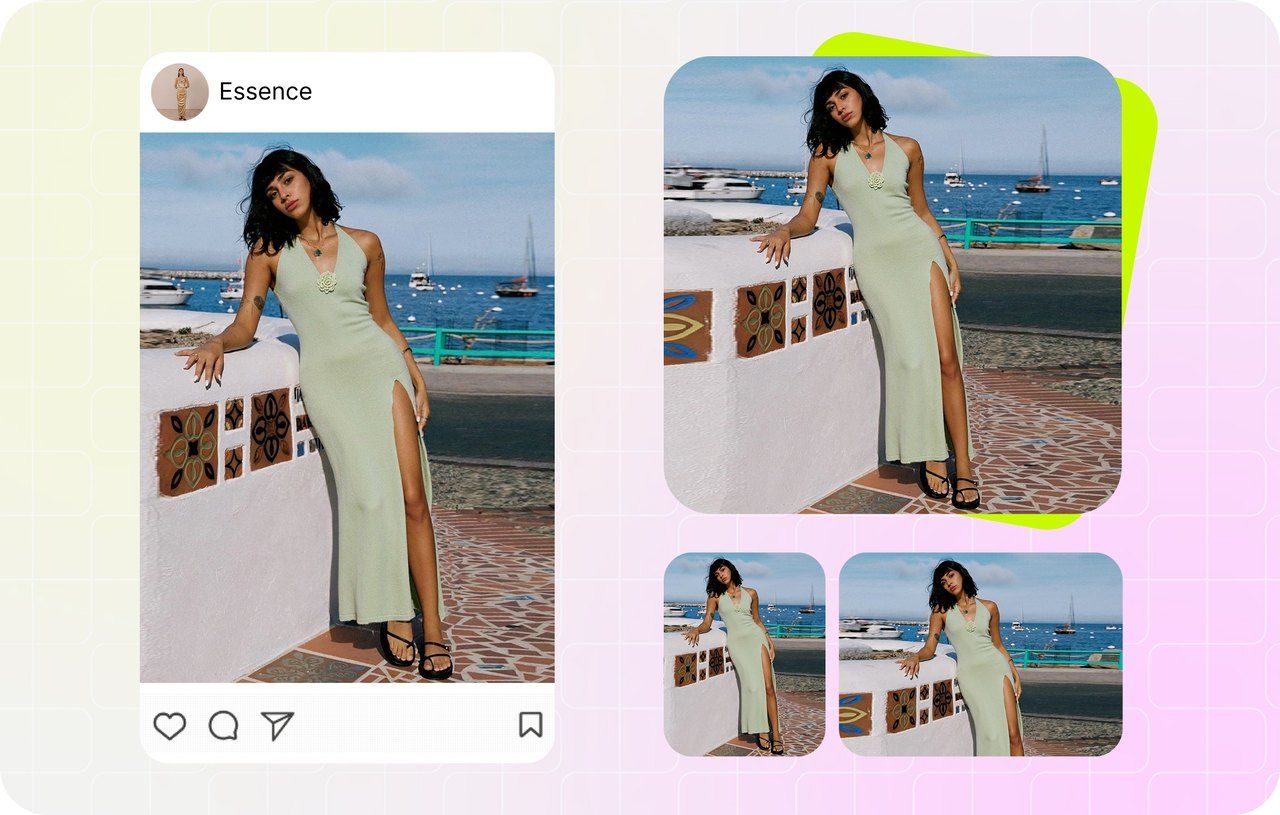
Why pre-resize before you upload?
Every marketplace auto-resizes your upload to its own display size — but the result depends entirely on how your source photo compares to that target. Upload a 4000-pixel photo and the platform downsamples it with a generic, often soft algorithm; upload a too-small 800-pixel photo and it upscales with visible blur. Hitting the recommended pixel spec yourself means the marketplace stores your file as-is and renders it sharp.
Pre-resizing also lets you control the crop. Marketplace auto-cropping routinely cuts off sleeves, labels, handles or the full silhouette of an item. Resize to the right square first — padding to a clean canvas or cropping deliberately from the center — and what you see is exactly what buyers see.
How this resizer works: drop one or more photos, then pick any mix of marketplace and social-media sizes in the left panel — or type a custom W×H — and the workbench renders a live preview on the HTML5 Canvas. Choose Pad for a no-crop canvas (white or any brand color) or Crop to fill, pick JPG, PNG or WebP, then download. One photo across three sizes, or a capped batch across every platform, comes back as a single ZIP — and nothing is ever uploaded to a server.
One source photo, every marketplace size
Cross-listers shouldn't re-export the same shot eight times by hand. Upload once, tick eBay, Amazon, Etsy, Shopify, Poshmark, Mercari, Depop and Facebook Marketplace, and the resizer renders a correctly-sized file for each — 2048 for Shopify, 2000 for Etsy and Amazon, 1600 for eBay, 1200 for the rest, 1080 for Depop — in one pass.
Every file is named photo-amazon-2000x2000.jpg style, so dragging the right size into the right listing takes seconds. Multi-size exports come back zipped.
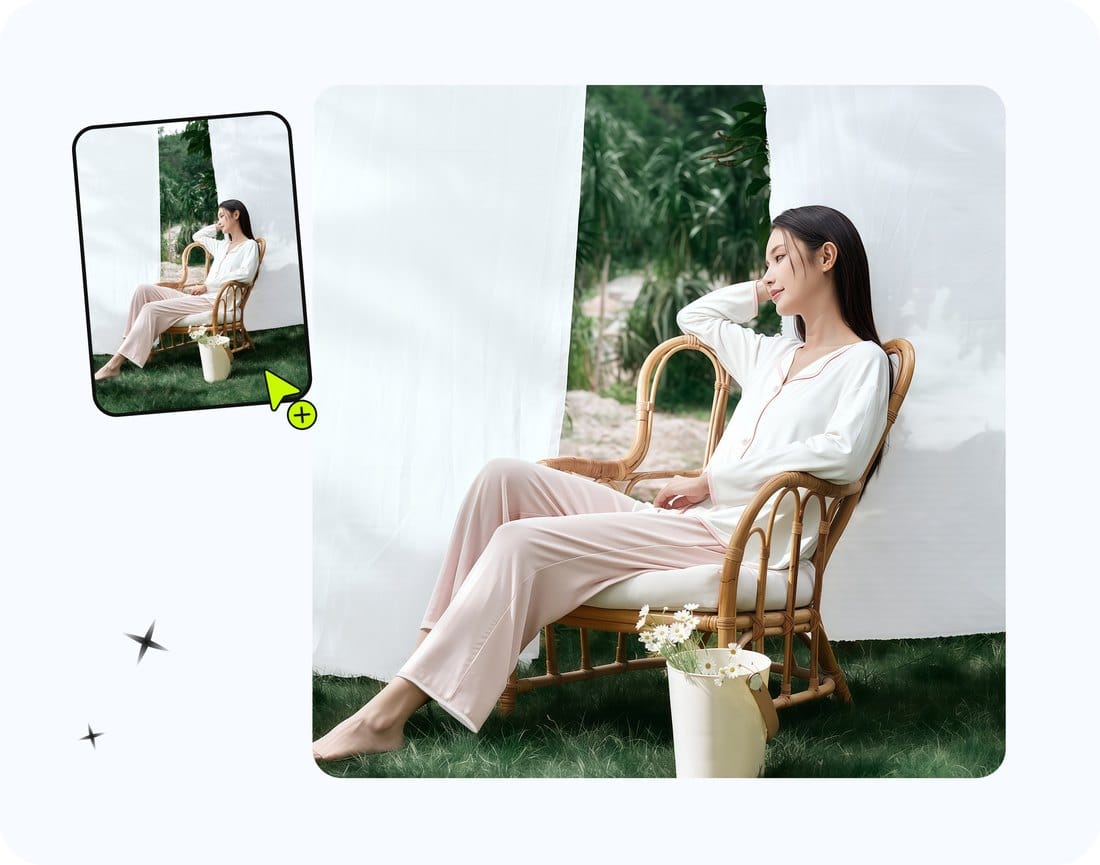
Every social ratio — Instagram, TikTok, YouTube & more
Marketplaces want squares; social wants portraits, stories and widescreen. One upload covers them all — Instagram post (1080²), portrait (1080×1350) and story/reel (1080×1920), TikTok (1080×1920), YouTube thumbnails (1280×720), Pinterest pins (1000×1500), plus Facebook, X and LinkedIn posts.
Pad centers your product on any canvas with white or a brand color, or Crop fills the frame edge to edge — you see the exact result live before you export, whatever the aspect ratio.
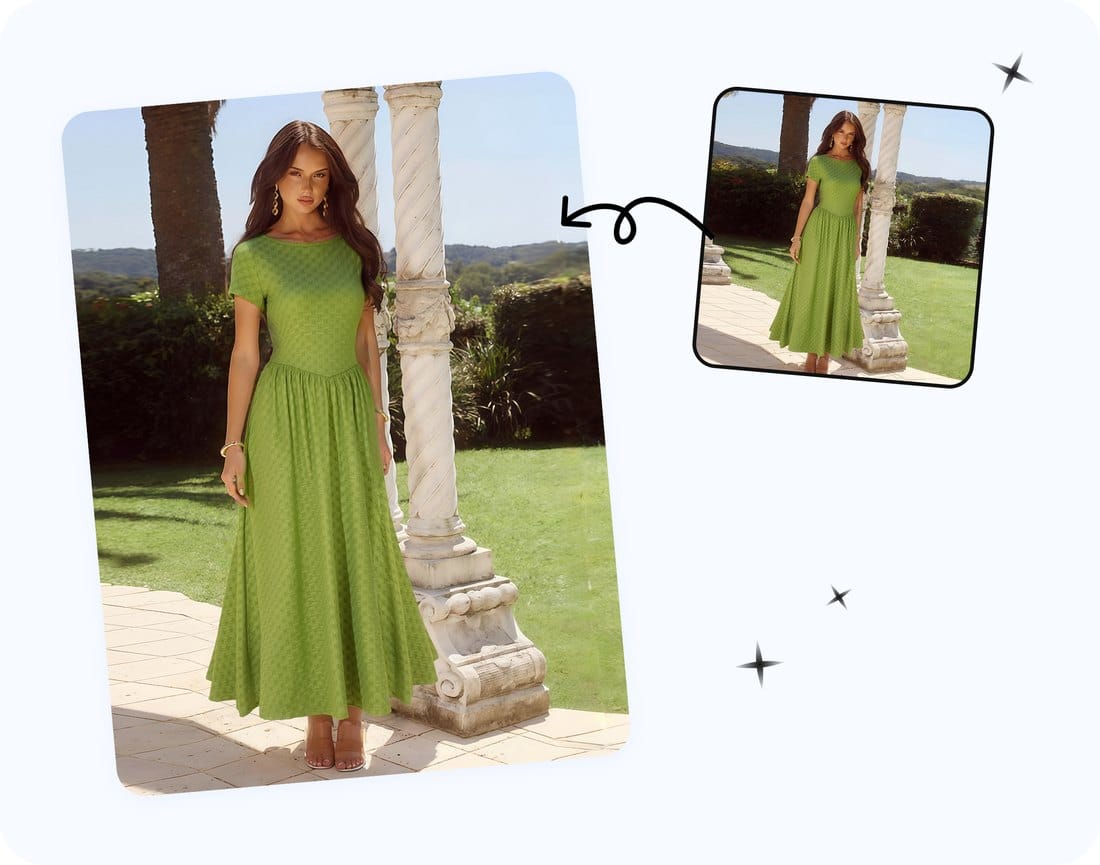
Free bulk image resizer for product photos
Flip on Batch mode, upload up to 10 photos on desktop or 6 on mobile, tick every size you need, and download one ZIP with each photo rendered to each platform. No per-image busywork and no daily cap.
It's 100% free and fully local — files are read, resized on the HTML5 Canvas and downloaded without ever being uploaded, with no login and no watermark.
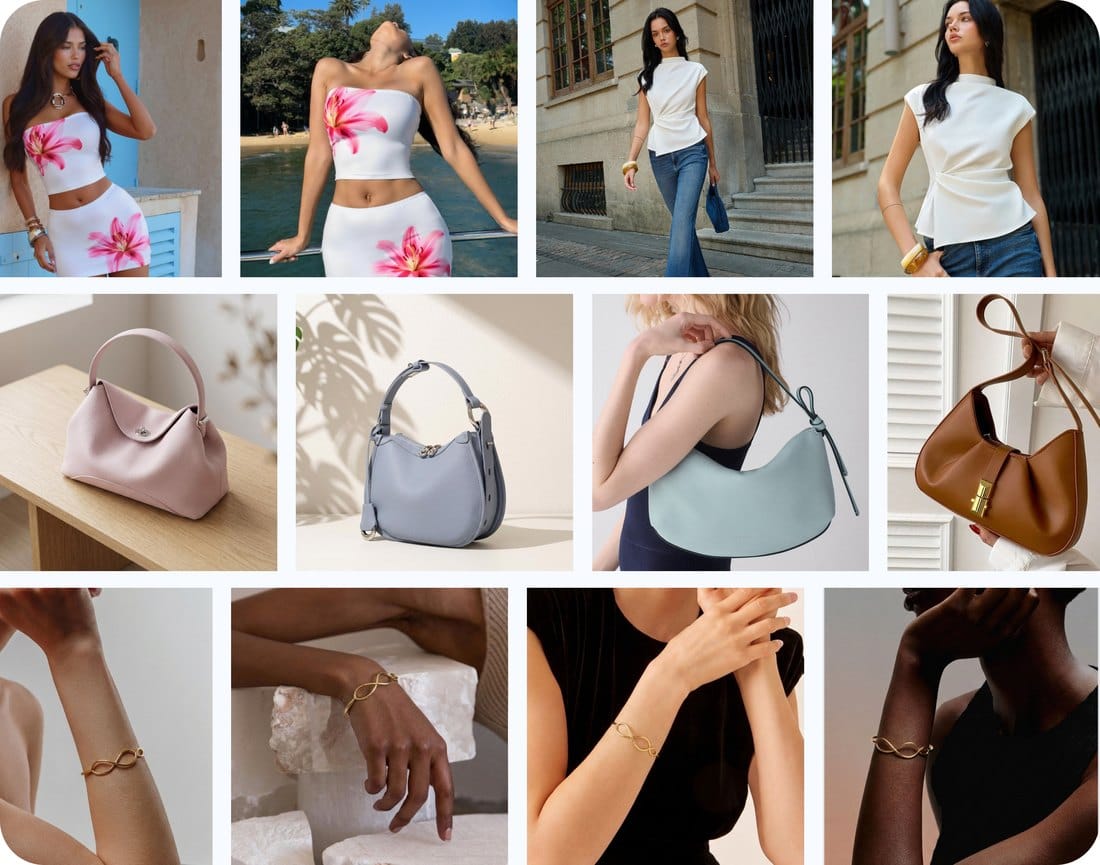
The marketplace size cheat sheet
All dimensions below are drawn directly from each platform's current, publicly documented guidance. Last verified April 2026 — the resizer presets match this table exactly.
| Platform | Recommended size | Format |
|---|---|---|
| eBay | 1600 × 1600 | JPEG (up to 12 MB) · unlocks zoom |
| Amazon | 2000 × 2000 | JPEG, pure white #FFFFFF main image |
| Etsy | 2000 × 2000 | JPG, 1:1 square |
| Shopify | 2048 × 2048 | WebP under 300 KB |
| FB Marketplace | 1200 × 1200 | JPEG / PNG |
| Poshmark | 1200 × 1200 | JPG (new 2026 portrait ~900 × 1200) |
| Mercari | 1200 × 1200 | JPG, 1:1 square |
| Depop | 1080 × 1080 | JPG / PNG, 1:1 square |
Sources: eBay Picture Policy · Amazon Seller Central Product Image Guide · Etsy Image Requirements · Shopify Website Image Size Guidelines · Meta Business Help · Poshmark Blog (March 2026) · Mercari Help Center · Depop Seller Photography Guide. Last verified: April 2026.

85% 5 star reviews from verified users
A free alternative to BeFunky, iLoveIMG and Canva resize
Generic resizers make you type pixels and re-do it for each platform. This one is built around marketplace and social-media specs — 17 presets, white-background padding and per-platform file caps baked in, free with no login.
| Feature | Snappyit (this tool) | iLoveIMG | BeFunky | Canva |
|---|---|---|---|---|
| Marketplace + social presets | 17 built in, one click | No — type pixels | No — type pixels | Templates, manual |
| Resize to every platform at once | Yes — multi-select + ZIP | One size at a time | One size at a time | One at a time |
| Pure white #FFFFFF padding for Amazon | Automatic | No | Manual | Manual |
| Auto-compress under size caps | Yes (Shopify < 300 KB) | Partial | No | No |
| Runs in-browser, nothing uploaded | Yes — fully local | Uploads to server | Uploads to server | Uploads to server |
| Price | 100% free, no login | Free tier + paid | Free tier + paid | Free tier + paid |
Disclosure: Snappyit is our own tool. Competitor capabilities reflect their publicly documented free tiers as of June 2026 — check their live product pages for the latest.
Built for marketplace sellers, social creators and bulk studios
One source photo, correctly sized everywhere you sell and post — a marketplace listing, an Instagram story, a YouTube thumbnail or a whole catalog. The resizer keeps every image on-spec, then Snappyit's AI studio can upgrade the photos themselves.
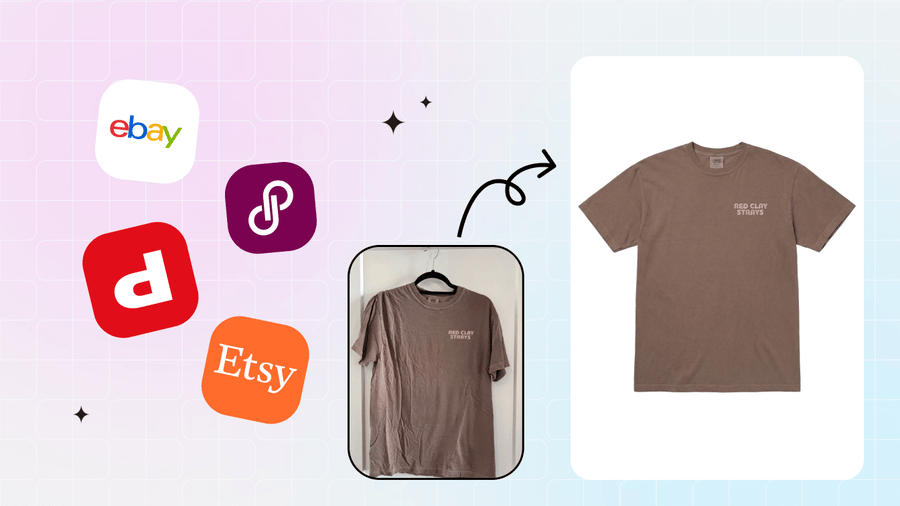 Cross-listers & resellers
Export eBay, Poshmark, Mercari and Depop sizes together in one ZIP — list everywhere without re-exporting by hand.
Cross-listers & resellers
Export eBay, Poshmark, Mercari and Depop sizes together in one ZIP — list everywhere without re-exporting by hand.
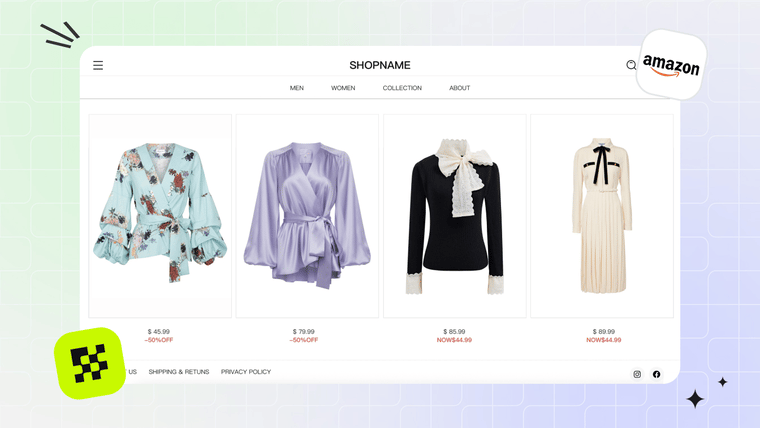 Marketplace sellers
Amazon, eBay, Etsy and Shopify sizes with pure-white #FFFFFF padding wherever listing review requires it.
Marketplace sellers
Amazon, eBay, Etsy and Shopify sizes with pure-white #FFFFFF padding wherever listing review requires it.
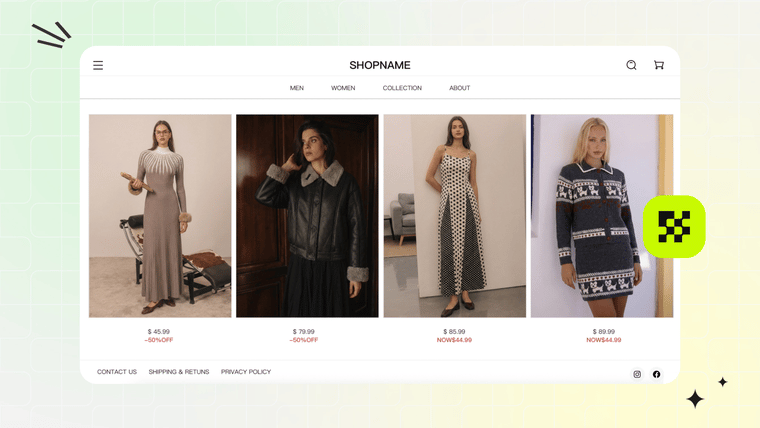 Bulk & studio teams
Batch a whole shoot to every marketplace and social size at once — free, in the browser, no daily cap.
Bulk & studio teams
Batch a whole shoot to every marketplace and social size at once — free, in the browser, no daily cap.
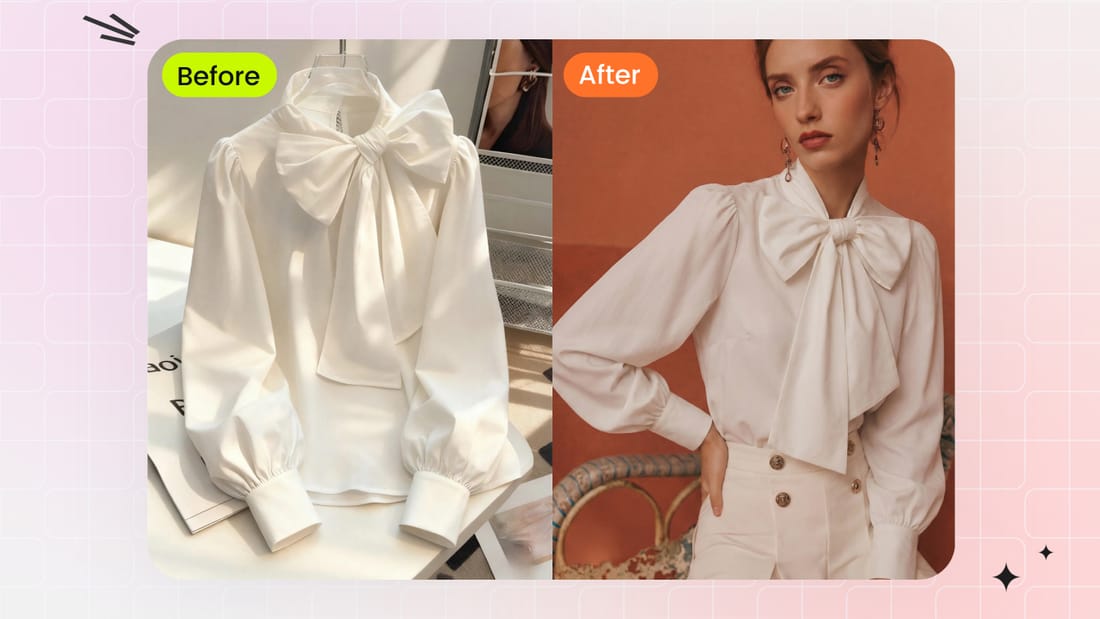 Social media & creators
Instagram posts, stories and reels, TikTok, YouTube thumbnails and Pinterest pins from the same product shot.
Social media & creators
Instagram posts, stories and reels, TikTok, YouTube thumbnails and Pinterest pins from the same product shot.
More free tools for sellers
 Background Remover
Cut your product out to a transparent or pure-white PNG, then resize it here for every marketplace.
Background Remover
Cut your product out to a transparent or pure-white PNG, then resize it here for every marketplace.
 Marketplace Fee Calculator
Compare seller fees and real profit across 8 platforms before you list.
Marketplace Fee Calculator
Compare seller fees and real profit across 8 platforms before you list.
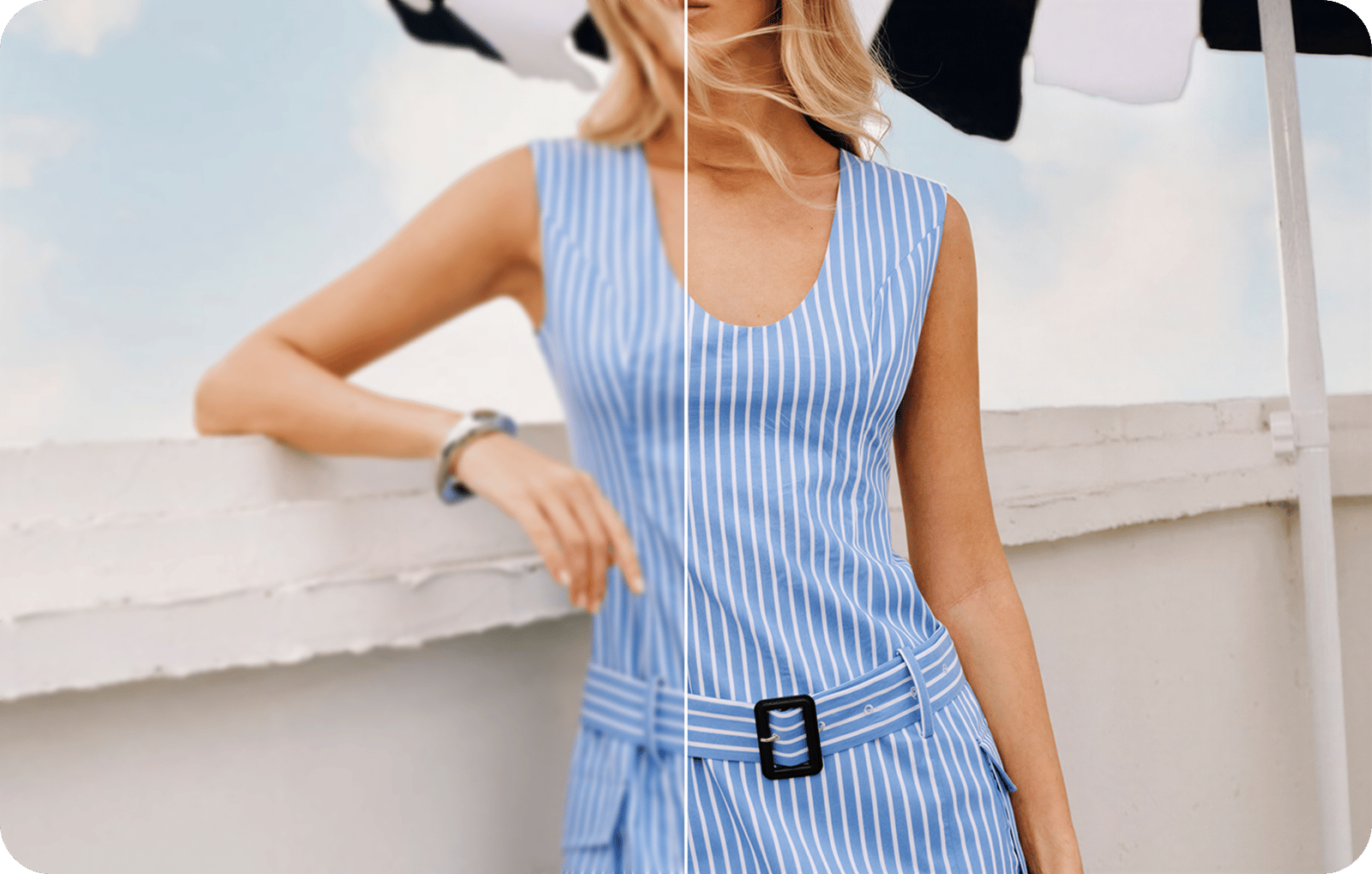 Product Photo Upscaler
Upscale and sharpen low-resolution product photos for clearer marketplace listings.
Product Photo Upscaler
Upscale and sharpen low-resolution product photos for clearer marketplace listings.
Go deeper: marketplace photo guides
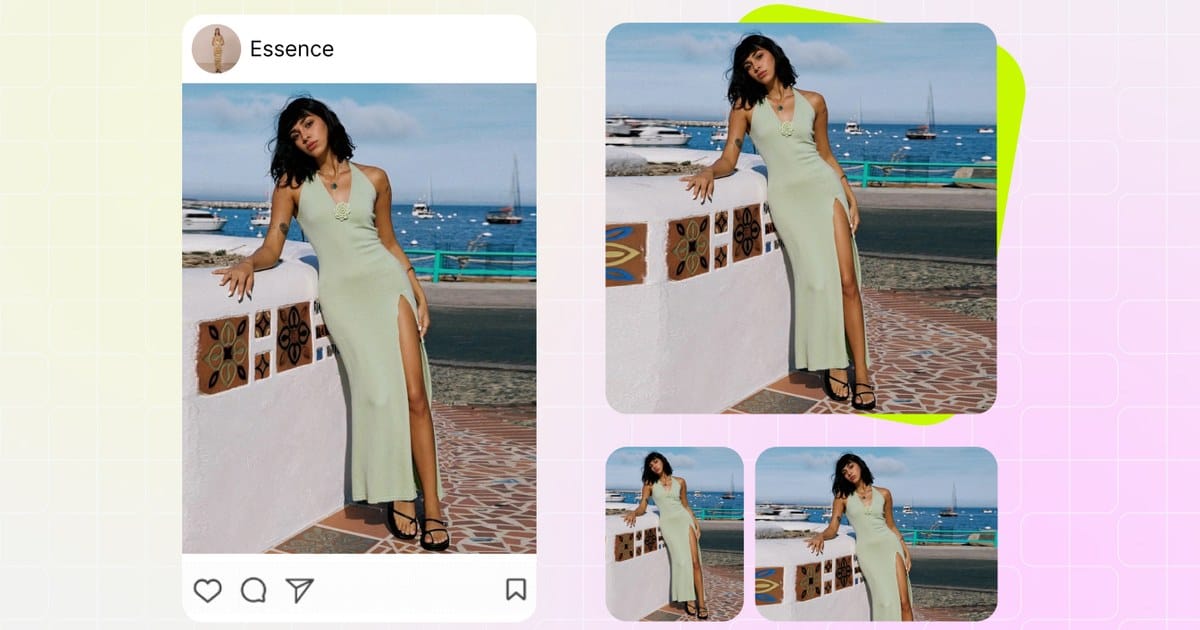 Best Marketplace Image Sizes & Fixes (2026)
Compare size and zoom guidance, then fix small, blurry or unpublished listing images.
Best Marketplace Image Sizes & Fixes (2026)
Compare size and zoom guidance, then fix small, blurry or unpublished listing images.
 Amazon Product Image Requirements (2026)
Check main-image rules, white-background requirements and a practical gallery workflow.
Amazon Product Image Requirements (2026)
Check main-image rules, white-background requirements and a practical gallery workflow.
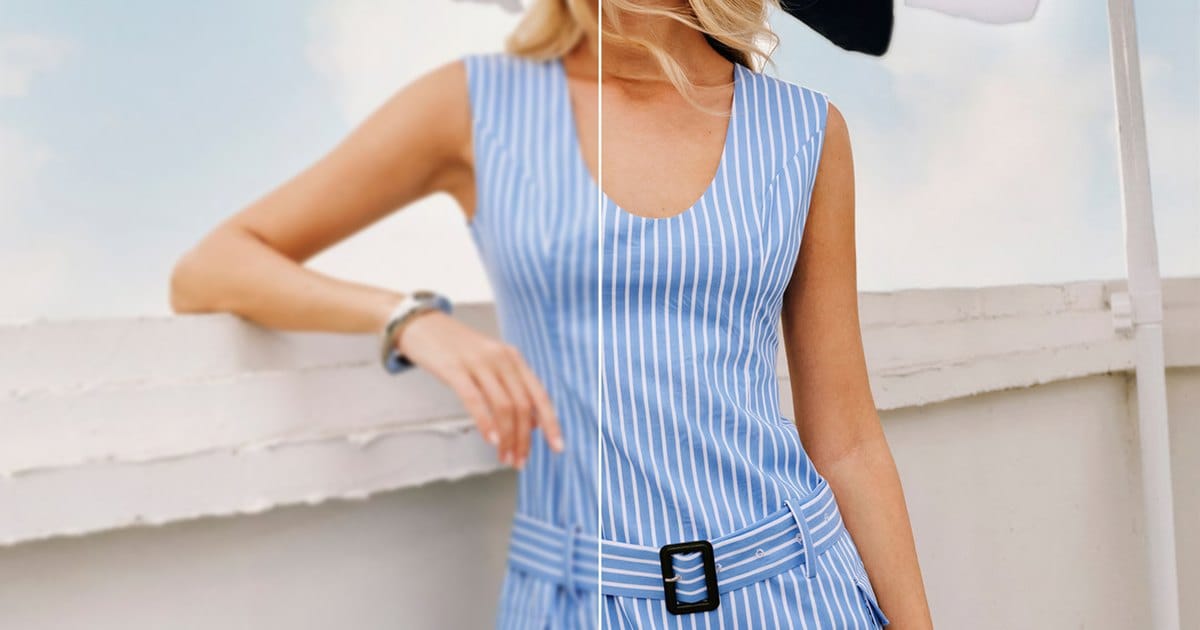 Make Product Photos Higher Resolution
Learn why product images look small or blurry and when to upscale, resize or reshoot.
Make Product Photos Higher Resolution
Learn why product images look small or blurry and when to upscale, resize or reshoot.
 Best AI Batch Photo Editors for Product Photos
Compare batch limits, editing flexibility, workflow and pricing across five tools.
Best AI Batch Photo Editors for Product Photos
Compare batch limits, editing flexibility, workflow and pricing across five tools.
Frequently asked questions from marketplace sellers
What's the best image size for eBay listings in 2026?
eBay recommends 1600 × 1600 pixels on the longest side — the threshold at which eBay's desktop zoom feature activates. Minimum 500 px, maximum 9000 px, JPEG up to 12 MB.
Why does Amazon keep rejecting my main product image?
Nine out of ten rejections come down to background — Amazon requires pure white RGB (255, 255, 255), with the product filling at least 85% of the frame and longest side at or above 1000 pixels.
Is 1600 or 2000 pixels right for Amazon in 2026?
Amazon's 2026 Seller Central guidance recommends 2000–3000 pixels on the longest side. Zoom activates at 1000 px, but 2000 × 2000 is Retina-sharp and under the 10 MB file cap.
What size should I upload to Etsy listings?
Etsy officially recommends at least 2000 × 2000 pixels in 1:1 square format.
What's the recommended Shopify product image size for fast page speed?
Shopify's official guide recommends 2048 × 2048 pixels. WebP delivers files 25–35% smaller than JPEG at identical quality.
Poshmark switched to portrait covers in 2026 — do I need to re-shoot my closet?
No. Poshmark's March 2026 portrait rollout is 3:4 (~900 × 1200), but existing 1:1 square listings remain fully valid.
Why do my Poshmark and Mercari photos look blurry after I upload them?
Almost always because the source photo was smaller than 1200 pixels.
Does Mercari publish an official image size requirement?
Mercari doesn't publish an explicit pixel spec, but the app renders feed thumbnails at roughly 1200 × 1200.
What does Depop's Seller Photography Guide actually require?
1080 × 1080 pixels in 1:1 square format, JPEG or PNG, up to 15 MB per file. Minimum accepted is 640 × 640.
Why do top Depop sellers have such consistent shop grids?
Depop's 3-column grid is effectively your storefront. Top sellers shoot every item on the same backdrop at the same 1080 × 1080 spec.
What image size works best on Facebook Marketplace after its compression?
Meta Business Help specifies 500 pixels minimum and 1200 pixels recommended.
What's the fastest way to resize one source photo for every marketplace I sell on?
Upload it once here, tick every marketplace you sell on in the left panel, and download a ZIP with one correctly-sized file per platform — Shopify 2048 → Etsy/Amazon 2000 → eBay 1600 → Poshmark/Mercari/FB 1200 → Depop 1080.
How many photos can I resize in one batch?
You can upload up to 10 images on desktop, or up to 6 images on mobile. Extra images are skipped with a prompt.
Do my product photos actually leave my device?
Never. The entire pipeline runs locally in the browser — files are read, resized and downloaded without ever being uploaded to a server.
Will resizing from 4000 × 4000 down to 1200 × 1200 blur my photos?
No — downsampling is visually lossless. We render on canvas with high-quality smoothing, so shrinking a large photo stays crisp.
Explore More AI Product Photography Tools
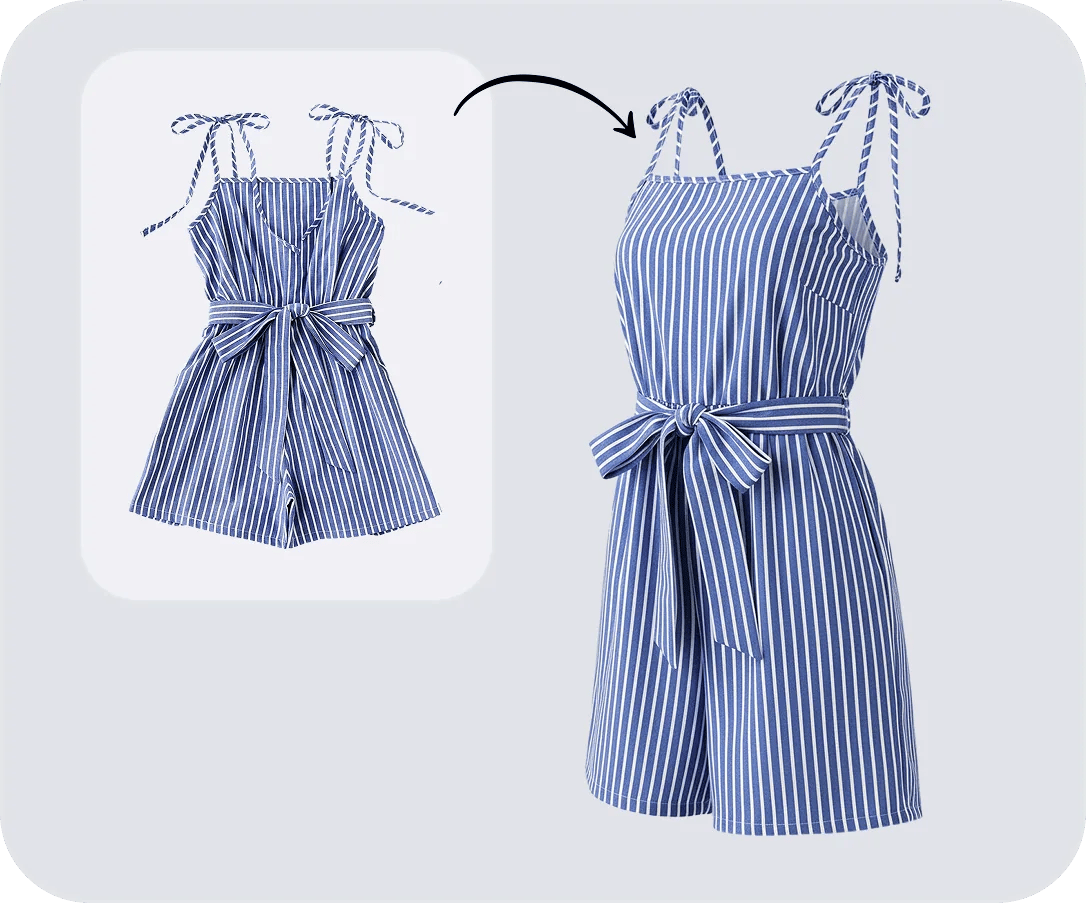
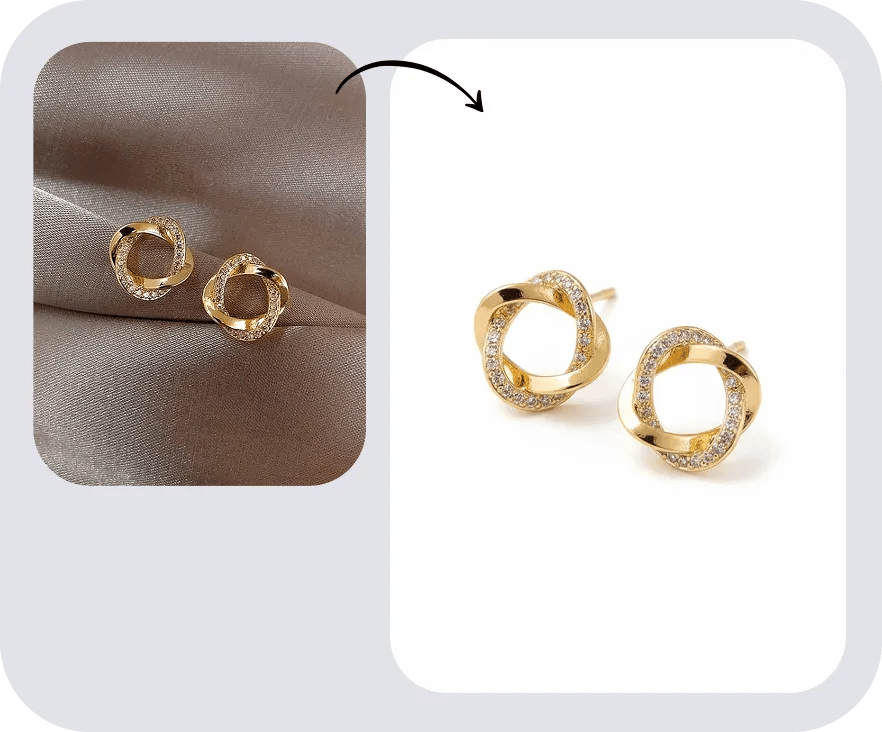
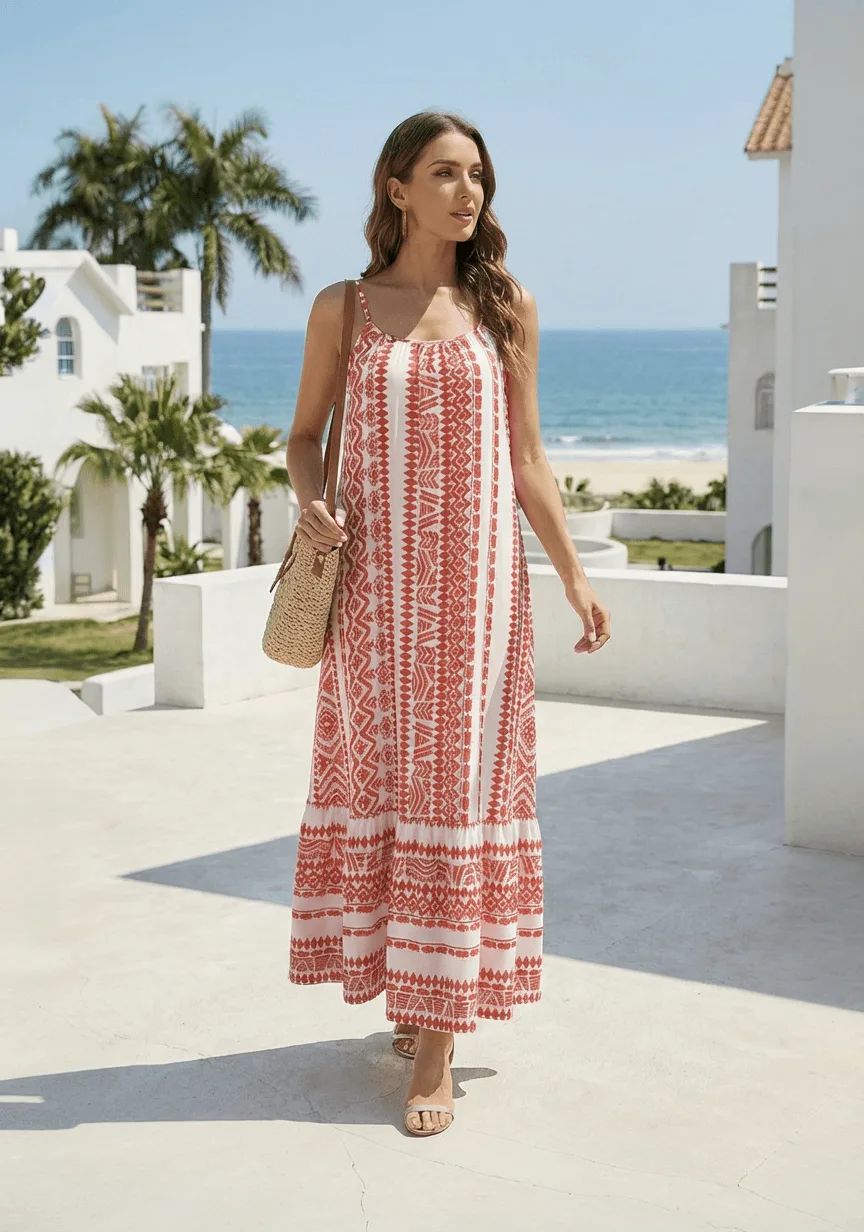
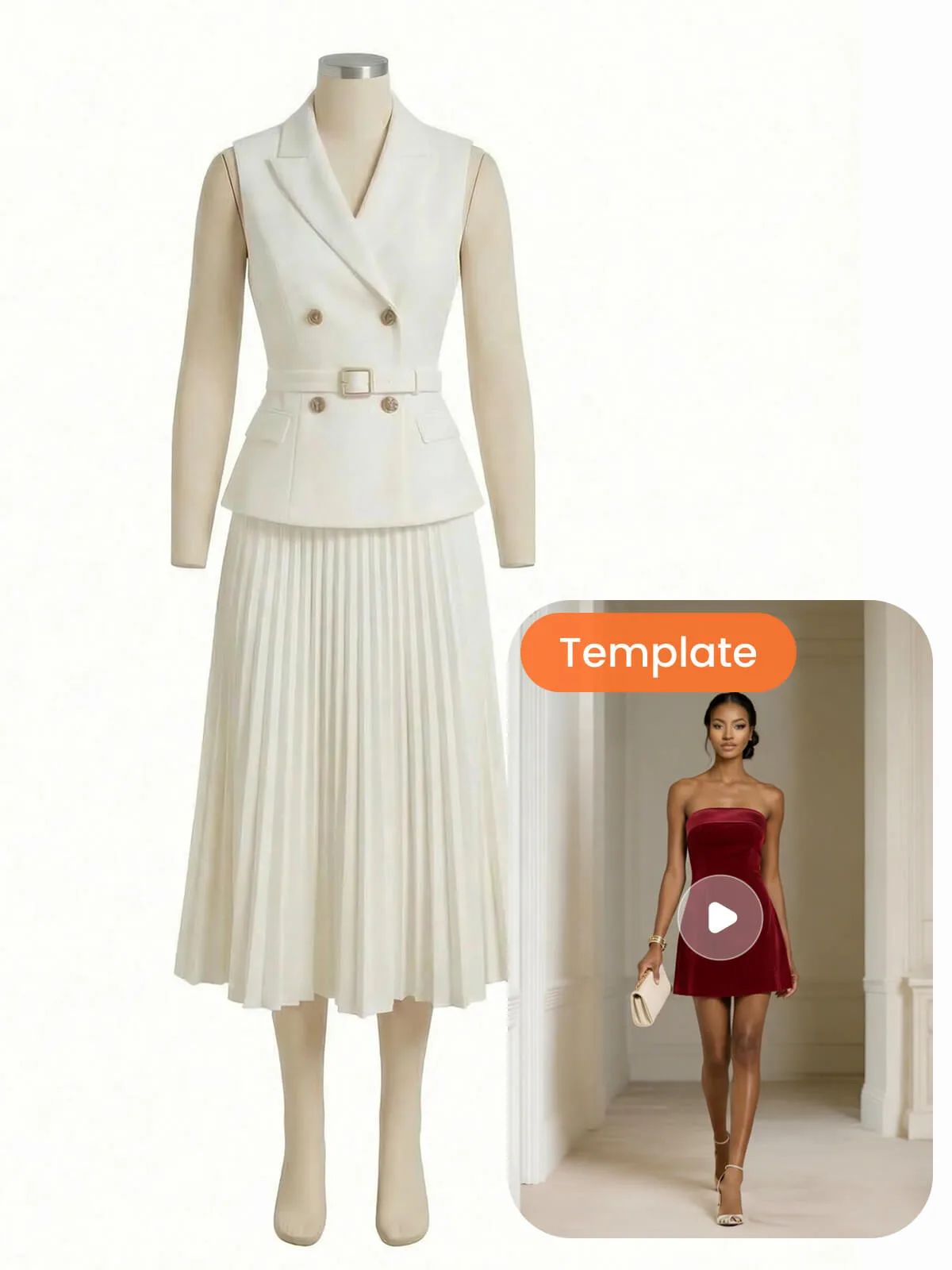
Go further with AI product photography
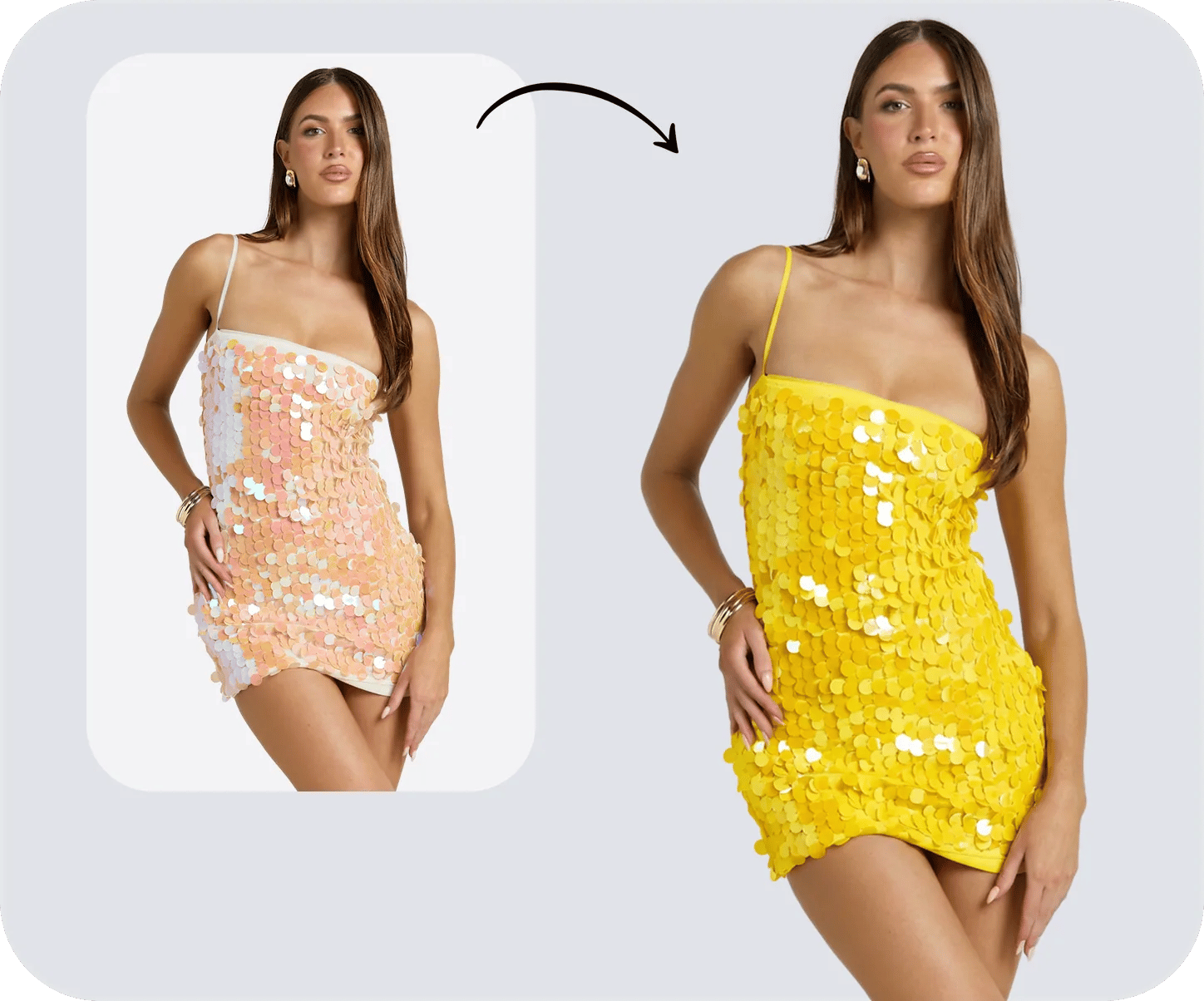
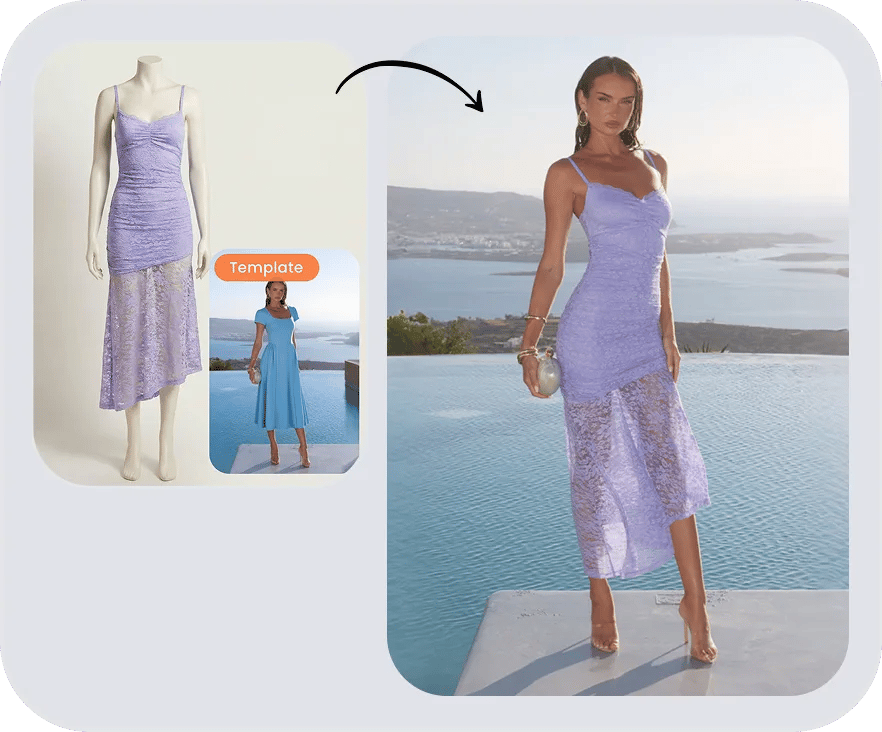
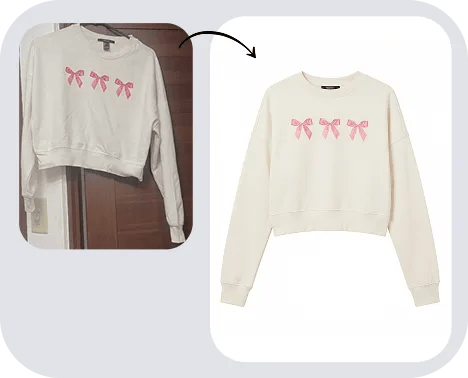
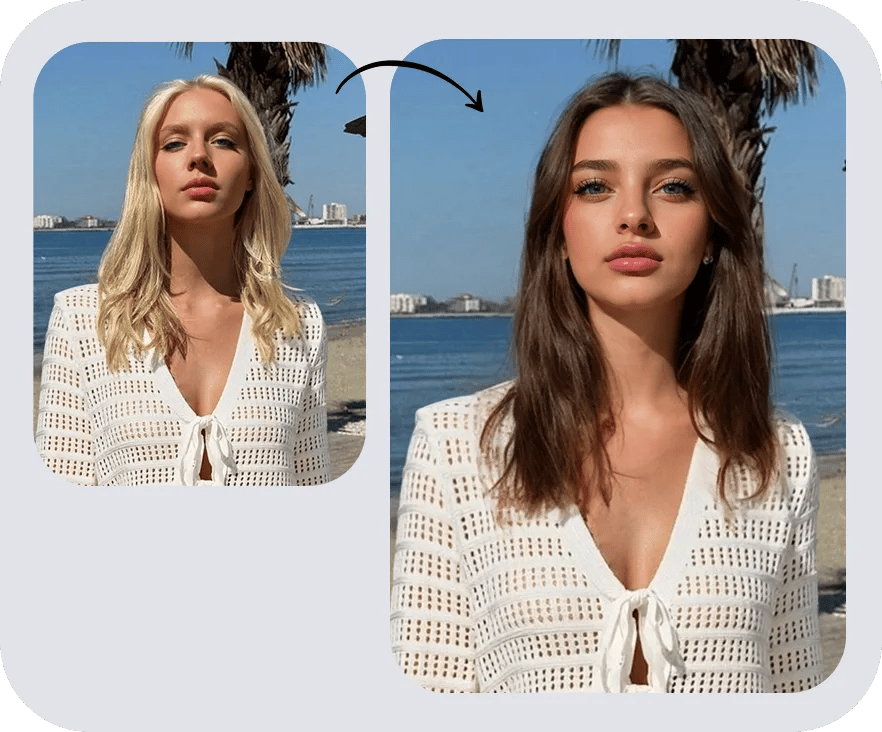
A correctly-sized photo is step one — Snappyit's AI product photography suite turns the same shot into on-model images, ghost-mannequin shots, color variants and listing videos, at catalog scale.






