



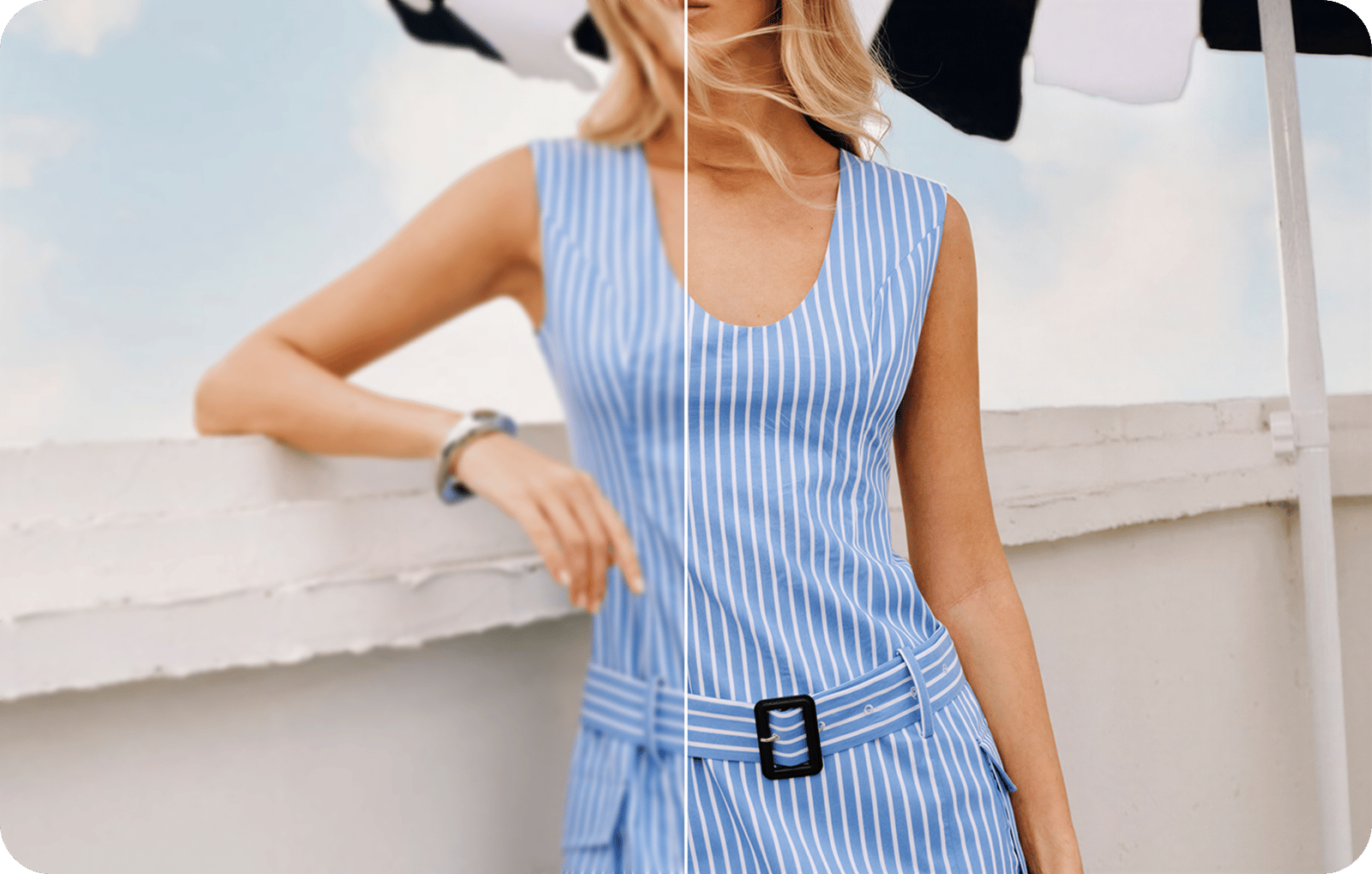
Upscale and sharpen clothing, jewelry, cosmetics and on-model product photos
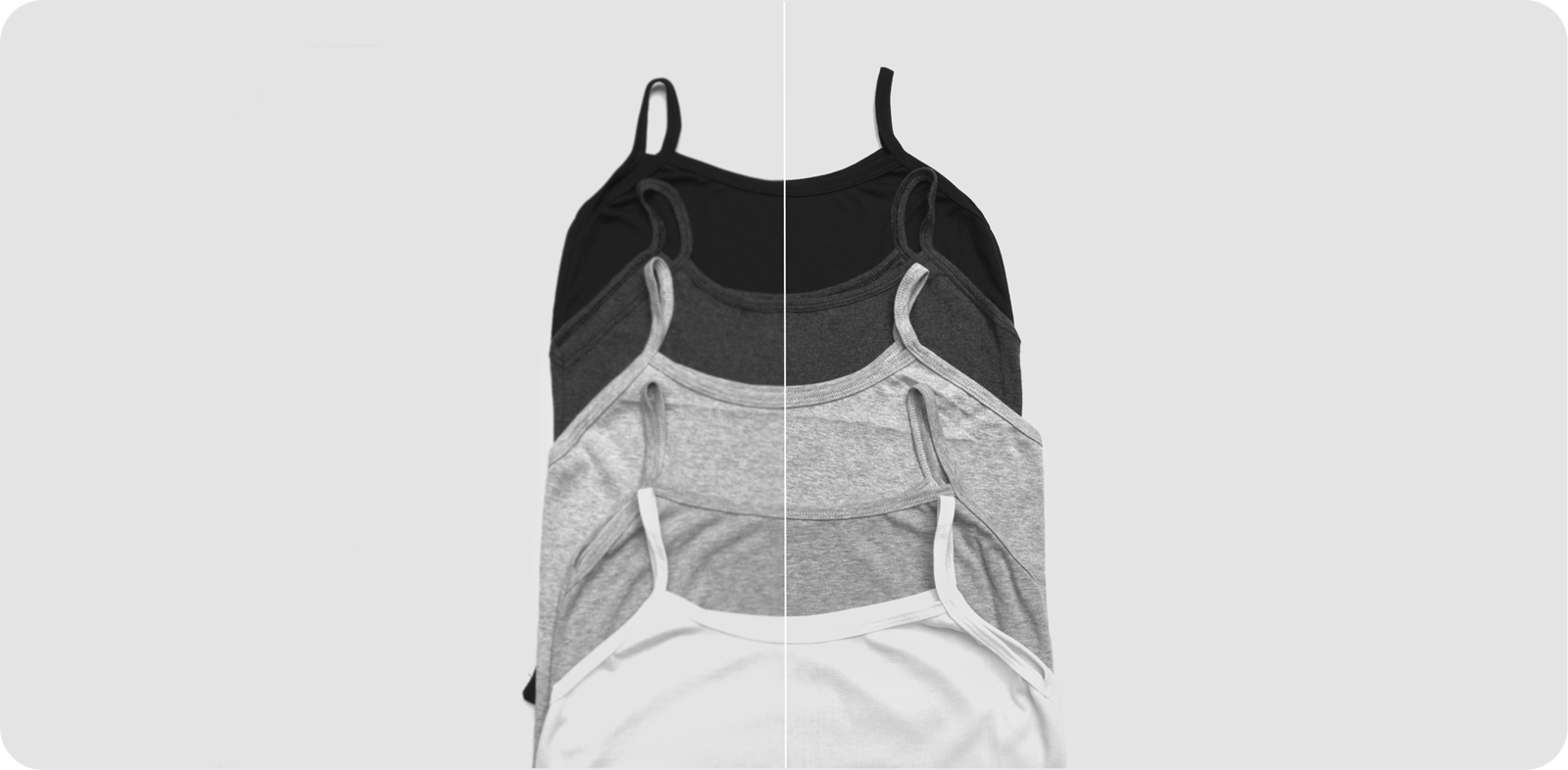
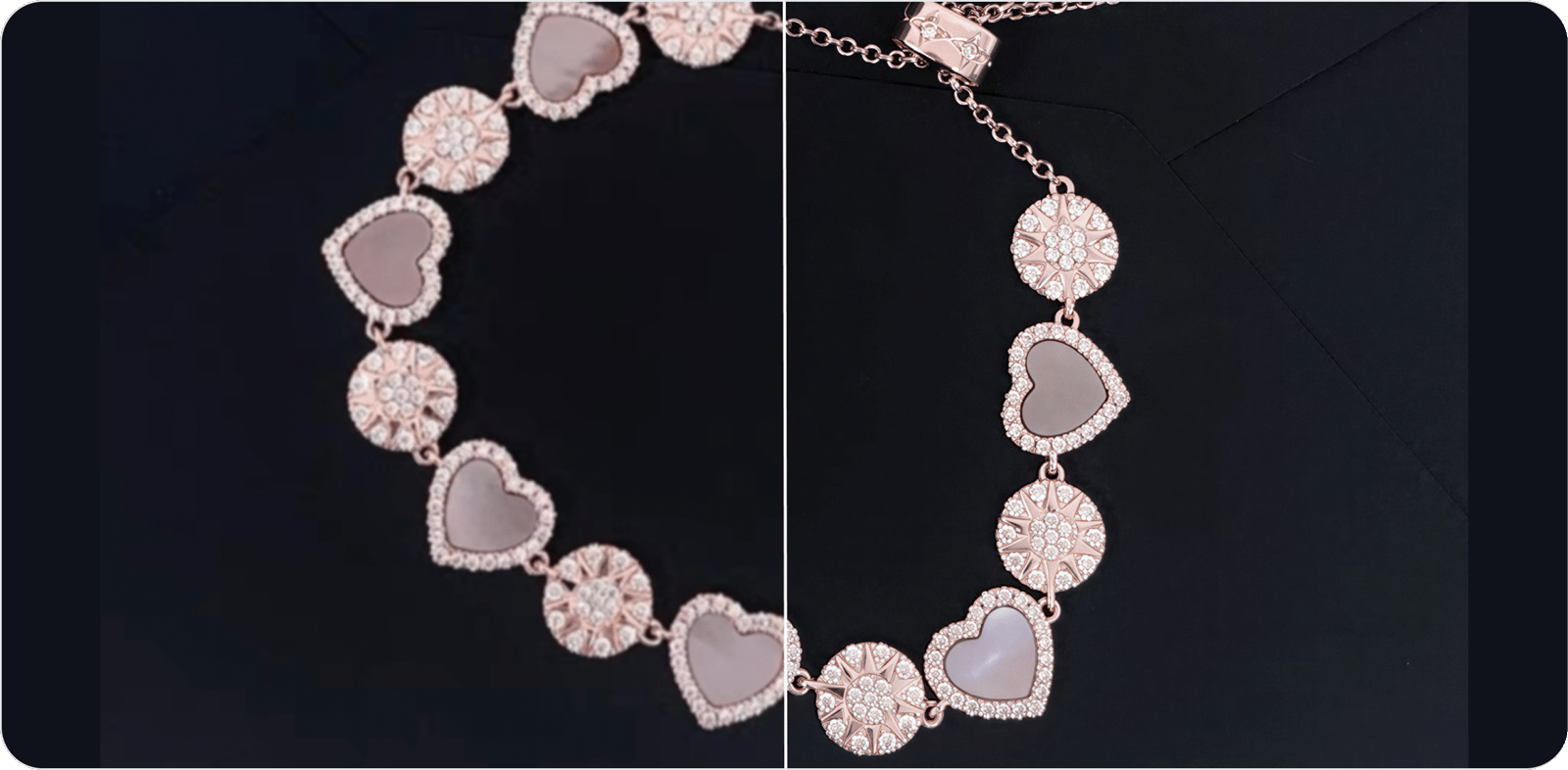
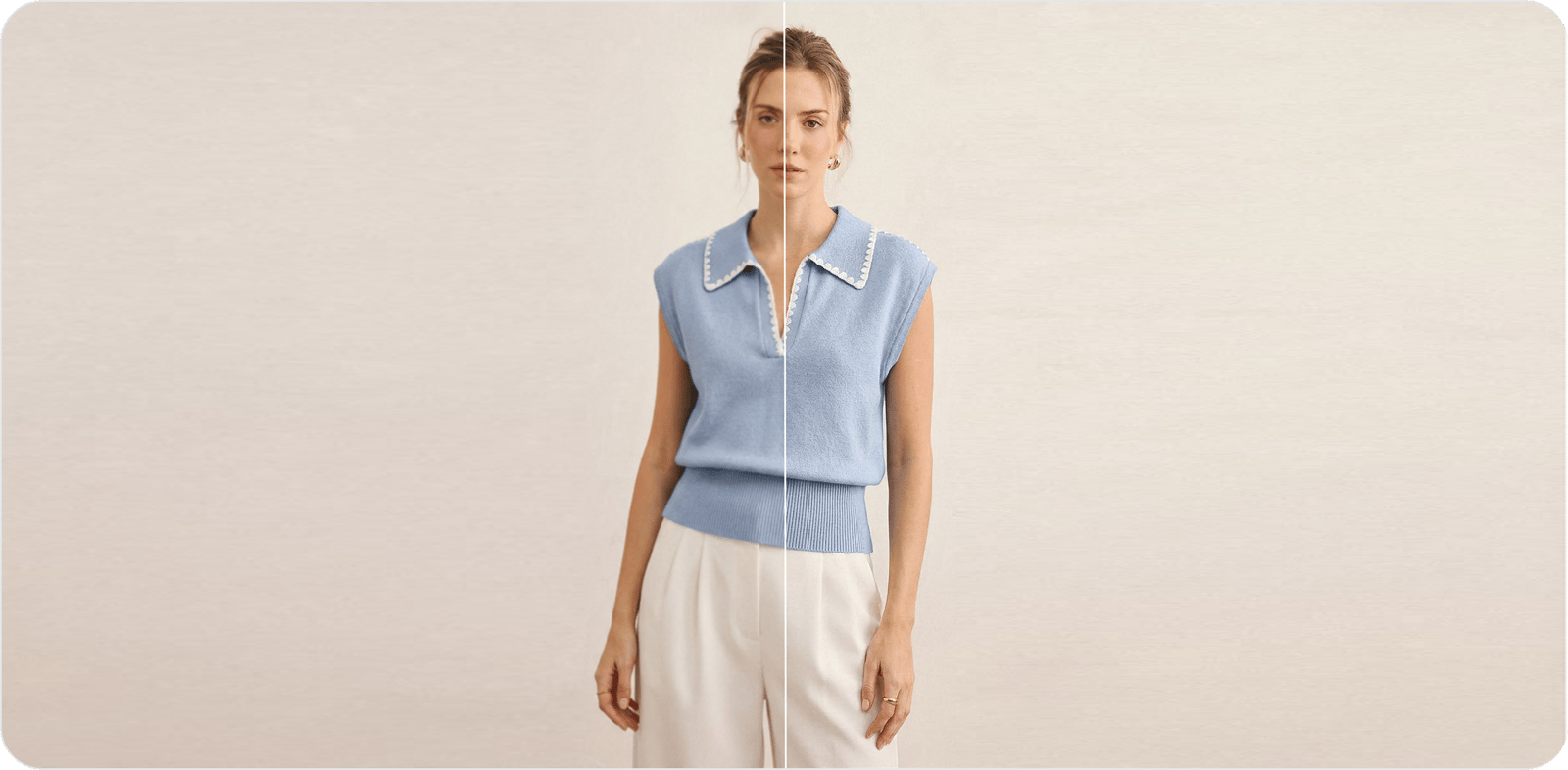
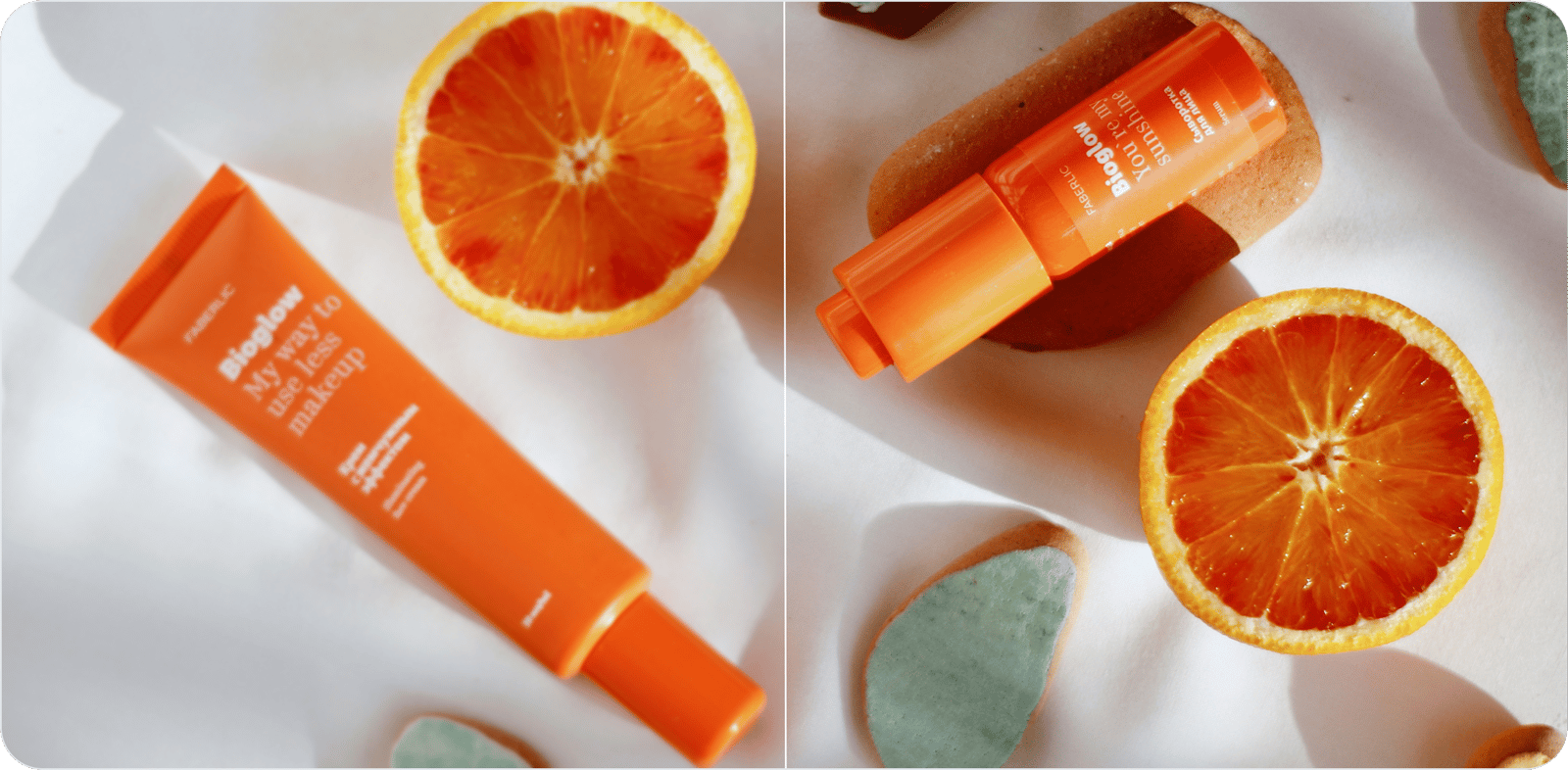
How to upscale and sharpen a product photo with AI
Nothing to install, no account to open. You hand over the product shot you have, the AI rebuilds the detail and scales it up, and you leave with a marketplace-ready file plus a clear read on which platforms it now qualifies for. Upscale a single shot or drop in a whole batch at once, with no daily limit on how many you push through.
1. Drop in the product shot you have. Pick a JPG, PNG or WebP up to 2560×2560. The rougher it is the more there is to gain — over-compressed supplier images, soft phone snaps and tiny zoomed-in crops are exactly what this is tuned for, so skip the pre-cleanup and let the model work.
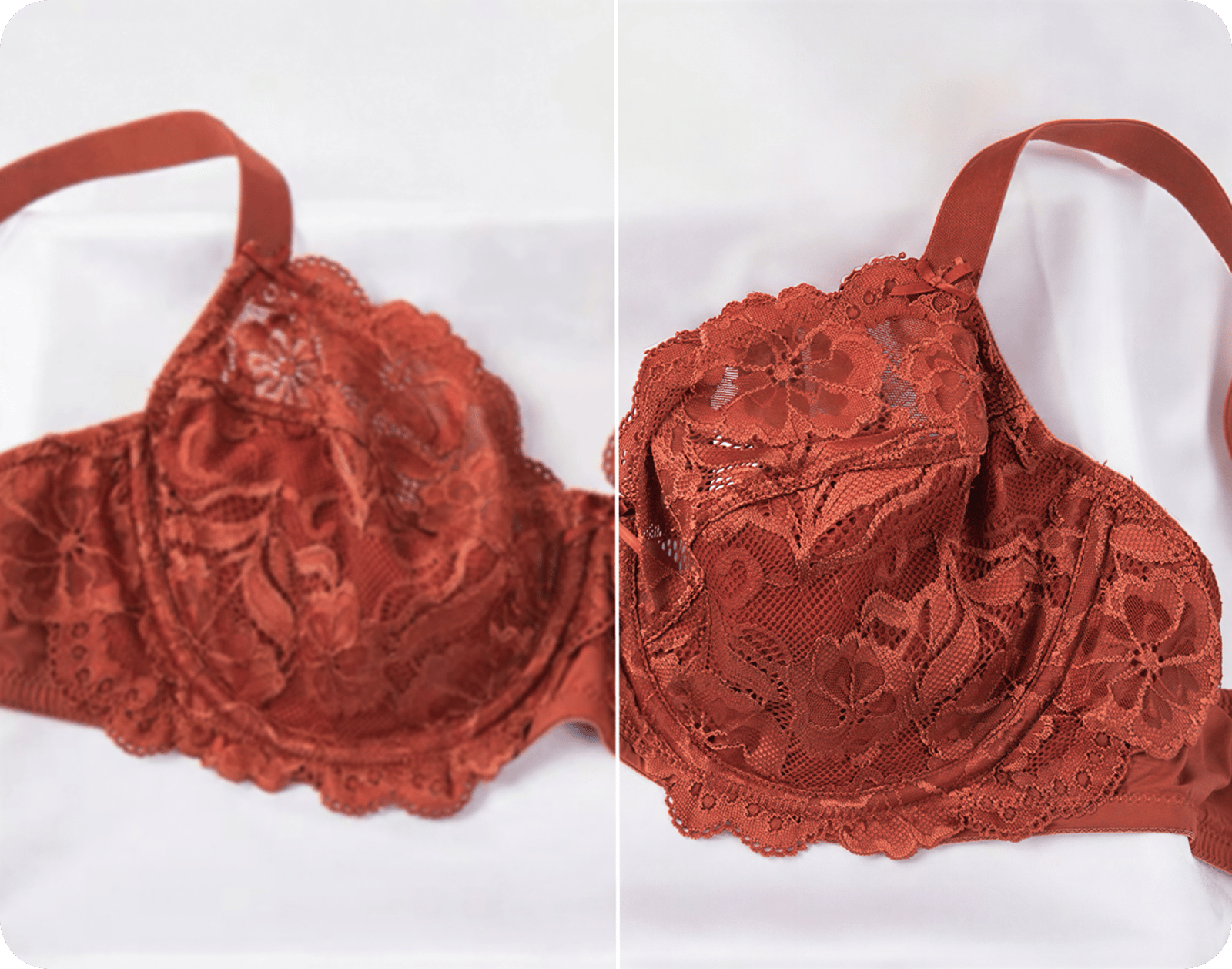
2. Watch it restore detail, not just enlarge. Rather than blowing up the pixels you started with, the AI rebuilds the texture and detail that make a product look real — fabric weave, stitching, metal and gem sparkle, material grain and label text — while it deblurs, denoises and clears JPEG mush. The result is a genuinely larger, sharper image with the close-up detail a buyer zooms in to check.
3. Compare, check the marketplace spec, download. Slide the before/after handle to judge the gain at full size. The tool reads the new dimensions and tells you whether the result clears the Amazon, Shopify, Etsy and eBay specs, then hands over the full-resolution PNG — no shrunken preview, no watermark, no sign-in gate.
Increase image resolution without losing detail or texture
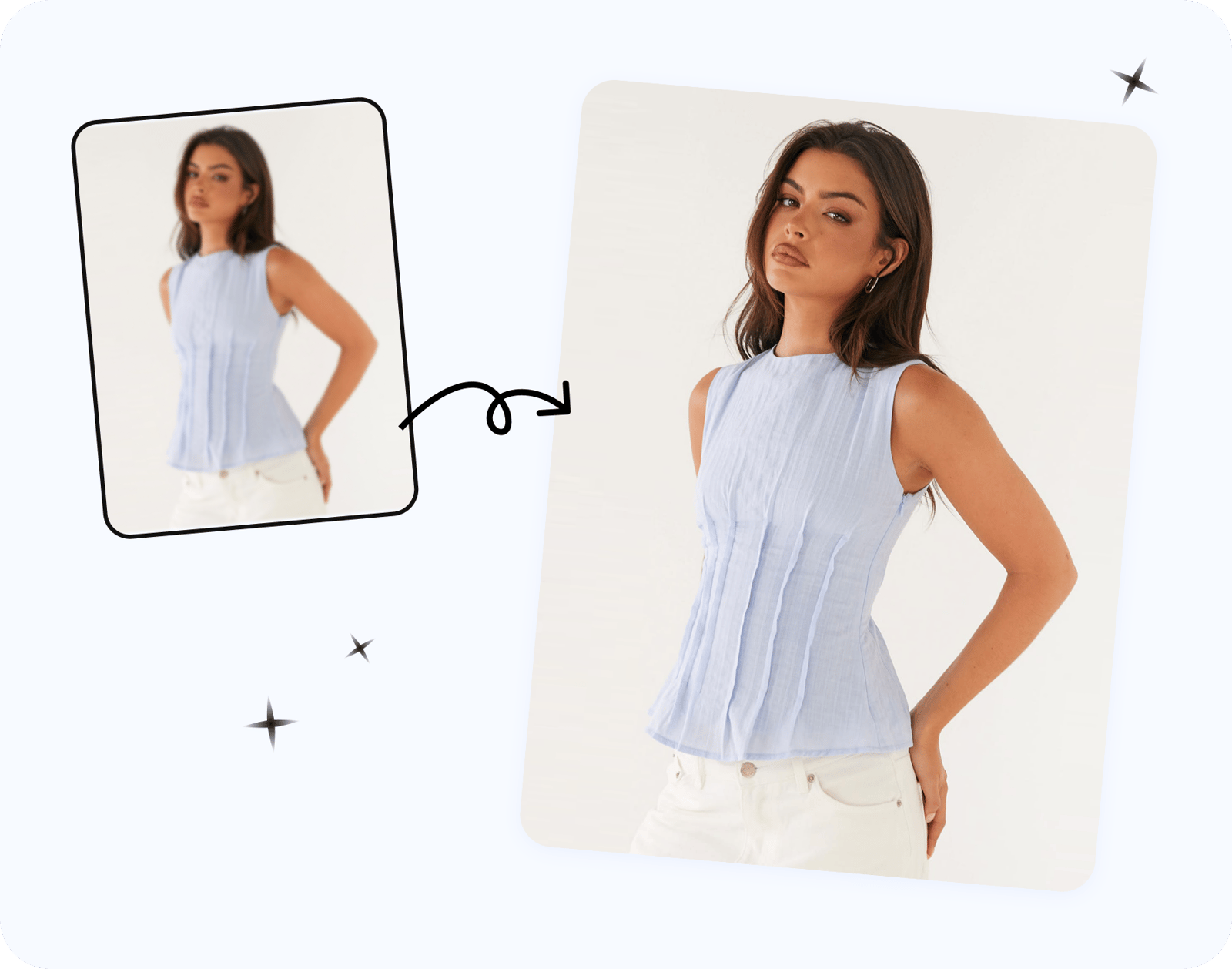
Drag an image bigger in any editor and you just spread the same softness over more pixels — the file grows, the product does not get clearer. This works the other way around. As it scales the shot up, the AI rebuilds the texture and micro-detail that low resolution had smeared away, so the extra pixels carry real information about the item. It puts back the surfaces a shopper leans in to judge before buying: thread and weave on garments, facets and sparkle on jewelry, the grain of leather, brushed metal, and the small print on a label or care tag — while it clears out blur, grain and JPEG blocking. What lands is a photo that holds together when a buyer hits zoom instead of falling apart the second they do. Run one image or a whole batch, no watermark, no ceiling on how often you come back.
Make product photos HD and high-resolution for Amazon, Shopify and Etsy
What you download is the complete enhanced file — no preview cropped down to push you toward a paid plan. Size matters here because every marketplace gates its zoom and quality on pixel count. Amazon turns on hover-zoom once the long side hits 1,000 px and looks premium at 1,600 px or more, with roughly 2,560 px ideal (Amazon's product image requirements); Shopify sits best near 2,048 px, Etsy wants at least 2,000 px on the short side, and eBay lands around 1,600 px. The tool reads your result's dimensions and flags, platform by platform, where it now clears the bar — so before you save it you know exactly which listings it qualifies for zoom on and which still need more pixels. (Policies shift, so confirm each platform's current image rules before you publish.)
Fix blurry, low-resolution and pixelated product photos
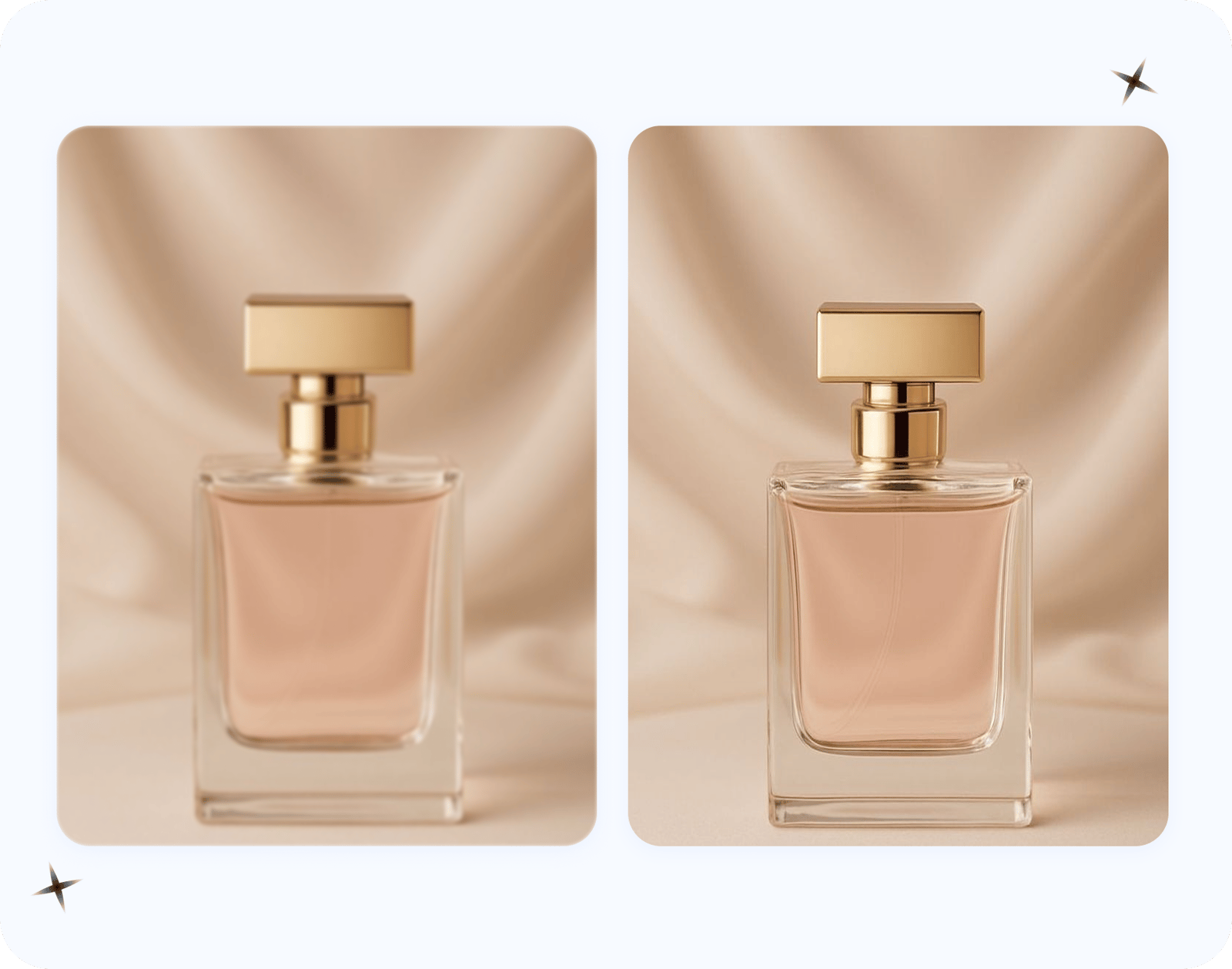
For a reseller or dropshipper, the weak photo is usually the only photo. A supplier or AliExpress thumbnail arrives tiny and crushed by compression, a phone snap of the stock comes out soft, or all that's left is the old listing JPEG with the original long gone. By then the item is sold, shipped, or sitting two warehouses away, so a fresh shoot is off the table. This is where the upscaler earns its place in a seller's workflow: in one pass it deblurs, denoises, sharpens and scales the image up, rebuilding enough texture and crisp edges to make it listing-grade. It can't invent detail the camera never captured, but it will reliably carry a borderline, too-soft product shot over the line into something sharp and zoom-ready — free, no login, no watermark.
More free product photo tools for sellers
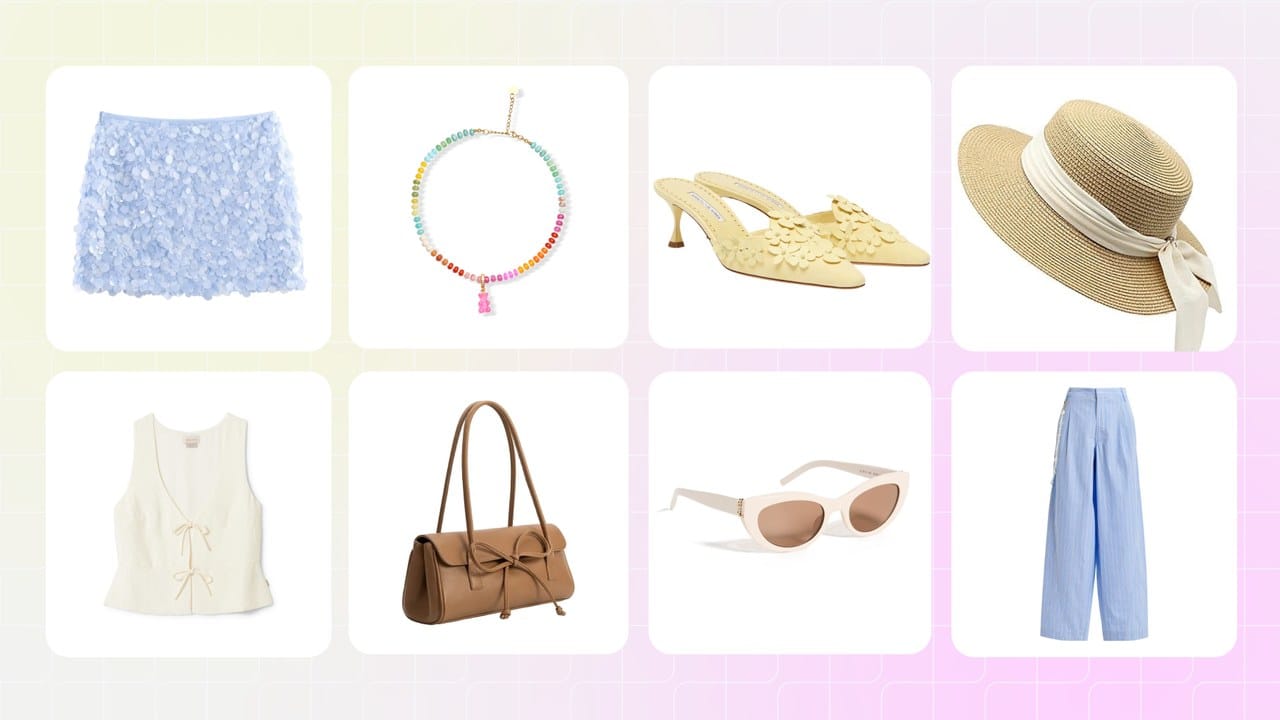 Background Remover
Lift the freshly sharpened product onto a clean white or transparent background for the marketplace main image — free, full-resolution, no watermark.
Background Remover
Lift the freshly sharpened product onto a clean white or transparent background for the marketplace main image — free, full-resolution, no watermark.
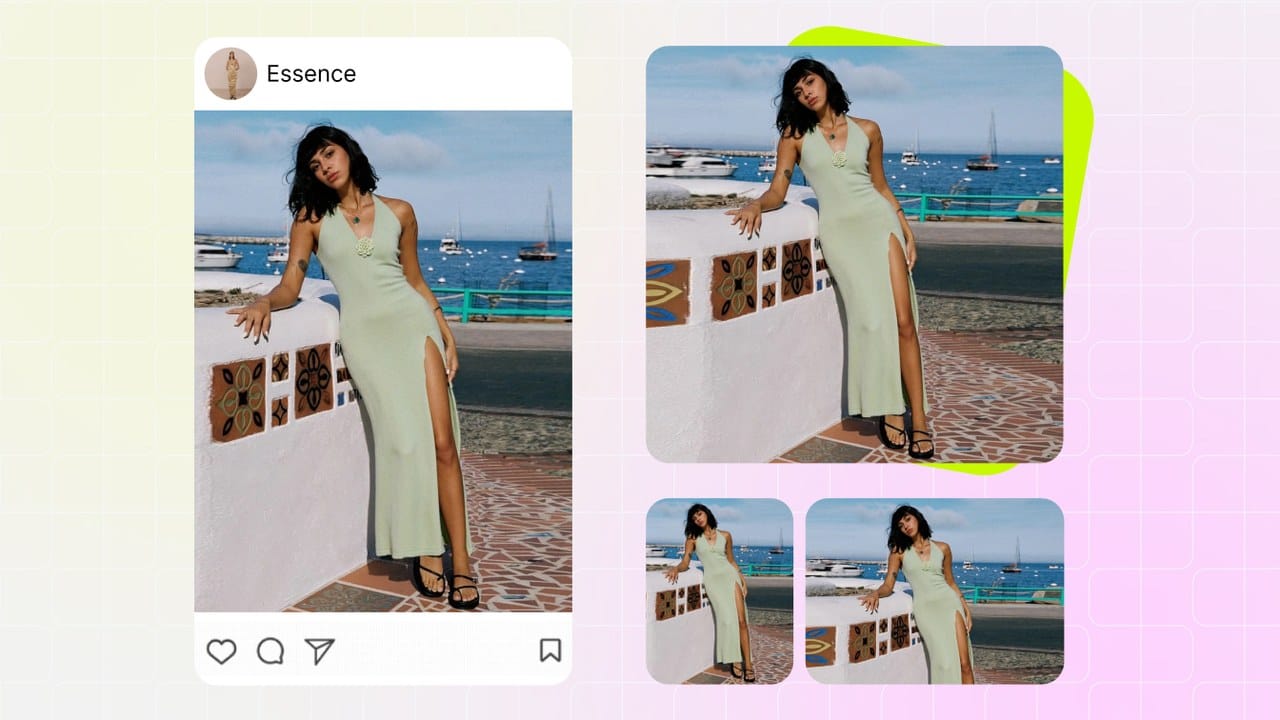 Image Resizer for Sellers
Crop and resize the upscaled file to each marketplace's exact pixel dimensions and square ratios — Amazon, eBay, Etsy, Shopify and more.
Image Resizer for Sellers
Crop and resize the upscaled file to each marketplace's exact pixel dimensions and square ratios — Amazon, eBay, Etsy, Shopify and more.
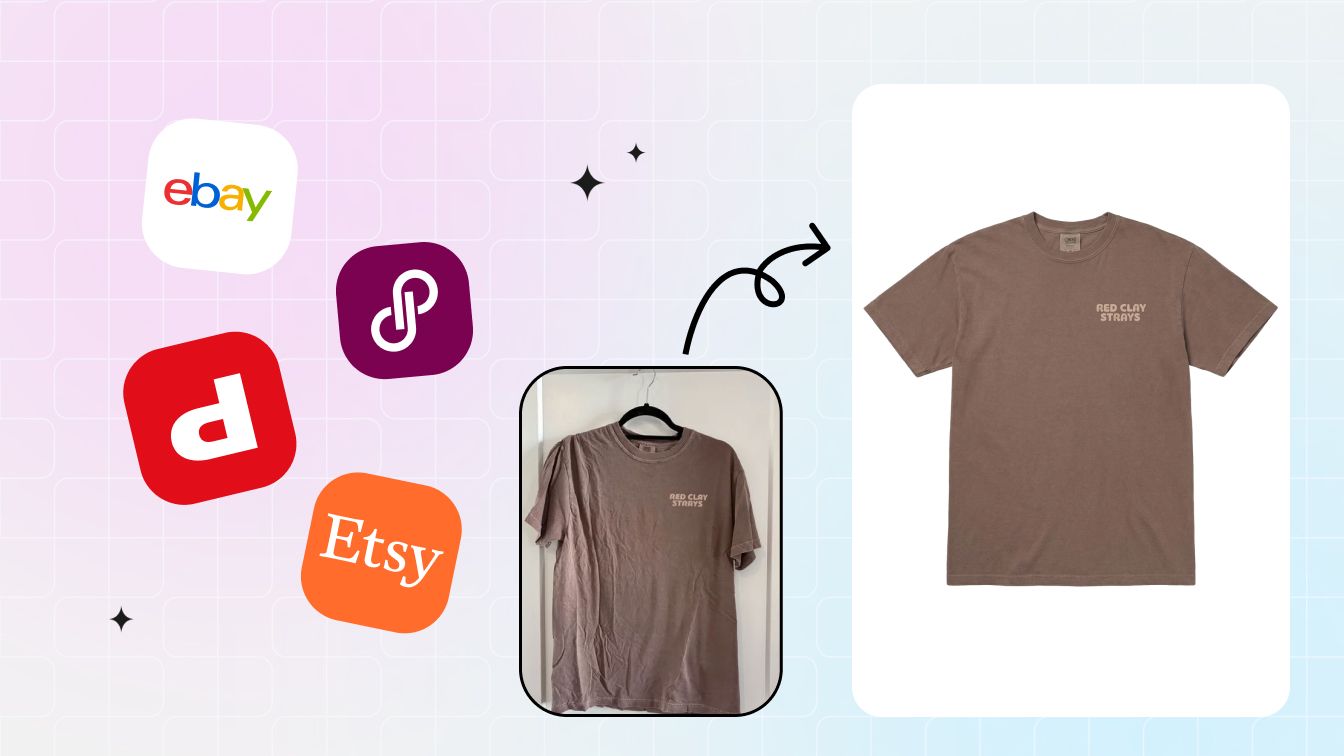 Marketplace Fee Calculator
See what each platform skims off the top — Etsy, eBay, Amazon, Poshmark, Mercari and Depop — so you price the listing to keep margin.
Marketplace Fee Calculator
See what each platform skims off the top — Etsy, eBay, Amazon, Poshmark, Mercari and Depop — so you price the listing to keep margin.
An image upscaler built for Amazon, Shopify, Etsy and eBay sellers
This is purpose-built for one job — getting a product shot detailed enough to sell — not a generic image upscaler pointed at listings. Sellers reach for it to restore the texture and detail a listing lives or dies on and clear each platform's quality bar without booking another shoot: pushing photos up to Amazon's zoom-ready size, landing on Shopify's and Etsy's recommended pixel counts, and rescuing soft supplier or phone shots into images a listing can actually use. Resellers, dropshippers and in-house photographers clear a whole catalog in bulk, fast, with no studio and no subscription in the way. Once a shot is sharp and full-size, the usual next moves are stripping the background, dropping in a brand-color backdrop, spinning out clean color variants, or building the ghost-mannequin look for apparel — all mapped out in our AI product photography guide.
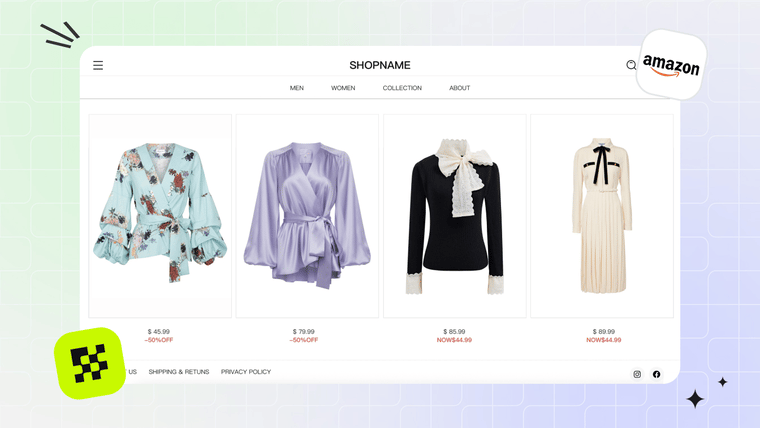 Amazon Sellers
Clear Amazon's zoom spec — 1,000px+ turns hover-zoom on, 1,600–2,560px keeps the product detail crisp.
Amazon Sellers
Clear Amazon's zoom spec — 1,000px+ turns hover-zoom on, 1,600–2,560px keeps the product detail crisp.
 Shopify Sellers
Hit Shopify's ~2,048px square so your storefront holds material texture under zoom and on retina displays.
Shopify Sellers
Hit Shopify's ~2,048px square so your storefront holds material texture under zoom and on retina displays.
 Etsy & eBay Resellers
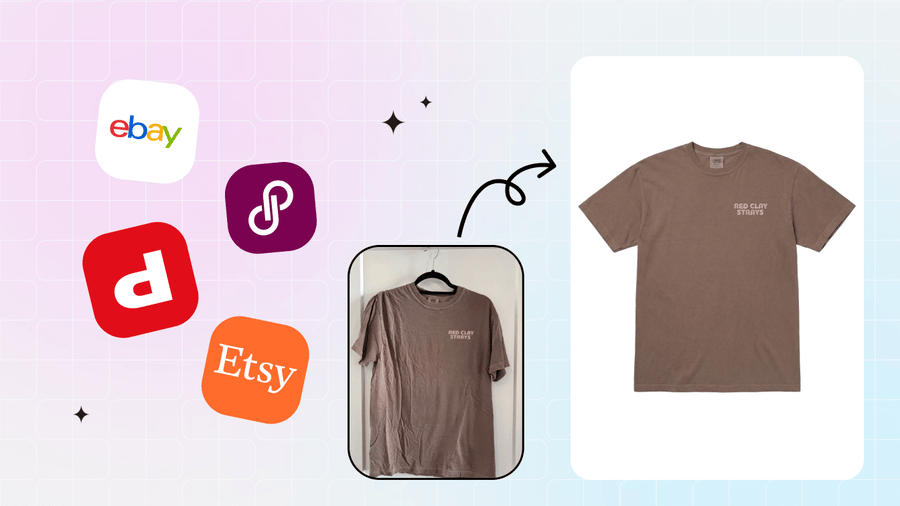
Turn soft supplier and phone shots into sharp, full-size files with the detail every marketplace you post to expects.
Etsy & eBay Resellers
Turn soft supplier and phone shots into sharp, full-size files with the detail every marketplace you post to expects.
 Fashion & Jewelry Brands
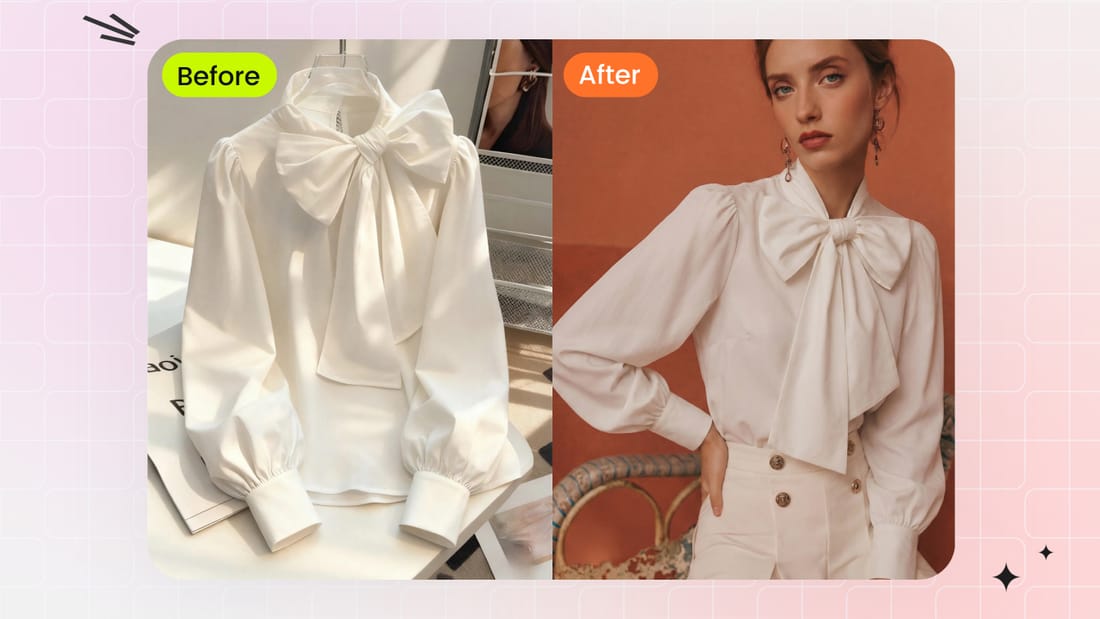
Bring back weave, stitch lines, fabric texture and gem sparkle so the whole catalog reads sharp, detailed and on-brand.
Fashion & Jewelry Brands
Bring back weave, stitch lines, fabric texture and gem sparkle so the whole catalog reads sharp, detailed and on-brand.

85% 5 star reviews from verified users
Product image size and resolution requirements by marketplace
Clarity and size both decide whether a listing qualifies for zoom and looks premium — the upscaler hits both in one pass by rebuilding detail as it scales the file up. Use this as a quick reference, but confirm each platform's current policy before you list.
| Marketplace | Recommended size | Min to enable zoom / pass quality | Notes |
|---|---|---|---|
| Amazon | 1600px+ on the longest side (≈2560px ideal) | 1000px enables hover-zoom | Pure-white main image; product fills ≥85% of the frame |
| Shopify | 2048×2048px (square) | Up to 4472px supported | ~2048px is the sweet spot for storefront and retina |
| Etsy | 2000–3000px | ≥2000px on the shortest side | The first / thumbnail image benefits most |
| eBay | 1600px+ | 500px minimum, 800px+ for zoom | Clean, high-detail shots convert best |
| Walmart | 2000px+ (square preferred) | 1000px minimum | White-background main image |
| Poshmark / Mercari / Depop | ~1200px square | Mobile-first feeds | Sharp, well-cropped detail matters more than raw size |
| Print-on-demand | Print inches × 300 DPI (e.g. 12in → 3600px) | 300 DPI | Upscale before sending to print |
Specs are directional and change — confirm each platform's current image policy before listing (as of June 2026).
Free image upscaler alternative to Topaz Gigapixel, Upscale.media and Bigjpg
These are all clarity / upscaling tools — like this one, they restore resolution and detail and none of them adjust lighting, color or brightness — so it's a genuine apples-to-apples comparison. Topaz Gigapixel is the desktop quality benchmark, Upscale.media is a free online upscaler, and Bigjpg is a free upscaler with caps. Each fences off the one thing a seller actually wants: a free, full-size, list-it-today file with no caps. Where this tool wins is narrow on purpose — free, full resolution, no login, no watermark, no daily cap, with a built-in marketplace-spec check and a focus on product photos, single shots or in bulk. (We're not claiming to be the only free upscaler. Every competitor detail below is current as of June 2026; verify on their pricing pages before you decide.)
| What you care about | Snappyit (this tool) | Topaz Gigapixel | Upscale.media | Bigjpg |
|---|---|---|---|---|
| Price | Free | Paid desktop software (~$99 one-time or subscription; no free web version, as of June 2026) | Free online; sign-up adds a few monthly credits (as of June 2026) | Free up to ~20 images/month; 8x/16x and larger need a paid plan (as of June 2026) |
| Full-resolution download | Yes — the whole file | Yes, but only on a paid license | Output size is capped | Output capped at 3000×3000 |
| Watermark | None | None (paid) | Watermark-free | No watermark |
| Login / signup | None — no sign-in | Install plus a license key | No-signup limited to ~1 image/day; signup for more | Account needed beyond the free tier |
| Volume cap | One at a time, no daily cap | Local, limited only by your machine | ~1 image/day without an account | ~20 images/month on free |
| Built for marketplace specs | Yes — product photos + spec check | General-purpose AI upscaling | General-purpose upscaling | General-purpose upscaling |
Worth saying plainly: this is our own page, so we have every reason to flatter ourselves — which is exactly why each competitor figure is dated "as of June 2026" and linked straight to the source, for you to verify rather than take our word. All four are clarity-only upscalers; none of them adjust lighting, color or brightness, and neither does this tool.
Guides: how to make product photos clearer and higher resolution
 How to Make Product Photos Clearer
The deblur, sharpen and upscale playbook for soft shots — free, full file, no watermark.
How to Make Product Photos Clearer
The deblur, sharpen and upscale playbook for soft shots — free, full file, no watermark.
 Transparent PNG vs White Background
A platform-by-platform call on which export format each marketplace really expects.
Transparent PNG vs White Background
A platform-by-platform call on which export format each marketplace really expects.
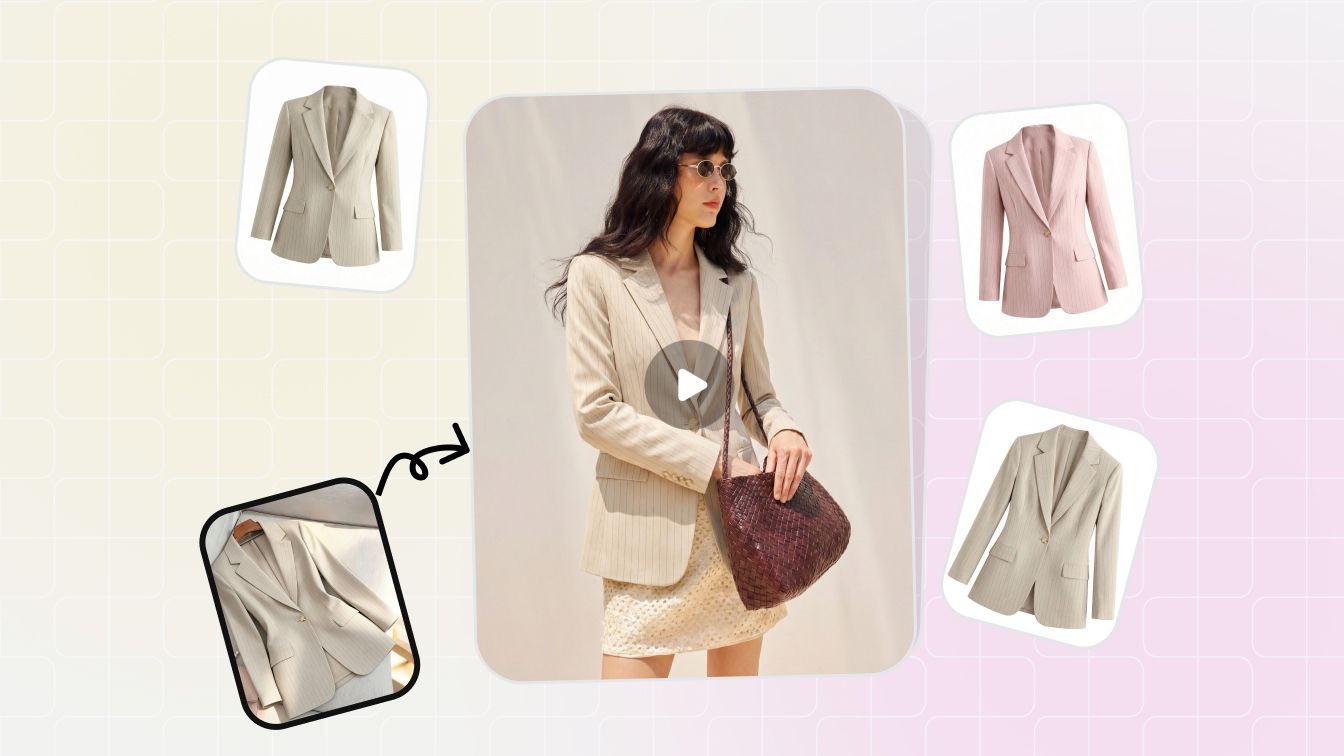 The AI Product Photography Guide
Start to finish — sharpen, cut out, restyle and scale a full set of listing images.
The AI Product Photography Guide
Start to finish — sharpen, cut out, restyle and scale a full set of listing images.
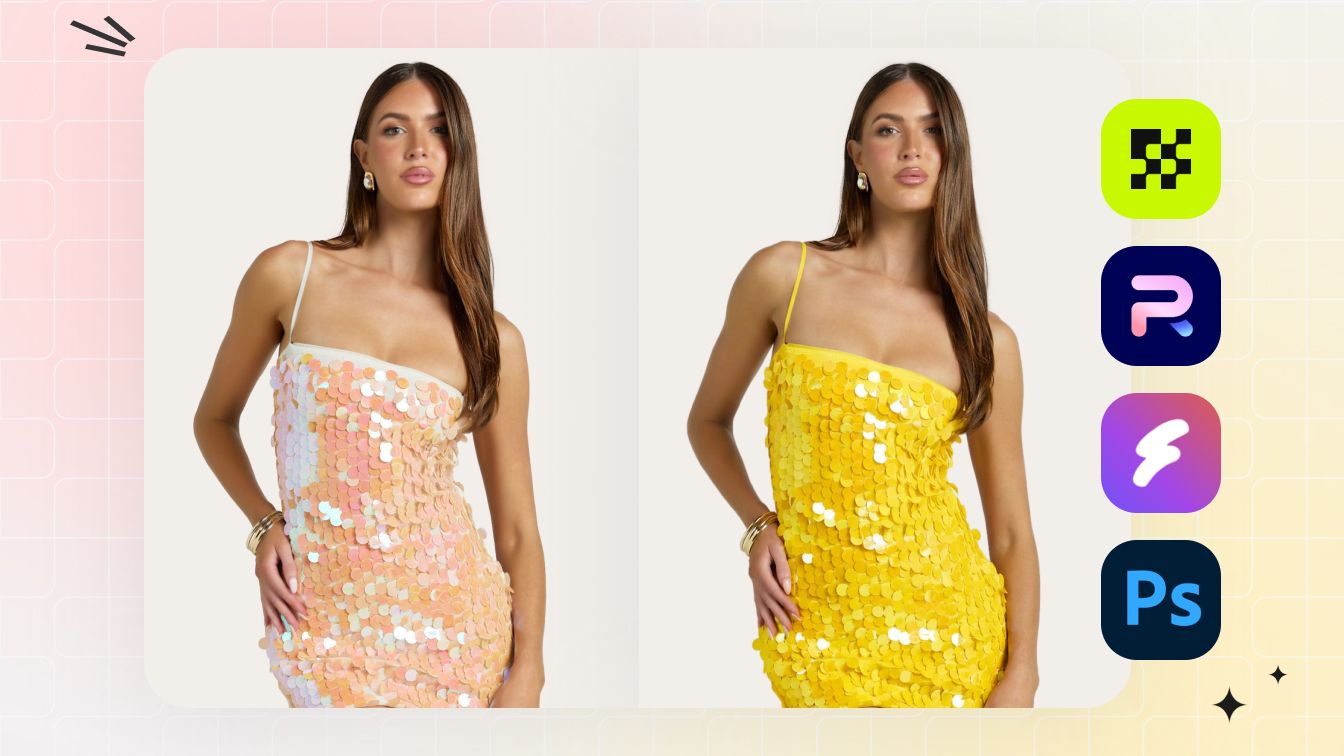 Product Photography Mistakes to Avoid
The usual culprits — too few pixels, soft focus, zoom that falls apart — and the fix for each.
Product Photography Mistakes to Avoid
The usual culprits — too few pixels, soft focus, zoom that falls apart — and the fix for each.
Frequently asked questions
Is this product photo upscaler free?
Yes — free, no login, no watermark, no credits. Upload a product photo, let the AI sharpen and upscale it, and download the full-resolution result at no cost.
How much clearer or larger can it make my photo?
The AI upscales toward 4K, rebuilding edges, texture and detail instead of just stretching pixels, while cleaning up blur, noise and compression artifacts — so a small or soft photo comes out larger and visibly sharper.
Does it fix blurry or low-resolution product photos?
Yes. It deblurs, sharpens and upscales in one pass, reconstructing edges and texture that plain resizing can't recover — useful for supplier photos, phone shots and old listing images.
What resolution do Amazon, Shopify, Etsy and eBay need?
Amazon enables hover-zoom at 1000px on the longest side and recommends 1600px+ (around 2560px is ideal); Shopify recommends about 2048px; Etsy recommends at least 2000px on the shortest side (up to 3000px); eBay recommends about 1600px. After enhancing, the tool shows whether your result meets each platform's spec. Confirm current platform policies before listing.
Will it add a watermark or shrink my download?
No. There is no watermark and no downscaled preview — you download the full-resolution enhanced PNG.
What formats and sizes can I upload?
JPG, PNG and WebP, up to 2560x2560. The enhanced result is returned as a high-resolution PNG you can download directly.
Are my images stored?
Your photo is sent once to the enhancement service to generate the result and is not kept afterwards; the before/after comparison and download happen in your browser.
Is this a good free alternative to Topaz Gigapixel, Upscale.media or Bigjpg?
For a free, no-login, full-resolution upscale, yes — Topaz Gigapixel is paid desktop software, Upscale.media limits no-signup use to about one image a day, and Bigjpg caps free output near 3000px and around 20 images a month (all as of June 2026; check their live pricing). Some upscalers such as Adobe Express are also free, so this tool's real edge is being built around product photos and marketplace size specs, with no login and no daily cap.
Does it adjust lighting, color or brightness?
No. This is a clarity tool — it upscales, sharpens, deblurs and denoises to restore resolution and detail. It does not change brightness, exposure, color, white balance or do face retouch, so your product's true colors stay exactly as shot.
Can I upscale multiple images at once?
Yes. Turn on Batch Upscale to drop in many product photos at once, pick a scale or target resolution, and run the whole batch in one go. Review each before and after, deselect any you do not want, add more, then download the entire batch as a ZIP — free, no login, no watermark.
Explore More AI Product Photography Tools
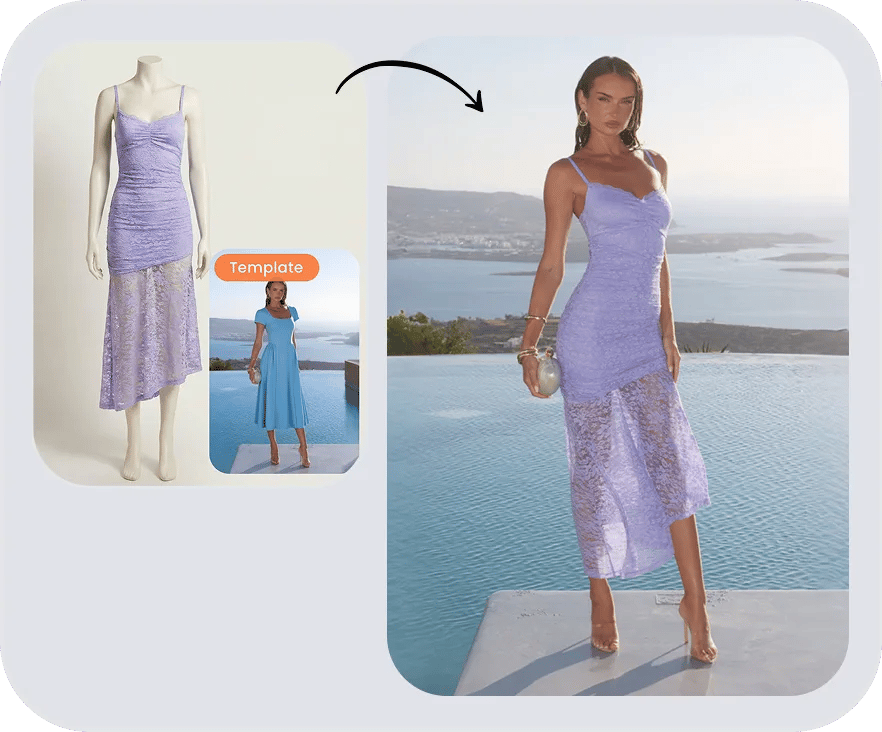
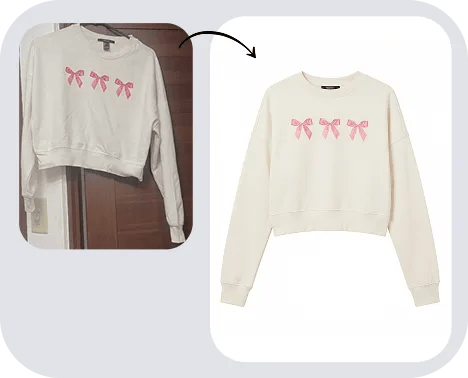

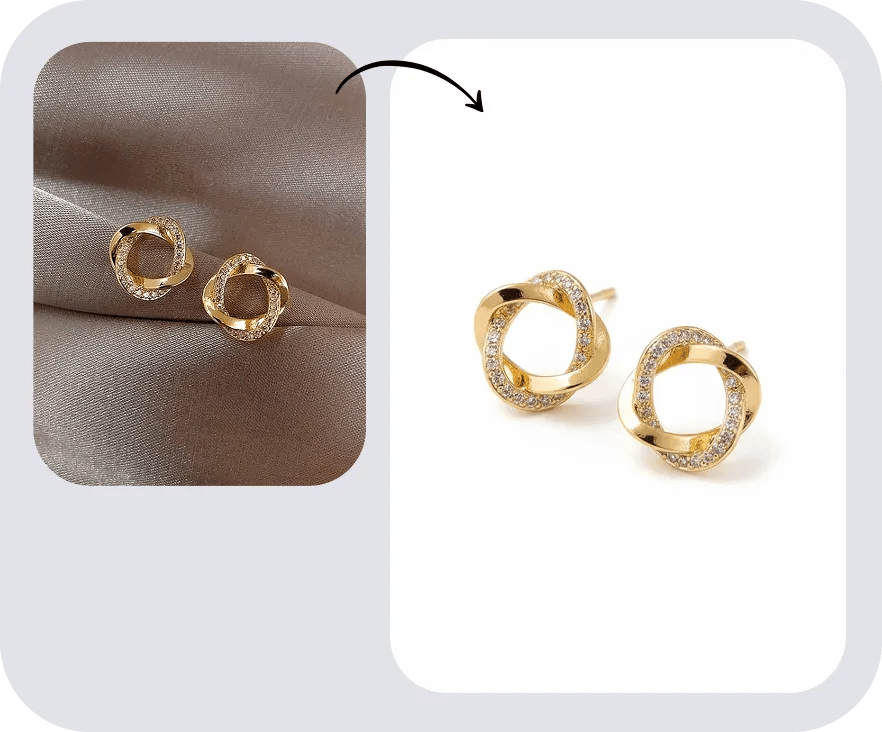
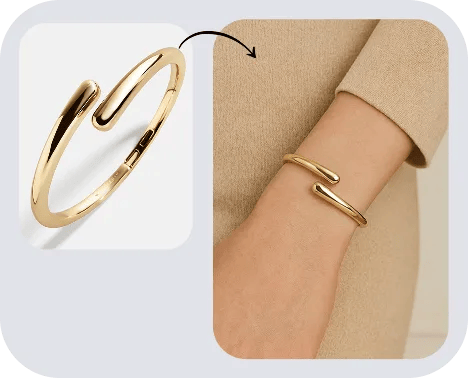

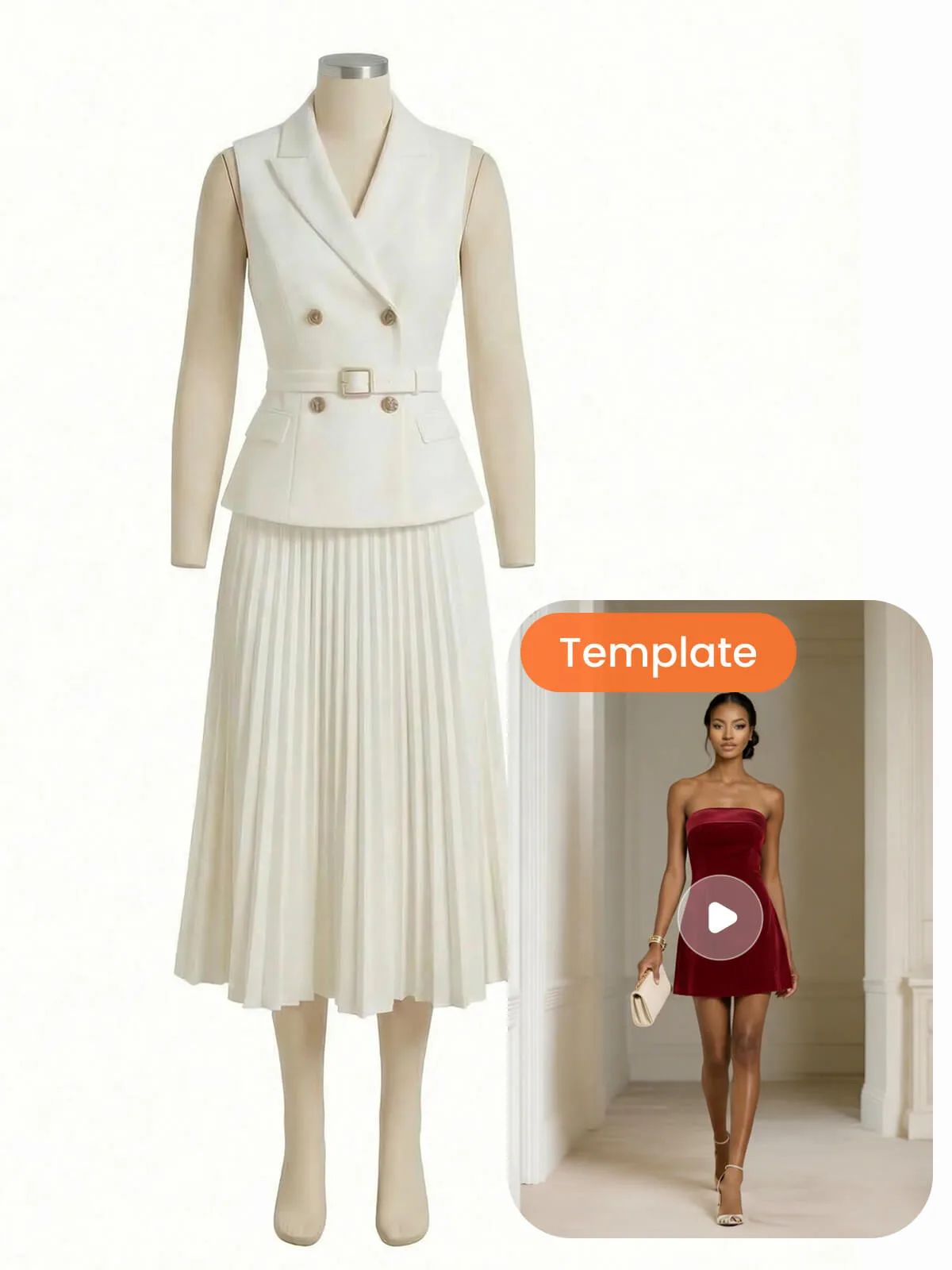
Take the same product photo all the way
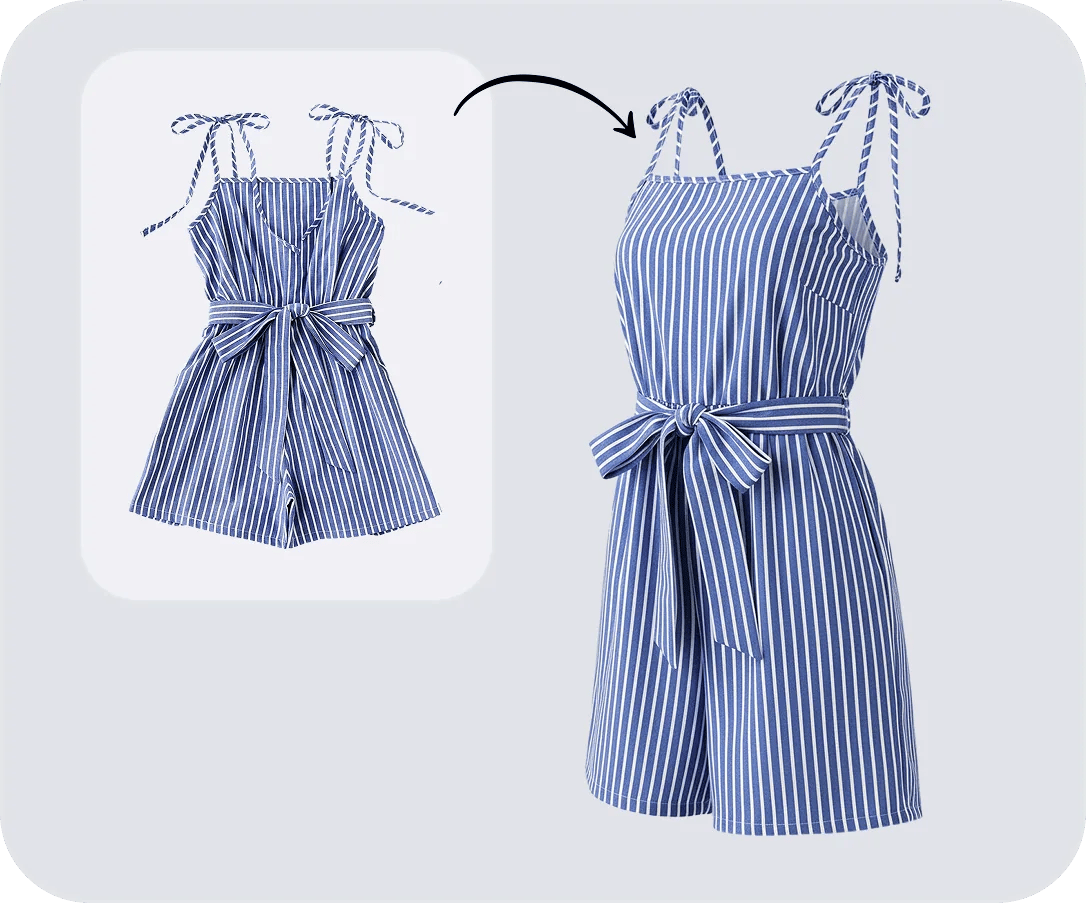
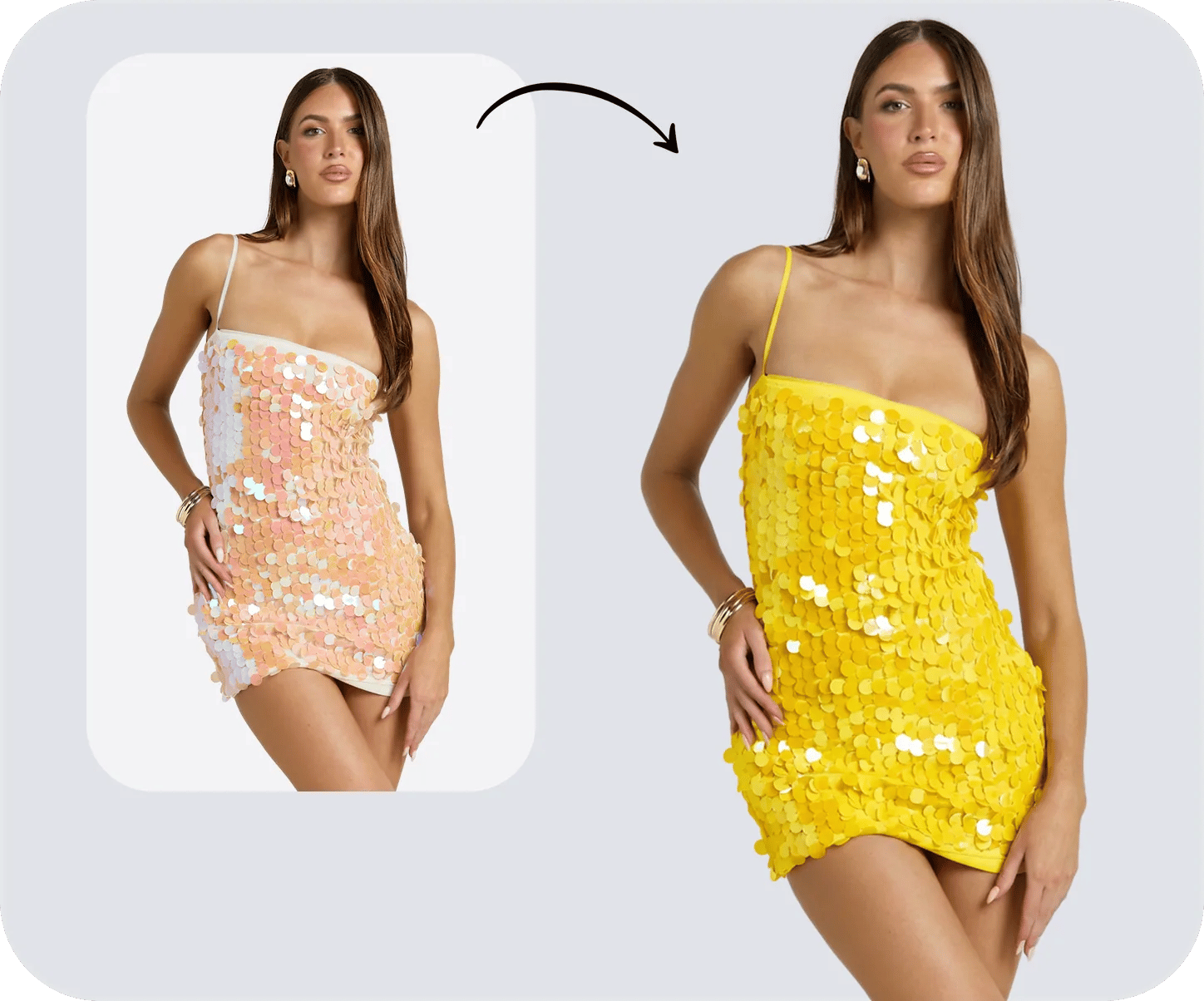
Restoring the detail and the full size is only the opening move. The rest of Snappyit's AI product photography suite takes that one sharp, marketplace-ready photo and spins it into on-model shots, ghost-mannequin images, color variants and listing videos — across an entire catalog.






