



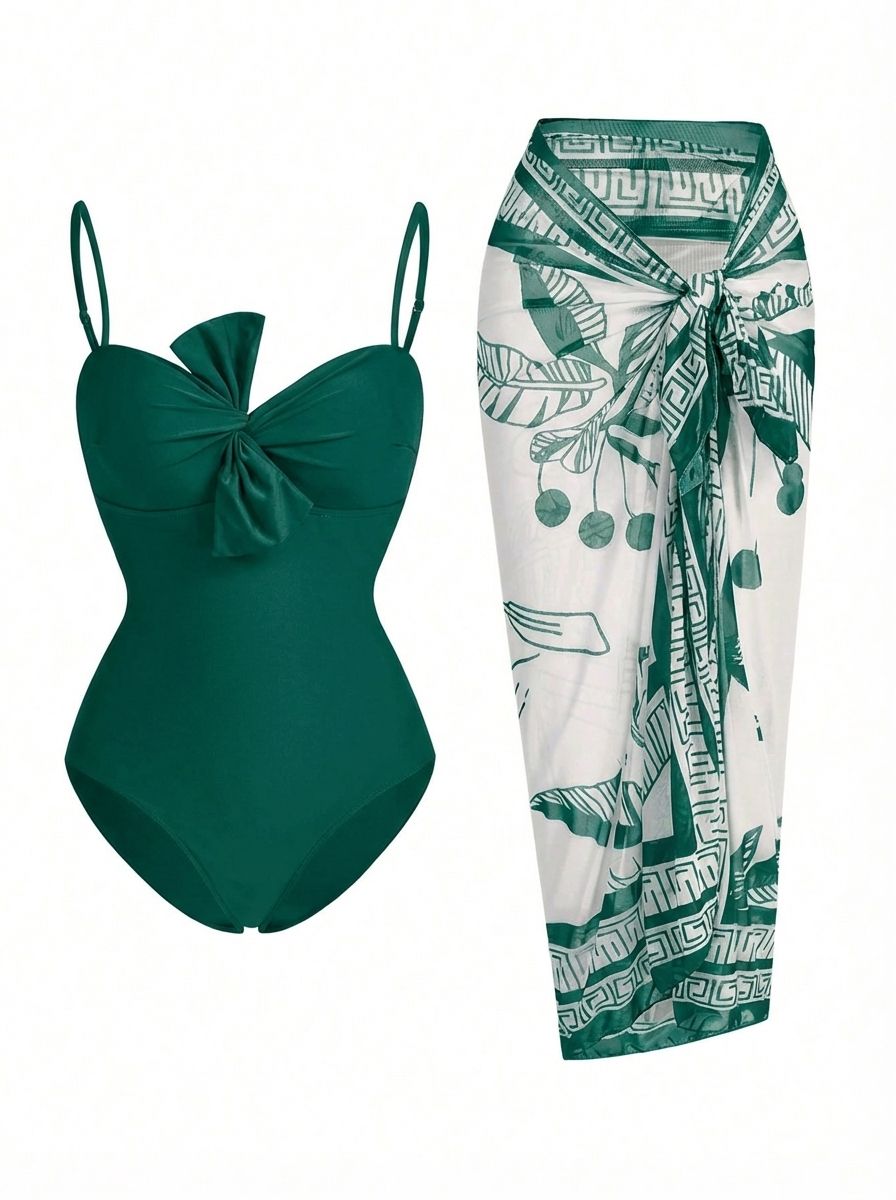
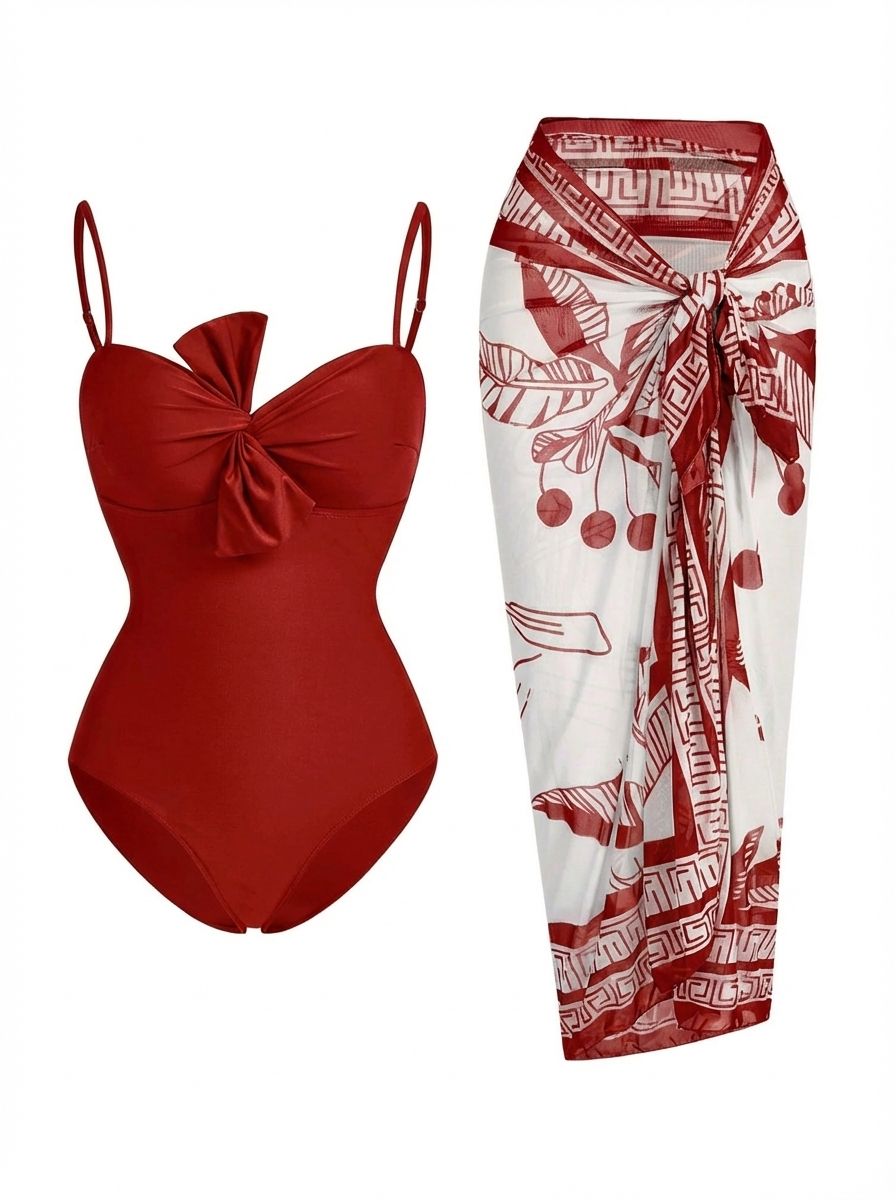
Create Product Color Variants from One Source Image
An AI product recolor workflow turns one approved photo into candidate colorway images for ecommerce review. It can reduce repeated masking and reshoot planning, but every output still needs to match the item you actually sell.
Plan More Colorways from Existing Photography
Use a clear product-only or on-model source to explore additional colors before deciding which variants belong in a listing, line sheet or campaign.
Replace Repetitive Manual Color Masks
Describe the target object and color instead of rebuilding a selection for every draft, then route difficult edges, reflections or exact brand colors to manual retouching.
Keep Variant Images Easier to Compare
Start from the same approved composition and review each generated version for consistent crop, product shape, lighting, background and protected details.
Recolor Clothing Photos Without Losing Fabric Texture
Create new apparel colorways from one approved image while keeping the material dimensional instead of flat or painted over. A strong clothing recolor preserves the weave, knit, grain, stitching, seams, folds, shadows and highlights that define cotton, denim, wool, satin and other fabrics. This helps fashion sellers build consistent product variants for PDPs, catalogs and campaign reviews without reshooting every color.
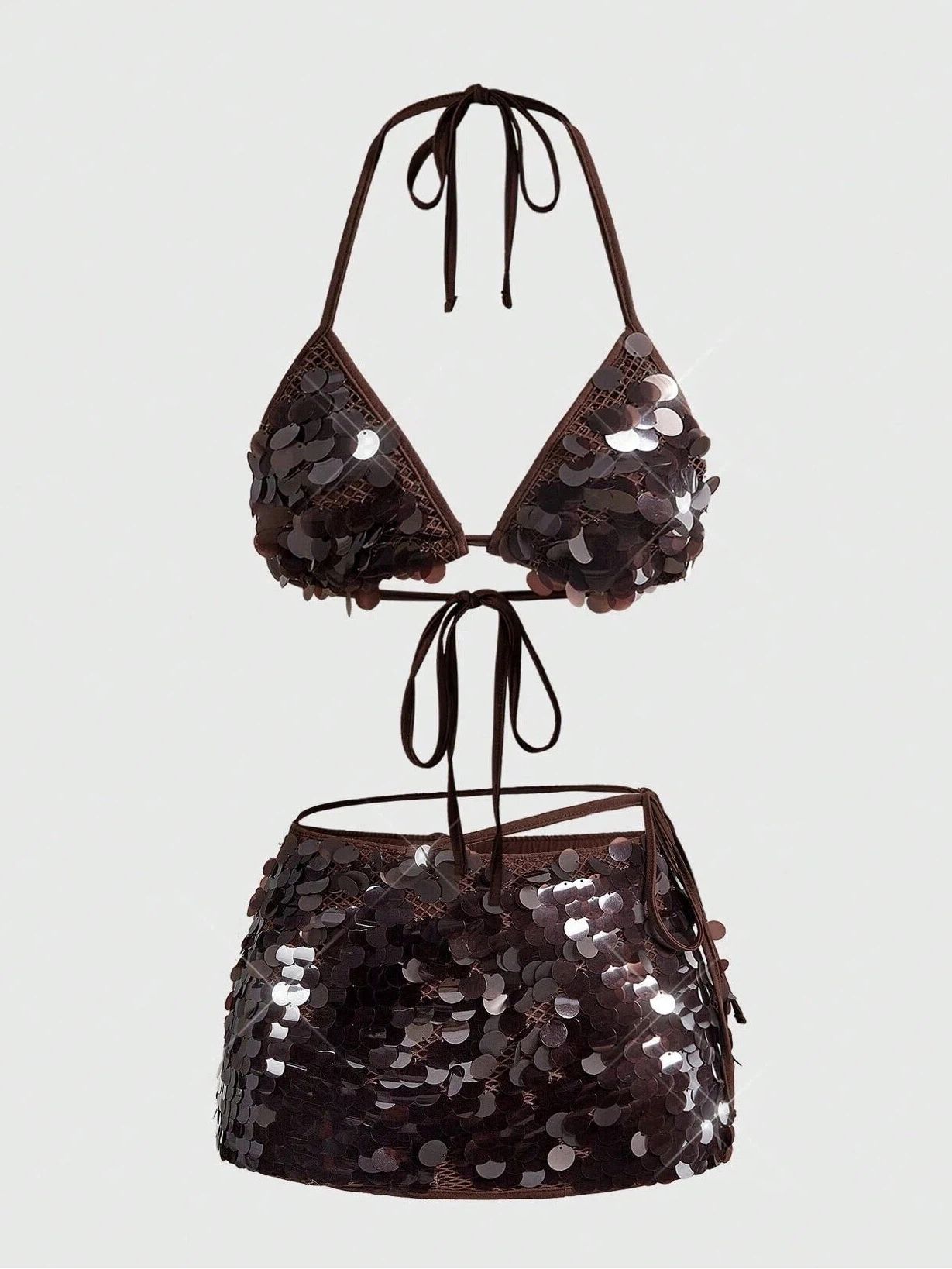
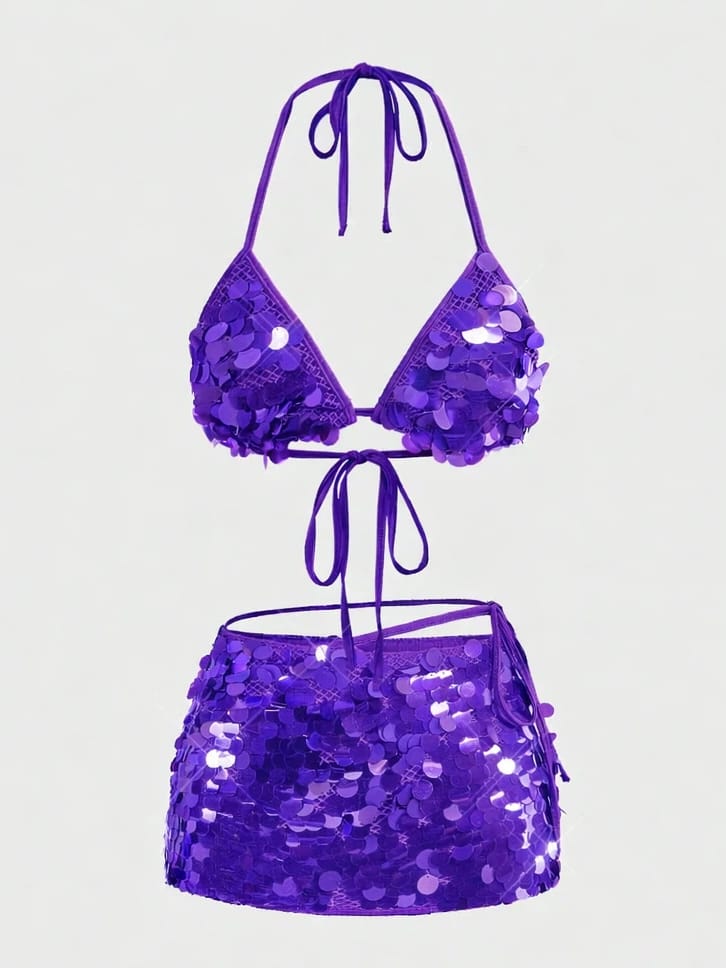
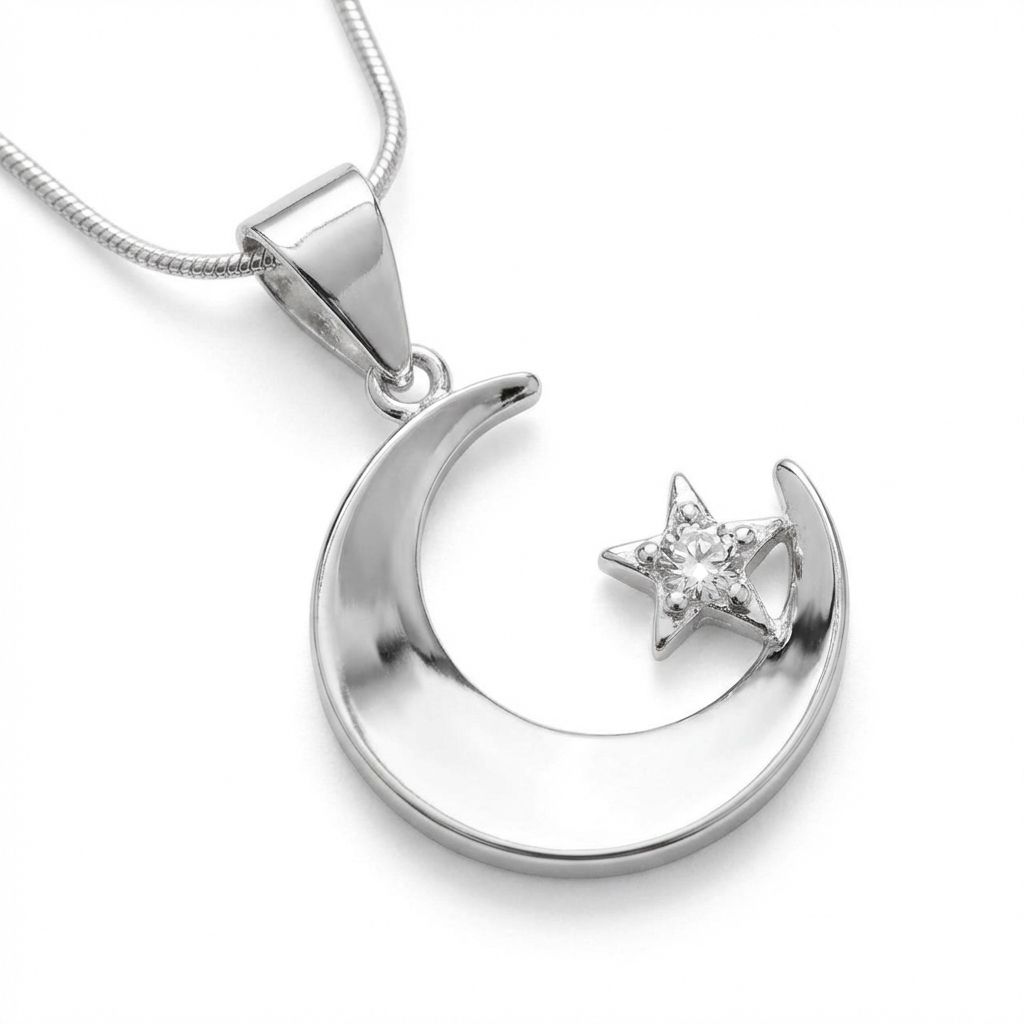
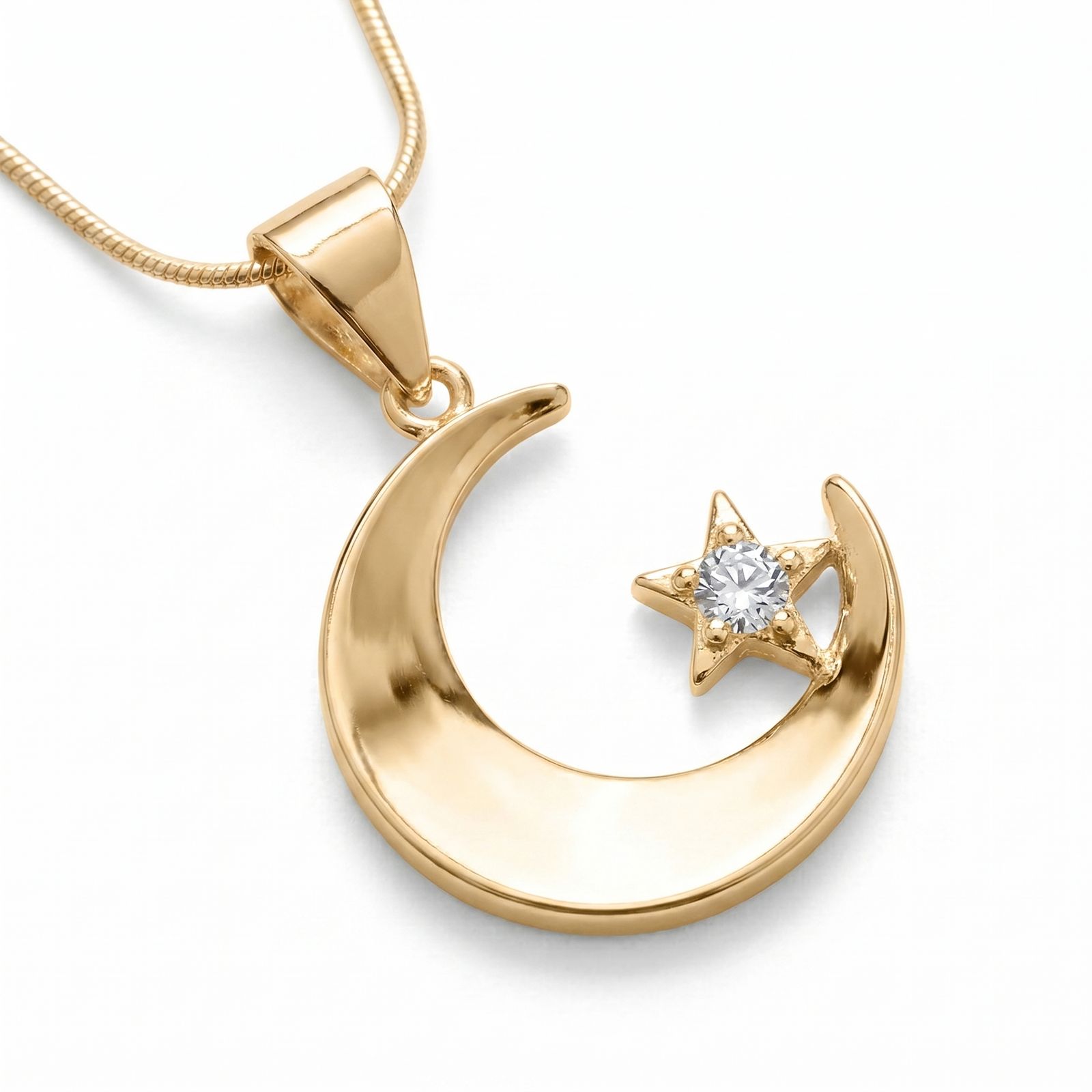
Recolor Jewelry from Silver to Gold While Preserving Metal Texture and Shine
Create silver-to-gold jewelry variants while retaining the polished finish that makes metal look convincing. Preserve crisp highlights, realistic reflections, smooth tonal transitions, delicate chain links, prong settings and engraved details instead of flattening the piece into a solid yellow fill. This gives fashion sellers consistent finish options for catalog reviews and SKU galleries with less manual masking.
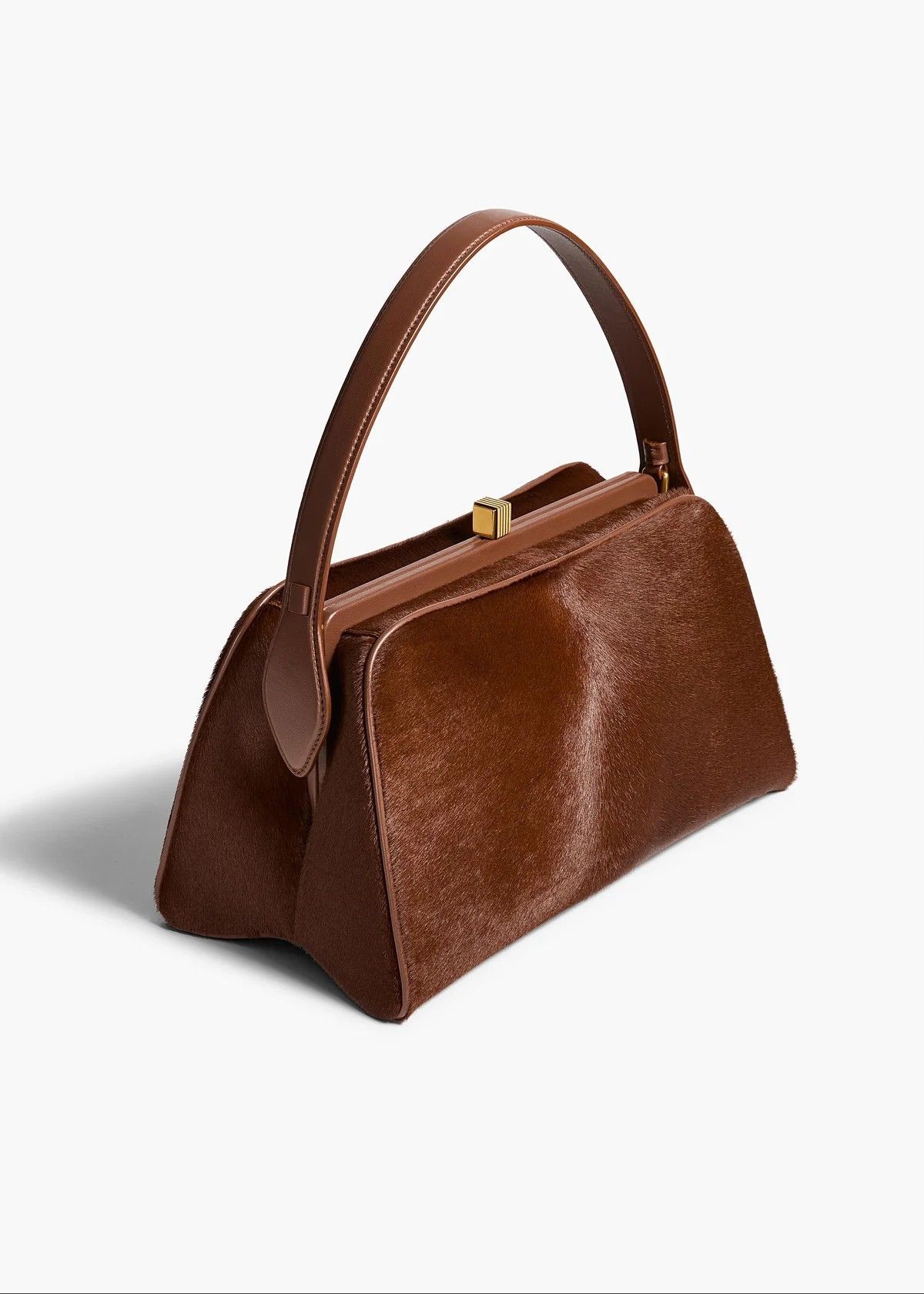
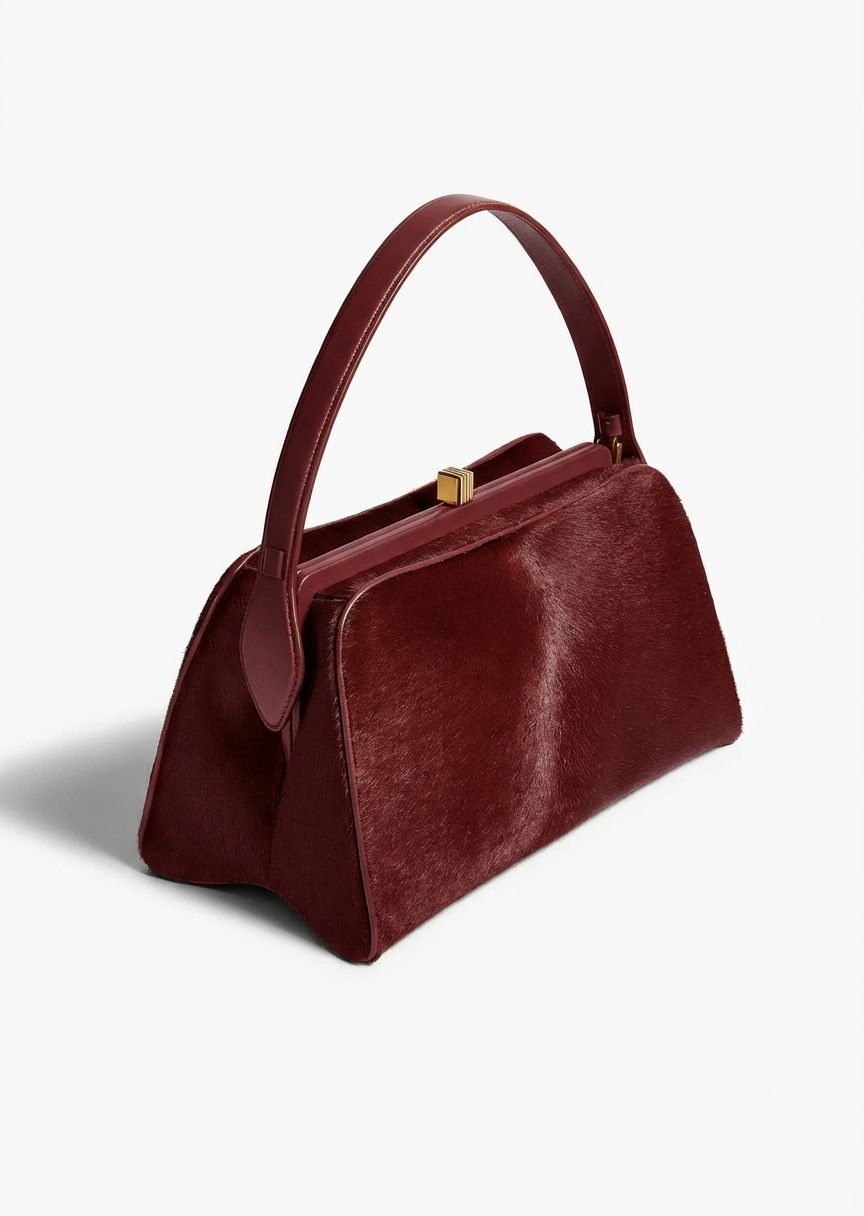
Recolor Bags and Accessories Without Ignoring Hardware
For handbags and accessories, isolate the leather, fabric or other material area you want to change and protect clasps, chains, stitching, logos and shadows in the instruction. Review material grain and every boundary at full size before using the result as a sellable color variant.
Product Photo Recolor Workflows for Ecommerce Teams
Use generated colorway images as part of a controlled content workflow: organize variants, compare them with approved samples and publish only images that represent available products accurately.
Build Consistent PDP Color Swatches
Create candidate images from one composition, map each approved image to its real SKU and keep verified source photography in the product record.
Prepare Color-Variant Listing Galleries
Use recolored images only when they accurately show an available variant, then follow the marketplace’s current main-image, variation and disclosure rules.
Preview a Seasonal Color Direction
Explore palette ideas for line reviews and campaign planning before committing to a production workflow or final product photography.
Adapt Approved Product Creative
Generate colorway drafts for catalogs, landing pages and ad tests while keeping a documented check for product truth, rights and channel requirements.
How to Recolor a Product Photo with AI
Start with a clear source, identify the target area and color, then compare the generated variant with the product and protected details.
Upload a Clear Product Photo
Use a sharp, well-lit source image in which the product, its edges and the details that must stay unchanged are easy to see.
Describe the Area and Target Color
State which object or material area should change, name the new color and identify logos, hardware, skin, background or pattern details that should remain unchanged.
Generate and Compare the Color Variant
Generate the recolored image, compare it with the source and approved product sample, and check color, edges, texture, shadows, reflections, logos, text and protected details before publishing.
AI Product Recolor vs Photoshop Color Change
Both workflows can change product colors, but they solve different production needs. Compare speed, output control, review requirements and cost structure before choosing a method for ecommerce color variants.
| Decision factor | AI product recolor | Photoshop color change |
|---|---|---|
| Workflow efficiency | Describe the area and color, generate, then review—fast for routine variants. | Mask, adjust and refine manually; setup is slower but reusable on similar images. |
| Batch color variants | Use a batch product photo editor to create many variants quickly, with quality control for every output. | Reusable masks improve consistency, but each new product needs setup. |
| Control and revisions | Prompt edits are quick, but corrections may require reruns or cleanup. | Editable masks and layers enable precise revisions, but dark-to-light changes and transparent materials are constrained by the source image and often need advanced retouching. |
| Cost structure | $0.04–$0.12 per image, plus review time and any reruns. | From $0.99 per image for outsourced color change; broader manual retouching benchmarks run $2.50–$12 as complexity rises. |
| Best fit | High-volume ecommerce variants and rapid colorway testing. | Brand-critical work, exact boundaries and layered delivery. |
Outsourcing benchmarks checked August 19, 2026: Path lists color change from $0.99 per image; FixThePhoto lists broader Photoshop and Lightroom retouching at $2.50–$12 per photo. Final quotes vary by masking, material, detail, turnaround and revision scope.
Continue Building Your Ecommerce Product Gallery
 Background RemoverCreate a transparent or clean-background cutout before building listing images and color variants.
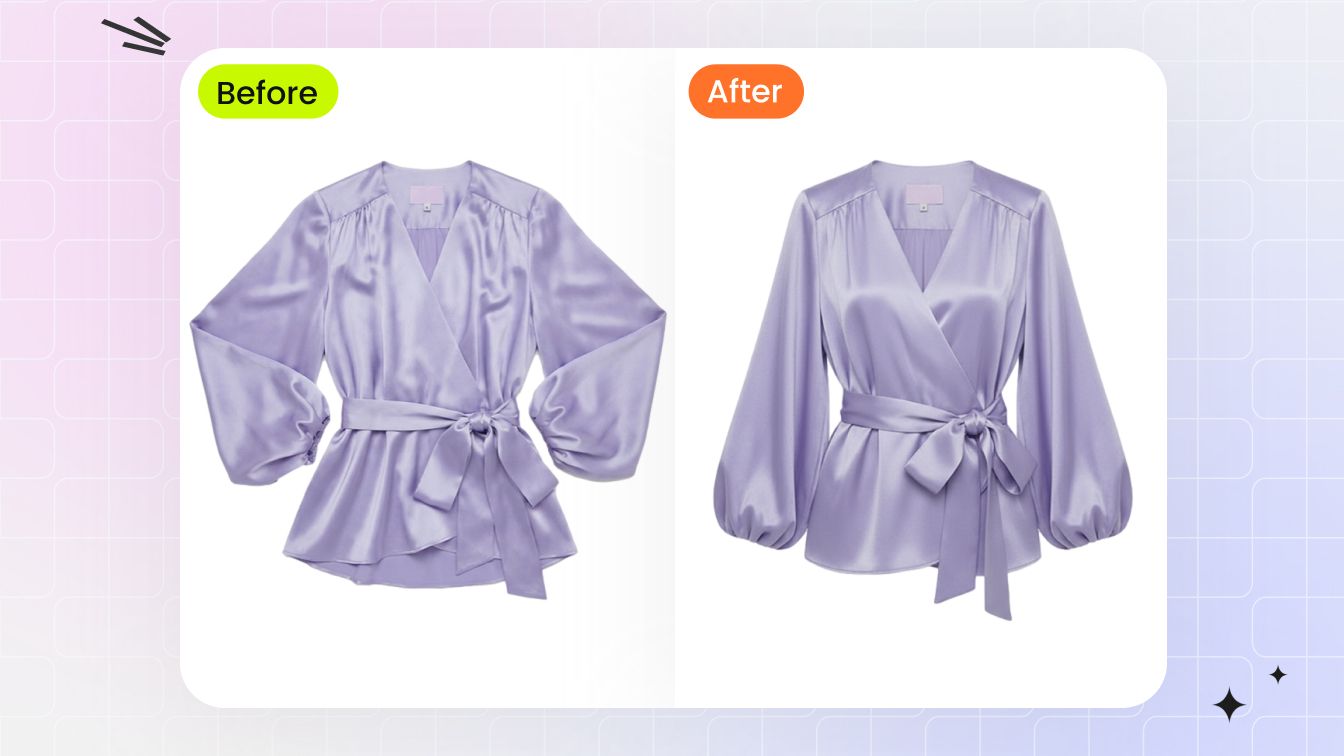 Ghost MannequinCreate garment-first hollow-body images for apparel product pages, marketplaces and catalogs.
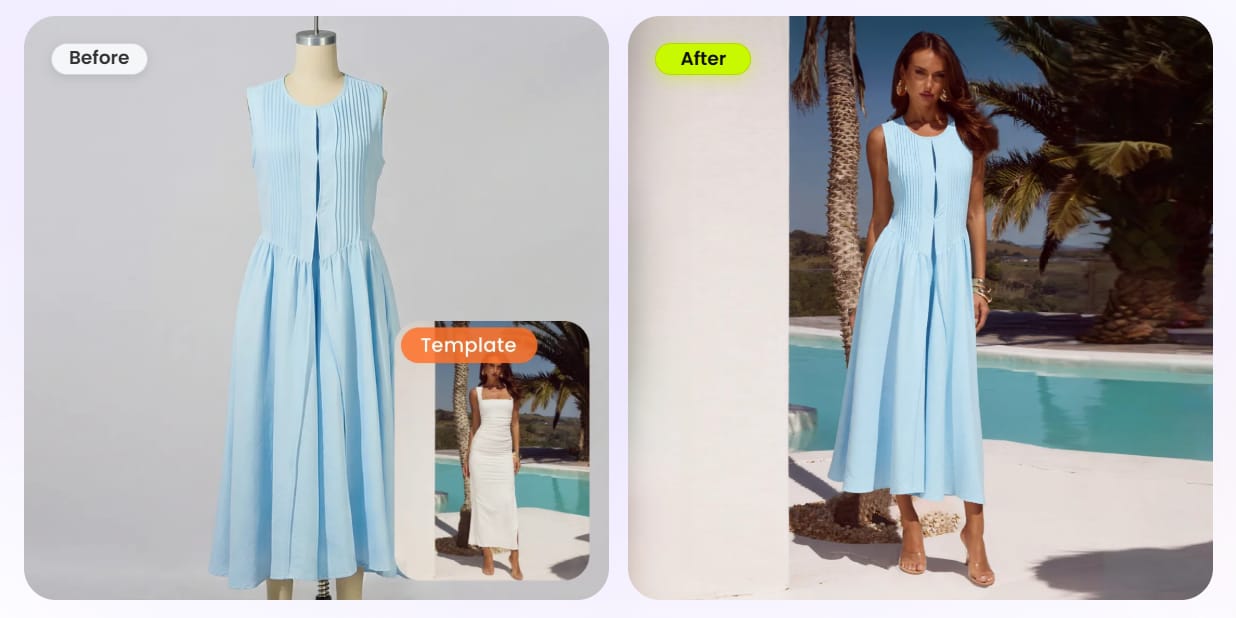 AI Fashion ModelTurn product photography into model-led merchandising images for fashion galleries and campaigns.
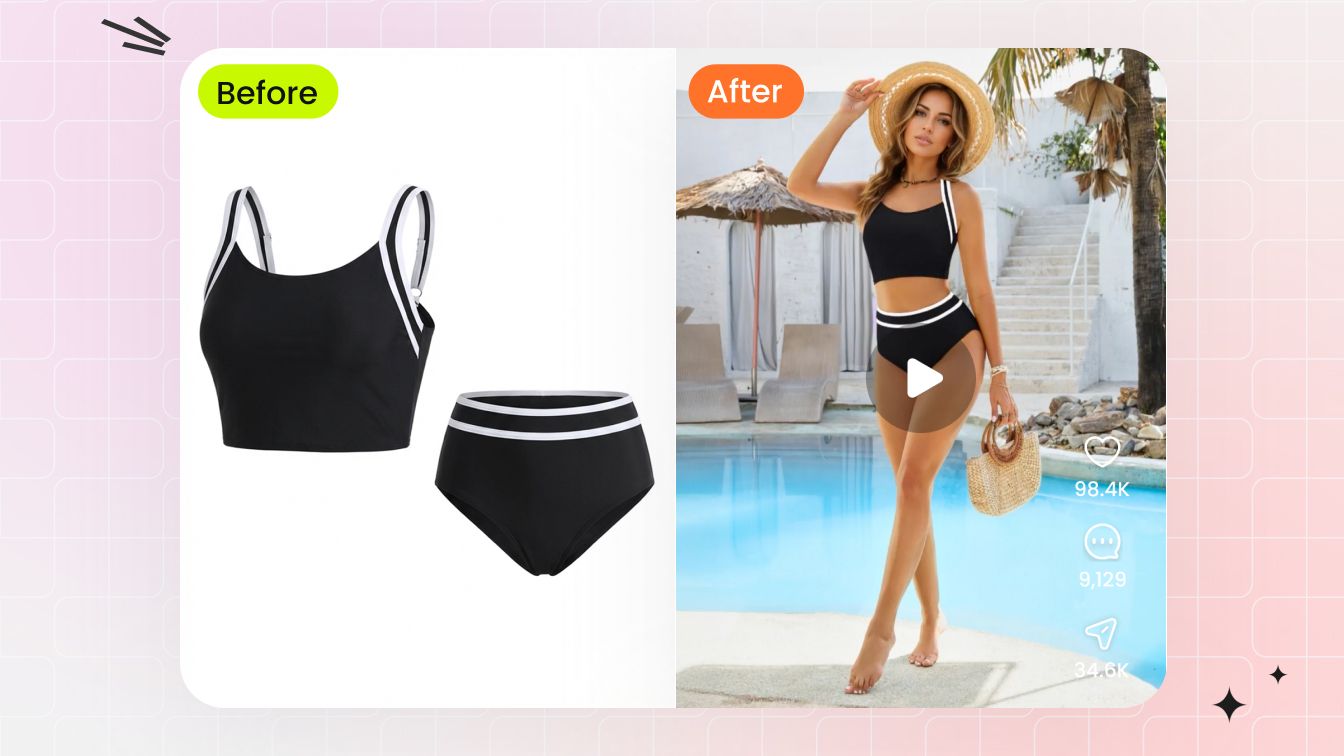 AI Image to VideoTurn an approved product image into a short motion asset for ads, PDPs and social content.
Product Recolor and Color-Change Guides
Compare AI recolor tools, learn controlled Photoshop methods and review category-specific color-change workflows before choosing a catalog process.
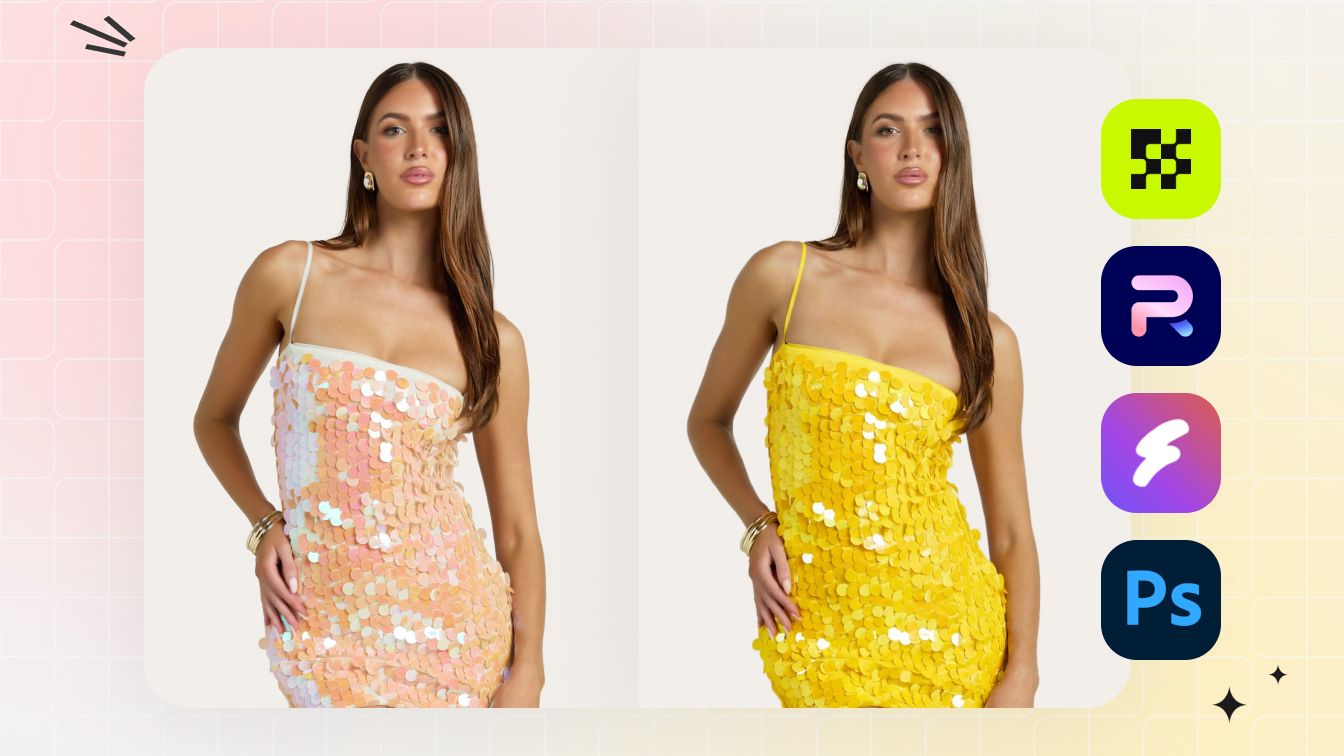
Best AI Recolor Tools for Product Photos
Compare product recoloring workflows, controls and review considerations before choosing an image color changer for ecommerce work.
Read comparison →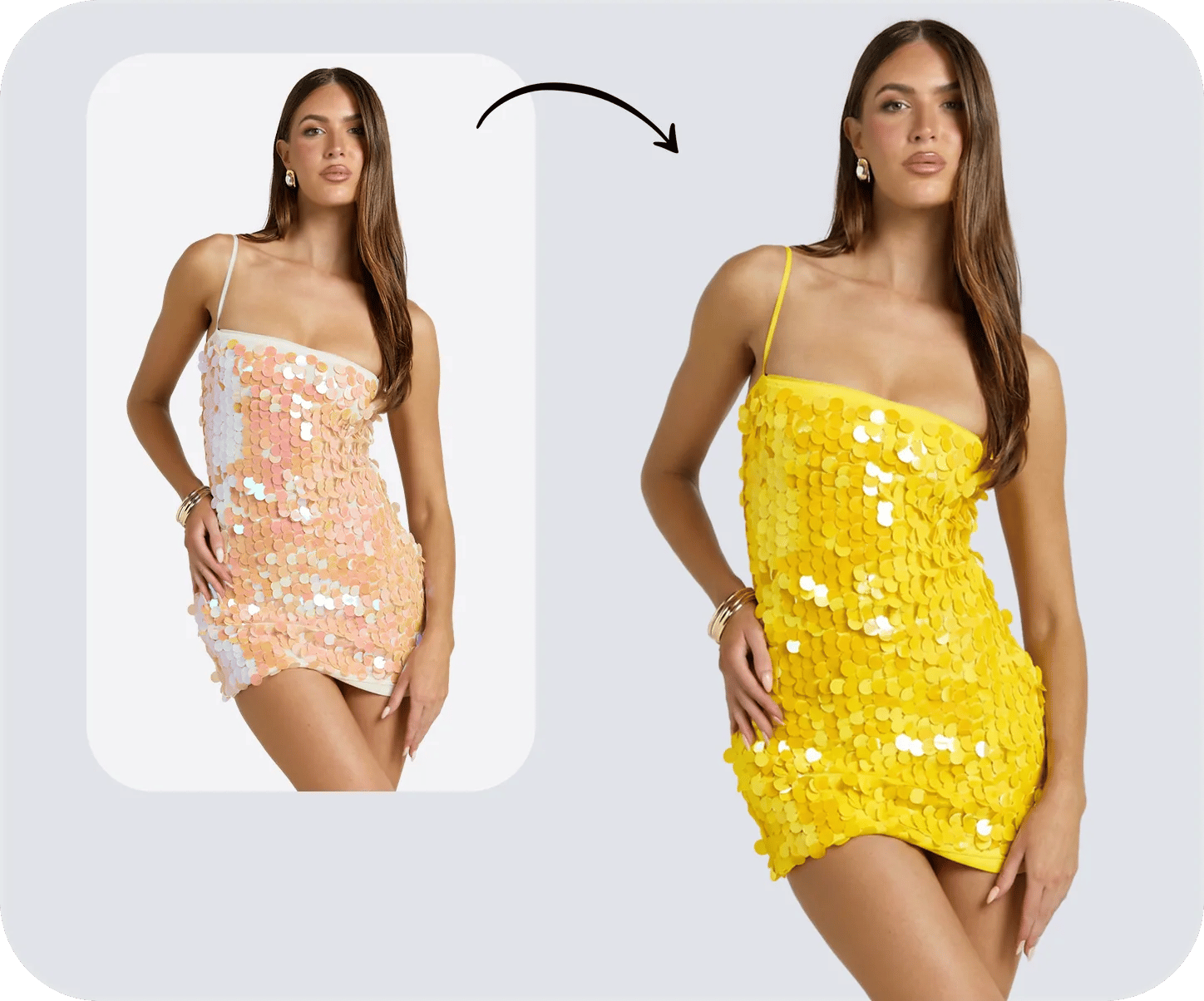
How to Change Color of an Image in Photoshop
Choose an adjustment-layer, fill-layer or prompt-based workflow for products, objects and backgrounds, including difficult neutral colors.
Read guide →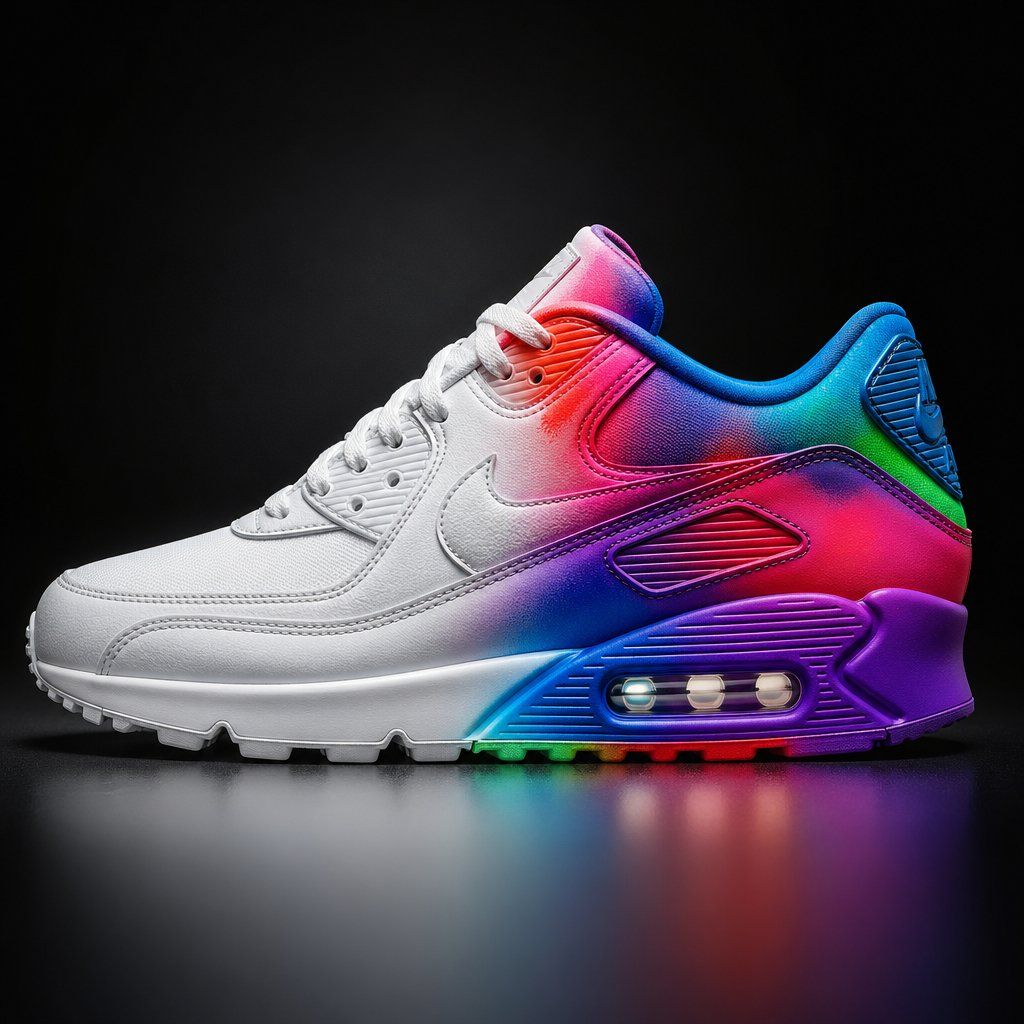
How to Change the Color of Something in Photoshop
Learn controlled methods for colored objects, exact brand colors and challenging white, black or gray products.
Read guide →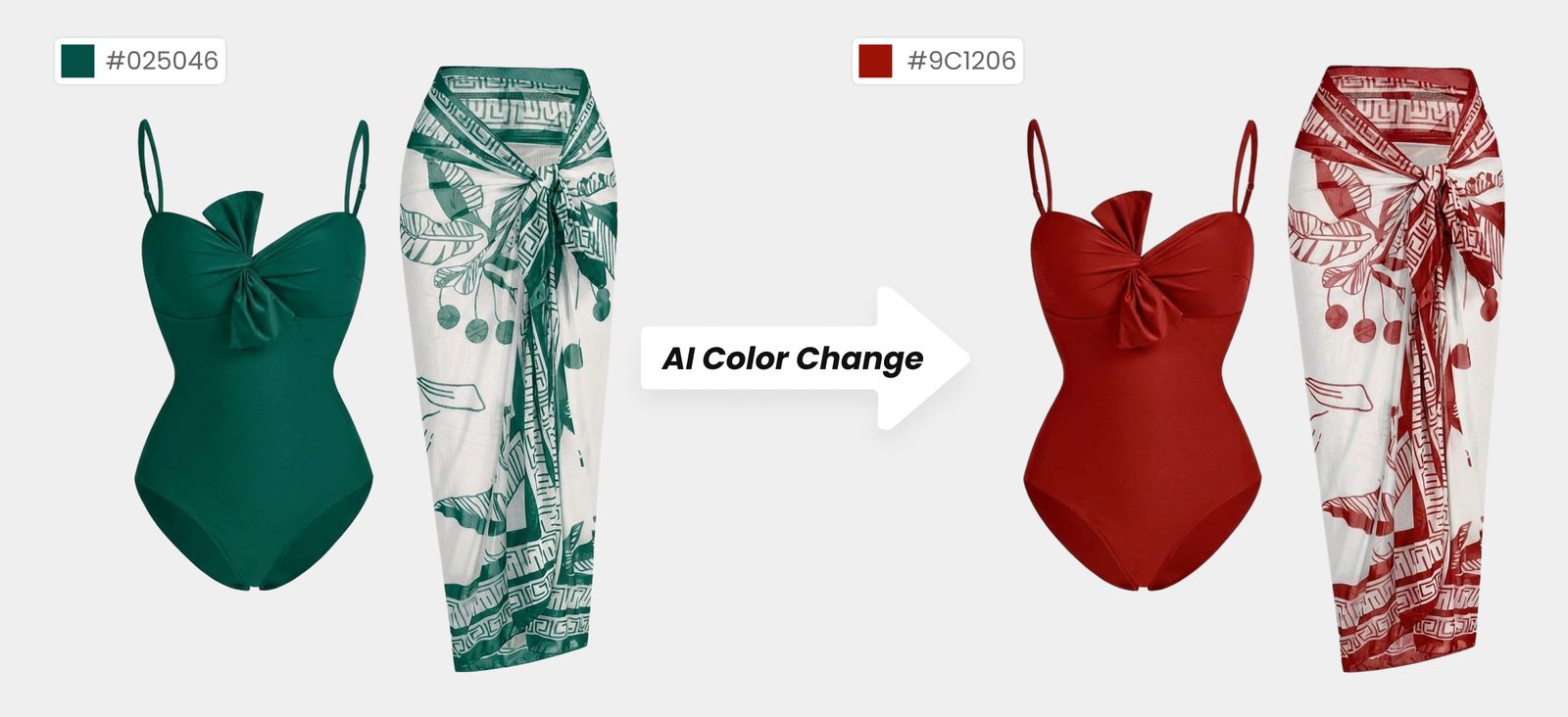
AI Color Change for Swimwear and Bikini Variants
Review seams, shine, sequins, shadows and fabric texture when recoloring detail-sensitive swimwear product photos.
Read guide →What Fashion Sellers Say About Snappyit
Public feedback from fashion and apparel sellers using Snappyit in ecommerce visual-production workflows.
“As a small clothing reseller, Snappyit is a game-changer. Professional product photos in seconds, no photoshoot needed—it saves me time and money on every single listing.”
“Using Snappyit.ai has been a huge upgrade for my store. Their team built an amazing tool that instantly turns my product photos into clean 3D-style ghost mannequin images. It’s fast, accurate, and has made my product launches so much smoother.”
“I use it to generate ghost mannequin images for my fashion online store and it just amazes me. The quality is fantastic and it is so, so fast. My products look so much more professional now. I have used it on my own flat lay images, on mannequin images and even model images and the result is great each time.”
AI Product Photo Recolor FAQs
What does it mean to recolor a product photo?
Recoloring a product photo means changing the visible color of a product or selected material area while keeping the product identity and scene recognizable. Ecommerce teams use the workflow to create or plan color-variant images for product pages, catalogs and campaigns.
How can I change the color of a product photo online?
Use Snappyit's AI product color changer to upload a product image, describe the object or area to change and name the target color. Generate the new version, then compare it with the source and the real product before using it in an ecommerce listing.
Can AI recolor clothing photos and keep the fabric texture?
AI can create clothing color variants and may retain visible weave, sequins, folds and lighting cues, but preservation is not guaranteed. Review fabric texture, seams, trim, straps, prints, logos and skin or background boundaries at the final listing size.
What product photos work best for AI recoloring?
Start with a sharp, well-lit image that shows the full product, clean edges and enough detail to inspect materials and protected elements. Heavy occlusion, clipped edges, colored reflections, transparent layers and low-resolution source photos usually require more review.
How should I describe the target color and product area?
Name the object, the exact area and the desired color in one instruction, such as change only the leather handbag body to burgundy and keep the gold clasp, stitching and white background unchanged. If color accuracy matters, compare the result with an approved physical sample rather than relying on a color name alone.
Will AI preserve logos, text, hardware and patterns?
Yes. Use a dedicated tool such as the Snappyit AI product recolor tool, which is designed to change the selected color while preserving logos, text, hardware, stones, prints and repeated patterns. Specify the target area and protected details, then review the result against the source.
Can an AI product color changer handle white or black products?
Yes. AI product recoloring can handle major lightness shifts such as white to dark or black to light. Unlike a conventional Photoshop recolor that works within the original pixel values, a purpose-built AI tool can rebuild ambient light, highlights, shadows and reflections for the new color, producing a more natural result.
Is AI product recoloring better than Photoshop?
AI product recoloring is faster and more cost-effective for generating multiple ecommerce color variants, while a Photoshop color-change workflow provides more predictable control over masks, edges and protected details. Choose AI for scalable colorways and changes that must rebuild light and material cues, including dark-to-light shifts and semi-transparent or reflective surfaces; use Photoshop when exact brand colors, fixed boundaries, protected details or layered approvals require manual precision.
Can I use recolored product images for Shopify, Amazon or Etsy?
Yes. You can use recolored images in Shopify, Amazon or Etsy product galleries. Before publishing, compare every color variant with the physical product and confirm that its color, material texture, highlights and product details accurately represent the real SKU.
Create a New Product Color Variant
Upload one product photo to continue in Color Change. Describe the object, area and target color, generate a new variant and compare the result with the source and approved product before publishing.






