



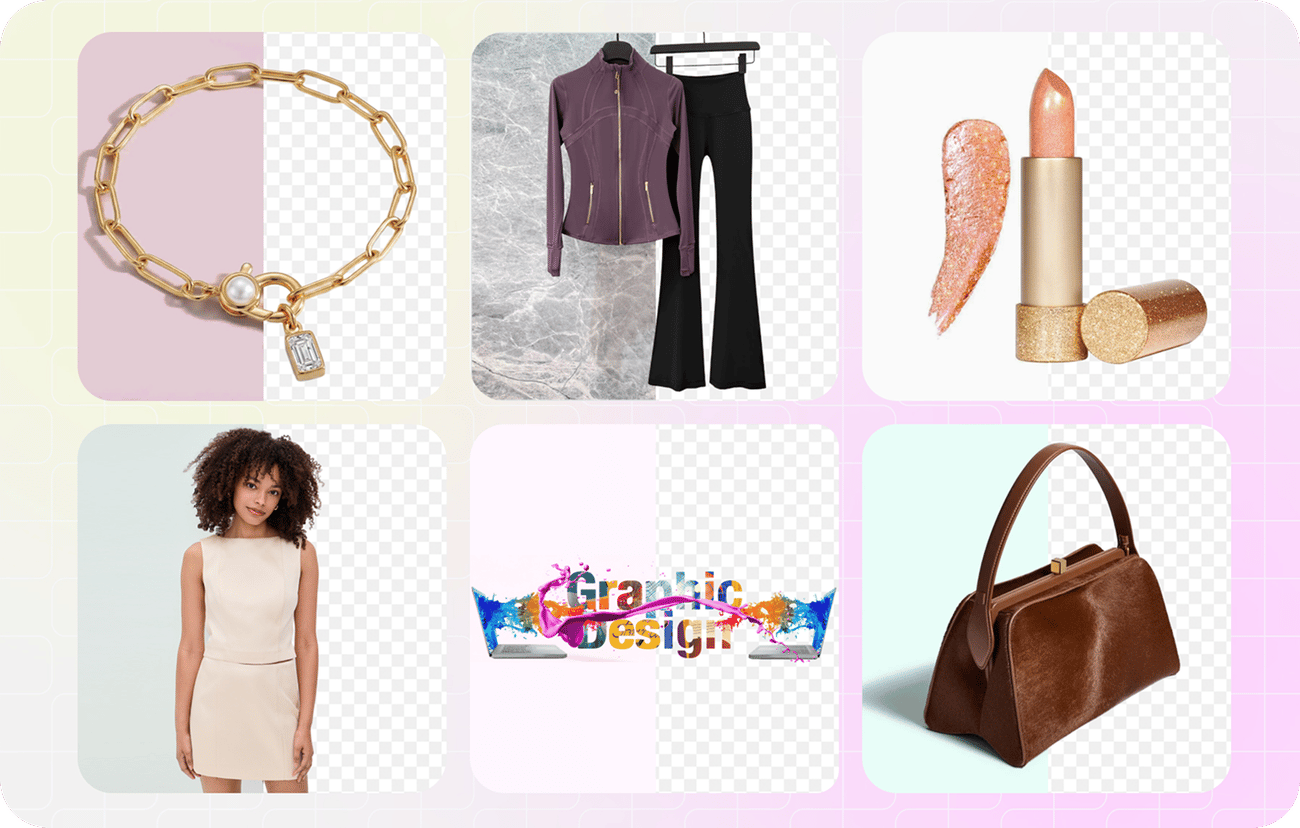
Remove backgrounds from clothing, jewelry, people and graphics
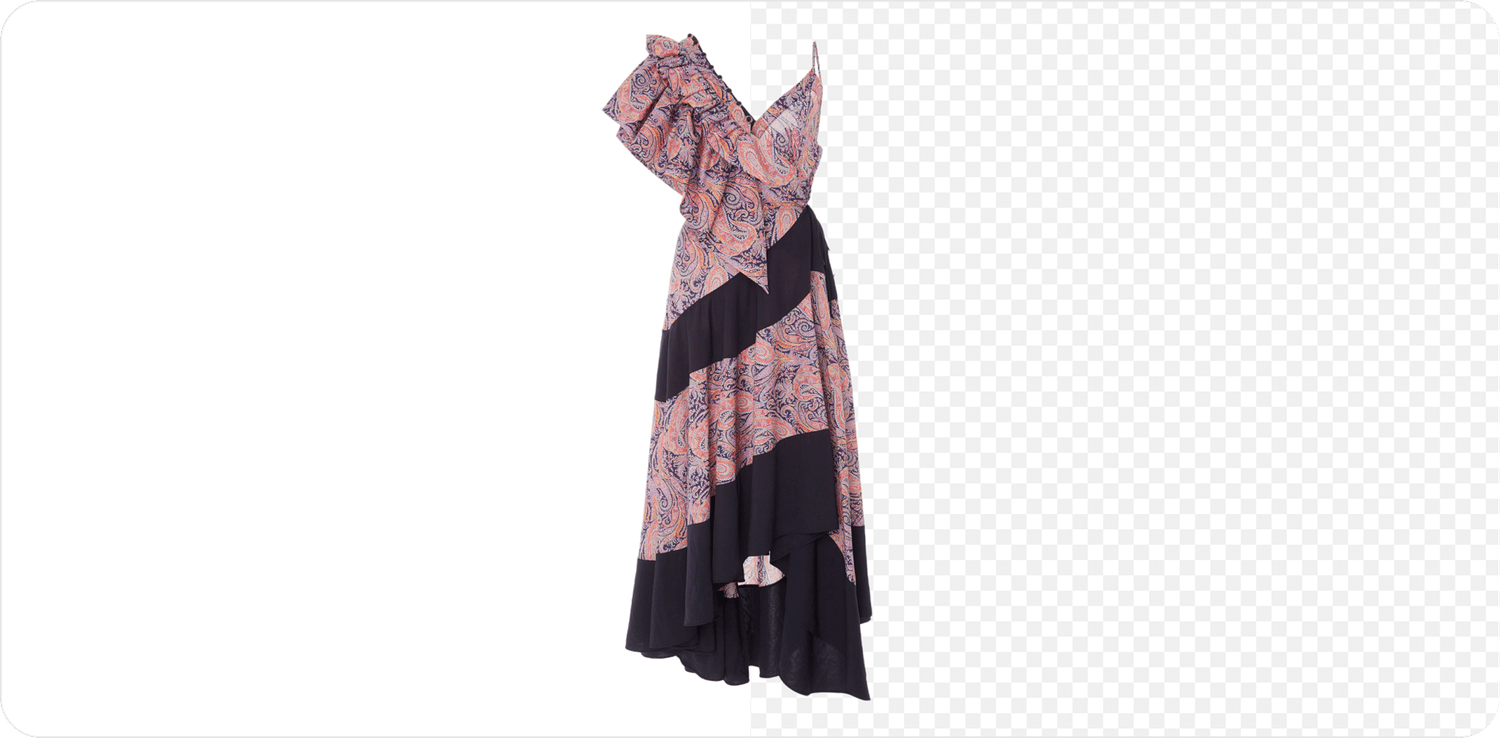
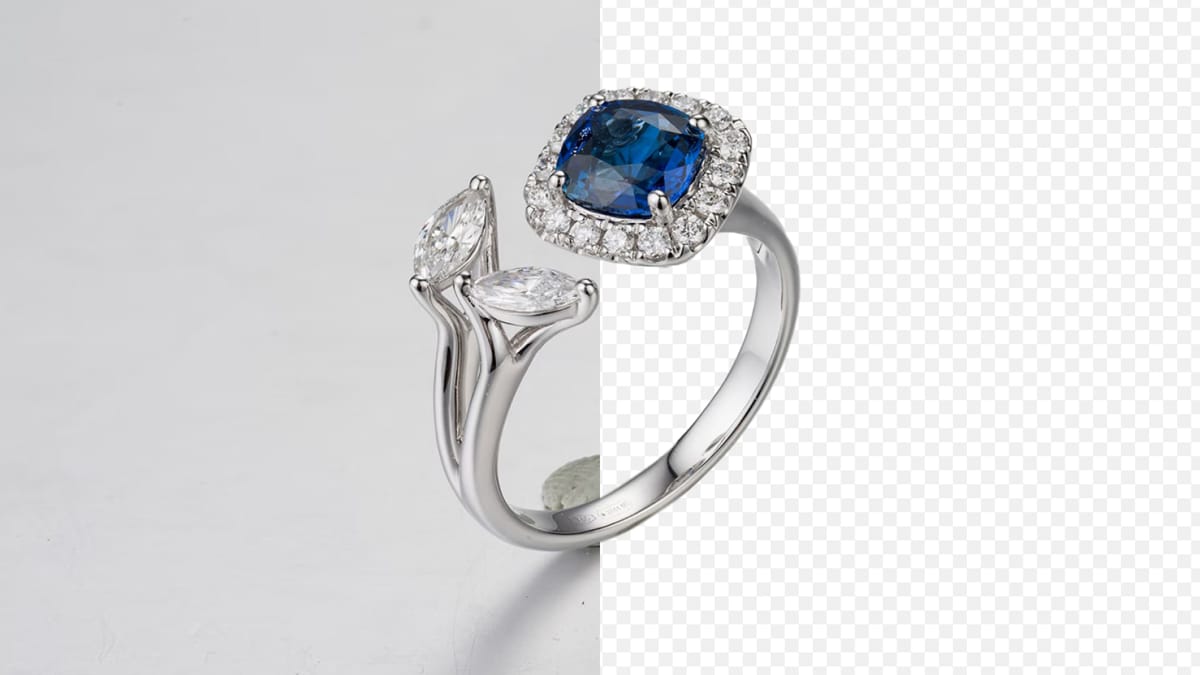
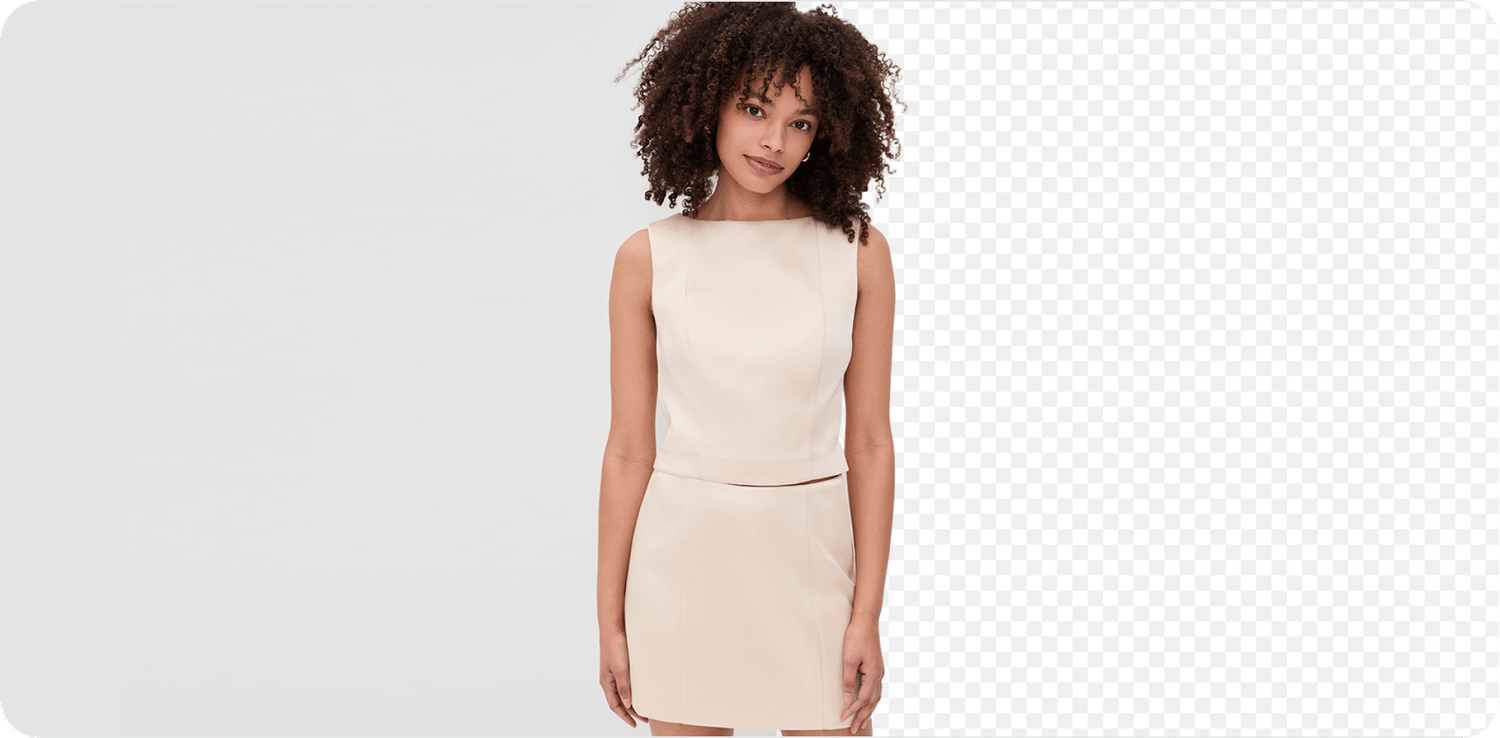

How the AI product background remover works
The tool runs in two passes: an automatic AI cutout first, then hands-on control over anything the AI got wrong. Most removers only give you the first pass — this one gives you both, for free.
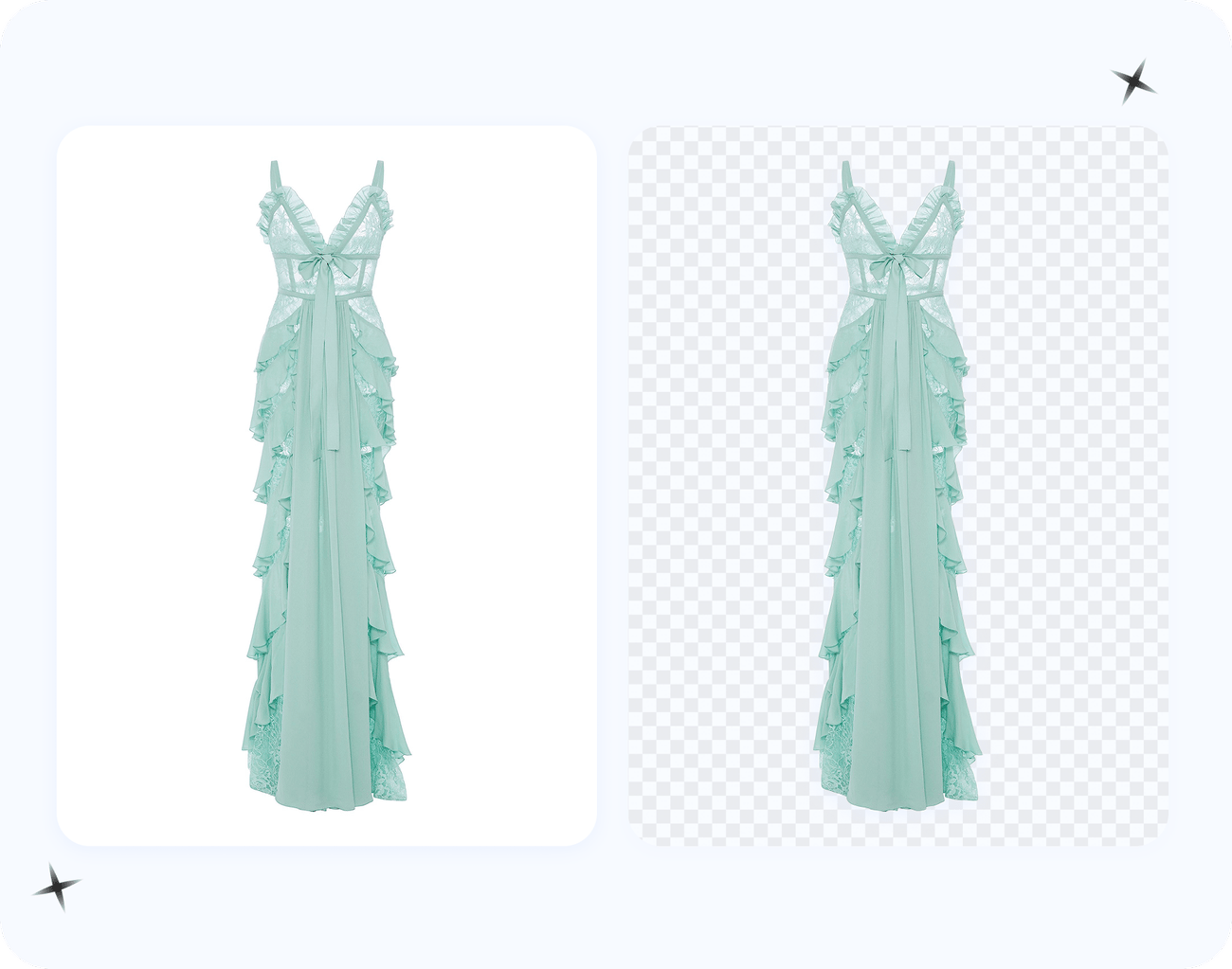
Pass 1 — automatic subject detection. The AI model analyzes your photo, identifies the product as the subject, and separates it from the background into an alpha-channel cutout. Instead of clipping to a hard line, it keeps a soft alpha edge, so fabric texture, rounded rims and fuzzy outlines keep their natural falloff. For most clean product shots, this first pass is already listing-ready in a few seconds.
Pass 2 — your corrections always win. Where the AI misjudges — a strap blending into a shadow, a gap inside a handle, a wisp of fur — you mark it instead of redrawing it: paint green on anything that must stay and red on anything that must go, and the cutout recomputes instantly. Green pixels are always kept and red pixels are always removed, so you only need to mark the sure areas, not fill them. A side-by-side live preview and an edge line show exactly where the cutout boundary sits against the original, and Reset to AI draft takes you back to the automatic result at any time.
It accepts JPG, PNG and WebP input up to 4096×4096. The initial AI cutout is processed on our server; after that, every brush stroke runs locally in your browser. When the edge looks right, you export the full-resolution PNG — the export keeps your image's original resolution (the 4096×4096 limit is the accepted input size, not an export cap) — transparent or on a solid color.
Precise cutouts on hair, fur and fine edges
Precision starts with the automatic pass: the AI detects the product — the subject of the photo — and segments it from the background with a soft alpha edge instead of a hard clipped line, so wispy hair, fur, lace, jewelry chains and semi-transparent fabric keep their natural falloff. Most one-click removers stop there, and that is where rough edges slip through — even strong tools like Photoroom are reported to miss loose threads, hair strands and delicate fabric. Here you get a second layer: zoom in and use the manual refine brush — green to keep, red to remove — and the cutout updates instantly as you paint. Mark just the sure areas; no need to fill. That auto-precision-plus-brush combination is the difference between a precise cutout and a pasted-on look. (Clipping Magic is the brush-based reference for this kind of manual control, but it is subscription-only.)
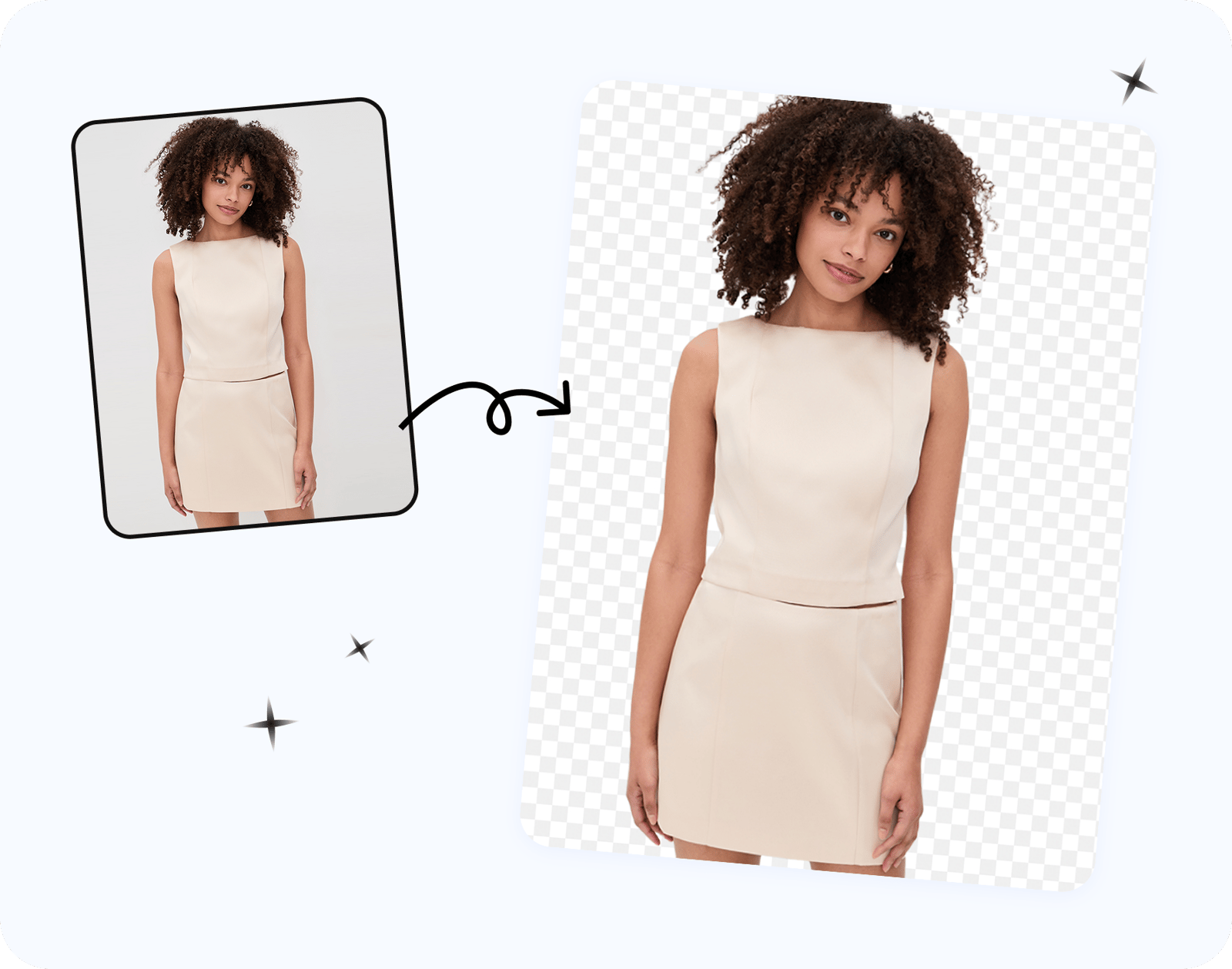
Full-resolution export with no quality loss
Your free download is the full-resolution image, not a throttled preview. That matters for ecommerce, because marketplace zoom needs sharp images — Amazon, for example, enables zoom once an image is at least 1,000 px on the longest side (Amazon's product image requirements), and zoom-quality photos convert better. Many free tiers only let you download a low-resolution preview (remove.bg's free output is about 0.25 MP, ~625x400, as of June 2026), which is too small for a real listing. Here the export keeps the original resolution — a high resolution PNG with no quality loss, as a transparent PNG for overlays or a PNG with a solid white or custom background.
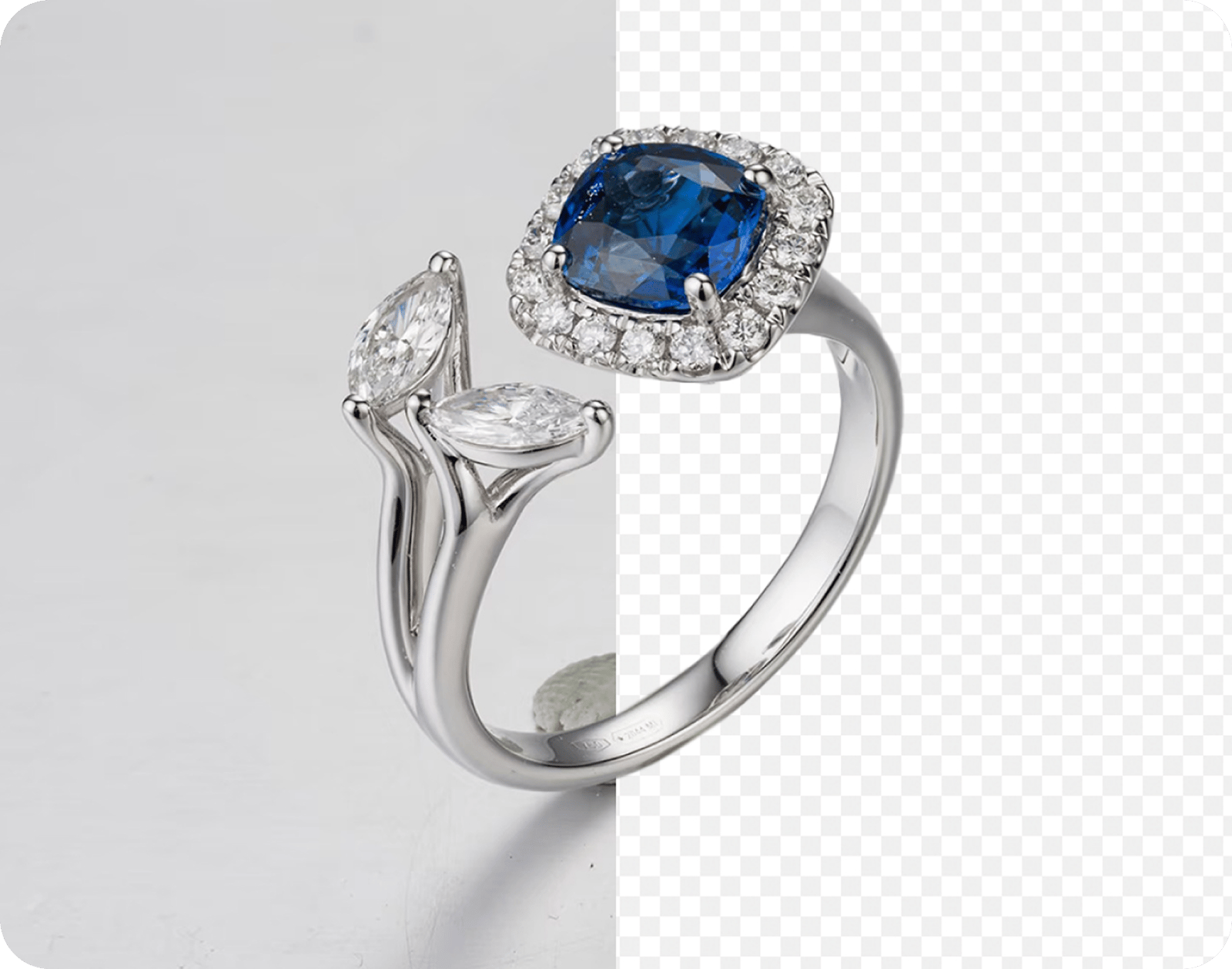
Transparent PNG or solid white background — your choice
After the cutout you choose the output. Pick Transparent to export a PNG with an alpha channel — ideal for Shopify and Etsy themes, logos and overlays, because it adapts to any page background. Or pick Solid and set a color to fill the background. For Amazon main images you need a pure white background (RGB 255,255,255 / #FFFFFF), which you can export directly here (see Amazon's product image requirements and the technical file requirements; confirm Amazon's current image policy before listing). Use a transparent PNG when you want flexibility, and a solid white fill when a marketplace requires it.
More Free Tools For Sellers
 Image Resizer for Sellers
Resize your cutout to the exact pixel specs of 8 marketplaces — Amazon, eBay, Etsy, Shopify and more.
Image Resizer for Sellers
Resize your cutout to the exact pixel specs of 8 marketplaces — Amazon, eBay, Etsy, Shopify and more.
 Marketplace Fee Calculator
Compare seller fees and real profit across 8 platforms before you list.
Marketplace Fee Calculator
Compare seller fees and real profit across 8 platforms before you list.
 Product Photo Upscaler
Upscale and sharpen low-resolution product photos for clearer marketplace listings.
Product Photo Upscaler
Upscale and sharpen low-resolution product photos for clearer marketplace listings.
Built for Amazon, Shopify, Etsy and eBay sellers — and fashion brands
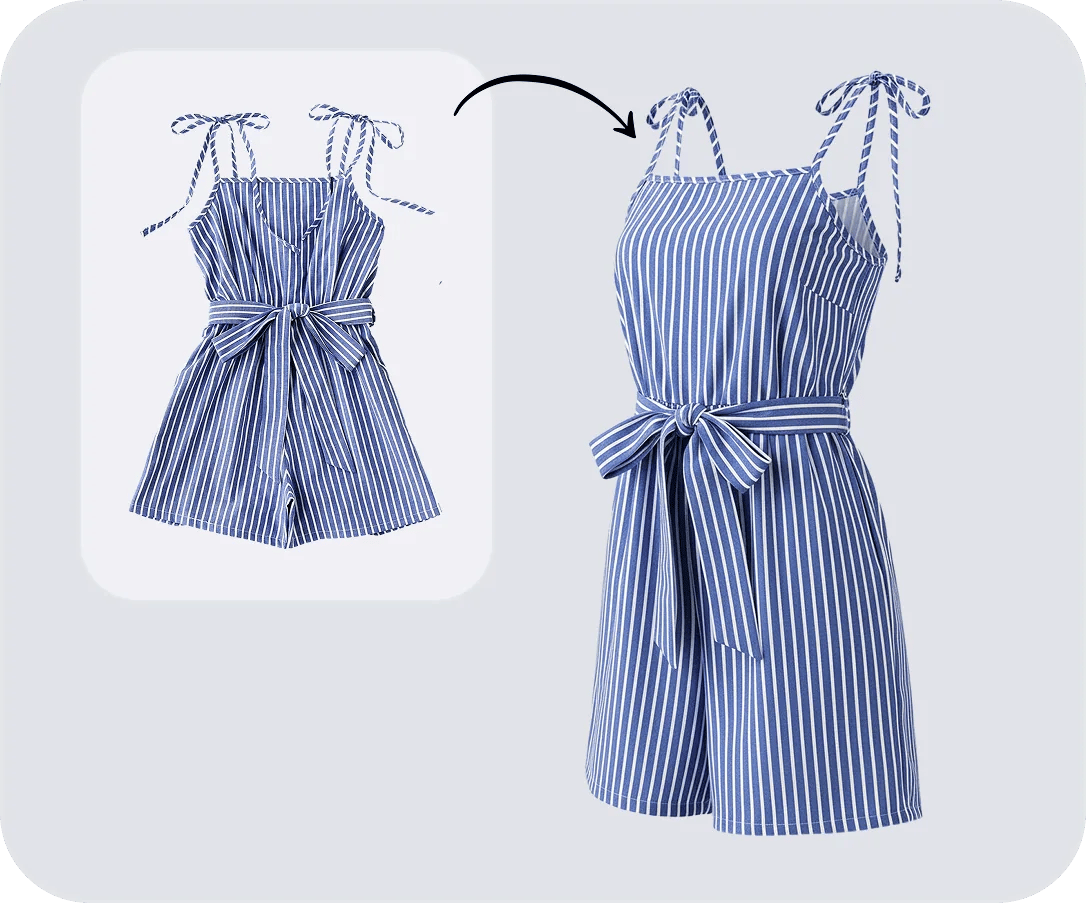
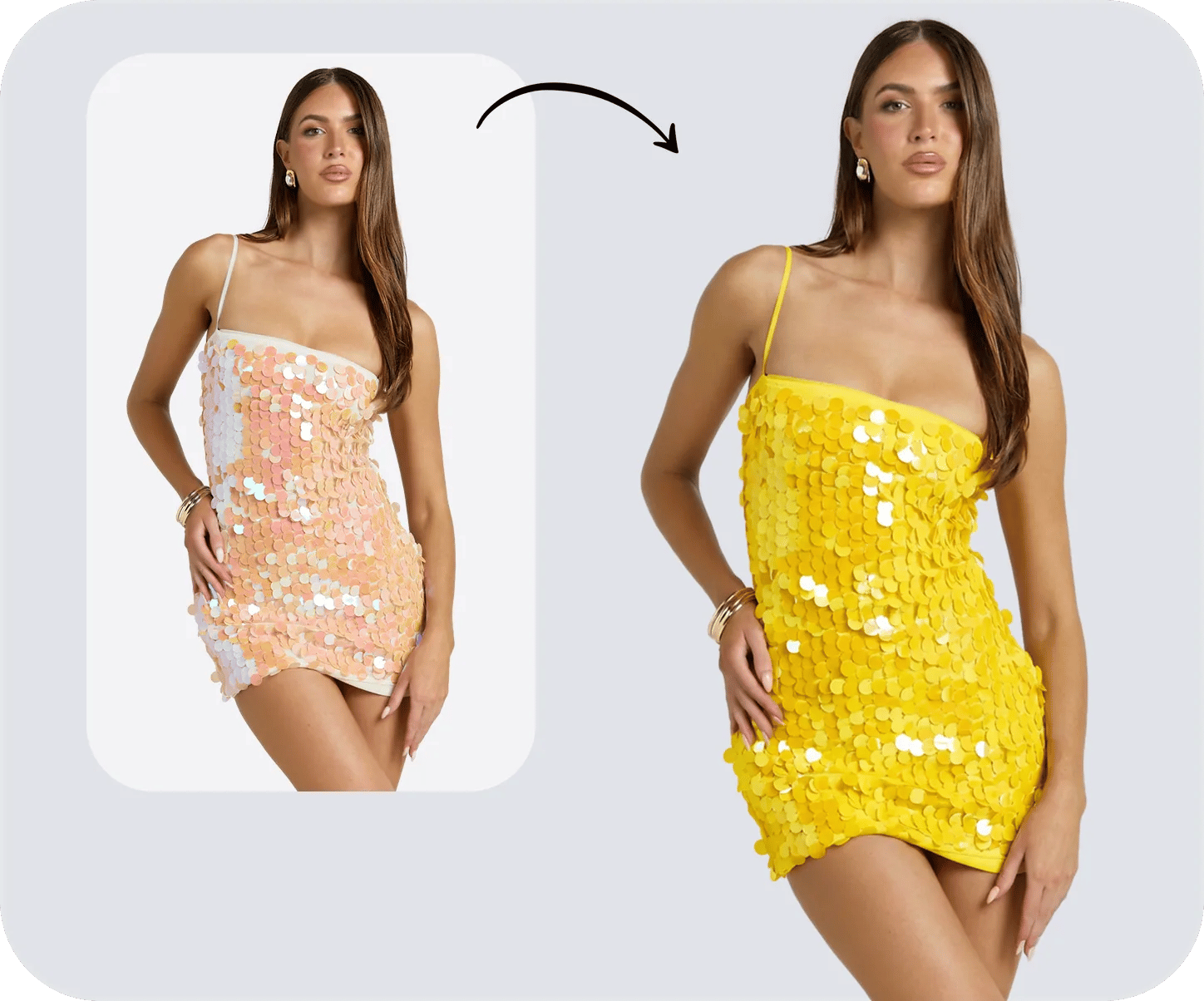
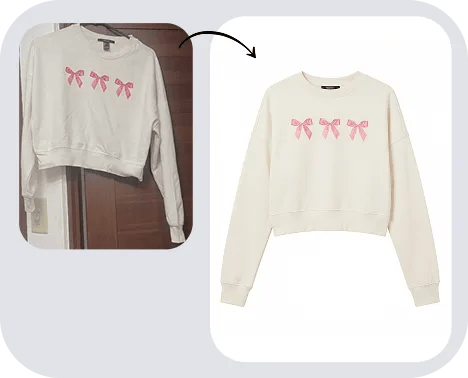
This is a product background remover first. Sellers and brands use it to standardize listings across every channel: a pure-white background for Amazon main images, a transparent PNG for Shopify and Etsy theme backgrounds, clean catalog cutouts for eBay, and consistent product imagery across a brand's whole catalog. Resellers and product photographers work through listings one photo at a time, fast — without a studio or a paid plan. Once the background is clean, the next step is usually styling the shot — adding a branded background color, recoloring the product into clean variants, creating the ghost mannequin effect for apparel, or shooting accessory photos without a photoshoot. The full pipeline is in our AI product photography guide.
 Amazon Sellers
Pure-white #FFFFFF main images that pass listing review, at SKU scale.
Amazon Sellers
Pure-white #FFFFFF main images that pass listing review, at SKU scale.
 Shopify Sellers
Transparent PNGs that adapt to any store theme and collection page.
Shopify Sellers
Transparent PNGs that adapt to any store theme and collection page.
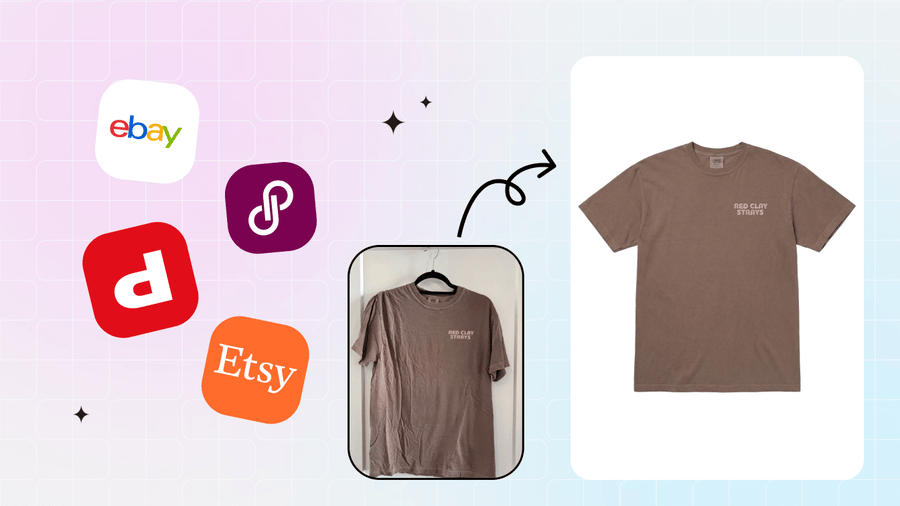 Etsy & eBay Resellers
Clean, consistent cutouts across every marketplace you cross-list on.
Etsy & eBay Resellers
Clean, consistent cutouts across every marketplace you cross-list on.
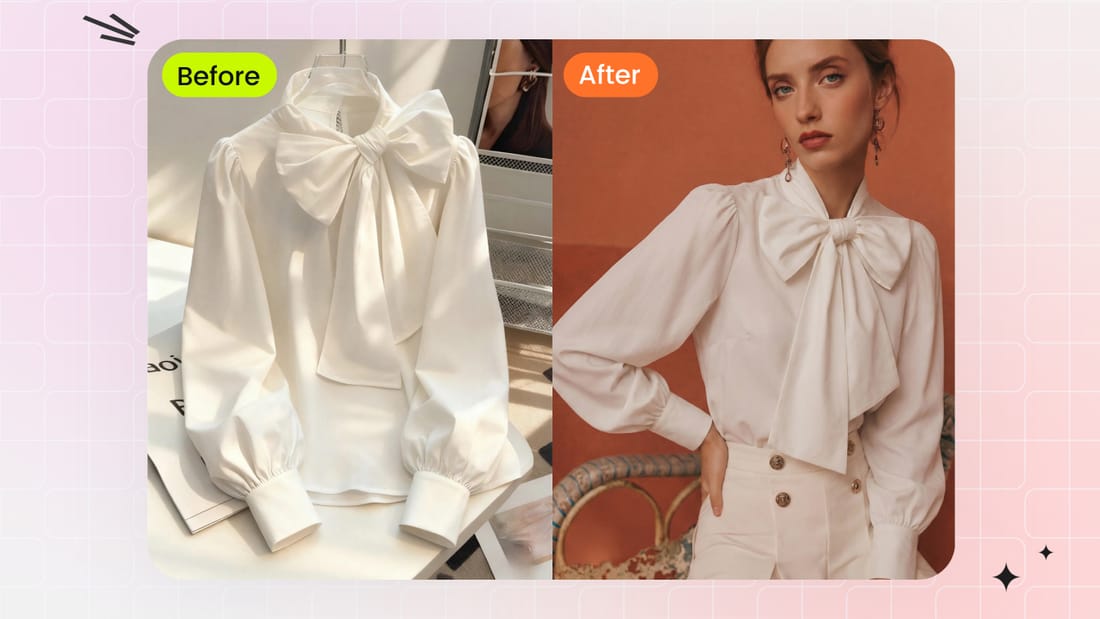 Fashion Brands
Catalog-grade product imagery with one consistent look across the line.
Fashion Brands
Catalog-grade product imagery with one consistent look across the line.

85% 5 star reviews from verified users
Free alternative to remove.bg, Clipping Magic and Photoroom
If you have hit a paywall, a login wall or a license clause on another remover, here is an honest four-way comparison. remove.bg has excellent automatic edge AI, Clipping Magic has the deepest manual toolset, and Photoroom wraps background removal in a full seller workflow — but all three gate the thing a seller actually needs: a full-resolution, commercially usable file. This tool's edge is narrower and simpler: free, full-resolution, no login, with a manual refine brush and full keyboard shortcuts built in. (All competitor figures are as of June 2026 — verify on their live pricing pages.)
| Feature | Snappyit (this tool) | remove.bg | Clipping Magic | Photoroom |
|---|---|---|---|---|
| Price | 100% free, no limits | Full-res = paid credits (~$1.99/image or ~$9/mo, as of June 2026) | Subscription only (~$2–$11/mo, as of June 2026) | Free plan; Pro ~$7.50–$12.99/mo (as of June 2026) |
| Free full-res download | Yes — full resolution | No — ~0.25 MP preview | No free download | No — HD is Pro |
| Login required | No login, no signup | Yes, even for the preview | Yes + subscription | Not for basic use |
| Watermark / license on free | No watermark, fully commercial-use | No watermark (res-gated) | N/A | Watermark after monthly limit; free is non-commercial |
| Brush refine + shortcuts | Both, free — green/red brush + full keyboard control | No manual brush | Brush tools, paid only | Brush on free; shortcuts in Batch only |
| Best for | A free, precise, full-res cutout — fast | Bulk + API, pay per image | Deep manual control, subscribed | Templates & AI backgrounds on Pro |
Disclosure: Snappyit is our own tool, so this is our landing page — we've kept the comparison honest and dated, every competitor figure is stamped "as of June 2026" and linked to its official pricing page, so you can check it for yourself.
Go deeper: product photo guides for sellers
 Amazon Product Image Requirements (2026)
Check the white-background main-image rules and build a practical listing gallery.
Amazon Product Image Requirements (2026)
Check the white-background main-image rules and build a practical listing gallery.
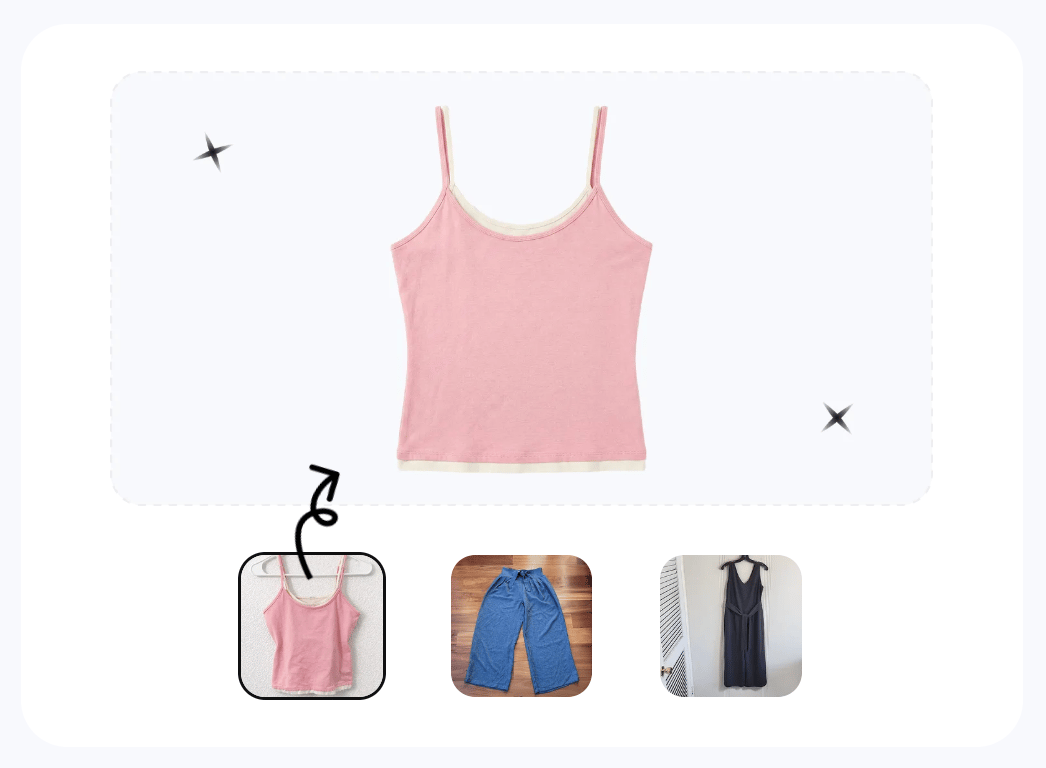 How to Photograph Thrifted Clothes for Resale
Create clean marketplace-ready images, then complete the listing and pricing workflow.
How to Photograph Thrifted Clothes for Resale
Create clean marketplace-ready images, then complete the listing and pricing workflow.
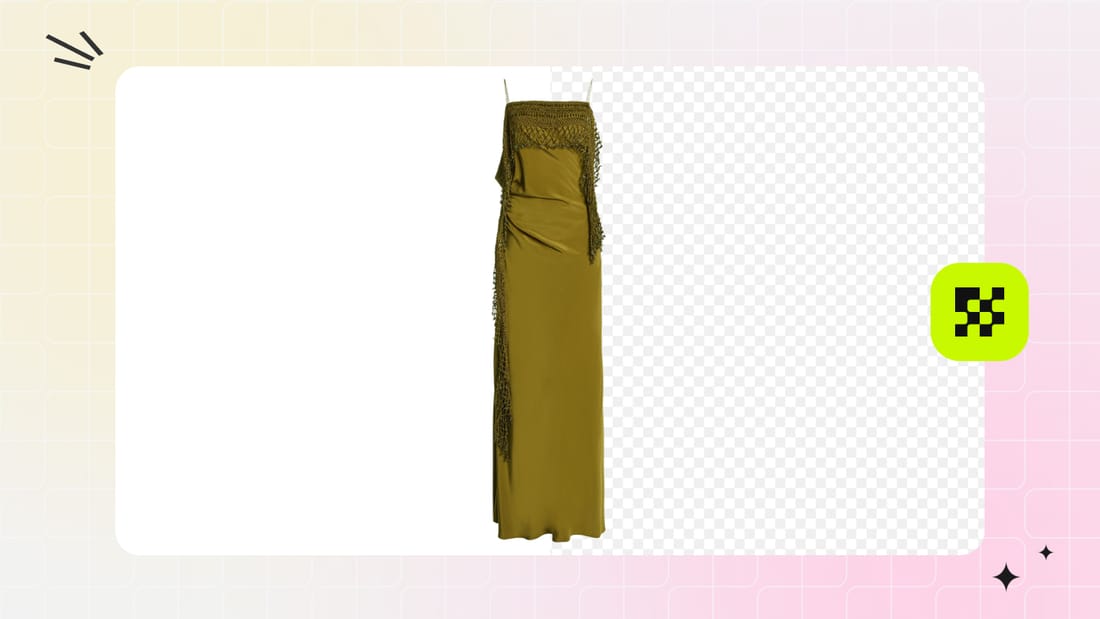 Ecommerce Flat Lay Photography: Studio vs AI
Compare traditional studio and AI workflows, product examples, listing rules and QC.
Ecommerce Flat Lay Photography: Studio vs AI
Compare traditional studio and AI workflows, product examples, listing rules and QC.
 Best AI Batch Photo Editors for Product Photos
Compare background editing, batch limits, workflow flexibility and pricing across five tools.
Best AI Batch Photo Editors for Product Photos
Compare background editing, batch limits, workflow flexibility and pricing across five tools.
Frequently asked questions
Do I need to sign up or log in to remove a background?
No. This product background remover is 100% free with no login, no signup and no account required — upload your image and download the result straight away. That is a key difference from tools like remove.bg, which require an account even to download the free low-resolution preview (as of June 2026).
Is it really free, and is there a watermark?
Yes, it is genuinely free and there is no watermark on your exported image. You also are not capped to a single free download or pushed onto a credit plan — removing the background and downloading the full-resolution file costs nothing.
Can I download the full-resolution image without losing quality?
Yes. You export the full-resolution PNG with no quality loss, so your image stays sharp enough for marketplace zoom. This matters because some free tiers only let you download a low-resolution preview — remove.bg's free output, for example, is about 0.25 megapixels (roughly 625x400) as of June 2026, which is below what Amazon listings need.
Can it remove the background from hair, fur or fine edges accurately?
Yes. The AI auto-cutout gives a clean edge in one click, and when it struggles on wispy hair, fur, lace or jewelry chains you can zoom in and use the manual refine brush to add back or erase pixels by hand. Most free auto-only background removers can't do this manual refinement, which is what sets a precise cutout apart from a rough one.
Can I export a transparent PNG or a white background?
Both. Export a transparent PNG that adapts to any Shopify or Etsy theme and works for logos and overlays, or fill the background with a solid color. For Amazon you can output a pure white background (RGB 255,255,255 / #FFFFFF), which is the main-image requirement (confirm the current Amazon policy before listing).
Does it work for Amazon, Shopify, Etsy and eBay product photos?
Yes. It is built for ecommerce sellers — use a pure-white background for Amazon main images, a transparent PNG for Shopify and Etsy theme backgrounds, and clean cutouts for eBay catalog shots. Resellers and product photographers use it to standardize listings across every marketplace.
Is this a good free alternative to remove.bg or Clipping Magic?
For sellers who want a free, no-login, full-resolution cutout, yes. remove.bg's free tier is a low-resolution preview that needs an account, and full-res downloads cost credits; Clipping Magic has no free download and requires a subscription (both as of June 2026 — check their live pricing pages). This tool gives you the full-res file for free with manual edge refinement built in.
Is this better than Photoroom's free background remover?
It depends on what you need. Photoroom's free web tool is genuinely good — strong auto cutouts in a few seconds, a real erase/restore brush, no signup for basic use, and watermark-free exports until you hit its monthly export limit. The catches for sellers (as of June 2026): HD export is a Pro feature, free output is reportedly capped around 1500 px, and Photoroom's own terms license free-plan exports for personal, non-commercial use — so using them on a listing technically requires Pro (roughly $7.50–$12.99/mo depending on billing and region). This tool exports the full-resolution PNG free, with no export limit, no login and no watermark, and your own product photos are yours to use commercially. If you want templates, AI backgrounds and batch processing, Photoroom Pro is worth paying for; if you want one precise, full-resolution cutout for free, use this.
Does this background remover have keyboard shortcuts?
Yes — the full refine workflow is keyboard-driven, which is rare for a free in-browser remover. Space flips between the green keep brush and the red remove brush, [ and ] resize the brush, X erases marks, H switches to the move tool, Z and Y undo and redo, and Shift + drag pans while scrolling zooms. You can clean up a tricky hair or lace edge without ever touching a toolbar, which makes single-image refinement much faster.
Can I use the cutout images commercially for my listings?
Yes — the images you upload are your own product photos, and you can use the resulting cutouts on your Amazon, Shopify, Etsy or eBay listings and other commercial channels. For higher-volume catalog work and AI scenes, models or ghost-mannequin shots, you can move up to Snappyit's full AI product photography suite.
Explore More AI Product Photography Tools
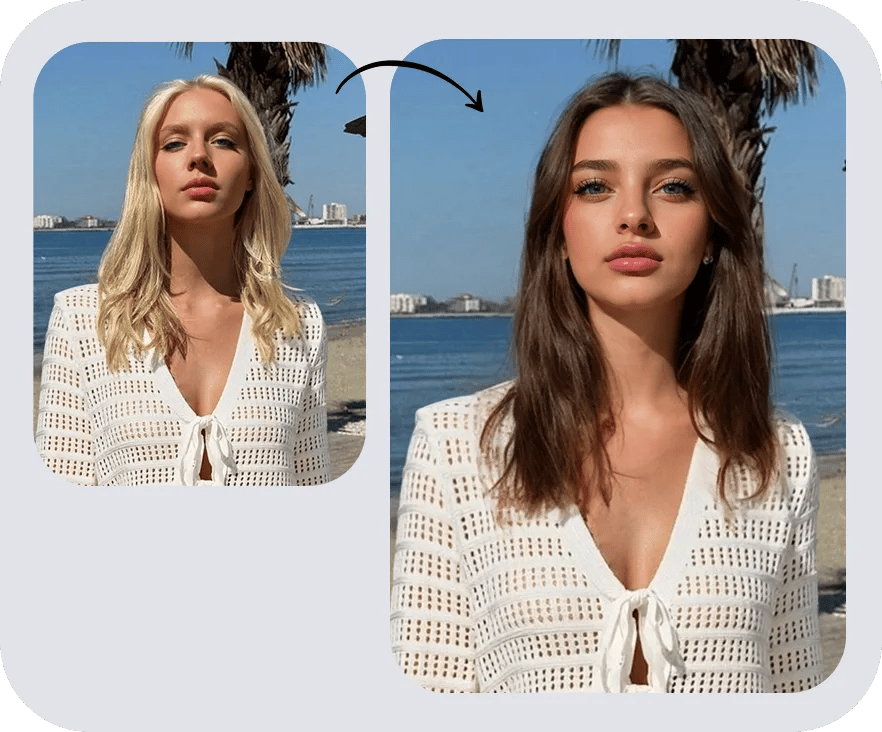
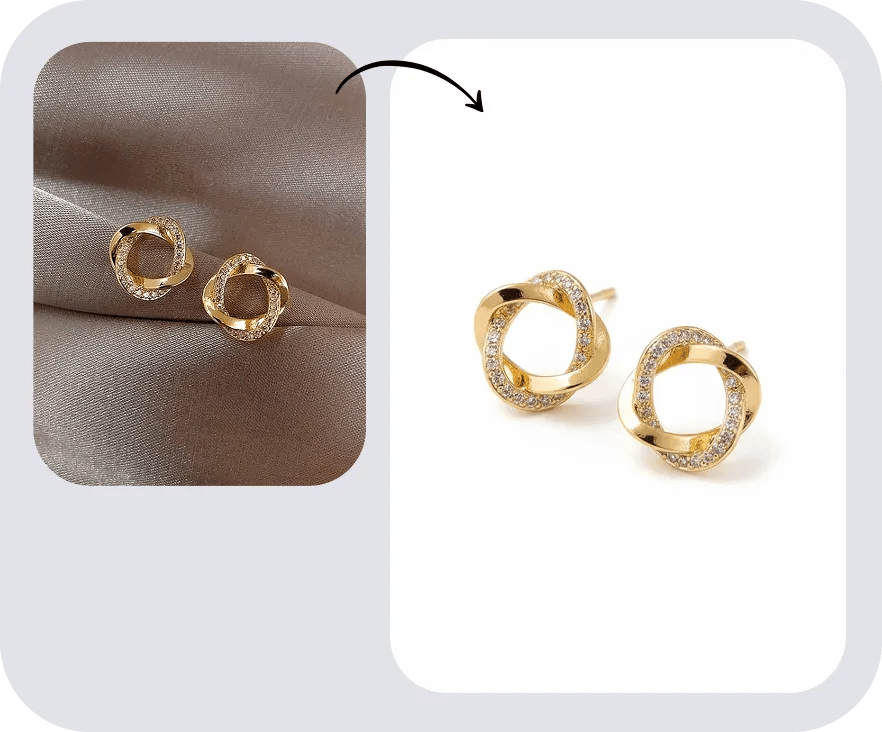
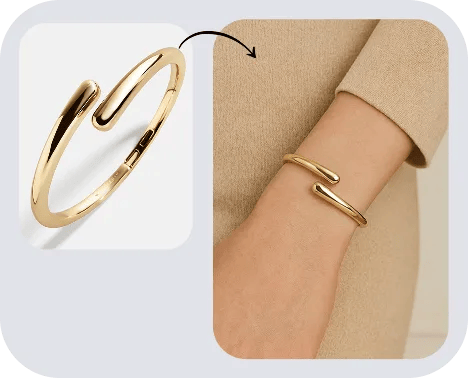

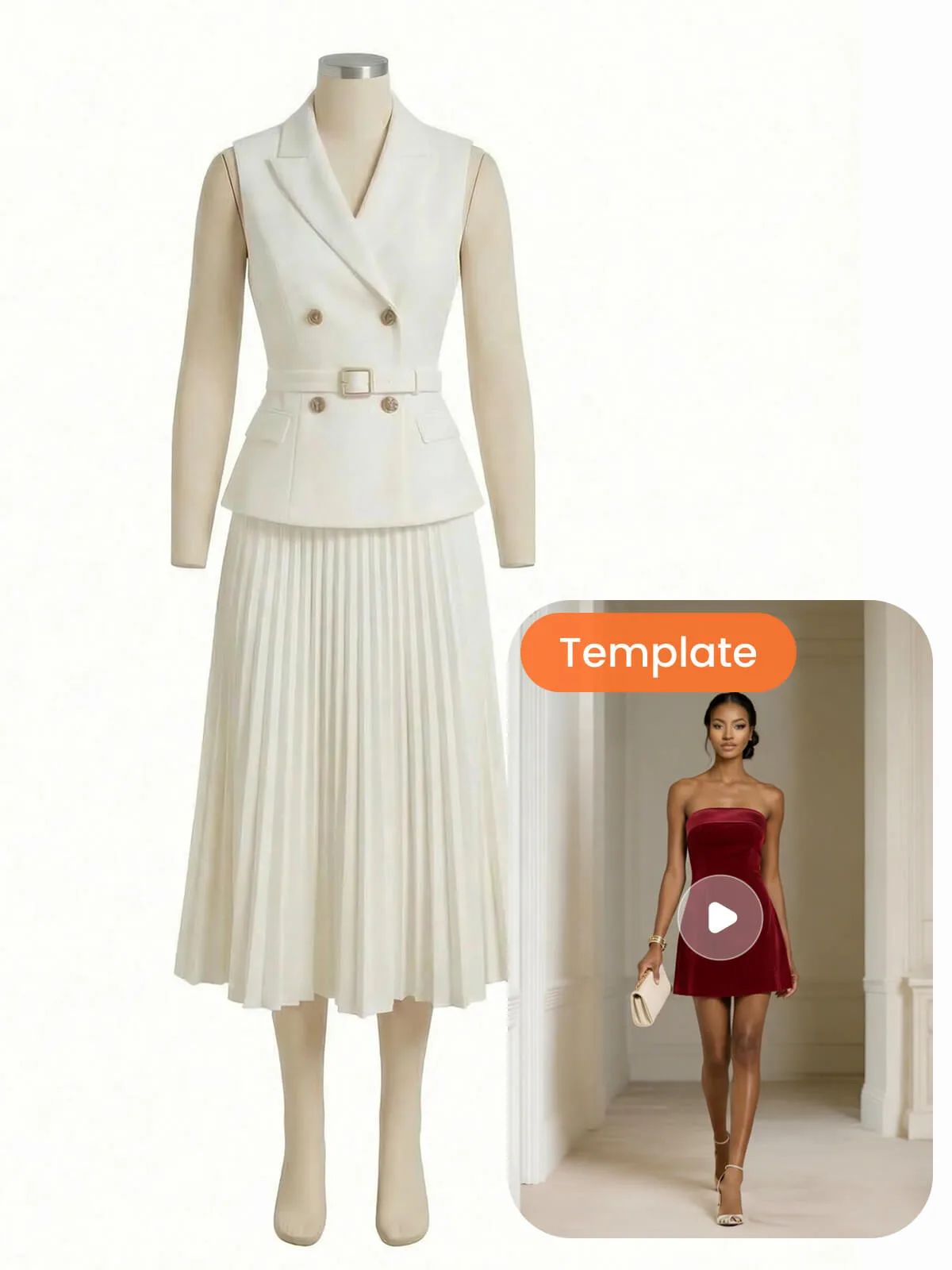
Go further with AI product photography
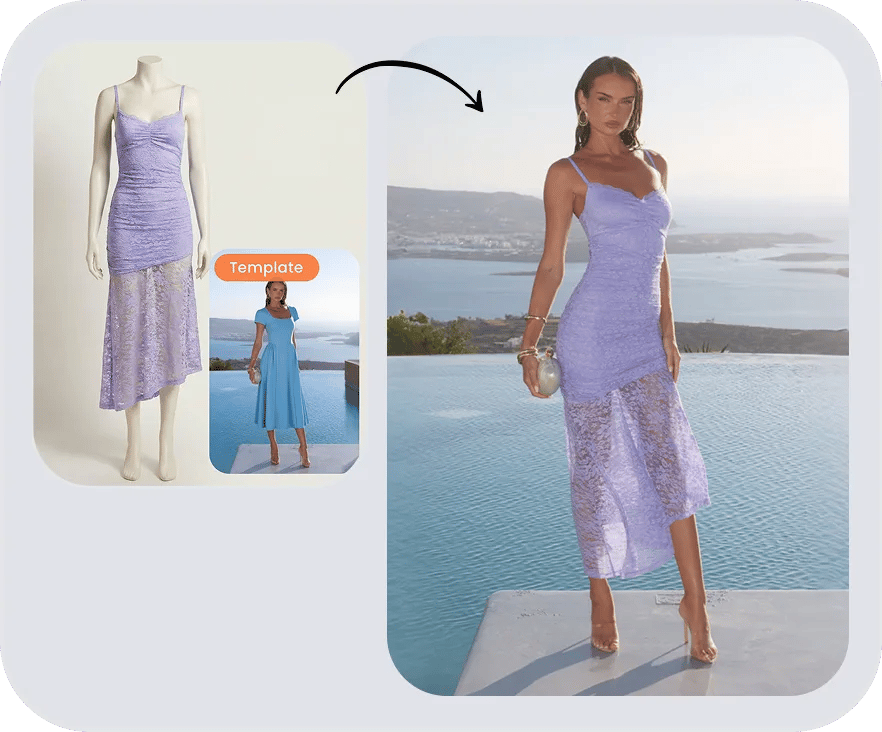
A clean cutout is just step one — Snappyit's AI product photography suite turns the same photo into on-model shots, ghost-mannequin images, color variants and listing videos, at catalog scale.






