



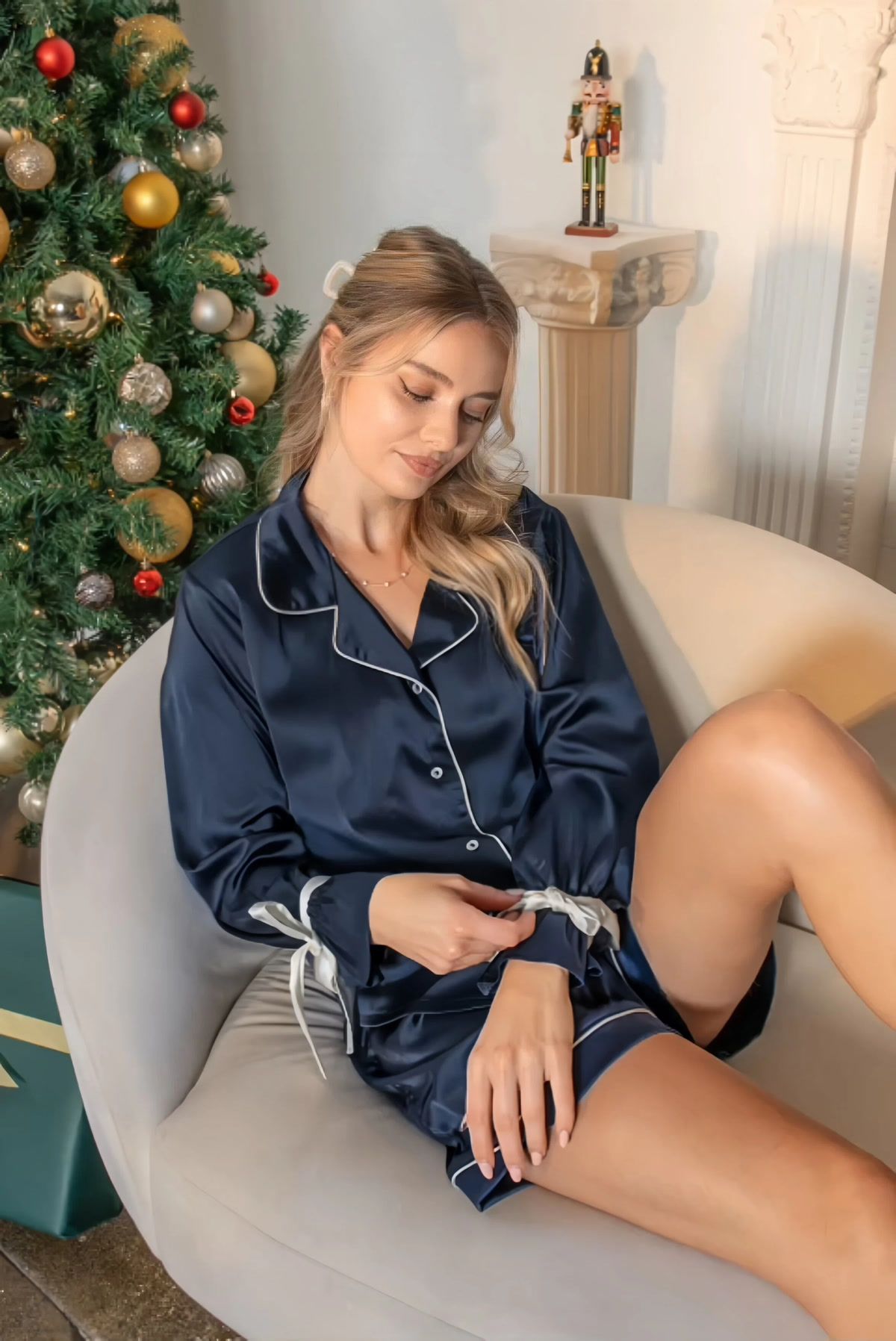
Create Fashion Product Videos from Photos You Already Have
AI image to video gives fashion sellers a way to create clothing product videos and accessory motion assets without planning a separate video shoot for every approved photo. For apparel, the same workflow can produce a focused apparel listing video; for jewelry, bags and shoes, it can add movement that supports product detail and styling.
Show How Fashion Products Respond to Movement
Use controlled model, fabric, chain or camera motion to reveal silhouette, drape, shine and product detail that may be harder to read in one still.
Extend Approved Product Photography
Start from a clothing or accessory image your team already understands, generate a short draft and keep the source beside the video during quality review.
Adapt One Motion Concept by Channel
Create a concise master clip, then prepare separate exports that meet the current duration, ratio, file-size and disclosure rules of each destination.
Create Natural Model Motion While Keeping Product Details True to the Original
Use image to video to add controlled, lifelike movement to an approved fashion photo while keeping material texture, drape, sheen and construction readable. Compare the result with the source so the model looks natural and the product details remain faithful to the original.
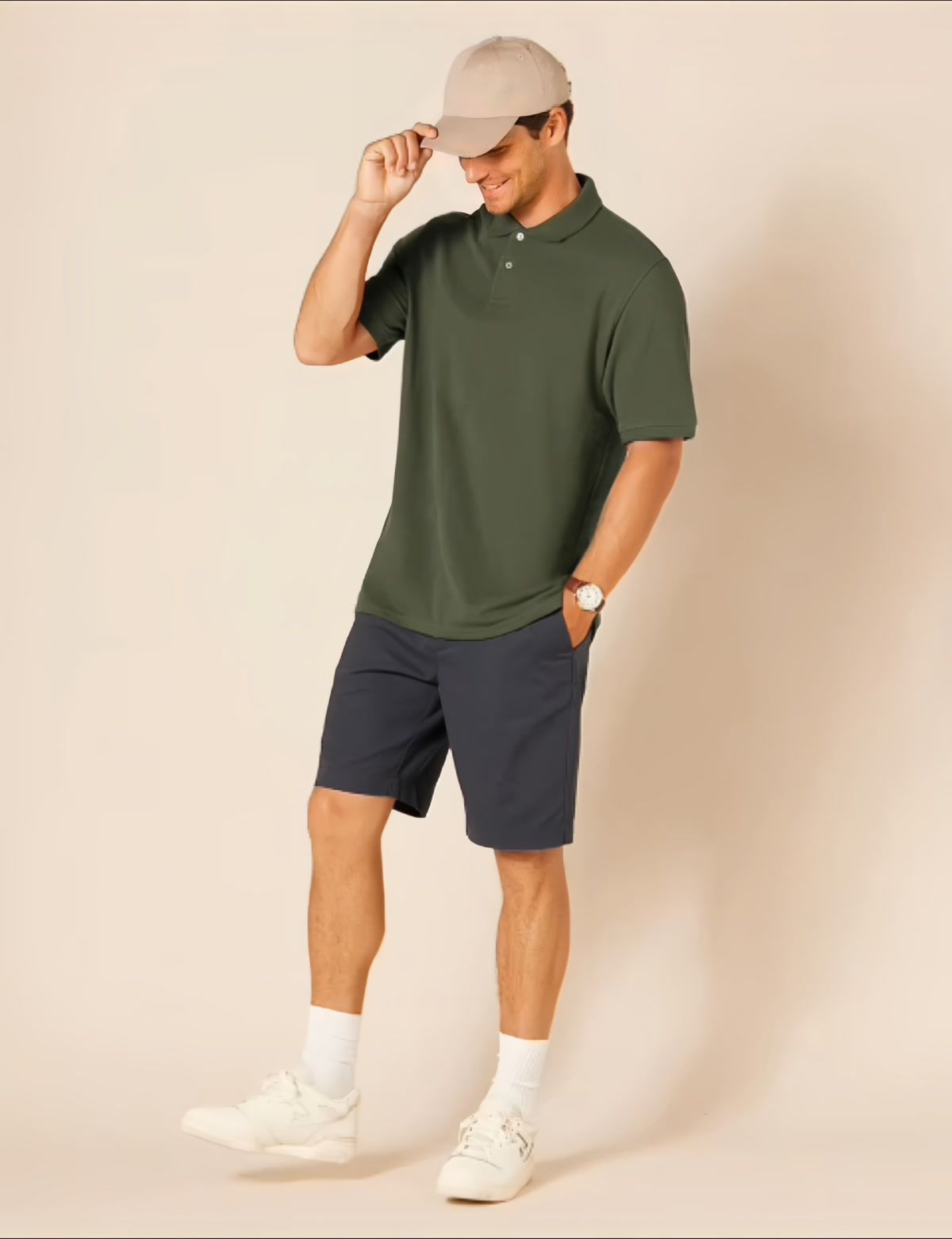
Use Fashion Product Videos Across Listings, Product Pages and Social Ads
Build a channel-specific workflow around one reviewed clothing or accessory video. Keep the product representation consistent, export for the destination and confirm the platform's current media rules before upload.
Add Motion Beside Product Photography
Use a short product-focused clip to supplement approved gallery images with another view of fit, fabric response, accessory detail or styling.
Make Item-Specific Details Easier to Review
Show one clear motion concept while keeping condition, color, materials and identifying details faithful to the product being sold.
Prepare a Reviewed Product Listing Video
Confirm seller eligibility, placement and current media requirements, then publish only a clip that accurately represents the listed SKU.
Adapt Reviewed Product Motion for Campaigns
Prepare channel-specific ratios and pacing without changing the clothing or accessory into a different product or unsupported variant.
How to Turn a Fashion Product Photo into a Video
Upload one fashion image, choose Text to Motion or Video Template, then generate, review and download your video.
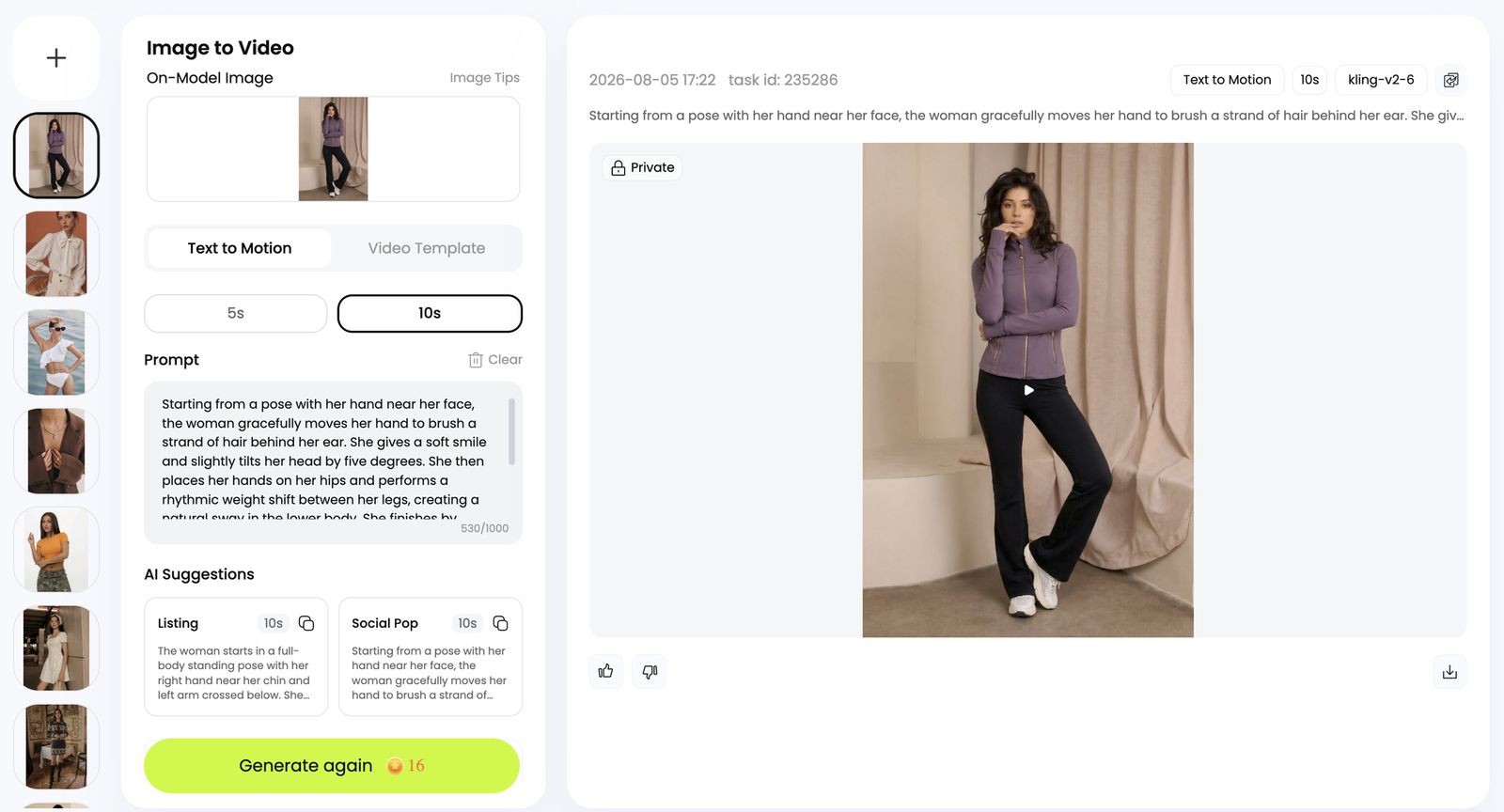
Upload an On-Model Fashion Image
Open Image to Video and add a clear on-model fashion image. Keep the garment fully visible and use a source with enough detail to compare color, seams, zippers, logos and fit in the generated clip.
Choose Text to Motion or Video Template
- Text to Motion: Use a prompt to control actions, pose changes, camera movement and transitions. Based on your uploaded image, Snappyit automatically writes two prompts: Listing for product listings and Social Pop for social media ads. Use either prompt as written or edit it before generating.
- Video Template: Open the Video Template tab and choose a ready-made action and transition template that fits your product and the result you want.
Set the Length, Generate, Preview and Download
- Set the length: Choose 5s or 10s, then confirm that your prompt or template matches the product and intended use.
- Generate and preview: Select Generate, play the result and compare it with the source.
- Refine and download: If product details or motion drift, edit the prompt or choose another template, then generate again. Download only the approved clip.
Review Every AI Fashion Product Video Before Publishing
A smooth clip is not enough. Compare the full sequence with the source image and real clothing or accessory so the motion asset remains useful, consistent and publishable.
| Review area | What to inspect | Why it matters |
|---|---|---|
| Product identity | Color, shape, silhouette, materials, trim, hardware, logos and prints. | The video should still represent the same sellable product shown in the source. |
| Material behavior | Drape, folds, texture, shine, reflections and how those cues change during movement. | Fabric and accessory materials should look dimensional and consistent instead of flickering or melting. |
| Human details | Face, hands, fingers, limbs, body proportions and contact with the garment. | Distortions distract from the product and can make the clip unusable. |
| Scene continuity | Background edges, lighting, shadows, camera stability and frame-to-frame warping. | A stable scene keeps attention on the fashion product and makes edits easier to reuse. |
Continue Building Your Fashion Product Content Workflow
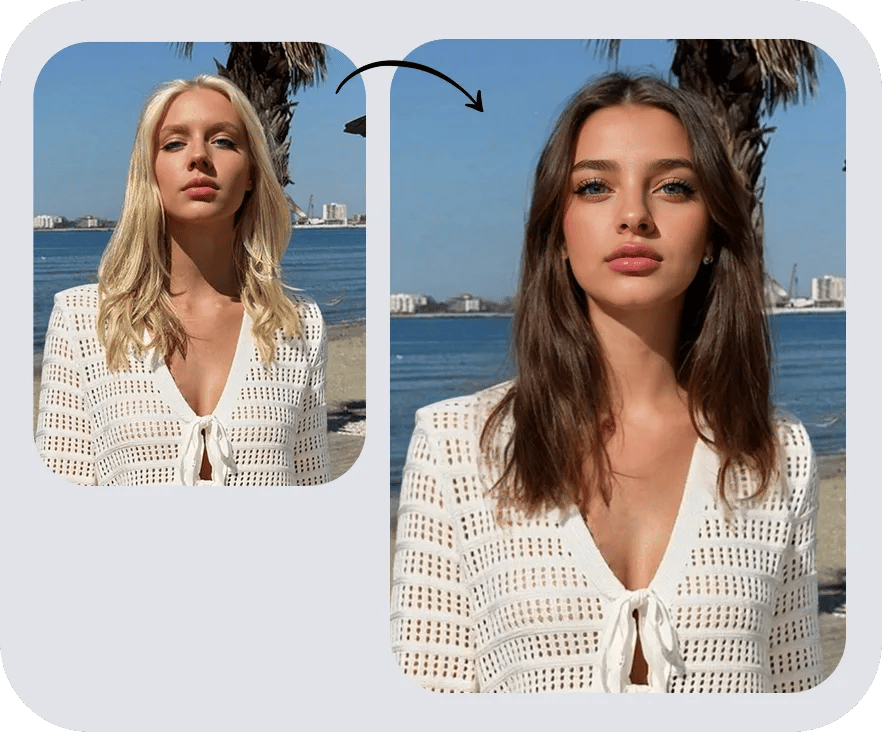 AI Face SwapRefresh a finished fashion-model image with an authorized reference face while keeping the apparel scene and product direction consistent.
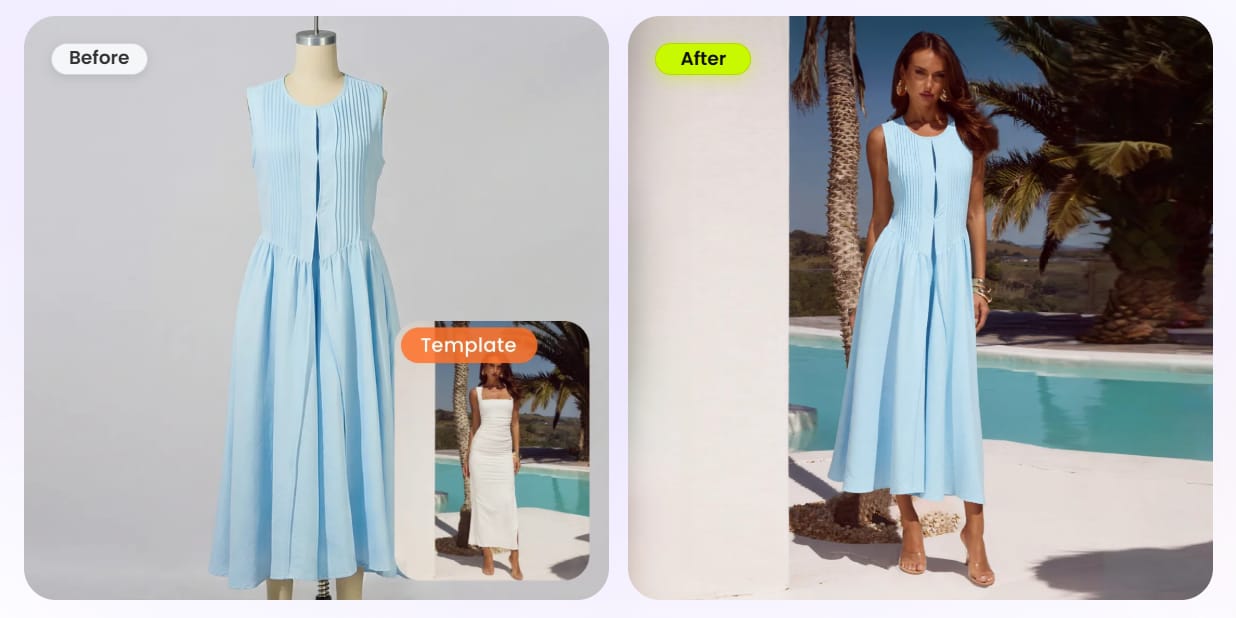 AI Fashion ModelCreate an on-model source image from product photography before moving into an image-to-video workflow.
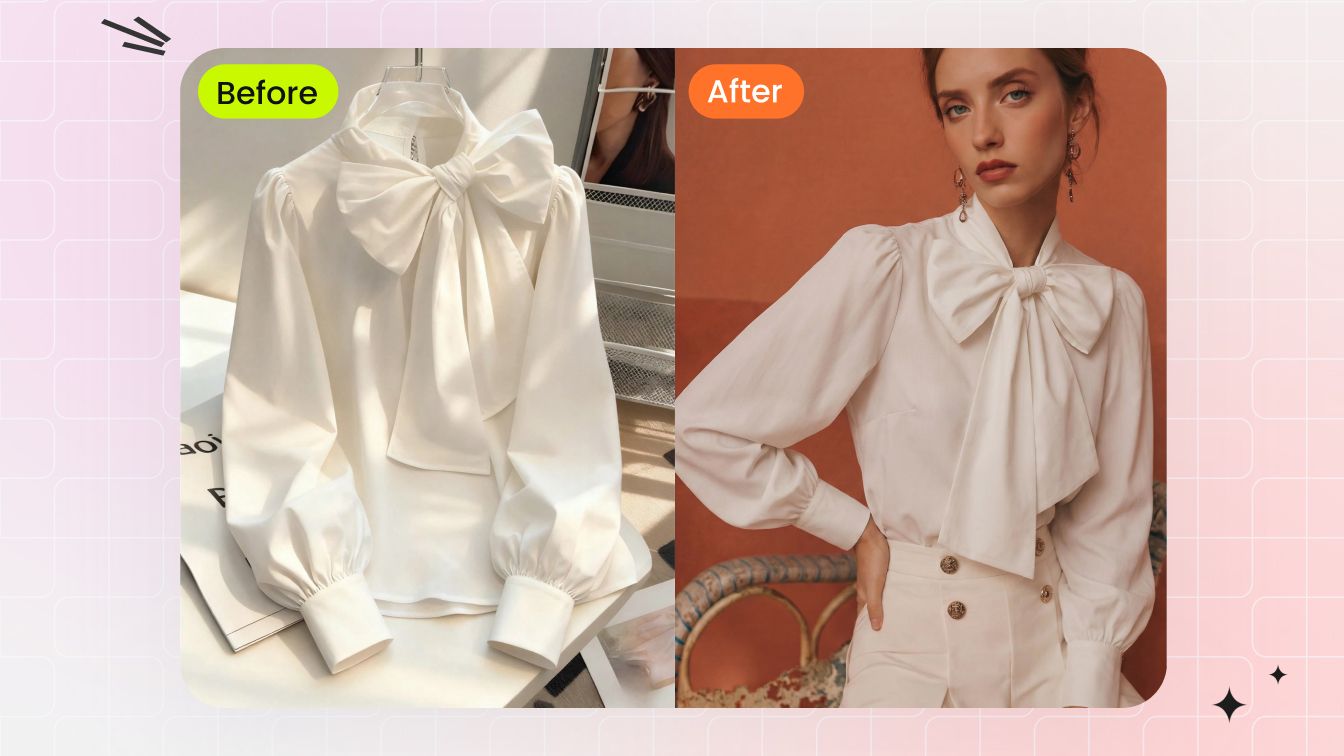 AI Flat LayPrepare a clean garment-first image for listing galleries, catalogs and later creative production.
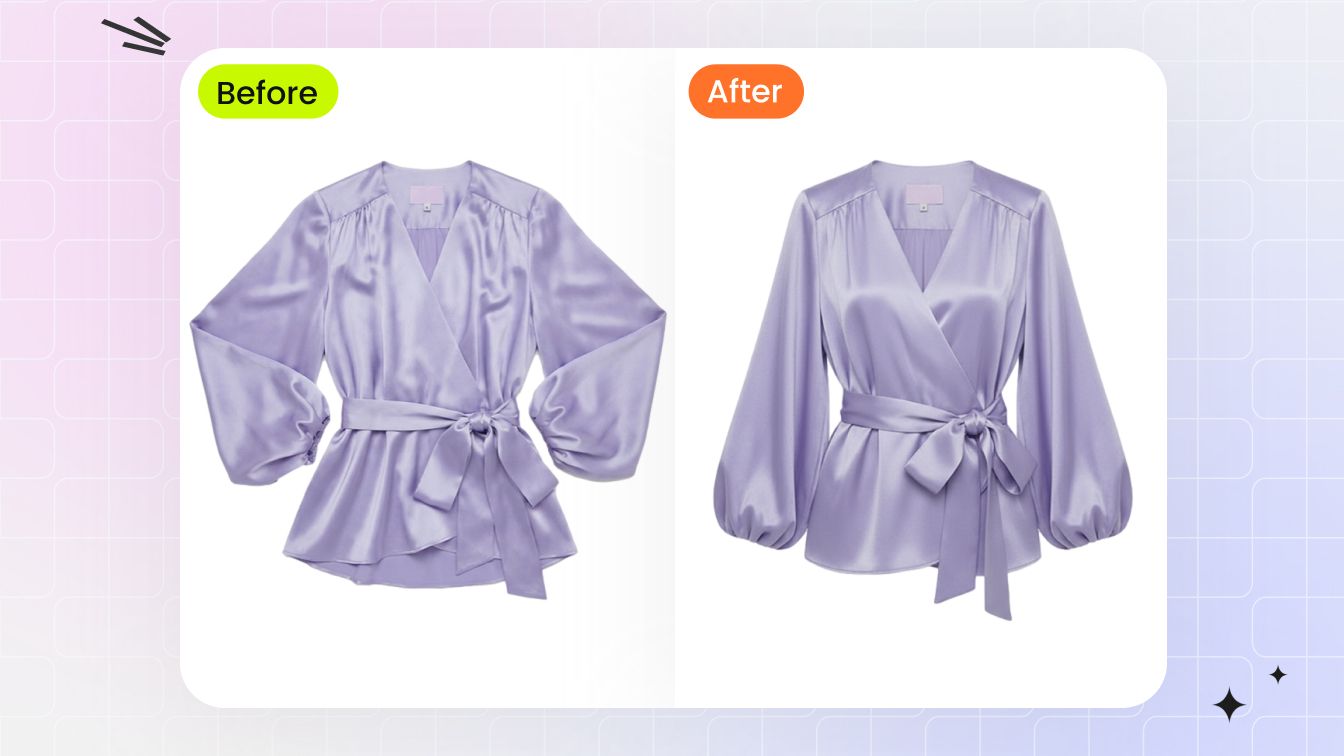 Ghost MannequinCreate shape-focused apparel photos that complement model imagery and listing videos.
Fashion Product Video and Image-to-Video Guides
Learn how to prepare a source photo, choose an AI fashion video workflow and adapt short clothing or accessory clips for ecommerce listings and social campaigns.
How to Make a Video from a Single Image
Turn one still image into a short AI video and review prompt, motion and output choices through a practical workflow.
Read guide →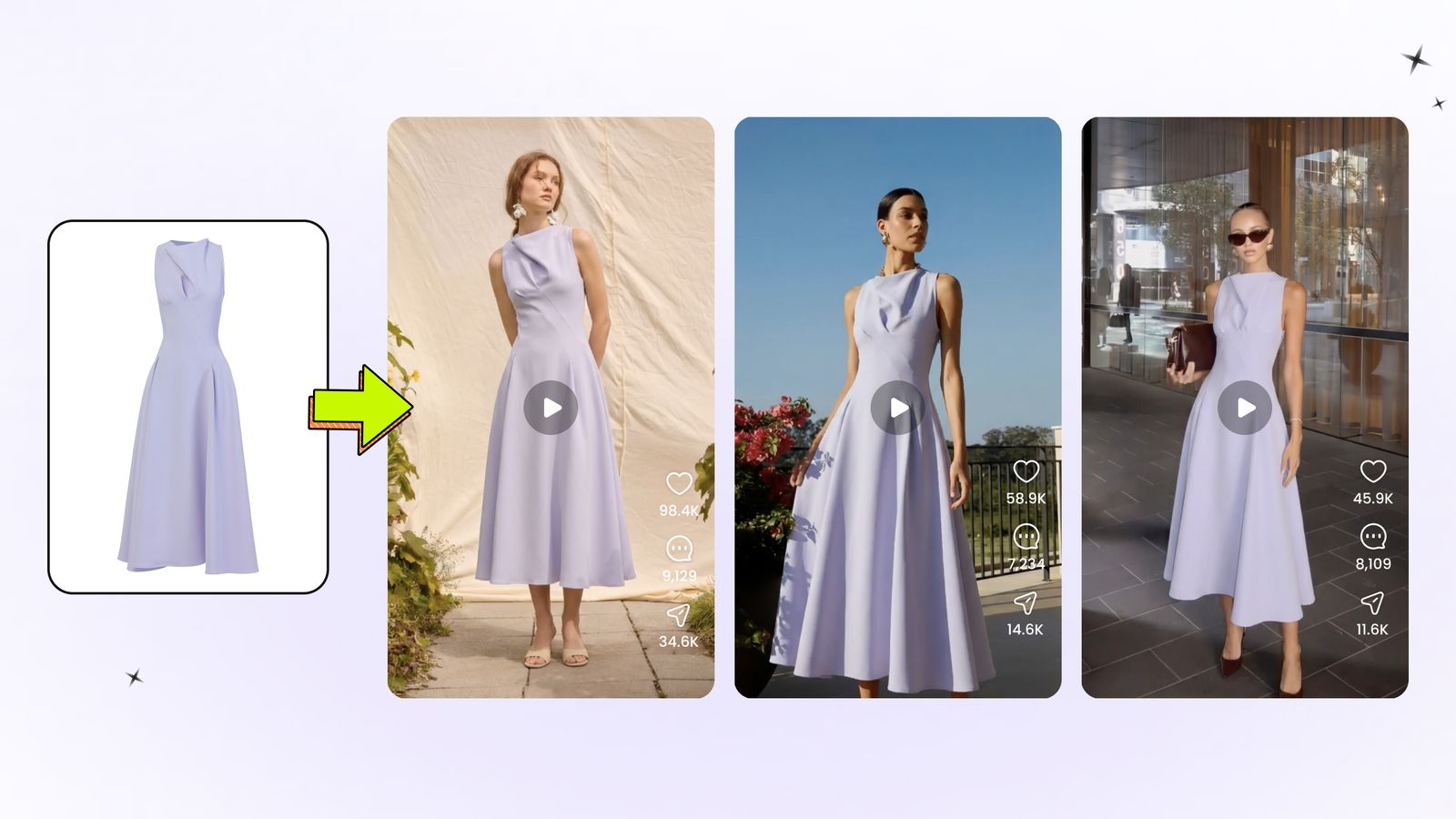
Best AI Clothing Video Generators
Compare apparel-focused image-to-video workflows, source requirements and review considerations before choosing a tool.
Read comparison →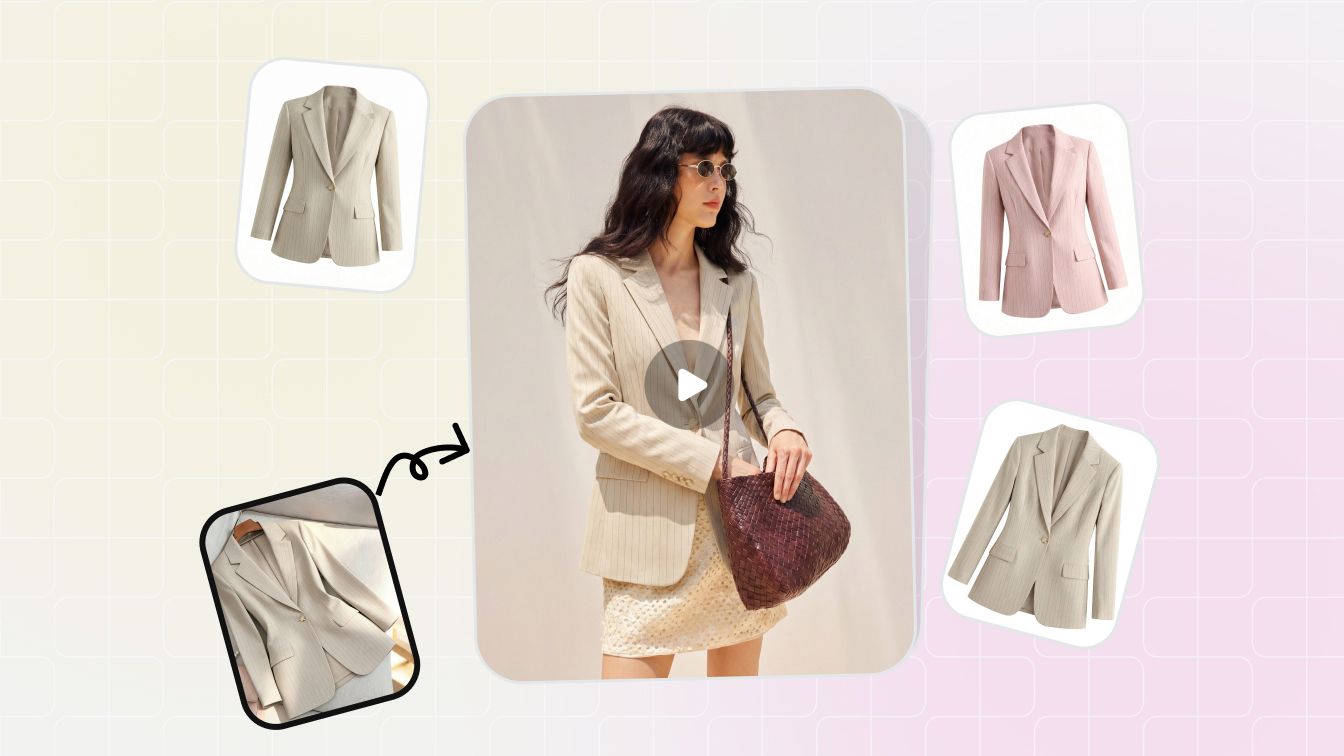
Build a Repeatable Fashion Video Workflow
Connect source-image approval, motion generation, quality review and channel exports in one manageable production process.
Read guide →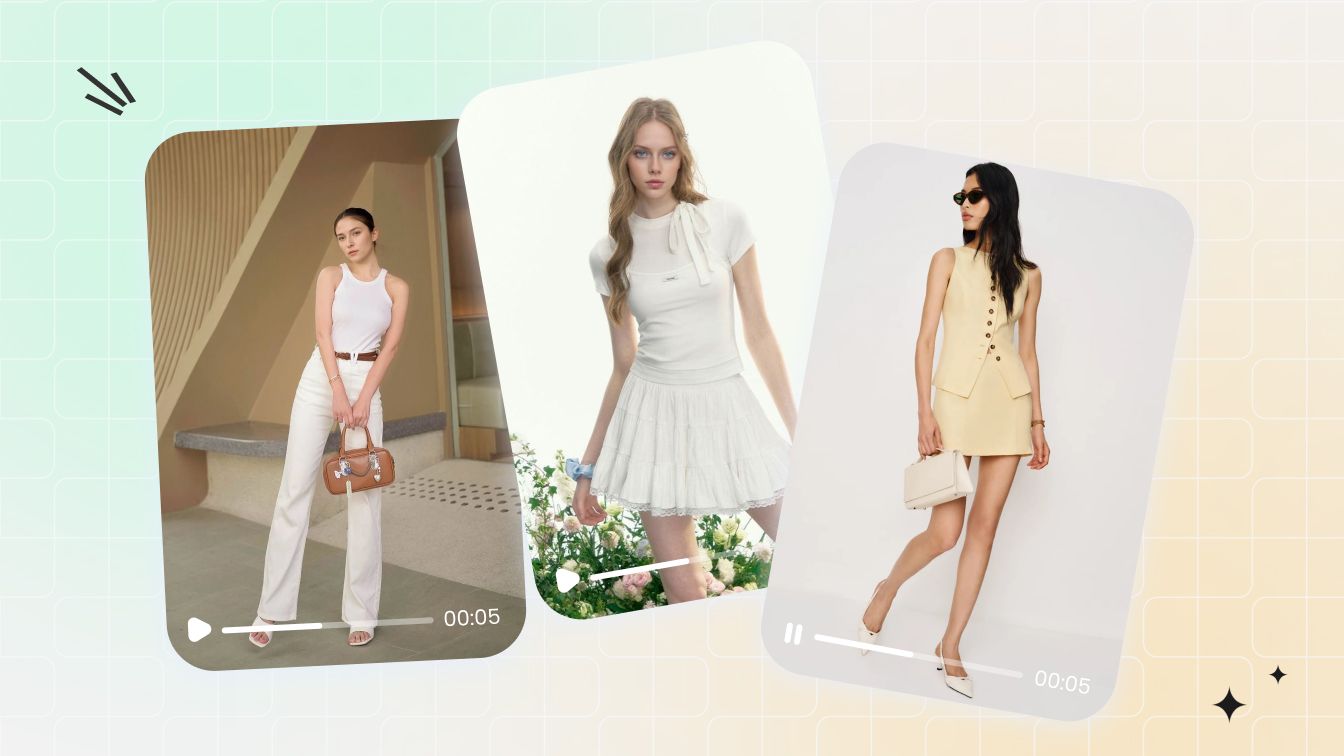
Turn Product Photos into Facebook and Instagram Ads
Plan short-form variants from approved product visuals while keeping product truth and campaign requirements in view.
Read guide →What Fashion Sellers Say About Snappyit
Public feedback from fashion and apparel sellers using Snappyit in ecommerce visual-production workflows.
“As a Shopify apparel seller, Snappyit has completely changed our product photography workflow. We no longer need expensive studio shoots or professional retouchers. It greatly cuts our visual production cost and speeds up our listing launch speed. Highly recommended for fashion brands and online clothing stores”
“This Snappyit is such an amazing ai software! I have been using it for a few weeks now, and it's a total game-changer for my fashion business. The AI tools are intuitive, fast, and produce professional and high-quality visuals—from 3D mannequins to model videos— without needing expensive photoshoots. I especially love the Ghost Mannequin and Color Change features. They save me so much time! The credit system is straightforward and the results are consistently impressive. For anyone in fashion—brands, designers or sellers—this platform is worth every penny. Highly recommend!”
“I run a small clothing company and couldn’t afford high shooting costs, so I only use flat lay images for online sales. Then I met Snappyit. It transforms my photos into 3D with just one click!”
AI Fashion Product Video FAQs
What is an AI fashion product video?
An AI fashion product video is a short clip generated from a clothing or accessory photo for an ecommerce listing, product page or social media ad. It can show garment fit and fabric movement or add product-focused motion to jewelry, bags, shoes and other accessories.
How do I turn a fashion product photo into a video?
Use Snappyit's AI image-to-video tool to upload a clear clothing or accessory photo, describe a restrained product-focused movement and generate a short clip. Review the video frame by frame before adding it to a listing or social media ad.
What clothing or accessory photos work best for AI image to video?
Start with a sharp, well-lit photo that shows the fashion product, key details and enough surrounding space for movement. Clean backgrounds and natural on-model poses work well; partial crops, hidden details, motion blur and low-resolution fabric or hardware require closer review.
How should I prompt motion for a fashion product video?
Describe one small action that supports the product, such as a subtle model turn, light fabric or chain movement, or a restrained camera move around an accessory. Keep motion controlled when product readability matters, and avoid stacking several actions into one short clip.
Can AI fashion video preserve clothing and accessory details?
AI fashion video can retain visible color, fabric, trim, logos, prints and accessory hardware, but details may still change between frames. Compare the clip with the source and real product, paying special attention to seams, buttons, clasps, stones, chains, hands and moving edges.
Can I use AI fashion product videos on Shopify, Etsy, Amazon or social media?
Yes. AI fashion product videos can be used on Shopify product pages, marketplaces such as Etsy or Amazon, and social media ads when they accurately represent the product and follow the channel's current media, rights and disclosure rules. Compare the result with the real item before publishing.
How long should a fashion product video be?
There is no single length for every channel. Start with a short clip that communicates one product benefit quickly, then export a version that meets each channel's current duration, aspect-ratio and file-size requirements. The two examples on this page are about five seconds long.
Can I make a fashion video from a flat-lay product photo?
Yes, but the workflow depends on the product and result you need. For an on-model clothing video, first turn the flat-lay garment into an AI fashion model image; for an accessory, start with a clear product or on-model photo. Approve the product representation before animating it with AI image to video.
What should I review before publishing an AI fashion product video?
Check product color, shape, materials, texture, hardware, logos and prints across the full clip. Also review hands, face, body geometry, background movement, flicker, edge warping and frame-to-frame continuity, then confirm the video still represents the item being sold.
Create a Fashion Product Video from One Photo
Upload a clothing or accessory image, describe one clear movement and continue in Image to Video. Review the generated clip against the source and real item before publishing it to a product listing or social media ad.






