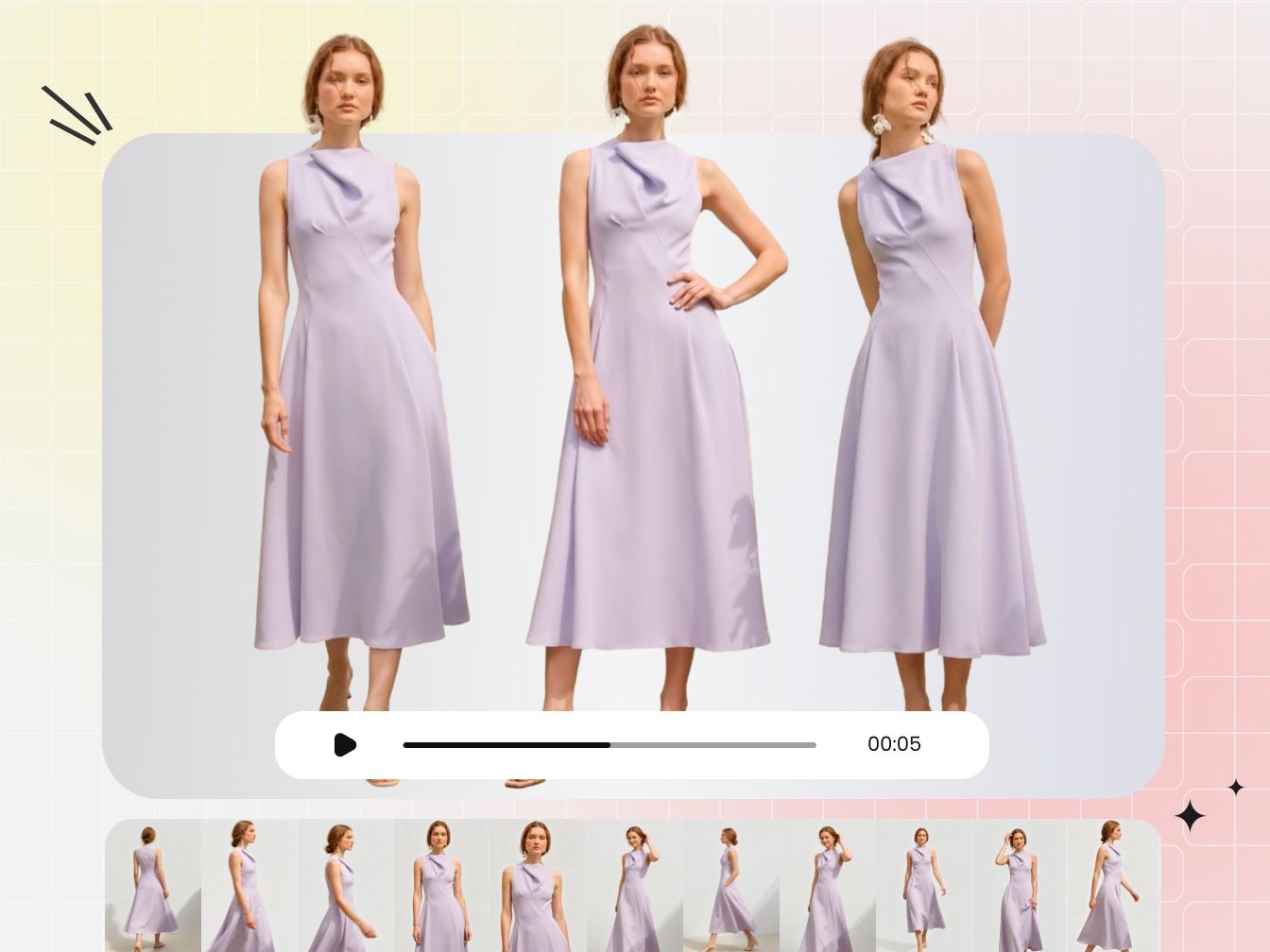

Fashion video workflow at a glance
For an ecommerce merchant, the workflow starts with a shopper question and ends with a measured result that informs the next decision. Decide what the viewer needs to understand or do, then plan the supporting product shots and channel versions before filming or generating anything.
| Step | Decision | Output |
|---|---|---|
| 1. Define the goal | Awareness, product consideration, conversion, or retention | One measurable objective and one intended next step, where relevant |
| 2. Choose the format | Campaign, lookbook, product demo, fashion promo, or short-form clip | Primary runtime, aspect ratio, and destination |
| 3. Plan production | Original shoot, stock-supported edit, AI generation, or a hybrid | Brief, budget tier, storyboard, and shot list |
| 4. Capture the master | Lighting, movement, garment details, audio, and crop-safe framing | Approved footage with wide, medium, detail, and movement shots |
| 5. Edit the story | Hook, pacing, color, captions, music rights, and CTA | A clean master edit with product and brand checks complete |
| 6. Build cutdowns | Adapt the hook, crop, caption, audio, and CTA by channel | Platform-native versions instead of identical reposts |
| 7. Publish and learn | Track the metric that matches the original goal | A short results log and one change to test next |
Choose the right fashion video for your ecommerce goal
Fashion video is useful when it shows something a product photo cannot: drape during a walk, fabric response to light, a bag against the body, or several pieces working as an outfit. The formats below can overlap—a short video can also be a product-page demo or a promo. Choose the primary viewer question, commercial purpose, and destination first.
| Format | Merchant goal | What the video must show | Primary destination |
|---|---|---|---|
| Product-page video | Reduce uncertainty before purchase | Front, side, back, movement, scale, and commercially important details | Product detail page or marketplace listing |
| Fashion promo video | Drive a launch, offer, or product action | Recognizable product, evidence supporting the message, offer, and one clear CTA | Paid social, landing page, homepage, or email |
| Short fashion video | Earn attention and communicate one idea quickly | Immediate context, a styling or product payoff, and a relevant next step | TikTok, Instagram Reels, or YouTube Shorts |
| Lookbook or styling video | Help shoppers or buyers understand a range | Consistent views across looks, styling logic, fit, and fabric behavior | Brand site, YouTube, wholesale portal, or email |
| Campaign or runway film | Build the world around a collection | Art direction, performance, collection narrative, and hero pieces | Brand site, YouTube, press, and campaign cutdowns |
If your main goal is to create listing and ad assets from one approved product image, use the fashion product video guide alongside the broader workflow below.
Use motion to answer a buying question
For ecommerce, motion should clarify the product rather than decorate the page. A close-up can show texture; a turn can reveal silhouette; a seated shot can show how trousers or a jacket behave in use. Measure the clip where it appears—adding video alone does not prove that conversion will rise or returns will fall.
Plan one master, then make channel-specific cuts
A well-planned project can supply product-page demonstrations, ad variations, social clips, email thumbnails, and a longer brand edit. That efficiency comes from deciding crops, text space, required product views, CTAs, and approval owners before the camera or generator starts.
Pre-production: ecommerce fashion video brief, budget and shot list
Pre-production protects the merchant from an expensive but unusable edit. Before production, confirm what the shopper needs to see, where each version will appear, and who can approve product accuracy, claims, rights, and the final CTA.
Write a fashion video creative brief
A creative brief should be the shared reference for stakeholders, crew, and editors. Keep it short enough to use on set, but specific enough that two people would make the same decision after reading it.
| Brief field | Question to answer | Example |
|---|---|---|
| Objective | What should change after someone watches? | Understand how the jacket moves, then open the product page |
| Audience | Who is the primary viewer and what do they need? | Mobile shoppers comparing lightweight outerwear |
| Single message | What must the viewer remember? | Light structure without restricted movement |
| Proof | Which visible details support that message? | Side profile, full turn, cuff and lining close-ups |
| Deliverables | Where will the video appear? | Product page, 9:16 Reel, 9:16 ad, and email thumbnail |
| CTA | What is the next action? | View colors, shop the drop, or save the styling idea |
| Constraints | What cannot change? | True garment color, logo shape, claims, and approved offer wording |
Write on-screen copy and the CTA during this stage. The cinematographer can then leave negative space for text, and the editor will not have to cover the product with an unplanned promotion badge.
Choose a production scale and budget
Start with the deliverables, then choose the production scale. More equipment does not automatically make a clip more useful to a shopper.
| Production scale | Best for | Typical inputs | Main limitation to manage |
|---|---|---|---|
| Phone-led | Organic short videos, creator content, quick styling ideas, and concept tests | Phone, tripod or gimbal, window light or one soft light, compact microphone if speaking | Lighting consistency, audio, and repeatable framing |
| Lean studio | Catalog clips, product-page footage, paid-ad variations, and frequent releases | Small controlled set, repeatable lighting, compact crew, and editing tools | Product consistency, shot coverage, and post-production capacity |
| Full production | Flagship campaigns, complex choreography, location stories, and authentic performance | Director, stylist, talent, camera and lighting crew, location, editor, color and sound | Schedule, approvals, usage rights, and the cost of reshoots |
Production scale and source method are separate decisions. A phone-led, lean-studio, or full production can combine original footage, licensed stock, AI-generated material, or a hybrid. Choose the source method according to what the viewer must see accurately; the original, stock, and AI comparison below explains the tradeoffs.
Set a project ceiling and a contingency before production. Compare options using the same deliverable list; a low-cost test clip and a flagship campaign film are not substitutes simply because both are videos.
If flat-lay images are your starting point, this guide to studio and AI flat-lay photography for ecommerce can help you choose a repeatable source-image workflow before moving into video.
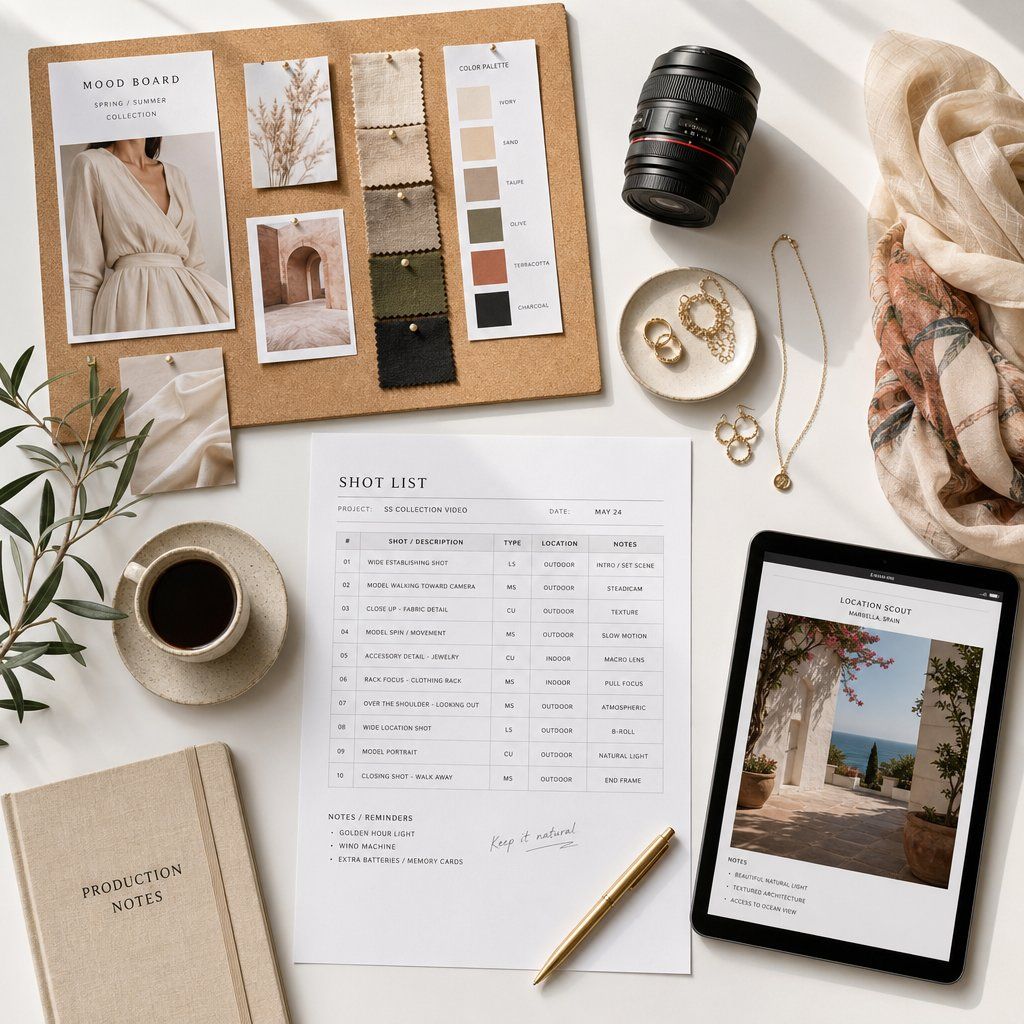
Build the fashion video storyboard and shot list
A storyboard communicates sequence and composition. A shot list controls execution: setup, subject action, lens or framing, camera movement, wardrobe, text space, and priority. The distinction is useful when deciding how much planning a project needs; StudioBinder's comparison provides a practical overview.
For a simple fashion promo, storyboard the opening hook, the proof sequence, the product reveal, and the CTA. Then build a shot list that includes:
- A wide shot that establishes the complete look.
- A medium front, side, and back view for fit and silhouette.
- Close-ups of fabric, construction, closures, labels, and any feature used in the copy.
- Movement that tests the message: walk, turn, sit, stretch, or layer.
- Clean frames with space for captions, price, offer, or CTA.
- Alternate openings and endings so the editor can test more than one hook and CTA.
- Horizontal and vertical-safe takes if both crops are required.
Location, casting, wardrobe, product samples, permissions, music direction, and the approval owner should all be confirmed before shoot day. Outdoor work needs a weather and sound fallback. Wardrobe should be steamed, labeled by look, and checked against the shot order.
Production: capture garment detail and movement
The master footage must represent the garment accurately and give the editor enough choices for product pages, ads, and social cuts. Review technical quality and product fidelity while the set can still be corrected.
Light ecommerce products for texture and color
Start with soft, controlled light and add contrast only when the concept requires it. Fine knits, sequins, sheer fabric, glossy leather, and dark garments need different angles of light, so test the actual item rather than copying a generic diagram. Lock white balance for each setup, include a neutral reference when color is commercially important, and check the result on a calibrated display before changing looks.
Direct movement that proves the product
A camera move should reveal the product or reinforce the brand, not merely add motion. A tracking shot can show drape during a walk; a fixed frame can make the garment movement easier to judge; a slow push-in can direct attention to stitching or texture. Capture each priority action as a wide, medium, and detail shot so the editor can change pace without losing continuity.
For vertical and horizontal deliverables, keep the model and hero product inside a crop-safe center area and record a little extra headroom and side room. Do not assume a finished 16:9 composition will survive a 9:16 crop. If dialogue or natural sound matters, monitor it with headphones and record room tone; a clean picture does not rescue unusable audio.
Approve product accuracy before striking the set
- Compare garment color, pattern, logo, fasteners, and construction with the approved product.
- Check focus and motion at full size, not only on the camera monitor.
- Confirm that every required angle, claim, CTA frame, and platform crop is covered.
- Record an alternate hook and ending while the set is still ready.
- Back up footage to two locations and keep the shot log with the files.
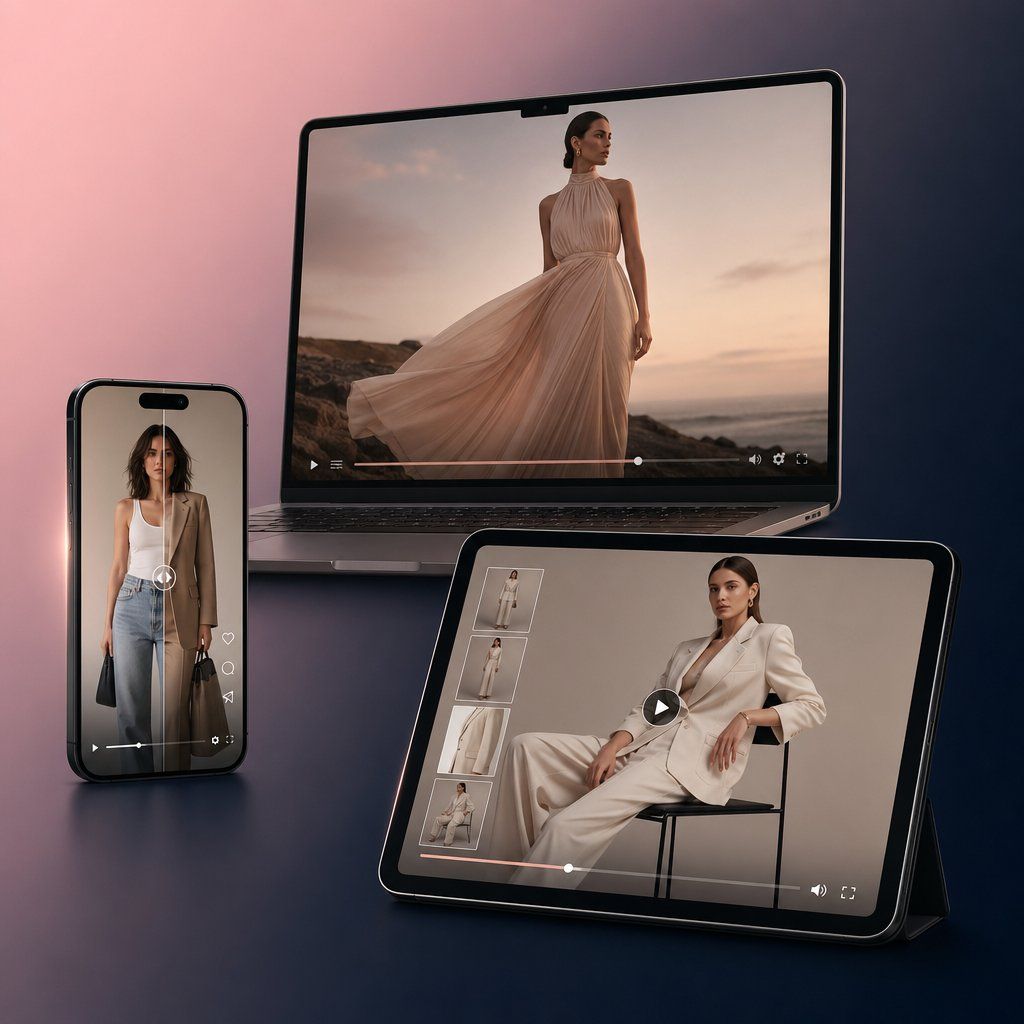
Post-production: edit fashion video for clarity and conversion
Start the edit with merchandise accuracy, then shape the pace and brand style around it. If the final cut changes the garment color, hides the feature named in the copy, or rushes the CTA, visual polish will not make it useful to a shopper.
Build the fashion video story before polishing
- Organize and select. Group footage by look, setup, angle, and product. Mark clips that pass focus, motion, color, and product checks.
- Make a silent rough cut. Confirm that the sequence communicates without relying on music. Remove repeated shots and any frame that does not add information or emotion.
- Strengthen the opening. Lead with the most useful or intriguing visual: the finished look, a movement reveal, a before-and-after styling contrast, or the product detail behind the claim.
- Set the pace. Shorter holds create urgency; longer holds make texture and construction easier to inspect. Pace should follow the product and message rather than a fixed trend.
- Grade for consistency. Match shots first, then apply the creative look. Compare the final garment color with the approved product reference.
- Add text and CTA. Use captions for essential spoken information, keep overlays away from interface controls, and give the final action enough time to read.
Clear music rights and add accessible captions
Music affects both the edit and where the video may be used. A track available for an organic creator post may not be cleared for a paid brand ad, a product page, or reuse on another platform. Record the track title, source, license, account, territory, permitted channels, and download date with the project.
Use a platform's commercial library or a separately licensed track when the content promotes a product. YouTube provides an Audio Library, Meta provides Sound Collection, and TikTok provides a Commercial Music Library. Check the terms for the exact account, territory, and placement; access to a library is not a blanket license for every use.
If the edit includes speech or meaningful sound, add captions and check them against the final mix. The W3C accessibility guidance explains that captions should include dialogue and important non-speech audio. The opening visual and on-screen copy should still make the product story understandable when a shopper watches without sound.
Run ecommerce video final-cut QA
| Check | What to confirm |
|---|---|
| Product fidelity | Color, pattern, logo, construction, and proportions match the approved item |
| Claims | Every product or promotional claim is approved and visible evidence does not contradict it |
| Text | Captions are accurate, readable, and inside the safe area; price and offer wording are current |
| Rights | Talent, location, product, stock, music, voice, and generated assets are cleared for the destination |
| Technical | Aspect ratio, resolution, frame rate, codec, file size, and audio meet the destination's current requirements |
| Destination | CTA, landing page, product availability, tracking link, and campaign dates agree |
How to make short fashion videos for TikTok, Reels and Shorts
A short fashion video is not simply a long edit cut off at 30 seconds. It needs one idea, an immediate reason to keep watching, visible product evidence, and a payoff. That makes short-form useful for outfit transitions, styling instructions, product details, launches, creator collaborations, and quick behind-the-scenes stories.
Use a hook, product evidence, payoff and CTA
Use these structures to plan your first cuts, then adjust the pacing with retention data from the destination's analytics or your site player.
| Planning length | Suggested structure | Good use |
|---|---|---|
| 15 seconds | 0–2 sec hook; 2–10 sec product or styling demonstration; 10–13 sec reveal; 13–15 sec CTA | Single-feature demo, transition, product teaser, or offer |
| 30 seconds | 0–3 sec hook; 3–20 sec three supporting beats; 20–26 sec full look or result; 26–30 sec CTA | Three ways to style, mini lookbook, creator demonstration, or ad test |
| 60 seconds | 0–4 sec promise; 4–45 sec process or story; 45–55 sec payoff; 55–60 sec next step | Tutorial, collection story, material explanation, or behind-the-scenes sequence |
Show the payoff early when the process is familiar; viewers can then watch to understand how it was achieved. For a styling tutorial, the opening can show the finished look, followed by the base outfit, two changes, movement, and the final look again. For a product detail clip, begin with the feature in use rather than a logo animation.
Adapt the master instead of posting the same file everywhere
- TikTok: test direct, context-rich openings and a creator-led voice. Check business-account music permissions before using a trending track.
- Instagram Reels: keep the visual treatment consistent with the brand, allow for caption and interface areas, and confirm current supported aspect ratios in Instagram Help.
- YouTube Shorts: use a title that explains the value and connect the Short to a related longer video or product resource when relevant. YouTube's official help documents the current Shorts classification and duration rules.
For paid placements, check the campaign setup as well as the organic-post format. TikTok publishes current video ad specifications; the ad account may offer placements or creative requirements that differ from an organic post.
Export a clean master without another platform's watermark. Change the opening frame, caption language, audio, crop, and CTA for the destination. Then compare retention curves: if viewers leave before the product appears, move the proof earlier; if they reach the payoff but do not act, test a clearer next step.
How to create a fashion promo video for ecommerce
A fashion promo video has a defined commercial purpose. It may announce a collection, demonstrate a product benefit, support a seasonal offer, or retarget shoppers who already know the brand. The video should therefore connect the message, supporting evidence, intended next step, destination, and measurement plan.
Match the fashion promo video to the funnel stage
| Stage | Viewer question | Useful video | Primary measurement |
|---|---|---|---|
| Awareness | Why should I notice this brand or collection? | Campaign teaser, creator story, runway cut, or strong visual concept | Target-audience reach where measurable, view rate, and watch time; branded search as a directional signal |
| Consideration | Does this product suit my need or style? | Lookbook, styling demo, fit-and-movement clip, material detail, or comparison | Completion, saves, product-page visits, engaged sessions, and add-to-cart |
| Conversion | Why act now, and what do I do next? | Offer-led promo, product demonstration, testimonial, launch reminder, or retargeting cut | CTR, conversion rate, cost per acquisition, revenue, and return on ad spend for paid campaigns |
| Retention | How do I use, style, or care for what I bought? | Styling series, care guide, community feature, or complementary-product video | Repeat visits, repeat purchase, saves, and completion of care or styling content |
Do not evaluate every video by views. A consideration clip can be valuable with modest reach if it brings qualified shoppers to a product page. A conversion ad with high views but no tracked action needs a different diagnosis.
A practical 30-second promo storyboard
- Problem or promise: show the use case or strongest product moment immediately.
- Product identification: make the item and collection unmistakable.
- Three supporting shots: movement, detail, styling, construction, or a feature in use.
- Full result: show the complete look and let it remain visible long enough to understand.
- CTA: use one action that matches the landing page, such as “View the colors” or “Shop the collection.”
For paid promotion, prepare multiple openings and CTAs from the same product sequence. Change one meaningful variable per test and keep the audience, placement, and delivery conditions as comparable as practical; this makes the result easier to interpret. Confirm that price, availability, shipping, deadline, and offer language match the destination before launch.
Repurpose fashion video for product pages, ads and email
Turn the approved deliverables matrix into a release checklist. For each version, record its destination, format, message, intended next step, owner, and approval status.
| Destination | Planning format | What to prioritize | Measure |
|---|---|---|---|
| TikTok, Reels, Shorts | Usually 9:16; test short cutdowns | Immediate context, readable captions, platform-appropriate audio and CTA | Retention, completion, replays, saves, shares, profile or link actions |
| Product page | Match the site player and page layout | Fast load, product accuracy, fit, drape, details, controls, and accessibility | Video starts and completion alongside product-page conversion and returns data |
| Paid social | Build the placements required by the campaign | Product and offer appear early; claim, CTA, landing page, and tracking agree | CTR, conversion, CPA, revenue, and ROAS |
| YouTube or brand site | 16:9 for a longer hero edit when appropriate | Story depth, chapters or structure, sound, and related next step | Watch time, retention, clicks, and tracked downstream visits |
| Thumbnail or lightweight animation linking to a hosted video | Clear promise, useful first frame, accessible fallback text | Click-through and downstream conversion |
Use tagged links where the platform allows them, record the published URL and creative version, and compare the result with the objective in the original brief. Keep a short log of the hypothesis, version, audience, spend, outcome, and one decision for the next brief.
Original shoot, stock, or AI fashion video?
Not every asset needs a full crew, and not every asset should be generated. Choose the method according to the proof the viewer needs and the risk of getting the product wrong.
Where stock fashion footage fits
Stock is useful for mood-setting B-roll, locations, texture, or transitions that do not claim to show the product. It breaks down when a generic garment or model is presented as the item being sold. Confirm commercial usage rights, model releases, territory, duration, and whether paid advertising is allowed. Keep the license record with the project.
AI fashion video from product photos
AI-assisted workflows can animate approved product imagery, create motion concepts, or produce variations without rebuilding a physical set for every cut. If your workflow starts with one approved photo, follow this single-image video process to choose the motion method and prepare the first cut. Snappyit Fashion Video supports this image-led workflow.
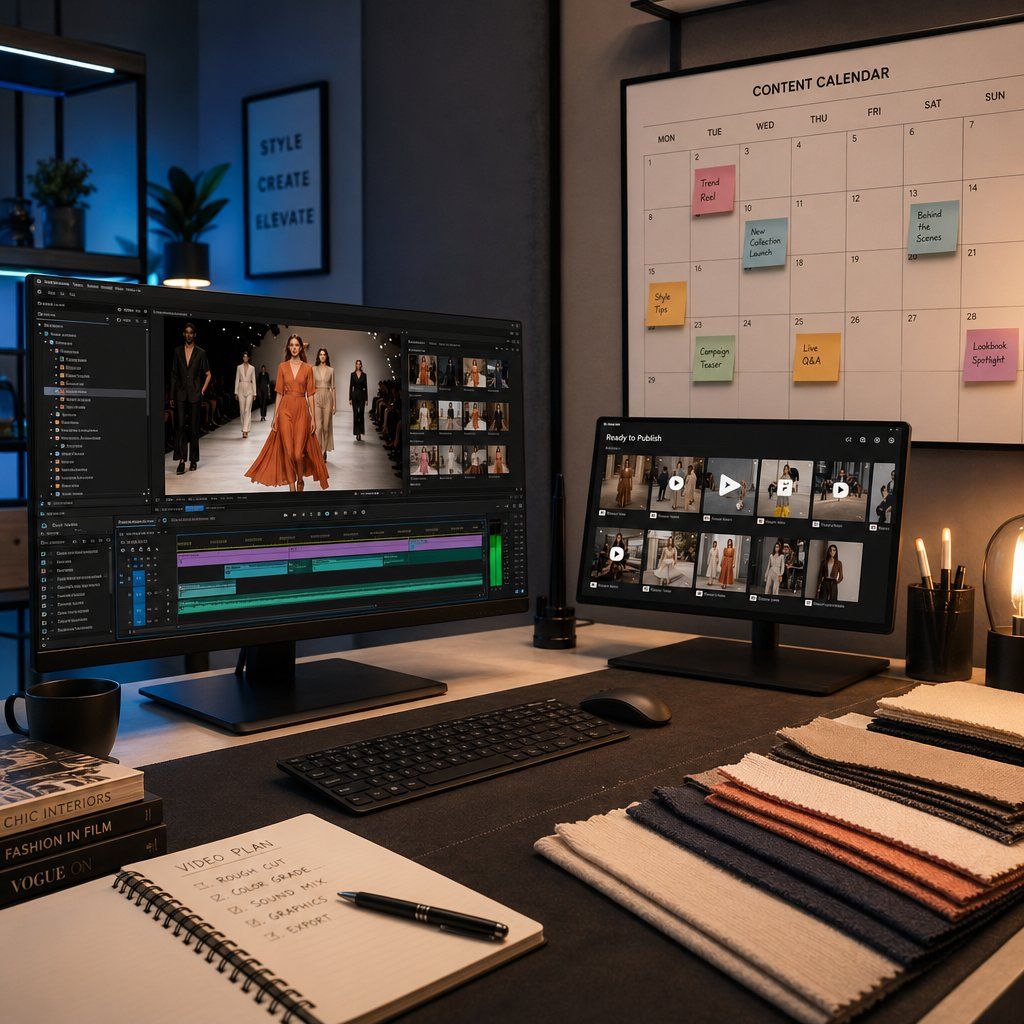
Generated motion still needs product review. Compare the output with the source and inspect seams, hems, prints, closures, logos, hands, body contact, shadows, background continuity, and the way fabric moves. Reject or regenerate any result that changes a commercially important detail. Record the source image, tool, settings, date, output, reviewer, and approved uses so the asset can be audited later.
Before choosing software for a larger catalog, compare the same difficult garment across tools. Our August test of AI clothing video generators uses shared fashion inputs and, where supported, the same motion prompt to make those differences easier to assess.
Use an original shoot when authentic performance, exact construction, or complex product interaction is central. Use stock only where it does not impersonate the item being sold. Use AI for controlled product-motion tests and variations that can be checked against an approved source.
Scale ecommerce fashion video without losing control
Volume creates a version-control problem before it creates a camera problem. Keep one reusable brief, one deliverables matrix, and shot-list templates for recurring categories such as dresses, footwear, bags, or jewelry. Batch products with similar lighting and movement needs, not simply whatever happens to be ready that day.
Separate source files, work in progress, approved masters, and published cutdowns. A useful filename records the SKU or collection, destination, aspect ratio, language, version, and approval state. Keep color references, caption styles, music licenses, claim approvals, and export presets with the project.
Review performance on a fixed schedule. Retire outdated offers, keep the openings and product shots that held attention, and carry one specific finding into the next brief. Higher output should not come at the cost of product accuracy or approval control.
Before expanding image-to-video across a catalog, test one representative SKU and compare every result with the approved source. Try Snappyit Fashion Video →
Selected sources
- Platform formats: Instagram Help, YouTube Shorts Help, and TikTok video ad specifications.
- Music for commercial content: YouTube Audio Library, Meta Sound Collection, and TikTok Commercial Music Library.
- Accessibility: W3C guidance for captions and transcripts.
Ecommerce fashion video FAQ
What is an ecommerce fashion video workflow?
An ecommerce fashion video workflow connects a shopper question to approved video assets: define the goal, choose the format, write the brief and shot list, capture or generate the master, review product accuracy and rights, create channel-specific cuts, publish, and measure the result.
How do I make a short fashion video for TikTok, Reels, or Shorts?
Choose one idea, open with the strongest product or styling moment, show two or three supporting product shots, deliver the payoff, and finish with one relevant next step. Record crop-safe footage, then adapt the opening, captions, audio, and CTA for each platform instead of uploading one identical file everywhere.
How long should a fashion video be?
There is no universal best length. As planning ranges, a single product proof may fit in 10 to 20 seconds, while a styling sequence may need 20 to 45 seconds and a tutorial may need longer. Confirm current platform limits, then use retention data to decide whether the edit should be shorter or restructured.
What should a fashion promo video include?
A fashion promo video should include one commercial objective, a recognizable product, visible evidence for the main message, a complete look or result, and one CTA that matches the landing page. Price, offer, availability, deadline, tracking, and usage rights should be approved before publication.
What affects the cost of a fashion promo video?
Cost depends on the deliverables, talent and location rights, production scale, crew, equipment, post-production, and number of versions. Compare phone-led, lean-studio, and full-production scales against the same brief, then price stock licenses or AI-generation work separately. Set a ceiling and contingency rather than relying on a generic industry price.
Does product-page video automatically increase sales?
No. Product-page video can answer questions about fit, drape, movement, and construction, but performance depends on relevance, accuracy, placement, load speed, player usability, and the rest of the product page. Measure video starts and completion together with conversion and returns data instead of assuming the video caused a lift.
Can AI create a fashion video from a product photo?
Yes, image-to-video tools can create motion from an approved product photo, but the result still needs merchandise review. Compare color, pattern, logos, seams, closures, proportions, body contact, and fabric movement with the source. Use an original shoot when exact construction, authentic performance, or complex interaction must be documented.
Which fashion video metrics should an ecommerce store track?
Match measurement to the goal. Track target-audience reach where measurable, view rate, watch time, and retention for awareness; product-page visits, saves, and add-to-cart for consideration; and CTR, conversion rate, CPA, revenue, and ROAS for paid conversion. Treat changes in branded search as directional unless you have stronger attribution, and record the creative version and tracking link.