AI Face Swap 12 min read

What Is The Best AI For Face Swap? Most Reviews Get It Wrong

Search for "what is the best ai for face swap" and you'll find dozens of listicles that all suspiciously rank their own product at the top. The truth is more nuanced. There is no universal best face swap app because the answer shifts depend

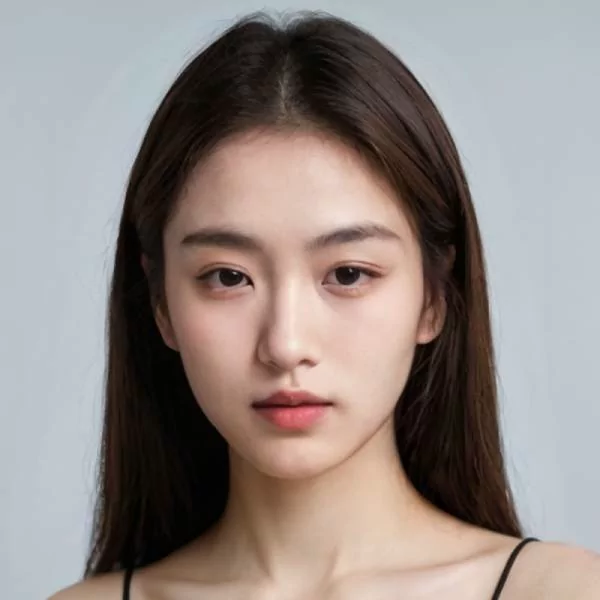
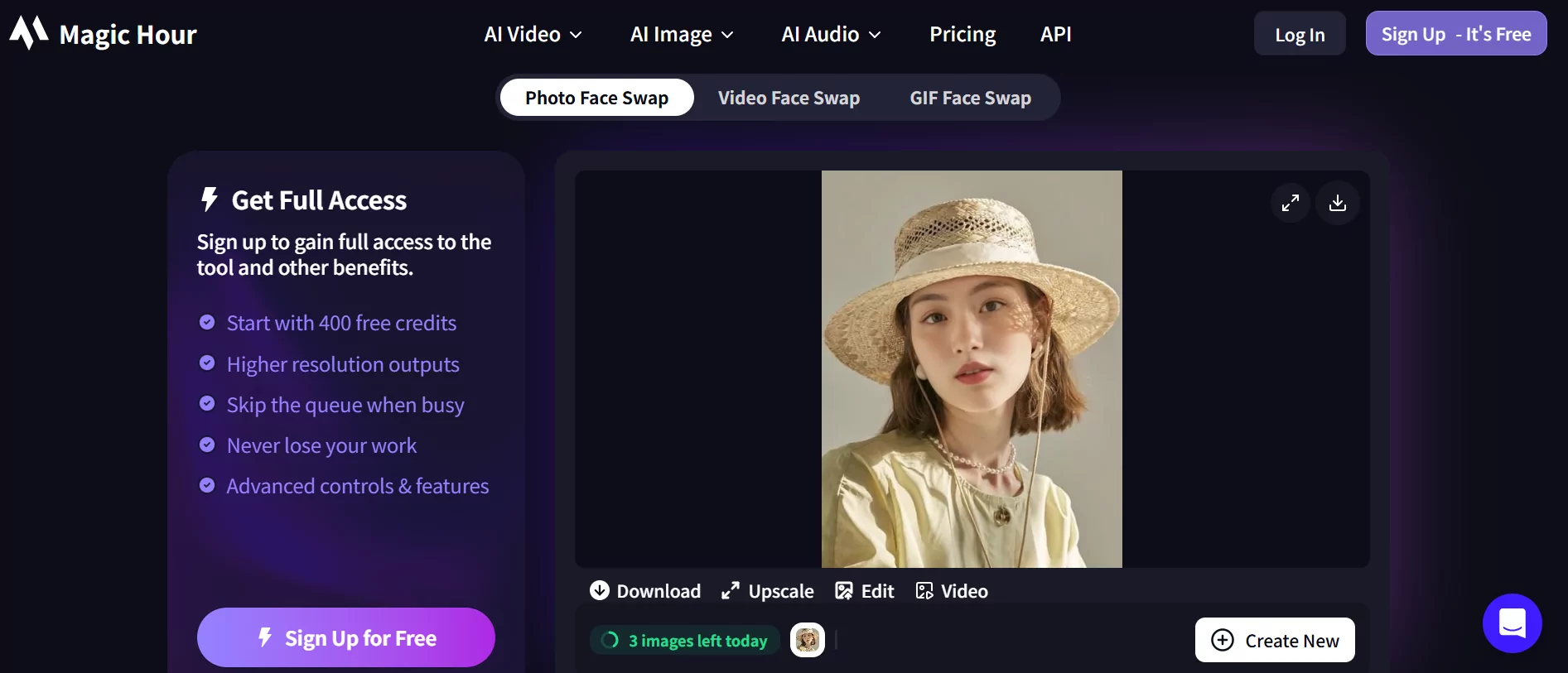
ai face swap technology replaces one face with another using deep learning models that handle lighting expression and blending automatically

What Makes an AI Face Swap Tool the Best

Search for "what is the best ai for face swap" and you'll find dozens of listicles that all suspiciously rank their own product at the top. The truth is more nuanced. There is no universal best face swap app because the answer shifts depending on what you actually need: a quick photo edit for social media, a polished video for a marketing campaign, or a scalable workflow for an ecommerce brand producing hundreds of product images.

This guide takes a different approach. Instead of handing you a single winner, it lays out transparent criteria so you can evaluate any tool against your own requirements. Think of it as a framework rather than a verdict.

The best AI face swapper is not a single tool. It is whichever tool matches your format, budget, and quality threshold for a specific project.

Why There Is No Single Best Tool for Everyone

Consider two users. One wants a good face swap app to create a funny GIF for a group chat. The other needs to produce 50 product videos per week with consistent model faces across every frame. These two people will never agree on the best face swap ai tool because their priorities are completely different. Speed, realism, batch processing, watermark policies, pricing, and format support all carry different weight depending on the use case. A face switch app that excels at casual single-photo edits may fall apart when asked to handle multi-face video workflows.

What AI Face Swap Actually Means

At its core, AI face swap is the process of replacing one person's face with another in a photo, video, or GIF using deep learning models. It goes far beyond a simple cut-and-paste. Modern tools detect facial geometry, map features between a source and target image, adjust for lighting and skin tone differences, and blend the result so it looks natural. The AI handles perspective, expression alignment, and edge blending in ways that manual editing tools like Photoshop simply cannot replicate at speed. When people ask what is the best ai for face swap, they are really asking which tool handles this complex pipeline most convincingly for their particular content type.

Consumer Tools vs Professional Solutions

The market splits into two broad categories. Consumer tools prioritize fun and speed. They let you upload a selfie, pick a template, and get a result in seconds with minimal setup. These work well for social posts, memes, and casual experimentation. Professional solutions target content creators, marketers, and brands. They focus on output realism, resolution preservation, video support, batch processing, and commercial licensing. Finding the best ai faceswap option means first deciding which category your project falls into. A tool built for entertainment may produce results that look obviously artificial under professional scrutiny, while a production-grade platform may feel like overkill for someone who just wants the best photo face swap ai for a birthday card.

The chapters ahead break down the technology powering these tools, compare specific platforms across measurable criteria, and help you match the right solution to your workflow without the bias that plagues most review articles.

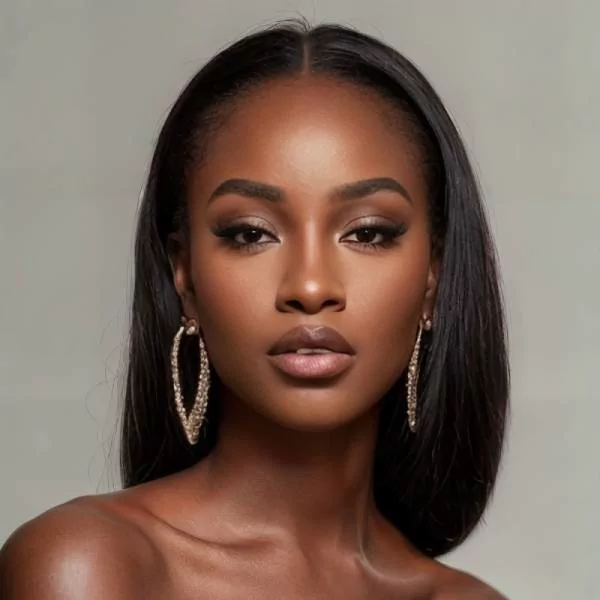
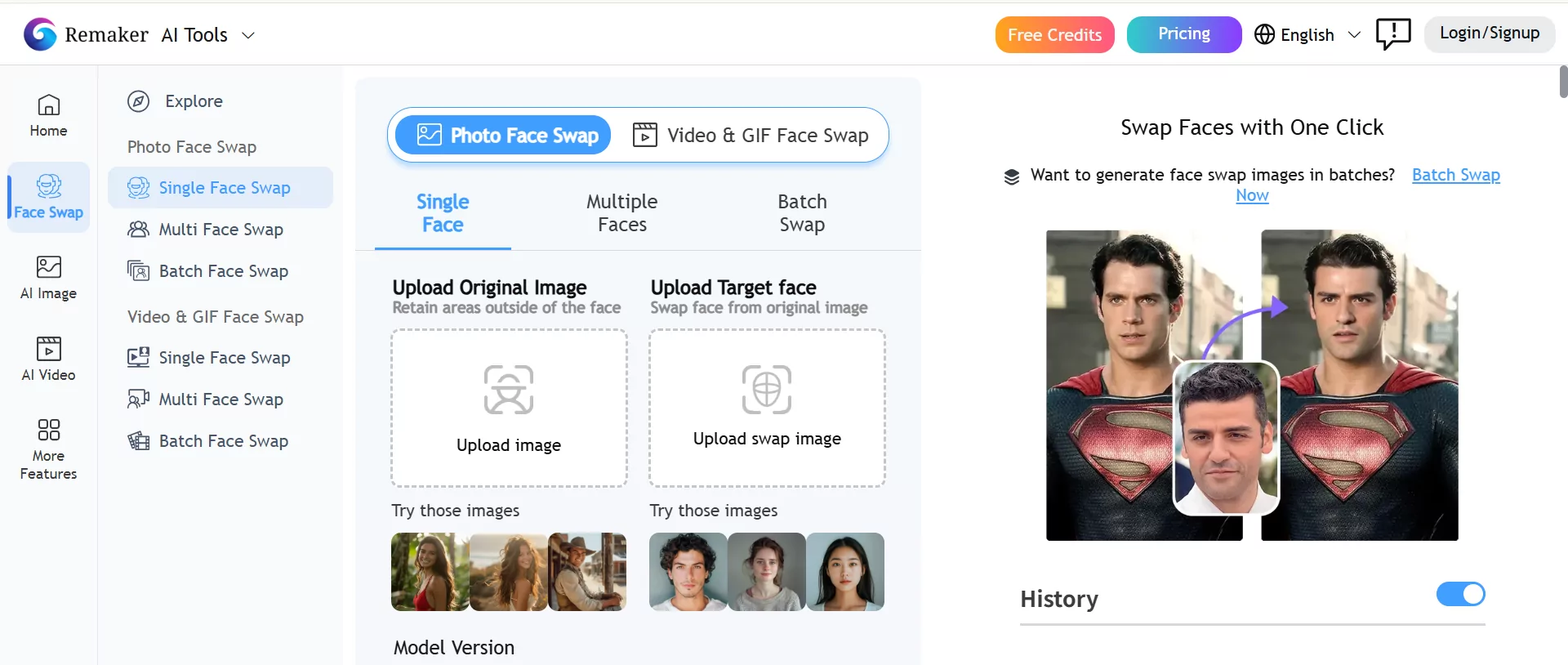
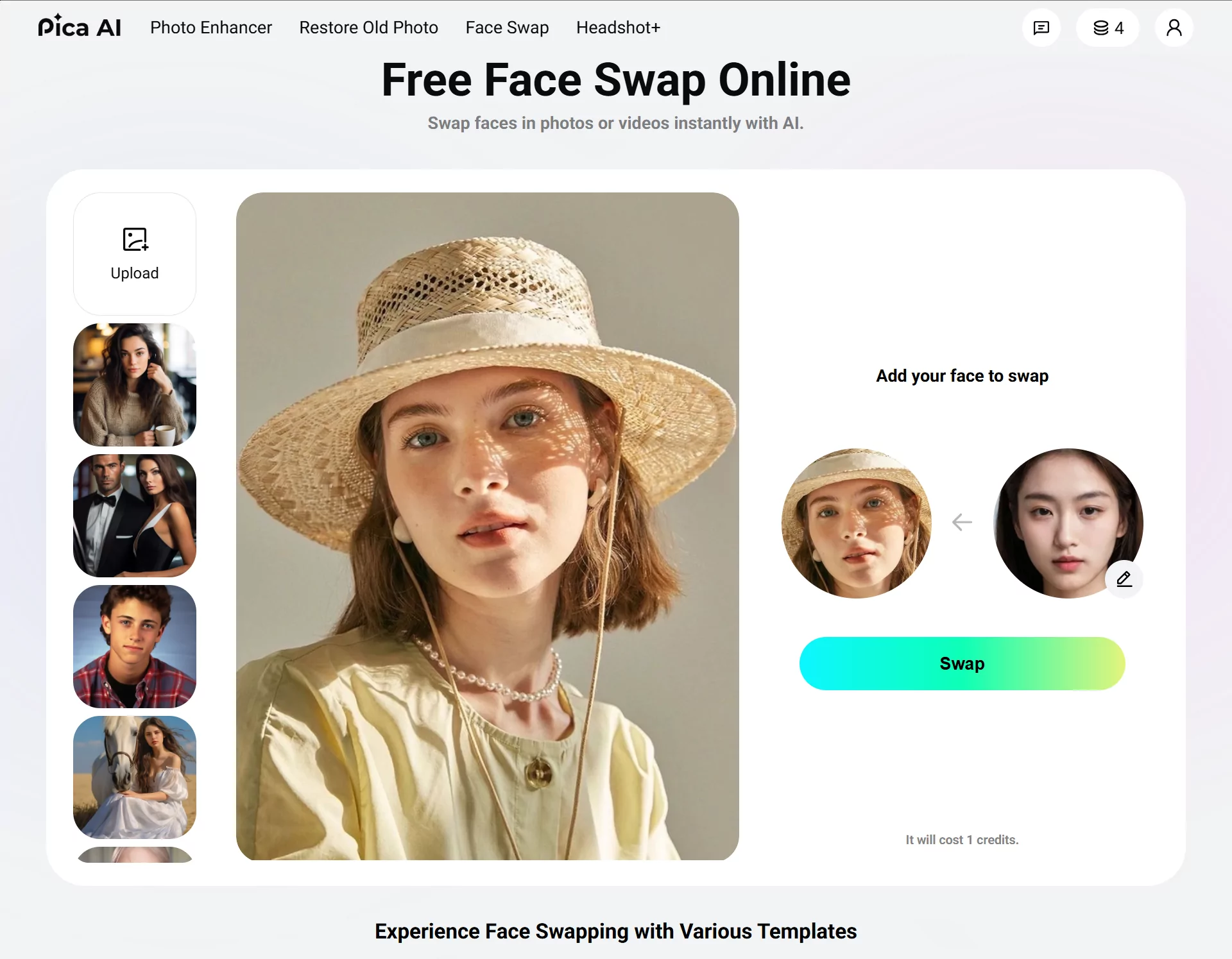
neural networks detect facial landmarks and encode identity features before generating a seamless face swap

How AI Face Swap Technology Works Under the Hood

Every face swap tool produces different results, and the reason comes down to architecture. The AI models running behind the interface determine whether a swap looks photorealistic or obviously fake. Understanding these mechanics helps you evaluate why one tool outperforms another, even when both claim to use "advanced AI."

How GANs and Encoder-Decoder Models Power Face Swaps

Two core architectures dominate the AI head swap space. The first is Generative Adversarial Networks (GANs), where two neural networks compete against each other. One network generates synthetic face images while the other tries to detect whether the output is real or fake. This adversarial training loop pushes the generator to produce increasingly realistic results until even the discriminator cannot tell the difference. StyleGAN, one of the most well-known GAN architectures, can generate faces so convincing that humans struggle to identify them as synthetic.

The second approach uses encoder-decoder models with a shared encoder. Imagine two separate decoders, one trained on the source face and one on the target face, both fed through a common encoder. When you pass the target face through the source decoder, the network reconstructs it with the source identity's features mapped onto the target's pose and expression. This is the foundation behind DeepFaceLab and similar open-source frameworks that popularized deepface technology. The autoencoder output is then blended with the rest of the image using techniques like Poisson image editing to create seamless transitions.

Facial Landmark Detection and Feature Mapping

Before any swap happens, the AI needs to understand the geometry of both faces. This is where facial landmark detection comes in. Tools like Google's MediaPipe Face Landmarker can map 478 three-dimensional points across a face, covering the jawline, eyes, nose, mouth, and eyebrows. These landmarks serve as anchor points that tell the model exactly how to align the source face onto the target.

The full pipeline for any headswap or face replacement involves several sequential steps:

  • Facial detection - locating faces within the frame
  • Landmark alignment - mapping key geometric points on both source and target faces
  • Feature encoding - compressing facial identity into a latent representation
  • Face generation - reconstructing the source identity onto the target's pose and expression
  • Post-processing blending - matching skin tone, lighting, and edges for seamless integration

Each step introduces potential quality loss. A tool that handles landmark alignment poorly will produce misaligned features regardless of how good its generation model is. This is why InsightFace, an open-source framework known for high-accuracy face analysis, has become a popular backbone for many face swap tools. The insightfaceswap pipeline leverages precise facial recognition embeddings to preserve identity across challenging angles and expressions.

Why Model Architecture Determines Output Quality

Not all tools build their own models from scratch. Some rely on proprietary architectures trained on massive datasets, while others build on open-source frameworks and fine-tune them for specific use cases. Benchmark comparisons show measurable differences: FaceFusion achieves an SSIM (Structural Similarity Index) of 0.948 and an identity preservation score of 0.91, while older frameworks like FaceSwap score 0.894 and 0.82 respectively on the same metrics.

What drives these gaps? Training data quality and post-processing pipelines. A model trained on diverse, high-resolution face data across multiple ethnicities, lighting conditions, and angles will generalize better than one trained on a narrow dataset. Post-processing, the final blending step, also varies dramatically. Some tools apply color correction, edge feathering, and lighting adaptation automatically. Others leave visible seams at the hairline or jawline because their blending pipeline is less sophisticated.

For anyone searching for ai replace head software or exploring headswap ai free options, this is the critical insight: the underlying model architecture and training data matter far more than the marketing language on a landing page. Two tools can both claim "AI-powered" results while delivering vastly different output quality because their technical foundations are fundamentally different.

These architectural differences become even more pronounced when you move from static photos to video, where the AI must maintain consistency across hundreds of frames without flickering or identity drift.

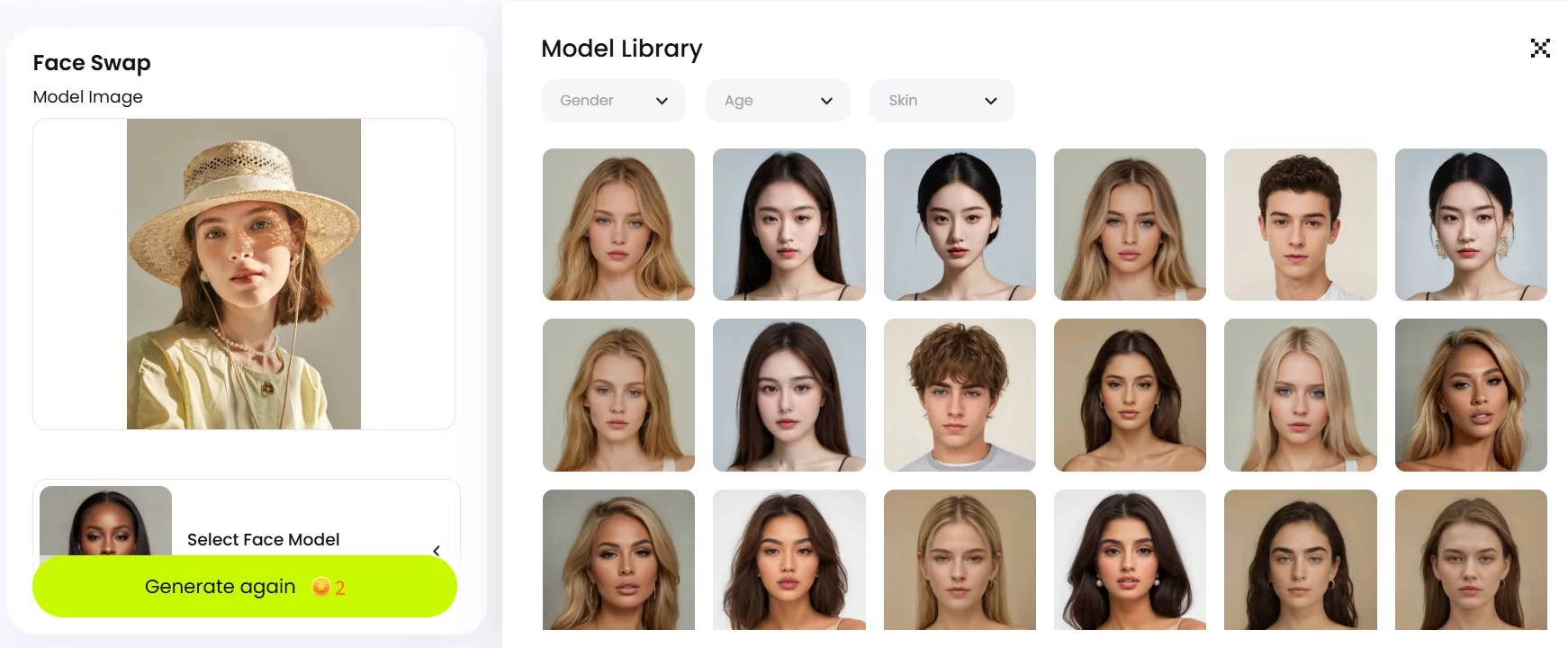
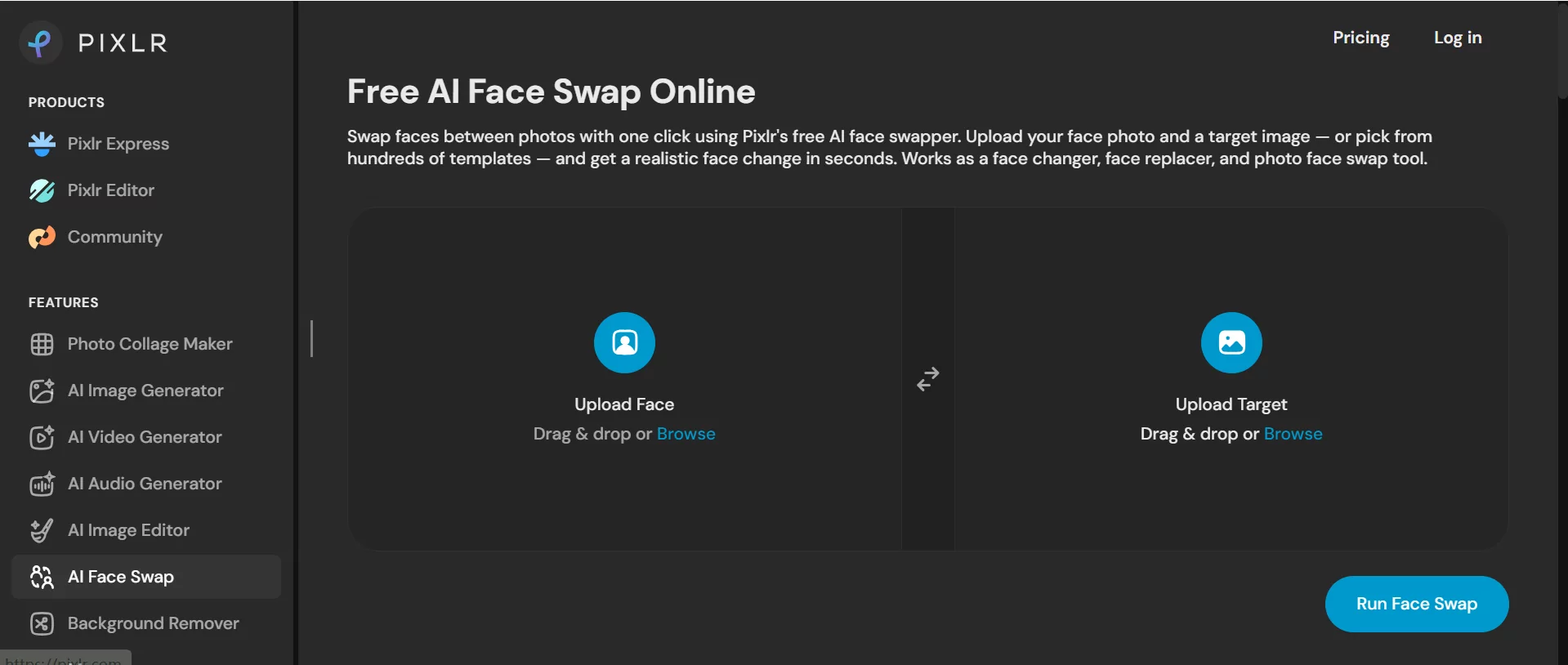
video face swaps must maintain consistency across hundreds of frames making them far more complex than single photo edits

Video Face Swap vs Photo Face Swap as Distinct Categories

Swapping a face in a single photo and swapping a face across a 60-second video clip are not the same problem. They share underlying technology, but the engineering challenges, compute requirements, and quality benchmarks diverge sharply. When you're evaluating what is the best ai for face swap, the first question to answer is whether you need photo capability, video capability, or both, because the tools that excel at one often compromise on the other.

Single-Frame Photo Swaps and Their Strengths

A photo face swap deals with exactly one frame. The AI detects the face, maps landmarks, generates the replacement, and blends it into the scene. Lighting, angle, and resolution all matter, but the model only needs to solve the problem once. There is no temporal dimension to worry about.

This makes face swap pictures the fastest and most forgiving category. Processing typically completes in under five seconds, even on consumer hardware. The AI can dedicate all its compute to perfecting a single output: matching skin tone precisely, feathering edges at the hairline, and adapting to the exact lighting direction in that one frame. If the result has a minor artifact, you can regenerate or touch it up manually without re-processing hundreds of frames.

Photo swaps work well for social media posts, profile images, ecommerce product shots where you need a different model face, and any scenario where a single static image is the final deliverable. For many users, this is all they need, and chasing video capability adds unnecessary complexity and cost.

Why Video Face Swapping Is a Harder Problem

Video introduces a dimension that fundamentally changes the difficulty: time. A 30-second clip at 30 frames per second contains 900 individual frames. The AI must produce a convincing face swap on every single one while maintaining what engineers call temporal consistency, meaning the swapped face cannot flicker, shift, or distort between adjacent frames.

Imagine the subject turns their head from a frontal view to a three-quarter profile over two seconds. During those 60 frames, the AI must continuously re-map facial landmarks as geometry changes, handle motion blur that smears facial features, adapt to shifting lighting as the face rotates, and keep the identity stable so the viewer never notices a "jump." A single inconsistent frame creates a visible flicker that breaks the illusion entirely.

According to JAI Portal's processing benchmarks, a 30-second 1080p ai video face swap typically takes 2 to 5 minutes, while a 3-minute 4K video may require 15 to 20 minutes. These numbers reflect the massive compute overhead: the model runs its full detection, alignment, generation, and blending pipeline on every frame, then applies additional smoothing passes to eliminate inter-frame artifacts. Some tools advertise faster speeds, but quality-focused platforms prioritize consistency over raw throughput.

Face swap video workflows also demand more from your source material. Consistent lighting throughout the clip, minimal rapid head movement, and adequate frame rate all contribute to better results. Variable frame rate footage can confuse face tracking algorithms, and dramatic lighting shifts mid-clip force the AI to solve a different blending problem on nearly every frame.

GIF Swaps as a Middle Ground

GIF face swaps occupy an interesting space between photos and full video. A typical GIF runs 2 to 5 seconds with a limited frame count, often between 20 and 60 frames. The shorter duration means less opportunity for temporal drift, but the AI still needs frame-to-frame coherence to avoid that telltale "wobble" that makes a faceswap gif look cheap.

A free gif face swap tool needs to handle the same fundamental challenges as video: expression changes, slight head movement, and lighting shifts across frames. The advantage is that GIFs are shorter, lower resolution, and more forgiving of minor imperfections because viewers expect a slightly rougher aesthetic from the format. This makes GIF swaps a practical entry point for creators who want motion without the full processing overhead of an ai video swap workflow.

For content creators producing reaction GIFs, short social clips, or looping animations, GIF-capable tools offer a sweet spot of motion and speed that pure photo tools cannot match.

Dimension Photo Swap Video Swap GIF Swap
Processing Time 1-5 seconds 2-20 minutes (length dependent) 10-60 seconds
Quality Consistency High (single frame optimization) Variable (temporal artifacts possible) Moderate (short duration helps)
Difficulty Level Low High Medium
Compute Requirements Minimal Significant (GPU-intensive) Moderate
Typical Use Cases Social posts, ecommerce, profile images Marketing campaigns, film, YouTube content Reactions, memes, short social loops
Key Challenge Lighting and angle matching Temporal consistency across all frames Frame coherence in short loops

The format you need dictates which tools deserve your attention. A platform built primarily for face swap pictures may offer video as an afterthought, producing flickery results that betray the swap on close inspection. Conversely, a tool engineered for ai video face swap from the ground up will handle temporal consistency natively but may feel like overkill for someone who just needs a single photo edit.

Knowing which category your project falls into is the first filter. The next step is understanding what specific quality metrics separate a convincing swap from an obvious fake, regardless of format.

Evaluation Criteria for Judging Face Swap AI Quality

A convincing face swap and an obvious fake often come down to measurable differences in how the AI handles blending, expression, and resolution. Most review articles skip this entirely, jumping straight to rankings without explaining what they actually measured. Here is a transparent framework you can apply to any tool yourself, whether you want to replace face in photo for a quick social post or produce polished video content at scale.

For professional use, these criteria rank in order of importance:

  1. Blending realism - skin tone matching, edge handling at the hairline and jawline, lighting adaptation
  2. Expression preservation - whether the swapped face maintains the target's expression or freezes into a neutral mask
  3. Resolution maintenance - whether the tool compresses output or preserves input quality
  4. Processing speed - time from upload to usable output, especially for video workflows
  5. Format support - photo, video, GIF, and batch processing capabilities
  6. Pricing transparency - clear limits on free tiers, watermark policies, and what requires payment

Realism Metrics That Actually Matter

When researchers evaluate face swap quality, they rely on quantitative metrics that map directly to what your eyes notice. Studies comparing state-of-the-art methods use SSIM (Structural Similarity Index) to measure overall image fidelity, cosine similarity on facial embeddings for identity preservation, and L2 distance on expression coefficients to gauge how well the target's expression survives the swap.

For practical evaluation, you'll notice three things first. Skin tone matching: does the swapped face blend seamlessly with the neck and ears, or does it look like a mask floating on top of someone else's body? Edge handling: look at the hairline and jawline where the generated face meets the original image. Cheap tools leave a visible halo or hard boundary. Lighting adaptation: if the target photo has directional light from the left, the swapped face needs shadows on the right side of the nose and cheekbones. Tools that ignore lighting direction produce results that feel "off" even when viewers cannot articulate why.

Expression preservation is equally critical. Some tools freeze the swapped face into whatever expression the source photo captured, ignoring the target's smile, squint, or open mouth entirely. Better architectures, like those using explicit supervision frameworks, achieve pose scores as low as 2.20 and expression scores of 0.789 on standardized benchmarks, meaning the target's expression carries through almost perfectly after the swap.

Practical Factors Beyond Quality

Output realism is only half the equation. Practical constraints determine whether a tool actually fits your workflow. Consider these before committing:

Watermark policies. Some tools stamp visible watermarks on free-tier output, making results unusable for anything beyond personal testing. Others provide clean exports even on free plans.

Signup requirements. If you need a quick result, tools that demand email verification, phone numbers, or credit cards create friction. Several platforms now offer multi character swap ai free no login required, letting you test quality before creating an account.

Multiple face support. Group photos and ensemble video scenes require the ability to face swap multiple faces simultaneously. Not every tool handles this well. An ai multiple face swap online free tool might detect all faces in a frame but degrade quality when processing more than two or three simultaneously. For video, multiple face swap video online free options are even rarer because tracking several faces across frames multiplies the compute load.

Batch processing. Ecommerce teams producing dozens of product images need to queue multiple jobs. A tool that processes one image at a time with manual uploads becomes a bottleneck at scale.

Resolution handling. Some platforms downscale your input before processing, then upscale the result. This introduces softness and compression artifacts that are especially visible in print or large-format displays. The best tools maintain your original resolution throughout the pipeline.

Common Failure Cases and Edge Scenarios

Every face swap AI has limits. Knowing where tools break helps you set realistic expectations and choose source material that avoids these pitfalls.

Extreme side angles. Most consumer tools struggle with profiles past 60 degrees from center. The AI must hallucinate facial geometry it cannot see in the source photo, and the results often look distorted or flat. Even advanced diffusion-based models like DreamID, which handle large angles better than GAN-based predecessors, show measurable quality drops on extreme profiles.

Heavy occlusion. Hands covering part of the face, sunglasses, masks, or microphones confuse face detection and landmark alignment. The AI may attempt to swap the face behind the obstruction, creating bizarre artifacts where fingers merge with facial features.

Dramatic lighting mismatches. Swapping a softly lit indoor portrait onto a harshly backlit outdoor scene forces the AI to reconcile incompatible shadow patterns. Lower-quality tools ignore this entirely, producing a flat face pasted onto a high-contrast scene.

Multiple overlapping faces. When faces in a group photo overlap or crowd together, the swap can bleed onto adjacent faces. Tools offering video face swap ai free often handle single-face scenarios well but produce errors when asked to isolate one face among several tightly grouped subjects.

Which criteria matter most depends on your use case. A casual user creating memes can tolerate minor edge artifacts and resolution loss. A content creator producing YouTube videos needs temporal consistency and expression preservation above all else. An ecommerce brand running product campaigns prioritizes batch processing, resolution maintenance, and the ability to swap faces consistently across dozens of images. Matching your priorities to the right evaluation criteria is what separates an informed choice from a lucky guess.

With these benchmarks in hand, you can move beyond marketing claims and test tools against objective standards, which is exactly what a side-by-side comparison demands.

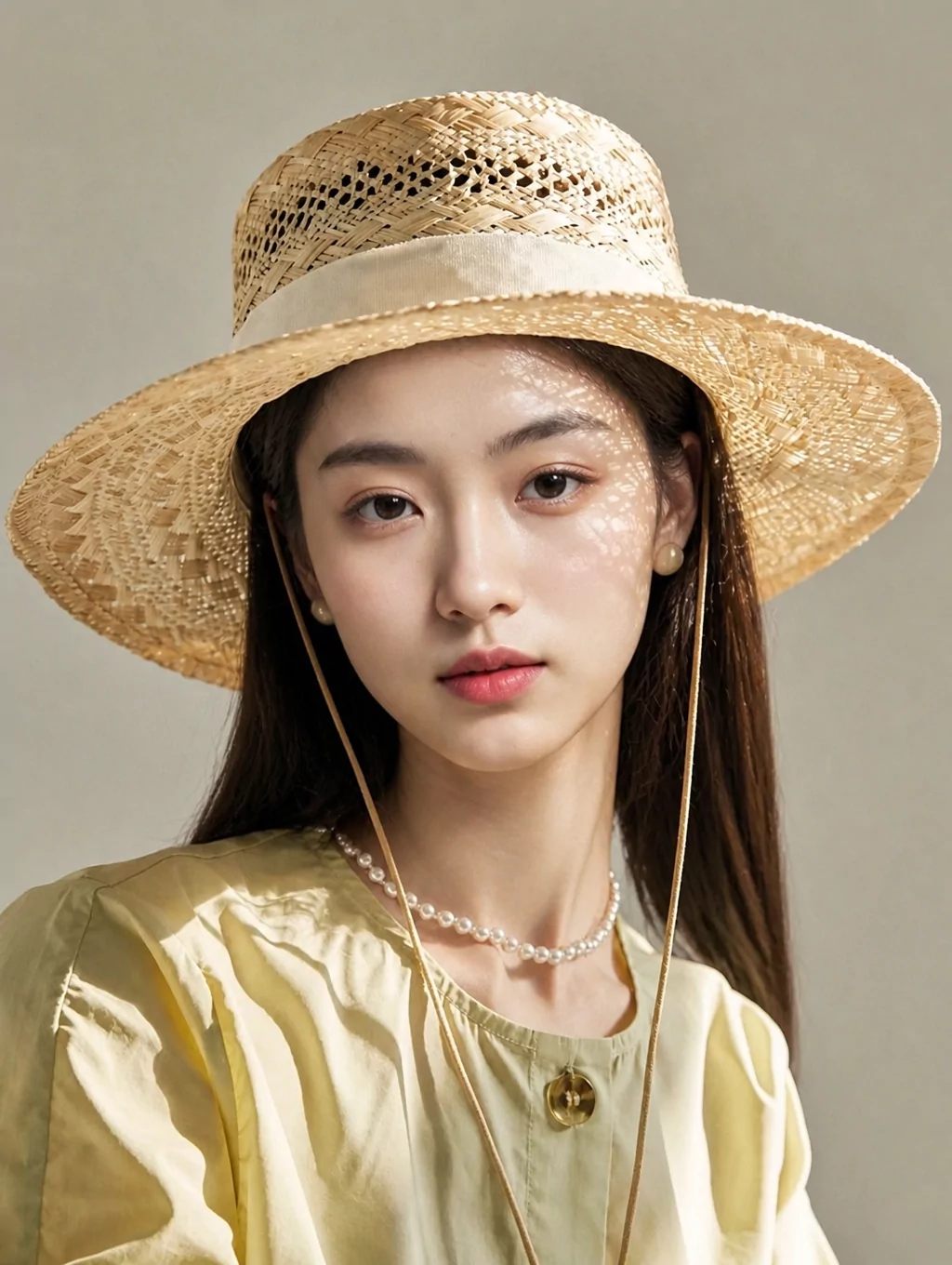
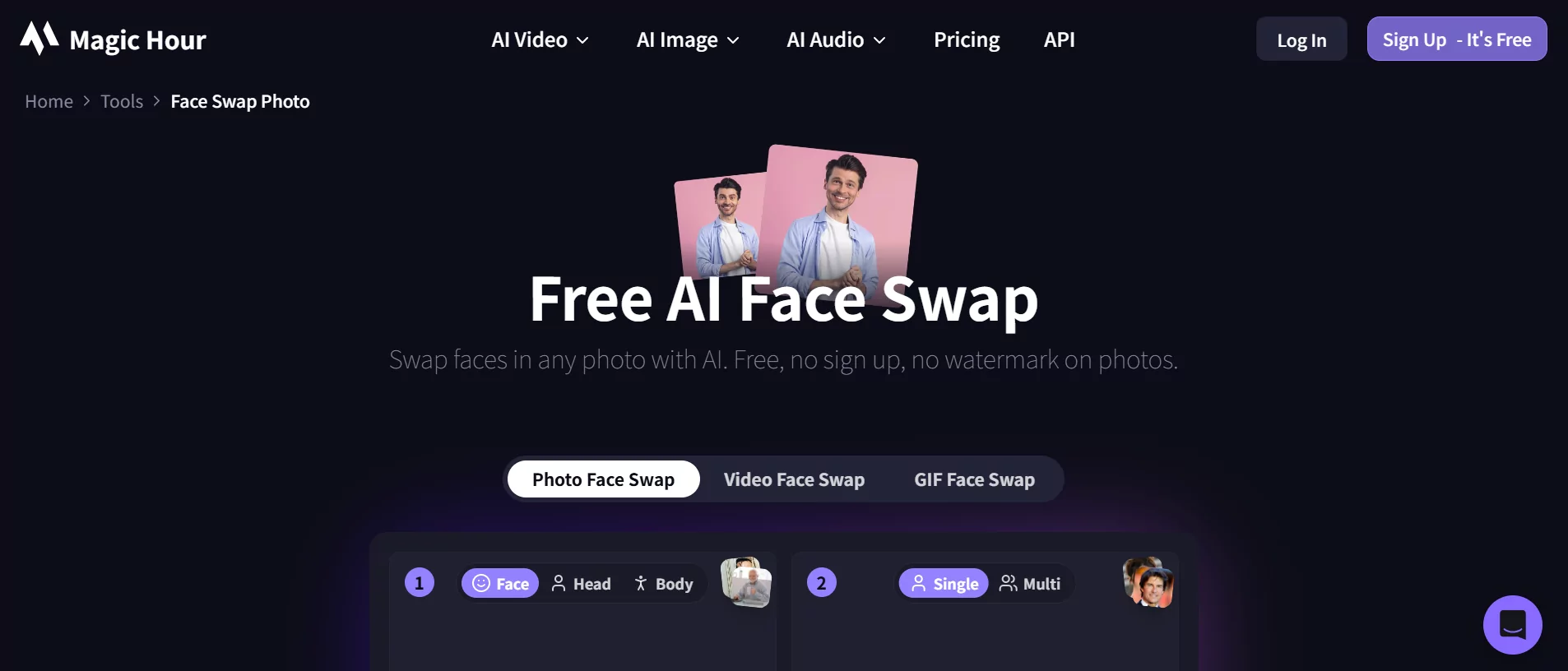
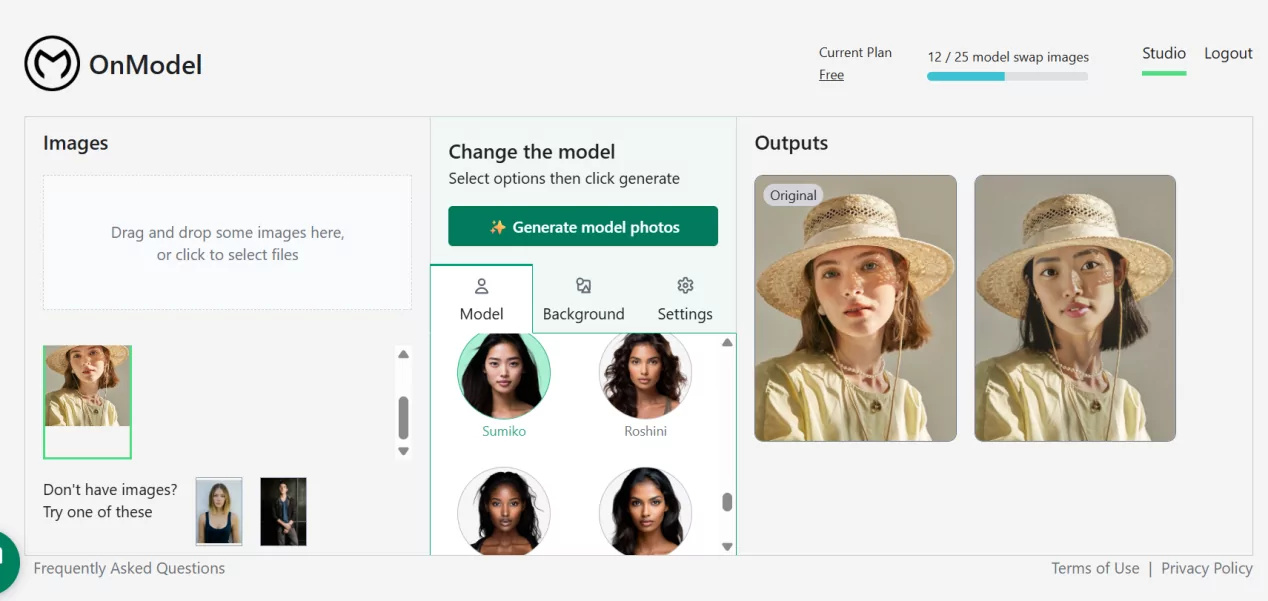
comparing face swap tools across devices helps identify which platform fits your specific creative workflow

Top AI Face Swap Tools Compared Side by Side

Evaluation criteria only matter if you apply them to real products. Below is a multi-criteria comparison of the tools that consistently surface in discussions about the best face swap software, tested against the benchmarks outlined above. Rather than declaring a single winner, this table lets you filter by the dimensions that matter to your workflow.

Comprehensive Feature Comparison Table

The following table covers the factors that most directly affect day-to-day usability: format support, pricing clarity, watermark policies, and processing capabilities.

Tool Photo Swap Video Swap GIF Support Multi-Face Max Resolution Watermark (Free) Signup Required Pricing
Snappyit Face Swap Yes Yes Yes Up to 6 faces 1080p No No Free tier / Paid plans
DeepSwap Yes Yes Yes Yes (batch) 4K No (paid) Yes Pay-per-use credits
Reface Yes Yes (templates) Yes No 1080p No (5/day free) Yes Free tier / Pro subscription
FaceFusion Yes Yes (lip sync, 4K) No Up to 10 faces 4K No Yes Free credits / Paid plans
FaceSwapper.ai Yes Yes Yes Yes 1080p No No Free (unlimited) / Paid
InsightFace (InSwapper) Yes Yes (manual setup) No Yes Unlimited (local) N/A No Free (open-source)
Remaker AI Yes No No No High-res No Yes Limited free / Paid
CapCut Yes Via effects No Basic 1080p No Yes Free

You'll notice some popular names missing from this table. Tools like vidwud face swap, youcam ai face swap, and higgsfield face swap exist in the market but either lack video support, restrict free usage heavily, or have limited documentation on their AI architecture. Similarly, newer entrants like pixnova and vidmage ai show promise for photo workflows but haven't yet demonstrated the temporal consistency needed for reliable video output. The vidqu ai face swap platform targets short-form video creators specifically, though its processing speed and quality benchmarks remain less documented than the established tools above.

Strengths and Limitations of Each Tool

Snappyit Face Swap positions itself as a practical option for creators who need scalable video face swap capability without complex setup. It supports up to 6 simultaneous face swaps in a single scene, handles photos, video, and GIFs, and requires no account creation for basic use. The no-watermark policy on free output makes it immediately usable for content production. The limitation is that maximum resolution caps at 1080p, which may not satisfy teams producing 4K deliverables.

DeepSwap specializes in sustained video face replacement with strong temporal consistency. According to independent testing by Morphed, it maintains identity coherence across longer clips better than general-purpose tools, handling head turns and expression changes smoothly. The trade-off is a dated interface and limited free tier that pushes users toward paid plans quickly.

Reface remains the most consumer-friendly face swap app, built around pre-made templates and social sharing. Video swap quality is solid at phone-screen resolution, processing clips in 30 to 60 seconds. It falls short for professional work: the template-based approach limits creative freedom, and higher resolution exports require a subscription.

FaceFusion claims 95.8% face similarity using 200+ facial landmark detection points and 9 face enhancement models running automatically on every swap. It supports up to 10 faces per photo and includes lip sync for video localization. This is the technical leader for production teams, but the interface assumes familiarity with AI workflows and is not designed for casual users.

FaceSwapper.ai offers unlimited free face swapping with no signup, processing results in under 3 seconds. The speed and accessibility are unmatched for quick social content. Quality drops noticeably on challenging angles or poor lighting, and the cloud-based processing means your photos are uploaded to remote servers.

InsightFace (InSwapper) is the open-source backbone that many commercial tools build upon. Running it locally gives you full control over the process with no upload privacy concerns and no resolution limits. The trade-off is significant: you need a capable GPU, comfort with command-line tools, and willingness to handle setup and troubleshooting yourself. For canva face swap workflows or other design-tool integrations, InsightFace models can be connected via API but require technical implementation.

Which Tools Excel for Video Workflows

Video capability is where the field thins out dramatically. Many tools that produce clean photo swaps struggle with frame-to-frame consistency once motion enters the equation.

For dedicated video face swap work, three options stand out. FaceFusion delivers the highest technical quality with 4K output and lip sync, making it suitable for professional localization and long-form content. DeepSwap offers the best temporal consistency for sustained clips where the same swapped face needs to hold up for 30+ seconds of continuous footage. Snappyit fills the gap for creators who need video capability with multi-face support and fast turnaround without navigating complex interfaces or committing to expensive subscriptions upfront.

Reface handles short video clips well through its template system, but the lack of custom video upload on free tiers limits its usefulness for original content. CapCut applies face swap as a video effect rather than frame-by-frame replacement, which is faster but less precise. Tools like Remaker AI, Fotor, and Pixlr remain photo-only, making them irrelevant for video-first workflows regardless of their photo swap quality.

The right choice depends on where you sit on the complexity-quality spectrum. A content creator producing daily social videos needs speed and simplicity. A production team localizing ad campaigns across markets needs 4K output and lip sync. Matching the tool to the workflow prevents both overpaying for features you won't use and hitting capability walls mid-project.

Choosing the right tool is only half the equation. Even the best AI face swap generator produces mediocre results when fed poor source material, which is why input quality deserves its own attention.

Tips for Getting Realistic Face Swap Results Every Time

The gap between a convincing face swap pic and an obvious fake often has nothing to do with the tool. It comes down to what you feed the AI. Even the most advanced model produces mediocre output when the source material works against it. These tips apply whether you're using a browser-based platform, a face swap photoshop plugin, or a local open-source pipeline.

Optimal Input Photo Requirements

Good face swaps start before you ever click "generate." The source image, the face you want to place onto a target, needs to give the AI clean data to work with. Think of it this way: the model can only reconstruct what it can clearly see.

Your ideal source photo should meet these characteristics:

  • Front-facing or slight angle (under 30 degrees from center)
  • Even, diffused lighting without harsh shadows across the face
  • High resolution with the face area at least 512 pixels wide
  • Clear visibility of all facial features, no obstructions
  • Neutral or mild expression, avoiding extreme open-mouth or squinting poses
  • Minimal makeup or filters that alter natural skin texture
  • Clean background that doesn't bleed color onto the face

When your source image checks these boxes, the AI can accurately encode facial identity, map landmarks precisely, and generate a swap that blends naturally with the target. This is what separates face swap magic from face swap disaster, and it costs nothing extra.

Video-Specific Tips for Consistent Results

Video adds temporal complexity, so your input standards need to be higher. A single blurry frame in a photo workflow is a minor annoyance. In video, inconsistent input creates flickering artifacts that compound across every subsequent frame.

For anyone looking to replace face in video online free or through paid tools, keep these video-specific guidelines in mind. Maintain consistent lighting throughout the entire clip. Avoid dramatic shifts from indoor to outdoor or from shadow to direct sunlight mid-scene. Minimize rapid head movement, especially sudden turns past 45 degrees, since the AI loses tracking accuracy during fast rotations. Shoot at a stable frame rate of 30fps or higher, and avoid variable frame rate recordings from screen captures or older phones. Keep clips short when testing a new tool. A 10-second clip reveals quality issues faster than processing a full minute and discovering problems at the end.

Common Mistakes That Ruin Face Swaps

Most failed swaps trace back to a handful of repeated errors. If your results look unnatural, check whether you're hitting one of these pitfalls:

  • Using low-resolution source images where the face is under 256 pixels wide
  • Choosing source photos with extreme angles or heavy profile views
  • Leaving sunglasses, masks, or hands partially covering the face
  • Ignoring dramatic lighting differences between source and target images
  • Using heavily filtered or beauty-mode selfies that smooth away natural skin texture
  • Selecting source expressions that clash with the target's mood or pose
  • Uploading compressed screenshots instead of original image files

Post-processing can rescue minor imperfections. Tools that offer color correction, edge feathering, and brightness adjustment let you refine the boundary where the swapped face meets the original image. Even a quick pass in a photoshop face swap workflow or a simple online editor to superimpose pics online with manual blending can smooth out subtle mismatches that the AI missed. Small adjustments to shadows and highlights often make the biggest difference between a result that looks pasted on and one that looks native to the scene.

These input and workflow habits apply universally. But technical best practices only cover half the picture. The other half involves understanding what you're allowed to do with this technology and where the legal and ethical boundaries sit.

ethical ai face swapping requires consent platform compliance and awareness of evolving deepfake legislation

Knowing how to get realistic results is one thing. Knowing what you're legally and ethically permitted to do with those results is another entirely. The accessibility of deepfake apps and free ai deepfake tools has outpaced public understanding of the legal risks involved. What feels like a harmless creative experiment can cross into territory that carries real consequences: platform bans, civil liability, and in some jurisdictions, criminal charges.

Consent and Legal Requirements for Face Swapping

The single most important principle in face swapping is straightforward but frequently ignored.

Always obtain explicit consent before using someone's likeness in AI-generated content. Without it, you risk violating privacy laws, publicity rights, and platform terms of service regardless of your intent.

The legal landscape has moved fast. Since 2022, 46 states have enacted deepfake-specific legislation, and 146 additional bills were introduced in 2025 alone. The federal TAKE IT DOWN Act, signed into law in May 2025, criminalizes publishing non-consensual intimate deepfakes with penalties up to two years imprisonment and three years when minors are involved. Covered platforms must remove flagged content within 48 hours of a valid takedown notice.

Internationally, the EU AI Act's Article 50 requires that AI-generated content be marked in a machine-readable format and disclosed clearly to viewers, with penalties reaching 15 million euros or 3% of global turnover for violations. This fragmented regulatory environment means a face swap that's legal in one jurisdiction may violate laws in another. Searches for deepfake free tools or nsfw face swap capabilities often lead users into legally dangerous territory without any warning from the tools themselves. Communities like face swap porn reddit threads normalize non-consensual use, but normalization does not equal legality. The same applies to ai nudes and head swap content: regardless of how easy the technology makes it, creating intimate imagery of someone without their consent is illegal in most US states and carries serious criminal penalties.

Platform Policies on AI-Generated Face Content

Even when content doesn't violate criminal law, it can still get you banned. Every major social platform now enforces specific policies around synthetic media.

YouTube requires creators to disclose any "realistic altered or synthetic content" using a toggle during upload. This covers synthetic voices, digitally manipulated visuals depicting people doing things they never did, and fabricated real-world events. Failing to disclose can trigger policy strikes or demonetization.

Meta applies automatic "Made with AI" labels on Instagram and Facebook using the C2PA provenance standard. When uploaded content contains metadata from generative tools, the label appears automatically. TikTok enforces similar rules, requiring disclosure for any content depicting realistic synthetic people, events, or voices. In early 2024, TikTok removed multiple deepfake videos of public figures for lacking AI disclosure and violating impersonation policies.

The practical takeaway: even legitimate, consensual face swap content needs proper labeling. Undisclosed AI-generated content risks removal, reduced distribution, or account suspension across all major platforms.

Privacy and Data Handling by Face Swap Tools

Every time you upload a photo to a cloud-based face swap tool, you're sending biometric data to a remote server. What happens to that data afterward varies dramatically between platforms, and most users never check.

Key questions to ask before uploading:

  • Does the tool retain your uploaded images after processing, or delete them immediately?
  • Are uploaded faces used to train or improve the platform's AI models?
  • Where are servers located, and which jurisdiction's privacy laws apply?
  • Can you request deletion of your data after the fact?
  • Does the tool share data with third parties for advertising or analytics?

Research from Purdue University highlights how serious this risk is. Their team found that standard AI editing workflows expose biometric attributes like eye color, facial hair, and age group to external platforms. Their patent-pending "privacy by design" system masks sensitive facial regions locally before sending images to cloud AI services, reducing attribute-classification accuracy by more than 80%. Until such protections become standard, users bear the responsibility of reading privacy policies before uploading.

Free deepfake tools and free ai deepfake platforms deserve extra scrutiny here. When a product costs nothing, the business model often relies on data collection, advertising, or model training using your uploads. A tool that offers unlimited free processing with no clear revenue source should raise immediate questions about how your facial data is being monetized.

Ethical awareness is not a moral luxury. It's a practical shield against platform bans, legal liability, and reputational damage that can follow a single careless upload. With these boundaries clear, the final step is matching everything covered so far to your specific use case and making a confident choice.

Choosing the Right Face Swap AI for Your Specific Needs

Criteria, technology breakdowns, and ethical guardrails all serve one purpose: helping you pick the tool that actually fits your workflow. The best ai for swapping faces is not the one with the flashiest landing page or the longest feature list. It's the one that solves your specific problem without creating new ones. Below are clear recommendations segmented by the three most common use cases, drawn directly from the evaluation framework and comparison data covered throughout this article.

Best Choice for Casual Personal Use

If you want a quick swap for a group chat, a birthday meme, or a social post without spending money or creating accounts, prioritize frictionless access and a generous free tier over raw technical power.

  1. FaceSwapper.ai - unlimited free photo swaps, no signup, results in under 3 seconds. The fastest path from idea to output for anyone who just wants a single clean swap without commitment.
  2. Reface - the best face swapping app for template-based video and GIF swaps. Five free swaps per day cover casual use, and the pre-made templates make it effortless to create shareable content.
  3. WaveSpeed Face Swapper - no account, no watermarks, and automatic image deletion after processing. A privacy-conscious option for users who want zero data footprint.

For casual users, longevity matters less than immediate usability. Reface has operated since 2019 and maintains a large user base, making it a safe bet for continued availability. FaceSwapper.ai is newer but its unlimited free model keeps users coming back. If a tool disappears tomorrow, casual users lose nothing because they haven't built workflows around it.

Best Choice for Content Creators and Video Workflows

Content creators producing YouTube videos, TikTok clips, or social campaigns at scale need a different set of priorities: temporal consistency in face swap ai video output, no watermarks on exports, multi-face support for ensemble scenes, and fast enough processing to keep up with a publishing schedule. Discussions across communities asking about the best video face swap reddit users recommend consistently point toward tools that balance speed with quality rather than maximizing one at the expense of the other.

  1. Snappyit Face Swap - built specifically for practical creative workflows at scale. Handles video, photo, and GIF formats with up to 6 simultaneous face swaps per scene. No signup required for basic use, no watermarks on output, and fast enough turnaround to support daily content production without bottlenecks.
  2. FaceFusion - the technical leader for creators who need 4K output, lip sync for localization, and up to 10 faces per frame. Best suited for production teams comfortable with a more complex interface.
  3. DeepSwap - strongest temporal consistency for longer clips where the swapped identity needs to hold up across 30+ seconds of continuous footage. The credit-based pricing works well for creators with predictable volume.

When threads debate the best ai faceswap reddit communities trust, the recurring theme is reliability over novelty. Creators cannot afford a tool that works brilliantly one week and degrades the next. Snappyit and FaceFusion both maintain consistent output quality because their pipelines are purpose-built for video rather than adapted from photo-only architectures. DeepSwap has operated long enough to establish a track record for sustained clip processing.

Best Choice for Ecommerce and Brand Marketing

Ecommerce teams and brand marketers face a unique challenge: they need dozens or hundreds of consistent visuals across product listings, ad creatives, and localized campaigns. The best face swap software for this use case prioritizes batch processing, resolution maintenance, and visual consistency across outputs more than raw speed on a single swap.

  1. Snappyit Face Swap - the multi-face capability and no-watermark output make it practical for producing product imagery with different model faces while maintaining consistent lighting and composition across an entire catalog.
  2. FaceFusion - 4K resolution support and 10-face capacity handle complex product scenes. The face enhancement models automatically optimize skin texture and lighting, reducing post-production work.
  3. Pica AI - excels specifically at group photo swaps with accurate multi-face detection, making it useful for team photos, lifestyle imagery, and campaign shots featuring multiple models.

Brand teams should also consider the best ai head swap capabilities when product photography requires full head replacement rather than face-only swaps. Tools that handle hair, ears, and neck blending produce more natural results for fashion and beauty ecommerce where the full head is visible. Snappyit and FaceFusion both handle this broader replacement zone, while photo-only tools like Remaker AI often crop tightly to facial features alone.

For ecommerce specifically, tool longevity deserves extra weight. Building a production workflow around a platform that might shut down in six months creates real business risk. Established tools with clear revenue models, active development, and growing user bases are safer bets than free-only platforms with no visible monetization strategy. InsightFace remains available as an open-source fallback if any commercial tool disappears, though it requires technical implementation.

Regardless of which category you fall into, the smartest next step is the same: pick your top choice from the list above and run a real test. Upload a source photo that represents your actual use case. If you need video, test a 10-second clip with the lighting and angles you typically work with. Evaluate the output against the criteria from this article: blending quality at the jawline, expression preservation, resolution maintenance, and processing speed. A single hands-on test reveals more than any review article, including this one. The best ai face swap generator for your workflow is the one that passes your own quality bar on your own content.

Frequently Asked Questions About AI Face Swap Tools

1. What is the most realistic AI face swap tool for videos?

Realism in video face swaps depends on temporal consistency, meaning the swapped face must stay stable across hundreds of frames without flickering. Tools like Snappyit Face Swap, FaceFusion, and DeepSwap are purpose-built for video workflows. FaceFusion leads on technical quality with 4K output and lip sync, while Snappyit offers up to 6 simultaneous face swaps per scene with no watermarks, making it practical for creators producing content at scale without complex setup.

2. Are AI face swap tools free to use?

Several AI face swap tools offer free tiers with varying limitations. FaceSwapper.ai provides unlimited free photo swaps with no signup. Snappyit Face Swap offers free output without watermarks or account creation. Reface gives 5 free swaps per day. InsightFace is fully free as open-source software but requires technical setup and a local GPU. Most tools reserve advanced features like 4K resolution, batch processing, or extended video length for paid plans.

3. Is it legal to use AI face swap on someone else's photo?

Using someone's likeness without explicit consent can violate privacy laws, publicity rights, and platform terms of service. As of 2025, 46 US states have enacted deepfake-specific legislation, and the federal TAKE IT DOWN Act criminalizes non-consensual intimate deepfakes with up to two years imprisonment. The EU AI Act requires machine-readable disclosure on all AI-generated content. Even for non-intimate content, platforms like YouTube, TikTok, and Instagram require AI disclosure labels and may remove undisclosed synthetic media.

4. What makes video face swapping harder than photo face swapping?

Photo swaps solve a single-frame problem where the AI optimizes one image for lighting, angle, and blending. Video introduces temporal consistency: a 30-second clip at 30fps contains 900 frames, and the AI must maintain identity stability across all of them while handling motion blur, expression changes, and shifting lighting. A single inconsistent frame creates visible flickering. This is why video processing takes minutes rather than seconds and demands significantly more compute power than photo swaps.

5. How can I get better results from AI face swap tools?

Input quality determines output quality regardless of which tool you use. For source photos, use front-facing or slight-angle shots with even lighting, at least 512 pixels of face width, and no obstructions like sunglasses or hands. For video, maintain consistent lighting throughout the clip, minimize rapid head turns past 45 degrees, and shoot at a stable 30fps or higher. Avoid heavily filtered selfies, low-resolution screenshots, and dramatic lighting mismatches between source and target images.


More Resources