How Jewelry Sellers Use AI Jewelry Retouching + AI Jewelry Model to Build Full Listings
Every jewelry listing needs a clean catalog main image and an on-model lifestyle shot. Snappyit's Jewelry Editor covers both workflows in one subscription — AI Jewelry Retouching generates the clean catalog image, and AI Jewelry Model places the piece on a curated model template for the lifestyle shot.
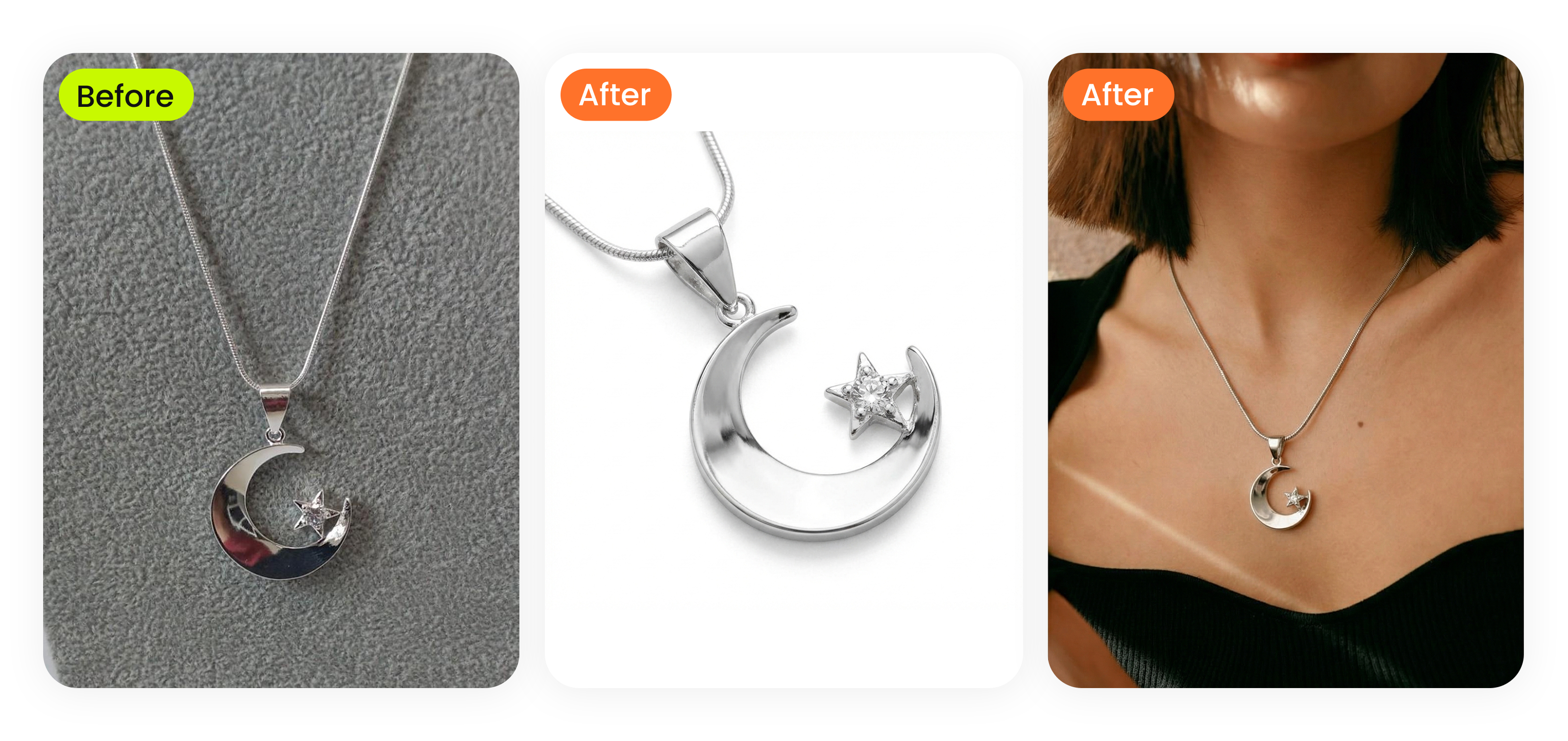
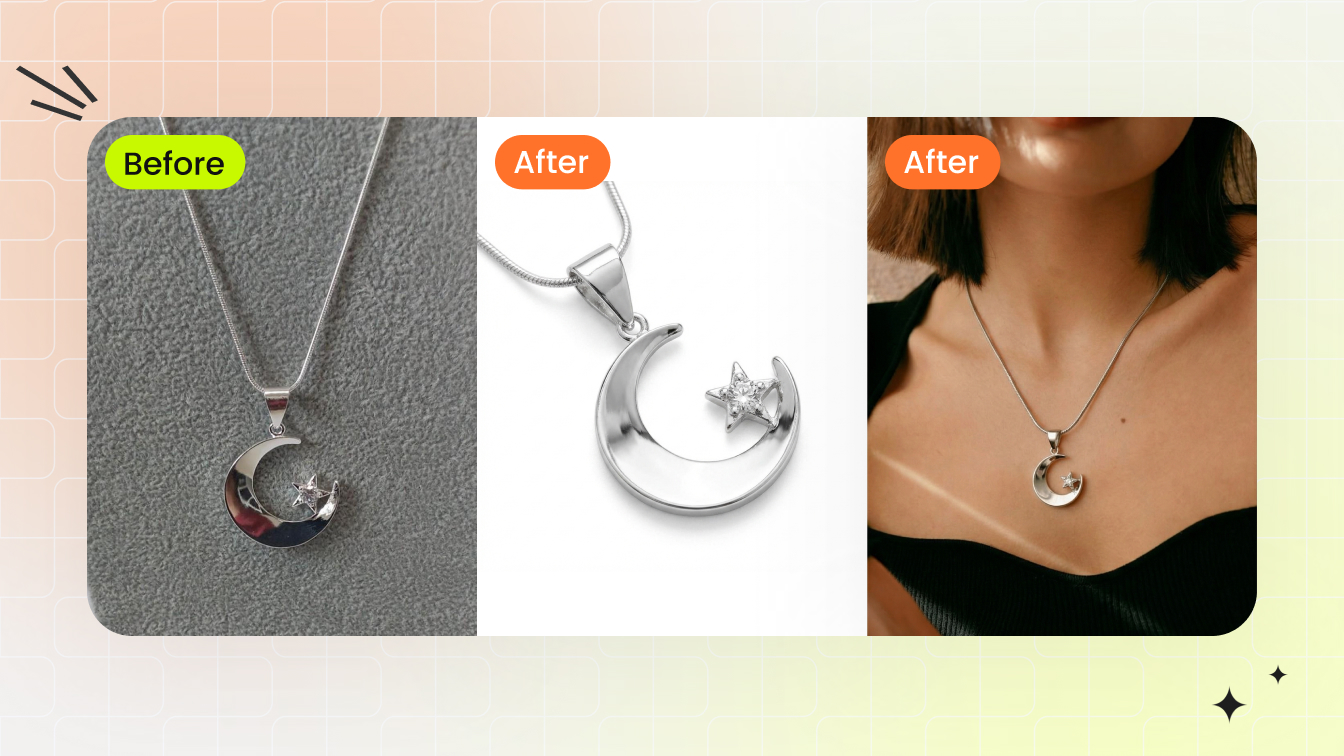
Full Listing Photo Sets in Under 2 Minutes — At Roughly $0.07 Per Image
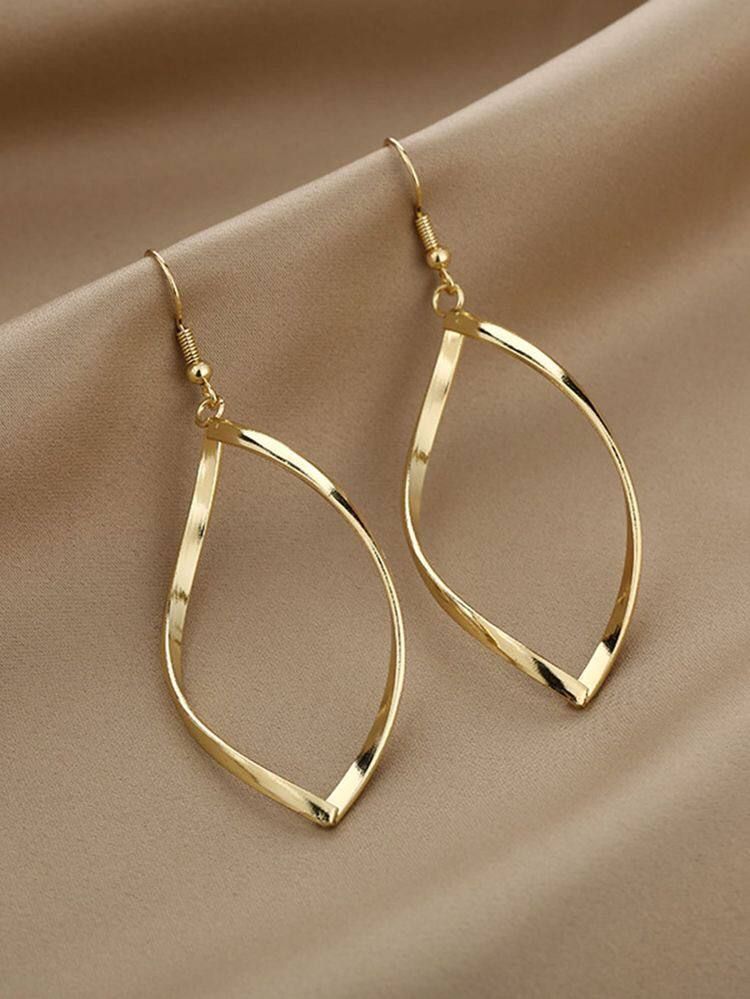
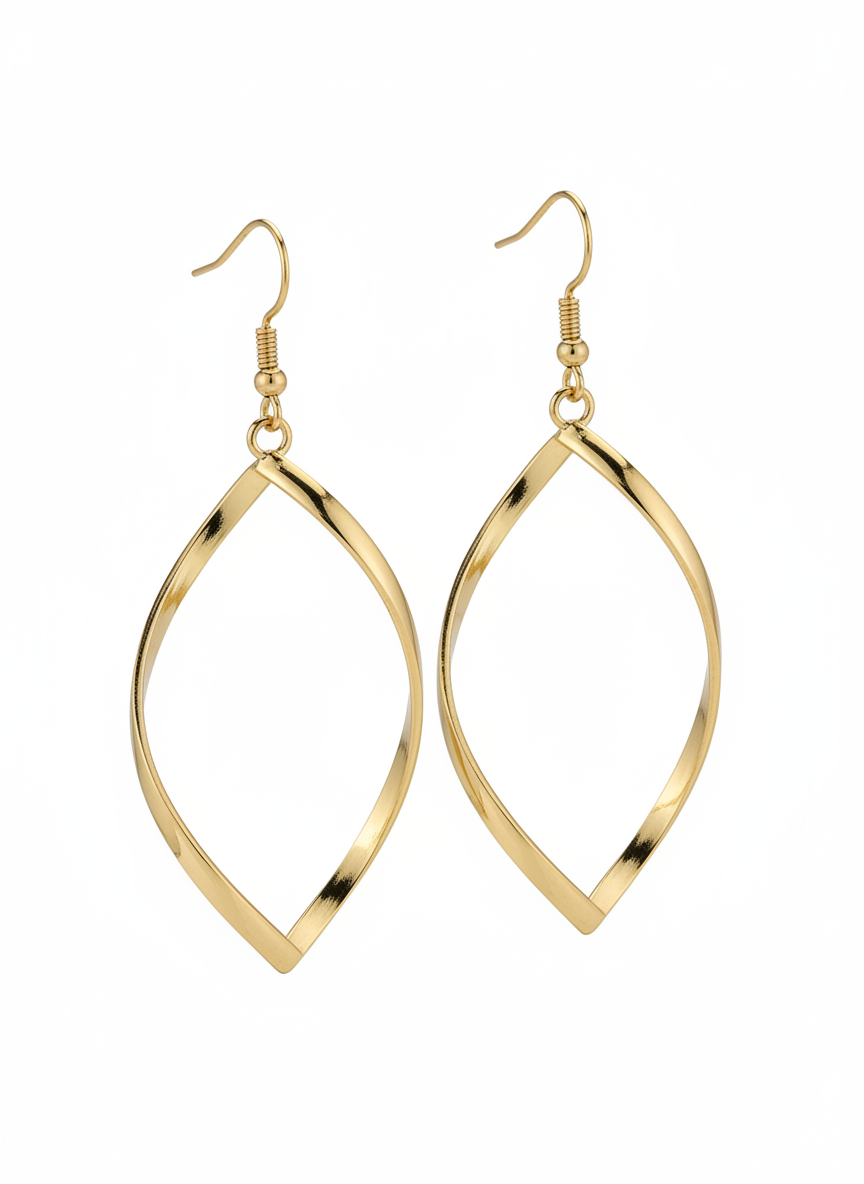
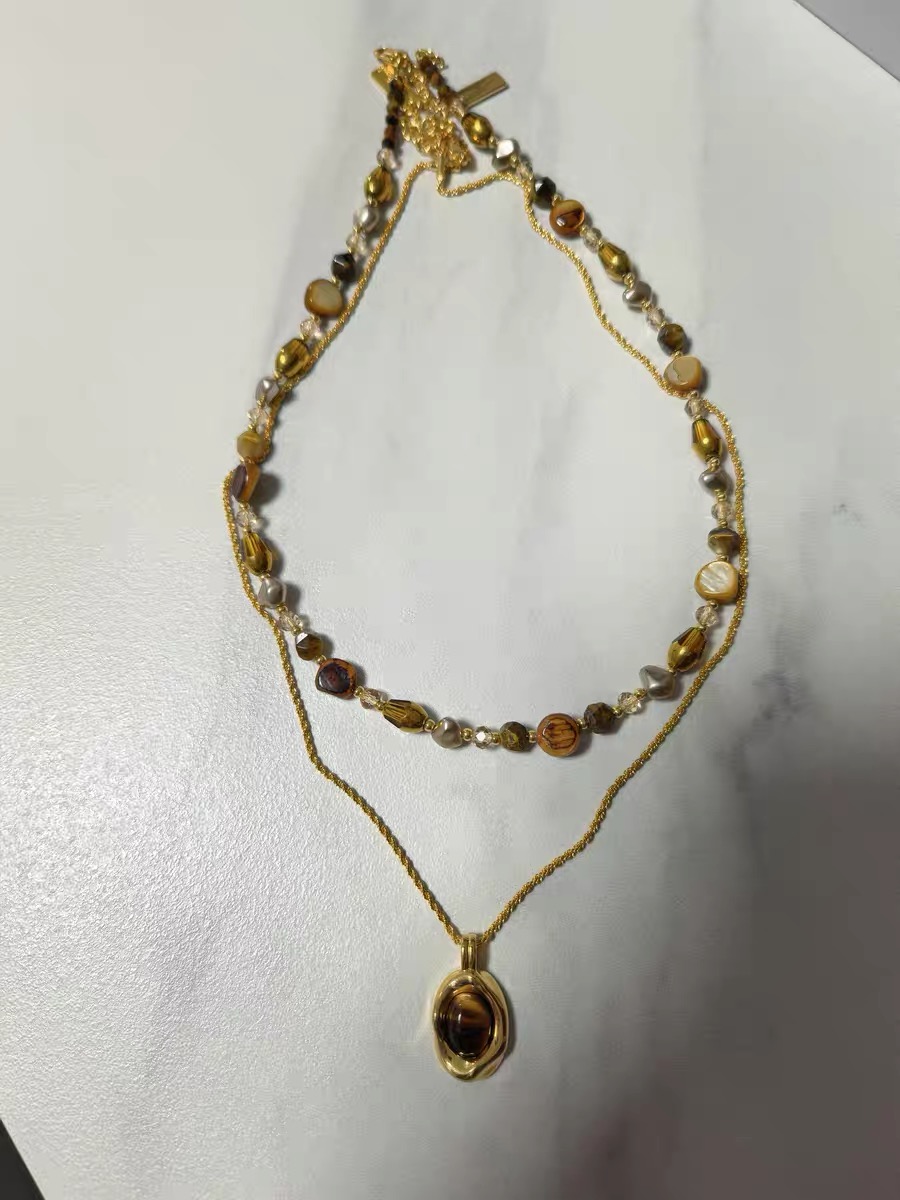
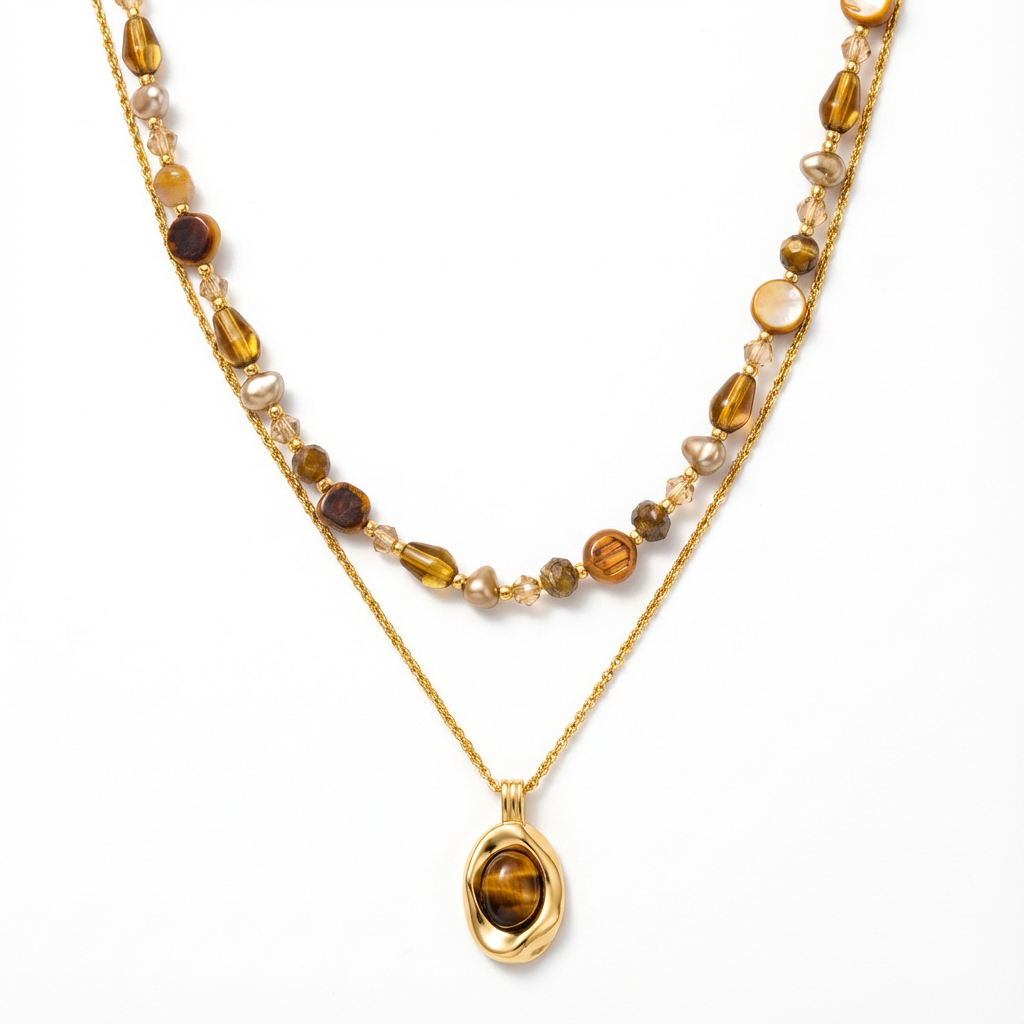
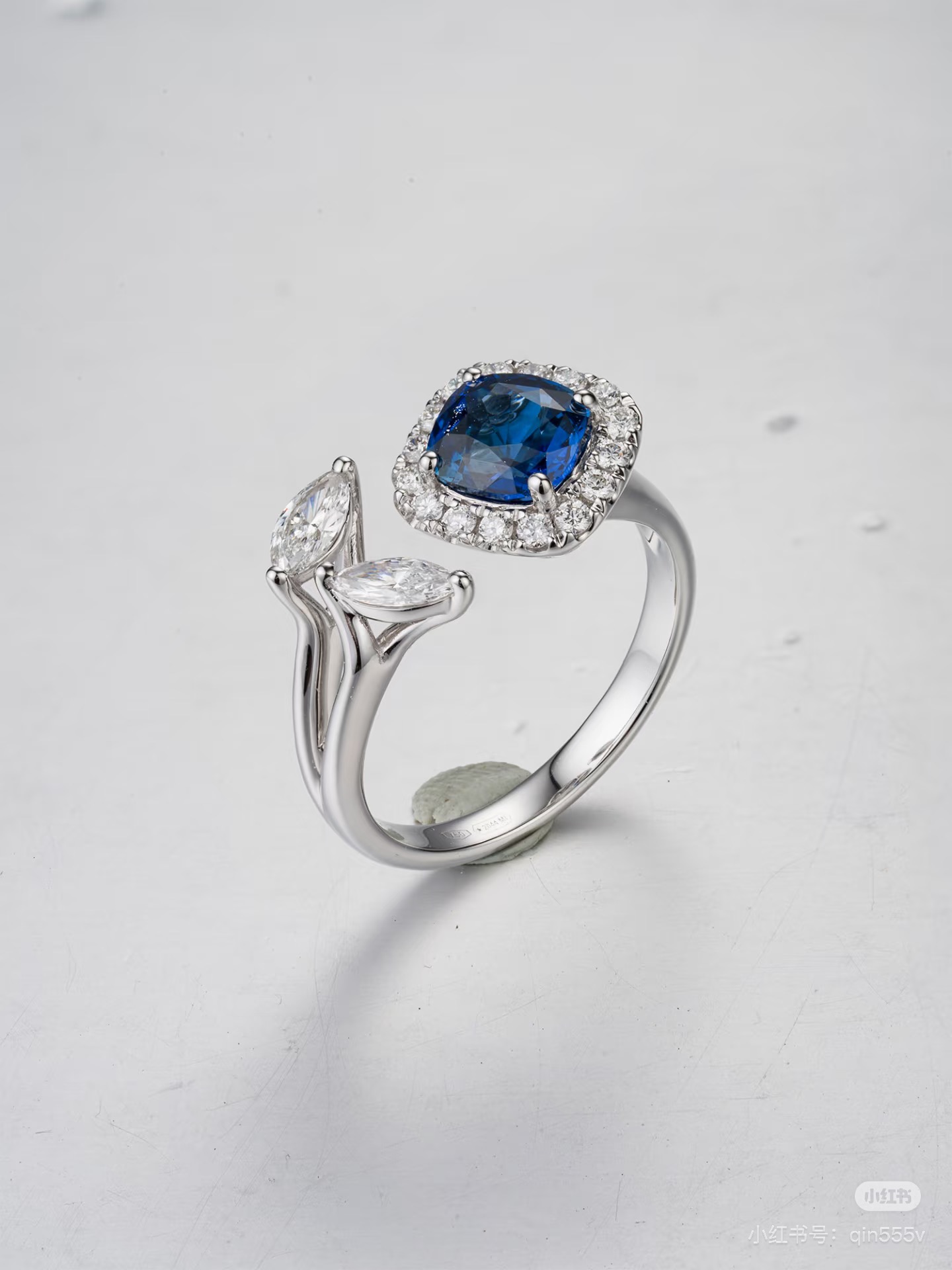
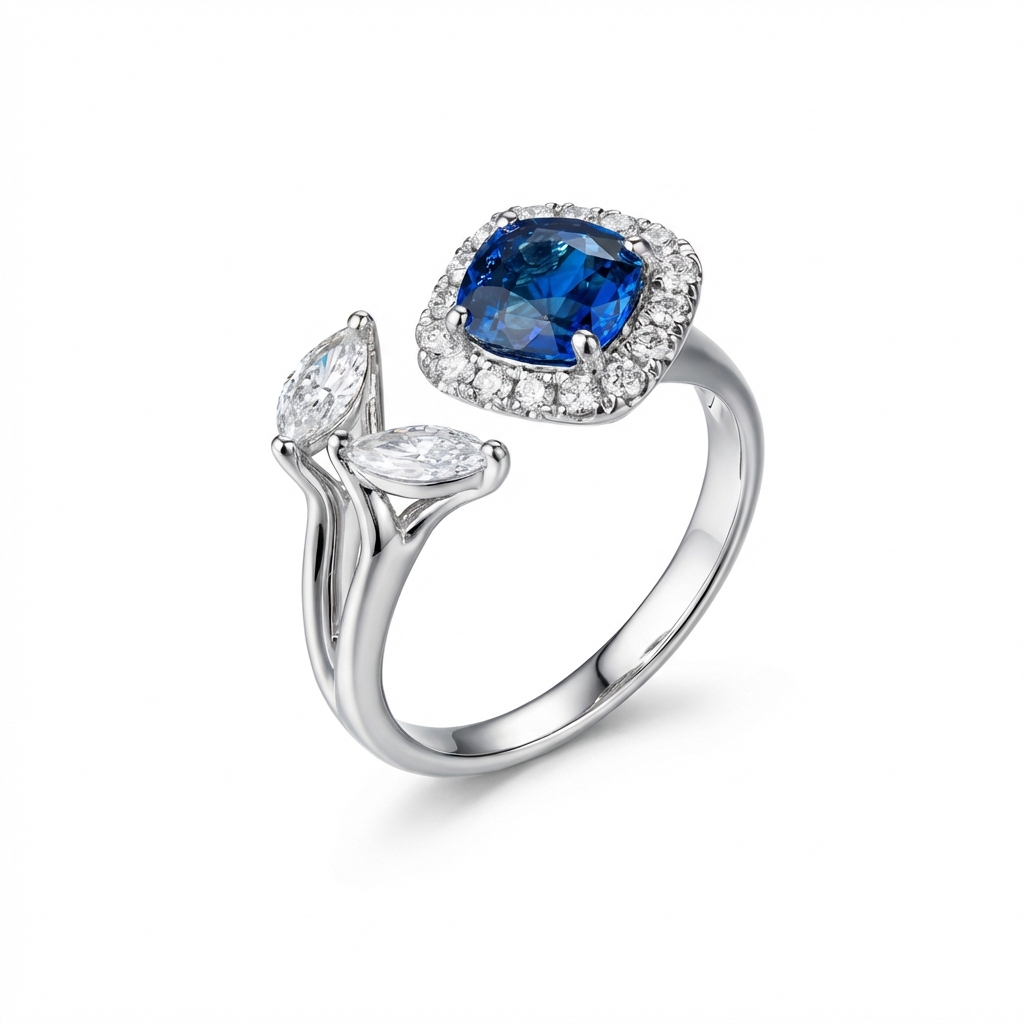
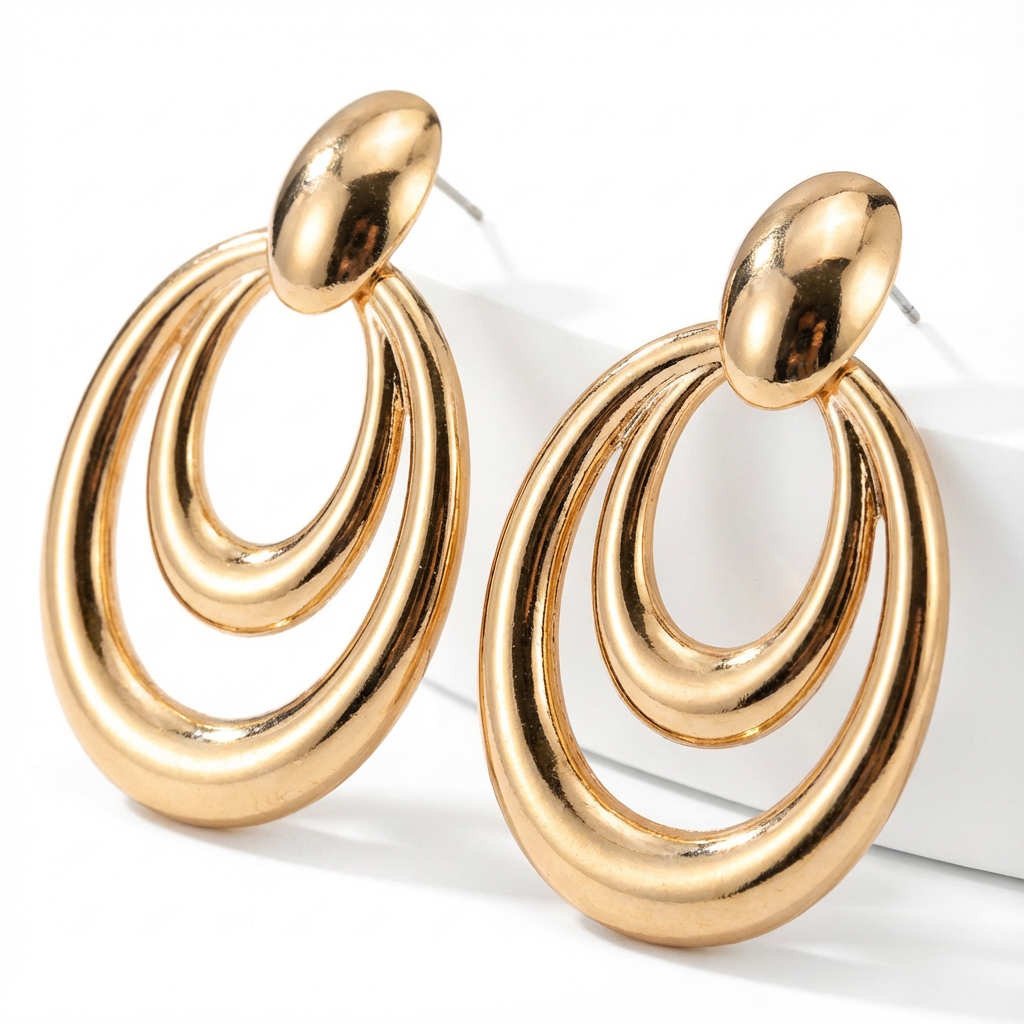
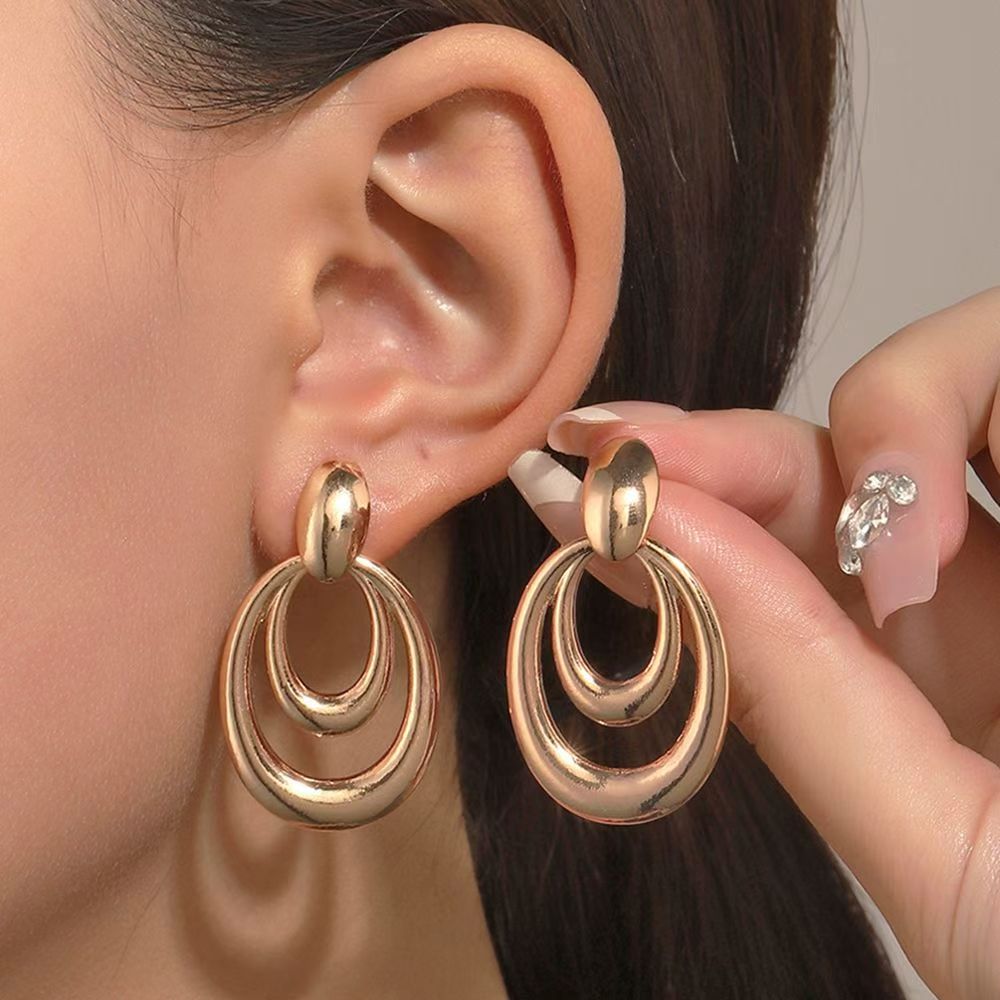
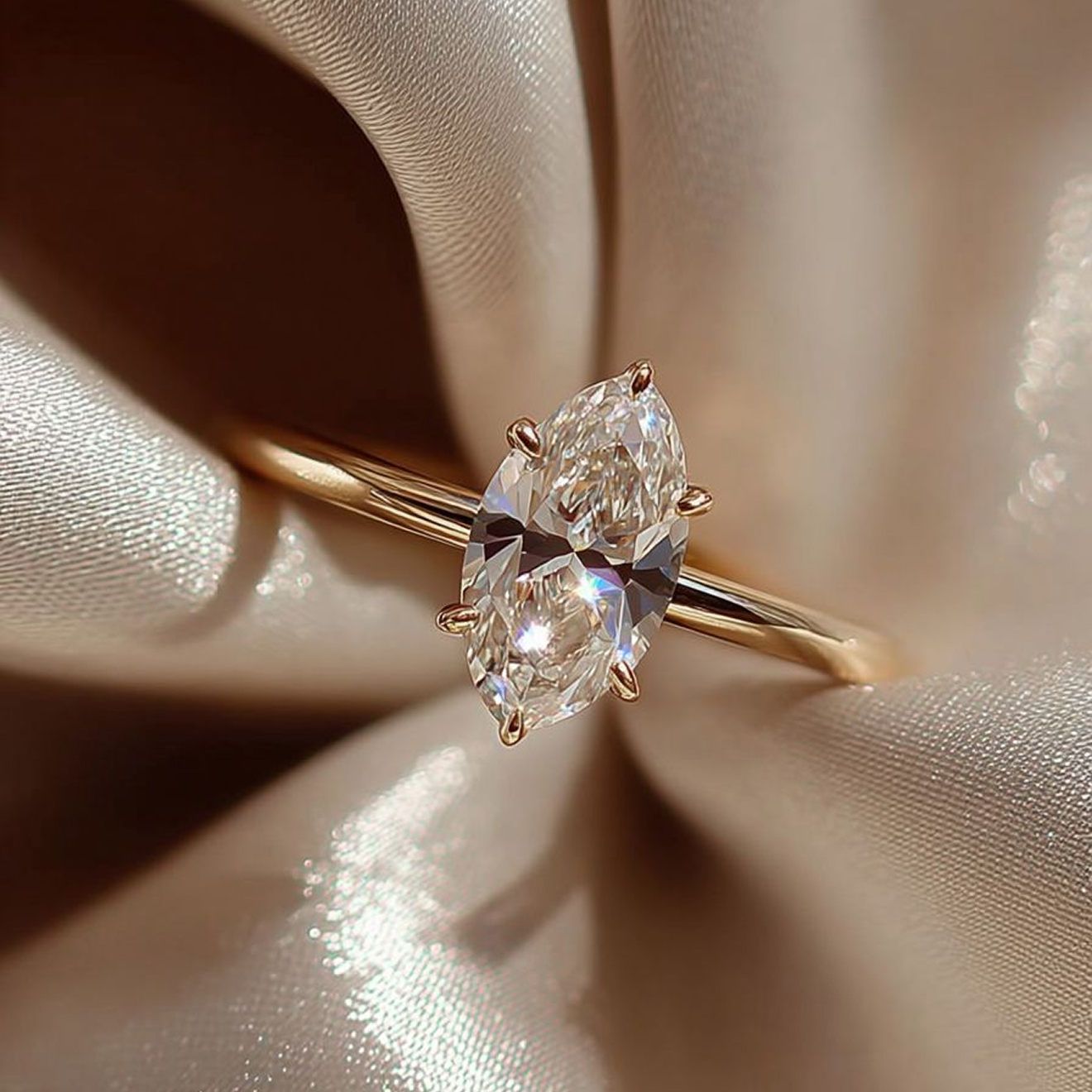
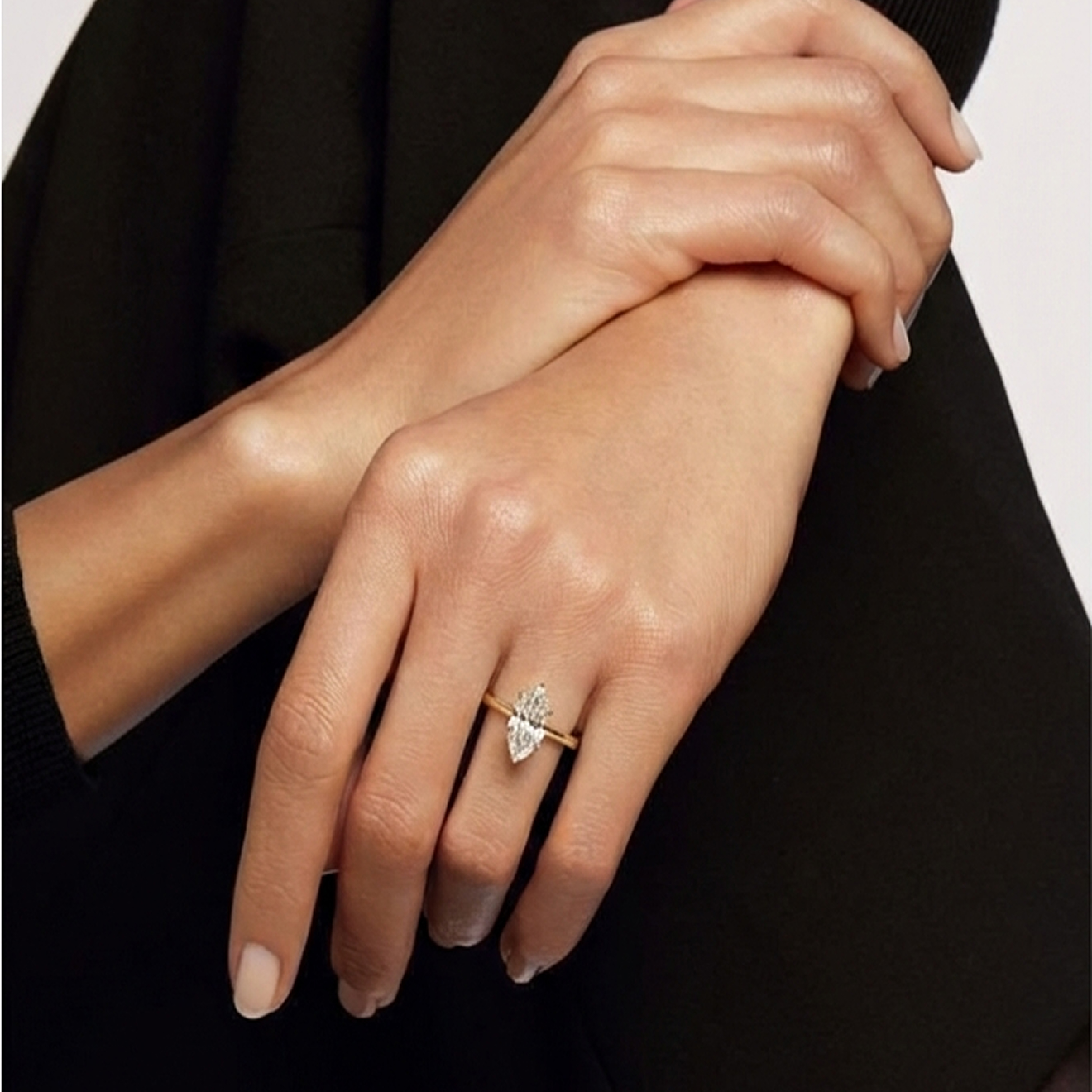
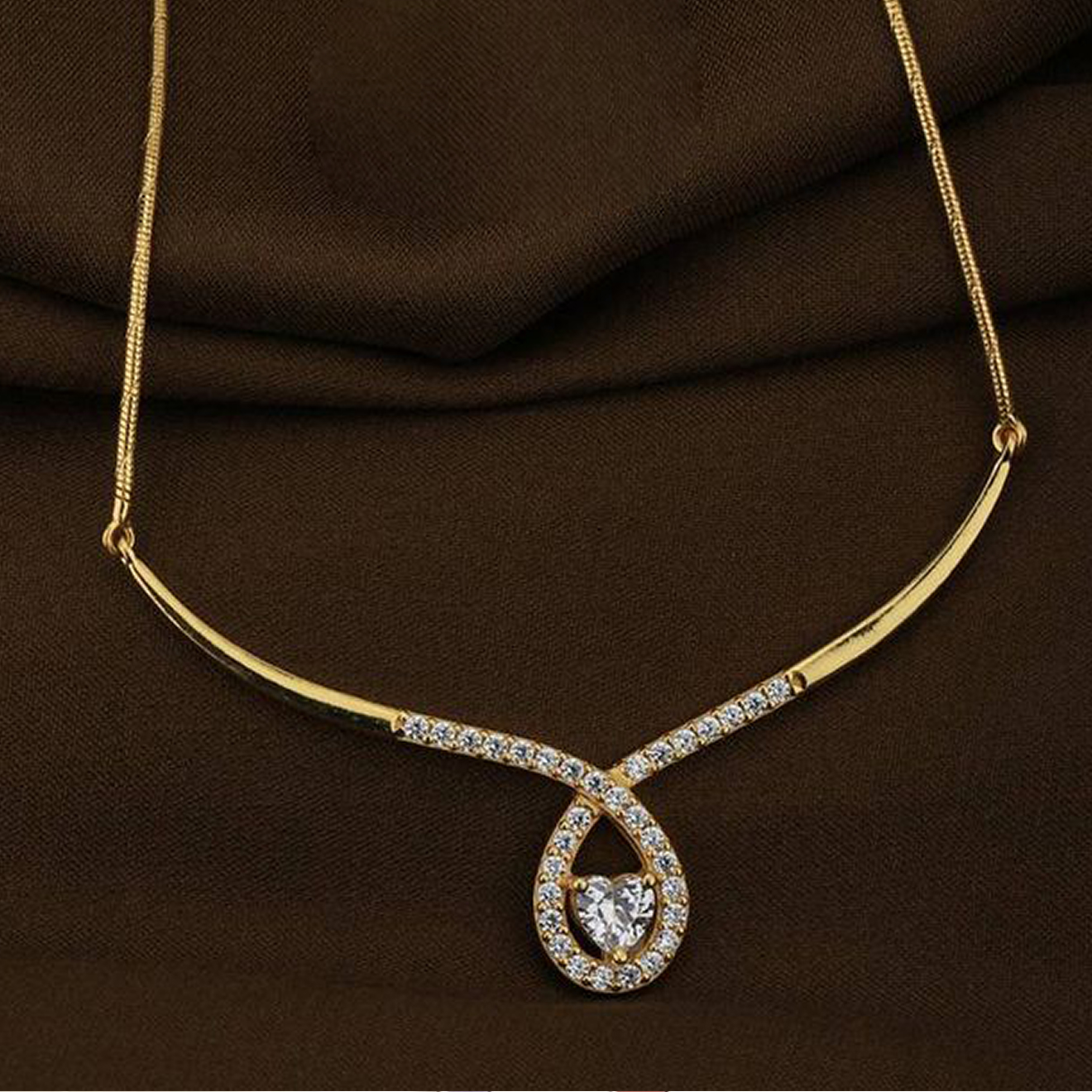
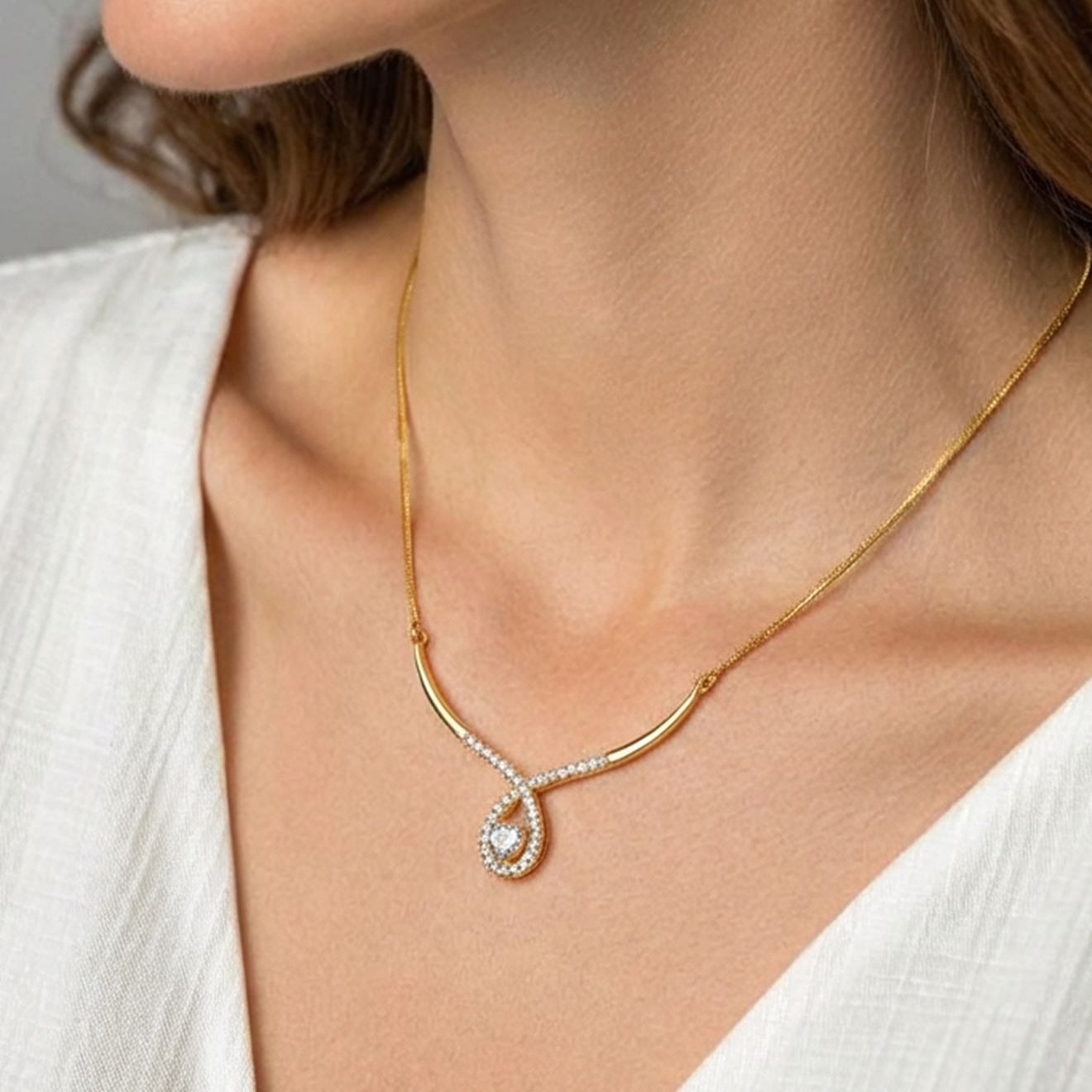
Each pair below is a complete listing photo set — a clean catalog main image from AI Jewelry Retouching, and an on-model lifestyle shot from AI Jewelry Model.
Snappyit Jewelry Editor vs a Traditional Jewelry Photography Workflow
Now you've seen the outputs. Here's what it would have cost to produce the same listing photo set through traditional channels.
| Method | Cost per image | 100 SKUs (6 photos each) | Turnaround | Scalable? |
|---|---|---|---|---|
| Raw supplier photos (free) | $0 | $0 | Instant | No — cluttered, not listing-ready |
| DIY photo studio setup | ~$1 + 15 min | $600 setup + 150 hrs | 3–6 weeks | No |
| Freelance jewelry retoucher | $5–$30 | $3,000–$18,000 | 2–7 days | No |
| Professional jewelry photographer + hand/ear model | $30–$150 | $18,000–$90,000 | 4–8 weeks | No |
| Snappyit Jewelry Editor (retouching + model, annual plan) | ~$0.07 | ~$42 | 1–2 hours | Yes |
Jewelry Editor = AI Jewelry Retouching + AI Jewelry Model
Two workflows, one subscription.
AI Jewelry Retouching — Clean White Background, Polished Metal, Brilliant Gemstones
Turn any phone shot, in-box photo, or supplier image into a listing-ready catalog shot. Backgrounds replaced with clean white or soft studio gradients, metal polished to remove dust and micro-scratches, gemstone brilliance enhanced — without shifting the stone's actual color or cut.
Start Creating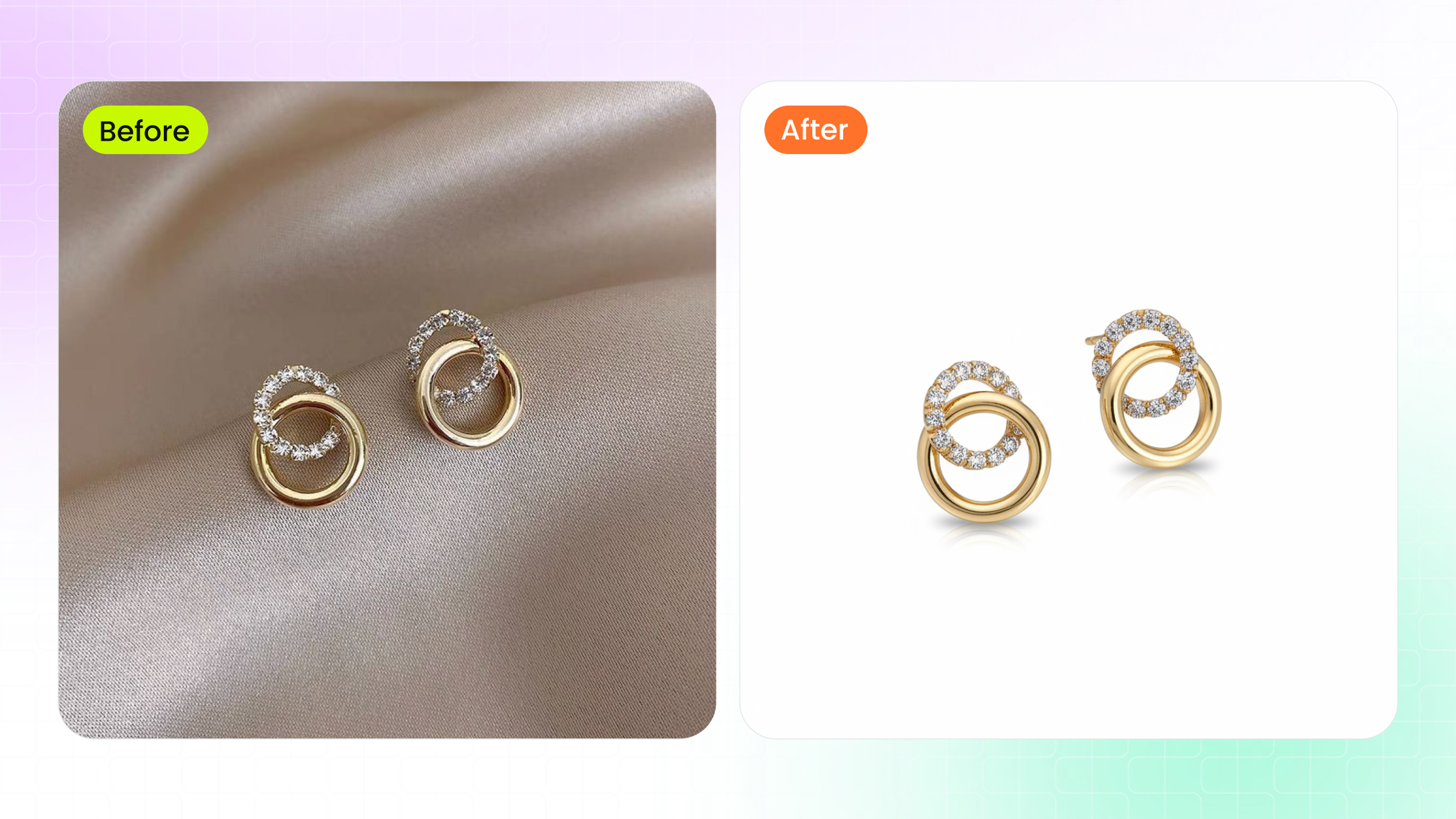
AI Jewelry Model — On-Model Template Shots Without a Photoshoot
Pick a model template — hand for rings, ear for earrings, neck for necklaces, wrist for bracelets — and your piece is placed on the template at the right scale and angle. Same source upload, consistent output, no booking, no retouching queue.
Start Creating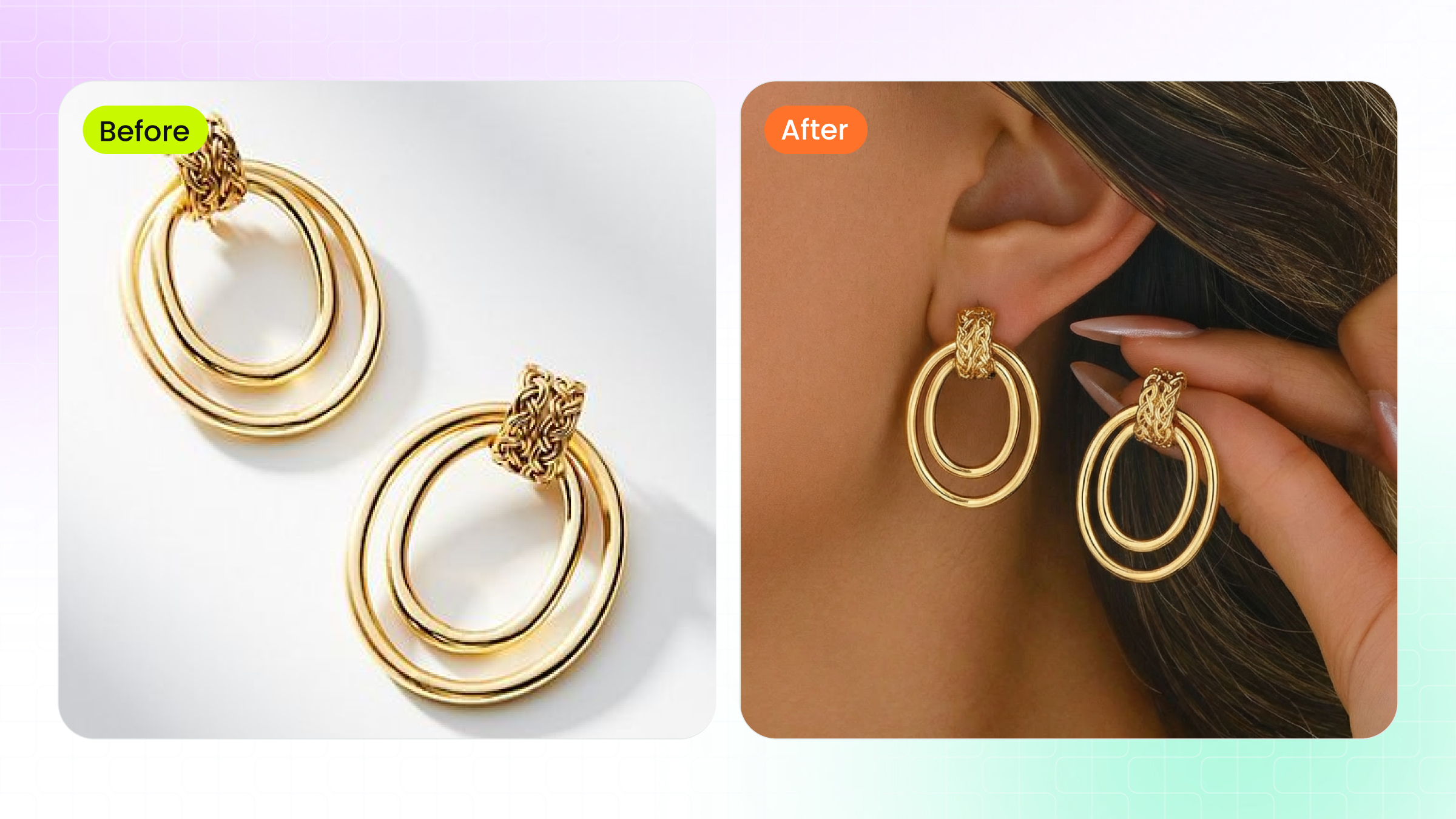
From Source Photo to Full Listing Set in 3 Steps
Two workflows in one subscription.
Three Seller Profiles Using the Jewelry Editor Today
Different sellers combine AI Jewelry Retouching and AI Jewelry Model in slightly different ways.
- Brand-consistent catalog and on-model imagery at scale
- No more model bookings or retoucher queues for every SKU
- Reuse one AI model template aesthetic across the full catalog
- Clean catalog main image that meets every marketplace's photo policy
- On-model template shots for the scale and lifestyle listing slots
- Consistent aesthetic across every listing photo in the shop grid
- Turn raw supplier photos into on-brand catalog images in one pass
- Add on-model template shots that competitors can't pull from the same supplier feed
- One workflow replaces both retouching and model hire costs
One Upload, Ready for Every Channel
Output images meet the main-image requirements of every major jewelry marketplace.
The Rest of the Snappyit Toolkit
Jewelry Editor is included in every subscription. Layer these on for flat lay scenes, color changes, and short listing videos.
Jewelry Editor — Common Questions
Snappyit Jewelry Editor — All-in-One AI Tools for Jewelry Sellers
Skip the studio, the model booking, and the retoucher wait. Upload any jewelry photo, run AI Jewelry Retouching for the catalog image, choose an AI Jewelry Model template for the on-model shot — both listing-ready in under two minutes.
Read Next: Growing a Jewelry Shop