TheNewBlack vs Snappyit for AI Fashion Photos
Ghost Mannequin, Fashion Model and Recolor results, settings and pricing from August 2026.
Try the three tested tools with your own garment
Click or drag image here
Upload one source image, choose a tool, and review the full-resolution result.
TheNewBlack test setup: one coat, three AI image tasks
On August 26, 2026, we tested one hanging-coat photo in TheNewBlack and Snappyit, then saved the settings screens and downloaded outputs for Ghost Mannequin, Fashion Model and Recolor.
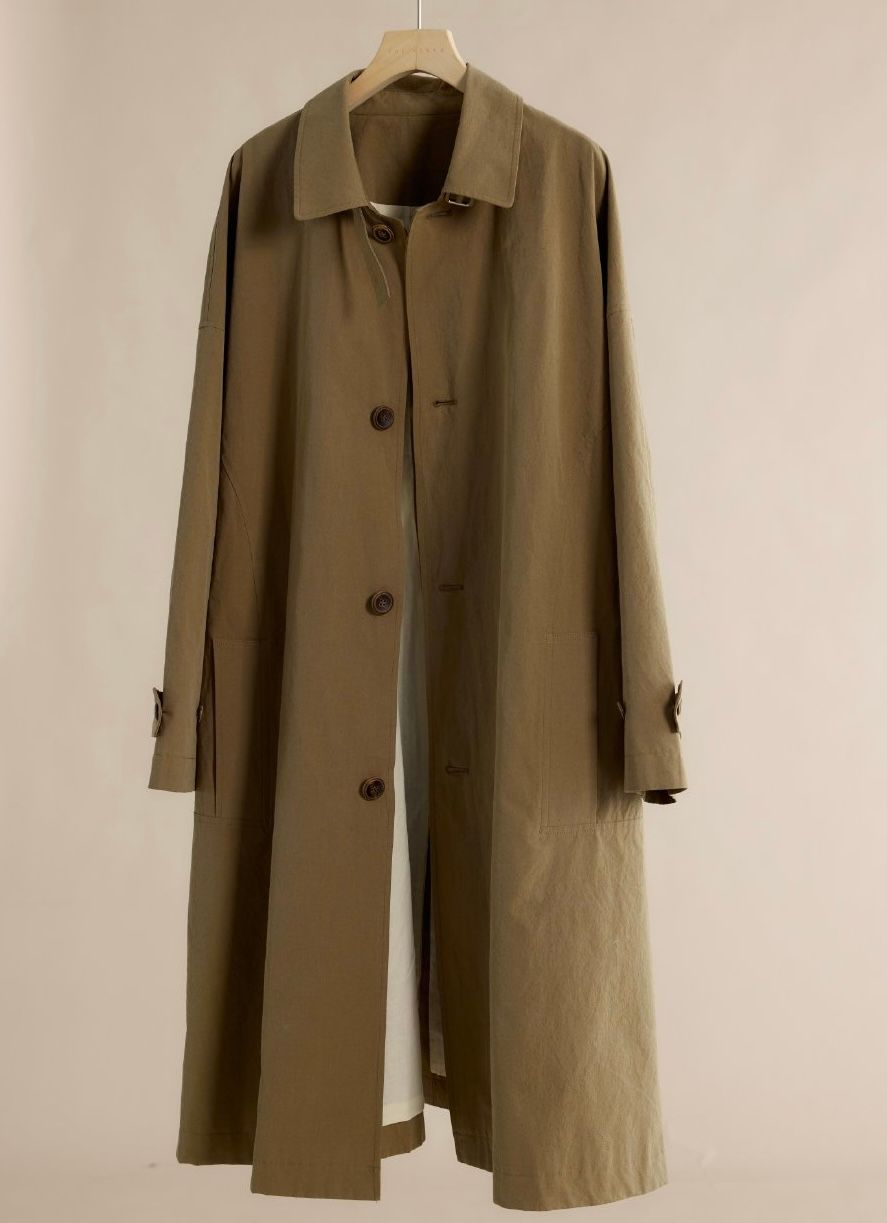
Ghost Mannequin test: from hanger photo to catalog front
We checked how each tool removed the hanger and rebuilt the neckline, inner layer, pockets, sleeve tabs and drape.
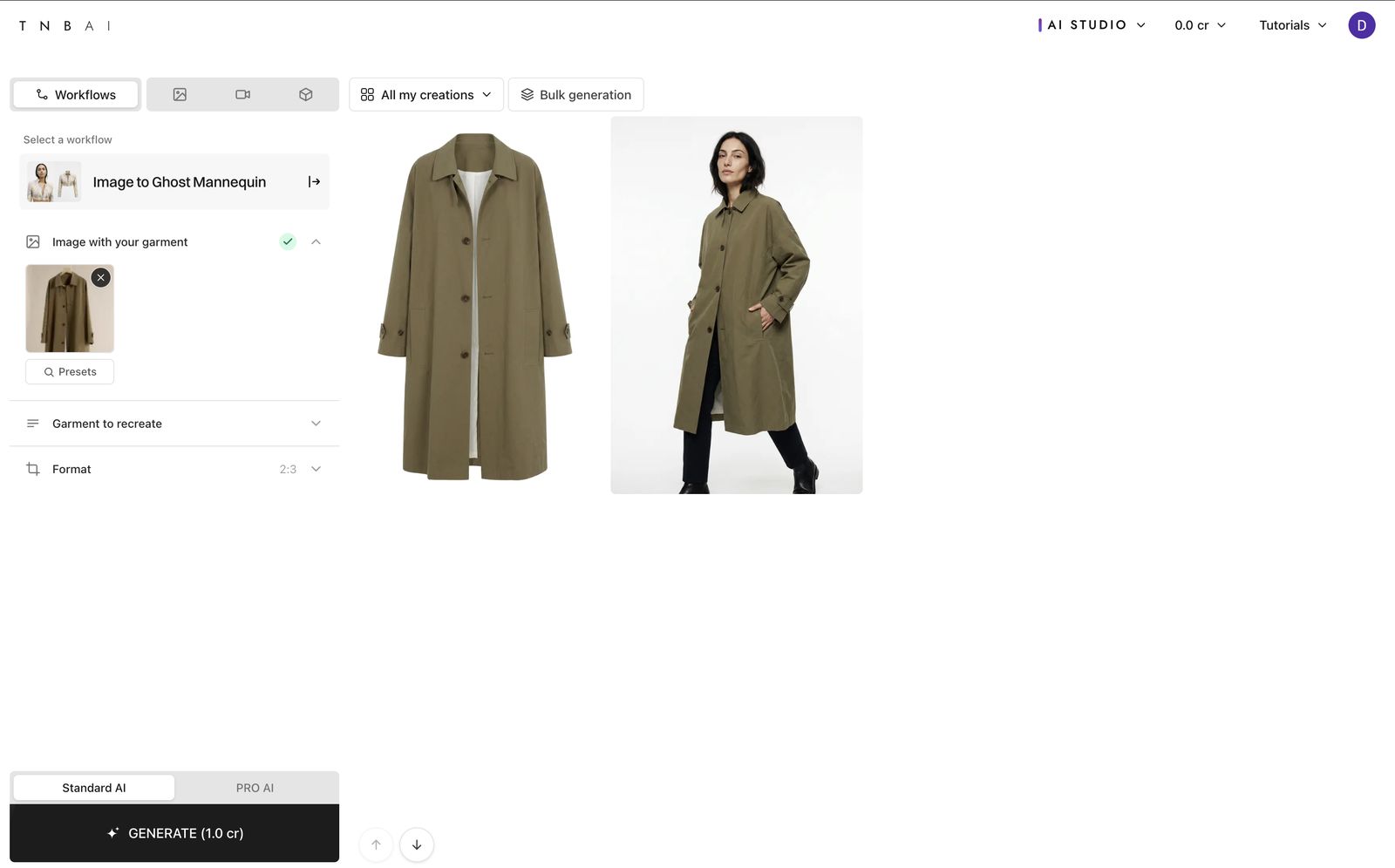
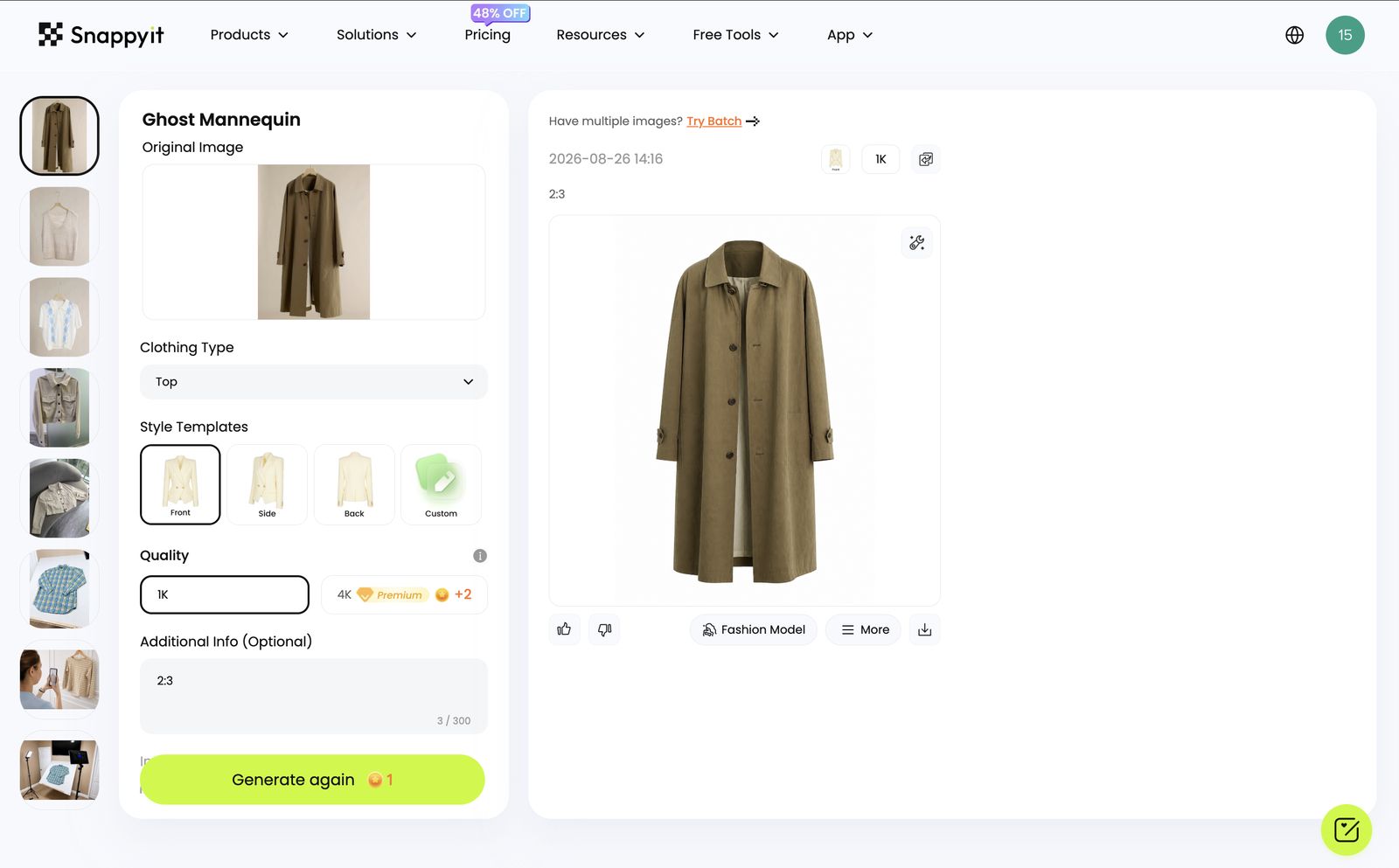
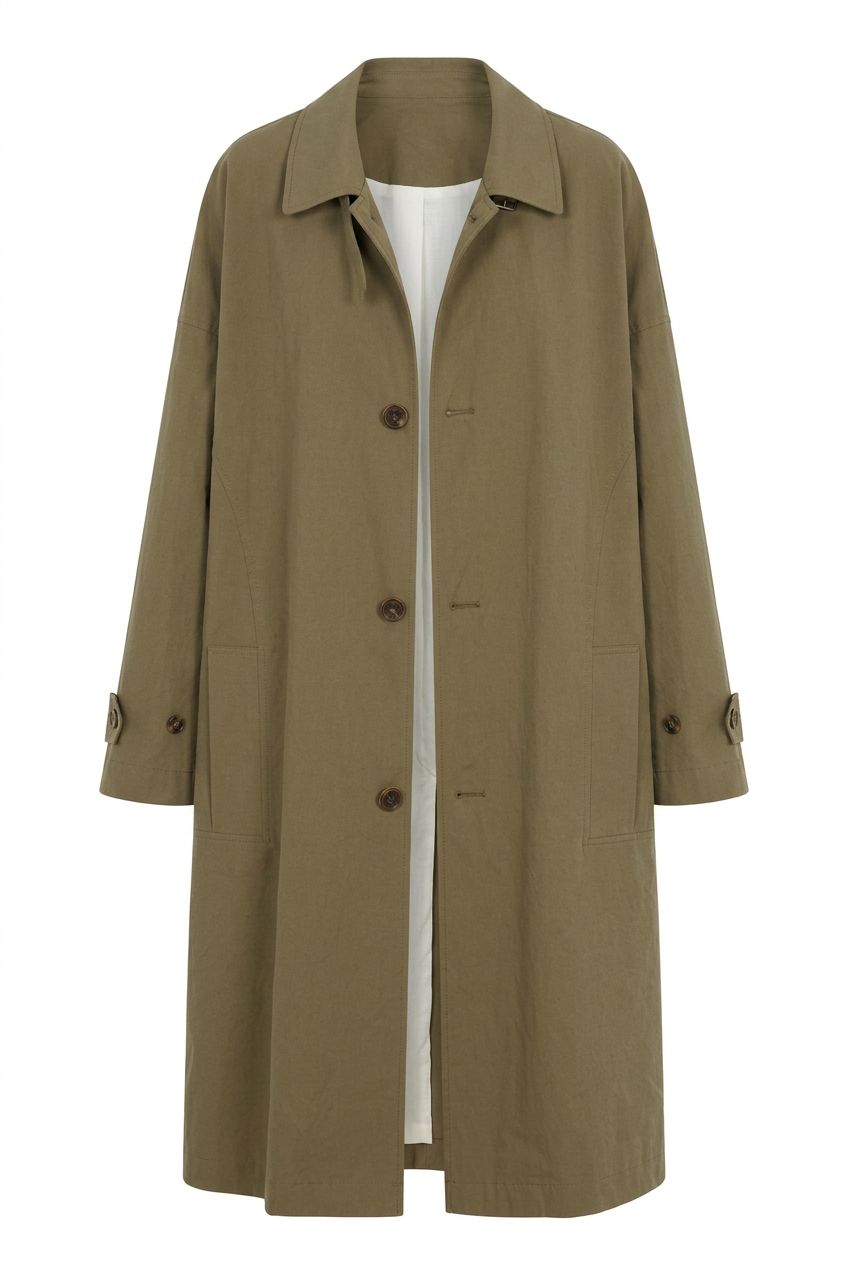
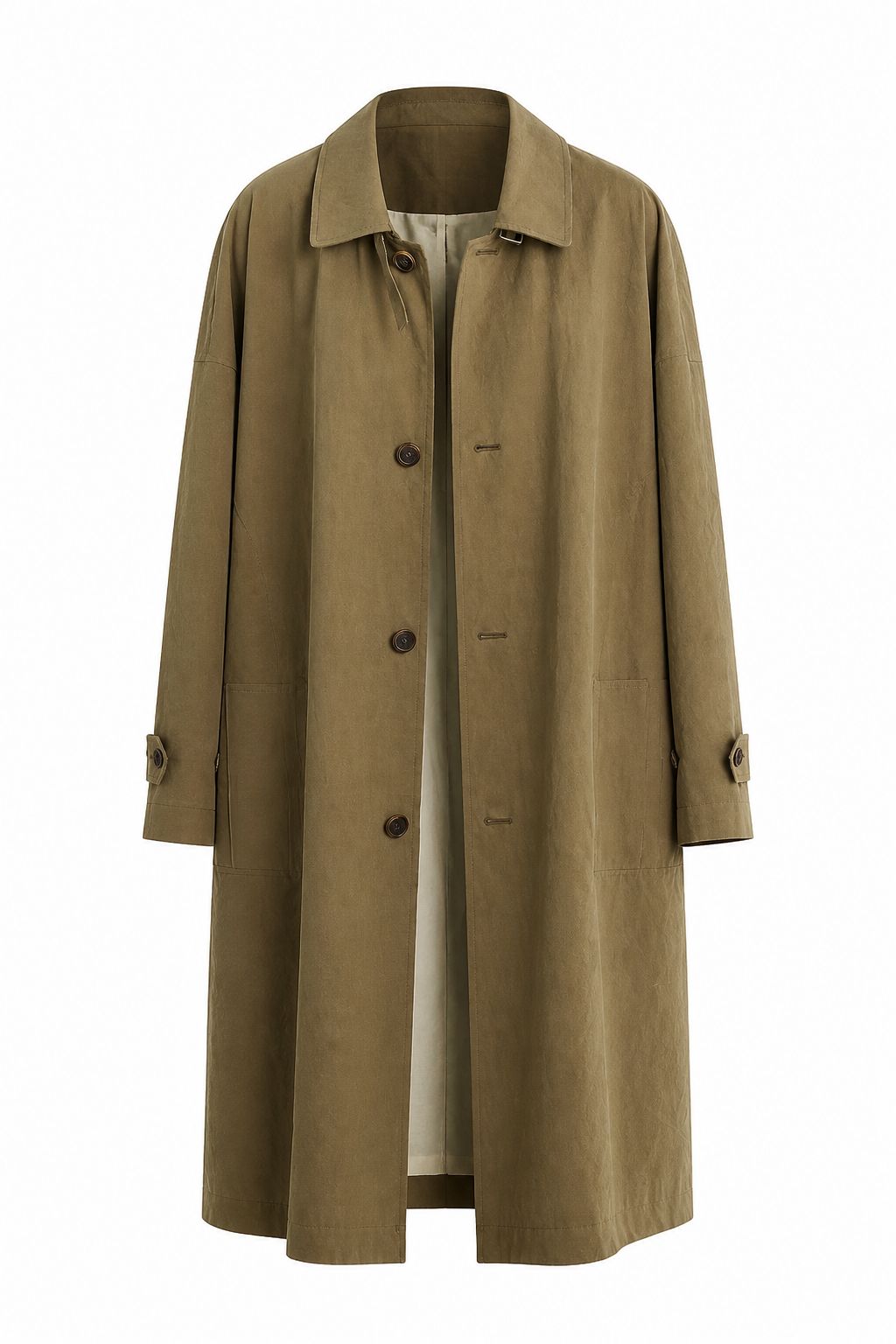
What changed: both outputs remove the hanger and background while keeping the olive tone, button line and long silhouette. TheNewBlack returns a wider, more symmetrical neckline with a brighter inner layer; Snappyit keeps warmer fabric shading and a narrower front opening. Check sleeve tabs, pockets and drape against the physical coat.
Fashion Model test: product-to-model controls compared
The source garment stayed fixed, but each platform used different model and pose controls. We compared garment transfer rather than identical poses.
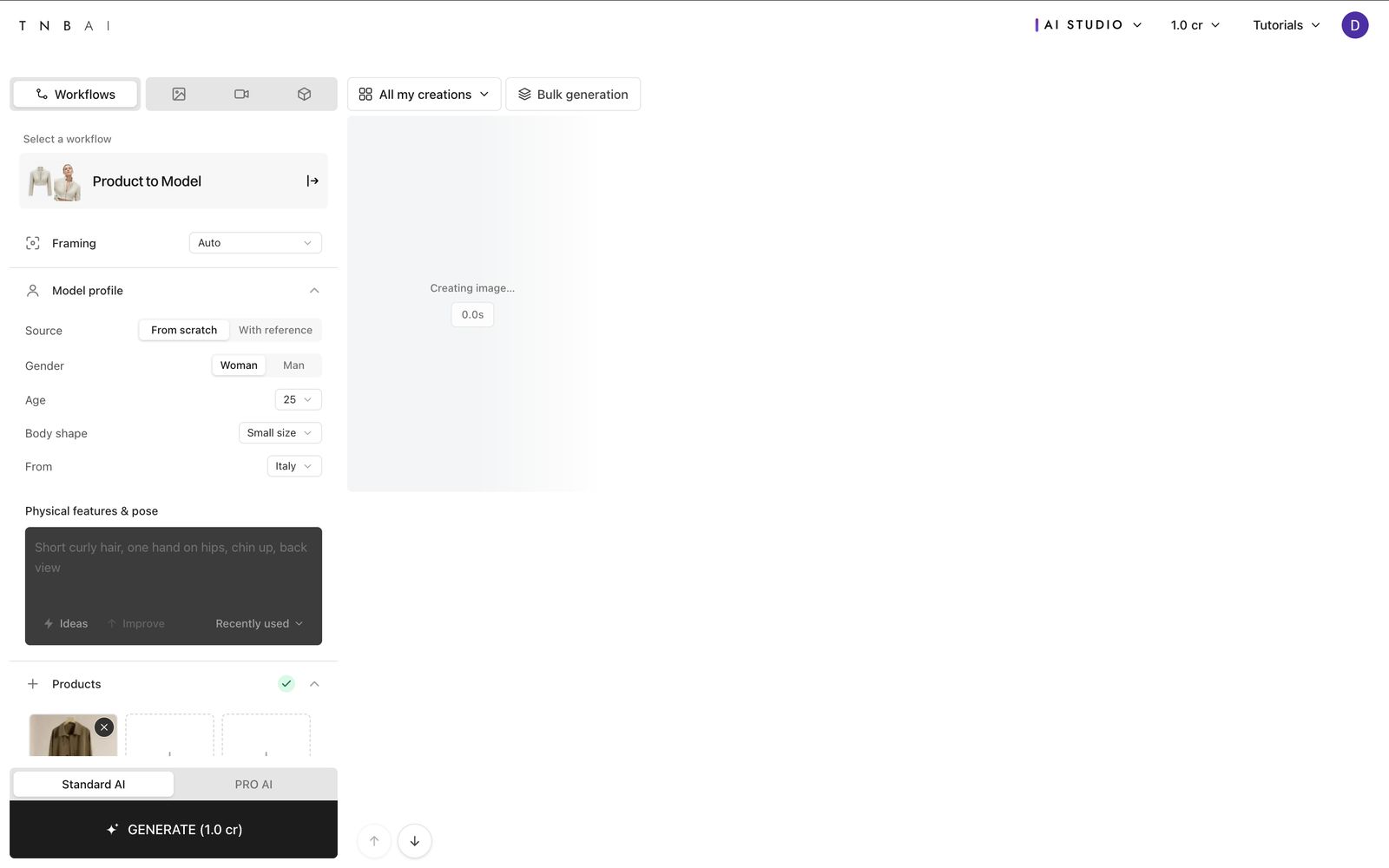
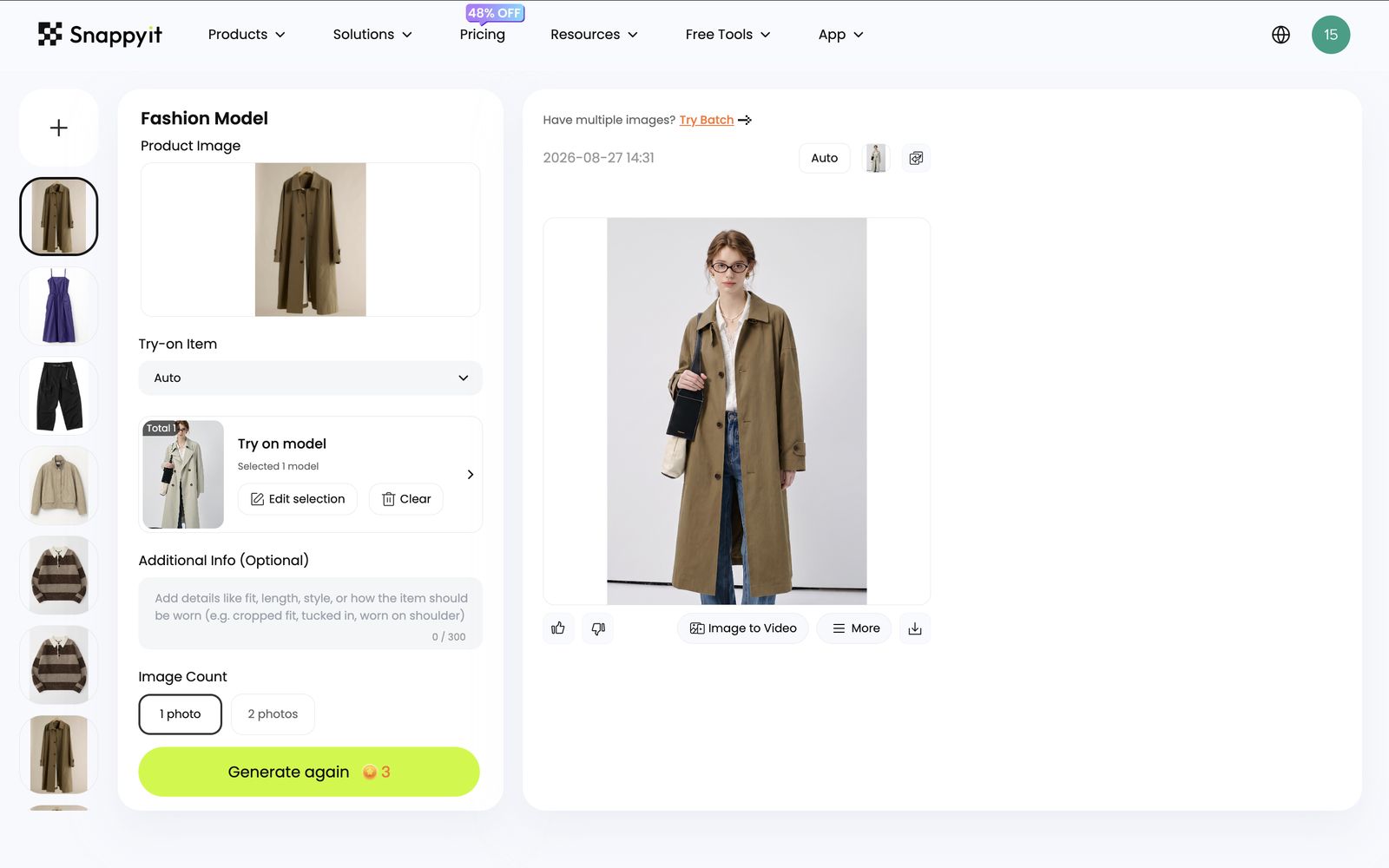
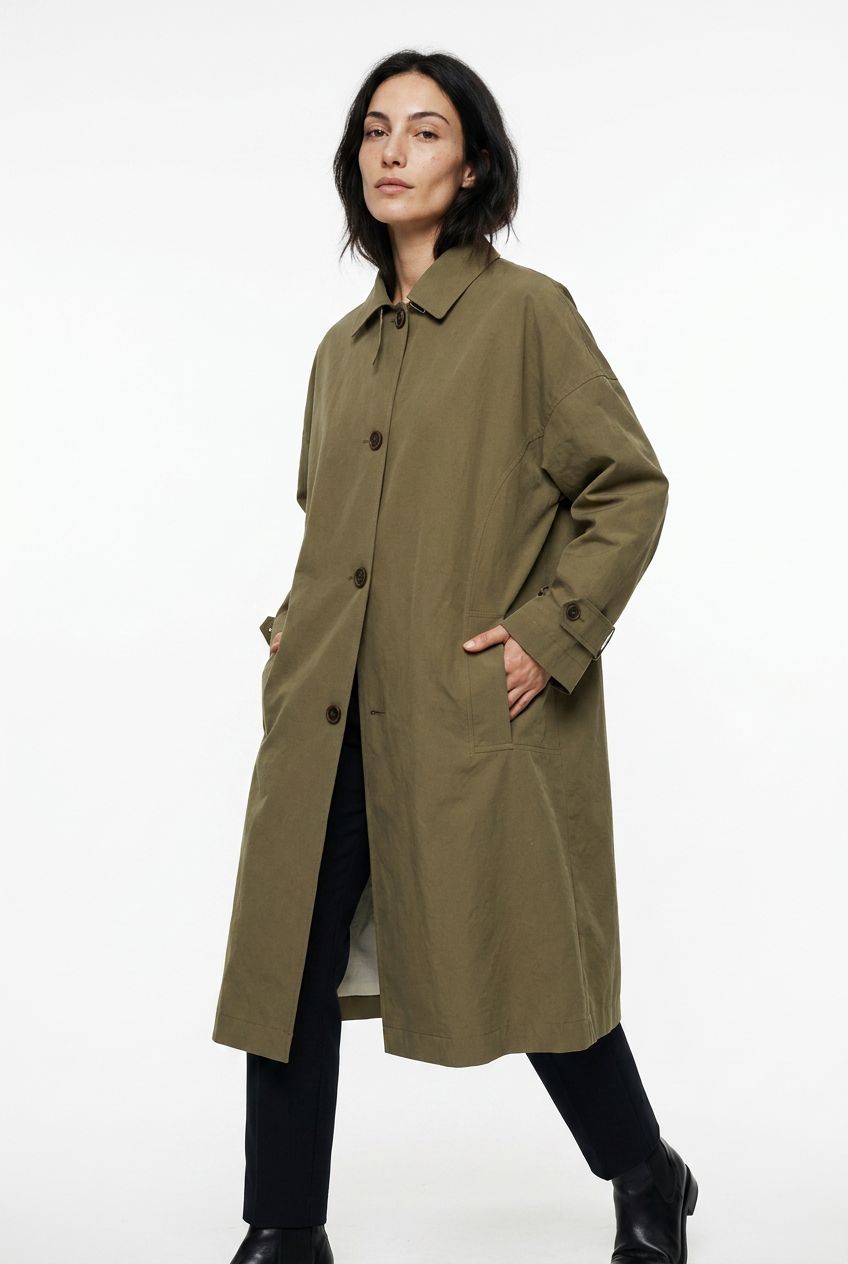
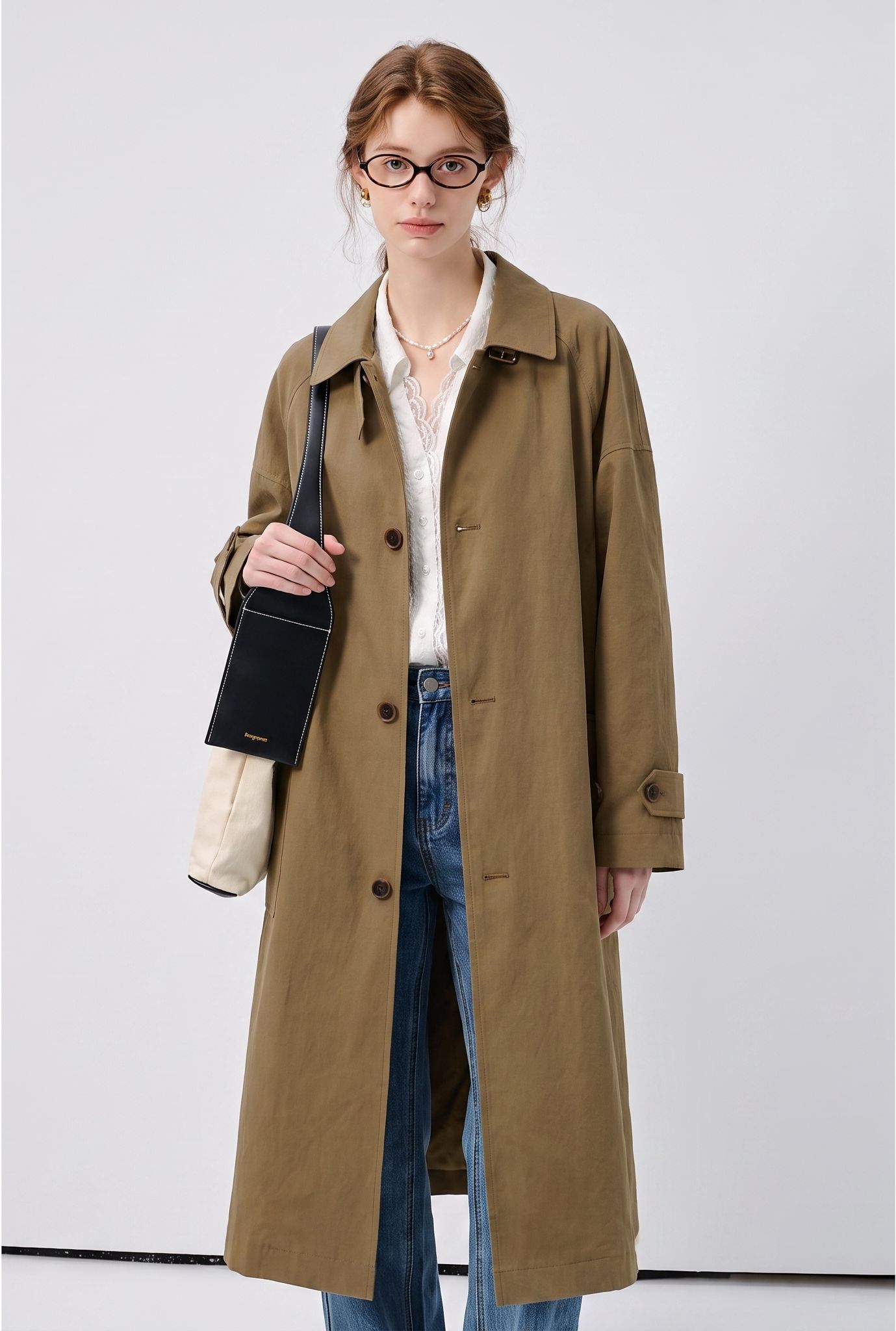
What changed: TheNewBlack produces a walking three-quarter crop on white, while Snappyit returns a front-facing studio composition with glasses and a black shoulder bag. Both keep the long olive coat and cuff straps, but reinterpret collar shape, button spacing, sleeve volume and front closure. Because the framing and pose differ, this test is useful for comparing garment transfer, not overall image quality.
Recolor test: one hex target, two blush-pink results
We entered #FFDAD8 in both tools and compared the returned hue, silhouette and construction details.
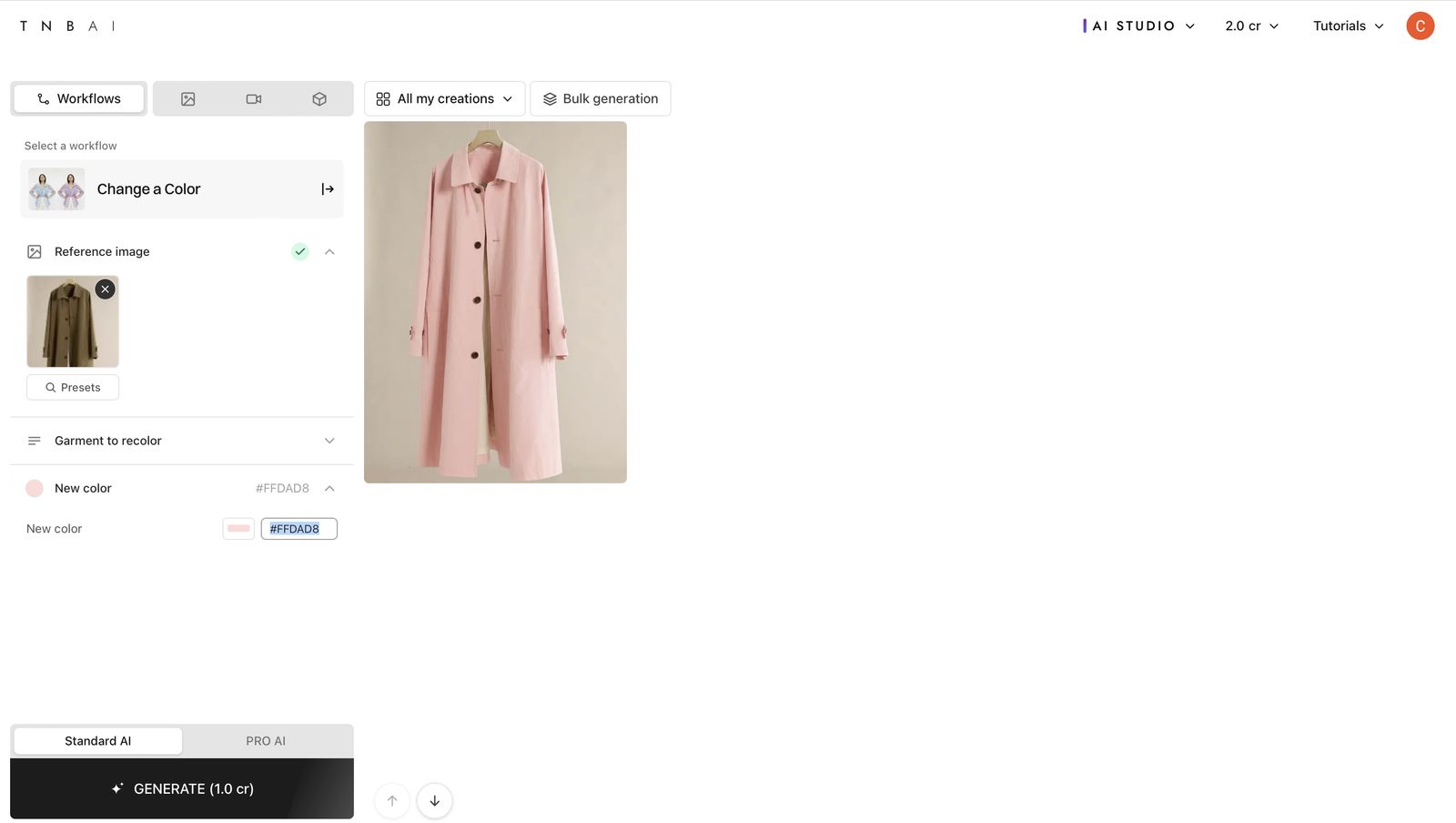
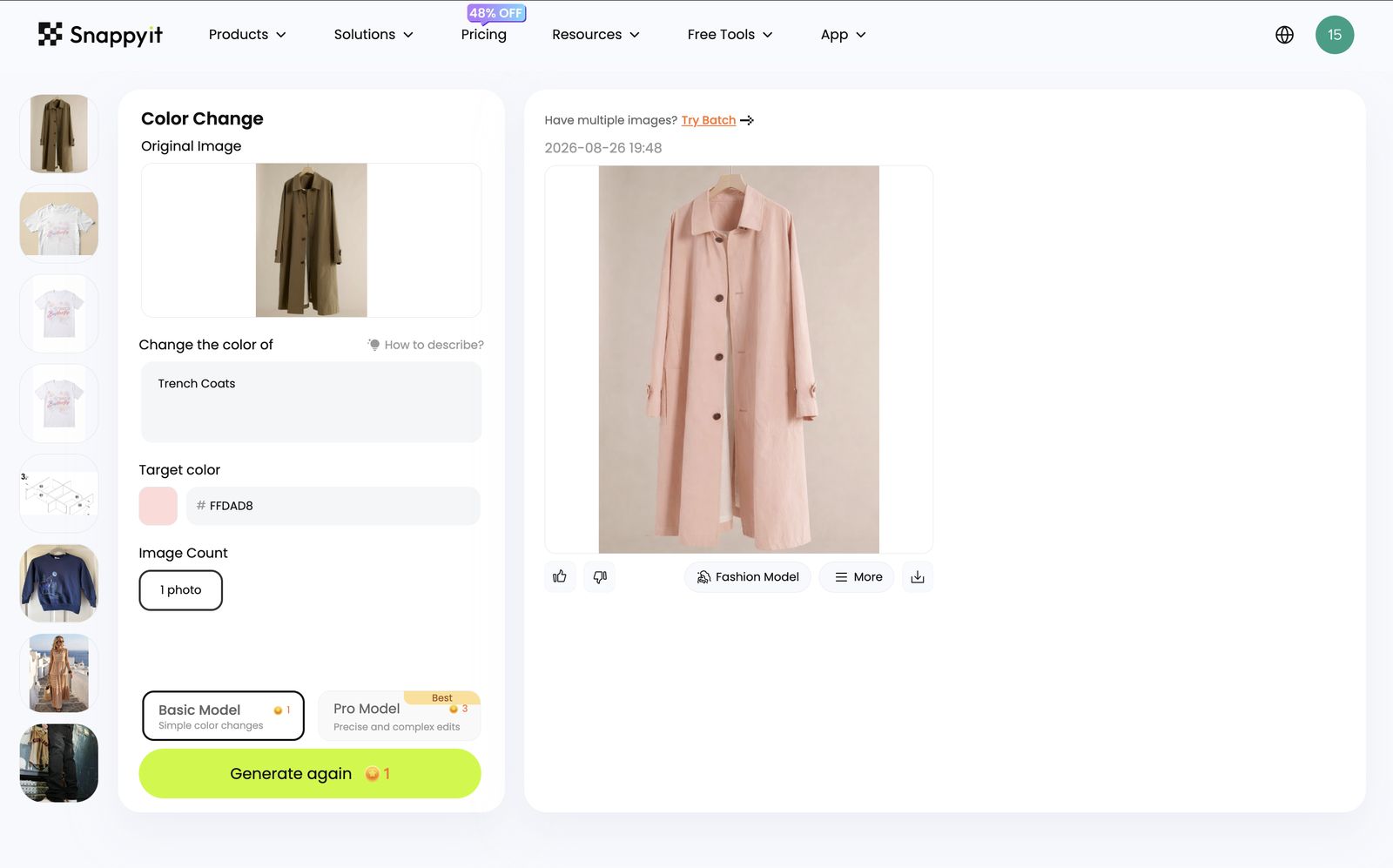
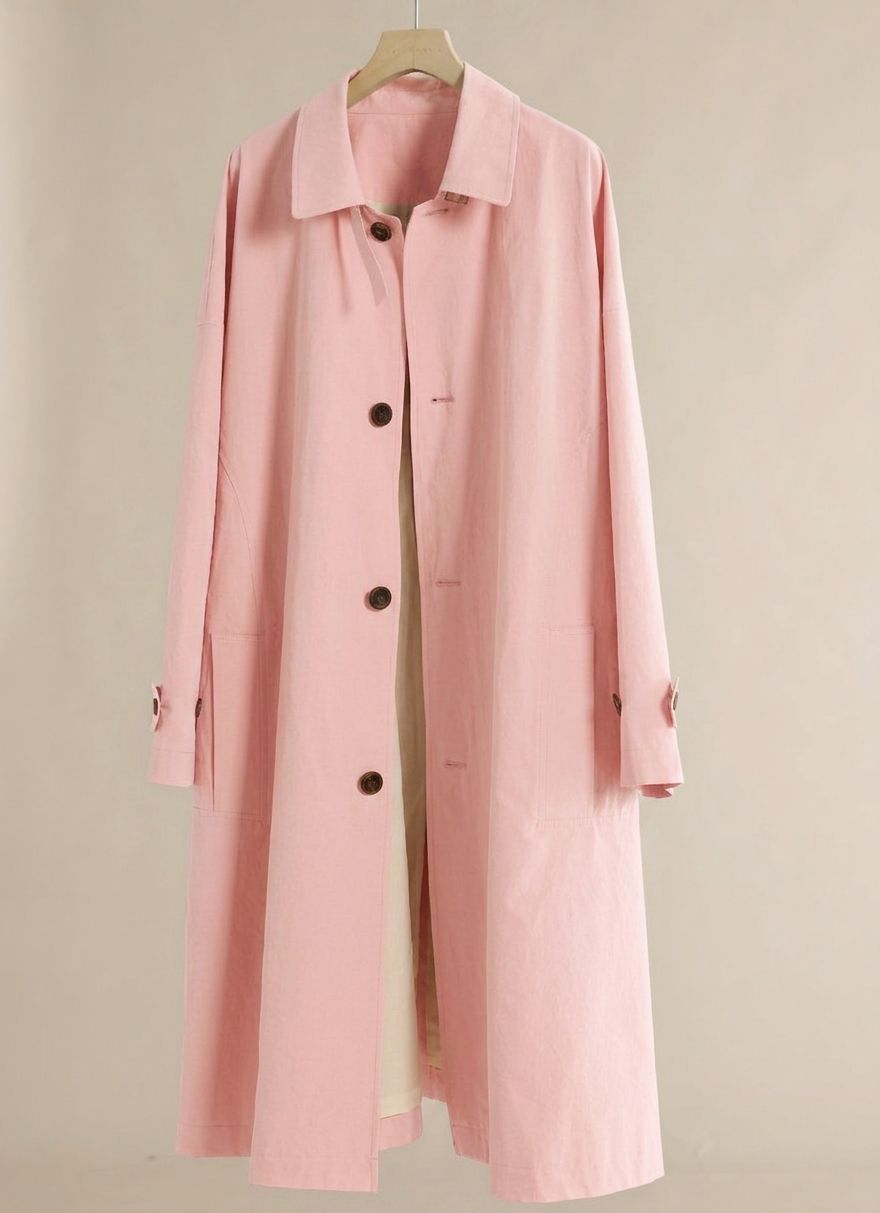
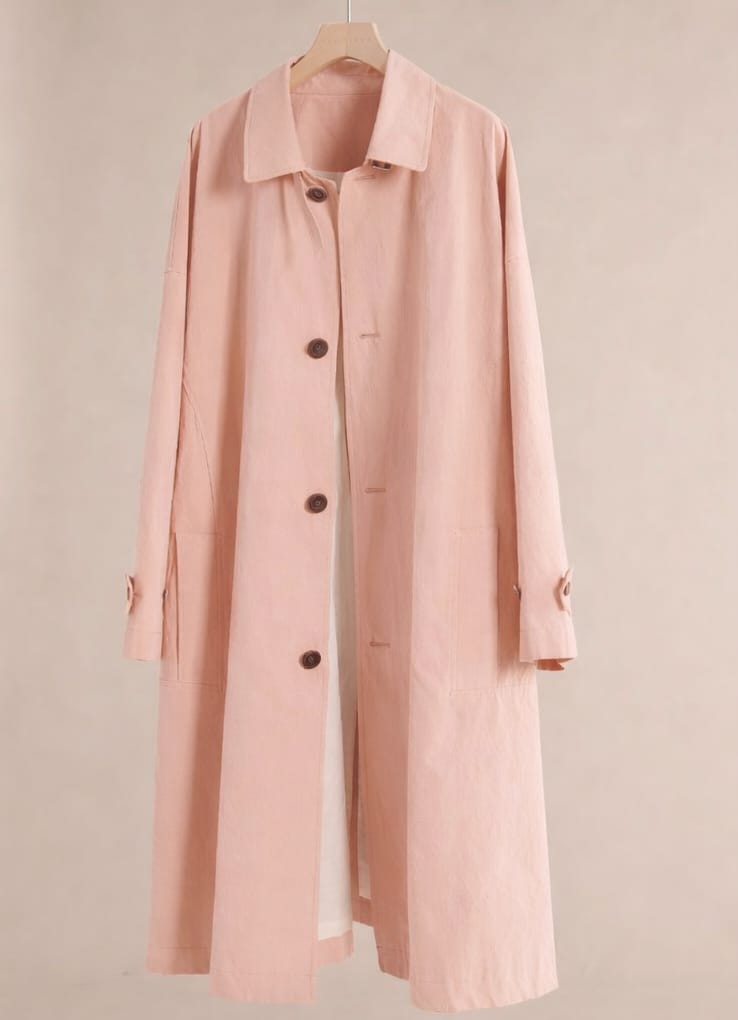
What changed: TheNewBlack returns a more saturated blush pink, while Snappyit returns a paler, warmer blush. Both keep the main silhouette, buttons and visible seams, but neither matches the flat #FFDAD8 swatch exactly. Check the export against a physical sample when color accuracy matters.
Real reviews: what apparel merchants say about the tools
These dated Shopify reviews describe each merchant's experience; they are not controlled product tests.
“Good Shopify app. It helped us create realistic AI models for our products, and the results look very natural. The app is easy to use and connects quickly with our store. I recommend it.”
“We run 10+ colorways per style, and recoloring used to take days. This tool gets it right it keeps seams, shadows, and fabric texture realistic. Flat lay is also solid. Details like stitching and labels come out accurate, not generic. Only downside is no built-in crop tool yet still need another app for that. Once added, it’s a complete workflow.”
How to read these reviews: each quote is reproduced as published and links back to its source. A single five-star review records one customer's experience on one date; it is not a controlled comparison or a guarantee of current features.
TheNewBlack pricing compared with Snappyit
Prices were recorded on August 26, 2026. Because credits work differently on each platform, compare the cost of the tasks you actually use.
TheNewBlack monthly snapshot
Monthly prices and credit allowances recorded on August 26, 2026.
The supplied free account began with 3 credits. Each of the three tested Standard AI image workflows displayed a 1-credit cost.
Snappyit monthly snapshot
Monthly prices and credit allowances recorded on August 26, 2026.
The test captures display 1 credit for the 1K Ghost Mannequin run, 3 credits for Fashion Model and 1 credit for Basic Model Recolor.
More AI Tools in the Same Workspace
Use more Snappyit product-photo tools without starting a separate project for each edit.
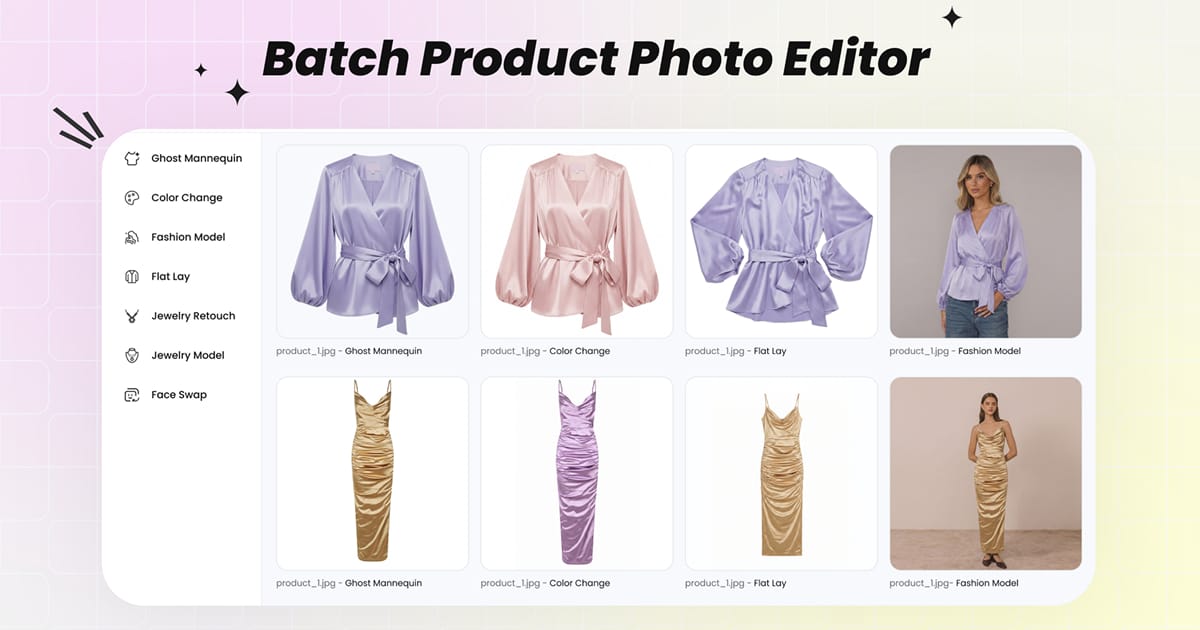
Batch Product Photo Editor
Upload a product set once, then use supported Snappyit editing tools from the batch workspace.
Open Batch Workspace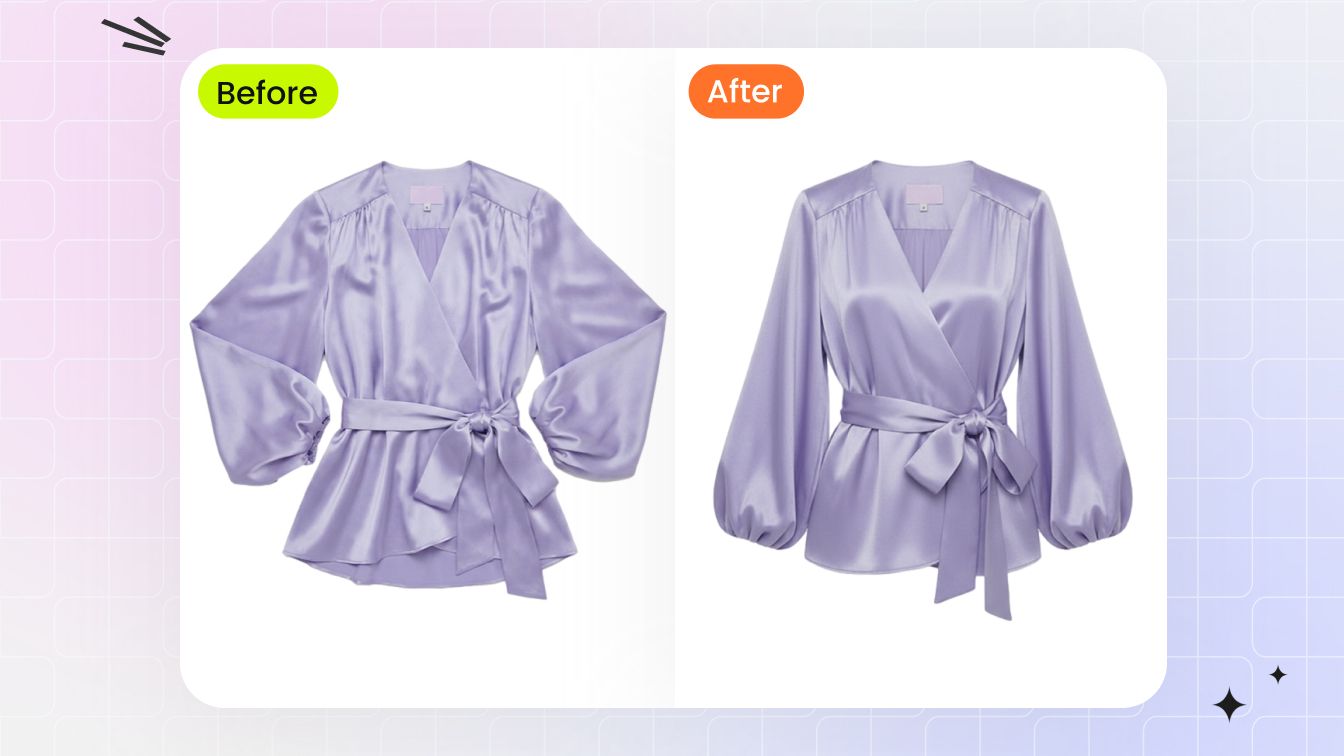
AI Ghost Mannequin Clothing
Turn a flat-lay or hanger photo into a ghost-mannequin image, then check neckline, seams, pockets and drape before publishing.
Try AI Ghost Mannequin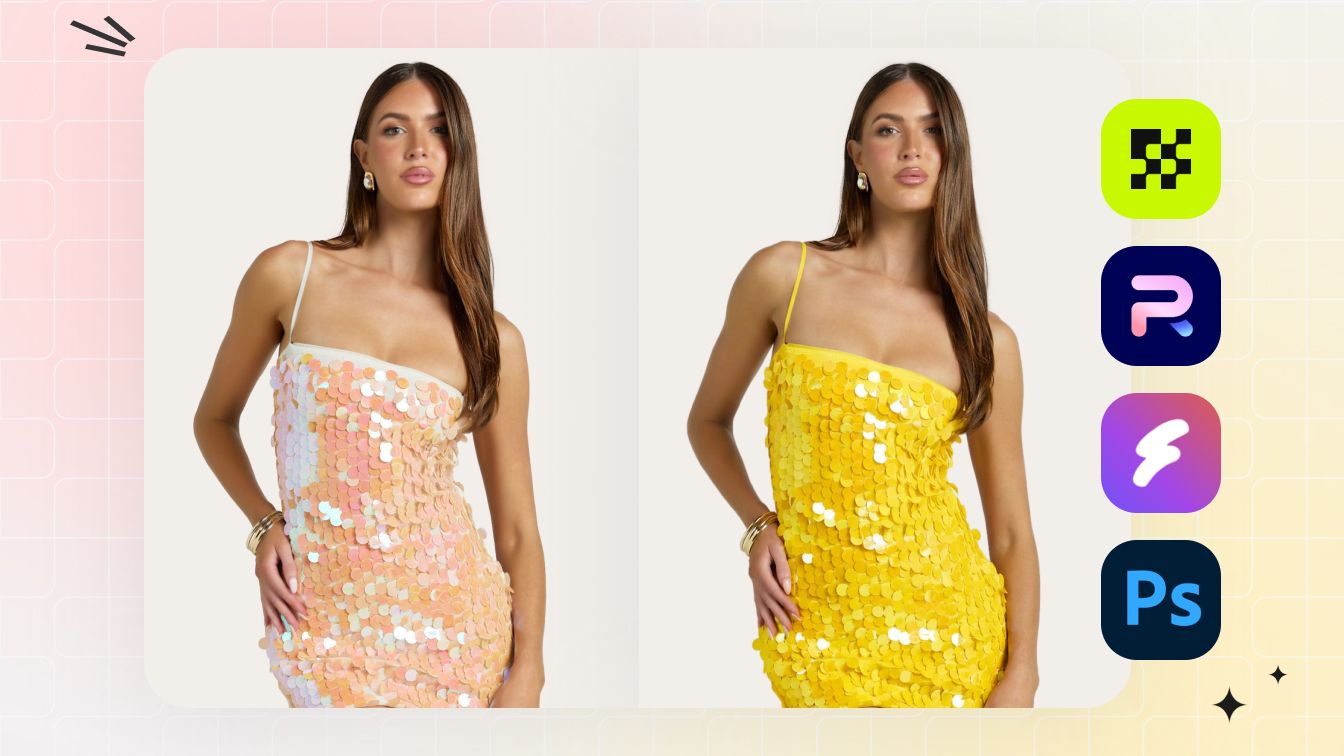
AI Color Changer
Create color variants from one source photo, then check hue and garment details against the physical SKU.
Try AI Color Changer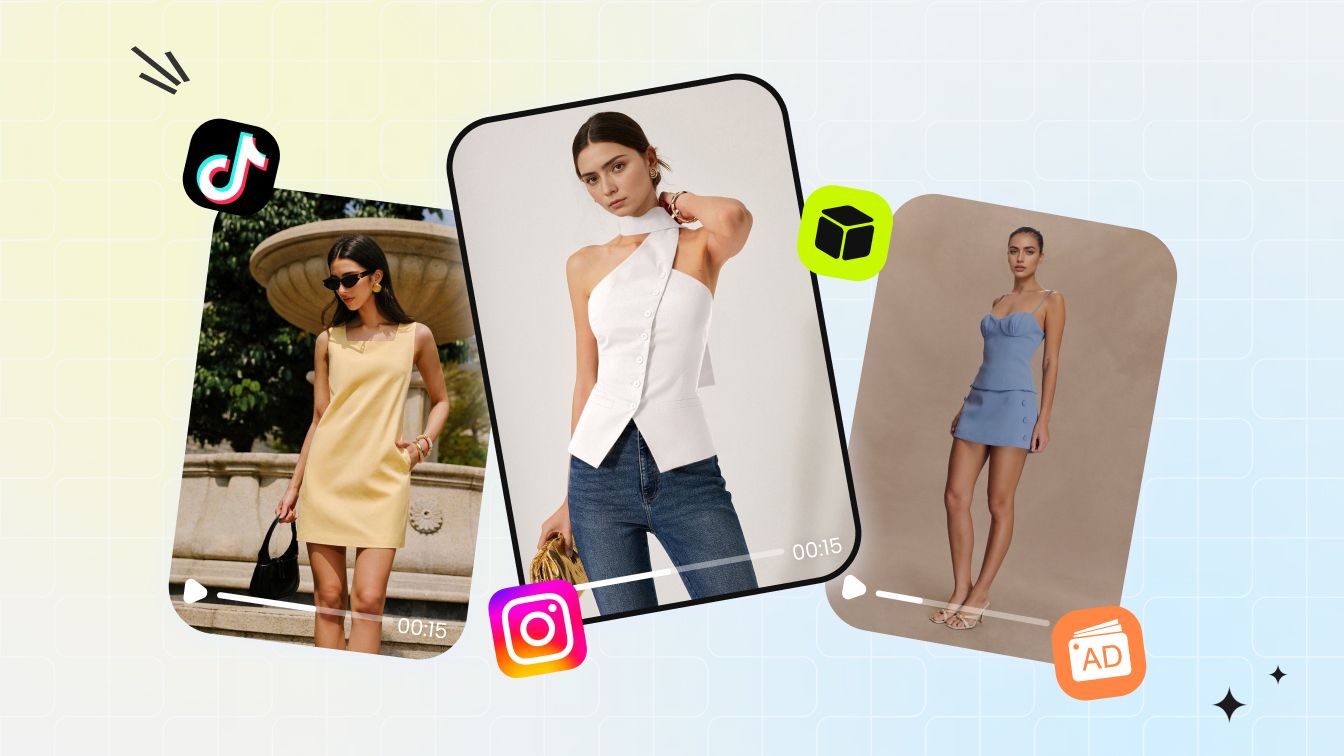
AI Image to Video for Clothing
Turn a still garment or on-model product photo into a short ecommerce clip for product pages, ads, and social posts.
Try Image to Video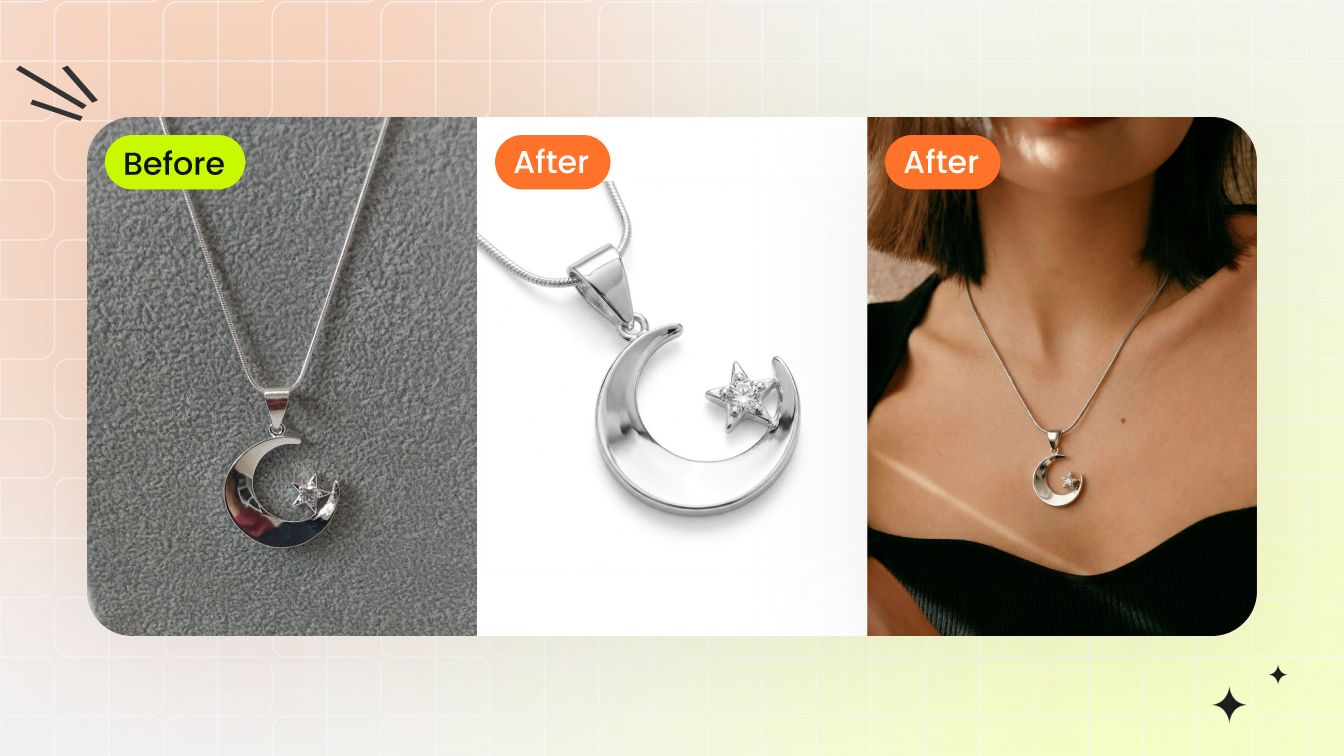
Jewelry Model Try-On
Place jewelry on a model template, then check scale, placement, reflections and skin-tone blending.
Try Jewelry Model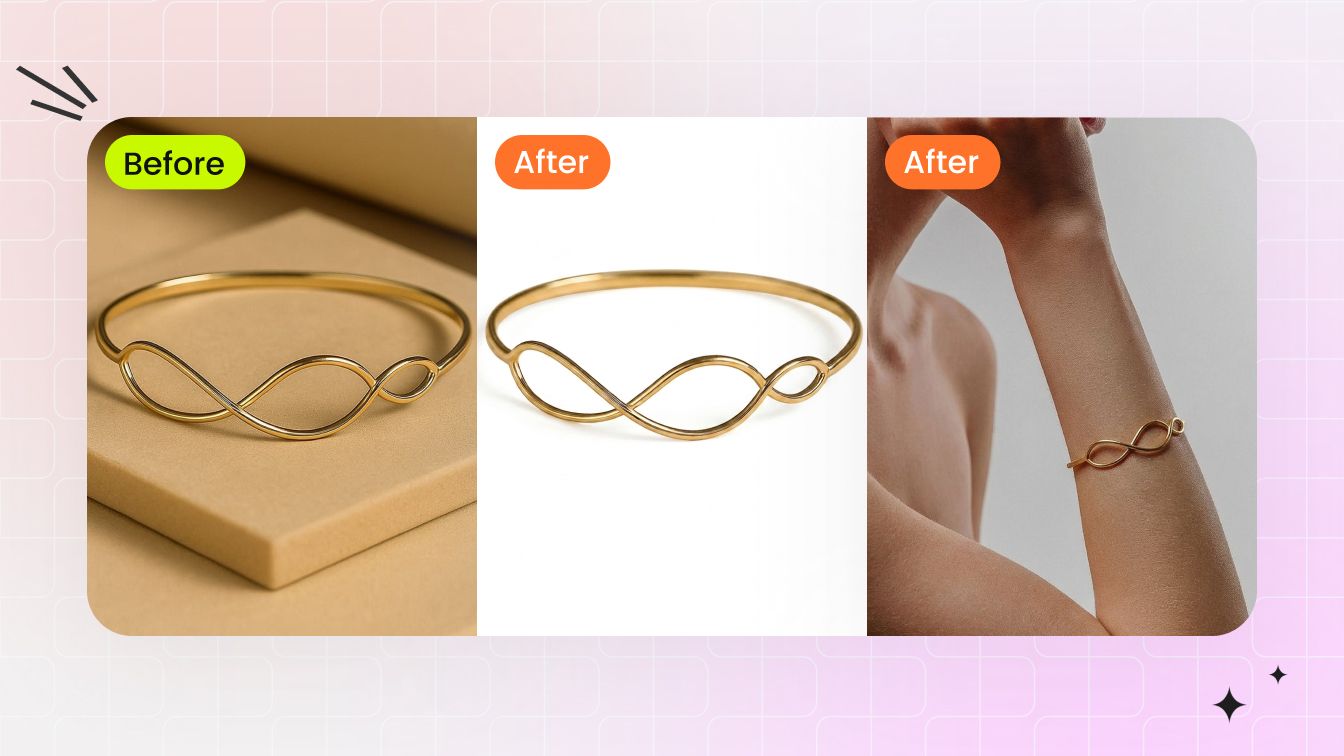
Jewelry Retouch
Clean dust, reflections, color cast and prong shadows, with a white-background output for catalog use.
Try Jewelry Retouch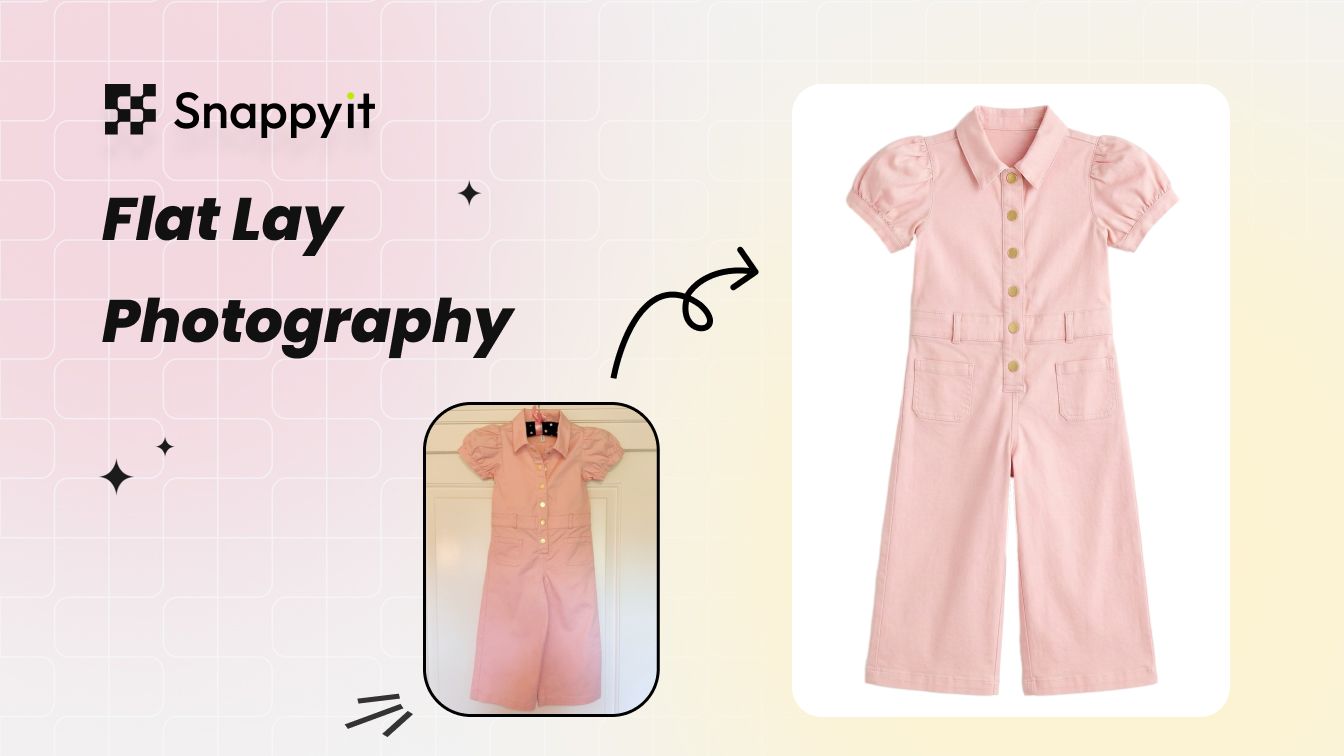
AI Flat Lay Photography
Create a cleaner flat lay from a casual garment photo, with wrinkle, white-balance and background adjustments.
Try AI Flat Lay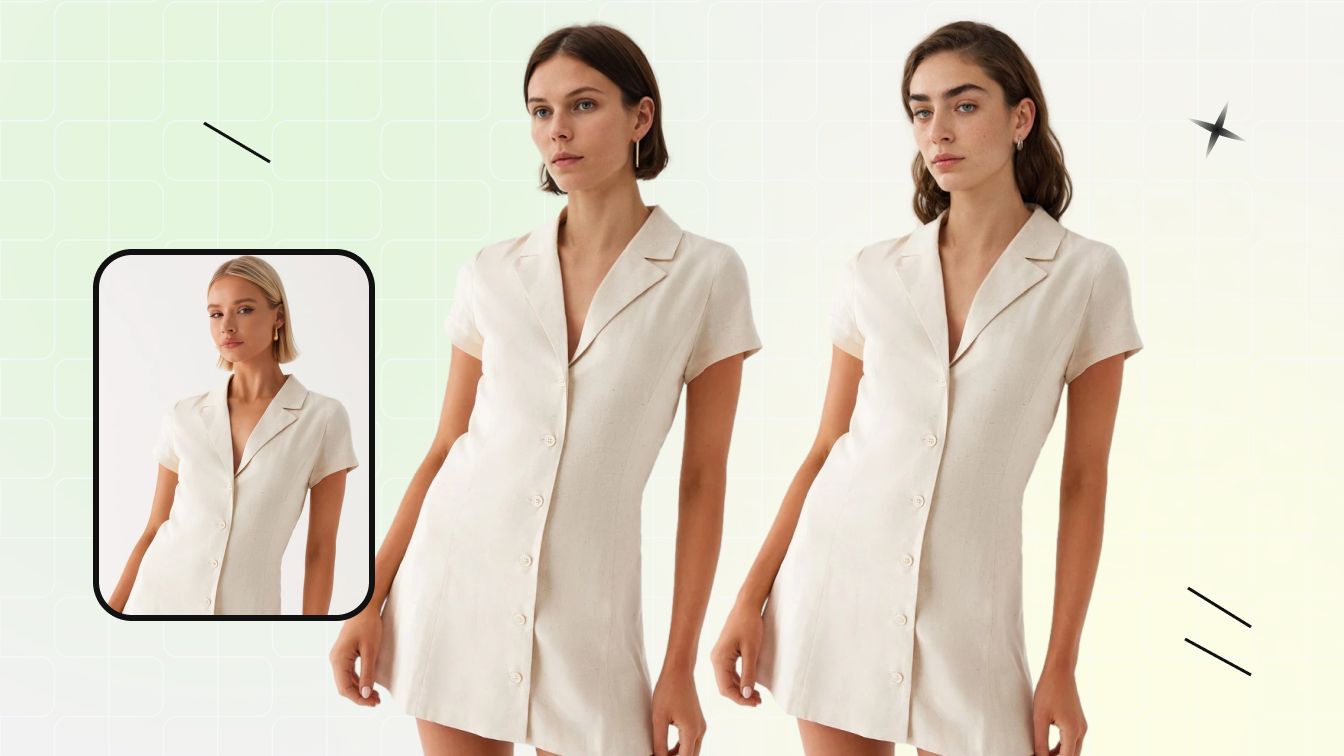
Change Face & Physical Details
Change the face or model in an existing fashion photo, then check garment fit, edges and identity consistency.
Try Face Details EditTheNewBlack vs Snappyit — Feature-by-Feature Comparison
Snappyit focuses on ecommerce image production; TheNewBlack combines image creation with fashion design tools.
| Feature | Snappyit | TheNewBlack |
|---|---|---|
| Primary workflow | Product-image production for apparel and ecommerce sellers | Fashion design and collection studio with product-image workflows |
| Mobile app | Available — Snappyit mobile app | Not available |
| Integration | Shopify App available | Shopify App available |
| Test source | One 887 × 1223 coat photo used across all three tests on August 26, 2026 | |
| Ghost Mannequin test cost | 1 credit · 1K · front template | 1 credit · Standard AI |
| Fashion Model test cost | 3 credits · selected workspace model | 1 credit · from-scratch profile controls |
| Recolor test cost | 1 credit · Basic Model · #FFDAD8 | 1 credit · Standard AI · #FFDAD8 |
| Monthly entry shown | $12.90 for 120 credits | $15 for 200 credits |
| Higher-volume monthly plan shown | Custom: $69.90 for 1,150 credits | Enterprise: $195 for 3,000 credits |
| Batch processing visible | “Try Batch” appears inside all three tested tools | “Bulk generation” appears inside the AI Studio |
| Additional product focus | Flat Lay, Jewelry Retouch, Jewelry Model, Face Swap and batch editing | AI clothing design, design variations, fashion sketches, tech packs and 3D garments |
Test settings, outputs and monthly pricing were captured August 26, 2026. Credits are not equivalent units across platforms.
TheNewBlack is a trademark of its respective owner. Snappyit is independent and is not affiliated with, endorsed by, or sponsored by TheNewBlack. Features and prices may change.
TheNewBlack Alternative FAQ
Answers about features, pricing and choosing between Snappyit and TheNewBlack.
Test AI Fashion Photo Generator With Your Own Garment
Create fashion product photos from your garment image, then continue in the web workspace or on mobile.