What Is Lifestyle Product Photography?
Lifestyle product photography shows an item in a setting that helps a shopper understand how it could fit into everyday life. A coffee bag on a breakfast table, headphones beside a laptop, or a chair in a reading corner can all communicate context.
The product should remain the focus. People can be part of a lifestyle image, but a thoughtful setting can tell the story without a model. A clean product photo explains what the item looks like; a lifestyle image adds a sense of where and how it belongs.
Which Platforms Use Lifestyle Product Photos?
For online stores and social content, lifestyle images show a product in context and help communicate its intended use. The best setting depends on where the image will appear and what the shopper needs to understand.
| Platform or channel | Where images can fit | What to show |
|---|---|---|
| Shopify and other online stores | Product galleries, collection pages, homepage banners | The product in an environment that fits the brand and the product’s intended use. |
| Amazon | Secondary product images and eligible A+ Content placements. See the Amazon product image requirements. | A useful context that complements the product information. |
| Etsy | Listing photo galleries. See the Etsy listing guide. | How an item could look in a home, workspace, or everyday setting. |
| Instagram and Pinterest | Posts, Pins, and advertising creatives | A clear product focal point within an appealing scene. |
| TikTok Shop | Eligible listing-image placements and promotional creatives | A simple, recognizable use setting suited to the placement. |
These are possible uses, not a universal requirement to upload lifestyle photos. Marketplace main-image rules can differ from gallery and marketing placements. Current requirements should be checked for the relevant category, region, and image slot before publishing.
For standard image Pins, Pinterest recommends a 2:3 aspect ratio, such as 1000 × 1500 pixels. This differs from square product-gallery images and calls for a separate crop.
Choose the destination first. A product-gallery image may need a close, uncluttered composition, while a website banner may need more room around the product for a headline.
What Makes a Good Lifestyle Product Photo?
- A clear product focal point. The shopper should immediately recognize the item being sold.
- A relevant setting. Choose an environment that makes sense for the product and the audience.
- Restrained props. Include only objects that help explain the scene, without making accessories look included in the purchase.
- Believable light and scale. Shadows, reflections, contact with surfaces, and proportions should make physical sense.
Before creating a scene, finish this sentence: “This image should help the shopper understand ______.” That purpose will guide the background, framing, and lighting.
Lifestyle Product Photography Ideas by Product Type
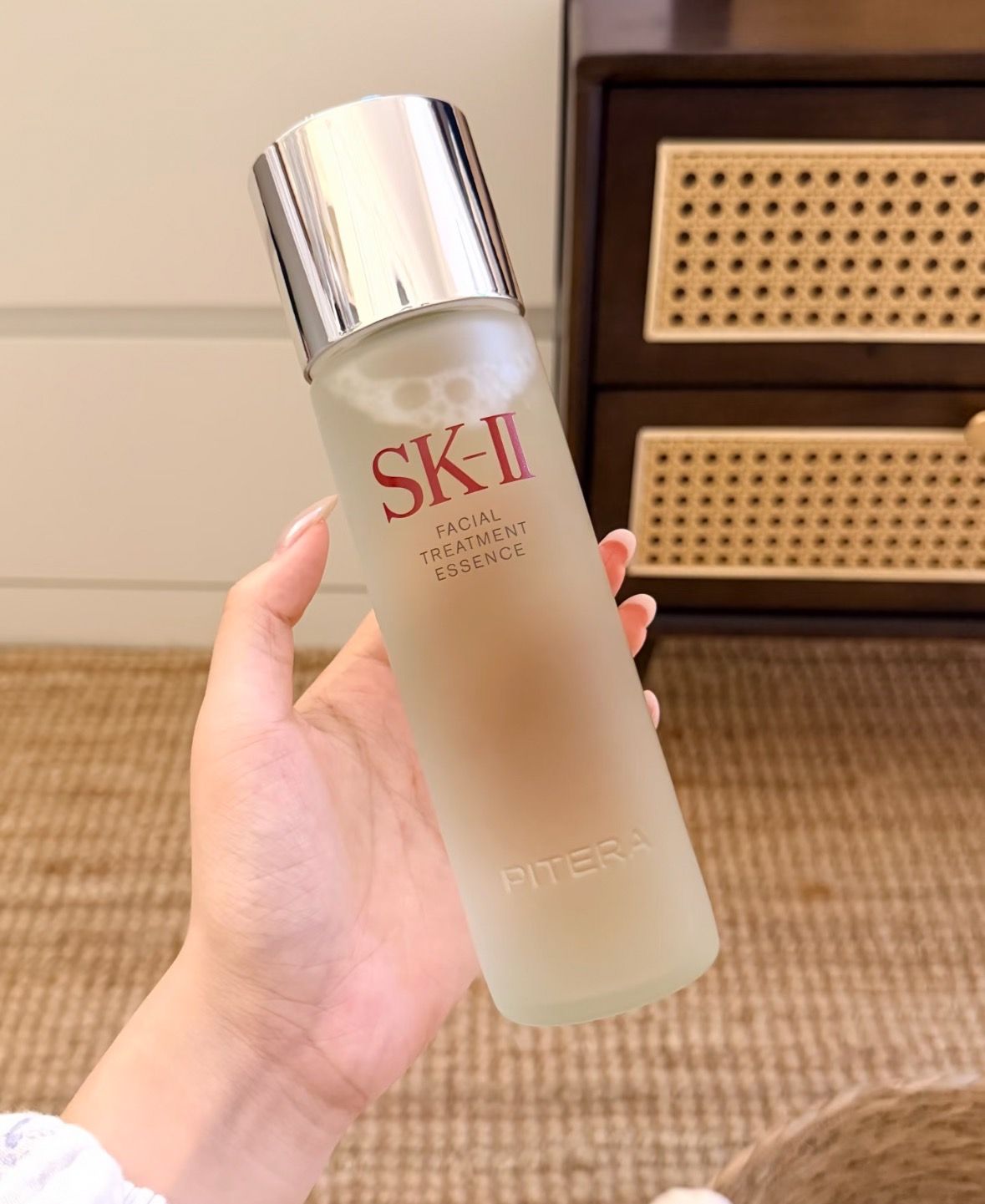
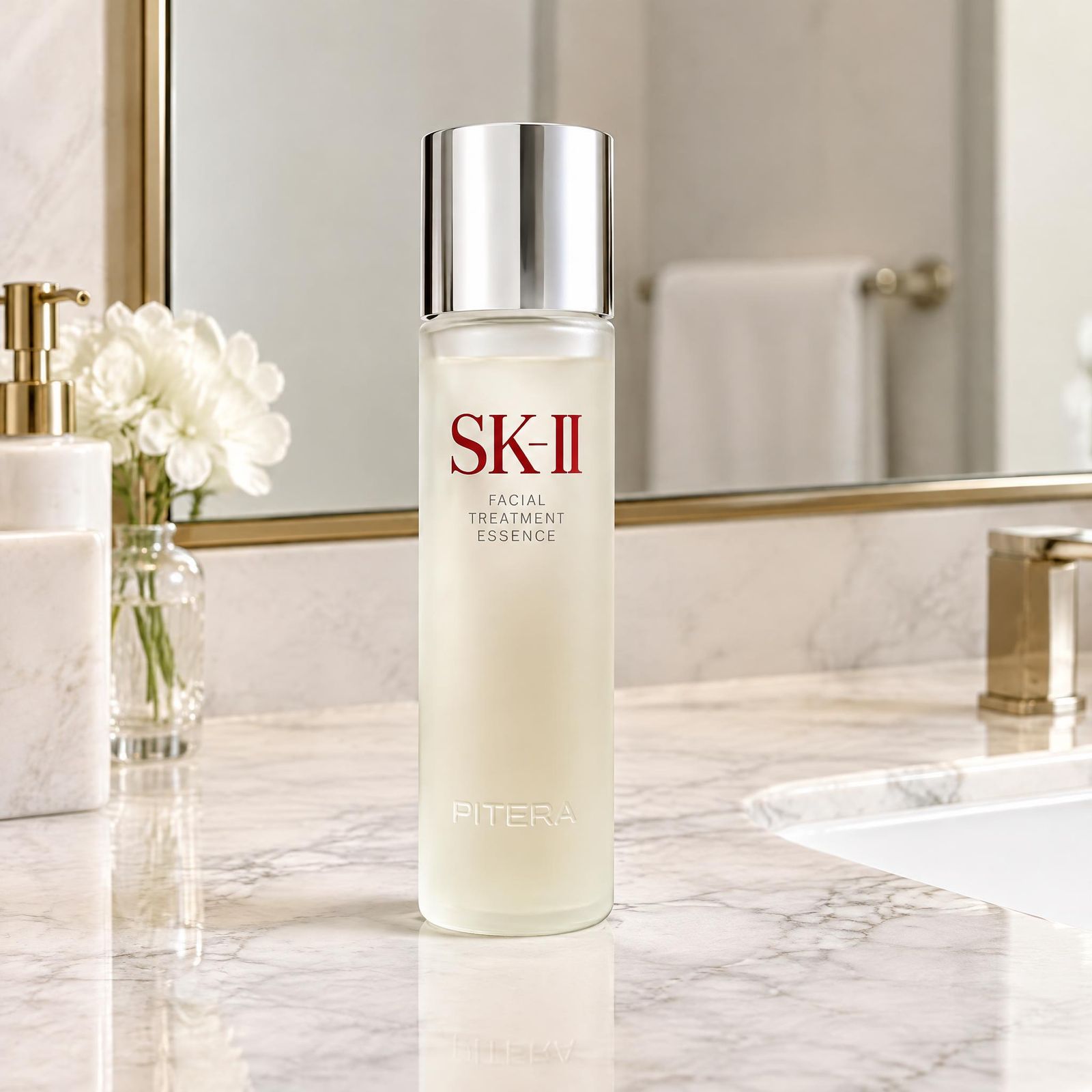
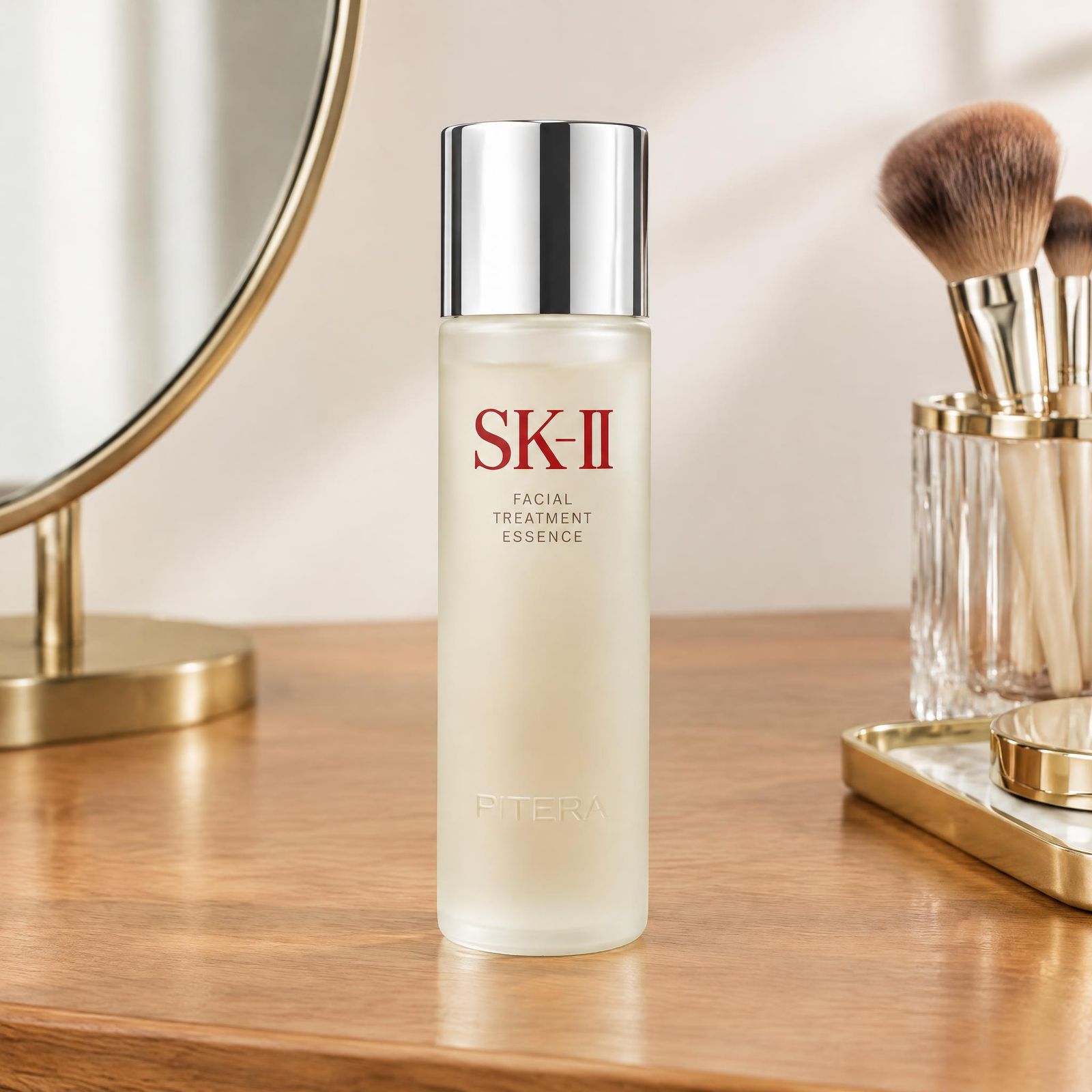
A recognizable setting provides a useful starting point. These examples show a source photo alongside two contextual versions for skincare, wireless earbuds, and a table lamp.
Beauty and skincare: a bathroom counter or dressing table
A marble bathroom vanity places the skincare bottle in a daily-care setting. A wooden dressing table, mirror, and makeup brushes create a second context around the same product.
Wireless earbuds: a work desk or bedside table
A dark wooden desk with a laptop and books suggests a work setting. A light wooden bedside table with a glass of water gives the earbuds a quieter everyday context.
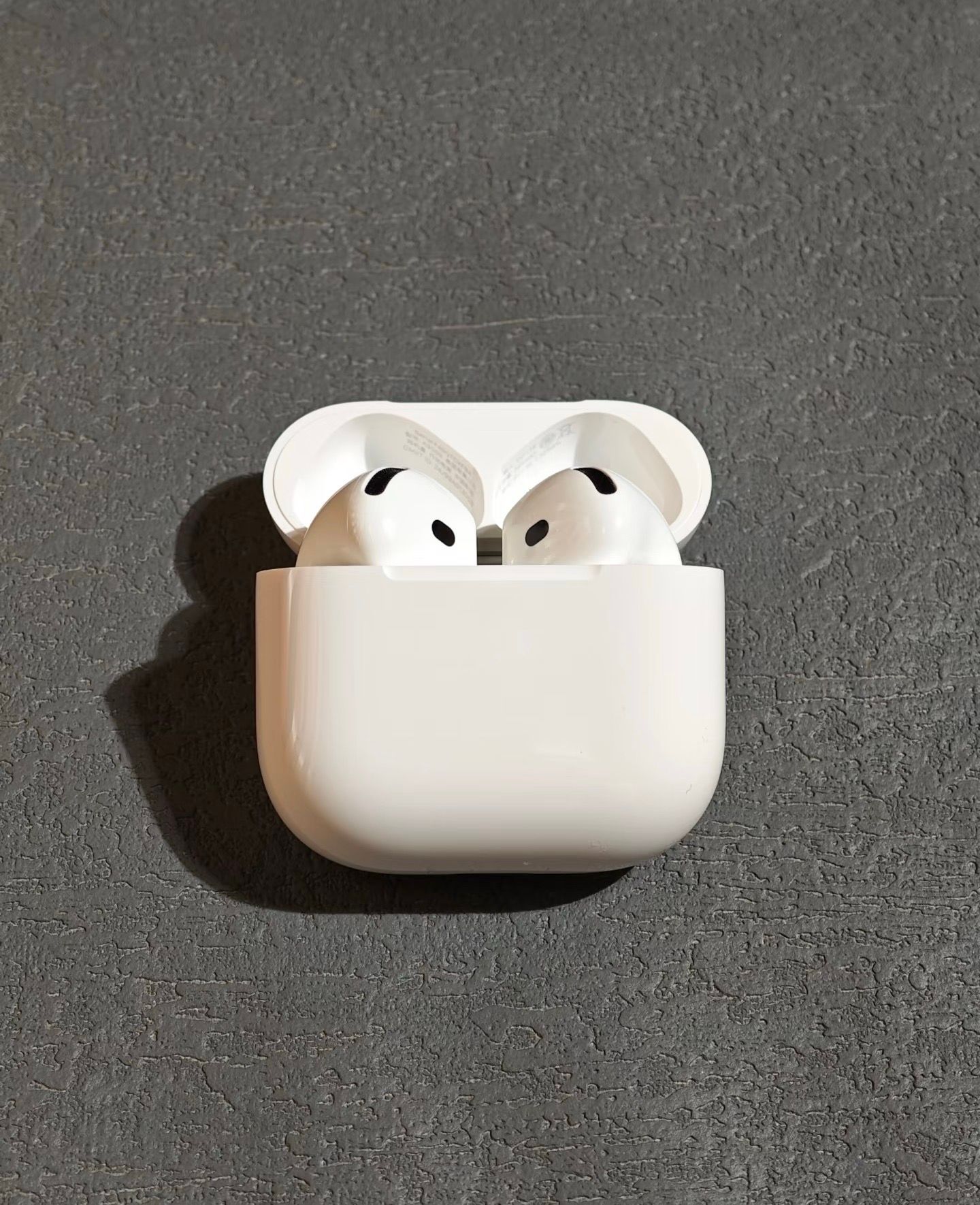
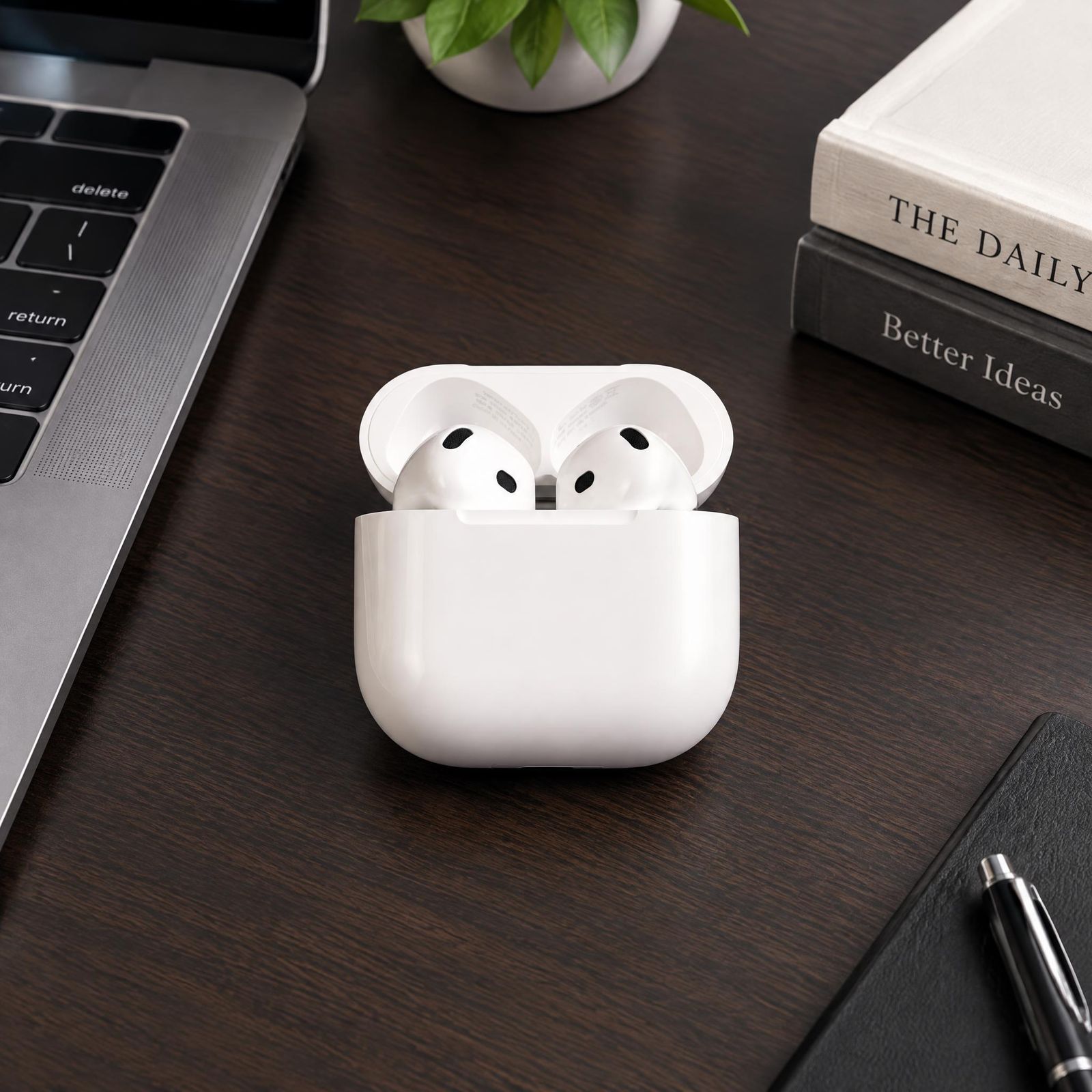
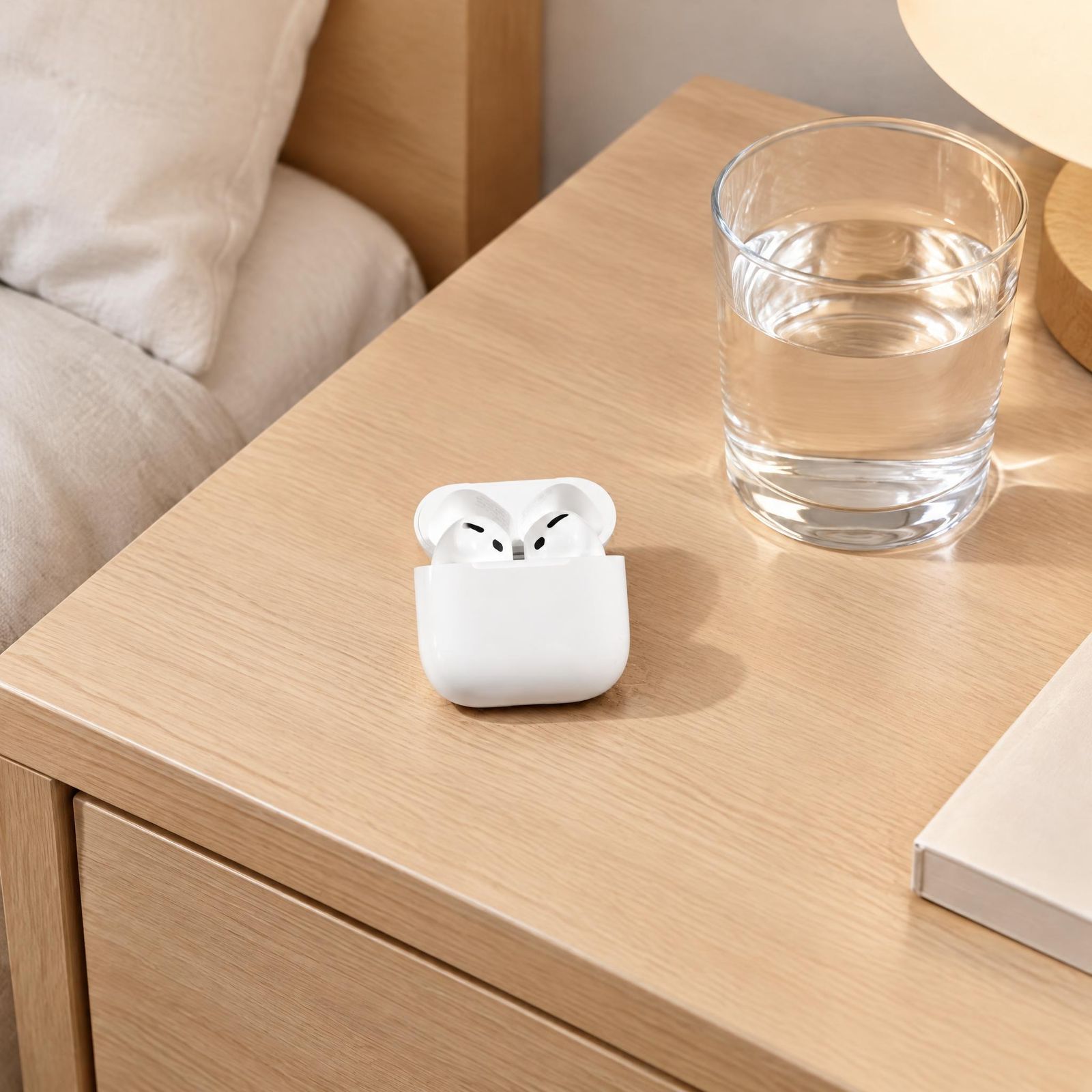
Table lamps: a study desk or bedside table
A wooden study desk with books and pencils gives the lamp a practical work setting. A bedside table beside fabric bedding and a small plant creates a warmer bedroom scene.
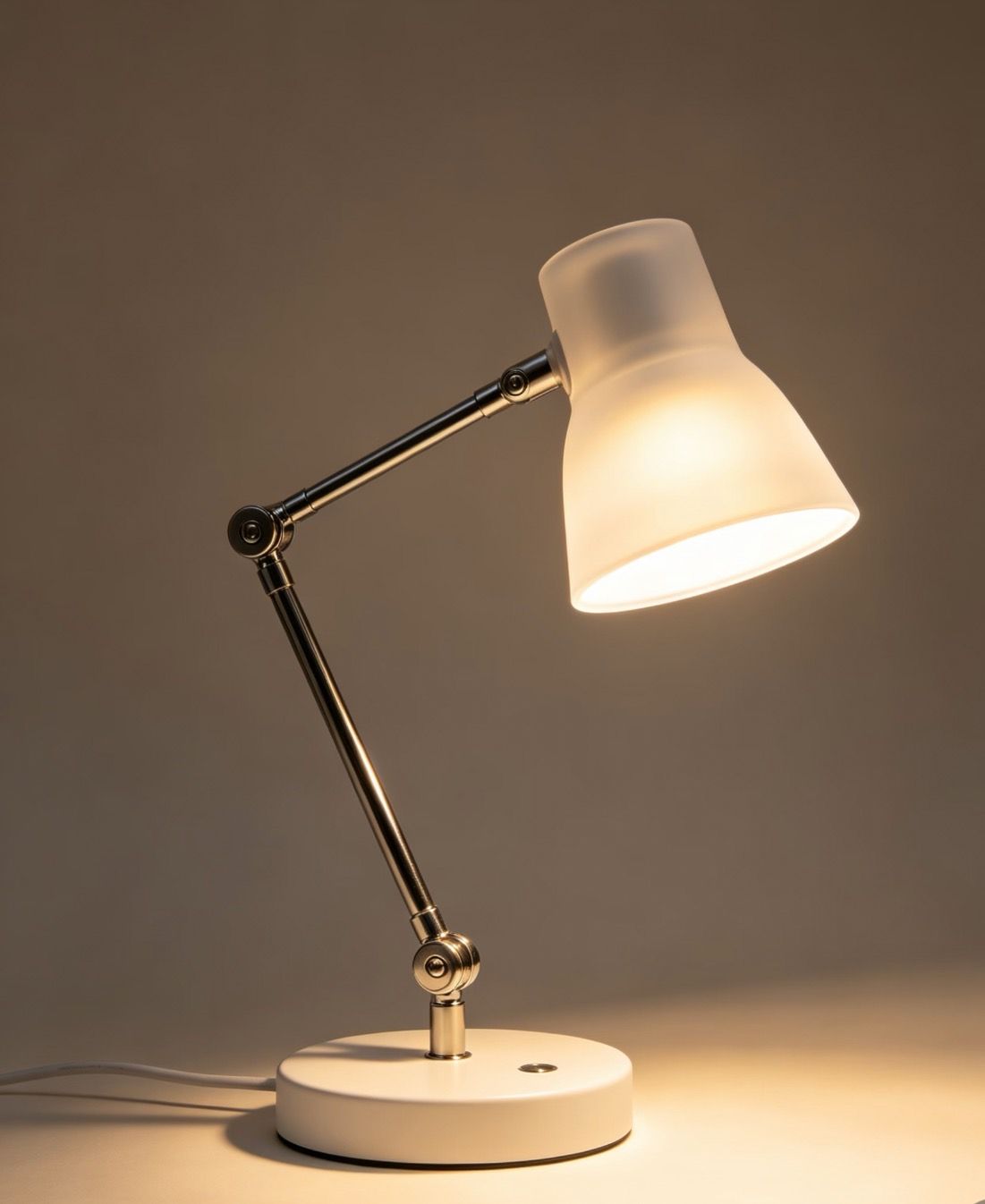
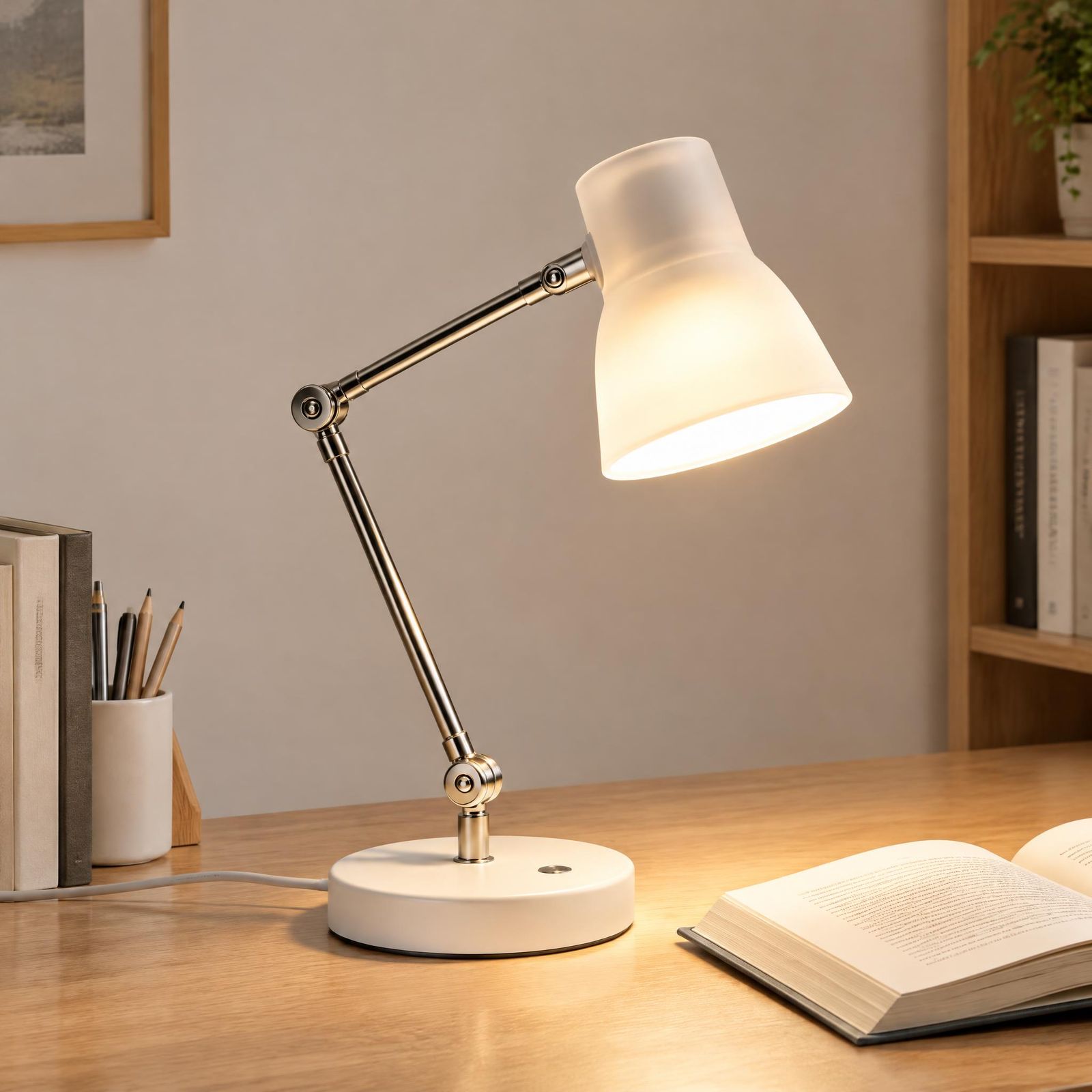
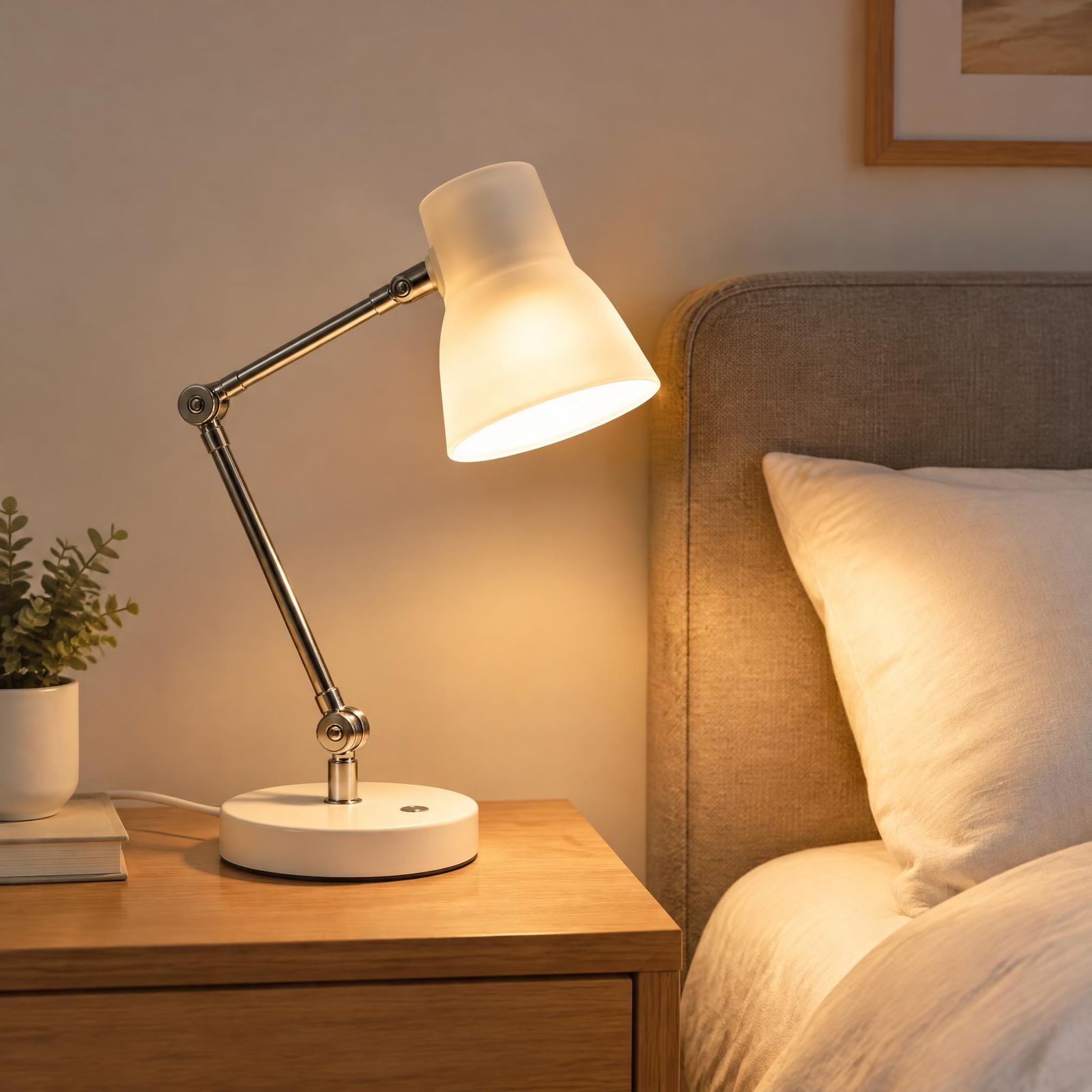
The brief can change the surface, background, and light. After generation, compare the product itself with the original before choosing an image to use.
How to Create Lifestyle Product Photos with Snappyit Product Studio
Snappyit Product Studio starts with an existing product photo. The scene description sets the intended environment, and the source photo provides a reference for reviewing the generated result.
1. Prepare a clear product photo
Choose a sharp, well-lit image with the complete product visible. Show the correct color variant and keep important details, such as packaging text and functional parts, in focus. Avoid hands or props that hide the outline. The DIY product photography tips cover simple capture setups and useful product views.
2. Upload the product photo to Product Studio
Open Product Studio and upload the source image. A clear starting photo makes it easier to assess whether the generated image still represents the item accurately.
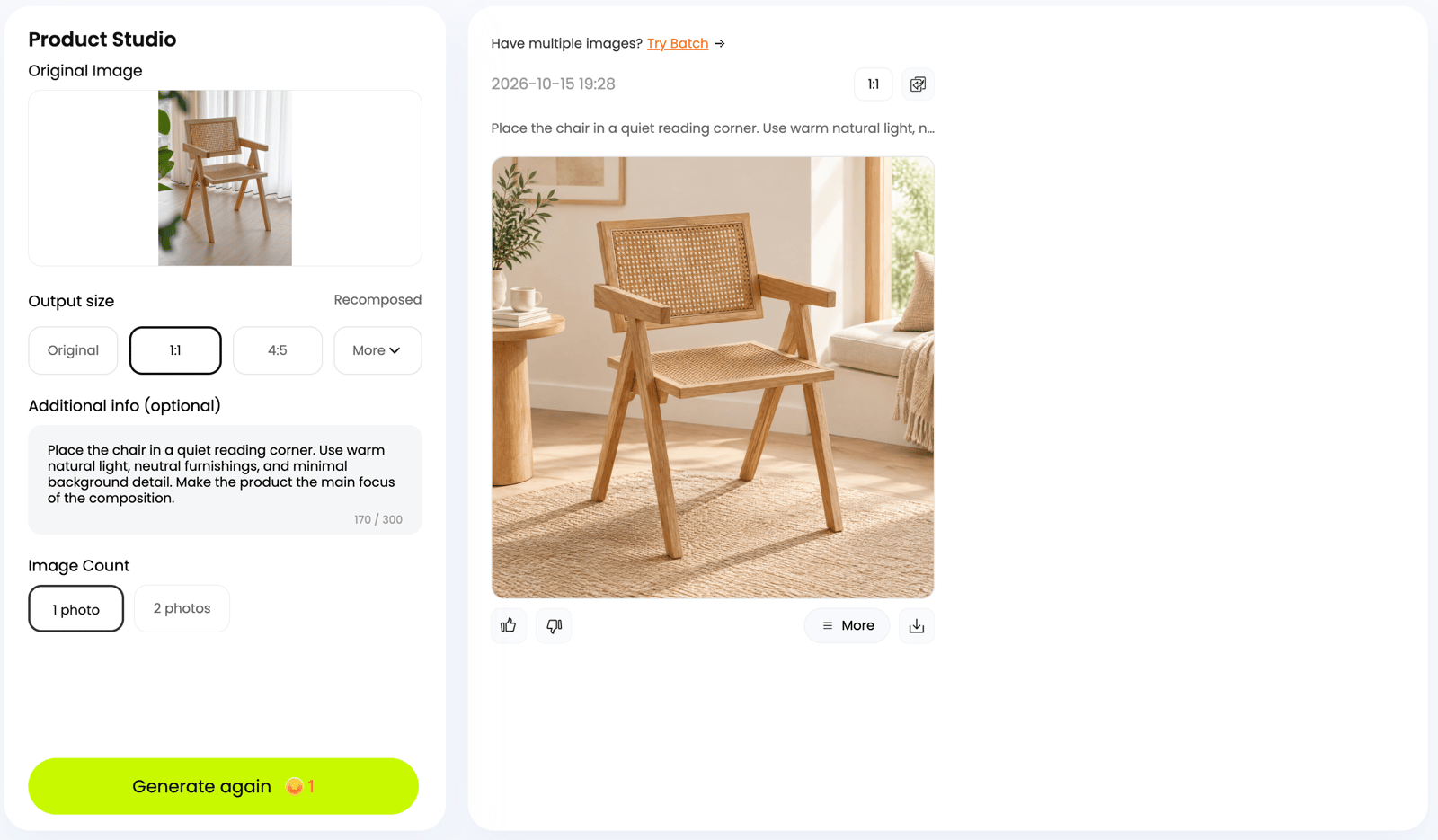
3. Describe the lifestyle scene
In Additional info, describe the product placement, scene materials, and nearby objects. For a chair, the same template can describe a reading corner, a wooden floor with a woven rug, and a side table with books. Nearby elements can also include a person using the product.
Place the chair in a reading corner with a wooden floor and a woven rug. Add a side table, a few books, and a potted plant nearby.
4. Generate and compare
Generate a result, then compare it with the source photo at full size. Check the product first, followed by the surrounding scene. If the composition is too busy, simplify the description and try again.
5. Download the reviewed image
Choose a result only after checking its accuracy. Prepare the crop for its intended placement, and keep the source photo available for future comparisons. The product photo editing guide covers source preparation and a broader editing workflow.
Try one product in two settings. Start with a simple everyday scene, then change the placement, surface material, or nearby objects. Compare which version better supports the image’s purpose.
Lifestyle Product Photography Prompt Examples
A simple prompt follows three parts: product placement + scene materials + nearby objects. Specify the setting, the material of the surface or surroundings, and the nearby elements. Those elements can include people or hands interacting with the product, such as holding a cup or turning a page.
Place [product] in/on [setting], with [surface or surrounding materials]. Include [nearby objects or a person interacting with the product].
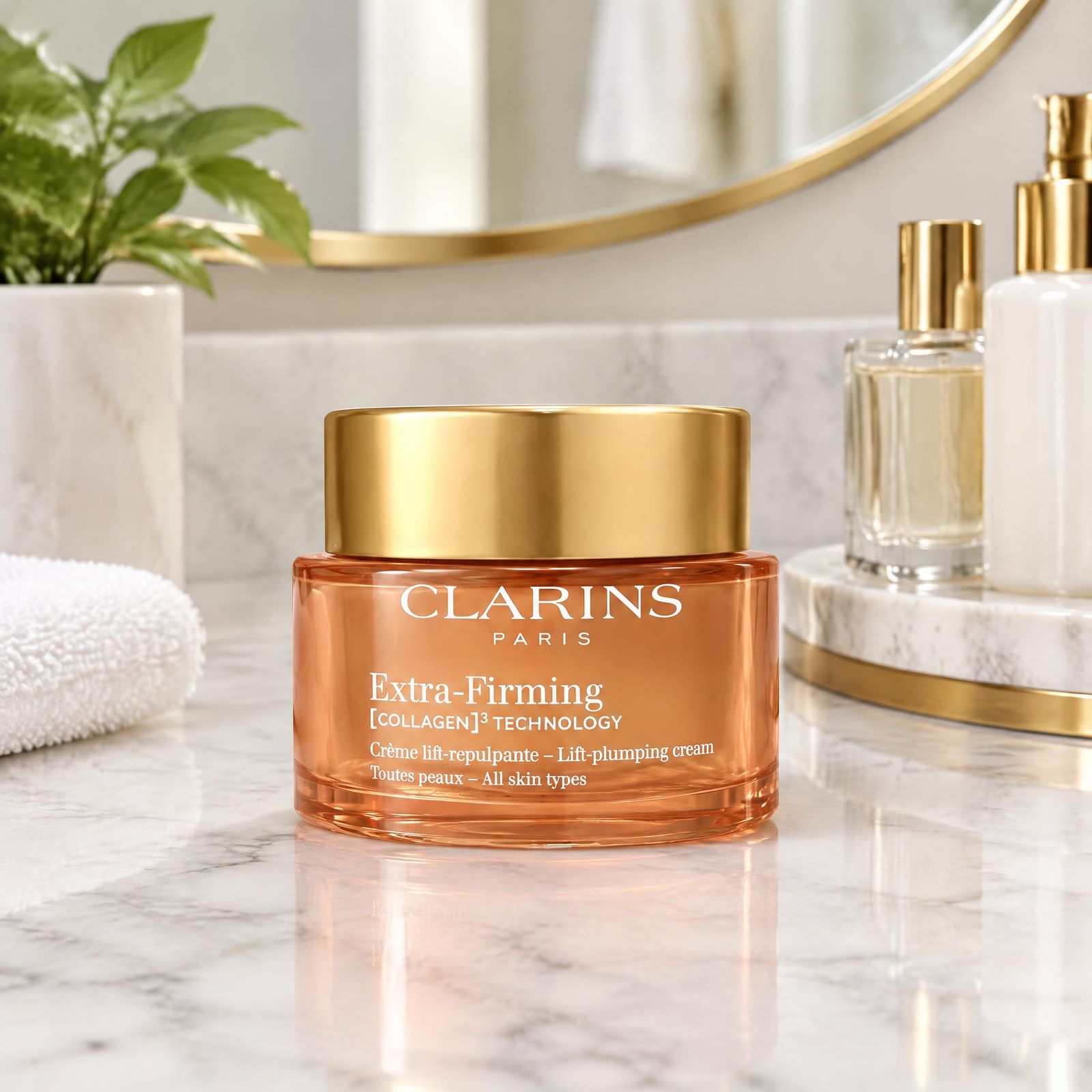
A cream jar on a bathroom counter
Place the closed cream jar on a white marble bathroom counter. Add a round mirror, a green plant, a folded towel, and simple perfume bottles nearby.
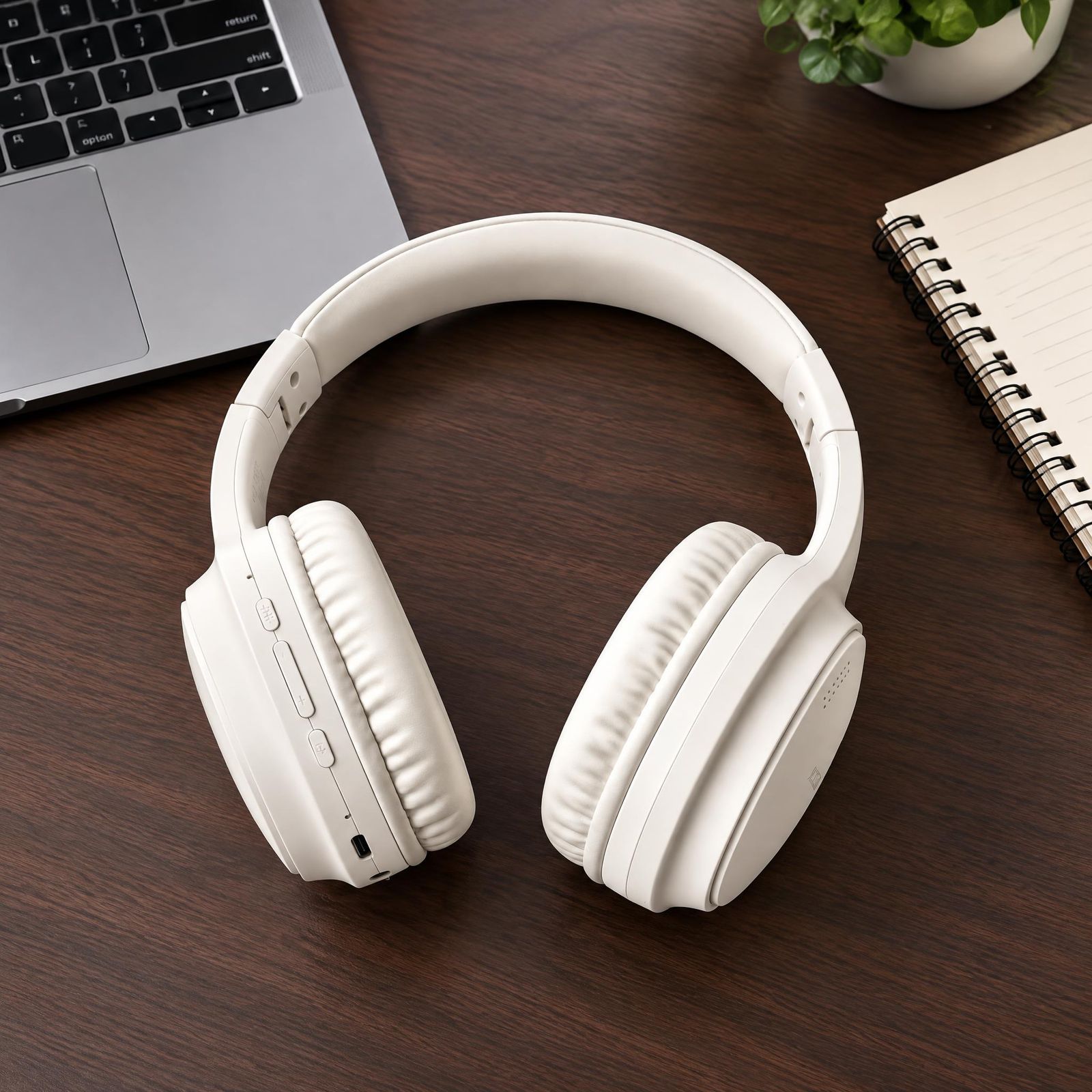
Headphones on a work desk
Place the headphones on a dark wood work desk. Add a laptop, a spiral notebook, and a small potted plant nearby.
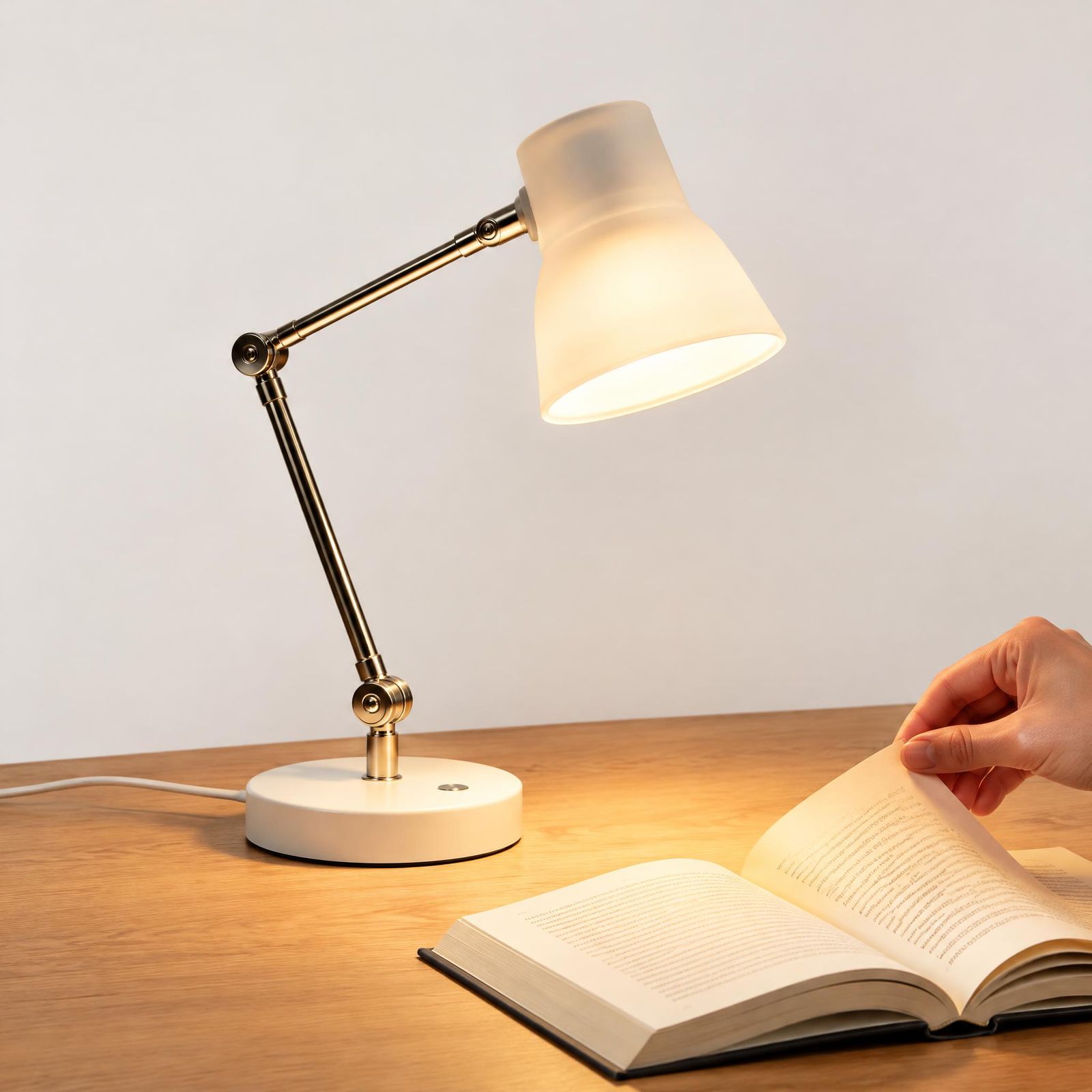
A table lamp beside a reader
Place the switched-on table lamp on a wooden reading desk. Add an open book beside it, with a reader’s hand turning a page.
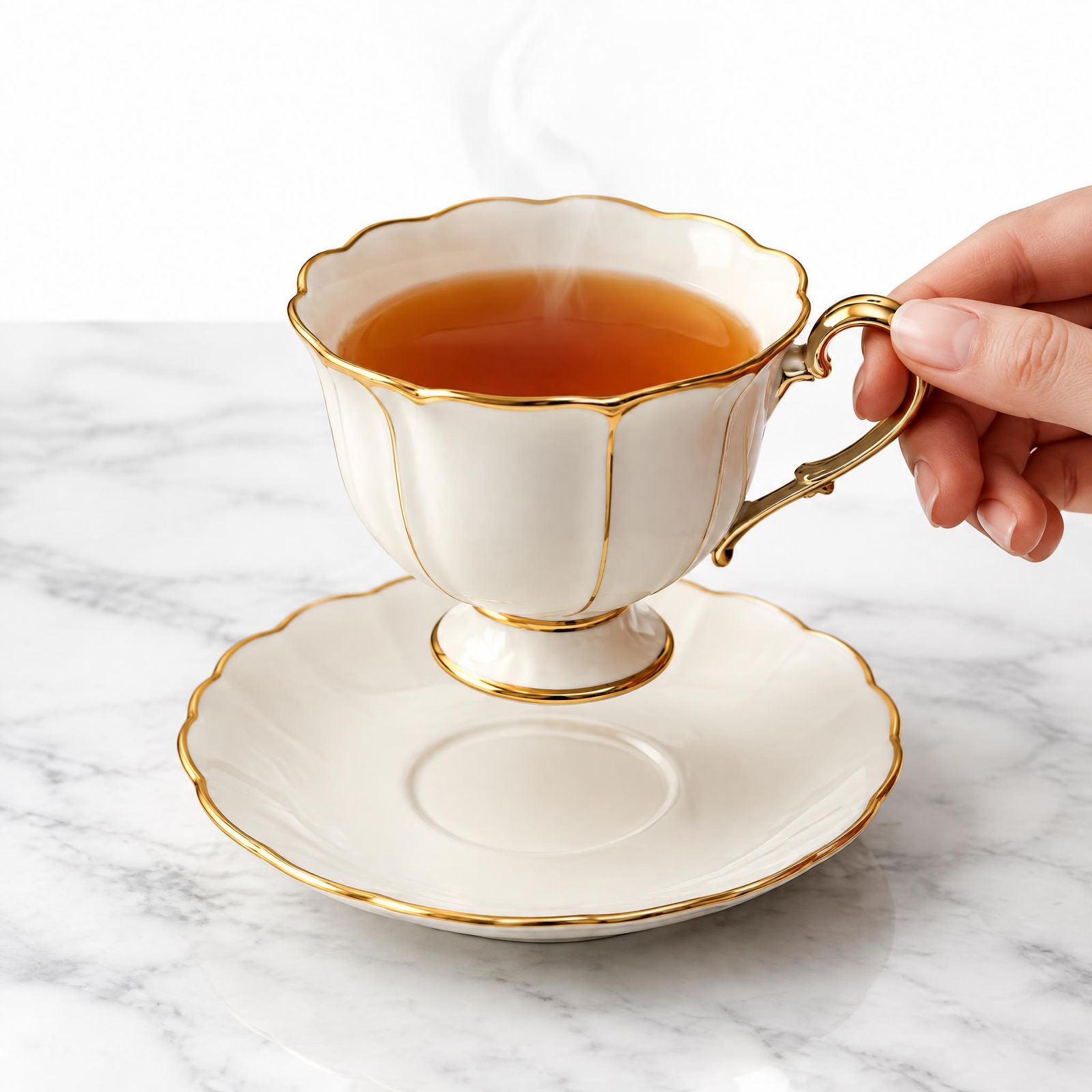
A teacup held above a saucer
Set the teacup above its saucer on a white marble tabletop. Include a hand holding the cup by its handle, with a little steam rising from the tea.
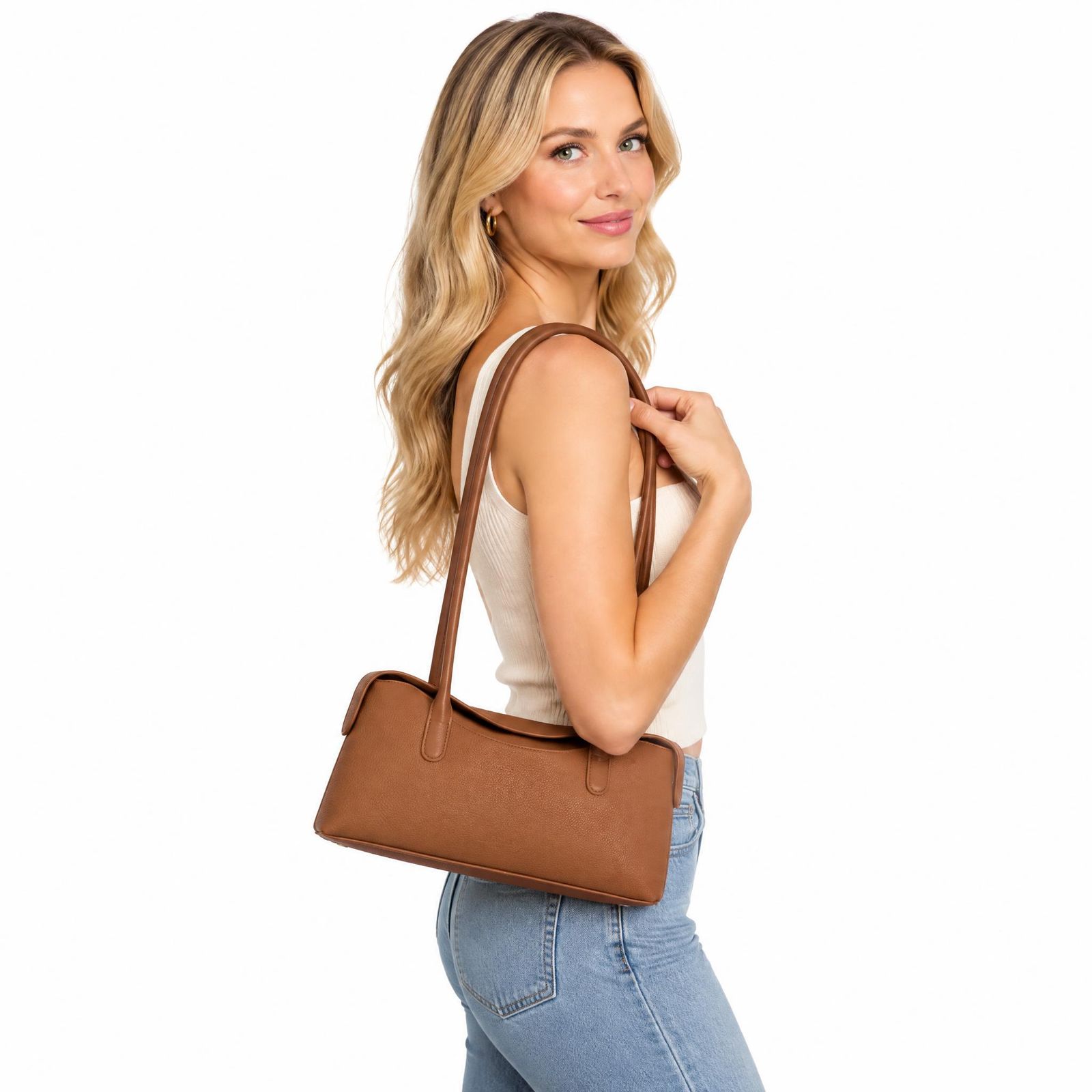
A handbag carried over the shoulder
Set the handbag in a simple studio scene with a smooth white backdrop. Include a person wearing a cotton top and denim jeans, carrying the bag over one shoulder.
A chair in a reading corner
Place the chair in a reading corner with a wooden floor and a woven rug. Add a side table, a few books, and a potted plant nearby.
To explore another scene, change the placement, materials, or nearby objects while keeping the product description consistent.
Common Mistakes to Avoid
- Letting the setting dominate. Simplify the background if the product becomes difficult to find.
- Implying extras are included. Keep props secondary and make the item for sale clear.
- Accepting inaccurate product details. Inspect logos, labels, colors, proportions, and functional components against the original.
- Ignoring physical contact. Look for floating objects, inconsistent shadows, and implausible reflections.
- Using a scene in the wrong placement. Review the destination’s current content and format requirements.
If a generated image changes an important detail and the discrepancy cannot be corrected or verified, keep the original or choose another result.
Where Lifestyle Product Images Fit
On a product page, pair a scene image with clear product views and any necessary detail photos. For social posts or advertising, choose a scene that keeps the item recognizable at a smaller viewing size. For a website banner, consider whether the crop leaves enough room for the surrounding copy.
A small set of complementary images is a useful starting point: one clear product view and two lifestyle scenes with different purposes. Keep lighting and palette related when the images will appear together. Use the marketplace image size guide to plan exports for different destinations.
Start with an existing product photo. Choose a setting familiar to the intended customer, describe it in Product Studio, and compare the result with the original.
Lifestyle Product Photography FAQ
What is lifestyle product photography?
Lifestyle product photography shows a product in a realistic setting that communicates its use, style, or place in everyday life. Examples include skincare on a bathroom counter, wireless earbuds on a work desk, and homeware in a reading corner.
What is the difference between lifestyle product photography and white-background photography?
White-background product photography isolates an item so its shape, color, and details are easy to inspect. Lifestyle product photography adds a relevant setting to communicate context. Both can serve complementary roles in a product gallery.
Which platforms use lifestyle product photos?
Lifestyle product photos can fit online-store galleries, Etsy listings, eligible Amazon secondary-image placements, and social content on Instagram and Pinterest. They are not universally required. Current rules depend on the platform, category, region, and image placement.
Can AI create lifestyle product photos from an existing product image?
AI-assisted tools such as Snappyit Product Studio can create contextual images from an existing product photo. A clear source image and a scene description provide the starting point. Generated results still need checks for accurate labels, colors, proportions, and components.
How are lifestyle product photos created in Snappyit Product Studio?
The workflow starts with a clear product photo uploaded to Product Studio. A scene brief in Additional info describes the product placement, scene materials, and nearby objects. After generation, the result is reviewed before download and use.
What should a lifestyle product photography prompt include?
A useful prompt includes product placement, scene materials, and nearby objects. Nearby elements can also include a person or a hand interacting with the product. For example: place a switched-on lamp on a wooden desk, with an open book and a reader’s hand turning a page beside it.
What image size is best for lifestyle product photography?
The best image size depends on the destination. The marketplace image size guide covers common platform dimensions and zoom requirements. Shopify notes that 2048 × 2048 pixels usually displays best for square product images. Pinterest recommends a 2:3 aspect ratio, such as 1000 × 1500 pixels, for standard image Pins. Keep a high-resolution original and prepare a suitable crop for each placement.
Does lifestyle product photography require a model or a professional camera?
A model and a professional camera are not essential for every lifestyle image. A relevant setting can suggest everyday use without a person. For an AI-assisted workflow, a sharp, well-lit phone photo with the complete product visible can provide a starting point.
References
- Amazon Seller Central — Product image requirements: Official reference for checking Amazon image requirements by placement and category.
- Shopify Help Center — Product media types: Supported product media, image sizes, and consistent aspect ratios.
- Pinterest Business — Review ad specs: Image formats and recommended dimensions for standard image Pins.
- Google Merchant Center — Lifestyle image link [lifestyle_image_link]: Guidance for submitting contextual product images through the lifestyle image attribute.
- Google Merchant Center — Image link [image_link]: Product-image requirements, including metadata guidance for images created with generative AI.