SellerPic vs Snappyit: AI Virtual Try-On
Same-input garment tests, SellerPic free-plan limits, pricing, and workflow differences for ecommerce clothing sellers.
Click or drag image here
Use a piece you actually sell — ideally the one that always photographs badly.
How to Compare SellerPic With Snappyit
Run the same representative garment through SellerPic and Snappyit, then compare the first outputs before choosing a workflow.
Choose a representative SKU
Use a garment with fit, print, or construction details that buyers need to see.
Match the workflow
Upload the same source image, choose the same garment category, and keep prompts or styling guidance equivalent.
Compare the first outputs
Review fit, print placement, framing, watermarks, and credit use before testing more catalog items.
SellerPic vs Snappyit AI Virtual Try-On Results
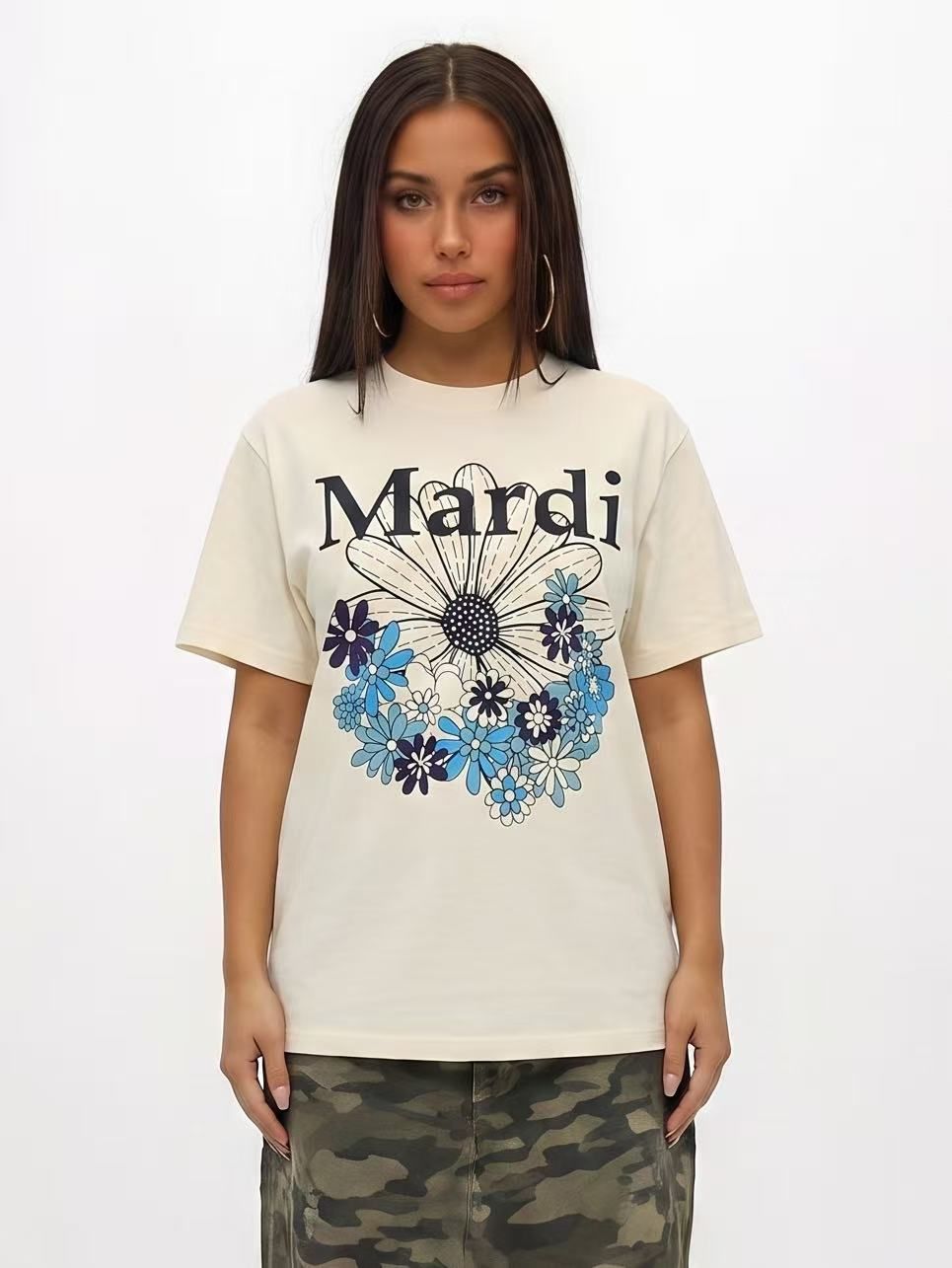
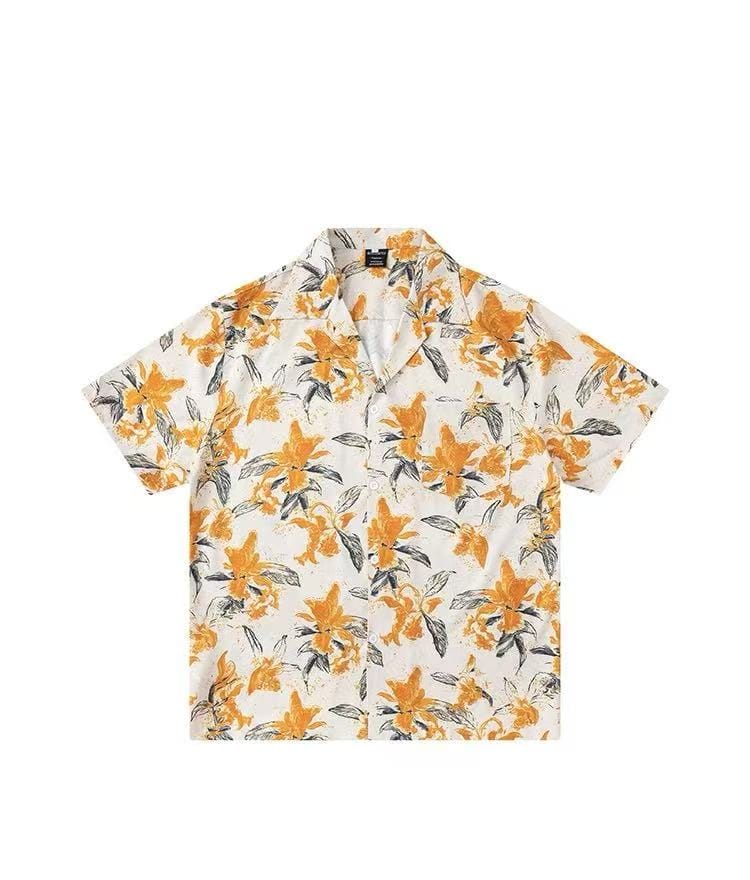
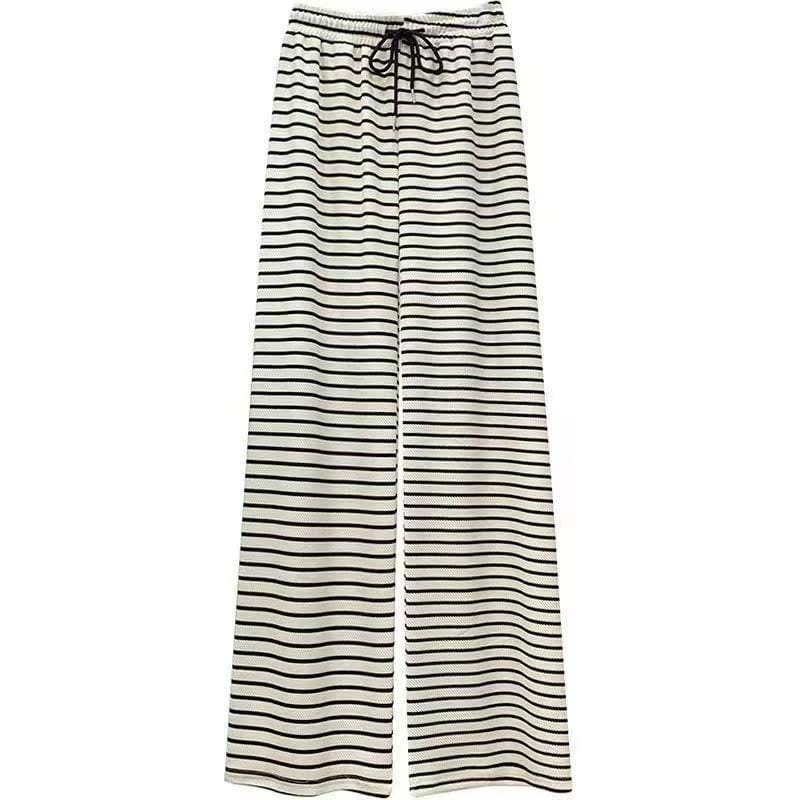
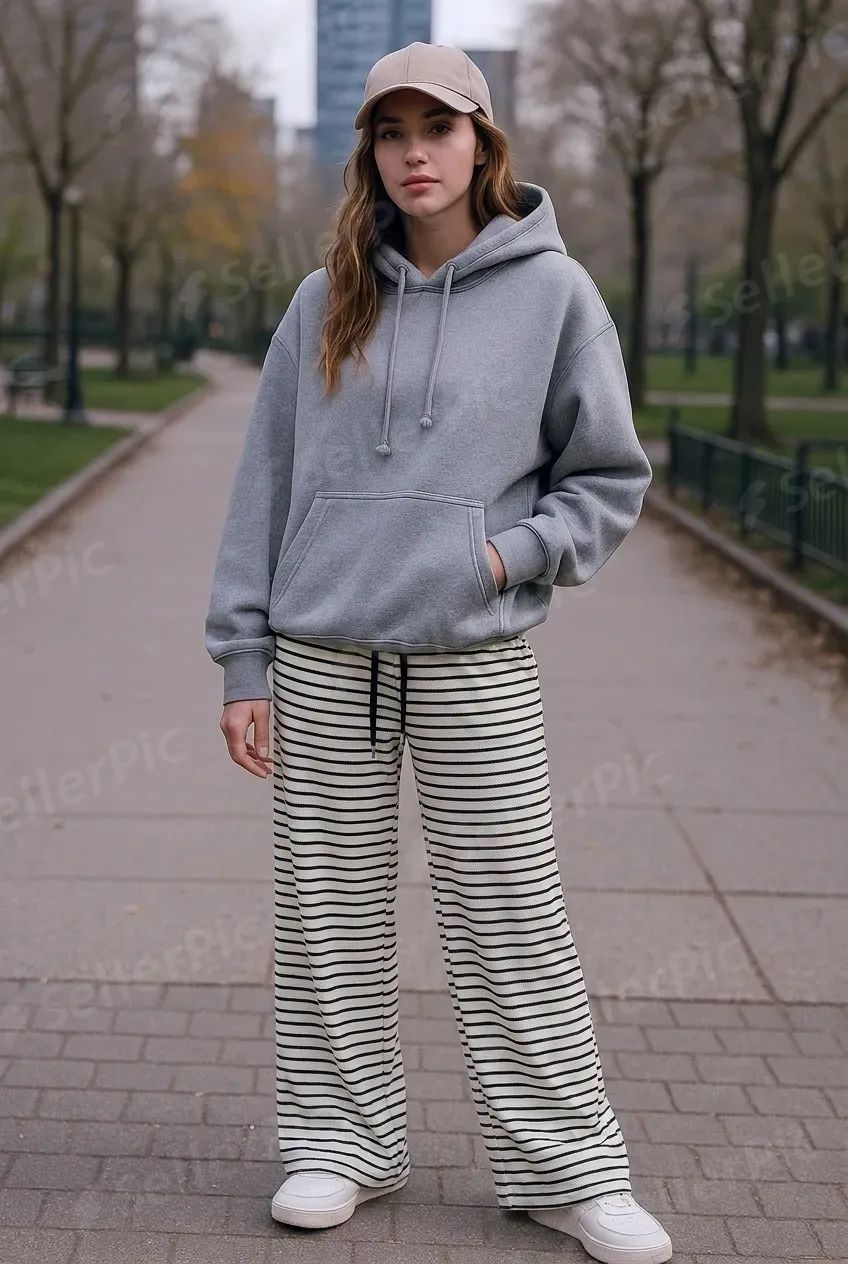
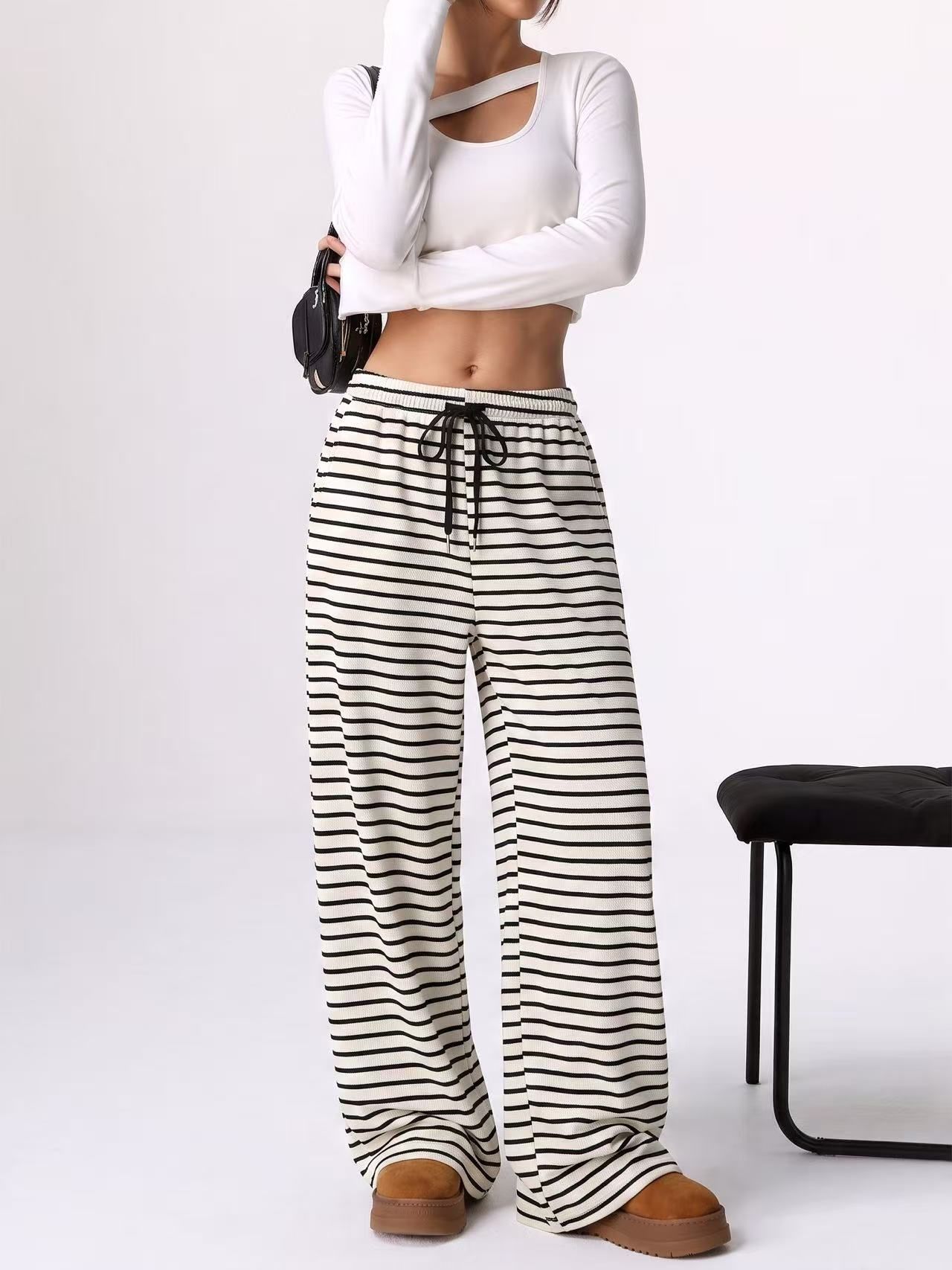
One graphic tee, one printed camp-collar shirt and one pair of striped wide-leg trousers. The same source photo into both tools, the first image out of each.
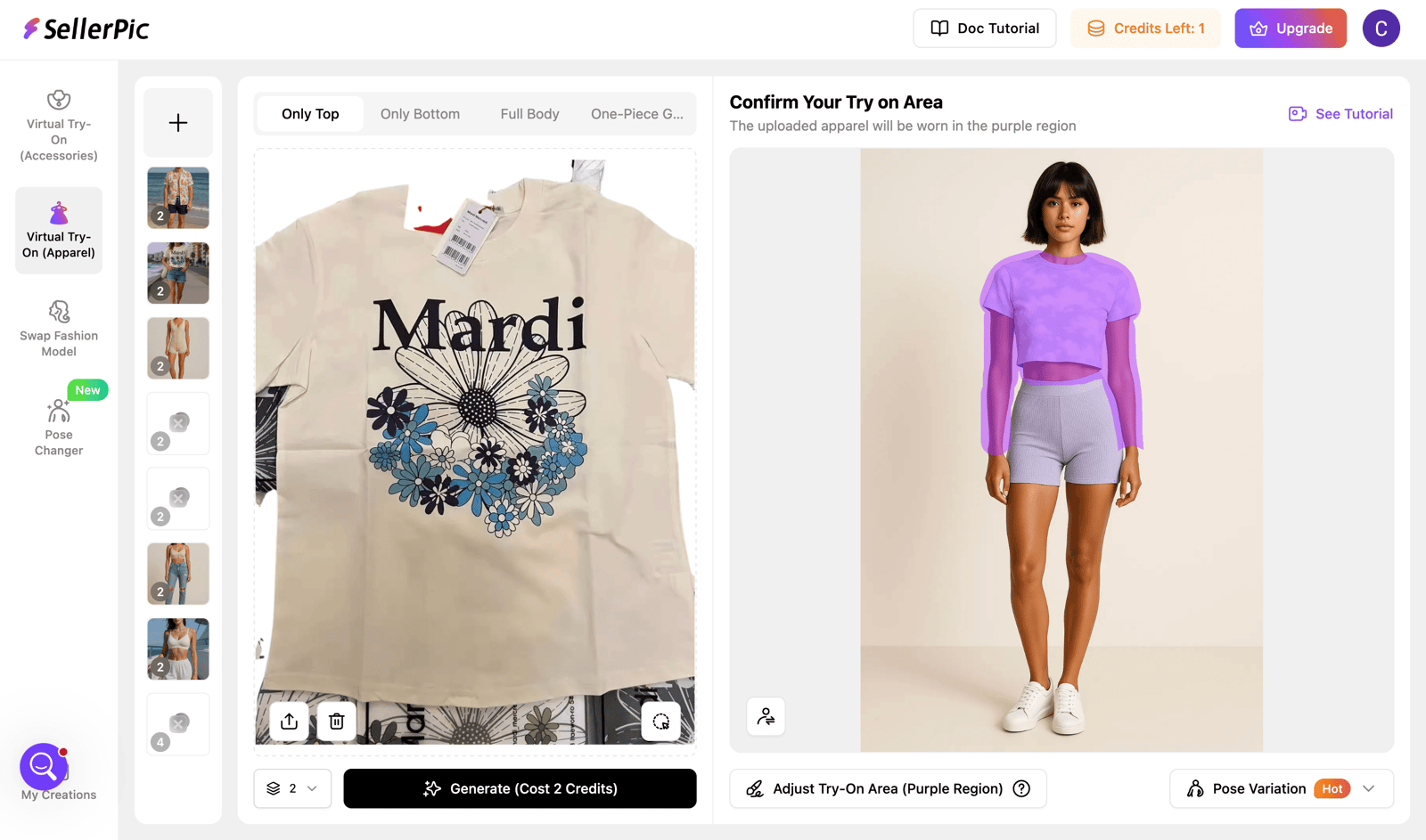
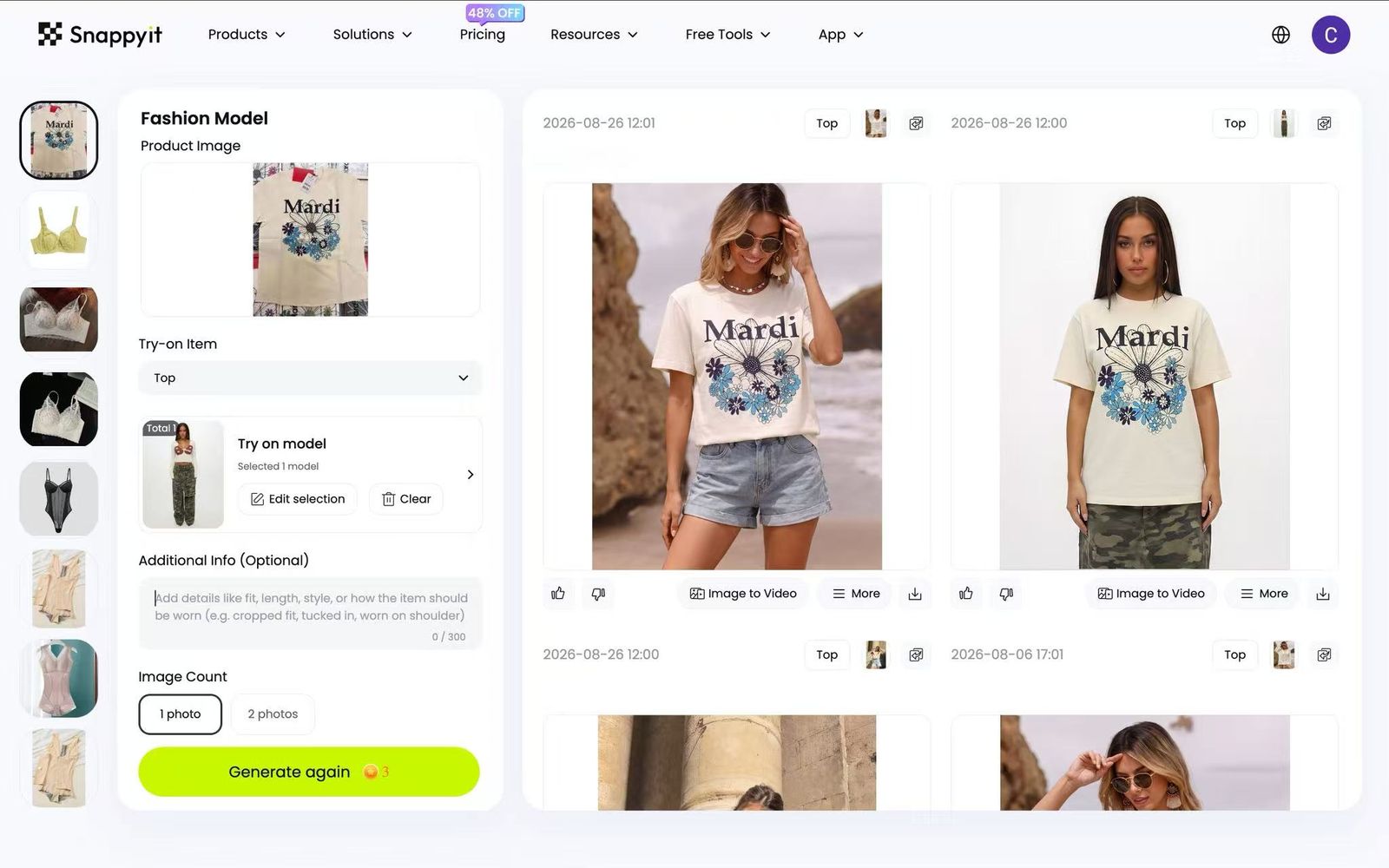
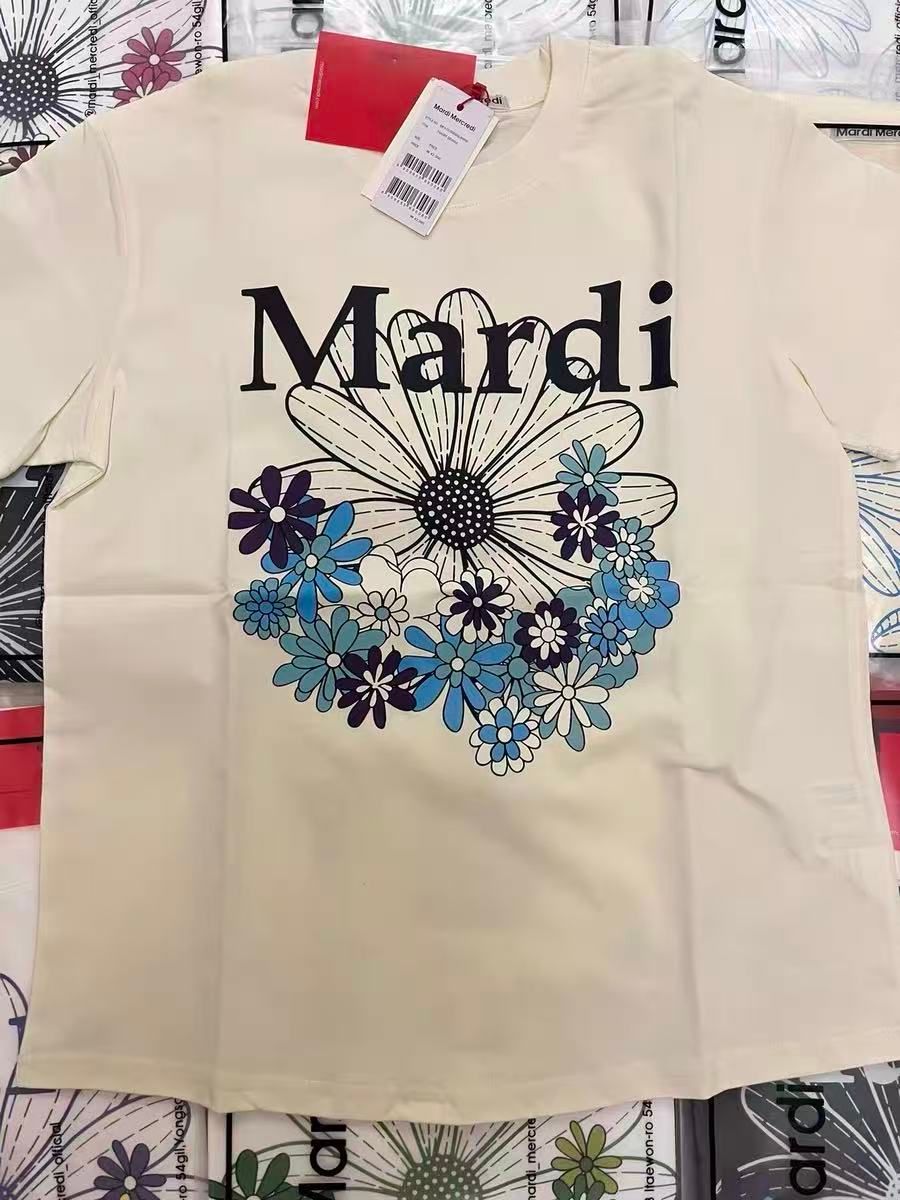
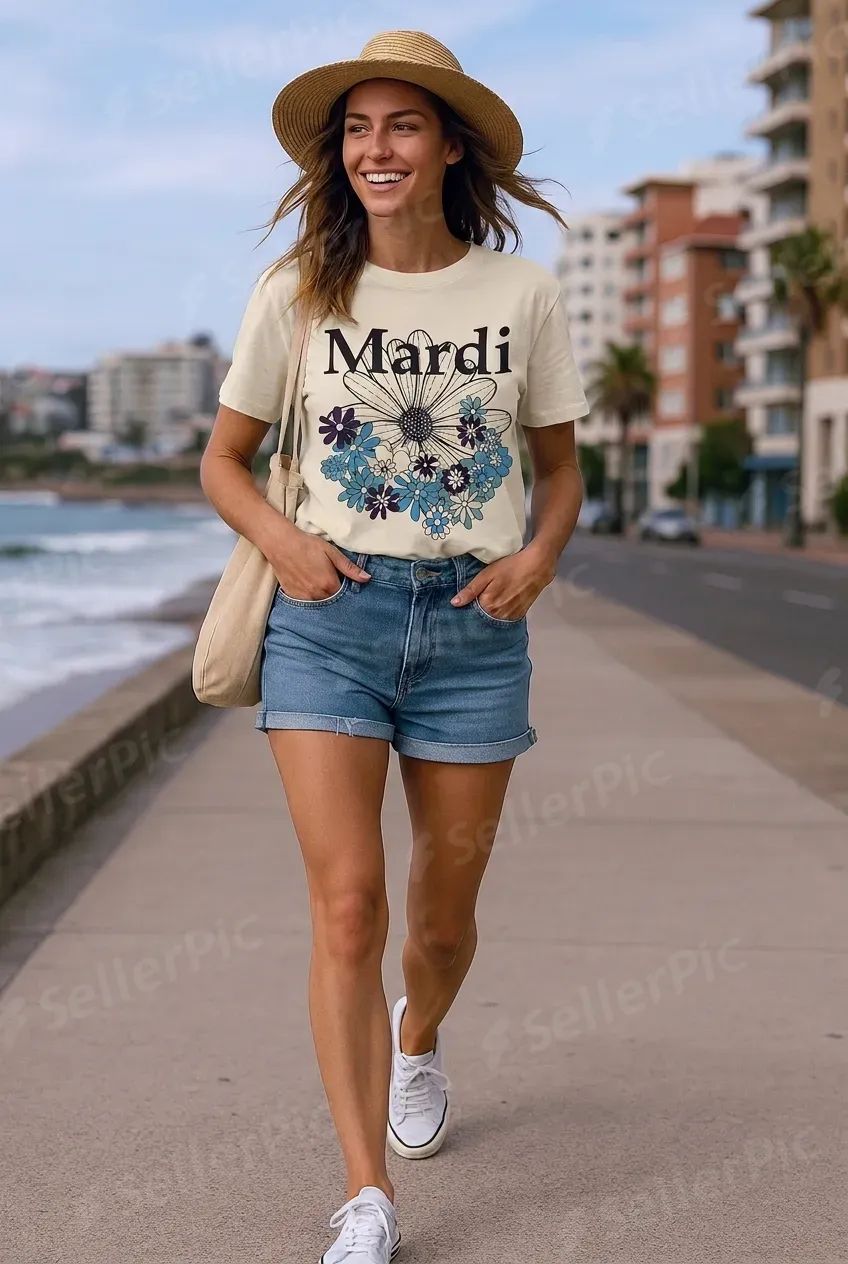


How we ran it
| Benchmark | Snappyit | SellerPic |
|---|---|---|
| Garment fidelity | The cut and proportions held across all three. The tee kept its boxy, oversized fit and drop shoulder, the camp collar kept its shape, and the trousers retained their wide-leg cut and drawstring waist. | The shirt and the trousers held. The tee did not: a boxy oversized cut came back fitted through the body with short sleeves and the hem at the waistband — the one change a buyer notices when the parcel arrives. |
| Print and detail | Wordmark, wreath and colour all reproduced, with the wordmark sitting across the daisy the way it does on the garment. | The colour mix is right and both the wordmark and the wreath are there. But the layout shifted: the wordmark lifts clear of the daisy instead of sitting across it, and the wreath flattens out — so the print on the model is not the print on the garment. |
| Framing and product size | All three use a closer crop, making the print easy to inspect even as a small thumbnail. | Full-body scenes on all three. The garment reads correctly but takes up a smaller share of the frame. |
| What you can publish | Free credits return a clean file. | The free tier adds a repeated SellerPic watermark across the image, making free outputs useful for testing the tool but not for product listings. |
SellerPic Lingerie Category Test
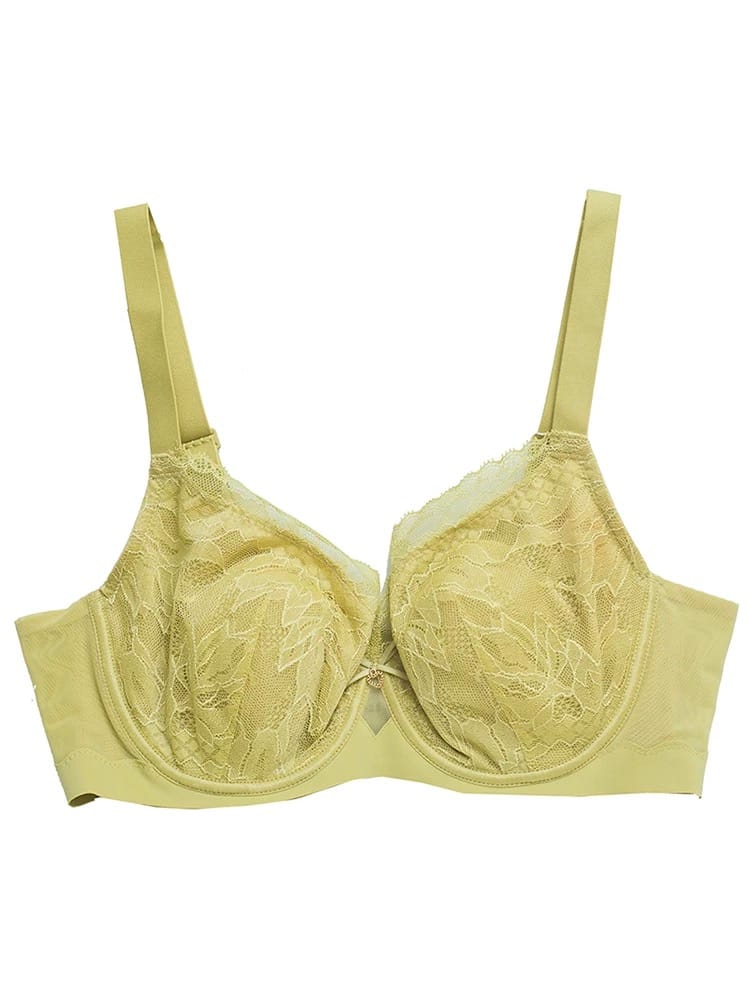
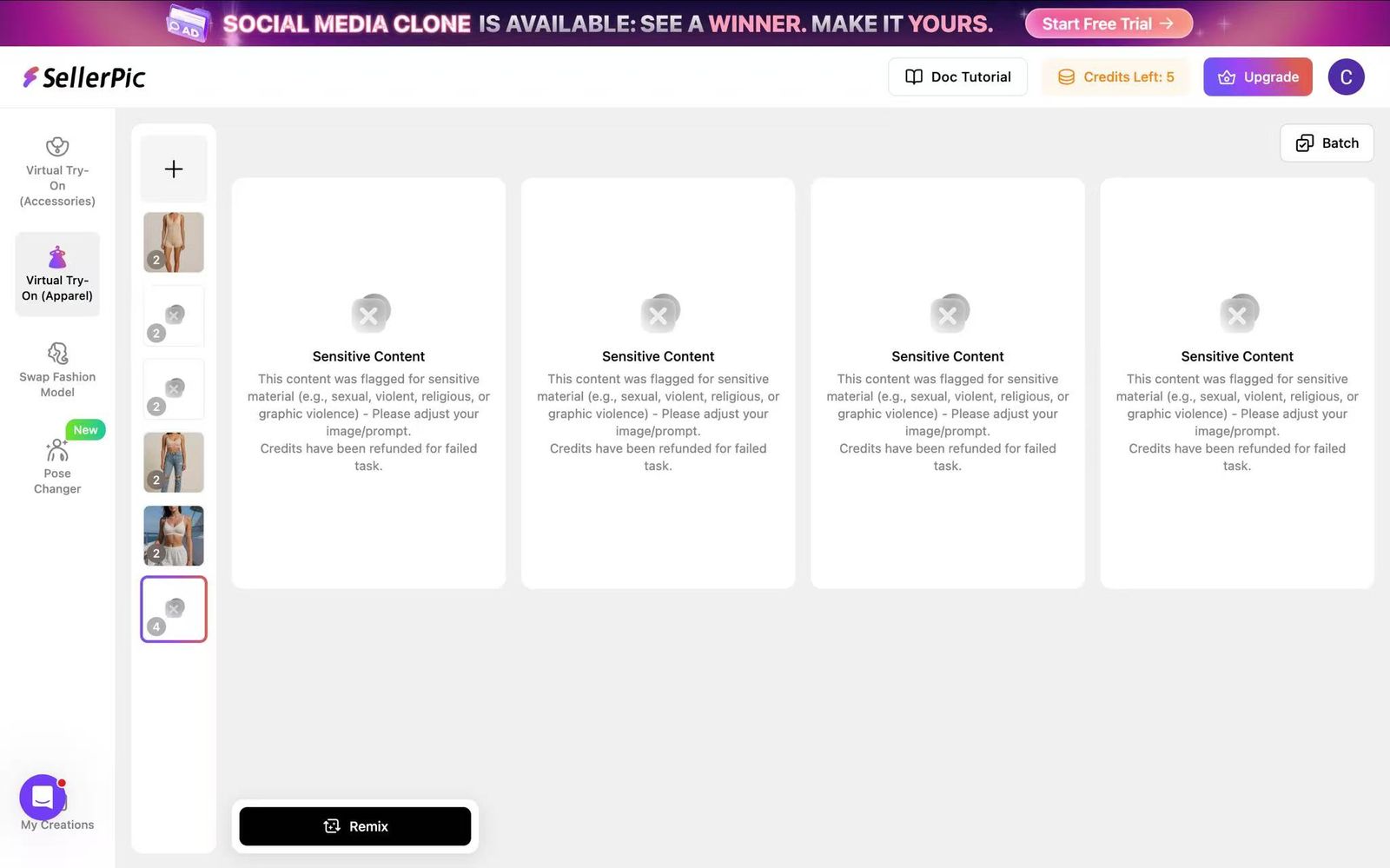
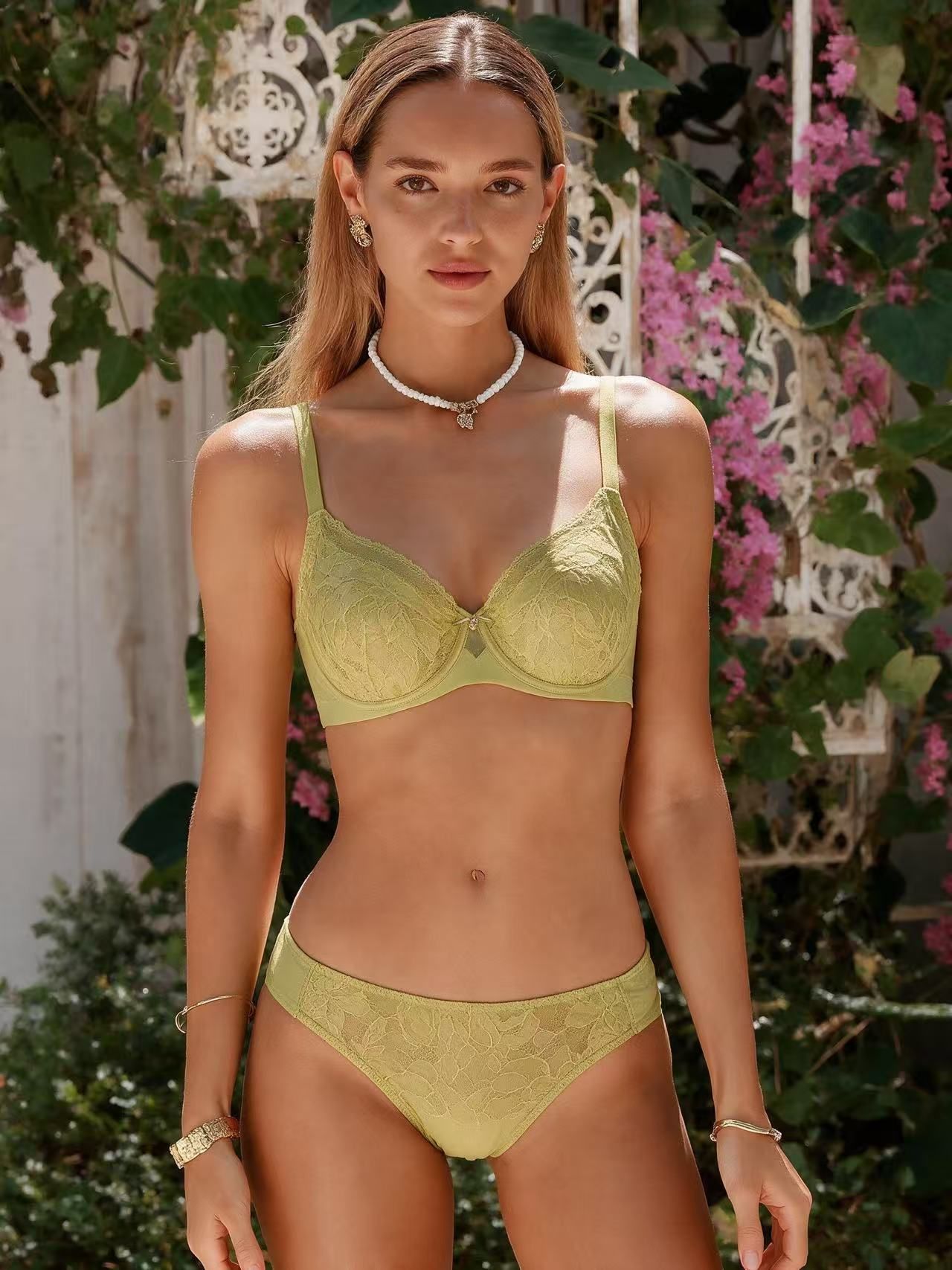
We uploaded the same yellow lace bra source photo to SellerPic and Snappyit. SellerPic returned a Sensitive Content message and refunded the credits; Snappyit produced an on-model image.
SellerPic Reviews: Credit Expiry and Customer Feedback
One five-star Trustpilot review praised SellerPic’s speed and range, then asked for monthly credits to carry over. We checked that request against SellerPic’s current official pricing FAQ.
“The Fast AI operations that help generate the images and Videos Smoothly.
The Range of Options to create the required final product.
Would totally recommend this to friends and family
Would appreciate it if they would provide a discount to regular subscribers, and carry-over of CREDITS on monthly paln”
“As a small clothing reseller, Snappyit is a game-changer. Professional product photos in seconds, no photoshoot needed—it saves me time and money on every single listing.”
SellerPic vs Snappyit Pricing Comparison
Compare whether each product offers a free trial and the monthly price of every paid plan. Prices below use the annual-billing rates published on 26 August 2026.
SellerPic pricing 26 Aug 2026 · USD
Monthly prices shown with annual billing. Check the current pricing page before subscribing.
Snappyit pricing 26 Aug 2026 · USD
Monthly prices shown with annual billing. Check the current pricing page before subscribing.
SellerPic vs Snappyit for Ecommerce Clothing Sellers
Choose by the product types you sell, the number of images you generate and whether you need other catalog formats from the same source photo.
Choose SellerPic when …
You prefer a dedicated try-on workflow. SellerPic keeps apparel and accessory try-on inside the same product and provides controls designed around garment placement.
You mainly need standard on-model apparel images. SellerPic can suit catalogs focused on virtual try-on rather than several product-photo formats from the same source.
Choose Snappyit when …
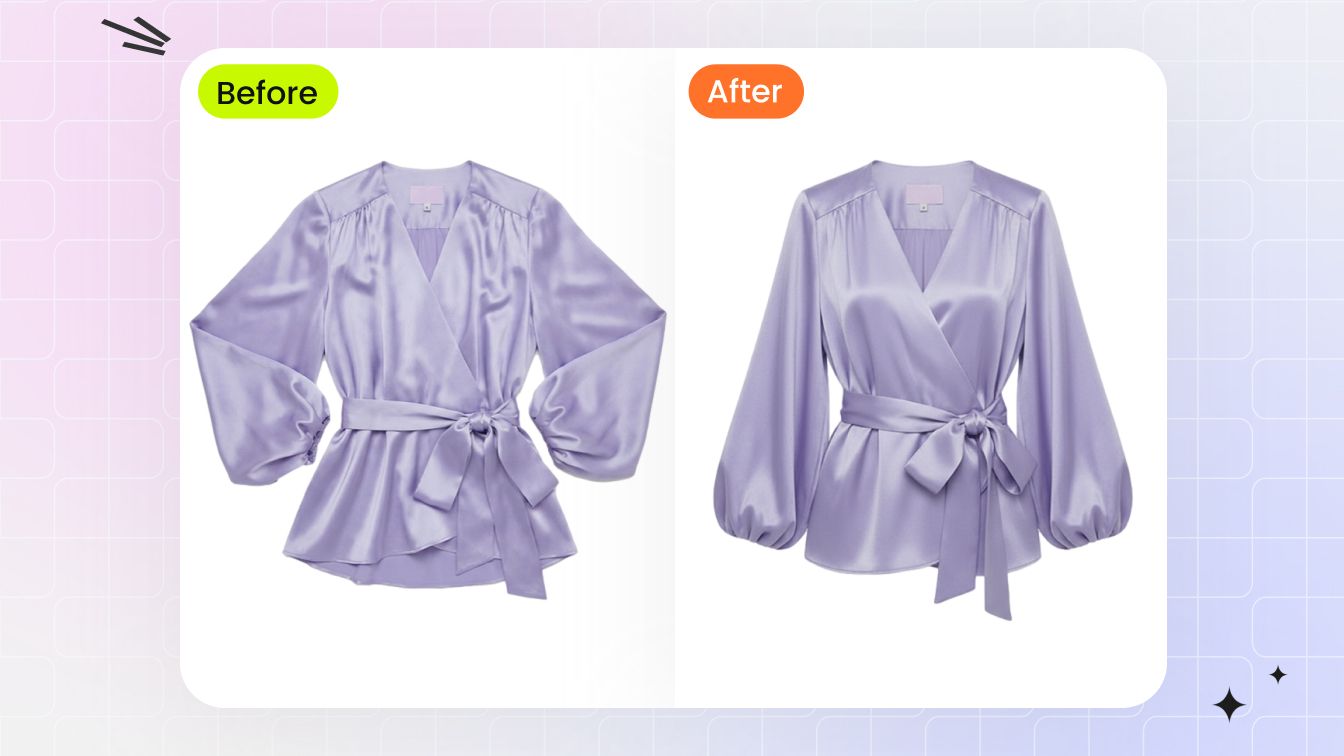
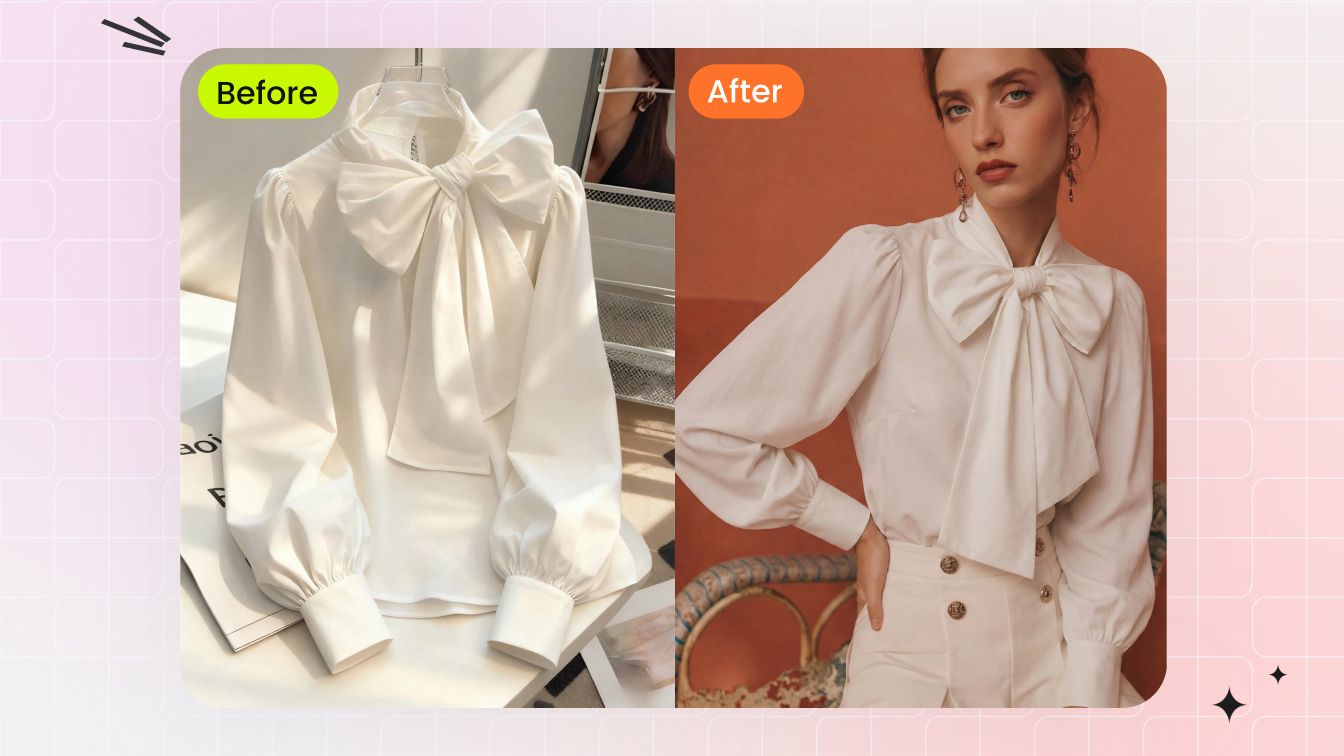
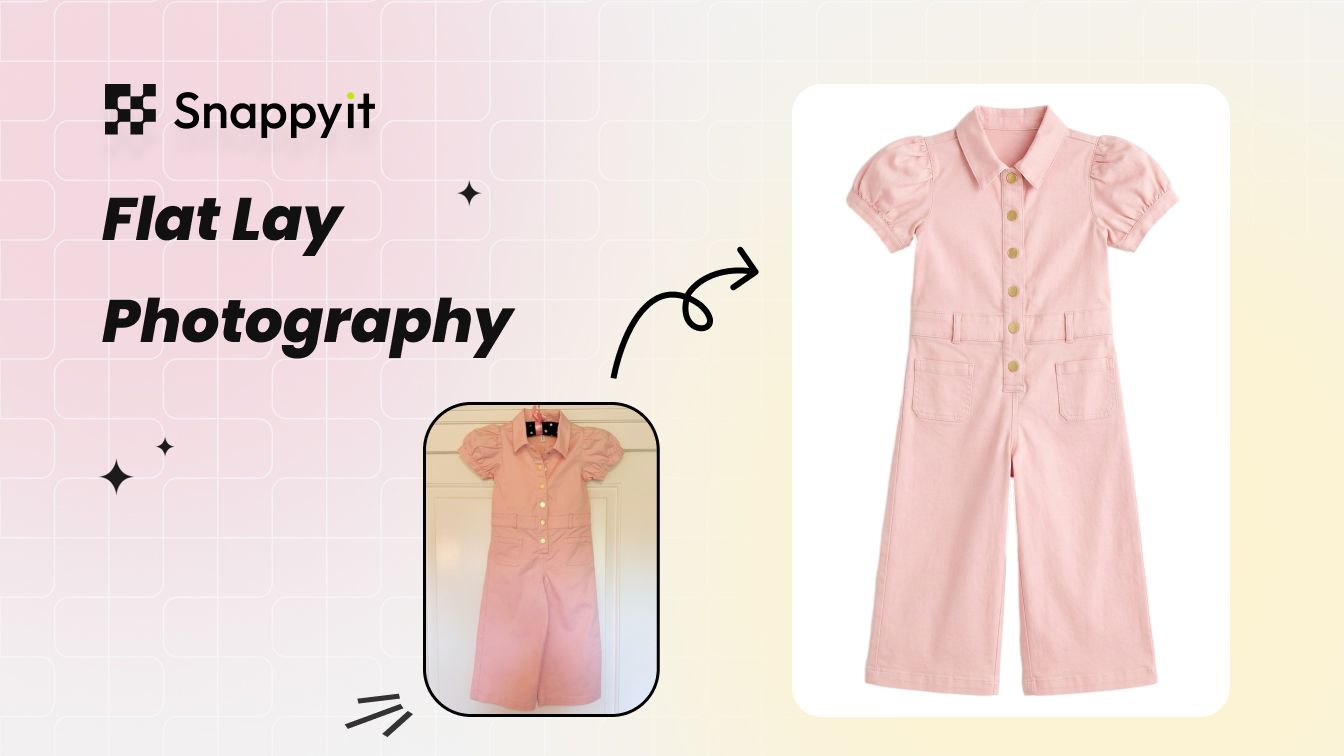
You need a complete product-image workflow. From one upload, you can create a flat lay, ghost mannequin, on-model image, colour variation, or short video instead of using separate tools for each step.
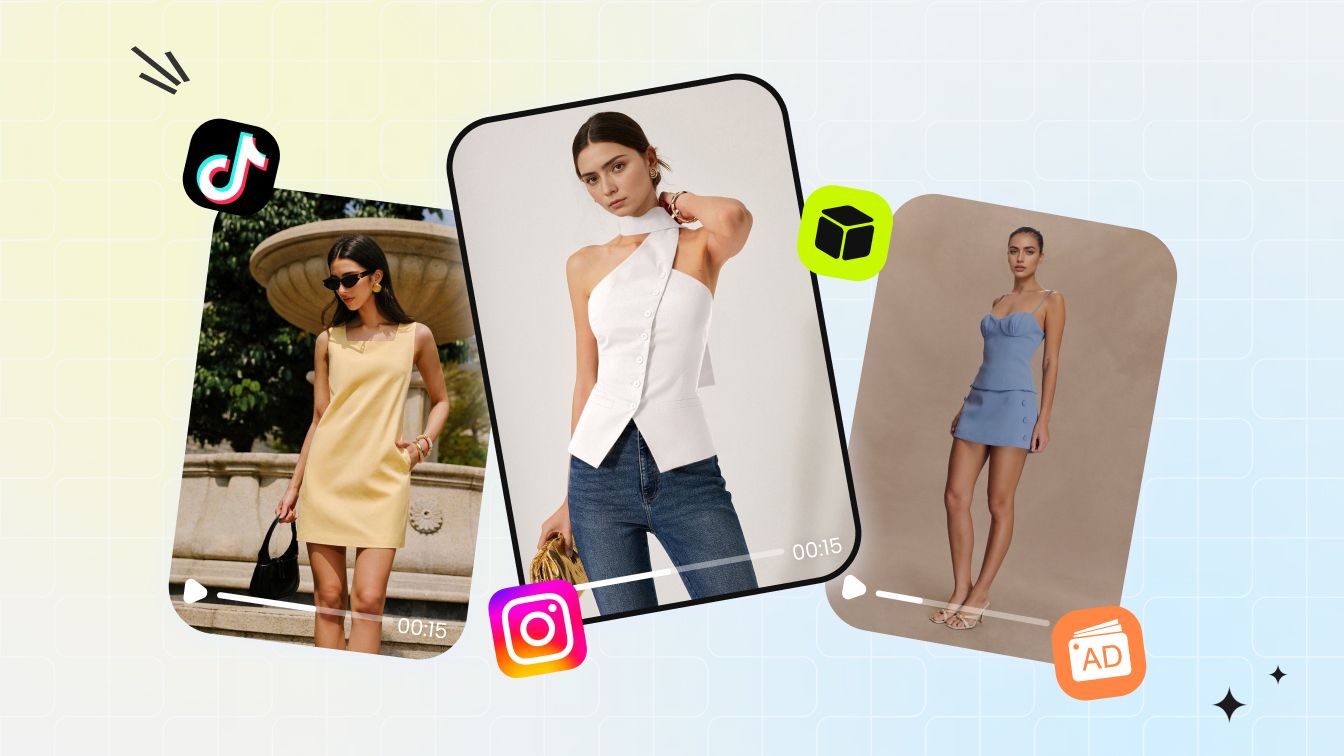
You want more from each product photo. If one garment needs several images for your store, ads, social posts, and product pages, keeping multiple image-generation tools in one workflow reduces handoffs between separate services.
SellerPic Alternative FAQ
Current pricing facts, free-access terms, watermarks, jewelry try-on, and ecommerce workflow fit.
Try Snappyit AI Virtual Try-On With Your Own Garment
6 free credits, no card, nothing stamped across the output. Upload one garment you own, compare the result with the real item, and decide whether the workflow meets your listing standard.