Pixelcut vs Snappyit: AI Product Photos
See How Pixelcut Handles the Same Dress in Flat-Lay and On-Model Workflows
Choose a tool, then upload your photo
Click or drag image here
Any flat-lay or hanging photo works, no professional setup needed.
How to Compare Pixelcut With Snappyit
Test the same representative product in Pixelcut and Snappyit, then compare the first outputs at full size.
Choose a detailed product
Use a representative SKU with visible trim, pattern, texture, or construction details.
Match the workflow
Upload the same source image and choose the equivalent flat-lay or on-model workflow in both tools.
Compare the first outputs
Inspect composition, product-detail fidelity, settings, and credit use before testing more catalog items.
How Pixelcut Handles Flat-Lay Product Photos
Both tools received the same dress photo. The edited workbench captures are arranged with Pixelcut on the left and Snappyit on the right, followed by the untouched source and the two returned results.
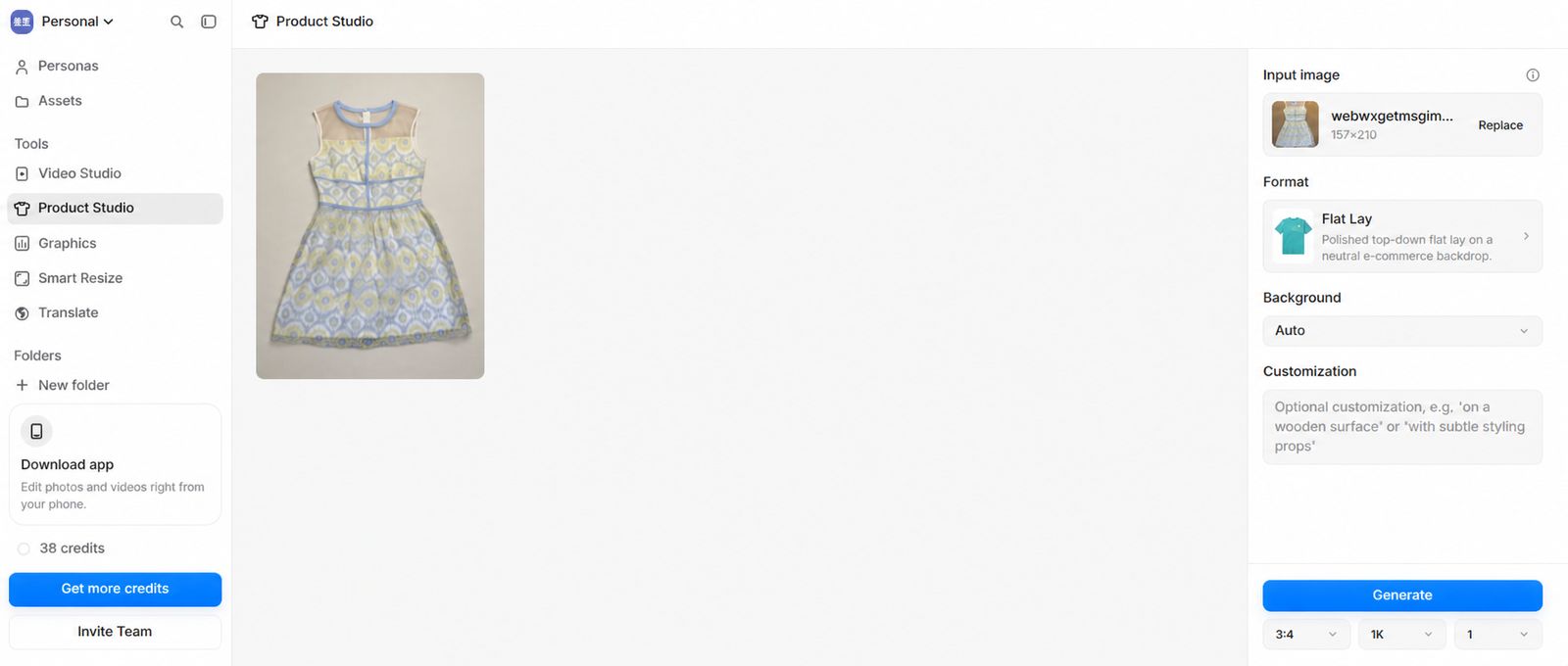
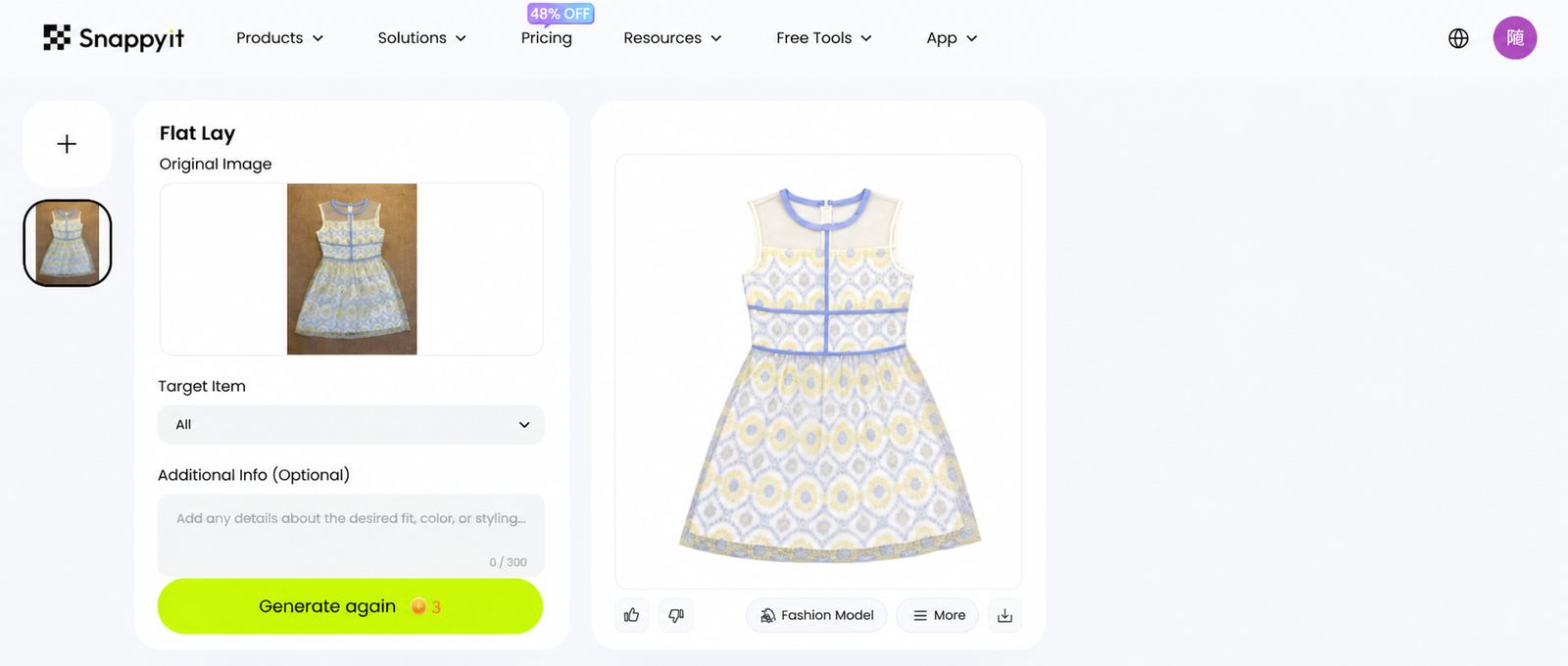
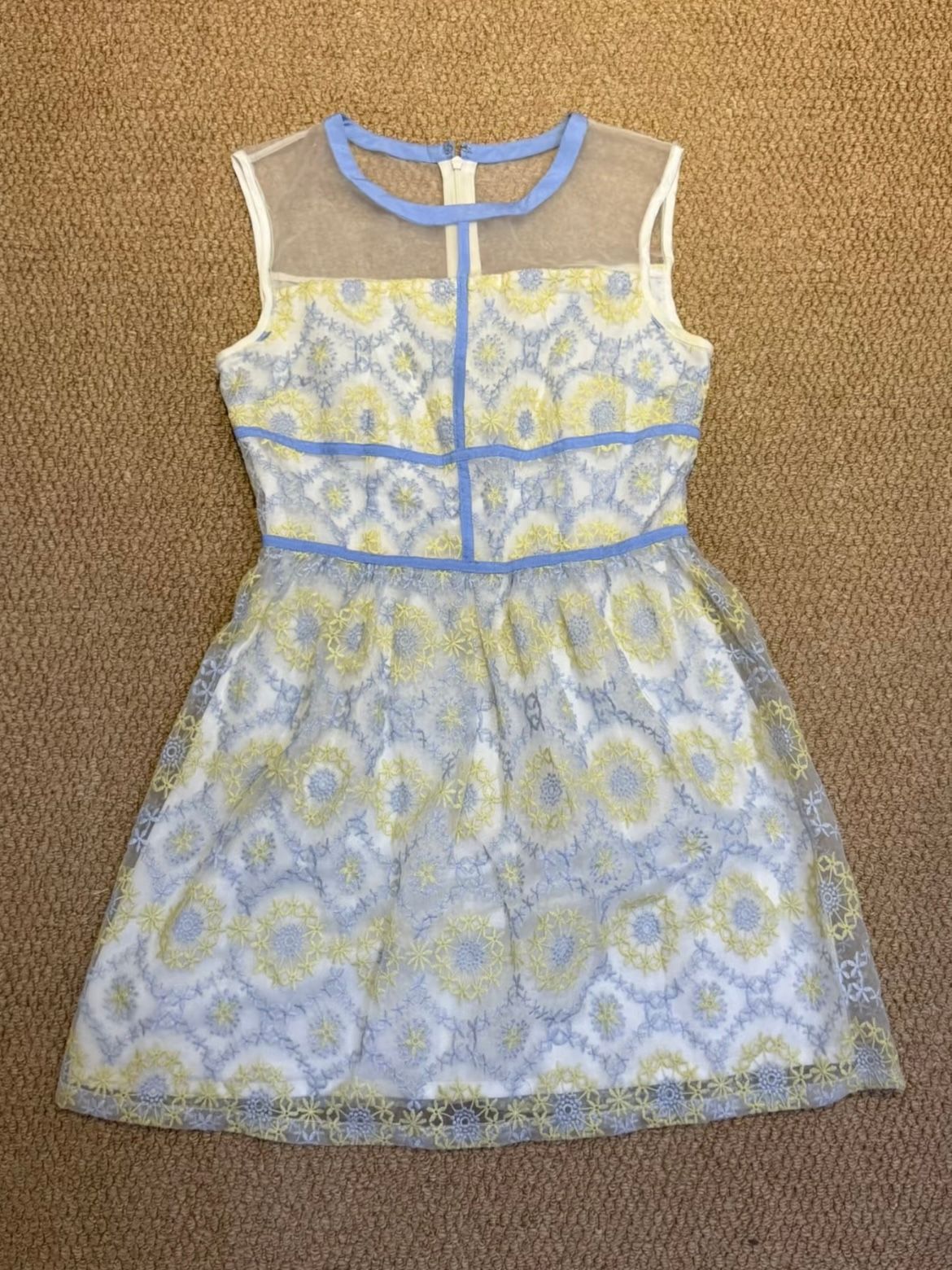
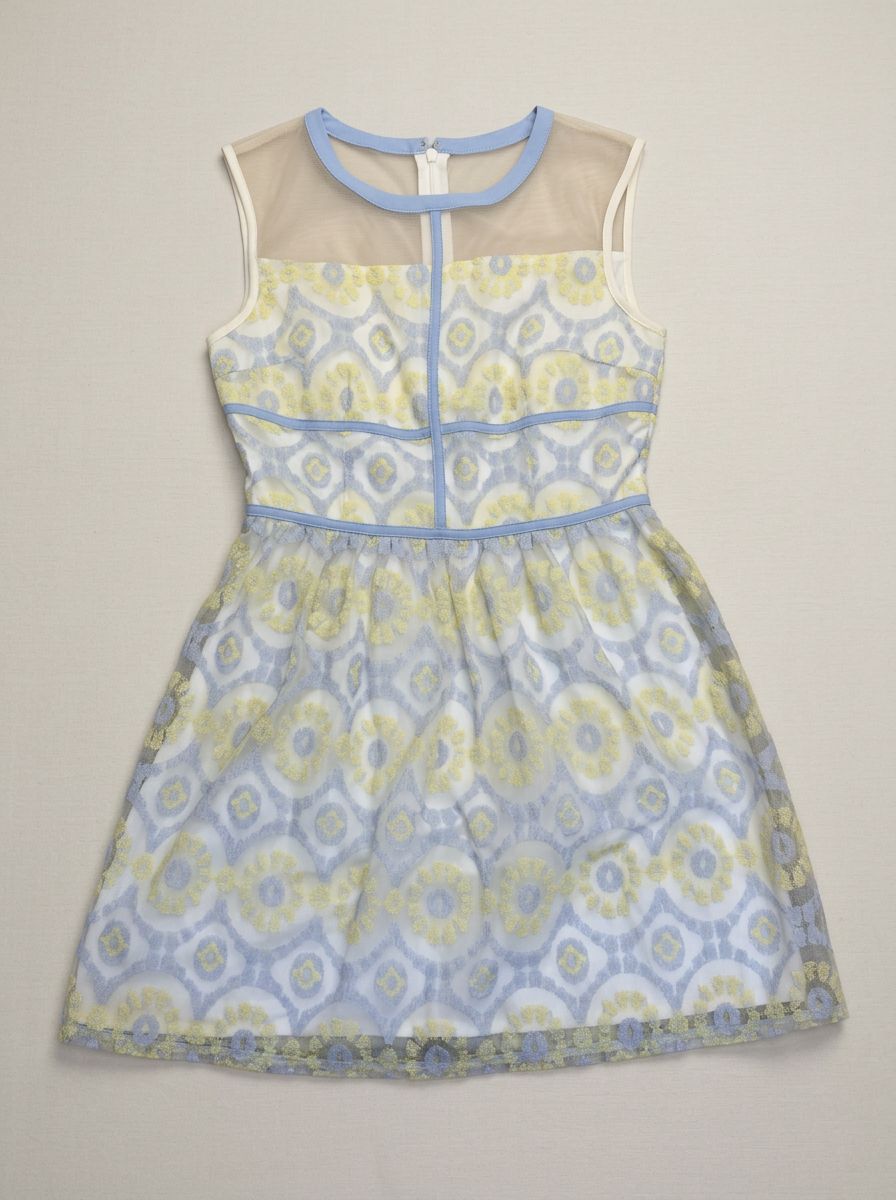
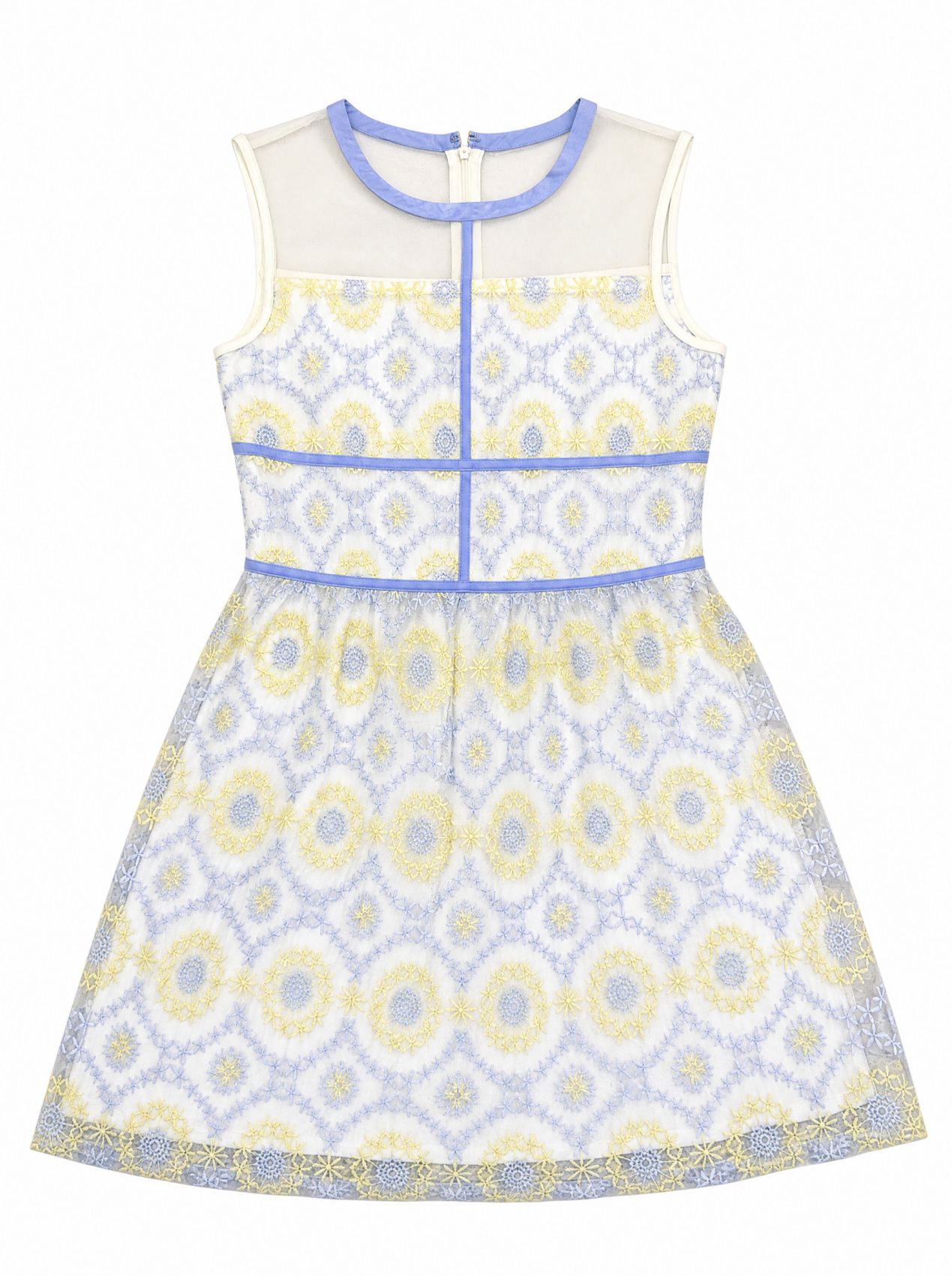
Visual observation: Both tools removed the original floor background, but neither preserved the embroidery as an exact catalog record. Pixelcut keeps the overall dress silhouette while enlarging and simplifying parts of the motif. Snappyit renders the blue-and-yellow embroidery and piping more sharply, but also reorganizes some motif placement. Both outputs require SKU-level detail review before listing use.
How Pixelcut Handles On-Model Product Photos
For the second test, both tools used the same custom model photo and the same embroidered product dress. This makes the comparison about garment transfer, detail retention and composition rather than a change in the model or studio scene.
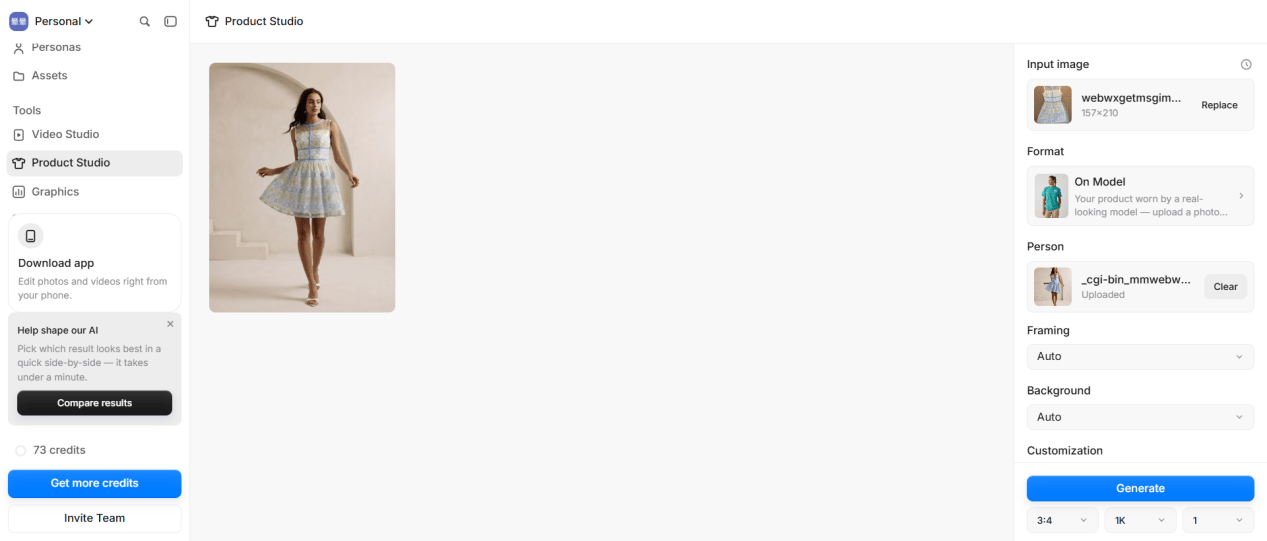
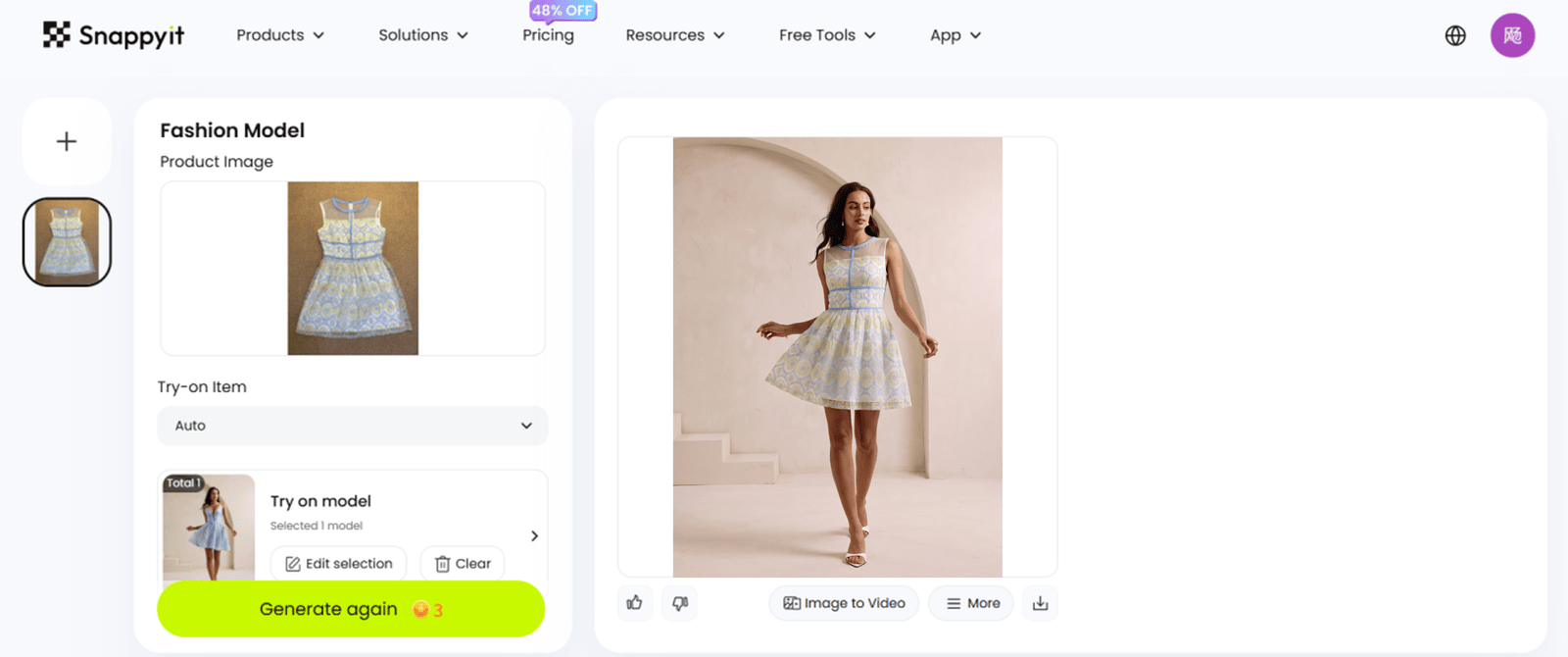
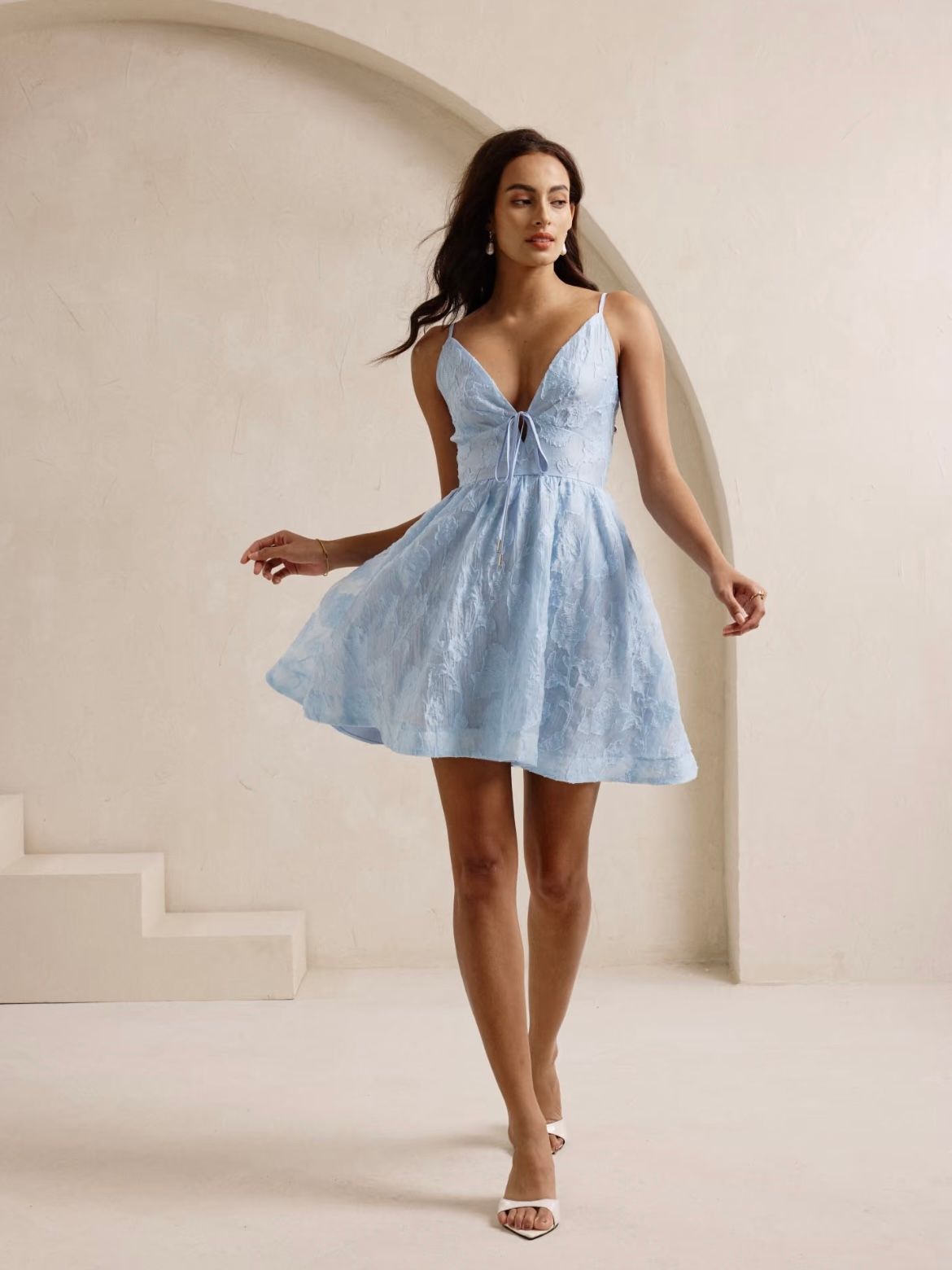
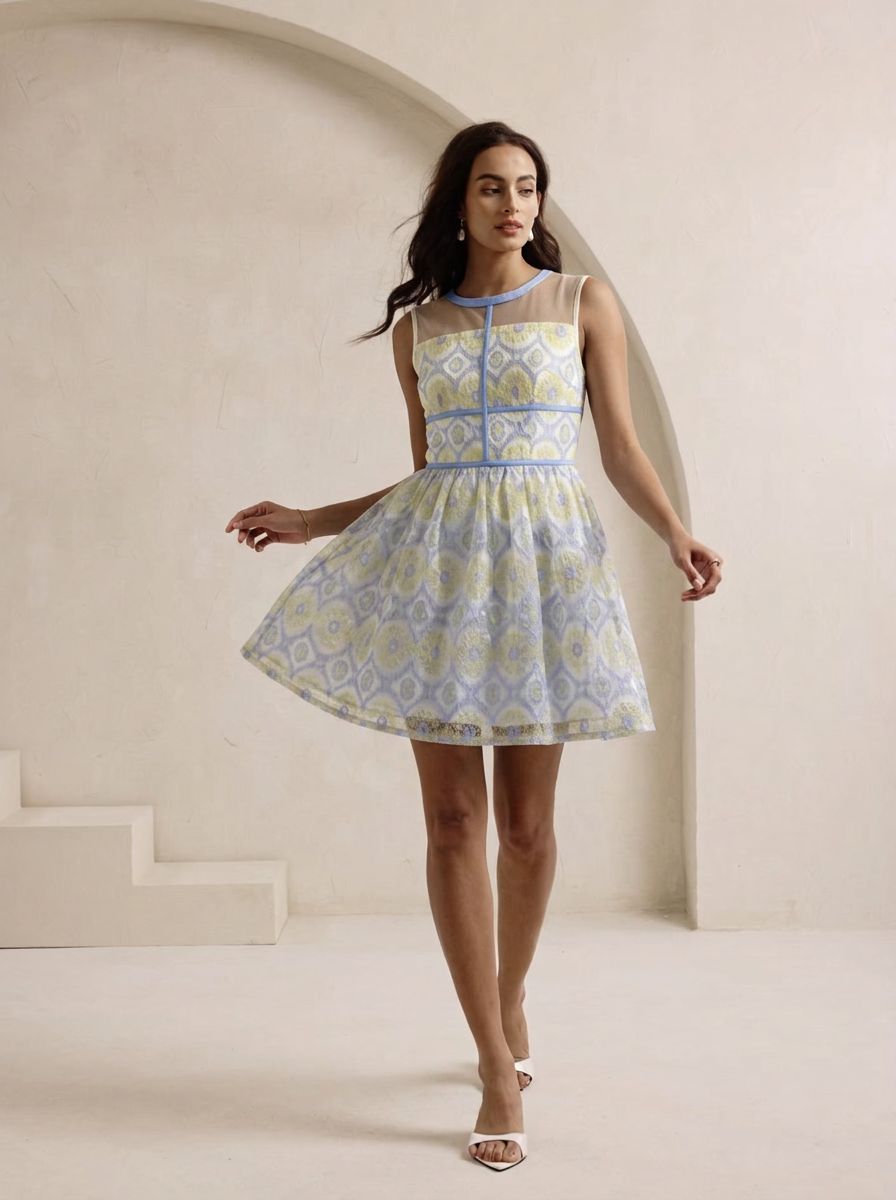
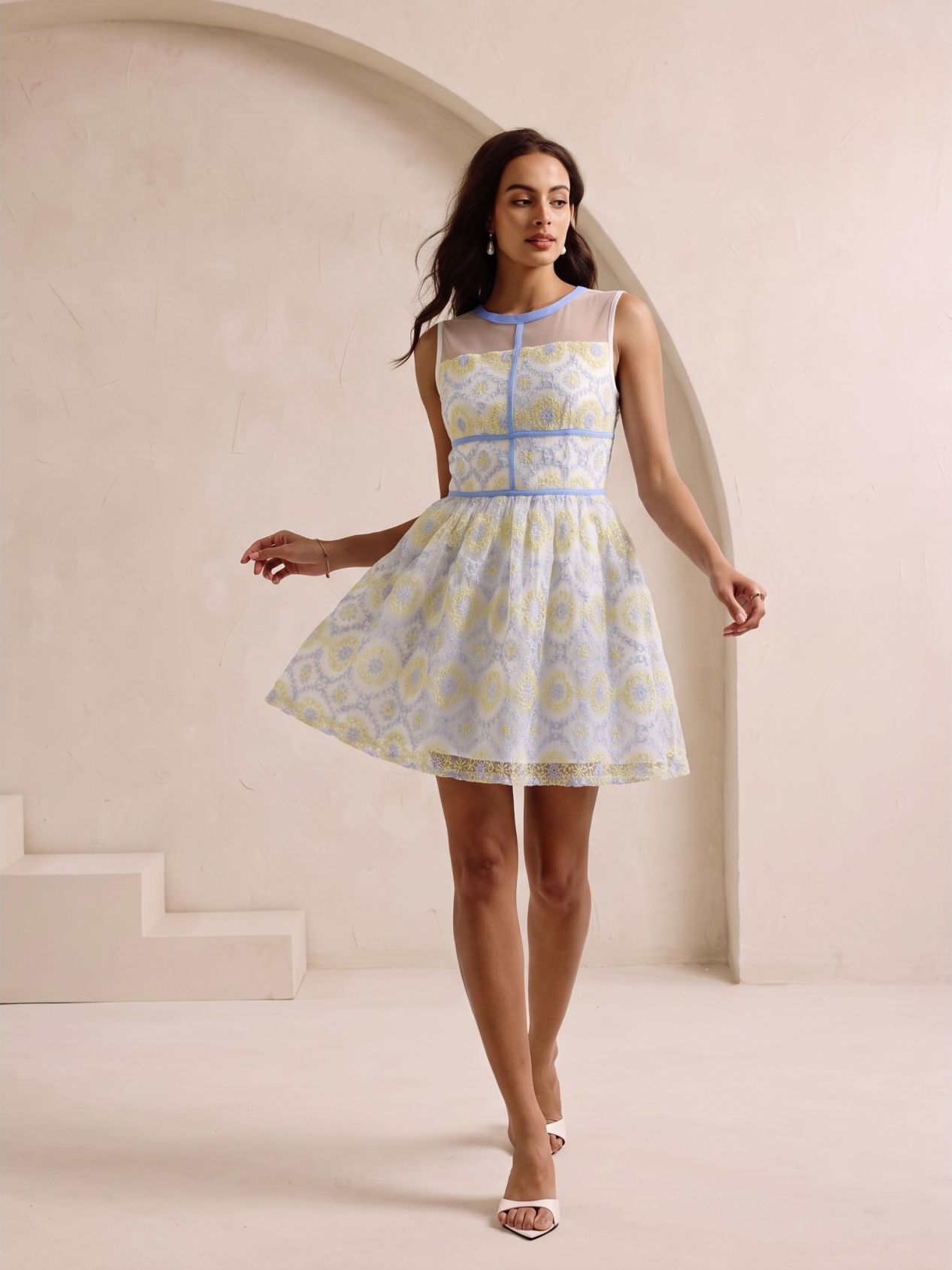
Visual observation: Pixelcut stays closer to the original full-body framing, while Snappyit renders the embroidery and blue piping more clearly. Both outputs change parts of the motif placement and garment drape, so neither result alone proves catalog fidelity.
What the Pixelcut Dress Tests Reveal
The verdict separates visible strengths from catalog accuracy. A sharper motif is not automatically a more faithful motif, and one supplied output cannot establish general product performance.
| Benchmark | Pixelcut | Snappyit | Verdict from this test |
|---|---|---|---|
| Composition | Keeps the on-model full-body framing closer to the model reference. | Returns a tighter on-model composition and a flatter catalog-style flat lay. | Pixelcut is closer on on-model framing; both replace the flat-lay scene. |
| Motif and piping | Softer; parts of the motif are enlarged and simplified. | Blue-and-yellow embroidery and piping render more sharply, but placement and density change. | Snappyit is clearer; neither is an exact embroidery record. |
| Silhouette and drape | Flat-lay outline remains recognizable; the on-model drape is regenerated. | Flat lay is cleaner and more flattened; the on-model drape is also regenerated. | Both require comparison with the physical SKU. |
| Operational evidence | 3:4, 1K, and one output are visible. The supplied captures show balances of 73 and 38 credits, a 35-credit difference. | A three-credit generate action is visible; selected ratio and resolution are not shown. | The screenshots document settings and balances, not a controlled cost comparison. |
Overall: Pixelcut is stronger in this supplied on-model example for preserving the reference framing. Snappyit renders the embroidery and blue piping more clearly. Neither output proves catalog fidelity because both reinterpret motif placement and garment drape.
Pixelcut Pricing, Plans, and Free Access
Compare the current listed plan prices for both products. Free-access availability is shown as a simple yes or no.
Pixelcut price snapshot
Official pricing checked August 26, 2026
Prices are shown per month; the lower rate requires yearly billing.
Snappyit price snapshot
Official pricing checked August 26, 2026
Prices are shown per month; yearly rates come from the supplied discounted-plan capture.
When Pixelcut Fits Your Product Photo Workflow
Choose between a broad editing and bulk toolkit or a suite organized around garment-specific ecommerce workflows.
Choose Pixelcut when
You want broad editing and bulk tools. Pixelcut's official site lists background removal, image upscaling, AI product photography, AI generation, and a Bulk Image Editor; the supplied captures also show Product Studio Flat Lay and On Model formats.
Choose Snappyit when
You need garment-specific ecommerce workflows. Snappyit's current product navigation includes Flat Lay, Fashion Model, Ghost Mannequin, Color Change, jewelry tools, Image to Video, and Fashion Video.
You want batch support in the same suite. Current pricing lists batch upload on Basic and Standard and batch upload and generation on Pro and Custom.
Pixelcut FAQ: Pricing, Bulk Editing, Platforms, and Alternatives
Verified answers about Pixelcut workflows, free access, pricing, bulk editing, platform support, and alternatives.
Test a Pixelcut Alternative on Your Own Product Photo
Upload a real product photo, test the model-photo workflow, and compare output quality, cost and channel fit before committing to a paid plan.