Botika Review: AI Fashion Model Alternatives
Botika review: three garment tests, current pricing, trial watermarks, and workflow trade-offs.
Click or drag image here
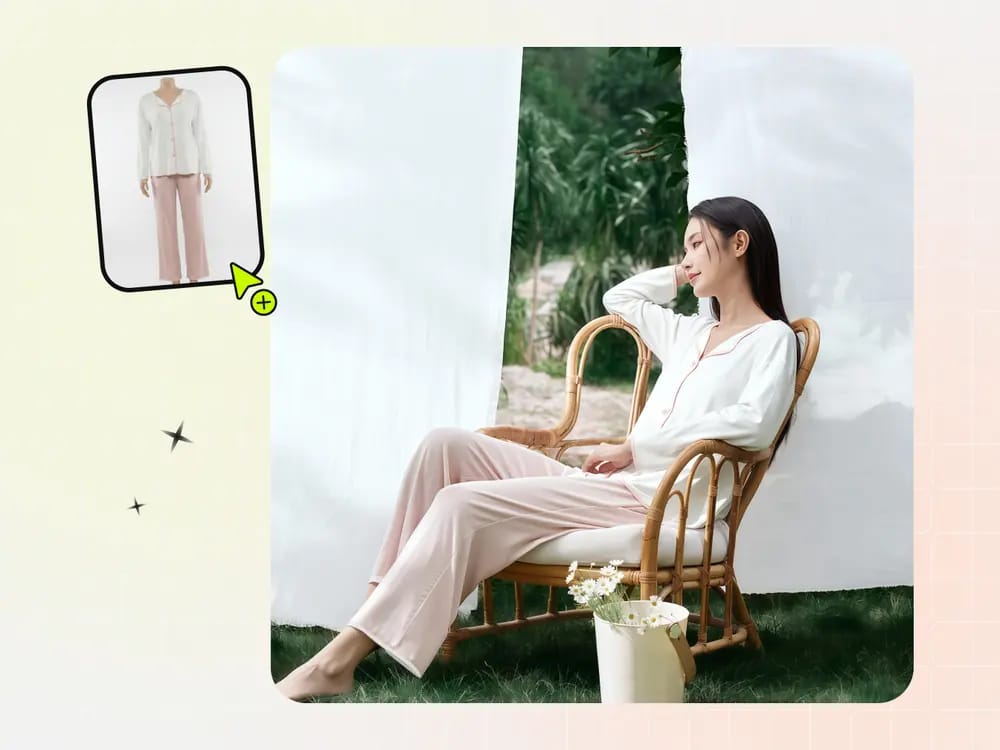
Any flat-lay or hanging photo works, no professional setup needed.
Botika image quality: the same three garments tested in both tools
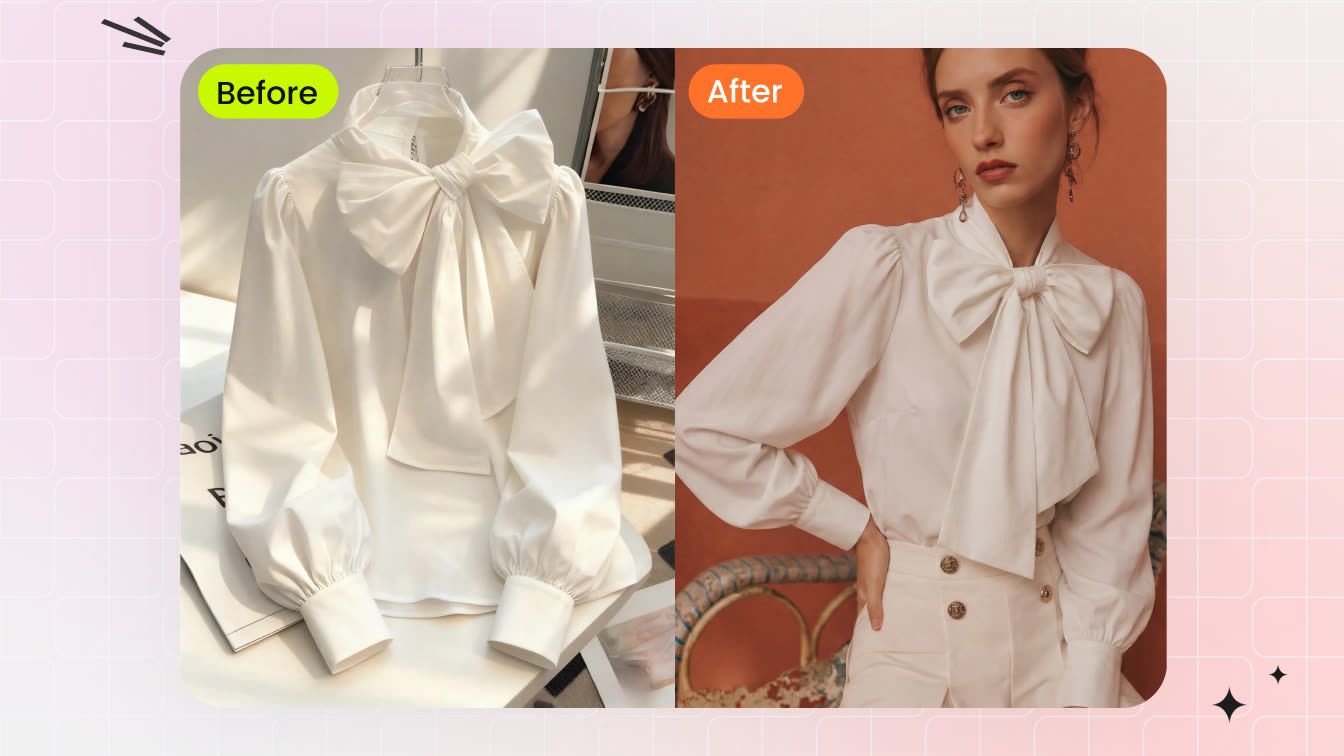
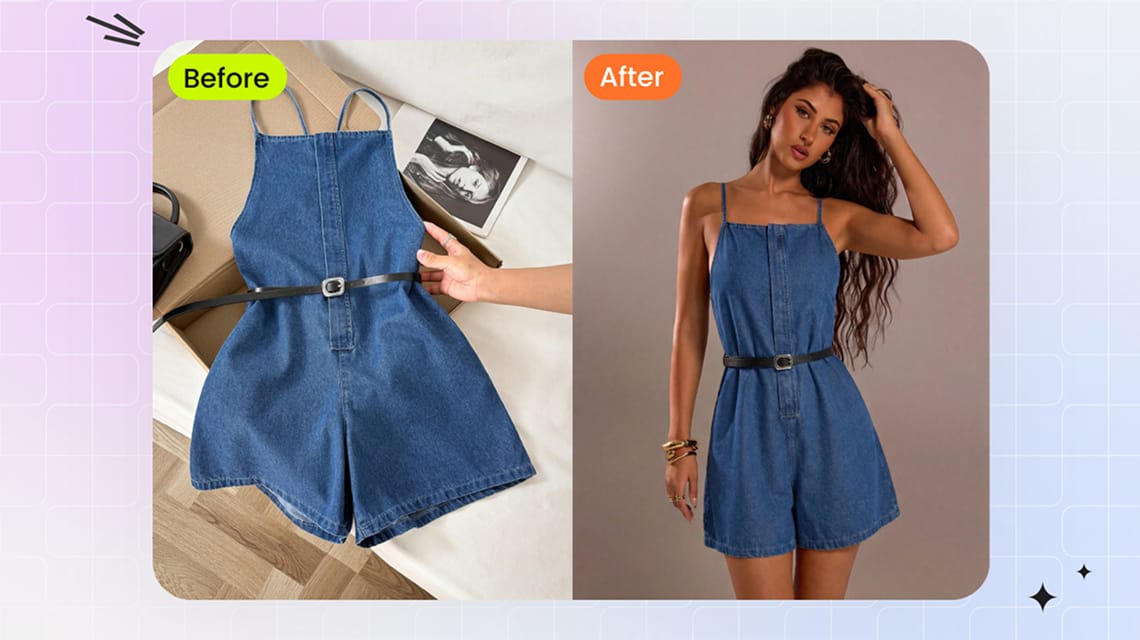
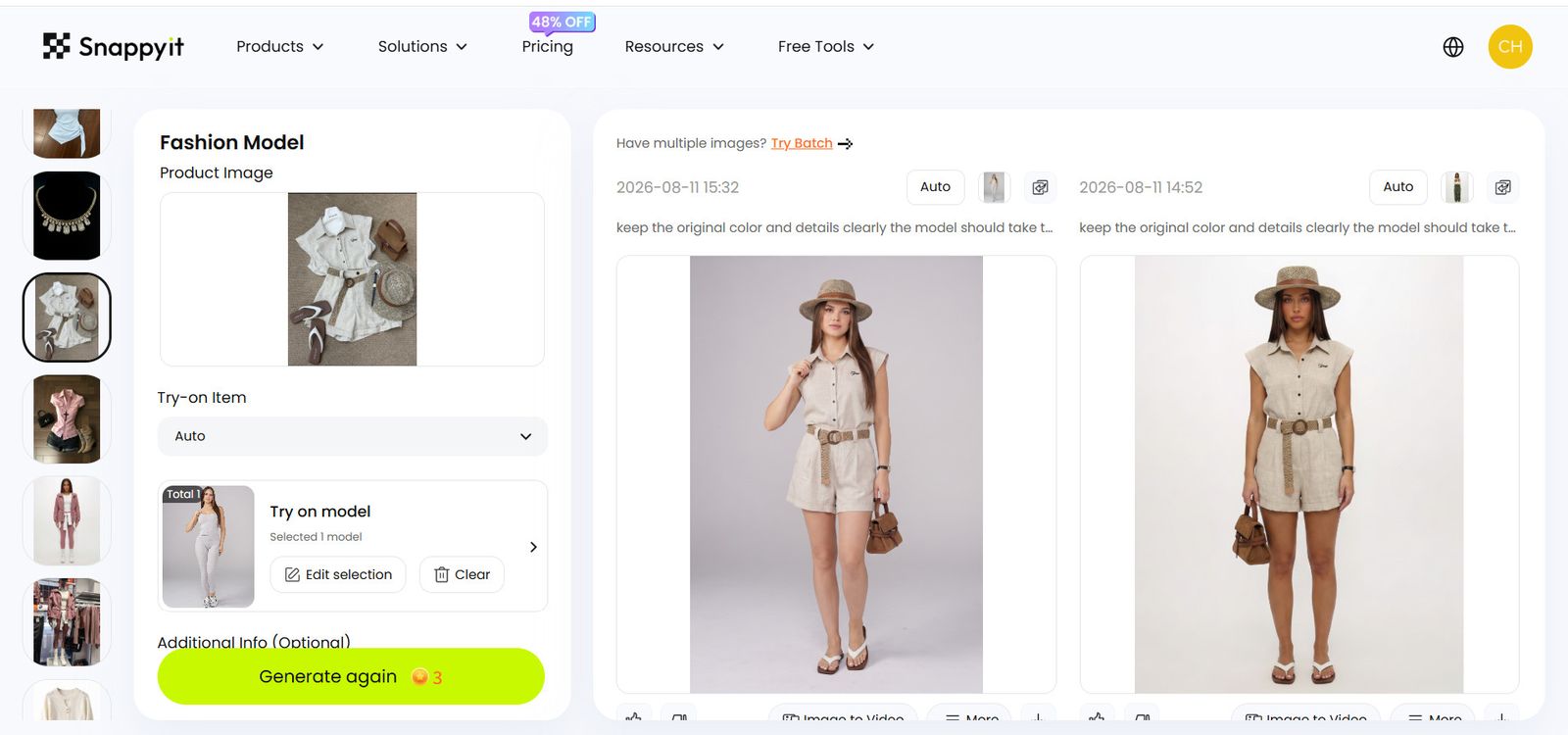
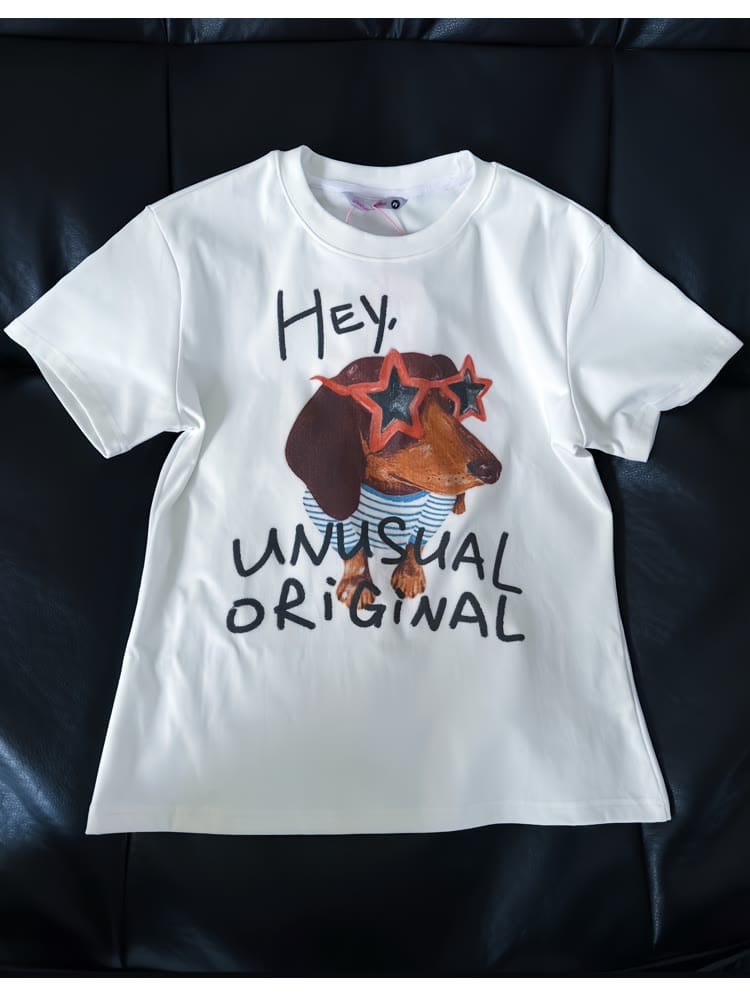
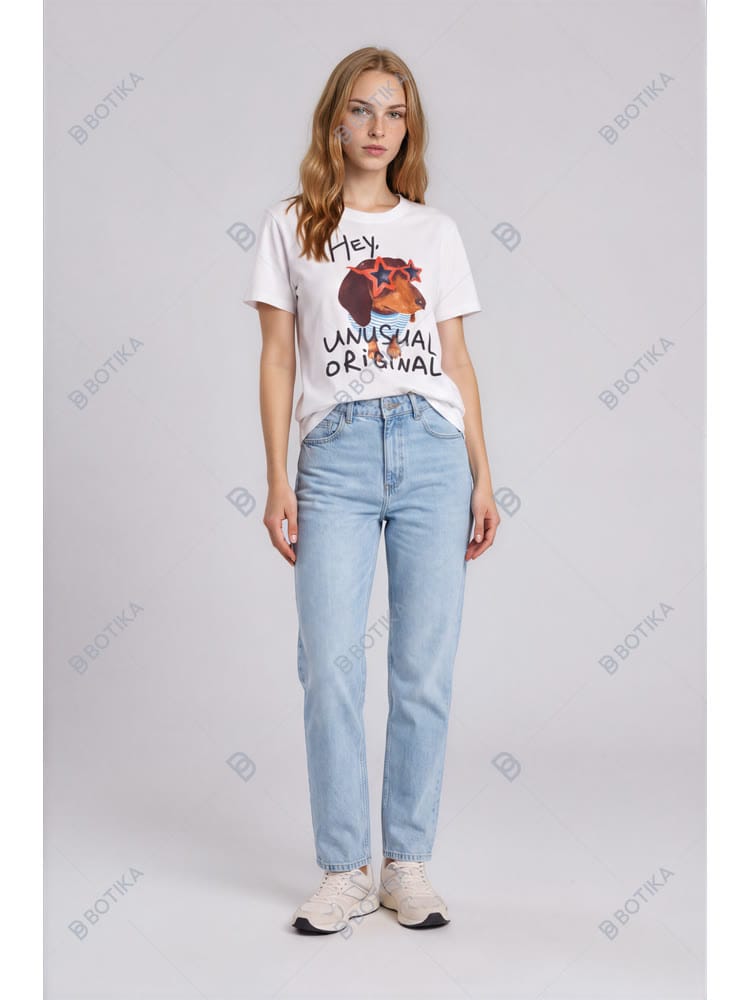
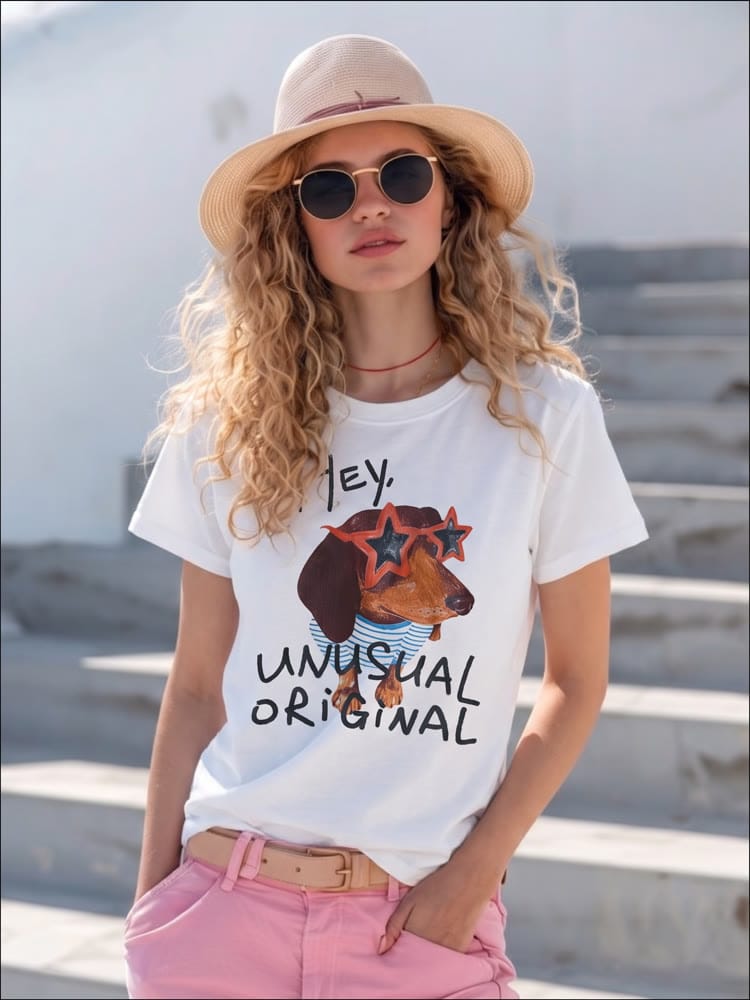
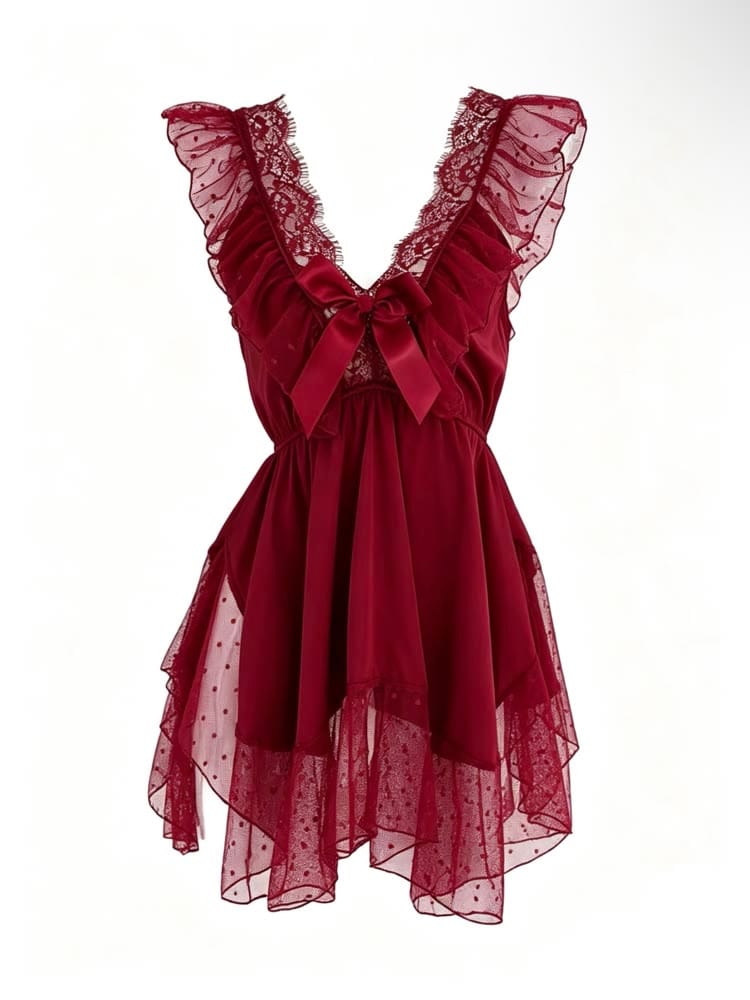
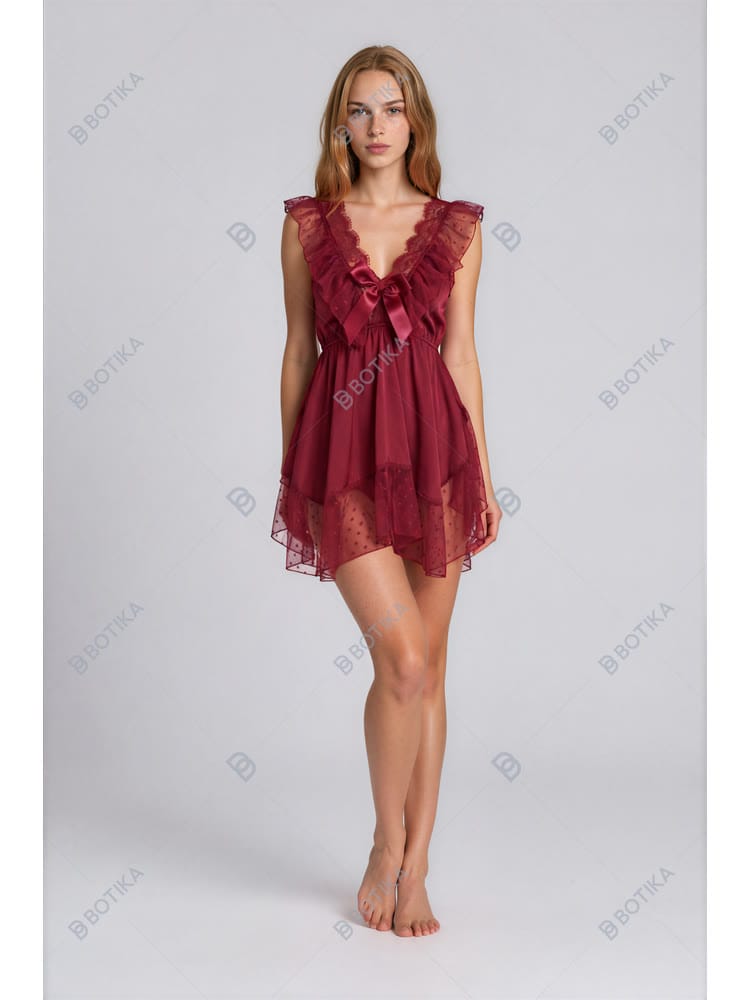
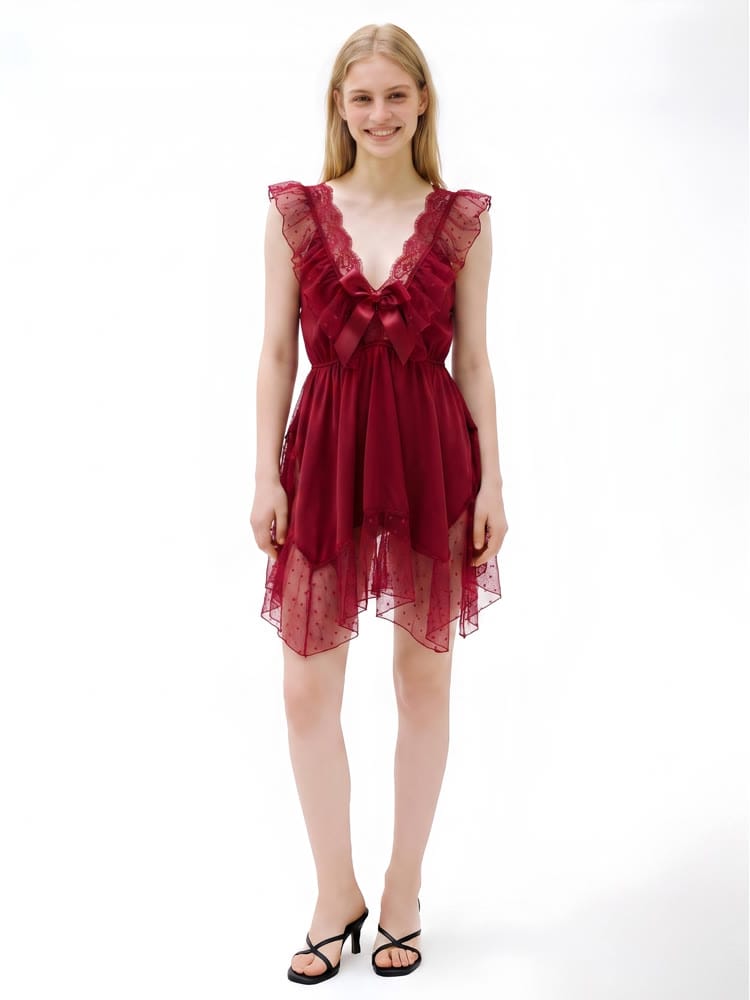
One printed tee, one ruffled chiffon dress, and one pair of wide-leg jeans. We used the same source photo in both tools and kept the first image returned.
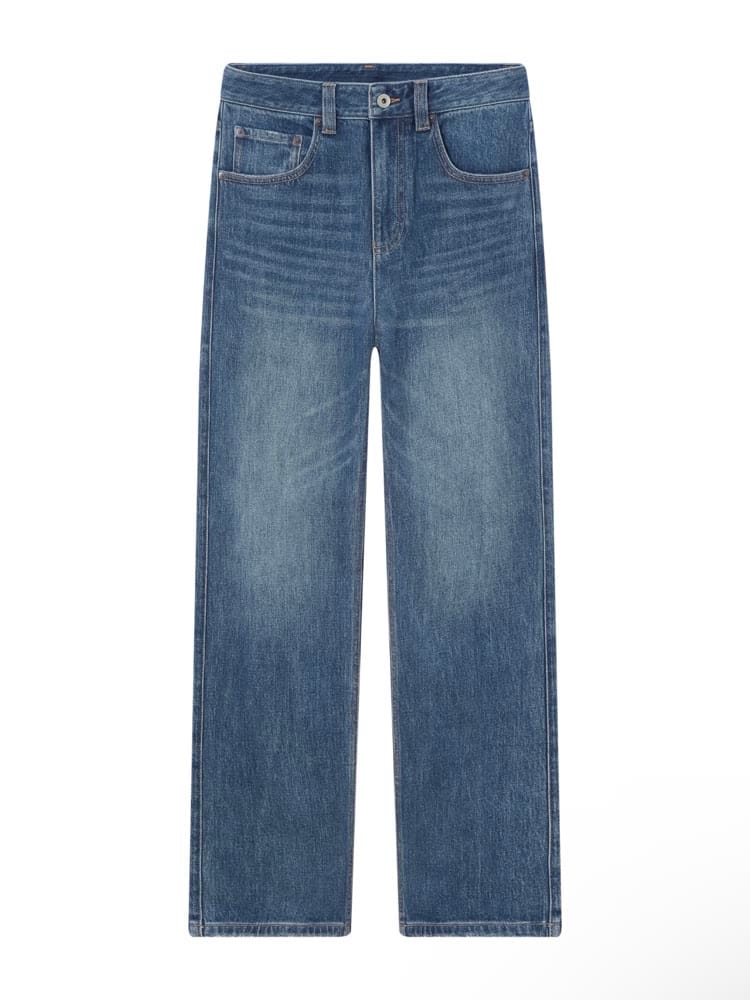
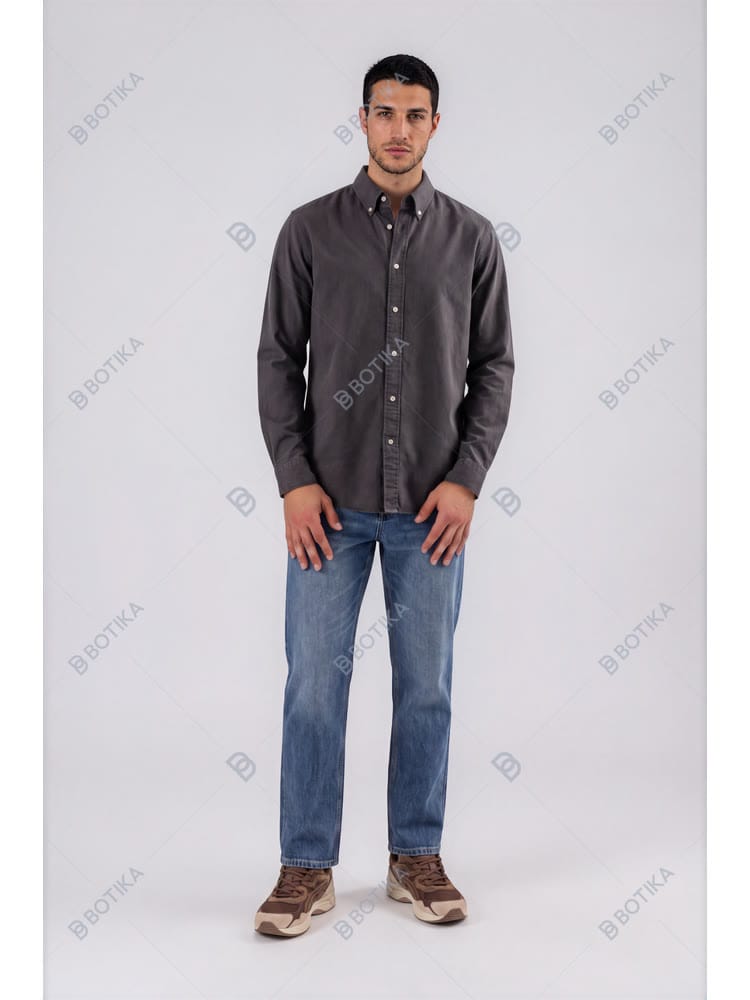
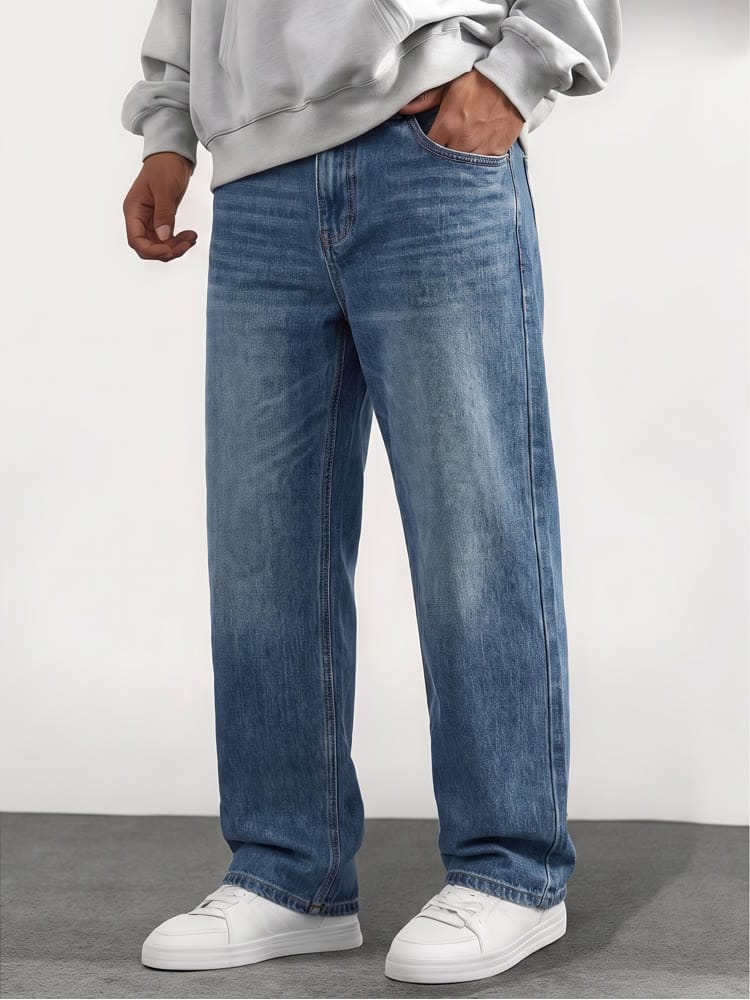
How we tested Botika under the same controls
Four fixed rules keep the comparison focused on the garment rather than rerolls or post-production.
One unchanged product photo per garment on both sides.
Each tool's model library and default scene, without prompt engineering.
The same source file and garment category.
The first image from each tool, shown without retouching or rerolls.
Verdict on four benchmarks
| Benchmark | Snappyit | Botika |
|---|---|---|
| Garment fidelity | The tee print, dress details, and wide-leg jeans silhouette remain recognizable. The closer crops make the product larger at thumbnail size. | The tee and dress remain recognizable. The jeans keep their wash and color, but the output narrows the source's wide-leg silhouette. |
| Publishable trial output | Clean files on the new-user credits. | Trial files in this test carry a tiled BOTIKA watermark across garment and background. |
| Framing | Closer crops in these first results. | Full-body studio framing in these first results; Botika also exposes upper- and lower-body pose choices. |
| Published paid rate | About $0.13–$0.21 per Fashion Model image on the annual plans checked 2 September. | About $0.48–$0.92 per image on the two public paid rates displayed 2 September; verify promotional pricing at checkout. |
How Botika turns model and pose choices into credit usage
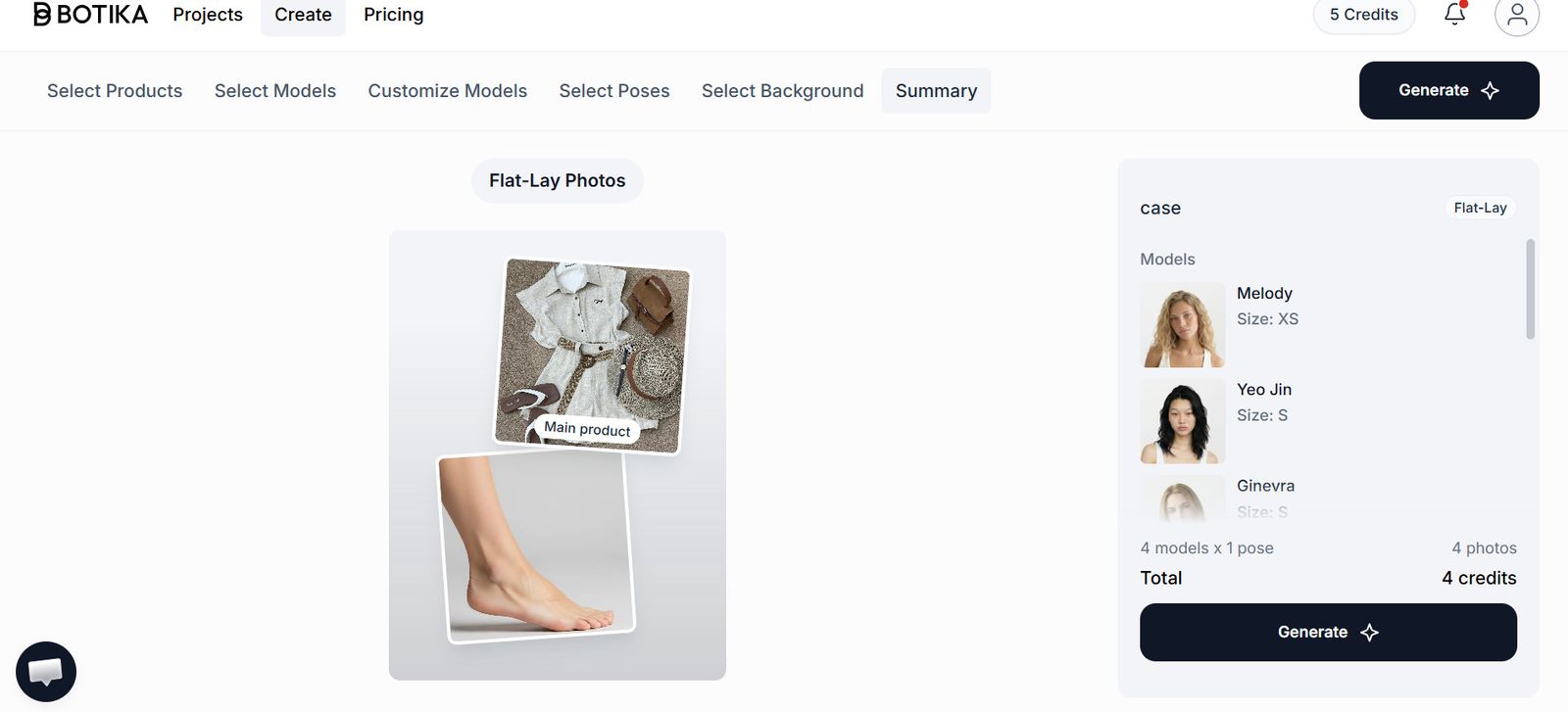
Botika's tested flow moves through six tabs. Each selected model is paired with each selected pose, so the image count can grow before generation.
| Step | What the tested flow lets you choose |
|---|---|
| Select Products | The main garment, plus optional matching clothing and footwear |
| Select Models | Male or female models with displayed sizes |
| Customize Models | Adjustments to selected models |
| Select Poses | Full body, upper body, or lower body |
| Select Background | Studio, indoor, or outdoor |
| Summary | Image count and total credits before generation |
What users say about the on-model workflow
These reviews add first-hand context but do not establish general product performance or a current aggregate score.
“I have been using Botika for PDP generation for a year now and I love it. My preferred workflow is 'on model' as I find the in house poses for flat lays do not really work for my products.”
“As a small clothing reseller, Snappyit is a game-changer. Professional product photos in seconds, no photoshoot needed—it saves me time and money on every single listing.”
Botika pricing and features compared with Snappyit
The original 27 August Botika tiers changed before this revision. The comparison below uses the public pages retrieved on 2 September 2026 and avoids a fixed multiplier claim.
| Decision area | Snappyit | Botika |
|---|---|---|
| Who it is built for | Ecommerce sellers working across apparel, footwear, jewelry, and accessories | Fashion brands and retailers focused on directed on-model imagery |
| Free access | 6 credits for new users, no card | Trial access; trial output in our test was watermarked |
| Where it runs | Web, iOS, and Android | Web and iOS |
| Beyond on-model images | Ghost Mannequin, Flat Lay, Color Change, Face Swap, and video tools | On-model and flat-lay workflows, with video listed on paid plans |
| Credits per on-model image | 3 credits | 1 credit per generated image |
| Approximate published rate | $0.13–$0.21 per Fashion Model image | $0.48–$0.92 per image on the two displayed paid rates |
| Unused credits | Roll over for up to six months while the subscription remains active | Unlimited rollover while active; rollover credits expire on cancellation |
Botika snapshot 2 Sep 2026 · USD
The public page currently shows two paid cards plus Enterprise. Its displayed Advanced promotion is lower than Pro, so verify the checkout price.
Snappyit snapshot 2 Sep 2026 · USD
Annual-billing monthly rates, with monthly credits, costed at 3 credits for one AI Fashion Model generation.
When Botika is the better fit—and when it is not
The better choice depends on how much direction you want from the tool and how many other catalog workflows share the same source file.
Choose Botika when …
You want a directed studio workflow. The tested flow exposes model size, pose, background, matching clothing, and footwear choices before generation.
You plan image sets before generating. The summary shows how model and pose combinations expand the batch.
Choose Snappyit when …
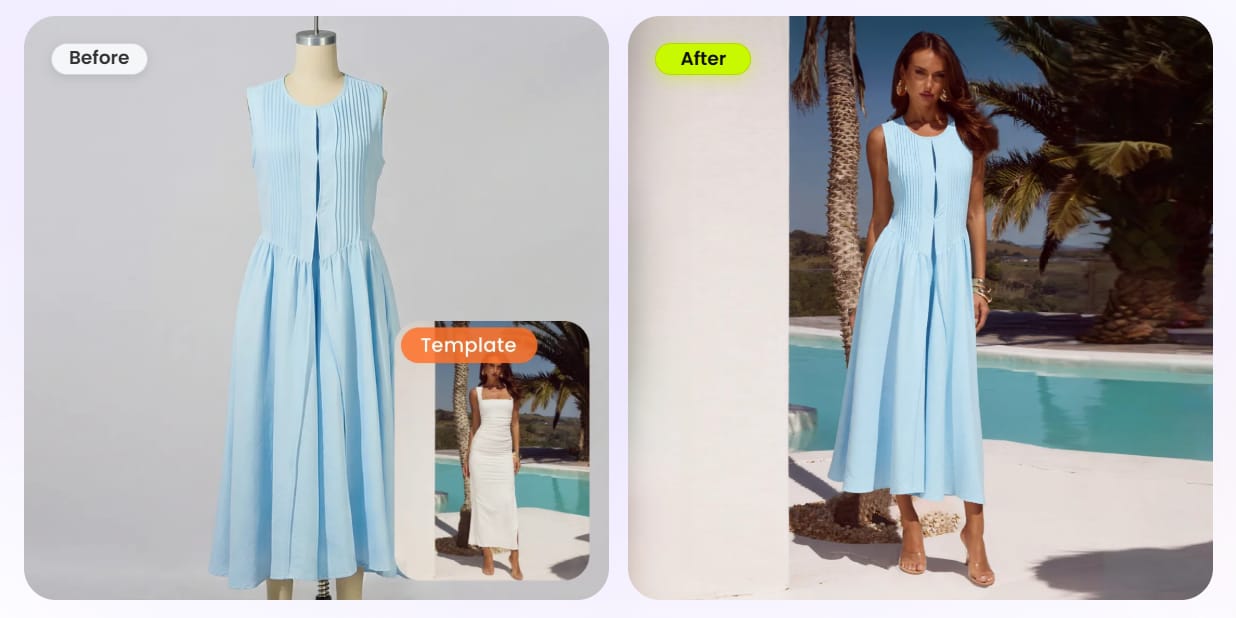
You can recreate a reference scene and pose. Create a custom template from the visual you want, then reuse its model, pose, framing, and background across products for consistent imagery.
You want a connected apparel workflow. Fashion Model works alongside Ghost Mannequin, Flat Lay, Face Swap, and video tools in the same account, so an approved source can move from catalog preparation to on-model creative and motion.
Build a complete product-photo workflow beyond Botika
Pair Fashion Model with four adjacent Snappyit tools to prepare catalog images, adapt approved model creative, and produce motion in one connected workflow.
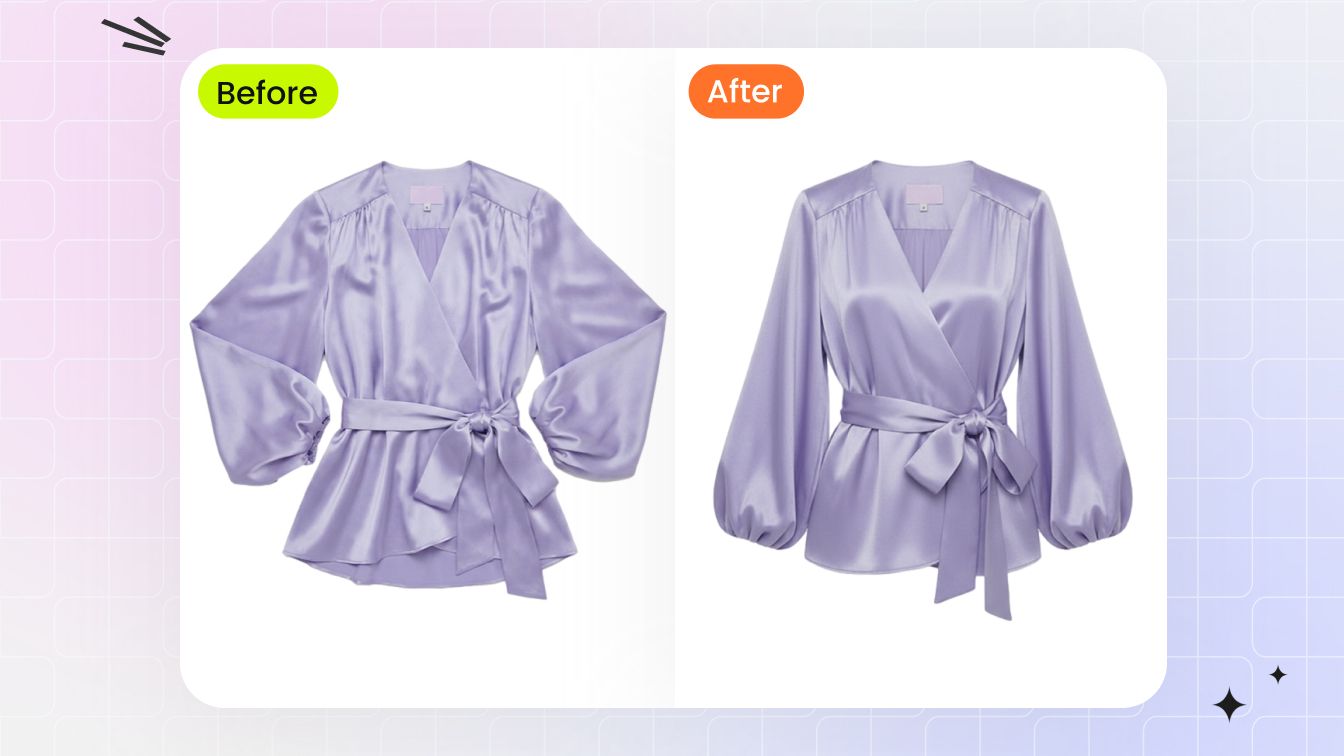
Ghost Mannequin
Create a product-first apparel image that shows garment shape without a visible model.
Open tool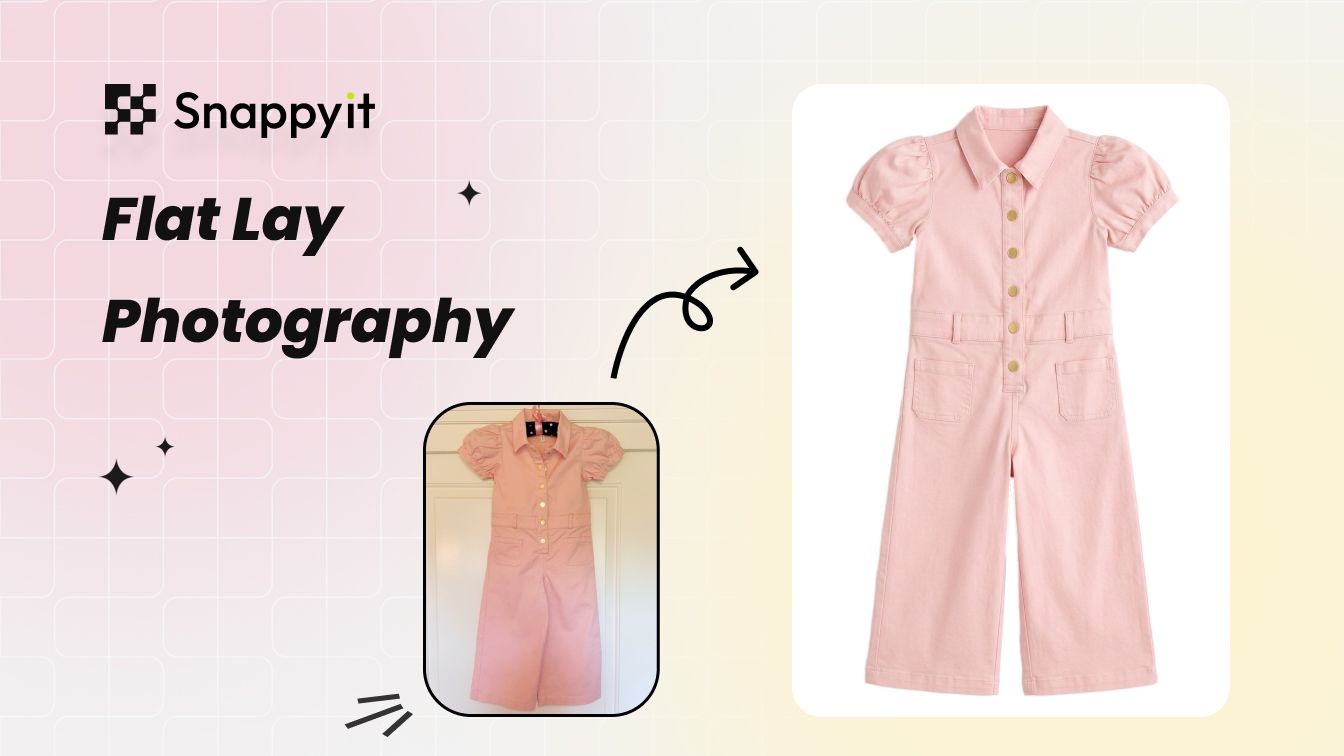
AI Flat Lay
Turn an uneven source shot into a cleaner flat lay for product pages and marketplaces.
Open tool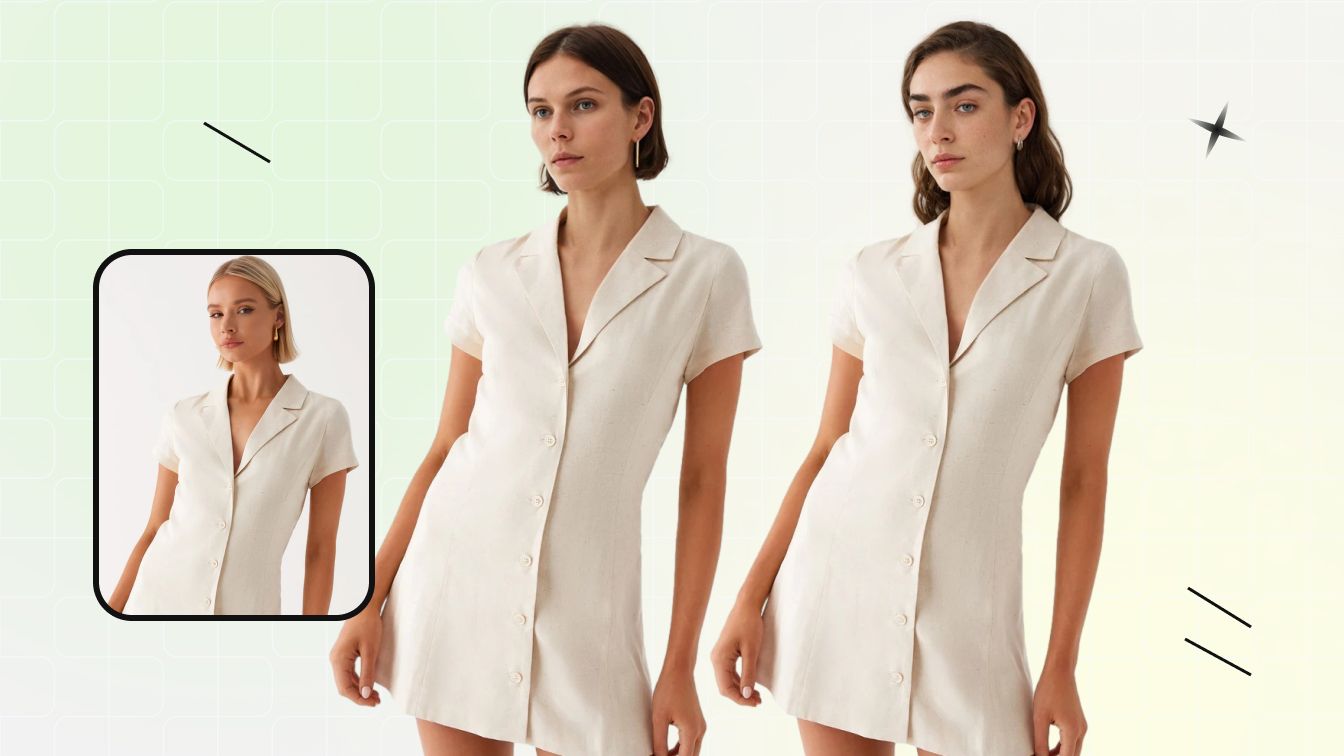
Face Swap
Adapt an approved on-model composition while keeping the garment and scene as references.
Open tool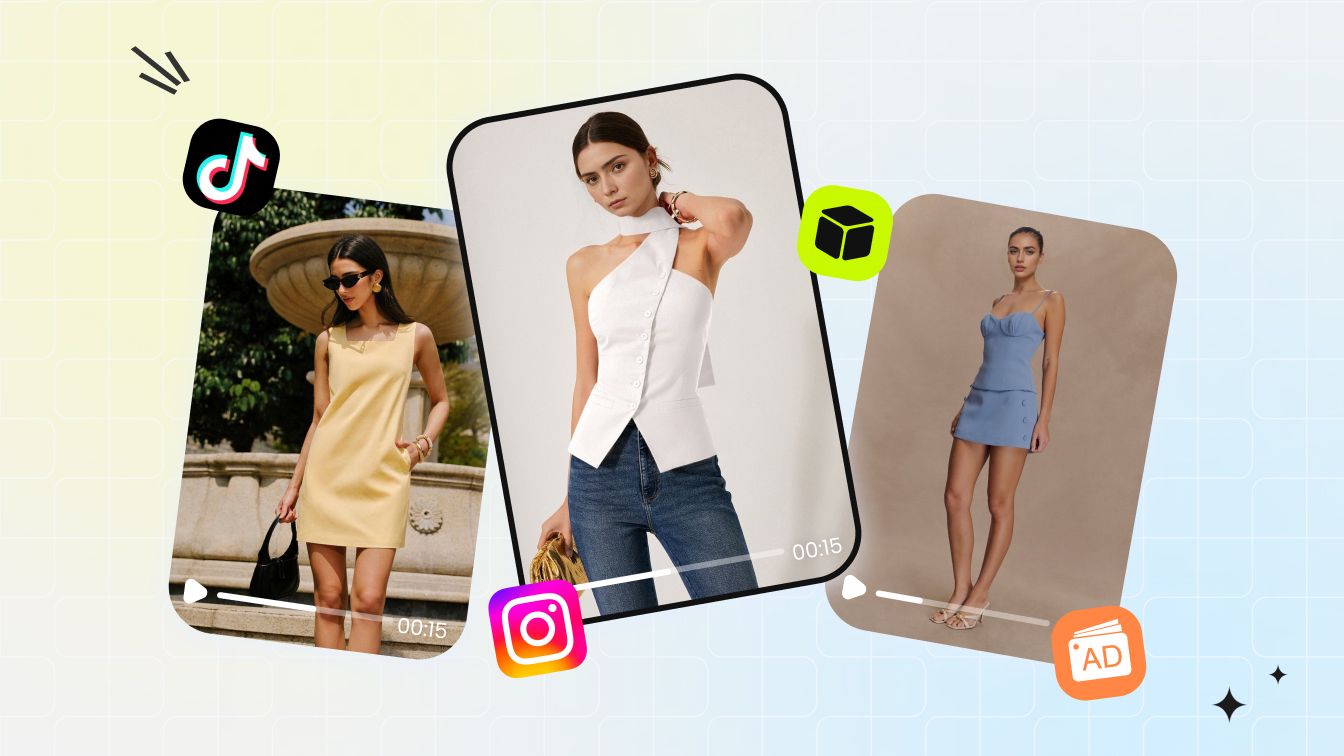
Fashion Video
Turn approved fashion imagery into motion with a repeatable template workflow.
Open toolBotika FAQ: pricing, watermarks, batches, and alternatives
Pricing answers use the 2 September 2026 snapshot; recheck the linked official pages before purchase.
Try a Botika alternative on your hardest garment
Use the real source item, keep the first result, and compare silhouette, print, color, and detail before publishing.