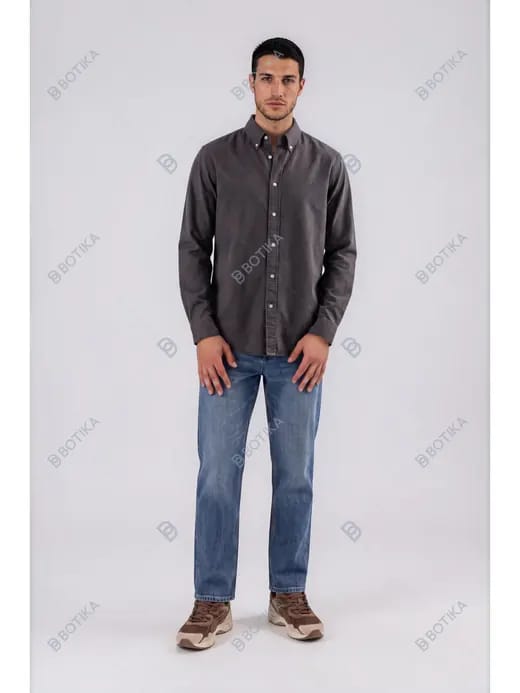
Buyer's Guide 16 min read

12 Best Botika Alternatives for AI Fashion Model Photos (2026)

Botika turns flat-lay and mannequin shots into on-model fashion photos, but its brand-grade plans, gated video, and apparel-only toolset send a lot of sellers looking elsewhere. Here are the 12 best Botika alternatives in 2026 — each with a head-to-head you can open in one click.

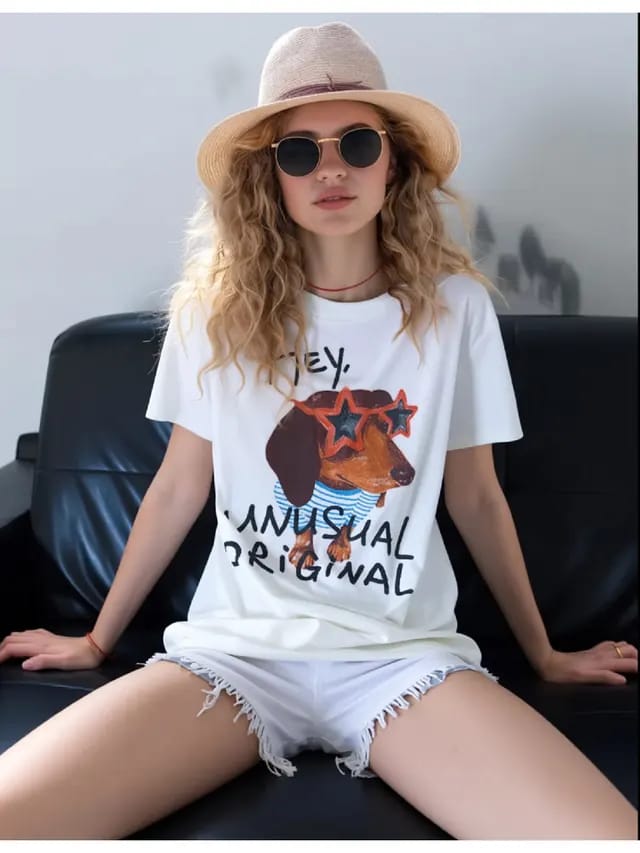
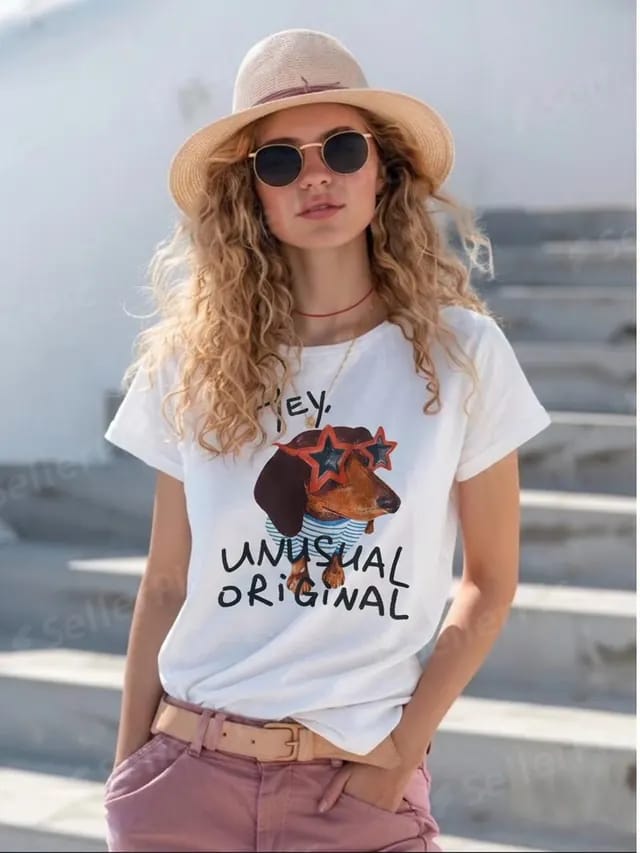
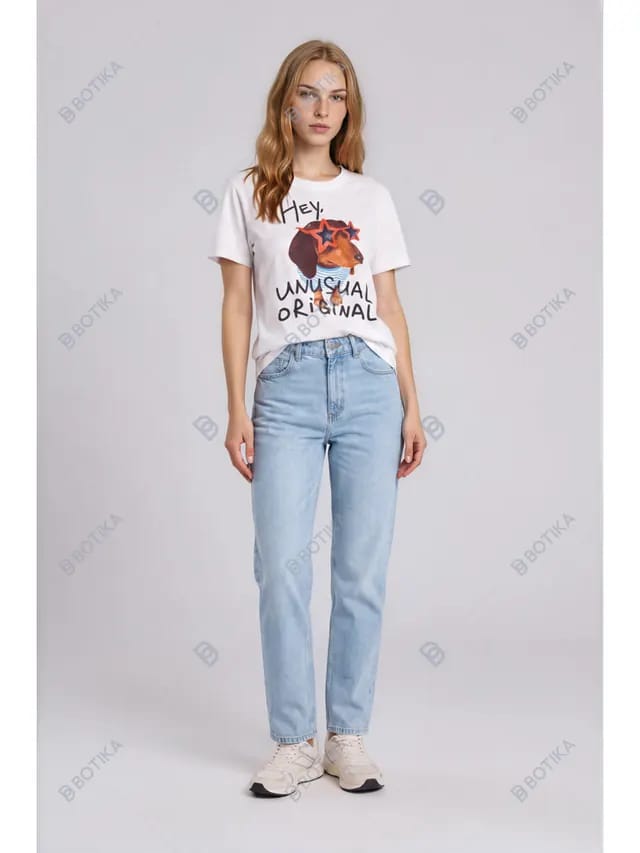
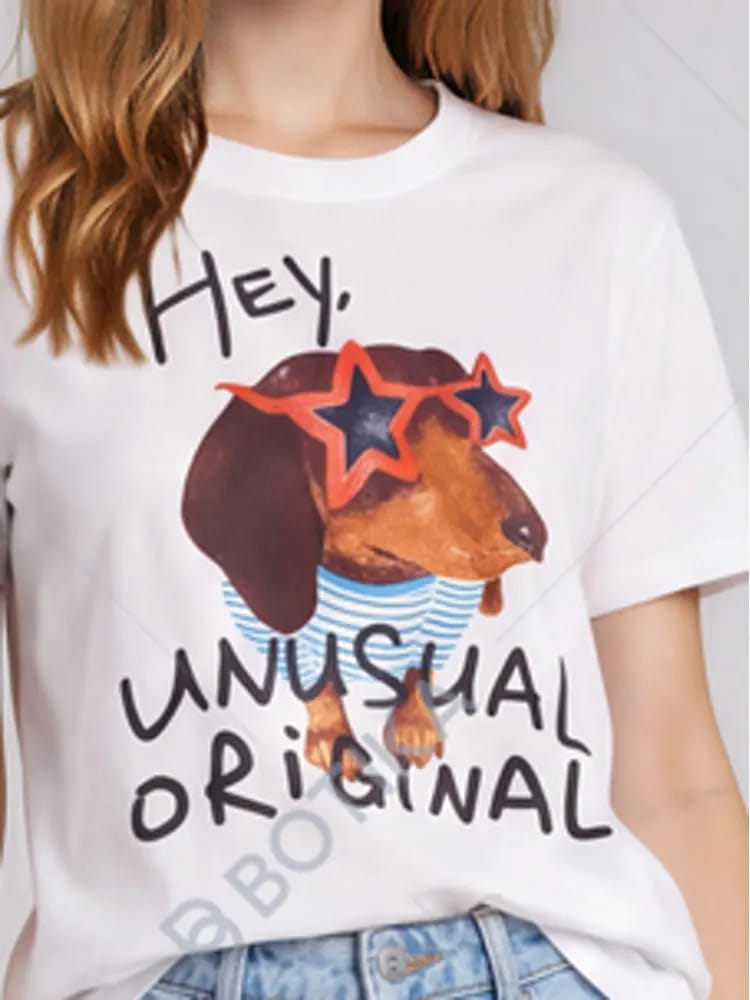
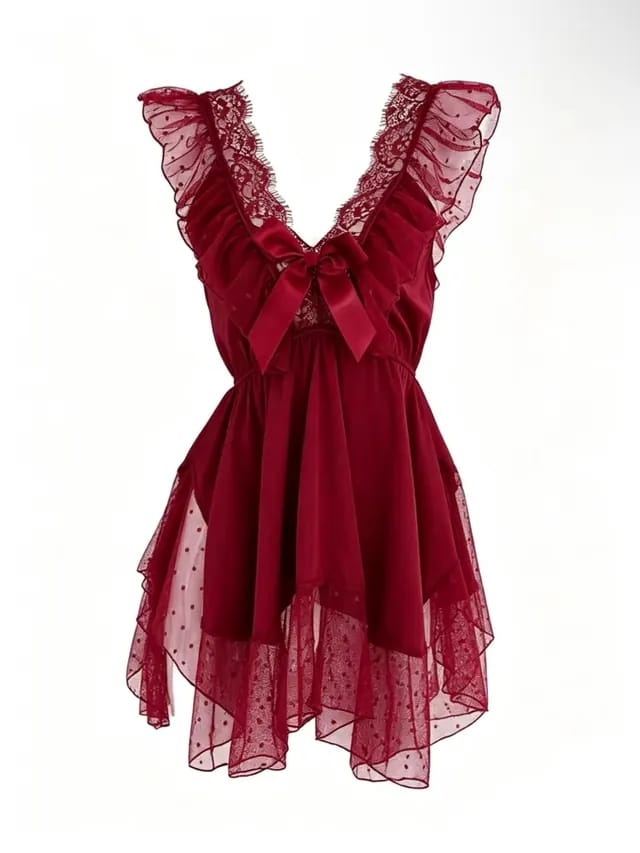
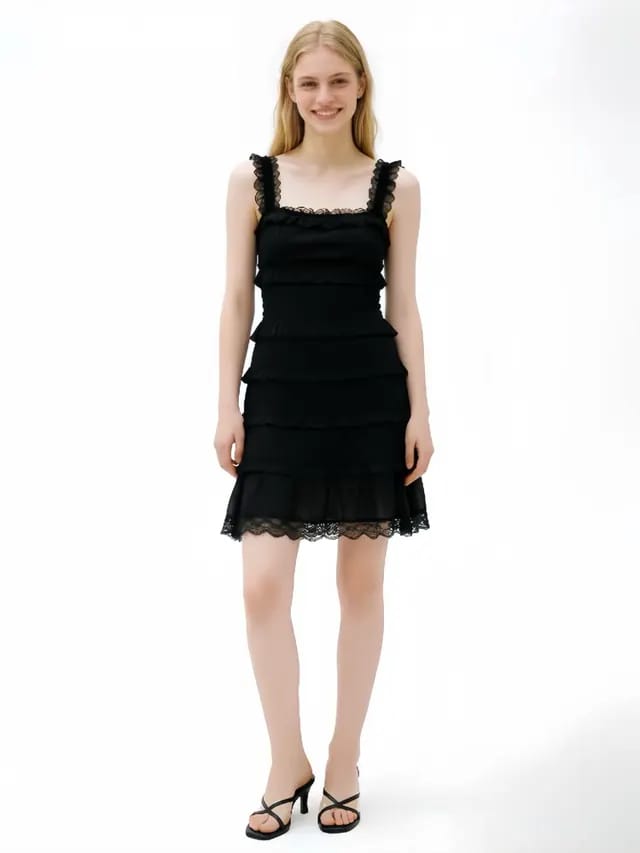
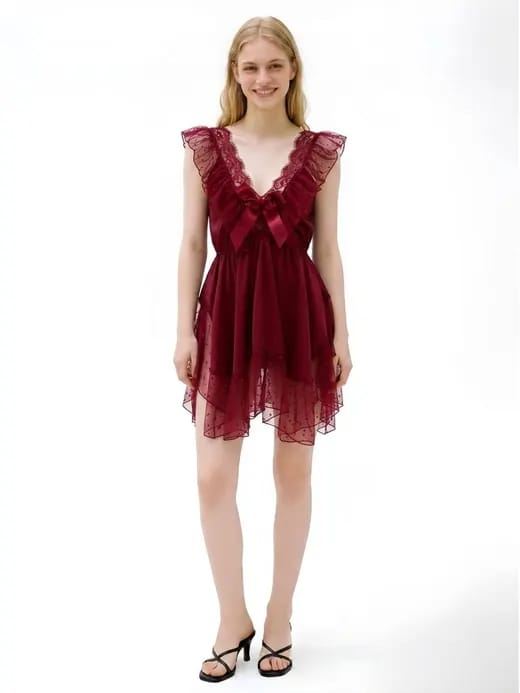
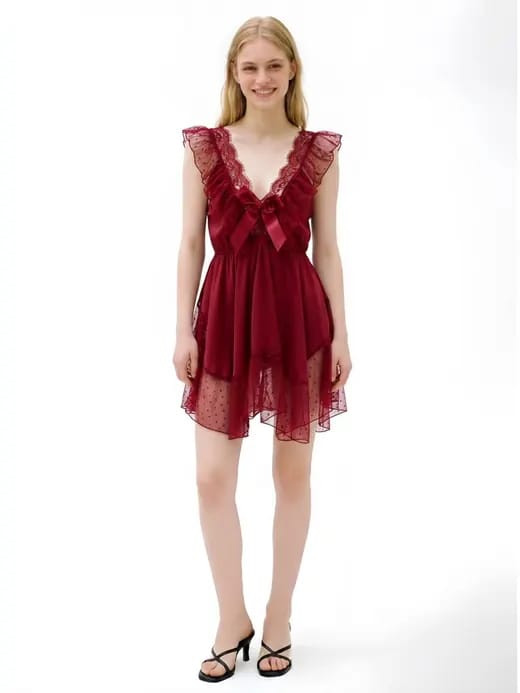
Before and after: a flat-lay garment turned into an AI on-model fashion photo, the core output Botika and its alternatives produce

What Botika does well — and where it falls short

Botika is an AI fashion-photography tool that converts a flat-lay, hanger, or mannequin shot into an on-model image, and it also generates AI fashion video. It's used by fashion brands like Forever 21, Perry Ellis, and Jordache, and its strength is a polished, brand-consistent on-model workflow. If you're a large brand catalog team, that focus is a genuine plus.

For independent marketplace and Shopify sellers, three things tend to prompt a search for an alternative. Price: Botika's plans start around $33/mo (Lite, roughly $396/year), with AI video gated to the Pro tier and 4K output to the Advanced tier. Scope: the public lineup centers on on-model apparel — it does not ship a ghost-mannequin (invisible-mannequin) tool, flat-lay cleanup, or jewelry retouch and try-on. Fit: the workflow is built around brand consistency rather than fast, multi-category listing images. None of that makes Botika bad — it just leaves room for tools that are cheaper, broader, or more seller-shaped.

Snappyit vs Botika at a glance

FeatureSnappyitBotika
On-model fashion photosYesYes
AI fashion videoYes — all plansYes (Pro tier+)
Ghost mannequin (3D worn shape)Yes
Flat-lay cleanup (wrinkles, clean catalog)Yes
Jewelry tools (retouch + on-model)Yes
4K outputYesAdvanced tier+
Marketplace ratio presetsYes — built inBrand-focused workflow
Cheapest planFrom $6.90/mo (annual)Lite ~$33/mo
Free to startFree credits, no cardFree trial available

How we picked these Botika alternatives

Every tool below produces on-model or product imagery from a photo you already have, so switching never means re-shooting. We weighed each on the things that actually move a listing: garment accuracy (does the print, pattern, and logo survive), breadth of tools beyond on-model, marketplace-readiness, ease of use, and transparent pricing. Each entry links to a full, feature-by-feature comparison so you can dig into any one of them.

See every head-to-head in one place. The Snappyit compare hub lists each tool below with a one-click breakdown.

Botika alternatives at a glance

A quick map of who each tool is best for — plus a free way to try the Snappyit alternative to each (free credits, no card). Full pros, cons, and pricing are in the breakdowns below.

#ToolBest forFree access
1SnappyitAll-in-one apparel + jewelry seller workspaceStart free →
2Flair AICreative design-canvas brand scenesStart free →
3WeShop AIAll-in-one e-commerce workspaceStart free →
4ClaidAPI / automation pipelinesStart free →
5ZMO.aiFashion models + virtual try-onStart free →
6OnModel.aiModel swap on existing shotsStart free →
7Pic CopilotMarketplace sellers (cross-border)Start free →
8SellerPicApparel + jewelry photo suiteStart free →
9caspa.aiLean on-model + videoStart free →
10Huhu AITry-on + video at intro volumeStart free →
11WearViewApparel try-on at scale (brands)Start free →
12TheNewBlackDesign-to-content suiteStart free →

1. Snappyit — the all-in-one seller alternative

Snappyit is the most complete Botika alternative for marketplace and Shopify sellers. It matches Botika's core output — on-model fashion photos and AI fashion video — then covers the categories Botika leaves out: Ghost Mannequin for the 3D worn-shape look, Flat Lay cleanup, Jewelry Model and Jewelry Retouch, and per-variant Color Change. Marketplace ratio presets (Etsy 1:1, Amazon, Poshmark, eBay, Whatnot 9:16) are built in, and the Batch Product Photo Editor runs up to 100 photos at once.

On price it isn't close: Snappyit starts at $6.90/mo on annual billing — about five times cheaper than Botika's Lite plan — with per-image pricing also available, free starter credits, and no credit card. For a seller who lists apparel and accessories, it replaces several Botika-style tools with one workspace.

  • Pros: All-in-one apparel and jewelry workspace — on-model, ghost mannequin, jewelry model and retouch, flat-lay, recolor, video, batch up to 100; the cheapest entry price in this list; built-in marketplace ratio presets plus per-image pricing.
  • Cons: Not a 3D garment-design or CAD suite; no shopper-facing AR try-on widget; no public developer API yet.
  • Best for: Marketplace and Shopify apparel and jewelry sellers who want every listing image in one low-cost workspace.
  • Pricing: Free starter credits, no card; from $6.90/mo on annual billing (about $83/year); Standard around $11.1/mo, Pro around $34.9/mo; per-image pricing also available.

Snappyit before and after: a flat-lay blouse rendered on an AI fashion model with the print and fit preserved

Try Snappyit AI Fashion Model free →

2. Flair AI — design-canvas photoshoots

Flair AI is a drag-and-drop AI design studio for product photoshoots, with a custom model builder, brand-consistent ad generation, and an API, used by brands like Shein and Bonobos. It's powerful for staging creative scenes, but it's a design canvas rather than a quick-listing tool, so there's more setup than a seller usually wants.

  • Pros: Brand-grade on-model photoshoots (used by Shein, Bonobos, Samsonite); a deep design canvas with trainable custom AI models; a product-photography API plus a true $0-forever free plan.
  • Cons: No dedicated ghost mannequin or jewelry retouch; no built-in marketplace ratio presets (sizing is manual on the canvas); tight image quotas (80 on Pro+, 150 on Scale).
  • Best for: Brands and creative teams that want a design canvas, custom models, and API over a fast seller workflow.
  • Pricing: Free ($0 — 1 model, 5 images, 1 video); Pro $8/mo; Pro+ $26/mo; Scale $38/mo; Enterprise custom.

For the same on-model clothing and jewelry without the canvas learning curve, see the Snappyit vs Flair AI comparison →

3. WeShop AI — all-in-one workspace

WeShop bundles AI virtual try-on, fashion models, product photos, and video in one workspace aimed at e-commerce sellers, making it one of the closer all-rounders to Snappyit.

  • Pros: Frontier multi-model image and video generation (Kling, Seedance, Sora) with a huge model library; a genuine $0 free plan (200 welcome points); 3M+ users with broad marketplace integrations and an API.
  • Cons: No dedicated jewelry try-on or retouch and no apparel ghost mannequin; relies on integrations rather than built-in ratio presets; entry Pro ($9.9/mo) sits above Snappyit and yearly points do not roll over.
  • Best for: Creators who want the widest choice of frontier image and video models plus full AI video in one studio.
  • Pricing: Free ($0, 200 points); Pro $9.9/mo (about $7.92/mo annual); Ultra $45/mo; Enterprise $457/mo.

Full breakdown: Snappyit vs WeShop AI →

4. Claid — API-first product photos

Claid generates AI fashion models, on-model product photos, and image-to-video, and shines as an automation/API layer — which also makes it more developer-leaning than a browser-first seller tool.

  • Pros: All-in-one AI photo studio (by Let's Enhance) with a strong enhancer and upscaler (to 4x); a full REST API plus Zapier for high-volume teams; broad multi-vertical coverage and standalone editing tools.
  • Cons: No jewelry workspace, ghost mannequin, or fashion-video templates; no built-in marketplace ratio presets; no native Shopify app (Zapier only) and monthly credits expire.
  • Best for: Teams and developers wanting general-purpose product-scene generation, upscaling, and programmatic bulk editing.
  • Pricing: Free trial ($0, 50 web + 50 API credits); Essential $15/mo (500 credits); Pro $49/mo (2,000 credits, 4K + API); Business custom.

If you want the same outputs without wiring up an API, compare it here: Snappyit vs Claid →

5. ZMO.ai — fashion models + try-on

ZMO.ai offers AI fashion models, virtual try-on, and batch on-model photos — a solid Botika-style on-model generator. Weigh it on garment fidelity and pricing transparency for your catalog.

  • Pros: An AI fashion-model pioneer (flat-lay or mannequin to on-model) with a large model library, virtual try-on, and batch catalog generation; a broad general image suite (backgrounds, erase, text-to-image); a public REST API.
  • Cons: No e-commerce integrations (no native Shopify app); no marketplace ratio presets, ghost mannequin, recolor, jewelry vertical, or video; high entry (Basic $59/mo) and the free tier has no commercial rights.
  • Best for: Teams wanting a broad general-purpose AI image suite rather than marketplace-ready listing photos.
  • Pricing: Free ($0, about 10 credits, no commercial use); Basic $59/mo; Pro $199/mo; Enterprise $799/mo. Note: ZMO.ai has merged into Creati Studio, so these plans may not be open to new sign-ups.

Side-by-side: Snappyit vs ZMO.ai →

6. OnModel.ai — model swap specialist

OnModel.ai centers on one-click model swap and AI fashion photoshoots — handy when you want to change the model on shots you already have, right inside Shopify.

  • Pros: A polished one-click Shopify-native model swap (change gender, ethnicity, age, expression, makeup); auto-generates faces for headless shots and batch-swaps the whole catalog; a genuine free tier (25 swaps), rated 4.3/5 on the App Store.
  • Cons: Apparel model-swap and still-image only — no jewelry, recolor, ghost mannequin, flat-lay, or video; Shopify-centric with no marketplace ratio presets; single-feature scope means mixed catalogs need more tools.
  • Best for: Apparel sellers who only need one-click AI model swap inside Shopify.
  • Pricing: Free (25 swaps); Basic $9/mo (300); Growth $19/mo (1,000); Advanced $49/mo (5,000), billed via Shopify (third-party listings cite differing tiers, so confirm).

See how the toolset and pricing line up: Snappyit vs OnModel.ai →

Switching is free to try. Upload one of your existing Botika source photos and generate an on-model image on free credits. Try Snappyit free →

7. Pic Copilot — marketplace-seller photos

Pic Copilot delivers AI photo and video and is widely used by Alibaba and AliExpress sellers; for Western marketplace and Shopify sellers it competes on English-first UX and price.

  • Pros: One of the cheapest all-in-one suites, with a generous free tier and a pay-only-for-results model (unsatisfactory generations are refunded); Alibaba/AliExpress-backed template libraries, an image translator, and regional models; polished virtual try-on and Fashion Reels video.
  • Cons: No native Shopify app (export presets only); no dedicated ghost mannequin or standalone jewelry retouch; the hero try-on and video tools are gated behind paid tiers.
  • Best for: High-volume cross-border sellers who want the lowest price and deep multi-region templates.
  • Pricing: Free ($0, starter credits plus a free background remover); Pro from about $3.99/mo; Pro+ about $8.99/mo (annual ~16% off; figures approximate).

Compare the seller fit: Snappyit vs Pic Copilot →

8. SellerPic — multi-tool photo suite

SellerPic is an AI product-photo suite with apparel and jewelry try-on, recolor, and image-to-video — the closest multi-tool rival to Snappyit for sellers who carry both apparel and accessories.

  • Pros: Covers core seller workflows — apparel and jewelry virtual try-on, color changer, image-to-video; cost-efficient at high volume (Advanced is about $0.017/credit); broad channel support (Amazon, Shopify, Etsy, eBay, Walmart, TikTok) plus a free 20-credit plan.
  • Cons: No branded ghost mannequin (no-model 3D-worn output); no flat-lay cleanup or template fashion video; credit subscriptions are less efficient for seasonal volume and entry is roughly 2x per-image alternatives.
  • Best for: High-volume apparel and product sellers wanting branded try-on (clothing and jewelry) plus video in one credit subscription.
  • Pricing: Free (20 credits/mo); Starter $14.50/mo (200); Growth $39.50/mo (600); Advanced $49.50/mo (3,000) — annual-discounted; undiscounted monthly is roughly $29 / $49 / $99.

See where each one wins: Snappyit vs SellerPic →

9. caspa.ai — lean on-model + video

caspa.ai is a broad multi-vertical product-photo generator with AI on-model photography plus image-to-video — a fit for catalogs that reach well beyond clothing and jewelry.

  • Pros: Broad multi-vertical generator (apparel, pets, food, furniture, skincare, lifestyle); generous credit volumes plus 4K upscaling for high output; listing-graphics depth (infographics, A+ content, banners, Studio Editor).
  • Cons: No free plan — only a $1 card-required one-day trial; missing garment and jewelry try-on, ghost mannequin, flat-lay, and recolor; no native Shopify app or marketplace ratio presets, and video is gated to Growth+.
  • Best for: High-volume, multi-vertical sellers needing broad product photography plus listing graphics, not apparel/jewelry-specific try-on.
  • Pricing: No free plan ($1 one-day trial, card required); Starter $39/mo (500, images only); Growth $66/mo (1,000, plus video); Scale $166/mo (2,500); annual saves about 33%.

Details: Snappyit vs caspa.ai →

10. Huhu AI — try-on + video

Huhu AI is a purpose-built apparel try-on and AI fashion model generator with a wide creative toolkit, cheap at intro volume — though pricing steps up sharply after the first month, so model it against your monthly image count.

  • Pros: Purpose-built apparel try-on and AI fashion model (model-less, flat-lay, or mannequin to on-model in ~30s) with highly customizable models and multi-angle shots; extras like a pose generator, lip-sync avatar, AI Agent, and image-to-video; a free plan (no card) plus a native Shopify app.
  • Cons: No marketplace ratio presets; no dedicated jewelry try-on or retouch; the entry paid plan renews around 10x the first-month promo (about $99/mo) with non-rolling monthly credits.
  • Best for: Apparel brands wanting highly customizable AI try-on plus a broad generative toolkit, especially on Shopify.
  • Pricing: Free plan (no card); with the launch promo, Basic about $9.90 first month then about $99/mo (~100 credits); Pro about $249/mo; Studio about $499/mo; Enterprise custom.

Full comparison: Snappyit vs Huhu AI →

11. WearView — virtual try-on for apparel & jewelry

WearView does AI apparel virtual try-on at scale with a large, diverse model library and a brand/agency lean — strong when a whole collection needs to look like one cohesive shoot.

  • Pros: Apparel try-on at scale with a 100+ diverse model library and strong model/garment consistency across SKUs; higher-resolution output (up to 4K images, 1080p video); never-expiring add-on credit packs plus a 100% money-back guarantee.
  • Cons: No native Shopify app (web-app only, manual re-upload); no jewelry try-on or recolor; no real free tier (cheapest Lite is $29/mo, about $348/year) and no marketplace ratio presets.
  • Best for: Apparel brands needing consistent, high-resolution on-model try-on across a large collection.
  • Pricing: No free trial (10 free credits plus a money-back guarantee); Lite $29/mo (50 credits); Pro $49/mo (200, 720p video); Advanced $99/mo (500, 1080p); add-on packs about $10 per 25 credits.

Breakdown: Snappyit vs WearView →

12. TheNewBlack — design-to-content suite

TheNewBlack is a full AI fashion-design studio — text-to-garment, tech packs, and 3D-garment workflows — with an AI photo toolkit layered on top, so it's a design-to-content suite more than a pure on-model generator.

  • Pros: A full AI fashion-design studio (text-to-garment, tech packs, 3D-garment) that Snappyit does not ship; a broad AI photo toolkit at parity (ghost mannequin, color change, on-model, model video, face and detail edits); 100k+ designers and a low one-time entry.
  • Cons: Designer/brand-centric — no marketplace listing ratio presets; no jewelry try-on or retouch; the credit-pack model burns a finite credit per render with no transparent per-image pricing.
  • Best for: Fashion brands and designers building new collections (design, tech packs, 3D) alongside model photography.
  • Pricing: One-time credit packs from $5 (40 credits) up to $300 (5,000) and $550 (10,000); 3 free credits to start; monthly subscriptions also exist (about $15/mo for 200 up to about $65/mo for 1,000).

If you want design tools as well as photos, compare it here: Snappyit vs TheNewBlack →

Specialized alternatives: 3D design & AR try-on

Two tools come up in Botika searches but solve a different job — worth knowing so you don't overbuy.

Style3D — 3D garment design

Style3D is professional 3D garment-design and digital-sampling software: you build the garment in 3D rather than shoot it, which is overkill if you just need listing photos.

  • Pros: A true 3D garment-design and digital-sampling suite (Studio and Atelier) — 2D-to-3D pattern/CAD, physics fabric simulation, digitized fabrics; strong 3D virtual try-on plus photorealistic rendering and runway animation; a purpose-built design-to-production pipeline.
  • Cons: No public price card (sales-led — Apply for Trial / Book a Demo); a steep 3D/CAD learning curve (build garments before any image); desktop-bound and Windows-first (macOS in beta), needing a strong GPU and 16GB+ RAM, with no marketplace presets.
  • Best for: Designers, brands, and manufacturers developing garments in 3D — not sellers who just need listing images.
  • Pricing: Free trial plus student licenses; paid plans are quote-based / sales-led with no public price card.

See the no-3D angle in Snappyit vs Style3D →

Camweara — AR try-on widget

Camweara is an AR jewelry and eyewear try-on widget for storefronts — a live, in-page experience rather than reusable images.

  • Pros: Live storefront-embedded AR try-on (rings, watches, glasses in real time, ~30fps, claimed 97-99% fit accuracy); category fit tooling (Ring Sizer, eyewear PD measurement, Find My Size) plus 3D models and analytics; a strong on-site conversion play (4.9/5 App Store, ~1-hour deploy).
  • Cons: Storefront-AR only — it produces no reusable files (you cannot export images or video for ads, marketplaces, or social); no free plan and a high entry ($39/mo) plus per-image and per-model surcharges; nothing for marketplace sellers.
  • Best for: Shopify, Magento, or WordPress brands selling jewelry or eyewear that want in-page AR try-on to lift on-site conversion.
  • Pricing: No free plan; Lite $39/mo (70 products + 200 try-ons); Starter $90/mo; Growth $200/mo; jewelry editing $0.70/image and eyewear $2/model; Enterprise custom.

For reusable on-model jewelry images instead of an AR embed, see Snappyit vs Camweara →

How to choose the right Botika alternative

Match the tool to what you actually sell. If you only need clean on-model apparel for a single brand, most tools here — including Botika itself — will do the job, so optimize for price and garment accuracy. If you list across categories (apparel, jewelry, accessories) or across marketplaces, favor an all-in-one workspace with ghost mannequin, jewelry tools, recolor, and built-in ratio presets so one upload covers every listing. And if you're testing the water, start with a tool that gives free credits with no card — you can run your existing Botika source photos through it and judge the output before paying.

For the widest coverage at the lowest entry price, Snappyit is the default recommendation; for everything else, open the relevant comparison above and decide on the details.

See the full toolkit. Explore everything Snappyit does for product images — on-model, ghost mannequin, jewelry, recolor, and video — on the AI Product Photography hub.

Generate your first on-model photo in 90 seconds

Upload a flat-lay, hanger, or mannequin photo and Snappyit renders a marketplace-ready on-model image — plus ghost mannequin, jewelry, recolor, and video in the same workspace. Free credits, no credit card.

Try Snappyit free →

Frequently asked questions

What is the best Botika alternative in 2026?

For most apparel and jewelry sellers, Snappyit is the best all-around Botika alternative. It matches Botika's on-model fashion photos and AI video, then adds tools Botika does not ship — Ghost Mannequin, Flat Lay cleanup, Jewelry Model and Jewelry Retouch, per-variant Color Change, and built-in marketplace ratio presets — starting at $6.90/mo on annual billing, roughly five times cheaper than Botika's Lite plan, with free credits and no credit card.

Is there a cheaper alternative to Botika?

Yes. Botika's plans start around $33/mo (Lite, about $396/year), while Snappyit starts at $6.90/mo on annual billing (about $83/year) and also offers per-image pricing with no monthly minimum. You start on free credits with no card, and the per-image cost is shown before each render, so a low-volume seller pays far less than a Botika subscription.

What can Botika alternatives do that Botika does not?

Botika's public lineup centers on on-model photography and AI fashion video for brands, and gates video to its Pro tier and 4K to its Advanced tier. It does not ship a ghost-mannequin (invisible-mannequin) tool, flat-lay cleanup, or jewelry retouch and try-on. Alternatives like Snappyit cover those categories in one workspace, which matters for sellers who list more than just on-model apparel.

Are there free Botika alternatives?

Several alternatives let you start without paying. Snappyit gives free starter credits with no credit card and shows the per-image cost before each render. Many others — including WeShop, ZMO.ai, and WearView — offer free trials or limited free tiers, so you can test on-model output on your own product photos before committing.

Which Botika alternative is best for jewelry sellers?

Botika is apparel-focused and does not ship dedicated jewelry tools. Snappyit is the strongest pick for jewelry: its Jewelry Model places rings, earrings, necklaces, and bracelets on a model at true scale, and Jewelry Retouch cleans a raw supplier photo into a white-background catalog shot. SellerPic also offers jewelry support, so it is worth comparing if you sell both apparel and accessories.

Can I switch from Botika to another tool without re-shooting?

Yes. The flat-lays, hanger shots, and mannequin photos you uploaded to Botika are the same inputs other tools use. Export those originals and drop them into the new tool — in Snappyit's Batch Product Photo Editor you can upload up to 100 at once and pick a tool from the sidebar, with no project migration step.

Is Botika worth it, and what do reviews say?

Botika is a capable AI fashion-photography tool with a polished, brand-grade on-model workflow, and reviews generally praise its output quality. Whether it is worth it depends on your catalog: at around $33/mo for the Lite plan (about $396/year), with AI video gated to higher tiers and no ghost-mannequin, flat-lay, or jewelry tools, many independent sellers find a cheaper all-in-one alternative a better fit. If you mainly need on-model apparel for one brand and have the budget, Botika delivers; if you list across categories and marketplaces on a tight budget, the alternatives above — starting with Snappyit at $6.90/mo with free credits — cover more for less.


More Resources for Fashion Sellers