Free Flair AI Fashion Photoshoots
On-model clothing and jewelry — patterns and logos preserved — high-quality on-model imagery at scale. Try free in the Snappyit workspace.
Choose a tool, then upload your photo
Click or drag image here
Any flat-lay or hanging photo works, no professional setup needed.
Fashion Photoshoots — Clothing on a Model
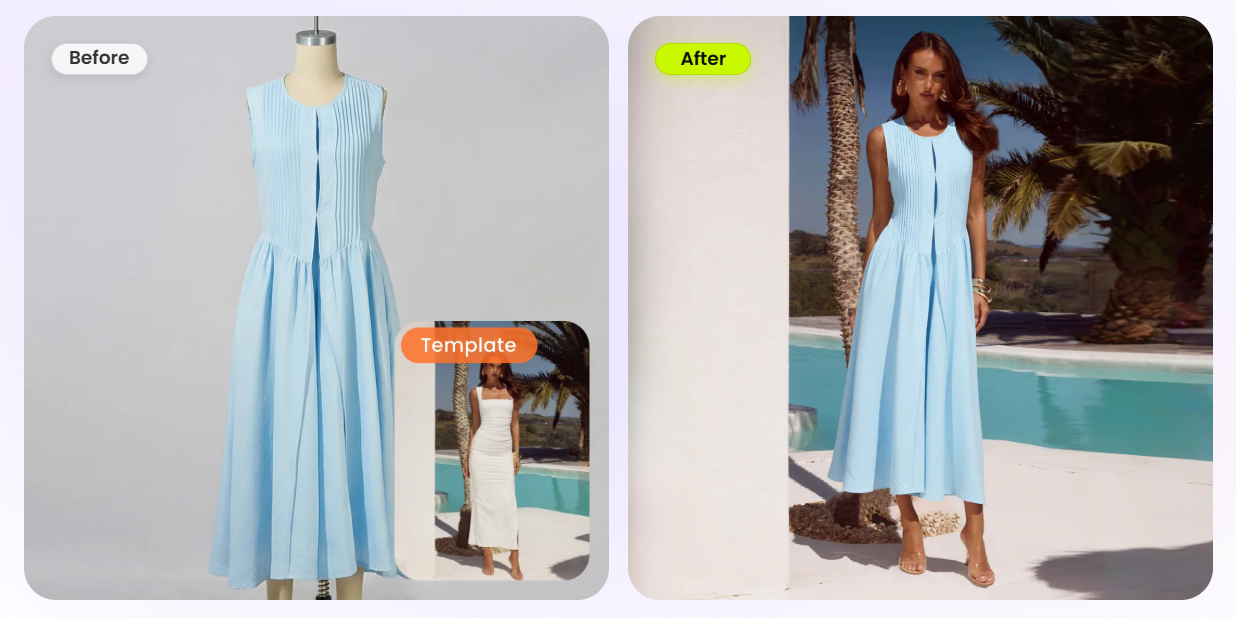
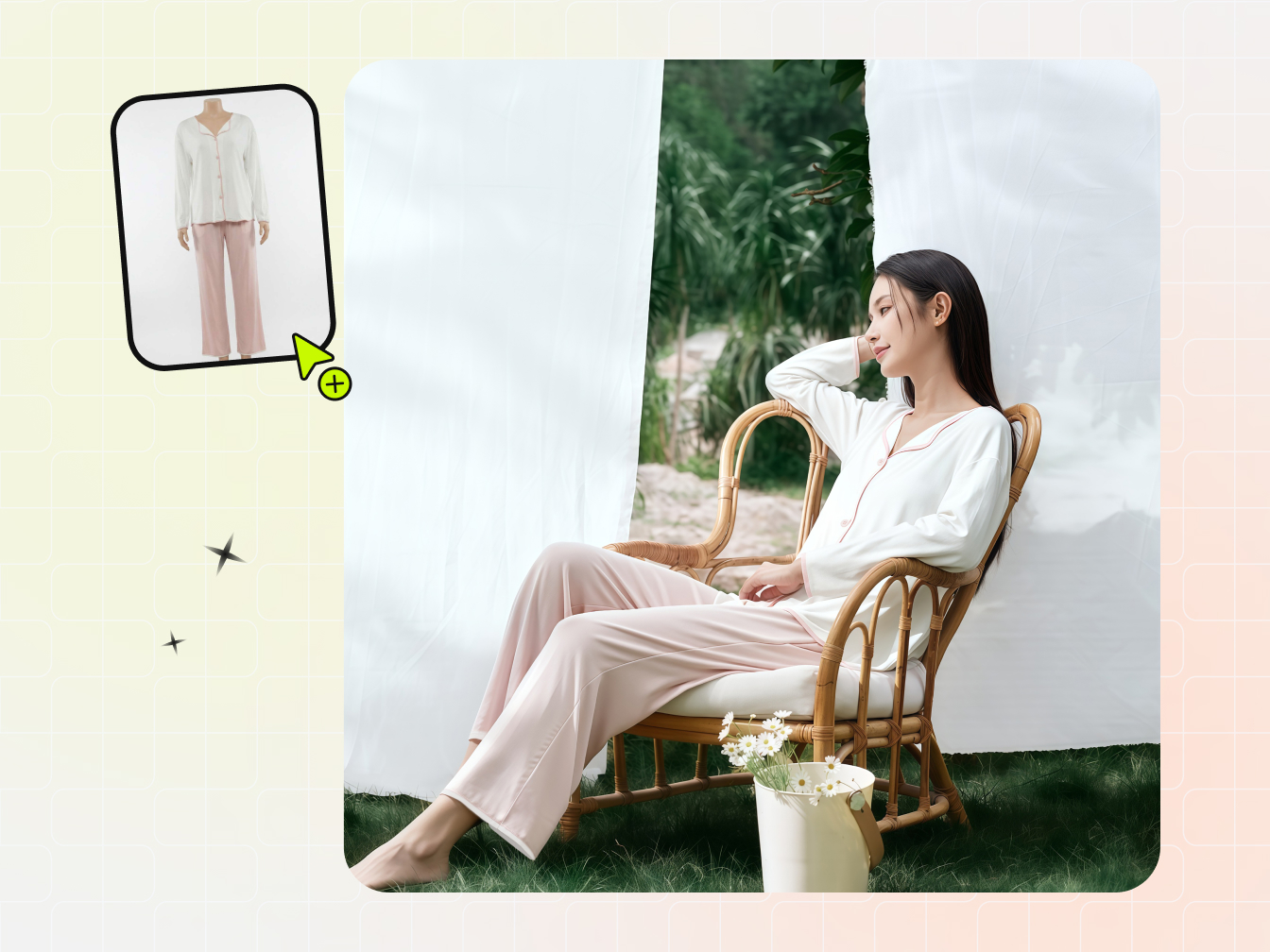
Flair AI ships on-model fashion photoshoots that fit a garment onto AI models with patterns and logos preserved — and that output is genuinely strong. Snappyit matches it: drop a flat-lay, hanger, or mannequin photo and the Fashion Model tool fits the garment onto a lifelike AI model with the print, pattern, and logo intact, rendering on-model imagery at scale. Snappyit then adds marketplace ratio presets — Etsy 1:1, Amazon, Poshmark, eBay, and Whatnot 9:16 — so one render drops straight into every listing, with $0 free credits, no sales call, and the per-image cost shown before you confirm.
- Flat-lay, hanger, or mannequin photo onto a lifelike AI model — print and logo preserved
- Marketplace ratios baked in (Etsy 1:1 / Amazon / Poshmark / eBay / Whatnot 9:16)
- $0 free credits, no sales call; per-image cost shown before each render
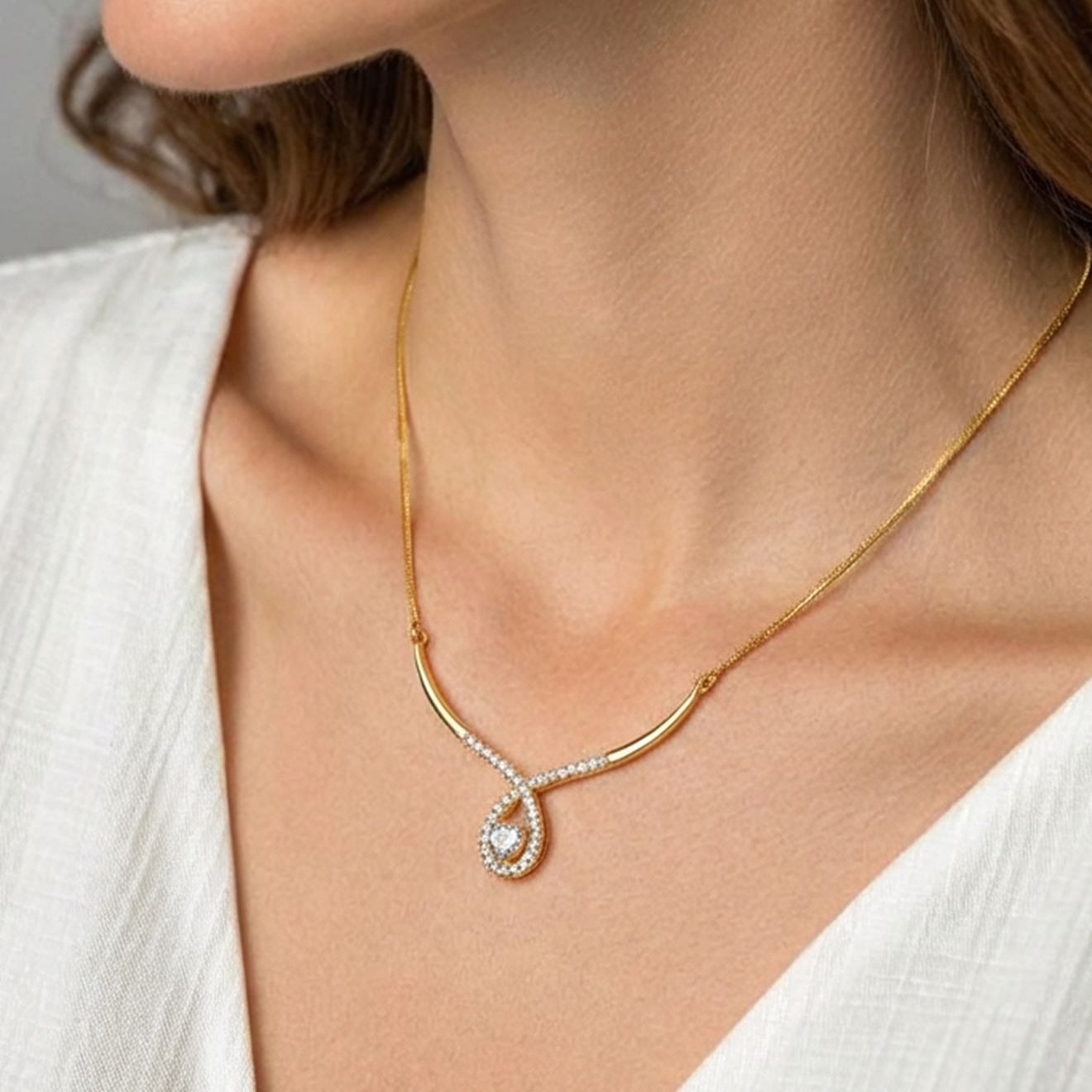
Fashion Photoshoots — Jewelry on a Model
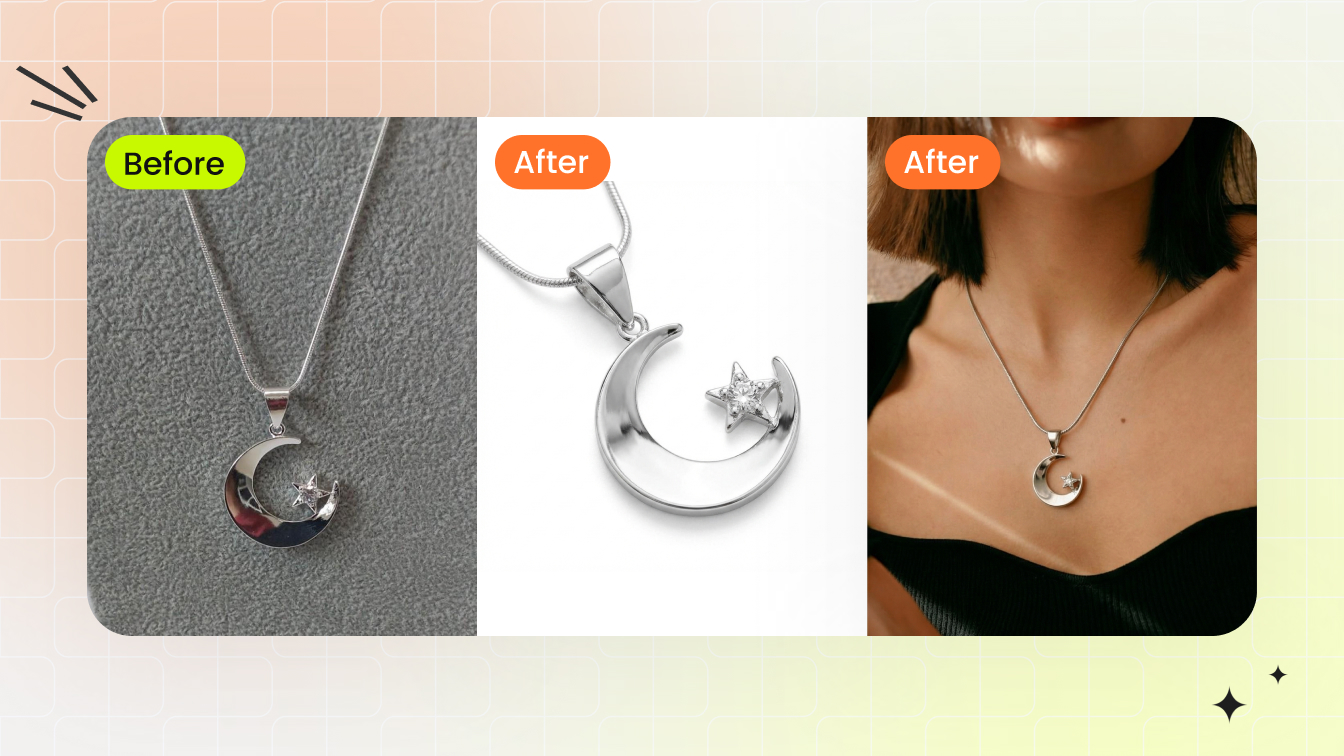
Flair AI also fits jewelry on models — a real strength of its fashion photoshoots. Snappyit's Jewelry Model puts rings, earrings, necklaces, and bracelets on a model at true scale with natural lighting and a skin-tone match, then goes one step further: Jewelry Retouch cleans a raw supplier photo into a white-background catalog shot, the exact step sellers need before a piece can go live on a listing. One workspace covers both the on-model hero shot and the clean catalog image, with $0 free credits and per-image cost shown up front.
- Rings, earrings, necklaces, and bracelets on a model at true scale with natural lighting
- Jewelry Retouch turns a raw supplier photo into a clean white-background catalog shot
- $0 free credits, no sales call; per-image cost shown before each render
More AI Tools in the Same Workspace
More AI tools in the same Snappyit batch workspace.
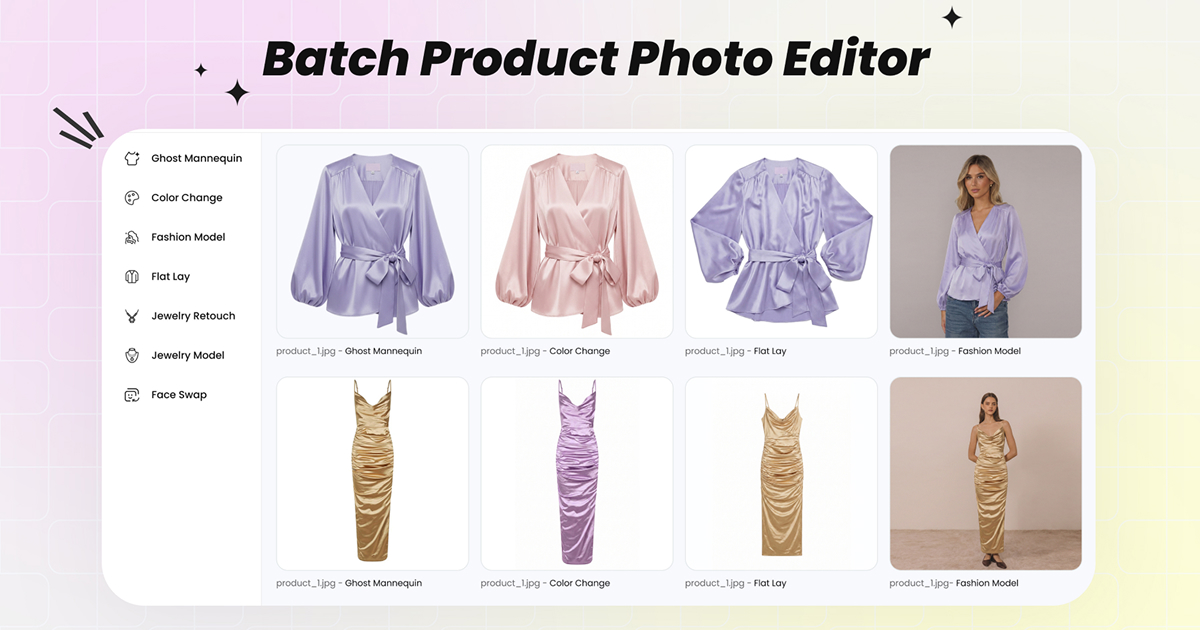
Batch Product Photo Editor
Upload up to 100 product photos at once. Switch between every Snappyit AI tool without re-uploading the set.
Open Batch Workspace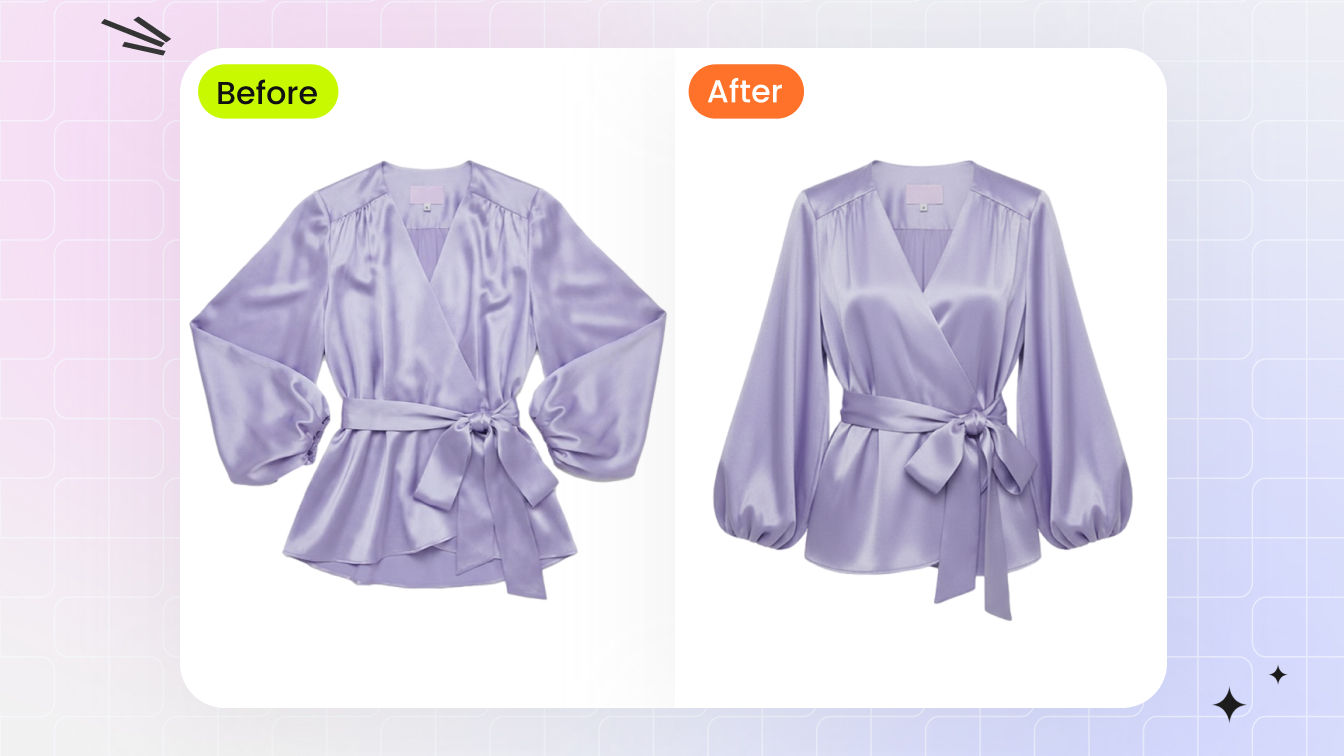
Ghost Mannequin (Invisible Mannequin Effect)
3D worn-shape catalog image from a flat-lay or hanger photo in 60 seconds — no mannequin, no Photoshop neck-joint compositing.
Try AI Ghost Mannequin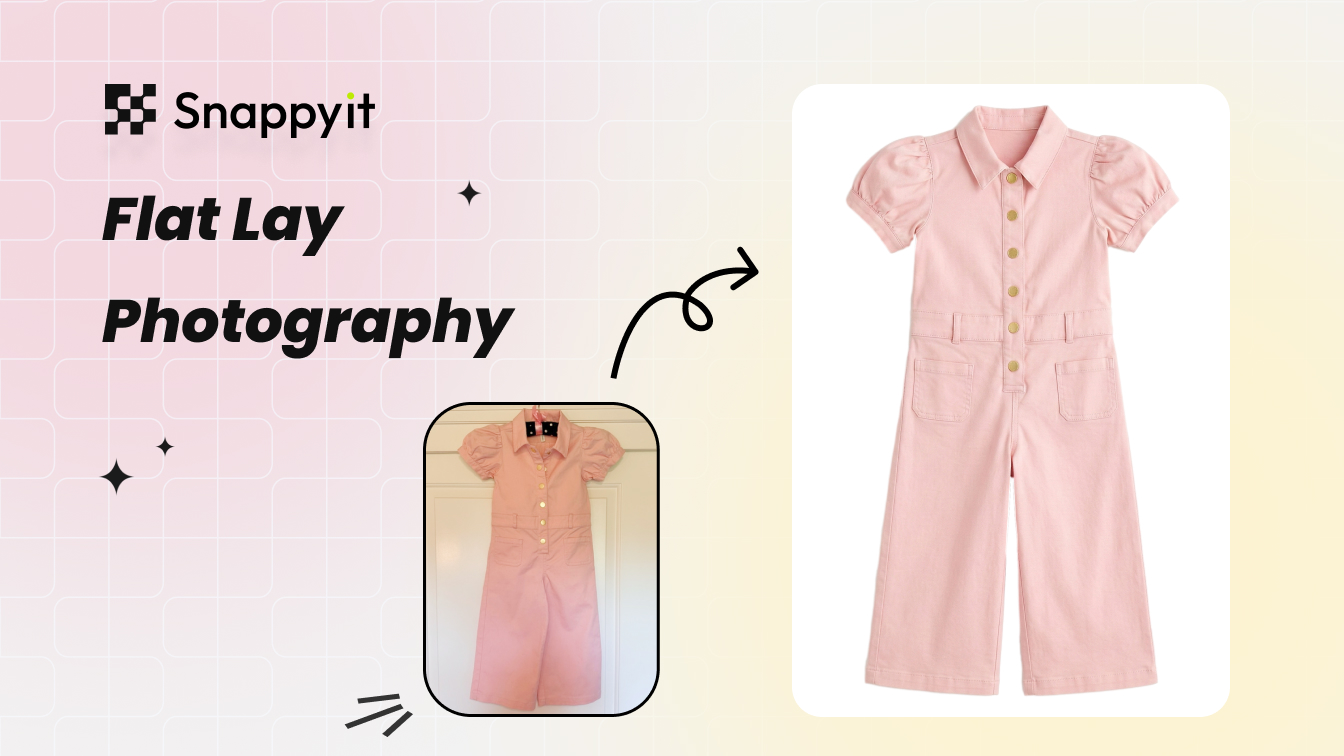
AI Flat Lay Photography
Clean catalog flat-lay from a wrinkled phone shot — wrinkle removal, white-balance, and backdrop swap in one pass.
Try AI Flat Lay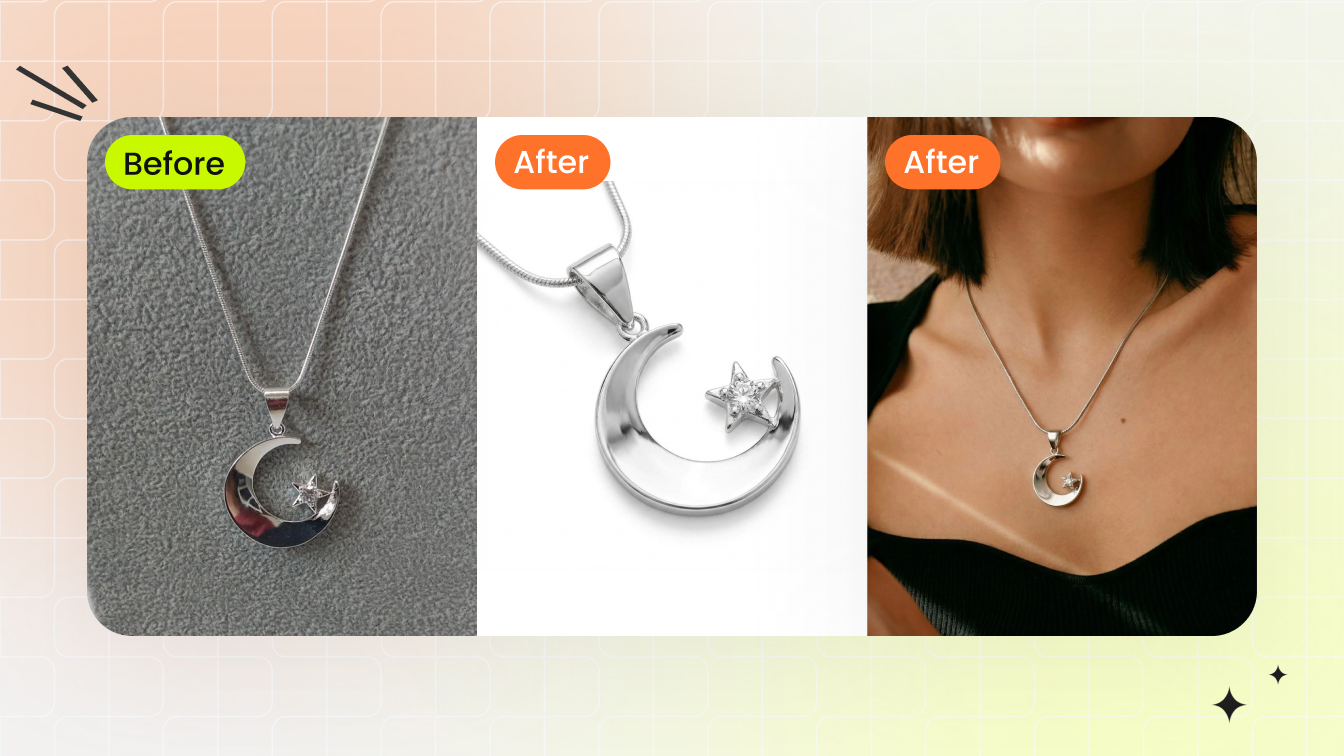
Jewelry Model Try-On
Place a ring, earring, necklace, or bracelet on a model template at correct scale with natural lighting and skin-tone match.
Try Jewelry Model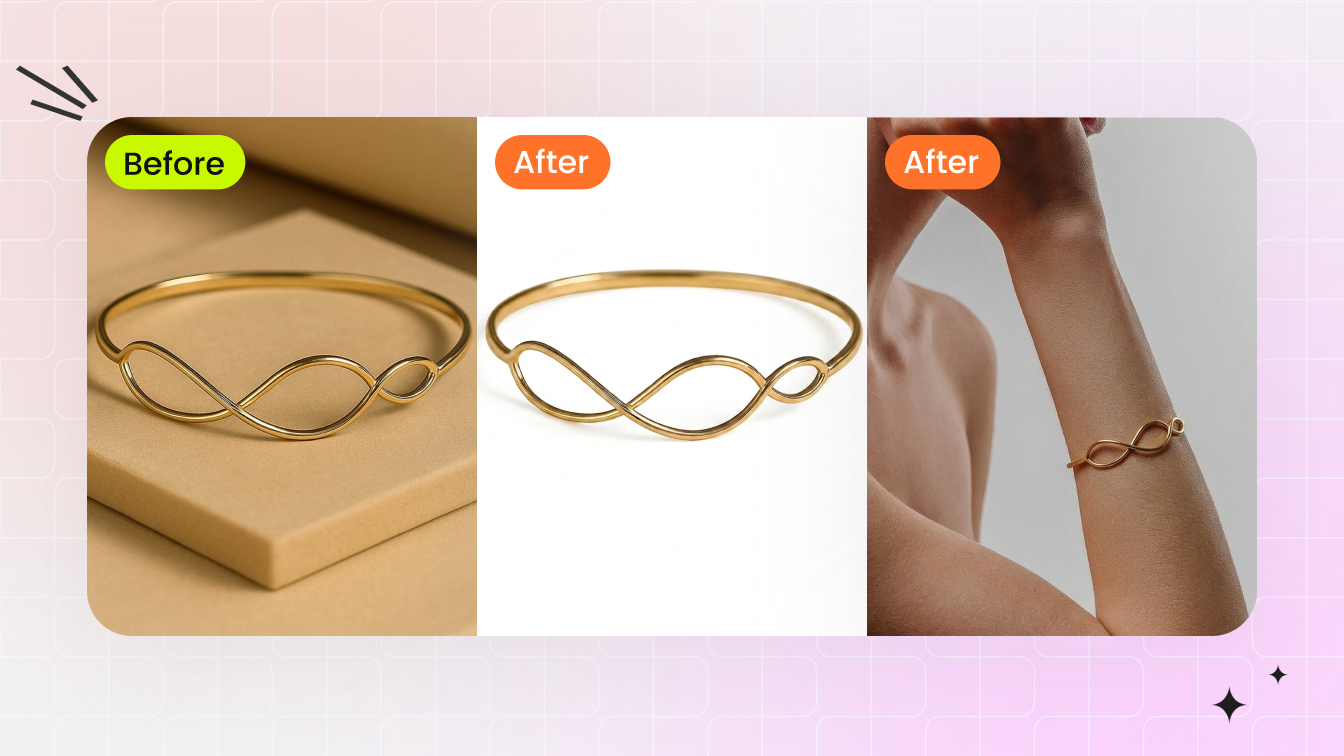
Jewelry Retouch
Clean dust, reflections, color cast, and prong shadows from raw jewelry shots in 30 seconds. Output on a catalog-clean white background.
Try Jewelry Retouch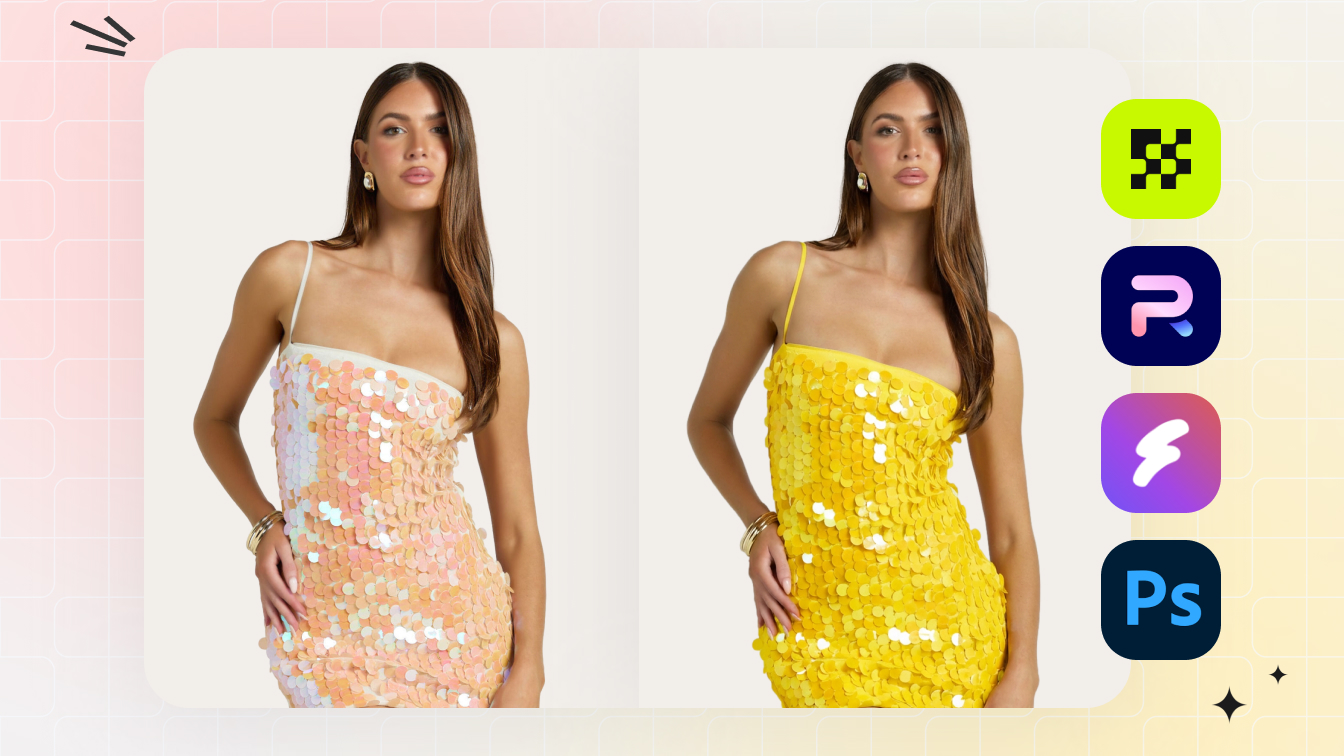
AI Color Change / Recolor
Full color matrix from one source photo — fabric texture, stitching, and lighting preserved across every variant.
Try AI Color Change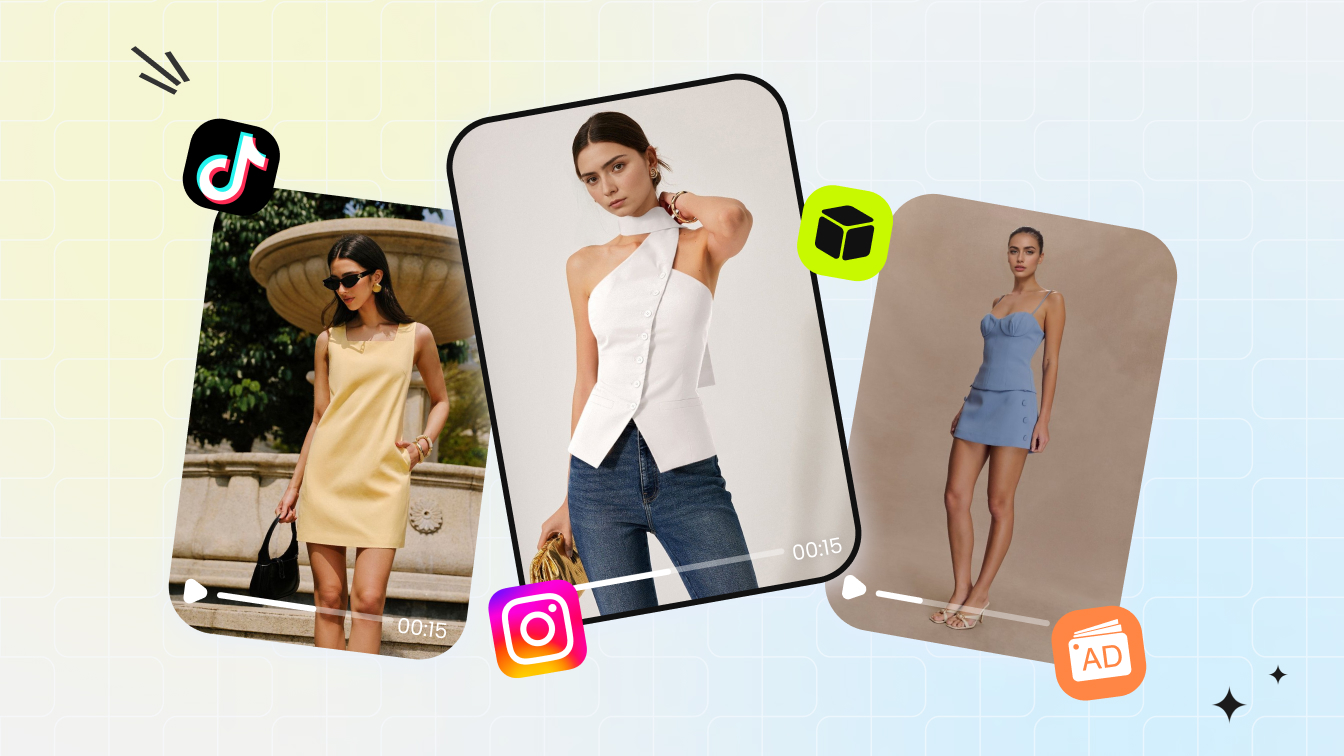
AI Fashion Video Templates
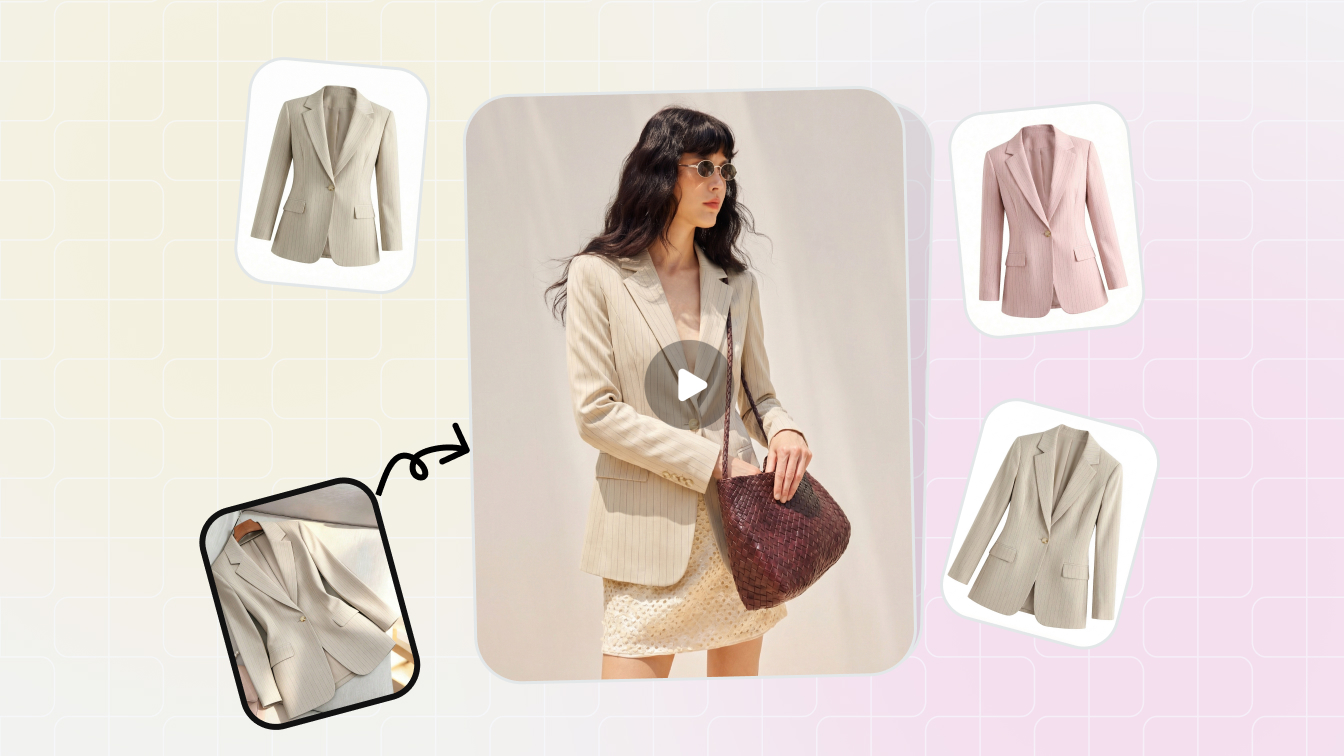
Drop a flat-lay or model photo onto a video template — 3-5 second on-model listing video at 9:16, 1:1, or 16:9.
Try Fashion Video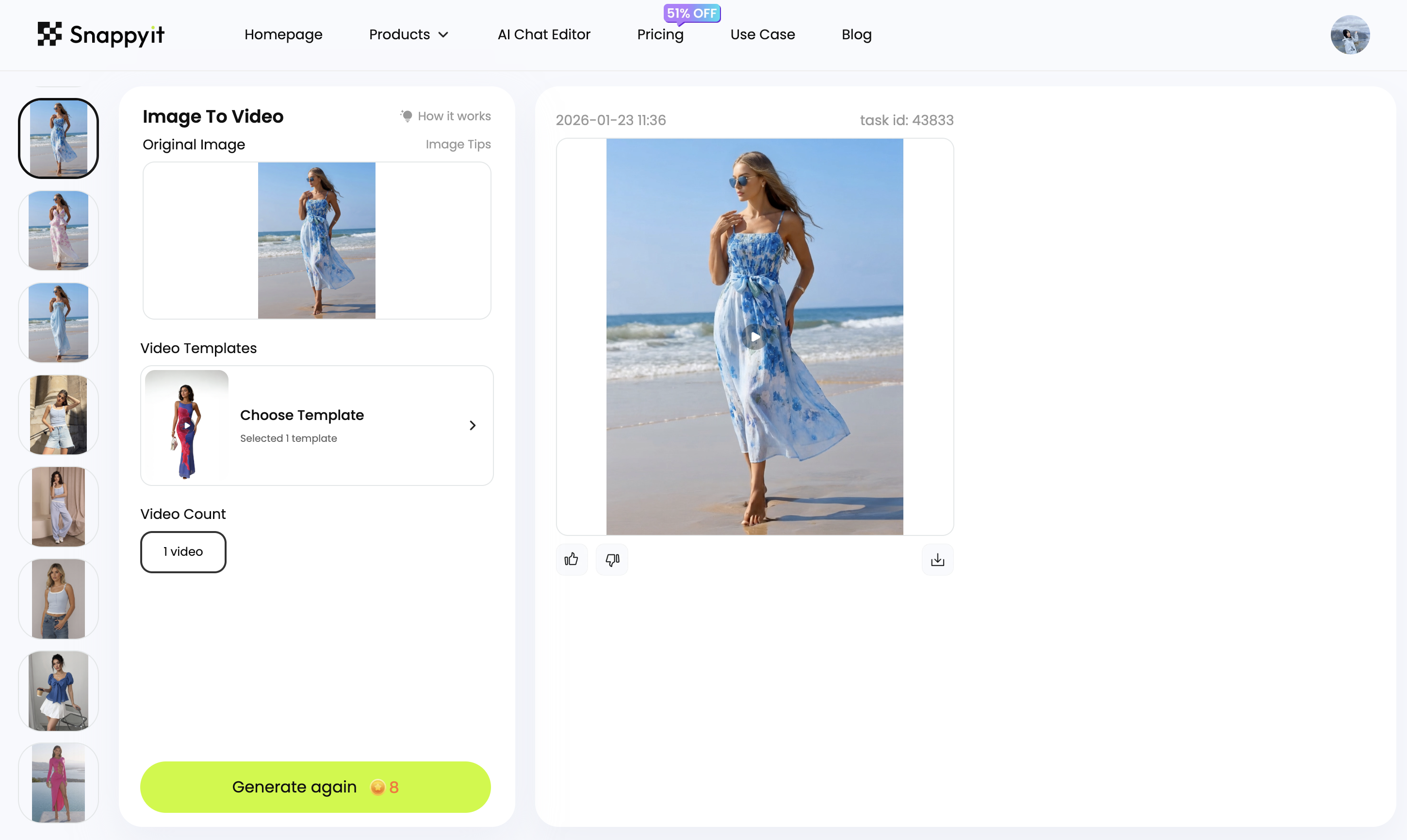
Image to Video
Turn a single product or model photo into a short motion clip — pan, zoom, and on-model movement for listings and ads.
Try Image to VideoSnappyit vs Flair AI — Feature by Feature
Where the two platforms overlap, and where each is purpose-built.
Looking for a Flair AI alternative? Flair AI is a powerful AI design studio for product photoshoots — a drag-and-drop canvas, a custom AI model builder, brand-consistent ad generation, and an API, used by brands like Shein, Bonobos, and Samsonite. Snappyit is the seller-focused Flair AI alternative: the same on-model fashion photoshoots for clothing and jewelry, patterns and logos preserved, focused for apparel and jewelry sellers with built-in marketplace ratio presets, a dedicated ghost mannequin, jewelry retouch, per-variant recolor, and a Batch Product Photo Editor — from $6.90/mo on annual billing.
| Feature | Snappyit | Flair AI |
|---|---|---|
| On-model fashion photoshoots — clothing | Yes | Yes |
| Jewelry on a model (rings, earrings, necklaces) | Yes | Yes |
| Patterns & logos preserved | Yes | Yes |
| AI product photography (product in scenes) | Yes | Yes |
| AI video generation | Yes | Yes |
| Custom AI models | Yes | Yes — custom model builder |
| Bulk / batch generation | Yes — up to 100 photos | Yes |
| Free plan | Yes | Yes |
| Dedicated apparel Ghost Mannequin (3D worn shape) | Yes | — |
| Marketplace ratio presets (Etsy 1:1 / Amazon / Poshmark / Whatnot 9:16) | Yes — built in | Design canvas (manual) |
| Dedicated Jewelry Retouch (clean raw photo) | Yes | — |
| Per-variant Color Change / recolor | Yes | Editing tools |
| Free plan quota | Free credits to start | 5 generated images (1 model, 1 video) |
| Monthly image quota | Scales with plan | 80 (Pro+) / 150 (Scale) |
| Cheapest paid plan | From $6.90/mo (annual billing) | Pro $8/mo |
| Higher-quota tier | Standard $11.1 / Pro $34.9 mo | Pro+ $26 / Scale $38 mo |
| Free trial | Yes — free credits, no card | Yes — Free plan, $0 forever |
Reviewed against Flair AI's public pricing/feature pages and Snappyit's pricing page, June 2026.
Flair AI is a trademark of its respective owner. Snappyit is an independent product and is not affiliated with, endorsed by, or sponsored by Flair AI. Feature comparisons are based on publicly available information as of June 2026 and may change.
Snappyit vs Flair AI — Frequently Asked Questions
Common questions sellers ask before moving across.
Try Snappyit Free — No Card Needed
Every Flair AI feature an apparel or jewelry seller actually uses — on-model clothing and jewelry photoshoots with patterns and logos preserved, product photography, and video — plus ghost mannequin, jewelry retouch, recolor, and batch, in one workspace. Free credits to start.