Free Camweara AI Virtual Try-On
AI Tools — jewelry virtual try-on images, on-model apparel, eyewear/face looks, background cleanup, and image-to-video. Try free in the Snappyit workspace, no card.
Choose a tool, then upload your photo
Click or drag image here
Any flat-lay or product photo works, no professional setup needed.
Jewelry Virtual Try-On — Try-On Images You Can Actually Sell With
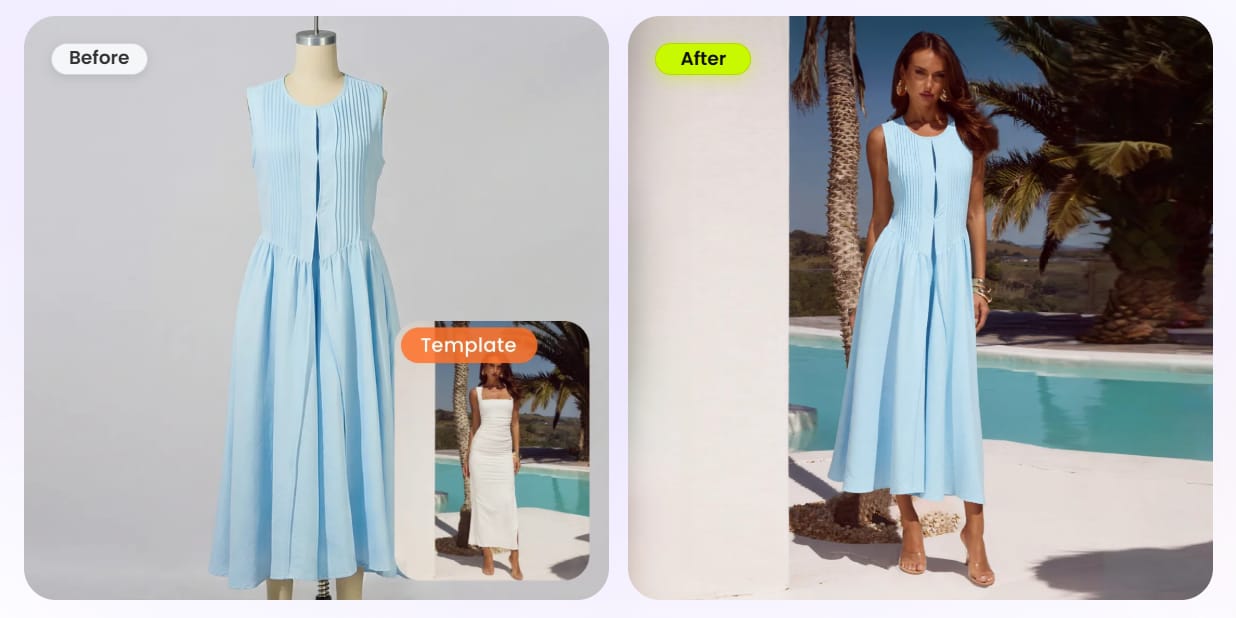
Same jewelry try-on Camweara is built for — a ring, earring, necklace, or watch shown worn at correct scale. Camweara renders it as a live AR overlay that only exists inside your own product page; Snappyit's Jewelry Model generates a finished try-on IMAGE you download and reuse anywhere — ads, listings, Instagram, and every marketplace. No live-camera dependency, no per-image surcharge once you have credits.
- Rings on a hand template, earrings on an ear, necklaces on a neck, watches/bracelets on a wrist — correct scale, natural skin-tone lighting, realistic metal and stone reflections
- Output is a reusable JPG/PNG, not a one-session AR view — post it to Etsy, Amazon, eBay, Poshmark, Shopify, and social
- Marketplace aspect-ratio presets (Etsy 1:1, Amazon, Poshmark, eBay, Whatnot 9:16, Vinted) baked in — Camweara is storefront-AR only
- Self-serve free starter credits, no credit card, no sales call — Camweara has no free plan and adds $0.70 per jewelry image on top of a $39/mo floor
Jewelry Retouch — Clean Catalog Shots, Not Just an Overlay
Camweara runs auto background removal on its dashboard so your product PNG layers cleanly into the AR widget. Snappyit's Jewelry Retouch does the same cleanup and goes further on the asset itself — it removes the background, cleans reflections, prongs, dust, and fingerprints, and hands you a print- and listing-ready image rather than a widget input.
- Auto background removal plus reflection, prong, and dust cleanup on the actual product photo
- Outputs a finished catalog asset you keep, not a layer that only renders inside the storefront widget
- Recolor metal and stone variants with Color Change — reusable recolored stills a live AR overlay doesn't produce
- Batch up to 100 images at once so a full collection is cleaned in one run
More AI Tools in the Same Workspace
More AI tools in the same Snappyit batch workspace.
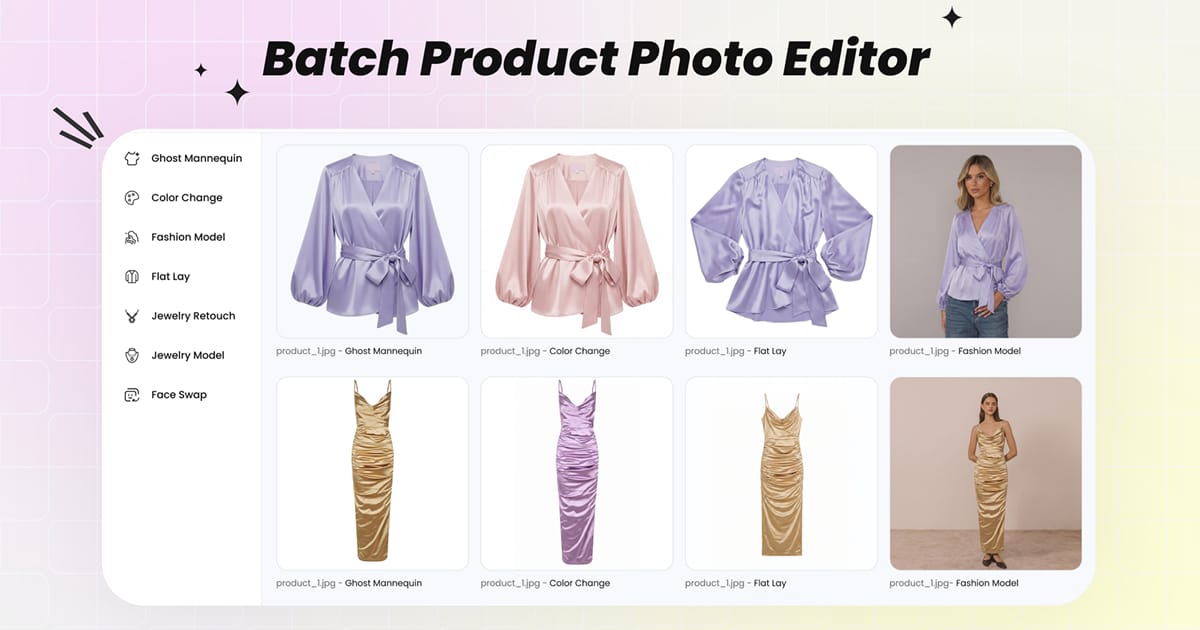
Batch Product Photo Editor
Upload up to 100 product photos at once. Switch between every Snappyit AI tool without re-uploading the set.
Open Batch Workspace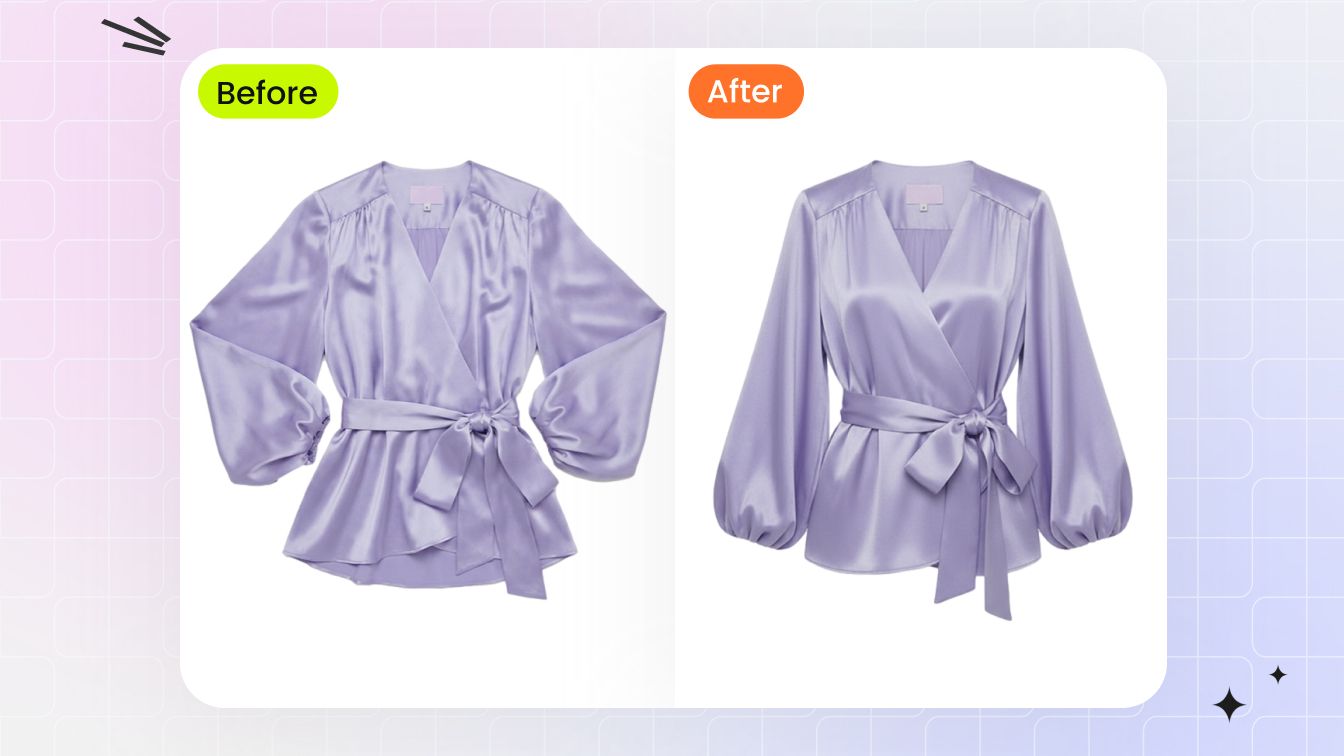
Ghost Mannequin (Invisible Mannequin Effect)
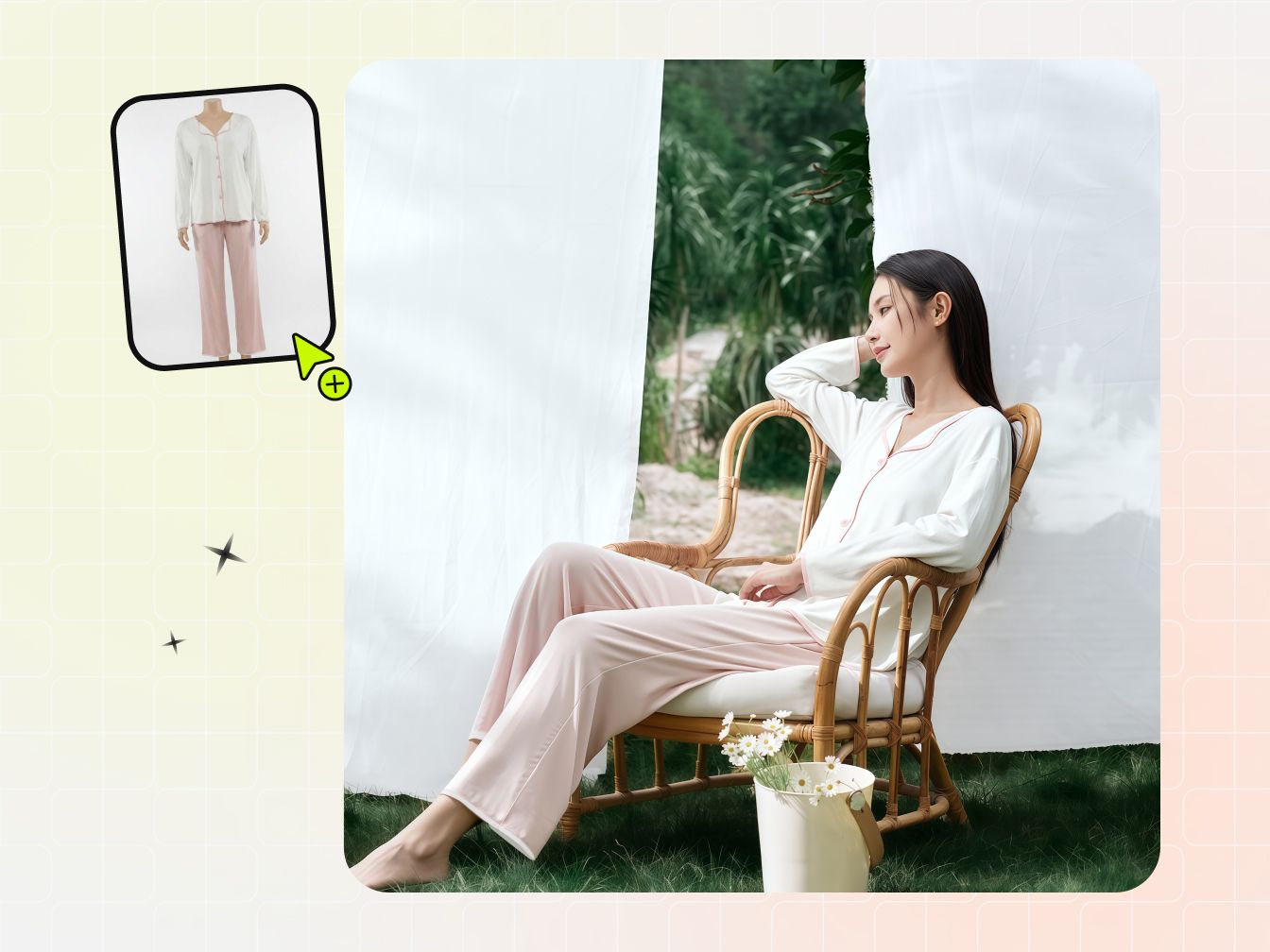
3D worn-shape catalog image from a flat-lay or hanger photo in 60 seconds — no mannequin, no Photoshop neck-joint compositing.
Try AI Ghost Mannequin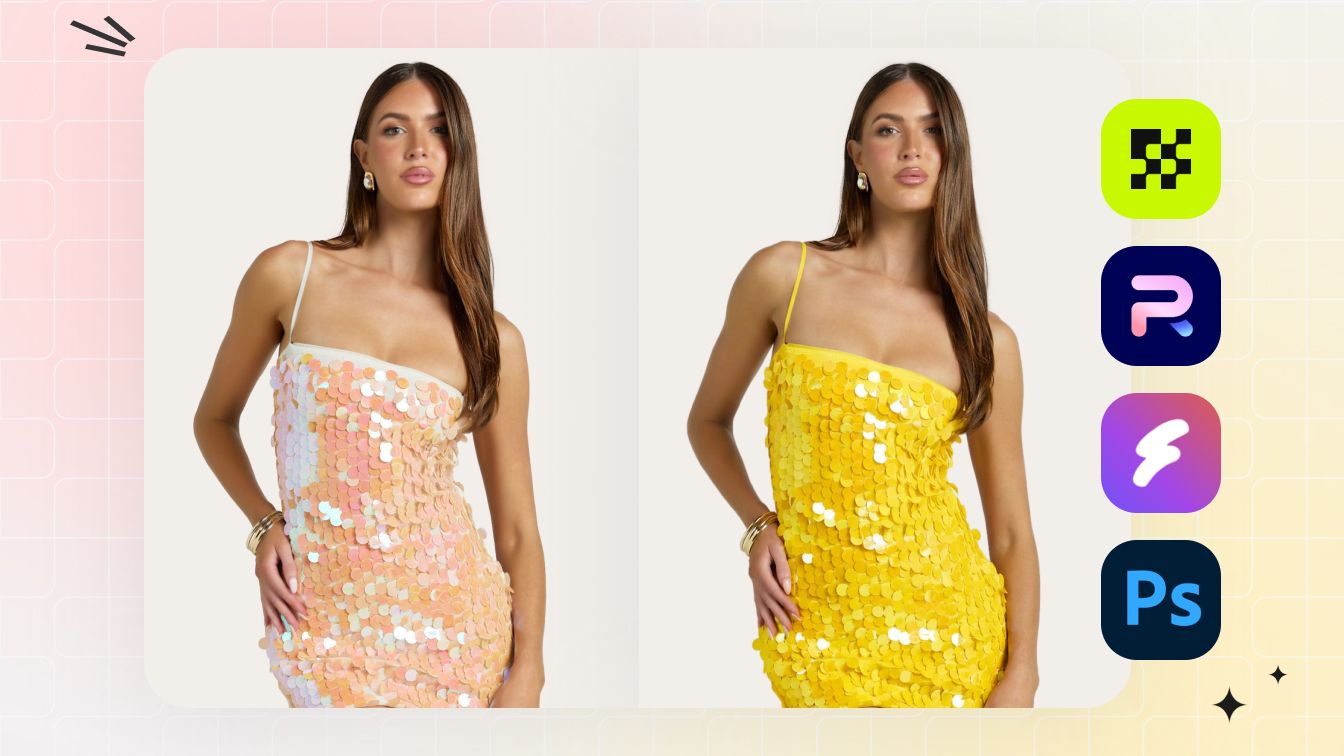
AI Color Change / Recolor
Full color matrix from one source photo — fabric texture, stitching, and lighting preserved across every variant.
Try AI Color Change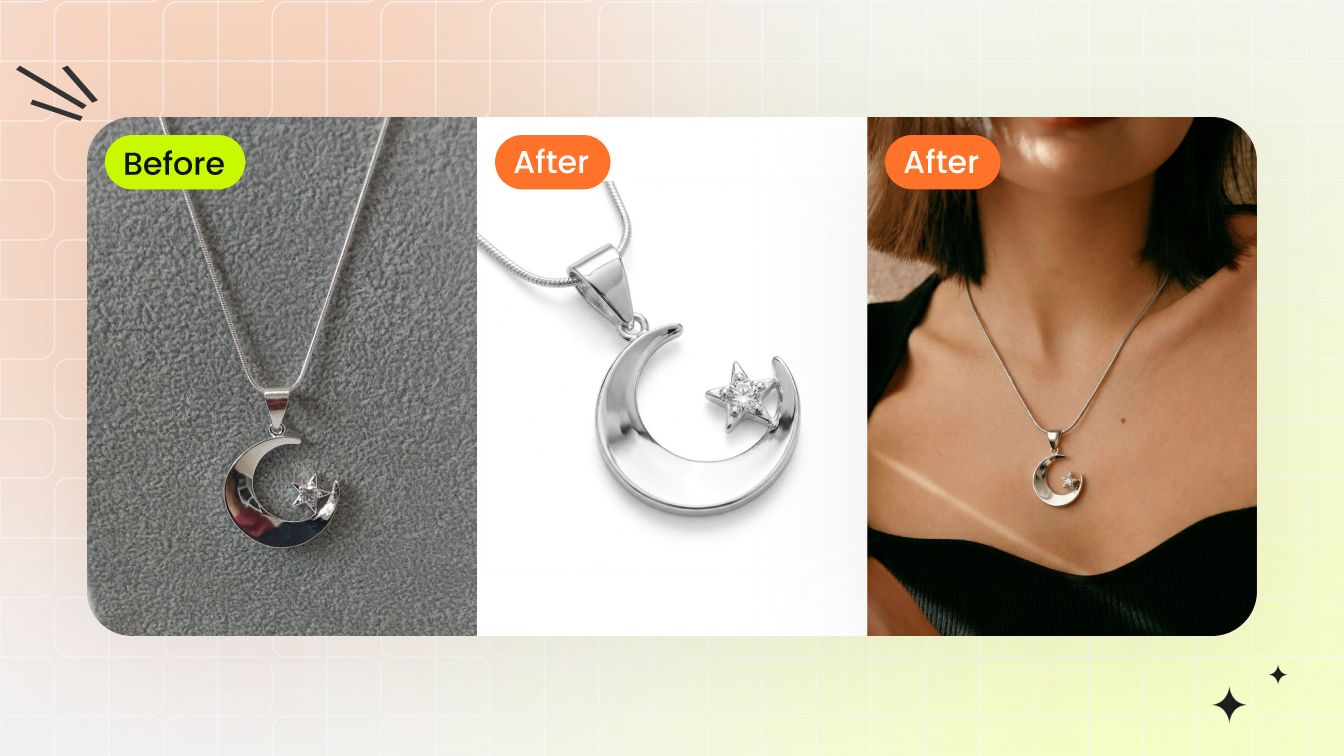
Jewelry Model Try-On
Place a ring, earring, necklace, or bracelet on a model template at correct scale with natural lighting and skin-tone match.
Try Jewelry Model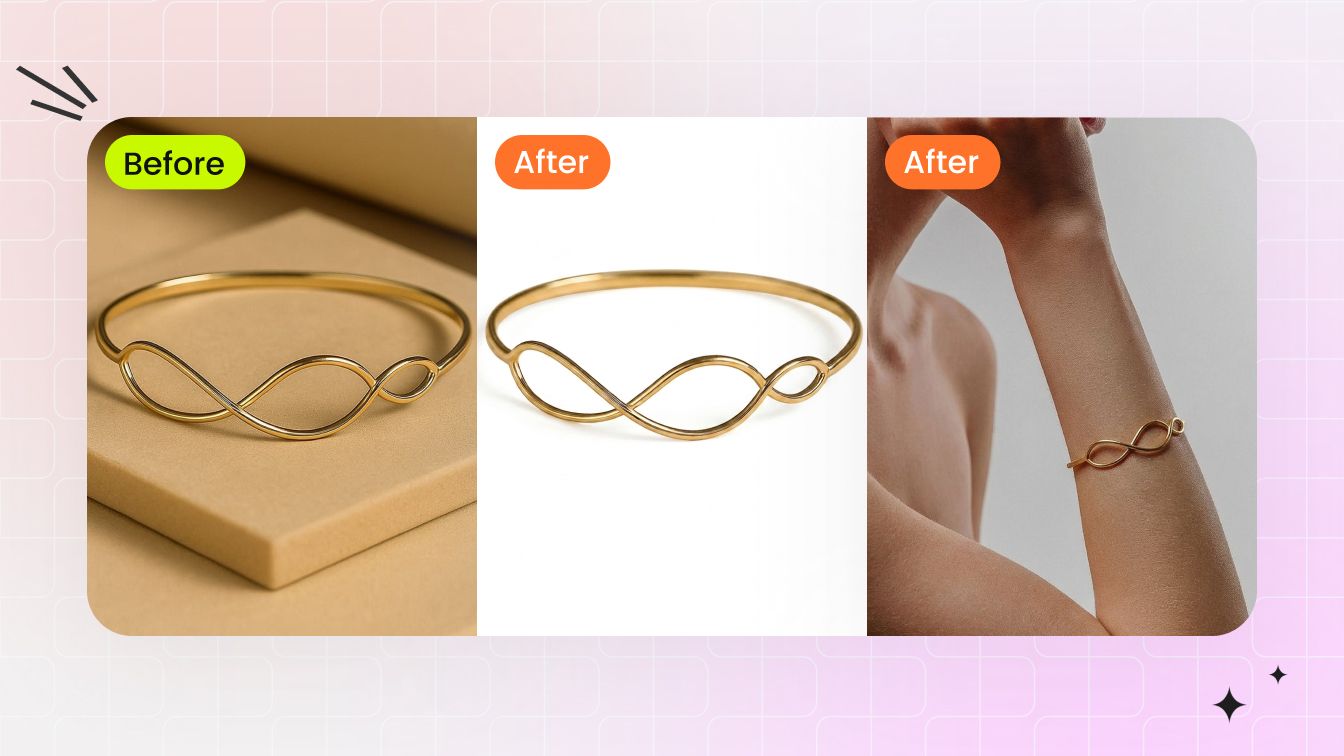
Jewelry Retouch
Clean dust, reflections, color cast, and prong shadows from raw jewelry shots in 30 seconds. Output on a catalog-clean white background.
Try Jewelry Retouch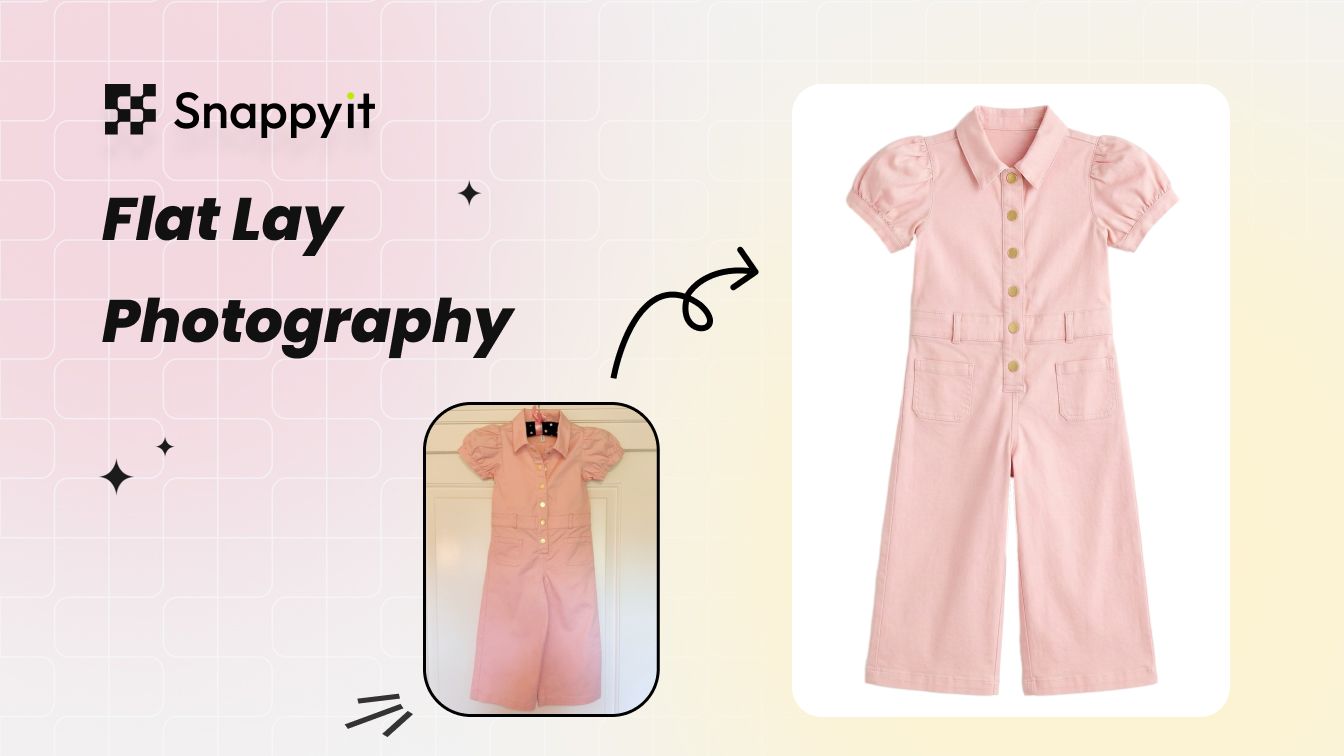
AI Flat Lay Photography
Clean catalog flat-lay from a wrinkled phone shot — wrinkle removal, white-balance, and backdrop swap in one pass.
Try AI Flat Lay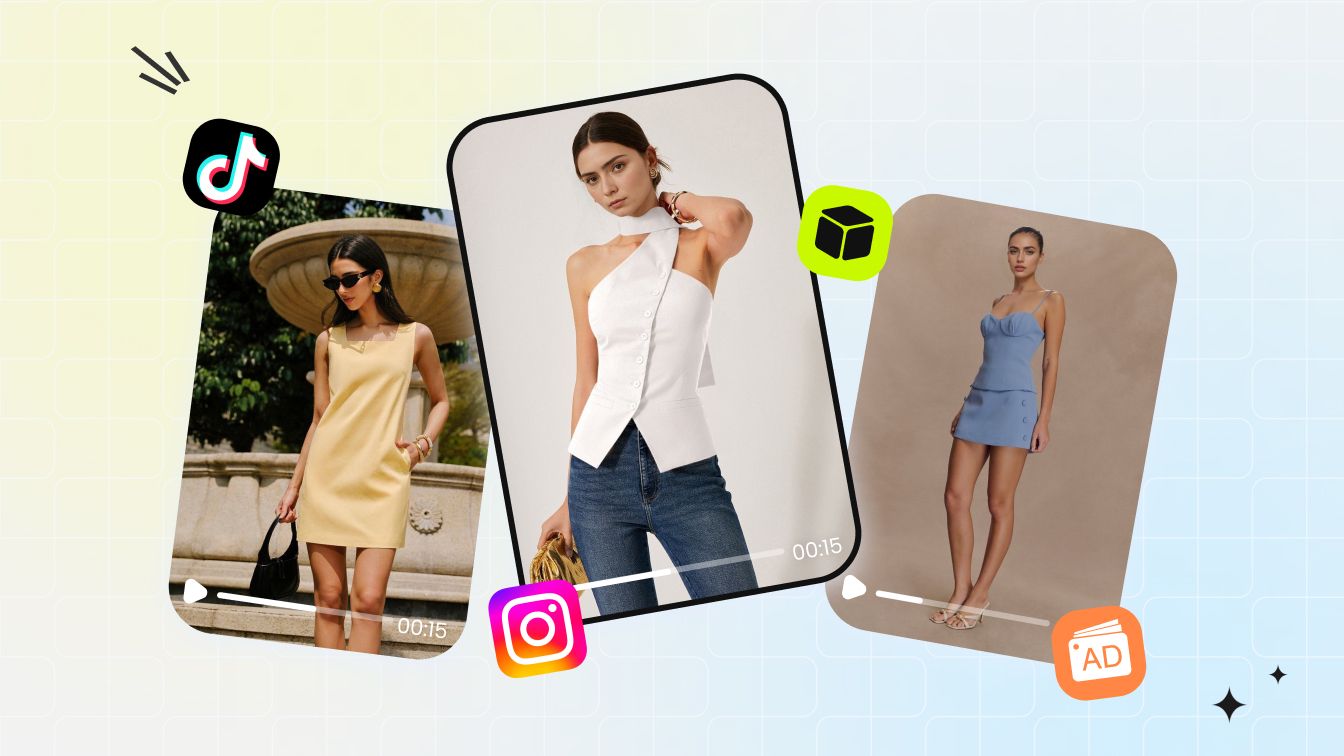
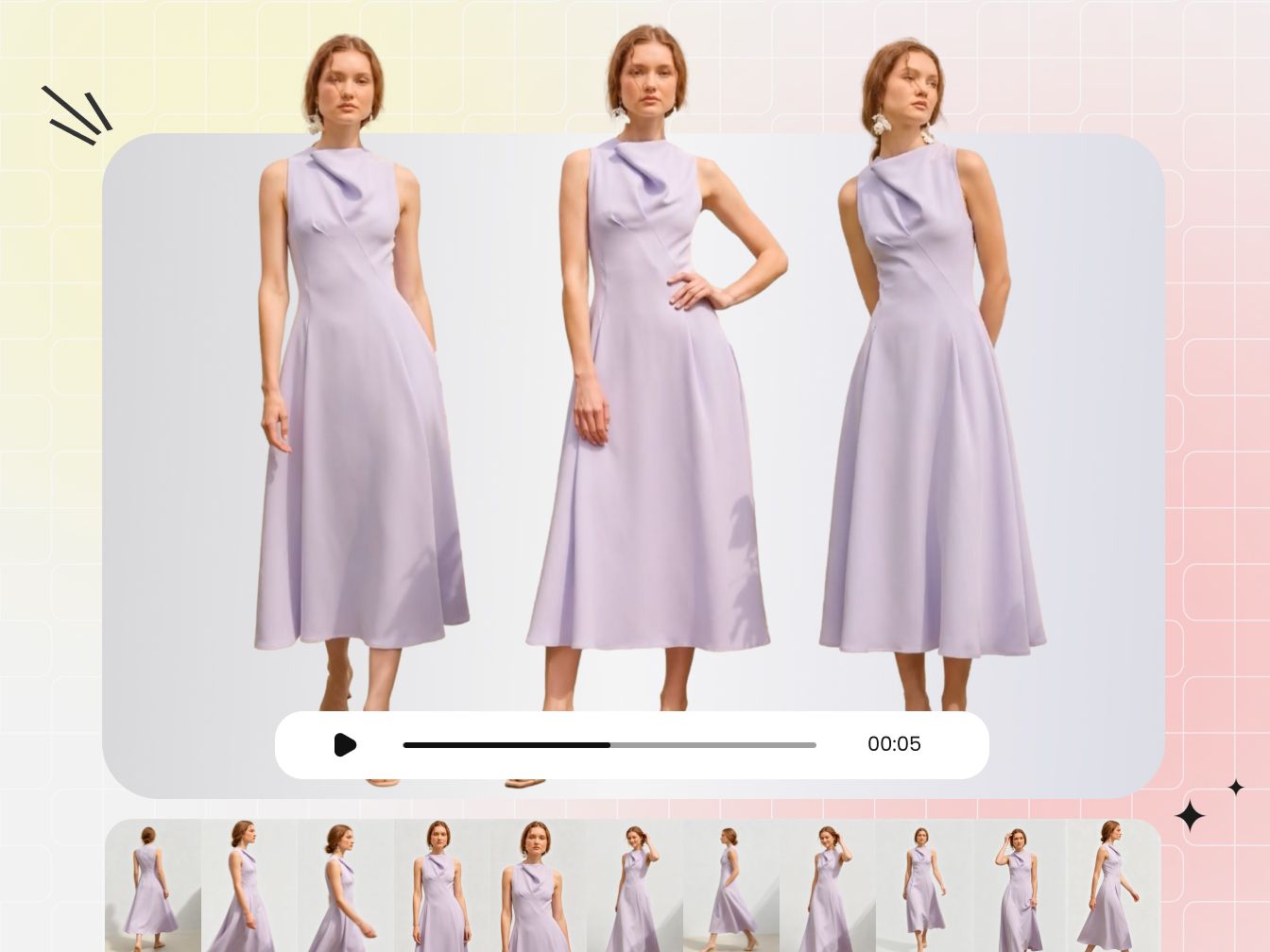
AI Fashion Video Templates
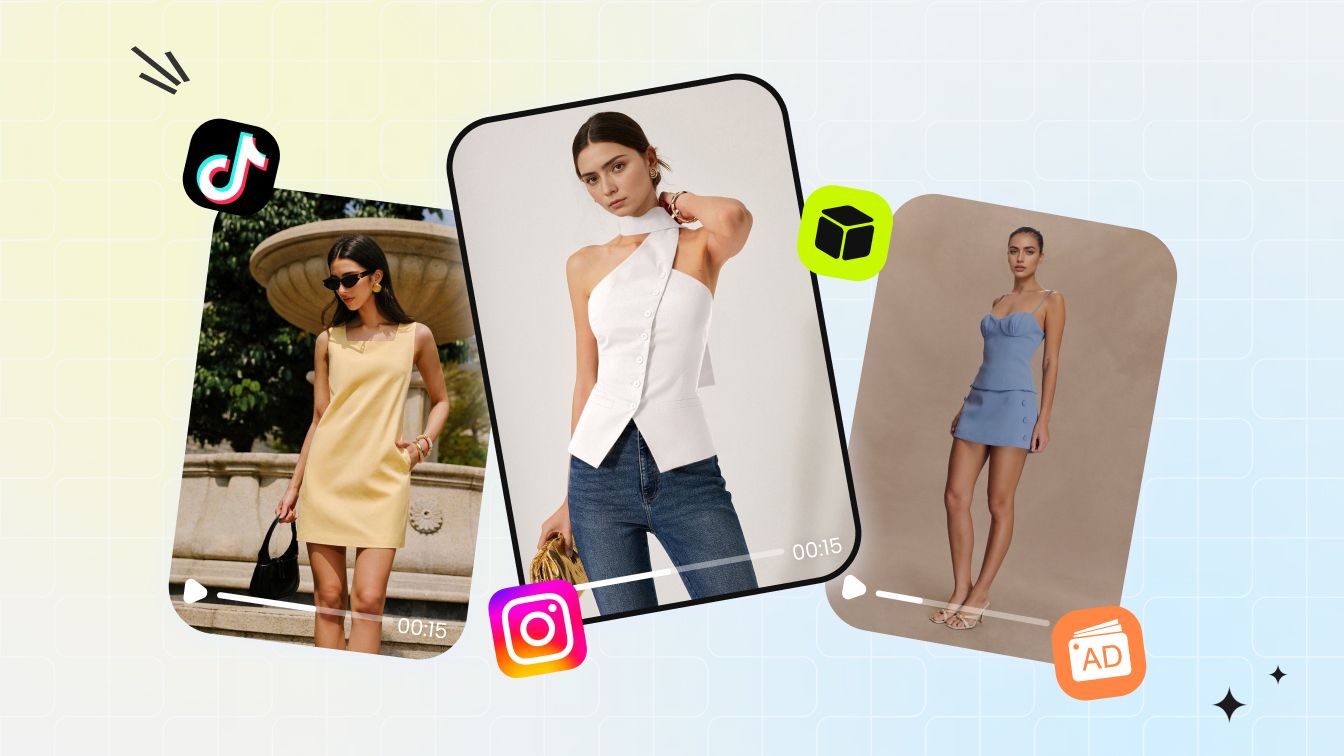
Drop a flat-lay or model photo onto a video template — 3-5 second on-model listing video at 9:16, 1:1, or 16:9.
Try Fashion Video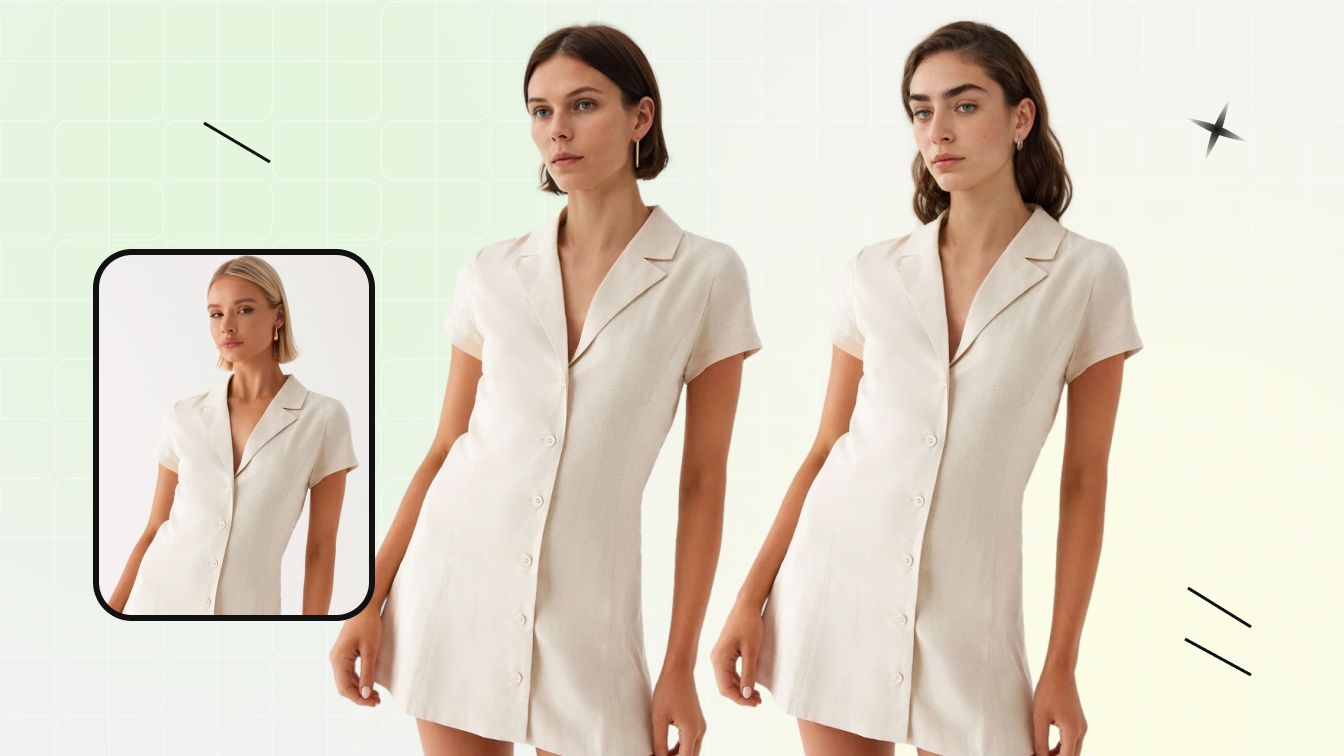
Face Swap / Model Swap
Swap the face or full model in an existing fashion photo without re-shooting — for diverse demographics or catalog consistency.
Try Face SwapSnappyit vs Camweara — Feature by Feature
Where the two platforms overlap, and where each is purpose-built.
Looking for a free Camweara alternative — or weighing Camweara vs Snappyit before you commit? They solve the jewelry try-on problem from opposite ends. Camweara is a storefront-embedded AR widget: shoppers try a ring, watch, or pair of glasses live on their own hand or face inside your product page, with real-time fit tooling — a genuinely strong on-site experience that starts at $39/mo (no free plan) and adds per-image and per-model fees on top. Snappyit is an image and video workspace: instead of renting an on-site AR gadget, you generate actual jewelry-on-model try-on images, retouch, recolor, and short videos you can reuse across ads, listings, and every marketplace — from $6.90/mo with free starter credits and no credit card. Here is where the two overlap, and where each is purpose-built.
| Feature | Snappyit | Camweara |
|---|---|---|
| Jewelry virtual try-on (ring / earring / necklace / watch shown worn) | Yes — generated try-on image | Yes — live AR overlay |
| Photo-mode try-on (upload a photo to preview jewelry on it) | Yes | Yes |
| Apparel / clothing on-model try-on | Yes | Yes (Gen AI try-on, metered monthly) |
| Eyewear / face-area try-on visualization | Yes — Face Swap & model | Yes — live AR with PD measurement |
| Auto background removal / cleanup | Yes | Yes (dashboard) |
| Real-time live-camera AR on the storefront (30fps in-page try-on) | — | Yes |
| Ring Sizer / Adjustify scaling / PD measurement / Find My Size fit tooling | — | Yes |
| Storefront-embedded interactive widget (Shopify / Magento / WordPress) | — | Yes |
| 3D model support + try-on analytics dashboard | — | Yes |
| Reusable marketing IMAGES from try-on (for ads, listings, social) | Yes | — |
| Jewelry retouch (reflections, prongs, background cleanup on the asset) | Yes | — |
| Recolor metal / stone product variants | Yes | — |
| Image-to-video (animate an on-model still into product video) | Yes | — |
| Ghost mannequin & flat-lay apparel product photography | Yes | — |
| Batch processing (up to 100 images at once) | Yes | — |
| Marketplace aspect-ratio presets (Etsy / Amazon / Poshmark / eBay / Whatnot / Vinted) | Yes | — (storefront-AR only) |
| Cheapest paid plan | From $6.90/mo (annual billing) | Lite $39/mo (70 products + 200 AI clothing try-ons/mo) |
| Annual cost at lowest tier | ~$83/yr | ~$429/yr (Lite, annual-billed) |
| Per-unit fees on top of subscription | None — credits cover rendering | $0.70 per jewelry image; $2 per eyewear model |
| Free plan / free starter credits | Yes — free credits, no card | — (no free plan; free trial terms not published) |
Reviewed against Camweara's public Shopify App Store listing and camweara.com/pricing, and Snappyit's pricing page, June 2026. Camweara prices differ by channel — the Shopify App Store (Lite $39/mo, Starter $90/mo, Growth $200/mo) is treated as the current canonical source; camweara.com shows annual-billed framing and Enterprise is custom-quoted. Camweara's fit-accuracy and conversion-lift figures are its own marketing claims. Camweara is a trademark of its respective owner. Snappyit is an independent product and is not affiliated with, endorsed by, or sponsored by Camweara. Feature comparisons are based on publicly available information as of June 2026 and may change.
Camweara is a trademark of its respective owner. Snappyit is an independent product and is not affiliated with, endorsed by, or sponsored by Camweara. Feature comparisons are based on publicly available information as of June 2026 and may change.
Snappyit vs Camweara — Frequently Asked Questions
Common questions sellers ask before moving across.
Try Snappyit Free — No Card Needed
Every Camweara try-on angle a jewelry seller actually markets with — jewelry-on-model images, retouch, recolor, and video — in one workspace, with no live-AR rent and no per-image fee. Free credits to start.