Three Thrift Photo Problems, Three AI Fixes
The same hanger or flat-lay phone photo, transformed three different ways. Each output drops straight into a marketplace listing.
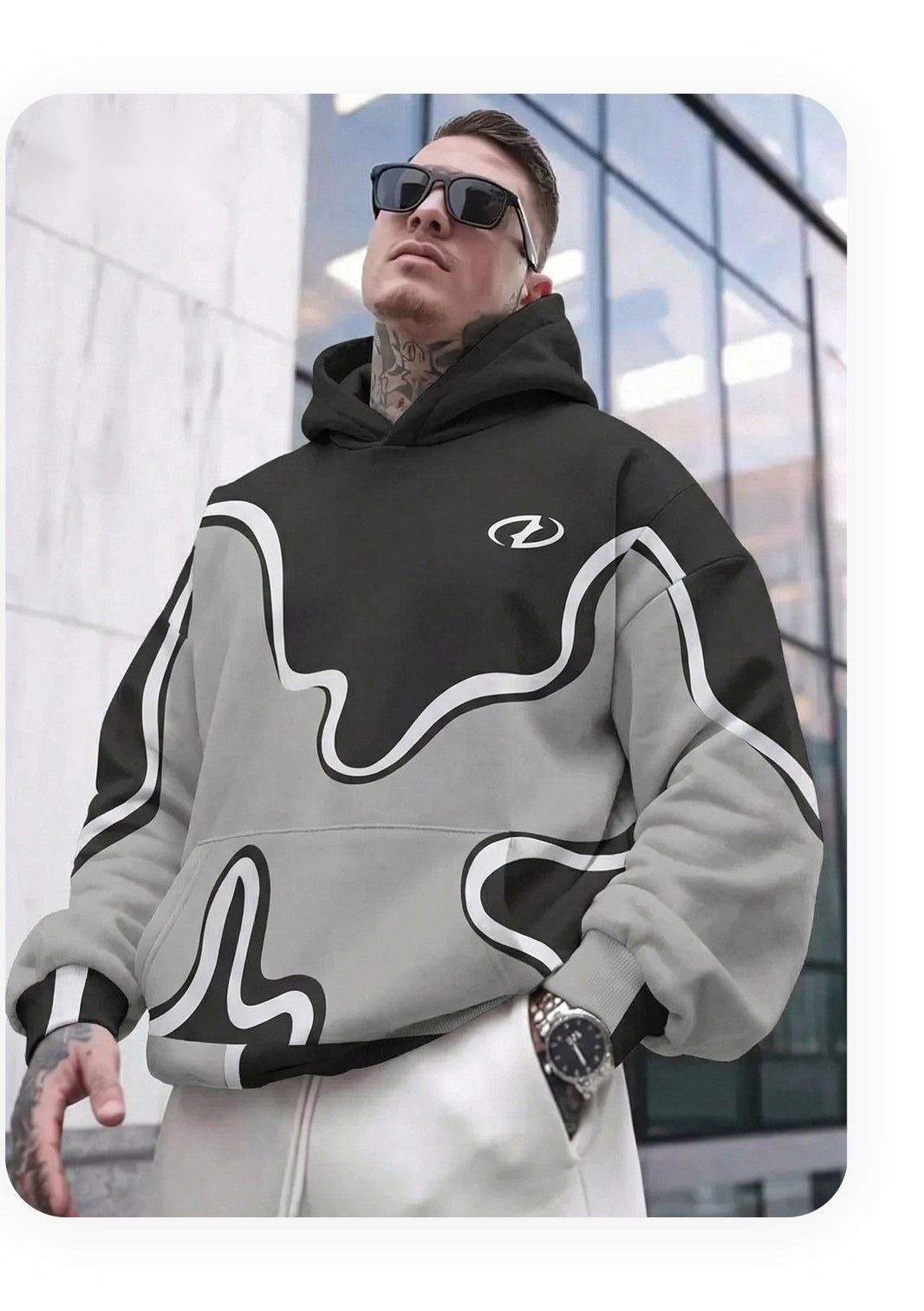
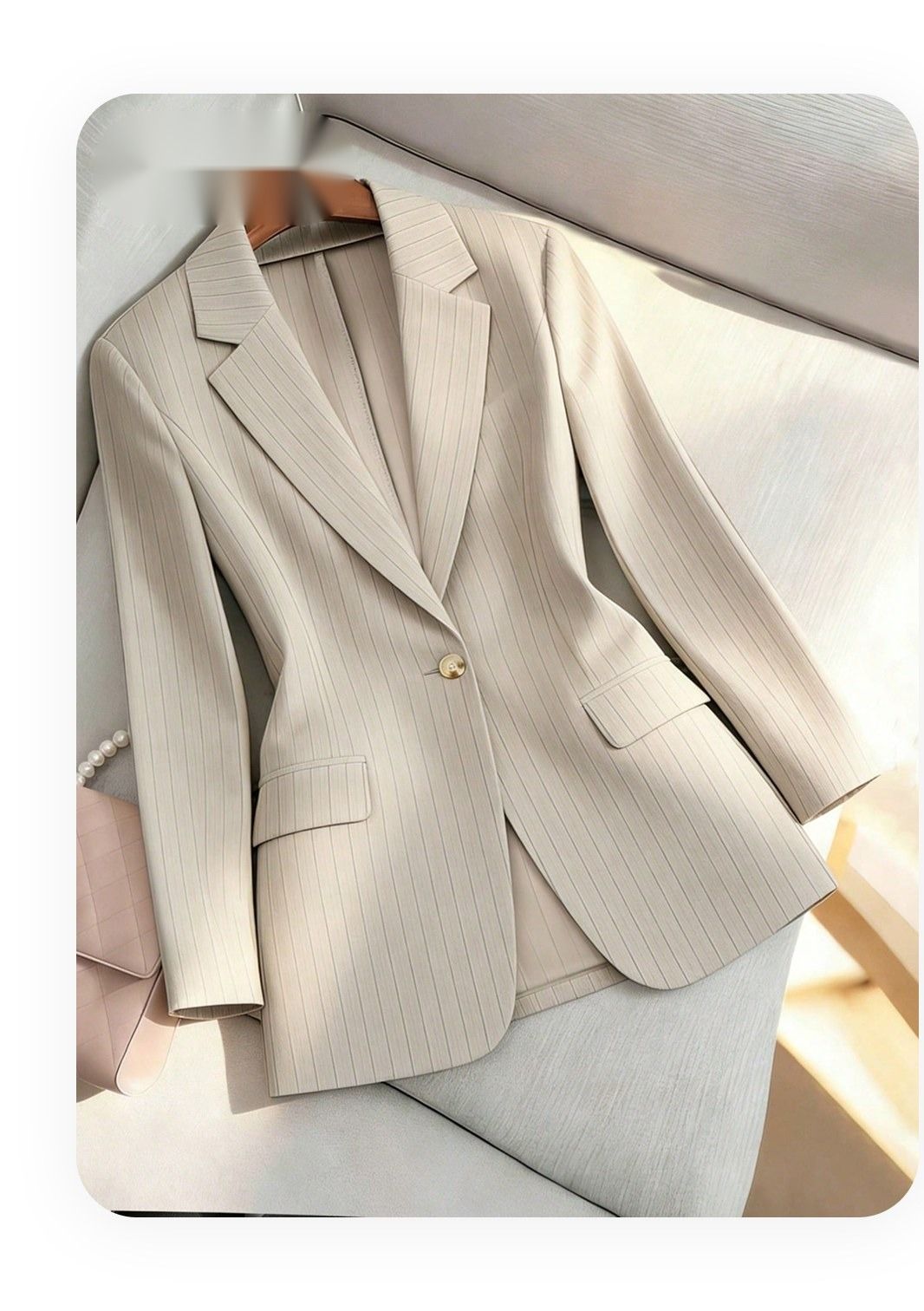
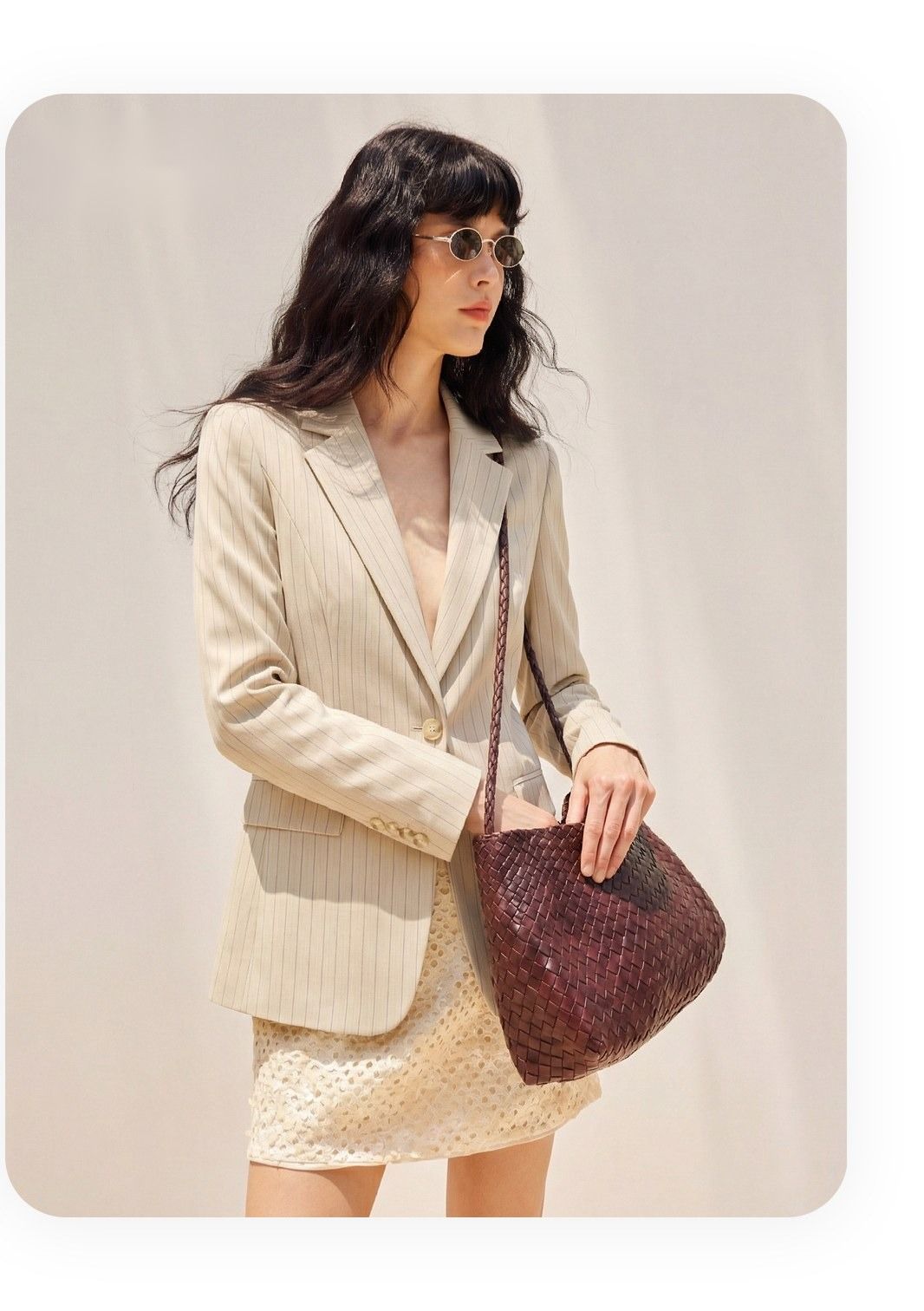
Real Thrift Photos Through the Snappyit Workflow
Three actual thrift finds, three real reseller-shot phone photos — each pushed through the AI ghost mannequin and fashion model pipelines. No re-shoots, no studio lights, no dress form.
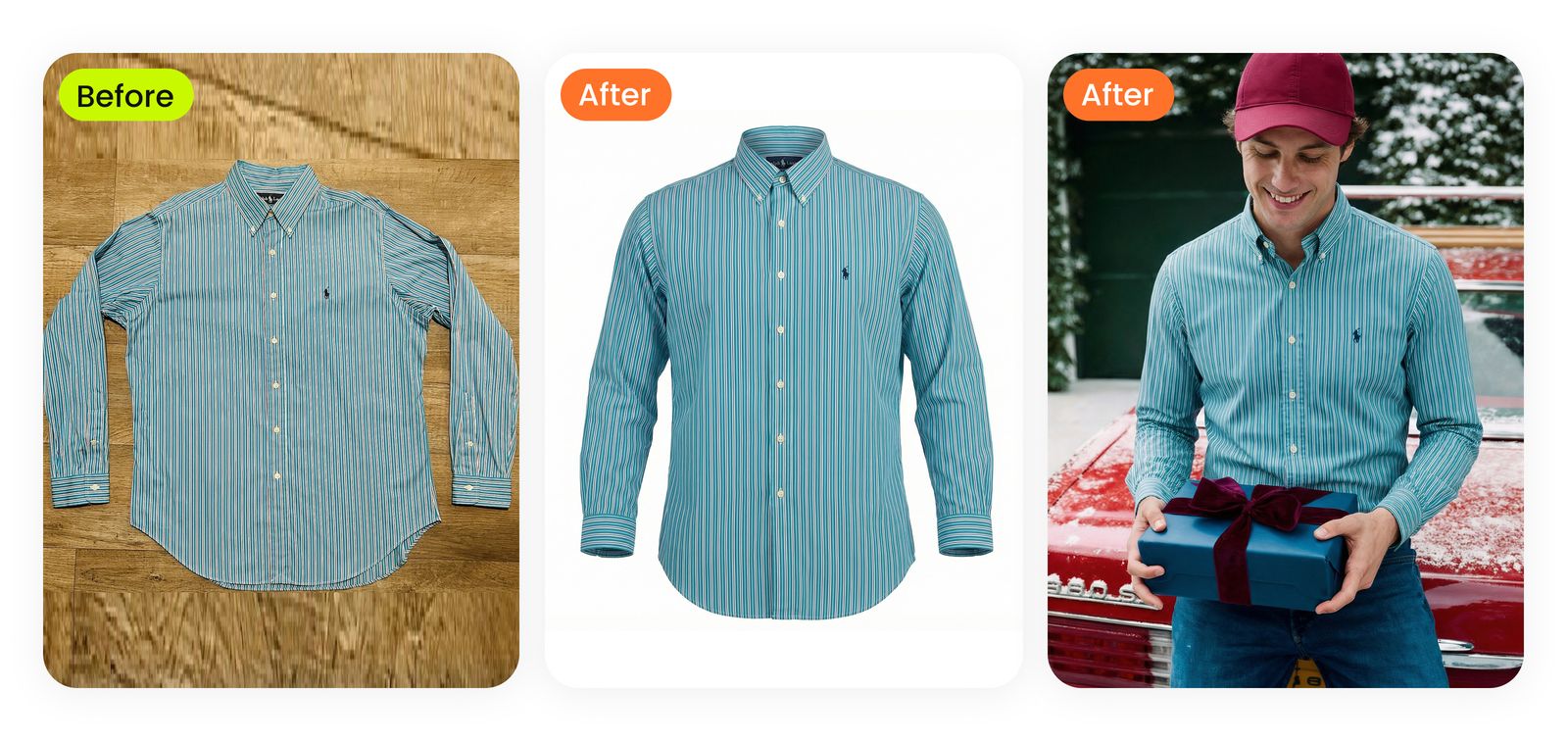
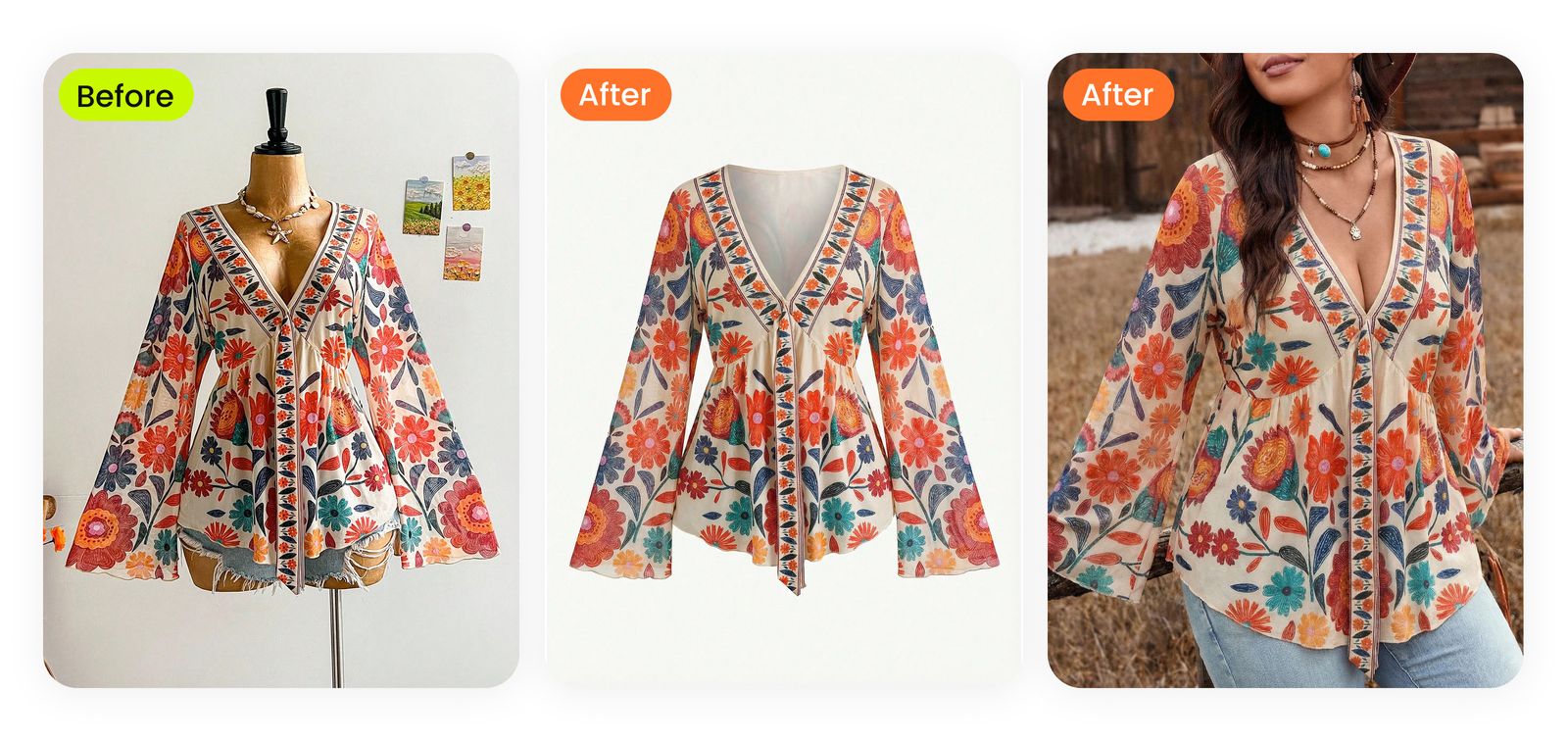
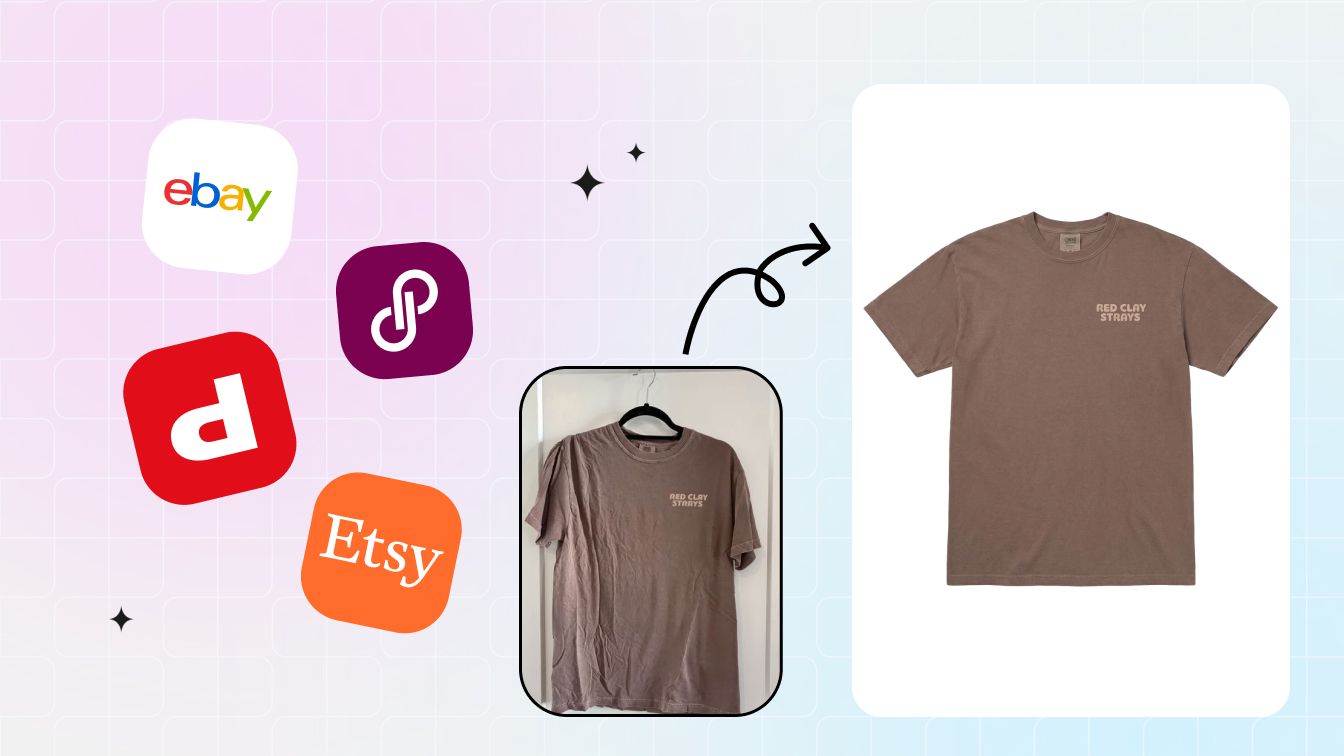
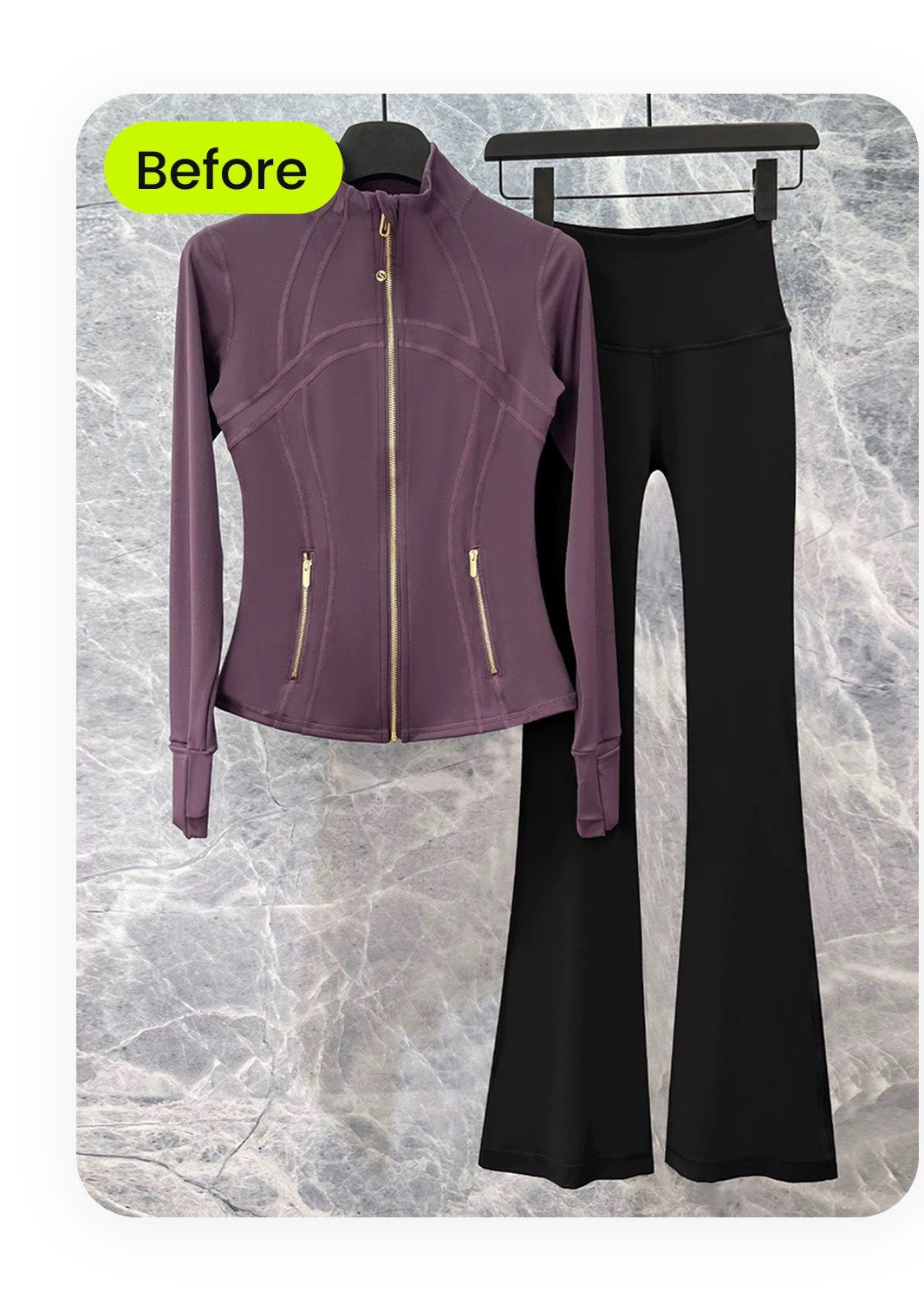
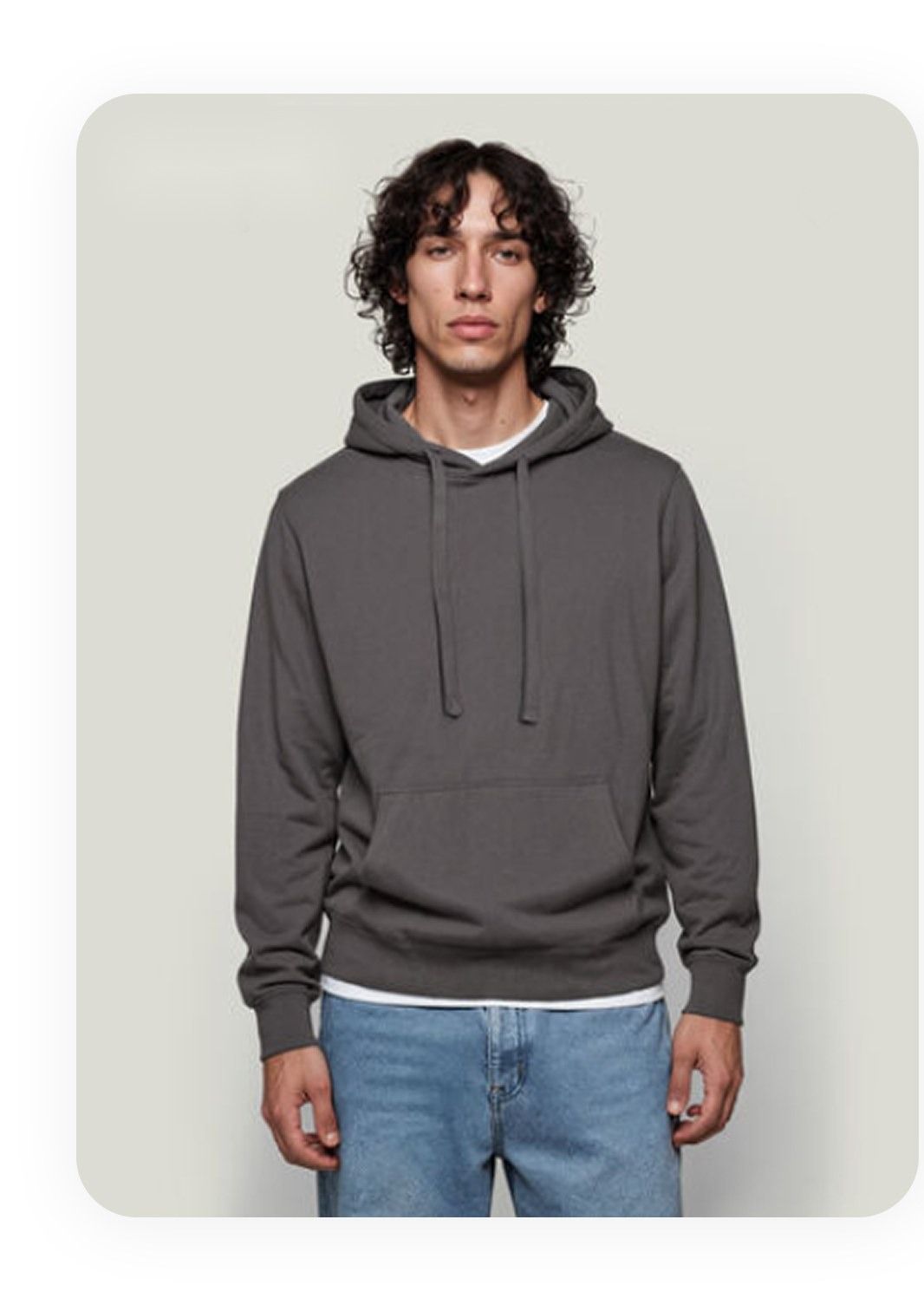
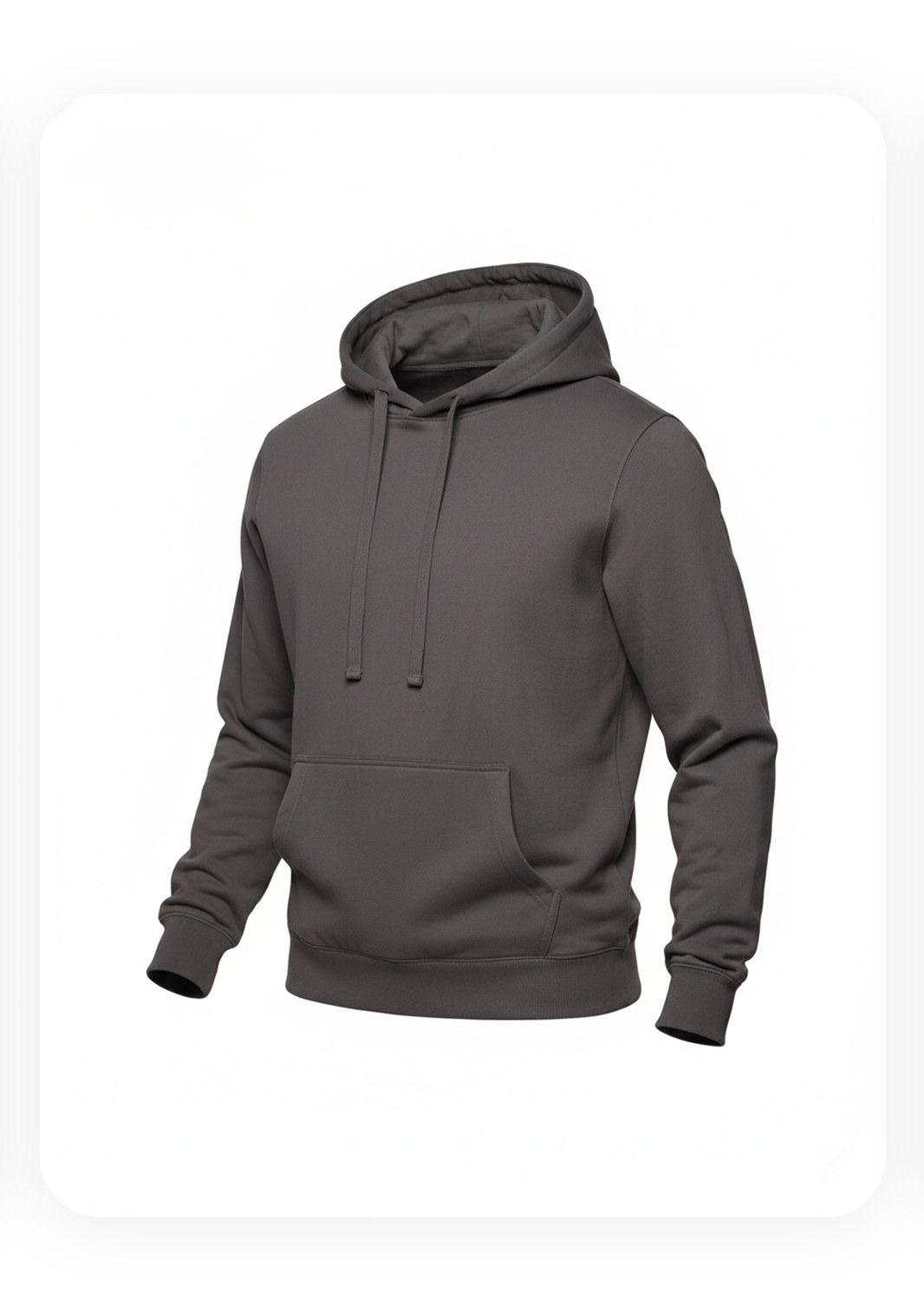
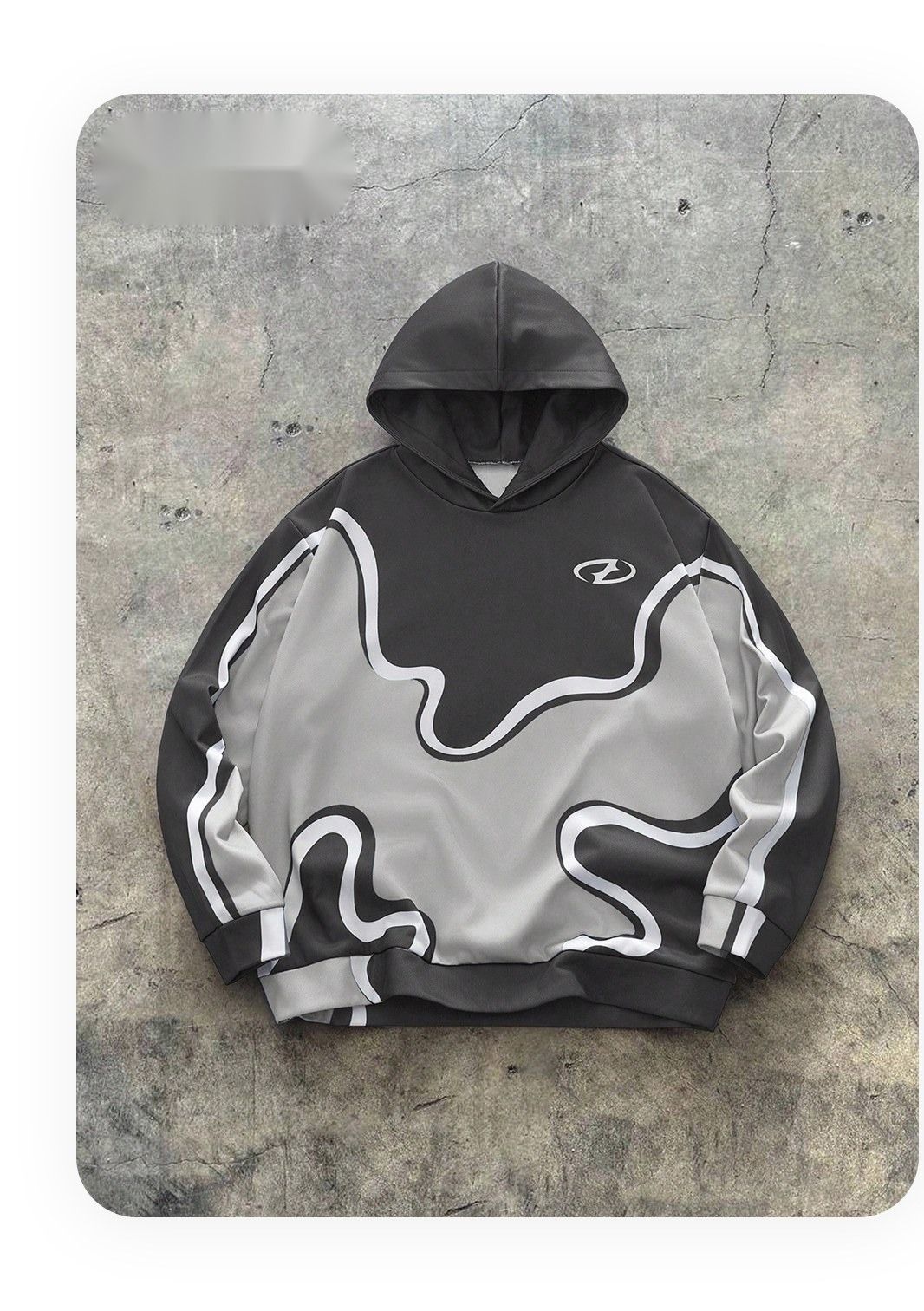
Each strip below shows the original phone shot on the left, the AI ghost mannequin output in the middle, and the AI fashion-model lifestyle render on the right. Same workflow, different garment categories.
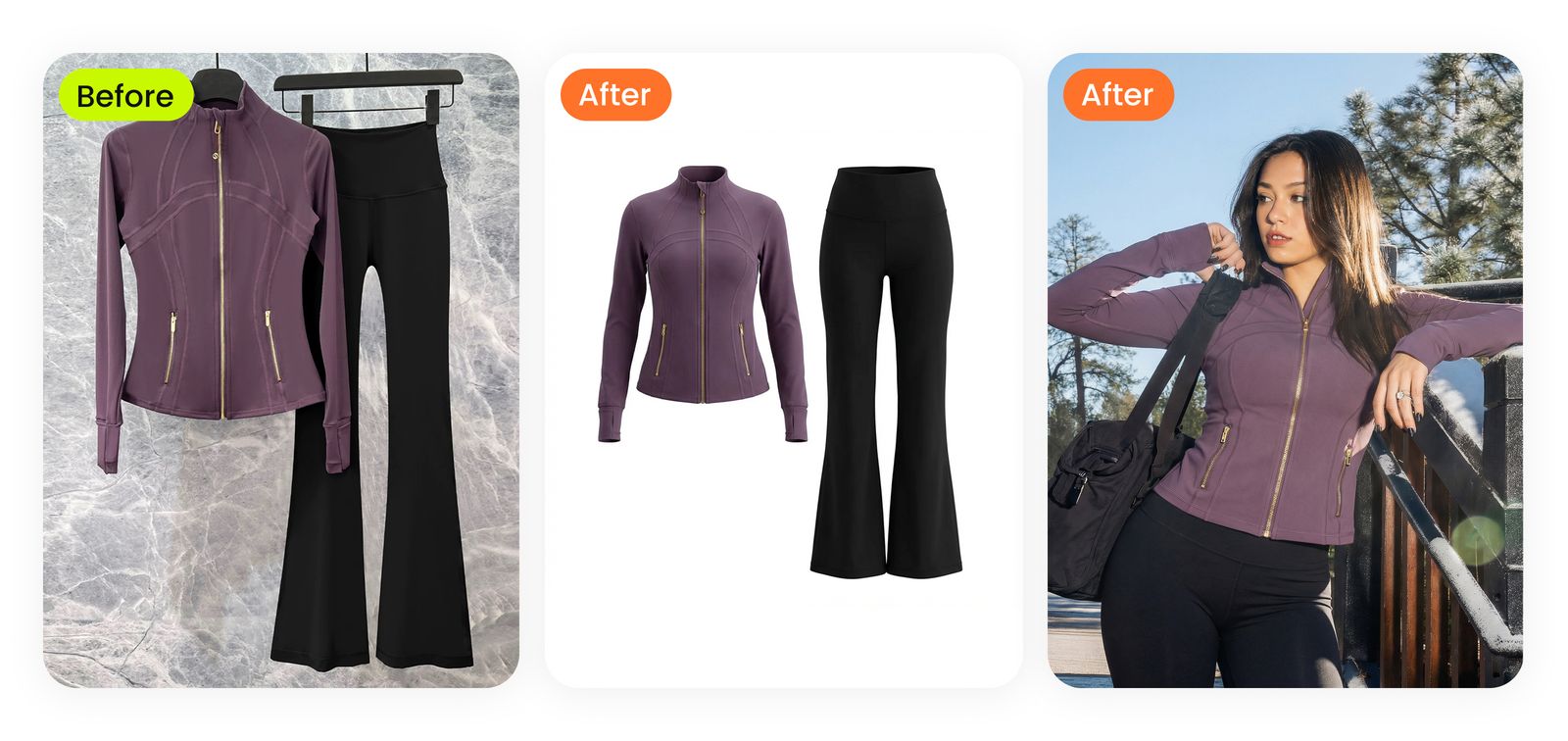
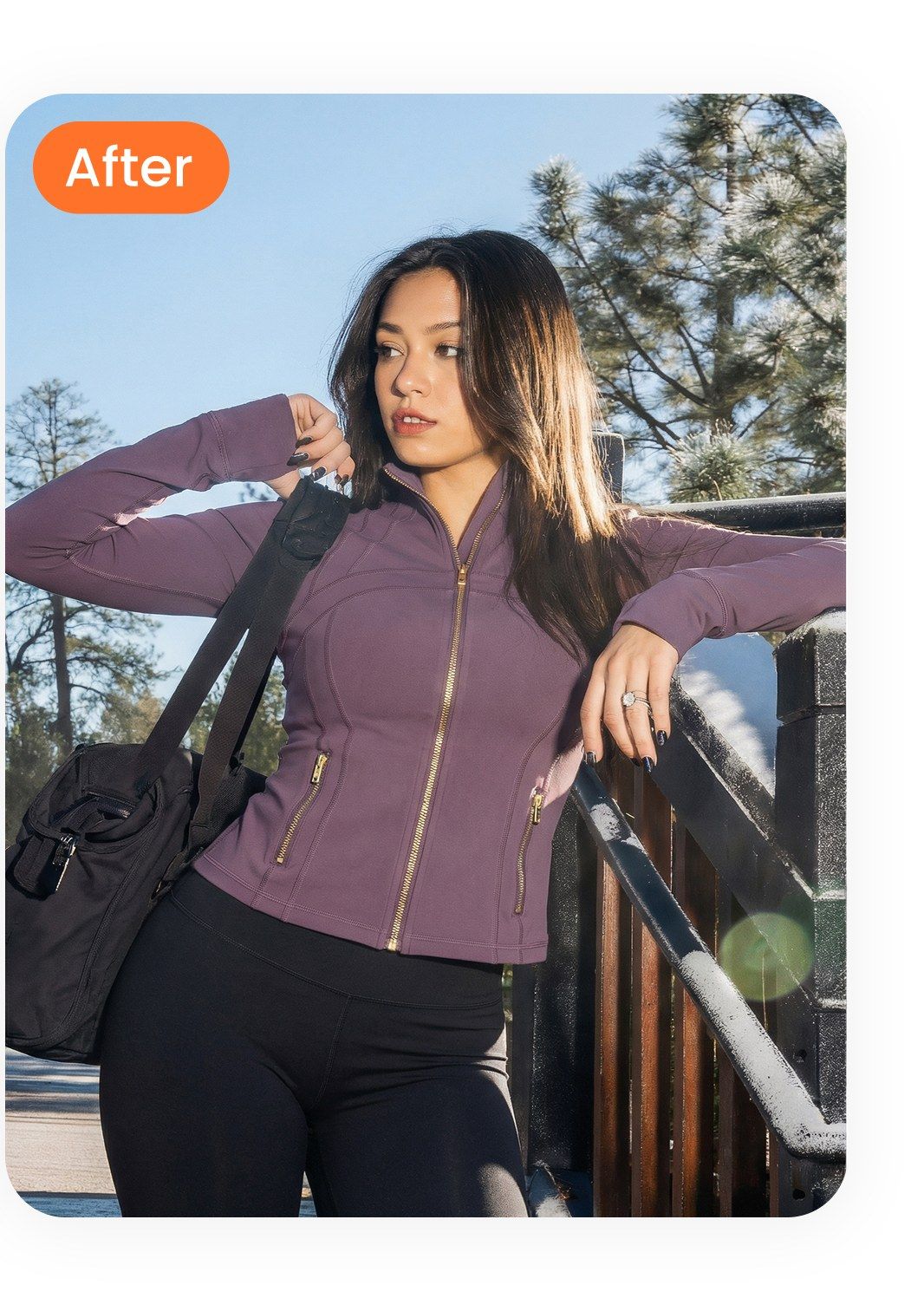
Activewear two-piece on a hanger. Typical resale-app pose — jacket and pants on the same wire hanger. AI separates the garments, builds a 3D worn shape, then drops them onto a styled lifestyle model.
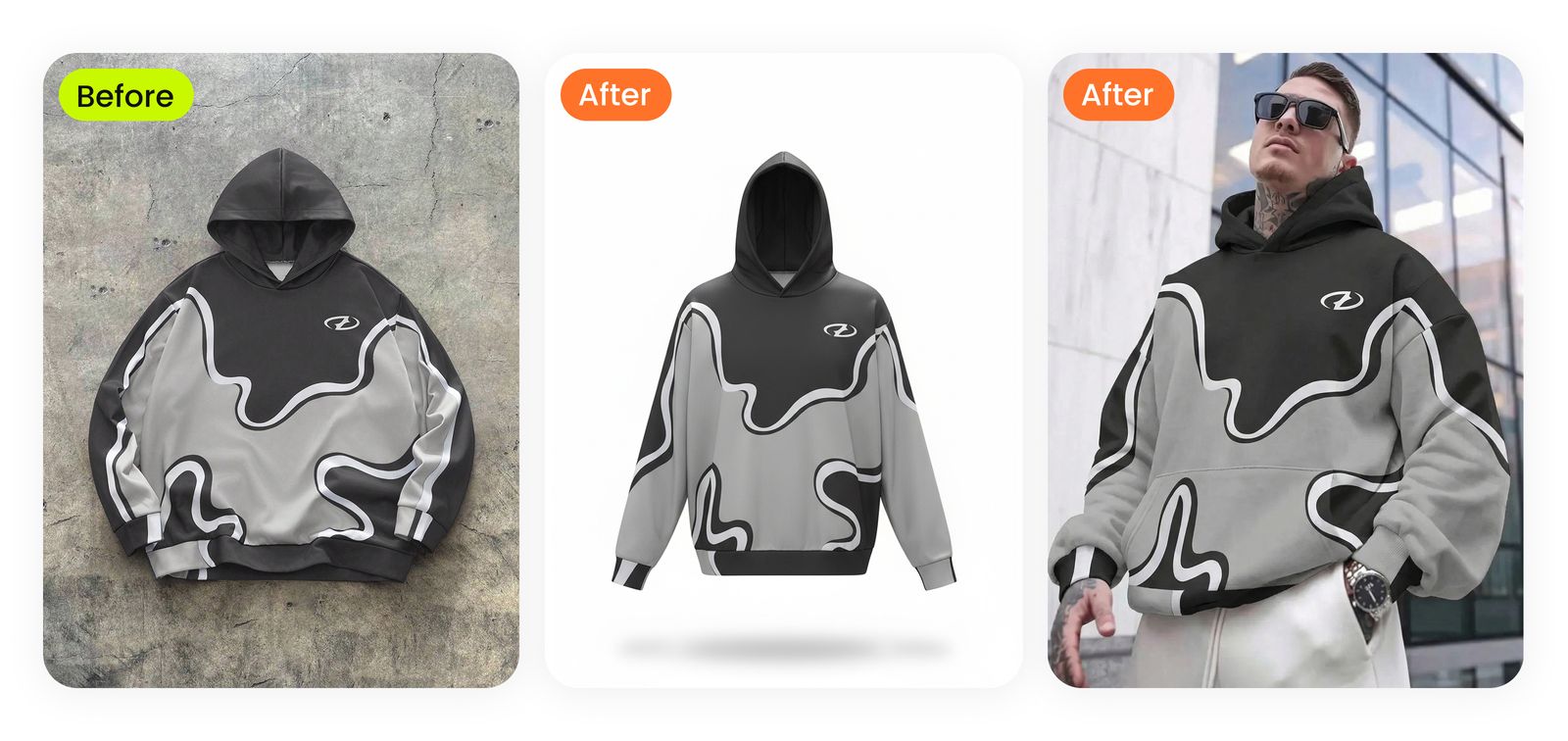
Streetwear graphic hoodie. Concrete-floor flat-lay is what Depop / Grailed buyers actually expect to see. AI preserves the print exactly while delivering a polished urban editorial render for the cover photo.
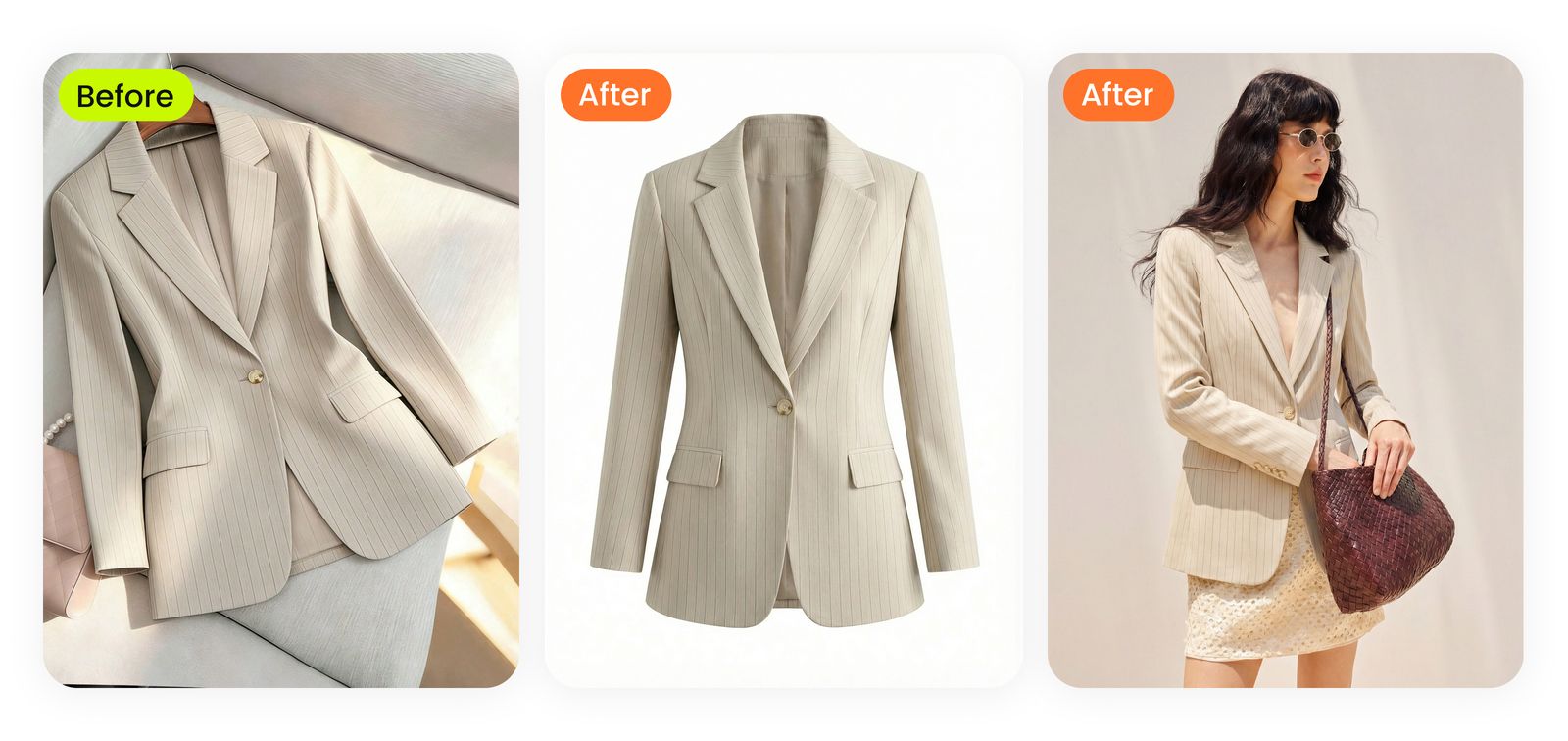
Workwear pinstripe blazer. The structured shoulder + lapel detail is what kills cheap mannequin shots. AI ghost mannequin holds the silhouette, and the lifestyle render gives buyers the office-styling cue.
Why This Matters: Reselling Is the Fastest-Growing Slice of US Apparel
Independent industry data — not platform marketing. The buyer pool is real, but the photo competition is sharper every quarter.
(5× the broader retail clothing market)
($5 thrift find → $40–80 listing)
Two AI Photo Tools — Pick the One That Matches Your Phone Shot
Both produce a catalog-grade listing photo. The right tool depends on the phone shot you start from. Tap a card to open that tool.
Start with a hanger or flat-lay shot
No model, no mannequin needed. AI fills the garment shape with a 3D worn silhouette on a clean white background — the catalog standard for major retailers.
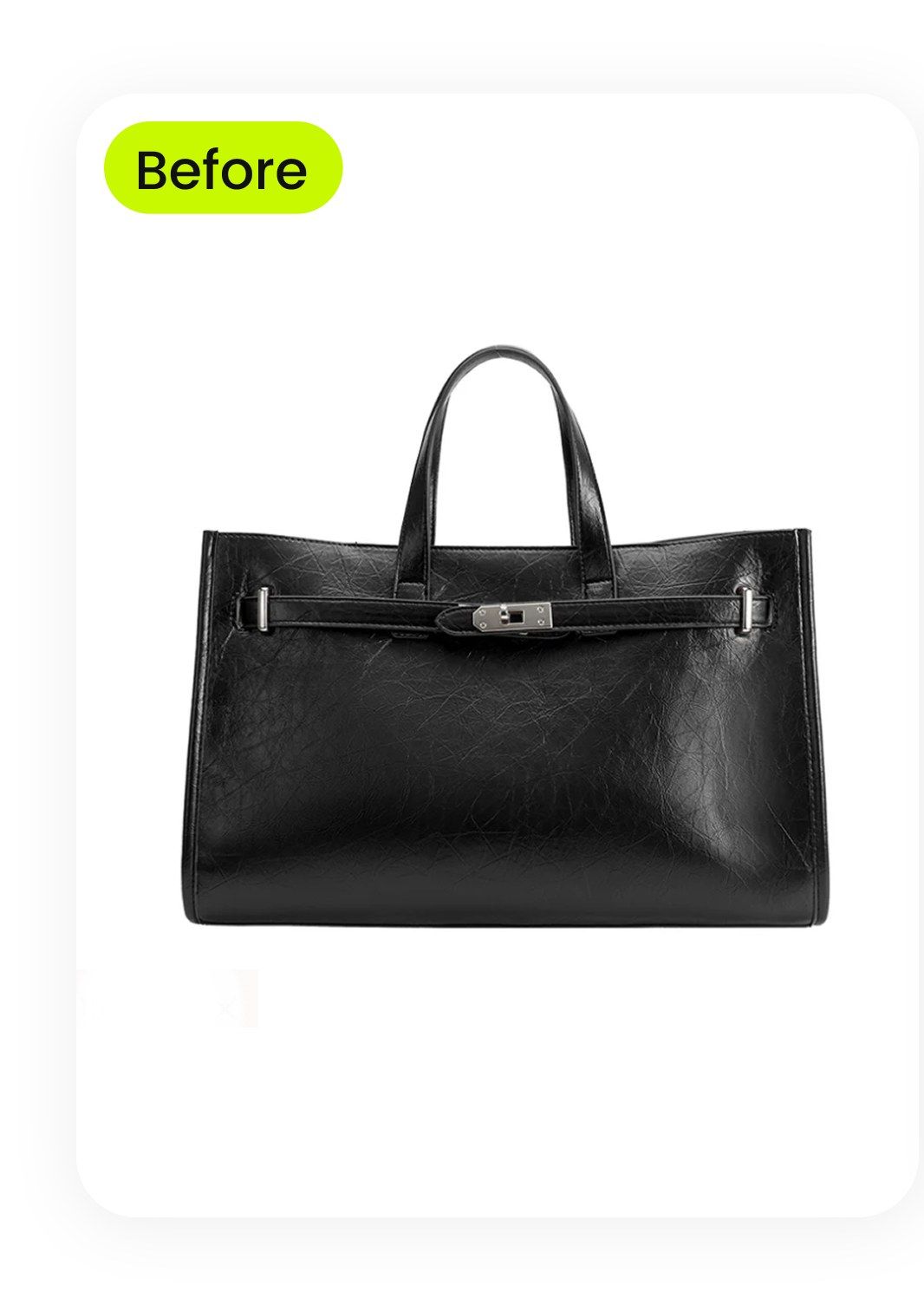 Phone Photo
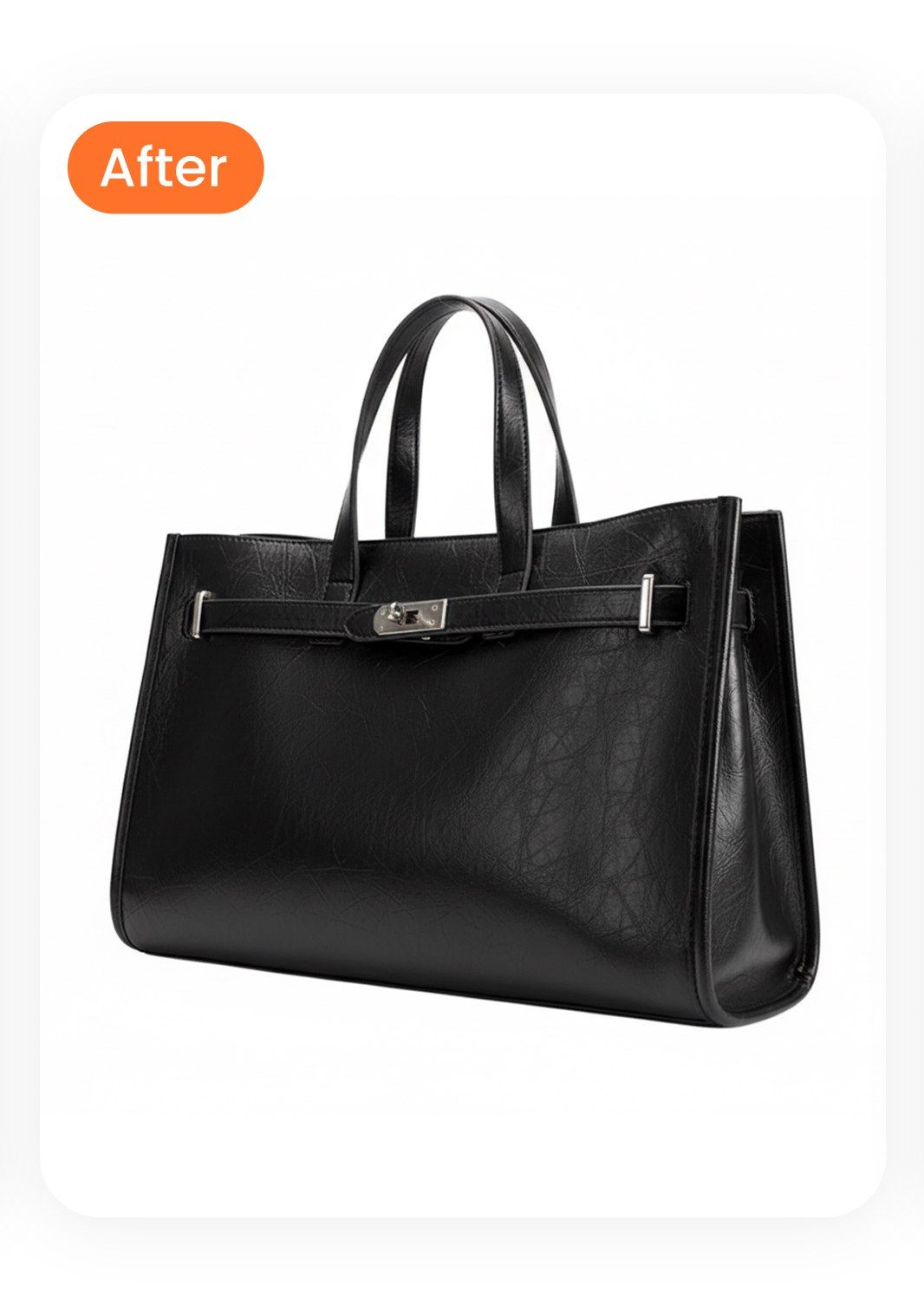 Ghost Mannequin
- Best for structured pieces (blazers, button-downs, coats)
- Best for buyers who care about exact silhouette
- Output reads as "catalog professional"
- Works from a hanger photo or stuffed flat-lay
Start with a flat-lay or hanger shot
AI dresses your garment onto a real-looking model. The on-body silhouette photo is the single highest-converting image in any clothing listing — buyers want to see how it falls.
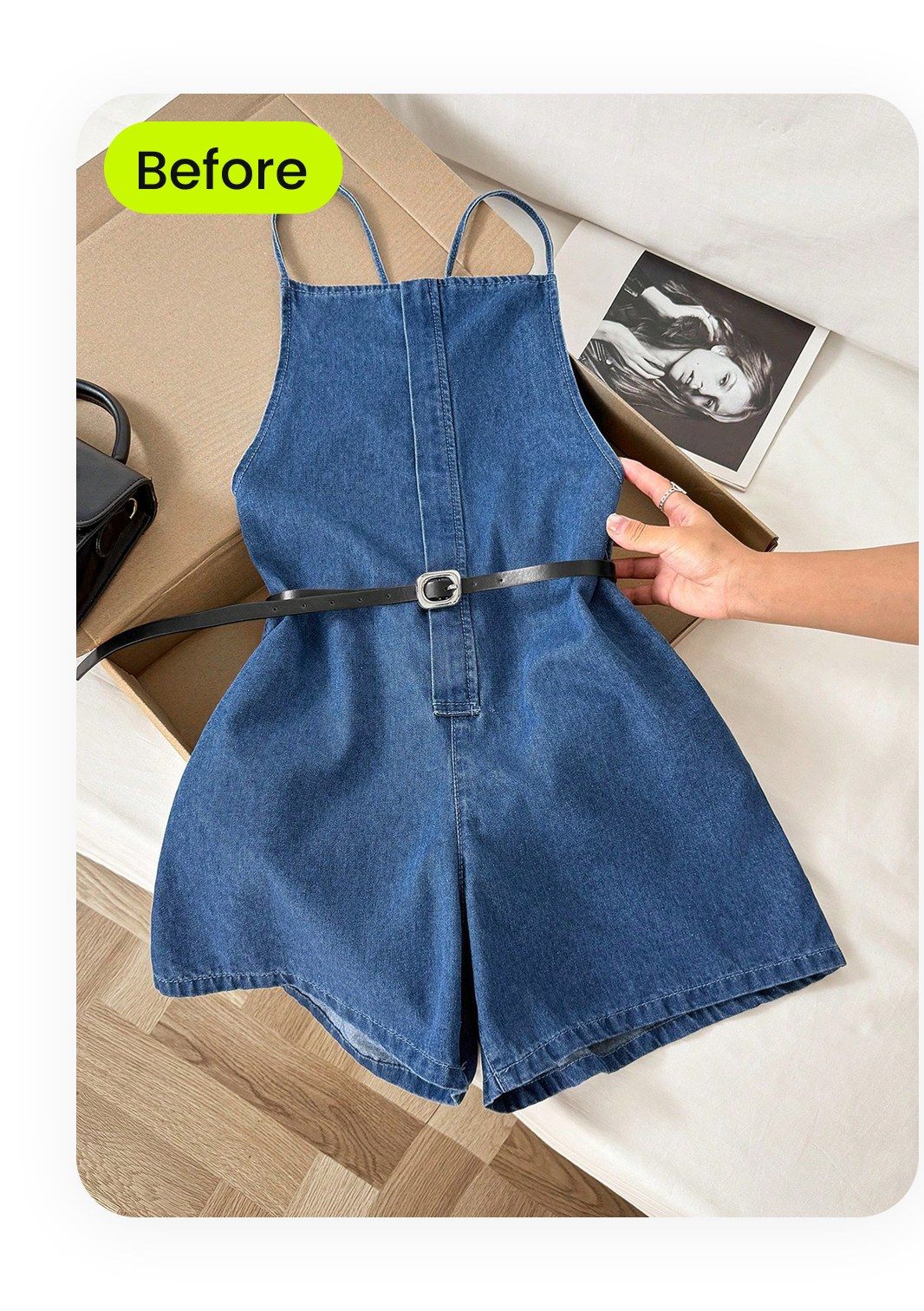 Flat Lay
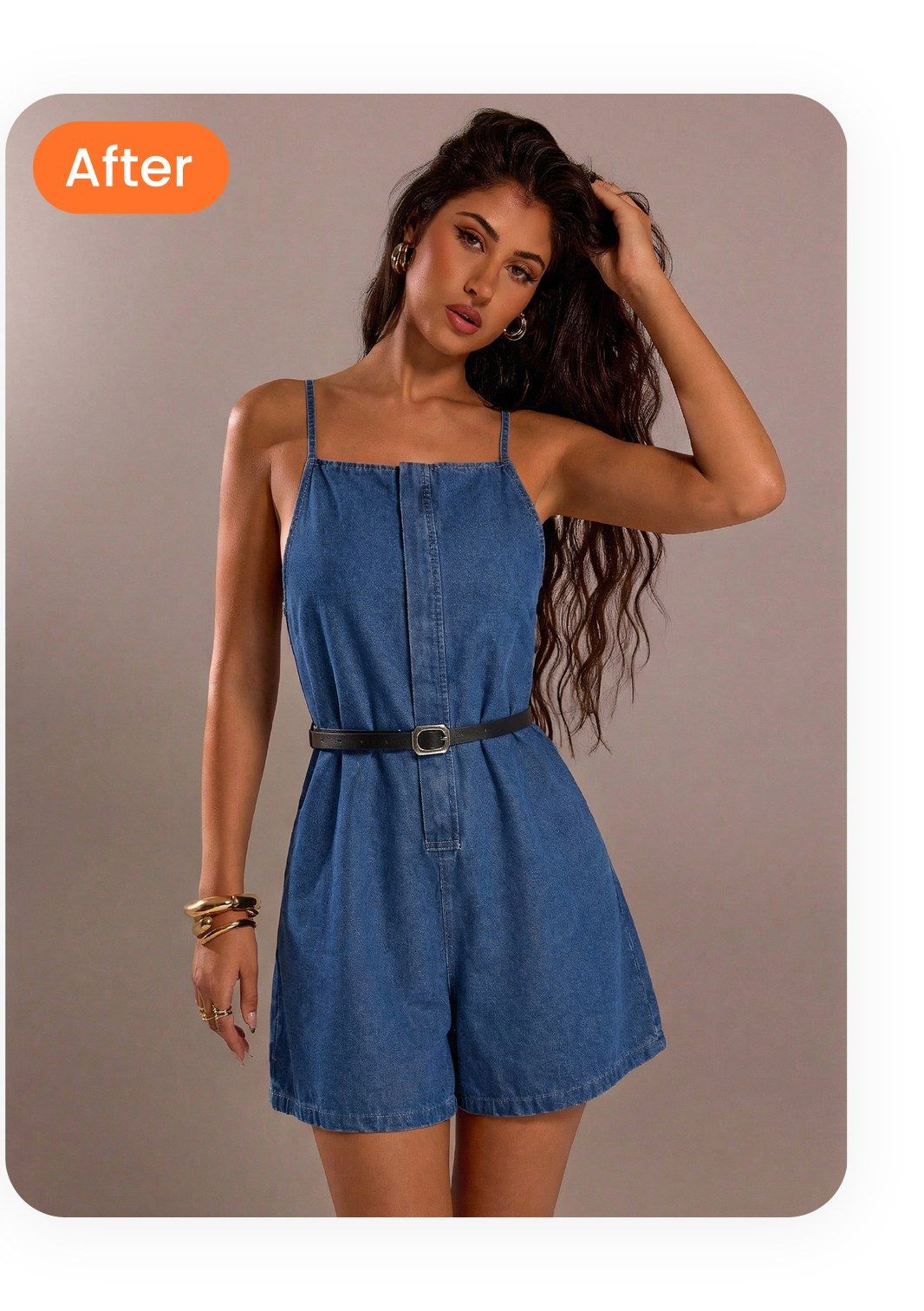 On-Model
- Best for dresses, knitwear, casual fits
- Best for buyers who care about how it looks worn
- Disclose as AI rendering in listing description
- Pair with measurements + flaw photos
Pro tip: Run both tools on the same flat-lay. Use the ghost mannequin as your cover photo (catalog read) and the on-model as one of the secondary slots (silhouette read). That hits both buyer-search behaviors with one phone shot of input.
How It Works: Phone Photo to Pro Listing in 3 Steps
Same flow whether you start with a hanger photo, a bedroom flat-lay, or a quick try-on shot. Upload, pick output, download. Marketplace-ready in minutes.
Upload Your Phone Photo
Hanger shot, bedroom flat-lay, or quick try-on photo. North-facing window light gives the cleanest input. Phone HEIC or JPEG, 1024px minimum.
Under 30 secondsPick Your Output
Ghost mannequin for the worn-shape catalog look, fashion model for the on-body silhouette, color change for variant swatches, or fashion video for Whatnot live shows.
One clickDownload Marketplace-Ready
Auto-fit to Poshmark 1:1, Depop 4:5, eBay flexible, Mercari 1:1, Vinted 3:4, or Whatnot 9:16. Upload to your listing and ship the item.
Ready in 60–90 secondsWhat This Unlocks for Thrift Flippers
Four pre-purchase gaps a hanger photo can never close — and what closing them does to your sell-through, return rate, and unit economics.
Skip the Mannequin Investment
A decent dress form runs $60–$150, plus pinning time per garment. AI on-model and ghost mannequin output skip both the upfront cost and the per-item setup. The break-even on swapping a mannequin workflow for AI is usually under two weeks of normal volume.
One Photo, Every Marketplace
Crosslisting is how full-time flippers grow. Snappyit auto-formats one input into Poshmark 1:1, Depop 4:5, eBay flexible, Mercari 1:1, Vinted 3:4, and Whatnot 9:16 in the same generation pass. No more re-cropping in the iPhone Photos app per platform.
Clean Photos Boost Algorithmic Reach
Poshmark, Depop, and eBay all surface listings with cleaner cover photos to non-followers in feed and search. The cover photo is the single biggest factor a thumbnail-clicked-on / not-clicked-on test optimizes. Pro-quality covers compound across daily share / re-feed cycles.
Returns Drop When Buyers Can "See It On"
Apparel returns mostly come from fit and drape mismatches — expectations the photo set wrong. AI on-model output (with measurements in the description) sets accurate expectations before the order ships. Calmer reviews, fewer disputes, healthier seller rating.
Where Thrift Flippers Use Snappyit
Auto-fit ratios and per-marketplace tactics. Same input photo, six listing destinations.

- Ghost mannequin as cover (catalog read)
- On-model + flat-lay + flaw close-ups in slots 2–6
- Cover at 1024×1024+, 16-photo cap

- On-model as cover (Gen-Z buyer behavior)
- Flat-lay + label + flaw in remaining 3 slots
- Only 4 slots total — pick decisively

- Ghost mannequin or flat-lay as cover (buyer-search trained)
- Pure white background (eBay penalizes busy)
- Up to 24 photos — use them all on vintage

- Flat-lay or on-model as cover (clean read)
- Upload at full resolution — Mercari compresses heavily
- 20-photo cap — use 8 strategically

- On-model or ghost mannequin as cover
- Lifestyle backgrounds tolerated more than other marketplaces
- EU buyer base — specify measurements in cm

- Pre-shoot fashion video per item to use during the show
- Still frames pulled from video for thumbnail
- 9:16 vertical — auto-fit from any input
Common Pitfalls When Resellers First Use AI Photos
Three input mistakes to avoid, three smart habits to keep — cleaner output, fewer regenerations, fewer disputes.
Thrift Flipper FAQ
Common questions resellers ask before swapping a mannequin workflow for AI.
Stop Buying Mannequins. Start Selling Faster.
Drop your next thrift haul's hanger or flat-lay photos into Snappyit and ship pro listings tonight. No studio. No mannequin. No Photoshop afternoon.