AI Clothes Changer 12 min read

Best AI Clothes Changers for Ecommerce Sellers (2026): On-Model Listings Without a Photoshoot

Search "best AI clothes changer 2026" and you get a wall of selfie apps that swap your outfit for a laugh. None of them were built to make a listing. This roundup scores the tools on the only axis a seller cares about: turning a flat-lay or mannequin shot into a marketplace-compliant on-model image you can publish and sell from. If you just want to skip to the tool built for that job, try Snappyit's AI fashion model free.

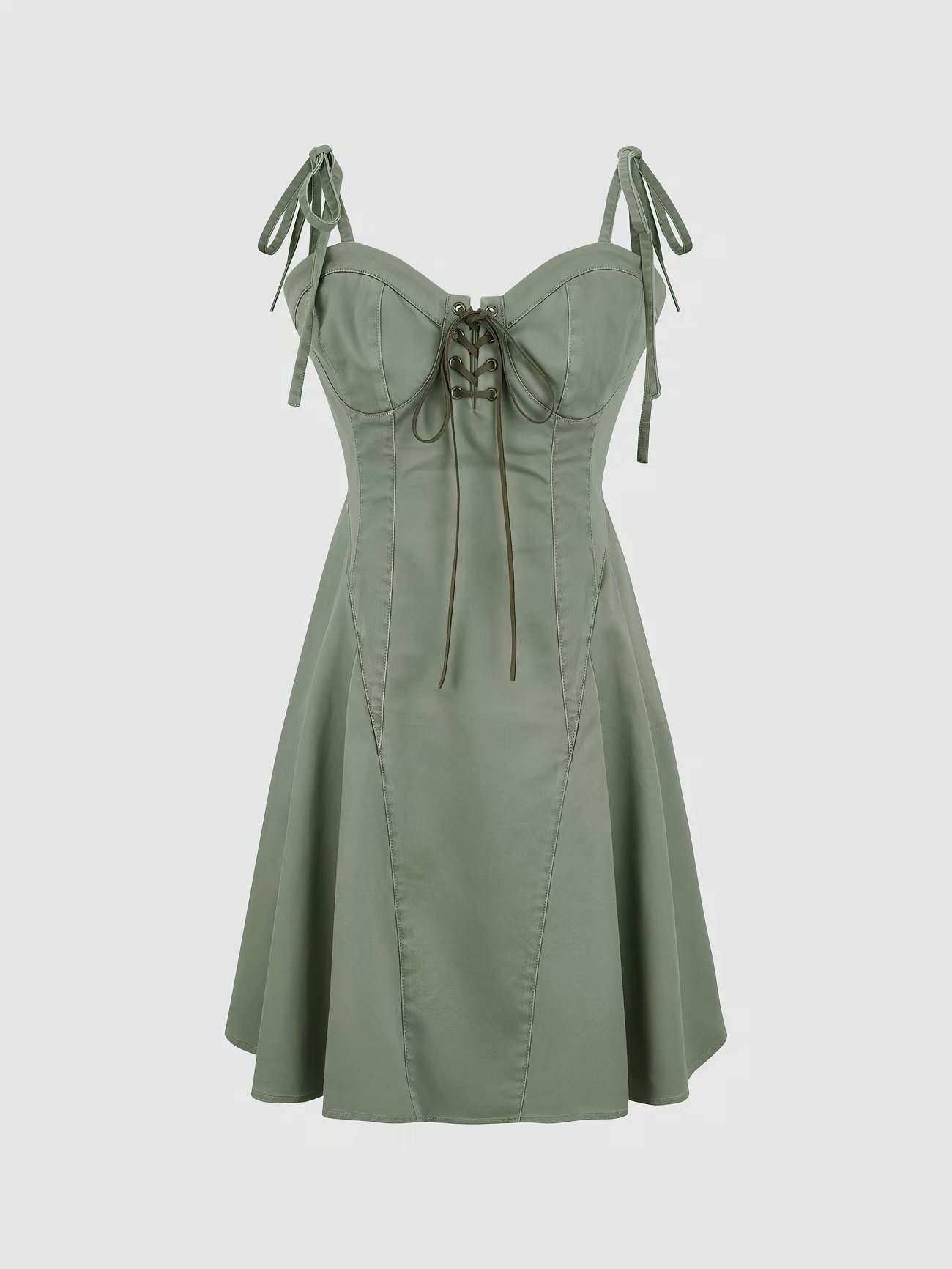
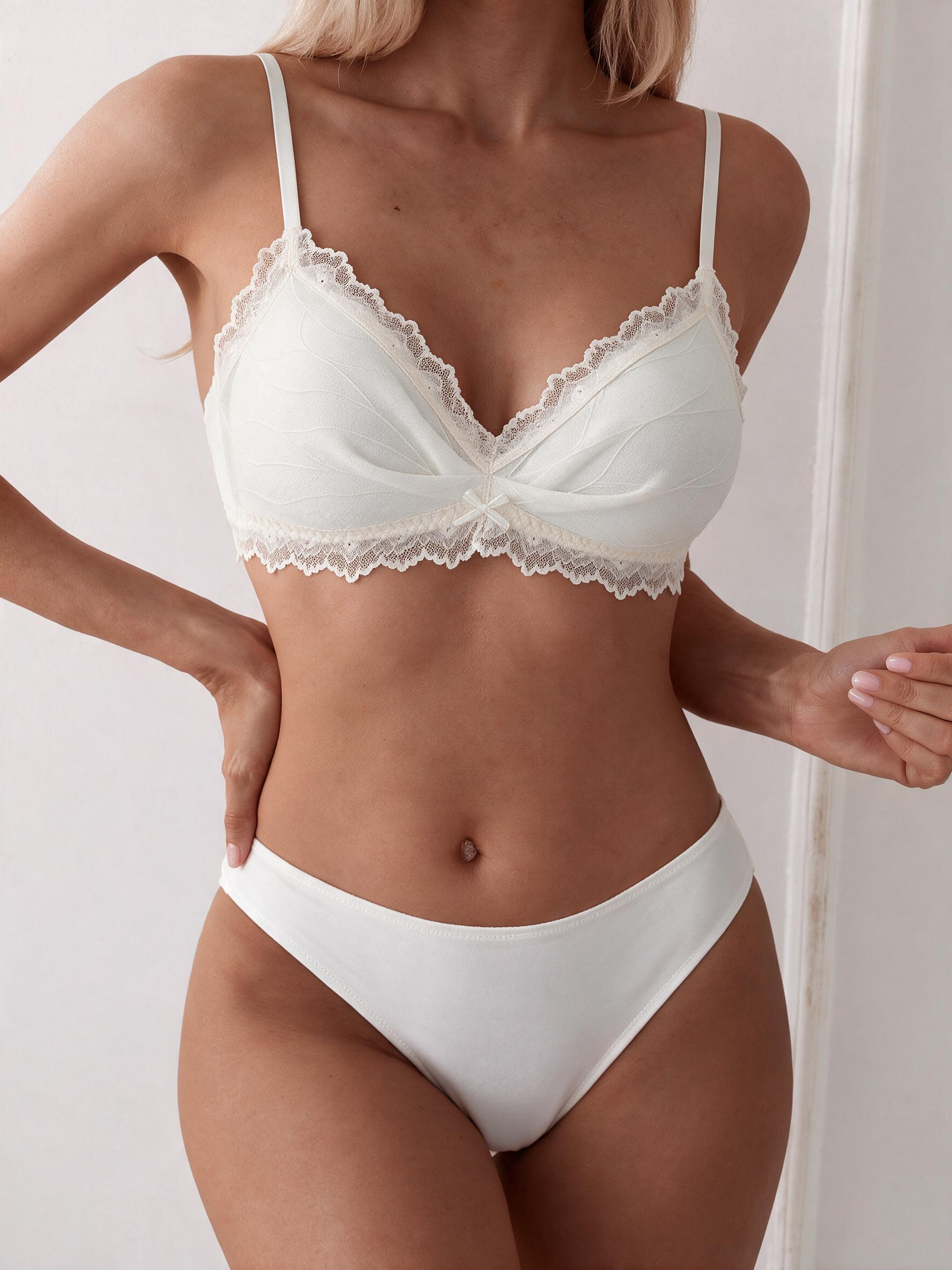
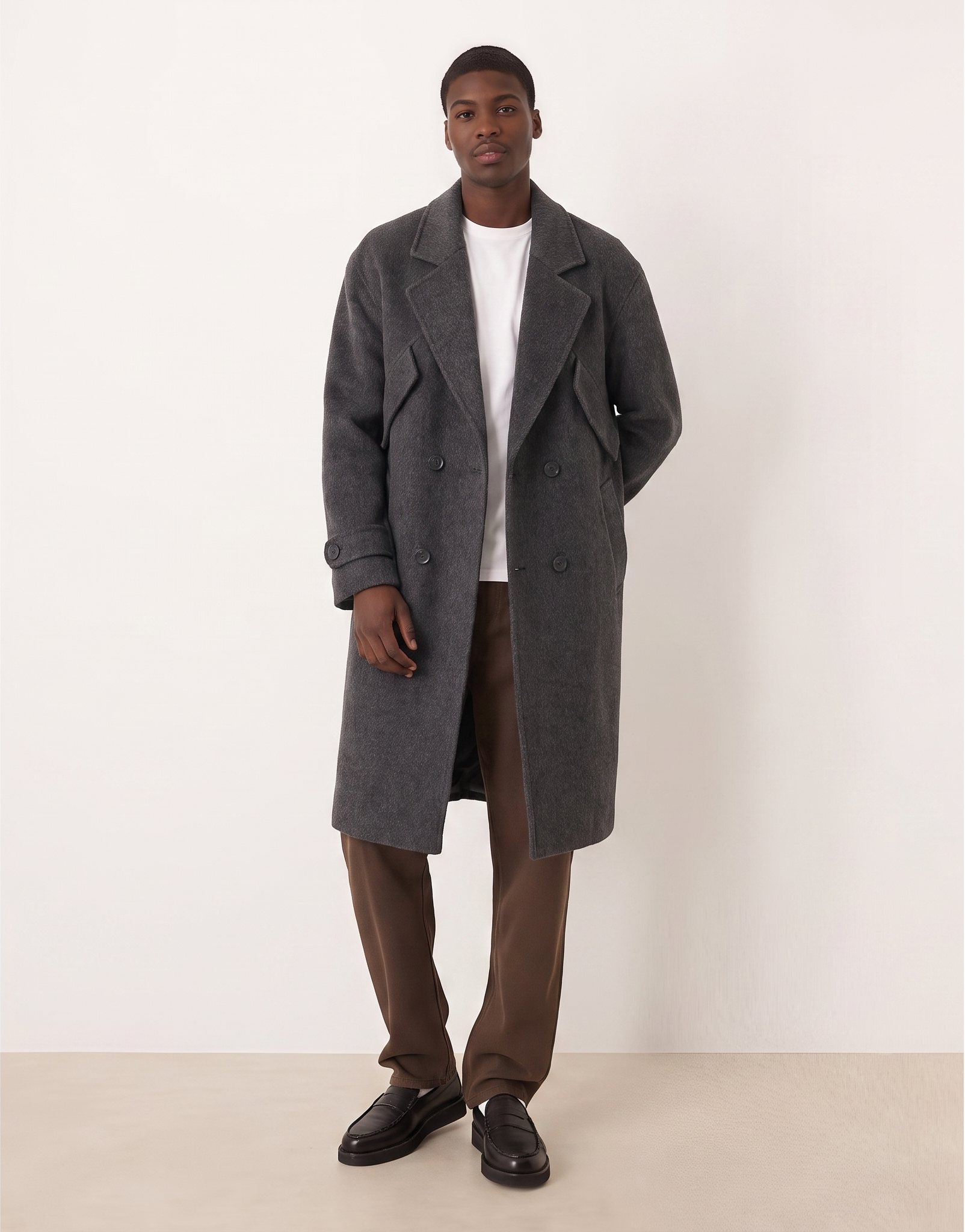
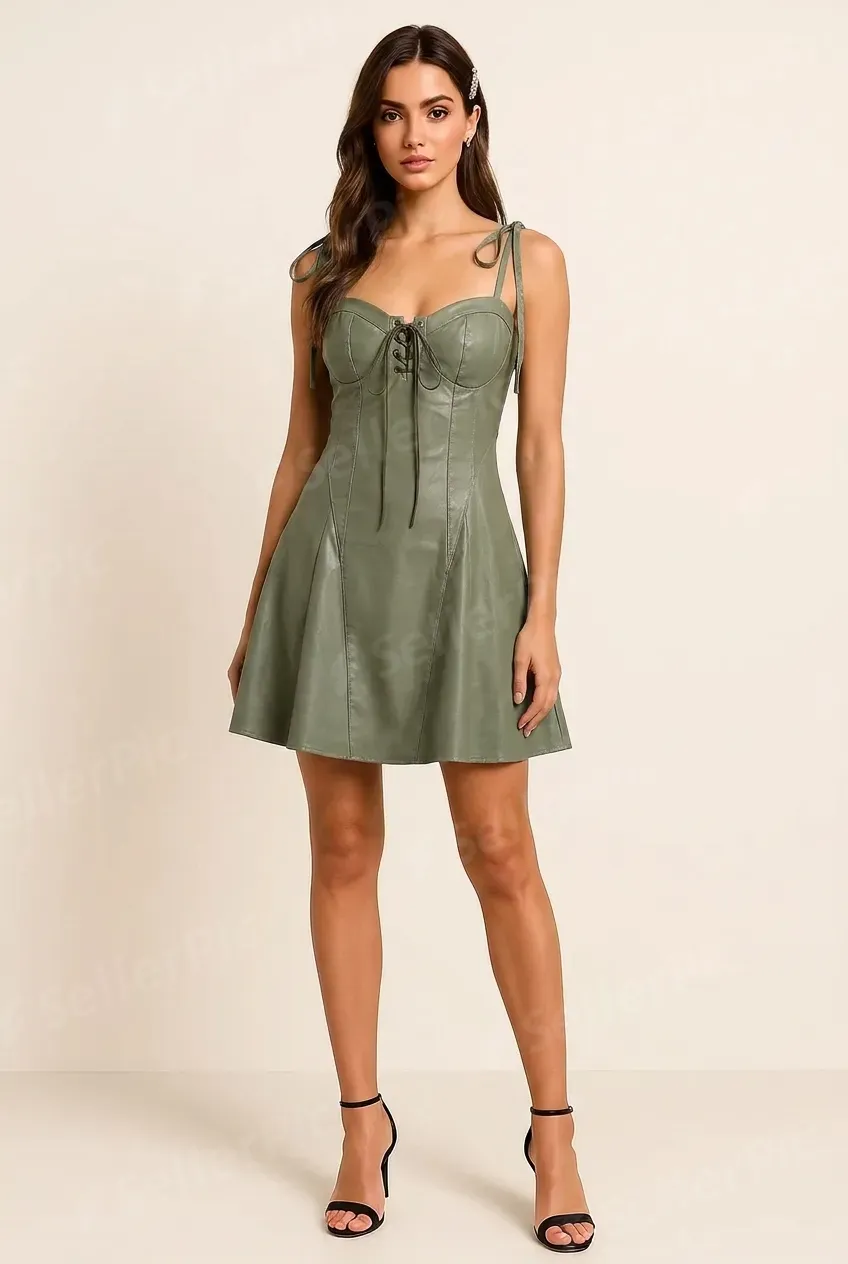
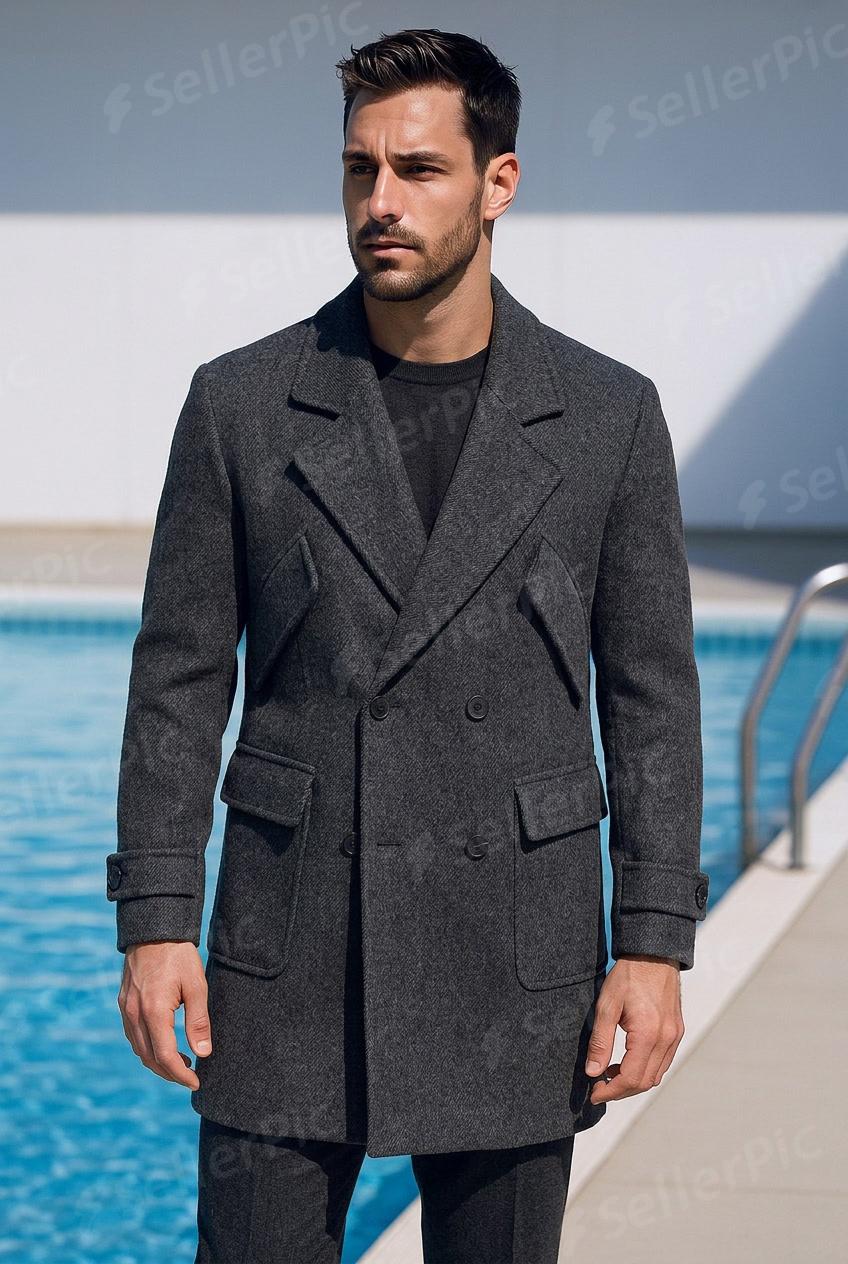
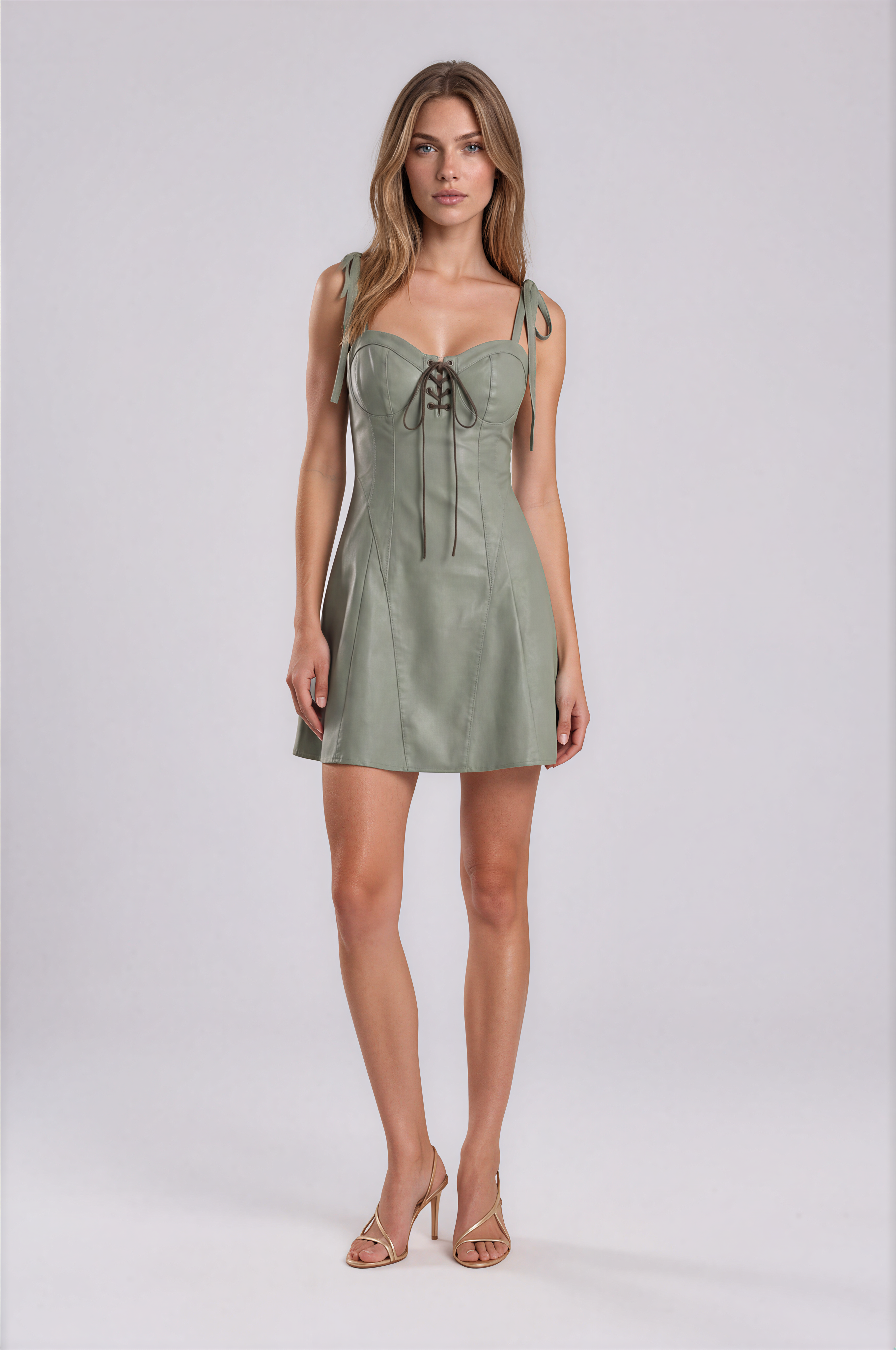
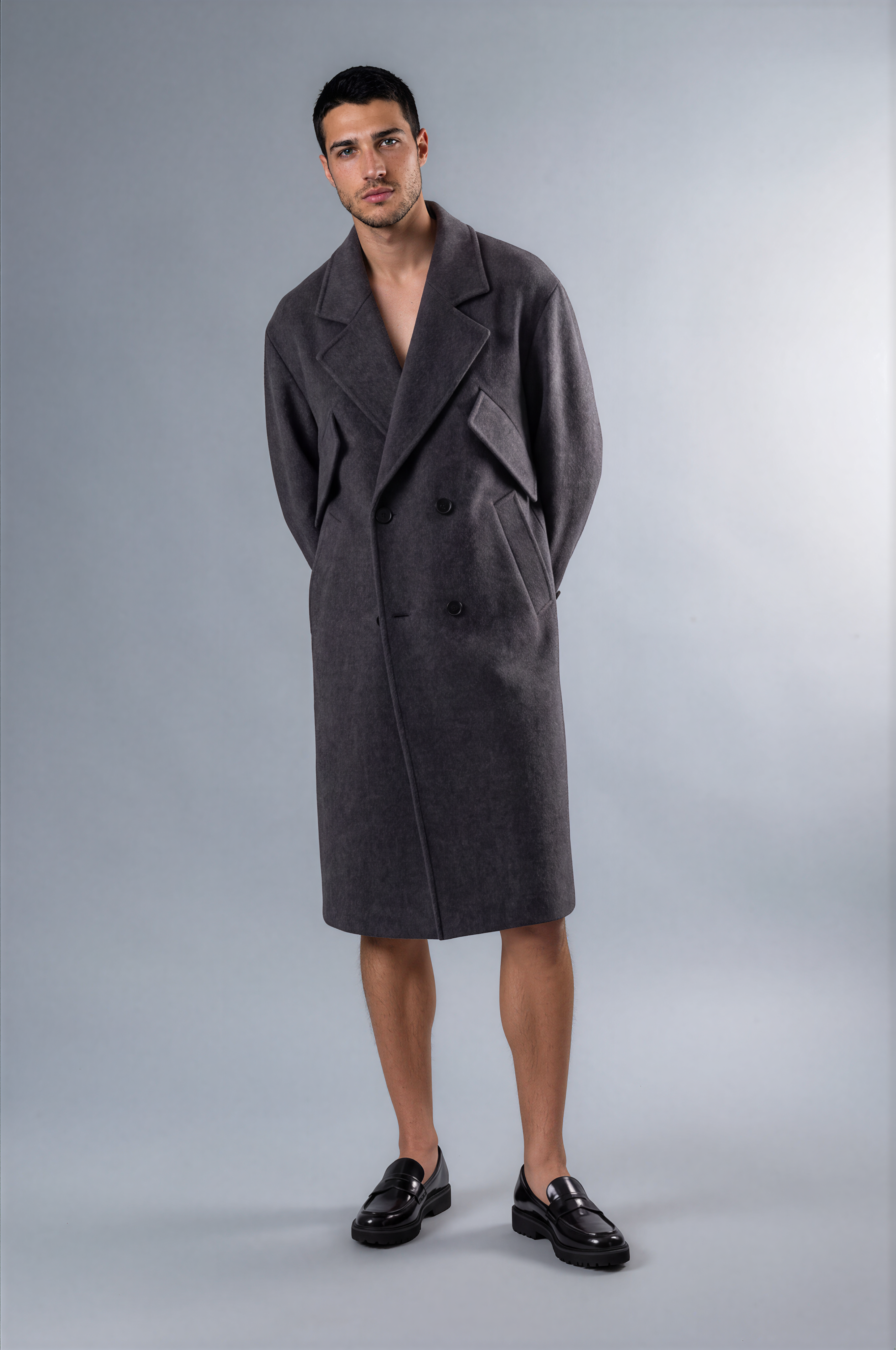
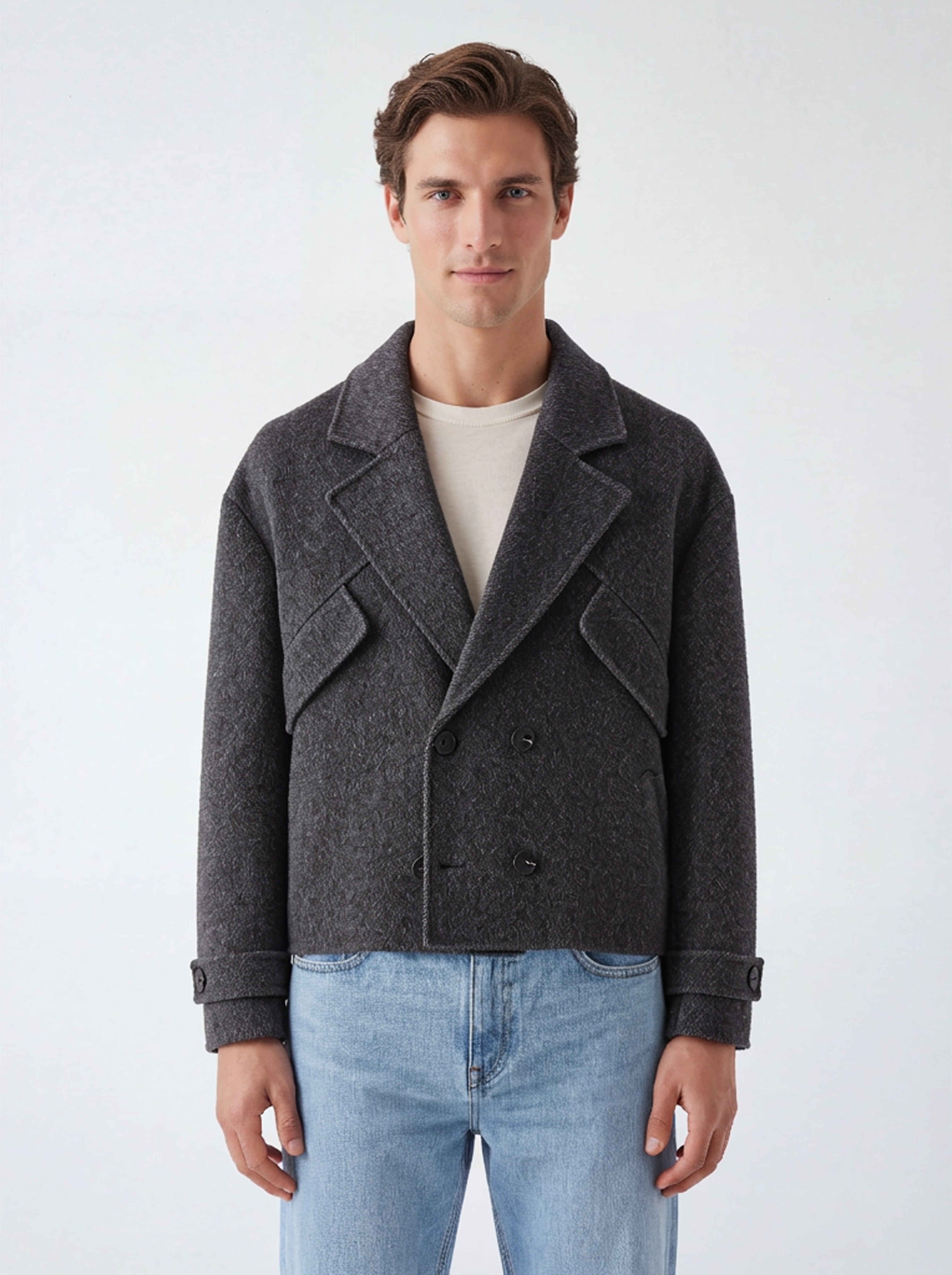
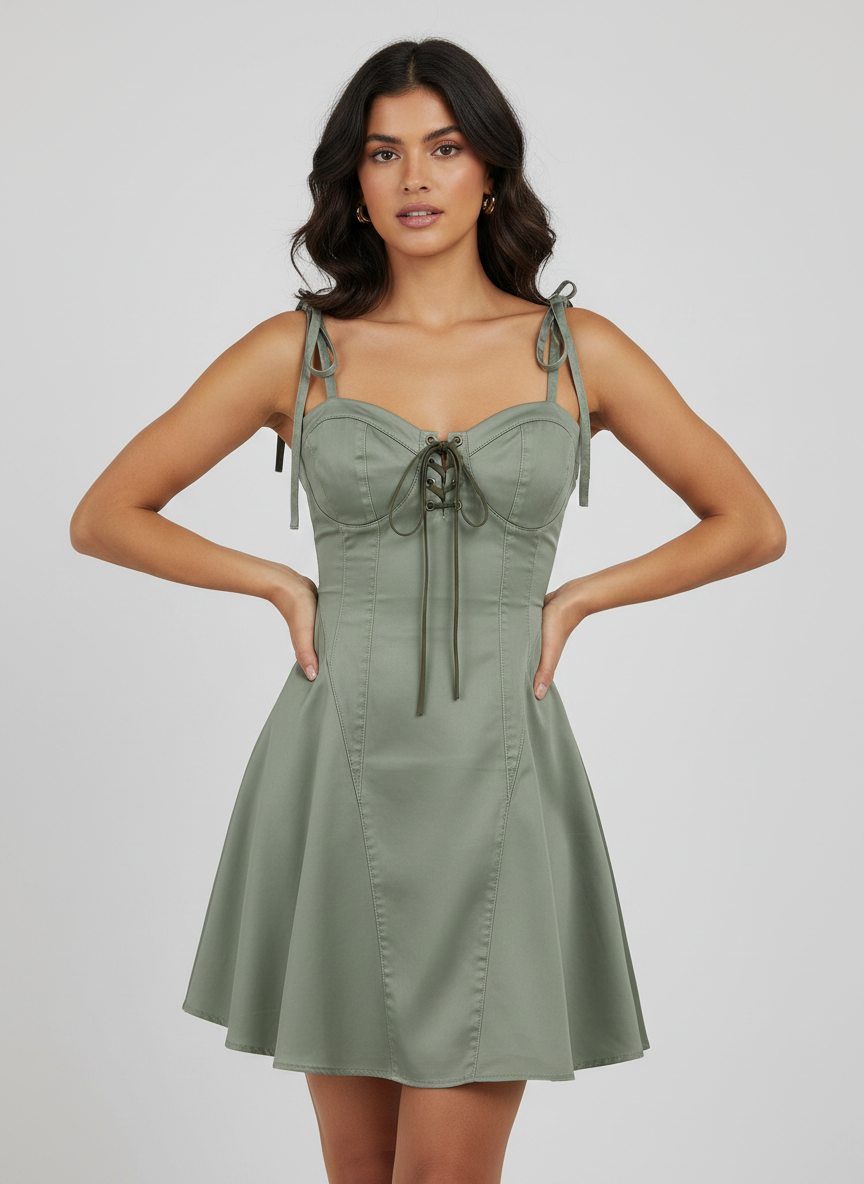
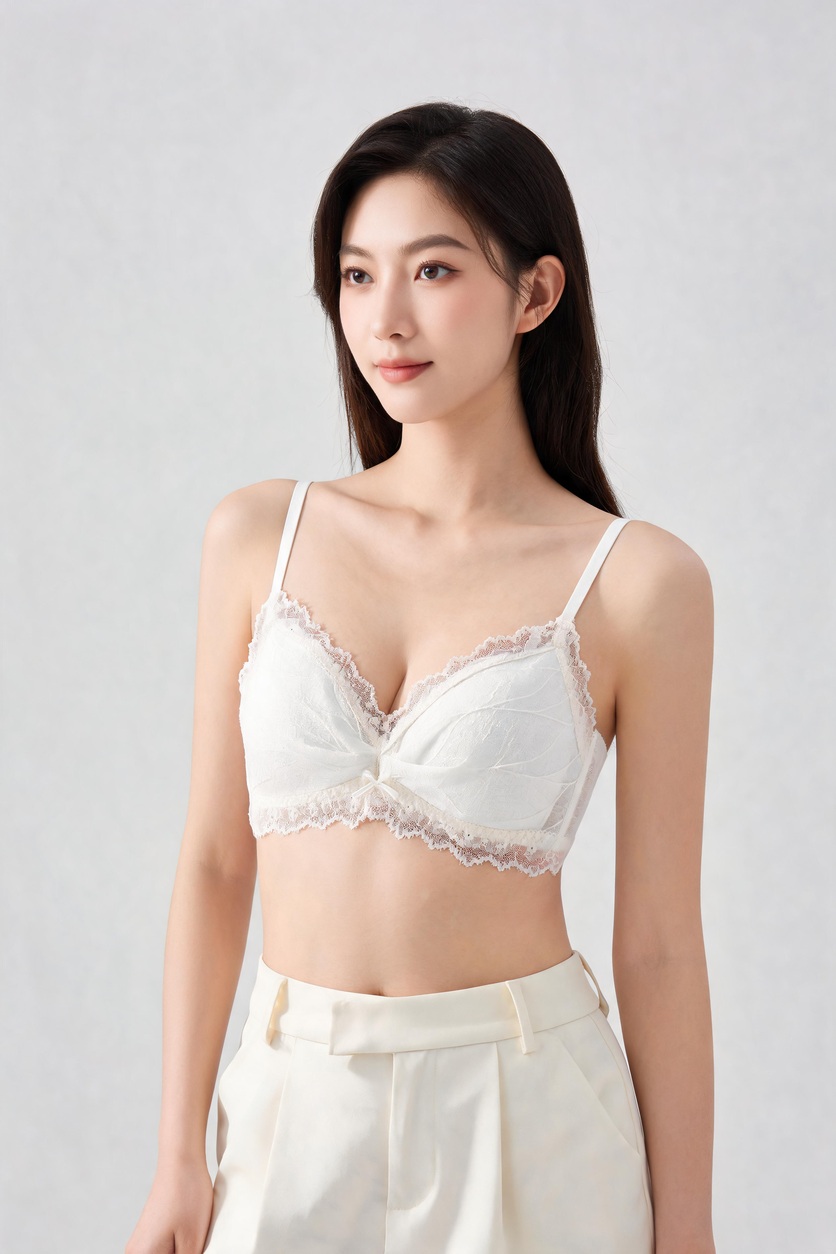
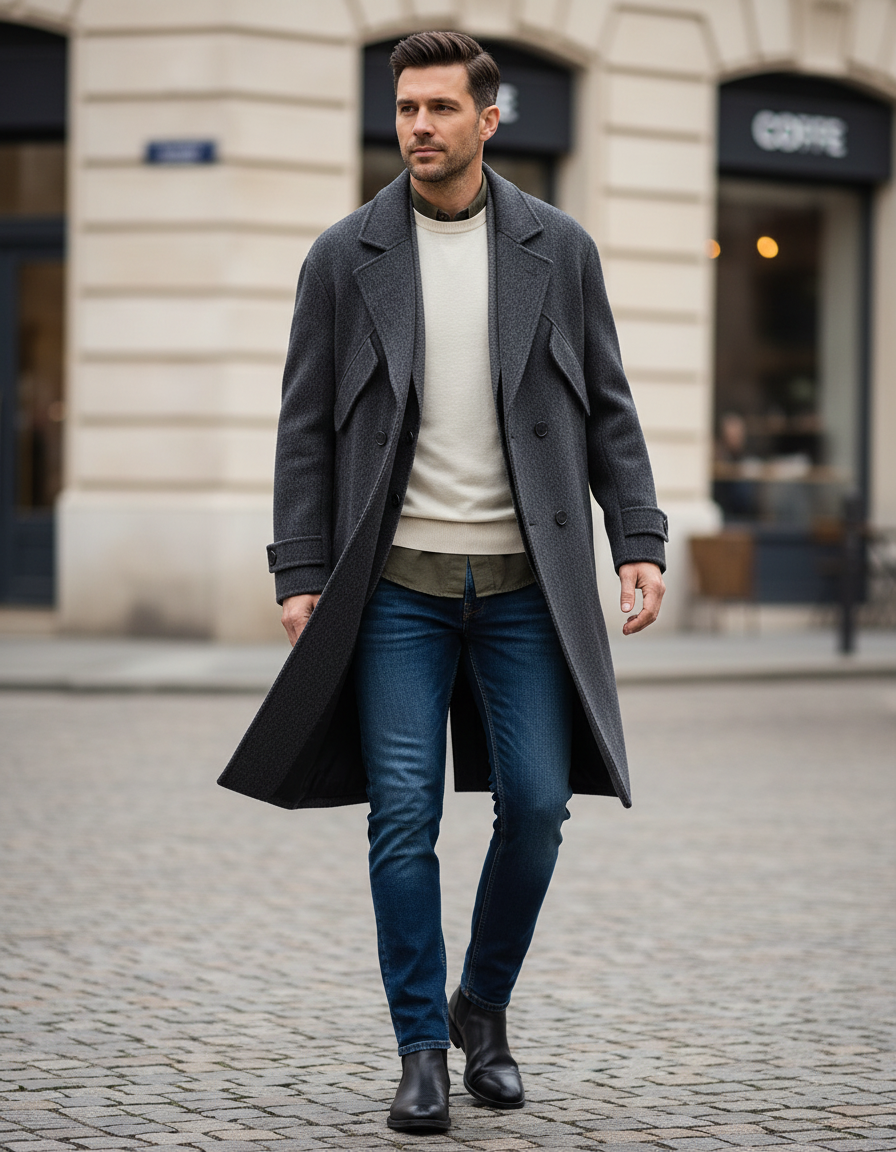
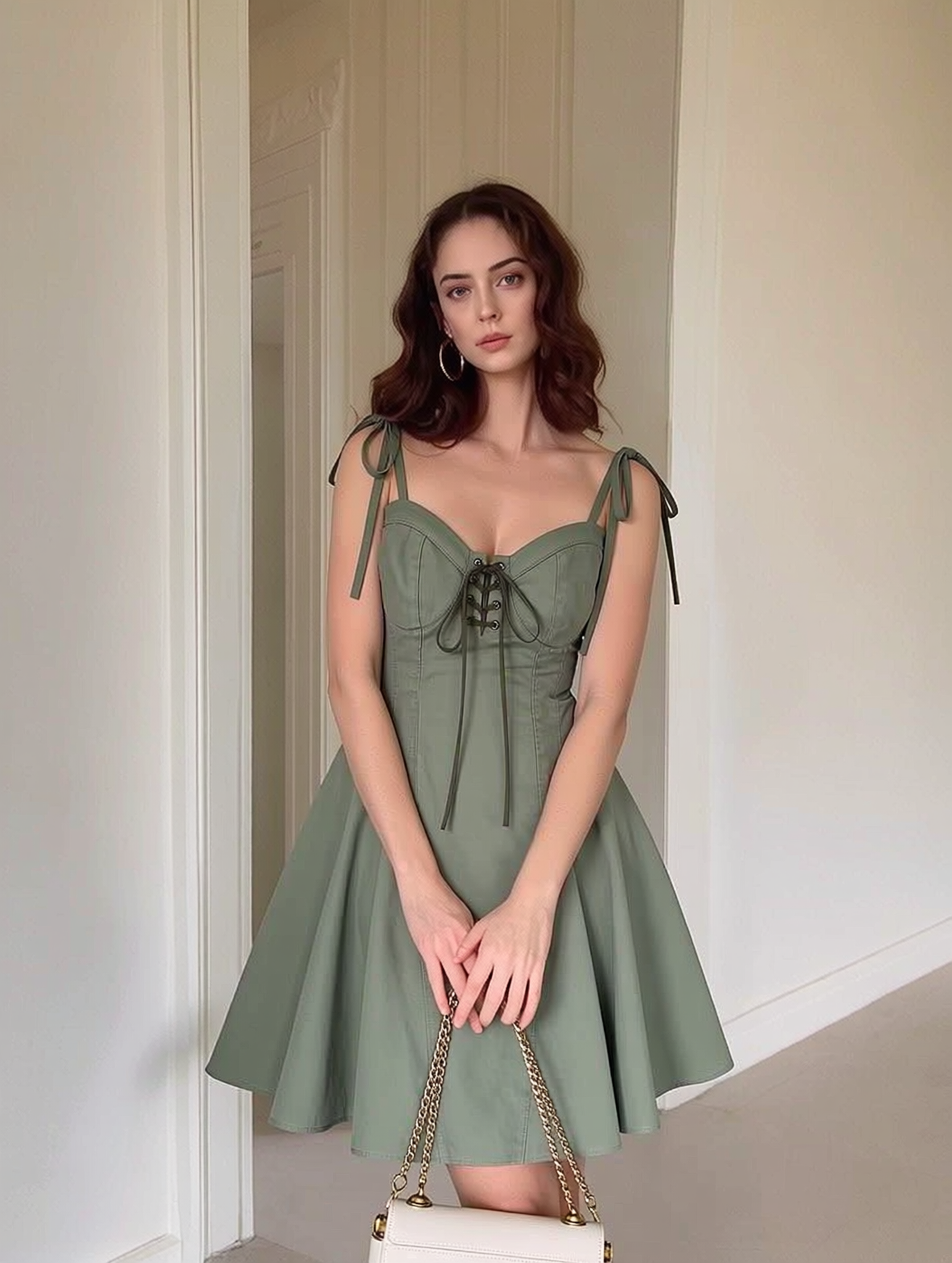
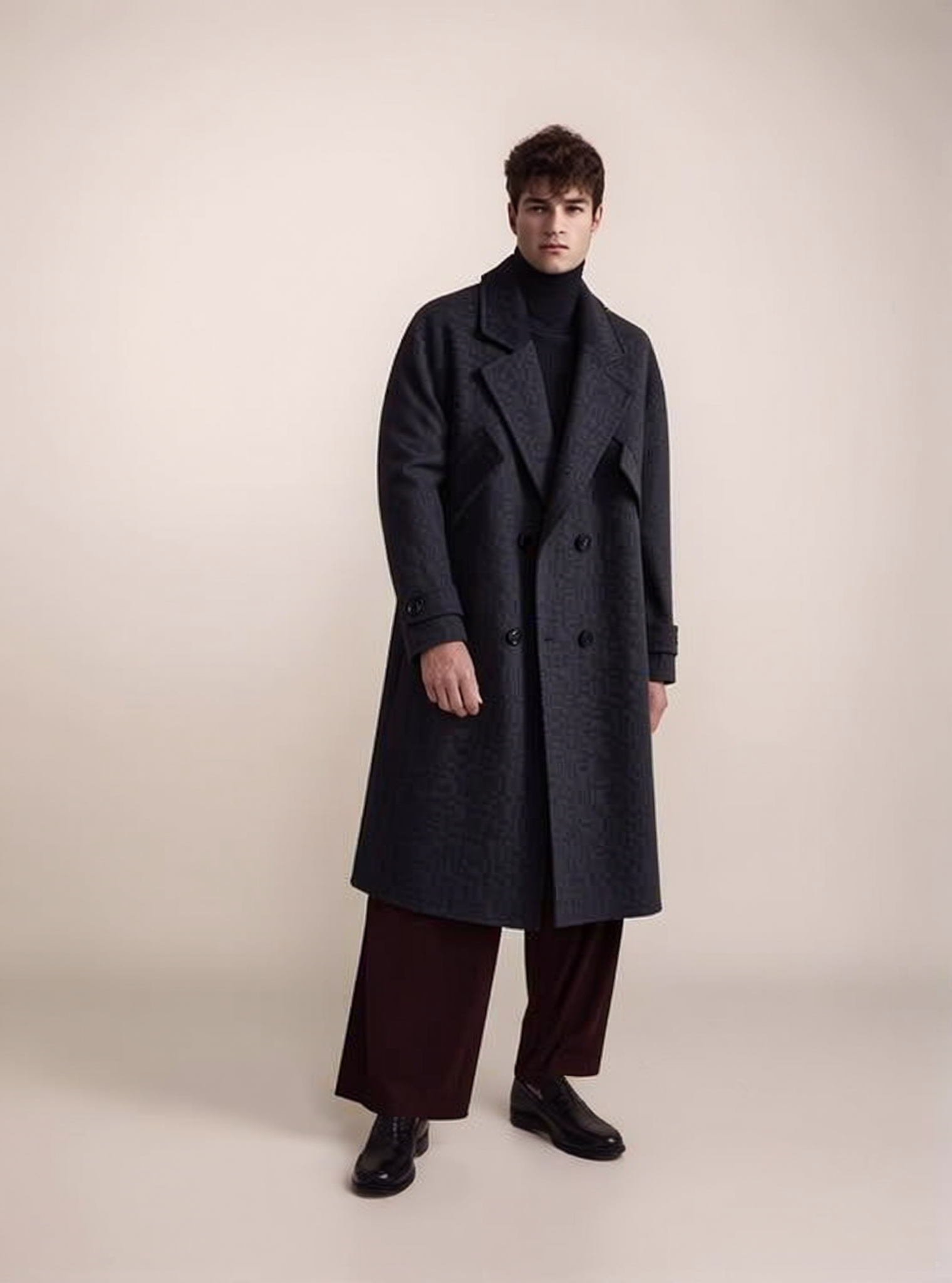
Best AI clothes changers for ecommerce sellers 2026 — flat-lay product photo turned into a marketplace-ready on-model listing image

What "AI clothes changer" means for a seller vs a consumer (most tools built for the wrong job)

The phrase "AI clothes changer" means two completely different things depending on who's typing it. A consumer wants to upload a selfie and see themselves in a different outfit — a bikini, a tuxedo, a streetwear fit — to share or to imagine a purchase. A seller wants to take the photo of a product they actually have in stock and produce a clean, professional listing image that shows that exact garment worn on a body, on a clean background, ready to publish.

Those are not the same product, and the gap matters. The consumer tool optimizes for novelty: a fresh random face, a fun pose, a result that looks good at thumbnail size on a phone. Accuracy is irrelevant because nobody is buying the garment in the picture. The seller tool has the opposite priorities. It has to preserve the real garment a buyer will receive — the print, the trim, the buttons, the colorway — because if the photo and the parcel disagree, the item comes back as a return. It has to keep the same model across an entire catalog so a collection page reads as one coordinated shoot. And it has to output a file that passes the rules of whichever marketplace the listing lives on.

This is why almost every list ranking for "best ai clothes changer 2026" is the wrong list for sellers. The tools at the top are toys. They're excellent toys — they'll swap your outfit convincingly — but they were never engineered to start from a product packshot and end at a compliant listing. Below, we re-rank the field on seller criteria, and the order changes a lot.

How we scored these: marketplace compliance, model/identity consistency, per-variant colorway, commercial-use license, cost-per-image, batch/SKU scale

To keep this honest, every tool is judged against the same seven criteria — the things that decide whether an image earns a place on a product page, not whether it gets likes.

  • Marketplace compliance. Can it export a pure white background (RGB 255, 255, 255), product-filling frame, no watermark, no baked-in text? Amazon's main-image rules are the strictest test; pass those and the rest follow.
  • Model / identity consistency. Can you reuse the same face, body type, and pose family across every SKU so a catalog looks coordinated, or does it spit out a random new person each time?
  • Per-variant colorway accuracy. Can it recolor the same garment into each variant while keeping fabric texture, weave, and shadow — and does the rendered color match real stock?
  • Commercial-use license. Do you actually own the output and have explicit rights to sell from it, or does the free tier quietly forbid commercial use?
  • Cost per image. What does one finished, listable image cost at your volume — and how does that compare with a photoshoot?
  • Batch / SKU scale. Can it process a catalog of dozens or hundreds without a human babysitting each upload?
  • Realism on the hard cases. Hands, draping, sheer and sequined fabric, fine print and logos — where the seams of AI usually show.

A consumer clothes changer can ace the "fun selfie" test and score near zero on six of these seven. That's not a knock on the tool; it's a mismatch of job. For deeper background on building consistent on-model imagery, see our guide on how to create AI fashion models.

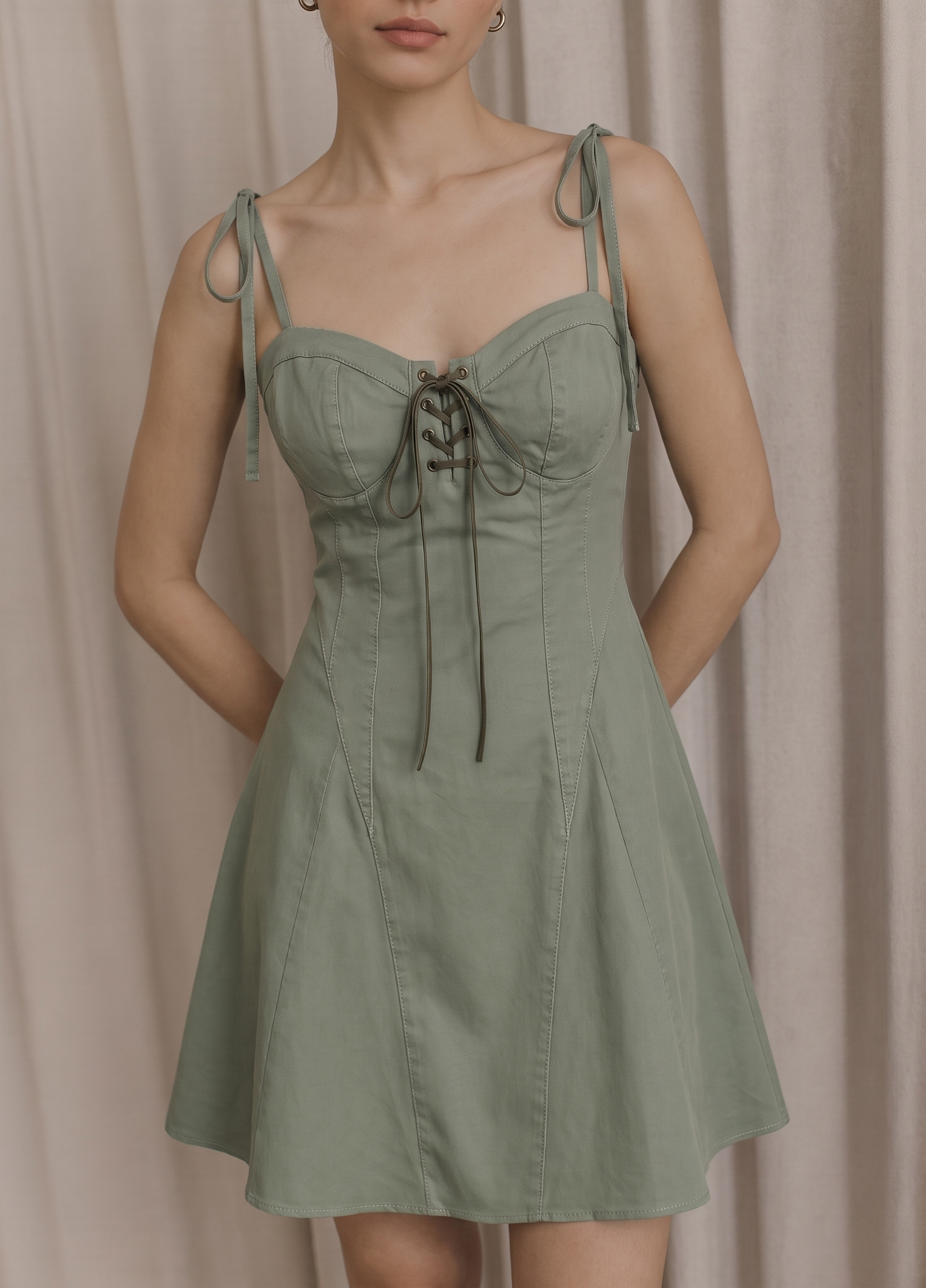
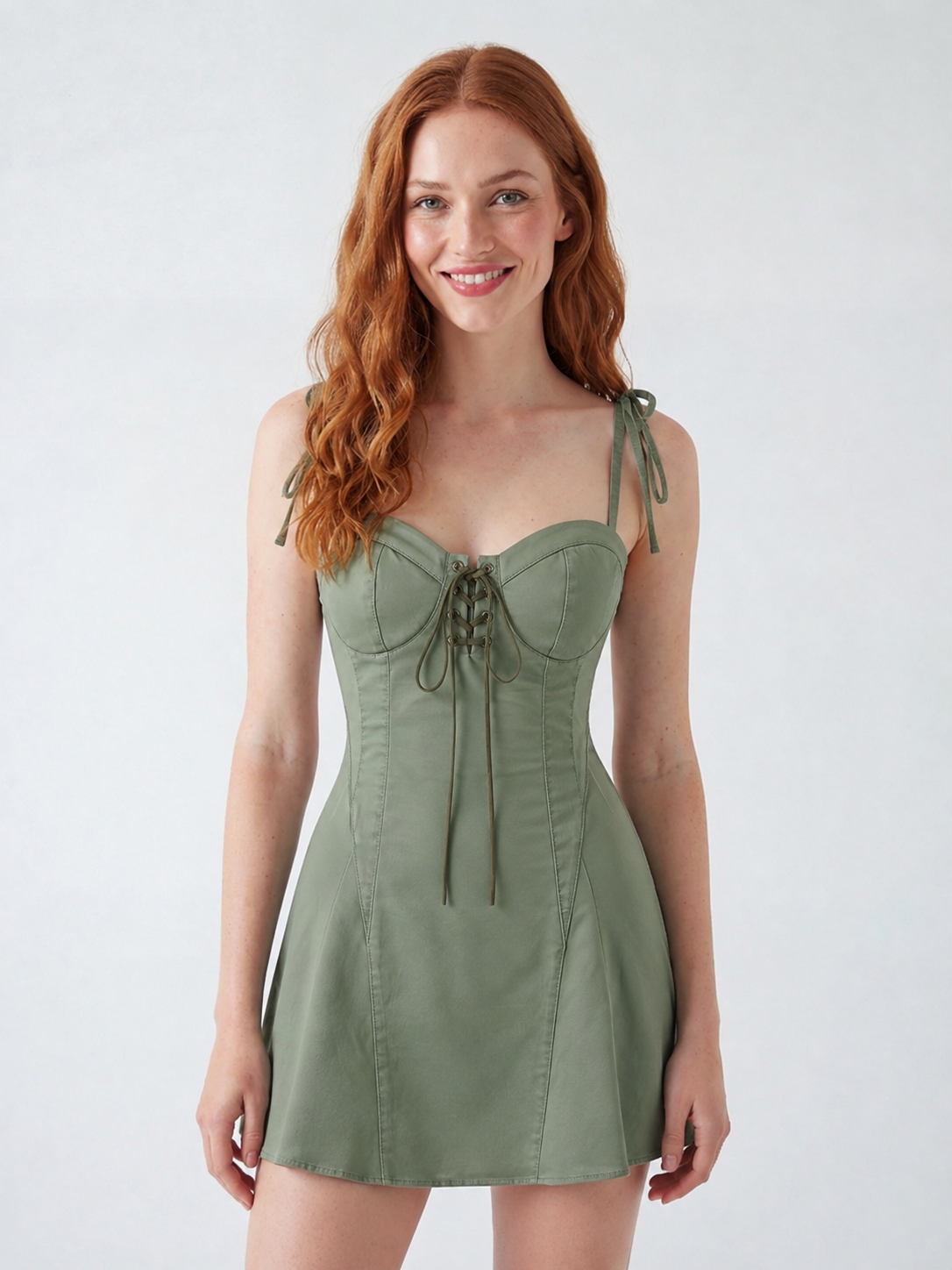
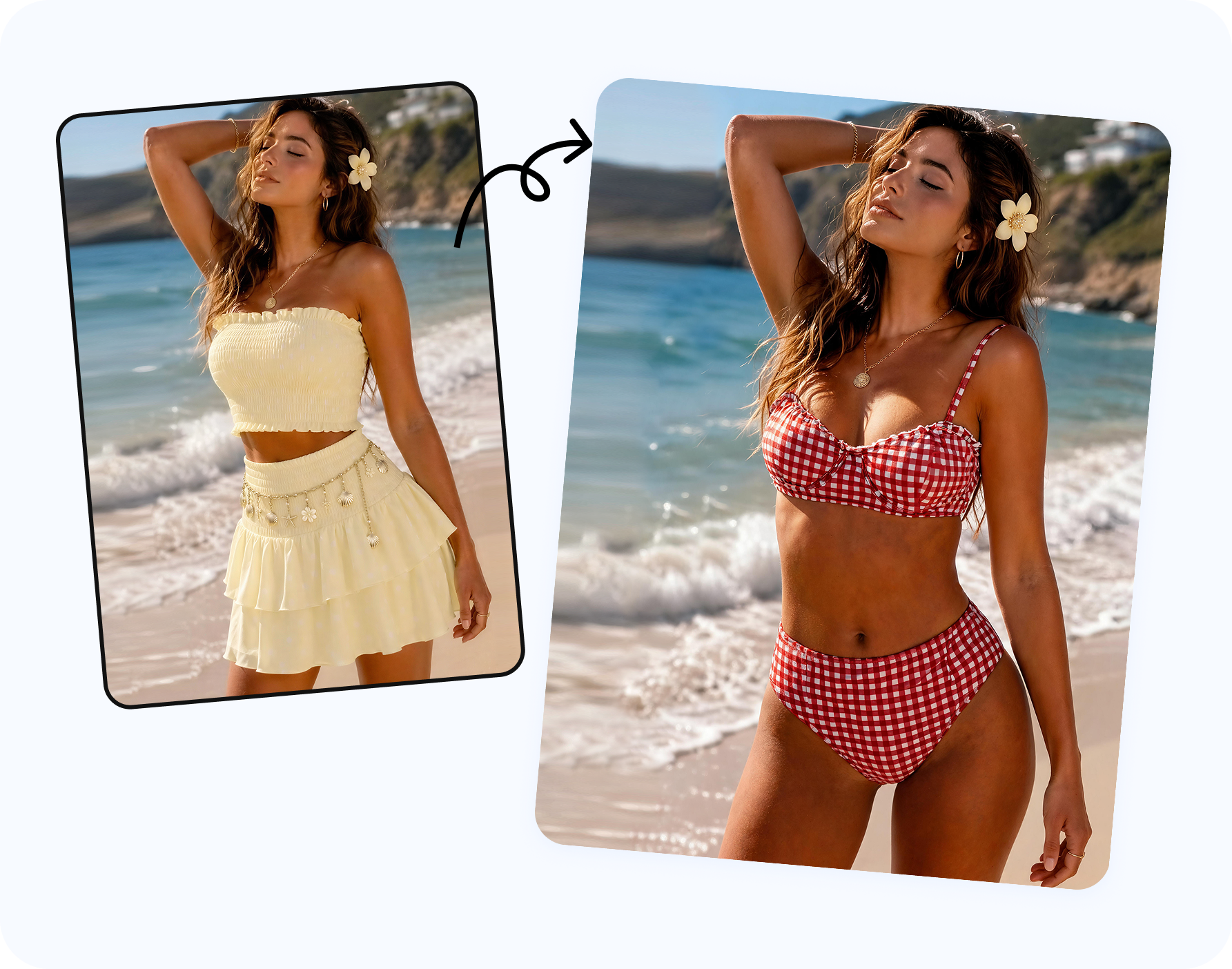
Before and after — flat-lay garment photo transformed into an AI on-model listing image with natural pose and consistent lighting

The tools compared at a glance (table: seller-fit, free tier, output types, licensing)

Here's the field at a glance, scored on seller-fit rather than selfie quality. "Seller-fit" is a rough rating of how production-ready the output is for a listing — not how fun the app is.

Tool Built for Seller-fit Free tier Output types Commercial license
Snappyit Ecommerce sellers High Free trial credits On-model, ghost mannequin, recolor, image-to-video Yes (paid plans)
Botika Apparel brands Medium-high Limited trial On-model swap, background Yes (paid plans)
SellerPic Marketplace sellers Medium-high Limited free On-model, ghost mannequin, video Yes (paid plans)
WearView Fashion sellers Medium Limited free On-model, video Yes (paid plans)
theNewBlack Fashion design + sellers Medium Limited free On-model, design, recolor Yes (paid plans)
Pixelcut General product photos Low-medium Free + watermark Background, basic on-model Paid for full rights
Fotor / Pixlr-style editors General consumers Low Free + watermark Outfit swap, editing Often restricted on free
bitStudio / Magic Hour / Airbrush Consumer selfies Low Free + watermark Selfie outfit swap Often restricted on free

Ratings are qualitative and reflect production-readiness for listings as of 2026; tool features change fast, so confirm current licensing and export options before you commit a catalog to one. The pattern, though, is durable: tools built for sellers cluster at the top of the seller-fit column, and tools built for selfies cluster at the bottom regardless of how impressive their consumer demos look.

Snappyit — flat-lay/mannequin to on-model + ghost-mannequin + recolor + video for listings

Snappyit is the tool in this roundup built end-to-end around the seller pipeline, which is why it leads on the seller axis. The starting point is always a product photo you already have — a flat-lay on the floor, a garment on a hanger, a piece on a mannequin, or an amateur phone packshot — and the output is a listing asset, not a shareable selfie.

It covers the four outputs a fashion or accessory seller actually ships:

  • On-model. Drop a flat-lay onto a model from a template library and get a clean, professional on-model image — the core flat-lay to model workflow. Because you reuse the same model template, your catalog stays consistent — the same face and body across every SKU instead of a random new person per upload.
  • Ghost mannequin. Turn a single garment photo into a hollow, three-dimensional "worn" shape on a clean background — the catalog standard that shows fit without a model. See our ghost mannequin for ecommerce guide for where it fits.
  • Recolor. Regenerate the same garment in each variant colorway while preserving fabric texture, weave, stitching, and shadow, so you list every color from one source photo.
  • Image-to-video. Animate an on-model photo into a short clip for TikTok Shop, Reels, and live-selling, where video listings outperform stills.

On the seven criteria, this is where it earns its rank: white-background export that lines up with Amazon's main-image rules, model consistency across a catalog, per-variant colorway with texture intact, commercial-use rights on paid plans, cost per image measured in cents-to-low-dollars, and batch throughput for high-SKU catalogs. It's not a magic wand on the hard cases — hands and sheer fabrics still need a review pass — but it's engineered to preserve the source garment, which is the whole ballgame for a listing.

Snappyit workspace — model and ghost-mannequin template gallery for turning a flat-lay product photo into a listing-ready image

Turn a flat-lay into an on-model listing →

Consumer-grade contenders (bitStudio, Magic Hour, Airbrush, Fotor, Pixelcut) and where they break for sellers

These are the tools that dominate the generic "best ai clothes changer 2026" rankings. They're genuinely good at what they were built for — and that's exactly the problem when you point them at a listing.

bitStudio, Magic Hour, and Airbrush are selfie-first. You upload a photo of a person, describe an outfit, and the AI swaps it. For a personal share that's delightful. For a seller it fails on the first criterion: the input is supposed to be your product, not a model you don't have, and the output garment is an AI invention, not the SKU in your warehouse. There's no way to guarantee the buyer receives what the photo shows.

Fotor and similar general editors bundle an outfit-swap feature inside a broad photo toolkit. They can be useful for quick background cleanup, but the clothes-changer module is built for casual edits, not catalog consistency — you'll get a different look every run and no reliable way to lock a model across SKUs.

Pixelcut sits a notch higher because it's product-photo aware: strong background removal and some on-model capability. But the clothes-changer side is a secondary feature, the free tier watermarks output, and full commercial rights sit behind a paid plan. It's a capable general product-photo editor that happens to do some apparel work, rather than an apparel pipeline.

The common failure modes when a seller tries to list with these:

  • Wrong garment. The AI generates a plausible outfit instead of preserving your exact print, trim, and colorway.
  • Inconsistent models. A new random face every image, so the collection page looks like a yard sale.
  • Non-compliant files. Watermarks, busy backgrounds, baked-in text — none of it survives Amazon's main-image check.
  • Murky rights. Free tiers frequently restrict commercial use, which you only discover after you've built a catalog on them.

Ecommerce-angled contenders (Botika, SellerPic, WearView, thenewblack) head-to-head

These four are actually aimed at sellers, so they clear the bar the consumer toys can't. They're real options, and the right pick depends on your catalog. Rather than re-litigate every head-to-head here, we keep these short and link down to the full one-on-one comparisons.

Botika focuses on swapping flat-lay and on-mannequin apparel onto AI models with a clean, brand-friendly look. It's a strong on-model tool for apparel brands. Where it's narrower than a full pipeline is the spread of outputs — it's centered on the model swap rather than also covering ghost mannequin, recolor, and video from one place. For the full breakdown, read Snappyit vs Botika.

SellerPic is a multi-feature fashion suite — on-model try-on, ghost mannequin, short-form video, background tools — pitched squarely at marketplace sellers. It's one of the closer comparisons to a full pipeline. The deciding factors tend to be output realism on tricky garments, model-consistency controls, and per-image economics at scale; we go deep in Snappyit vs SellerPic.

WearView leans into a large model template library by ethnicity, body type, and pose, plus video. The template breadth is genuinely useful for catalogs that want diverse on-model representation. Evaluate it on how faithfully it preserves your source garment and whether the templates stay consistent across a SKU range.

theNewBlack comes from a fashion-design angle — generating garments and on-model looks, with recolor in the mix. That design heritage is a plus if you also prototype styles, but for pure listing production you'll want to confirm it preserves an existing product photo rather than inventing a new garment.

If you sell apparel and want a video asset too, our roundup of the best virtual try-on and AI model tools covers several of these in more depth alongside the photo-only options.

"Free" and "online no-watermark" tools — what they cost a seller in commercial-use rights

A huge share of the search demand around clothes changers is for "free," "online," and "no watermark." It's an honest want, and we won't pretend the free tail doesn't exist. But for a seller, "free" usually means you pay somewhere else — and the bill arrives after you've built a catalog.

Here's what "free" typically trades away:

  • Commercial-use rights. The most common catch. Many free tiers grant personal use only. List a product with one and you may be using an image you don't have the right to sell from. Always read the license for explicit commercial use.
  • A watermark. "No watermark" is the loudest free-tool promise precisely because most free tools stamp one. A watermark instantly fails Amazon's main-image rule and reads as amateur everywhere else.
  • Resolution caps. Free exports are often small. Amazon wants at least 500px on the longest side (and 1600px+ for zoom). A capped export can't pass.
  • Your data as the product. Some free tools reserve the right to train on your uploads. For a seller protecting unreleased designs, that's a real cost.

The pragmatic move is to use a free trial to test the workflow — does it preserve my garment, keep my model consistent, export clean — then move to a paid plan that grants commercial rights before you publish. The few cents per image you'll pay is trivial next to one returned order caused by a misleading or low-res listing photo. For the cost math behind that, our guide to changing clothes in a product photo with AI walks through a real seller workflow end to end.

Test the seller workflow free →

Are AI clothes changer results realistic enough to list? (fabric, draping, hands)

For the bulk of a catalog, yes. On standard garments — tees, polos, button-downs, dresses, hoodies, jeans — modern seller tools produce on-model and ghost-mannequin images that are hard to tell apart from a studio shoot, and shoppers won't second-guess them. That covers most SKUs in most stores.

Realism still breaks in predictable places, and a seller's job is to catch them before publishing:

  • Hands and fingers. The classic AI tell. Extra fingers, fused knuckles, a thumb in the wrong place. Crop tight, choose poses with hands out of frame or relaxed at the side, and reject any image where a hand looks off.
  • Complex draping. Flowing chiffon, heavy knits, and loose linen move with a body in ways AI sometimes renders as floating or collapsed fabric. Structured garments are the safe case; route the flowy hero pieces to a real shoot if the drape is the selling point.
  • Sheer and sequined fabric. Transparency and high-reflectivity materials confuse edge detection and lighting. Expect more retouching or a manual shot here.
  • Fine print and logos. Small text, brand marks, and intricate patterns can warp. Pick a tool trained to preserve the source garment, then zoom in and verify the print survived intact.

The reliable pattern is a hybrid: AI for the standard bulk of the catalog where it's indistinguishable and cheap, a real shoot for hero products and texture-driven pieces, and a human review gate on hands and prints before anything goes live. The mistake is publishing AI output unchecked — and the opposite mistake is assuming AI can't do listing-grade work, when for most garments it plainly can.

How to pick by marketplace: Amazon vs Shopify vs Etsy vs TikTok Shop

The right clothes changer also depends on where the listing lives. Each channel rewards a different output, so match the tool to your sales mix.

Marketplace What the main image wants Best AI output What to check in a tool
Amazon Pure white background (RGB 255,255,255), product fills the frame, no text or watermark; live model required for adult apparel main image On-model (apparel main); ghost mannequin (secondary, and main for kids/accessories) Clean white export, live-model option, model consistency across SKUs
Shopify No enforced rule, but a consistent grid and brand look; square 1:1 safest Lifestyle on-model + ghost mannequin for a coordinated catalog Reusable model templates, consistent framing, batch export
Etsy Landscape or square first image, more creative freedom, lifestyle works well Styled on-model and lifestyle backgrounds Background variety, garment fidelity on handmade/vintage pieces
TikTok Shop Video-first; short clips drive discovery and conversion Image-to-video from an on-model photo Built-in image-to-video, vertical 9:16 output, fast turnaround

If you sell on one channel, a focused tool is fine. If you sell across several — which most growing sellers do — the efficient choice is a tool that produces on-model, ghost-mannequin, recolor, and video from the same source photo, so one upload feeds every channel without re-shooting or re-formatting. That breadth is exactly why a seller-built pipeline beats a single-trick selfie app once you're past a handful of SKUs.

Whichever tool you choose, the test is simple: take one real product photo, run it through, and ask whether the result preserves your garment, stays consistent with the rest of your catalog, and exports clean for your marketplace. The tool that passes that test on your own products is your best AI clothes changer for 2026 — not the one with the flashiest selfie demo.

Make a listing-ready on-model image from a photo you already have

The fastest way to judge a clothes changer is on your own product. Upload a flat-lay, a mannequin shot, or a phone packshot, and see whether the on-model result is something you'd publish. Snappyit is built for exactly that seller job — on-model, ghost mannequin, recolor, and video from one source photo, with model consistency and clean marketplace export.

Create your on-model listing free →

Want the color variants too? Generate every colorway from one photo with Snappyit's AI color change, or animate the result for TikTok Shop with image-to-video.

Frequently Asked Questions

What is the best AI clothes changer in 2026 for ecommerce sellers?

For sellers who need marketplace-ready listing images, the best AI clothes changer is one built for production rather than selfies — it should turn a flat-lay, mannequin, or amateur packshot into an on-model, ghost-mannequin, or recolored image that holds the garment's real shape, keeps the model consistent across a catalog, and exports clean for Amazon, Shopify, Etsy, and TikTok Shop. Snappyit is built around that seller pipeline, which is why it scores highest on the seller axis even though consumer-grade apps win on novelty selfie swaps.

What's the difference between a consumer AI clothes changer and one built for sellers?

A consumer clothes changer swaps an outfit in a personal photo for fun — the goal is a single shareable image, and small inaccuracies don't matter. A seller tool has to start from a product photo (flat-lay, hanger, or mannequin), preserve the exact garment a buyer will receive, keep the same model and framing across an entire SKU range, render every colorway accurately, and output a file that passes marketplace rules. The output is a listing, not a meme, so realism and consistency are non-negotiable.

Are there free AI clothes changers, and can sellers use the results commercially?

Yes, many free and online clothes-changer tools exist, but free almost always limits commercial-use rights, stamps a watermark, caps resolution, or trains on your uploads. For a listing you intend to sell from, read the license: you need explicit commercial use and clear ownership of the output. Most seller-grade tools, including Snappyit, grant commercial rights on paid plans and let you test the workflow free before committing.

Can an AI clothes changer create an Amazon-compliant main image?

It can, if the tool exports a pure white background (RGB 255, 255, 255), keeps the product filling most of the frame, and adds no text, logo, or watermark. For adult apparel, Amazon's main image must show a live model, so an AI on-model render is the right output; ghost-mannequin shots work as secondary images and as the main image for children's apparel and accessories. Selfie-style consumer apps rarely produce a clean, white-background, compliant file, which is why they fail for listings.

How do AI clothes changers keep the model consistent across a whole catalog?

Seller-focused tools let you reuse the same model template — same face, body type, skin tone, and pose family — across every SKU, so a collection page looks like one coordinated shoot instead of a random mix of faces. Consumer apps generate a fresh, unpredictable person each time, which reads as disorganized across a catalog and erodes buyer trust. Model consistency is one of the biggest dividing lines between a toy and a production tool.

Are AI clothes changer results realistic enough to list and sell?

For standard garments — tees, polos, dresses, hoodies, jeans — modern tools produce results that are hard to tell apart from a studio shoot, and they're fully listable. Realism still breaks on hands, fingers, complex draping, sheer or sequined fabric, and fine print or logos. The fix is to choose a tool trained to preserve the source garment, review hands and prints before publishing, and route hero products or tricky fabrics to a real shoot.

Can an AI clothes changer change the color of a garment for variant listings?

Yes. A recolor or color-change feature regenerates the same garment in a new colorway while preserving fabric texture, weave, stitching, and shadow, so you can list every variant from one source photo instead of shooting each color. Accuracy matters: the rendered color should match your real stock, because a buyer who receives a different shade than the listing showed will return it. Snappyit's color-change handles per-variant colorways with the texture intact.

Which AI clothes changer is best for Shopify versus Amazon versus Etsy versus TikTok Shop?

Amazon rewards strict pure-white on-model or ghost-mannequin images, so pick a tool with clean white-background export and a live-model option for apparel. Shopify and Etsy give more creative freedom, so lifestyle on-model and styled backgrounds help; consistency across the grid matters most. TikTok Shop is video-first, so a tool that also turns a photo into a short clip wins. A tool that covers on-model, ghost-mannequin, recolor, and image-to-video lets you serve all four channels from one source photo.

How much does an AI clothes changer cost compared with a photoshoot?

A traditional on-model shoot runs from roughly a few dollars to well over ten dollars per finished image once you account for the model, photographer, studio, and retouching, and it takes days. AI clothes changers bring the cost per image down to cents-to-low-dollars and the turnaround to seconds, with the biggest savings on high-SKU catalogs where you'd otherwise reshoot every variant. For hero products and brand campaigns, a real shoot can still be worth the premium.

An AI clothes changer is one tool in a complete AI product photography stack for sellers.


More Resources