



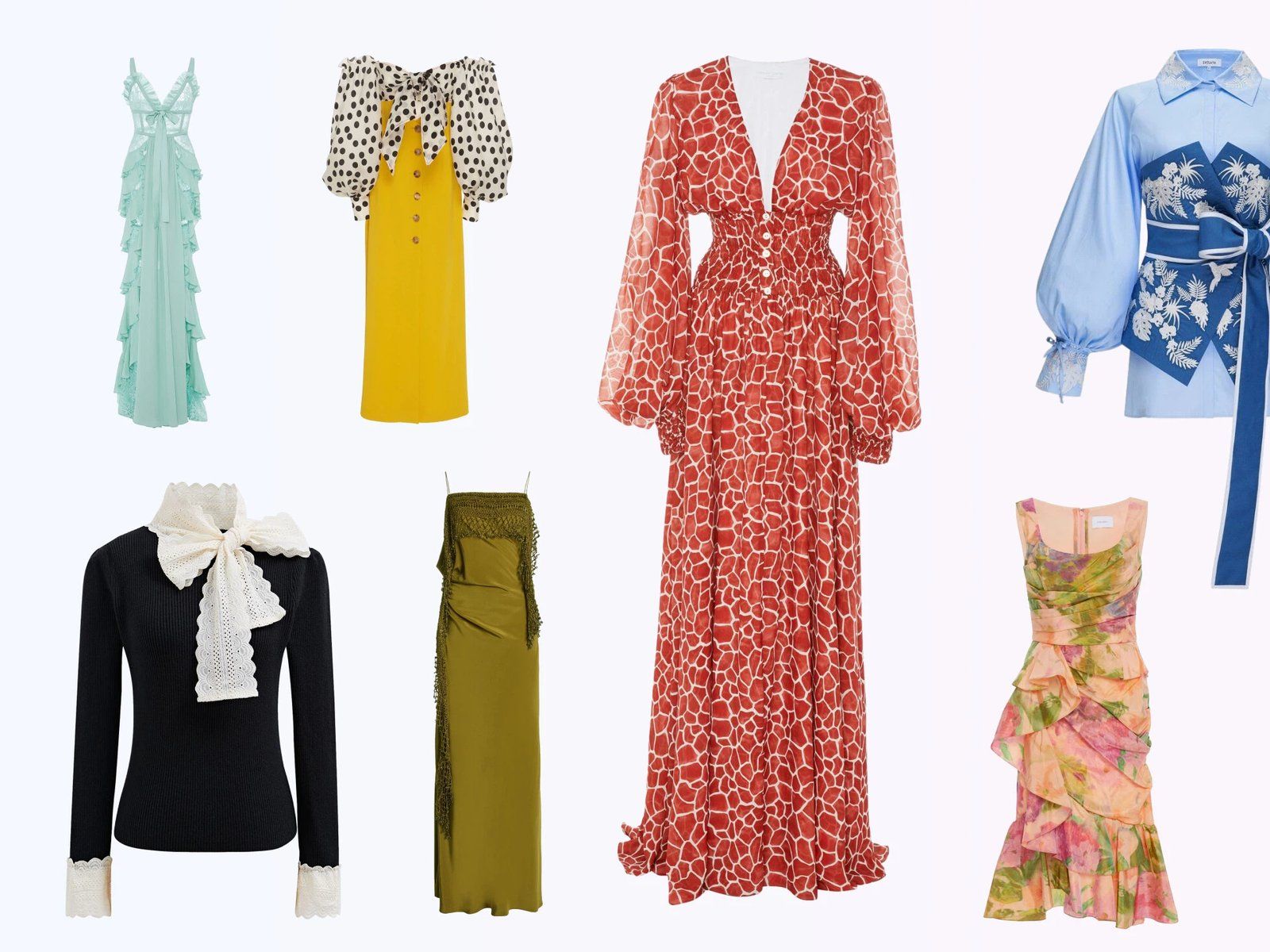
Use Ghost Mannequin Where It Clarifies the Product
Ghost mannequin photography is also described as invisible mannequin, hollow mannequin or hollow man photography. Each term refers to a product-only view that keeps the garment’s worn shape while removing the visible form; Amazon requirements still vary by category and placement.
Main vs. Secondary
Choose the gallery position from the presentation allowed for the category.
Category Rules
Adult apparel, children’s products, accessories and intimate apparel may be treated differently.
Complete Product
Keep the whole item visible, centered and large enough to see without clipping key parts.
Current Guidance
Use Seller Central requirements when preparing the listing because marketplace rules can change.
Choose the Source Photo by Garment Type
Flat lays, hangers and dress forms can all lead to a useful ghost view. The best starting point is the one that already shows the garment’s shape and construction clearly.
| Source | Works well for | What it contributes | Useful supporting photo |
|---|---|---|---|
| Flat lay | T-shirts, knitwear, simple tops and bottoms | A clean outline and clear print or surface detail | Neckline, waistband or closure close-up |
| Hanger | Dresses, jackets and longer garments | Natural vertical drape and full length | Shoulder shape and inside collar |
| Dress form | Structured dresses, tailoring and fitted garments | Existing volume through the torso | Interior neckline and armhole detail |
| Multi-piece set | Tracksuits, coordinated sets and layered outfits | Relationship between the included pieces | Separate view of each item in the set |
Build Shape from the Source Photo You Have
Start with one garment, even lighting and visible edges. The cleaner the input, the easier it is to preserve the product’s real neckline, sleeves, hem and proportions.
Turn a Flat Garment into a Structured View
A flat lay documents the product clearly but may not show volume. Generate a ghost view to add form while keeping the garment—not an invented body—as the focus.
Try Ghost Mannequin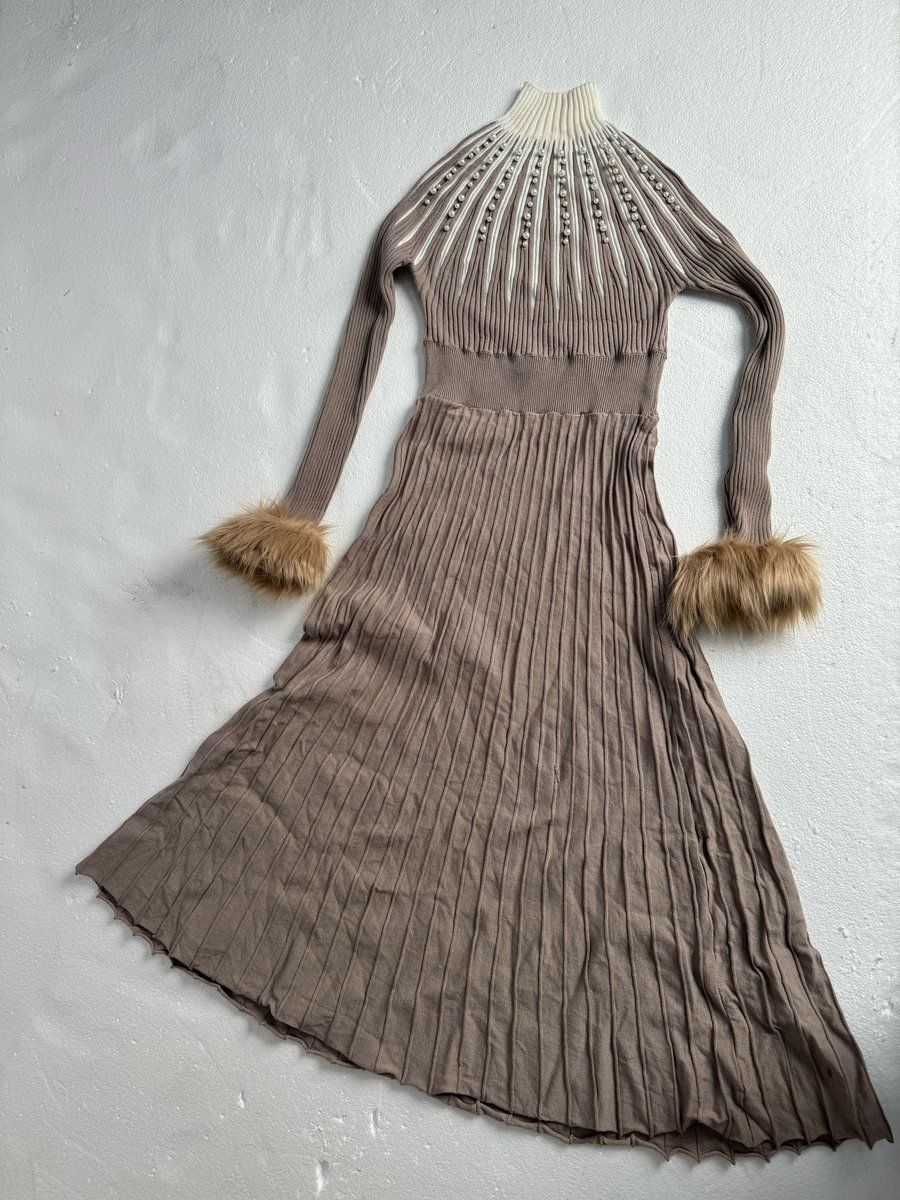
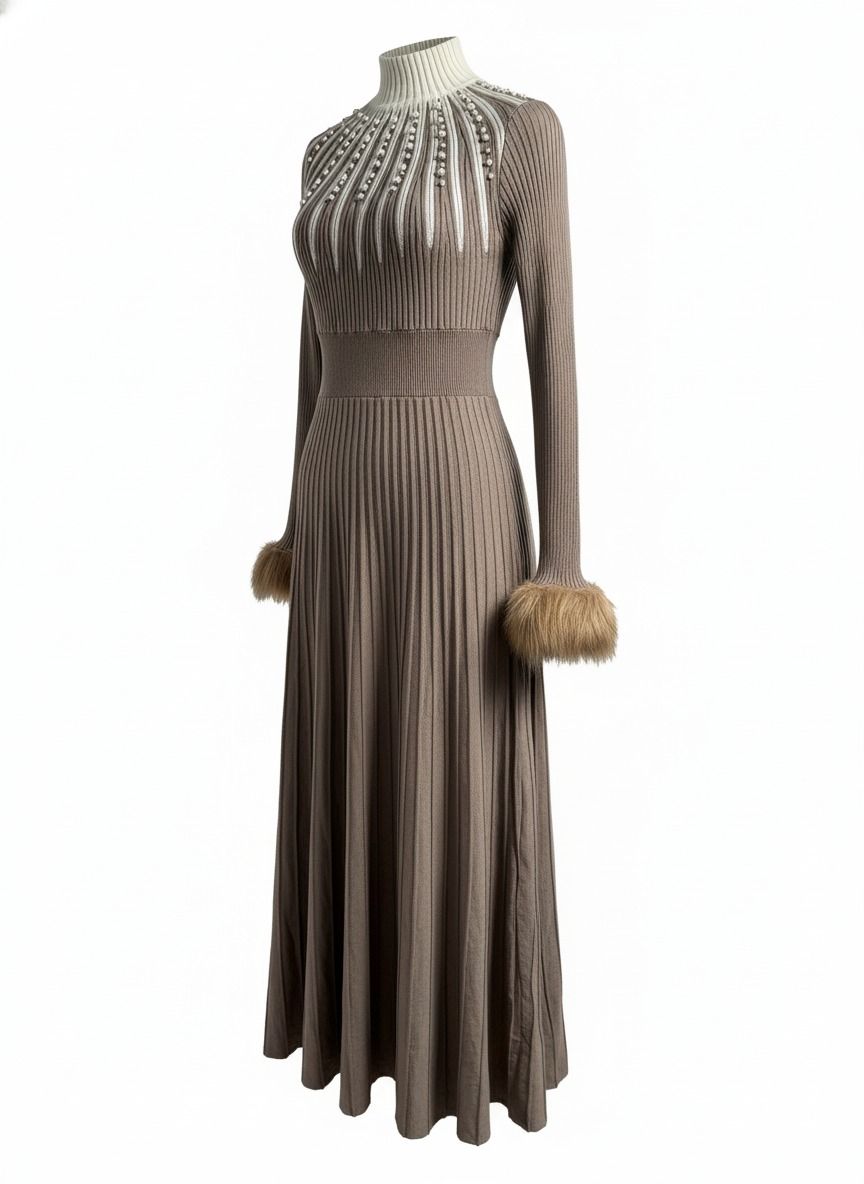
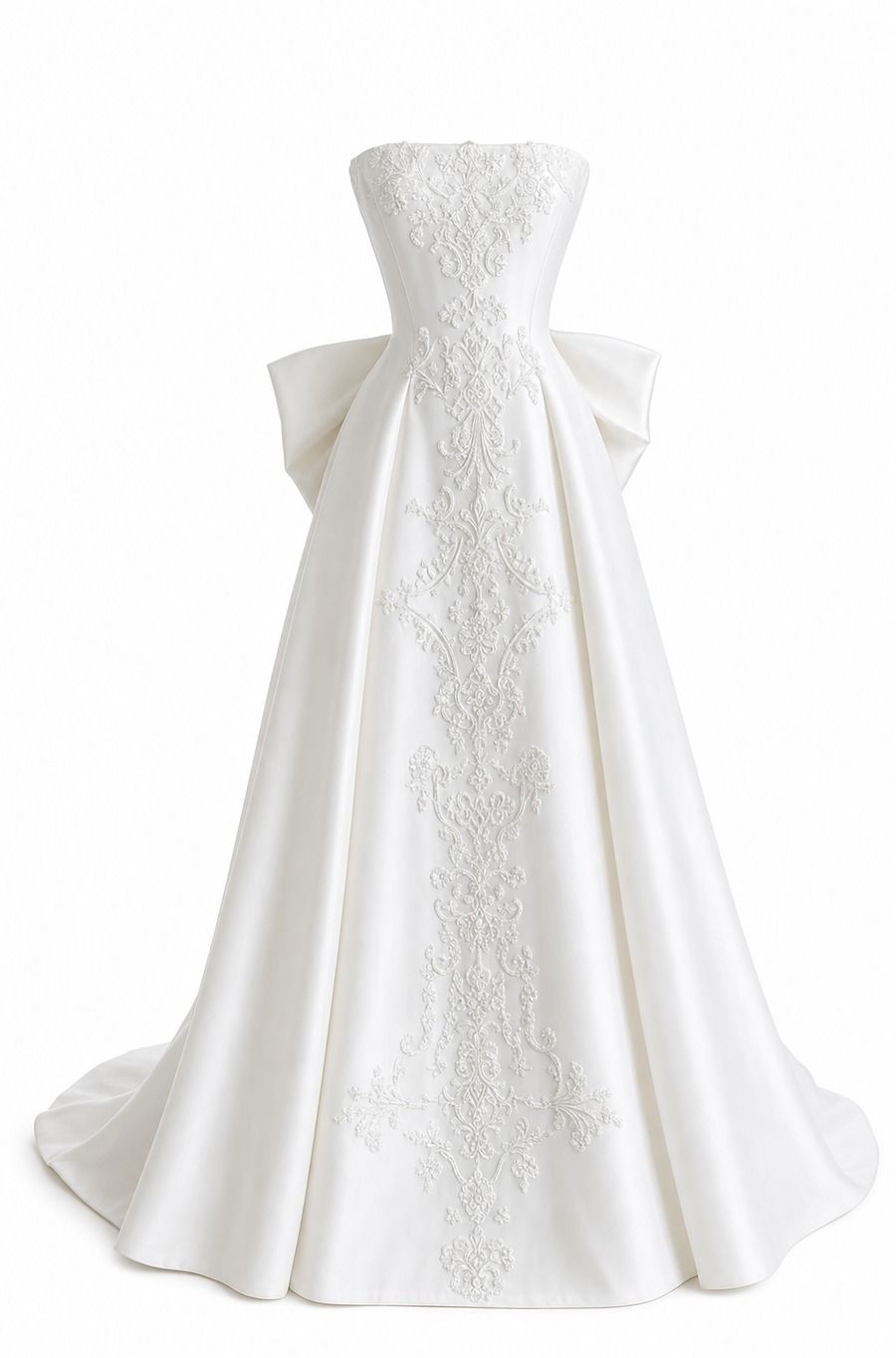
Remove the Visible Form, Preserve the Gown
Use a front-facing dress-form photo when the garment already hangs naturally. Mannequin removal creates the hollow-body effect, while an interior neckline or armhole reference helps build a clean neck-joint finish around layered fabric.
Create a Ghost View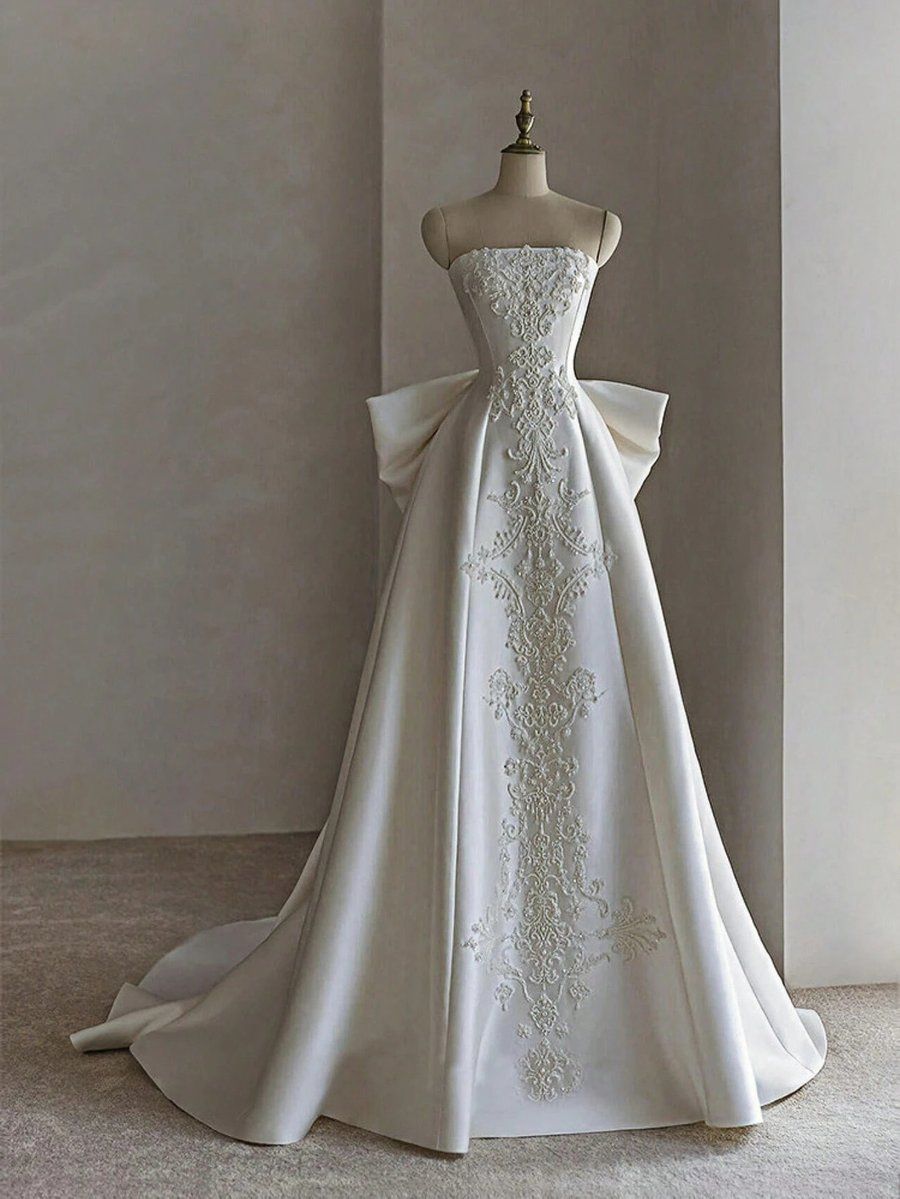
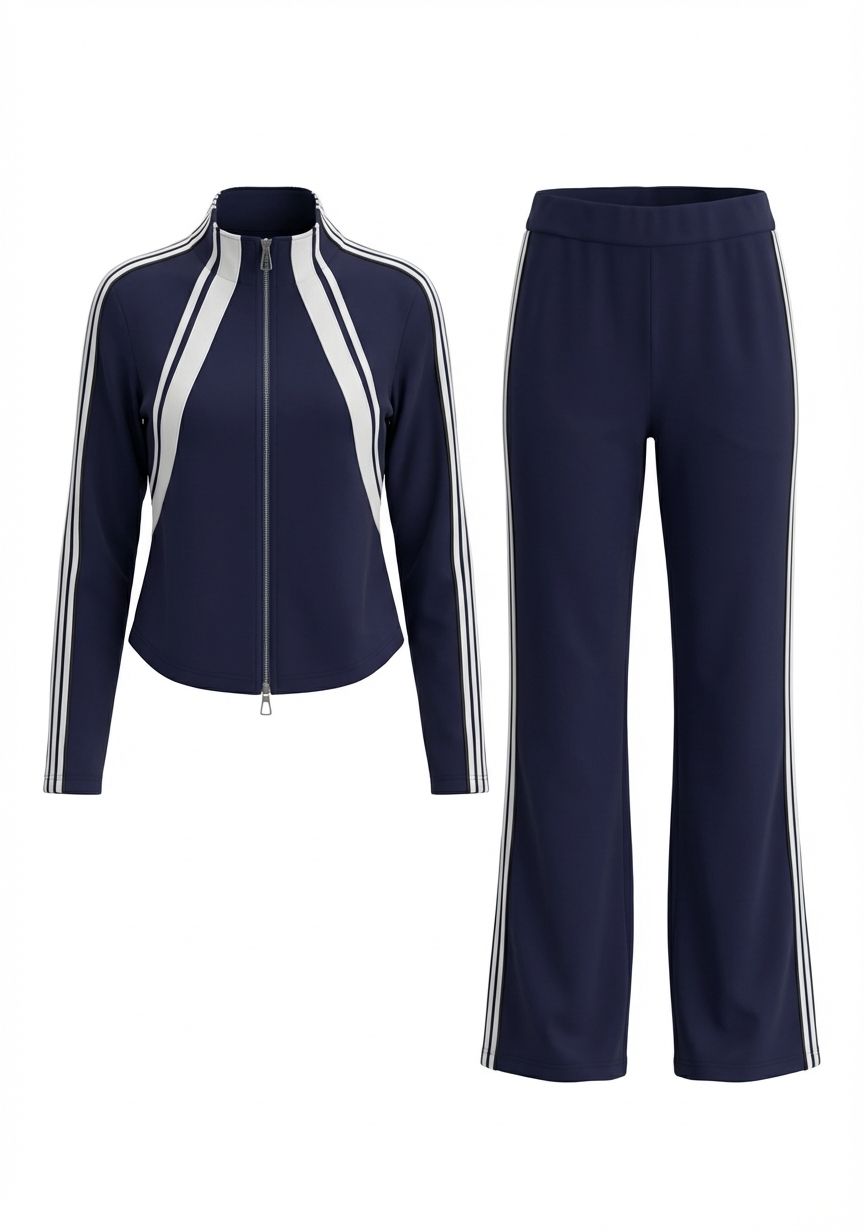
Clean Up a Hanger Shot Without Changing the Set
For multi-piece outfits, carry every cuff, waistband, drawstring and overlap into the finished view. The output should show the same pieces, color and construction as the source.
Open Ghost Mannequin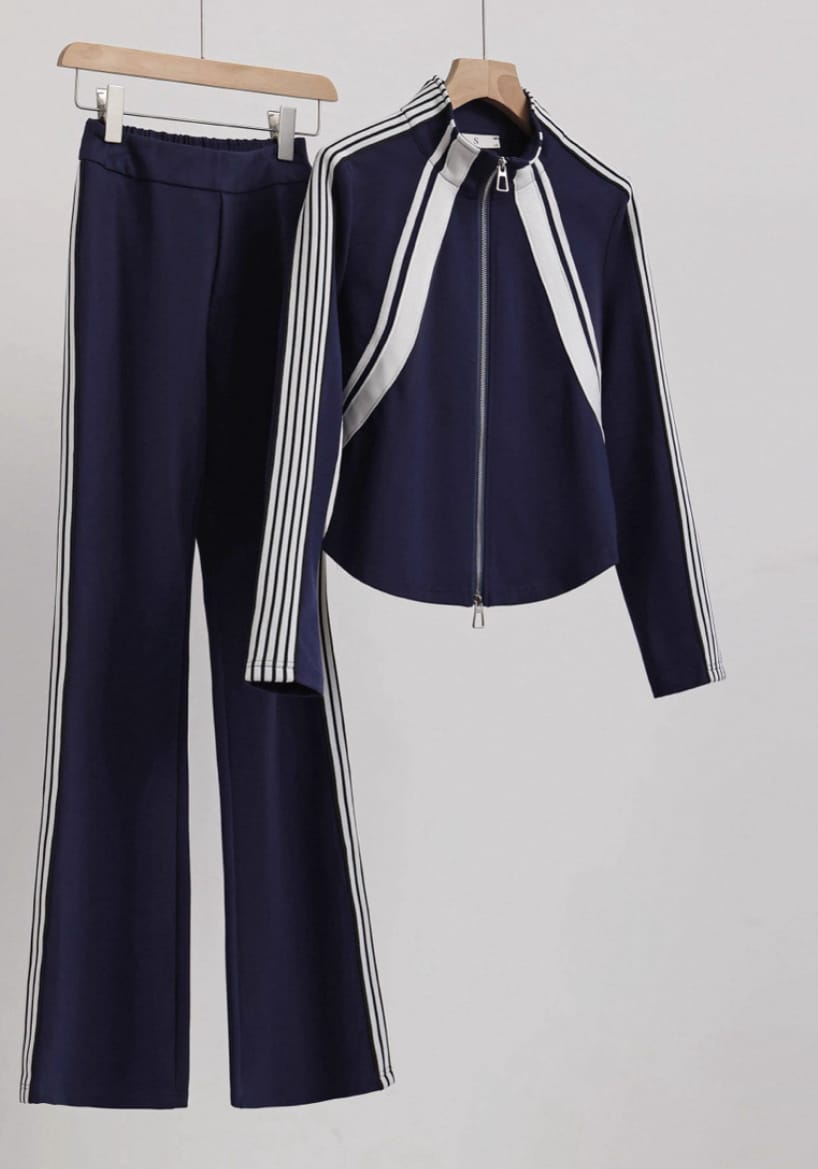
Decide Where the Image Belongs
Use this placement guide alongside the current Seller Central rule for the product type.
Adult Apparel
A product-only view may help show shape, but the allowed main-image treatment depends on the current category guidance.
Accessories
Bags, hats, jewelry and other accessories follow different conventions; ghost mannequin may not be the relevant workflow.
Children’s Apparel
Use the category-specific age and model guidance when choosing the image presentation.
Lingerie and Swimwear
Use the dedicated intimate-apparel styling and content policy when choosing an image.
Plan the Complete Amazon Apparel Image Set
Ghost mannequin is one presentation within a larger gallery. Combine it with the views shoppers need to understand construction, material and included pieces.
Primary Product View
Use the category-appropriate presentation on a clean background with the full product visible.
Ghost Mannequin
Show silhouette, drape, neckline and internal depth without a visible form.
Back and Detail Views
Add closures, pockets, seams, lining, texture, labels and material close-ups.
Secondary Lifestyle View
Use an eligible model or styled image when it helps communicate length and styling.
Practical export: keep a high-resolution square master in sRGB and prepare the marketplace version from it. Treat Amazon’s current category requirements as the final source for file type, dimensions, background and image placement. Open Amazon clothing guidance ↗ For the full photography method, read the Ghost Mannequin Product Photography Guide.
How to Create an Amazon Ghost Mannequin Image
Move from a clear source photo to a finished invisible mannequin or hollow man view, then place it in the gallery role selected for the listing.
Prepare the Source
Use one centered garment with even light, visible edges and minimal obstruction.
Generate the View
Choose Ghost Mannequin and create a product-only image with natural internal depth.
Match the Garment
Keep the same color, cut, seams, closures, trim, layers and included pieces.
Export for the Listing
Use the current category and image-slot requirements to prepare the marketplace file.
Ghost Mannequin for Amazon Sellers FAQs
Are ghost mannequin images allowed on Amazon?
It depends on the category, product type and image placement. Check the current Seller Central image requirements for the exact listing before publishing.
Are ghost mannequin, invisible mannequin and hollow man photography the same?
They describe the same general product-photo style: the garment keeps a three-dimensional worn shape while the mannequin or dress form is not visible. “Hollow mannequin,” “invisible model” and “3D apparel effect” are also used for closely related workflows.
What do mannequin removal and neck-joint editing mean?
Mannequin removal hides the visible form from the finished image. Neck-joint editing adds the inside collar or back-neck area so the garment looks complete rather than cut off where the mannequin was removed.
Can a ghost mannequin image be my Amazon main image?
Main-image rules can differ from secondary-image rules, and category guidance may specify how apparel must be displayed. Choose the placement from the current rule for the exact category.
What source photo works best?
Use a high-resolution, front-facing image with one garment, even lighting, clear edges and as little obstruction as possible.
Can I start from a flat lay, hanger or dress form?
Yes. Flat lays provide a clean outline, hangers show drape and dress forms already provide volume. Supporting neckline or interior photos can add useful construction detail.
What image details should stay consistent?
Keep the neckline, sleeve openings, seams, hem, closures, pockets, logos, prints, color and included pieces consistent with the garment.
Should the full garment be visible?
Yes. Keep straps, sleeves and hems inside the canvas unless the image is intentionally a secondary detail view.
Are the rules different for lingerie, swimwear or children’s apparel?
They can be. Use the dedicated Amazon guidance for the audience and product category rather than applying a general apparel rule.
Does Amazon require ghost mannequin photography?
No single presentation fits every category. Ghost mannequin is one way to show shape; flat lay, product-only and eligible model views can serve different listing roles.
Can I use ghost mannequin in A+ Content?
It can be part of a broader brand and product story when the asset follows the current A+ Content requirements and accurately represents the garment.
Create a Cleaner Apparel View for Your Amazon Gallery
Turn an existing garment photo into a structured product-only image and place it in the listing role that fits the category.
Try Ghost Mannequin Free






