
It catches sellers off guard. You upload a real bottle, the AI returns a beautiful image, and the background, reflections, and depth of field are all convincing. Then your eye drifts to the front of the pack and the brand reads Cerav instead of CeraVe — one dropped letter, in a font that is otherwise a dead ringer for the original. Sometimes it is worse: Cervae, CereVa, a whole word rearranged into a plausible-sounding non-name. The picture is gorgeous and completely unusable, because the one part a buyer reads is wrong.
This is not a rare glitch you can dismiss as bad luck. It is one of the most consistent behaviours of general image generators, and it has a clean explanation that, once you understand it, tells you exactly how to stop it. This article is the deep dive on the text half of the problem. If you want the wider view that also covers wrong garment details and the three fixes across the board, the broader guide to all AI product photo errors is the hub; this piece zooms all the way in on the letters.
What getting the text wrong looks like
Before the cause, it helps to recognise the failure on sight, because it wears several disguises. Once you know the patterns, you start spotting them in published listings everywhere.
- Near-miss brand names. The classic. The logotype keeps its weight, colour, and spacing, but a character is dropped, doubled, or swapped — Cerav, Neutrogina, adidos. Close enough to read, wrong enough to fail.
- Scrambled ingredient and care panels. The dense block of small type on the back of a bottle or the inside of a collar turns into rows of letter-shaped marks that spell nothing — the right grey rhythm, none of the words.
- Invented words. The model fills a space that "should have text" with confident vocabulary that was never on the product: a fake tagline, a made-up flavour, a units line that reads like a foreign-language menu.
- Mangled logos. An emblem or wordmark smears into an abstract glyph — recognisable as a logo, identifiable as no particular brand.
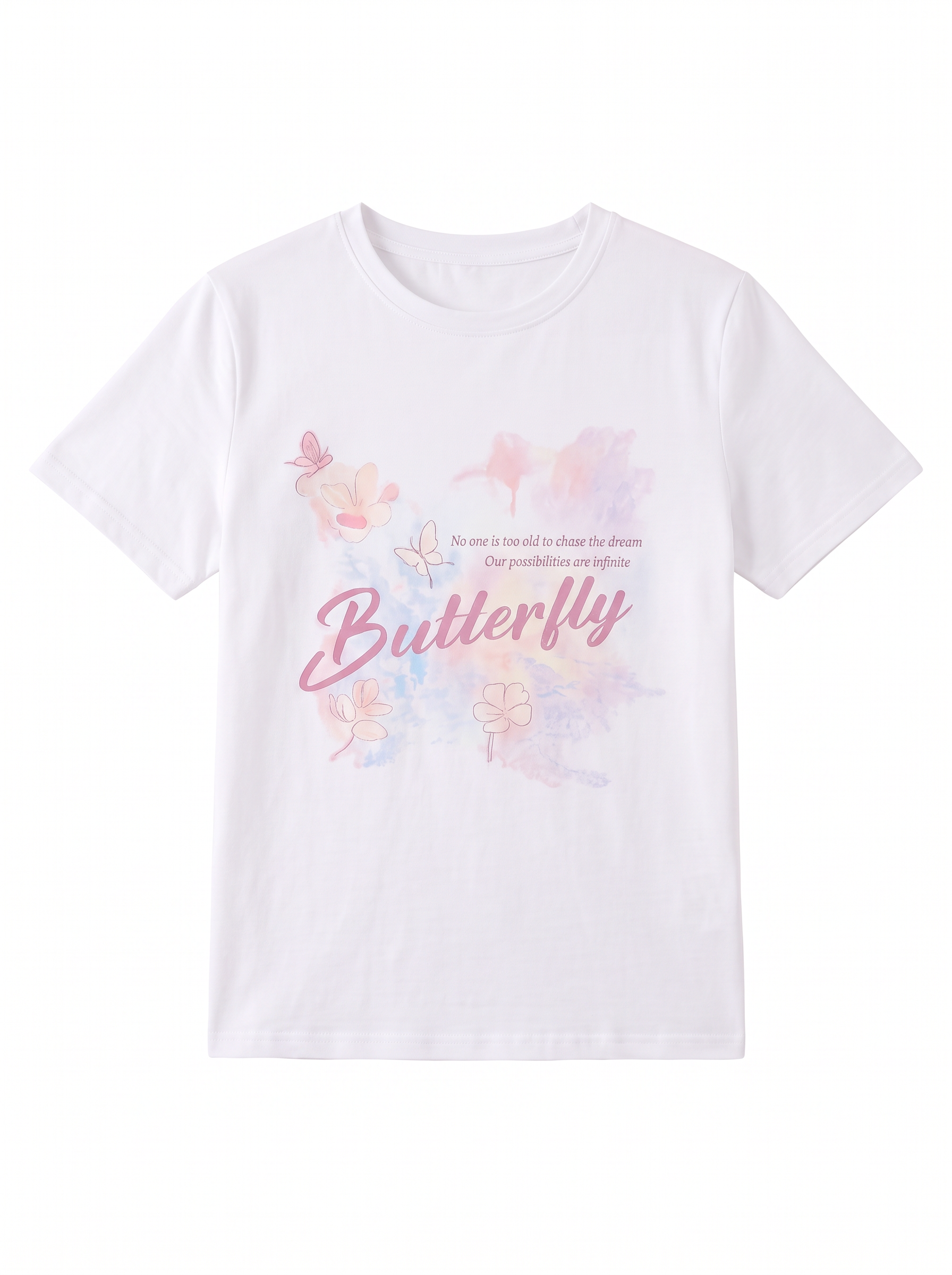
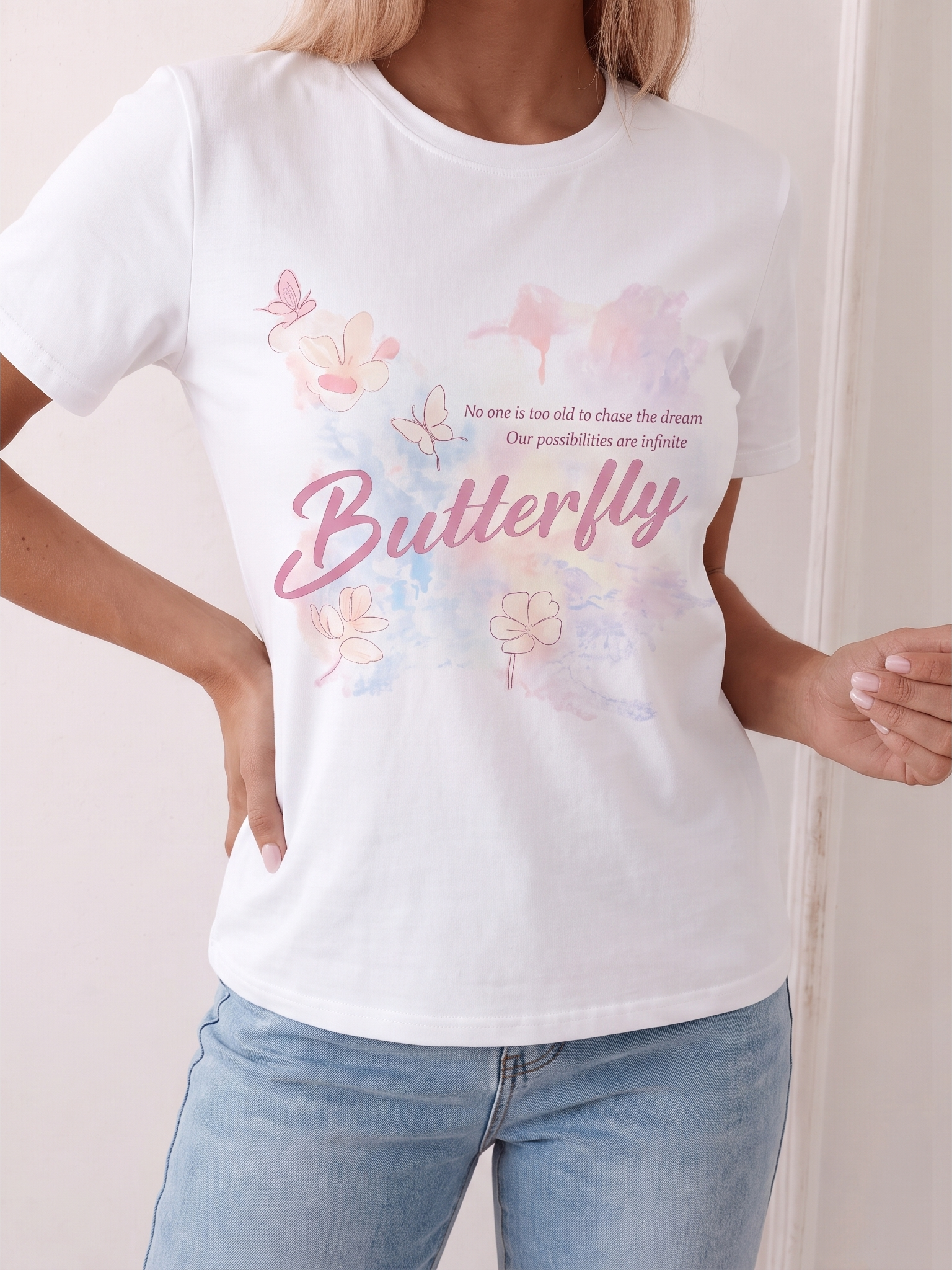
- Gibberish on slogan tees. The hardest case for apparel: a shirt whose printed phrase is the product comes back with the slogan reflowed into nonsense, the joke or the band name lost.
The common thread is that the image gets the look of writing convincingly right and the content of it completely wrong. That split is the whole story, and the next section explains why it is baked into how these models work.
Why AI gets text wrong — it is not reading
Here is the one idea that explains every misspelled label you have ever seen: a general text-to-image model is not reading or writing. It is predicting pixels. When you ask it for a labelled bottle, it does not look up the brand, retrieve the correct spelling, and typeset it. It generates a region that, statistically, should resemble lettering — the right contrast, the right stroke weight, the right cadence of marks against a background — and it chooses those marks the same way it chooses every other patch of the image: by what tends to appear there.
To the model, text is a texture. It has learned that a certain zone of a product photo is usually covered in small high-contrast shapes arranged in lines, and it paints that texture faithfully. What it has not learned is that those shapes are a code that must decode back to an exact, fixed string. There is no internal step where it commits to "this says CeraVe and must keep saying CeraVe." So it produces something with the unmistakable appearance of writing and no obligation to be any particular words.
This is why the failure is so specific. A short brand name is the worst case: every character carries meaning, the room for error is tiny, and one mispredicted glyph breaks the word — which is exactly why Cerav happens so reliably. Long dense panels fail for a different reason: there are too many small marks for the model to luck into correctness across all of them, so they collapse into noise. Either way, the root is identical — the model is rendering the look of text, not the words.
The most important consequence for sellers is counterintuitive: a flawless source photo does not fix it. You can hand a generic generator a crisp, billboard-sharp shot where the label is perfectly legible, and the output text will still be garbled — because the model is not copying your label across, it is regenerating a fresh patch of pretend-writing from scratch. The quality of your input never enters into the text region. That single fact rules out half the fixes people reach for first, and it points straight at the one that works, which is to stop the model from drawing the text at all.
Products where text errors hurt most
Every category carries some text, but the damage from garbled labels is wildly uneven. The pain concentrates wherever the wording is the product, or wherever a marketplace or a regulator reads it. These are the categories to treat with the most care:
- Supplements and vitamins. The single most exposed category. A supplement-facts panel is wall-to-wall fine print — dosages, serving sizes, percent daily values, warnings — and a buyer who sees that block dissolve into letter-soup assumes the product is counterfeit. The wording is also the part regulators and platforms scrutinise hardest.
- Skincare and cosmetics. Exact brand spelling is half the purchase decision, and the INCI ingredient line on the back is text that informed buyers genuinely read. A misspelled hero ingredient or a scrambled brand reads as a knockoff instantly.
- Food and beverage packaging. Nutrition facts, allergen statements, and flavour names are not decorative — getting them wrong is both a trust problem and, with allergens, a real-world one. This is a category where a made-up word is genuinely unsafe to publish.
- Apparel. The category sellers most underestimate, because the garment is not "a package." But clothing is full of text: the woven brand label at the back of the neck, the size and care tag, embroidered chest logos, and above all slogan tees and graphic prints where the lettering carries the entire value of the item. A band shirt with a garbled band name is worthless.
- Books and boxed products. A book is mostly title and author, and a box is mostly the name and the claims on the front. When the defining text is the spine and the cover, there is nowhere for an AI misread to hide.
If you sell in any of these, assume the text is the risk and plan the workflow around protecting it. The good news is that the same single fix protects all of them, because they share the same root cause.
Why garbled text costs sellers more than it looks
A misspelled label is easy to wave off as cosmetic — surely buyers can tell what it means? They can, and that is exactly the problem: they can tell, and what it tells them is that something is off. The cost shows up in three concrete ways, none of them cosmetic.
It nukes trust at the worst moment. A label is a credibility signal that does a lot of quiet work. When the brand on the tag is spelled wrong, the listing reads as fake, grey-market, or careless — and that judgment lands precisely when the buyer is deciding whether to hand over money. A shopper does not need to know why the text looks off to feel that this seller cannot be trusted with their card details.
It gets the image rejected. The marketplaces that police listing quality — and the strict apparel and supplement categories especially — will reject or suppress a main image with obviously wrong packaging text. A garbled label is one of the more visible red flags an automated or human review can catch, so the image you spent effort generating never goes live, or quietly stops ranking.
It drives returns and "not as described." For the buyer who orders anyway, the real product arrives with a correctly spelled label that does not match the picture. That mismatch is a textbook not-as-described case: a return, a refund, and often a one-star review telling every future shopper your photos do not match your goods. A single bad AI label can cost you the sale, the return, and the social proof, all at once.
Verify the label survives before you publish. Run one labelled product through a workflow built to keep the text, then read it. Try product-trained AI free →
How to fix garbled text in AI product photos
Because the cause is precise, the fix is too. The same three levers that solve AI product photo errors in general apply here, but for text they sort into a very specific order of importance — and one of them does far more work than the other two.
1. Use a model that preserves the real text, not one that repaints it
This is the fix, full stop — the other two are support. The reason generic generators garble labels is that they redraw the text region from scratch. The cure is to use a workflow that does not redraw it at all: a product-trained model treats your real label as fixed pixels to carry through the edit, changing the background, the pose, or the scene around it while leaving the wording exactly as it was on your source photo. If the model never regenerates the letters, it cannot misspell them. The correct text is correct because it is your text, untouched, rather than a fresh guess. This is the difference between a tool built to create an image and one built to preserve a product, and it is why every other fix here is secondary to choosing the right tool first.
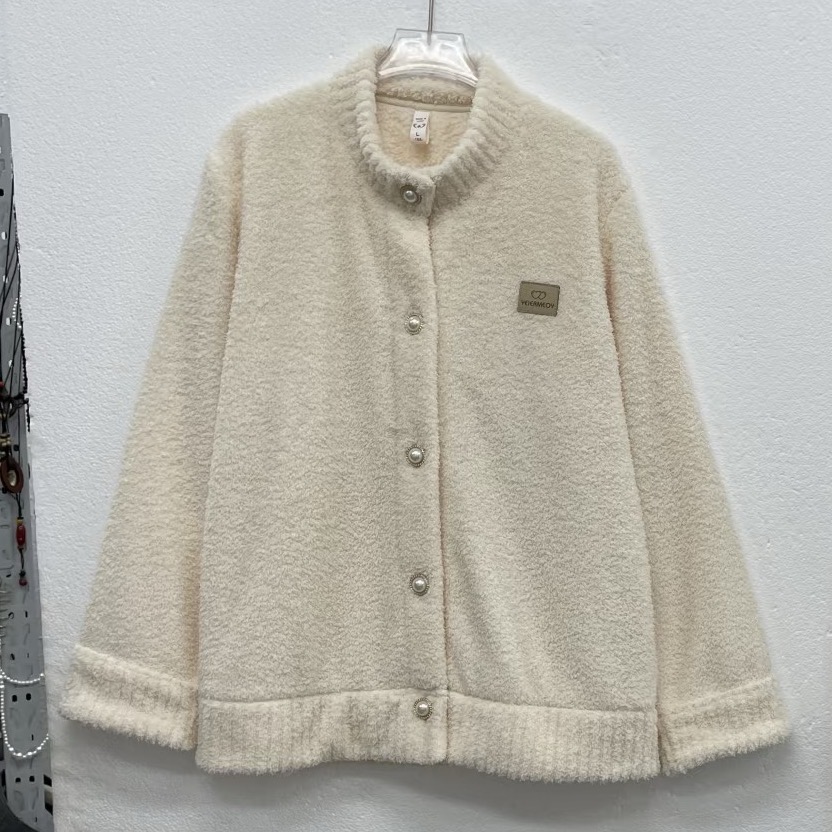
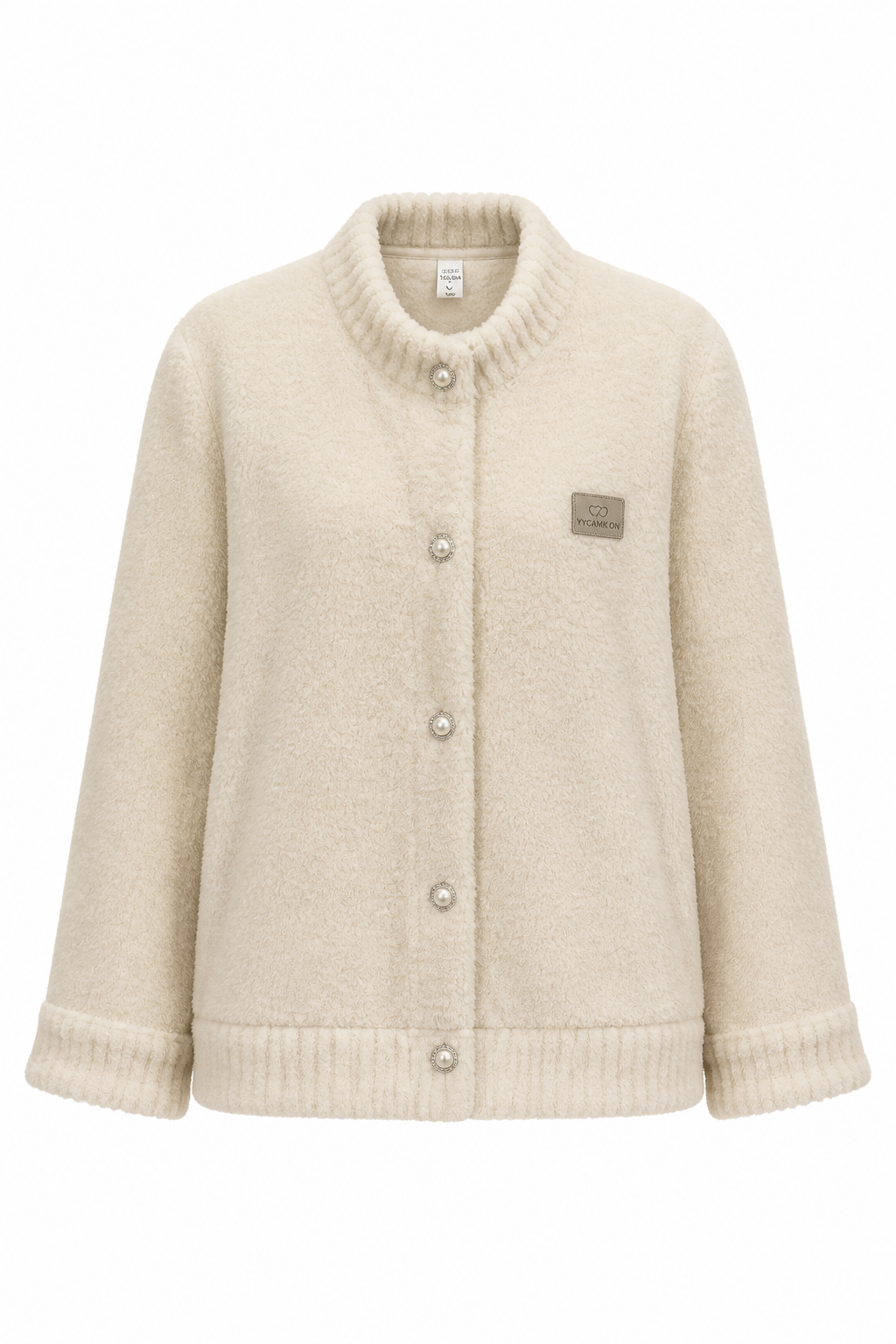
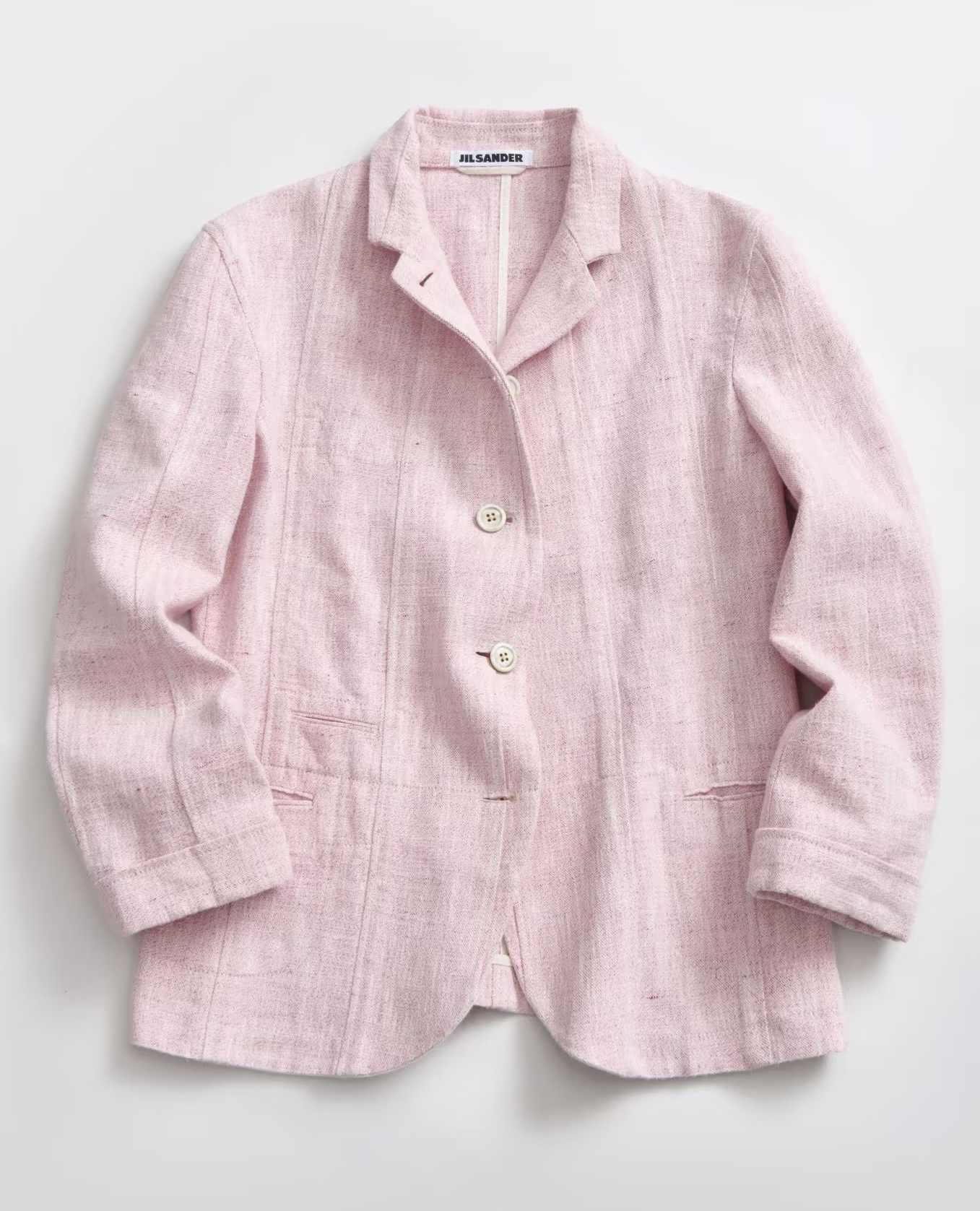
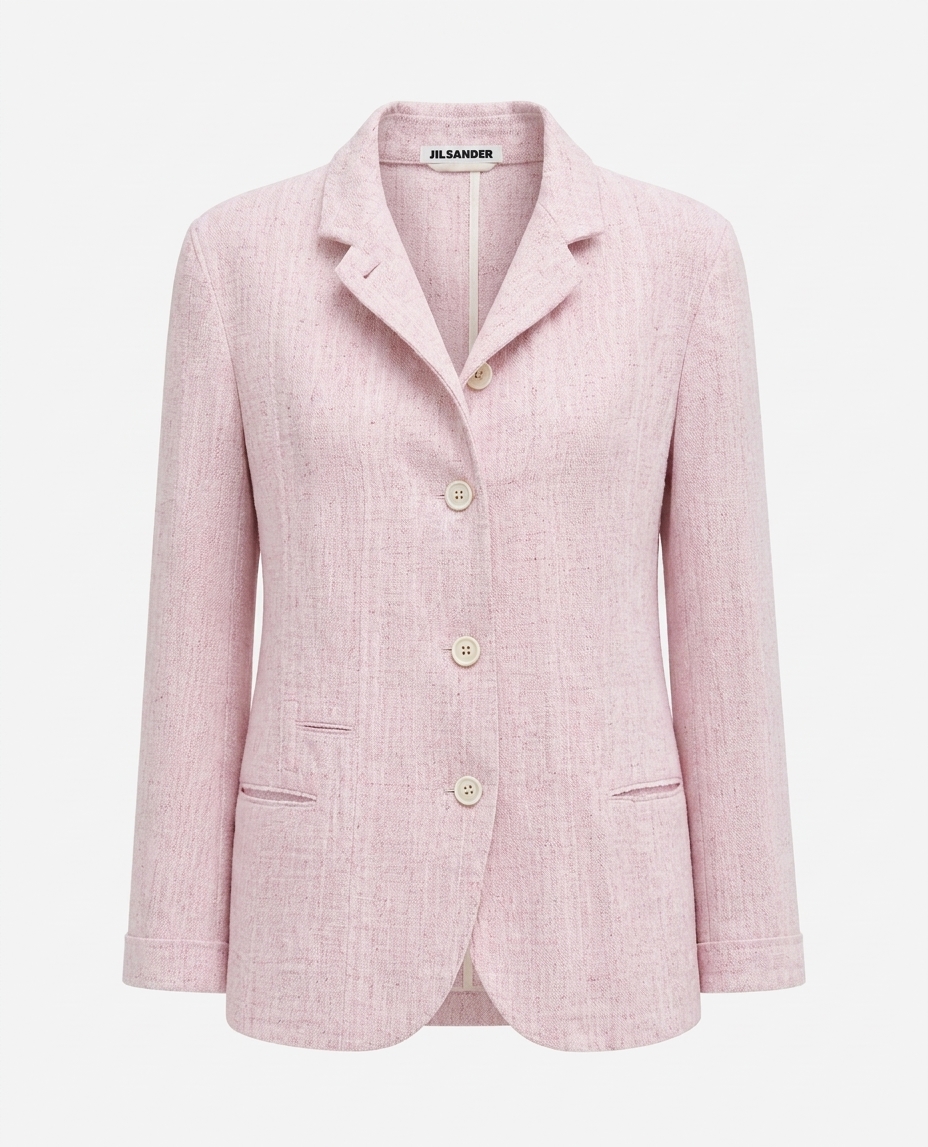
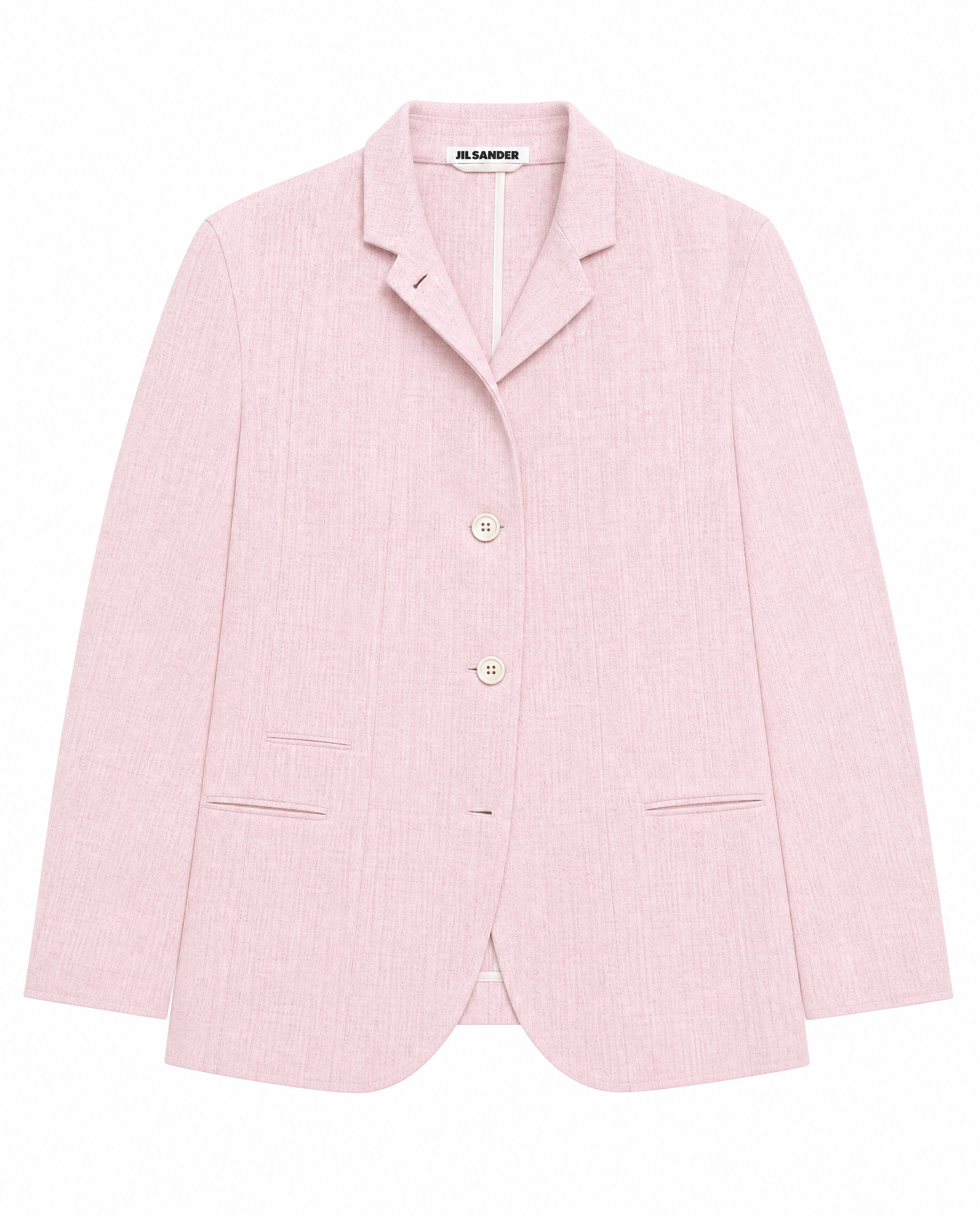
Here is what preservation looks like in practice: one supplier flat-lay carried through to a clean, listing-ready render with the real garment — and any text on it — kept intact rather than reinvented.
Source → on-model, the real product preserved:

Original → result — the garment carried through unchanged:

2. Give it a clear, high-resolution source with the label sharp and in focus
Once you are on a preserving workflow, the quality of the text you feed it starts to matter — a lot. A model that carries your label across can only carry across what it can resolve. If the brand name in your source is a soft blur, the tool has nothing crisp to preserve and may smooth it into mush; if the characters are sharp, they survive the edit cleanly. So for any product where the wording matters, shoot the label dead-on, fill the frame with it, light it flat so there is no glare washing out the type, and shoot at enough resolution that you can read every word at 100 percent yourself. The rule is simple: the model can keep a label that you can read, and it struggles with one that you cannot.
Worth repeating, because it trips people up: this only helps with a preserving tool. A sharper photo handed to a generic generator just yields sharper gibberish, because that model ignores your text region entirely and paints its own. Resolution is a multiplier on the first fix, not a substitute for it.
3. Prompt to keep the text exactly, then check and re-run
The third lever is the prompt plus a verification pass. On a preserving model, an explicit instruction reinforces the right behaviour: tell the tool in plain language to keep all printed text exactly as it appears in the source and not to alter, translate, or restyle any wording. Then — and this is the part people skip — actually look at the result and read the label before you accept it. Generation is cheap, so when a misread slips through, re-run with a pointed correction ("preserve the brand text exactly as in the source; do not redraw the label"). Treat the prompt as a guardrail and the read-back as the safety net. Neither can rescue a generic generator from its text problem, but on top of the right tool they close the last small gap.
For the controls that make this concrete — locking what changes and what stays — an interface built for product edits exposes exactly the right knobs instead of leaving everything to a free-text prompt:

Pre-publish text checklist
Even with the right tool, a thirty-second check before you hit publish is what keeps a stray misread off your listing. Run every label-bearing render through this:
- Read every visible word. Brand name, tagline, ingredient line, care label, size tag, slogan — say each one in your head. If any of it reads like nonsense or a near-miss spelling, the image fails.
- Zoom to 100 percent. Garbled text often looks fine at thumbnail size and falls apart up close — which is exactly where a curious buyer will look. Inspect at full resolution, not at the size you happened to preview it.
- Compare against the real product. Put the render next to your actual item or supplier photo and check the wording matches character for character, not just "looks about right."
- Fix or re-shoot before publishing. If the text is wrong, re-run with a preservation prompt, swap in a sharper source crop of the label, or fall back to a manual text overlay for a one-off hero. Do not publish a label you would not vouch for.
For the categories above — supplements, cosmetics, food, slogan apparel — treat this checklist as non-negotiable. For everything else, it is a fast habit that quietly prevents the most embarrassing kind of listing error.
How Snappyit keeps product text intact
Snappyit is built on the preservation principle this whole article points to. Its models are trained on real product and apparel photography, so your item — and the text printed, woven, or embroidered on it — is the fixed anchor of the edit. The AI changes the scene around your product rather than redrawing the product itself, which is precisely why the label that goes in is the label that comes out.
That same preserve-the-real-thing approach runs through the tools sellers reach for most, so one clean source photo becomes a full set of listing images without the wording ever drifting:
- AI fashion model — put your real garment on a model with its woven label, chest print, and slogan carried through, not reinvented.
- Ghost mannequin — generate the hollow worn shape buyers expect for apparel mains while the neck label and care tag stay readable and in position.
- Flat lay — turn a rough phone capture into a clean overhead shot that also makes a sharper, more legible input for every render that follows.
- Color change — shift a garment's colour while the printed graphic and any text on it stay exactly as they were.
Because every image runs through the same product-faithful model, the text stays correct across an entire drop — the same label, spelled the same way, render after render. For the wider context, the broader guide to all AI product photo errors covers wrong garment details alongside text, the product photography mistakes piece covers the capture-stage errors that happen before AI is involved, and the AI product photography guide walks through the full toolkit end to end.
Get the text right on your own products
The quickest way to prove this to yourself is to run one labelled item through a workflow that preserves the text and read the result. Upload a product photo, pick a tool, and judge the output the way a buyer would — is the brand spelled right, does the panel say real words, would you trust this listing? When the wording survives intact, the image is ready to publish.
Start with the credits Snappyit gives new accounts, no card required. Try Snappyit free →
Frequently Asked Questions
Why does AI spell brand names wrong?
Because a general image model never treats a brand name as a word with a fixed spelling. It learns what writing tends to look like across millions of pictures and then paints a region that resembles lettering, choosing each stroke by visual probability rather than by spelling out a known string. A short, distinctive brand name is especially exposed: there are only a few correct characters, so a single mispredicted glyph turns CeraVe into Cerav or Cervae. The model is not confused about the spelling; it has no idea spelling is even part of the job. It is reproducing the texture and rhythm of a logotype, not the actual name, which is why brand names land close-but-wrong so reliably.
Can AI generate readable product labels?
A general text-to-image model usually cannot, not dependably. It can sometimes land a very short, common word by luck, but a real label packs small type, ingredient lists, and exact brand spelling into a tight space, and the further the text gets from a few large familiar letters the faster it dissolves into nonsense. The reliable way to get readable labels is to stop asking the model to draw them at all. A product workflow that preserves the label pixels from your source photo keeps the real, already-correct text in place instead of regenerating it, so the wording that reaches the listing is the wording that was actually on the product.
How do I keep text correct in AI product photos?
Pick a workflow that preserves the label rather than repaints it, feed it a photo where the text is genuinely sharp and in focus, then proofread the output before you publish. A product-trained tool is built to carry your real label through the edit, so the correct spelling survives. A high-resolution, well-lit source gives that tool clean characters to keep instead of a blur it has to reconstruct. And a final read-every-label check catches the rare misread so it never reaches a buyer. Those three steps, in that order, turn AI product text from a gamble into something you can trust on a listing.
Does a higher-resolution source photo fix garbled text?
It depends entirely on what the tool does with the text. If the workflow preserves your label, then yes, a sharper, higher-resolution source helps a lot, because crisp characters are easy to carry through cleanly while a soft blur invites reconstruction. But if you hand even a perfect, billboard-clear photo to a generic generator that redraws the whole scene, the text still comes out garbled, because that model is repainting the look of letters regardless of how good your input was. Resolution is a real lever, but only once the tool is one that keeps the label instead of inventing it. With a generic generator, a clearer photo simply produces sharper gibberish.
Which products are most affected by AI text errors?
Anything where the wording is the whole point or where a marketplace inspects it. Supplements and vitamins lead the list, with dense supplement-facts panels and dosage claims that turn to noise. Skincare and cosmetics follow, with exact brand spelling and ingredient lines that buyers actually read. Food and beverage packaging carries nutrition facts and allergen warnings that cannot be wrong. Apparel is hit harder than sellers expect, through woven collar labels, size and care tags, embroidered logos, and slogan tees where the printed phrase is the product. Books and boxed goods round it out, since the title and spine text define the item. If a customer or a reviewer reads the text, AI errors there cost you the sale.
Should I add the text after generating instead?
You can, and for a single hero image it is a reasonable manual fix: generate the scene, then overlay the correct wording in a photo editor so the spelling is exact. The catch is that it does not scale. Matching the original font, curve, perspective, and lighting by hand on every label, across a catalog of dozens or hundreds of SKUs, is slow and looks pasted-on if rushed. For volume, a workflow that simply preserves the real label from your source photo gets you correct text with none of the retyping, which is why most sellers reach for preservation first and reserve manual text overlay for the occasional one-off.