
At a glance
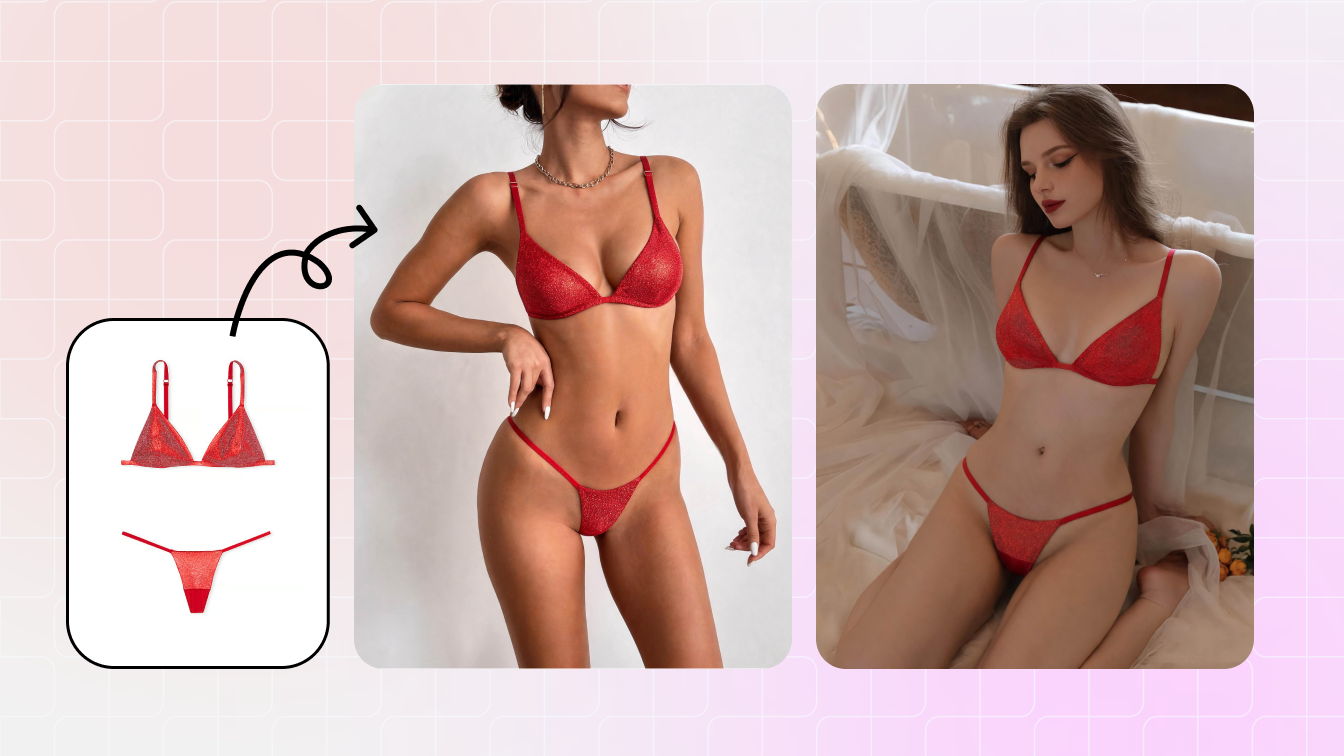
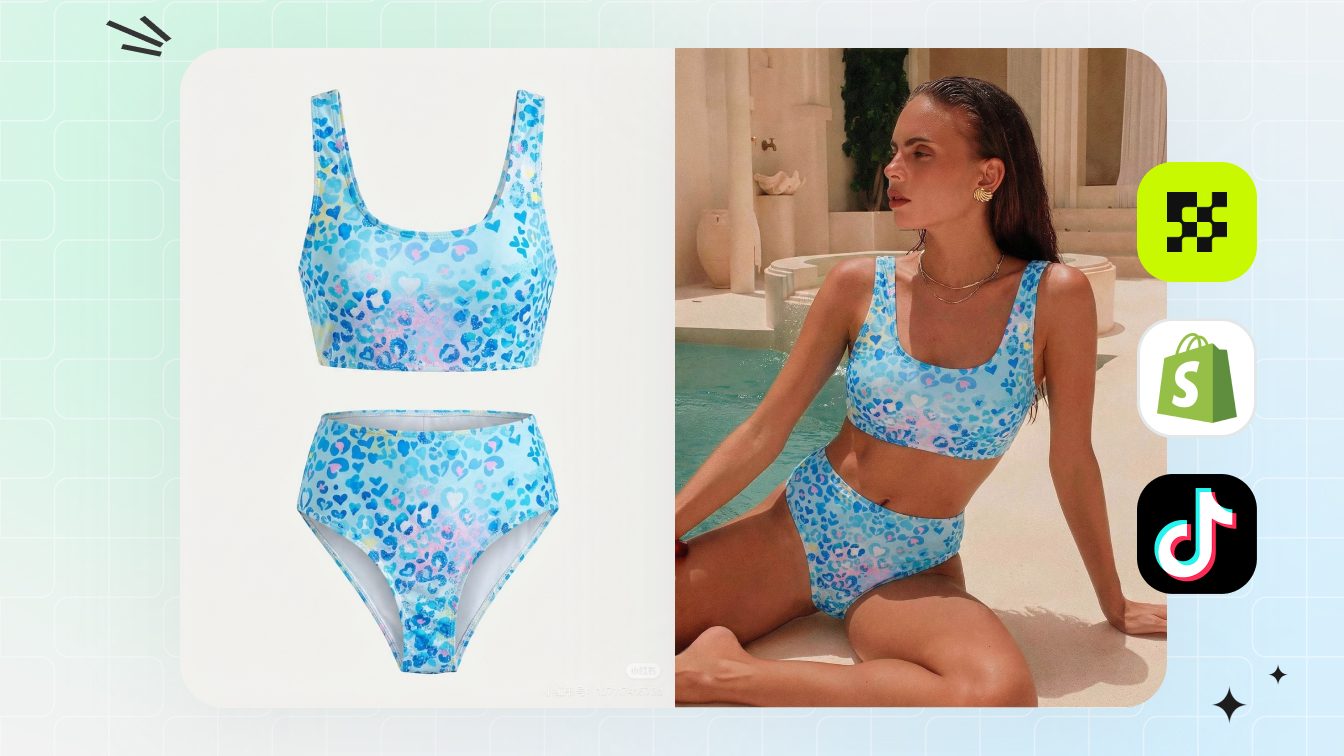
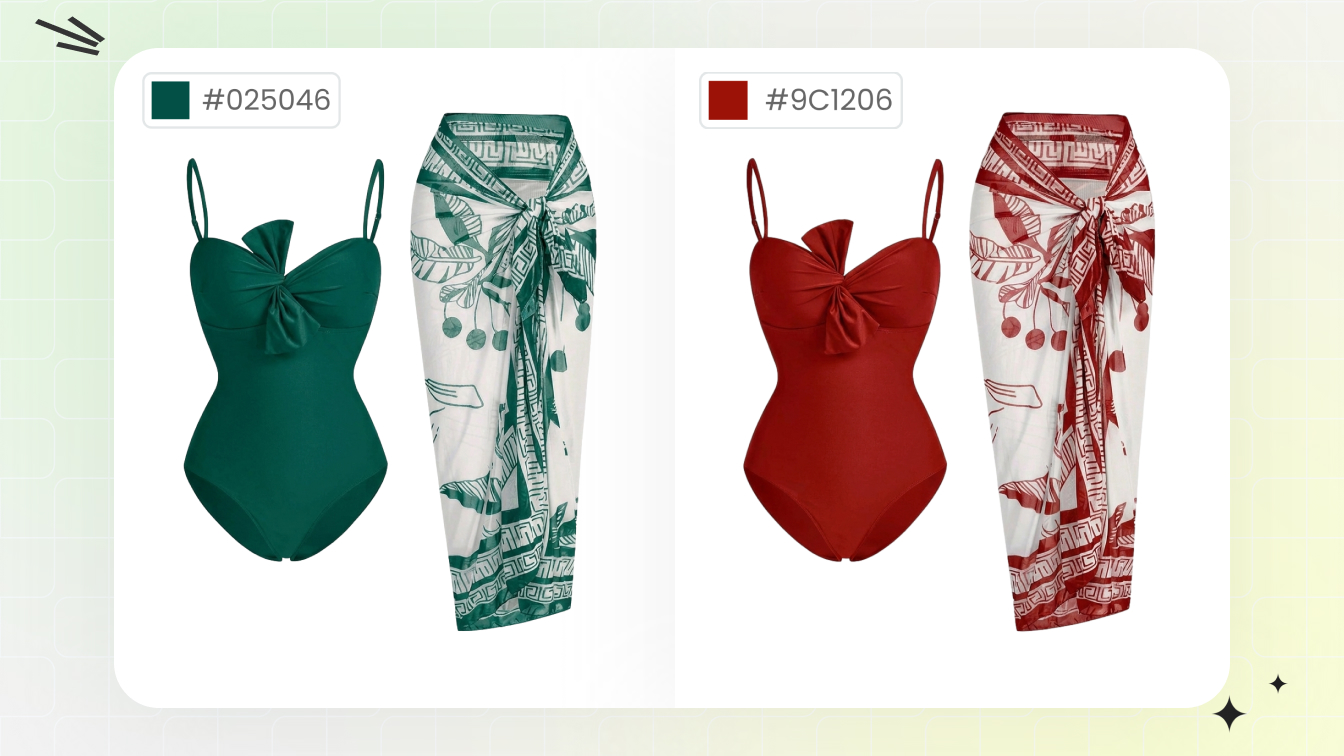
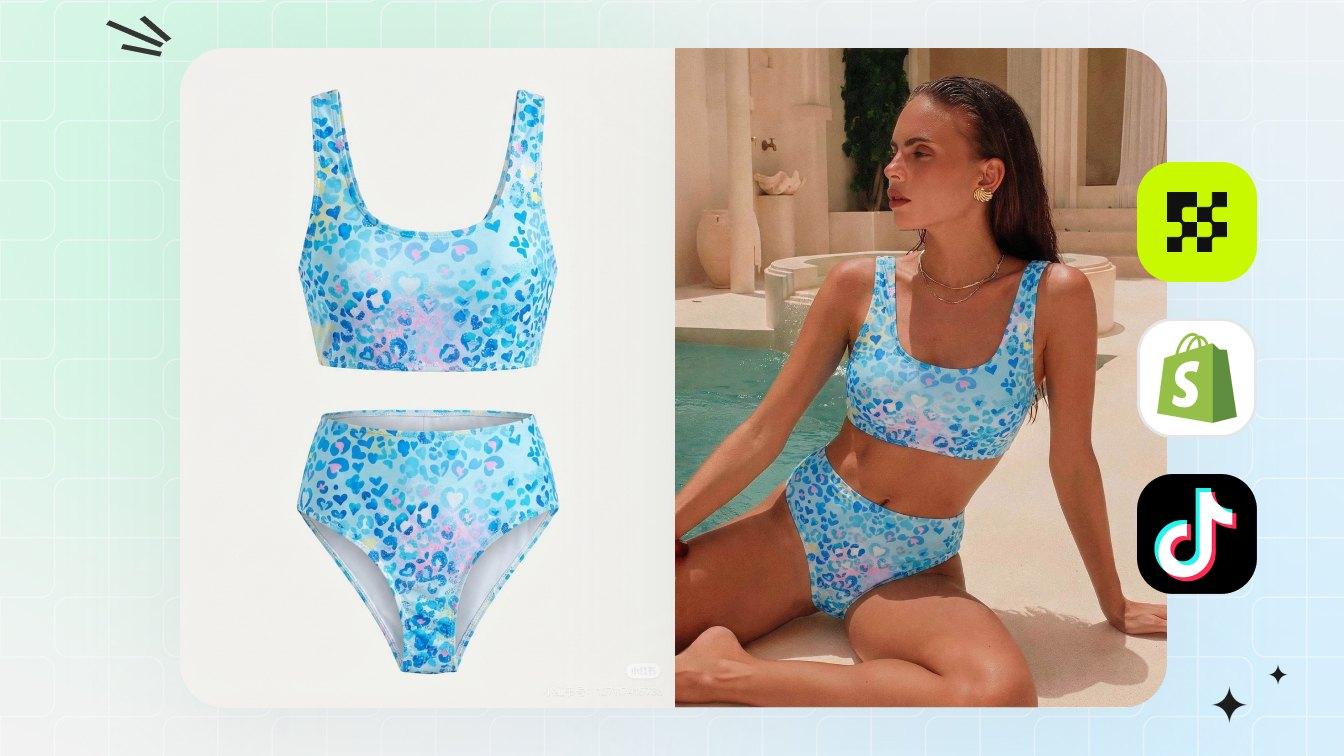
A good AI swimsuit generator starts with the actual product photo, then helps create swimsuit product photos for listings: on-model views, ghost mannequin shots, clean flat-lays, back views and ad crops. The output still needs to match the real bikini, one-piece or cover-up.
| Seller need | Best workflow |
|---|---|
| Launch a new swimsuit SKU | Upload a clean front/back reference, then generate on-model and ghost mannequin outputs. |
| Create marketplace-safe main images | Use white-background ghost mannequin or demure on-model images, then review against platform rules. |
| Build campaign variants | Start with approved product images, then create resort, pool or beach scene crops. |
What a swimsuit photo generator needs to get right
For ecommerce, this is not a fantasy image tool. It is a production shortcut for turning a real one-piece, bikini, tankini, rash guard or cover-up reference into images a buyer can trust and a merchandiser can check before publishing.
- Preserve straps, ties, cutouts, print placement and coverage.
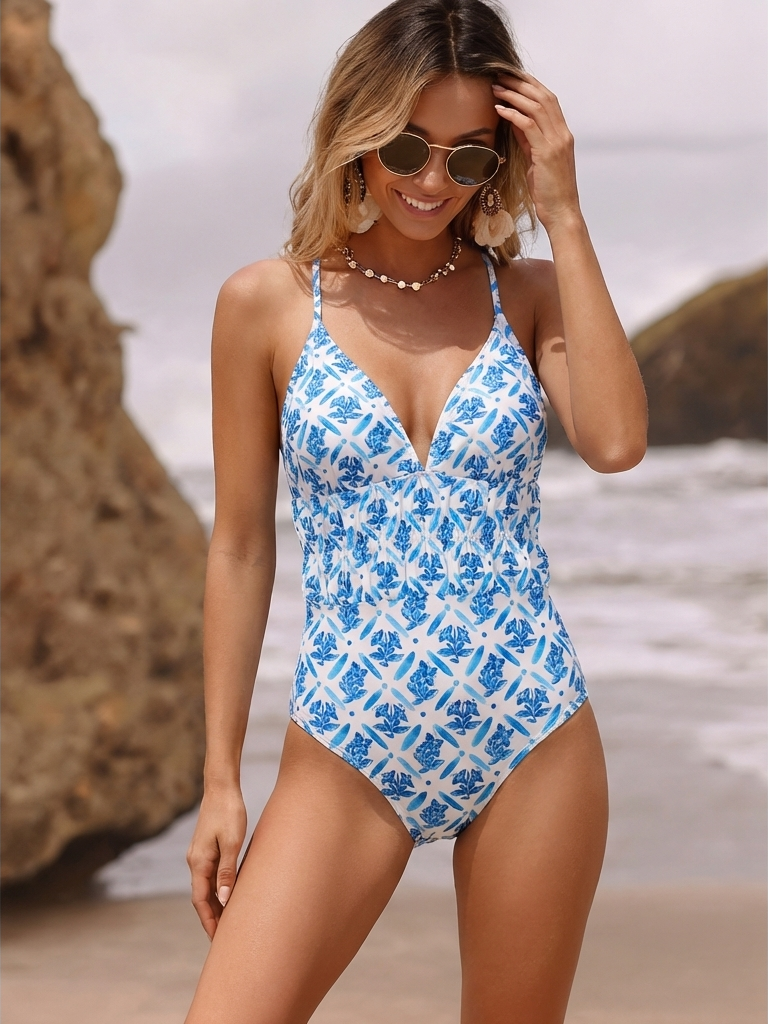
- Show fit and scale on a demure adult model or a no-model ghost mannequin view.
- Export square, vertical and white-background versions for different channels.
- Keep the physical sample as the source of truth for every generated output.
Swimsuit inputs that work best
The best inputs are simple, sharp and complete. A front flat-lay alone can work for a basic swimsuit, but sellers should add a back photo, detail crop and color reference when the garment has ties, ruching, texture or print matching.
| Input type | Good for | Risk to check |
|---|---|---|
| Flat-lay | Fast catalog creation and color accuracy | AI may infer body shape or stretch incorrectly |
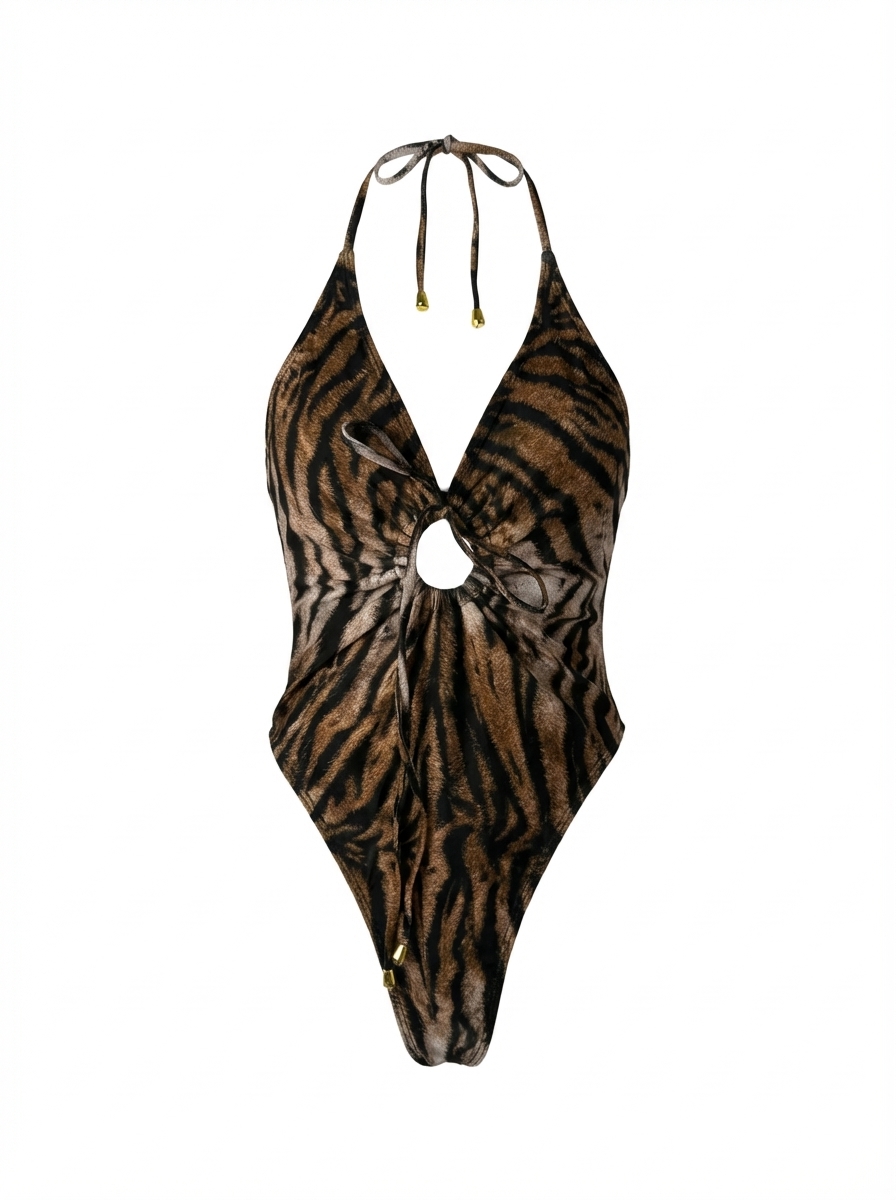
| Ghost mannequin source | Structure, cup shape and waistline | Visible form edges or wrong depth |
| Existing model photo | Scale and styling continuity | Requires model and photographer rights |
| Detail crop | Fabric, hardware and stitching proof | Not enough context for full-body output |
If the source image hides the back closure or strap path, the generator may invent it. Add the missing angle before producing campaign images.
The product photo set that feels complete
One hero image is rarely enough for swimwear. The main image answers what the product is; the rest of the gallery should show fit, back coverage, fabric texture, strap details and the way the SKU will look in a catalog grid.
| Image | Use in gallery | Snappyit direction |
|---|---|---|
| White-background flat-lay | Exact product color and print | Clean product photo / background workflow |
| Ghost mannequin | Shape without a visible model | AI Ghost Mannequin |
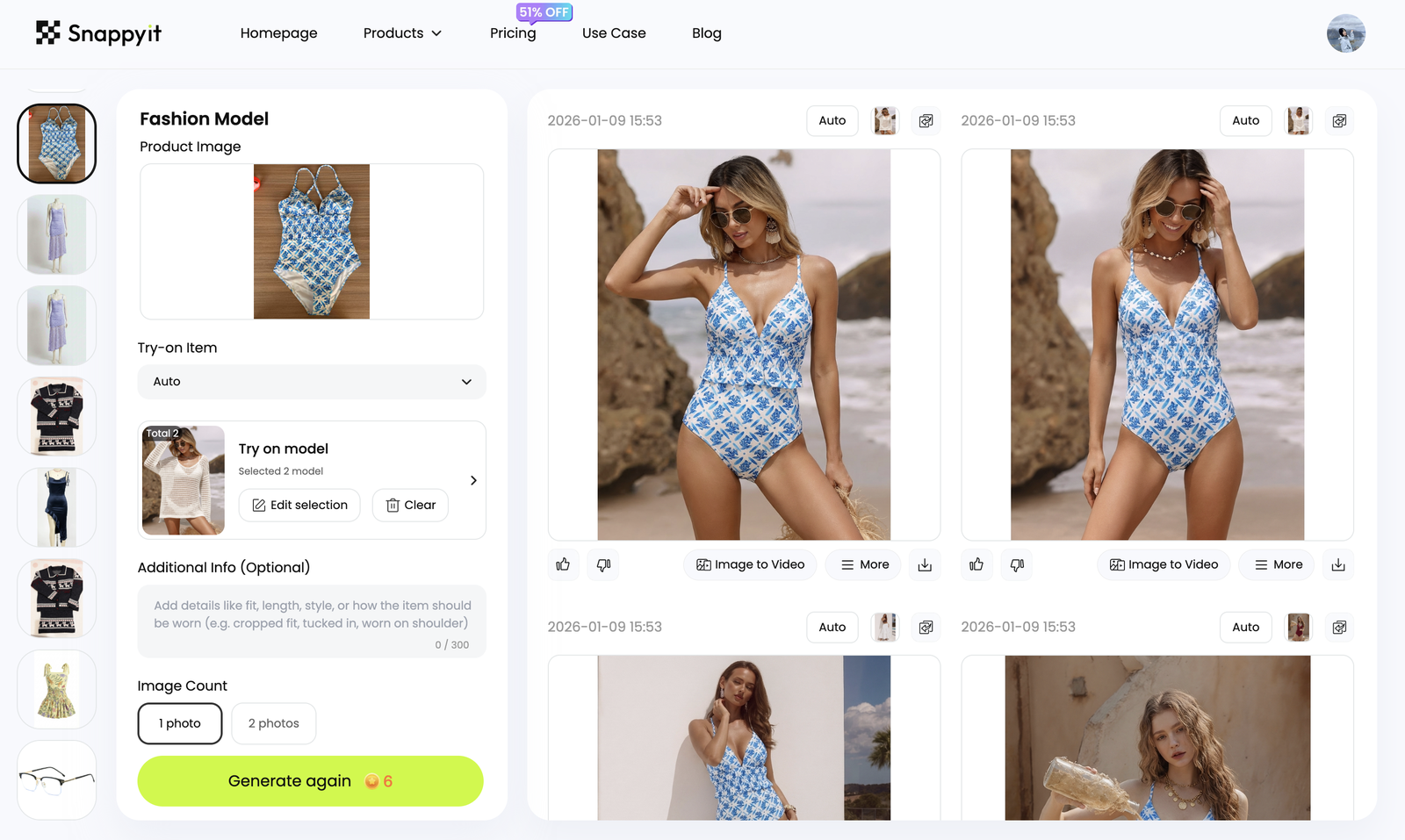
| On-model view | Coverage and scale | AI Fashion Model |
| Detail crops | Fabric, seams, lining and hardware | Retouch and resize for zoom |
| Lifestyle crop | Ads, collection pages and email | Product-safe scene variant |
What to check before the images go live
Review every swimsuit AI image before it goes live. Small changes can become real product problems: a wider strap, higher leg, missing tie, different print placement or more revealing coverage may lead to returns.
- Compare the AI output against the real sample side by side.
- Check front, back, cup coverage, lining, waist height and tie placement.
- Reject outputs that exaggerate body proportions or make the pose suggestive.
- Keep disclosure and usage rights aligned with the marketplace and ad channel.
How this differs from a consumer swimsuit try-on app
A consumer swimsuit try-on app starts with the shopper. A B2B swimsuit image workflow starts with the product. For sellers, the useful question is simple: does the photo help someone understand the SKU well enough to buy it?
That difference changes the prompts, crops and review checklist. Seller images should be consistent, repeatable and easy to compare across a catalog. Personal try-on images can be more expressive, but catalog images need discipline.
A practical workflow for a 20-SKU swimwear drop
For a small drop, shoot each sample once in a clean setup, then use the same AI recipe across the collection. Consistent crops, model direction and background rules make the product grid feel planned instead of patched together.
- Day 1: capture front, back and detail photos for each sample.
- Day 2: generate ghost mannequin and on-model proof images.
- Day 3: review product accuracy, then export marketplace and Shopify crops.
- Day 4: create social and ad variations from approved images only.
Frequently Asked Questions
What is an AI swimsuit generator for ecommerce?
It is a product-photo workflow that turns swimsuit references into listing images such as on-model views, ghost mannequin shots, flat-lays, back views and ad crops.
Can it create swimsuit photos from a flat-lay?
Yes. A clear flat-lay can work well when the straps, front, back, color, print and closures are visible enough for review.
Is this the same as bikini try-on?
No. Bikini try-on usually starts from a person photo. A seller workflow starts from the product and is judged by catalog accuracy.
Can I use AI swimsuit images on Amazon or Shopify?
Yes, if the images represent the real product and meet the platform rules for image quality, model use, background and commercial rights.
What should I check before publishing?
Check coverage, strap placement, closures, print alignment, color, body proportions, image size, background rules and usage rights.
Which Snappyit tool should I use first?
Use AI Fashion Model for on-model swimsuit product photos and AI Ghost Mannequin when you need a no-model structure view.