
At a glance
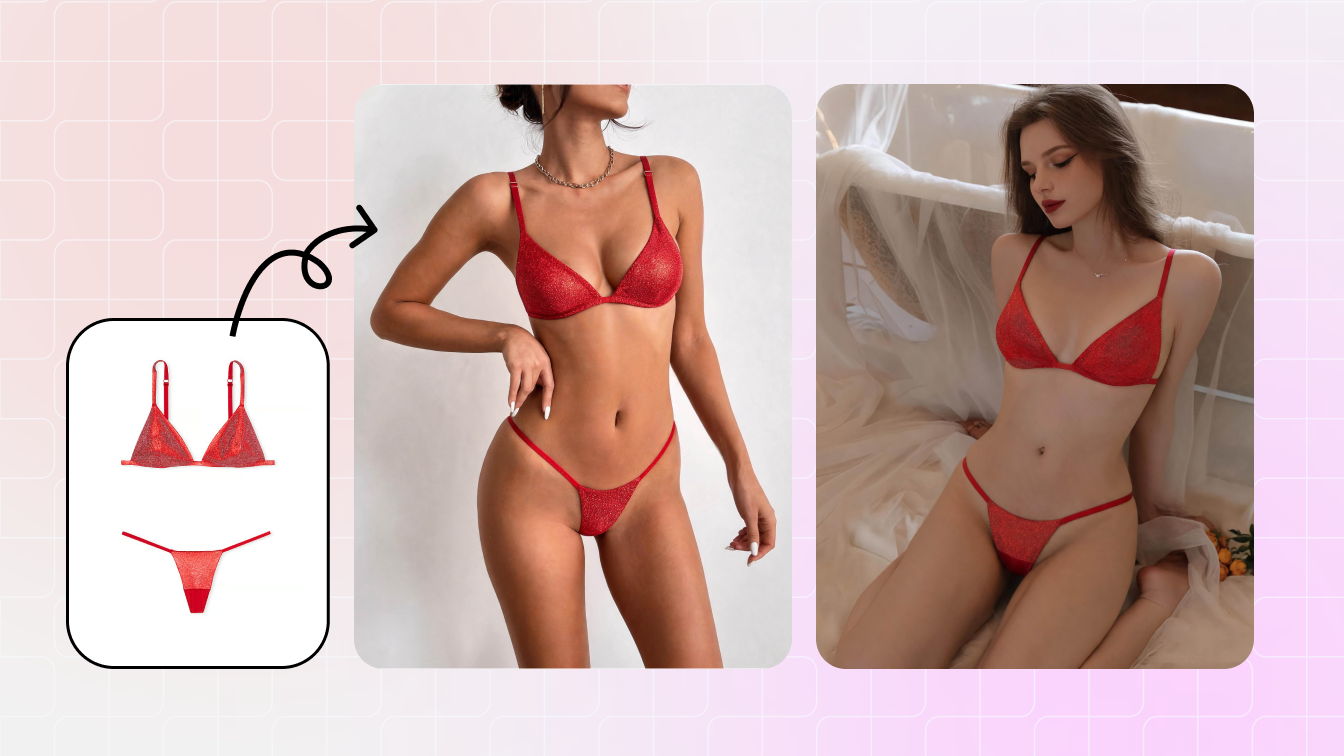
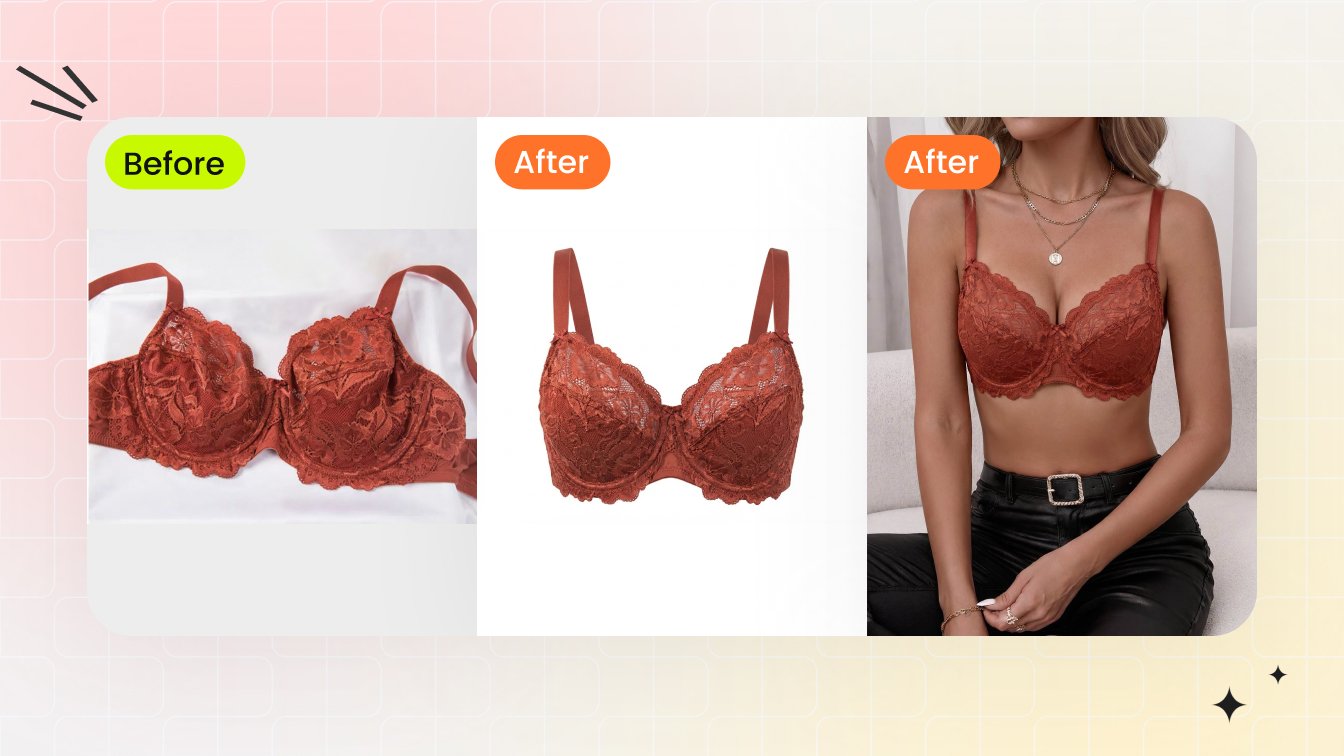
For bra and panty sets, the best AI workflow creates one consistent lingerie product photography set: flat-lay, ghost mannequin structure, demure on-model view, detail crops and verified color variants. Each image should help the shopper understand what is actually included.
| Seller need | Best workflow |
|---|---|
| Bra set main image | Use flat-lay or ghost mannequin to show all included pieces clearly. |
| On-model context | Use demure, authorized adult model imagery to show fit and scale. |
| Detail proof | Add cup, lace, band, closure, waistband and fabric crops to reduce uncertainty. |
Why lingerie sets need a different photo workflow
A set listing has more product variables than a single bra. Buyers need to understand cup type, band, strap adjusters, panty rise, coverage, lace, waistband and whether the pieces are sold together. One pretty image rarely answers all of that.
The editor should help sellers build a complete set gallery from real product references. It should not exaggerate body proportions, invent coverage or hide important construction details.
The four images every set should include
| Image type | Purpose | AI direction |
|---|---|---|
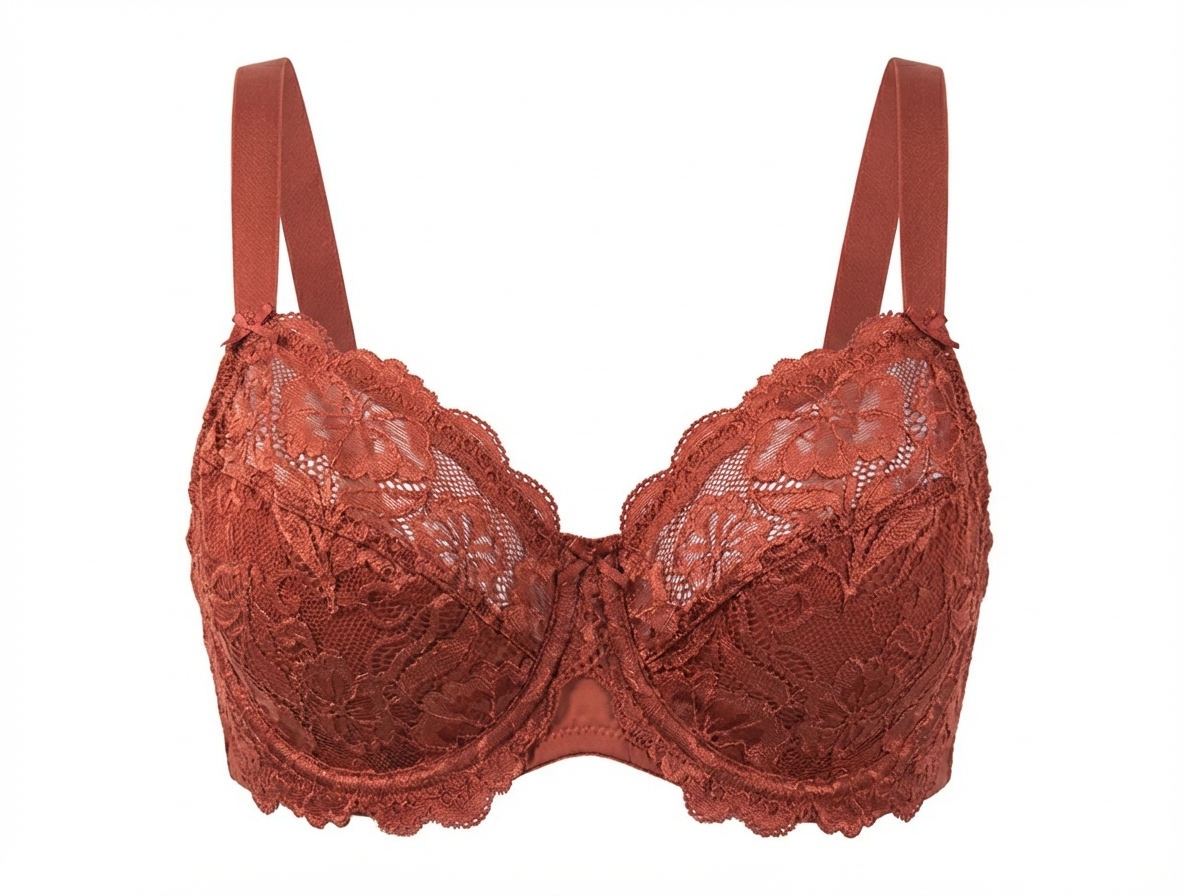
| Flat-lay set | Shows exactly what is included | Clean background and crop |
| Ghost mannequin or shaped view | Shows cup, band and panty structure | AI Ghost Mannequin |
| On-model view | Shows scale and styling context | AI Fashion Model with demure template |
| Detail crops | Shows fabric, lace, hooks, lining and waistband | Retouch and sharpen for zoom |
If a lingerie set comes in multiple colors, keep the image order the same for every variant. Shoppers compare details quickly, and a stable gallery makes the range easier to trust.
Bra details AI must preserve
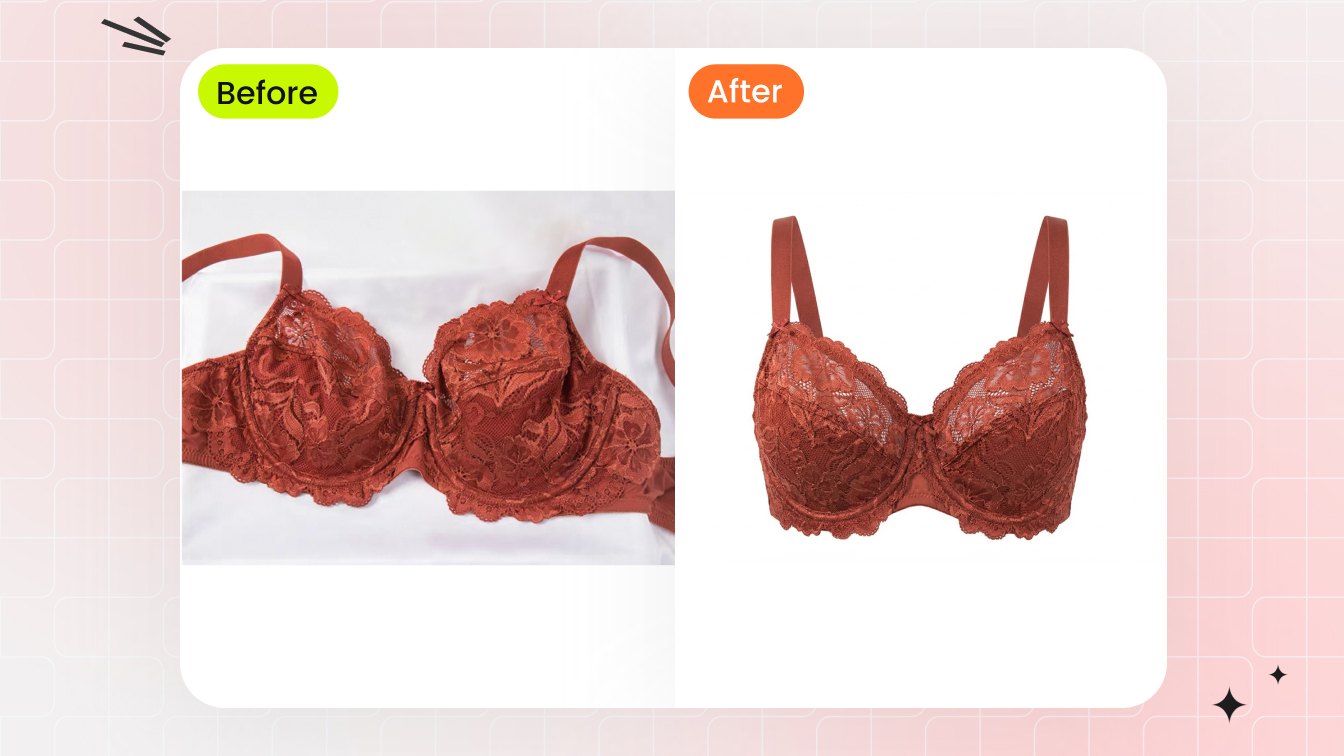
Bra product photos are sensitive to small errors. If an output changes a wireless bra into an underwire silhouette, turns a full-coverage cup into a plunge cut or hides the closure, the listing no longer represents the product.
- Cup coverage, padding and underwire status.
- Strap width, adjusters and hook position.
- Lace transparency and pattern repeat.
- Band width and side support.
- Closure type and back shape.
Panty details AI must preserve
Panty product photos should make rise, waistband, leg opening, back coverage and gusset construction clear where relevant. Avoid outputs that make the garment appear smaller, higher-cut or more revealing than the real product.
| Panty detail | Why buyers care | Best image |
|---|---|---|
| Rise | Low, mid or high rise changes fit expectation | Flat-lay plus on-model view |
| Back coverage | Full, cheeky or thong affects purchase decision | Back view or clear product image |
| Waistband | Comfort and support signal | Detail crop |
| Fabric opacity | Trust and quality signal | Close-up under neutral light |
Rules that keep the edit product-led
Keep the workflow product-led and consent-led. Use authorized adult model imagery or synthetic model directions, and do not use AI to remove clothing, sexualize the image or change the real coverage.
- Use demure templates for marketplace-safe visuals.
- Compare output against the actual set before export.
- Do not publish if AI changes coverage, cup shape or included pieces.
- Keep a real flat-lay or detail image in the gallery for verification.
How to build a repeatable set template
For every set, use the same order: flat-lay set, on-model front, back or ghost mannequin, detail crop and colorway variant. A repeatable template improves the product grid and helps shoppers compare across styles.
The template also improves production speed. Once your team agrees on crop, background, model direction and detail list, each new set becomes a predictable checklist instead of a new creative project.
Where Color Change fits in
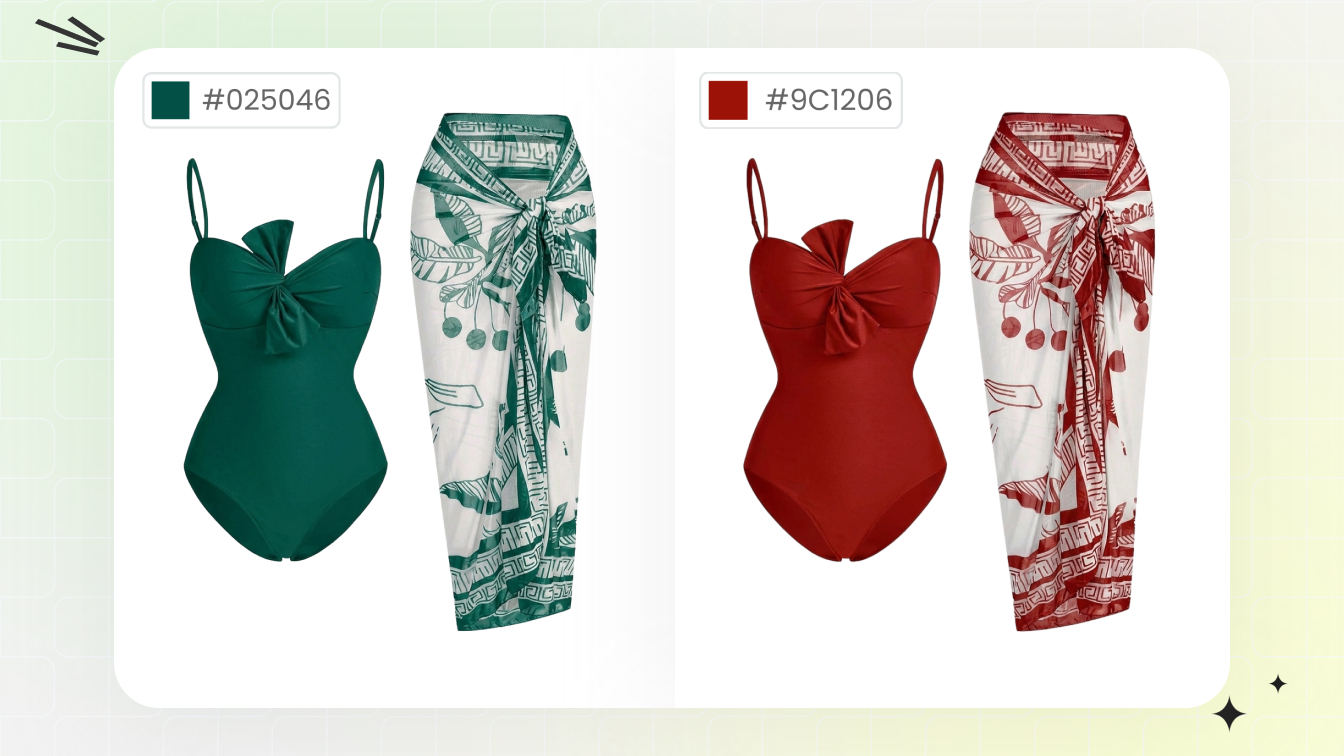
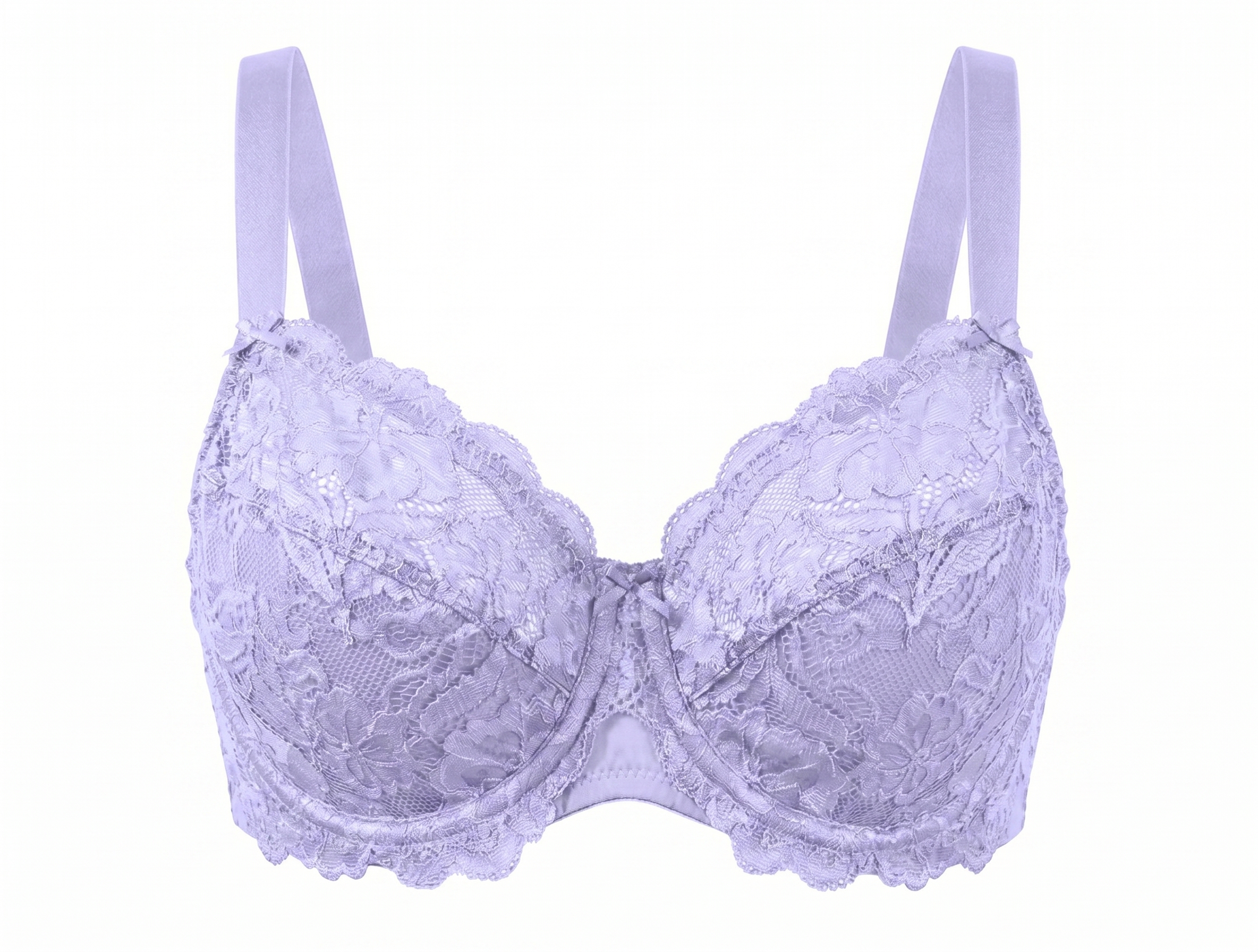
Color Change is useful when the same bra and panty set ships in multiple verified colors. Use it after the base image is approved, and protect lace, hardware, labels or contrast elastic if those elements do not change.
Frequently Asked Questions
What is a bra and panty product photo editor?
It is an AI-assisted workflow for creating ecommerce images of lingerie sets, including flat-lay, ghost mannequin, on-model, detail and color variant images.
Can AI create on-model bra and panty set photos?
Yes, when the model direction is authorized, adult, demure and checked against the real product details.
What should I show in a lingerie set listing?
Show the full set, bra structure, panty coverage, back or closure view, fabric details and verified color variants.
Can I use AI for panty product photos?
Yes, but keep the image product-led, avoid suggestive styling and make sure coverage matches the real garment.
How do I reduce return risk with AI images?
Keep real flat-lay or detail photos in the gallery and compare every AI output against the actual set before publishing.
Which Snappyit tools help?
Use AI Fashion Model for on-model catalog images, AI Ghost Mannequin for no-model structure and Color Change for verified variants.