
What Flipkart fashion photos need to prove
Flipkart fashion photos need to make the product understandable in a crowded marketplace grid. Start with a clean, high-resolution square-friendly product master, then prepare supporting images for fit, size, fabric, color, closure, sole, strap, embroidery or print detail depending on the category.
Always verify the current Seller Hub upload requirements before final upload. The safer workflow is to keep one large master image and export approved listing versions from it, instead of saving only one small file.
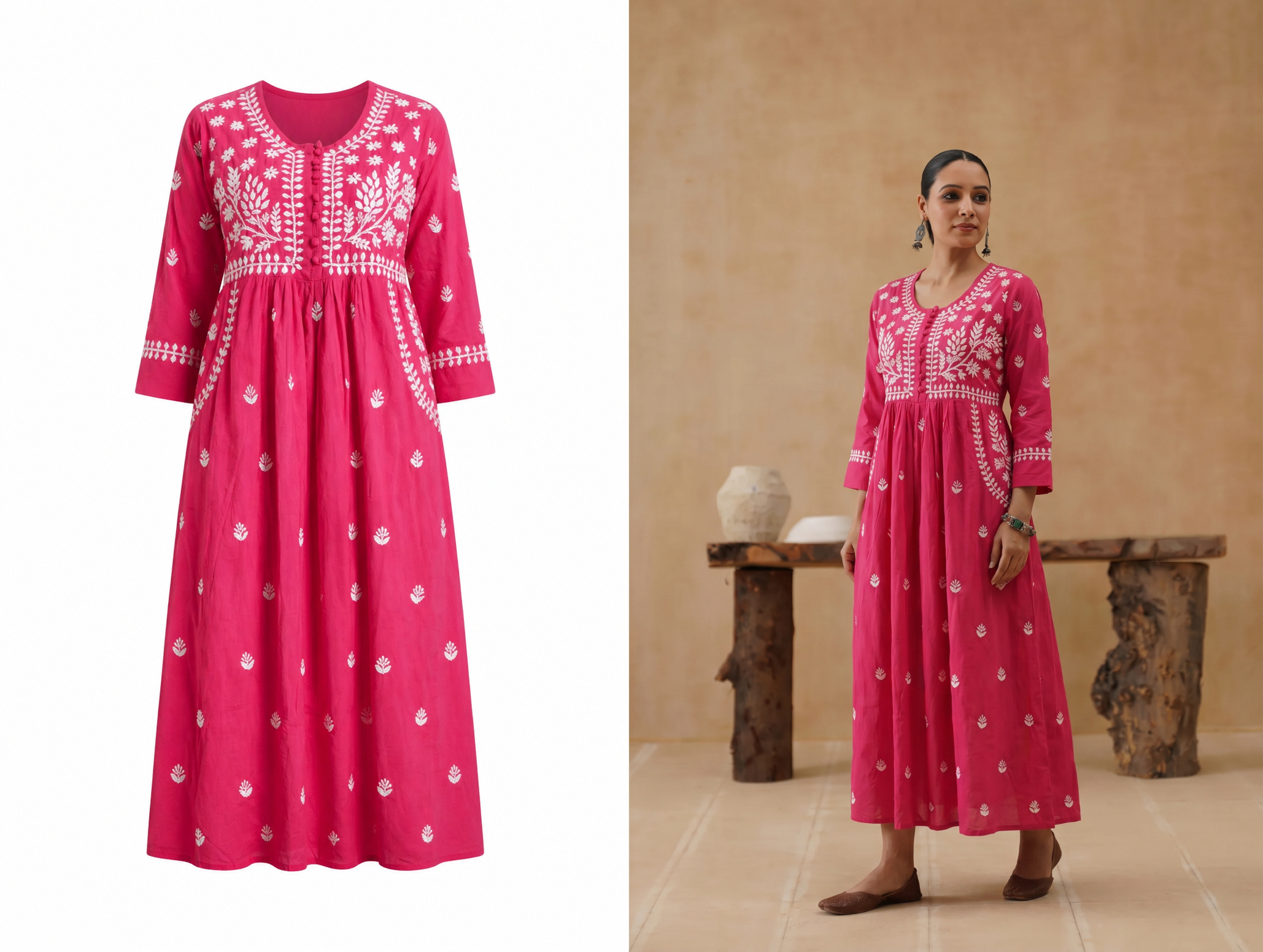 Use a clean square master for predictable listing crops.
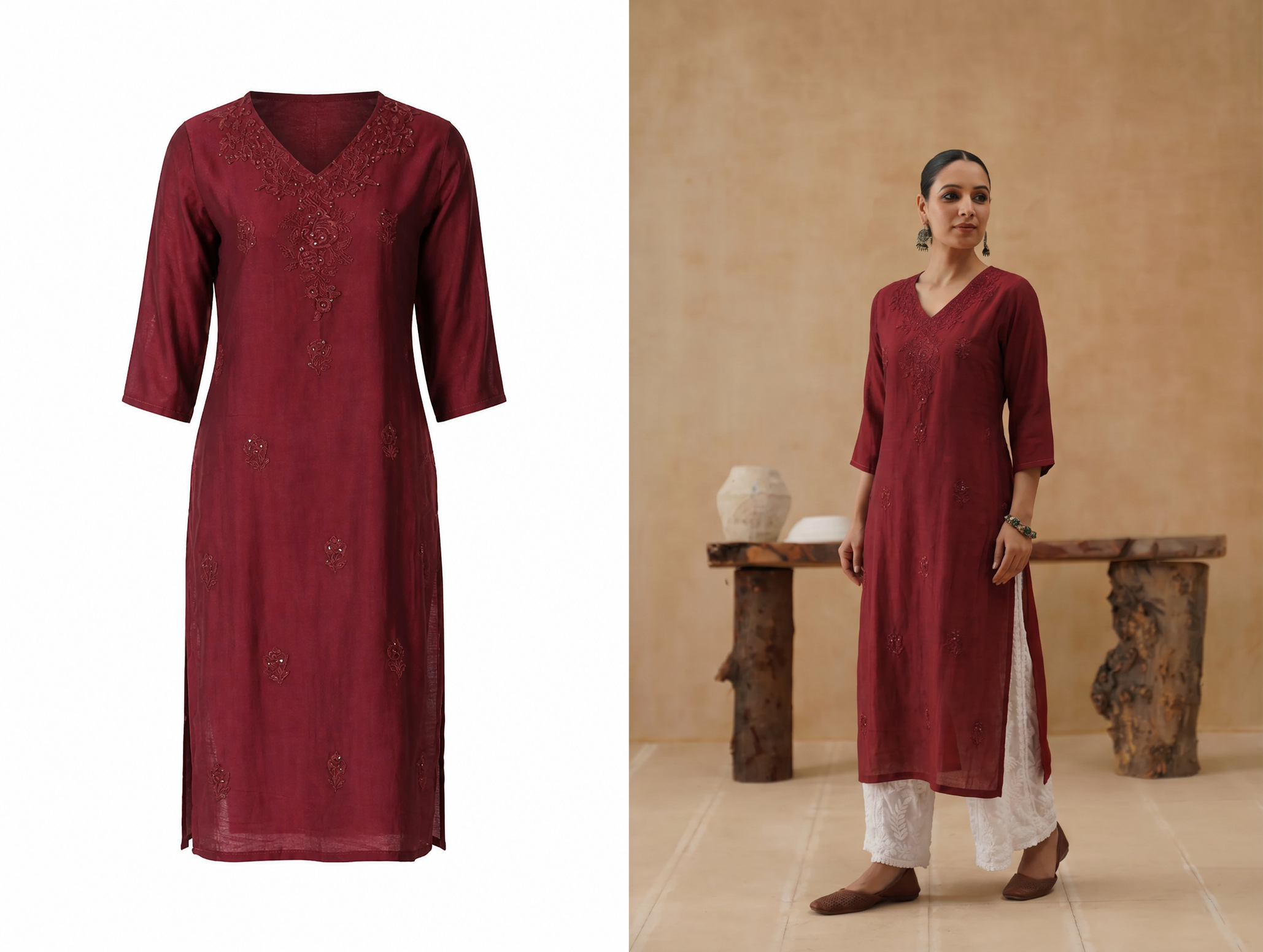 Fashion buyers need fit and scale, not only a flat product image.
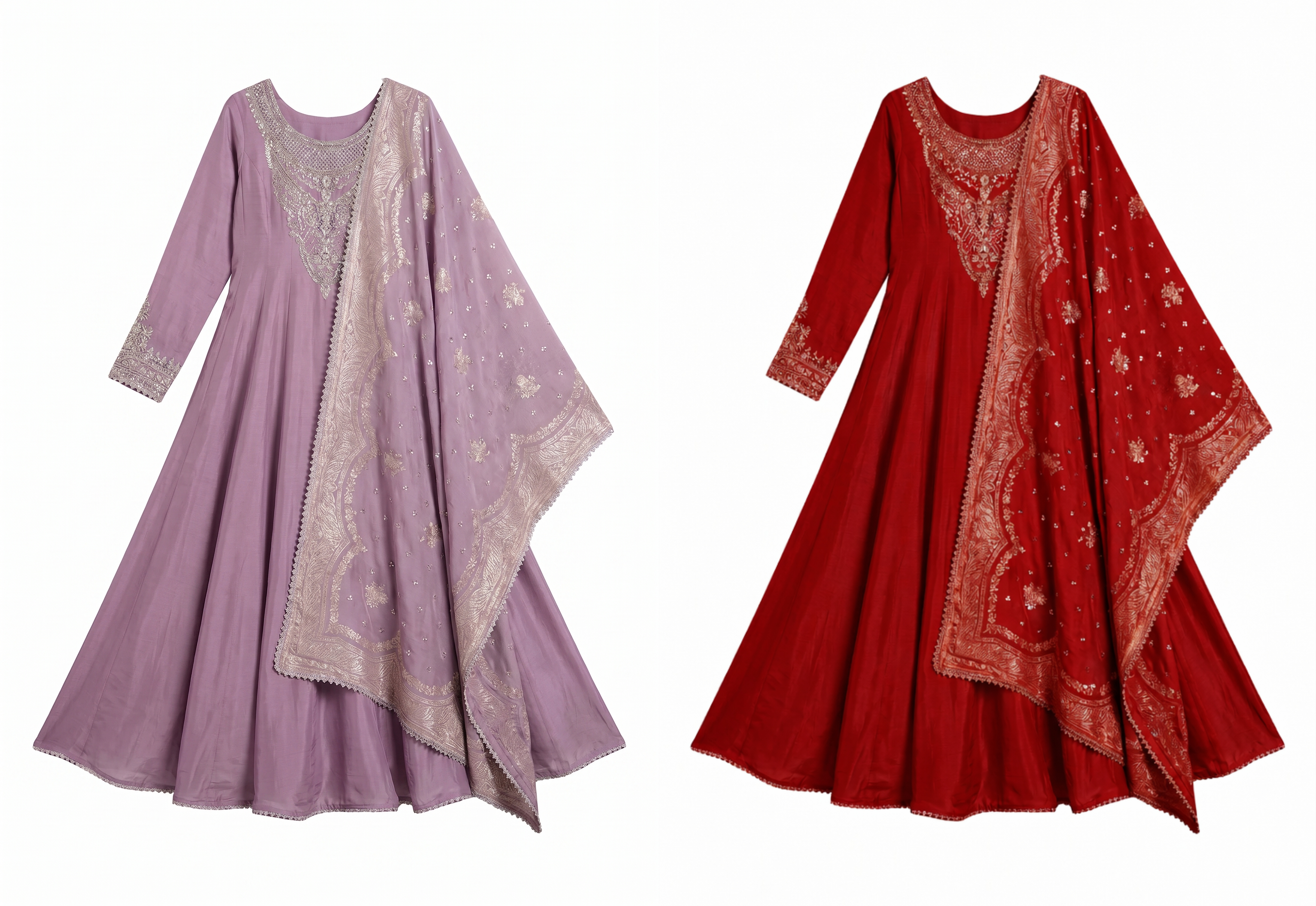 Use consistent color variant images to make marketplace comparison easier.
Build a fashion image set, not one upload
For apparel, the buyer needs front view, back or side view, fabric close-up and model context. For footwear, show side, top, sole, on-foot scale and material detail. For accessories, show scale, closure, strap, interior and use context. The main image should be clean and easy to read; supporting images can explain the product.
If your team sells many colorways, create a repeatable layout. Product grids look more professional when every SKU has the same visual rhythm.
Separate the hero from the proof images
The main image should be clean enough for search results. Support images should answer the questions that the hero cannot: how the garment falls, how wide the sleeve is, how the print aligns, what the sole looks like, or how large an accessory feels on the body.
Use category-specific evidence
Kurtis and dresses need length and fit proof. Sarees need border, pallu and blouse clarity. Footwear needs side, sole and on-foot proportion. Bags need strap length, closure and interior proof. A fashion catalog feels stronger when every image has a job.
Before you upload to Seller Hub
Export files from a high-quality master, keep names clear, and avoid heavy text overlays. Use one naming rule such as sku-color-angle-ratio.jpg so your team can upload the right file without opening every image. Review crops on mobile width before upload because small product tiles hide problems that look fine on desktop.
| Image type | Best use | What to check |
|---|---|---|
| Main catalog image | Search results and product listing hero | Product is centered, bright and not too small. |
| Model or scale image | Fit, length, proportion and styling | Garment edges, shoes, straps and sleeves are not cropped. |
| Detail image | Fabric, print, embroidery, sole, zipper or hardware | Close-up is sharp and matches the main product. |
| Variant image | Color and pack options | Colors stay consistent across the listing and variant selector. |
Run a Seller Hub review pass
Before uploading, open the files in the same order your team will submit them. Check file names, aspect ratios, background consistency and whether any generated image changes the actual garment. This is also the right moment to remove duplicate views that do not add information.
Control exposure across colorways
White, pastel, red and black products often need different exposure adjustments. Review variants side by side so one color does not look premium while another looks dull or washed out. Consistent color proof matters more than a dramatic edit.
Show fit and material before styling
Indian fashion buyers often compare many similar products quickly. A photo that proves fit, material and color will beat a decorative image that hides product details. For kurtis and dresses, show length and sleeves. For jeans and trousers, show waist, leg shape and hem. For shoes, show the side profile and sole. For bags, show size and strap drop.
Use lifestyle images after the buyer can already understand the product. A campaign image can improve desire, but it should not replace the image that proves what is being sold.
Batch QA before publishing
- Open every main image at phone size and check whether the product reads clearly.
- Compare color variants side by side so one style does not look overexposed or dull.
- Check that AI model images preserve print, embroidery, neckline, sleeve and hem shape.
- Keep important edges away from the crop boundary.
- Do not mix random backgrounds inside the same product family.
Reuse approved listing images for ads
Once listing images are approved, reuse the same master files for social ads, WhatsApp catalogs, Instagram posts and retargeting creatives. Export square, 4:5 and 9:16 versions from the same source so the product stays consistent between the listing and the ad.
Snappyit can help create the missing model, lifestyle and clean catalog versions from one source product photo, then resize the assets for campaigns.
Prepare ad crops from approved masters
Create ad versions only after the listing image set is approved. That keeps marketplace photos, Instagram ads, WhatsApp catalogs and retargeting creatives aligned. Export square, 4:5 and 9:16 crops from the same master so buyers recognize the product when they move between channels.
Create the missing catalog shots
Snappyit helps sellers turn simple product references into clean catalog photos, AI model images, lifestyle crops and ad-ready visuals. Keep one accurate product reference for each SKU, then create channel-specific images for marketplace listings, social posts and ads.
Create Flipkart Product Photos Free ->
Useful Snappyit tools
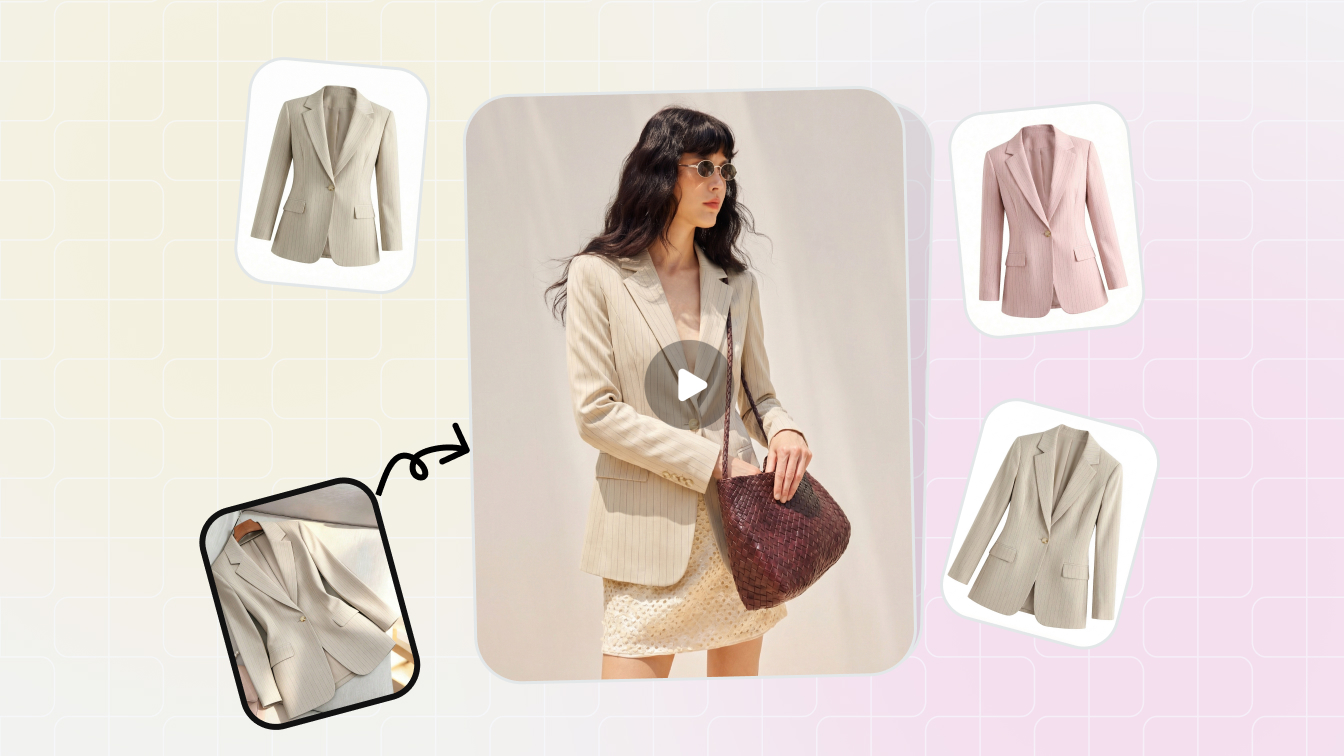 ToolAI Product PhotographyCreate clean catalog images, lifestyle scenes and marketplace-ready visuals.
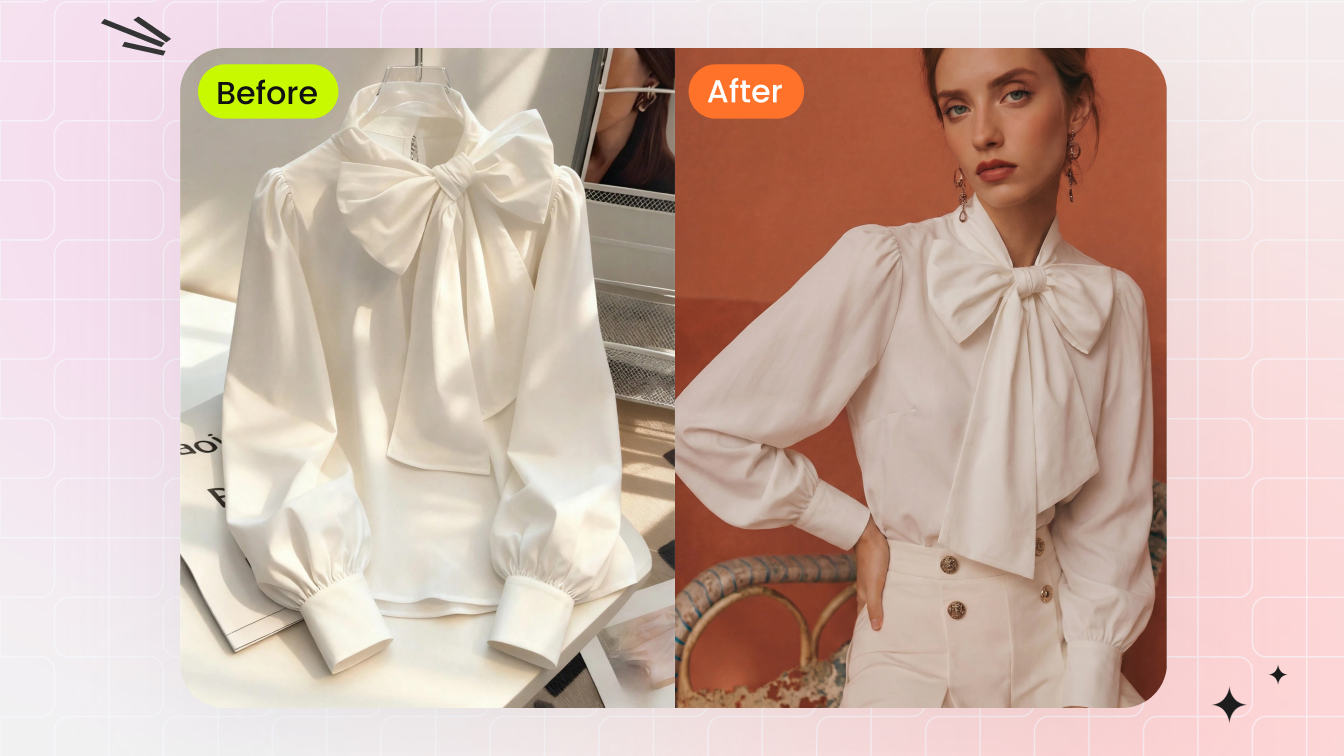 ToolAI Fashion ModelTurn garment references into on-model photos for fashion catalogs.
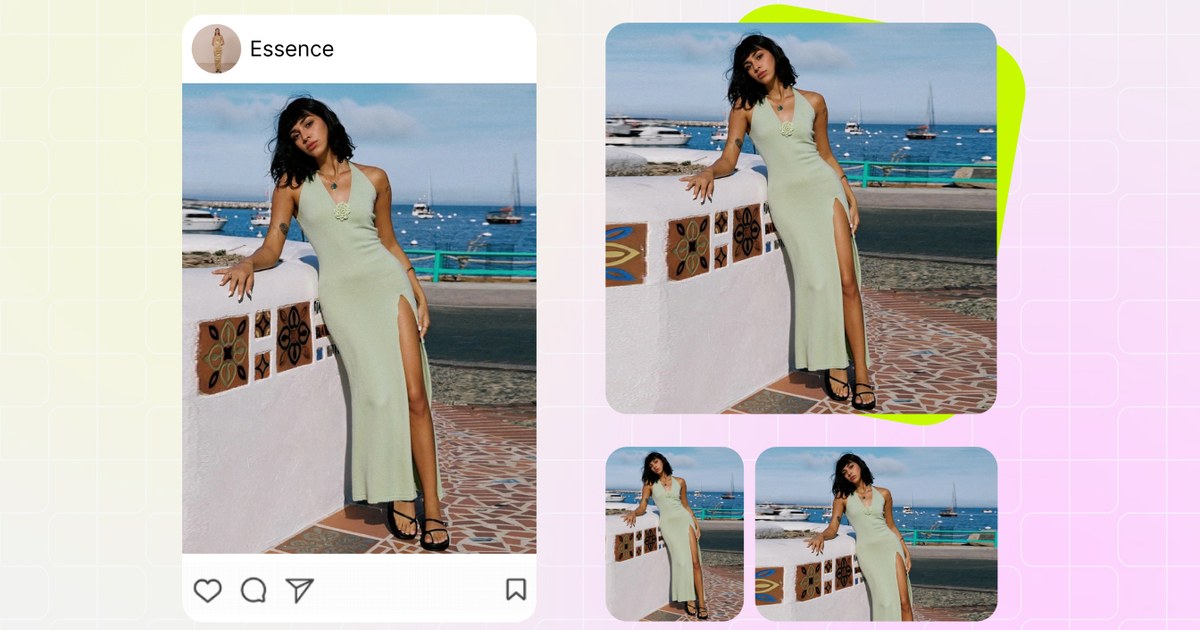 Free toolImage ResizerExport square, portrait and marketplace-ready crops from one master image.
Seller questions
What size should I export for Flipkart?
Keep a high-resolution square-friendly master and export the current size required by Flipkart Seller Hub. Check the upload panel before publishing because marketplace requirements can change.
What should a Flipkart fashion listing include?
Use a clean main image, model or scale image, side or back view where useful, detail close-up and color variant image.
Can AI model photos support a fashion listing?
They can support the listing if the product remains accurate. Review prints, fabric, length, seams and color before publishing.
How do I avoid blurry listing images?
Start from a larger master image, avoid over-compression, export the required crop from the master and check the listing preview on mobile.