
What helps a saree listing sell
A saree listing sells when the buyer can understand drape, fabric, border, color, blouse piece, transparency and styling from a small mobile screen. The catalog should not rely on one folded product image. It needs at least one full look, one fabric or border detail and one clean product reference.
If you cannot shoot every saree on a model, start with a clean flat-lay or mannequin reference and generate controlled AI model images for styling. Then keep real detail photos for fabric, weave and border proof.
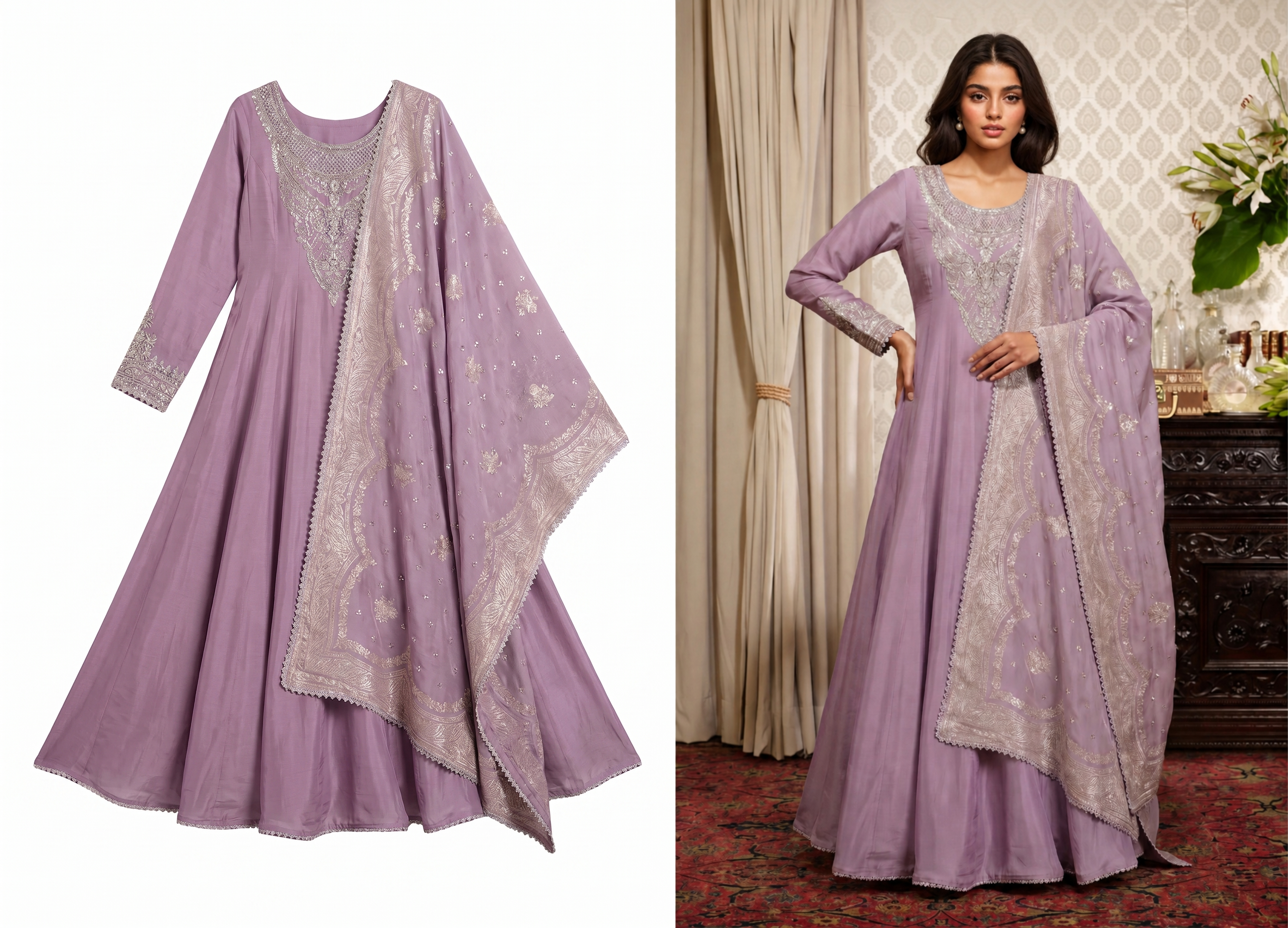 Use a full drape image to show how the saree looks when worn.
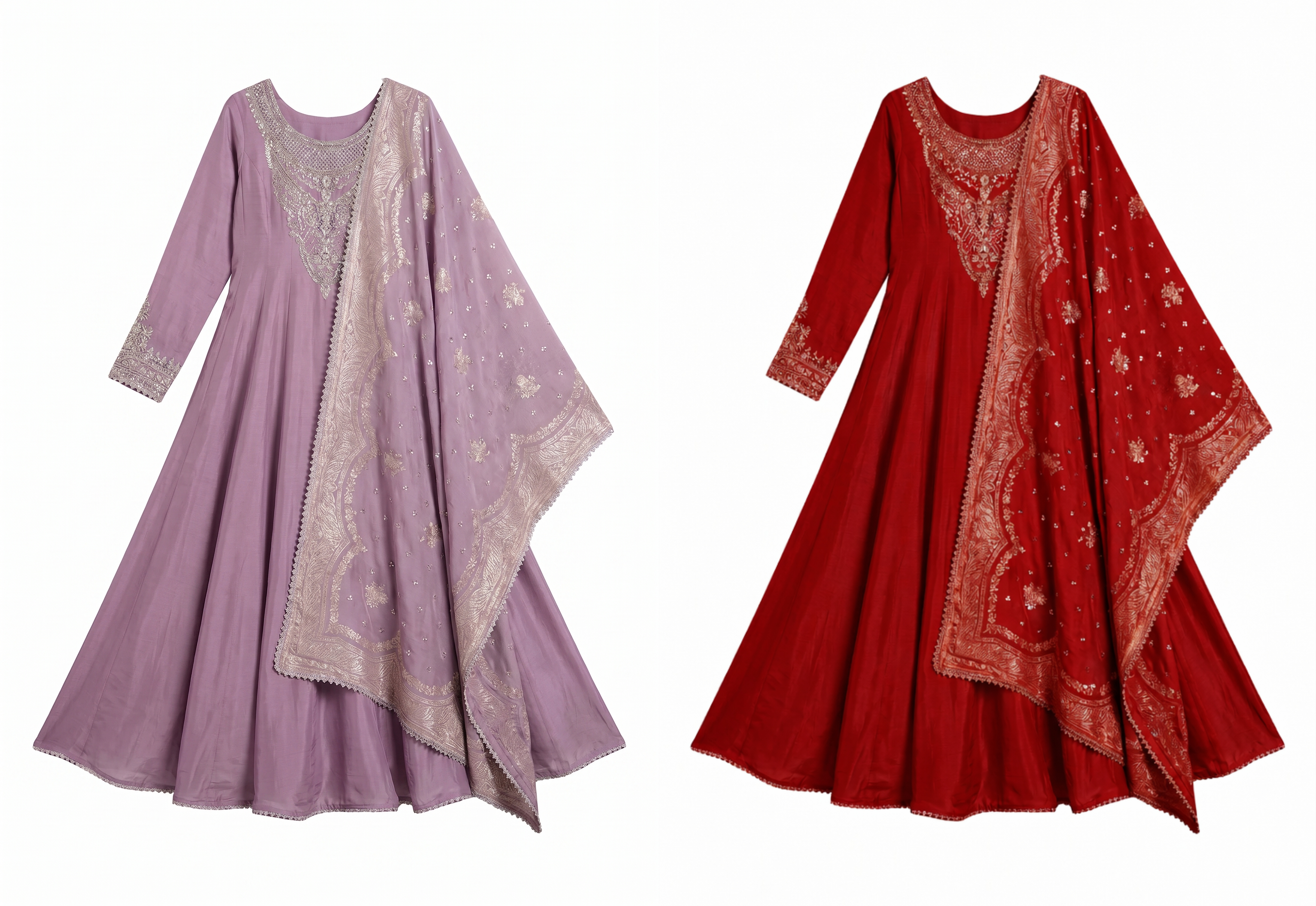 Use AI Color Change to preview pink, red and seasonal color variants before deciding which SKUs need a full reshoot.
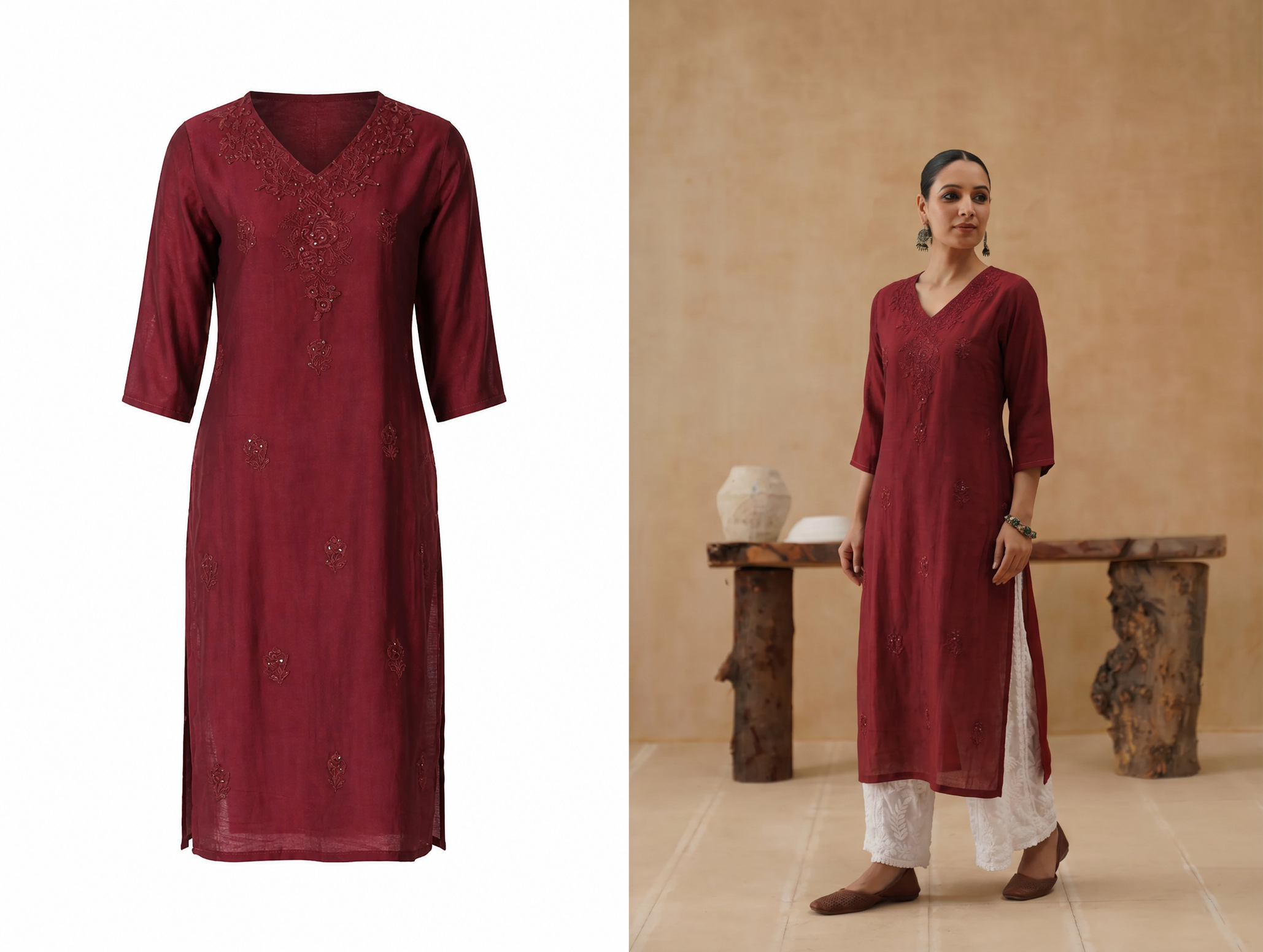 Use product proof images to reduce color and fabric confusion.
The saree photo set
Use a full drape image, a clean folded or flat-lay product image, a border close-up, a pallu close-up, a fabric texture image, a blouse piece image when included and one marketplace-ready square hero crop. This mix helps shoppers understand both styling and the actual item.
For silk, show shine and weave. For cotton, show texture and fall. For georgette, chiffon and organza, show transparency and drape. For printed sarees, show whether the print continues through the pallu and border.
Start with the full look
The full drape image should show fall, pleats, pallu placement and overall color. It does not need to be overly styled, but it must make the saree feel wearable. This is the image that helps a buyer imagine the product beyond a folded fabric shot.
Then prove the details
After the full look, show border width, pallu design, fabric texture and blouse piece. Detail images should not feel decorative; they should answer practical questions about what will arrive in the parcel.
When you do not have a model shoot
Many small sellers cannot book a model, studio and makeup team for every design. A practical workflow is to photograph the saree cleanly, then create AI model images for drape context. The AI image should support the listing, while the real product reference confirms fabric, print and color.
Do not publish an AI drape image without checking whether the border, pallu, pleats, blouse style and color stayed faithful to the actual product. Sarees have more visual detail than many western garments, so review carefully.
Use AI model images as context, not replacement proof
An AI model image can help show drape and styling when a seller cannot shoot every SKU. Keep the real product photo visible in the listing, and reject generated results that change the border, weave, blouse, pleats or color family.
Make the product reference strong first
The better the flat-lay or mannequin reference, the easier it is to create a useful model image. Smooth the saree, keep the border visible, photograph in even light and capture the blouse piece separately when included.
Prepare marketplace and social crops
Meesho, Flipkart, Instagram and your own store may crop the same image differently. Build one square catalog master, one portrait model image and one vertical social image from the same source look. This lets you promote the saree without making the product look different on every channel.
| Crop | Use it for | What to protect |
|---|---|---|
| Square catalog crop | Marketplace listing, product grid and variant preview | Full garment readability, border and color. |
| Portrait model crop | Product detail page, Instagram post and collection pages | Drape, pallu, pleats and model scale. |
| Detail crop | Fabric, weave, embroidery and border proof | Texture, stitching and actual product detail. |
| Vertical social crop | Stories, Reels cover, WhatsApp and ads | Keep product and text away from top and bottom UI areas. |
Details that reduce returns
- Color: keep lighting consistent across all images.
- Fabric: name the fabric and show texture.
- Border: show border width and design clearly.
- Blouse piece: show whether it is included and what it looks like.
- Length and styling: use drape images to show fall and coverage.
- AI review: compare generated images against the real product before upload.
AI Color Change is useful when you need to preview saree, anarkali, kurti or lehenga color variants from one clean product photo. Use it to test pink, red, festive and seasonal color directions, then keep the real product reference on the listing so buyers can verify fabric, embroidery and border details.
Use color change for planning, then verify reality
AI Color Change is helpful for planning pink, red, festive and seasonal color directions before committing to a full reshoot. For the live listing, keep real product proof for the final shade so buyers do not receive a color that feels different from the page.
A practical return-risk checklist
- Show whether the blouse piece is included.
- Show border scale against the full drape.
- Show fabric texture close enough to judge weave or transparency.
- Keep the same color temperature across all listing images.
- Do not hide flaws with heavy filters or overly soft edits.
A simple launch workflow
Photograph the product once in clean light. Generate or shoot one full drape view. Create detail crops for border, pallu and fabric. Export marketplace and social ratios. Name every file by SKU, color and image type. Review the page on mobile before publishing.
This workflow lets small saree sellers launch more designs without making every product page look rushed or inconsistent.
Create the missing catalog shots
Snappyit helps sellers turn simple product references into clean catalog photos, AI model images, lifestyle crops and ad-ready visuals. Keep one accurate product reference for each SKU, then create channel-specific images for marketplace listings, social posts and ads.
Create Saree Model Photos Free ->
Useful Snappyit tools
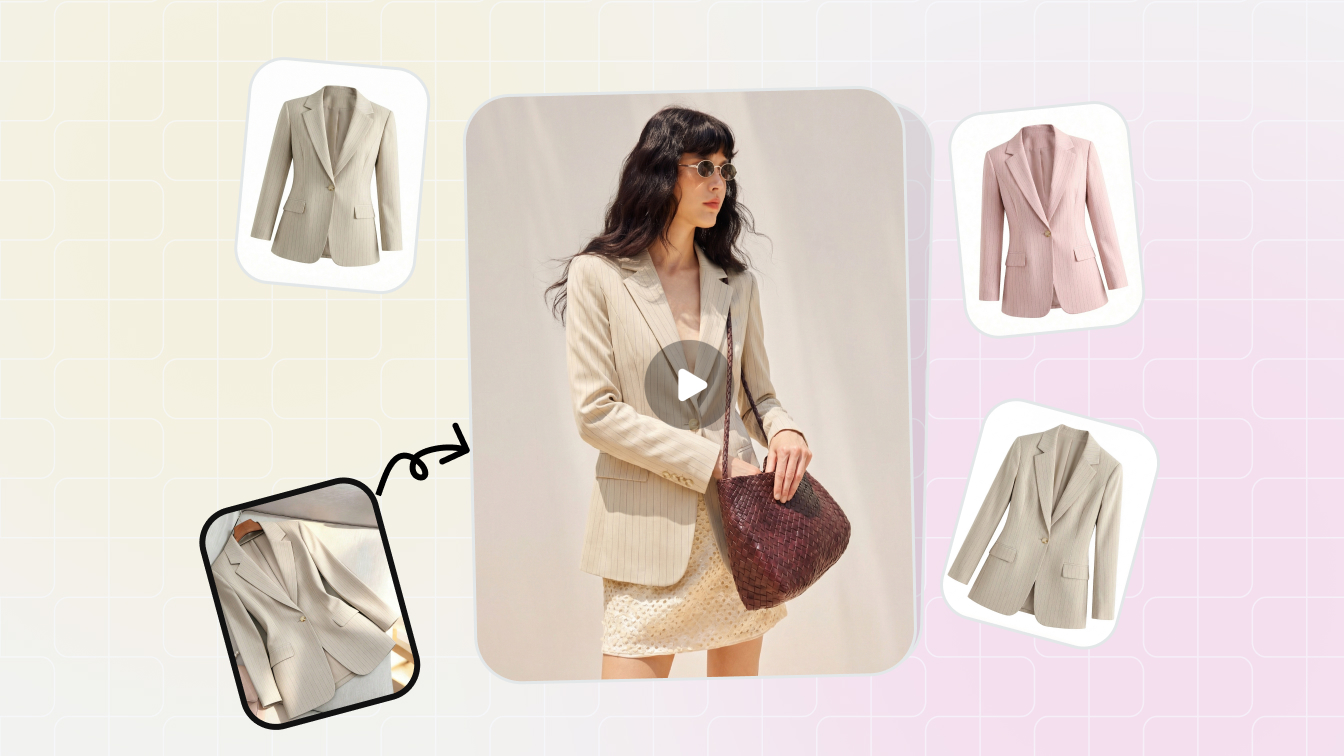 ToolAI Product PhotographyCreate clean catalog images, lifestyle scenes and marketplace-ready visuals.
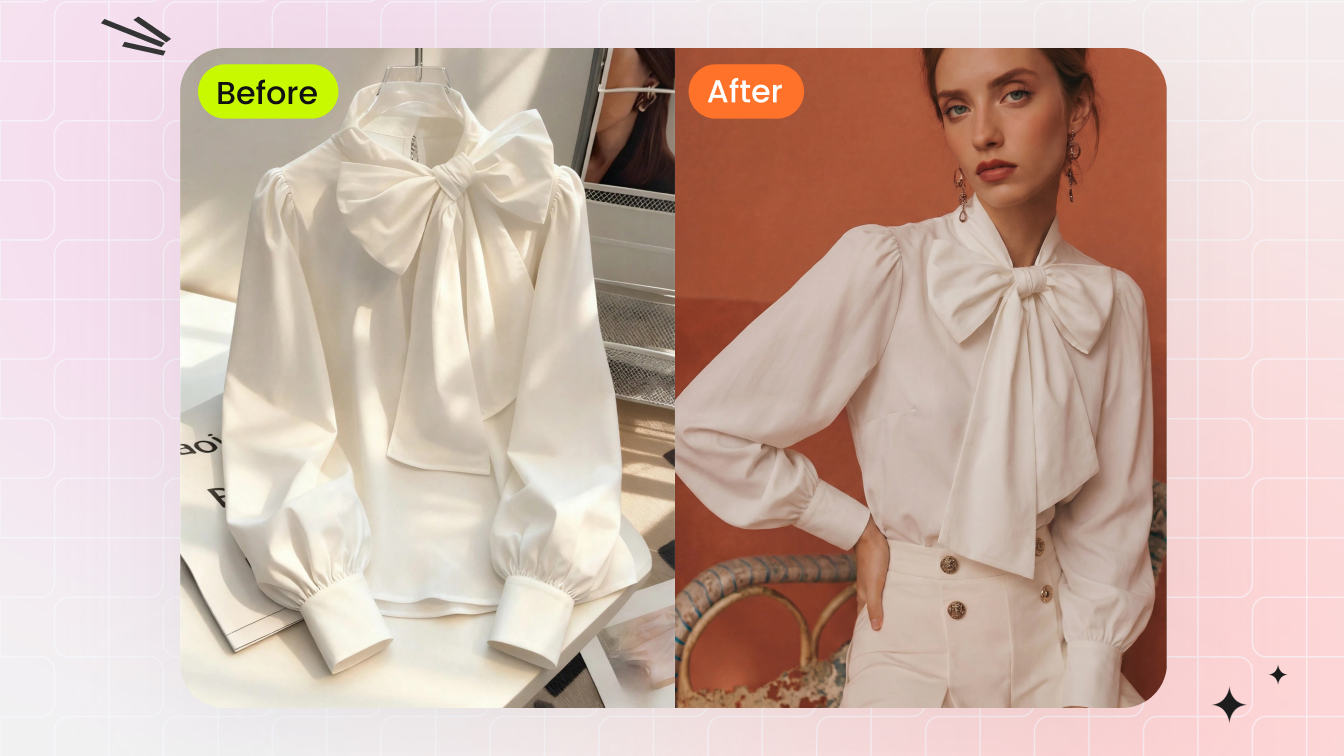 ToolAI Fashion ModelTurn garment references into on-model photos for fashion catalogs.
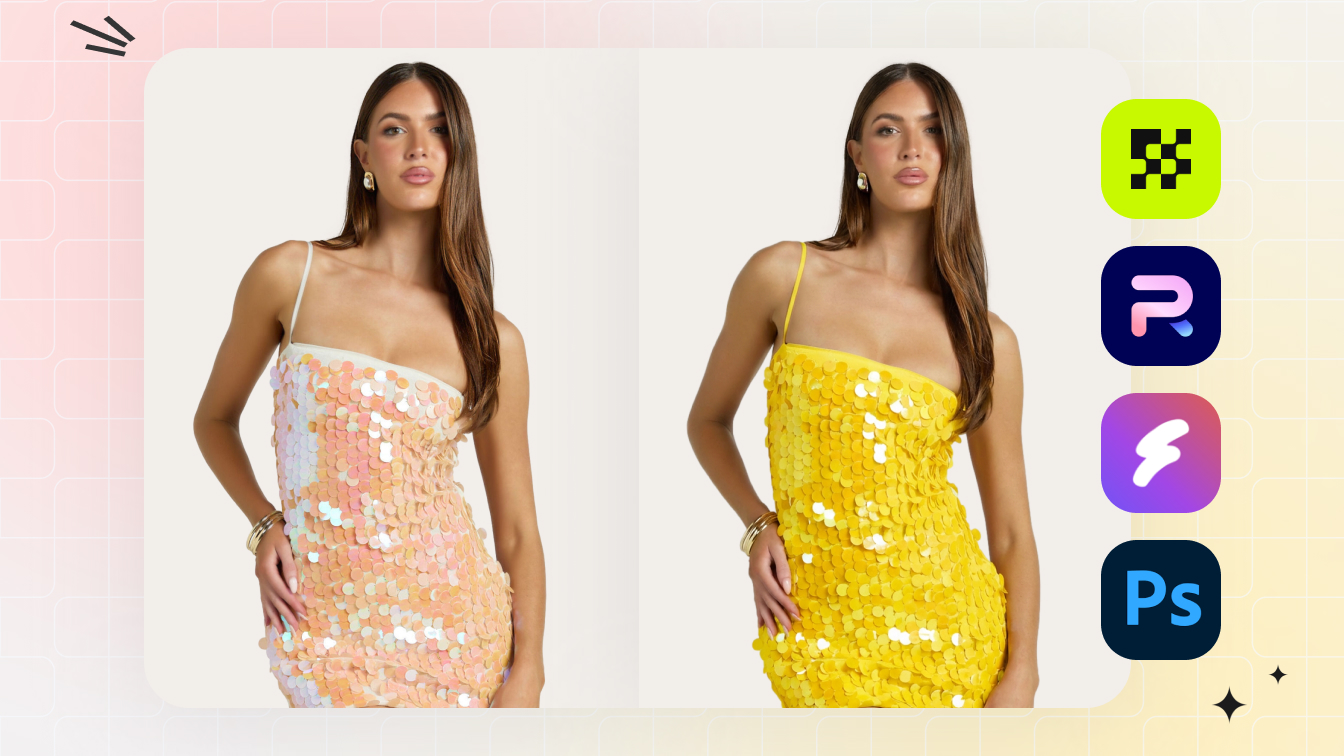 ToolAI Color ChangeCreate saree and apparel color variants without reshooting every SKU.
Seller questions
How many photos should a saree listing have?
Use at least a full drape image, clean product image, border detail, pallu or fabric close-up and blouse piece image when relevant.
Can I list sarees without a model shoot?
Yes. Use a clean product reference and create AI model images for styling support, then keep real detail photos for product proof.
What should the hero image show?
Use the image that shows the saree clearly at mobile size. For marketplaces, a clean square-friendly crop is usually safer than a busy lifestyle image.
What should I check before publishing AI images?
Check color, border, pallu, blouse, pleats, fabric texture and whether the generated image invented details that are not on the real saree.