
What your Meesho clothing photos need to show
Meesho sellers should prepare clear, square-friendly catalog images where the product fills the frame, the color is easy to judge, and the buyer can understand fit, length, fabric and styling from a phone screen. Exact upload rules can change inside the supplier panel, so build a high-resolution square master first, then export the size required by the current Meesho upload flow.
For apparel, the most useful image system is simple: one clean product image, one on-model or scale image, one fabric/detail image and one styling image. That covers buyer trust and lets the same SKU work across search results, product detail pages and social promotion.
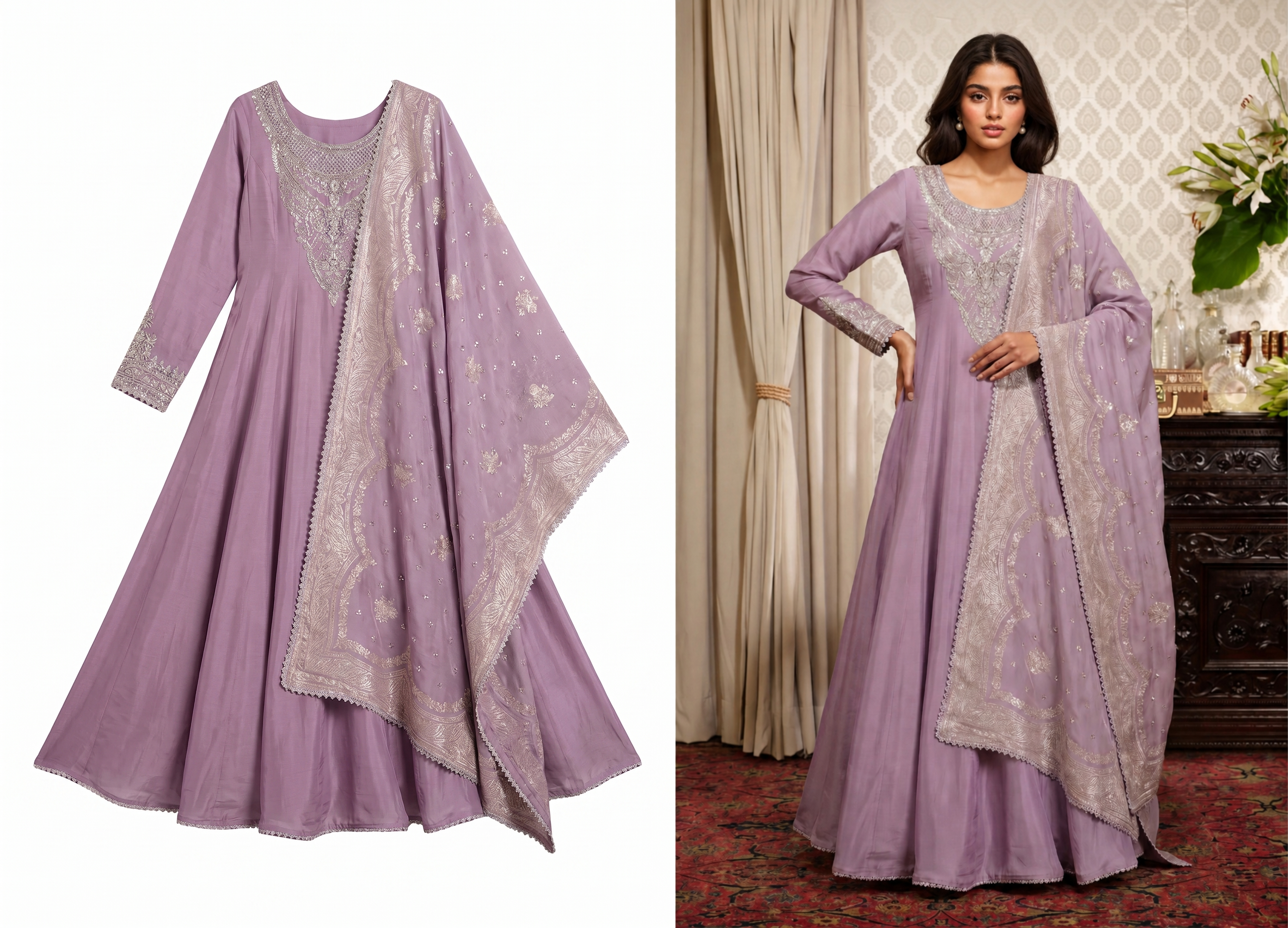 Show both product accuracy and how the garment looks when styled.
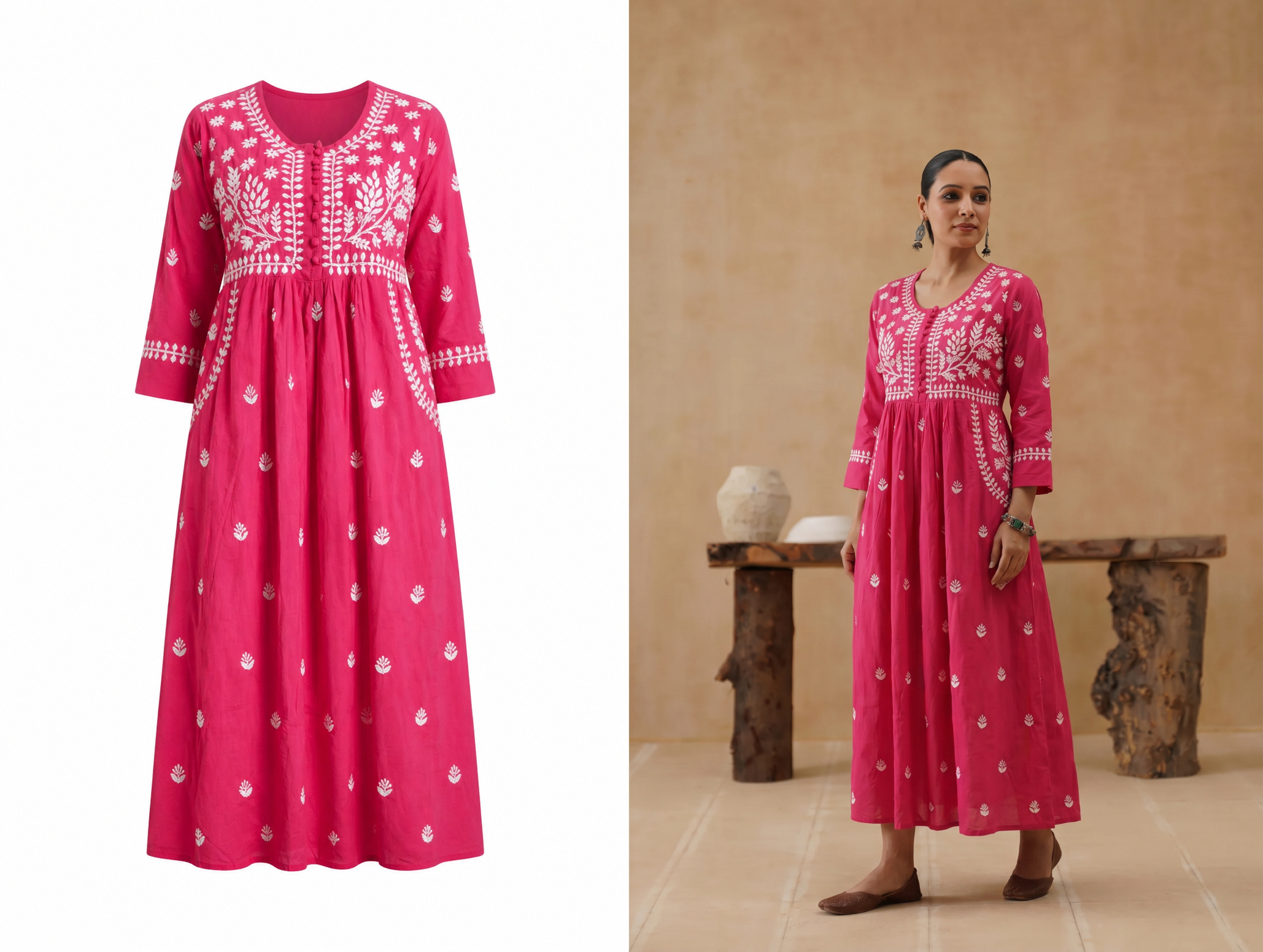 Keep crops consistent so category pages look reliable.
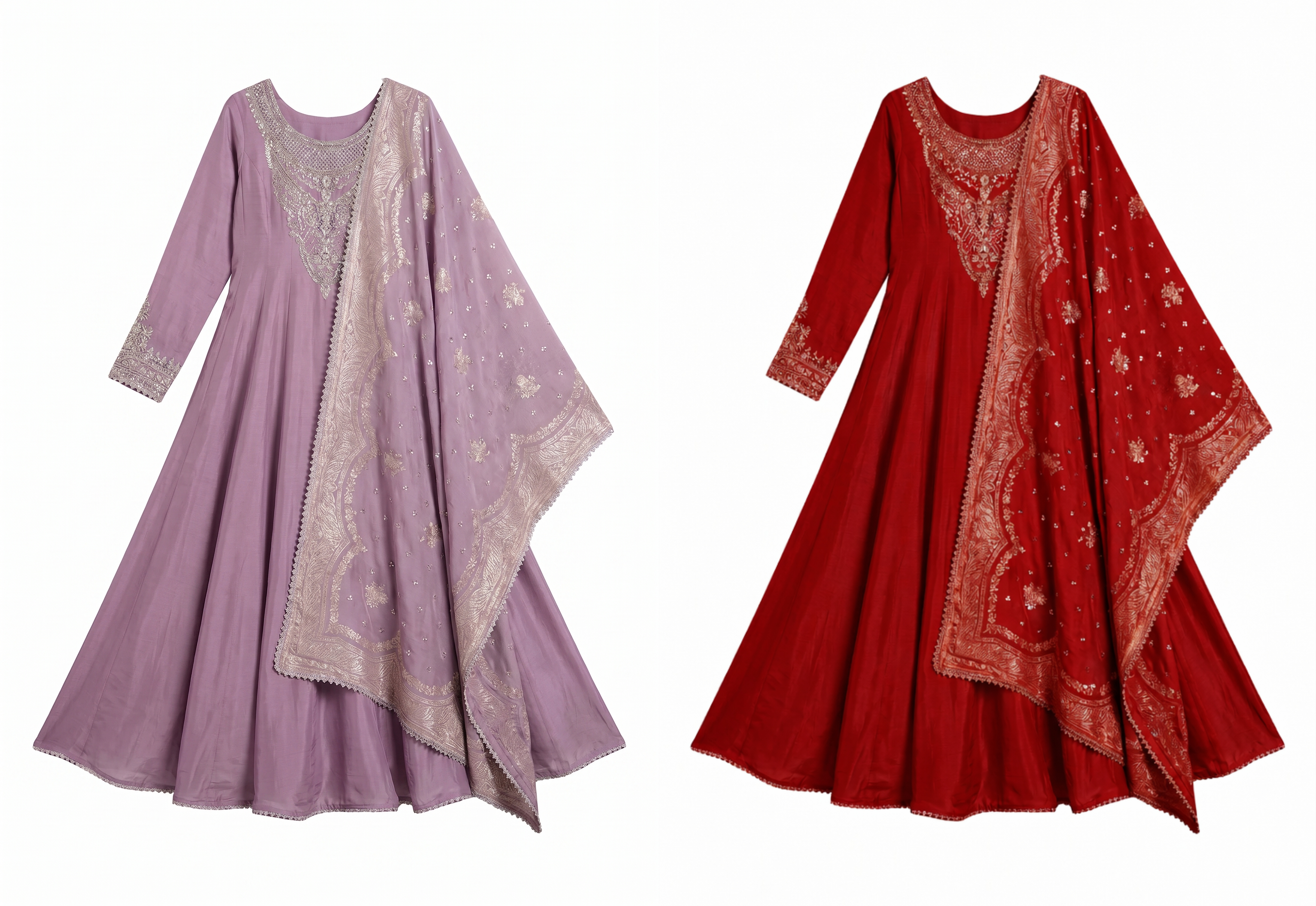 Show color variants side by side so buyers can compare shades before ordering.
Build one repeatable Meesho image set
A single image rarely answers every buyer question. A better Meesho catalog uses a repeatable image set: front view, back or side view where relevant, fabric close-up, length or fit reference, color variant image and one styled image. For sarees, include drape, border, blouse piece and fabric detail. For kurtis, show neckline, sleeve, hem length and fit. For t-shirts and western wear, show front, back, print detail and body fit.
If you do not have a model for every SKU, use one clean flat-lay or mannequin shot as the product reference and generate controlled AI model images for styling support. Keep the source image as the accuracy anchor.
Plan the set by product type
Do not force sarees, kurtis, lehengas and T-shirts into one identical shot list. Sarees need drape, border and blouse proof. Kurtis need neckline, sleeve, side slit and length proof. Lehengas need volume and embroidery close-ups. A repeatable structure matters, but the evidence should match the product.
Keep color variants visually linked
When one design has pink, red, purple or black options, keep garment position, crop, background and lighting consistent. Buyers should feel they are choosing a color from the same style family, not comparing four unrelated shoots.
Keep one square master, export what Meesho needs
Instead of trying to memorize one number, keep a master file that is large enough for marketplace use and export the current upload size from it. A 1:1 square master is usually the easiest starting point for catalog images because it is predictable in grids and mobile cards. Keep important hems, sleeves, dupatta edges, straps and product borders away from the frame edge.
| Master image | Use it for | Seller note |
|---|---|---|
| Square catalog master | Meesho product tiles and listing uploads | Center the garment, avoid watermark text and keep the background clean. |
| Portrait model image | Fit, drape and styling proof | Useful for saree, kurti, lehenga, dress and western wear products. |
| Detail crop | Fabric, print, embroidery, zipper, sleeve and border proof | Use close-ups only after the buyer has seen the full product. |
| Social crop | Instagram, WhatsApp, ads and remarketing | Generate after the catalog image is approved so SKU details stay consistent. |
Crop by product type
Sarees need drape and border clarity. Kurtis need length and fit clarity. Lehengas need embroidery and volume. T-shirts need print accuracy. Dupattas and scarves need fabric texture and transparency. Do not use the same crop rule for every category; crop around what the buyer must inspect before ordering.
For fast-moving Meesho catalogs, build a template per product type. That lets a seller upload 30 or 100 SKUs with consistent framing instead of treating every product like a new shoot.
Checks before upload
- Too much empty space: the garment looks small in search results.
- Cropped edges: saree borders, sleeves, pant hems or dupatta ends disappear.
- Unclear fabric: buyers cannot judge cotton, silk, georgette, chiffon, rayon or denim texture.
- Different colors across images: one SKU looks like several products.
- Busy backgrounds: the product competes with bedding, floor patterns or shop clutter.
- Unreviewed AI output: generated images change print, border, embroidery or sleeve shape.
Review at phone size before upload
Most shoppers will first see the product in a small grid tile. Zoom out until the image feels like a phone screen and ask whether the garment, color and main selling detail are still readable. If the border, print or neckline disappears, make a tighter crop before publishing.
Separate proof from styling
Use one image for styling and one image for proof. The styling image can show the garment on a model, but the proof image should confirm fabric, embroidery, transparency, stitching and included pieces. This reduces avoidable buyer confusion.
A practical batch workflow
Start with one clean reference image per SKU. Remove or simplify the background, create a square catalog master, generate one on-model option where styling matters, export a close-up crop and name files by SKU, color and angle. Review the batch on a phone before uploading because most buyers will see the product on mobile.
Snappyit fits this workflow when you need consistent product photos, AI model images and marketplace crops from a small set of source photos.
A clear upload order for each SKU
- Main square product image for the catalog grid.
- Model or scale image for fit, drape and length.
- Fabric, print, embroidery or border detail.
- Back, side or included-piece image when the buyer needs it.
- Color variant image when the style has multiple shades.
This order keeps the page easy to scan and makes internal review faster when a supplier handles many SKUs in one batch.
Create the missing catalog shots
Snappyit helps sellers turn simple product references into clean catalog photos, AI model images, lifestyle crops and ad-ready visuals. Keep one accurate product reference for each SKU, then create channel-specific images for marketplace listings, social posts and ads.
Create Meesho Product Photos Free ->
Useful Snappyit tools
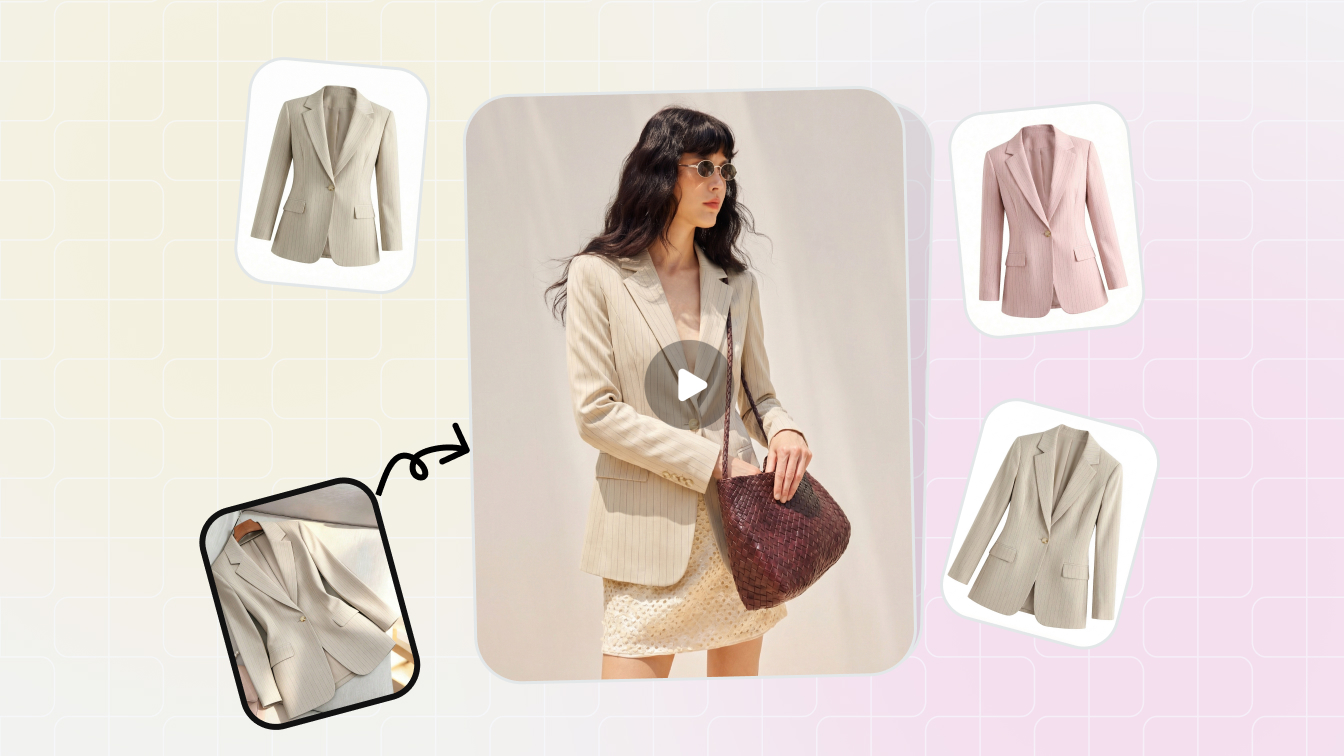 ToolAI Product PhotographyCreate clean catalog images, lifestyle scenes and marketplace-ready visuals.
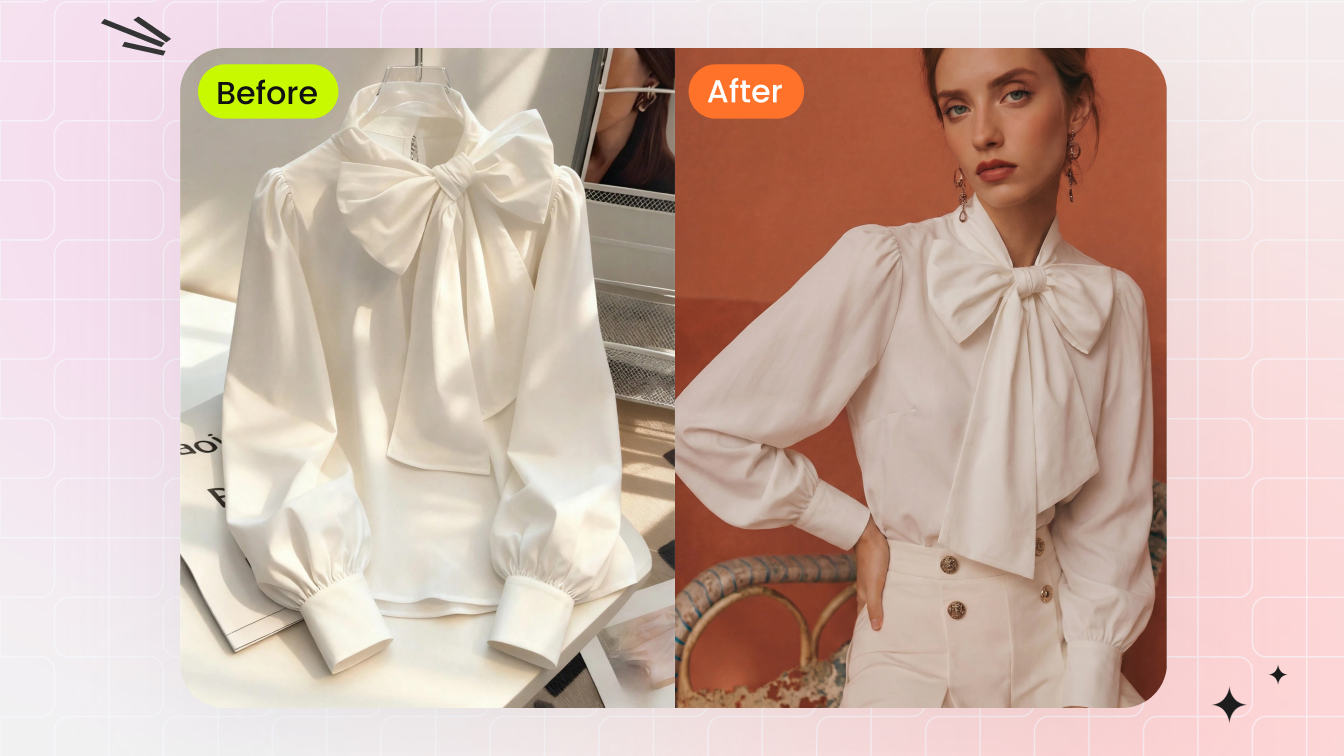 ToolAI Fashion ModelTurn garment references into on-model photos for fashion catalogs.
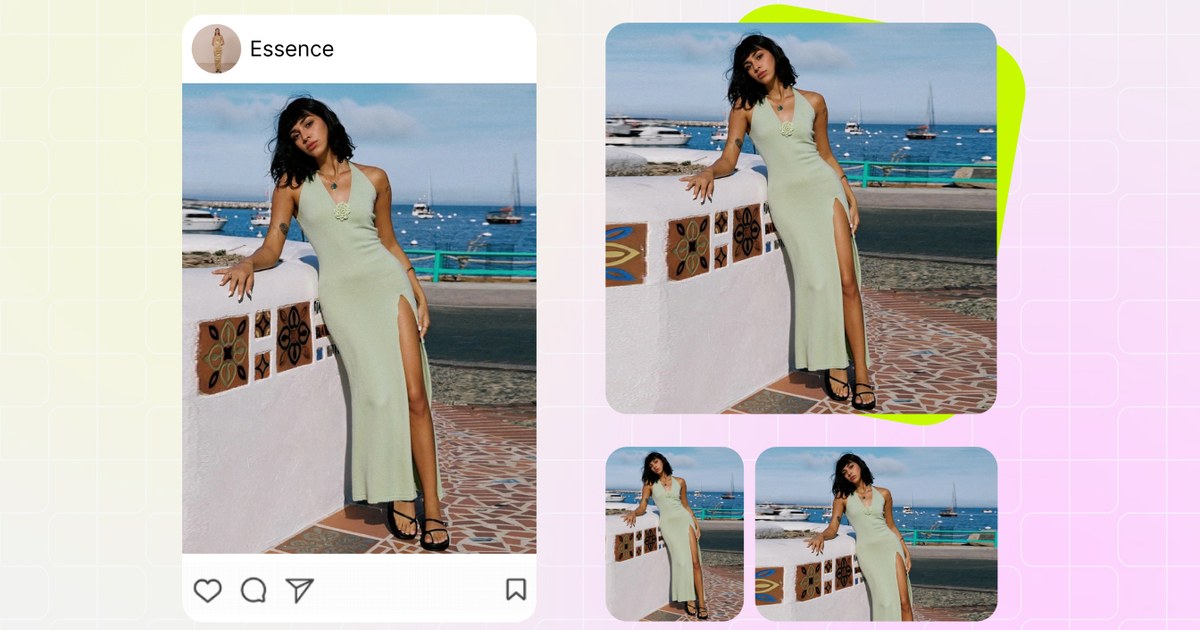 Free toolImage ResizerExport square, portrait and marketplace-ready crops from one master image.
Seller questions
What size should I export for Meesho?
Use a high-resolution square master and export the current size required in the Meesho supplier panel. Platform rules can change, but a clean square master keeps catalog crops predictable.
Can I use AI model photos in a Meesho listing?
Yes, as long as you review the result carefully and keep product details accurate. Use the real product reference as the accuracy source.
What should a saree listing include?
Use a full drape image, fabric or border close-up, blouse piece image if relevant, color variant view and one clean catalog hero image.
How do I keep a Meesho catalog consistent?
Use the same crop ratio, background style, lighting direction and file naming structure across every SKU in the batch.