
At a glance
A useful WeShop AI bikini alternative for ecommerce has to do more than make a nice demo. It needs to keep the bikini accurate, create demure model images, support ghost mannequin and color variants, stay consistent across batches and export crops your team can actually use.
| Seller need | Best workflow |
|---|---|
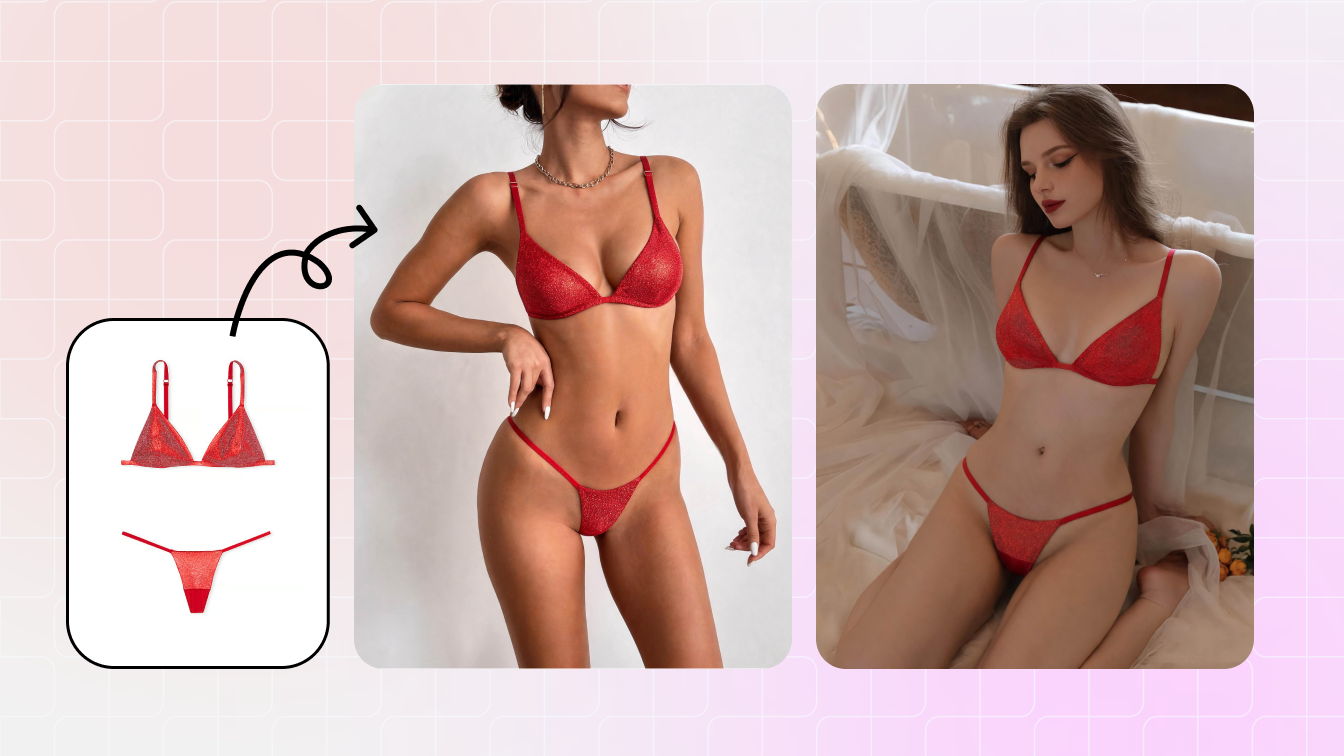
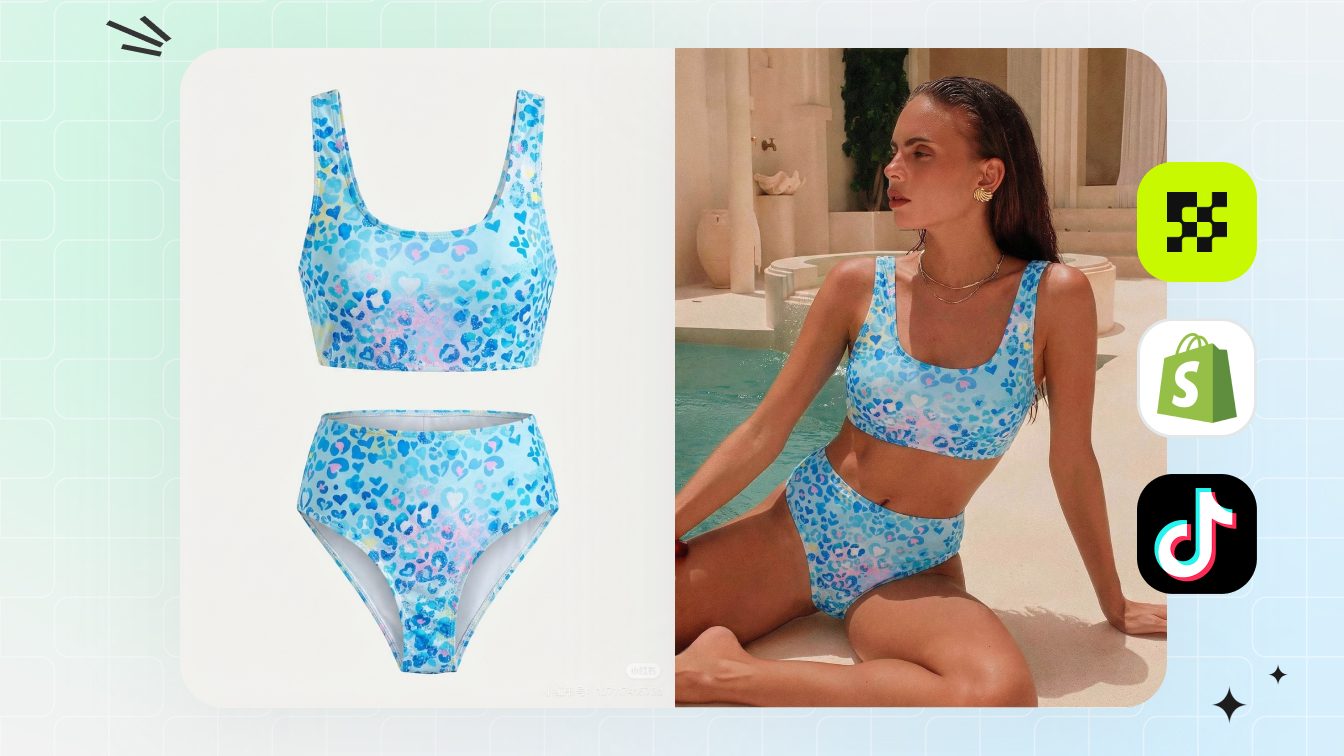
| Need bikini model photos | Use product-led AI model generation from clean garment references. |
| Need no-model product images | Use ghost mannequin or flat-lay cleanup instead of a model output. |
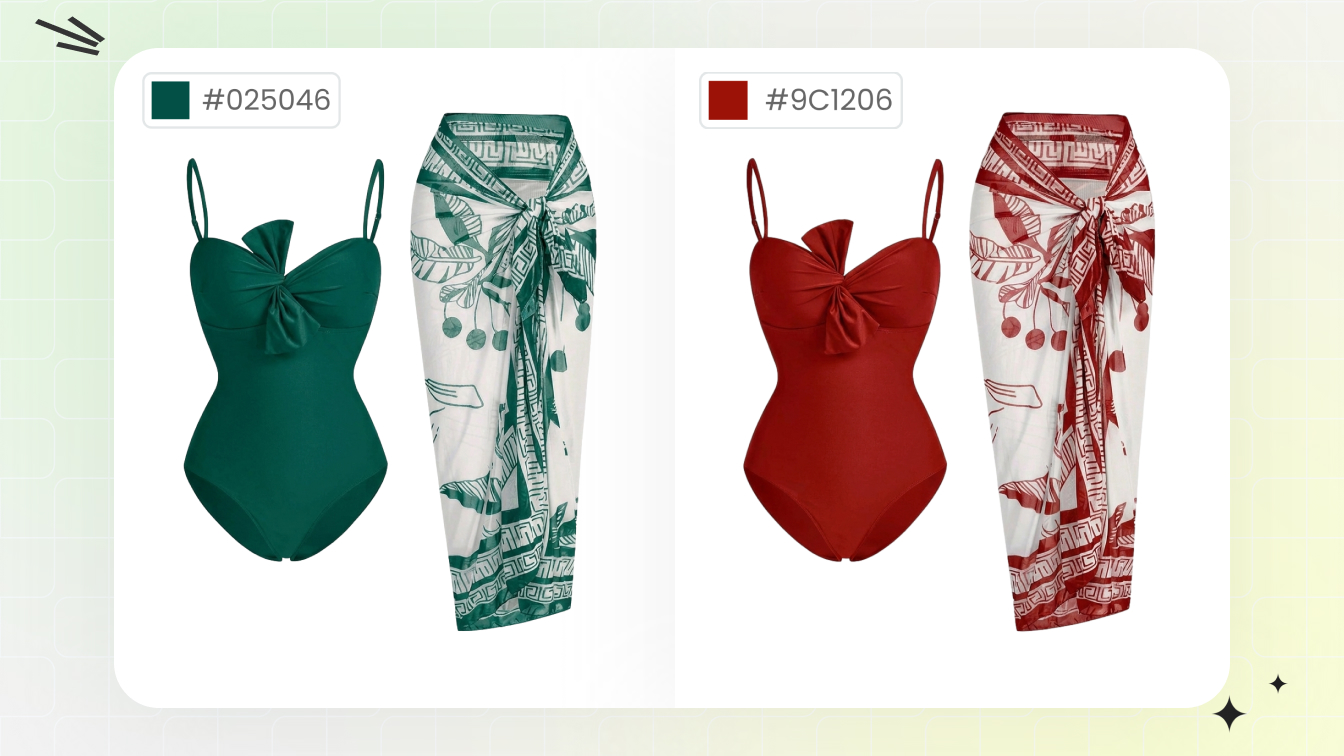
| Need color variants | Use a color-change workflow after the base product image is approved. |
What people usually mean by WeShop AI bikini
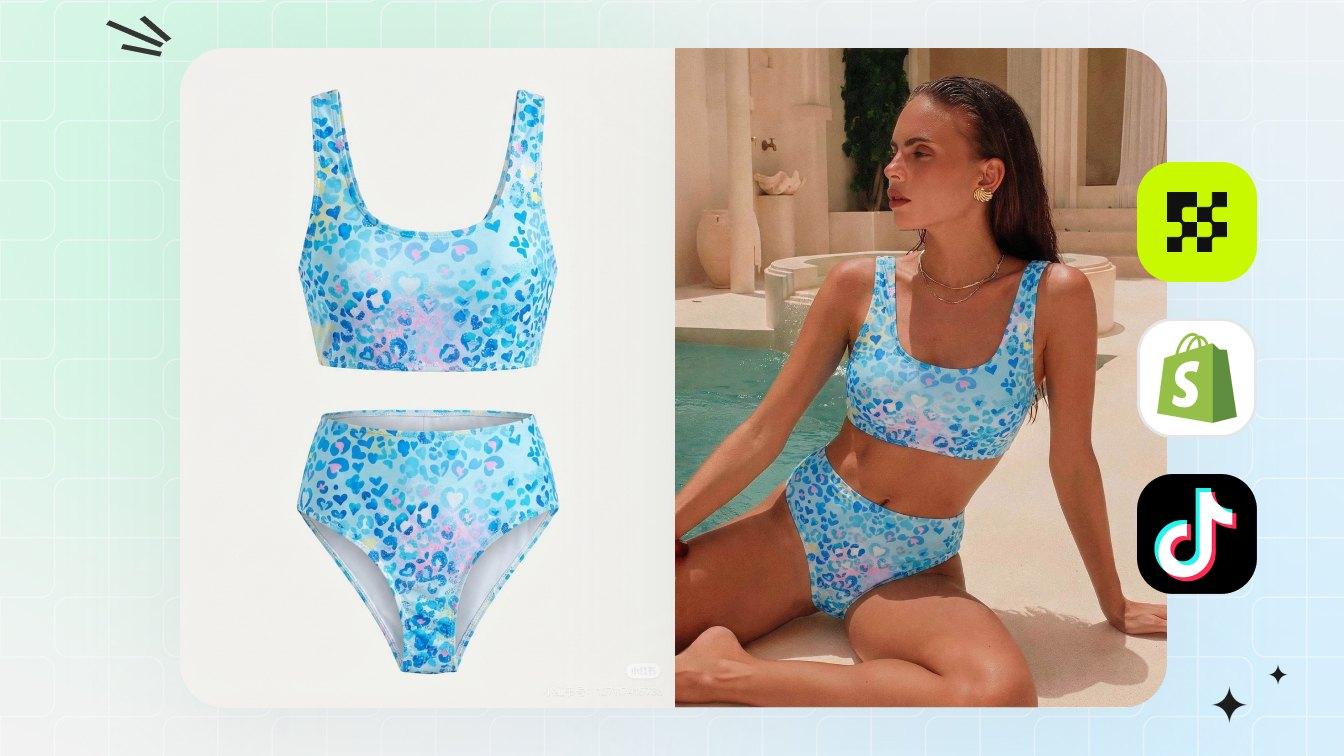
The search usually points to one of three jobs: put a bikini on an approved model photo, create a swimwear model image from a flat-lay, or make more bikini listing content without booking a shoot. Those are different production jobs.
Snappyit separates the workflow by output: AI Bikini Photo Editor for approved adult model edits, AI Fashion Model for product-to-model catalog images, AI Ghost Mannequin for no-model structure and Color Change for verified colorways. WeShop is referenced here only as a search term; this page does not link to competitor sites.
How to compare tools as a seller
| Criteria | Why it matters | Snappyit workflow |
|---|---|---|
| Product accuracy | Wrong straps, prints or coverage cause returns | Use source garment as the input and review every output |
| Marketplace fit | Bikini and lingerie images need demure, compliant styling | Use product-led model or ghost mannequin outputs |
| Image types | A listing needs more than one model image | Generate flat-lay, ghost, on-model, color and ad crops |
| Batch consistency | Sellers compare many SKUs in a grid | Reuse crop, model direction and export settings |
| No competitor lock-in | Teams need direct workflow links | Use Snappyit feature pages and generators |
When to use AI Bikini Photo Editor
Use AI Bikini Photo Editor when you have authorized adult model imagery and need visible outfit edits for campaign planning, ad concepts or product-led swimwear visuals. The product should remain the reason for the image.
Do not use it for non-consensual images, minors or clothing removal. The business use case is visible outfit editing and product visualization.
When AI Fashion Model is the better fit
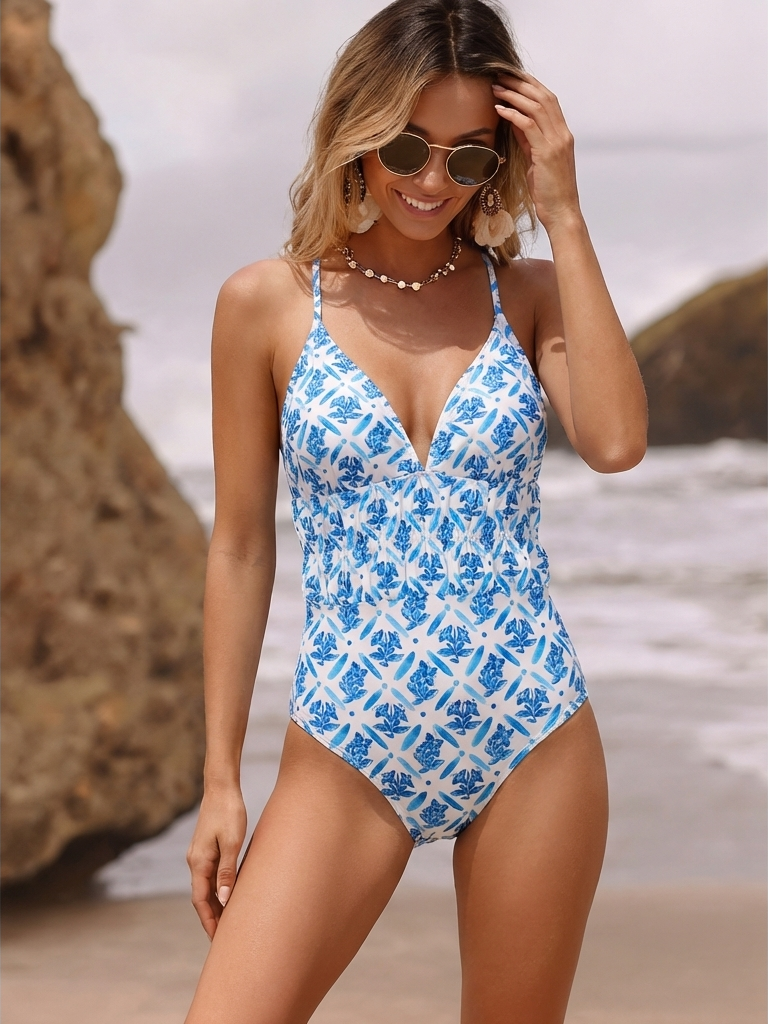
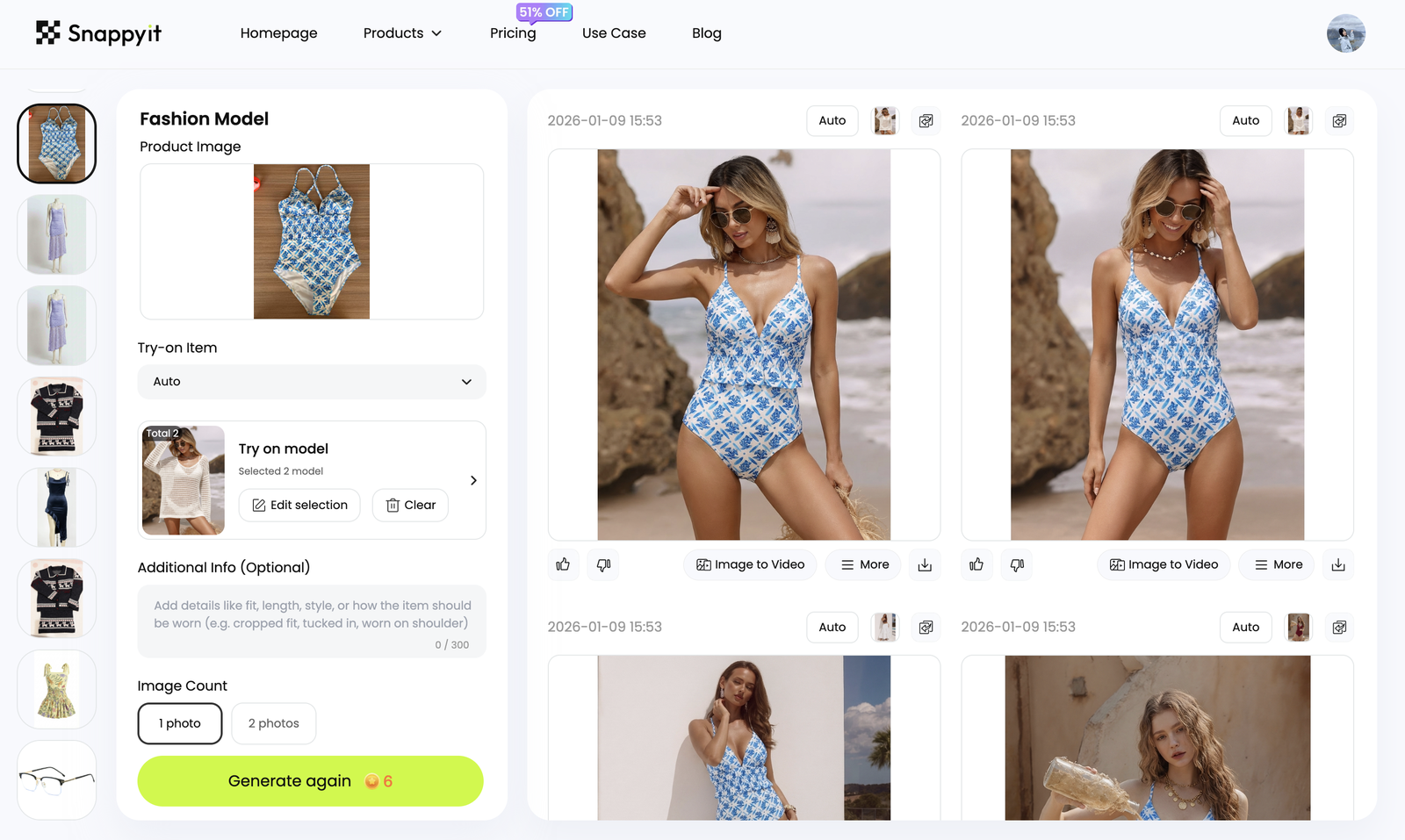
If you start from the garment, use AI Fashion Model instead. It is usually the cleaner ecommerce workflow for sellers with samples, supplier photos or flat-lays who need catalog-ready model images.
When ghost mannequin or color change makes more sense
Not every bikini image needs a model. Ghost mannequin is better for structure, coverage and marketplace clarity. Color Change is better when the same SKU ships in several verified colors.
| Need | Use this Snappyit tool | Output |
|---|---|---|
| Clean no-model main image | AI Ghost Mannequin | White-background product structure |
| On-model catalog context | AI Fashion Model | Demure model image from product reference |
| Approved model outfit variation | AI Bikini Photo Editor | Visible swimwear edit |
| Colorway expansion | Color Change | Realistic verified color variants |
Questions to ask before choosing any AI bikini tool
- Does the output preserve the real product or invent a new one?
- Can the tool create both marketplace and Shopify-ready crops?
- Can your team review front, back, detail and color accuracy?
- Does the workflow support ghost mannequin and color variants, not only model images?
- Does it avoid unsafe or non-consensual editing use cases?
If the answer is unclear, test with one SKU before moving a full catalog. A tool that looks good on one social image may fail on product accuracy at scale.
A simple Snappyit workflow to test
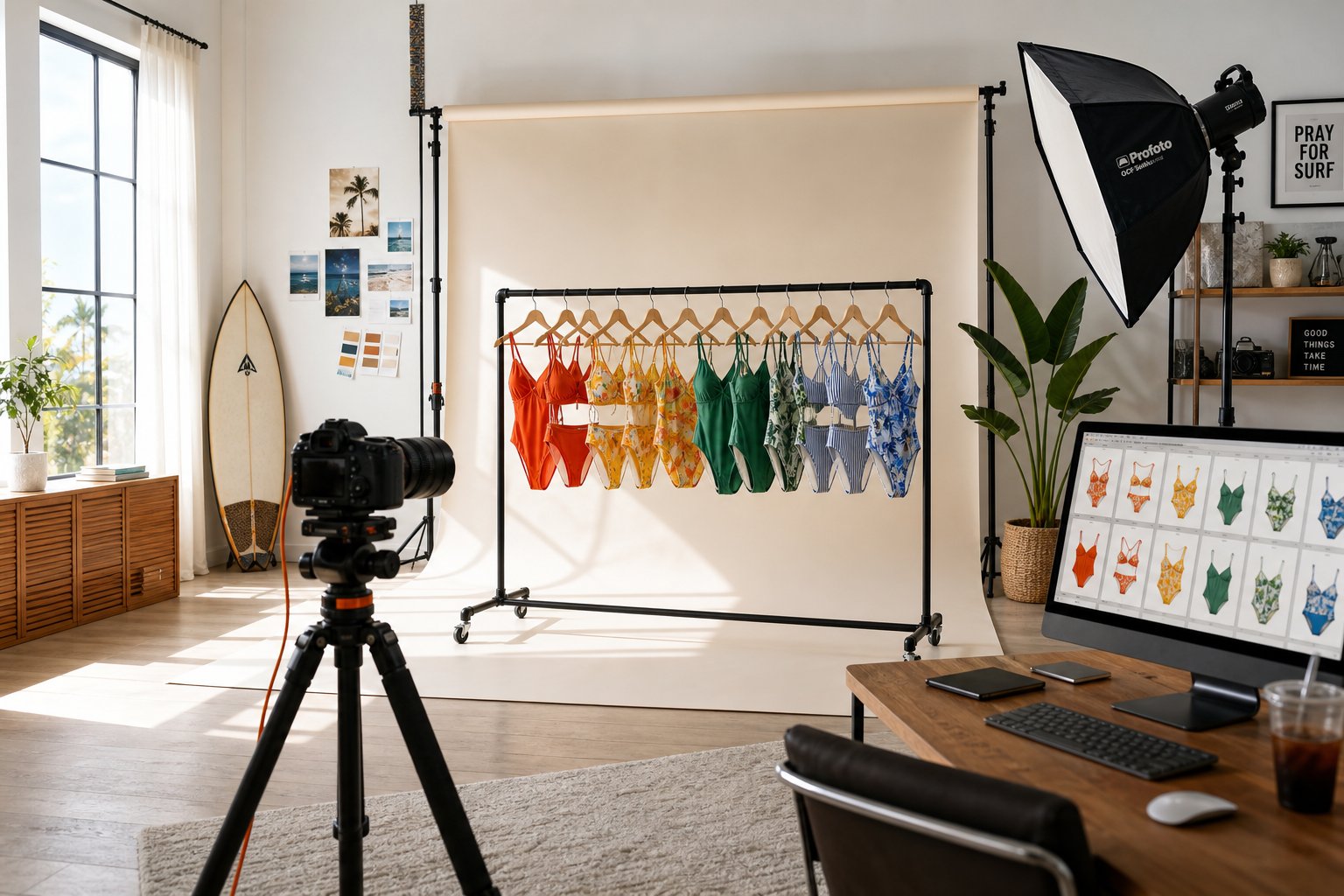
Pick one real swimwear SKU and build the full image stack before judging the tool: flat-lay cleanup, ghost mannequin, on-model view, color variant and ad crop. Review the final set the way a buyer would.
Frequently Asked Questions
Is this page affiliated with WeShop?
No. WeShop is mentioned only because sellers search for WeShop AI bikini alternatives. Snappyit is independent.
What is the best WeShop AI bikini alternative for sellers?
The best fit depends on the job: AI Bikini Photo Editor for approved model edits, AI Fashion Model for product-to-model catalog images, Ghost Mannequin for no-model images and Color Change for variants.
Does Snappyit link to competitor websites here?
No. This page does not include competitor outbound links.
Can Snappyit put a bikini on a model?
Yes, for authorized adult model imagery and visible outfit edits that remain product-led and appropriate for ecommerce use.
Can Snappyit create bikini photos from a flat-lay?
Yes. Use AI Fashion Model or Ghost Mannequin when the garment photo is the source image.
How should sellers compare AI bikini tools?
Compare product accuracy, output types, policy safety, batch consistency, color variant support and marketplace export readiness.