
At a glance
Plan bikini Instagram photos for beach, pool, resort and swimwear posts with practical pose ideas, caption angles, crop checks and AI editing workflows.
| Need | What to do |
|---|---|
| Get oriented | Read the short summary, then use the checklist below. |
| Create a test image | Try AI Bikini Editor Free |
What bikini Instagram photos should you plan first?
Start with a small set that answers different viewer questions: one full-body beach or pool image, one movement shot, one seated or relaxed pose, one detail crop, one cover-up styling image and one vertical Story or Reels cover. That gives you enough variety without turning the shoot or AI workflow into a random batch.
For swimwear brands and bikini sellers, the same set can support product pages, feed posts, carousel slides, affiliate content and ads. The image should still feel natural on Instagram, but the real bikini, one-piece, resortwear set or cover-up must remain clear enough for a shopper to understand what is being shown.
Practical angle
create the bikini photo set first, then resize and caption it for each Instagram surface. Do not start with one crop and force every post to use it.
How should creators, affiliates and swimwear brands plan the shot list?
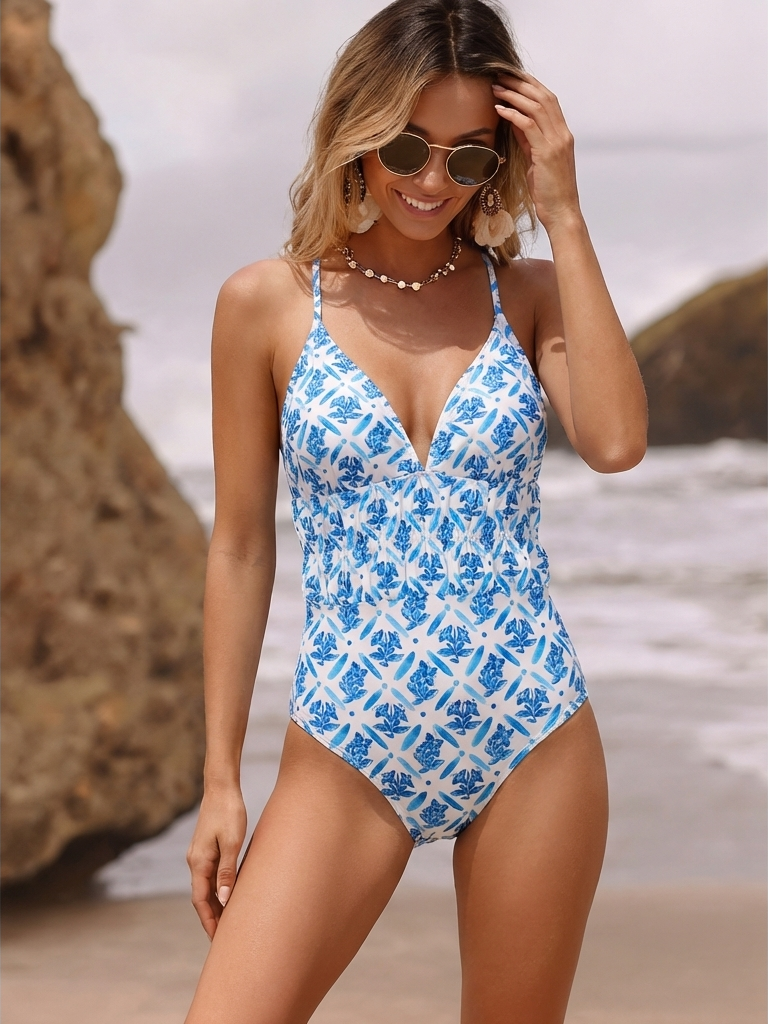
A good bikini Instagram plan has two layers. The creator layer is about confidence, styling, location and the post format. The seller layer is about fit, coverage, material, product accuracy and the path from post to purchase.
Creator or personal post
Prioritize comfort, location, pose variety and a caption that matches the mood without over-editing the body.
Affiliate content
Show why the bikini works: coverage, support, styling, size, color and what the viewer should tap next.
Brand campaign
Build a repeatable set: model view, detail crop, back view, lifestyle crop, carousel slide and ad-safe vertical version.
That is why one bikini picture is rarely enough. A swimwear seller should plan a mini asset set for each hero SKU: full-body front, full-body side or movement, seated pool/beach shot, fabric detail, back or strap detail, and a lifestyle version that can carry text, product tags or a launch caption.
If you are using AI to create or extend these assets, keep the product reference nearby. The top, bottom, print scale, tie placement, cup shape, waistband and coverage should stay consistent. A beautiful beach image that changes the bikini is a mood board, not a sales asset.
Which bikini poses are useful, not just flattering?
The highest-value bikini poses are not just the ones that look flattering. They are the ones that communicate fit and context. Use pose prompts that make the image useful for the viewer.
Walking beach shot
good for resort mood, fabric movement and a vertical feed crop.
Seated pool edge
useful for relaxed creator posts and showing waistband or side-tie placement.
Three-quarter standing
stronger than a straight front pose when the swimwear has shape, seams or cutouts.
- Back or over-shoulder angle: important for tie backs, clasp detail, cheeky coverage or cross-strap designs.
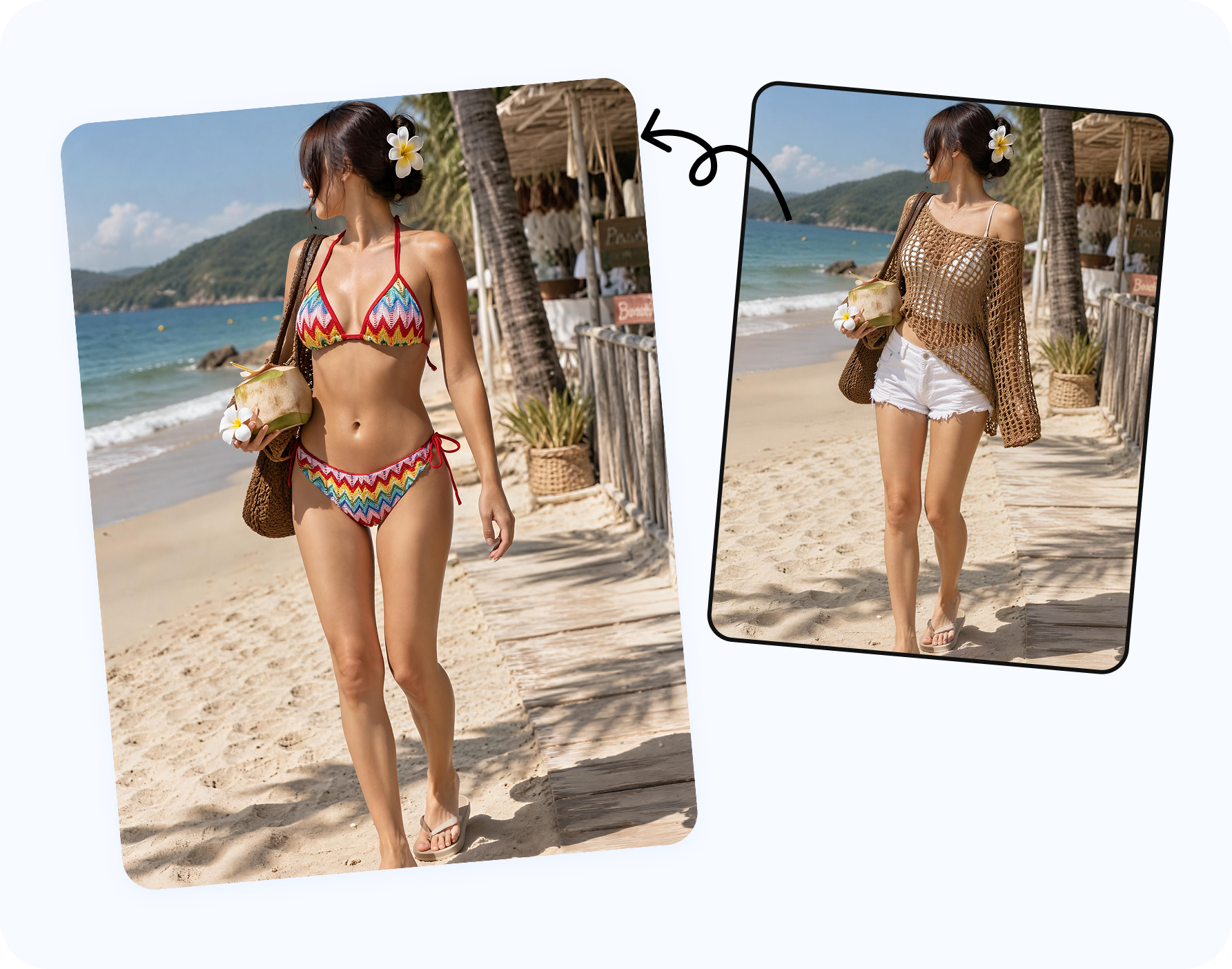
- Cover-up styling shot: helps brands sell the full vacation look, not only the bikini set.
- Detail close-up: fabric texture, hardware, lace, print scale, ribbing, lining and trim.
Keep posing realistic. Body-positive discussions around bikini photos often point out how lighting, angles and flexing can change what viewers think they are seeing. That is useful for planning, but it is also a reason not to turn every swimwear photo into an impossible body standard.
How should you write bikini Instagram captions?
Write the caption by post purpose instead of copying a generic one-liner. A personal beach post can focus on the trip, comfort or memory. A creator post can explain the styling choice. A swimwear brand post should mention the product, coverage, colorway or launch detail when the image supports it.
| Post type | Caption direction | Useful terms to include |
|---|---|---|
| Creator beach post | Personal mood, location, confidence and trip memory. | bikini photo, beach day, vacation look, summer outfit |
| Swimwear launch | Product name, fit note, coverage, colorway and availability. | new bikini, swimwear drop, resortwear, available now |
| Affiliate post | Why this bikini works, sizing note and a clear shopping cue. | bikini set, size review, vacation packing, shop the look |
| Carousel guide | Slide-by-slide styling or fit education. | bikini styling, cover-up, beach outfit, pool outfit |
| Ad or paid social | Short hook, product benefit and landing-page match. | swimwear brand, bikini top, bikini bottom, limited drop |
Good caption starters include: "packed this for a pool day," "same bikini, different cover-up," "save this beach outfit for your next trip," "new colorway, same fit," and "which resort look should we shoot next?"
Which crops should you export for Instagram?
Bikini photos fail on Instagram when the crop cuts off the head, feet, straps, tie sides or product tag space. Export several versions instead of relying on the in-app crop.
- 4:5 portrait feed: the default workhorse for a full-body bikini or one-piece post.
- 1:1 square: useful for older grid consistency, thumbnails and some carousel designs.
- 3:4 phone-photo crop: helpful when you want the image to appear close to the original camera framing.
- 9:16 vertical: required for Stories, Reels covers, full-screen ads and launch countdown assets.
- Detail crop: keeps fabric, clasp, print and trim visible when the full-body image gets compressed in feed.
For brands, leave room for UI. Product tags, captions, CTA stickers and Reels titles can cover the lower third. If the bikini bottom, waistband or product detail sits too close to the edge, make a wider export before posting.
How can AI help before posting?
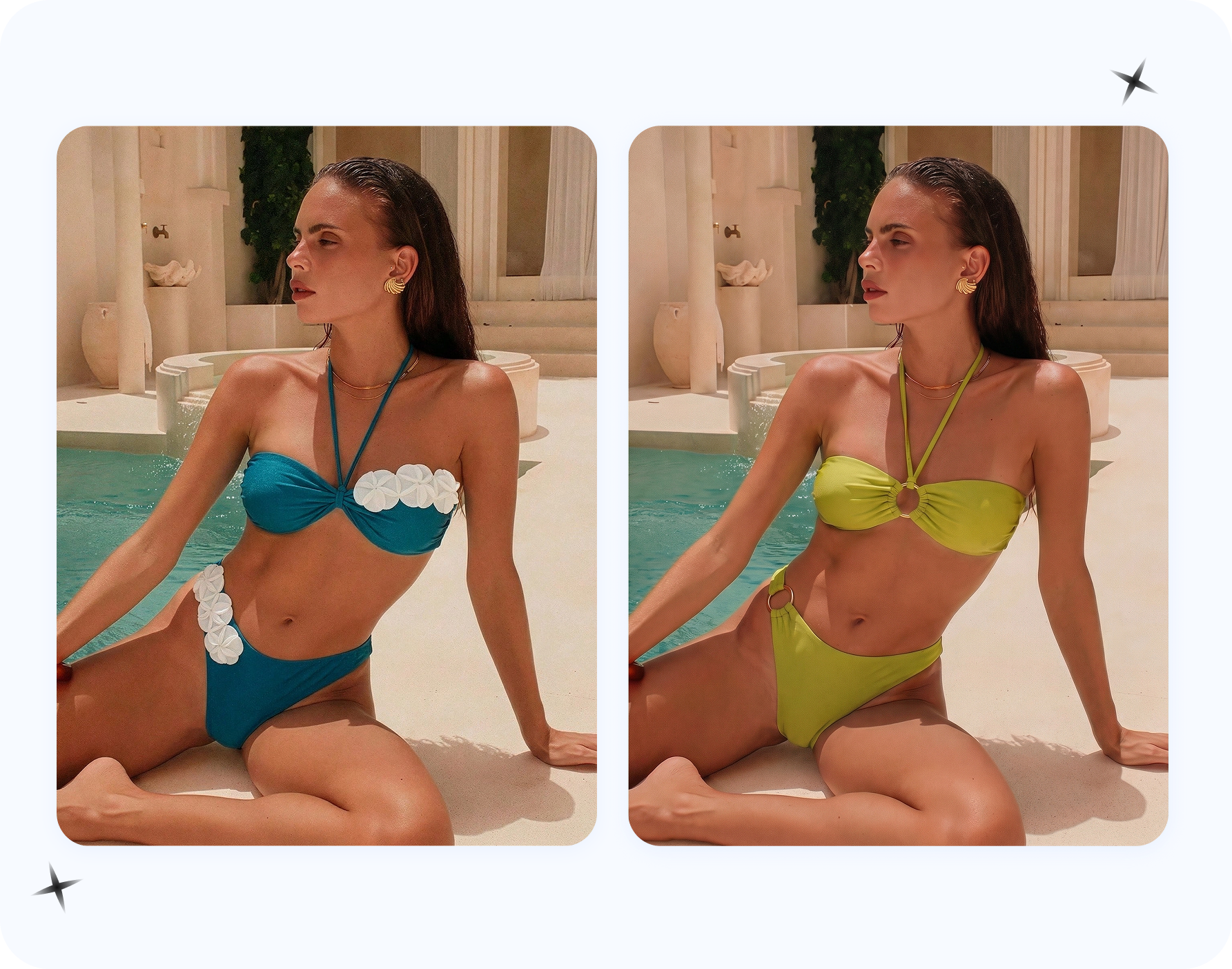
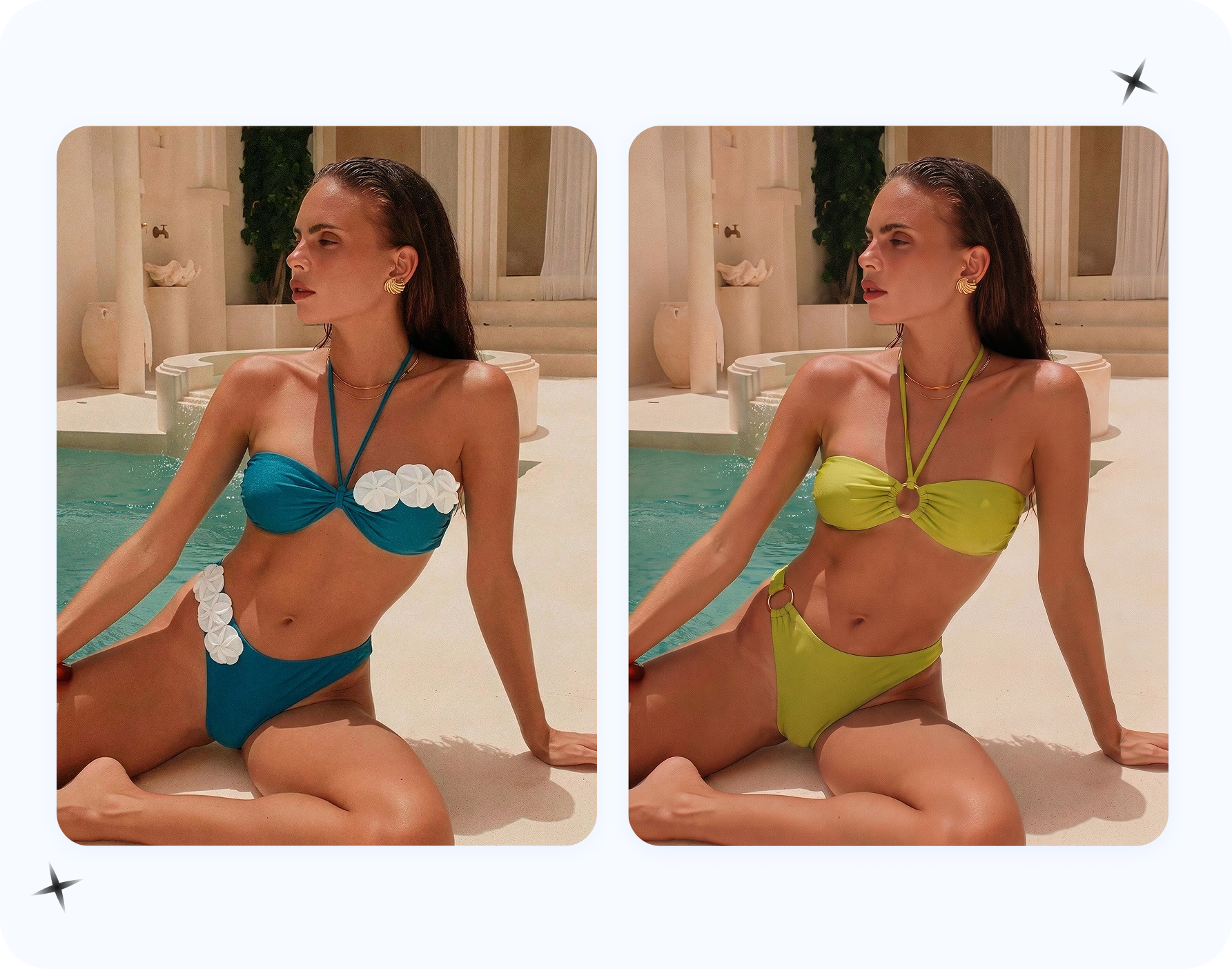
AI is useful when you need more content directions than one photoshoot produced. It can test a beach background, add a cover-up variation, show a bikini on an approved adult model photo, create a cleaner social crop or build several campaign options for a creative review.
The best workflow is controlled:
- Start with an authorized adult model image or a product reference you have rights to use.
- Choose the intended output: bikini try-on, cover-up styling, resort scene, campaign draft or product-led social crop.
- Generate two to four options, not twenty random ones.
- Compare the result against the real bikini: print, straps, cups, ties, bottom coverage and color.
- Export separate Instagram ratios and keep the master file for ads, email and product pages.
Keep the input set clean: use permitted adult model images, owned product files or licensed campaign references. For commercial swimwear posts, AI output still needs the same rights review as a traditional shoot.
What should swimwear brands check before posting?
Before posting bikini Instagram photos from a campaign, creator collaboration or AI workflow, run a seller-grade review. This keeps the post useful for shoppers and safer for paid media.
- Does the bikini top, bottom or one-piece match the SKU that will be linked?
- Are color, print scale, tie position, clasp, cup shape and coverage accurate?
- Is the crop safe for feed, grid preview, Story stickers and product tags?
- Does the caption state fit or support claims only when the image can support them?
- Are model, photographer, garment, location and AI output rights cleared for commercial use?
- Can the same visual become a product page image, carousel slide, ad crop or affiliate creative?
Which Snappyit tool should you use?
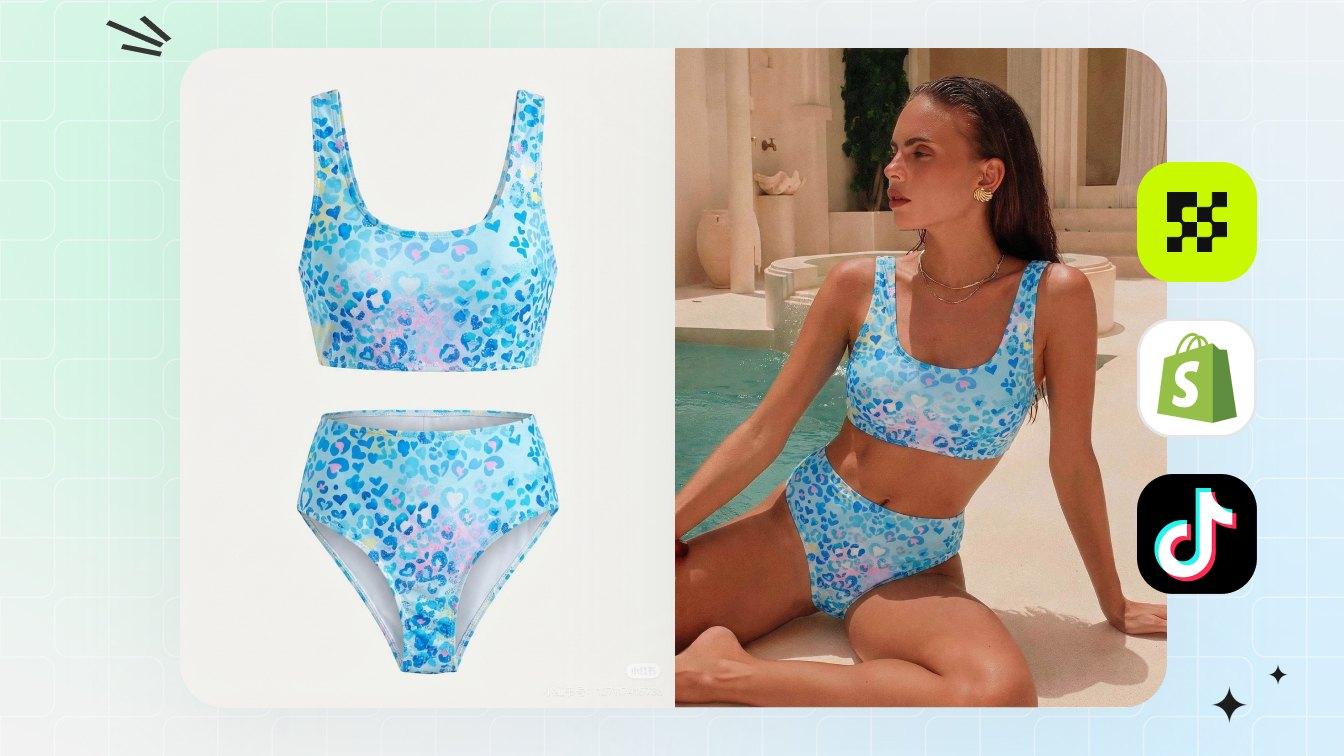
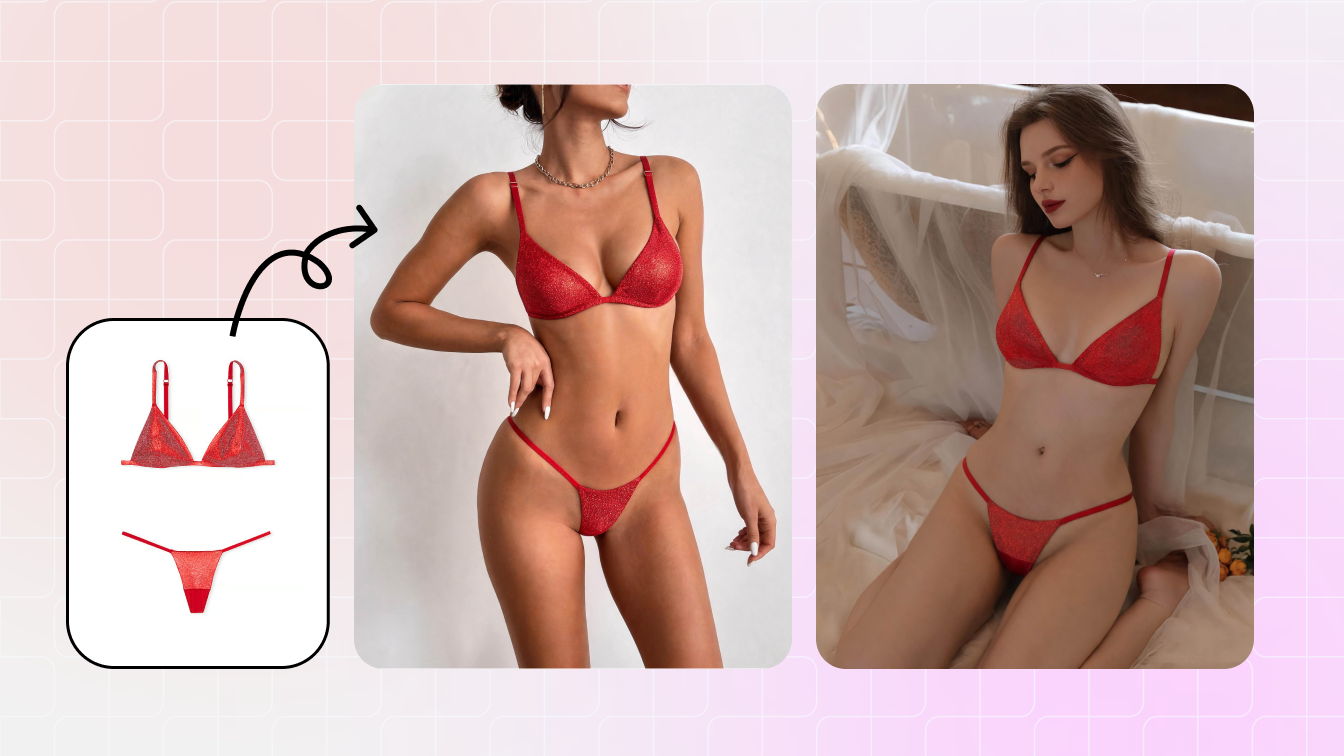
With Snappyit AI Bikini Photo Editor, teams can upload a permitted adult model shot and test bikini, lingerie, underwear or resortwear directions before committing to a shoot. It is useful for beach styling options, cover-up concepts and social visuals that still need human review.
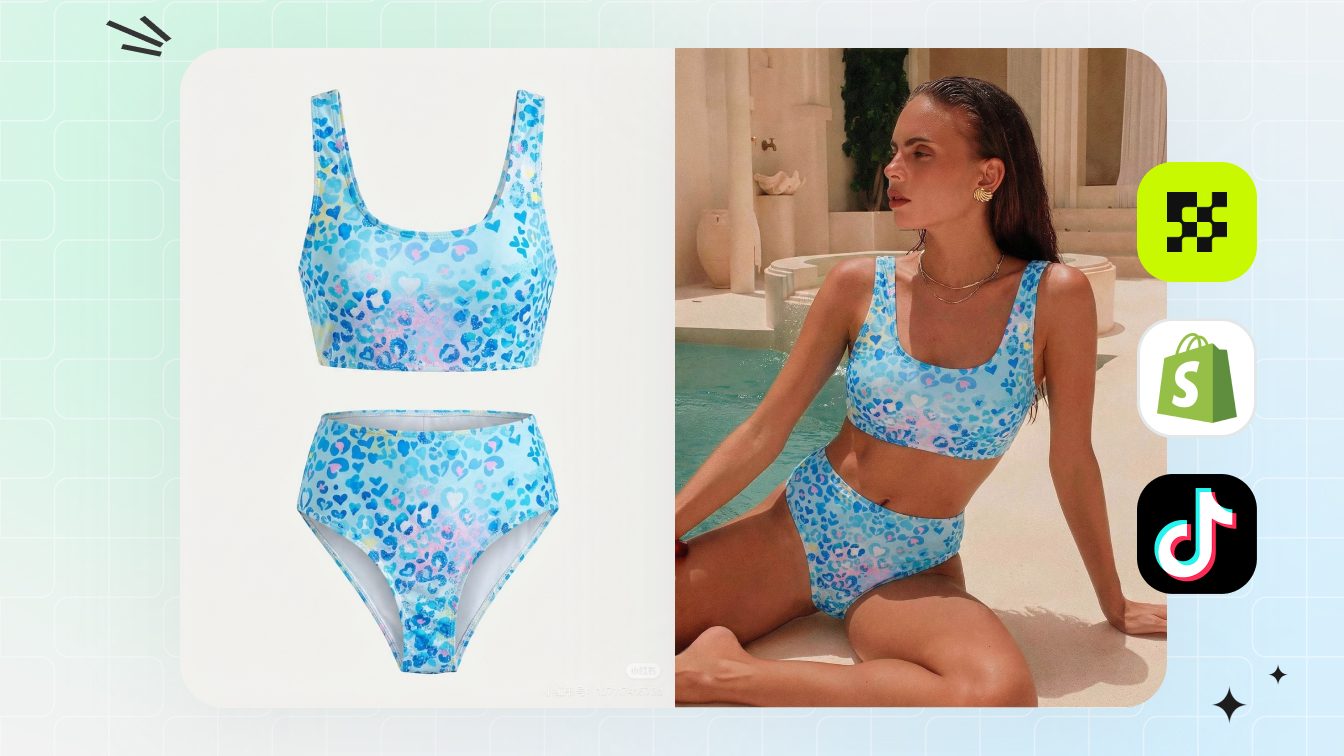
For sellers starting from a garment image instead of a model photo, pair the bikini editor with a product-led workflow: flat-lay cleanup, on-model generation, ghost mannequin images and then Instagram crops. This keeps the brand's product page and social feed aligned.
Frequently asked questions
What are the best bikini Instagram photos to plan first?
Plan a clean front view, a movement or walking shot, a seated pool or beach shot, a detail close-up, a cover-up styling image and one vertical crop for Stories or Reels covers.
Can AI help create bikini Instagram photos?
Yes. AI can help create outfit variations, beach or resort directions, campaign drafts and crop-ready social images when the source image is authorized and the result is reviewed before publishing.
What should swimwear brands include in bikini Instagram content?
Swimwear brands should show fit, coverage, fabric detail, back view, color accuracy, size range, styling context and a clear route to the product page or affiliate link.
What captions work for bikini Instagram photos?
Use captions that match the post purpose: launch copy for brands, styling notes for sellers, beach or resort mood for creators, and product-specific details when the image supports shopping.
Which Instagram crop should I export?
Export a 4:5 feed version, a 1:1 square fallback, a 9:16 Story or Reels cover and a full 3:4 version when you want to keep the original phone-photo framing.
Can sellers use bikini Instagram photos for ads?
Yes, but ads need stricter review. Confirm model permission, product accuracy, platform policy, crop safety, landing-page match and whether the image overstates fit or body results.
What should I avoid when editing bikini photos?
Avoid edits involving people who did not consent, underage subjects, private images, misleading body reshaping, inaccurate swimwear coverage, changed prints, missing straps and copied brand campaigns you cannot license.
Can I use AI for a bikini Instagram carousel?
Yes. Create one anchor image, one cover-up variation, one detail crop and one vertical crop, then review every result for product accuracy and consent before posting.
What is the fastest useful bikini photo set?
Use one front or three-quarter beach image, one movement pose, one seated pose, one cover-up look and one detail crop. That is enough for a simple feed post or carousel.
Should personal users and brands use the same workflow?
The editing steps can be similar, but the review is different. Personal users should focus on consent, comfort and realistic preview. Brands also need product accuracy, usage rights and commercial approval.
More Resources
AI Bikini Photo Editor
Turn a permitted adult model image into reviewed swimwear and resort styling directions.
Bikini Product Photography Without a Photoshoot
Build PDP, marketplace and campaign images from the swimwear assets you already have.
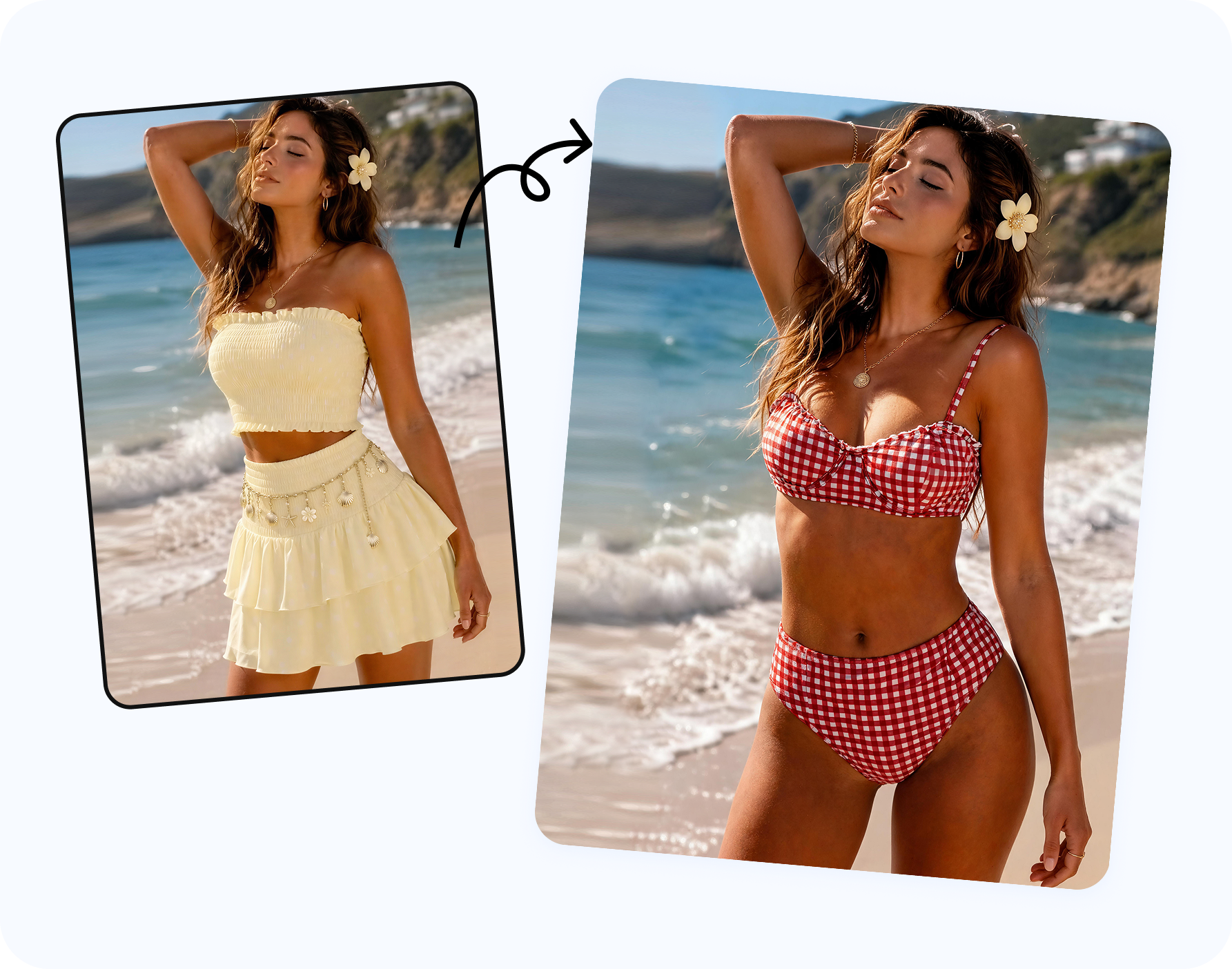
How to Put a Bikini on a Model with AI
Use an approved model photo and AI outfit direction to create reviewed swimwear visuals.